NDI PTZ Cameras
Capture every detail with the advanced technology of NDI PTZ cameras. Whether you're a professional photographer, videographer, or simply an enthusiast looking to elevate your content creation game, these cameras offer unparalleled precision and versatility. With advanced features such as motorized pan, tilt, and zoom capabilities, you'll be able to capture every detail with ease.
Sort
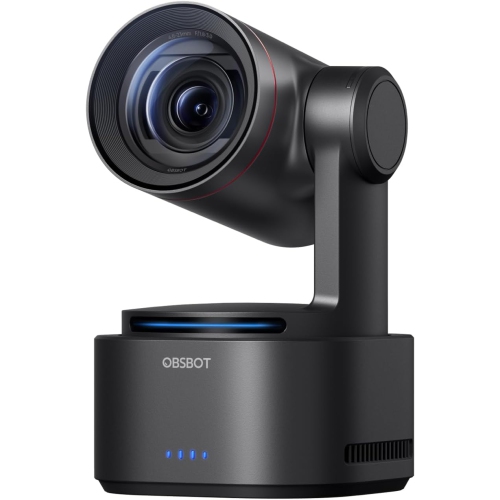
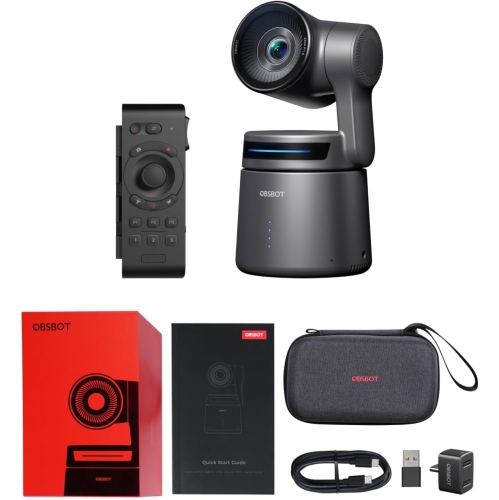
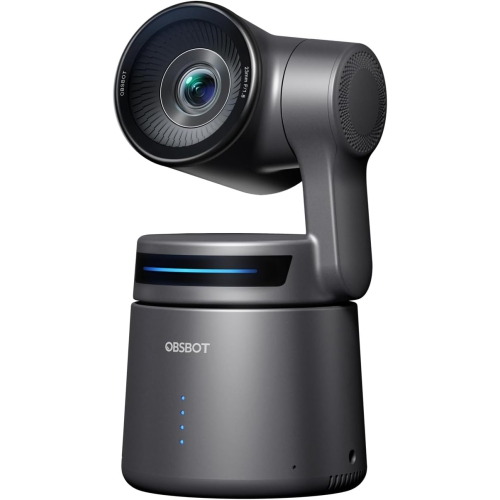
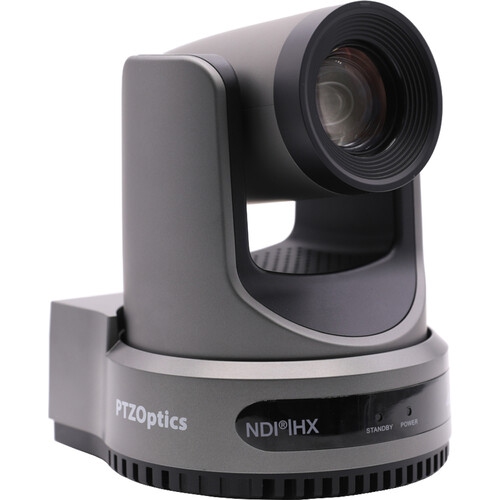
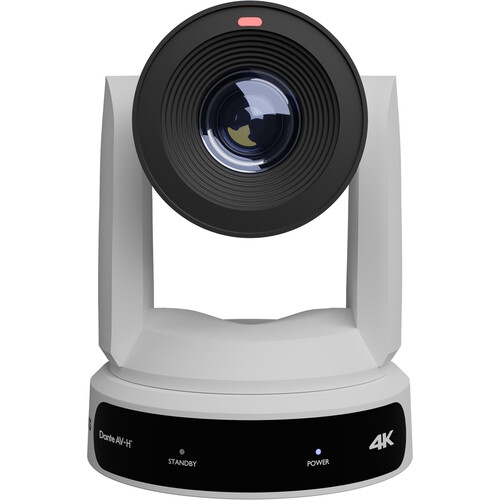
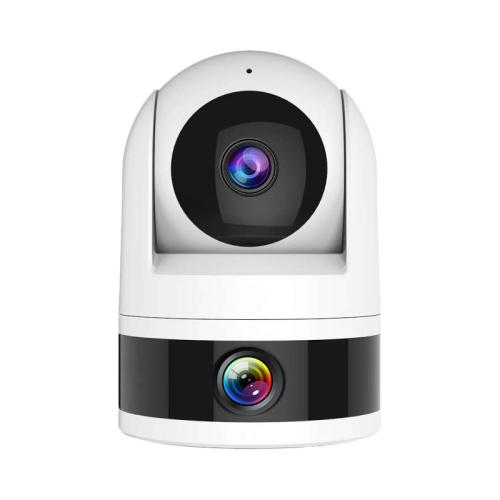
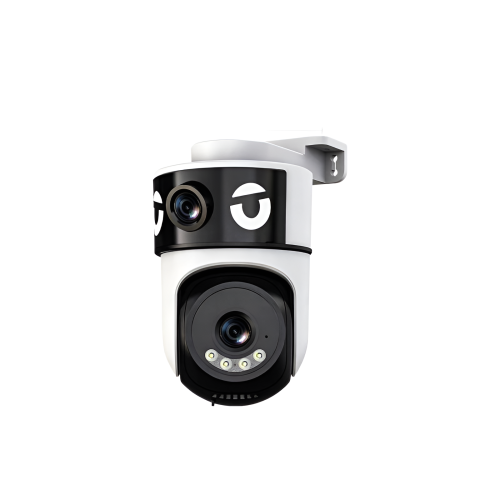
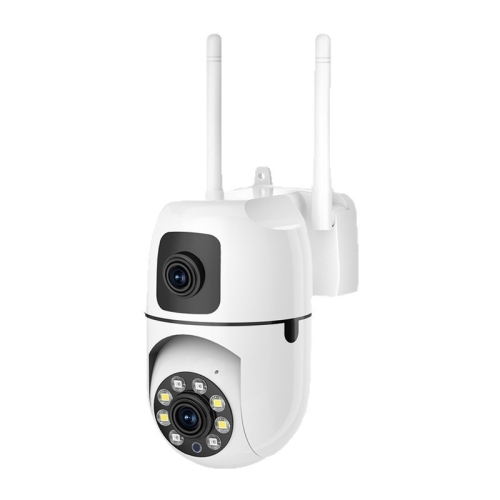
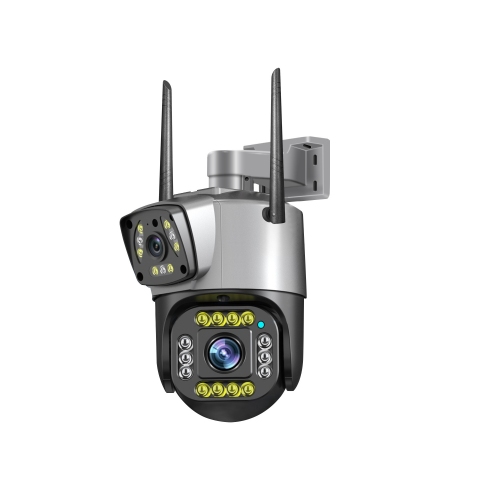
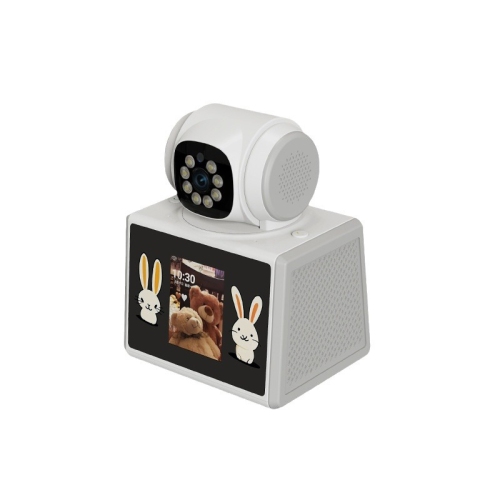
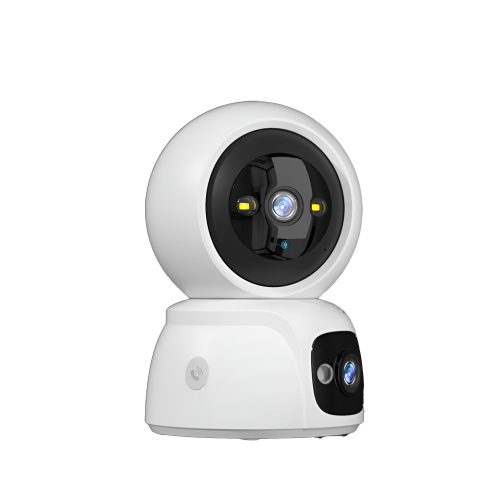
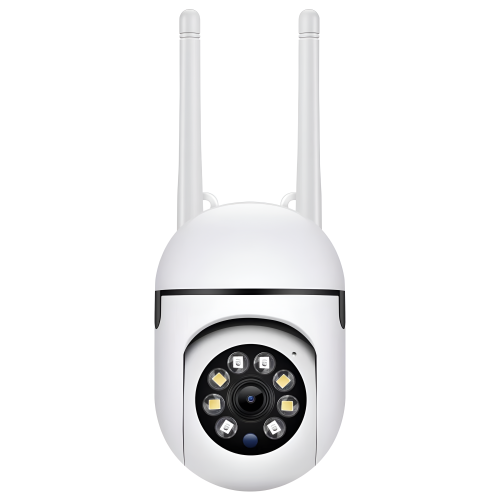
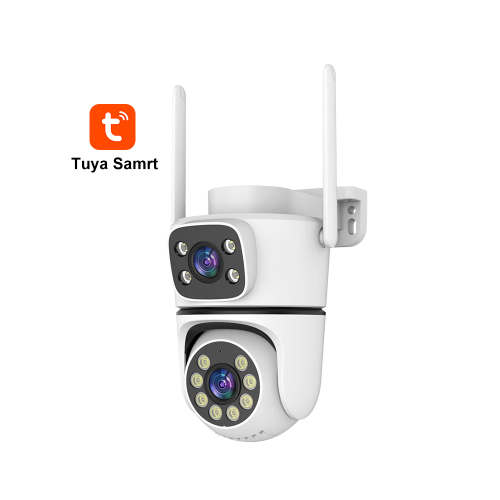
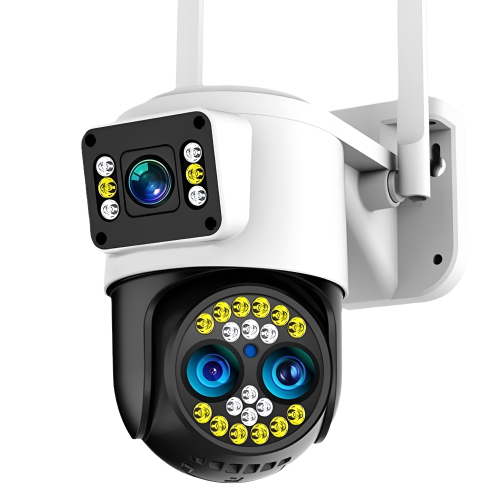
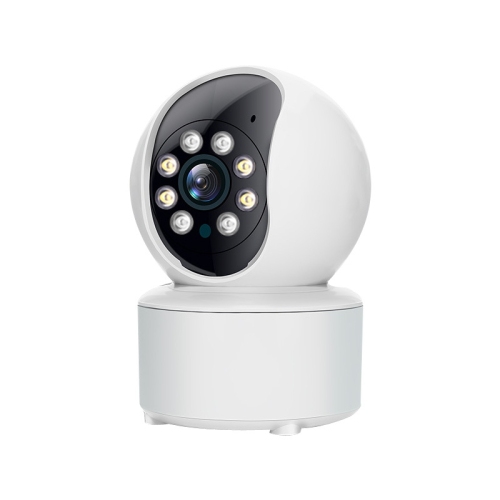
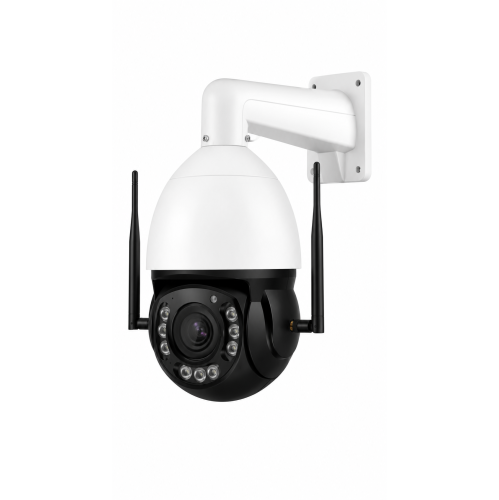
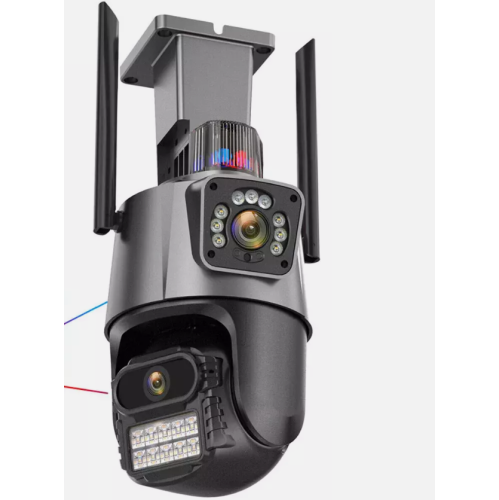
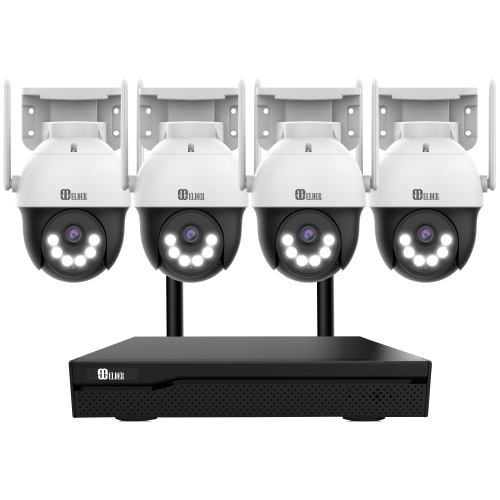
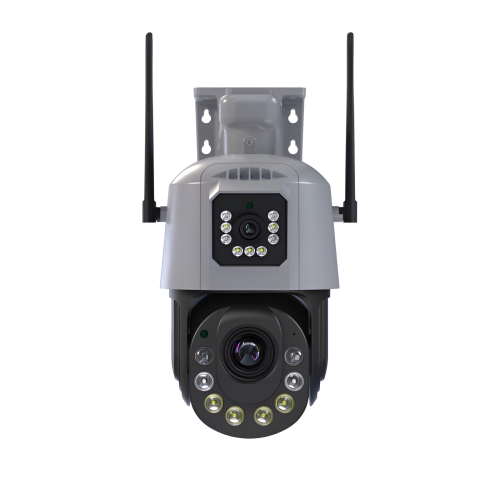
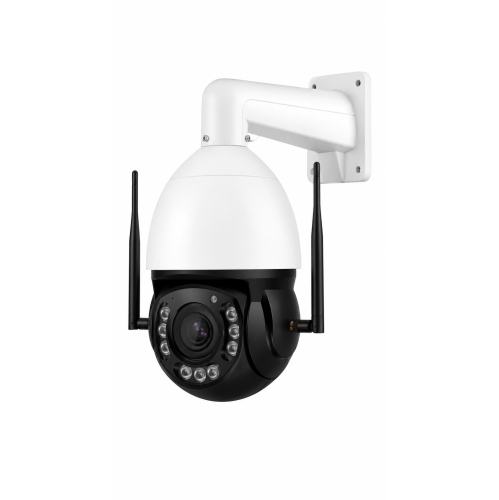
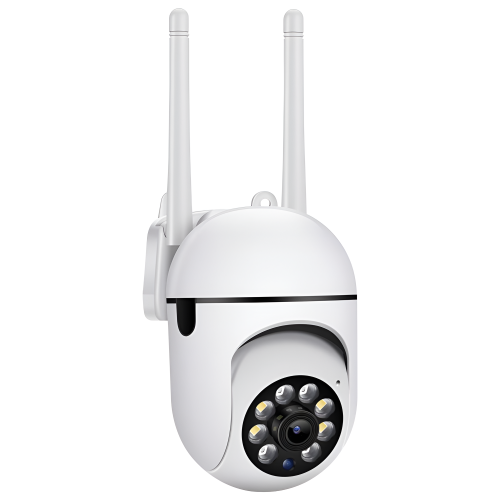
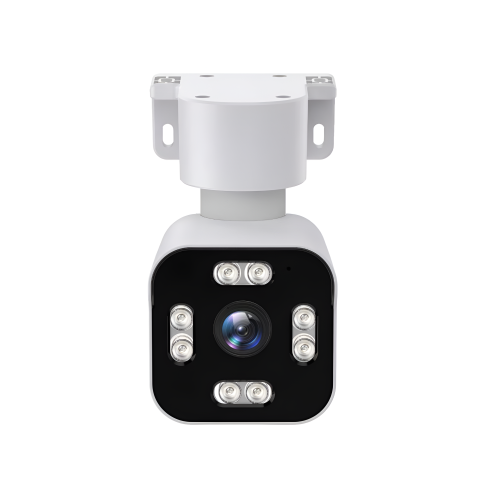
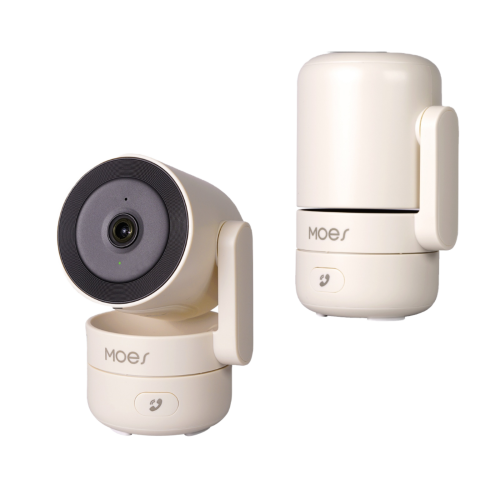
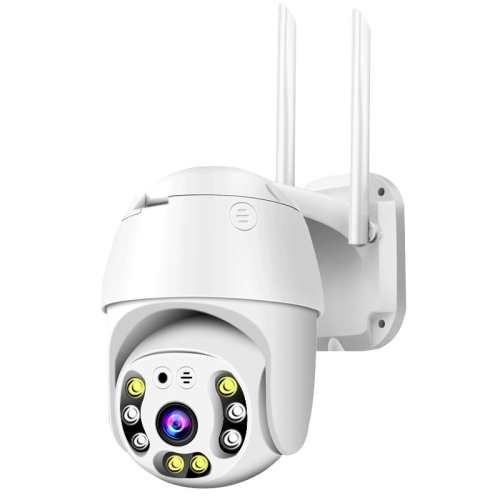
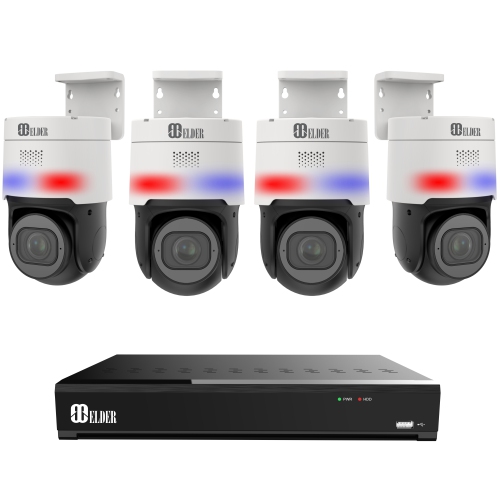
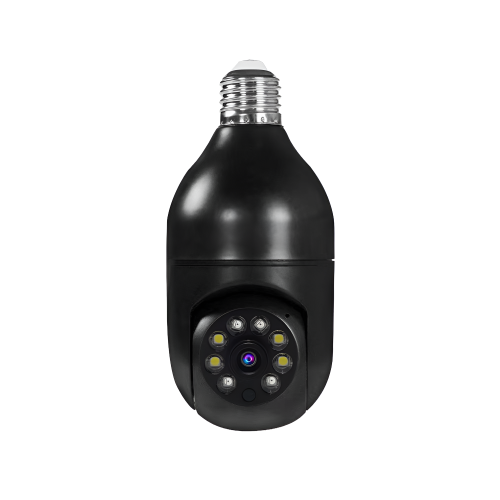
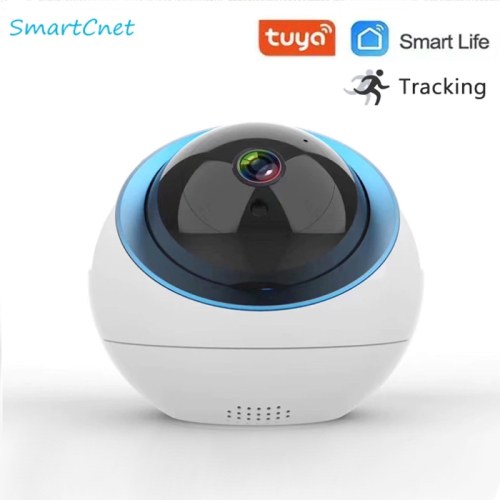
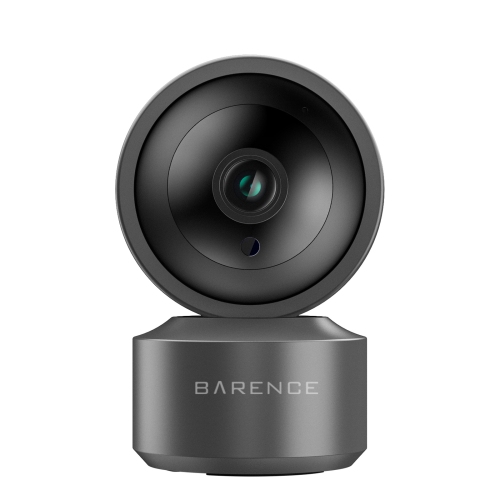
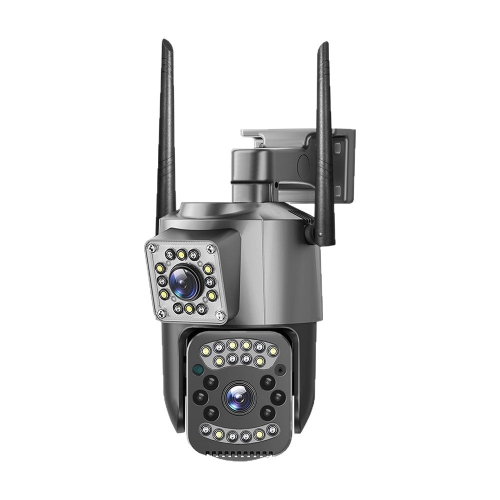
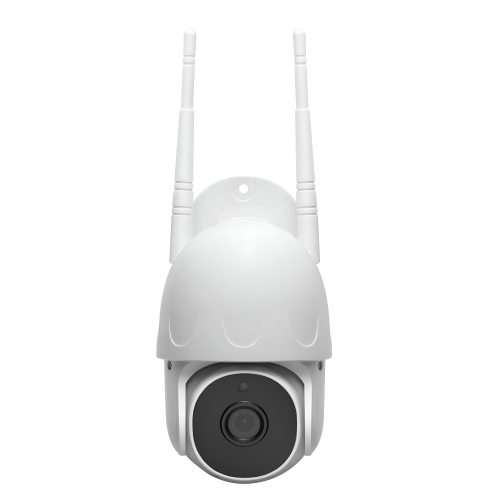
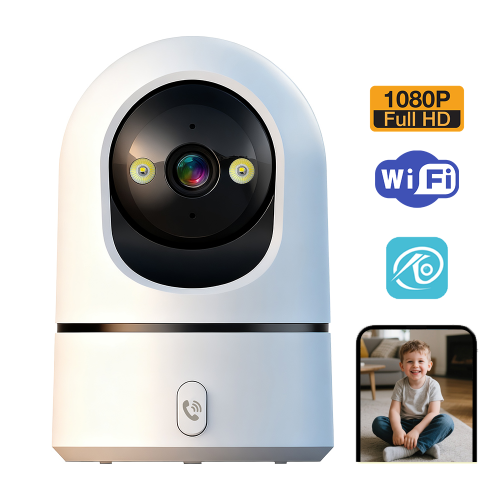
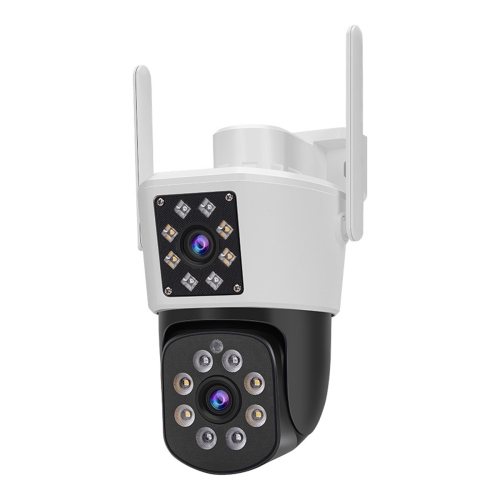
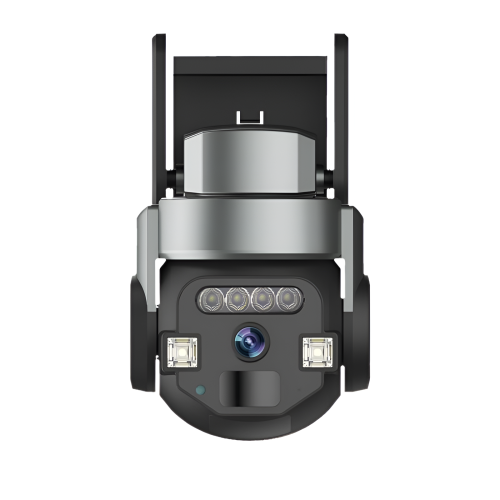
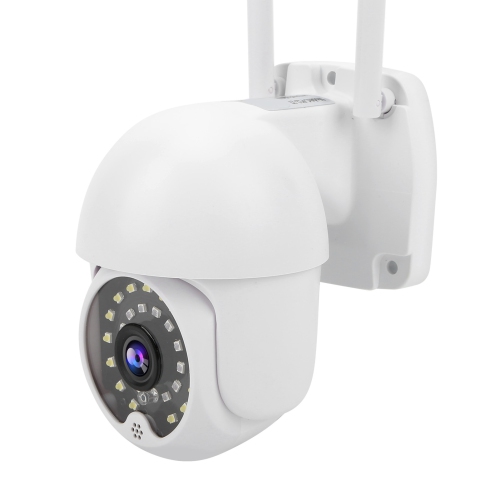
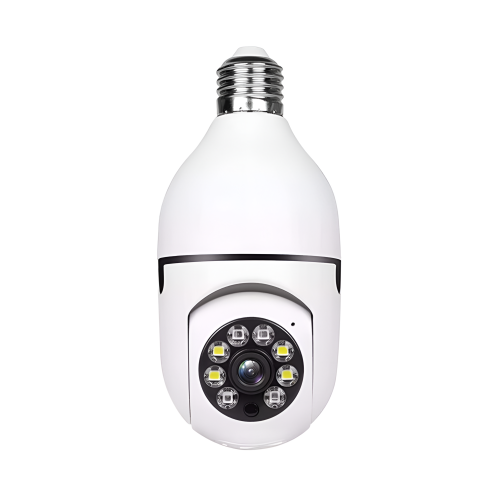
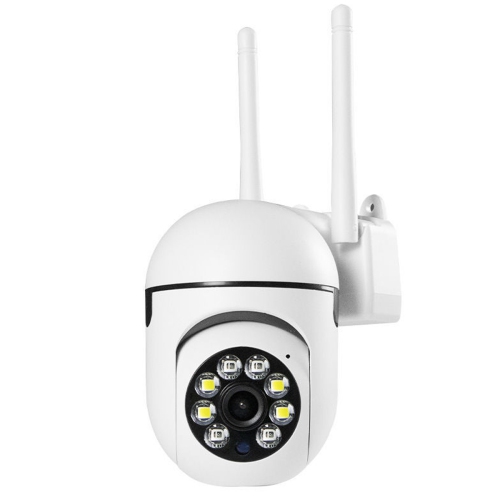
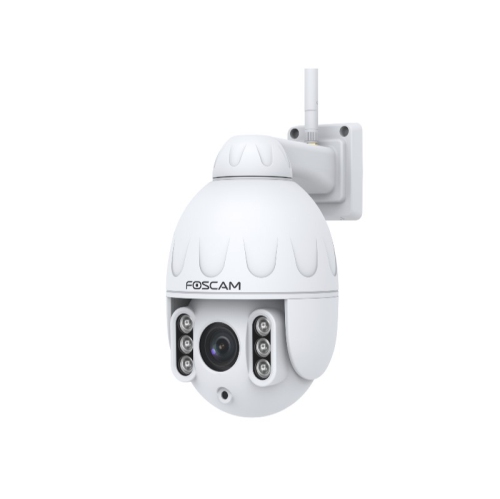
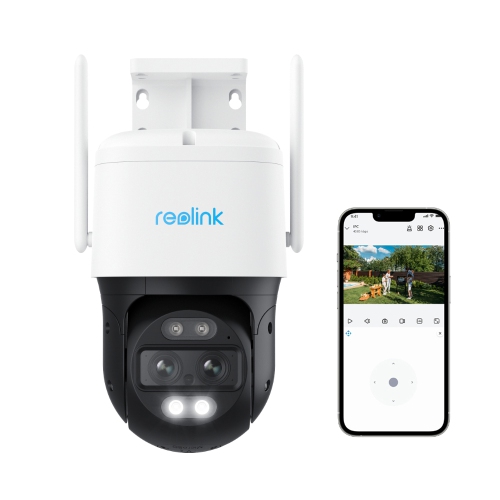
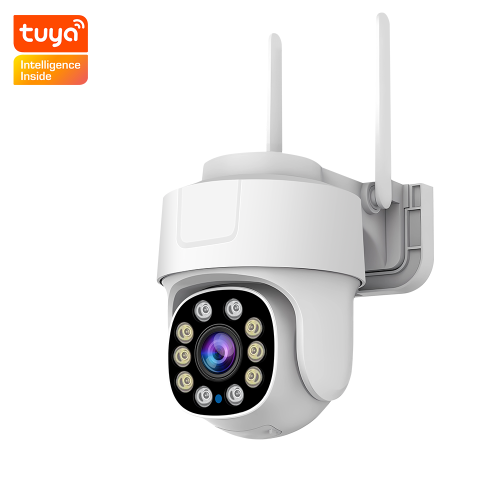

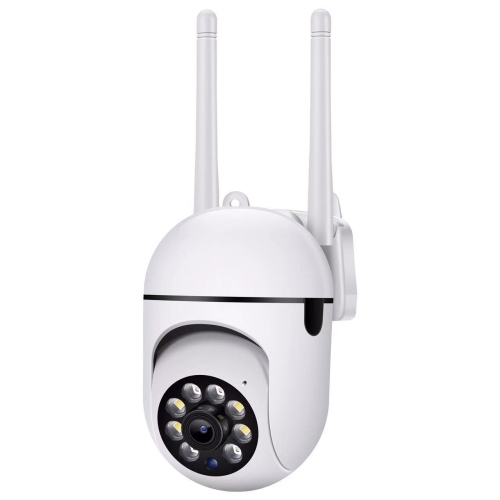
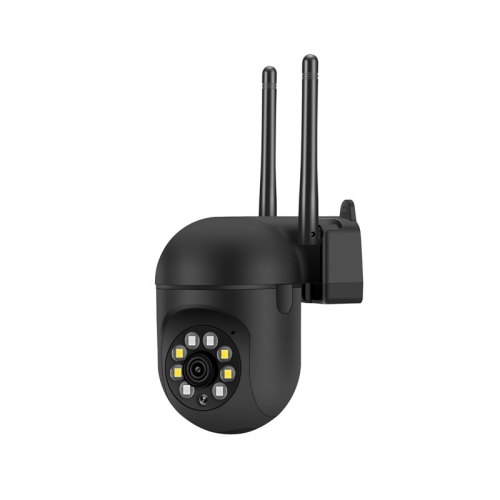
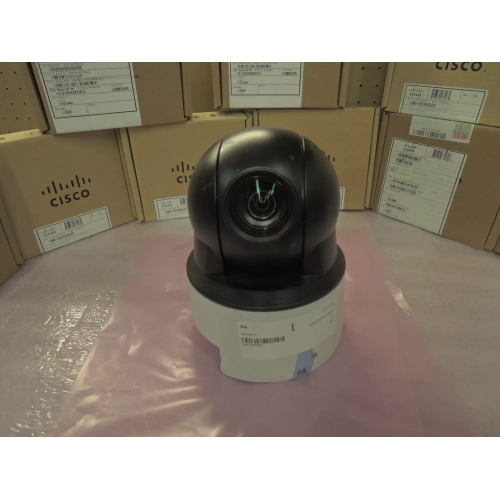
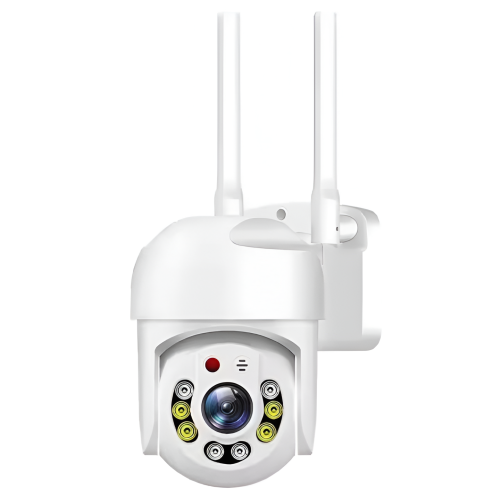
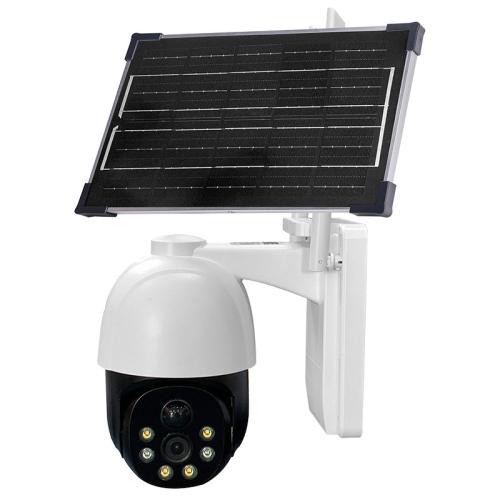
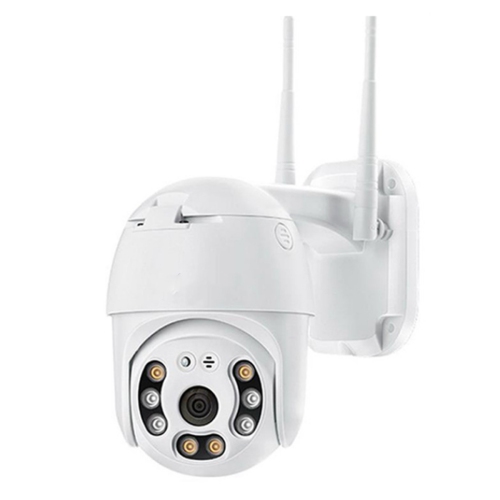
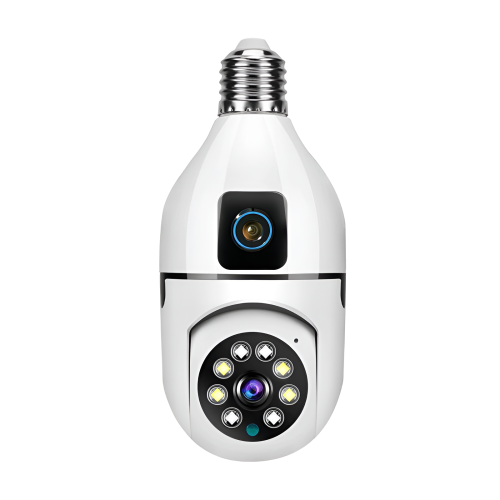
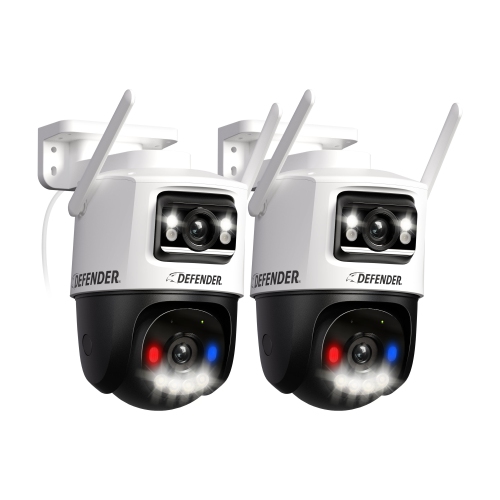
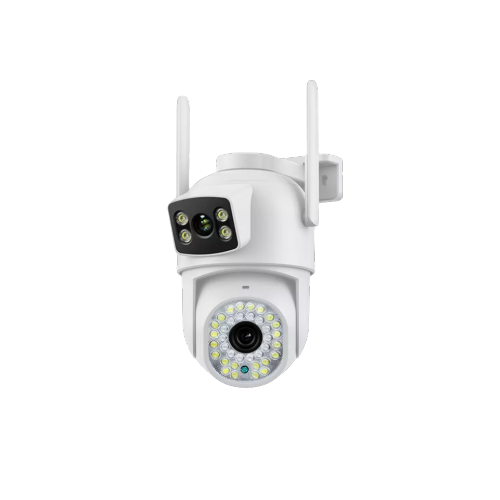
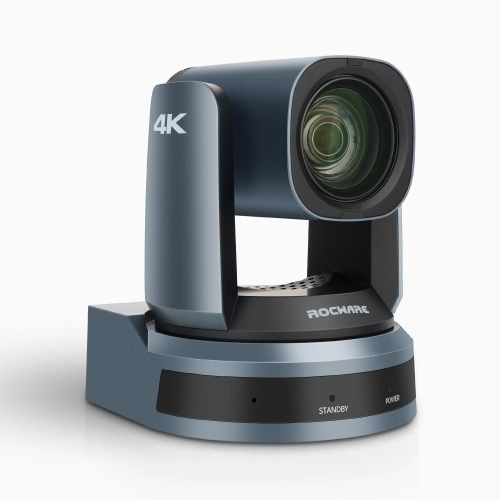
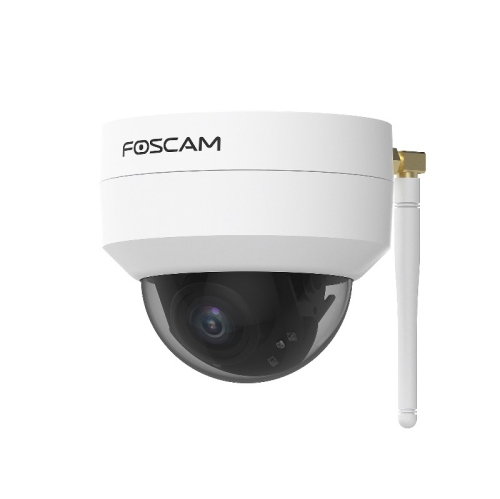
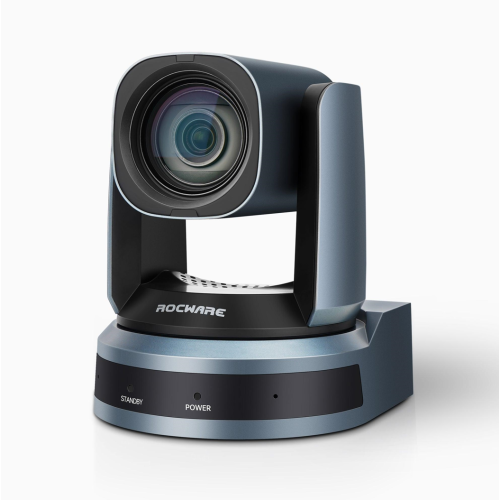
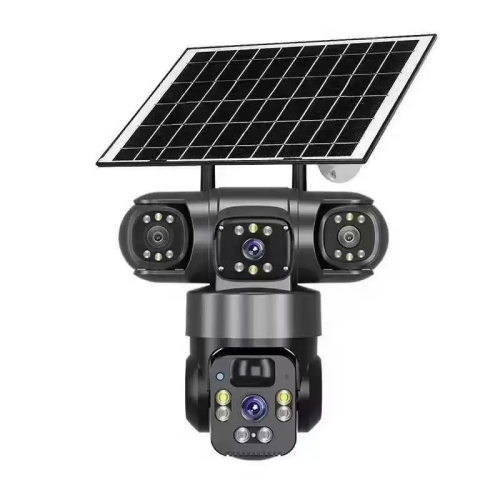
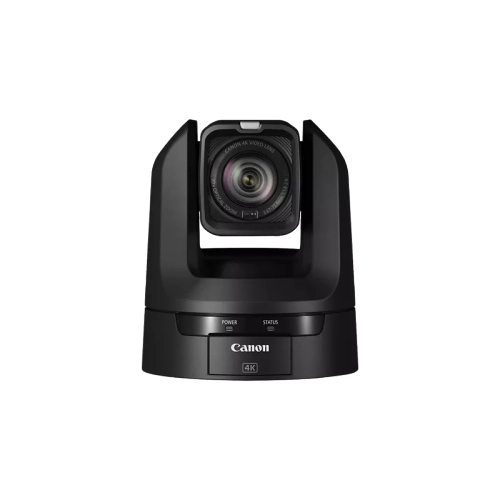
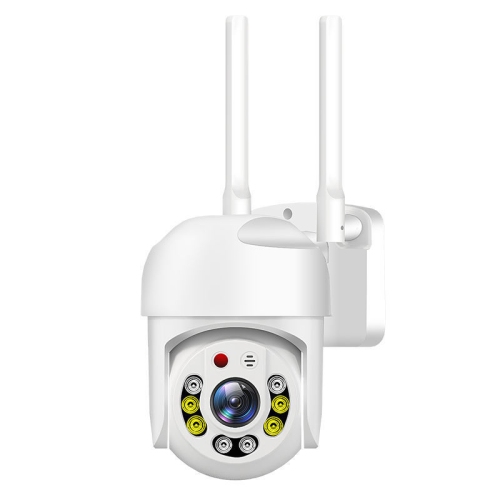
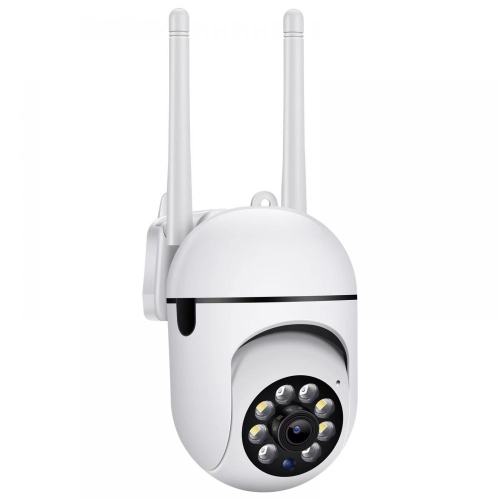
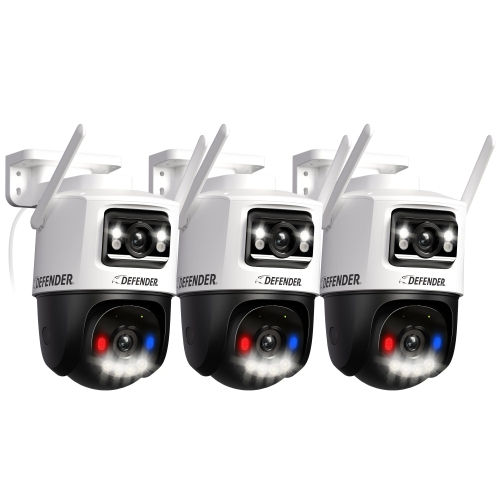
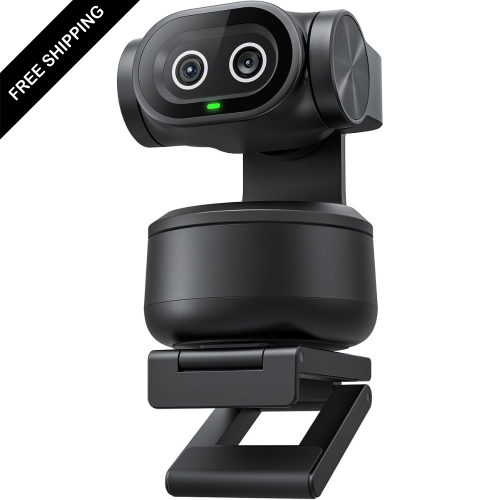
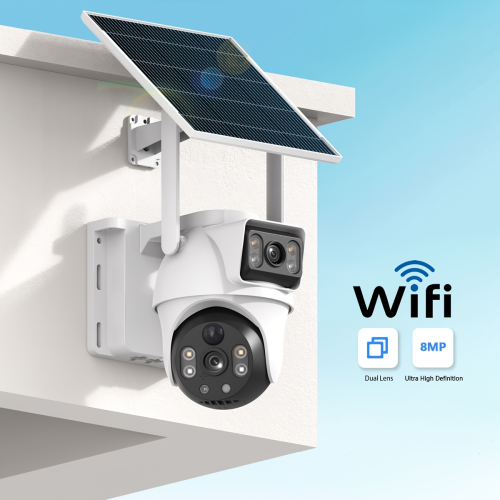
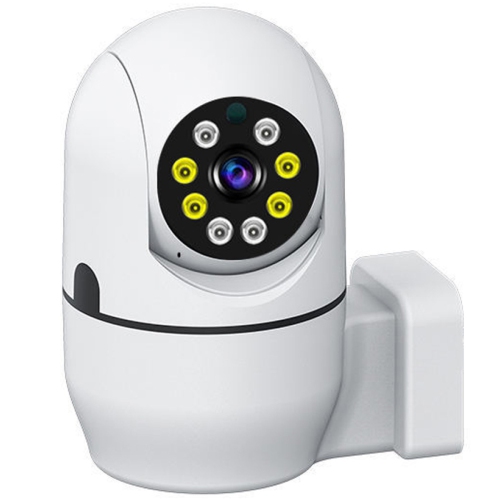
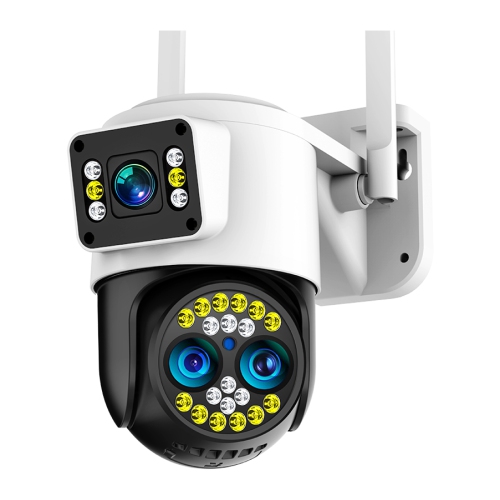
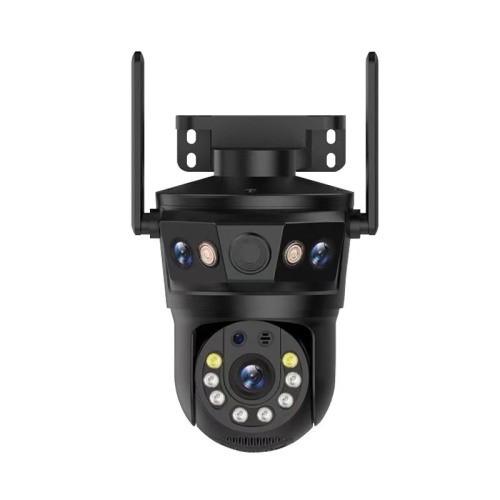
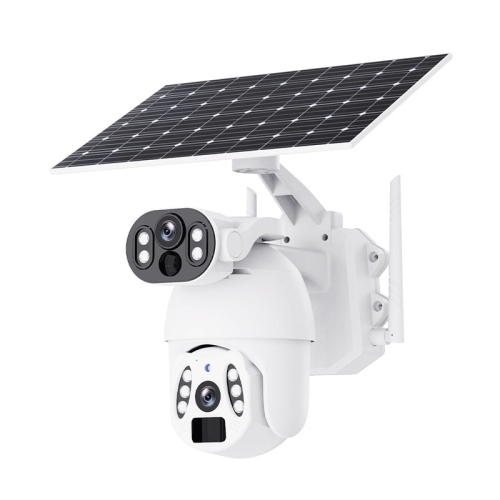
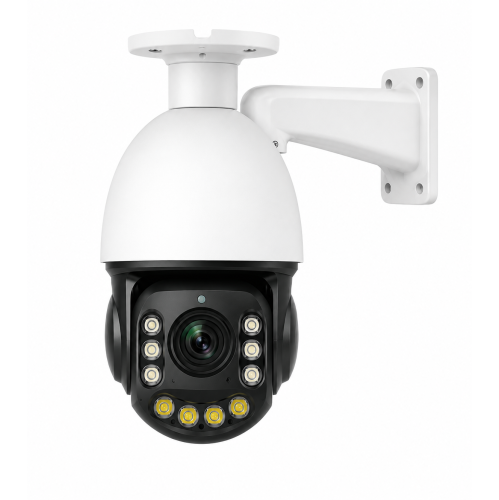
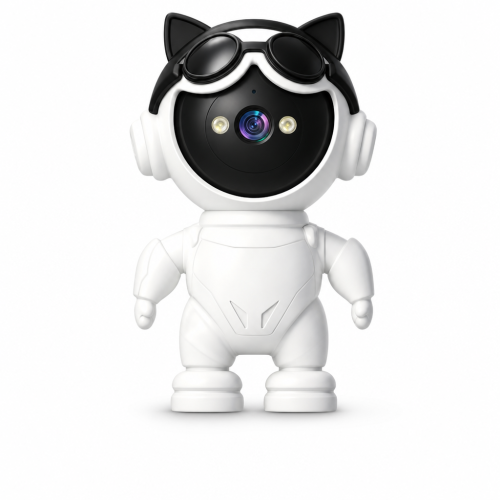

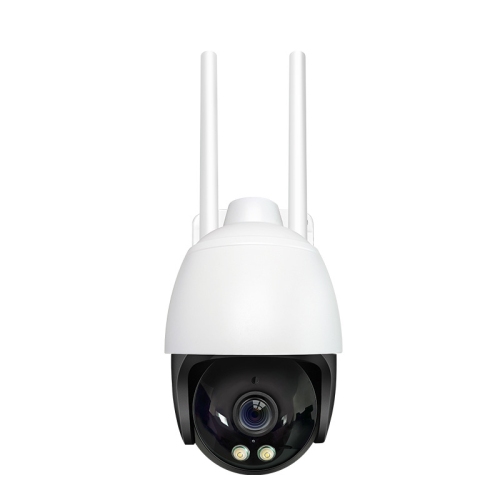
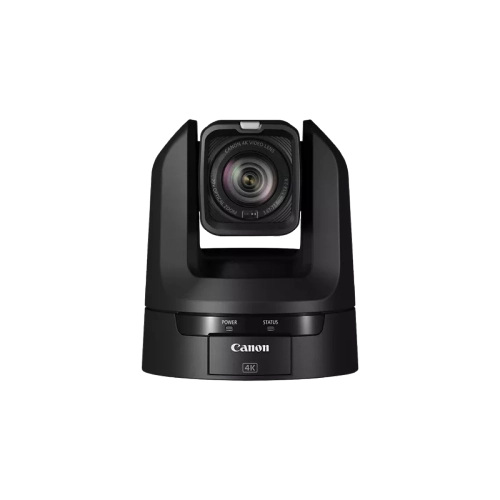
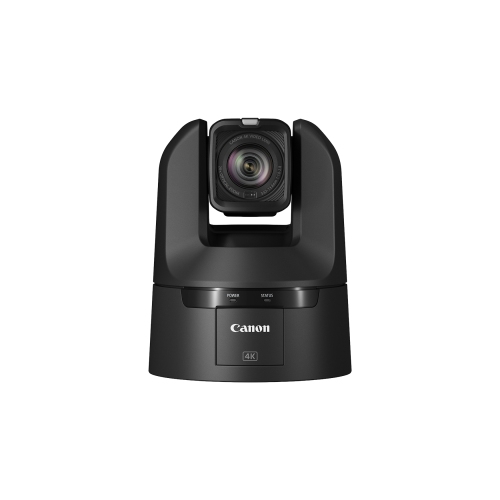
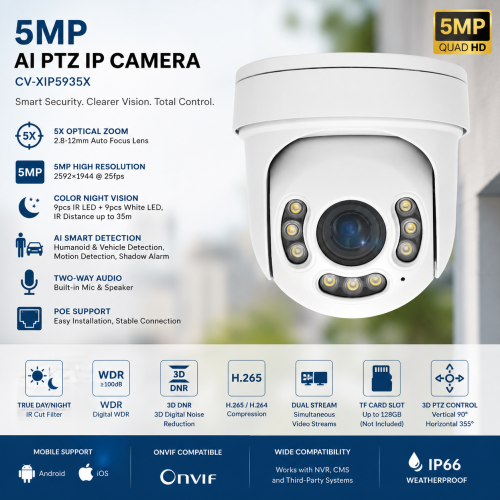
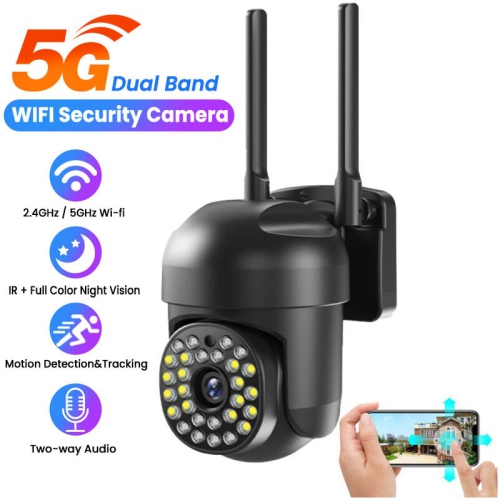
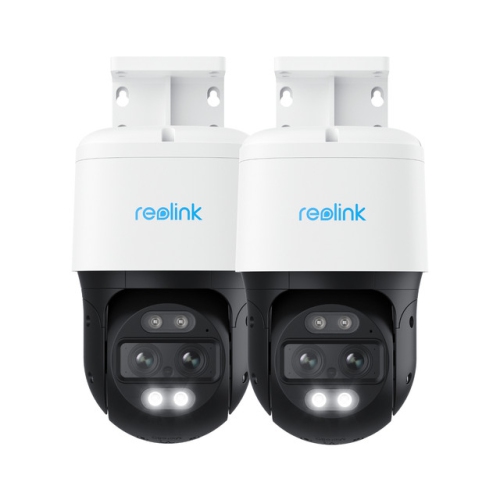
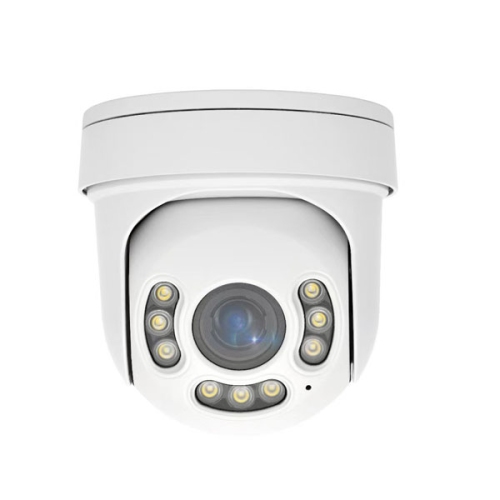
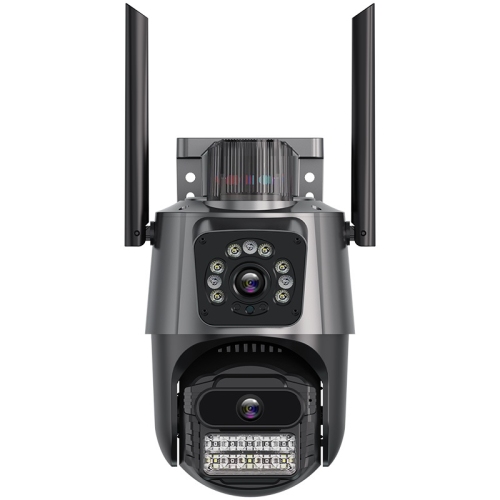
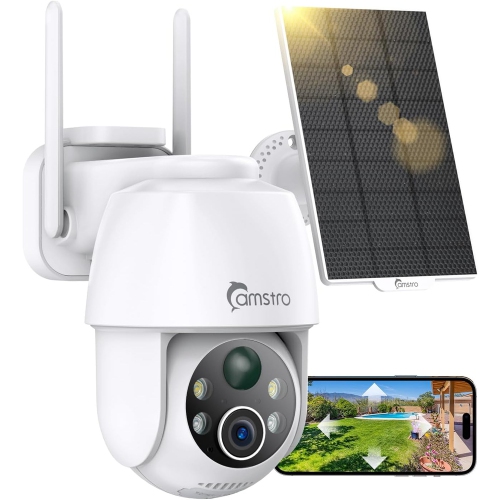
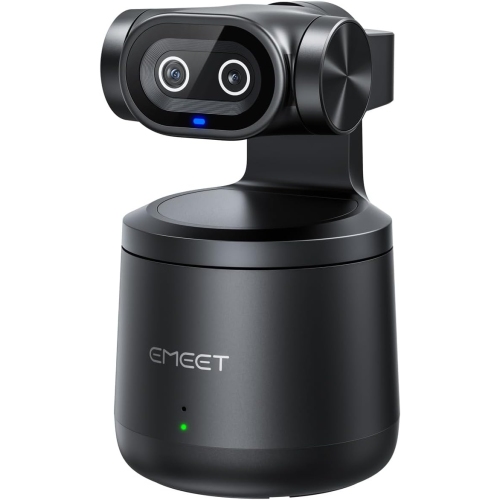
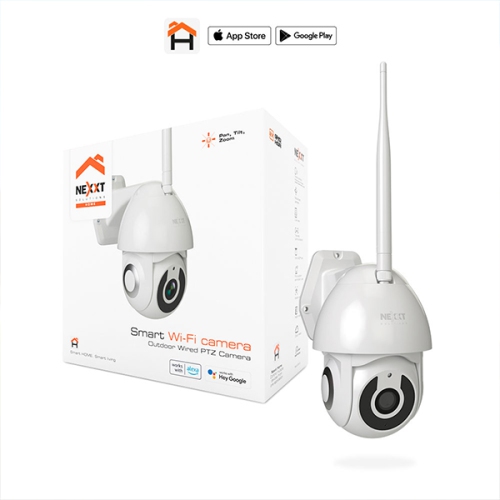
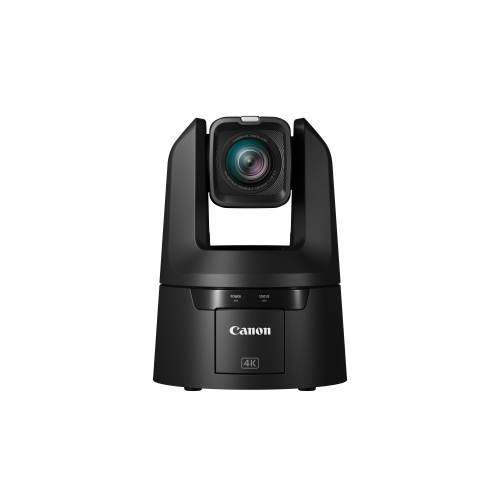
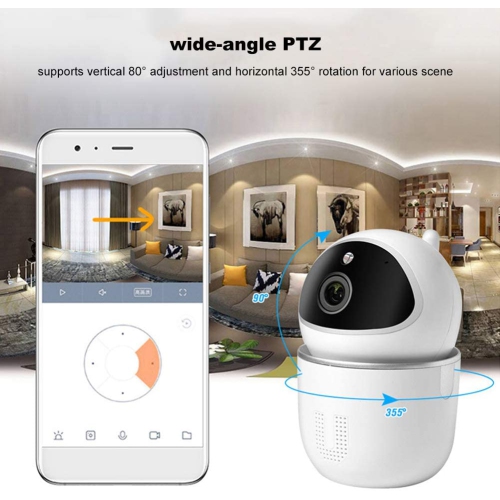
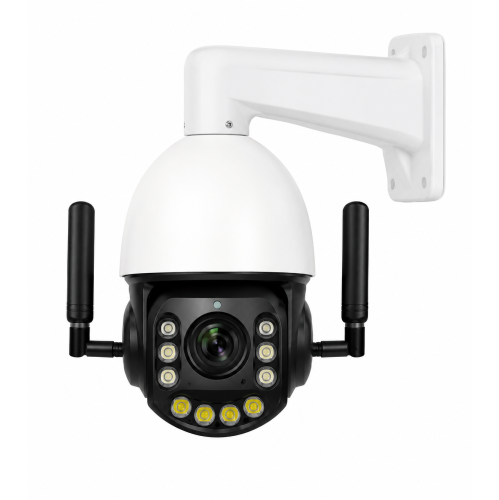
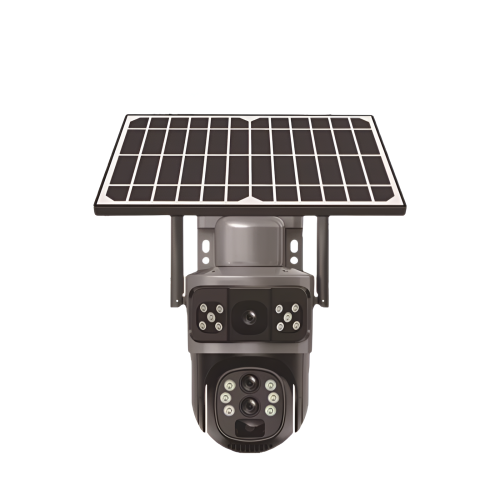
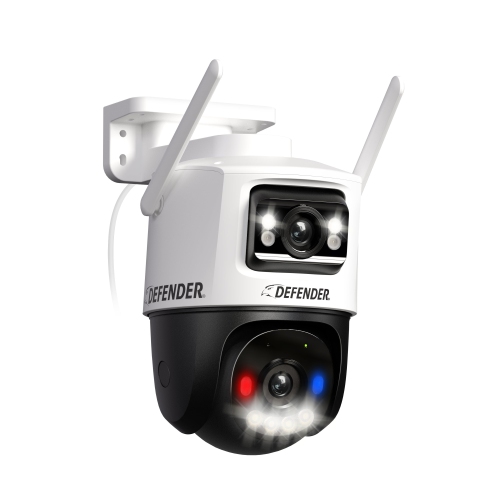
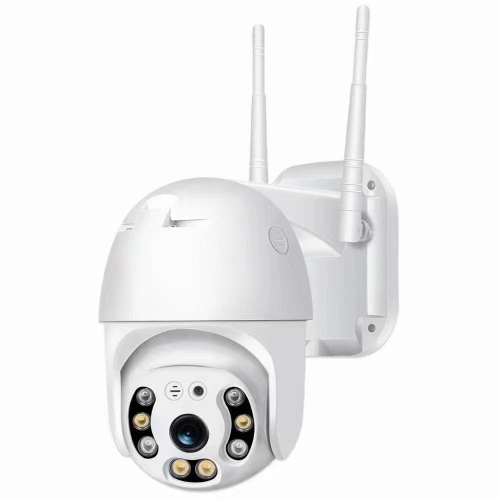
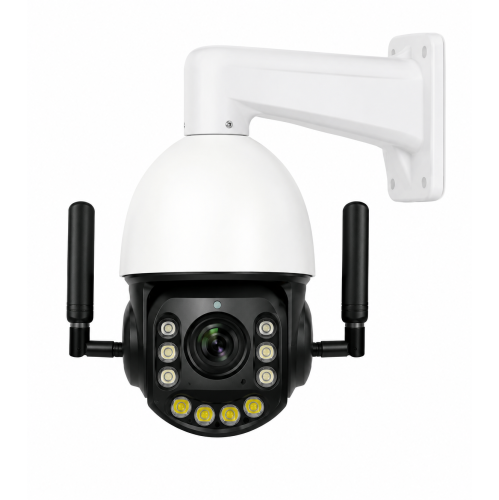
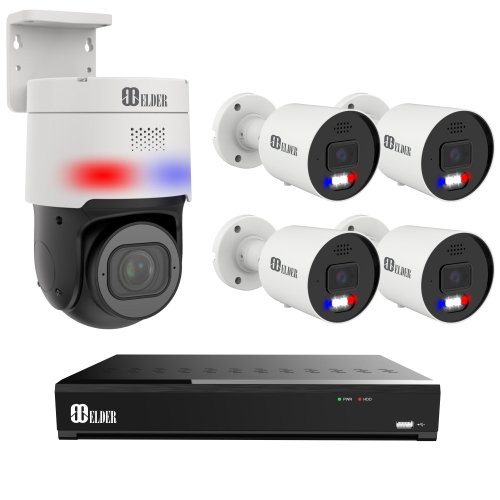
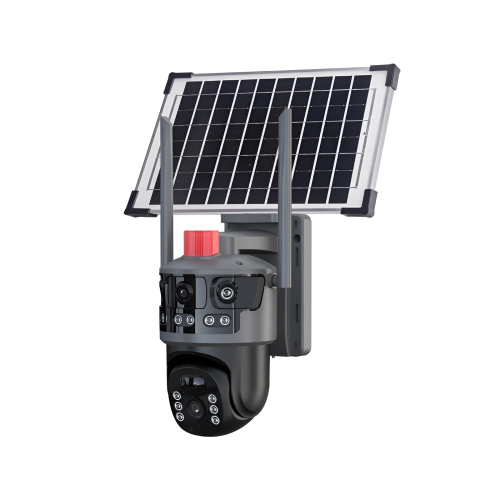
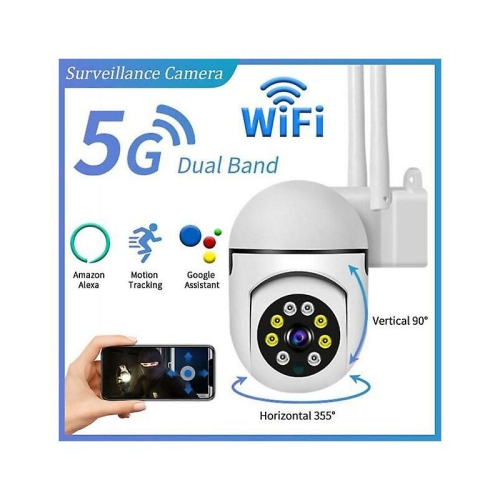
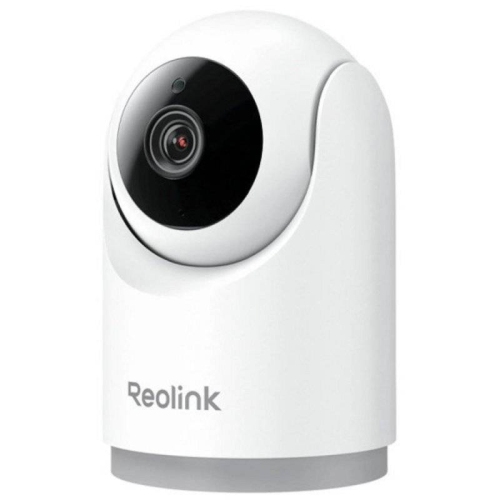
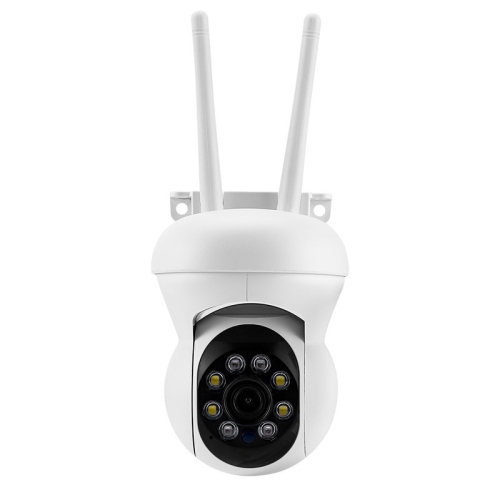
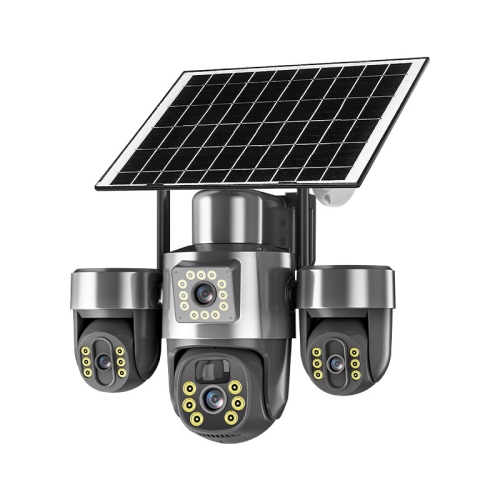
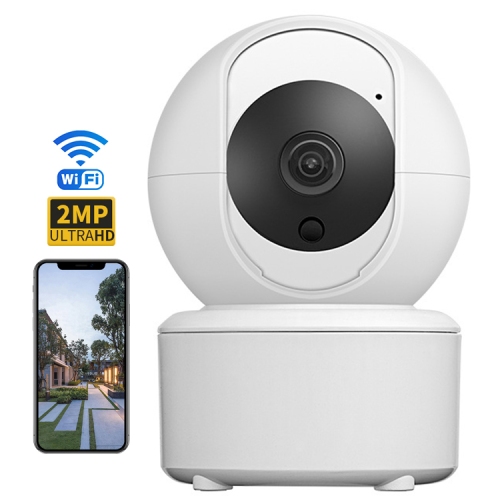
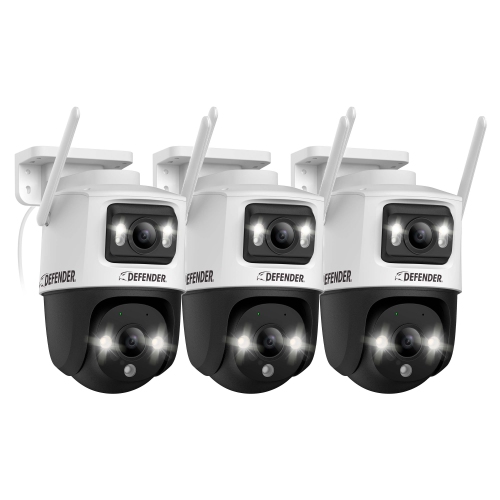
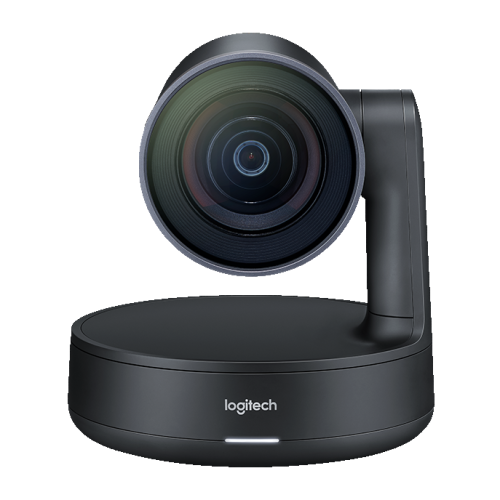
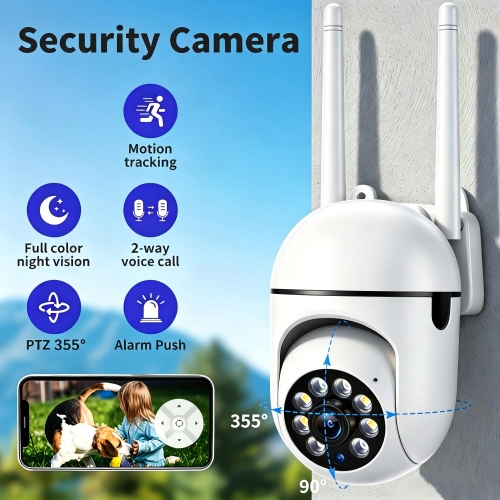
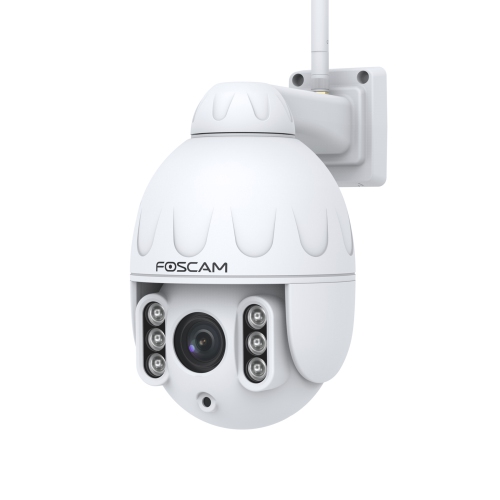
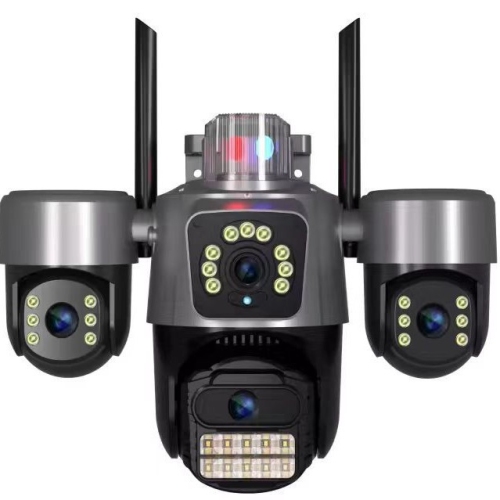
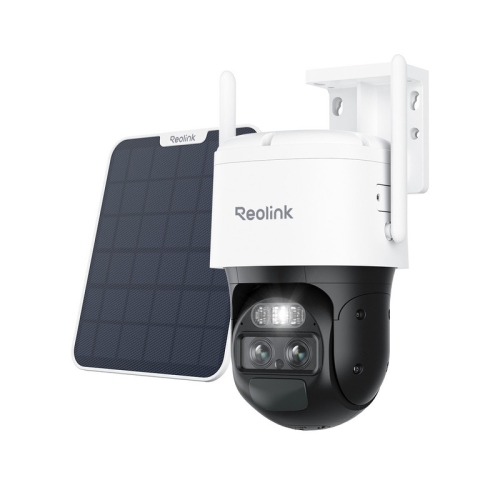
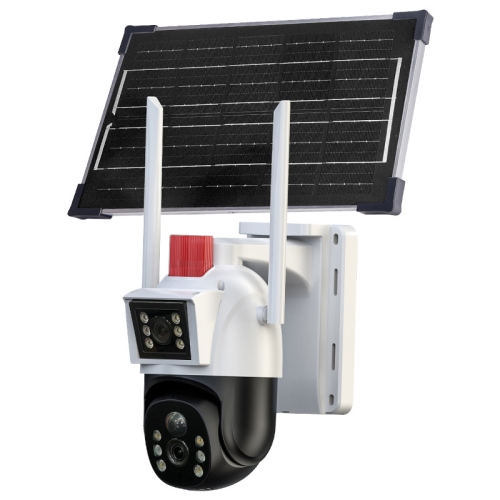
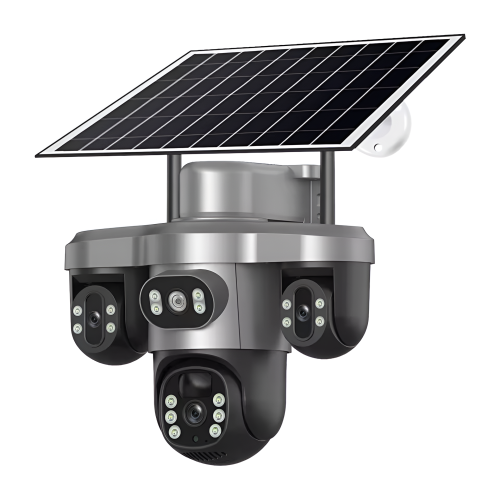
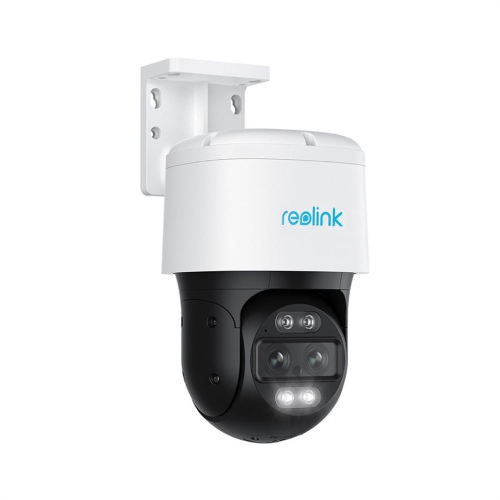
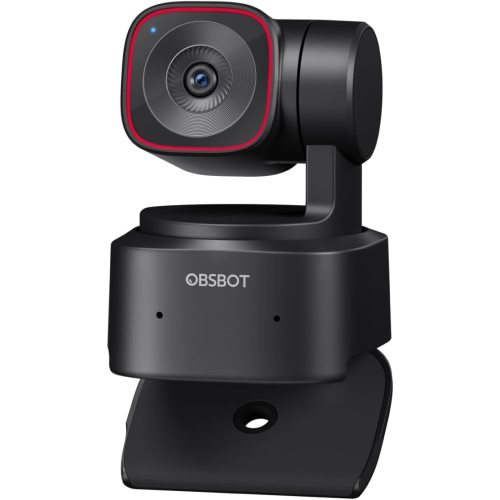
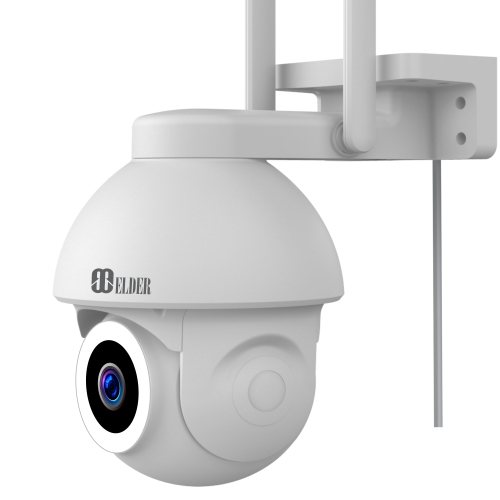
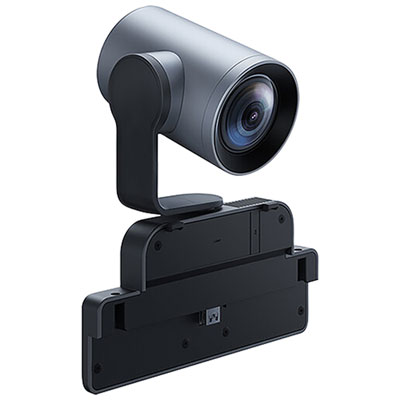
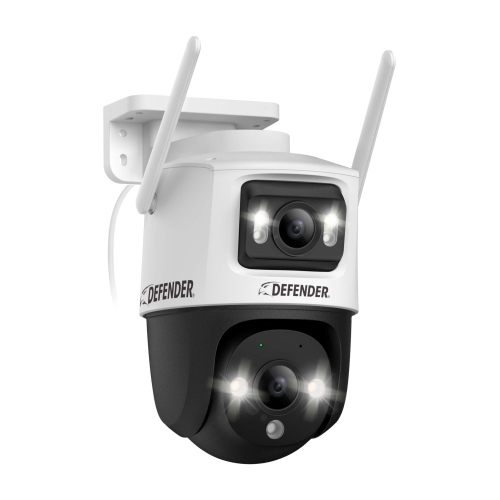
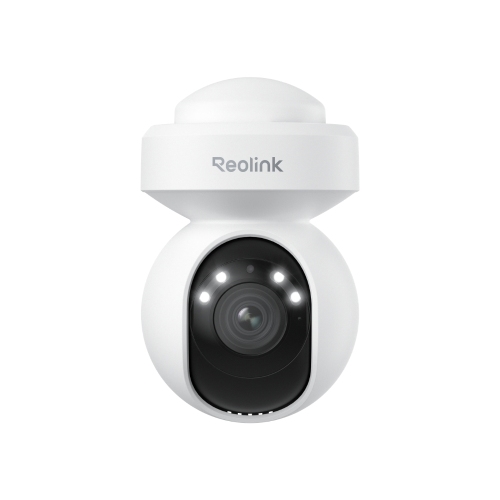
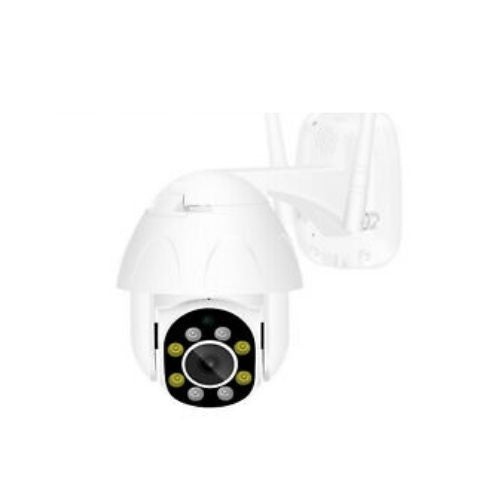
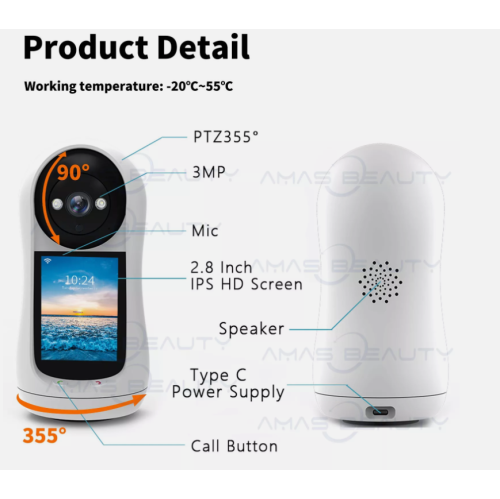
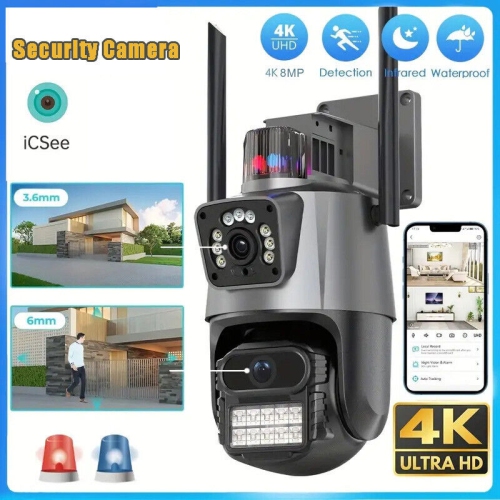
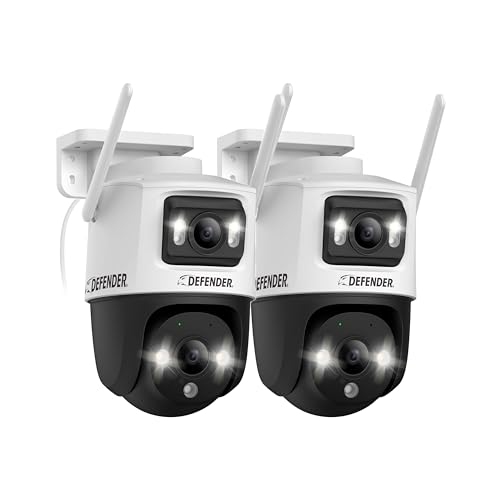
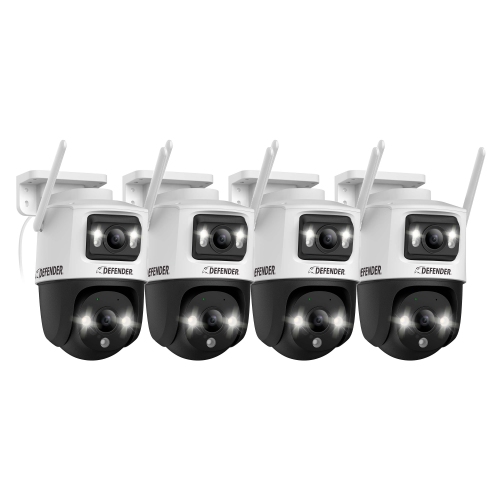
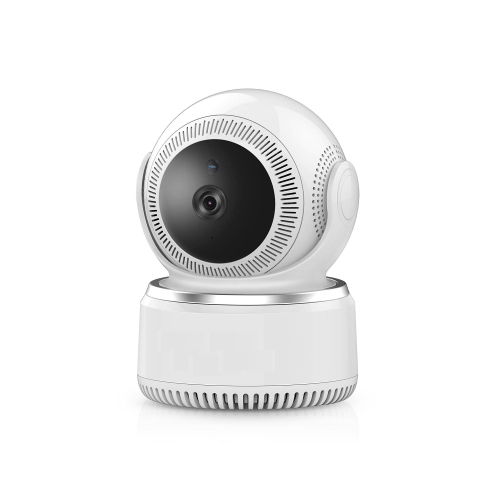
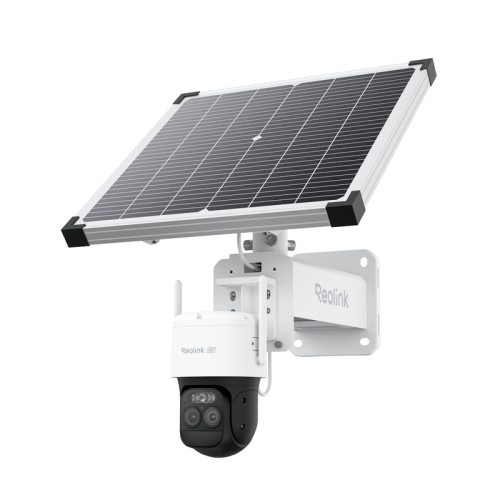
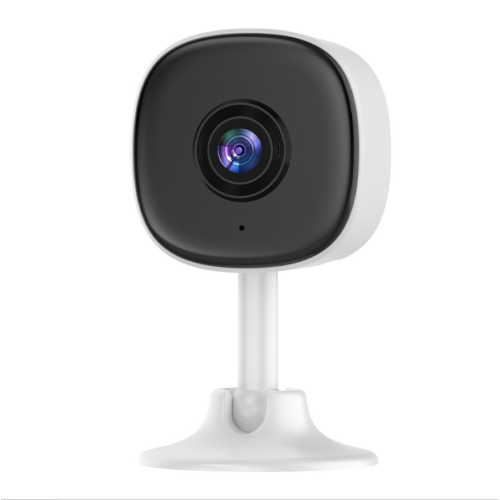
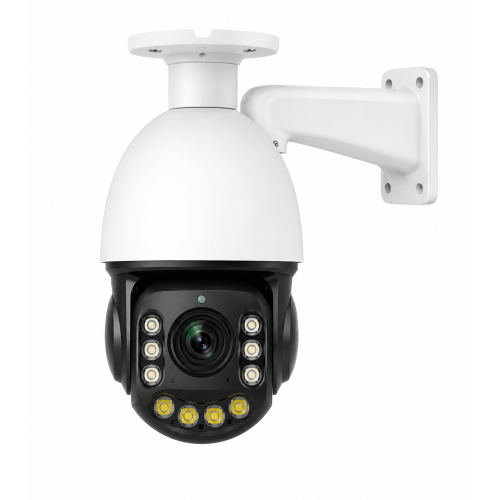
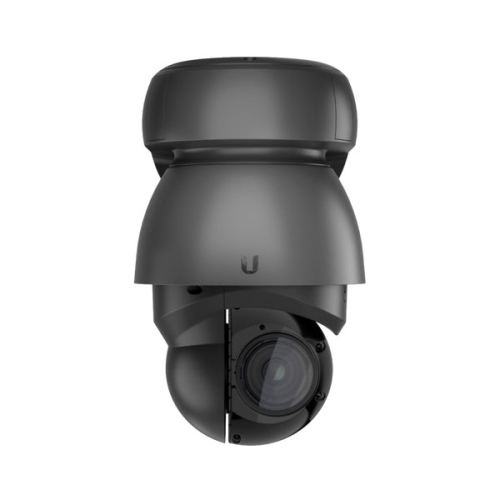
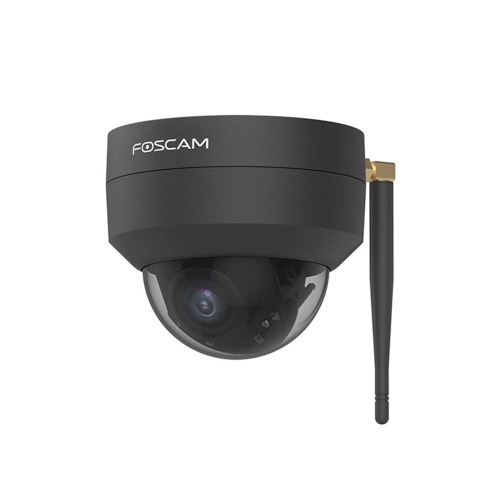
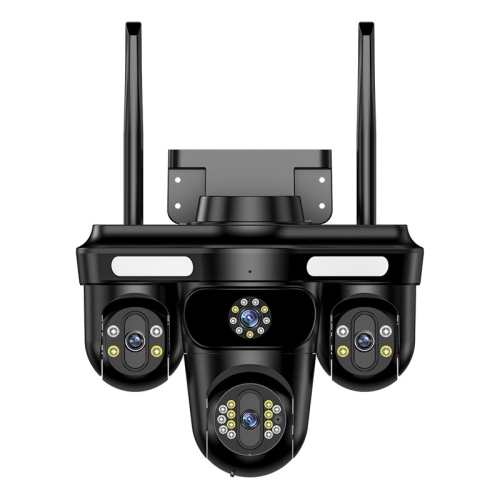
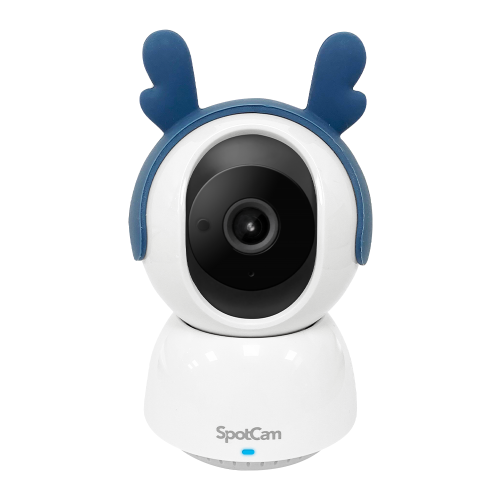
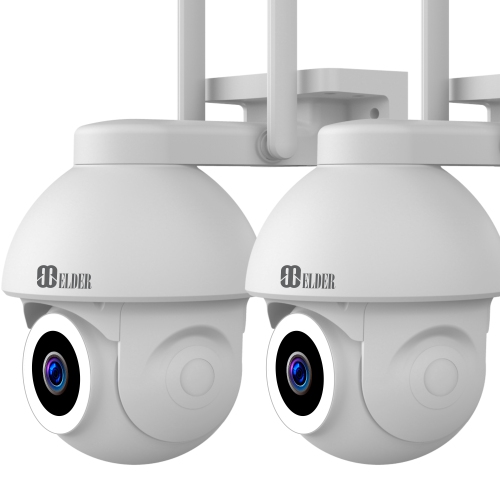
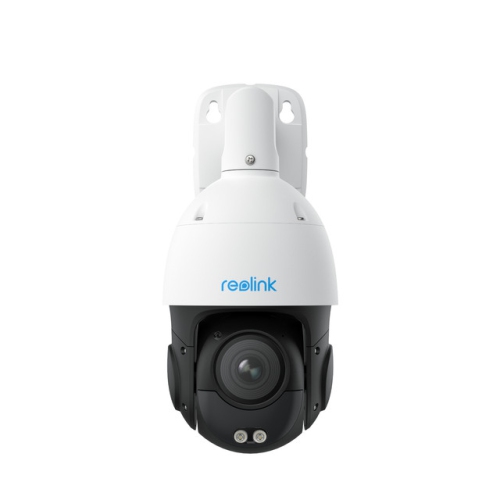
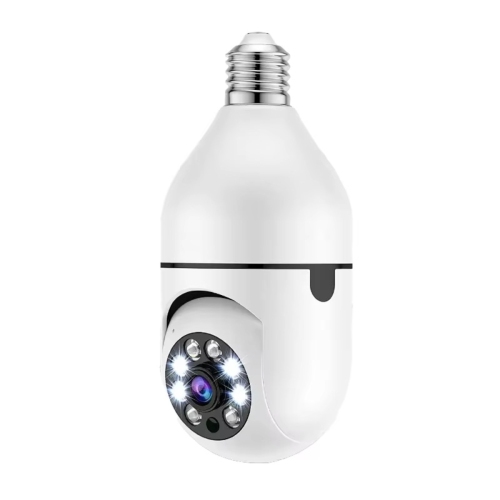
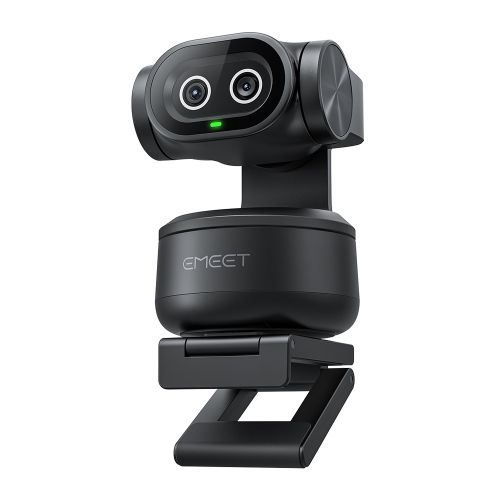
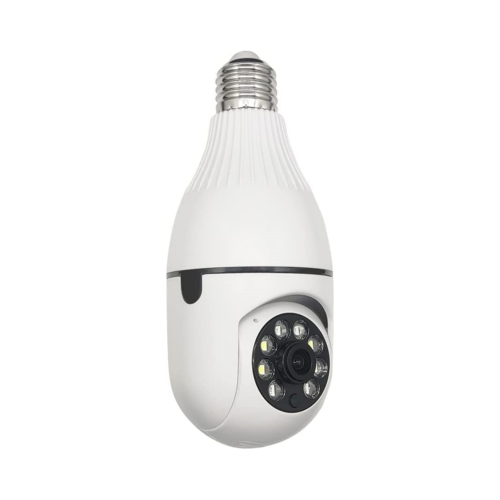
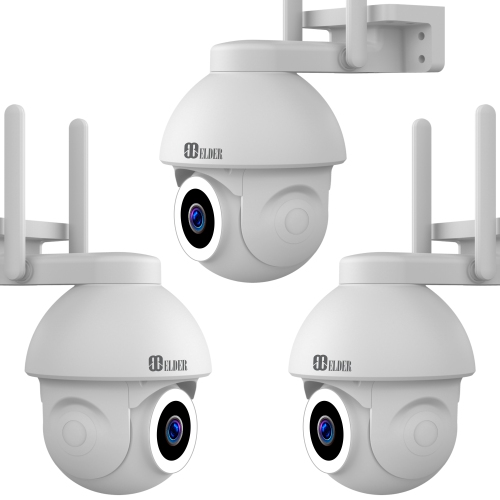
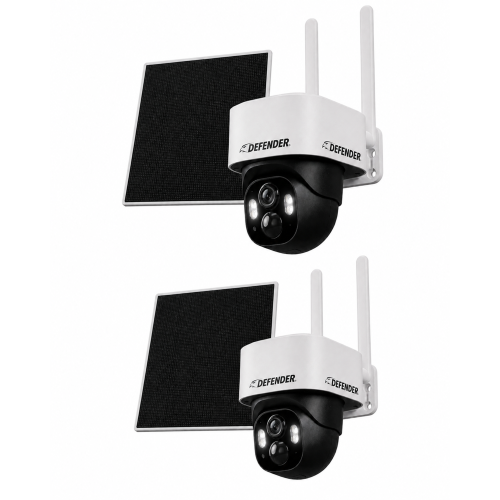
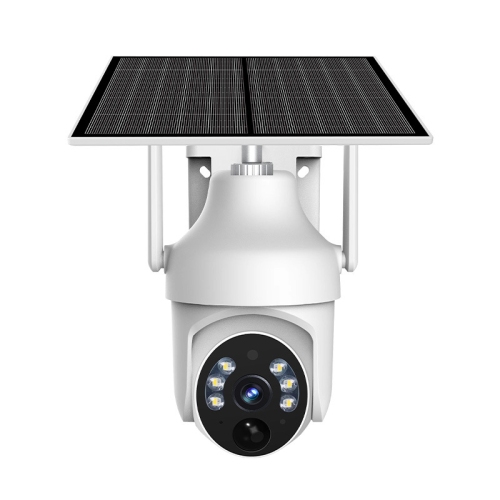
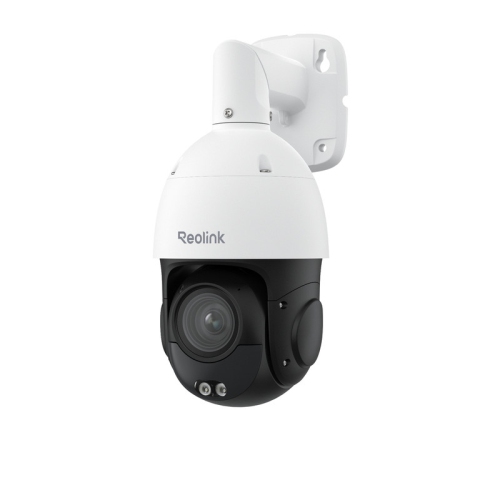
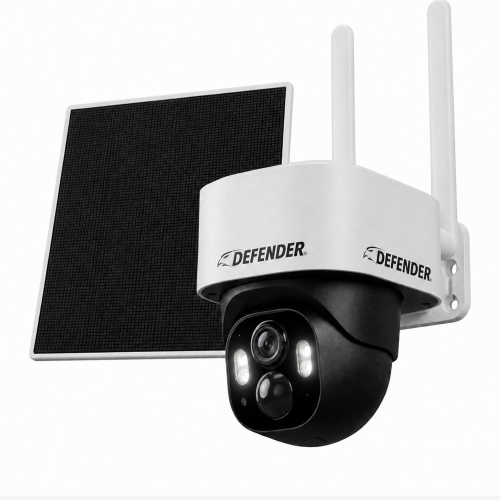
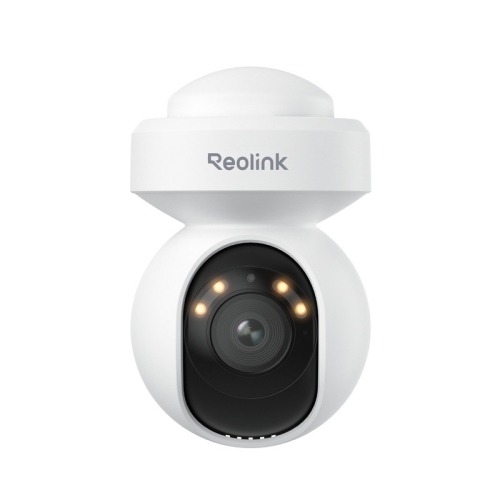

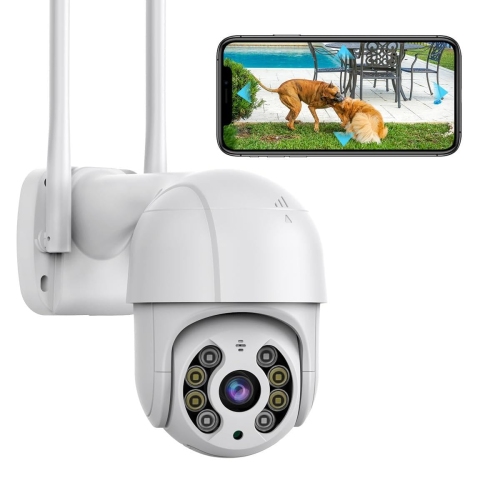
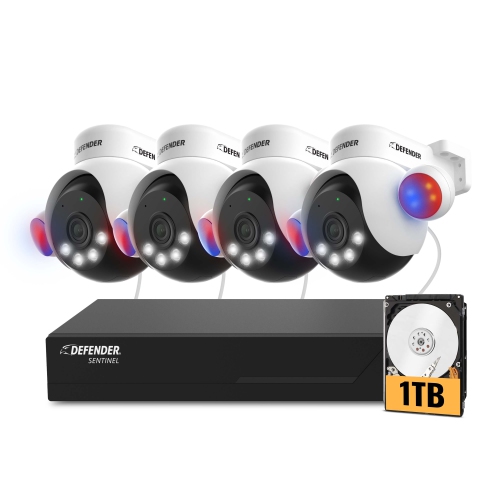
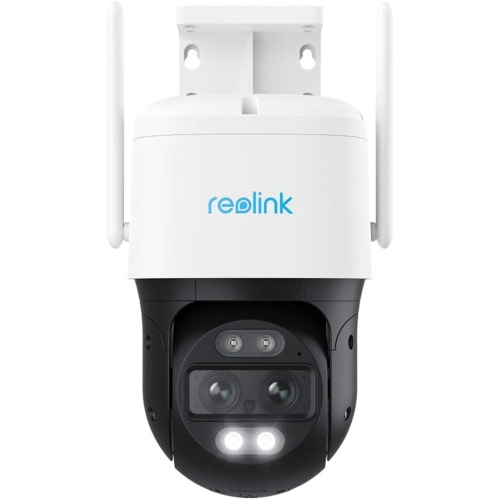
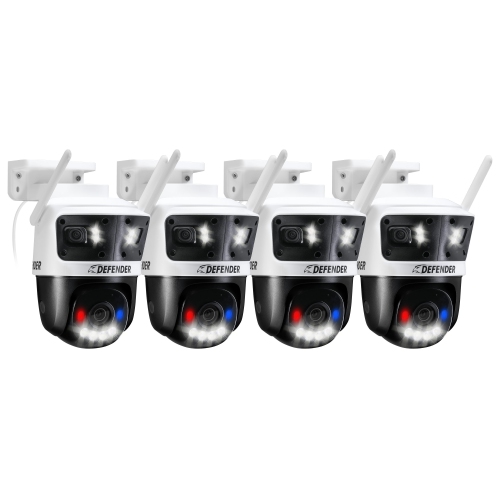
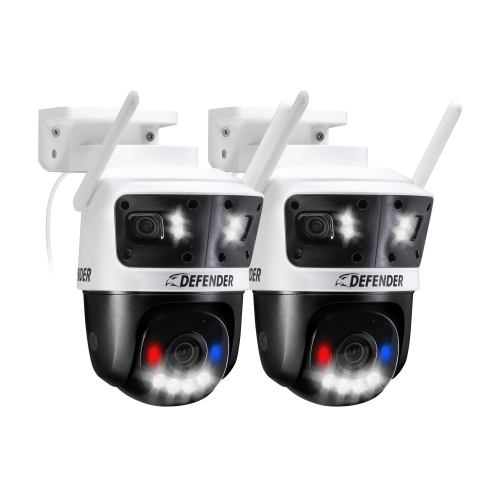
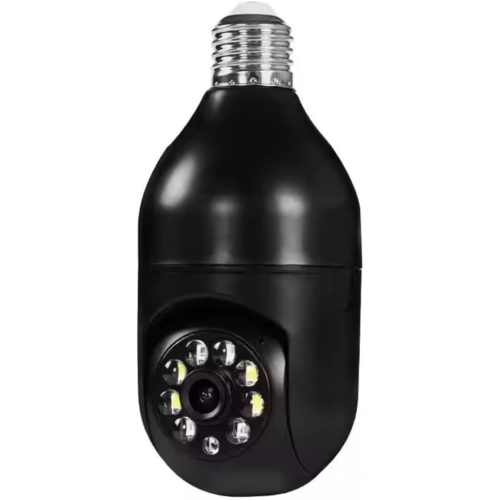

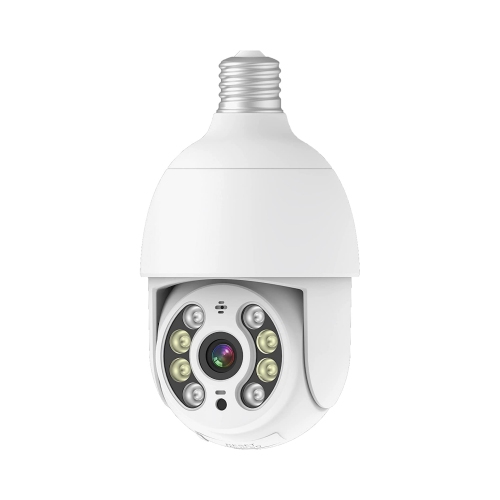


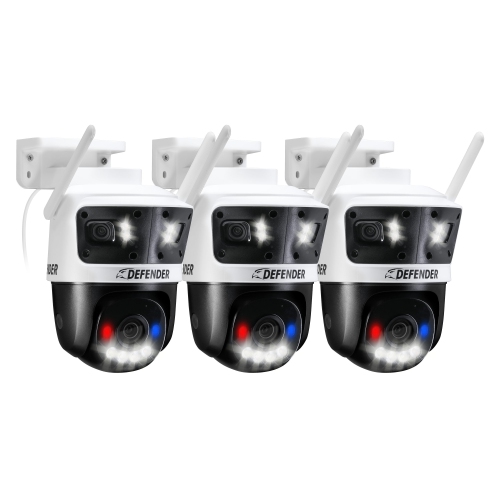
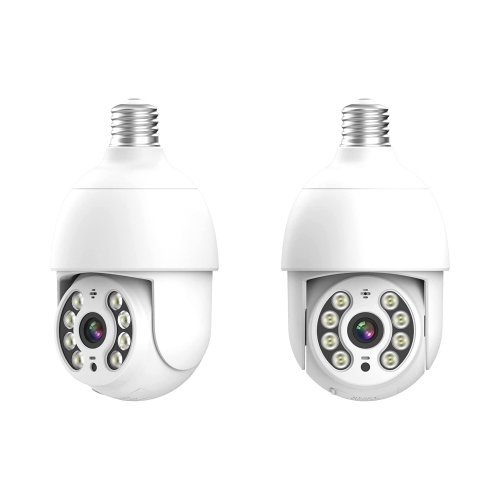
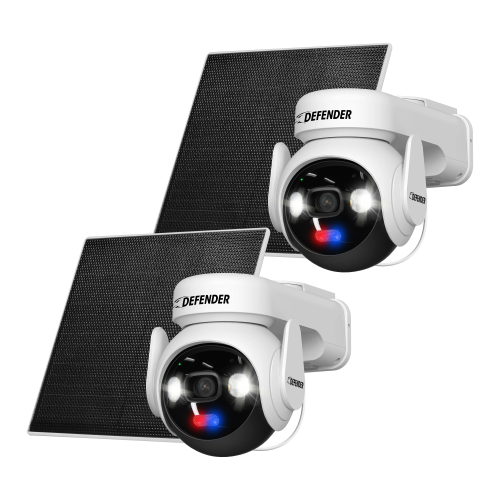

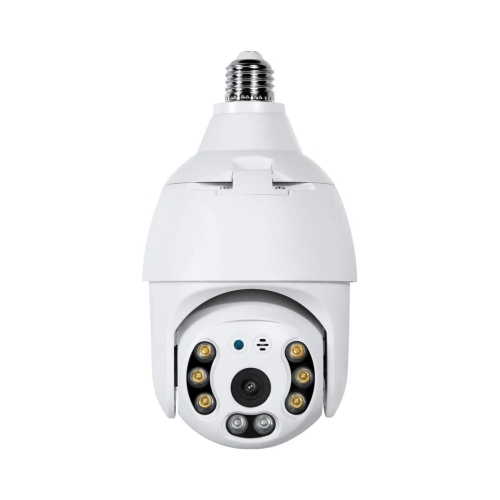
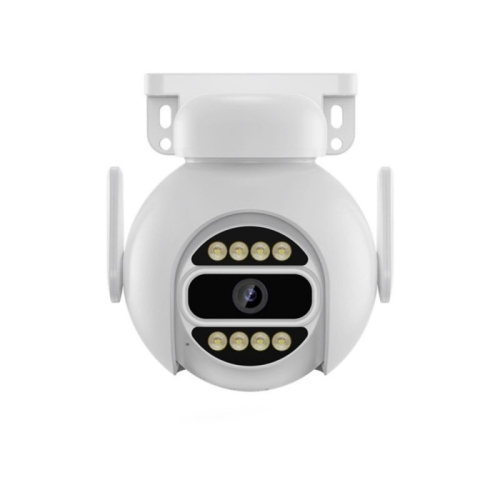
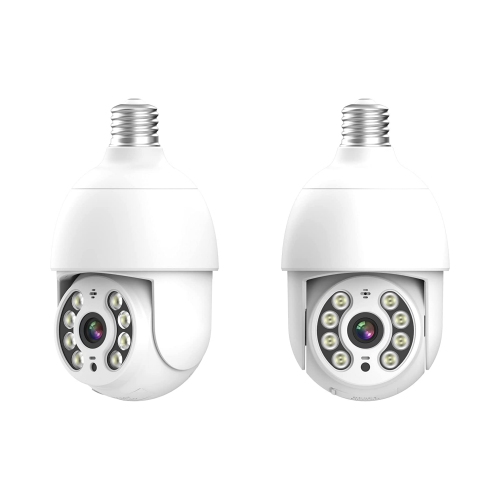

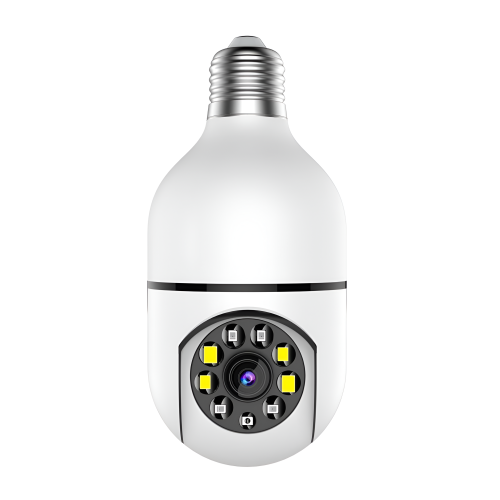
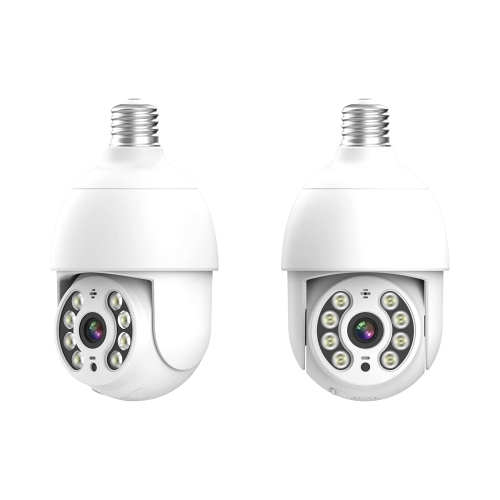

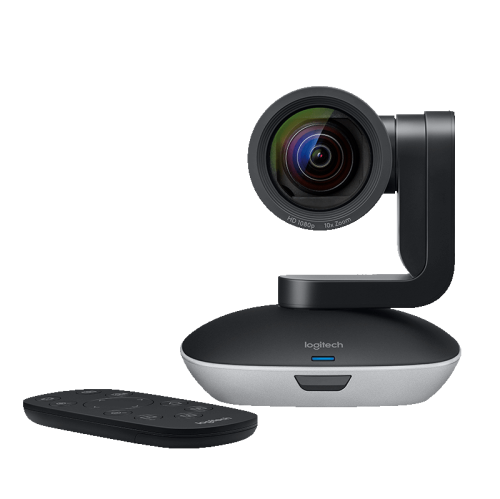
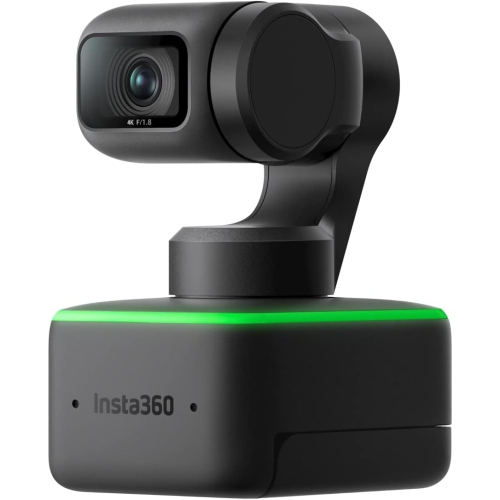
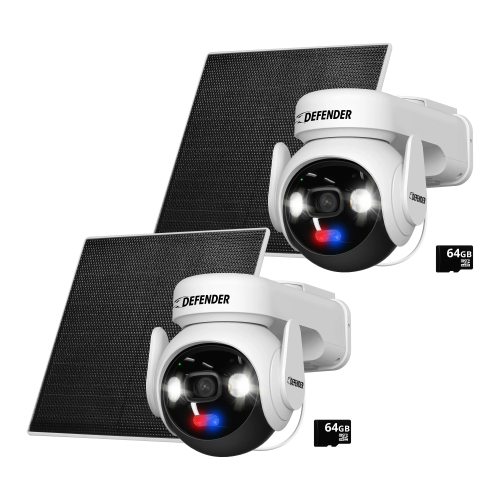
Networked camera control for polished live productions
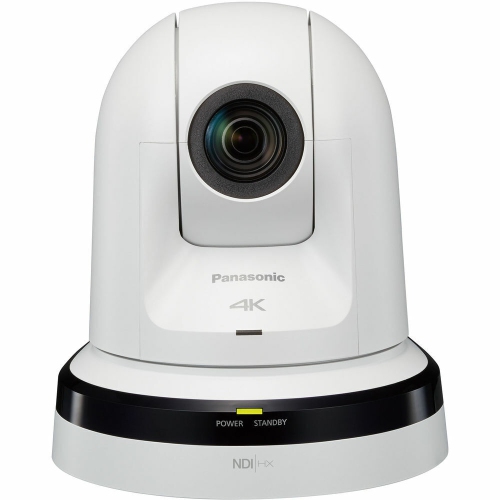
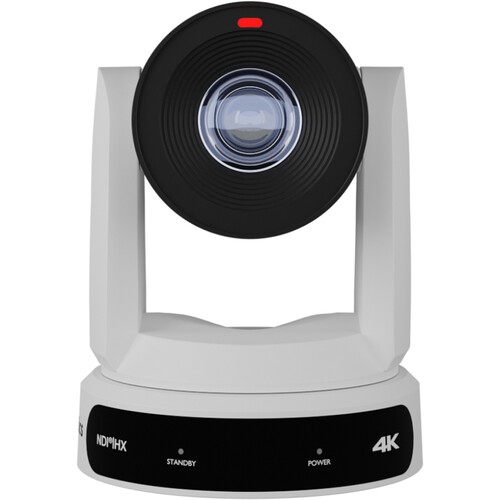
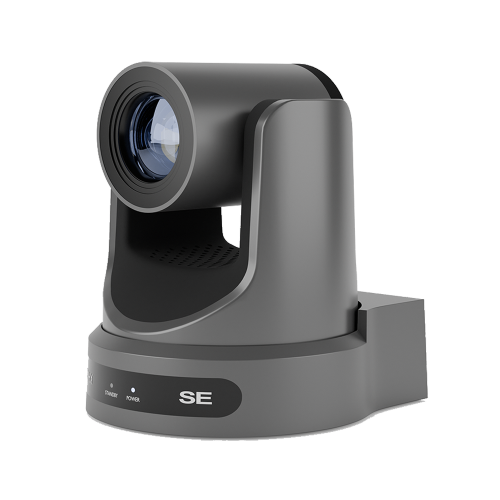
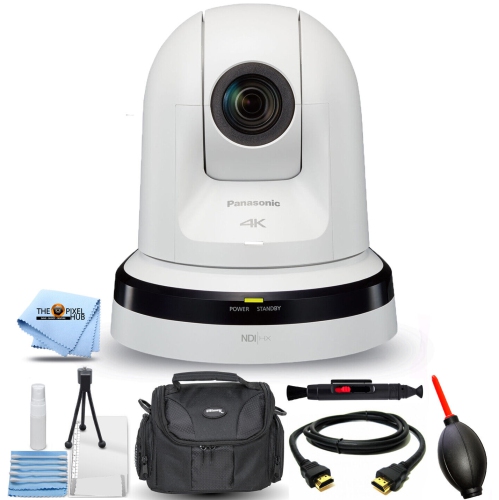
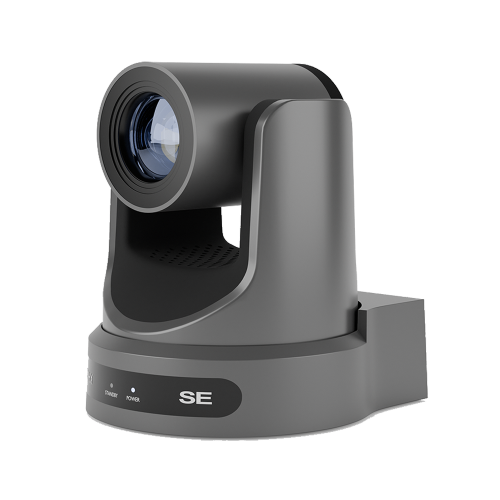
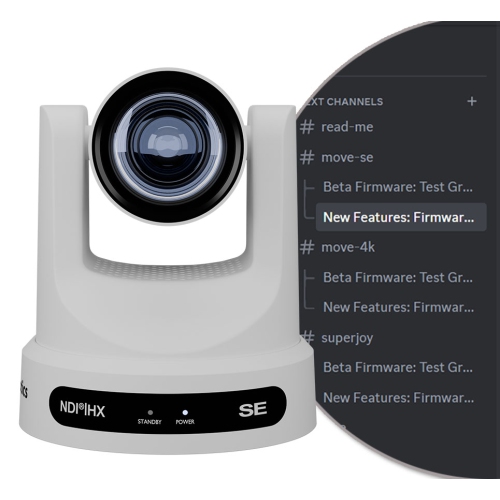
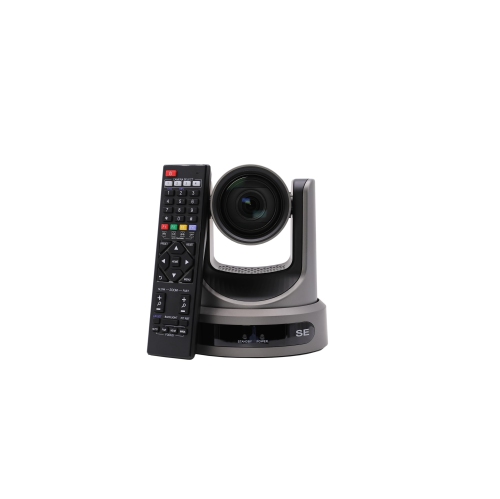
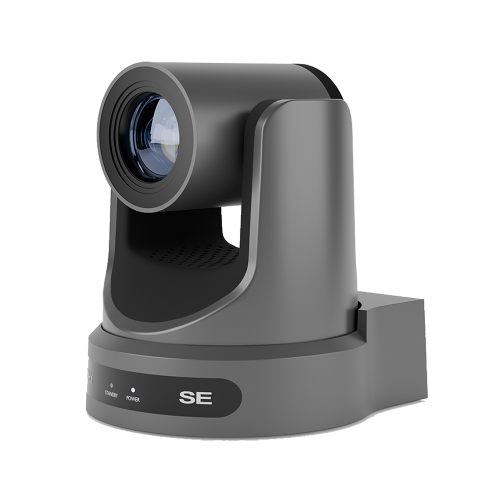
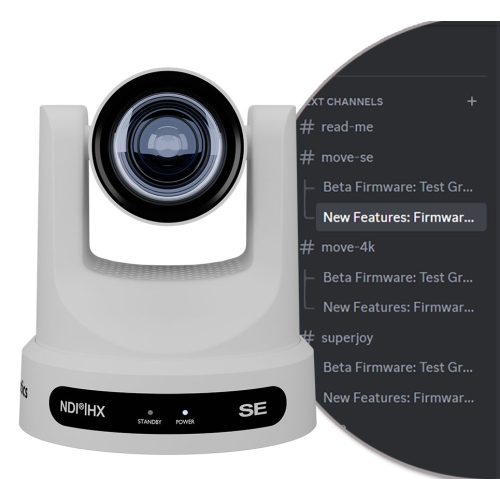
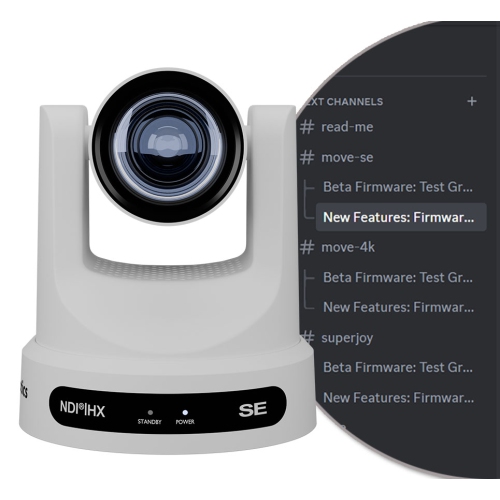
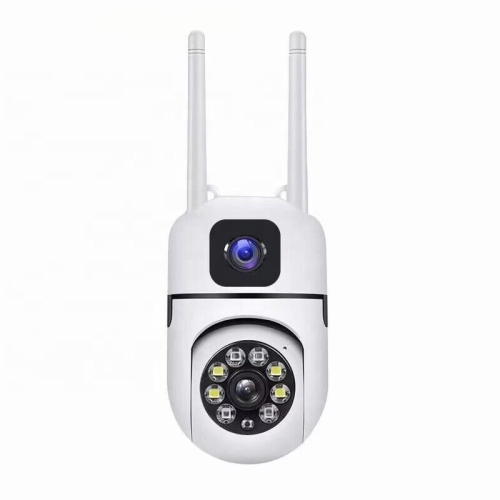
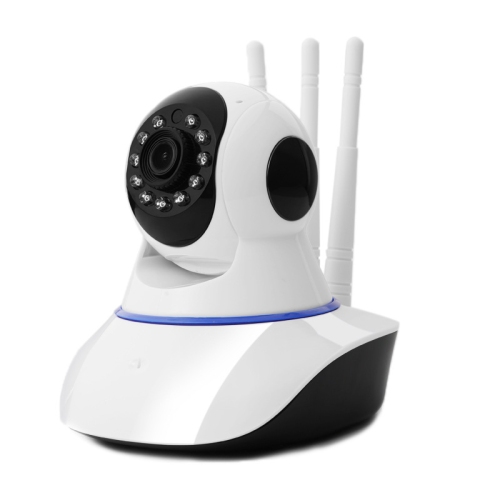
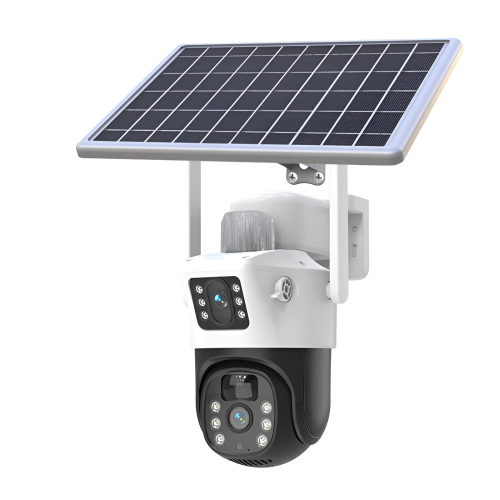
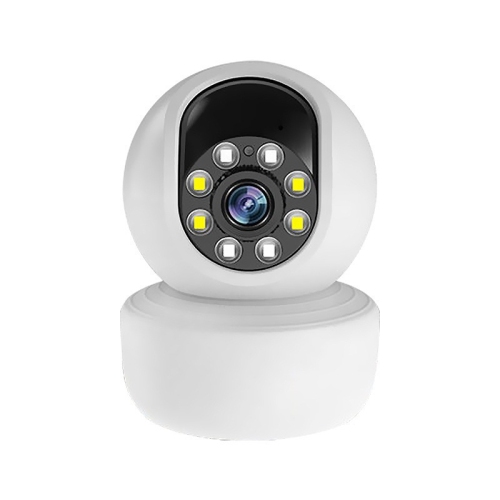
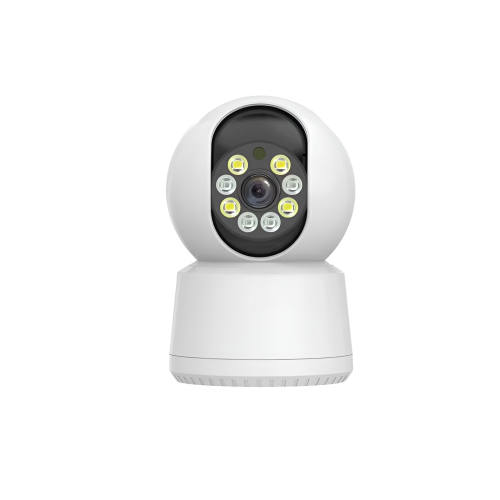
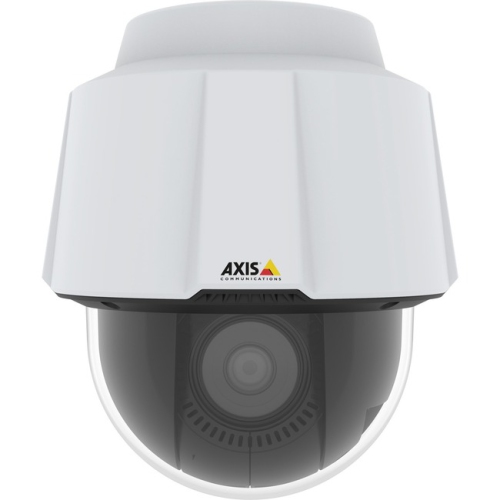
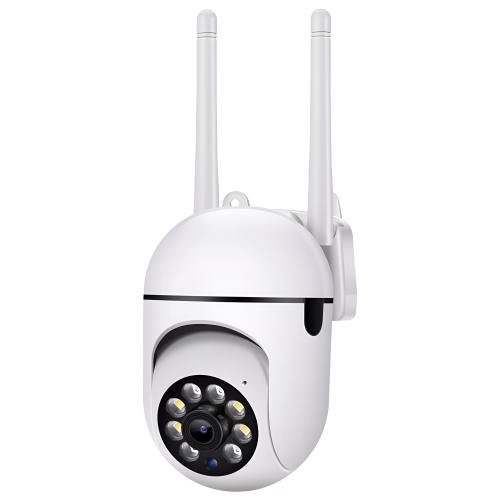
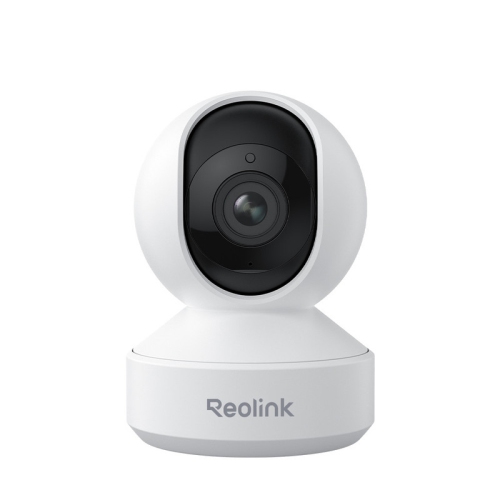
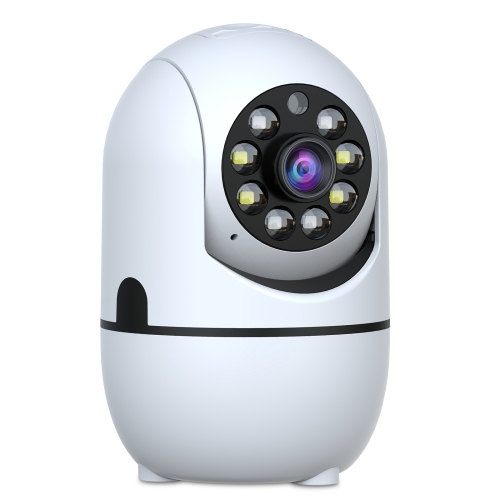
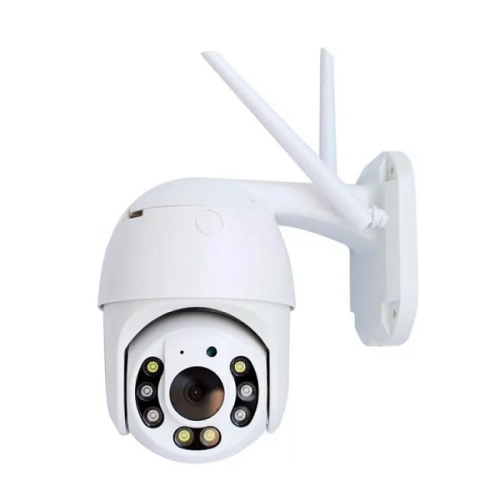
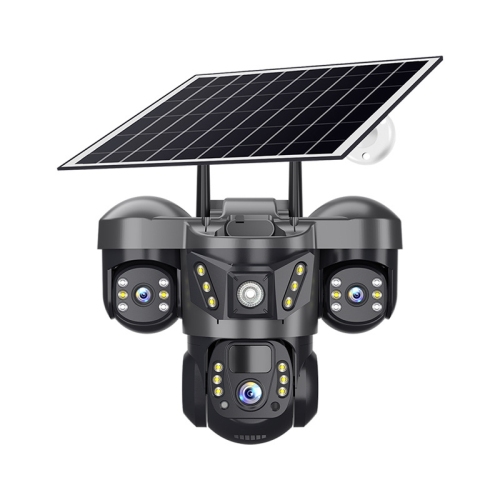
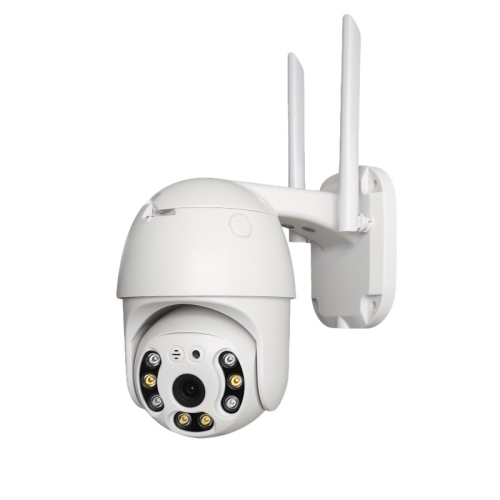
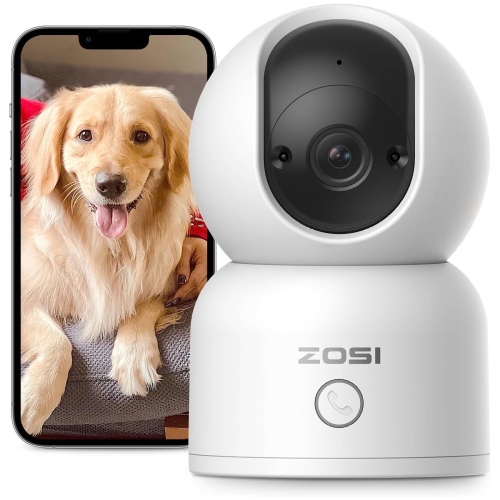
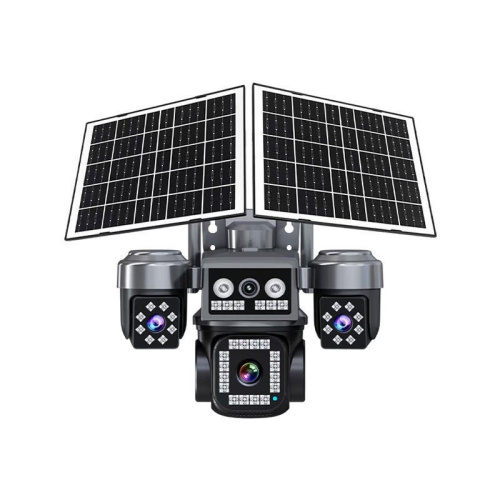
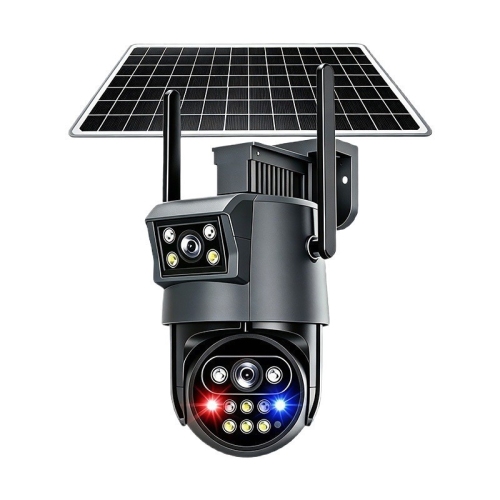
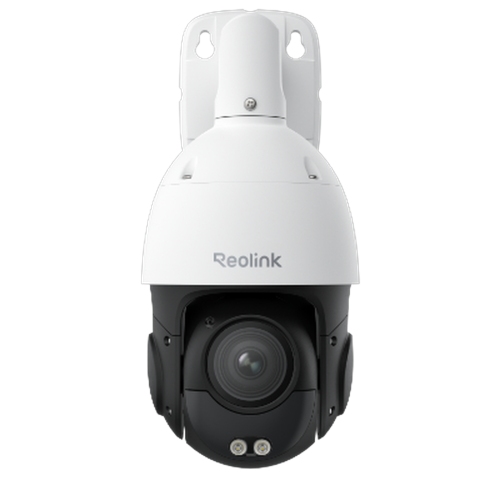
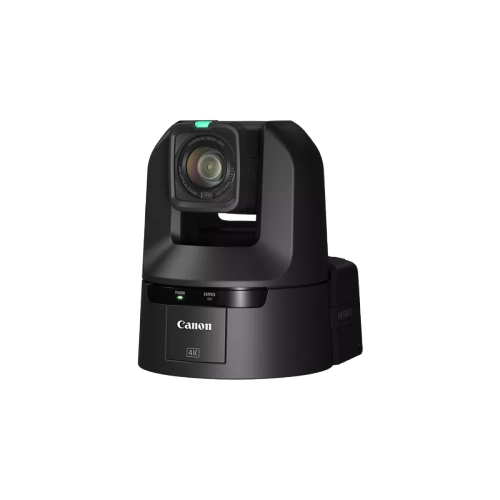
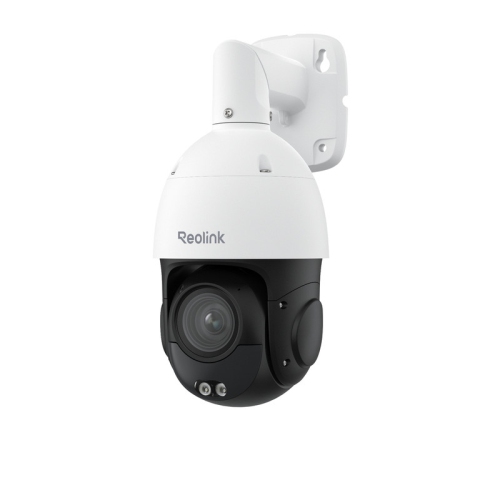
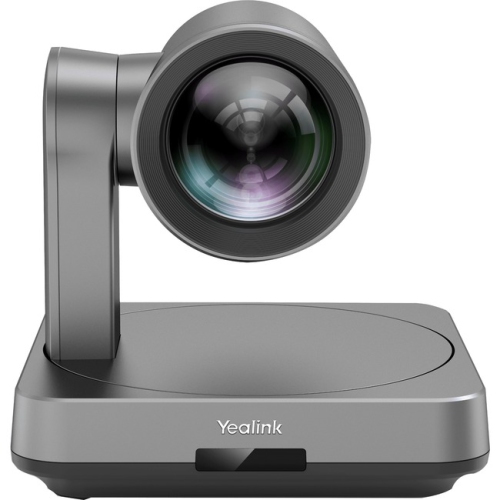
NDI PTZ cameras are network-connected cameras designed for live video production, streaming, recording, teaching, presentations, worship services, meetings, interviews, and other situations where a camera needs to be positioned remotely. NDI stands for Network Device Interface, a technology that allows compatible video, audio, tally, and control signals to travel over a standard local area network. PTZ refers to pan, tilt, and zoom: the camera can turn from side to side, move up and down, and bring distant subjects closer without someone standing beside it. Instead of relying on a collection of separate cables for every function, many NDI PTZ cameras can use one Ethernet connection to communicate with production software and other devices. Models that support Power over Ethernet, or PoE, may also receive power through that same network cable when connected to compatible networking equipment or a PoE injector. This can make a noticeable difference in a room where cables need to run along a wall, across a studio, or up to a ceiling-mounted camera position. NDI PTZ cameras are commonly used with live production platforms such as OBS Studio, vMix, and Wirecast, as well as other compatible video tools. Once connected to the network, an operator can select the camera source, adjust framing, move between preset positions, and change the zoom from a computer or dedicated controller. That flexibility is useful for a small production team: one person can manage a presentation, switch between camera angles, and keep a speaker centred without interrupting the event. In a community hall, for example, a camera can begin with a wide view of the stage, move smoothly toward a presenter at the lectern, and then return to a full-room shot for a panel discussion. In a classroom or training space, it can follow an instructor near a whiteboard while preserving a clear view of demonstrations and other participants.
When comparing NDI PTZ cameras, start with the image quality and the lighting conditions where the camera will be used. Full HD can be suitable for meetings, lessons, and general streaming, while 4K can provide more detail and additional room for cropping during production. Resolution alone does not determine the final image, so also consider the sensor size, colour reproduction, low-light performance, frame rates, and the quality of the camera’s image processing. A larger sensor can help produce a cleaner image when the room is dim or when a presenter is lit unevenly, while higher frame rates can make fast movement appear smoother. Zoom specifications deserve close attention. Optical zoom uses the camera’s lens to bring a subject closer while maintaining image detail, making it valuable in auditoriums, boardrooms, classrooms, and houses of worship where the camera may be positioned well away from the action. Digital zoom can be useful in moderation, but it enlarges part of the image and may reduce clarity. Look for the range of pan and tilt movement, the speed of those movements, and the availability of programmable presets. Presets let an operator save common views, such as a podium, a stage, a demonstration table, or a wide audience shot, then return to them quickly during a live production. It is also worth checking whether the camera offers autofocus, manual focus, exposure controls, white balance options, image stabilisation, and a silent or low-noise movement mode. Audio may be carried through the network, but a separate microphone is often the better choice when clear speech is important. Before purchasing, confirm the camera’s NDI format and bandwidth requirements. Full-bandwidth NDI can deliver highly detailed video with low latency, but it may place a greater demand on the network. NDI|HX and HX3 use more compressed streams to reduce network load and can be a practical choice for installations with several cameras or limited infrastructure. Compatibility with the intended software, computer, switch, router, controller, and recording workflow should be checked in advance. A reliable wired network connection is generally preferred for production, particularly when multiple high-resolution feeds are moving at once. For shoppers considering other placement options, Wireless PTZ Cameras may be worth exploring when a wired installation is difficult or when the camera needs to be repositioned more often.
NDI PTZ cameras suit creators, educators, businesses, community organisations, houses of worship, event teams, and home users building a dedicated streaming space. They can help a solo presenter create a more polished production without having to operate a handheld camera, and they can give a small team the ability to manage multiple viewpoints from a single workstation. A business might use one in a conference room for hybrid meetings, with a wide preset for group discussions and a tighter preset for the person presenting. A school or instructor might use one to record lessons, demonstrations, music rehearsals, or guest speakers, keeping the camera steady while the operator concentrates on slides and audience questions. A performing arts group can use several networked cameras to cover a stage, backstage interview, or rehearsal, while a sports or community event organiser can frame a playing area from a high, fixed position and zoom in when the action moves across the court or field. These cameras can also be a thoughtful gift for a serious content creator, student in media production, musician who streams performances, or family member setting up a home studio, provided the recipient already has compatible networking equipment and video software. Installation planning is important: consider the mounting position, viewing height, distance to the subject, available lighting, Ethernet cable length, PoE requirements, and access to the network. A camera placed too low may be blocked by people moving through the room, while one placed too far to the side can create an awkward angle even with generous pan and zoom movement. Testing the intended framing from a seated and standing position can prevent surprises on production day. During the warmer and cooler parts of the year, NDI PTZ cameras can support indoor events, remote presentations, training sessions, interviews, and live broadcasts without changing the basic setup. With the right combination of resolution, optical zoom, NDI format, network capacity, controls, and mounting location, they provide a flexible way to make a fixed camera position feel remarkably responsive.
When comparing NDI PTZ cameras, start with the image quality and the lighting conditions where the camera will be used. Full HD can be suitable for meetings, lessons, and general streaming, while 4K can provide more detail and additional room for cropping during production. Resolution alone does not determine the final image, so also consider the sensor size, colour reproduction, low-light performance, frame rates, and the quality of the camera’s image processing. A larger sensor can help produce a cleaner image when the room is dim or when a presenter is lit unevenly, while higher frame rates can make fast movement appear smoother. Zoom specifications deserve close attention. Optical zoom uses the camera’s lens to bring a subject closer while maintaining image detail, making it valuable in auditoriums, boardrooms, classrooms, and houses of worship where the camera may be positioned well away from the action. Digital zoom can be useful in moderation, but it enlarges part of the image and may reduce clarity. Look for the range of pan and tilt movement, the speed of those movements, and the availability of programmable presets. Presets let an operator save common views, such as a podium, a stage, a demonstration table, or a wide audience shot, then return to them quickly during a live production. It is also worth checking whether the camera offers autofocus, manual focus, exposure controls, white balance options, image stabilisation, and a silent or low-noise movement mode. Audio may be carried through the network, but a separate microphone is often the better choice when clear speech is important. Before purchasing, confirm the camera’s NDI format and bandwidth requirements. Full-bandwidth NDI can deliver highly detailed video with low latency, but it may place a greater demand on the network. NDI|HX and HX3 use more compressed streams to reduce network load and can be a practical choice for installations with several cameras or limited infrastructure. Compatibility with the intended software, computer, switch, router, controller, and recording workflow should be checked in advance. A reliable wired network connection is generally preferred for production, particularly when multiple high-resolution feeds are moving at once. For shoppers considering other placement options, Wireless PTZ Cameras may be worth exploring when a wired installation is difficult or when the camera needs to be repositioned more often.
NDI PTZ cameras suit creators, educators, businesses, community organisations, houses of worship, event teams, and home users building a dedicated streaming space. They can help a solo presenter create a more polished production without having to operate a handheld camera, and they can give a small team the ability to manage multiple viewpoints from a single workstation. A business might use one in a conference room for hybrid meetings, with a wide preset for group discussions and a tighter preset for the person presenting. A school or instructor might use one to record lessons, demonstrations, music rehearsals, or guest speakers, keeping the camera steady while the operator concentrates on slides and audience questions. A performing arts group can use several networked cameras to cover a stage, backstage interview, or rehearsal, while a sports or community event organiser can frame a playing area from a high, fixed position and zoom in when the action moves across the court or field. These cameras can also be a thoughtful gift for a serious content creator, student in media production, musician who streams performances, or family member setting up a home studio, provided the recipient already has compatible networking equipment and video software. Installation planning is important: consider the mounting position, viewing height, distance to the subject, available lighting, Ethernet cable length, PoE requirements, and access to the network. A camera placed too low may be blocked by people moving through the room, while one placed too far to the side can create an awkward angle even with generous pan and zoom movement. Testing the intended framing from a seated and standing position can prevent surprises on production day. During the warmer and cooler parts of the year, NDI PTZ cameras can support indoor events, remote presentations, training sessions, interviews, and live broadcasts without changing the basic setup. With the right combination of resolution, optical zoom, NDI format, network capacity, controls, and mounting location, they provide a flexible way to make a fixed camera position feel remarkably responsive.
Top selling and popular products
-
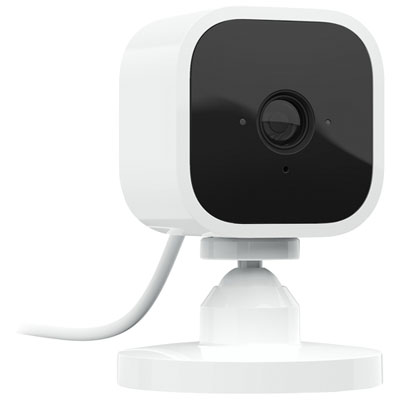 Your price for this item is $34.97
 -
 Your price for this item is $109.99
 -
 Your price for this item is $79.25
 -
 Your price for this item is $95.99
 -
 Your price for this item is $110.48
 -
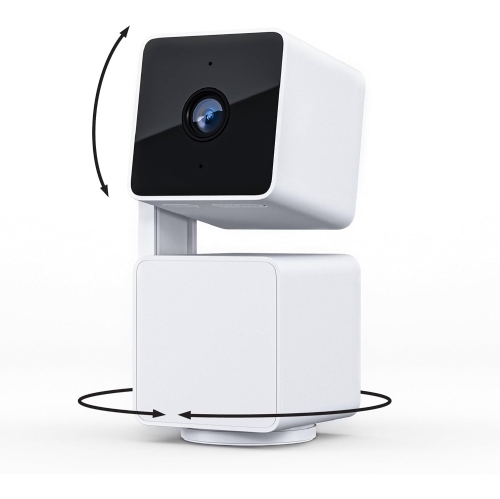 Your price for this item is $110.99
 -
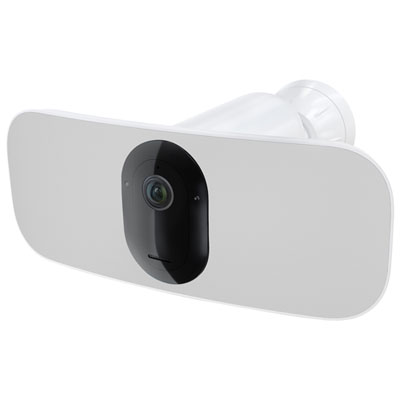 Your price for this item is $329.95
 -
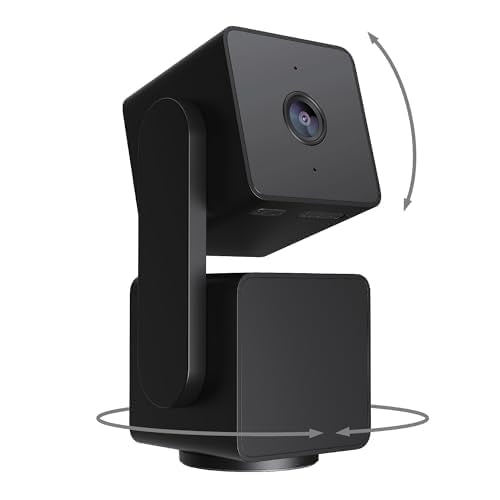 Your price for this item is $105.99
Discover more categories related to NDI PTZ Cameras
Top Collections:
Pokemon Centers, Best Cameras for Sports Photography, Kindle Devices, Samsung Galaxy Phones, Canon G7X Cameras, Pokémon 30th Celebration Cards, Refurbished Apple Laptops, iPhone 15 Apple, Laptops for Students, Budget Smartphones
Some products may be subject to Environmental Handling Fees
(EHF) depending on your province.
Learn more about EHFs.