Home Automation Security Cameras
Enhance your peace of mind and streamline your smart home setup with home automation security cameras. Designed to seamlessly integrate with your connected devices, these advanced cameras offer convenient monitoring and control from virtually anywhere. Whether you’re looking to keep an eye on your property or simply want to stay connected to what matters most, home automation security cameras provide a reliable solution for modern households. Explore a range of options to find the perfect fit for your unique needs and enjoy effortless security at your fingertips.
Sort
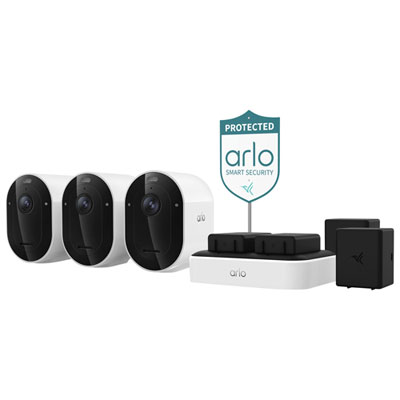


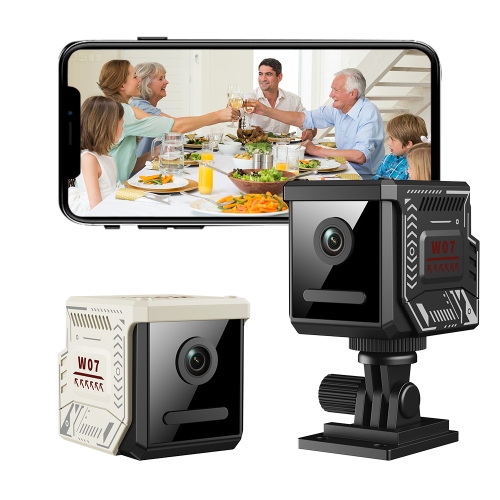
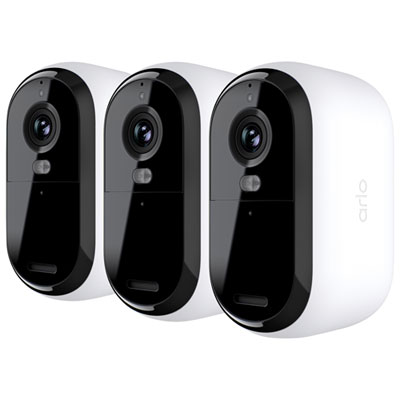


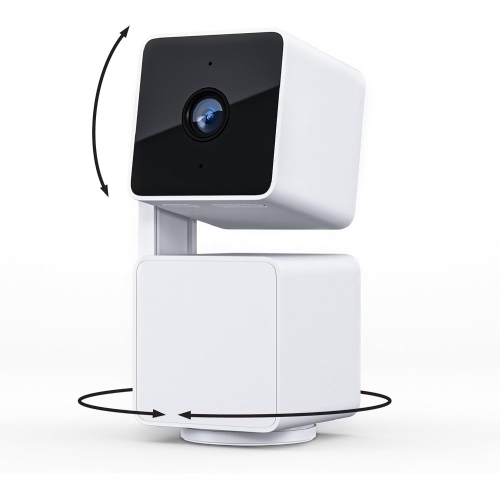

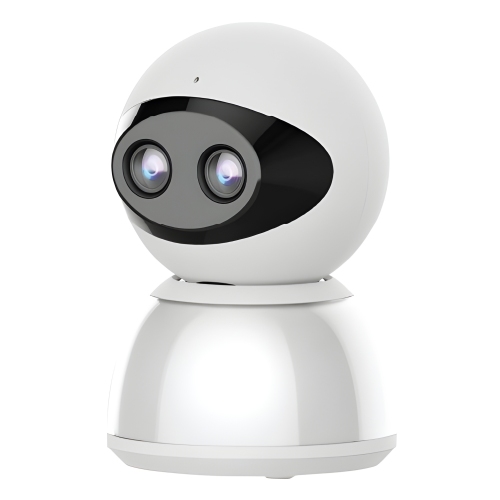
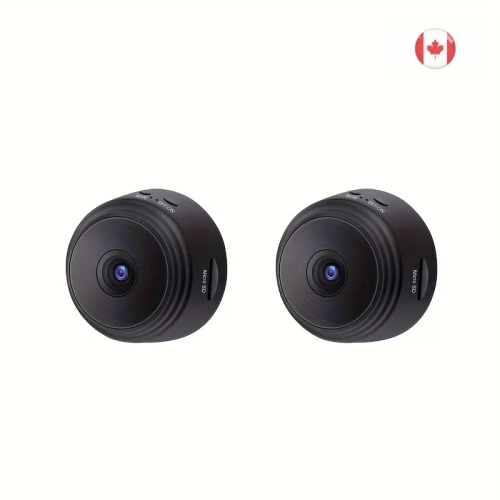

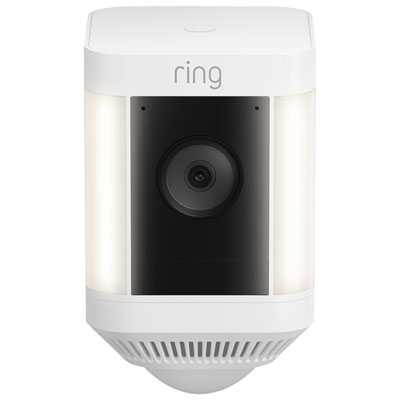
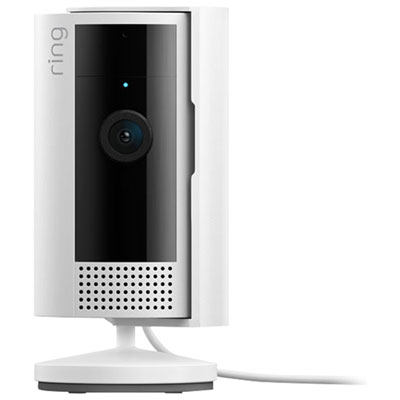

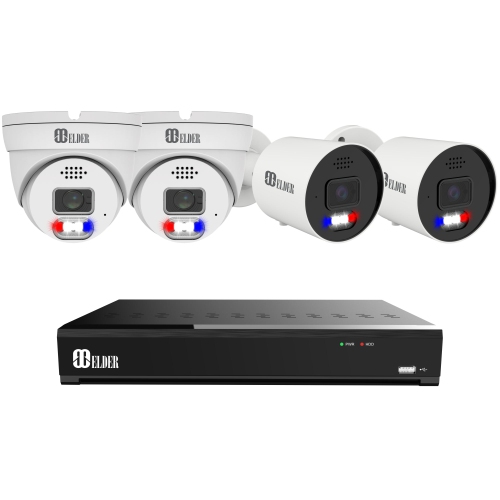
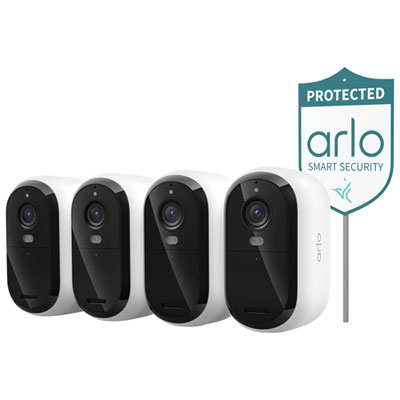

How compatible cameras turn motion into smart home routines
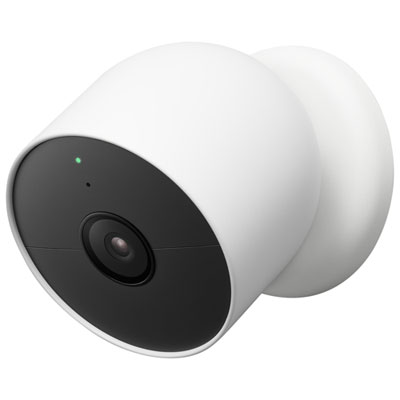
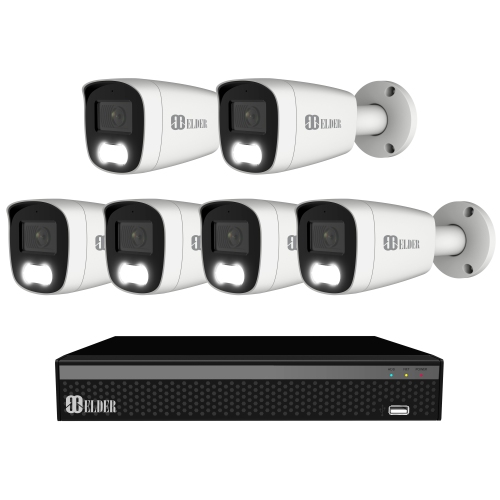
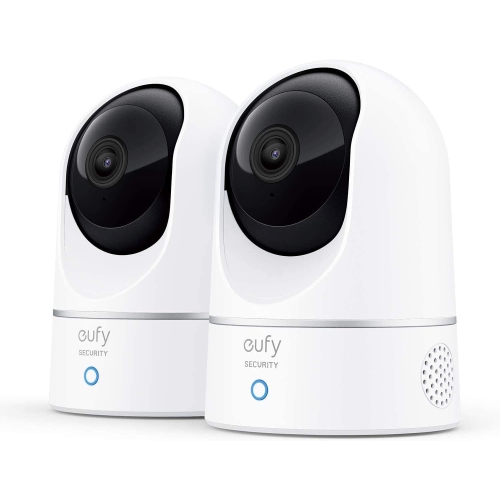
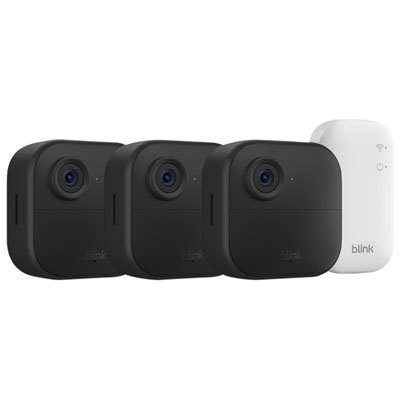
Home automation security cameras are connected cameras that let you view activity at home and, when compatible, use events such as motion detection to trigger other smart home devices. They bring video monitoring into the same connected setup as lighting, door sensors, and other household controls, rather than operating only as separate recording devices. A supported routine might turn on an entryway light when a person approaches, send an alert when movement occurs near a side entrance, or display a live feed on a compatible screen. These connections depend on the camera, the home automation platform, and the actions each supports; the ability to view a camera feed does not necessarily mean every detection event can start a routine. Indoor cameras can help keep an eye on an entrance, a shared living area, or a pet’s favourite corner, while outdoor cameras are intended for monitoring areas such as porches, driveways, and access points. For someone who works away from home, a brief view of a delivered parcel can be more useful than a stream of general motion alerts. In a busy household, separate notification settings can help different people receive the information relevant to them without sharing a single account. Detection options also shape everyday usefulness. Depending on the camera and its enabled features, alerts may distinguish between people, animals, vehicles, or general movement. Activity zones can narrow attention to a gate or walkway instead of including every passing car, although their operation varies by camera. Two-way audio provides a way to speak with someone within range of the camera’s microphone and speaker, with clarity affected by placement, surrounding noise, and network performance. For households already using connected lights or sensors, compatible cameras can add visual context to an alert. Their value comes from how well the view, notifications, and supported routines fit daily life, not simply from the number of features listed.
Image quality, viewing angle, and placement work together to determine what a home automation security camera can capture. Resolution describes the detail in the video, but a higher resolution alone does not guarantee a clear view of a face at the far end of a driveway. Distance, lighting, lens quality, video compression, and the subject’s movement all influence the result. A wide field of view can cover more of a room or entrance, while making distant subjects appear smaller in the frame. Pan-and-tilt functions allow supported cameras to change their viewing direction, although movement does not mean every angle is being recorded at once. Night vision may use infrared illumination to produce a monochrome image, while colour imaging in dark areas generally requires sufficient ambient light or a built-in light. Glass can reflect infrared light back into the lens, making a camera positioned behind a window less effective after dark. Indoors, a stable shelf or secure wall mount helps keep the intended area in frame, and routing a power cable away from walkways reduces snagging. Cameras made for exterior installation need a housing, mounting hardware, and installation location suited to that use; an indoor designation should not be treated as interchangeable with an outdoor rating. For porches, gates, and other exterior spaces, Smart Home Outdoor Security Cameras are a related category with placement and housing considerations specific to outdoor use. Durable plastic or metal housings, secure brackets, and properly fitted cable connections contribute to a dependable installation. Surface compatibility matters, too: mounting to masonry requires different hardware from attaching a bracket to a wood frame. A camera’s physical size and adjustment range affect whether it fits beneath an overhang or beside a doorway without blocking access. Regular care is straightforward but worthwhile. A clean lens and an unobstructed view help preserve image quality, while periodic checks of mounts, cables, and battery status can reveal small problems before they interrupt monitoring. Cleaning should follow the manufacturer’s directions to avoid scratching the lens or damaging protective finishes.
Power, connectivity, recording, and account controls determine how smoothly security cameras fit into a connected home over time. Plug-in cameras need a suitable outlet and a sensible cable route, while battery-powered designs offer more flexibility in placement but require charging or battery replacement. Battery life varies with the number of motion events, recording settings, live viewing, and other functions, so a heavily used entrance can demand more attention than a quiet hallway. Wired network connections can provide a stable link where cabling is practical, and cameras that support Power over Ethernet can receive data and power through a compatible network installation. Wi-Fi cameras depend on adequate coverage at their mounting position, not just a strong signal near the router. Support for 2.4 GHz and 5 GHz networks varies, making network compatibility an important part of the fit. Recording options may include event-based clips, continuous recording, local storage, or cloud storage, depending on the camera and its setup. Local storage can use a memory card, a base station, or a separate recorder; cloud storage keeps footage on a remote service. Retention periods, storage capacity, recording quality, and access permissions all affect how much footage remains available to review. Continuous recording is not a standard feature on every camera, and a camera with local recording may still need an internet connection for remote viewing, notifications, or automation. Clear household privacy settings are equally important. Individual accounts, strong unique passwords, multi-factor authentication where supported, and software updates help protect access to live video and saved clips. Indoor placement should respect private spaces, and exterior views should focus on the intended property rather than neighbouring windows or areas beyond the monitoring purpose. Features such as privacy shutters, recording schedules, and temporary camera controls can make shared spaces more comfortable when supported. A well-matched setup balances useful coverage with manageable alerts and clear control over footage. Cameras can provide visibility and records of activity, but they do not guarantee that every event will be detected or prevent an incident on their own.
Image quality, viewing angle, and placement work together to determine what a home automation security camera can capture. Resolution describes the detail in the video, but a higher resolution alone does not guarantee a clear view of a face at the far end of a driveway. Distance, lighting, lens quality, video compression, and the subject’s movement all influence the result. A wide field of view can cover more of a room or entrance, while making distant subjects appear smaller in the frame. Pan-and-tilt functions allow supported cameras to change their viewing direction, although movement does not mean every angle is being recorded at once. Night vision may use infrared illumination to produce a monochrome image, while colour imaging in dark areas generally requires sufficient ambient light or a built-in light. Glass can reflect infrared light back into the lens, making a camera positioned behind a window less effective after dark. Indoors, a stable shelf or secure wall mount helps keep the intended area in frame, and routing a power cable away from walkways reduces snagging. Cameras made for exterior installation need a housing, mounting hardware, and installation location suited to that use; an indoor designation should not be treated as interchangeable with an outdoor rating. For porches, gates, and other exterior spaces, Smart Home Outdoor Security Cameras are a related category with placement and housing considerations specific to outdoor use. Durable plastic or metal housings, secure brackets, and properly fitted cable connections contribute to a dependable installation. Surface compatibility matters, too: mounting to masonry requires different hardware from attaching a bracket to a wood frame. A camera’s physical size and adjustment range affect whether it fits beneath an overhang or beside a doorway without blocking access. Regular care is straightforward but worthwhile. A clean lens and an unobstructed view help preserve image quality, while periodic checks of mounts, cables, and battery status can reveal small problems before they interrupt monitoring. Cleaning should follow the manufacturer’s directions to avoid scratching the lens or damaging protective finishes.
Power, connectivity, recording, and account controls determine how smoothly security cameras fit into a connected home over time. Plug-in cameras need a suitable outlet and a sensible cable route, while battery-powered designs offer more flexibility in placement but require charging or battery replacement. Battery life varies with the number of motion events, recording settings, live viewing, and other functions, so a heavily used entrance can demand more attention than a quiet hallway. Wired network connections can provide a stable link where cabling is practical, and cameras that support Power over Ethernet can receive data and power through a compatible network installation. Wi-Fi cameras depend on adequate coverage at their mounting position, not just a strong signal near the router. Support for 2.4 GHz and 5 GHz networks varies, making network compatibility an important part of the fit. Recording options may include event-based clips, continuous recording, local storage, or cloud storage, depending on the camera and its setup. Local storage can use a memory card, a base station, or a separate recorder; cloud storage keeps footage on a remote service. Retention periods, storage capacity, recording quality, and access permissions all affect how much footage remains available to review. Continuous recording is not a standard feature on every camera, and a camera with local recording may still need an internet connection for remote viewing, notifications, or automation. Clear household privacy settings are equally important. Individual accounts, strong unique passwords, multi-factor authentication where supported, and software updates help protect access to live video and saved clips. Indoor placement should respect private spaces, and exterior views should focus on the intended property rather than neighbouring windows or areas beyond the monitoring purpose. Features such as privacy shutters, recording schedules, and temporary camera controls can make shared spaces more comfortable when supported. A well-matched setup balances useful coverage with manageable alerts and clear control over footage. Cameras can provide visibility and records of activity, but they do not guarantee that every event will be detected or prevent an incident on their own.
Top selling and popular products
-
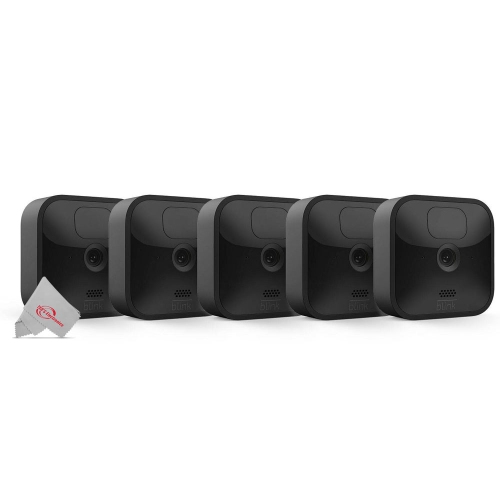 Your price for this item is $659.99
-
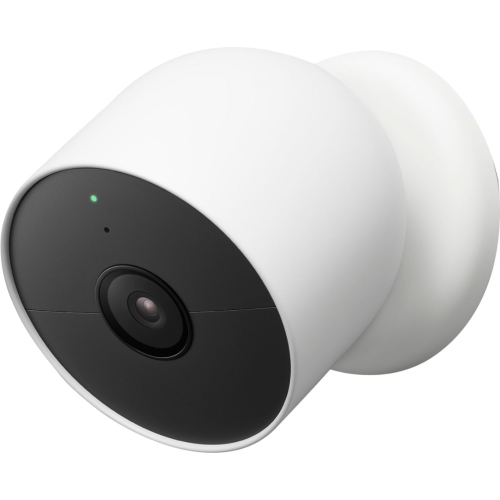 Your price for this item is $199.99
-
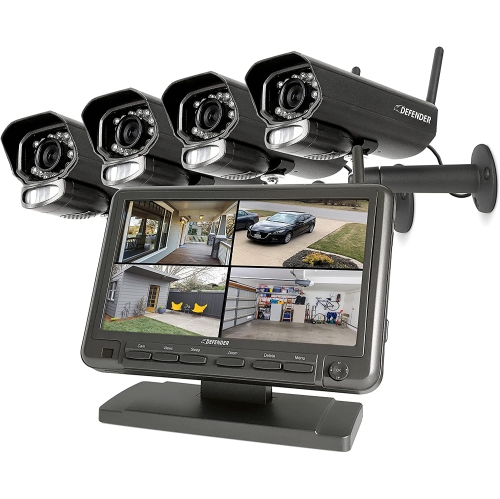 Your price for this item is $449.99
-
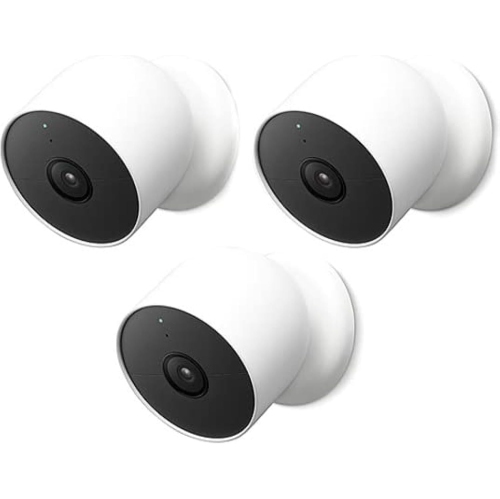 Your price for this item is $519.19
-
 Your price for this item is $199.99
-
 Your price for this item is $369.99
-
 Your price for this item is $129
-
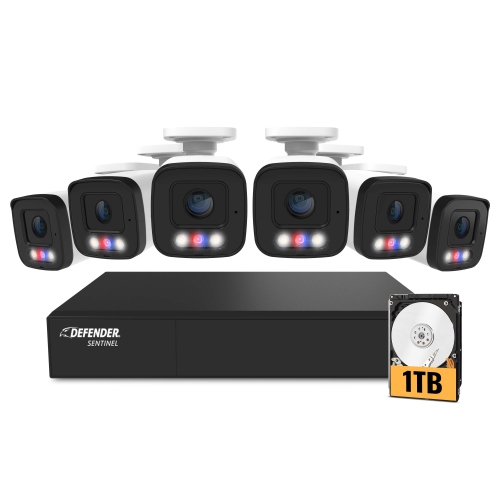 Your price for this item is $449.99
Discover more categories related to Home Automation Security Cameras
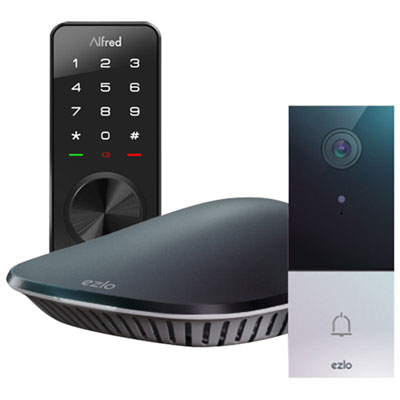
Top Collections:
Best Black Friday Deals This Year, Best Black Friday Deals On Electronics, Kindle Devices, Pokemon Centers, Best Black Friday Deals On Apple Products, Best Cameras for Sports Photography, Dyson Airwrap, Pokémon 30th Celebration Cards, Apple iPhone 17 Pro, Canon G7X Cameras
Some products may be subject to Environmental Handling Fees
(EHF) depending on your province.
Learn more about EHFs.