Home Technology Solutions
Transform your living space into a smart, efficient, and connected environment with our range of home technology solutions. Whether you're looking to enhance your entertainment system, improve home security, or automate everyday tasks, we offer a variety of cutting-edge products designed to seamlessly integrate into your lifestyle. Explore innovative solutions that bring convenience and control right to your fingertips, making it easier than ever to create a home that's as intelligent as it is comfortable. Discover how the latest in technology can elevate your daily routines and redefine modern living.
Sort
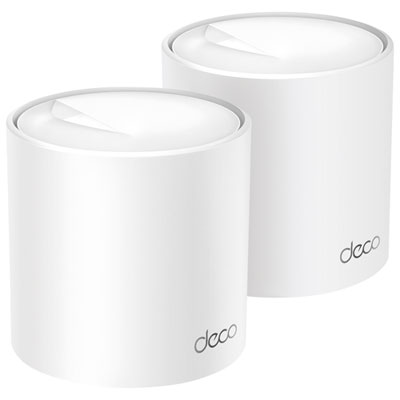
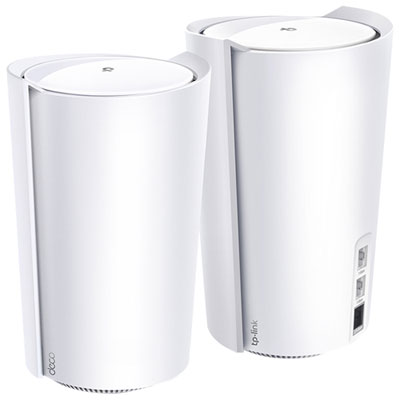
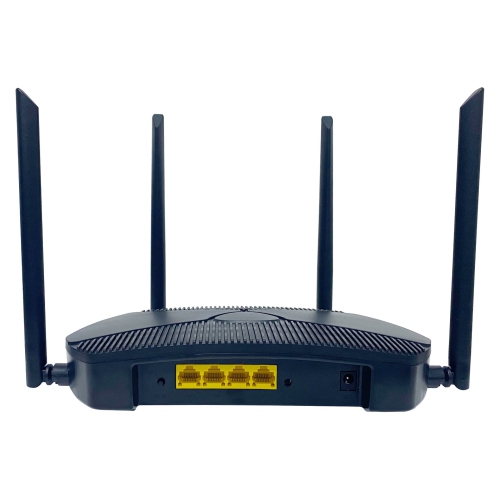
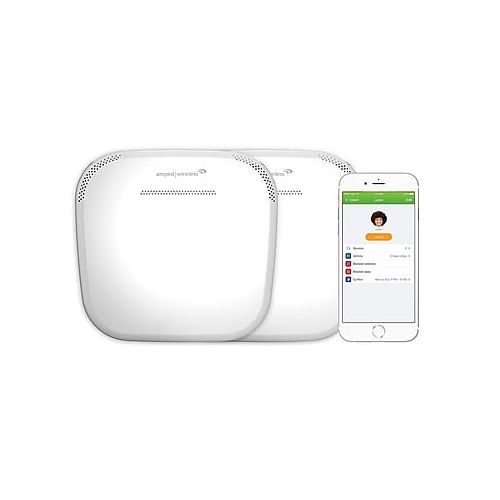
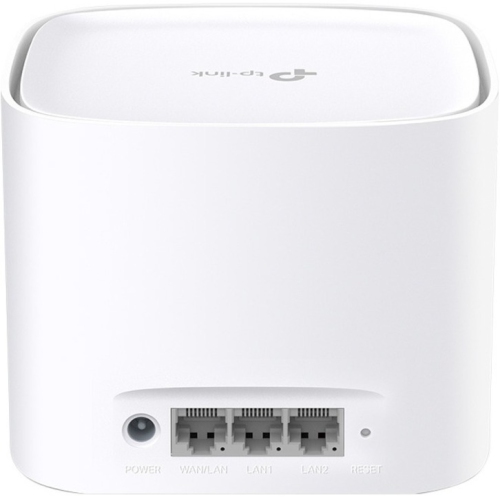
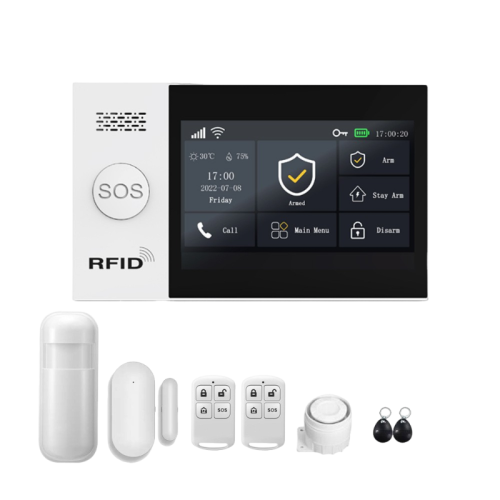
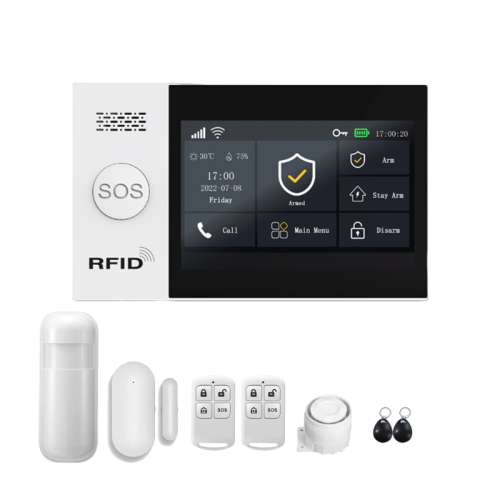
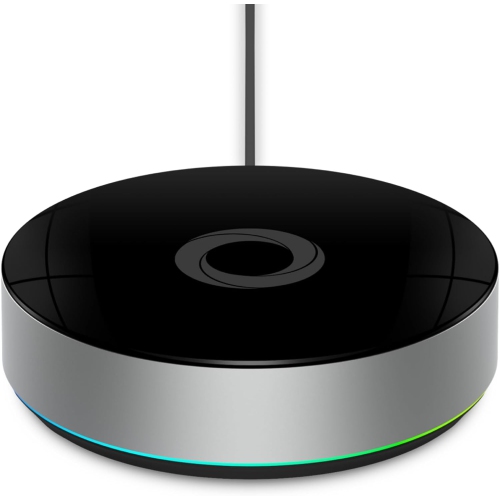
How connected devices fit your rooms and routines
Home technology solutions bring together connected devices and everyday electronics to make a home easier to manage, more comfortable to use, and better suited to the people who live there. The main areas include home automation, Wi-Fi networking, audio and video, lighting control, and home security, with each serving a different part of daily life. These categories can work independently or form a connected system, depending on device compatibility and how much control a household needs. A simple arrangement might put lighting and entertainment within reach of one app, while a more integrated setup can coordinate access, window coverings, and audio across several rooms. The most useful combination starts with familiar routines: arriving home with hands full, joining a video call from a spare bedroom, or settling down to watch a film without juggling several controls. Reliable networking supports many of these activities. Coverage matters wherever connected devices are used, including rooms separated by thick walls or located far from the main connection point. A larger home may need broader wireless coverage, while a compact space can benefit from careful placement that keeps networking equipment out of enclosed cabinets and away from obstructions. A wired connection can provide a steady link for stationary entertainment and office equipment when the layout allows it. Compatibility deserves equal attention because devices that connect to Wi-Fi do not necessarily work together. Supported platforms, connection requirements, and shared control features help determine whether a new addition will fit into an existing setup. Look for clear information about which functions work through an app, which require a separate hub, and which remain accessible through physical controls. Those details matter in a busy household where one person prefers voice commands, another uses a phone, and a guest simply needs to turn on the lights. A well-matched system should make ordinary tasks feel more straightforward rather than add extra steps.
Audio, video, and lighting technology shape how shared rooms feel and function, whether the space is used for quiet listening, family viewing, or working from home. Screen dimensions should suit the viewing distance, available wall space, and furniture layout rather than dominate the room by default. Glare from nearby windows, the position of seating, and access to connections can all affect everyday enjoyment. Sound needs similar consideration: dialogue clarity may be especially valuable in a living room, while separate listening areas can let music play in the kitchen without interrupting a meeting elsewhere. Multi-room audio depends on compatible equipment and a dependable connection, and not every system supports the same sources or independent room controls. For lighting, adjustable brightness and colour settings can support different activities, but compatibility with existing fixtures and wall controls is essential. A reading corner, dining area, and desk may each need a different balance of direct and background light. Physical fit is just as important as connected functionality. Check dimensions, cable clearance, mounting requirements, and the space needed for ventilation before placing equipment on shelving or inside furniture. Materials and finishes affect both appearance and care: smooth housings are generally easy to wipe, fabric-covered surfaces may collect dust, and glass can show fingerprints in frequently touched areas. Follow the manufacturer's cleaning directions, keep moisture away from openings, and leave vents clear. Durable controls, stable stands, and secure cable routing are useful in shared spaces where equipment sees frequent handling. Renters may prefer arrangements that move easily and do not require permanent alterations, while homeowners planning a larger project can consider wiring routes and mounting locations before work begins. For anyone setting up a first household or making several rooms work together, Tech for New Homeowners offers a related starting point. In either case, the goal is a practical fit with the home, not simply a longer list of connected features.
Home security and access technology adds another layer of everyday usefulness, helping household members see who is at the entrance, manage access, and receive notices about selected activity. The right arrangement depends on the property layout, shared entrances, and the areas that need attention. Camera placement should capture the intended approach without unnecessarily pointing into neighbouring homes or private shared spaces, and installation may require permission in rental or condominium properties. Image detail, field of view, low-light performance, and notification settings all influence how useful monitoring will be in practice. Motion zones can help focus alerts on an entrance rather than a busy pavement, where supported, while adjustable notifications can reduce interruptions during work or sleep. Access controls also need to suit everyone who uses the home, including visiting relatives, caregivers, and children old enough to come and go independently. Clear permissions and temporary access options can be helpful, but a dependable alternative matters if a phone is unavailable or a connection drops. Privacy and ongoing upkeep belong alongside convenience when comparing connected technology. Check how account access is managed, where captured footage is stored, whether important functions depend on an ongoing service plan, and how software updates are delivered. Strong, unique passwords and multifactor authentication, where supported, help protect accounts; reviewing shared access is sensible whenever household arrangements change. Battery-powered equipment needs accessible placement for routine charging or battery replacement, while wired installations require suitable power connections and may call for a qualified professional. For a gift, straightforward setup and compatibility with the recipient's existing technology usually matter more than advanced features they may never use. Larger households may value individual profiles and shared controls, while people living alone may prefer simple routines and easily understood alerts. Accessibility features such as readable displays, adjustable sound, and alternatives to touch-only operation can broaden who can comfortably use a system. Home technology works best when its controls, care requirements, and connected features remain manageable long after setup, supporting daily routines without demanding constant attention.
Audio, video, and lighting technology shape how shared rooms feel and function, whether the space is used for quiet listening, family viewing, or working from home. Screen dimensions should suit the viewing distance, available wall space, and furniture layout rather than dominate the room by default. Glare from nearby windows, the position of seating, and access to connections can all affect everyday enjoyment. Sound needs similar consideration: dialogue clarity may be especially valuable in a living room, while separate listening areas can let music play in the kitchen without interrupting a meeting elsewhere. Multi-room audio depends on compatible equipment and a dependable connection, and not every system supports the same sources or independent room controls. For lighting, adjustable brightness and colour settings can support different activities, but compatibility with existing fixtures and wall controls is essential. A reading corner, dining area, and desk may each need a different balance of direct and background light. Physical fit is just as important as connected functionality. Check dimensions, cable clearance, mounting requirements, and the space needed for ventilation before placing equipment on shelving or inside furniture. Materials and finishes affect both appearance and care: smooth housings are generally easy to wipe, fabric-covered surfaces may collect dust, and glass can show fingerprints in frequently touched areas. Follow the manufacturer's cleaning directions, keep moisture away from openings, and leave vents clear. Durable controls, stable stands, and secure cable routing are useful in shared spaces where equipment sees frequent handling. Renters may prefer arrangements that move easily and do not require permanent alterations, while homeowners planning a larger project can consider wiring routes and mounting locations before work begins. For anyone setting up a first household or making several rooms work together, Tech for New Homeowners offers a related starting point. In either case, the goal is a practical fit with the home, not simply a longer list of connected features.
Home security and access technology adds another layer of everyday usefulness, helping household members see who is at the entrance, manage access, and receive notices about selected activity. The right arrangement depends on the property layout, shared entrances, and the areas that need attention. Camera placement should capture the intended approach without unnecessarily pointing into neighbouring homes or private shared spaces, and installation may require permission in rental or condominium properties. Image detail, field of view, low-light performance, and notification settings all influence how useful monitoring will be in practice. Motion zones can help focus alerts on an entrance rather than a busy pavement, where supported, while adjustable notifications can reduce interruptions during work or sleep. Access controls also need to suit everyone who uses the home, including visiting relatives, caregivers, and children old enough to come and go independently. Clear permissions and temporary access options can be helpful, but a dependable alternative matters if a phone is unavailable or a connection drops. Privacy and ongoing upkeep belong alongside convenience when comparing connected technology. Check how account access is managed, where captured footage is stored, whether important functions depend on an ongoing service plan, and how software updates are delivered. Strong, unique passwords and multifactor authentication, where supported, help protect accounts; reviewing shared access is sensible whenever household arrangements change. Battery-powered equipment needs accessible placement for routine charging or battery replacement, while wired installations require suitable power connections and may call for a qualified professional. For a gift, straightforward setup and compatibility with the recipient's existing technology usually matter more than advanced features they may never use. Larger households may value individual profiles and shared controls, while people living alone may prefer simple routines and easily understood alerts. Accessibility features such as readable displays, adjustable sound, and alternatives to touch-only operation can broaden who can comfortably use a system. Home technology works best when its controls, care requirements, and connected features remain manageable long after setup, supporting daily routines without demanding constant attention.
Top selling and popular products
-
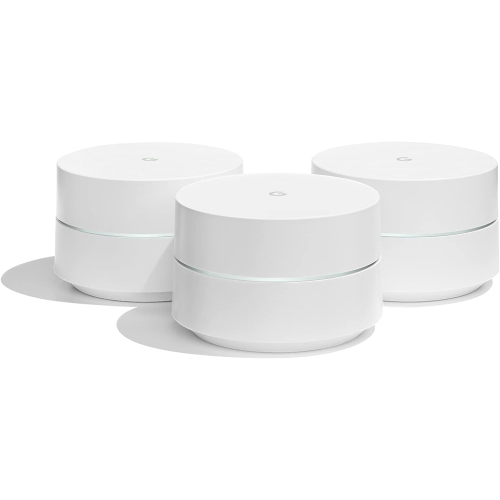 Your price for this item is $279.99
 -
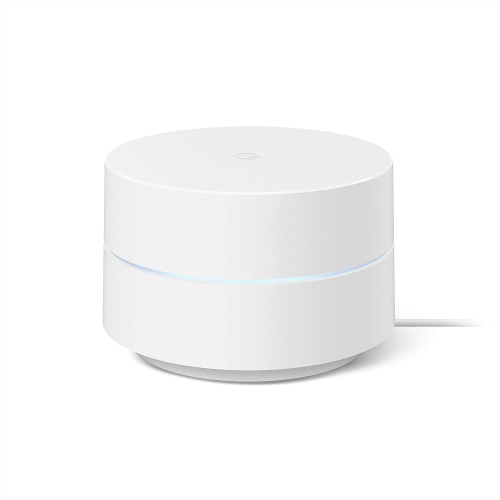 Your price for this item is $149.99
 -
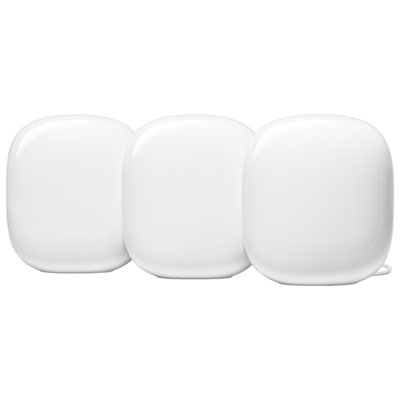 Your price for this item is $529.99
 -
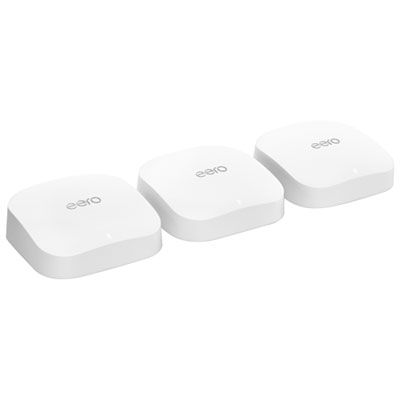 Your price for this item is $629.99
 -
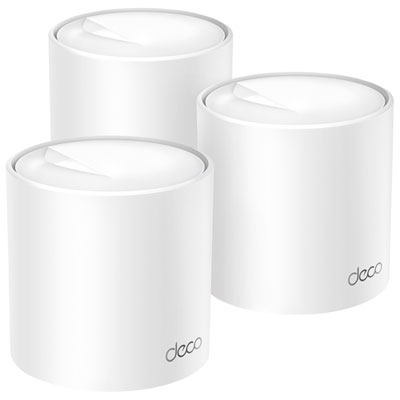 Your price for this item is $249.99
 -
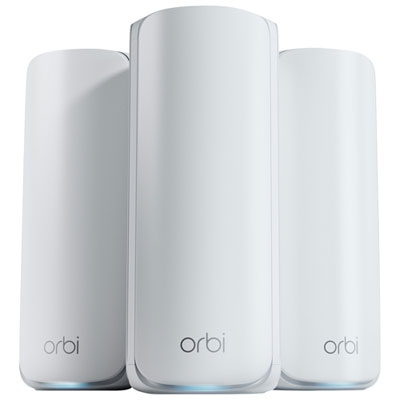 Your price for this item is $973.99
 -
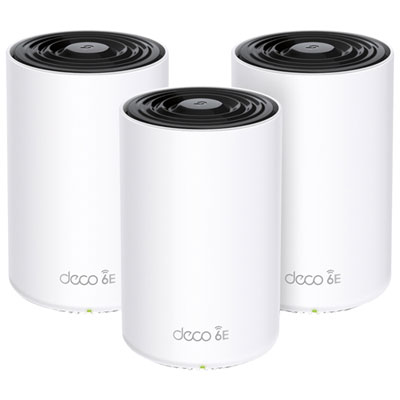 Your price for this item is $429.99
 -
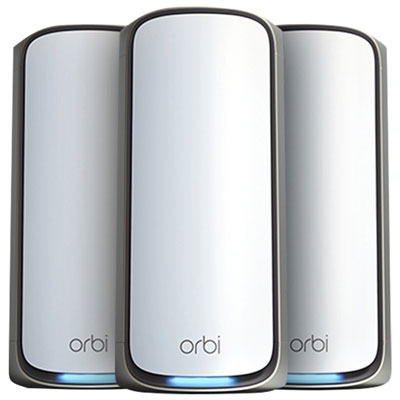 Your price for this item is $2499.99
Discover more categories related to Home Technology Solutions

Top Collections:
Pokemon Centers, Best Cameras for Sports Photography, Kindle Devices, Samsung Galaxy Phones, Canon G7X Cameras, Pokémon 30th Celebration Cards, Refurbished Apple Laptops, iPhone 15 Apple, Laptops for Students, Budget Smartphones
Some products may be subject to Environmental Handling Fees
(EHF) depending on your province.
Learn more about EHFs.