Network Video Recorders
Looking to enhance your home or office security system? Look no further than our selection of Network Video Recorders (NVRs). Designed to provide advanced surveillance capabilities, NVRs offer a reliable and efficient way to monitor and record video footage from multiple cameras. Whether you're a small business owner looking to protect your premises or a homeowner wanting to keep an eye on your property, our range of NVRs has you covered. With cutting-edge features and easy-to-use interfaces, these devices offer seamless integration with your existing security setup. Explore our collection today and take the first step towards achieving peace of mind.
Sort
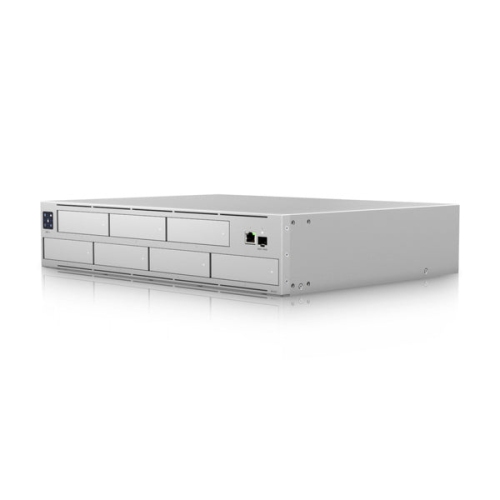

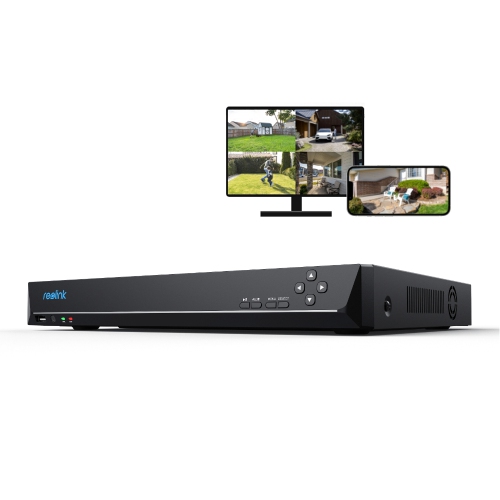
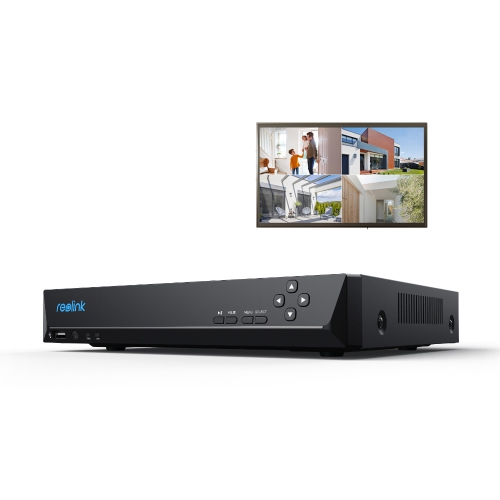
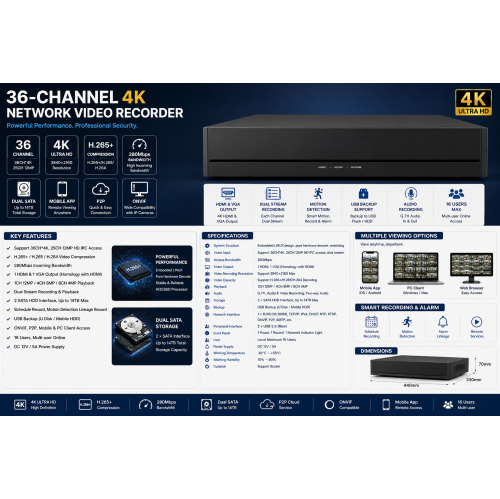

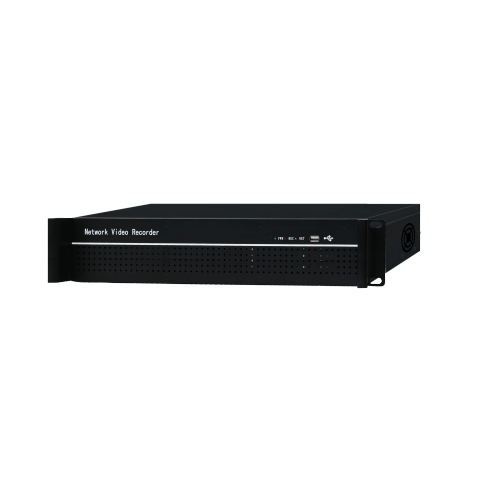

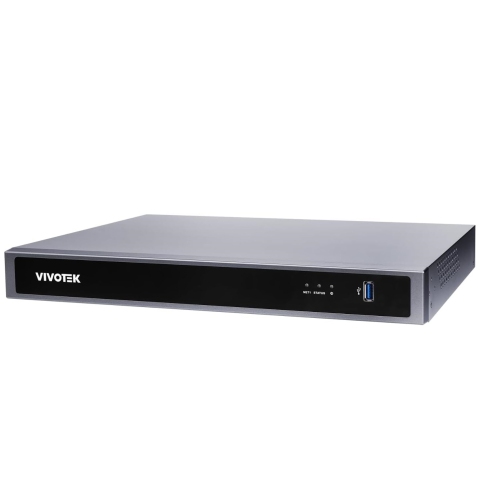
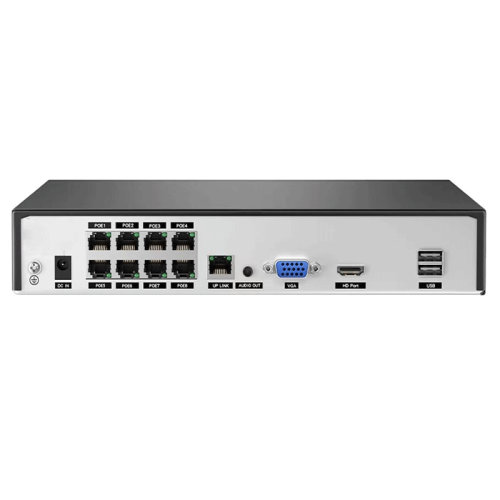
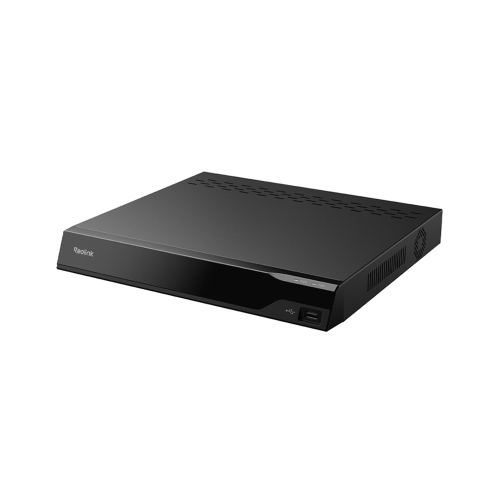
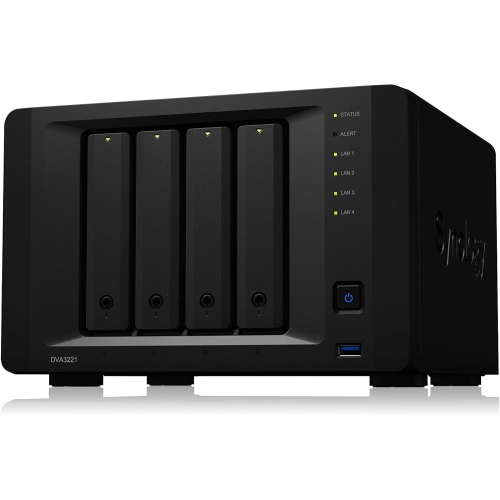
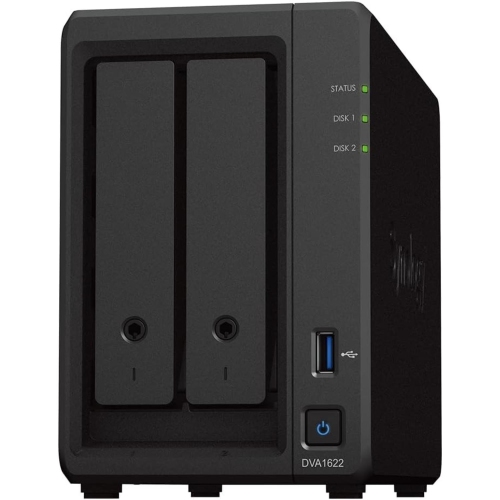
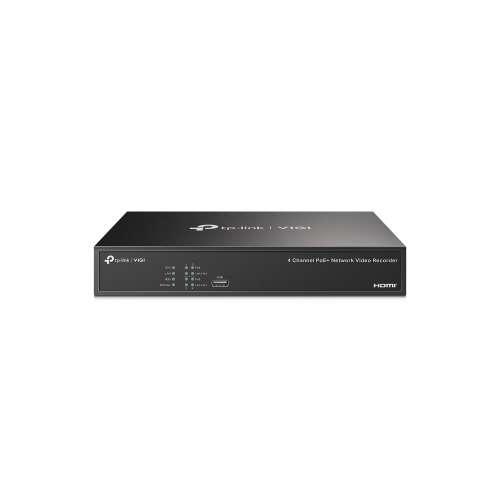
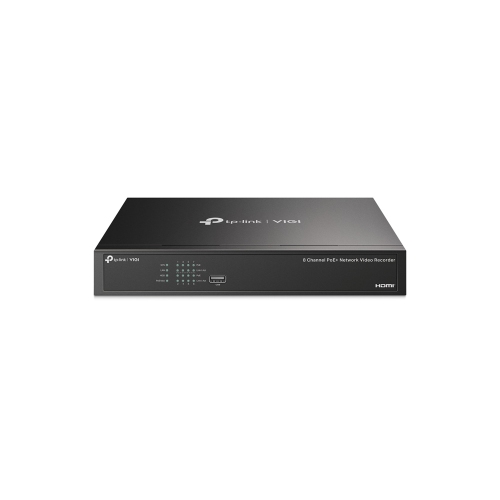
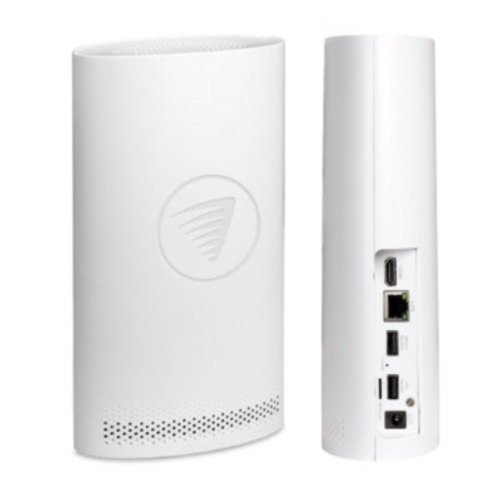
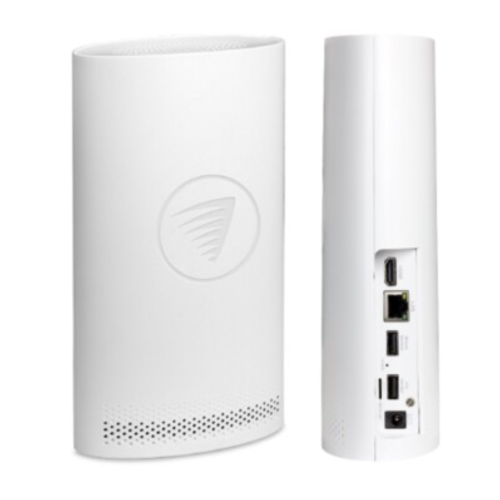
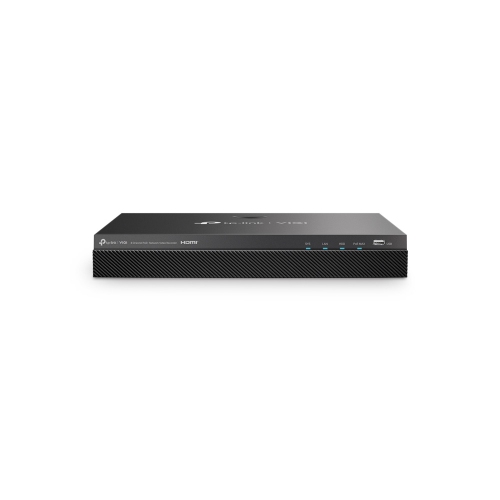
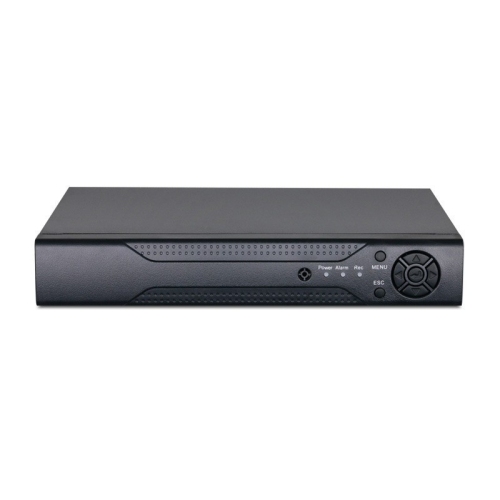
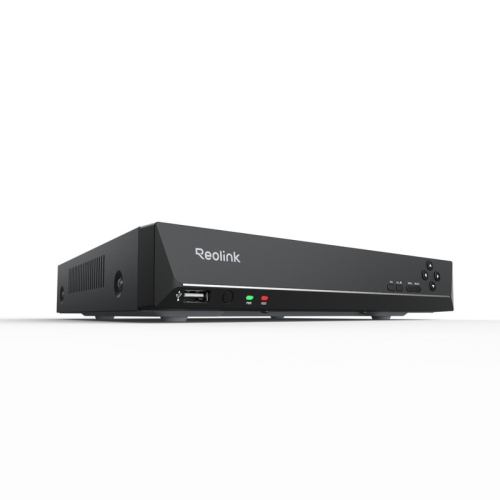
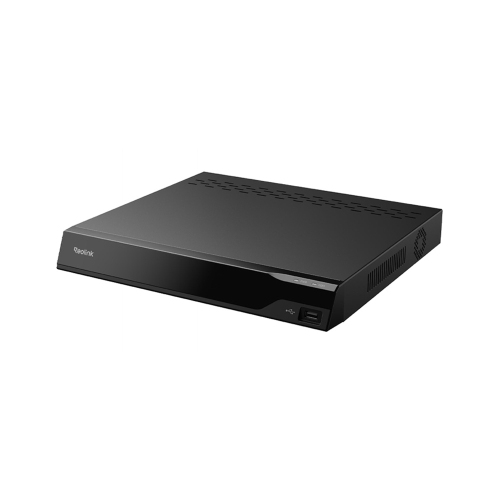
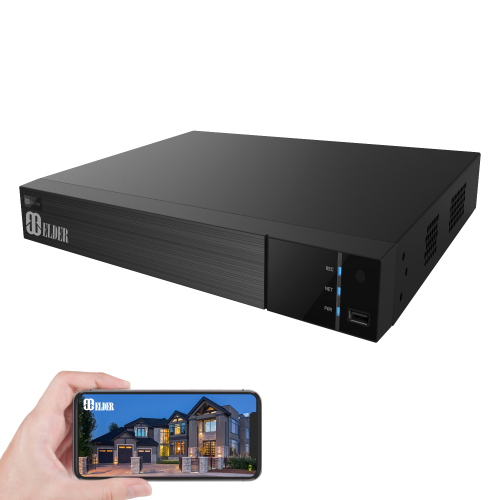
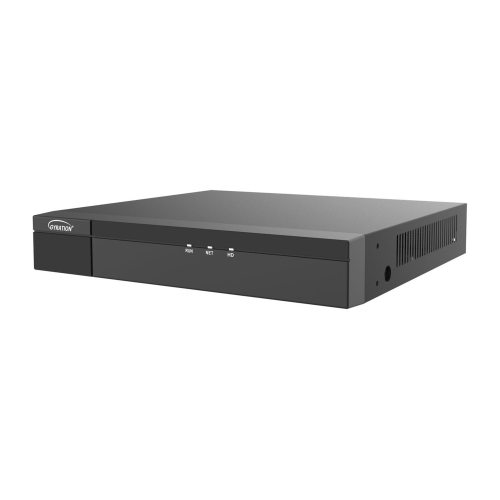
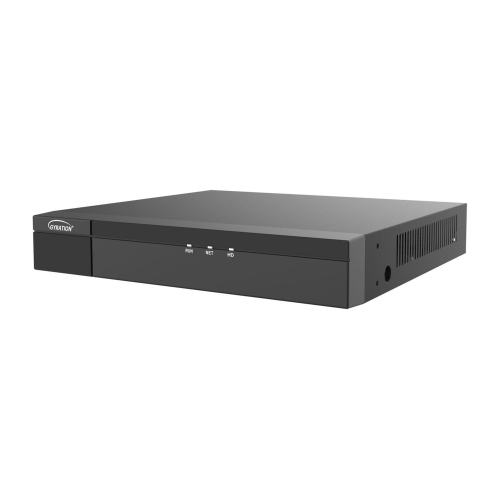
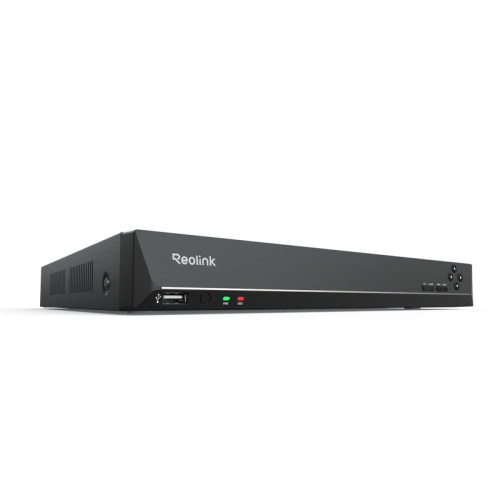
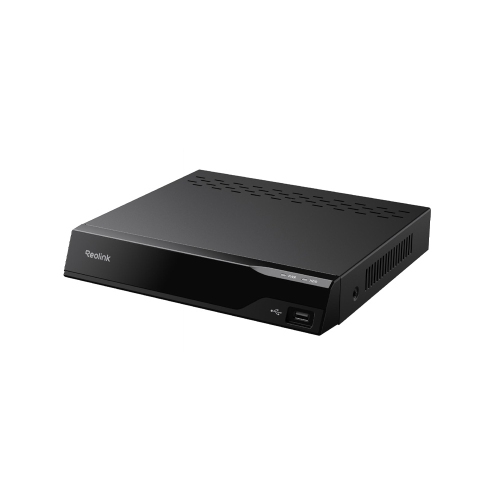

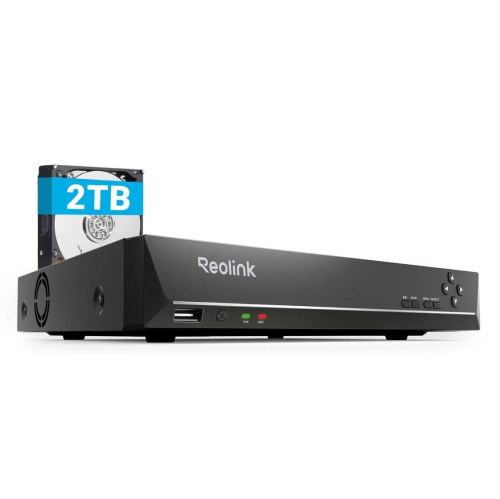
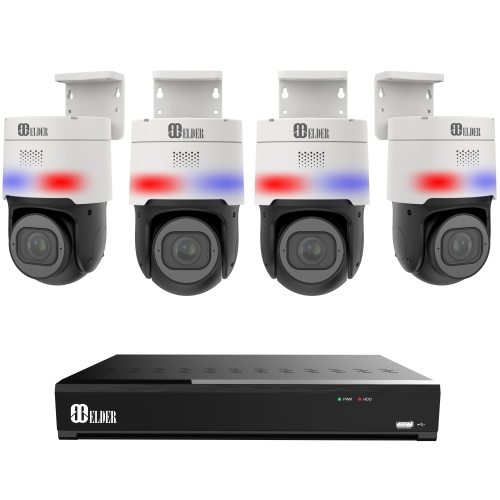
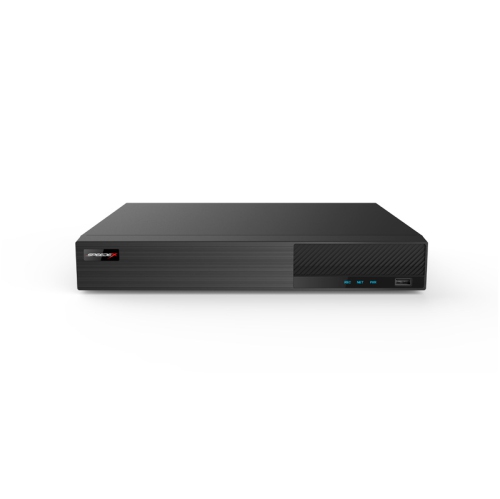
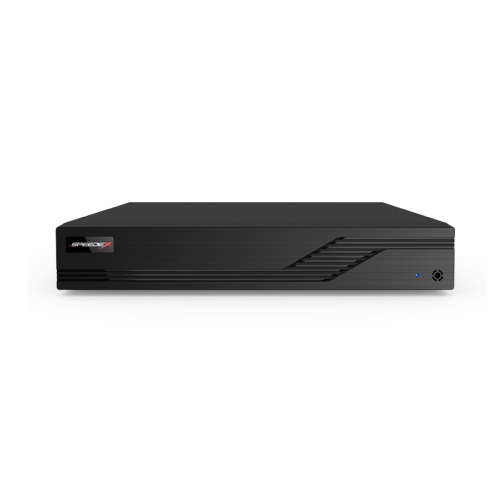
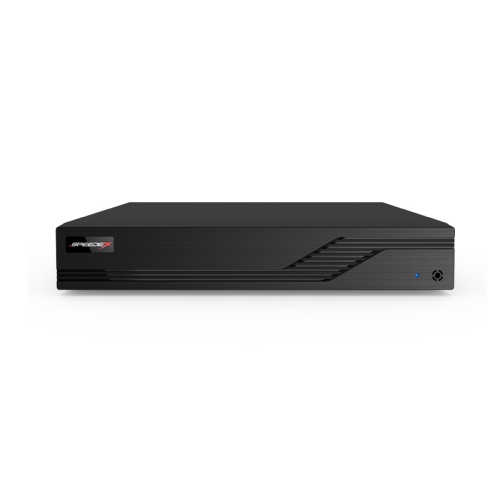

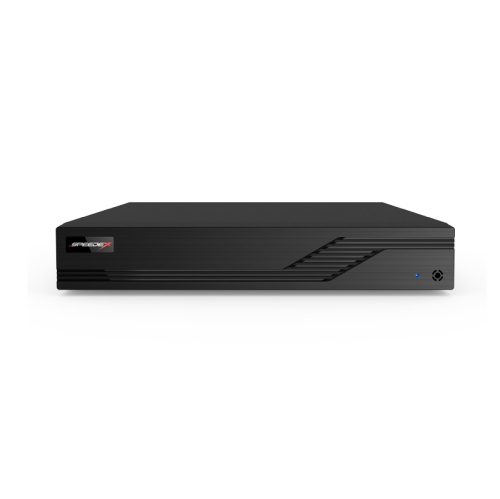
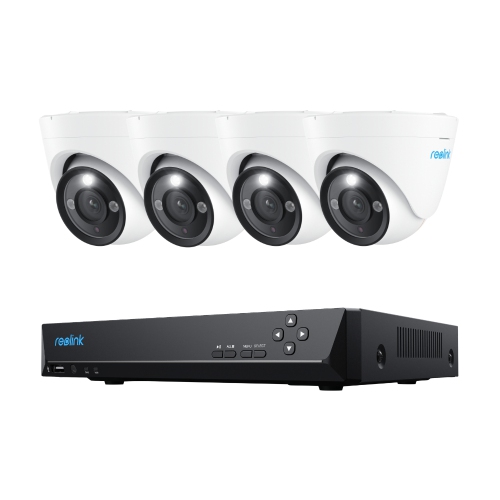
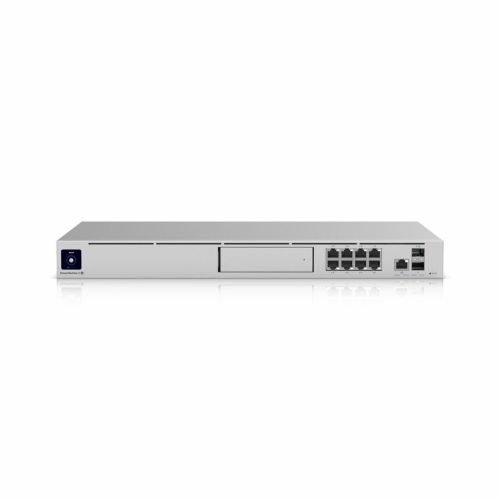
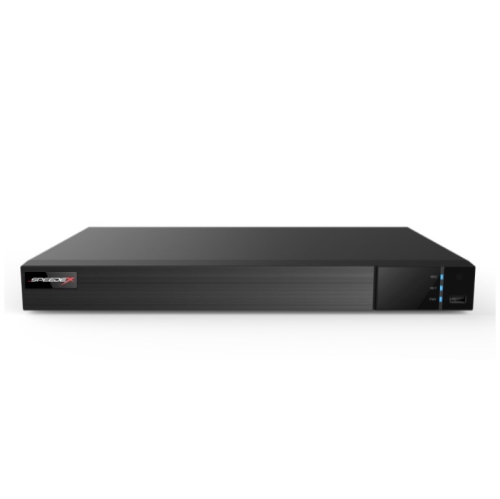
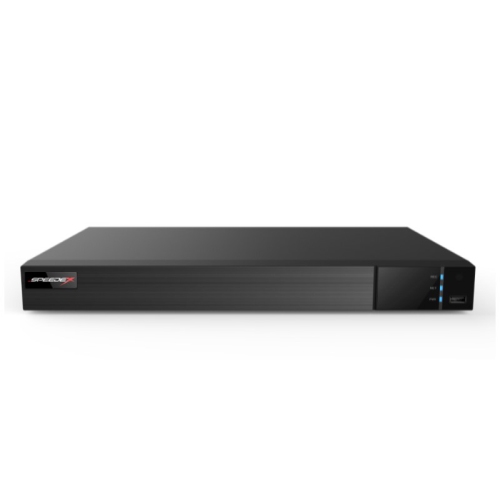
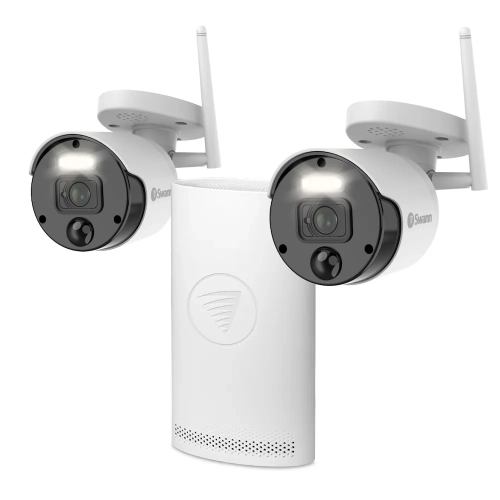
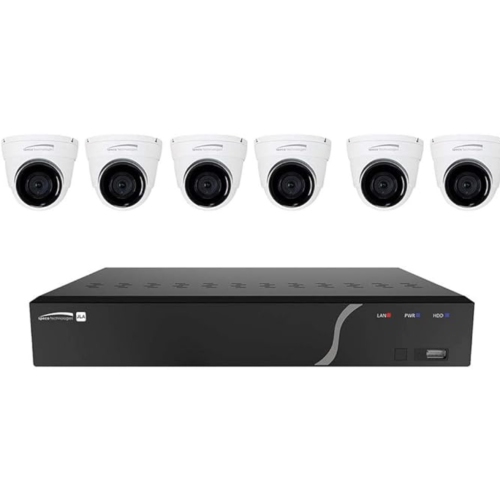
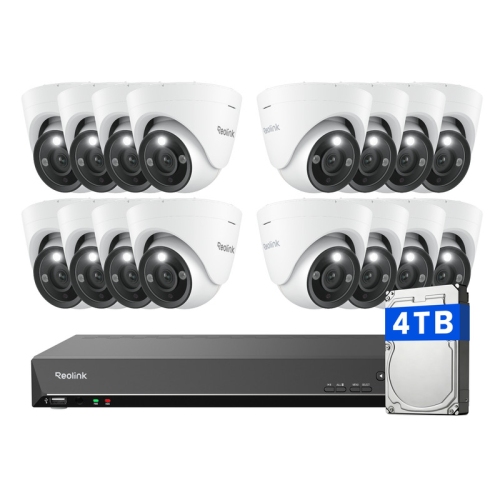
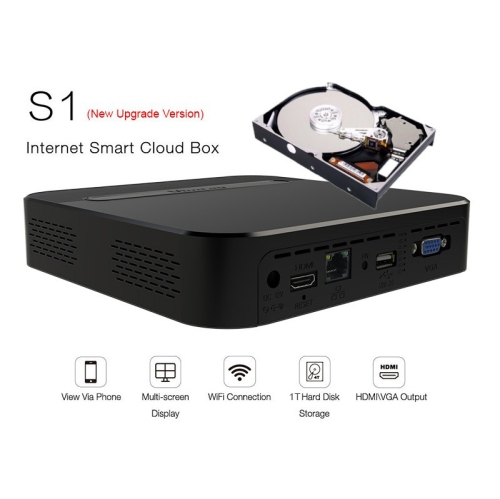
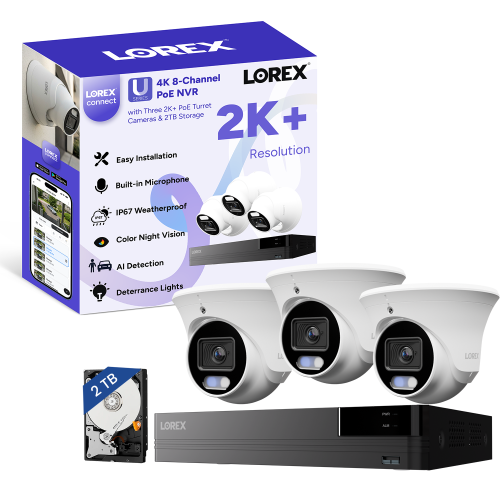
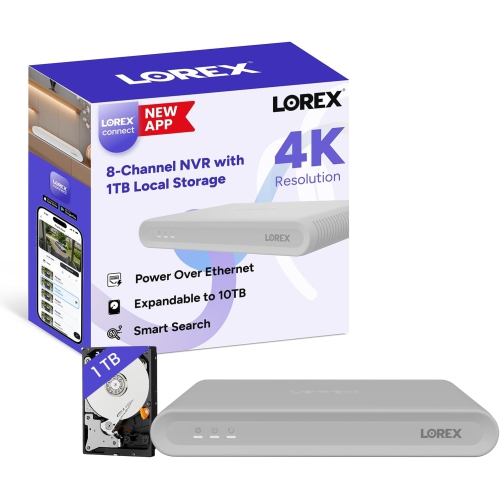
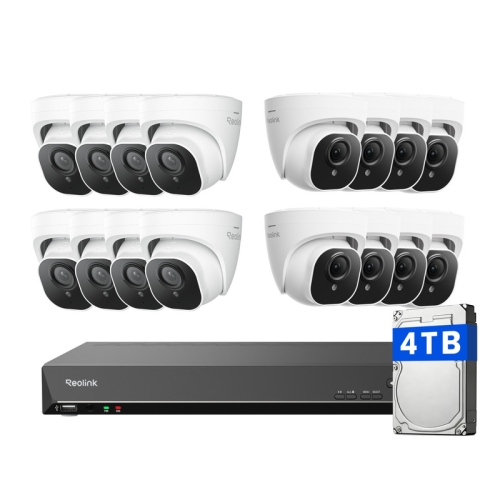
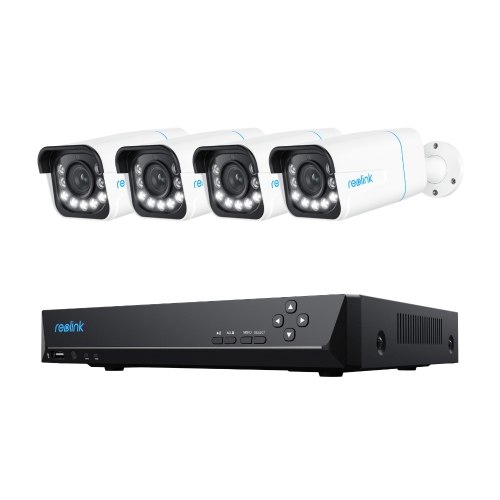
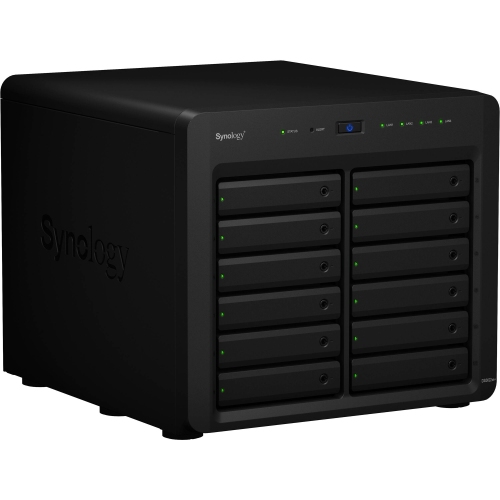
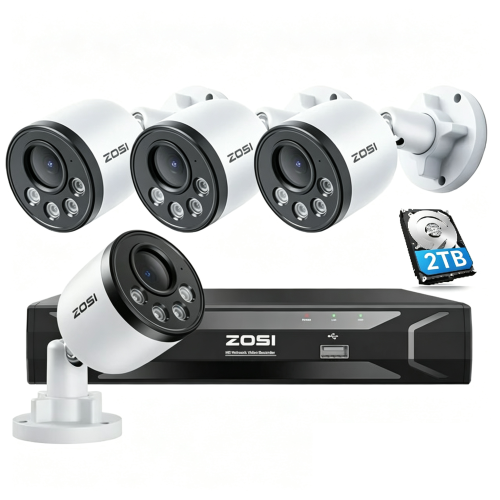
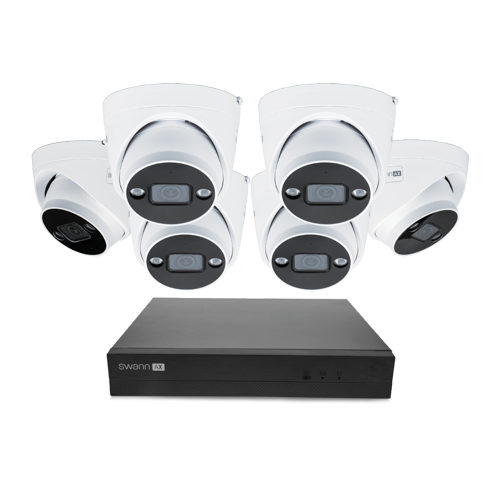
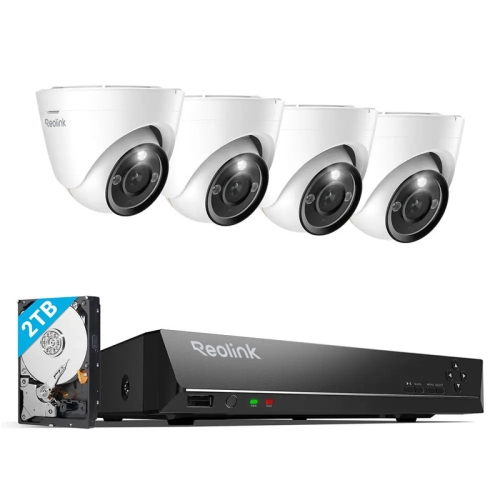
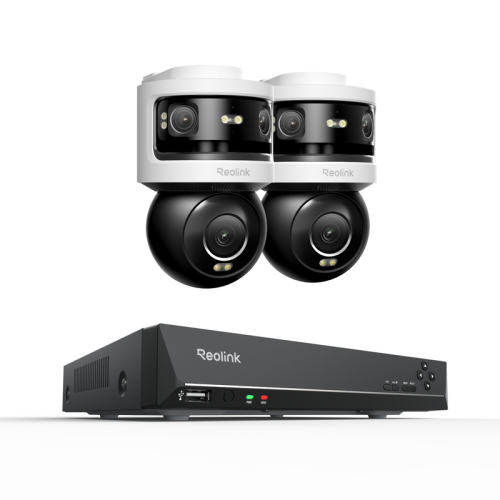
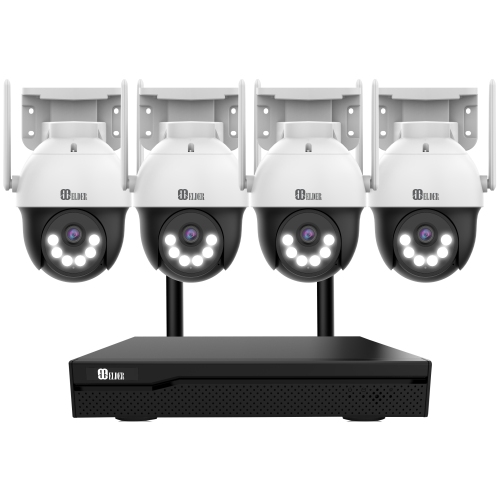
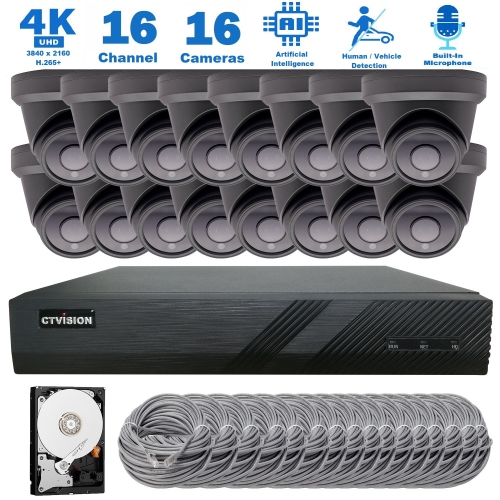
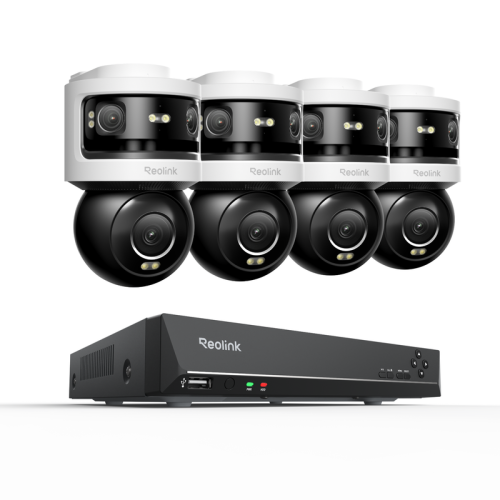
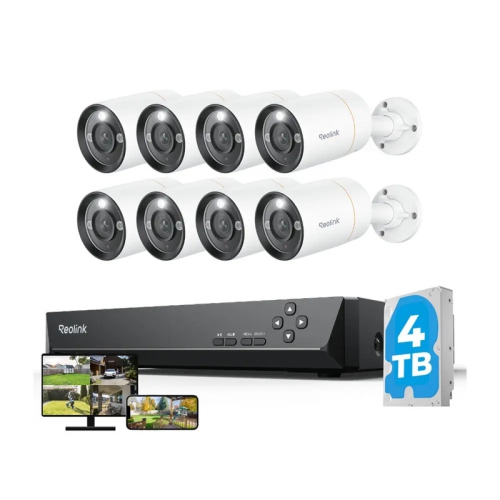
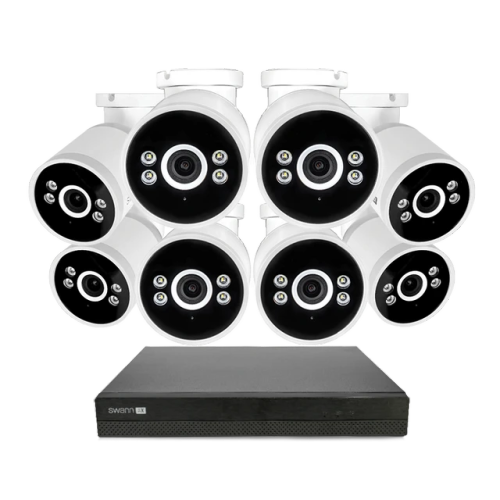
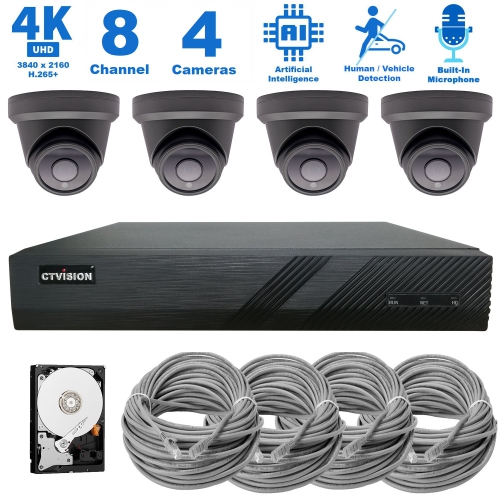
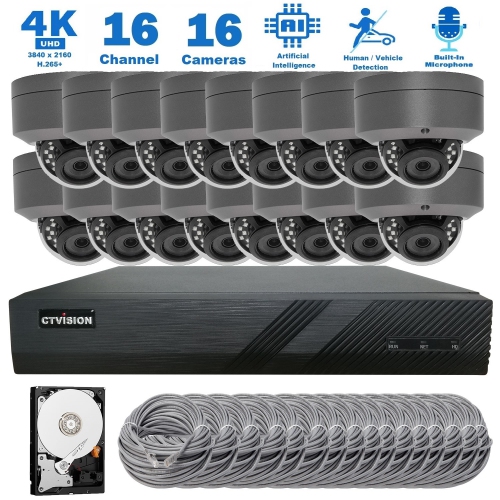
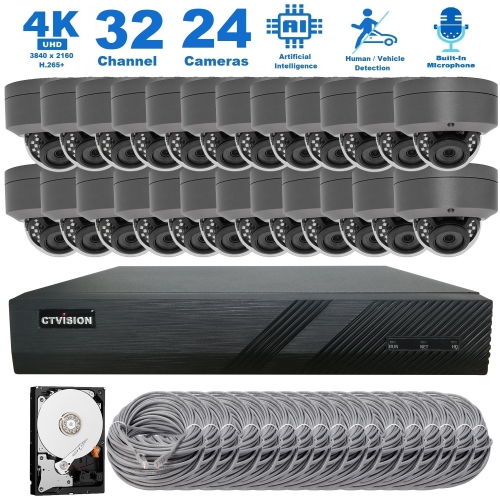
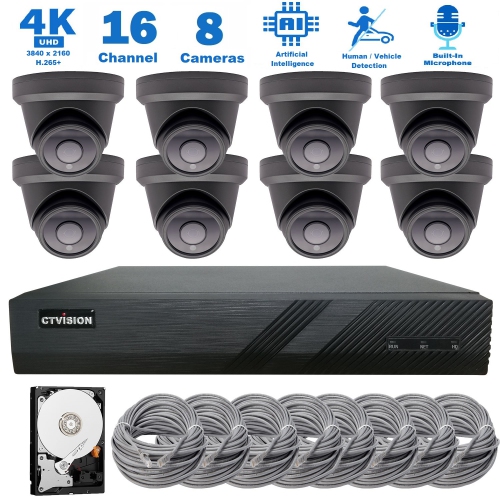
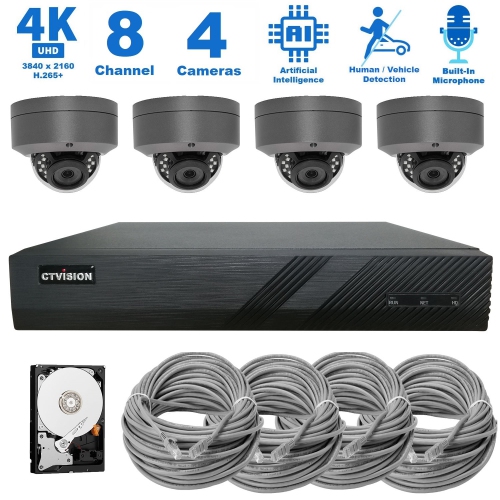
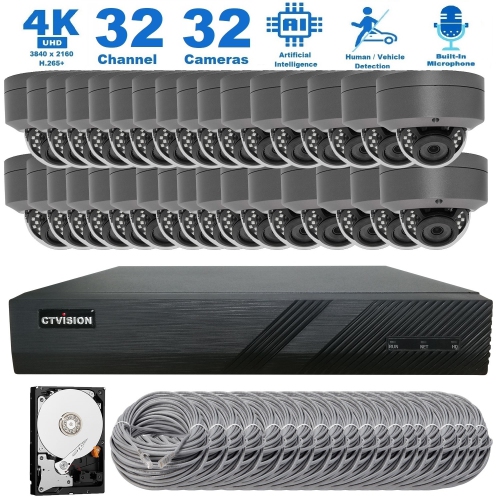
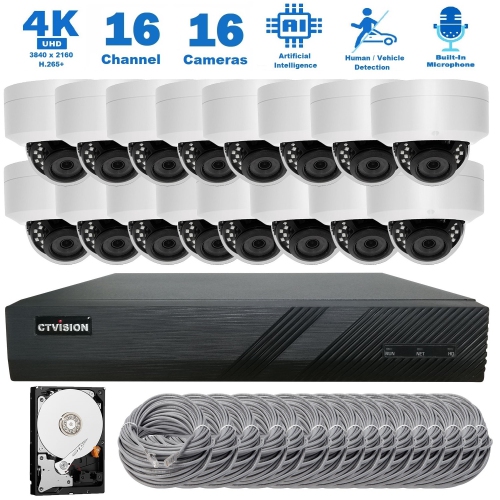
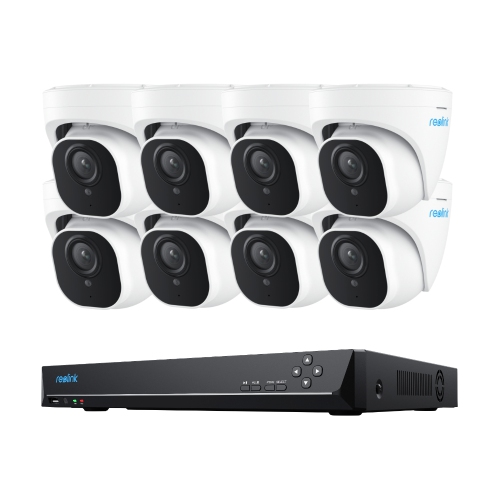
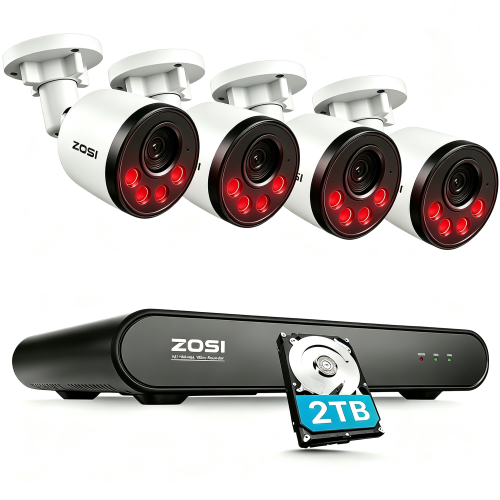
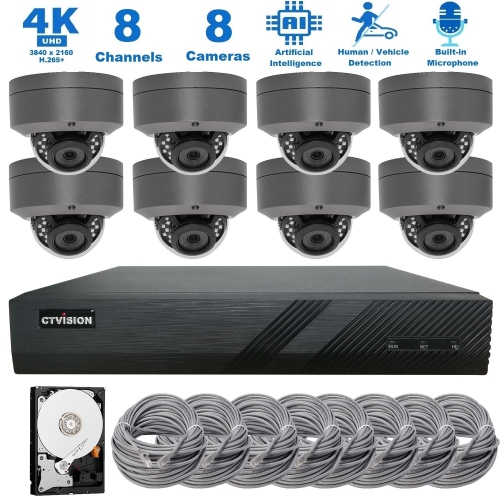
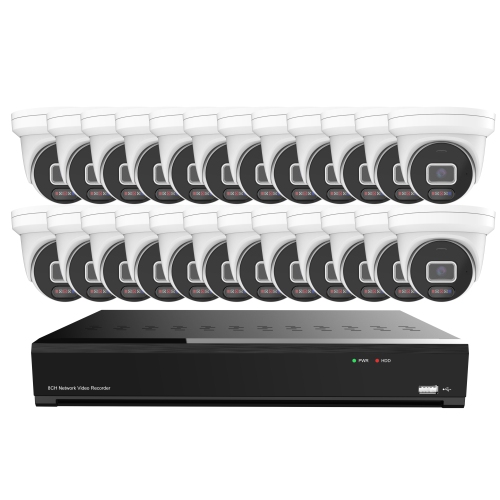
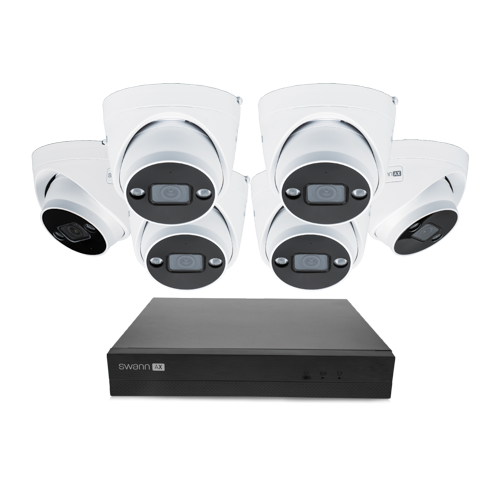
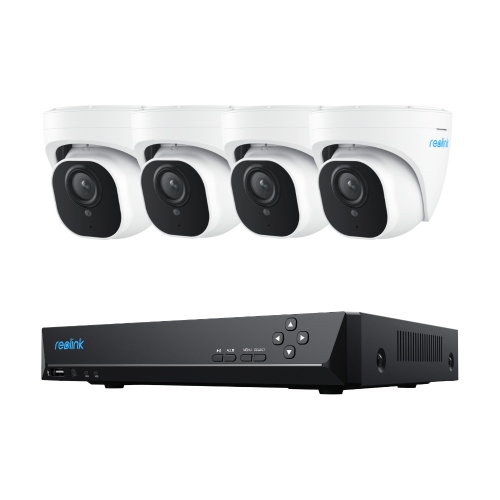
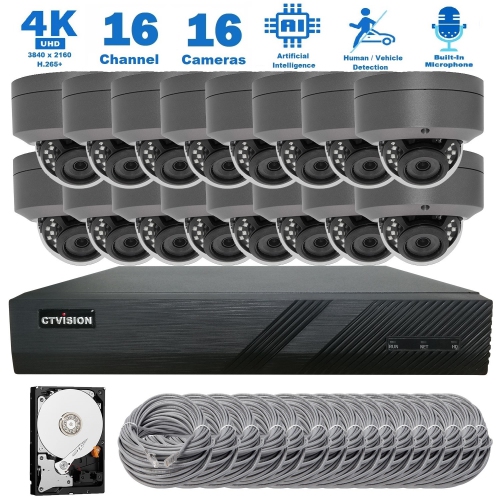
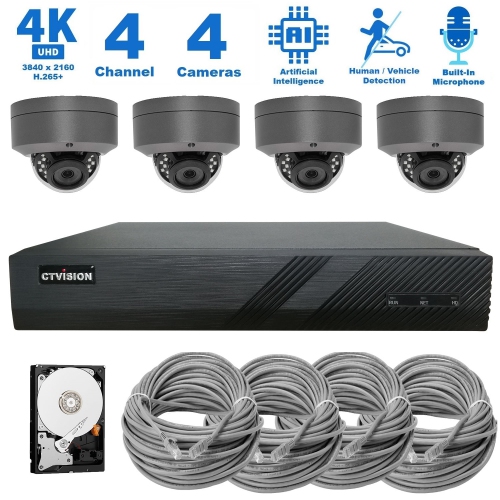
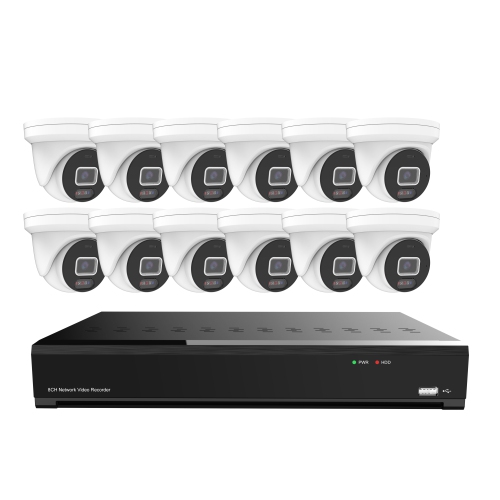
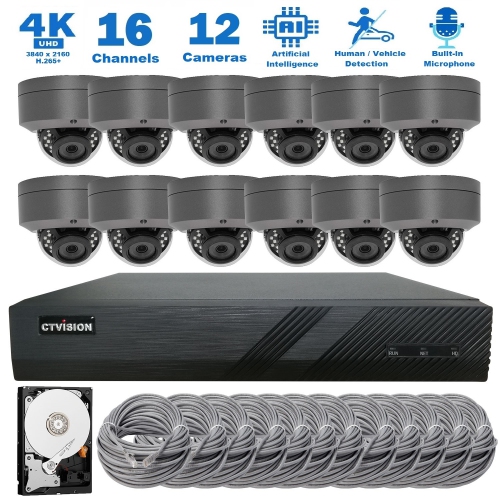
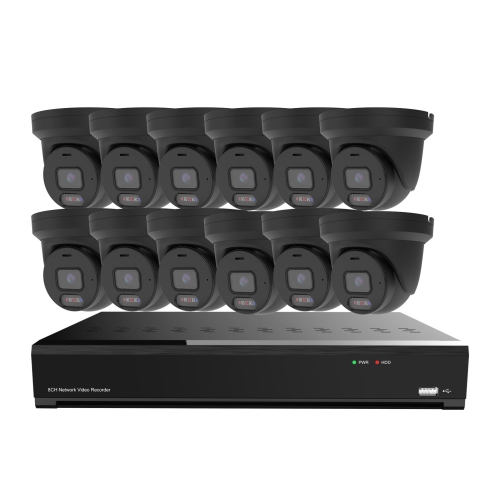
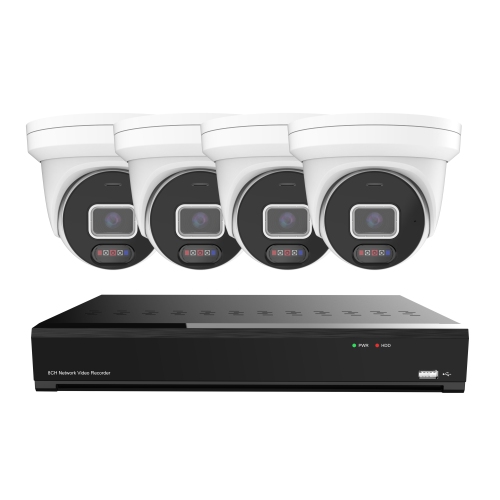
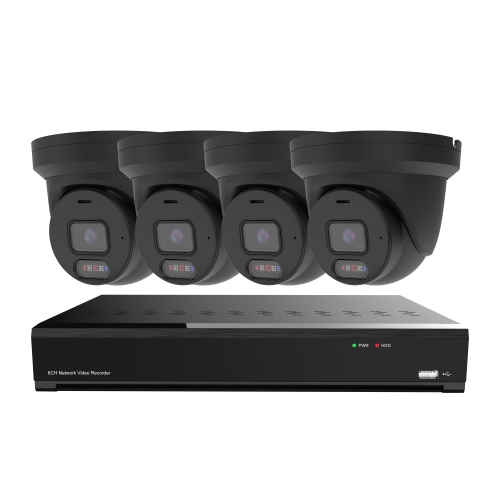
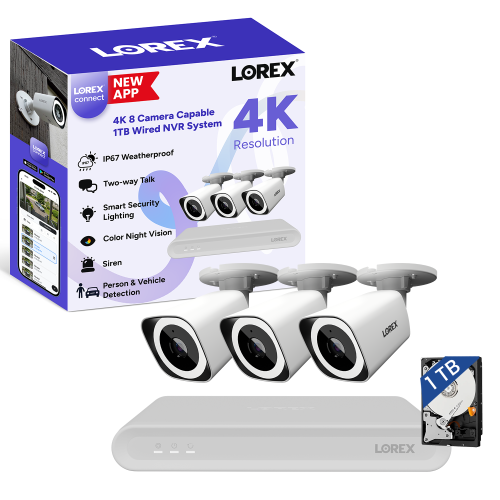
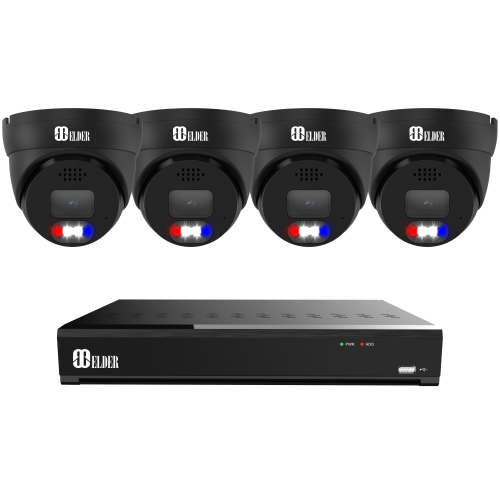
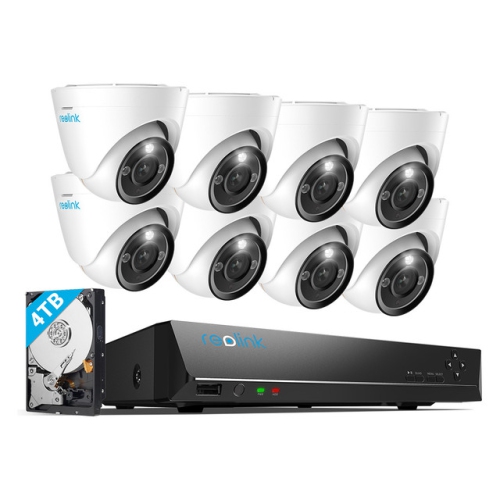
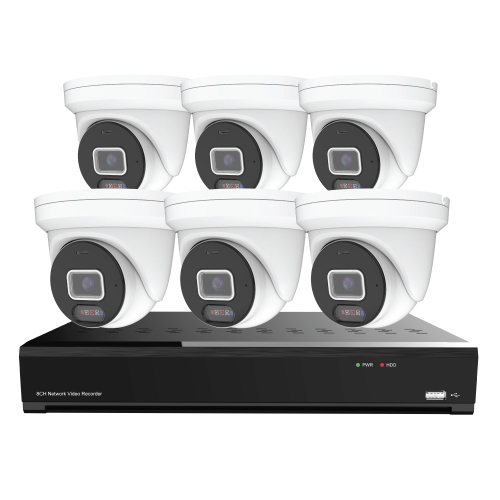
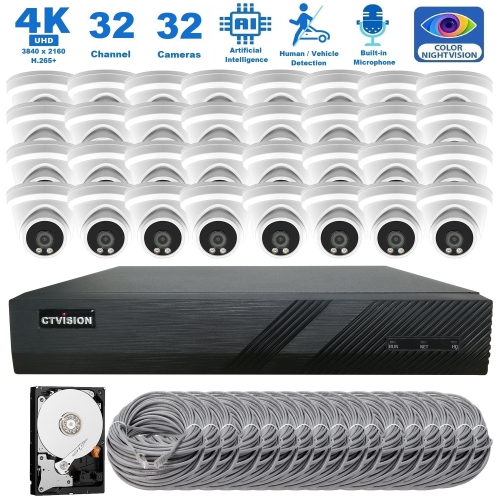
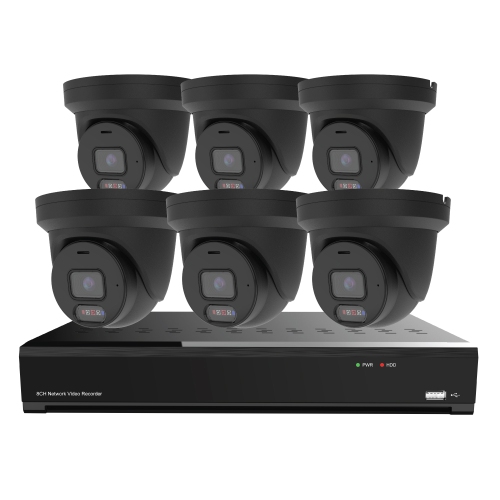
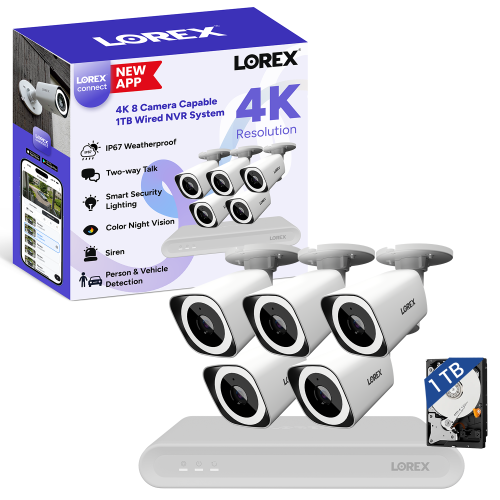
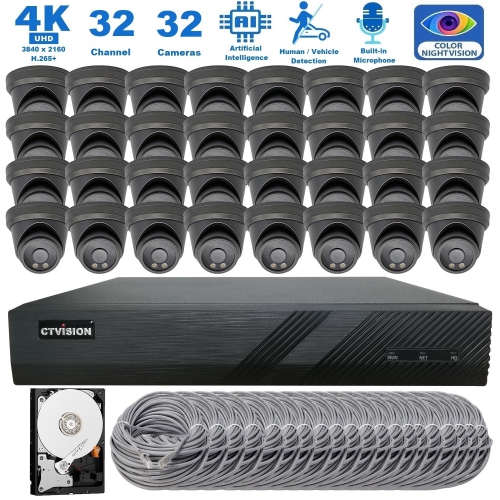
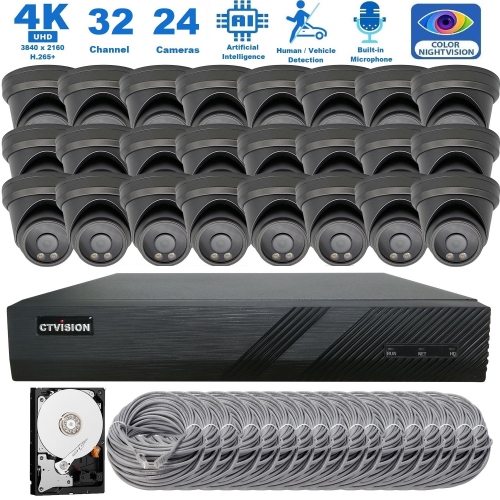
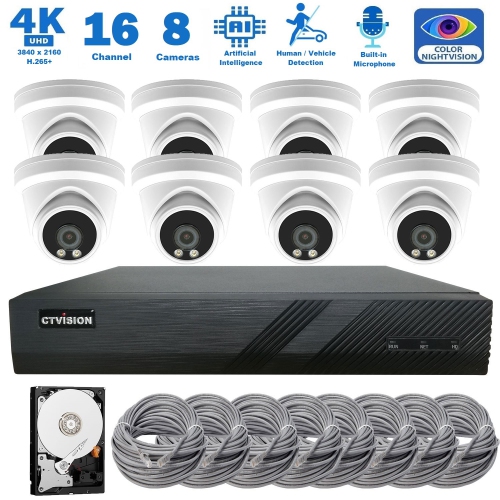
Multiple camera views in one organized recording system
Network video recorders, often called NVRs, are dedicated devices that receive, store, and manage digital video from compatible IP security cameras over a network. The cameras typically encode the footage before sending it to the recorder, which organizes recordings for live viewing, playback, and export. This makes an NVR a central part of a camera system for a home, shop, office, workshop, or other property where several views need to be kept together. A front entrance, driveway, receiving door, and interior hallway can appear on one screen, with recordings searchable by camera and time. Unlike a digital video recorder, or DVR, which typically connects to analogue cameras through coaxial cables, an NVR works with network-based cameras. For properties with existing camera wiring, that distinction matters more than the appearance of the recorder itself. The broader Video Recorders category provides context for these different recording formats. Cameras can communicate with an NVR through a wired network or a compatible wireless setup, but wireless camera support is not universal. With Power over Ethernet, commonly shortened to PoE, a compatible camera receives power and sends video through the same Ethernet cable. An NVR with built-in PoE ports can simplify cabling, while a recorder without those ports may work with a separate PoE switch. Channel count describes how many camera streams the recorder supports, not necessarily how many physical camera sockets are on its rear panel. Four-, eight-, and sixteen-channel configurations suit different property layouts, and larger systems can accommodate more cameras. The total incoming bandwidth limit also matters: several high-resolution cameras can place greater demands on a recorder than the same number of cameras sending lower-resolution streams. Supported camera resolution, recording frame rate, and simultaneous playback capabilities help distinguish systems that look similar at first glance. These specifications determine how effectively a recorder can bring together a detailed entrance view, a wider parking-area view, and other footage without exceeding its recording capacity.
Storage is central to how a network video recorder fits everyday use. Many NVRs use internal hard drives, with capacity determined by the number of drive bays and the maximum supported size per drive. Surveillance-rated hard drives are designed for the sustained writing associated with camera recording, although drive compatibility still depends on the recorder. The amount of footage that fits on a drive varies with camera count, resolution, frame rate, compression format, bitrate, and recording schedule. A system recording several cameras continuously will generally retain fewer days of footage than the same system recording only selected events at comparable settings. Motion-triggered recording can reduce storage use, but its usefulness depends on detection settings and what happens within each camera’s view. In a busy shop entrance, frequent movement may keep event recording active for much of the day. In a seldom-used storage room, there may be long stretches with nothing to save. Continuous recording captures the full sequence rather than only triggered clips, which can help when the moments before an incident matter. Many recorders overwrite the oldest footage when storage fills, so important clips need to be exported before they are replaced. Additional drive bays may support greater capacity or redundancy on certain systems, but redundancy is not a substitute for a separate copy of important evidence. Physical fit deserves attention as well. Desktop and rack-mount housings have different space requirements, and clearance is needed for cables, ventilation openings, and access to drive bays. Metal enclosures can provide a sturdy housing, but they do not make a recorder suitable for exposed or damp locations. Indoor placement in a secure, ventilated area helps protect the recorder and its connections. Hard drives and cooling fans may produce audible noise, making a utility room or equipment cabinet more practical than a quiet bedroom. Routine care includes keeping vents clear of dust, checking recording status and drive health, and inspecting cable connections. A compatible uninterruptible power supply can help maintain recording through a brief power interruption when the recorder, cameras, and essential network equipment are all supported.
Viewing and managing footage should match the way the property is used. Many network video recorders provide a direct monitor connection for a local live view, along with an interface for searching recordings and exporting clips. A homeowner may want a quick look at the front door, while a shop manager may need to review several camera angles around a delivery. Search tools that narrow footage by date, time, camera, or supported event type can make those tasks less cumbersome. Person or vehicle detection may be processed by the cameras, the recorder, or both, depending on the system; these functions require compatible hardware and do not guarantee that every event will be identified correctly. Remote access through supported mobile apps or computer software can provide live viewing and playback away from the property, provided the network and internet connection are working. Local recording generally does not require a cloud subscription, although optional cloud storage, advanced features, or particular remote services may have separate requirements. A compatible NVR can often continue recording locally without internet access, as long as its camera connections and power remain intact. Compatibility extends beyond a camera and recorder sharing a network connection. Supported protocols, video codecs, resolutions, audio functions, and event features all affect how well they work together. ONVIF support can help devices communicate across manufacturers, but it does not ensure that every advanced function will carry over. Microphone recording, two-way audio, and detailed event searches may depend on a more closely matched system. For a growing property setup, spare channel capacity and adequate network bandwidth leave room for additional views without replacing the recording hub. Strong passwords, software updates, and individual user permissions help protect access to footage, especially where several people share responsibility for a property. Camera placement and audio use also deserve careful attention to privacy and applicable requirements. Accurate recorder time settings make exported clips easier to interpret alongside other records. Together, dependable storage, appropriate camera compatibility, and straightforward playback make an NVR useful for documenting activity and reviewing what happened, whether the system covers a small home entrance or several areas of a business.
Top selling and popular products
-
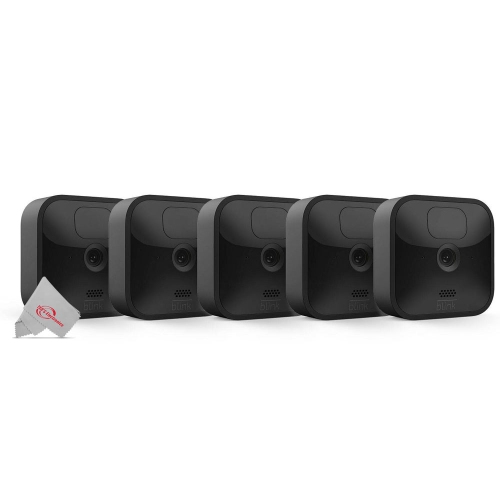 Your price for this item is $659.99
-
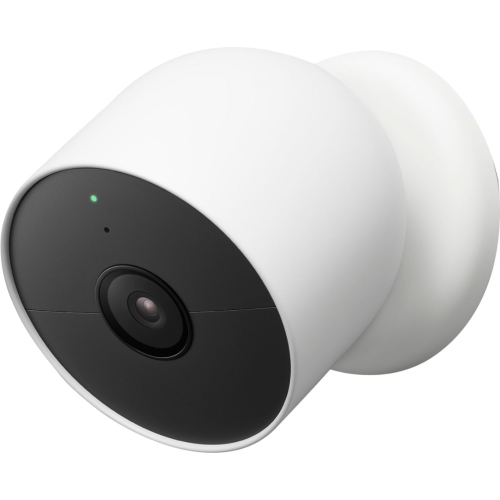 Your price for this item is $199.99
-
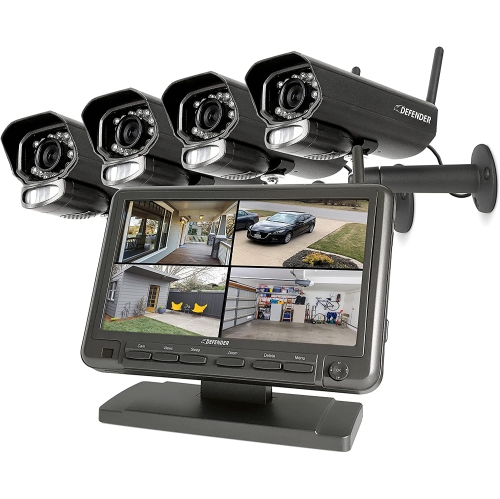 Your price for this item is $449.99
-
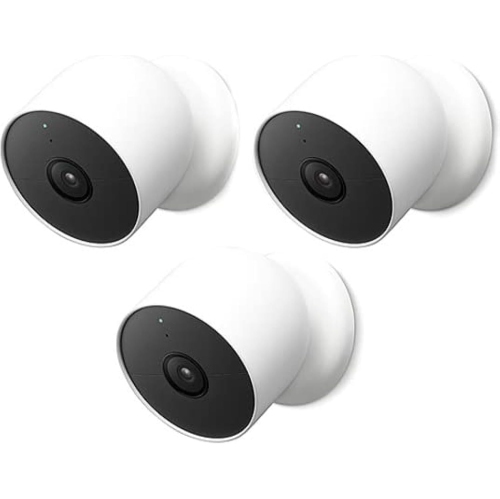 Your price for this item is $519.19
-
 Your price for this item is $199.99
-
 Your price for this item is $369.99
-
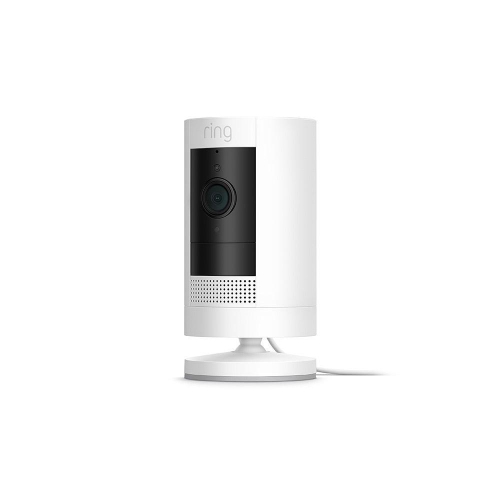 Your price for this item is $129
-
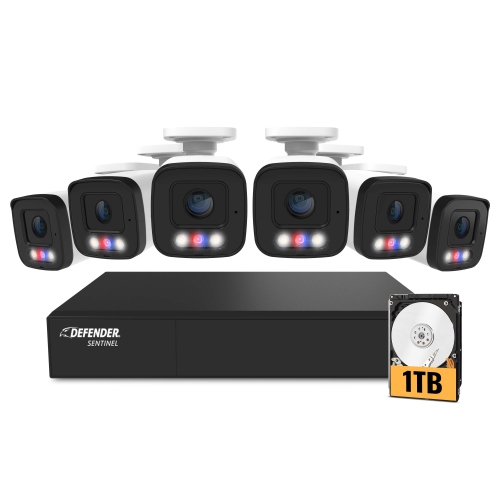 Your price for this item is $449.99
Discover more categories related to Network Video Recorders
Top Collections:
Best Black Friday Deals This Year, Best Black Friday Deals On Electronics, Kindle Devices, Pokemon Centers, Best Black Friday Deals On Apple Products, Best Cameras for Sports Photography, Dyson Airwrap, Pokémon 30th Celebration Cards, Apple iPhone 17 Pro, Canon G7X Cameras
Some products may be subject to Environmental Handling Fees
(EHF) depending on your province.
Learn more about EHFs.