Pan Tilt Zoom Cameras
Capture every detail with these pan-tilt zoom cameras. Whether you're monitoring your home, office, or outdoor spaces, these versatile cameras offer a wide range of viewing angles and powerful zoom capabilities. With the ability to pan horizontally, tilt vertically, and zoom in on specific areas of interest, you can keep an eye on what matters most with ease. Perfect for both residential and commercial use, these pan-tilt zoom cameras deliver exceptional clarity and advanced features to ensure you never miss a moment.
Sort
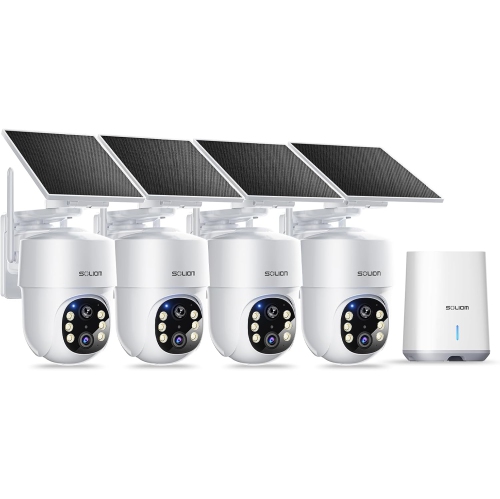
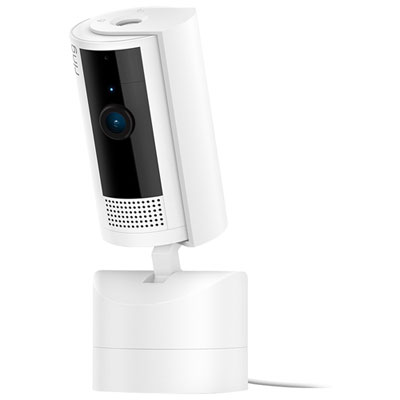
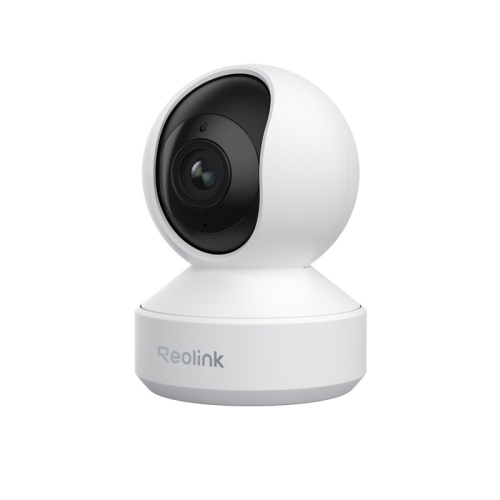
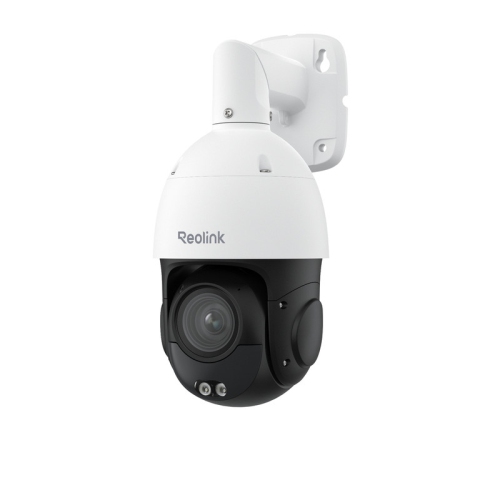
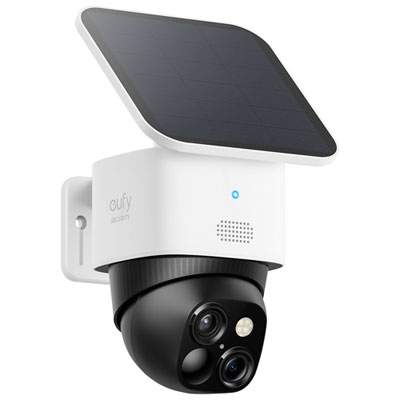
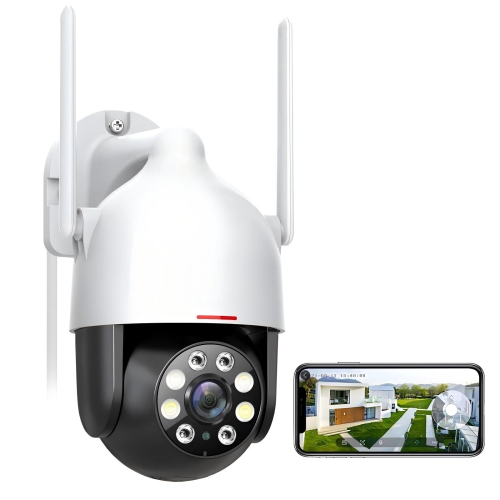
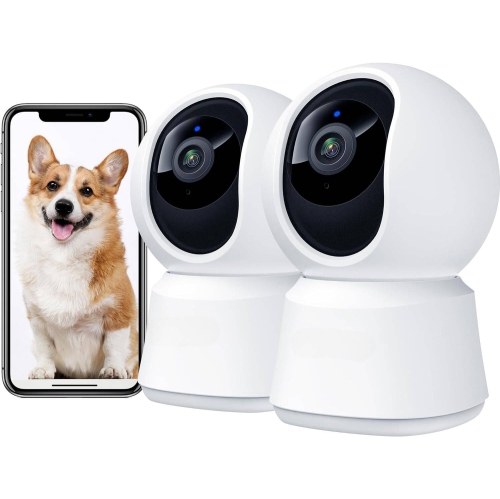
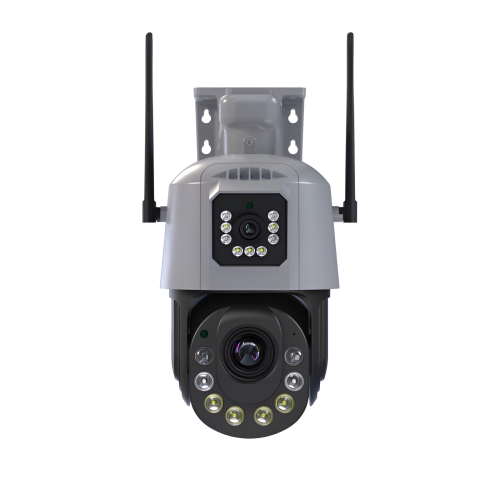



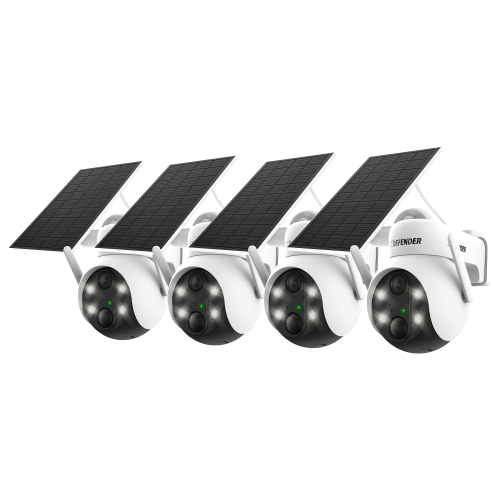
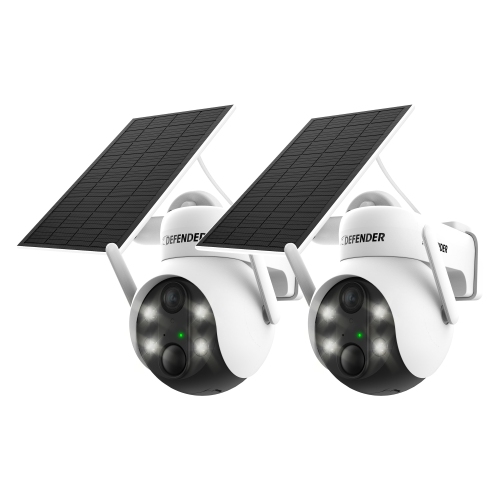
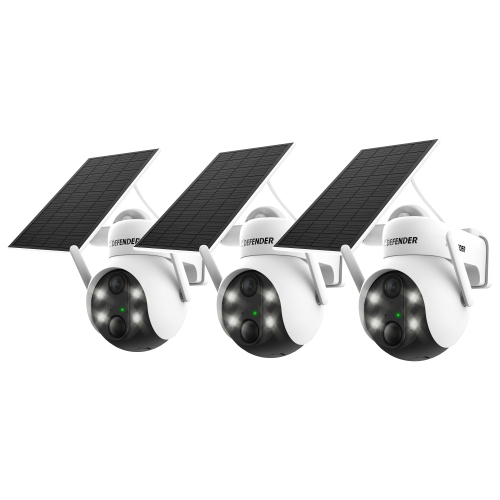

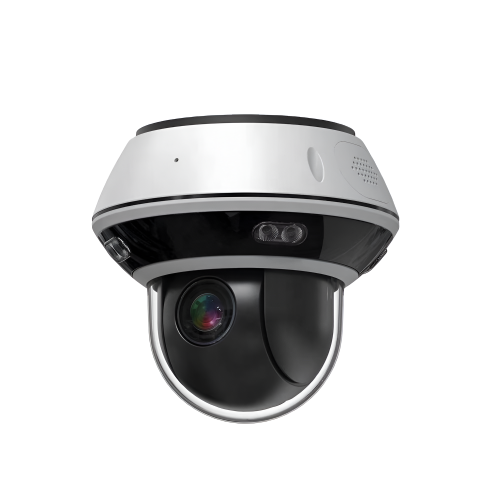

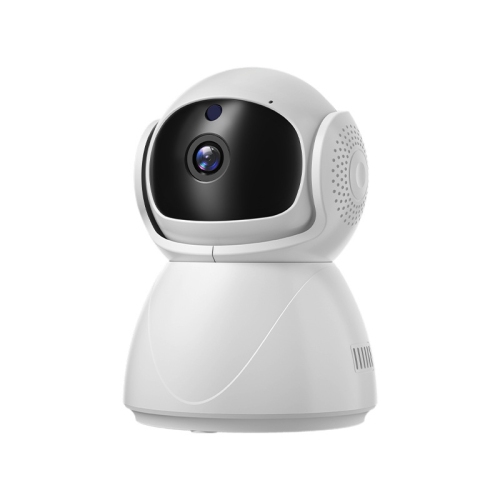
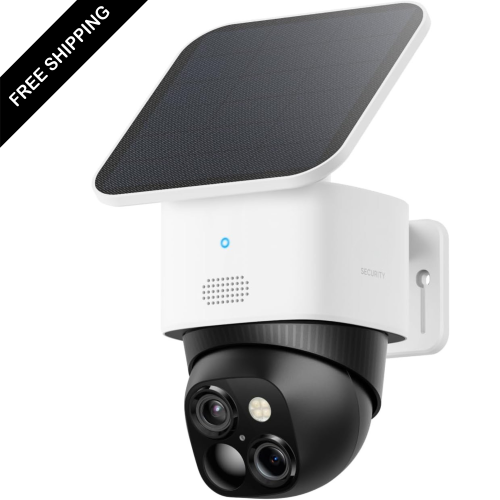
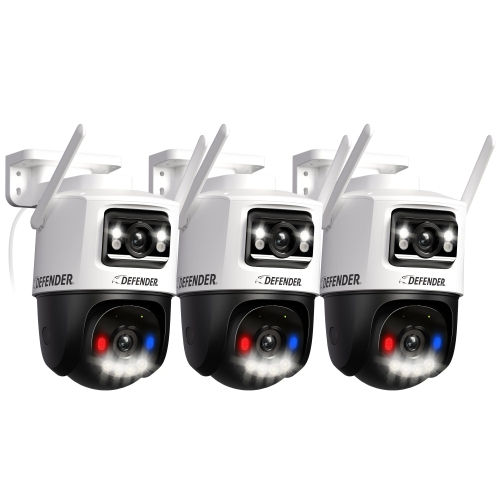
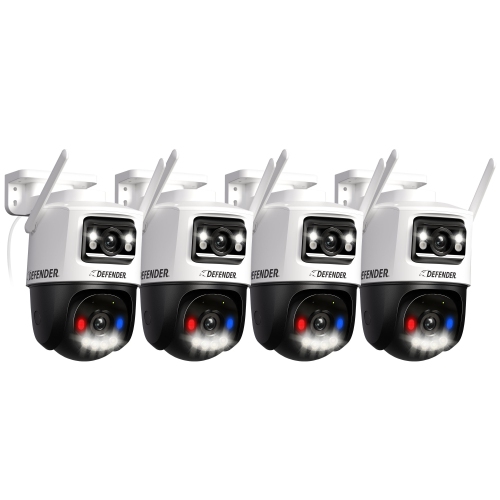


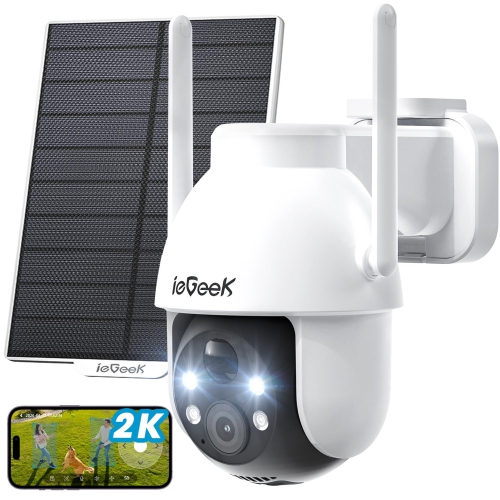
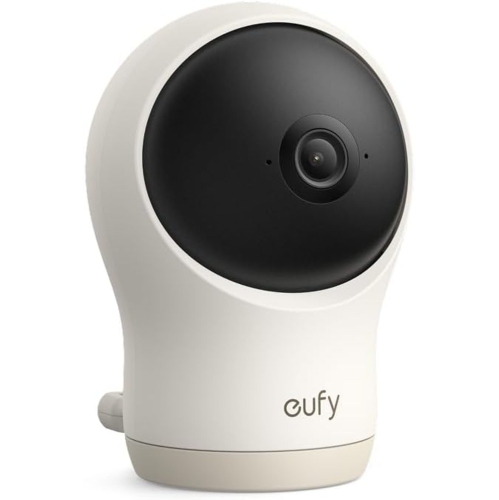
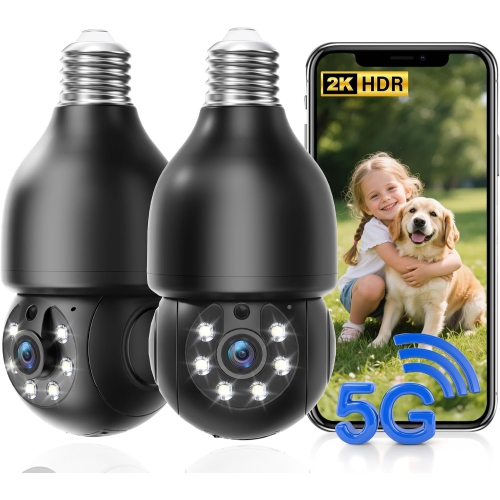
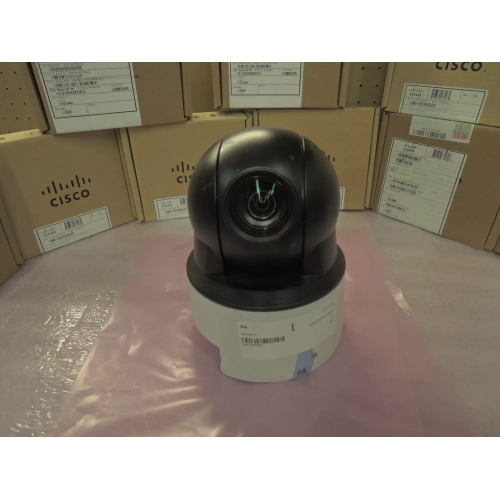


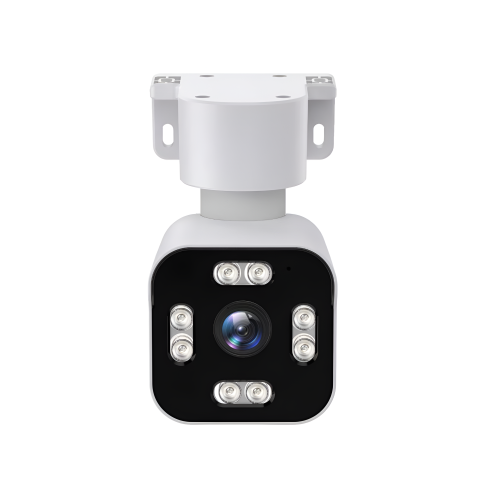
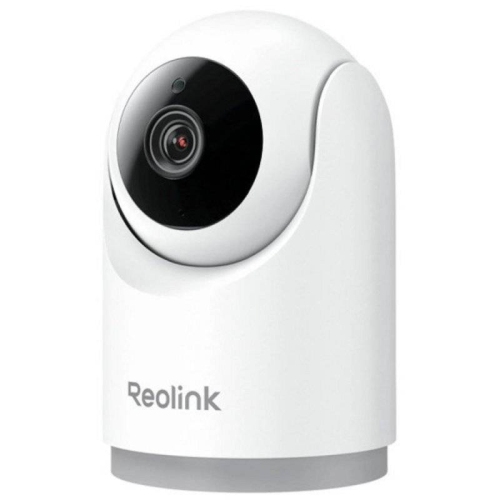
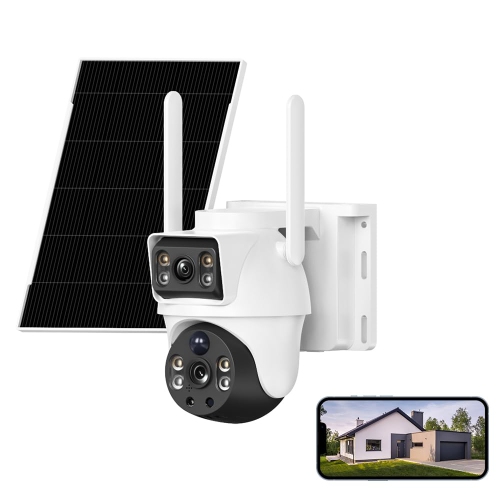
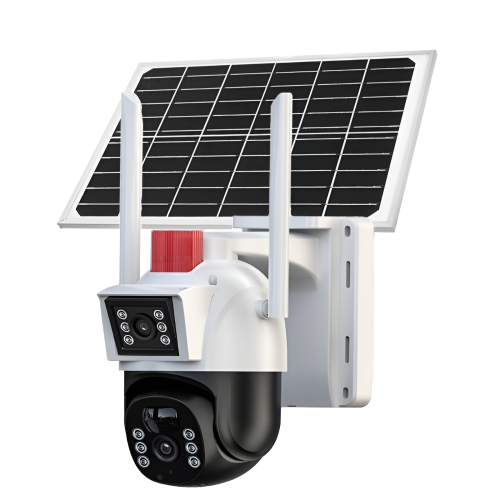
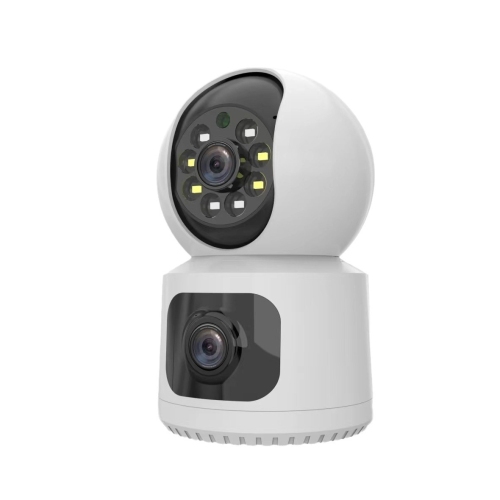
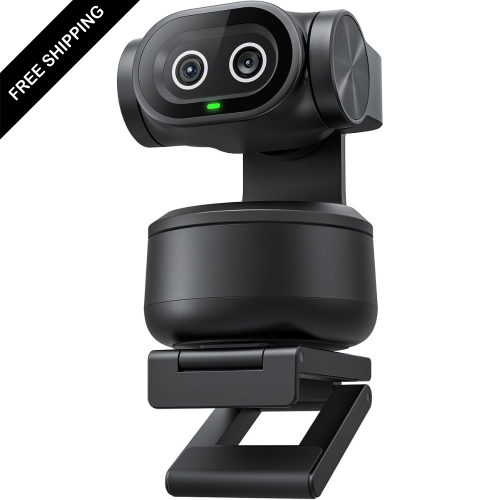
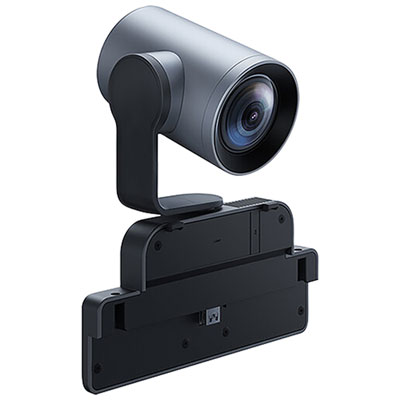
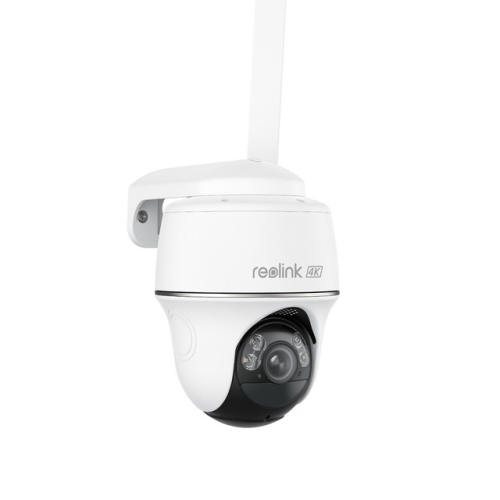

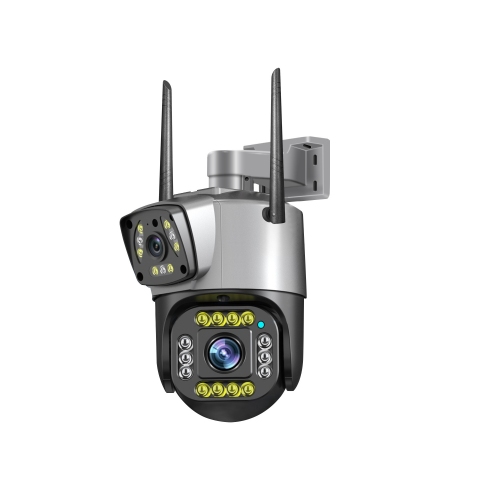

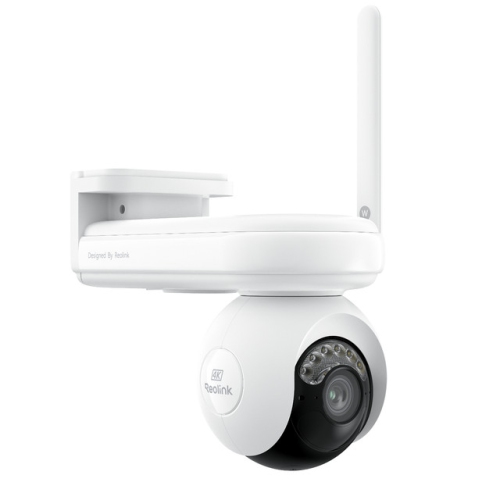
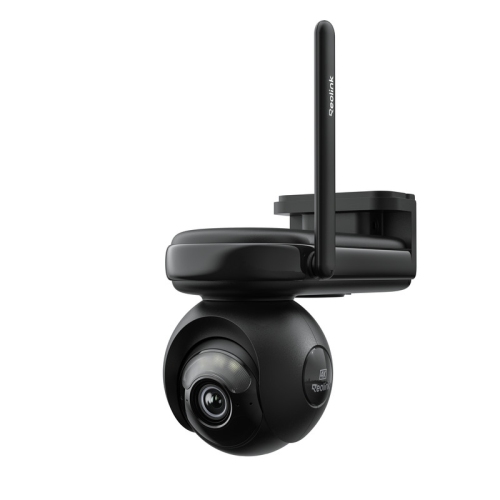

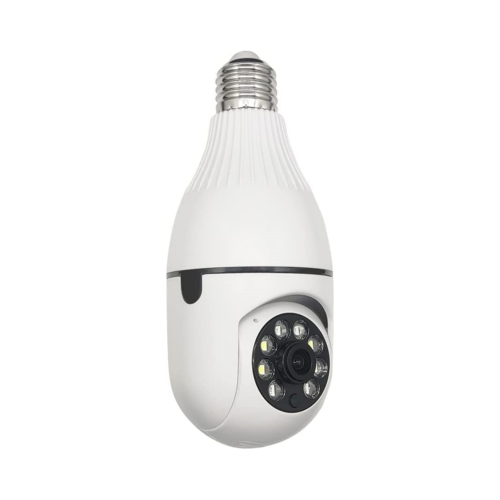

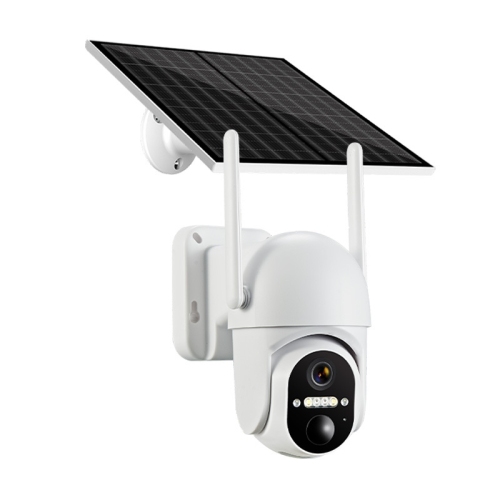
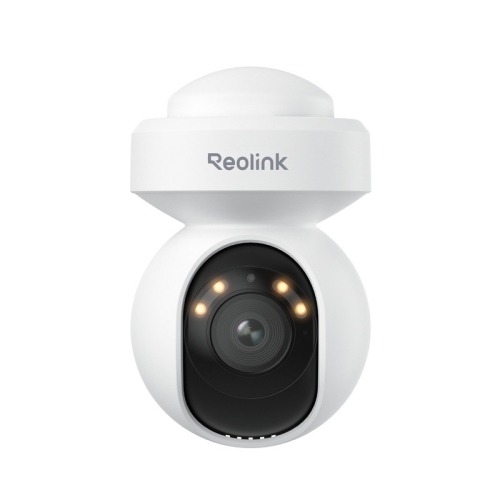
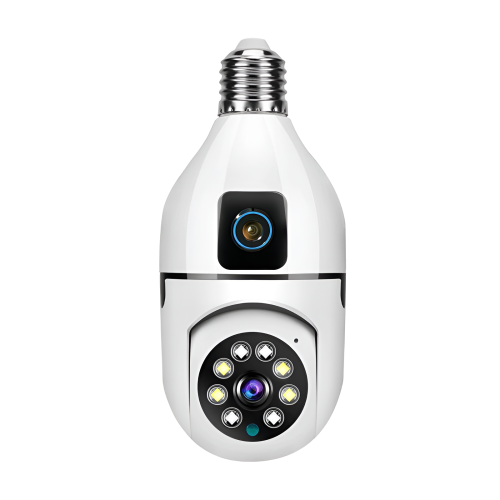
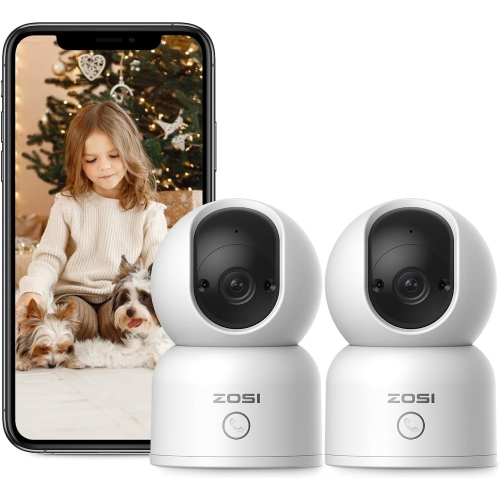
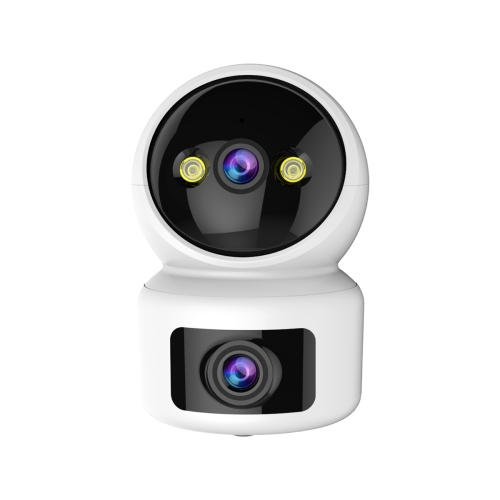
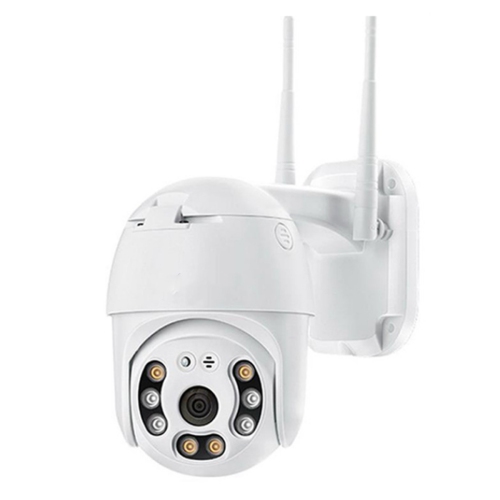
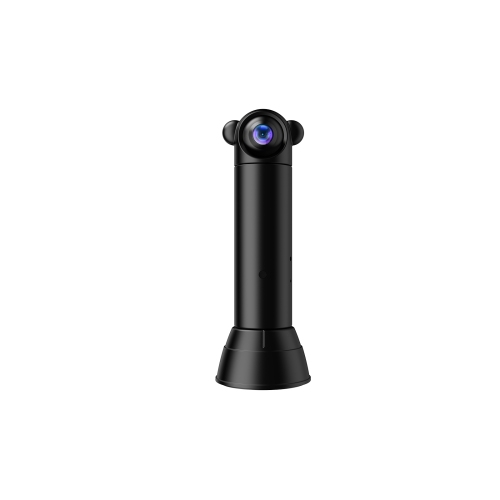
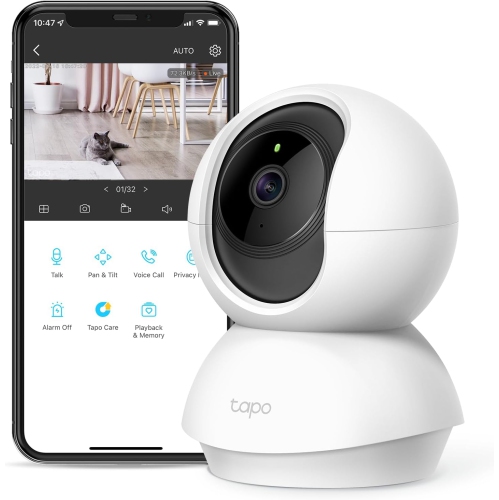
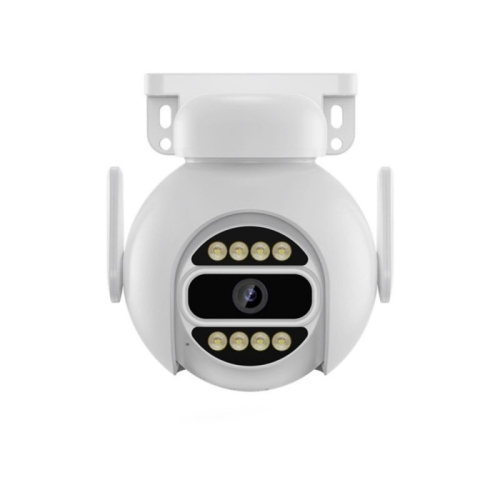
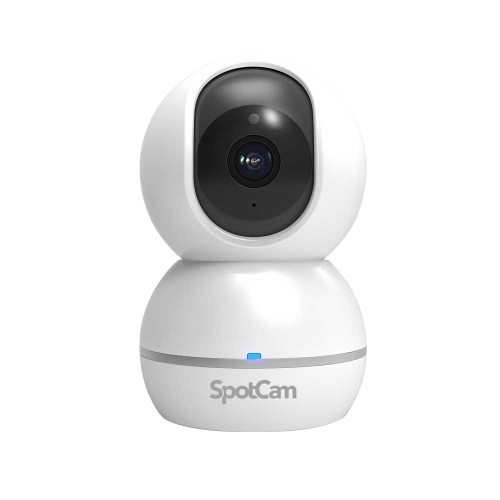
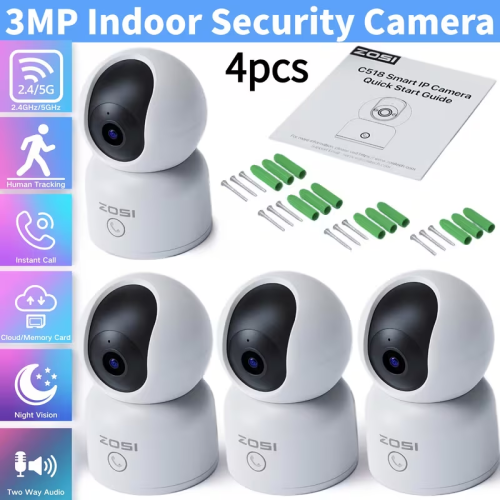
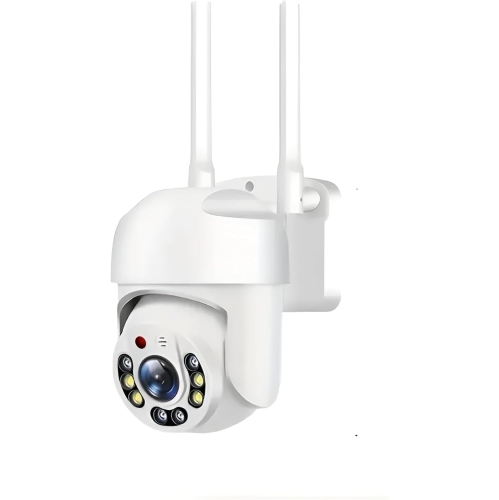
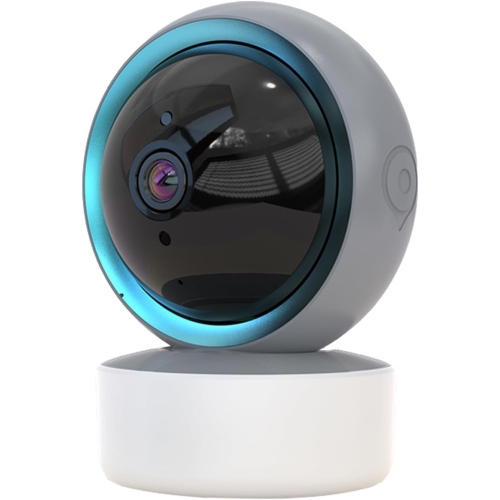
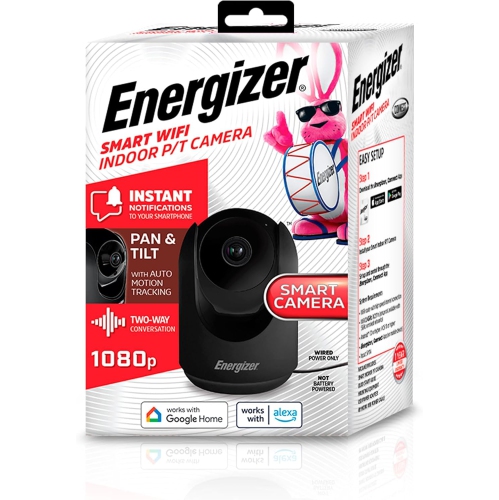
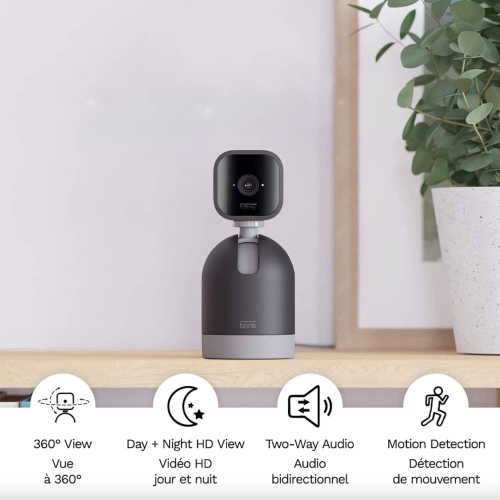
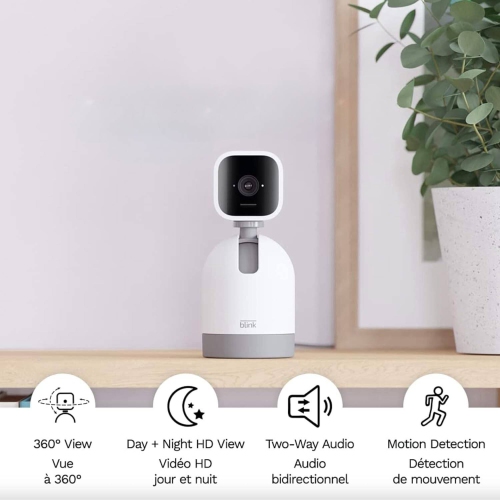
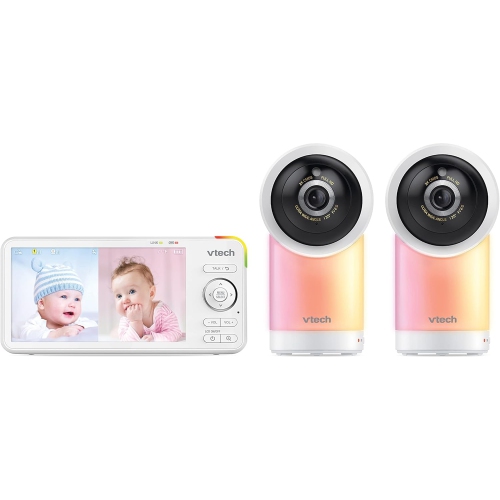
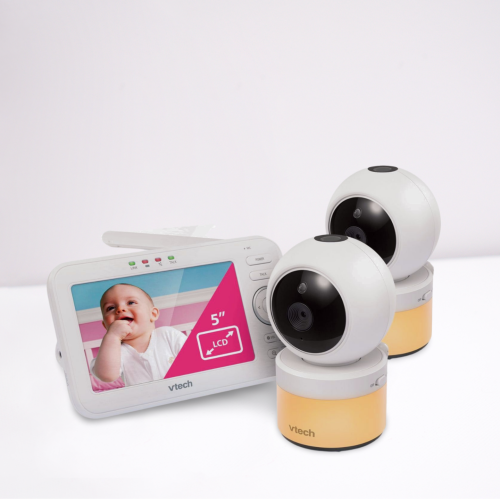
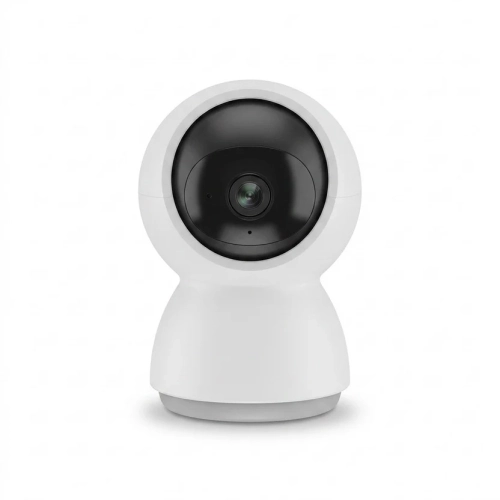
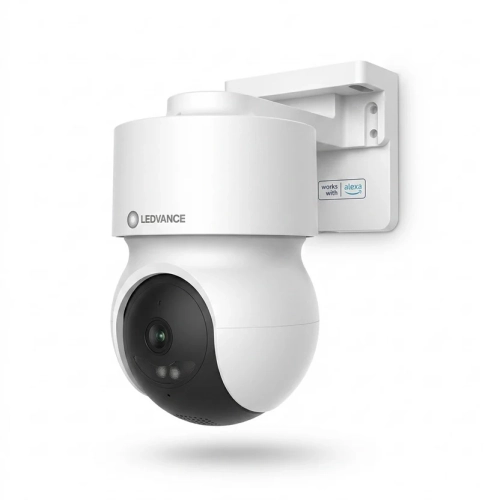
How camera movement and zoom shape your view
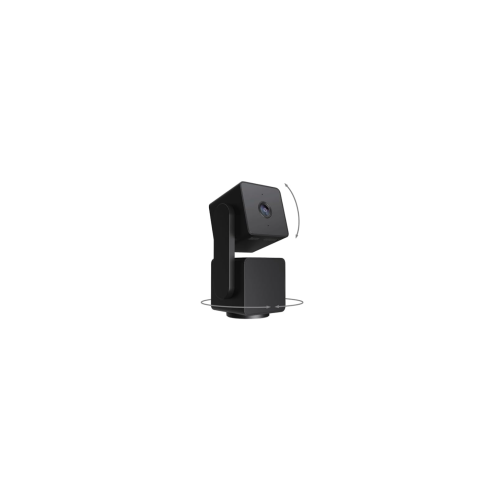
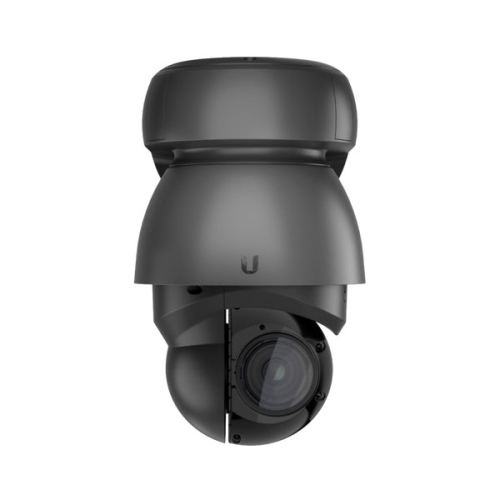
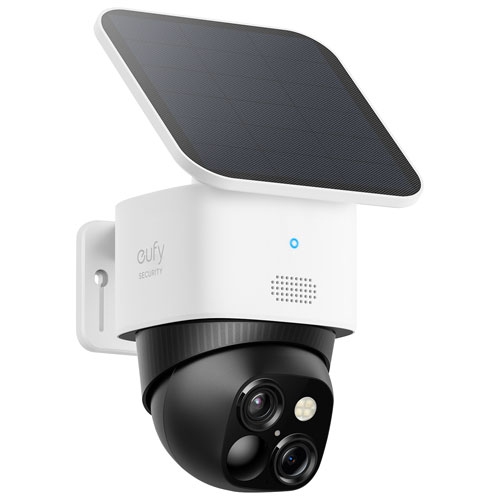
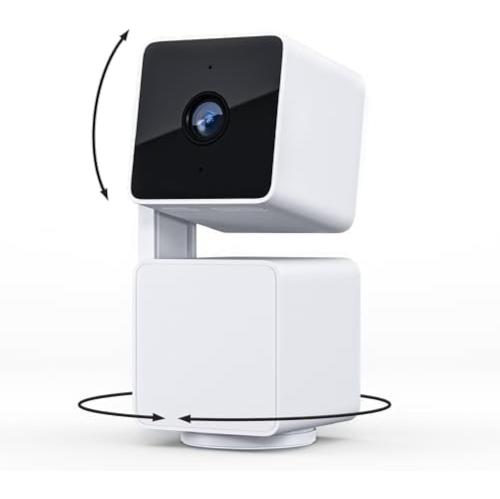
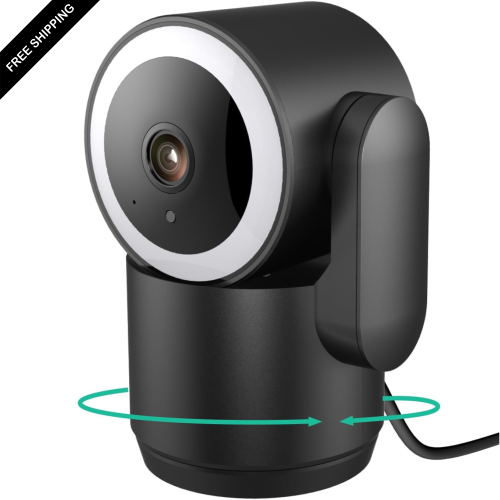
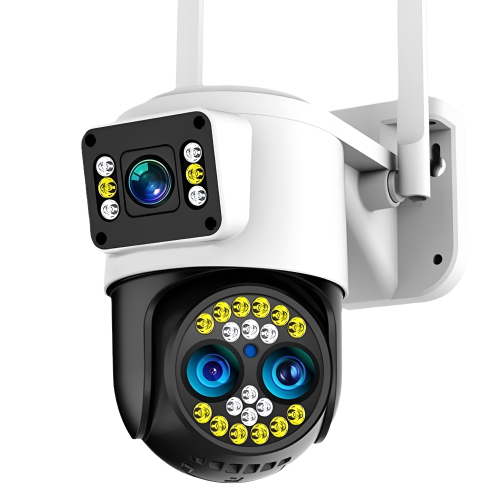
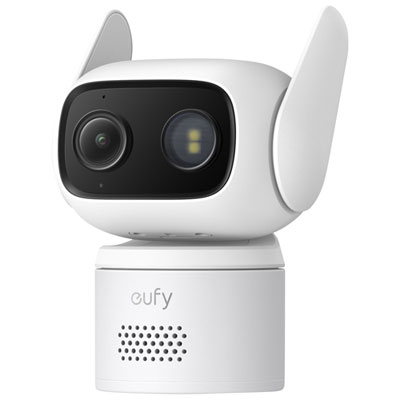
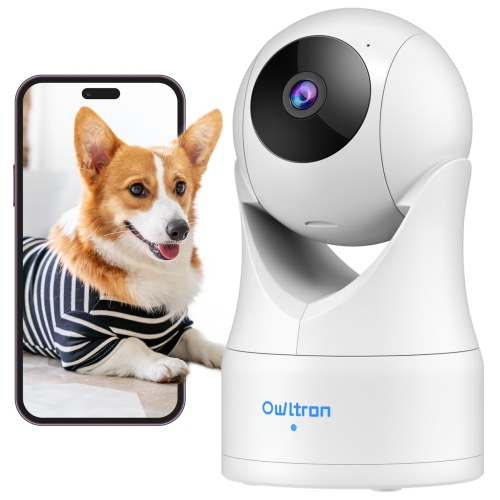
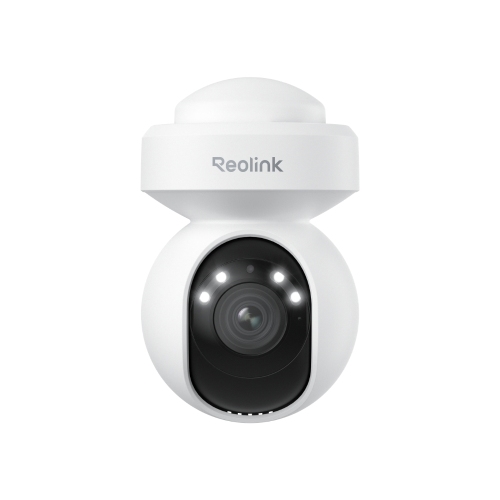
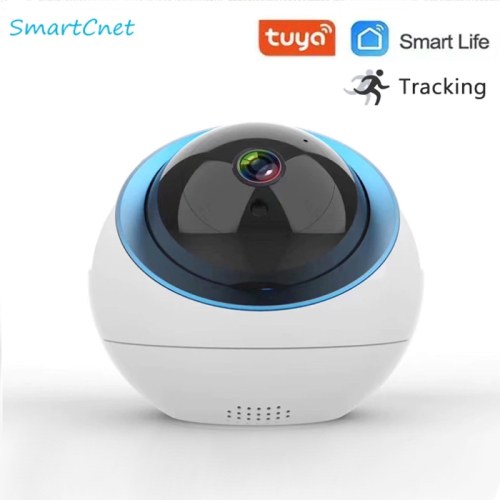
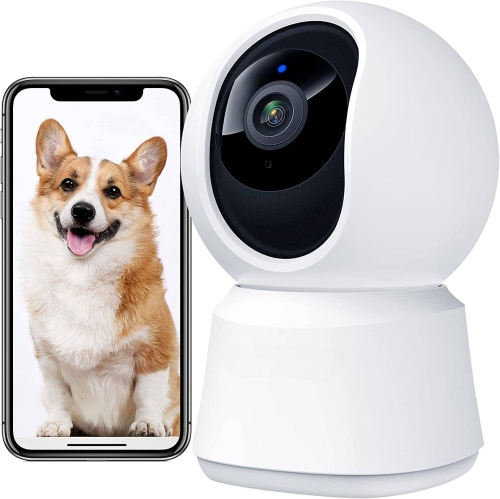
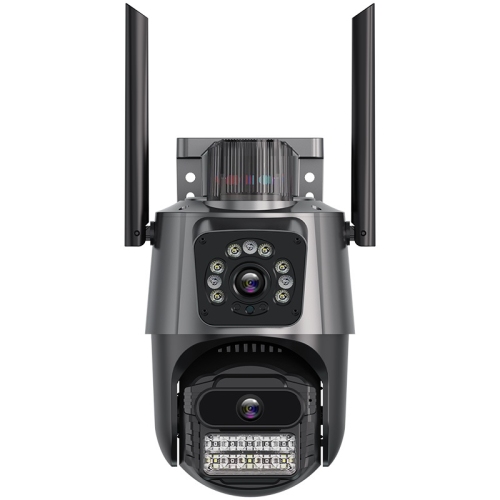
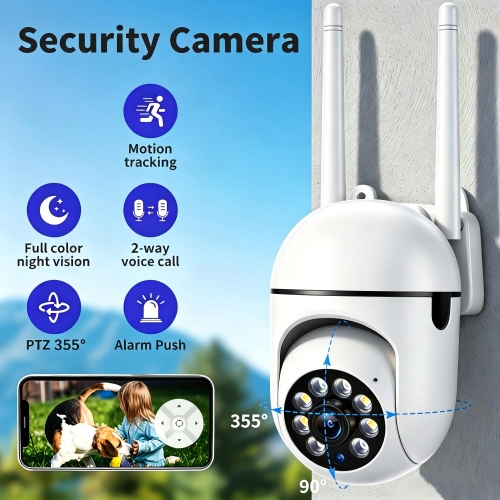
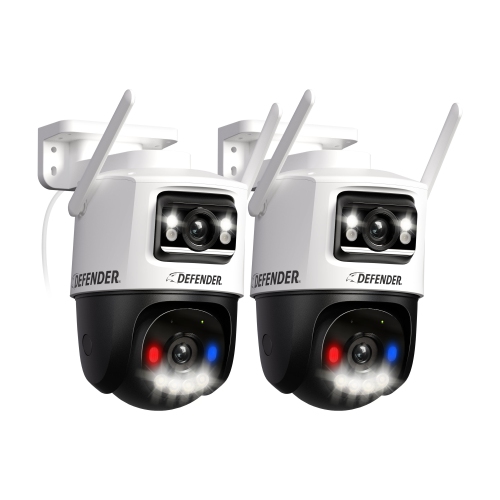
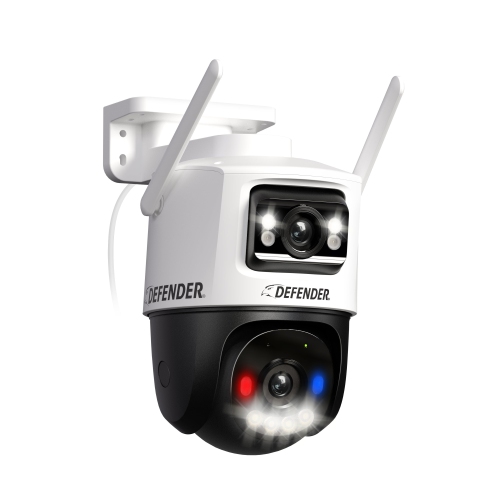
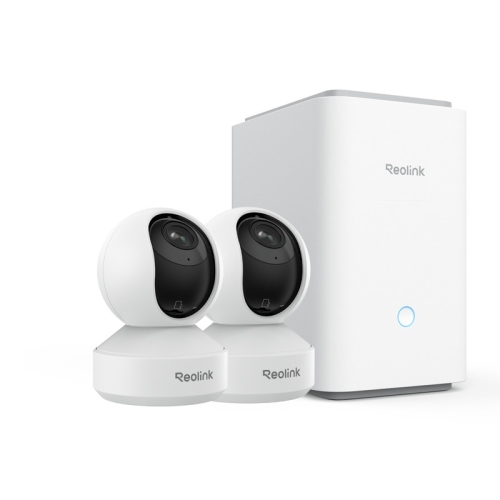
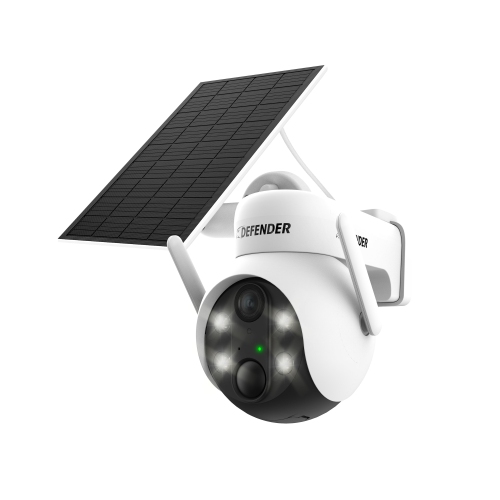
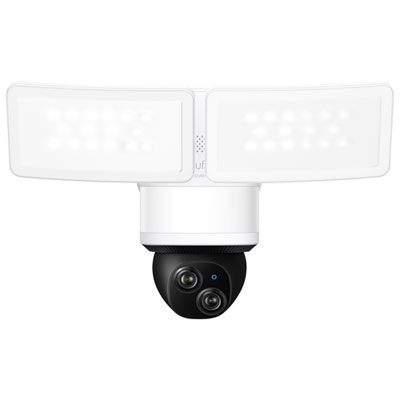
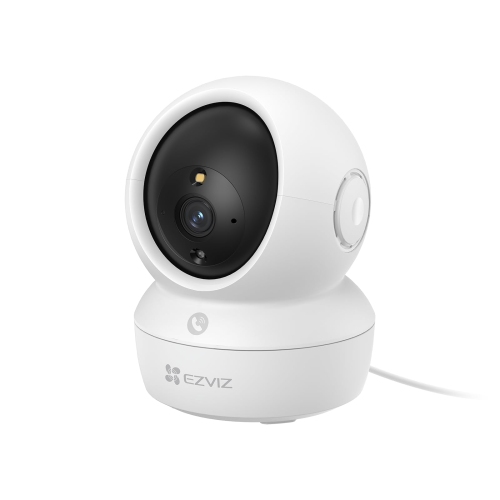
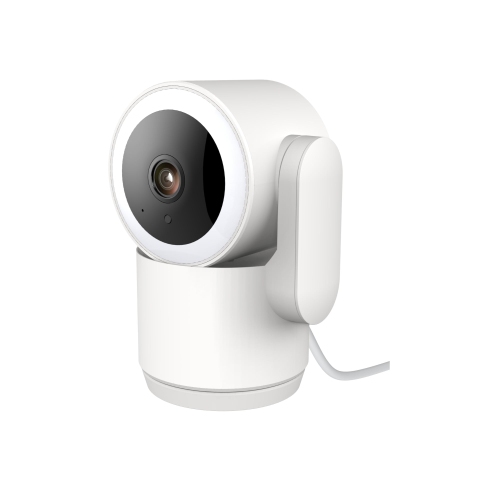
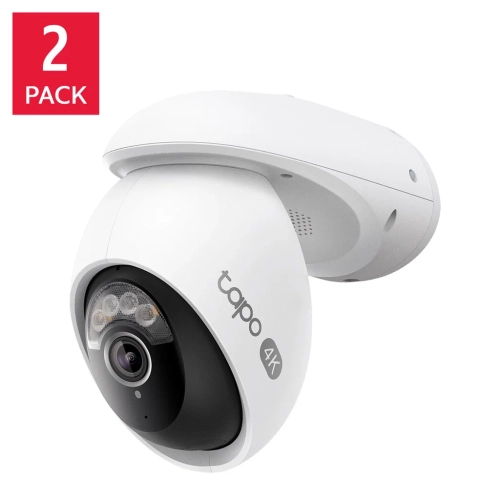
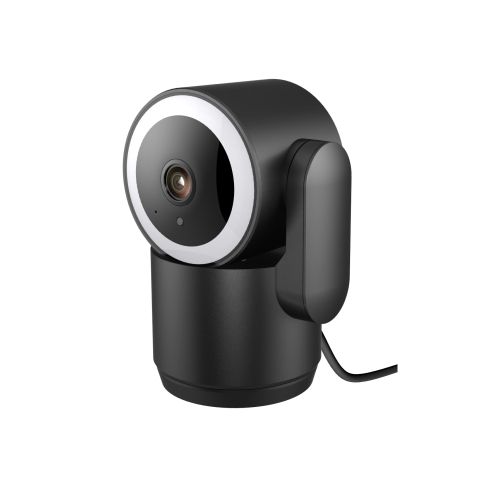
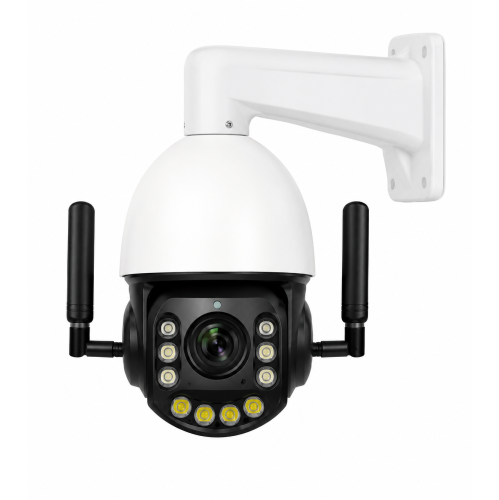
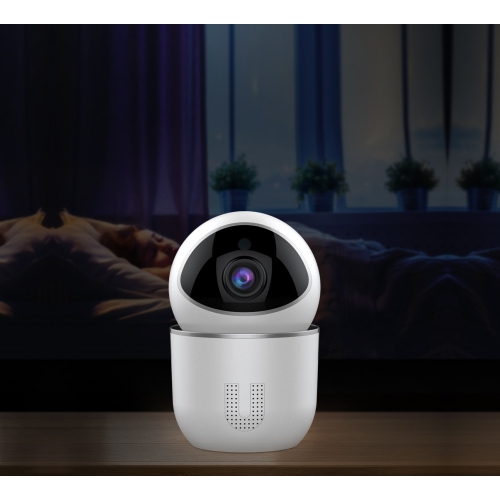
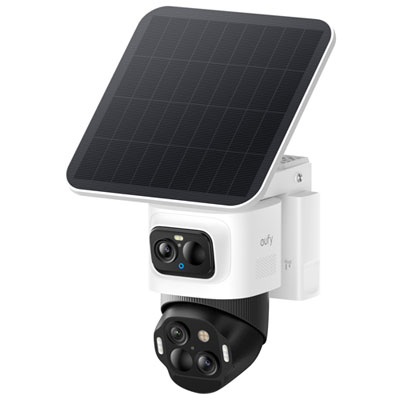
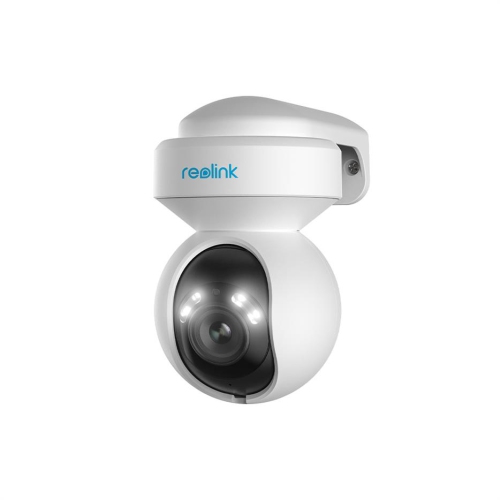
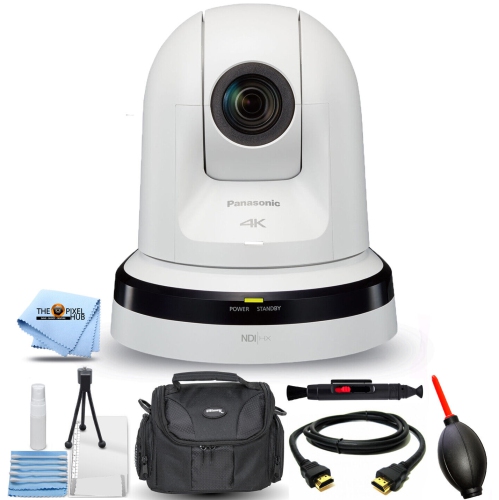
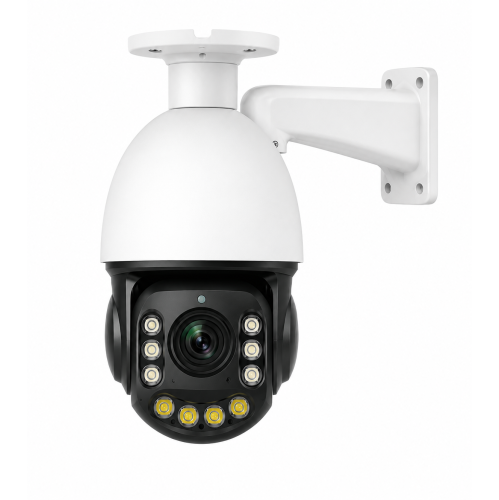
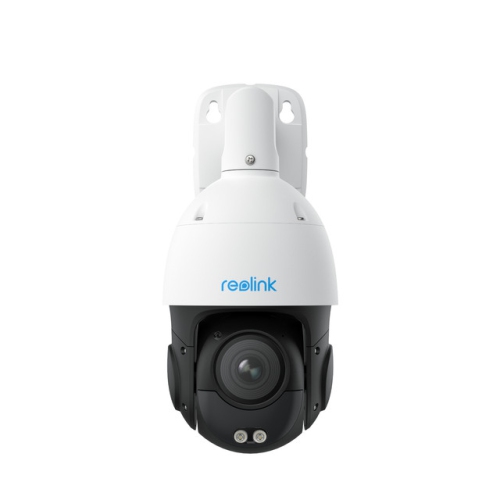
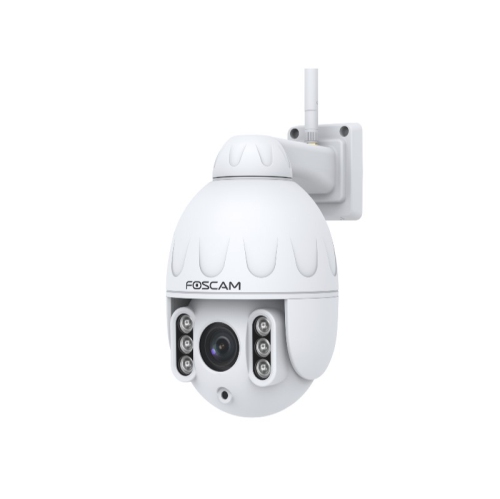
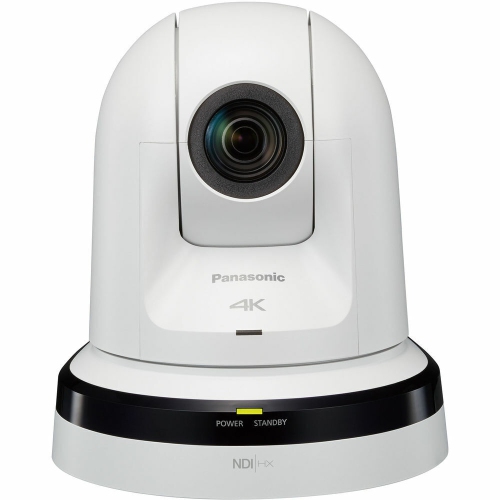
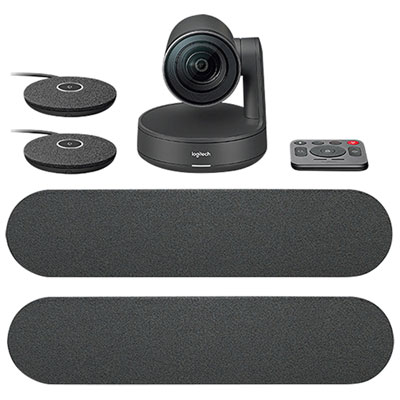
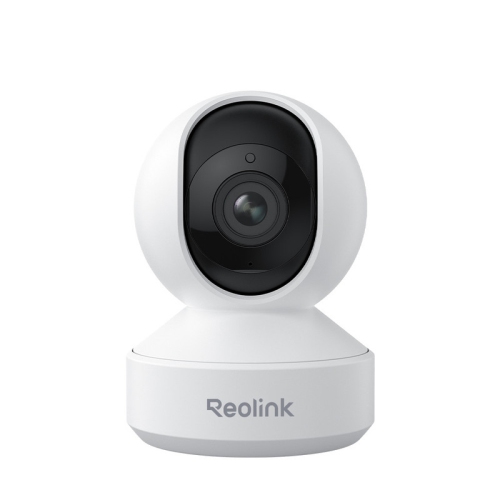
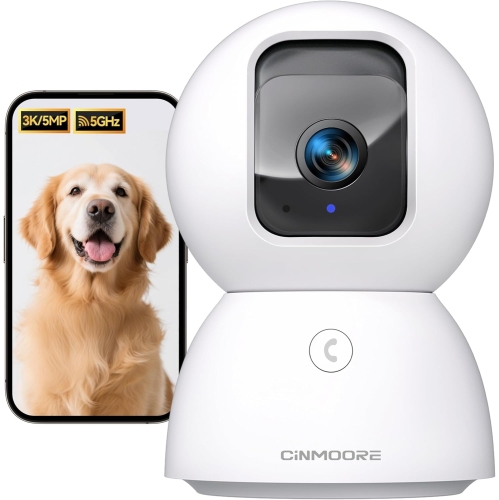
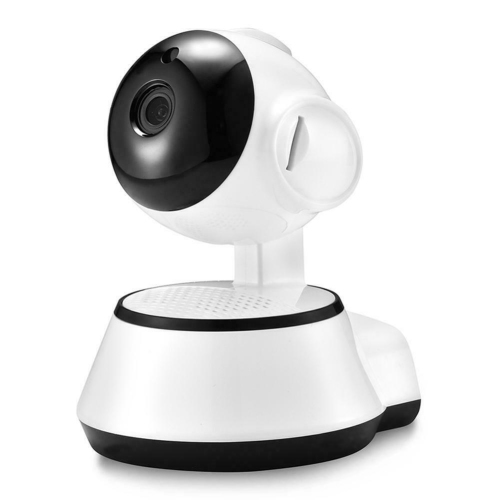
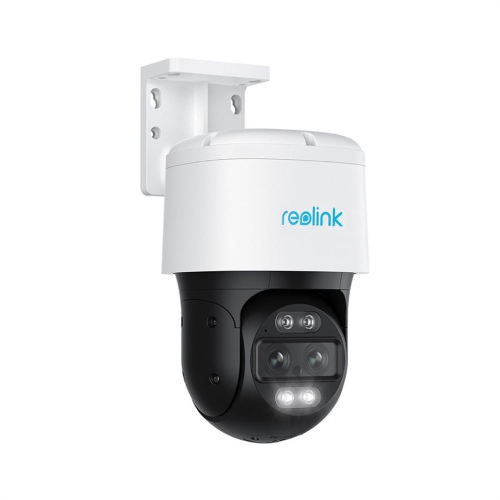
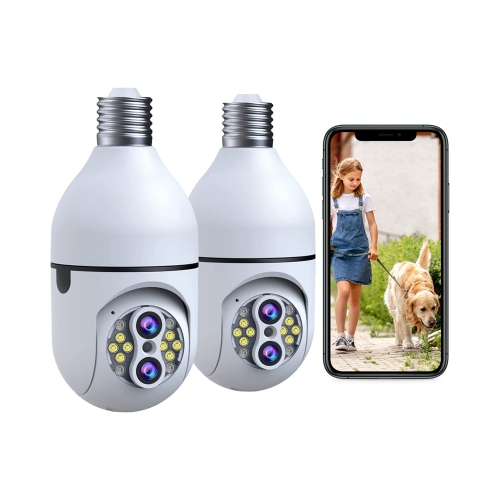
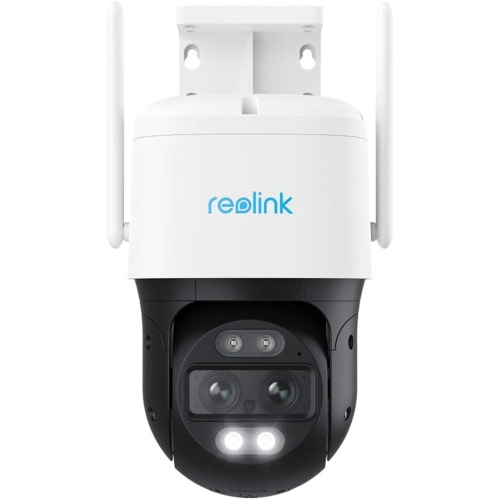
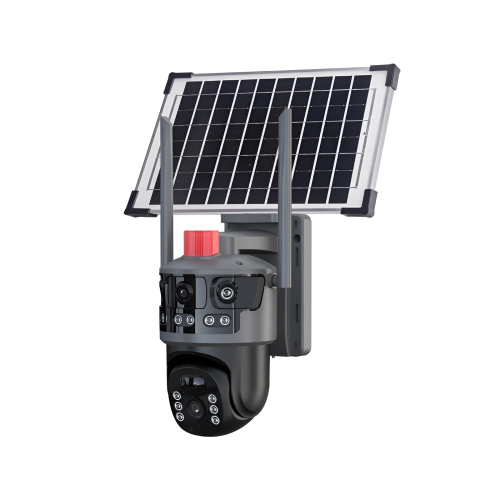
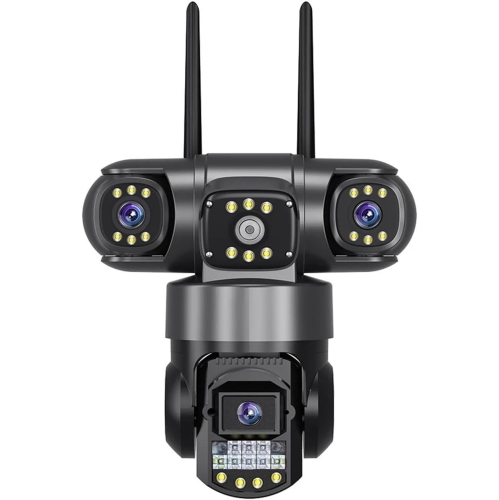
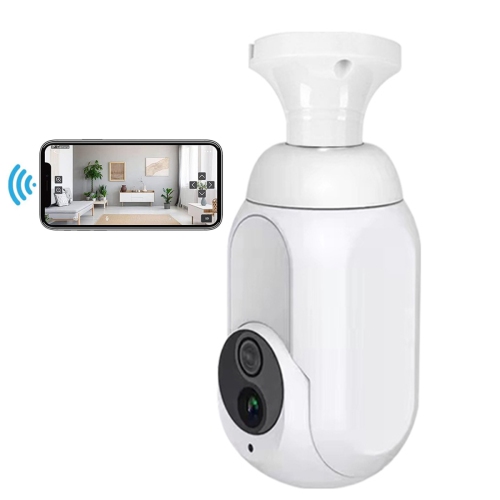
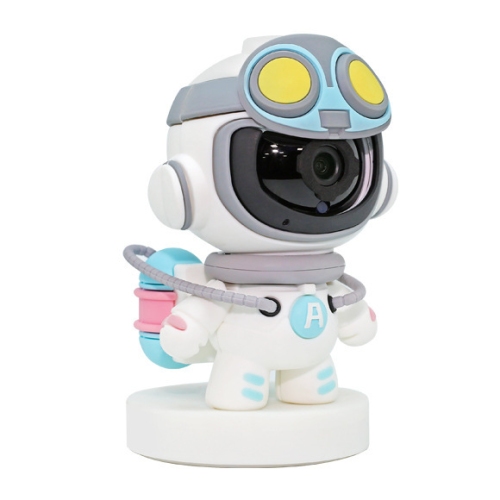
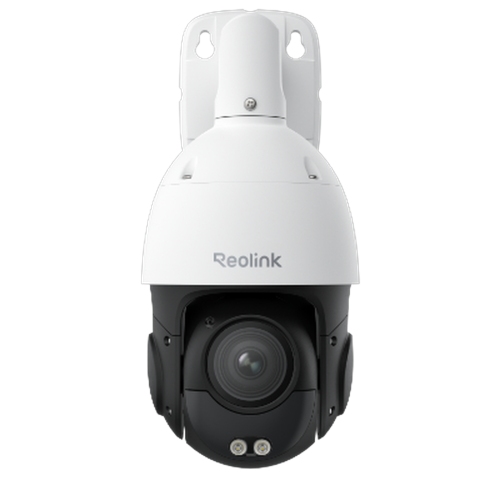
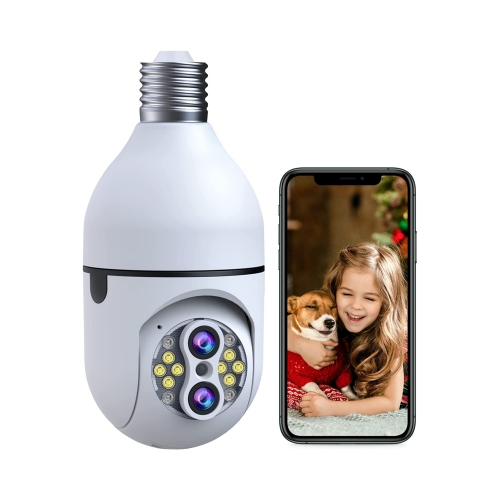
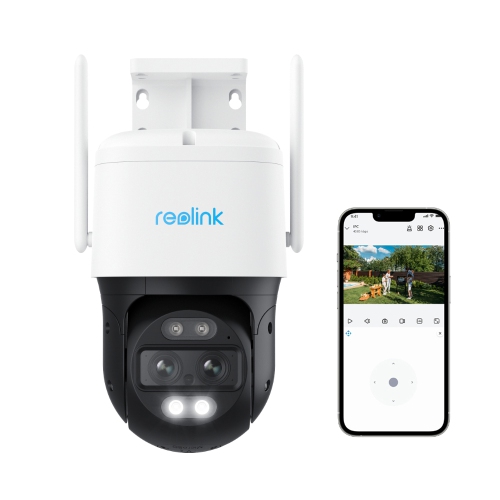
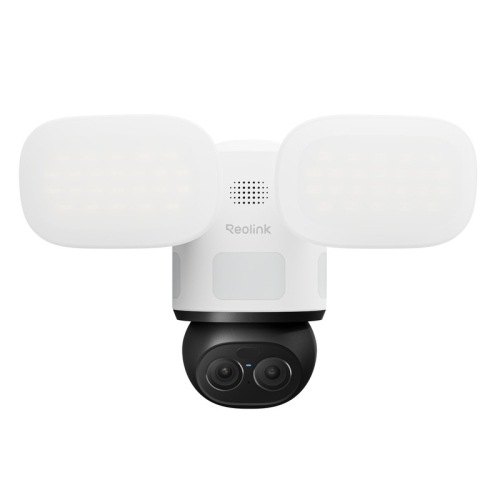
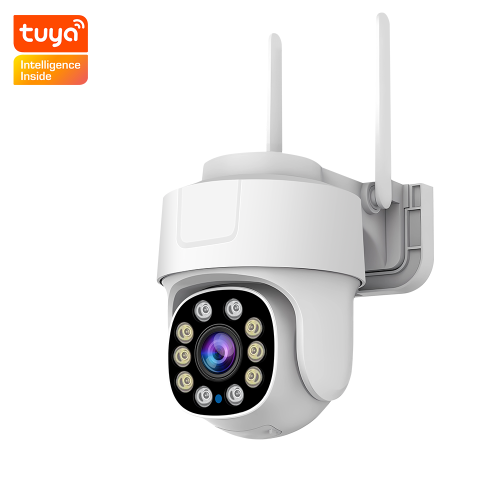
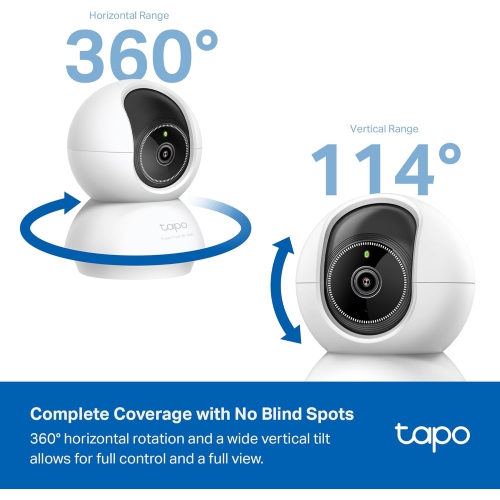
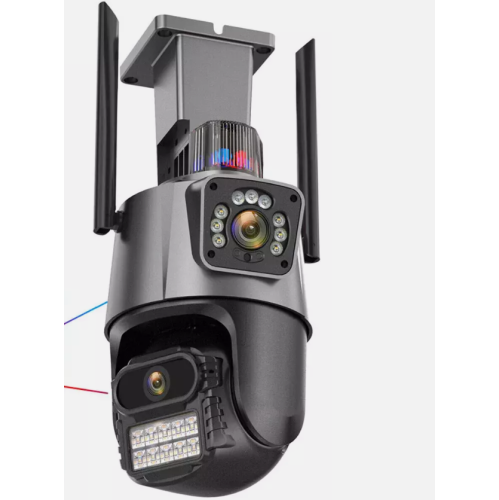
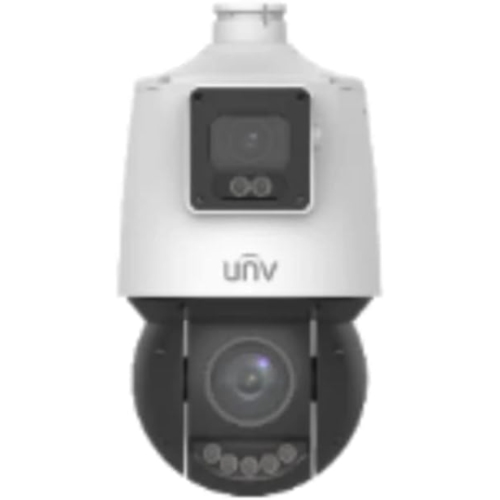
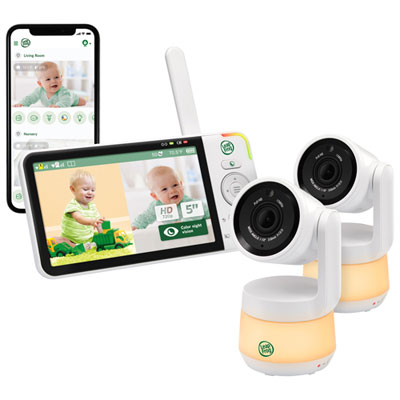
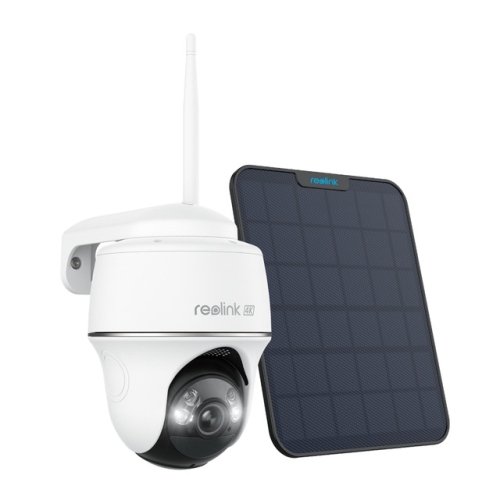
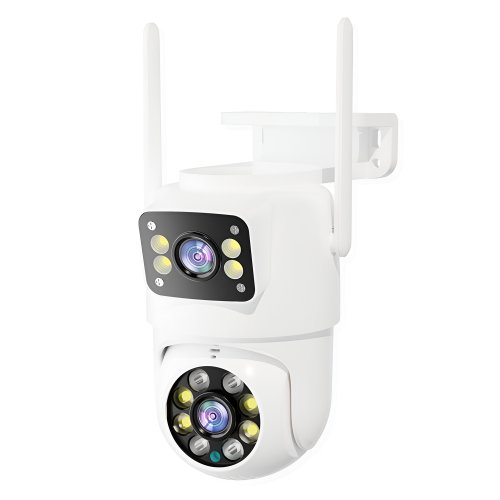
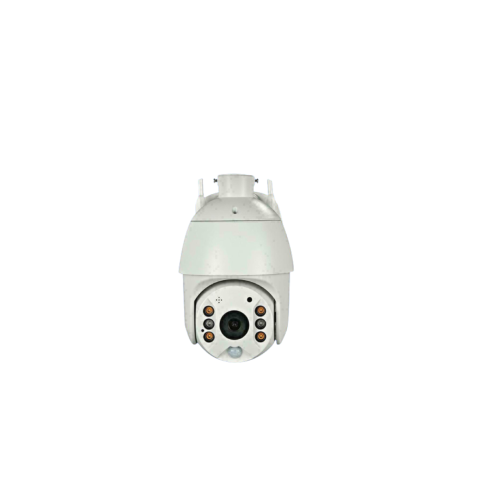
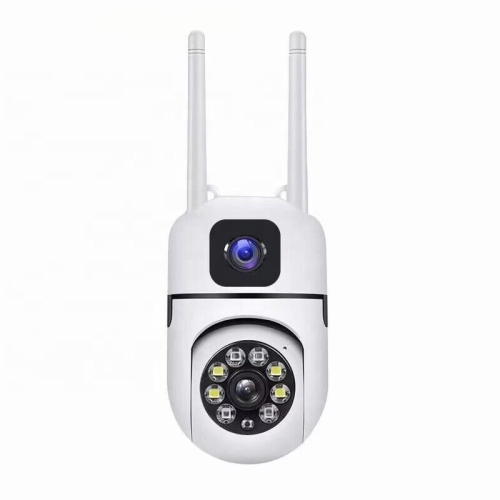
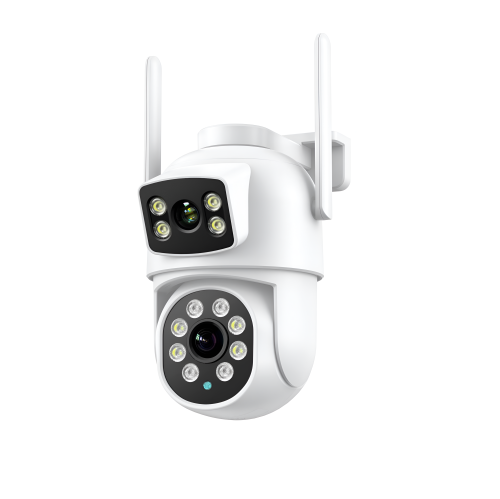
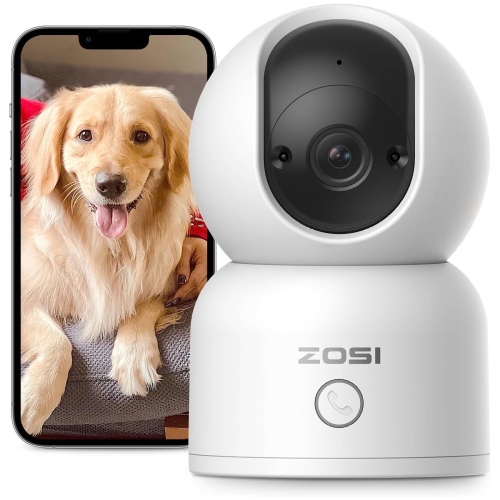
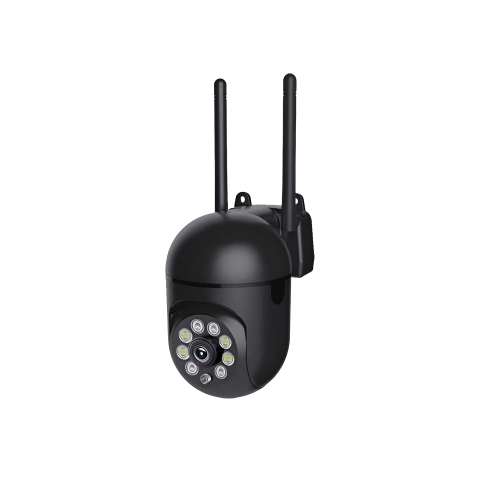
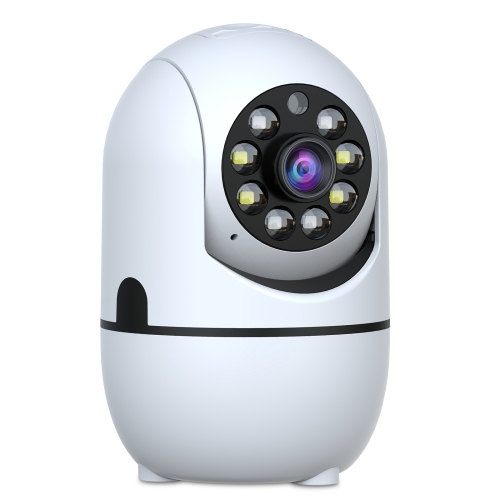
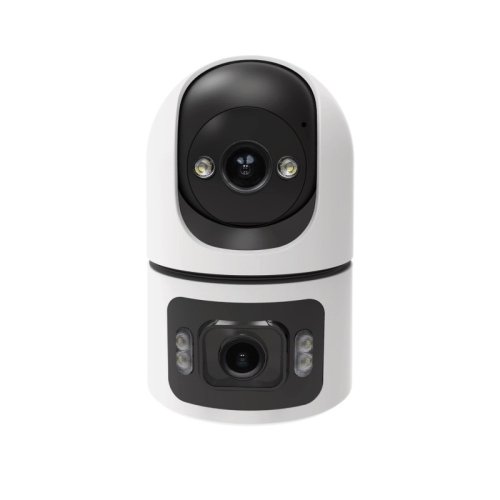
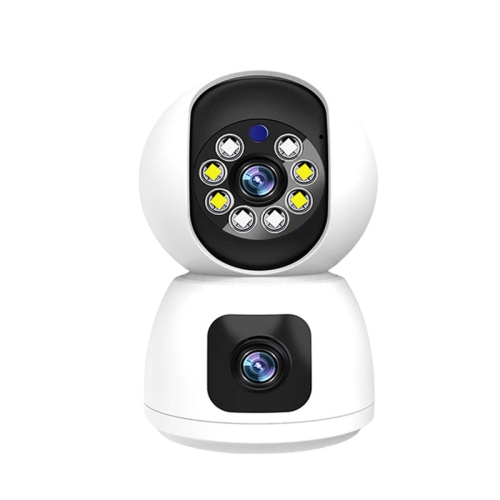
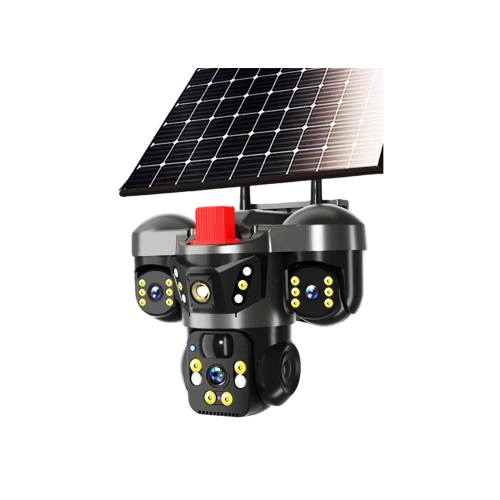
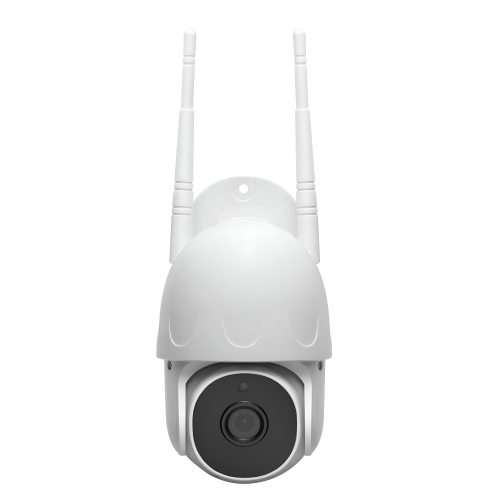
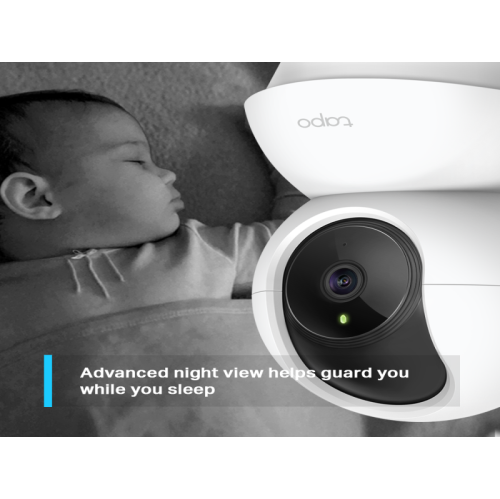
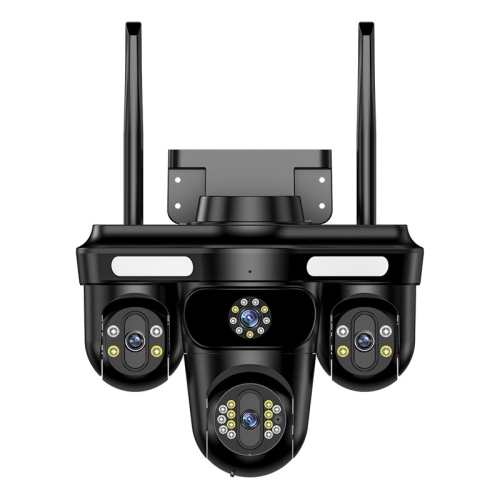
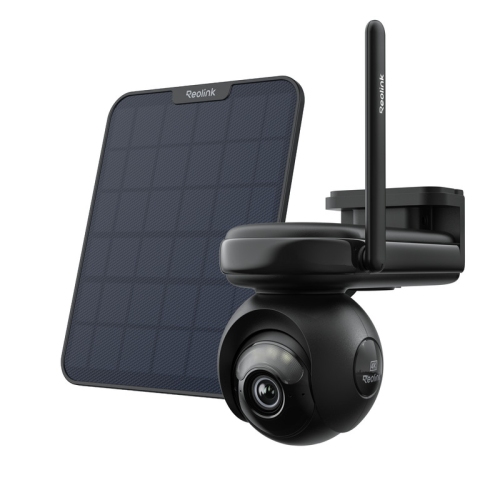
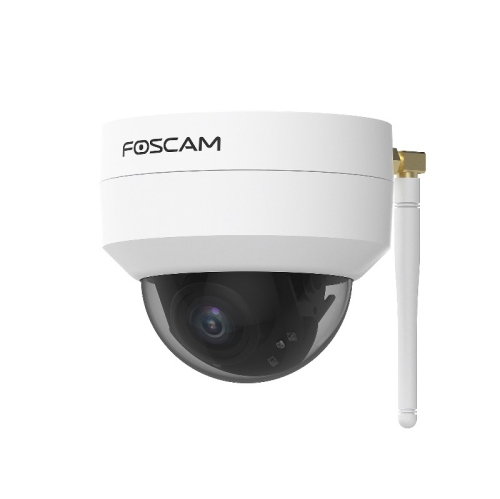
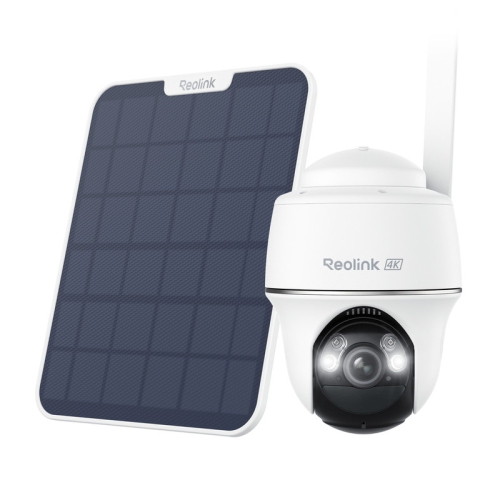
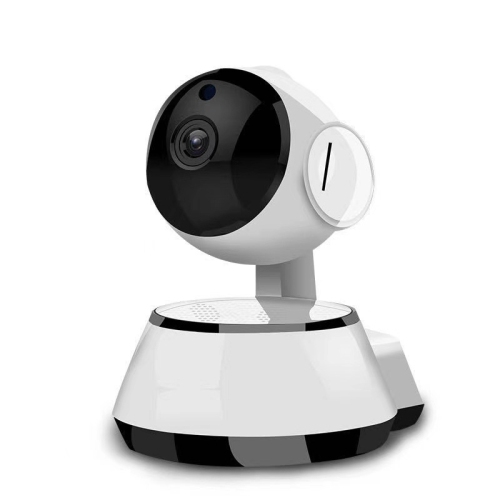
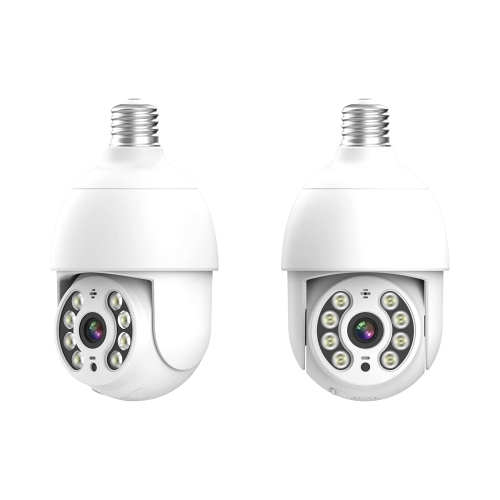
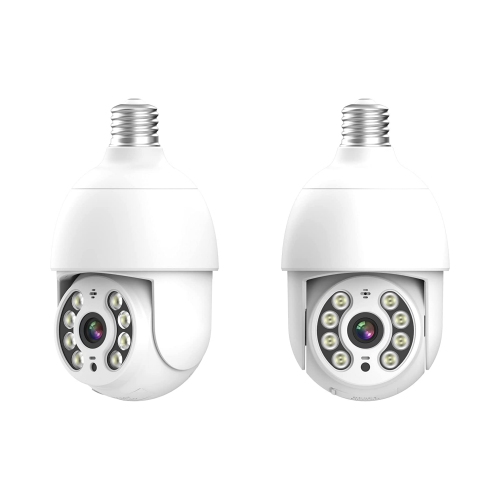
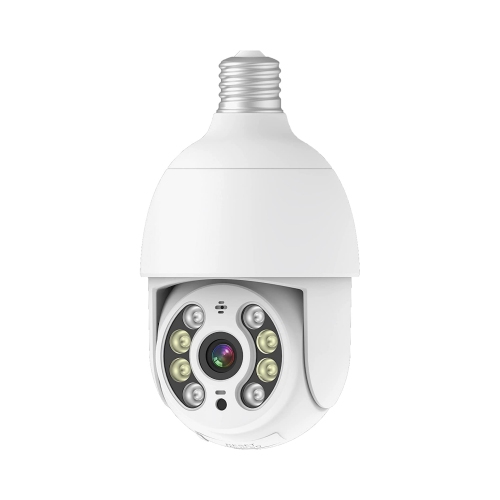
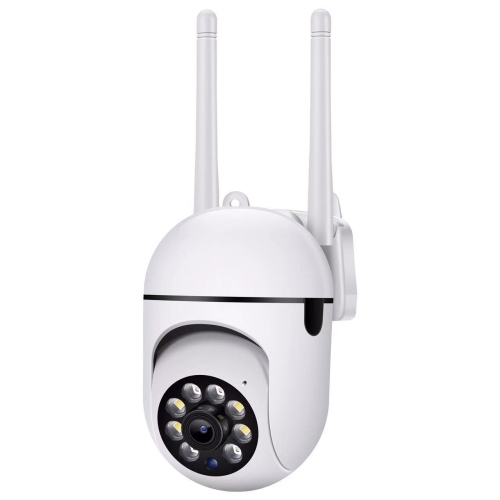
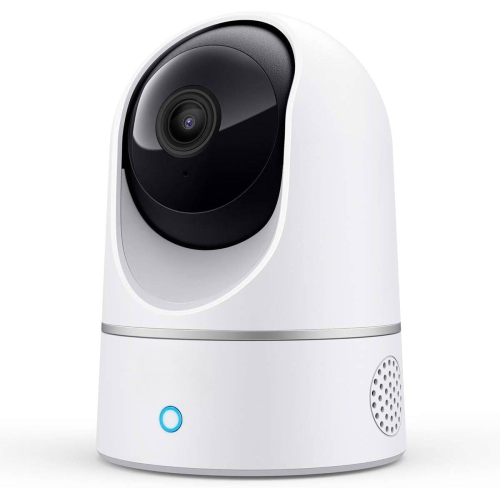
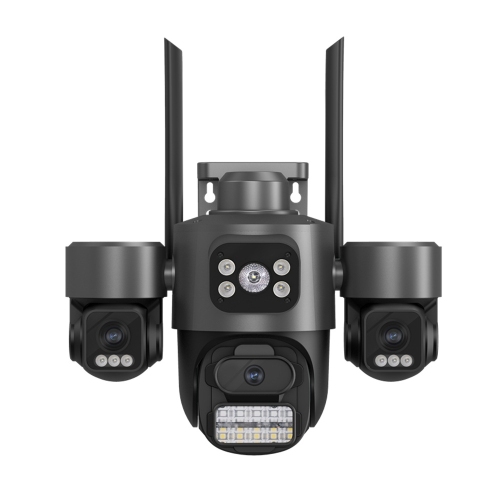
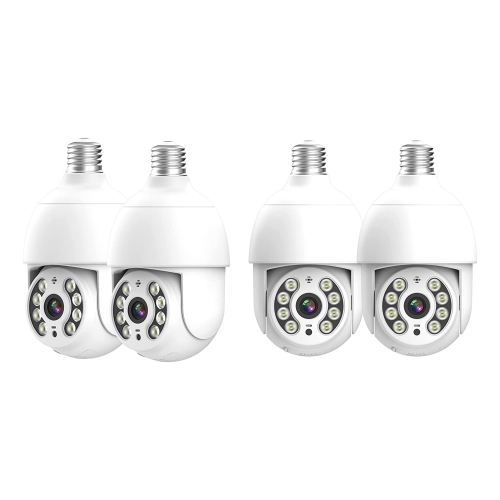
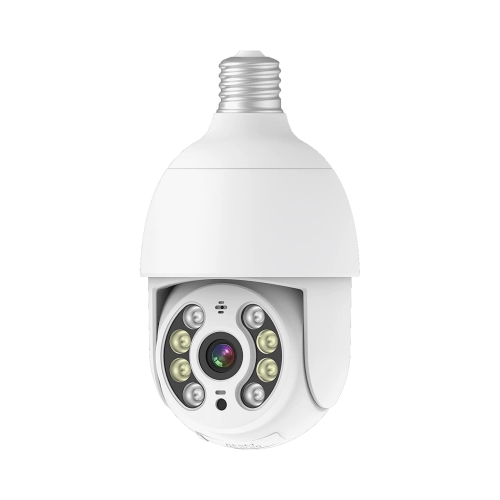
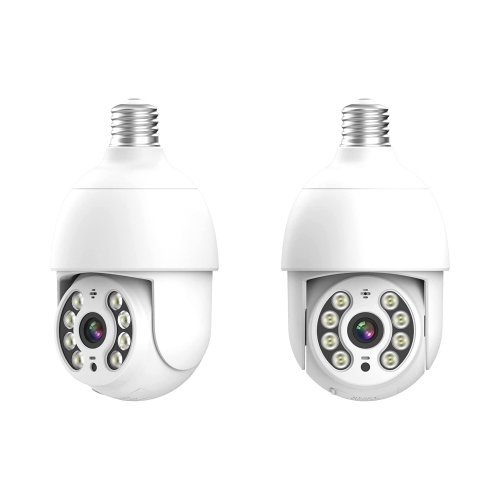
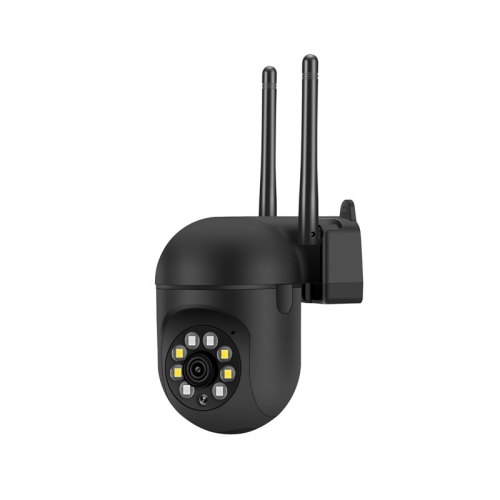
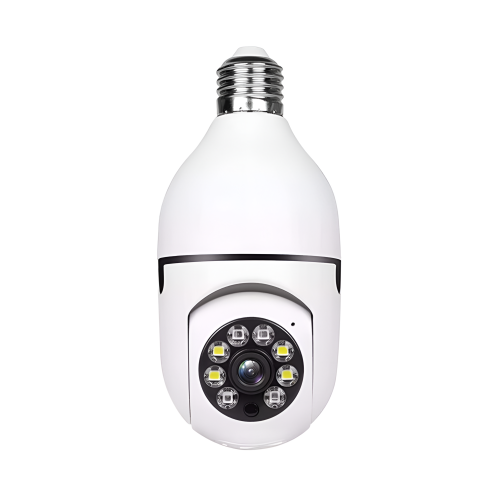
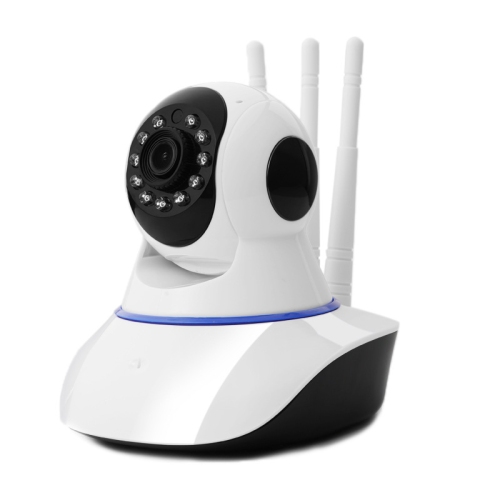
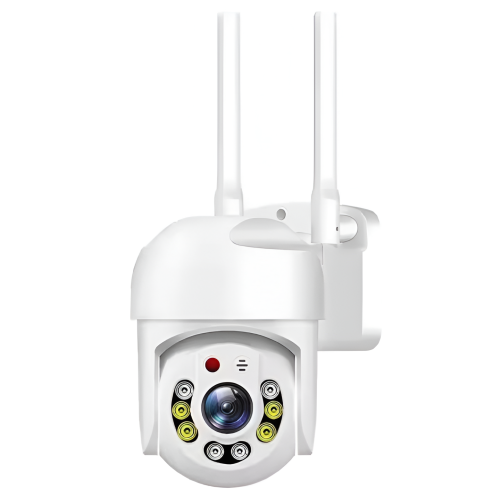
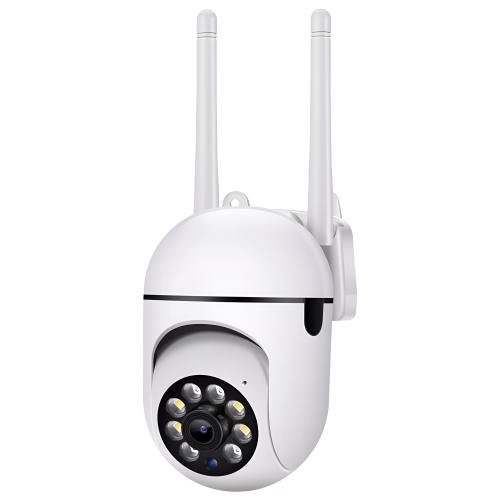
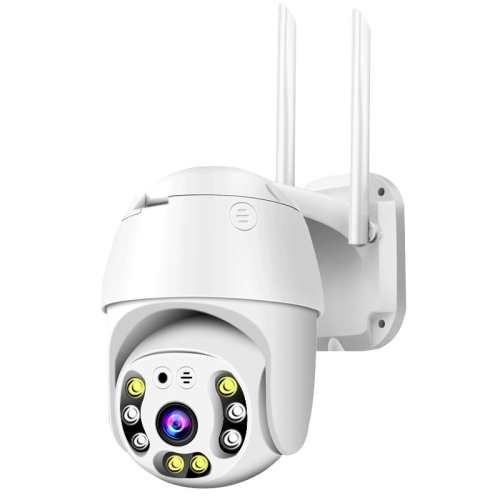
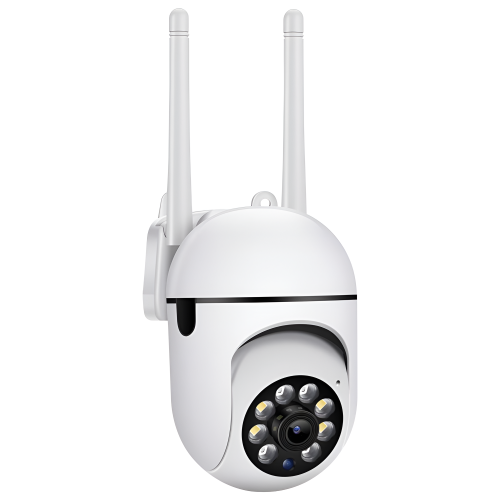
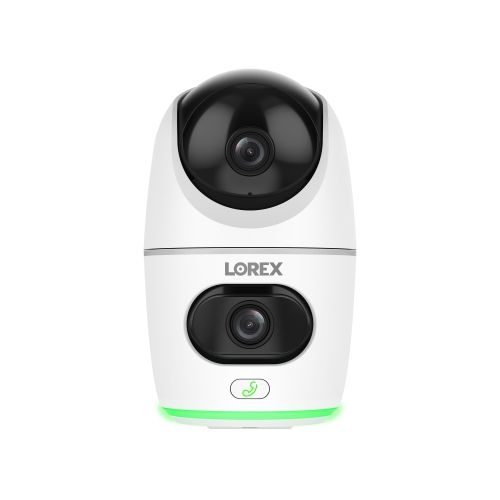
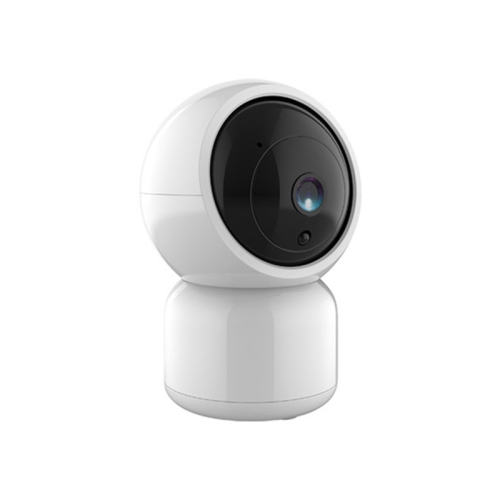
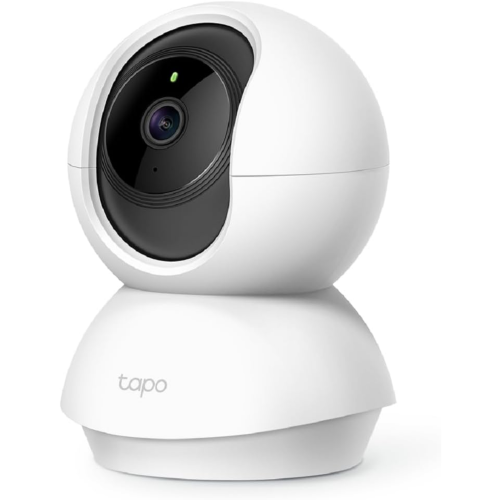
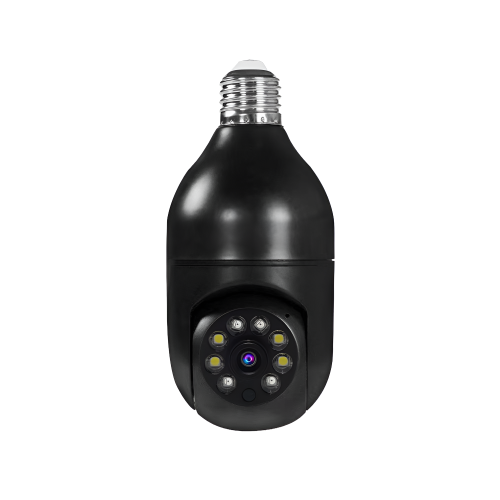
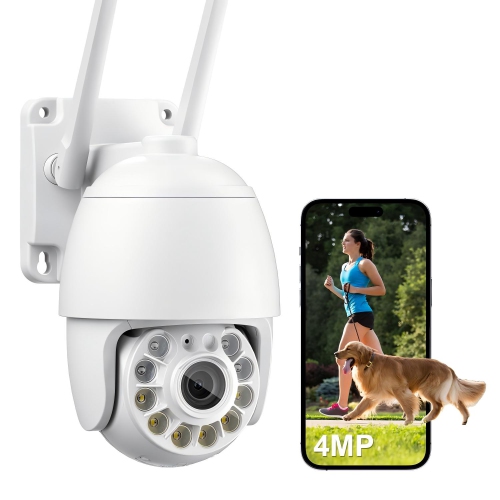
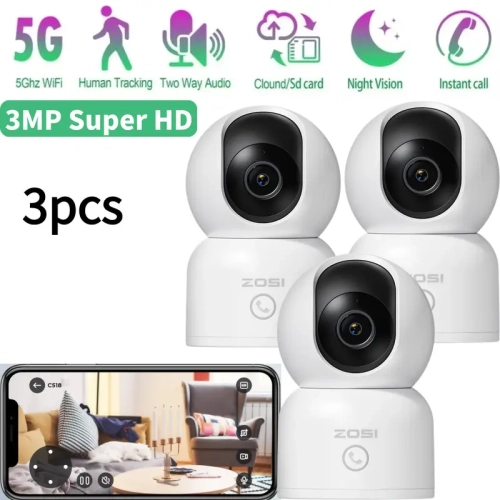
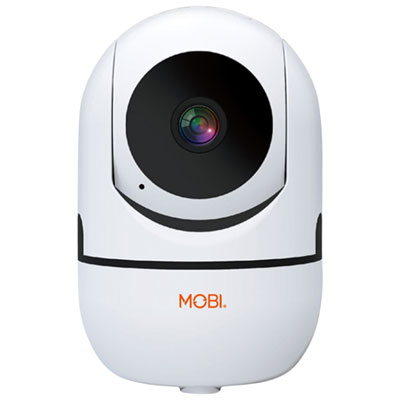
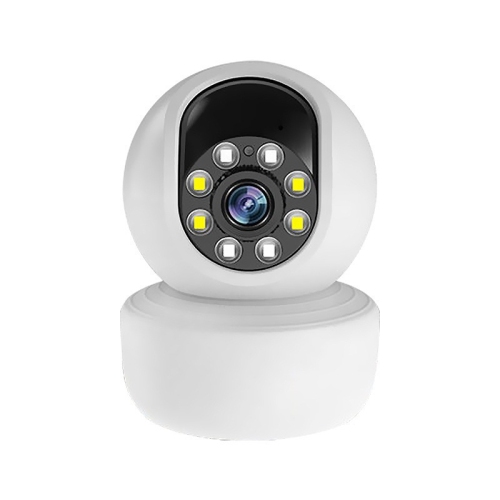
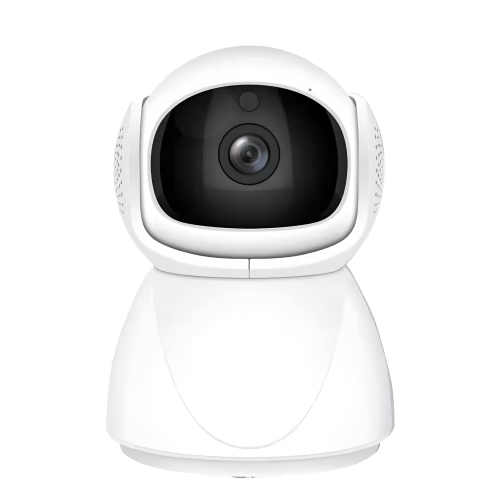
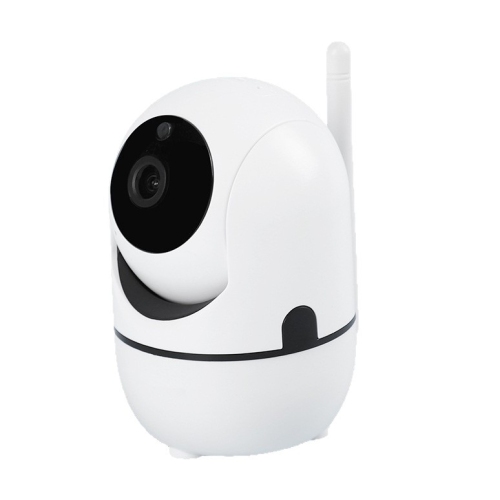
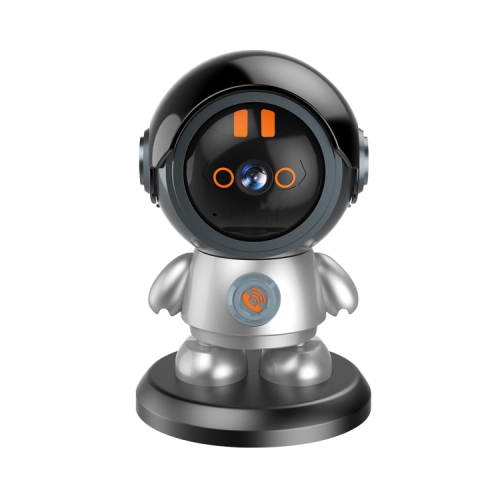
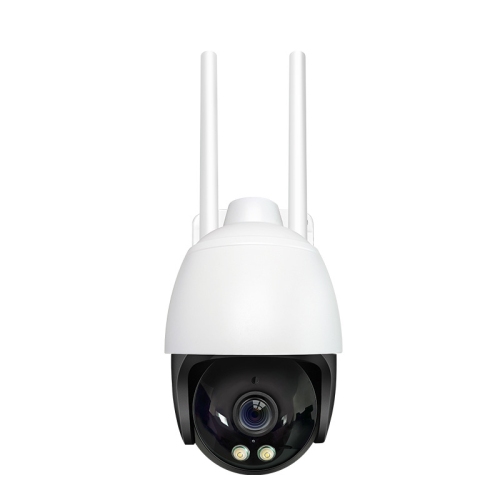
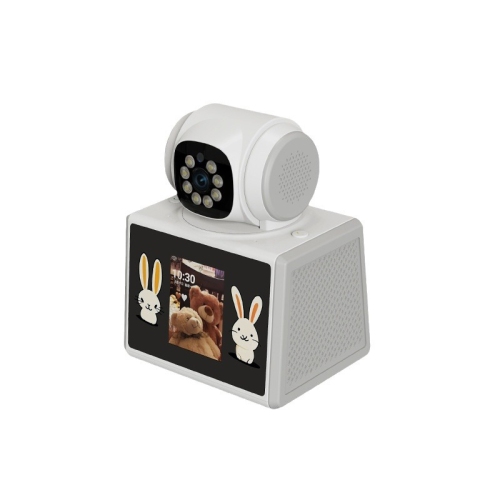
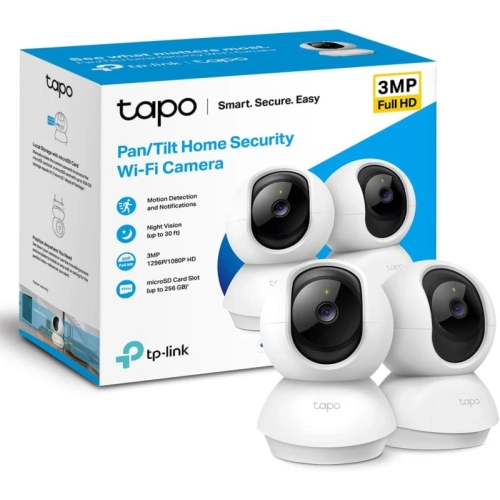
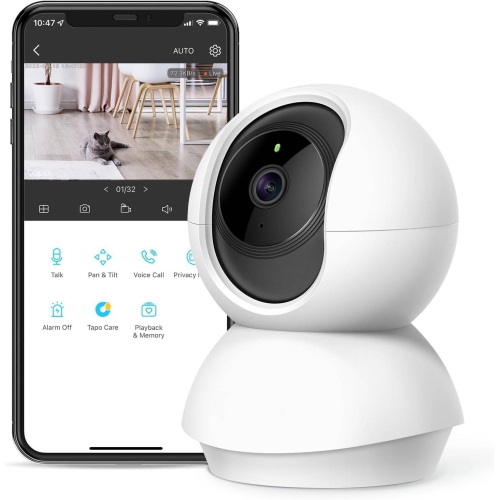
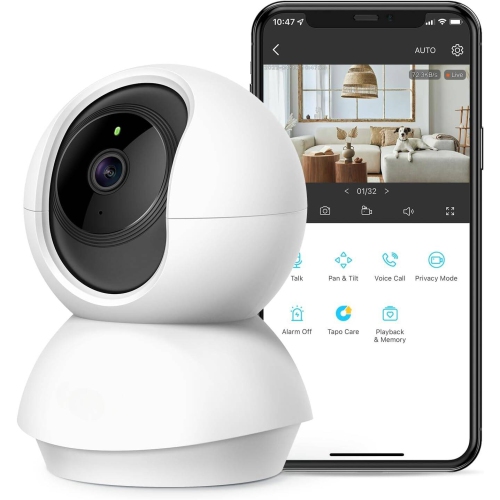
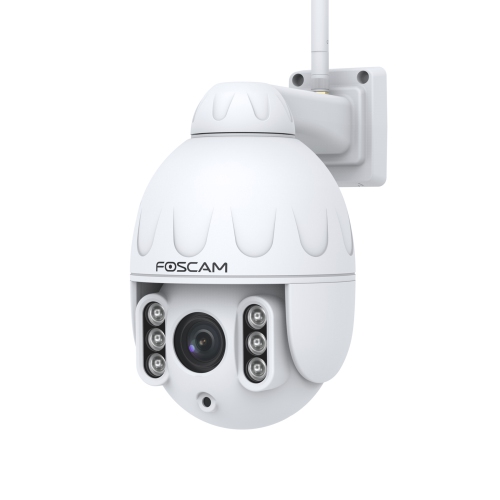
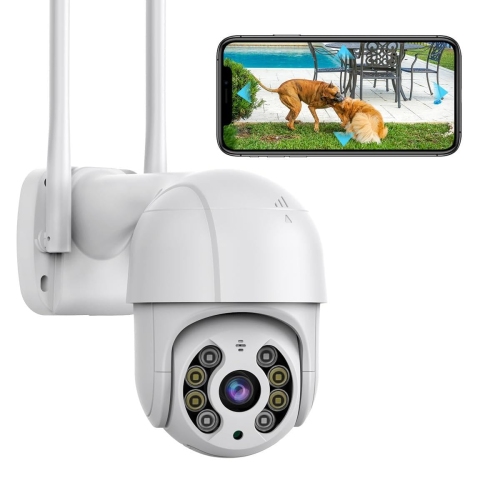
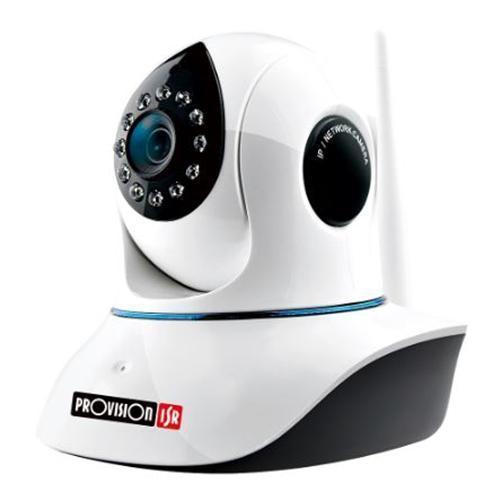
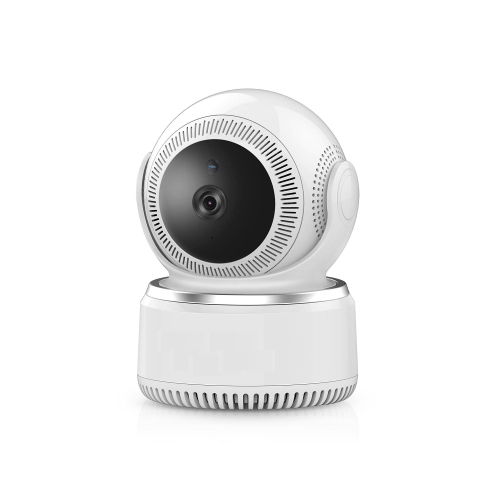
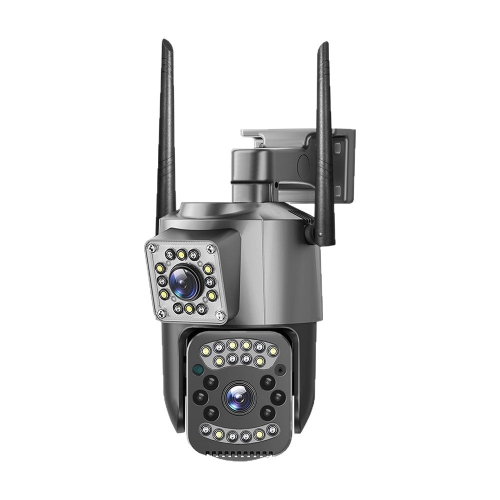
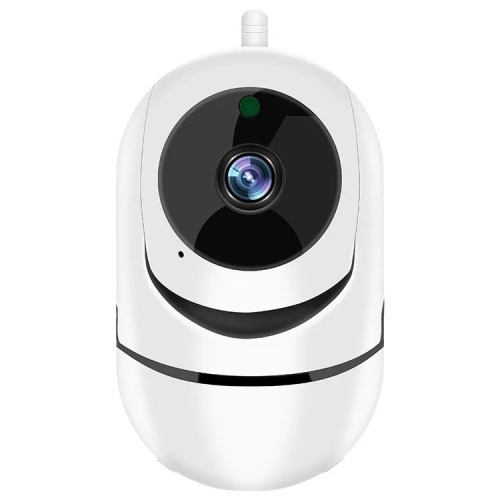
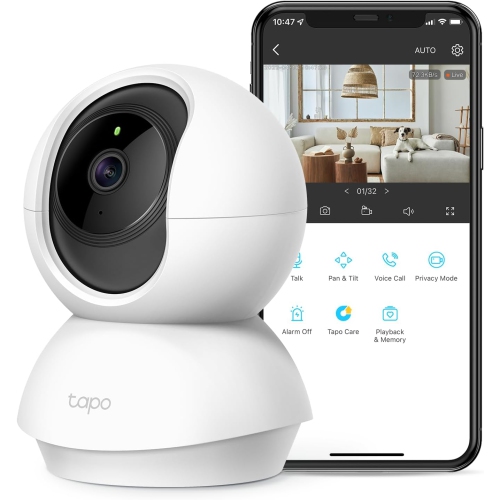
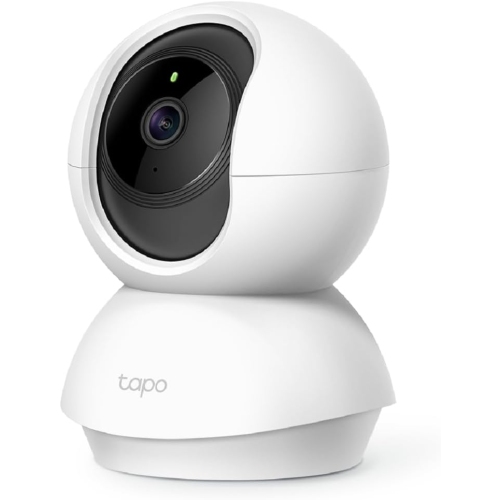
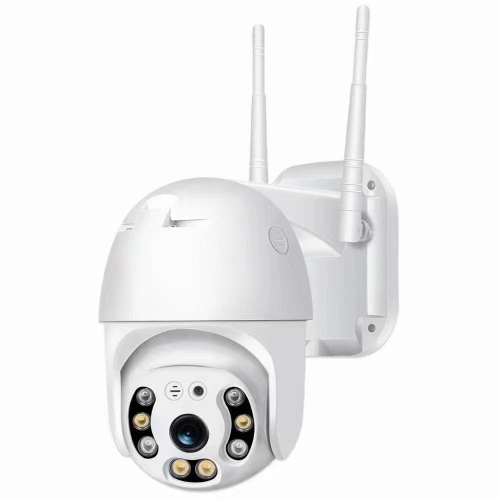
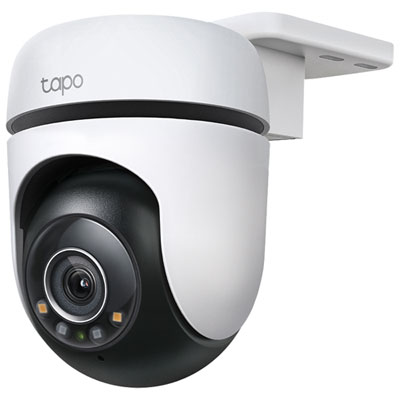
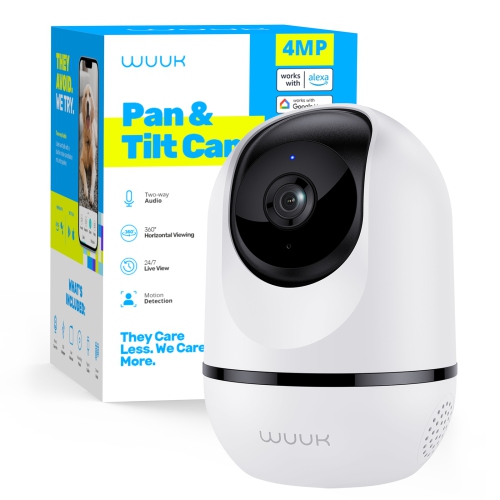
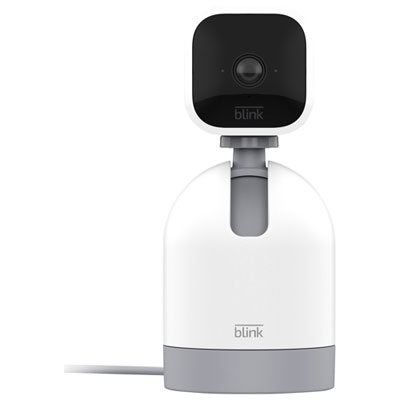
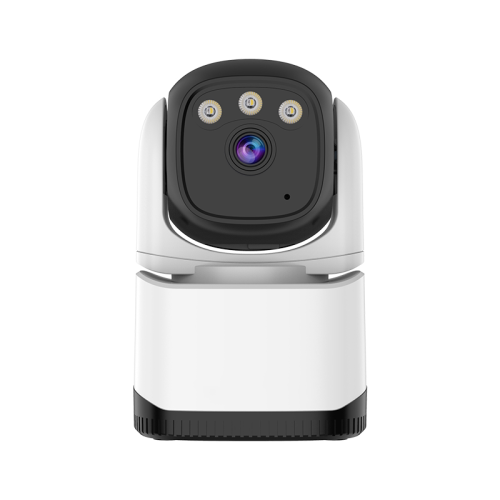
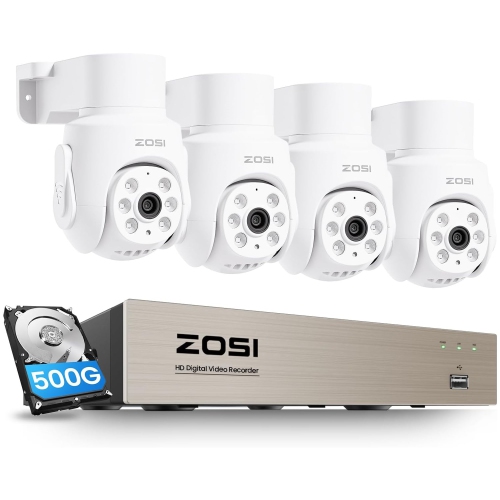
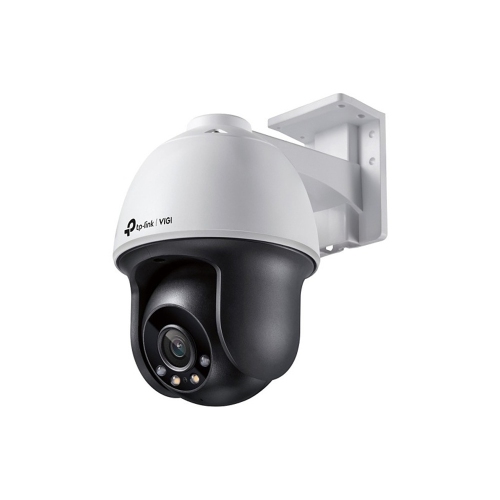
Pan-tilt-zoom cameras, often called PTZ cameras, combine motorized horizontal movement, vertical movement, and zoom in a single camera. Panning turns the view left or right, tilting moves it up or down, and zoom brings a subject closer within the image. Together, these functions let a camera shift from a broad view of a driveway to a closer look at the gate, or from a living room doorway to the spot where a pet likes to sleep. The range of movement varies by model: some cameras offer continuous horizontal rotation, while others stop at the limits of their turning range. Optical zoom uses the lens to magnify distant subjects while preserving more detail; digital zoom enlarges part of the captured image, so clarity depends on the original resolution and how far the image is enlarged. That distinction matters when the intended use involves checking a distant entrance rather than simply seeing whether someone has arrived. Higher resolution can provide a clearer starting image, but lens quality, lighting, focus, and distance also affect visible detail. For spaces where changing the viewing direction matters more than bringing distant subjects closer, pan and tilt cameras offer another way to look around a room or entrance, with zoom capabilities varying by model. PTZ cameras suit homeowners watching an entryway, pet owners checking activity indoors, and business operators observing a reception area, loading space, or parking lot. Some support saved viewing positions, making it possible to return to a doorway or another important spot without manually adjusting the angle each time. Automatic tracking, where supported, can move the camera to follow detected motion or supported subject types such as people or vehicles. Tracking accuracy and detection options differ, however, and a camera looking in one direction may miss activity elsewhere. Wide movement coverage is not the same as seeing every part of a space simultaneously.
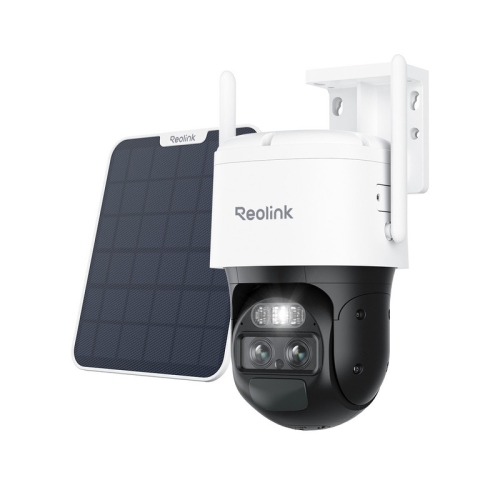
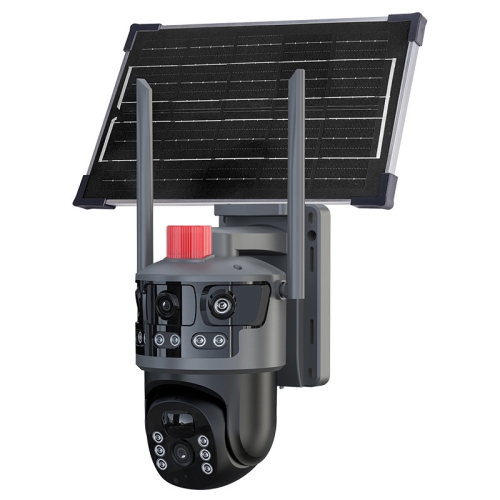
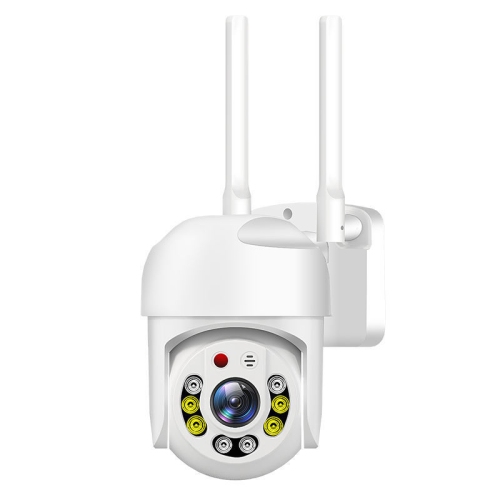
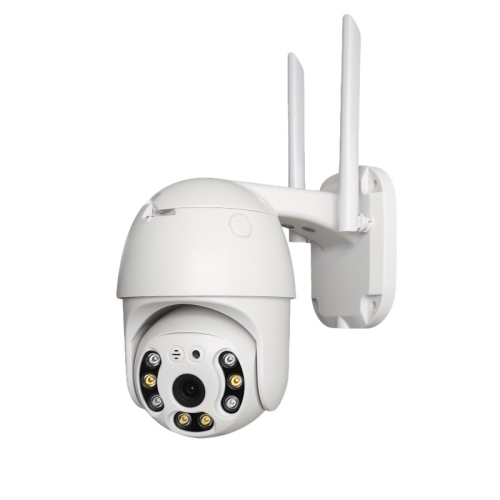
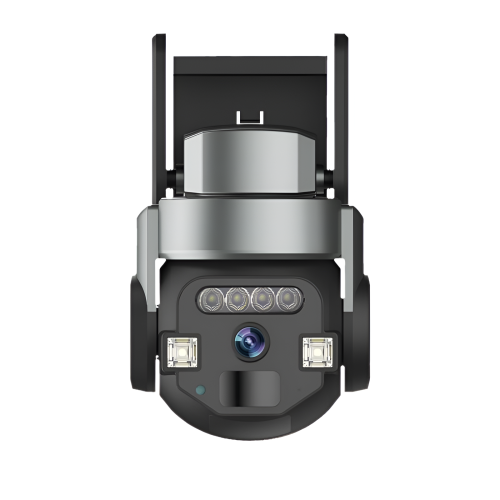
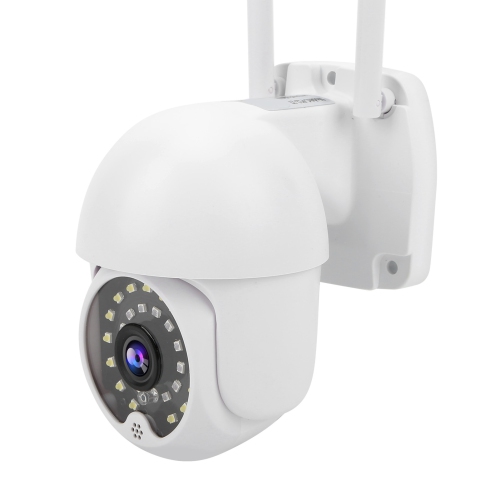
The right physical design depends on where the camera will sit and what it needs to withstand. Indoor PTZ cameras often have compact housings suited to shelves, desks, or ceiling mounts, while outdoor designs may use more substantial plastic or metal housings with seals that help protect internal parts from water and dust. An outdoor designation alone does not describe every limit, so the published ingress protection rating and operating temperature range are useful details for Canadian homes and businesses. During the cooler months, a camera overlooking an exposed driveway may face very different conditions from one mounted beneath a sheltered porch. Weather resistance also depends on correct installation, including protection for cable joints and power connections. A sturdy mount is especially important for a motorized camera: vibration from a loose bracket can make a close-up view difficult to interpret, particularly at higher optical magnification. Wall, ceiling, corner, and pole mounting positions create different sightlines, and the camera needs enough clearance to move without its view being blocked by an eave, railing, or nearby wall. Mounting height affects both coverage and useful detail; a high vantage point can show a larger area while providing a less direct view of faces at an entrance. Indoor placement benefits from similar attention. A camera on a stable shelf should have room to turn, with cords secured away from children and pets. Pointing an indoor camera through a window can cause reflections, especially when infrared night vision is active, so it is not always a practical substitute for an outdoor camera. Night viewing also varies: infrared illumination commonly produces monochrome footage, while colour night vision may require ambient light or a built-in light source. Keeping the lens cover clean helps maintain clarity in either mode. A soft cloth and manufacturer-approved cleaning methods are preferable to abrasive cleaners, and periodic checks for loose fittings, dirt, spiderwebs, or moisture around connections can help keep the installation dependable.
Connectivity, controls, and storage shape how a PTZ camera fits into everyday routines. Wi-Fi cameras communicate over a wireless network but still need a suitable power source unless they are specifically designed for battery operation. Reliable signal strength at the mounting location matters, especially when viewing high-resolution video or controlling movement remotely. A garage at the far end of a property may have a weaker connection than a room near the router, and supported Wi-Fi bands vary between cameras. Wired network cameras can provide a more consistent connection where cable routing is practical. Power over Ethernet, or PoE, allows compatible cameras to receive data and power through one Ethernet cable, provided the connected switch or injector meets their power requirements. Remote viewing typically depends on compatible software, a network connection, and an account, while certain local viewing or recording functions may continue without internet access, depending on the setup. Storage options can include a memory card, a compatible network video recorder, or cloud storage; not every camera supports all three. Continuous recording and motion-triggered clips serve different needs, and resolution, frame rate, compression, and storage capacity influence how much footage can be retained. For a busy entrance, the ability to find a particular event may be as useful as the live view itself. Motion zones and person or vehicle detection, when supported, can help narrow notifications, although moving branches, passing headlights, and changing light may still affect alerts. Two-way audio can make it easier to speak with someone at the door or reassure a pet, with sound quality depending on microphone placement and surrounding noise. Shared access can suit households or workplaces where more than one person needs to check the camera, but permission controls are worth considering. Strong account security, software updates, and thoughtful placement help protect privacy. Cameras should focus on the intended property or indoor area rather than neighbouring windows or private spaces. Matching these everyday details to the intended use makes the difference between a camera that simply moves and one that provides a useful view when it matters.
The right physical design depends on where the camera will sit and what it needs to withstand. Indoor PTZ cameras often have compact housings suited to shelves, desks, or ceiling mounts, while outdoor designs may use more substantial plastic or metal housings with seals that help protect internal parts from water and dust. An outdoor designation alone does not describe every limit, so the published ingress protection rating and operating temperature range are useful details for Canadian homes and businesses. During the cooler months, a camera overlooking an exposed driveway may face very different conditions from one mounted beneath a sheltered porch. Weather resistance also depends on correct installation, including protection for cable joints and power connections. A sturdy mount is especially important for a motorized camera: vibration from a loose bracket can make a close-up view difficult to interpret, particularly at higher optical magnification. Wall, ceiling, corner, and pole mounting positions create different sightlines, and the camera needs enough clearance to move without its view being blocked by an eave, railing, or nearby wall. Mounting height affects both coverage and useful detail; a high vantage point can show a larger area while providing a less direct view of faces at an entrance. Indoor placement benefits from similar attention. A camera on a stable shelf should have room to turn, with cords secured away from children and pets. Pointing an indoor camera through a window can cause reflections, especially when infrared night vision is active, so it is not always a practical substitute for an outdoor camera. Night viewing also varies: infrared illumination commonly produces monochrome footage, while colour night vision may require ambient light or a built-in light source. Keeping the lens cover clean helps maintain clarity in either mode. A soft cloth and manufacturer-approved cleaning methods are preferable to abrasive cleaners, and periodic checks for loose fittings, dirt, spiderwebs, or moisture around connections can help keep the installation dependable.
Connectivity, controls, and storage shape how a PTZ camera fits into everyday routines. Wi-Fi cameras communicate over a wireless network but still need a suitable power source unless they are specifically designed for battery operation. Reliable signal strength at the mounting location matters, especially when viewing high-resolution video or controlling movement remotely. A garage at the far end of a property may have a weaker connection than a room near the router, and supported Wi-Fi bands vary between cameras. Wired network cameras can provide a more consistent connection where cable routing is practical. Power over Ethernet, or PoE, allows compatible cameras to receive data and power through one Ethernet cable, provided the connected switch or injector meets their power requirements. Remote viewing typically depends on compatible software, a network connection, and an account, while certain local viewing or recording functions may continue without internet access, depending on the setup. Storage options can include a memory card, a compatible network video recorder, or cloud storage; not every camera supports all three. Continuous recording and motion-triggered clips serve different needs, and resolution, frame rate, compression, and storage capacity influence how much footage can be retained. For a busy entrance, the ability to find a particular event may be as useful as the live view itself. Motion zones and person or vehicle detection, when supported, can help narrow notifications, although moving branches, passing headlights, and changing light may still affect alerts. Two-way audio can make it easier to speak with someone at the door or reassure a pet, with sound quality depending on microphone placement and surrounding noise. Shared access can suit households or workplaces where more than one person needs to check the camera, but permission controls are worth considering. Strong account security, software updates, and thoughtful placement help protect privacy. Cameras should focus on the intended property or indoor area rather than neighbouring windows or private spaces. Matching these everyday details to the intended use makes the difference between a camera that simply moves and one that provides a useful view when it matters.
Top selling and popular products
-
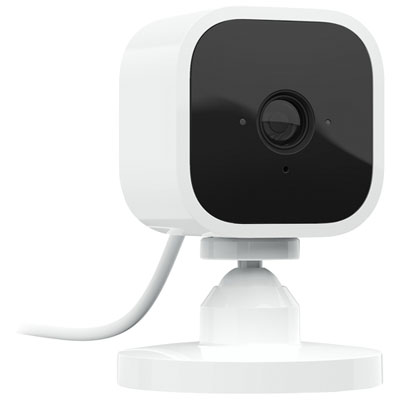 Your price for this item is $34.97
 -
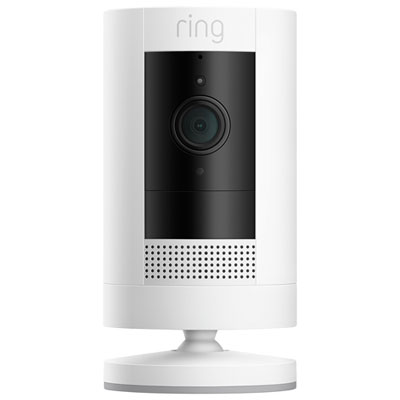 Your price for this item is $109.99
 -
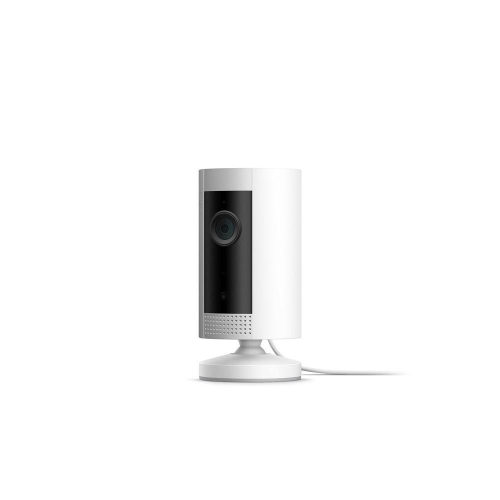 Your price for this item is $79.25
 -
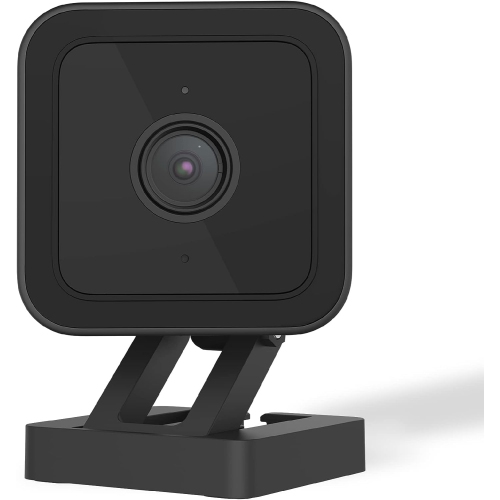 Your price for this item is $95.99
 -
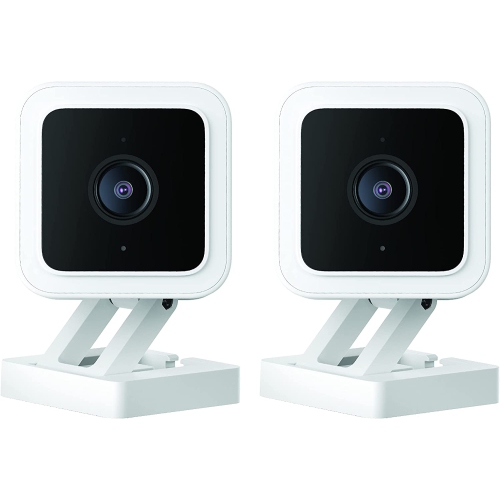 Your price for this item is $110.48
 -
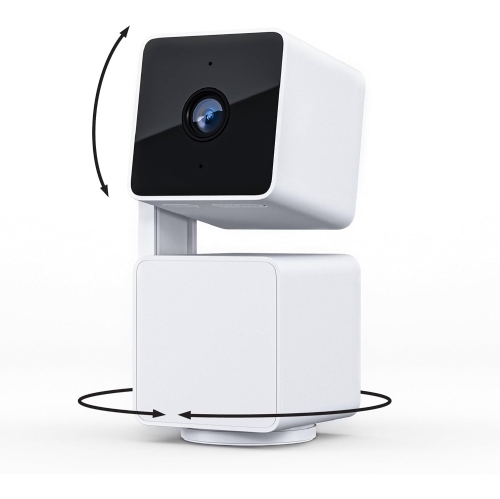 Your price for this item is $110.99
 -
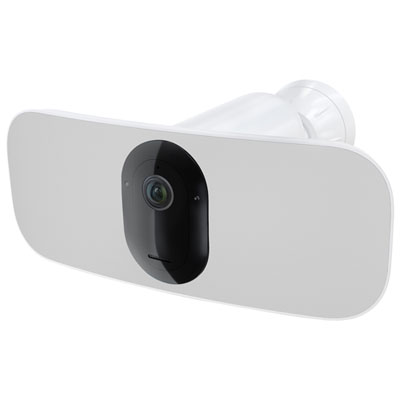 Your price for this item is $329.95
 -
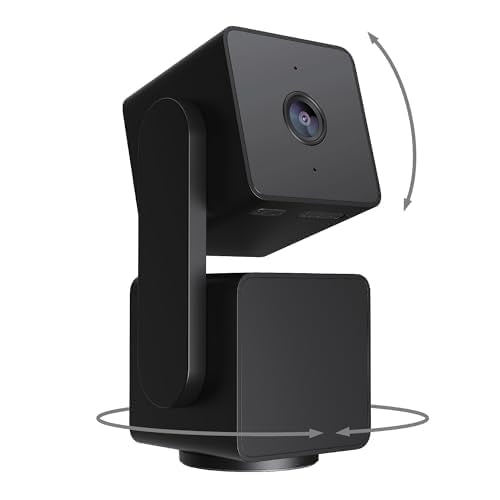 Your price for this item is $105.99
Discover more categories related to Pan Tilt Zoom Cameras
Top Collections:
Pokemon Centers, Best Cameras for Sports Photography, Kindle Devices, Samsung Galaxy Phones, Canon G7X Cameras, Pokémon 30th Celebration Cards, Refurbished Apple Laptops, iPhone 15 Apple, Laptops for Students, Budget Smartphones
Some products may be subject to Environmental Handling Fees
(EHF) depending on your province.
Learn more about EHFs.