Wireless Doorbells for Apartments
Wireless Doorbells for Apartments offer a convenient and flexible solution for enhancing your home’s entryway. Perfect for renters and apartment dwellers, these doorbells are easy to install and adapt to various living spaces without the need for complicated wiring. Explore a wide selection of wireless options designed to fit your lifestyle and provide reliable performance. Find the ideal Wireless Doorbells for Apartments to suit your needs and enjoy added peace of mind every time someone visits your door.
Sort
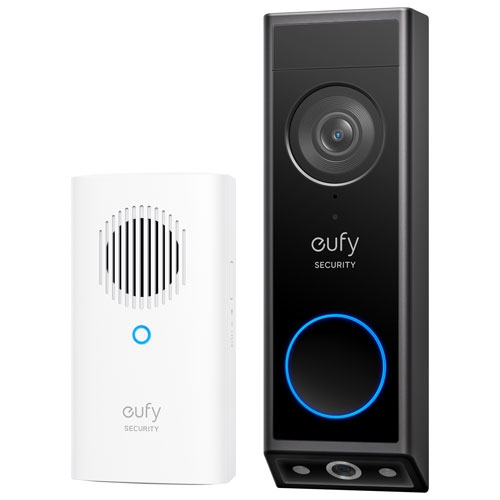
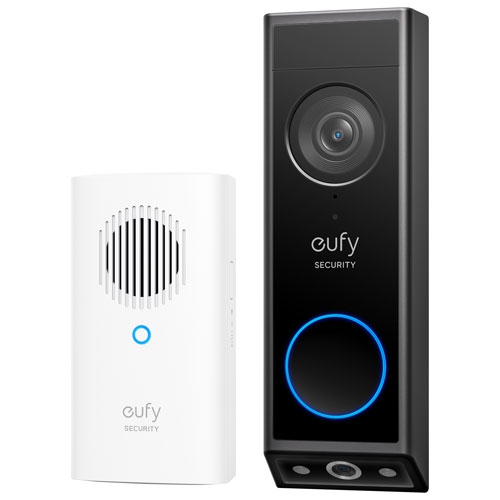
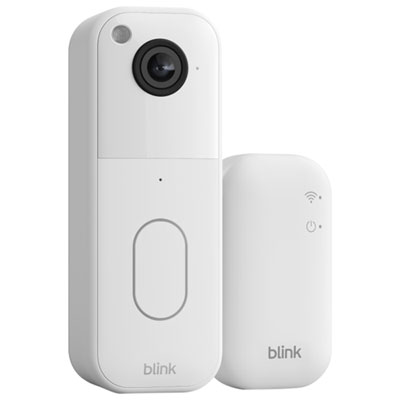
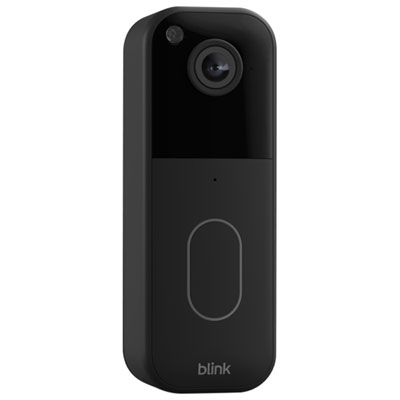
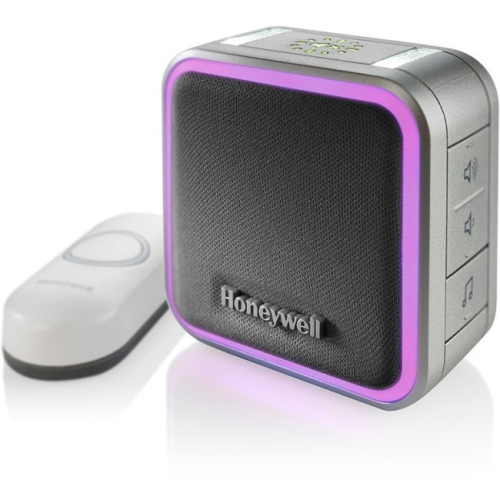
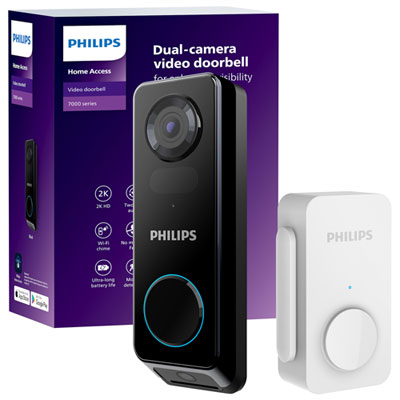
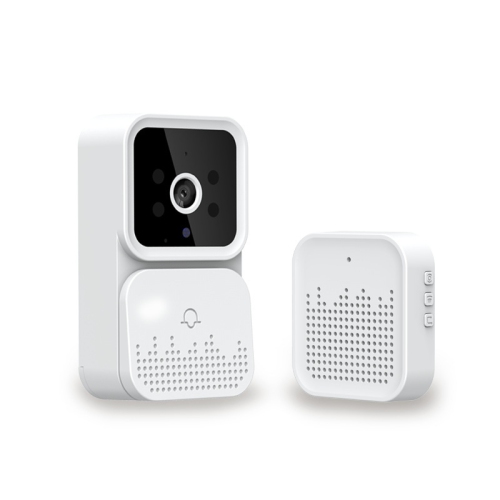
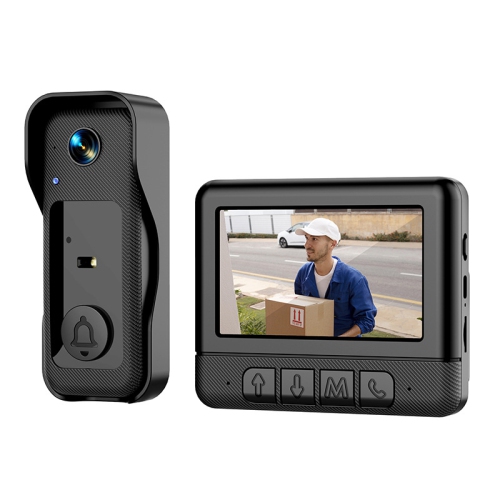

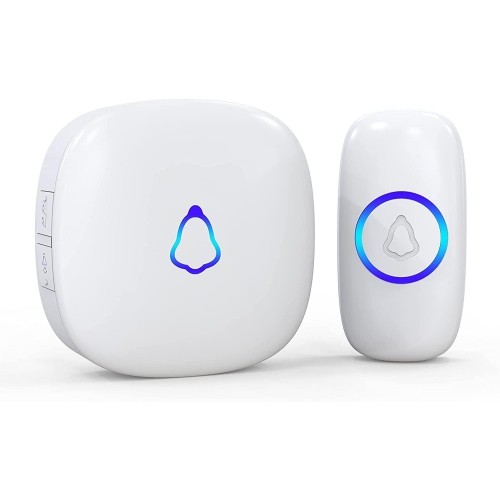
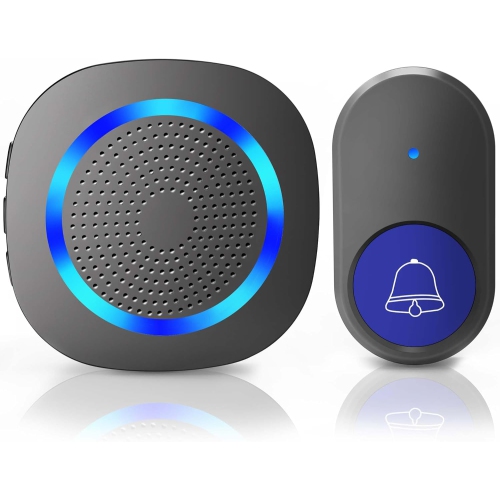
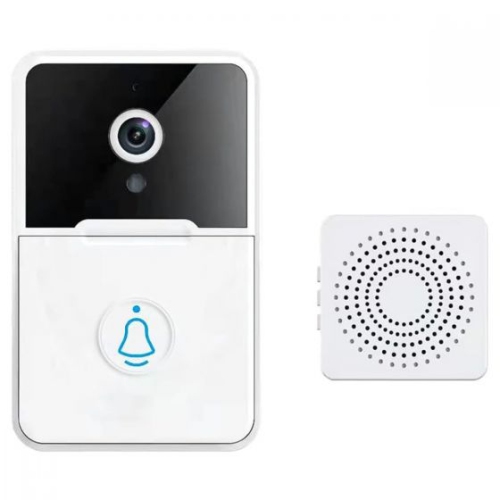
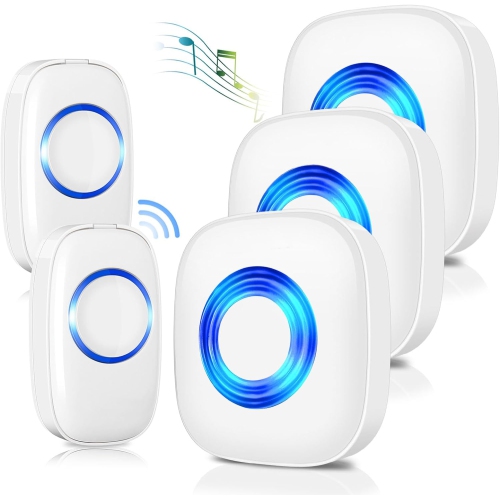
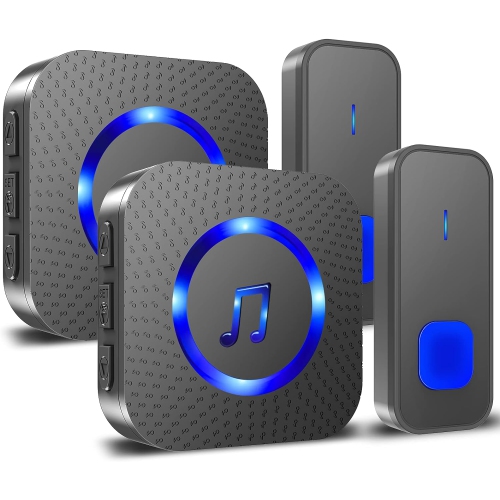
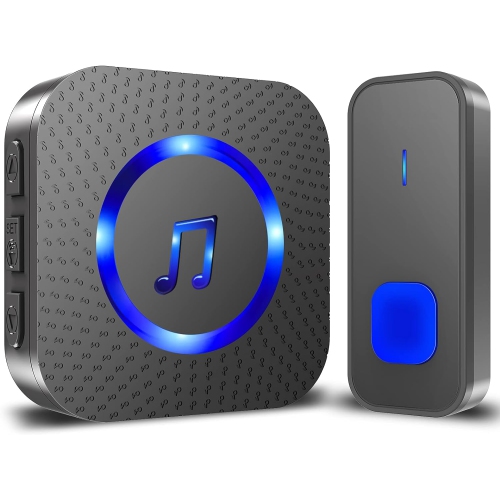
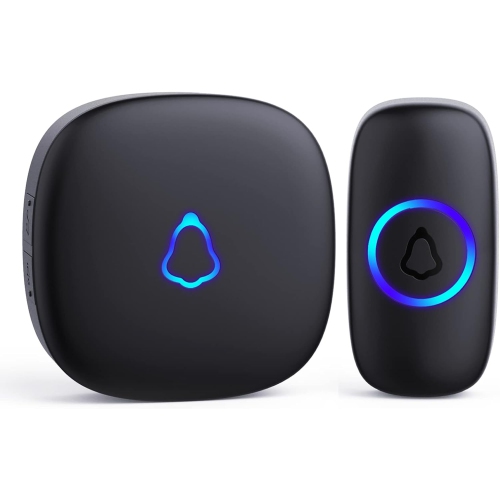
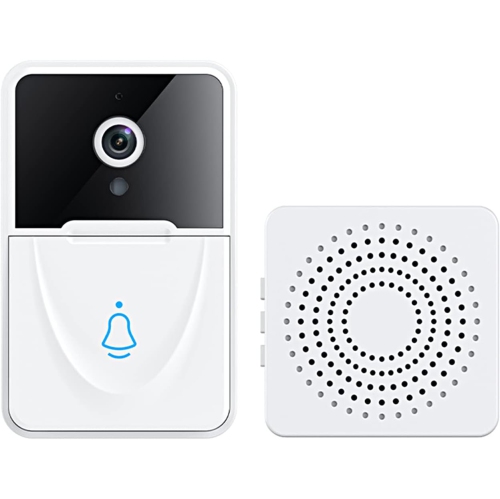
A simple chime or a view of your visitor
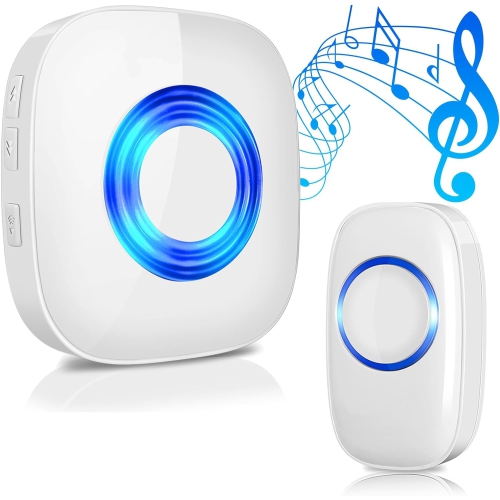
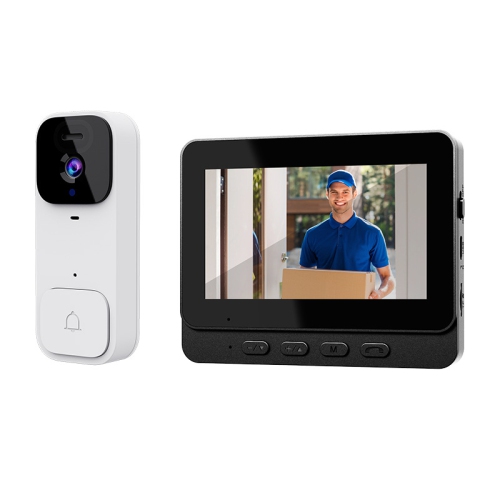
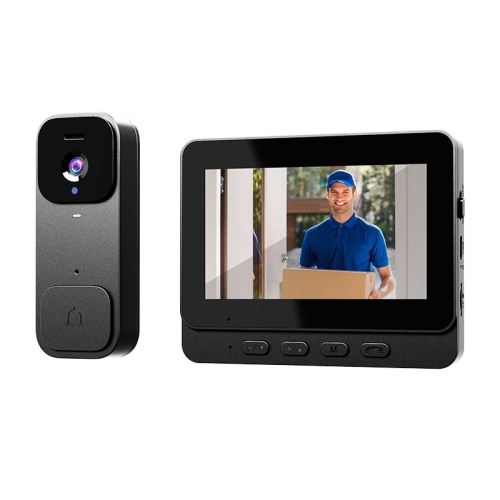
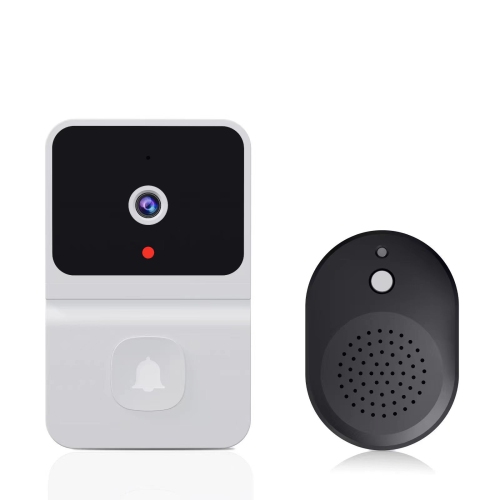
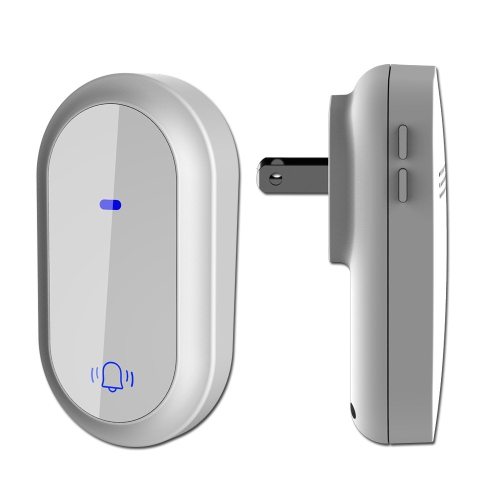
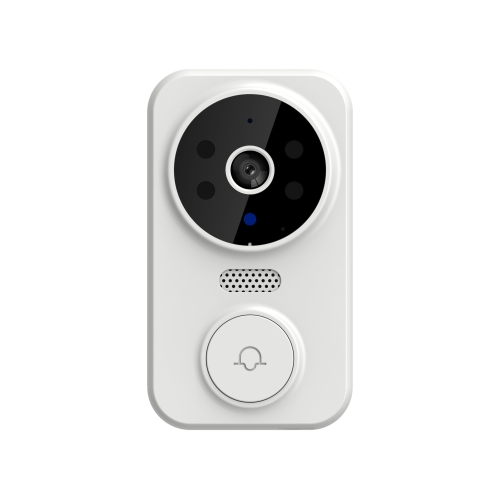
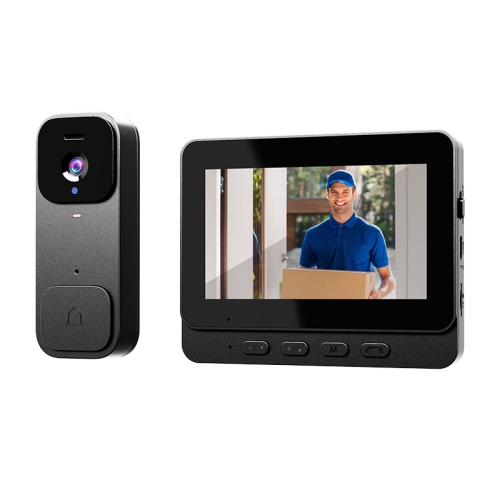
Wireless doorbells for apartments let visitors announce their arrival without requiring a wired connection between the door button and an indoor chime. Two common options are simple wireless chime kits and battery-powered video doorbells. A chime kit typically pairs a push button outside the suite with a plug-in or battery-operated receiver inside, while a video doorbell can send alerts to a compatible phone and show who is at the door. For renters who mainly want to hear a visitor from the kitchen or bedroom, an audio-only kit can keep things straightforward: many operate without Wi-Fi, an app, or an account. Some use a kinetic push button that generates enough power from each press to transmit a signal, eliminating the need for a battery in the button itself. The receiver still needs its own power source. Video models suit residents who want to check for a delivery or speak with a visitor without opening the door, provided the building permits cameras and the device has a reliable connection. The term wireless deserves a closer look because it can describe different parts of the setup. A wireless connection does not necessarily mean every component runs on batteries, and some smart doorbells still require existing wiring for power. Battery-operated and wire-free descriptions, along with the stated power requirements, help clarify whether a model can work at a suite entrance without electrical alterations. An apartment doorbell also serves a different purpose from the building’s entry buzzer or intercom. It generally announces someone who has already reached the apartment door; it does not automatically grant access through a locked lobby or replace the building’s entry system. That distinction matters for deliveries, visiting family, and anyone expecting an alert from the street entrance. A well-matched setup supports the way visitors actually reach the home, whether that means a clear chime for an occasional guest or a phone notification when someone presses the button outside the suite.
Fit and mounting are especially important in an apartment, where a narrow door frame, painted surface, or shared corridor can limit installation choices. Compact buttons can fit neatly beside a suite number without crowding a peephole, door handle, or existing building hardware. Typical housings use moulded plastic, sometimes with metal trim, while video models also have a lens surface that needs to remain unobstructed. Beyond appearance, useful details include a secure mounting plate, an accessible battery compartment, and a button that visitors can easily identify and press. Adhesive mounts and over-door brackets may avoid drilling, but neither is automatically suitable for every entrance. Adhesive needs a compatible, clean surface and can lift paint or leave residue when removed. Textured walls, dusty trim, and uneven surfaces may not provide a dependable bond. An over-door bracket needs enough clearance for the door to close and latch fully without rubbing the frame, interfering with seals, or obstructing a closer. Some apartment entrance doors are fire-rated, so mounting hardware must not compromise their operation or modify required components. Permission from the landlord, condominium board, or property manager is worth confirming before attaching anything outside the suite, particularly a camera facing a shared hallway. For video doorbells, the viewing angle also affects fit: a position that shows a visitor’s face may include a neighbouring doorway, while a low mounting point may miss useful details. Privacy zones, where supported, can limit portions of the image, although they do not replace compliance with building rules or applicable privacy requirements. Day-to-day care is usually uncomplicated. A soft cloth can remove fingerprints from the button and lens, following the manufacturer’s cleaning directions and avoiding abrasive cleaners. Periodic checks of the mount, battery cover, and button response help identify loose fittings or missed presses. For rechargeable models, easy removal for charging is a practical advantage, especially when the mounting position is awkward to reach.
Inside the apartment, the most useful features are often the ones that make an alert noticeable without making it disruptive. Adjustable volume and a choice of chime tones can help a resident hear the door over a range hood or washing machine while keeping the sound comfortable for a small suite. A receiver near the centre of the home may carry better than one tucked behind furniture at the entrance. Advertised wireless range is often measured with few obstructions, so concrete walls, metal doors, and the layout of the apartment can reduce the distance between a button and its receiver. Testing the signal at the intended positions before final mounting helps reveal weak spots. Some systems support additional receivers, which can be useful for a bedroom or home office, but expansion depends on compatibility rather than simply choosing another wireless chime. Flashing indicators can supplement an audible alert for residents who may not hear every ring, though a standard doorbell should not be assumed to meet specialist accessibility needs. Video doorbells add other considerations, including Wi-Fi coverage at the entrance, compatible phone software, notification permissions, and whether a separate indoor chime is included or supported. Live viewing, two-way audio, saved footage, and motion alerts are distinct features, and access to each varies by model and service requirements. Motion detection aimed into a busy corridor may produce frequent alerts; adjustable detection zones or sensitivity settings can help reduce unnecessary interruptions where those controls are supported. Battery life likewise depends on use, including how often the camera wakes, sends alerts, or streams video, so a stated maximum is not a guaranteed interval between charges. For residents who also want notice when a door opens, Wireless Door Alarms for Apartments serve a separate purpose from a visitor-operated doorbell. A doorbell announces a press or, on some models, detected activity; a door alarm typically responds to the door opening or a related sensor event. Keeping those roles distinct makes it easier to choose useful features for everyday apartment living without expecting one device to perform every task.
Fit and mounting are especially important in an apartment, where a narrow door frame, painted surface, or shared corridor can limit installation choices. Compact buttons can fit neatly beside a suite number without crowding a peephole, door handle, or existing building hardware. Typical housings use moulded plastic, sometimes with metal trim, while video models also have a lens surface that needs to remain unobstructed. Beyond appearance, useful details include a secure mounting plate, an accessible battery compartment, and a button that visitors can easily identify and press. Adhesive mounts and over-door brackets may avoid drilling, but neither is automatically suitable for every entrance. Adhesive needs a compatible, clean surface and can lift paint or leave residue when removed. Textured walls, dusty trim, and uneven surfaces may not provide a dependable bond. An over-door bracket needs enough clearance for the door to close and latch fully without rubbing the frame, interfering with seals, or obstructing a closer. Some apartment entrance doors are fire-rated, so mounting hardware must not compromise their operation or modify required components. Permission from the landlord, condominium board, or property manager is worth confirming before attaching anything outside the suite, particularly a camera facing a shared hallway. For video doorbells, the viewing angle also affects fit: a position that shows a visitor’s face may include a neighbouring doorway, while a low mounting point may miss useful details. Privacy zones, where supported, can limit portions of the image, although they do not replace compliance with building rules or applicable privacy requirements. Day-to-day care is usually uncomplicated. A soft cloth can remove fingerprints from the button and lens, following the manufacturer’s cleaning directions and avoiding abrasive cleaners. Periodic checks of the mount, battery cover, and button response help identify loose fittings or missed presses. For rechargeable models, easy removal for charging is a practical advantage, especially when the mounting position is awkward to reach.
Inside the apartment, the most useful features are often the ones that make an alert noticeable without making it disruptive. Adjustable volume and a choice of chime tones can help a resident hear the door over a range hood or washing machine while keeping the sound comfortable for a small suite. A receiver near the centre of the home may carry better than one tucked behind furniture at the entrance. Advertised wireless range is often measured with few obstructions, so concrete walls, metal doors, and the layout of the apartment can reduce the distance between a button and its receiver. Testing the signal at the intended positions before final mounting helps reveal weak spots. Some systems support additional receivers, which can be useful for a bedroom or home office, but expansion depends on compatibility rather than simply choosing another wireless chime. Flashing indicators can supplement an audible alert for residents who may not hear every ring, though a standard doorbell should not be assumed to meet specialist accessibility needs. Video doorbells add other considerations, including Wi-Fi coverage at the entrance, compatible phone software, notification permissions, and whether a separate indoor chime is included or supported. Live viewing, two-way audio, saved footage, and motion alerts are distinct features, and access to each varies by model and service requirements. Motion detection aimed into a busy corridor may produce frequent alerts; adjustable detection zones or sensitivity settings can help reduce unnecessary interruptions where those controls are supported. Battery life likewise depends on use, including how often the camera wakes, sends alerts, or streams video, so a stated maximum is not a guaranteed interval between charges. For residents who also want notice when a door opens, Wireless Door Alarms for Apartments serve a separate purpose from a visitor-operated doorbell. A doorbell announces a press or, on some models, detected activity; a door alarm typically responds to the door opening or a related sensor event. Keeping those roles distinct makes it easier to choose useful features for everyday apartment living without expecting one device to perform every task.
Top selling and popular products
-
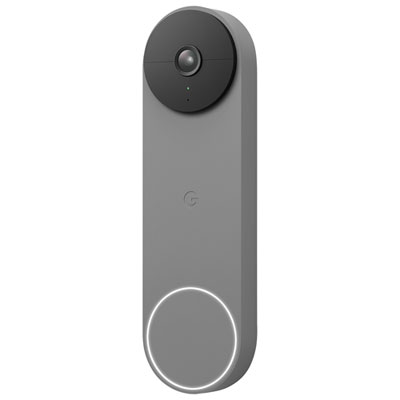 Your price for this item is $239.99
 -
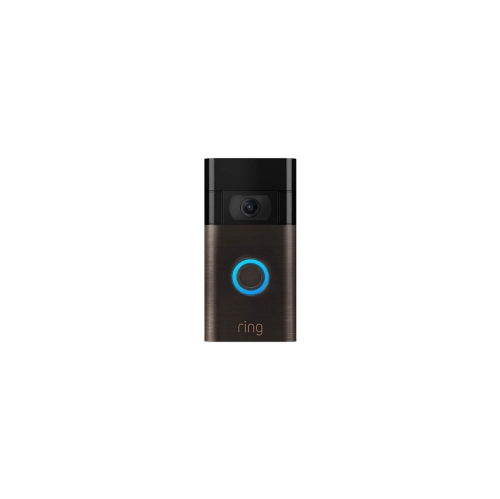 Your price for this item is $249.59
 -
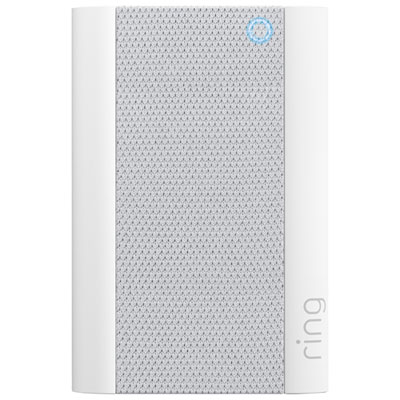 Your price for this item is $74.99
 -
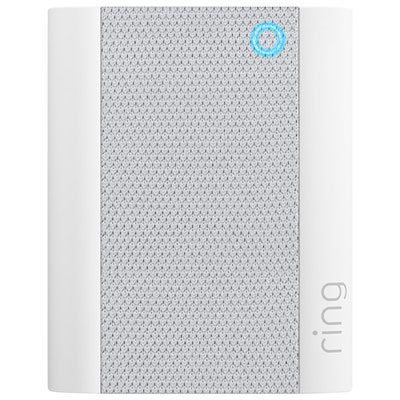 Your price for this item is $49.99
 -
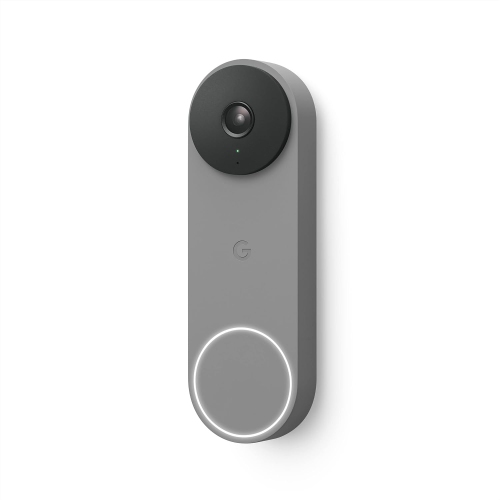 Your price for this item is $199
 -
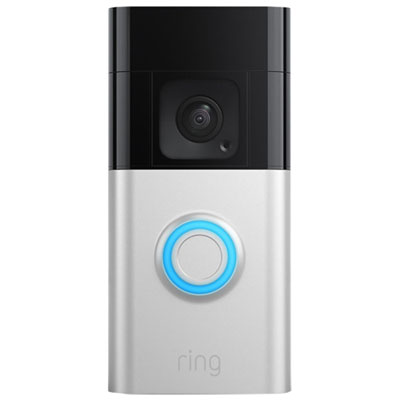 Your price for this item is $209.99
 -
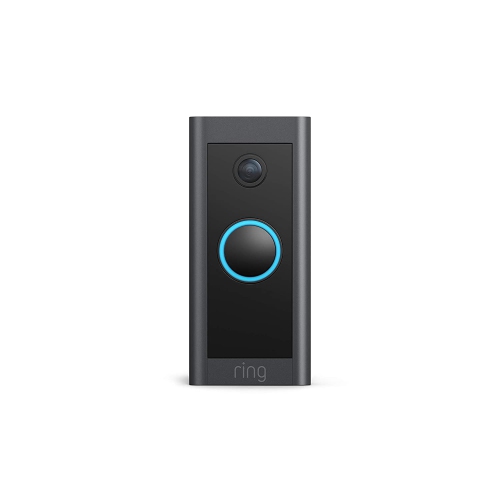 Your price for this item is $89.25
 -
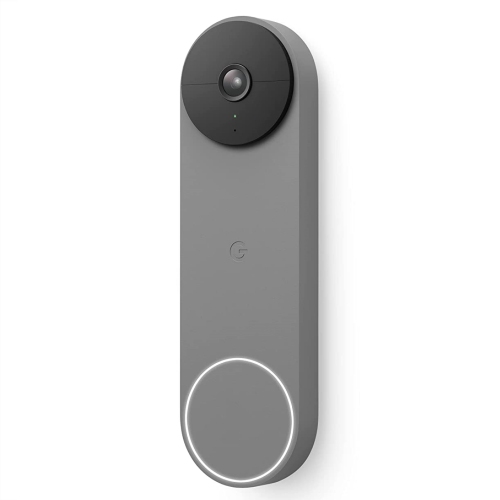 Your price for this item is $254.99
Discover more categories related to Wireless Doorbells for Apartments
Top Collections:
Pokemon Centers, Kindle Devices, Best Budget Office Chairs, Apple iPhones 16, Best Laptops for Writers, iPhone 15 Apple, Canon G7X Cameras, Refurbished Apple Laptops, Alarm Clock, Motorola Razr Phones
Some products may be subject to Environmental Handling Fees
(EHF) depending on your province.
Learn more about EHFs.