Ecobee Smart Thermostat App
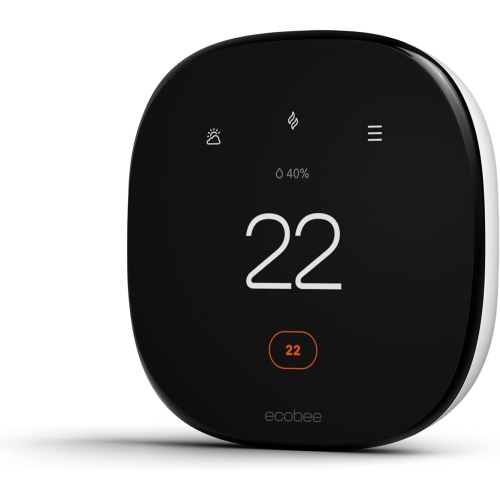
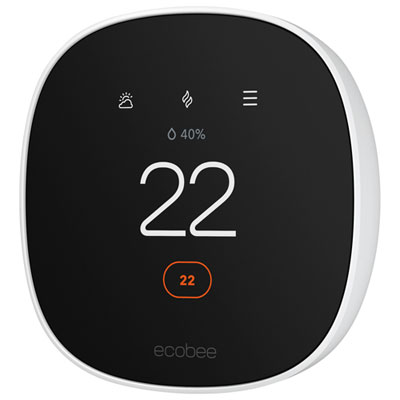
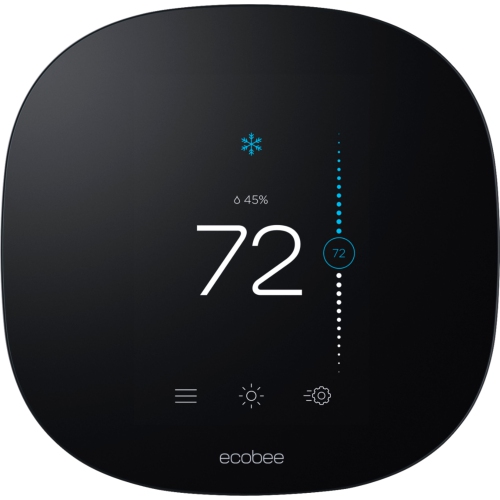
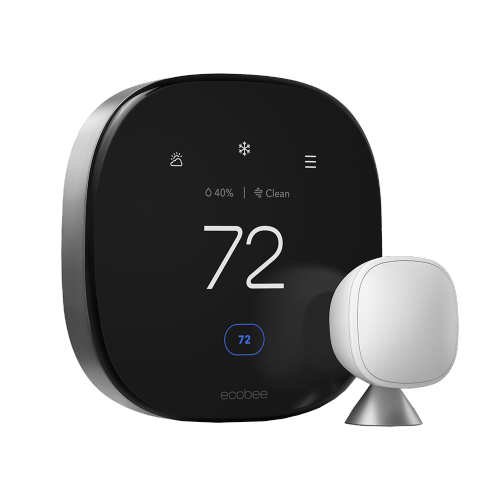
The Ecobee smart thermostat is a device that can be used to control the temperature in your home. The ecobee thermostat is compatible with most heating and cooling systems, including gas, electric, oil, and heat pump systems. Here are some great Ecobee smart thermostat available today.
Sort
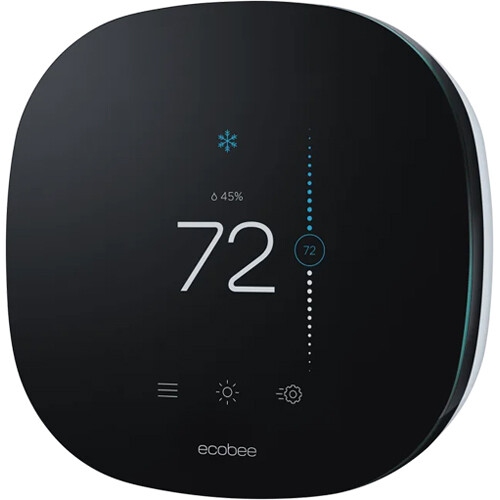
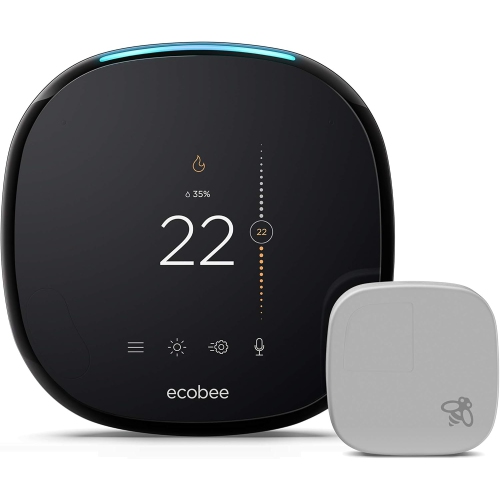
Simpler temperature control from wherever the day takes you
An Ecobee Smart Thermostat App can make everyday temperature control feel much more straightforward, especially when routines change from one day to the next. Instead of walking to the thermostat whenever the house feels chilly or warm, users can adjust settings from a compatible smartphone or tablet, whether they are relaxing on the sofa, leaving work, or away from home. The app typically allows users to view the current indoor temperature, change heating or cooling settings, create schedules, and switch between comfort preferences. This can be particularly helpful in homes where mornings, evenings, and overnight hours each call for a different setting. As the weather warms, users may want cooling to begin before they arrive home; during the cooler months, they can make sure the house is comfortable before getting out of bed. Some people also appreciate being able to check the temperature while travelling, helping them stay aware of what is happening at home without relying on a neighbour to stop by. Before choosing a connected thermostat or app-enabled system, consider the type of heating and cooling equipment installed in the home, the available wiring, the strength of the Wi-Fi connection, and whether everyone who manages the household temperature uses a compatible mobile device. A thermostat that works well with the existing setup is more likely to provide a smooth experience than one selected on appearance alone. It is also worth checking whether the system supports the features that matter most, such as multiple temperature zones, remote access, smart sensors, voice control, or notifications.
Setting up the app generally begins with downloading it from the Apple App Store or Google Play Store, then signing in or creating an account. After opening the app, users can select the option to add a device and follow the prompts for a thermostat. The physical thermostat may display a registration code, often found through a menu such as Main Menu, General, and Link to Mobile App, although the exact wording can vary by model and software version. Entering or scanning that code connects the thermostat to the account, after which the app guides the user through joining the home Wi-Fi network and confirming basic preferences. Keeping the phone close to the thermostat during setup can make the process easier, particularly when entering a long Wi-Fi password. If pairing does not complete, check that the phone is connected to the intended home network, that Bluetooth and local network permissions are enabled where required, and that the thermostat is receiving power. Restarting the app, confirming the account details, or moving temporarily closer to the home router can also help resolve simple connection issues. The app can be useful long after installation because it brings routine management into one place. Users can set weekday and weekend schedules, fine-tune comfort periods, and make quick changes when plans shift. Notifications may provide reminders related to maintenance, filter replacement, unusual temperature changes, or a connection problem. Some systems also provide reports that show temperature and usage patterns over time, giving household members a clearer picture of how their settings correspond with daily routines. For homes with several occupants, shared account access or household permissions may make it easier for everyone to manage the thermostat without repeatedly changing settings on the wall-mounted display.
These products can suit homeowners, renters whose property allows compatible thermostat upgrades, families with changing schedules, and anyone who prefers managing household devices from a mobile screen. They can also be a thoughtful gift for someone moving into a new home, updating an older heating and cooling system, or looking for a more convenient way to manage comfort from room to room. Before giving one as a gift, confirm that the recipient’s heating system and wiring are compatible, since some installations may require a common wire, an adaptor, or professional assistance. A home with radiant heating, a heat pump, multiple zones, or older equipment may have different requirements from a standard forced-air system. Buyers should also consider the size and layout of the space, whether temperature sensors would be helpful in bedrooms or living areas, and whether the recipient is comfortable using an app to complete setup. For households with children, guests, or older family members, a clear wall-mounted control can remain important even when most adjustments happen through a phone. App-based control is most useful when it complements the thermostat rather than replacing simple, accessible controls. Features such as schedules and alerts can be especially convenient during broad seasonal changes, when outdoor temperatures may shift noticeably between daytime and evening. Those comparing connected thermostat options may also wish to explore Ecobee Premium Thermostats to review available features and find a model that fits the home’s equipment and household habits. With the right compatibility checks, a reliable Wi-Fi connection, and a few minutes spent setting up schedules, the app can make temperature management feel less like another household task and more like a quiet background convenience.
Setting up the app generally begins with downloading it from the Apple App Store or Google Play Store, then signing in or creating an account. After opening the app, users can select the option to add a device and follow the prompts for a thermostat. The physical thermostat may display a registration code, often found through a menu such as Main Menu, General, and Link to Mobile App, although the exact wording can vary by model and software version. Entering or scanning that code connects the thermostat to the account, after which the app guides the user through joining the home Wi-Fi network and confirming basic preferences. Keeping the phone close to the thermostat during setup can make the process easier, particularly when entering a long Wi-Fi password. If pairing does not complete, check that the phone is connected to the intended home network, that Bluetooth and local network permissions are enabled where required, and that the thermostat is receiving power. Restarting the app, confirming the account details, or moving temporarily closer to the home router can also help resolve simple connection issues. The app can be useful long after installation because it brings routine management into one place. Users can set weekday and weekend schedules, fine-tune comfort periods, and make quick changes when plans shift. Notifications may provide reminders related to maintenance, filter replacement, unusual temperature changes, or a connection problem. Some systems also provide reports that show temperature and usage patterns over time, giving household members a clearer picture of how their settings correspond with daily routines. For homes with several occupants, shared account access or household permissions may make it easier for everyone to manage the thermostat without repeatedly changing settings on the wall-mounted display.
These products can suit homeowners, renters whose property allows compatible thermostat upgrades, families with changing schedules, and anyone who prefers managing household devices from a mobile screen. They can also be a thoughtful gift for someone moving into a new home, updating an older heating and cooling system, or looking for a more convenient way to manage comfort from room to room. Before giving one as a gift, confirm that the recipient’s heating system and wiring are compatible, since some installations may require a common wire, an adaptor, or professional assistance. A home with radiant heating, a heat pump, multiple zones, or older equipment may have different requirements from a standard forced-air system. Buyers should also consider the size and layout of the space, whether temperature sensors would be helpful in bedrooms or living areas, and whether the recipient is comfortable using an app to complete setup. For households with children, guests, or older family members, a clear wall-mounted control can remain important even when most adjustments happen through a phone. App-based control is most useful when it complements the thermostat rather than replacing simple, accessible controls. Features such as schedules and alerts can be especially convenient during broad seasonal changes, when outdoor temperatures may shift noticeably between daytime and evening. Those comparing connected thermostat options may also wish to explore Ecobee Premium Thermostats to review available features and find a model that fits the home’s equipment and household habits. With the right compatibility checks, a reliable Wi-Fi connection, and a few minutes spent setting up schedules, the app can make temperature management feel less like another household task and more like a quiet background convenience.
Top selling and popular products
-
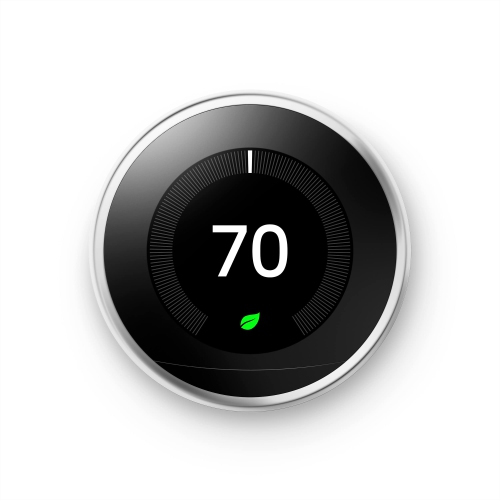 Your price for this item is $329.99
 -
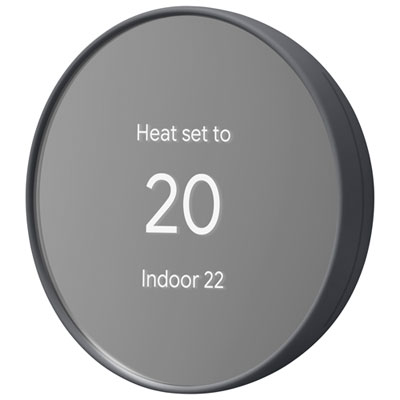 Your price for this item is $125.99
 -
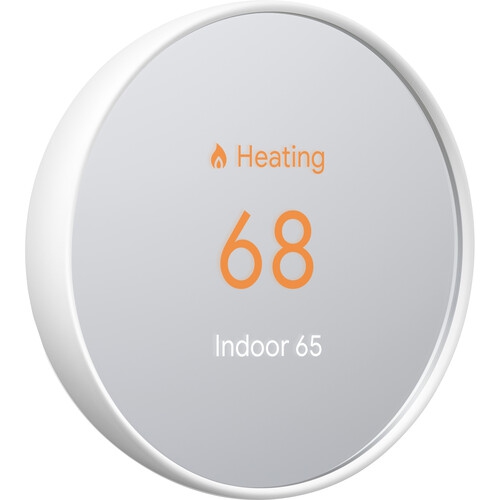 Your price for this item is $149.99
 -
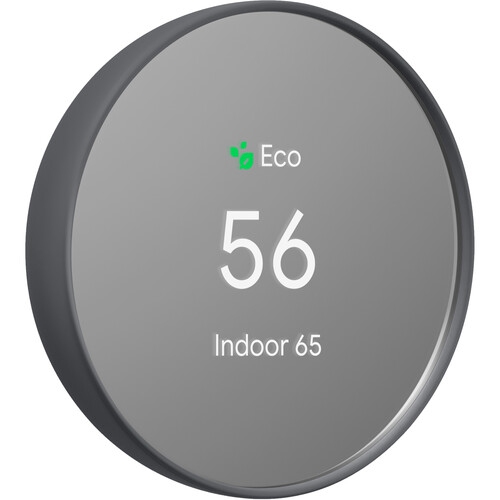 Your price for this item is $139
 -
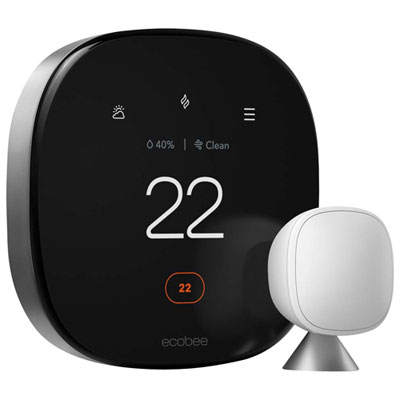 Your price for this item is $279.99
 -
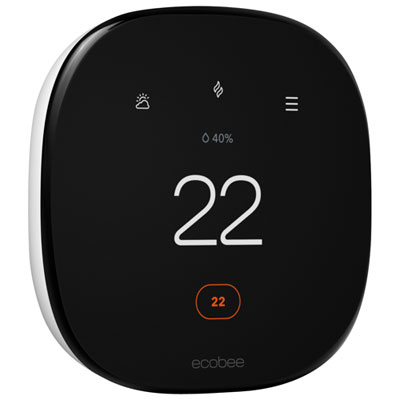 Your price for this item is $204.99
 -
 Your price for this item is $73.98
 -
 Your price for this item is $239.99
Discover more categories related to Ecobee Smart Thermostat App
Top Collections:
Pokemon Centers, Kindle Devices, Best Budget Office Chairs, Apple iPhones 16, Best Laptops for Writers, iPhone 15 Apple, Canon G7X Cameras, Refurbished Apple Laptops, Alarm Clock, Motorola Razr Phones
Some products may be subject to Environmental Handling Fees
(EHF) depending on your province.
Learn more about EHFs.