Solid State Drives for Creative Workflows
Solid State Drives For Creative Workflows provide fast, reliable storage solutions designed to keep up with demanding projects. Whether you’re editing high-resolution videos, working with large graphic files, or managing complex audio tracks, these drives help streamline your process and reduce downtime. Explore a selection of solid state drives that support smooth performance and efficient file management, making them a great fit for creative professionals seeking dependable storage options.
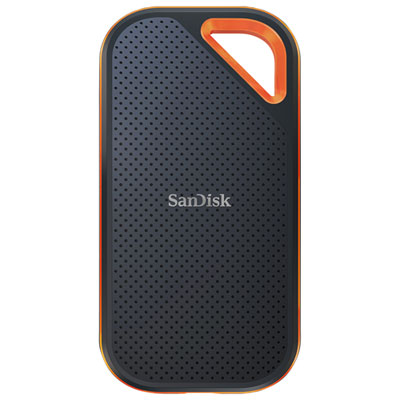
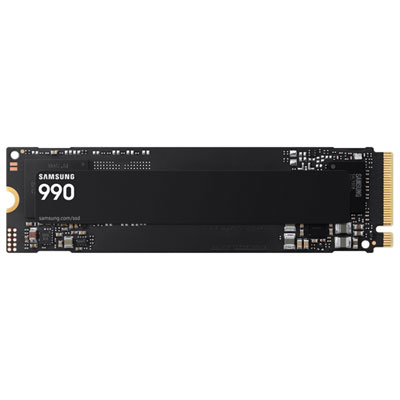
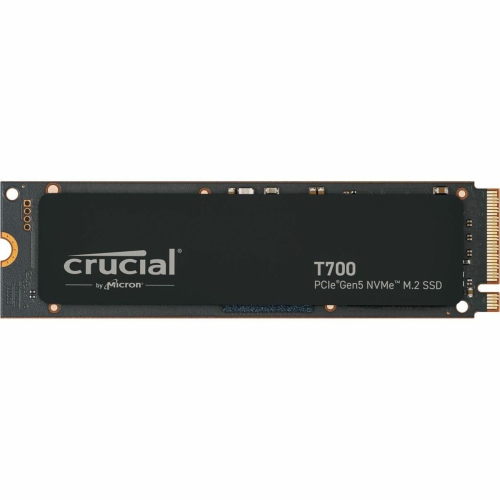
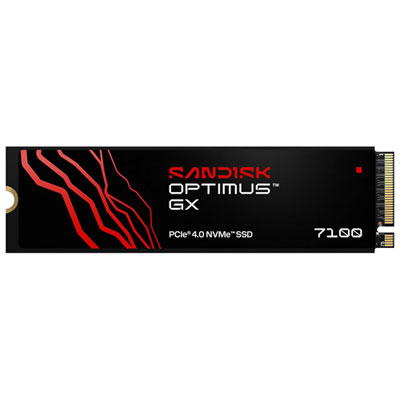
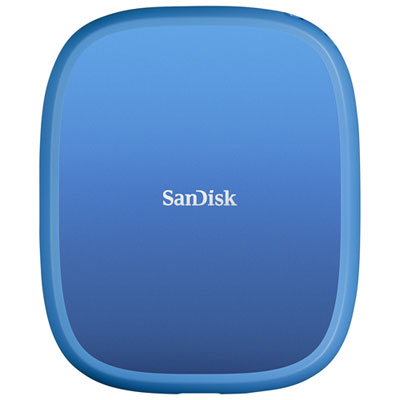
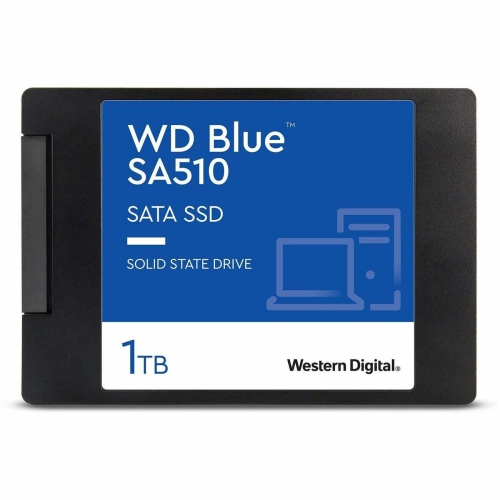
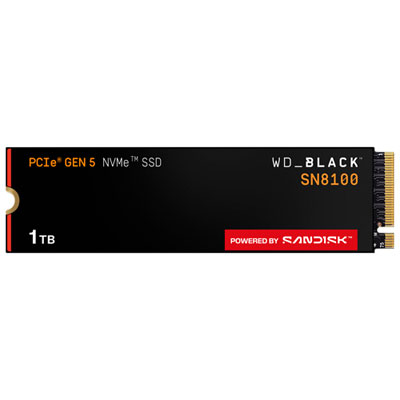
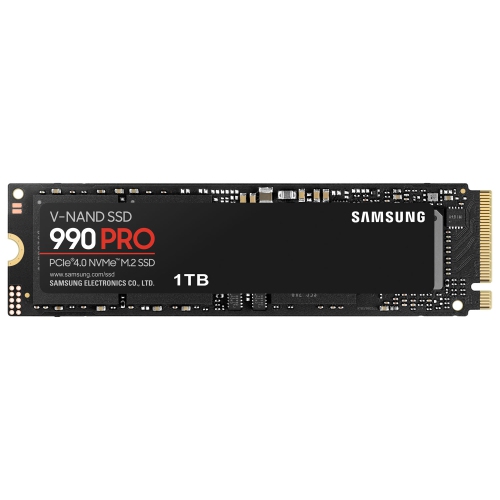
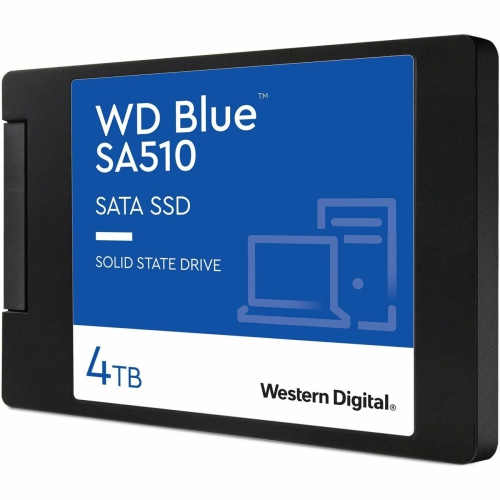
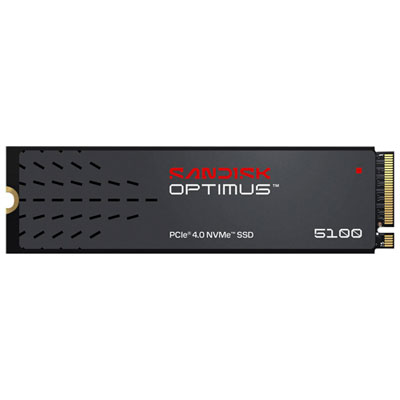
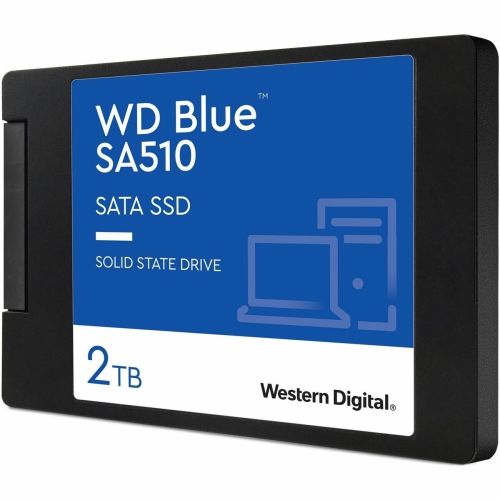
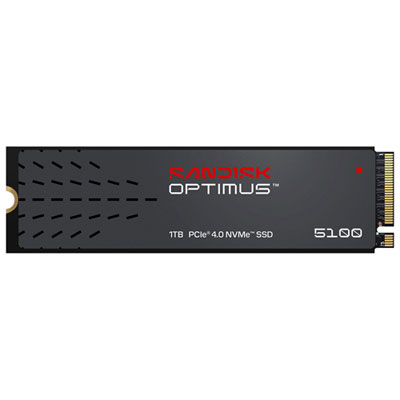
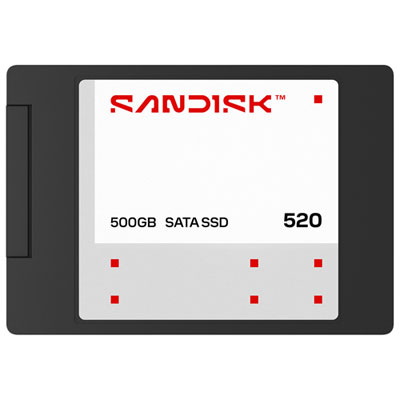
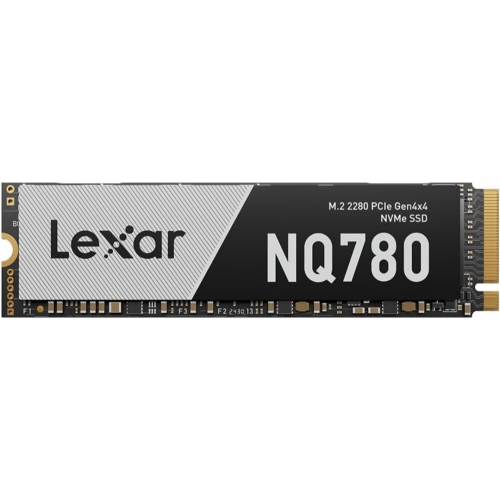
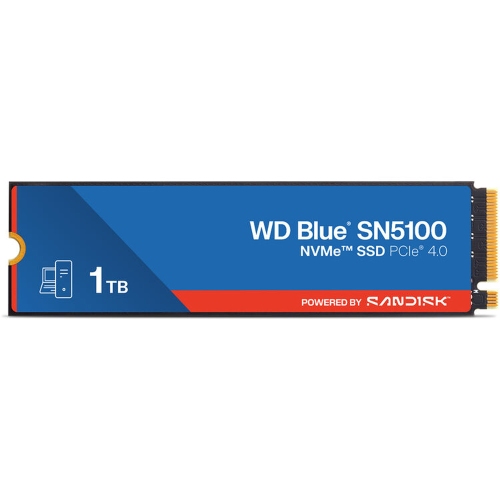
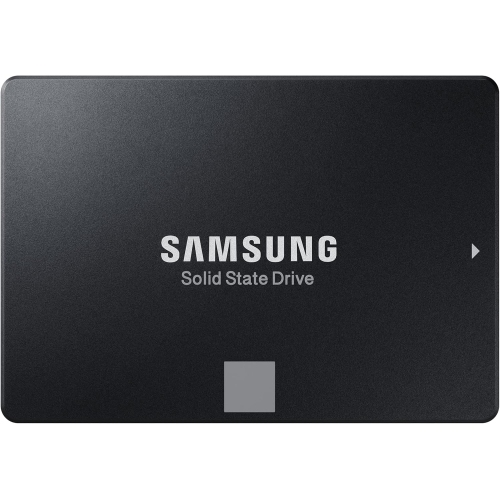
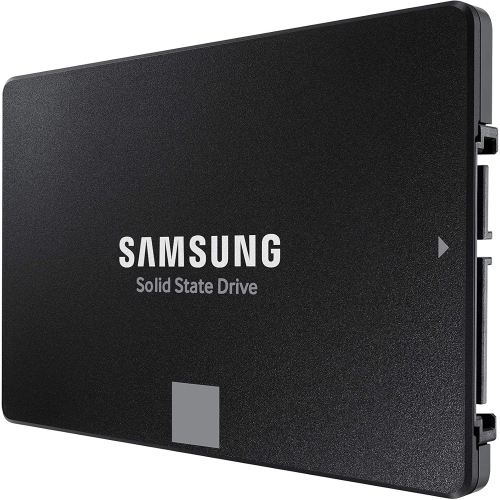
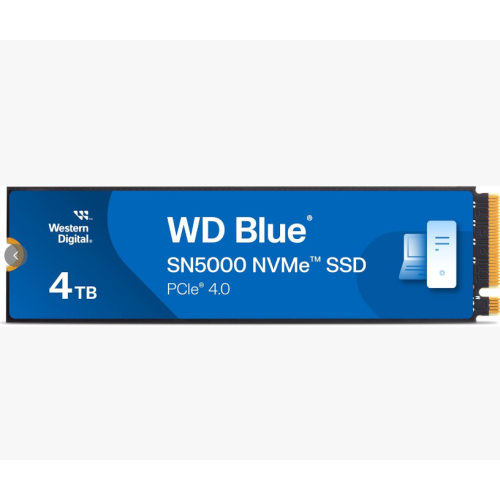
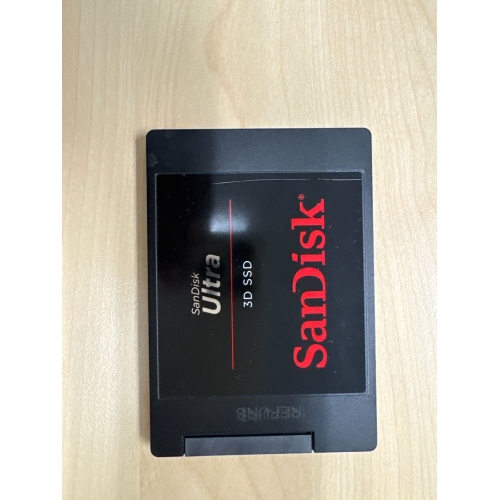
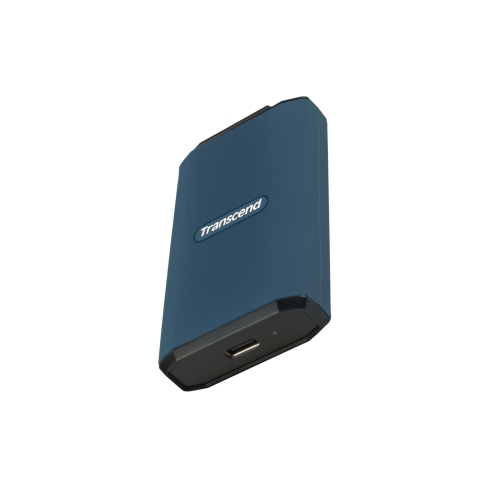
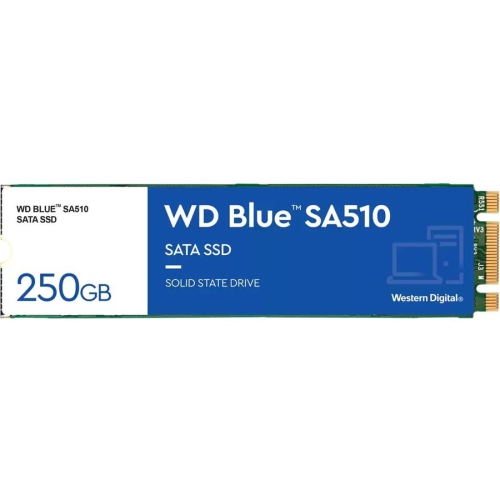

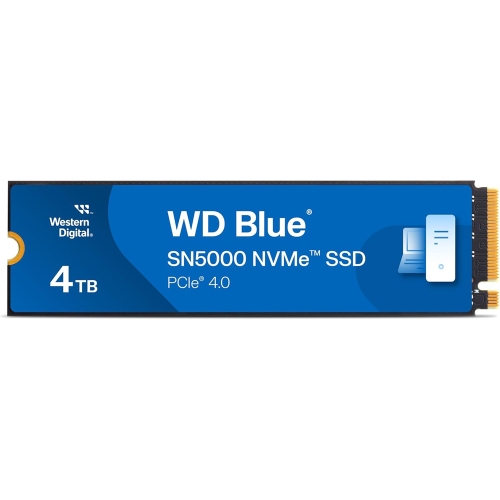
Faster, more dependable storage for ambitious creative projects
When selecting a solid state drive for creative workflows, several considerations come into play. Capacity is often top of mind, as working with large media files—like 4K video, RAW images, or layered design projects—can quickly consume storage space. Many creatives opt for higher-capacity SSDs to ensure they have ample room for current and future projects, without needing to constantly shuffle files between devices. Speed is another crucial factor; the read and write speeds of an SSD can significantly impact how quickly files transfer, how smoothly software runs, and how efficiently backup processes complete. For those working across multiple devices or collaborating with teams, portability and connectivity options—such as USB-C or Thunderbolt—can make a world of difference. Lightweight, compact SSDs can slip easily into a backpack or camera bag, ready to move from studio to location at a moment’s notice. If you’re a student heading into a semester of film or media studies, or you know someone who is, you might find more tailored options on our Portable SSDs for Film and Media Students page.
As the weather warms and creative energy surges, many people find themselves inspired to launch new projects or revisit old ones. SSDs are just as useful for seasoned professionals as they are for those just starting out—whether you’re building a portfolio, tackling freelance assignments, or capturing memories on family adventures. They also make practical, appreciated gifts for birthdays, graduations, or as a thoughtful gesture to encourage someone’s creative pursuits. While comparing tech gifts, it’s clear that a solid state drive holds a unique appeal—after all, the debate of epilator vs dart board rarely comes up when the goal is to empower creativity and productivity. With the right SSD, creative work becomes more efficient and enjoyable, letting you focus on what matters most: bringing your ideas to life, wherever inspiration strikes.
FAQ
What are the benefits of using a solid state drive (SSD) for creative workflows?
Solid state drives offer faster data transfer speeds, reduced load times, and improved reliability compared to traditional hard drives. This makes them ideal for creative professionals working with large files in applications like video editing, graphic design, and music production.
How does an SSD improve performance in tasks like video editing or 3D rendering?
SSDs provide rapid read and write speeds, which allows creative software to access and save large files more quickly. This results in smoother playback, faster rendering times, and a more responsive workflow when handling high-resolution media.
Are there specific types of SSDs recommended for creative professionals?
Creative professionals often benefit from NVMe SSDs due to their superior speed compared to SATA SSDs. NVMe drives connect directly to the motherboard via PCIe slots, offering higher bandwidth and lower latency—ideal for demanding creative tasks.
Can using an external SSD enhance my creative workflow on laptops or tablets?
Yes, external SSDs can significantly boost performance by providing fast storage expansion without opening your device. They're especially useful for creatives who need portability and quick access to large project files across multiple devices.
What features should I look for in an SSD for creative projects?
Look for features such as high read/write speeds, ample endurance ratings (TBW), reliable brand reputation, and compatibility with your system. For external drives, consider durability, compactness, and connection type (like USB-C or Thunderbolt) for optimal performance.
Top selling and popular products
-
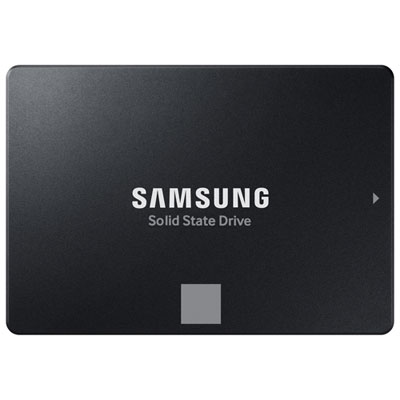 Your price for this item is $469.99
-
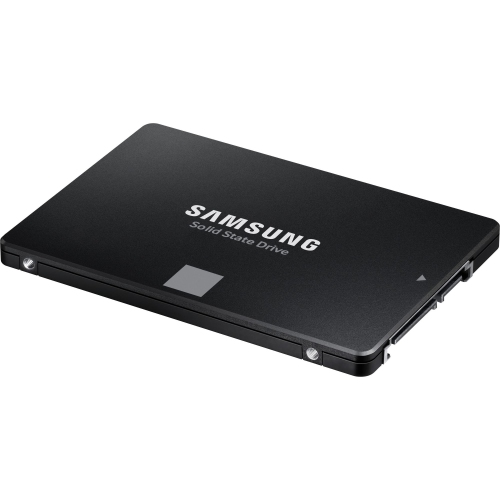 Your price for this item is $394.99
-
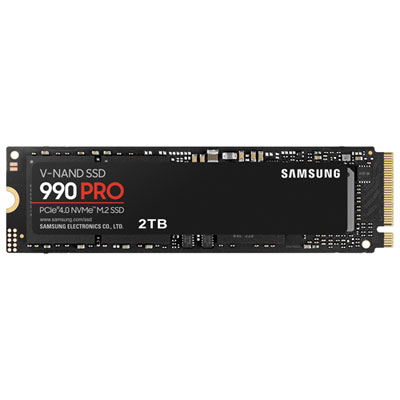 Your price for this item is $874.99
-
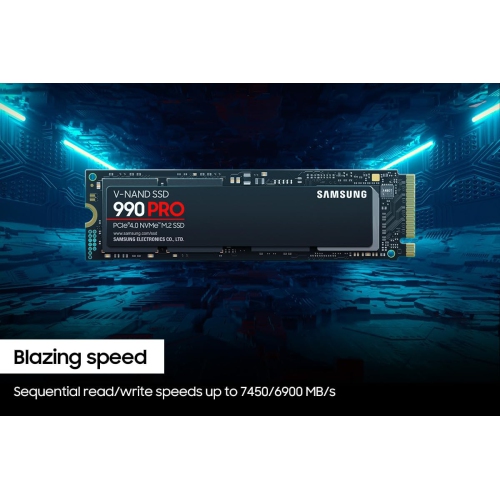 Your price for this item is $1471.99
-
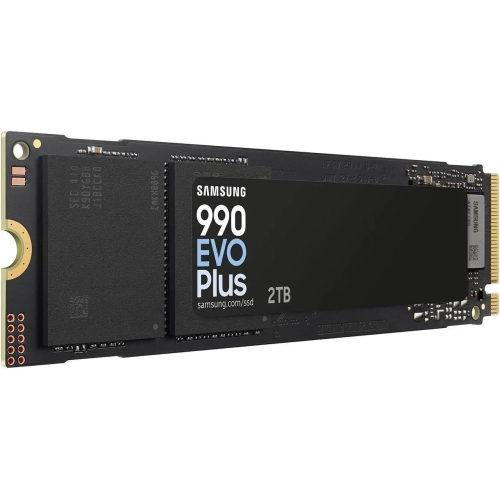 Your price for this item is $639.99
-
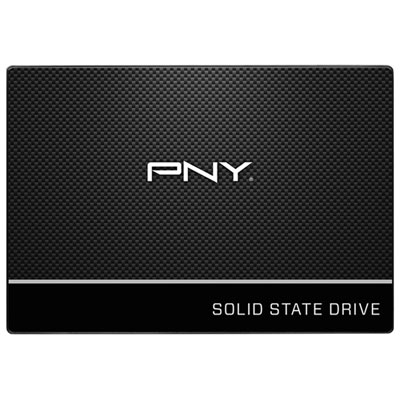 Your price for this item is $124.99
-
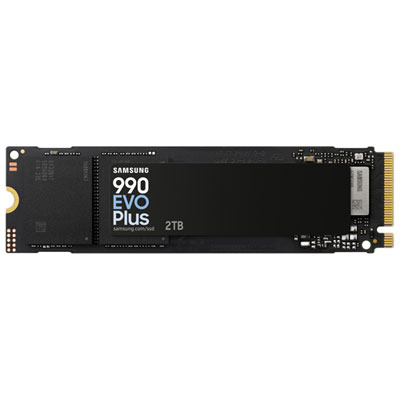 Your price for this item is $789.95
-
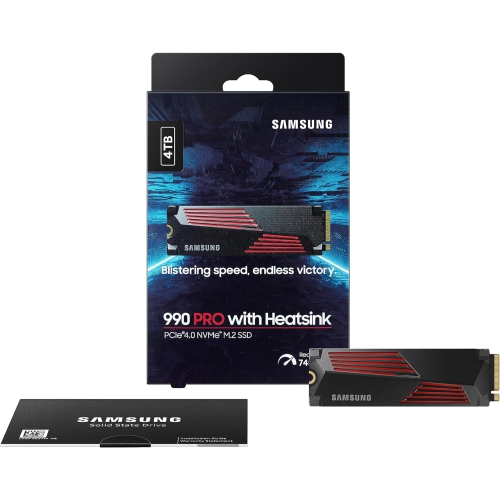 Your price for this item is $1449.99