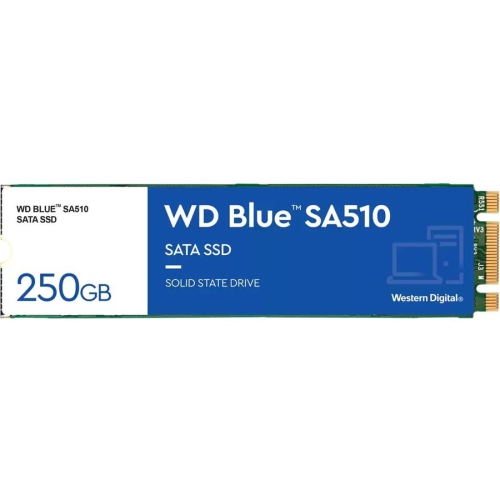
SSD For Digital Productivity Solutions
SSD For Digital Productivity Solutions offer fast and reliable storage options designed to keep up with demanding workloads. Whether you are managing large files, working on creative projects, or streamlining your workflow, these drives help ensure quick access to data and efficient performance. Explore a wide selection of SSDs for digital productivity solutions to find the right fit for your needs and take your work to the next level.
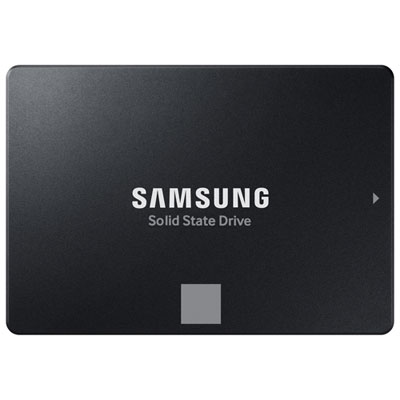
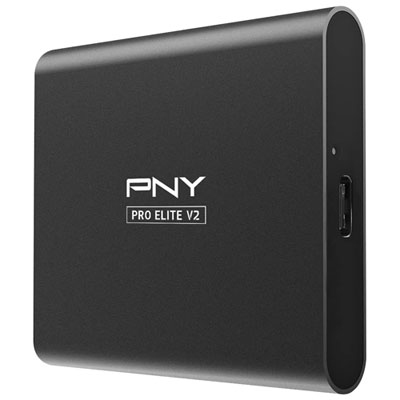
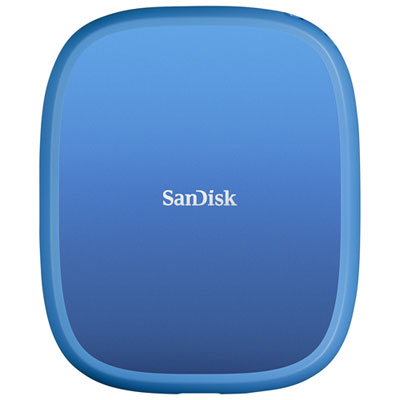
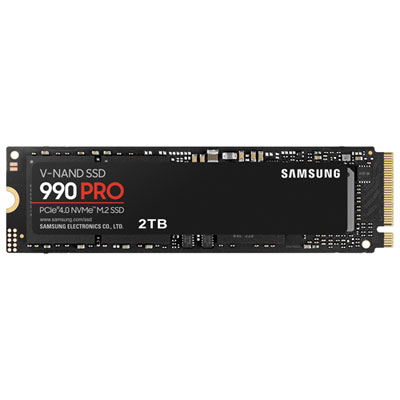
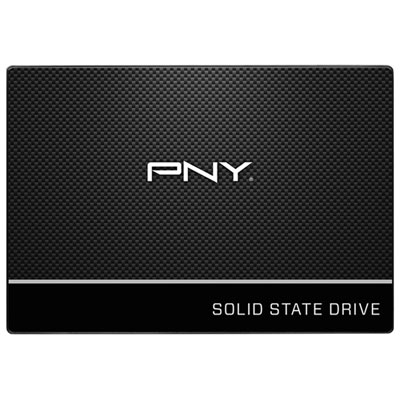


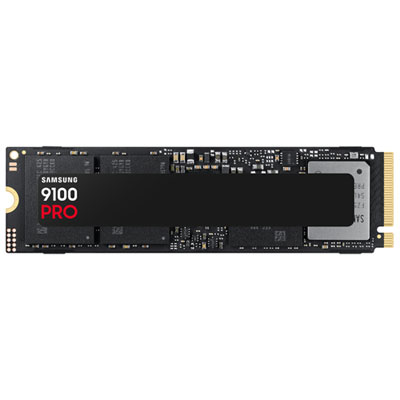

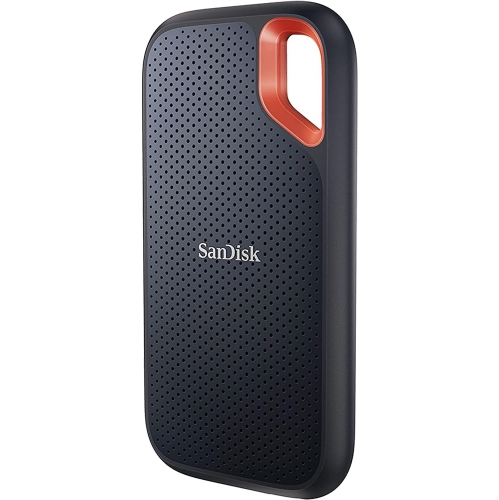

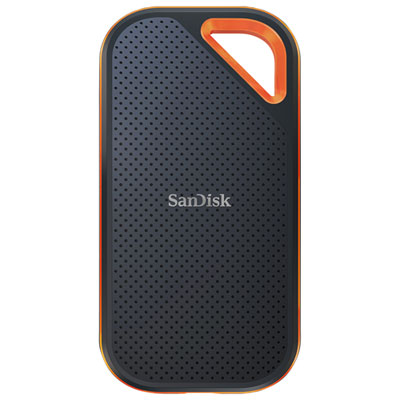

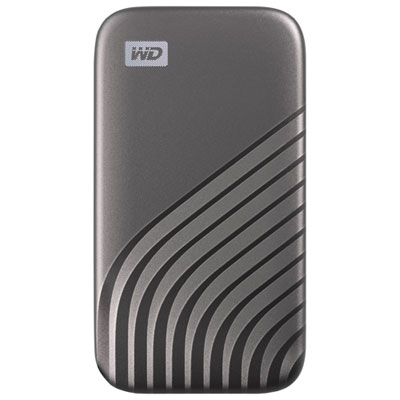

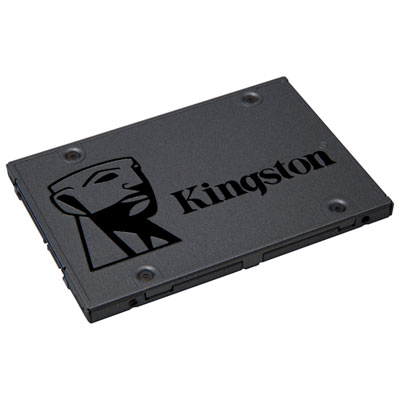
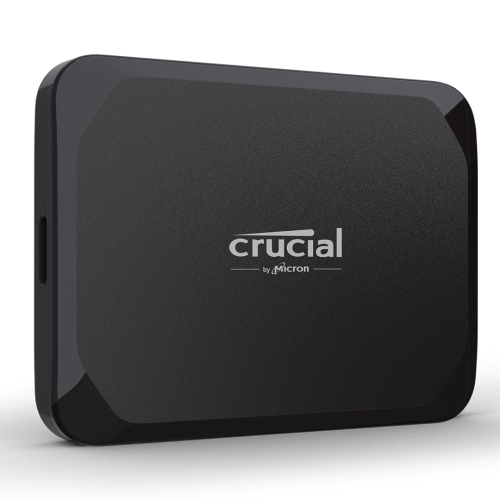
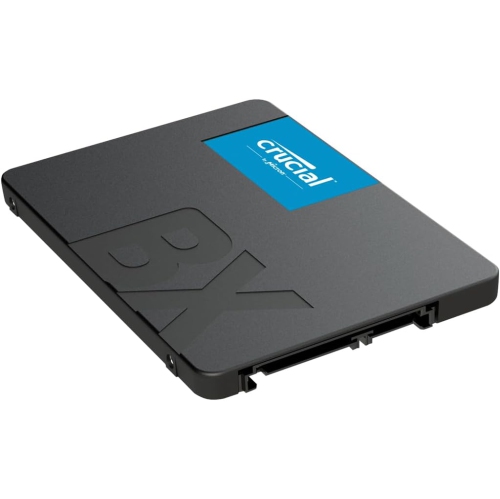
Reliable SSD performance for busy workflows and growing files
Selecting the right SSD for digital productivity involves considering several important factors. Storage capacity is a key consideration—think about the size and number of files you typically work with, as well as any future needs as your projects grow. For those handling large databases, multimedia files, or extensive libraries of documents, opting for higher-capacity SSDs can help prevent the hassle of constantly managing storage space. Another aspect to keep in mind is compatibility with your devices, whether you’re upgrading an existing laptop, building a new desktop, or expanding storage on a workstation. Many SSDs are designed for easy installation, making them a suitable gift for tech-savvy friends, recent graduates, or family members embarking on new academic or professional journeys. The quiet operation and energy efficiency of SSDs also enhance the overall user experience, making them ideal for shared spaces or environments where minimizing noise and heat is important. For those whose work blends creative and technical demands, exploring options like SSDs For Creative Professionals can provide tailored solutions that keep pace with demanding workflows.
Throughout the transition from early summer into early fall, many people find themselves juggling shifting schedules, new projects, and evolving routines. An SSD can be the anchor that keeps digital productivity running smoothly, whether you’re preparing presentations, backing up important files, or collaborating on group assignments. The peace of mind that comes from knowing your data is secure and accessible at a moment’s notice can be invaluable, especially during busy periods or when working remotely. SSDs also make thoughtful gifts for anyone embarking on a new professional chapter, starting a business, or pursuing ongoing education, as they offer both immediate benefits and long-term reliability. As you browse this collection, consider how an SSD could transform your daily workflow, helping you stay organized, efficient, and ready for whatever the season brings.
FAQ
What are the benefits of using an SSD for digital productivity solutions?
SSDs (Solid State Drives) offer faster data access speeds, improved system responsiveness, and quicker boot times compared to traditional hard drives. This leads to smoother multitasking and enhanced performance for productivity applications such as document editing, graphic design, and video conferencing.
How does an SSD improve workflow efficiency in a digital workspace?
An SSD reduces application load times and file transfer durations, allowing users to switch between tasks seamlessly. This minimizes downtime and helps maintain a steady workflow, which is essential for professionals managing multiple projects or large files.
Are SSDs compatible with most computers used for productivity tasks?
Most modern desktops and laptops support SSDs, either through SATA or NVMe interfaces. Before upgrading, it's important to check your device's specifications to ensure compatibility with the desired SSD form factor and connection type.
What features should I look for in an SSD for digital productivity?
Key features include high read/write speeds, reliable endurance ratings, strong data encryption options, and compatibility with your device. Some SSDs also offer software tools for easy migration and drive management.
Can using an SSD help with collaborative digital projects?
Yes, using an SSD can speed up file sharing and synchronization processes in collaborative environments. Faster storage means quicker access to shared documents and resources, which is beneficial when working with teams on cloud-based or networked productivity platforms.
Top selling and popular products
-
 Your price for this item is $374.99
-
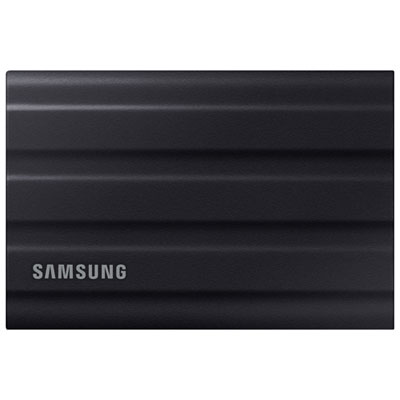 Your price for this item is $669.99
-
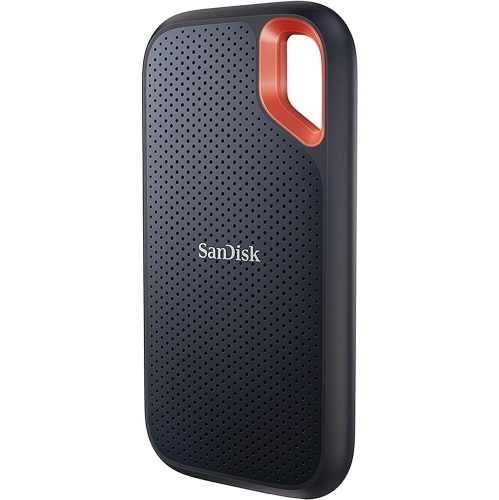 Your price for this item is $347.91
-
 Your price for this item is $508.91
-
 Your price for this item is $1559.95
-
 Your price for this item is $1499
-
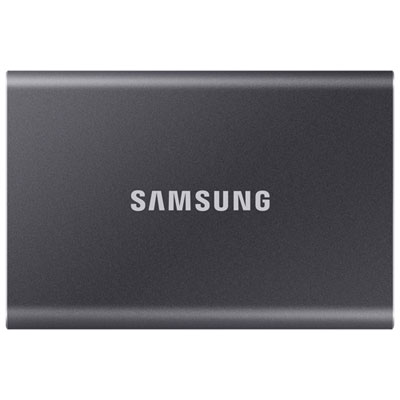 Your price for this item is $1489.97
-
 Your price for this item is $389.99