Gaming PC Speakers
If you're a gamer, you know that the right sound can make all the difference. Whether it's the roar of your opponents as they approach or the subtle sounds of your footsteps as you sneak up on an enemy. A good set of speakers can make all the difference in immersing yourself in your game. Here are some of the best gaming PC speakers on the market.
Sort
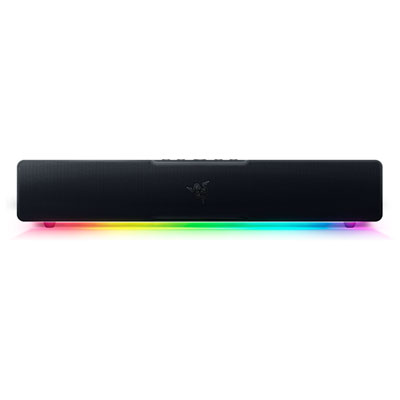
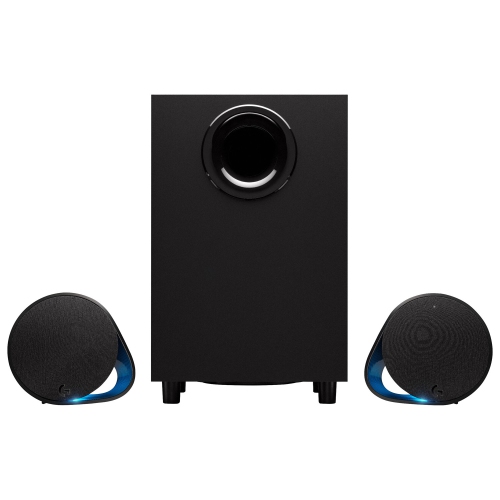
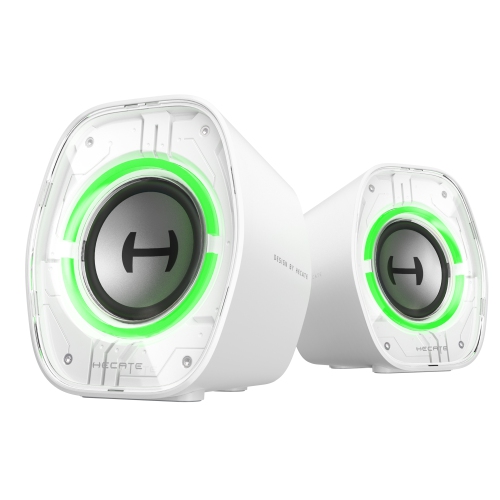
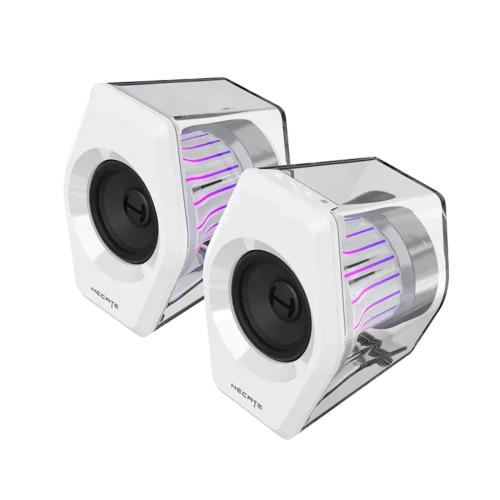
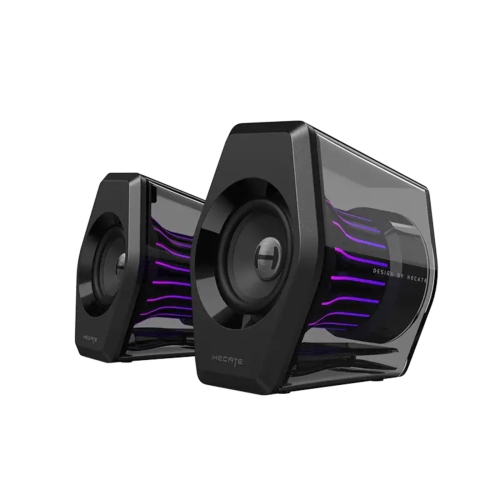
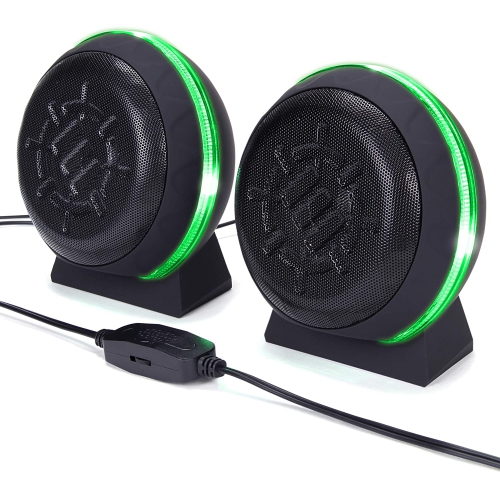

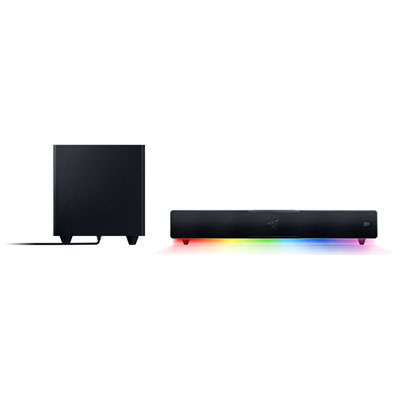
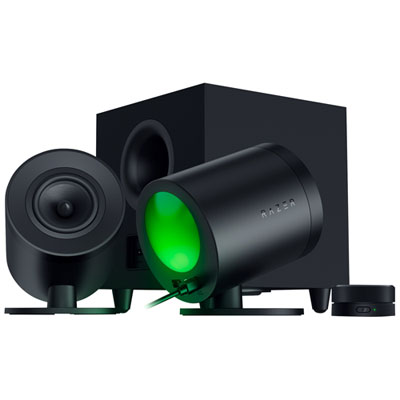
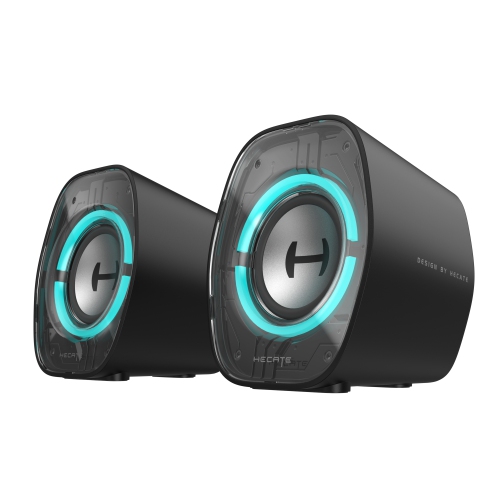
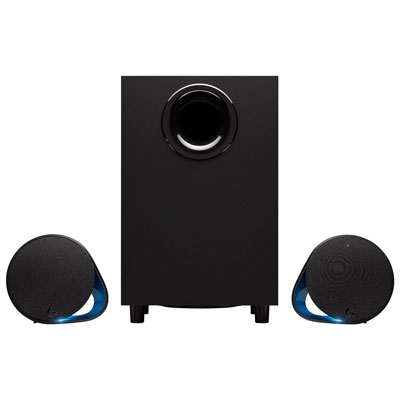
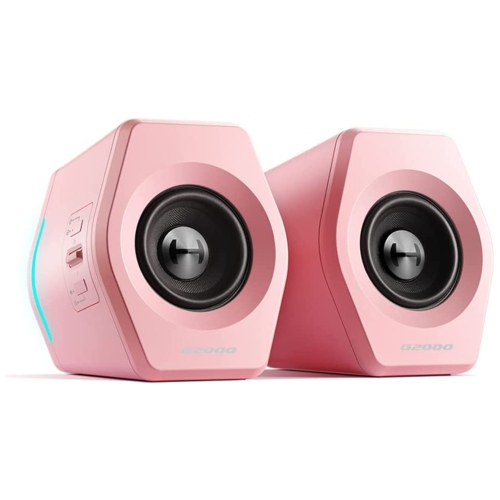
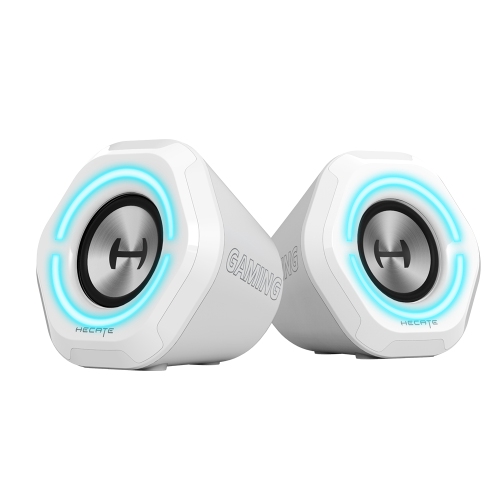
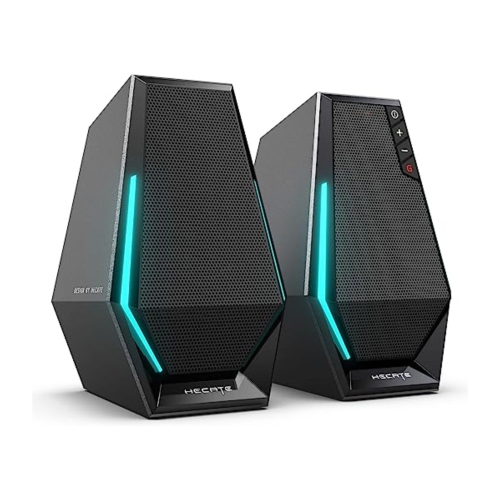
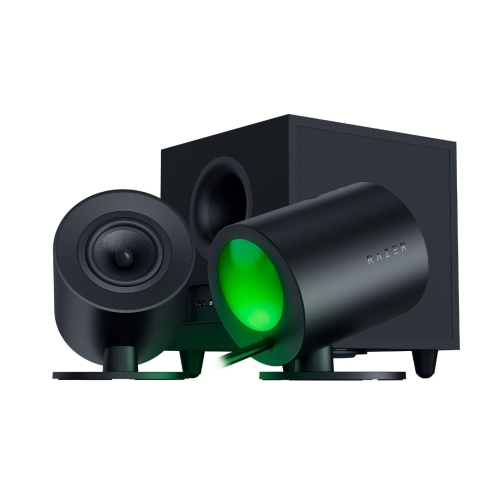
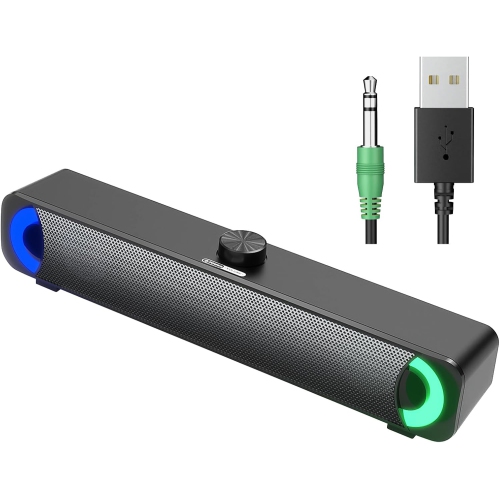
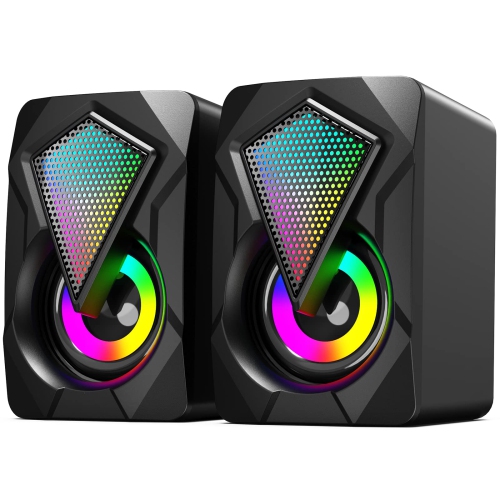
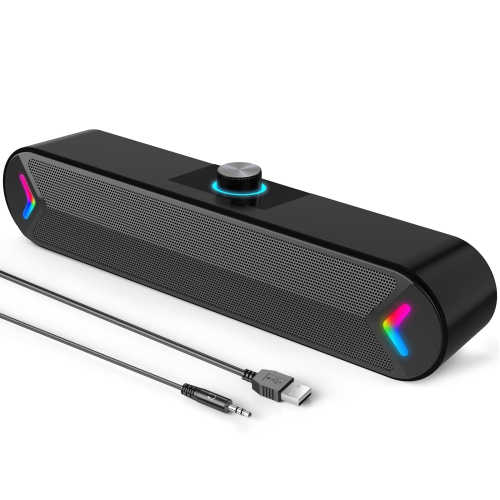

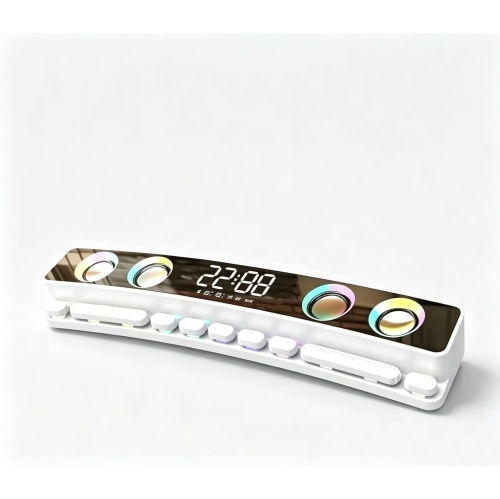

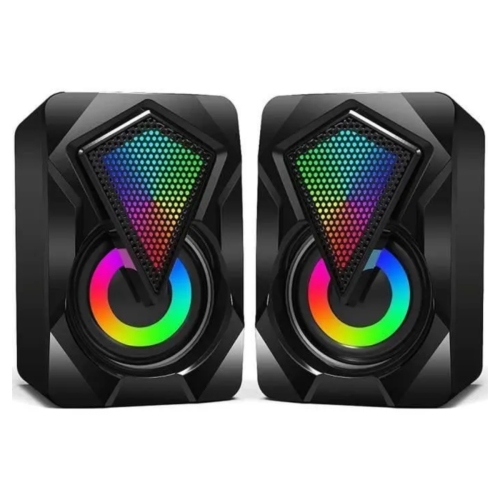
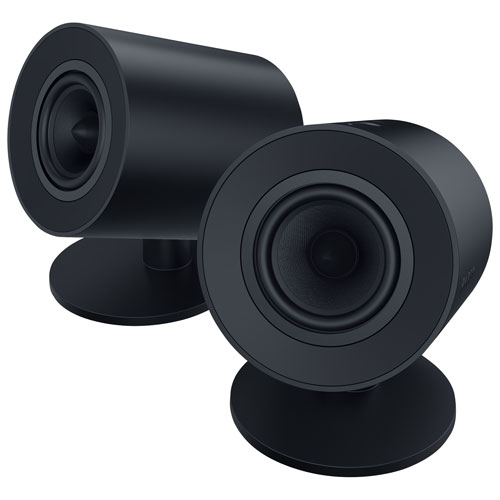

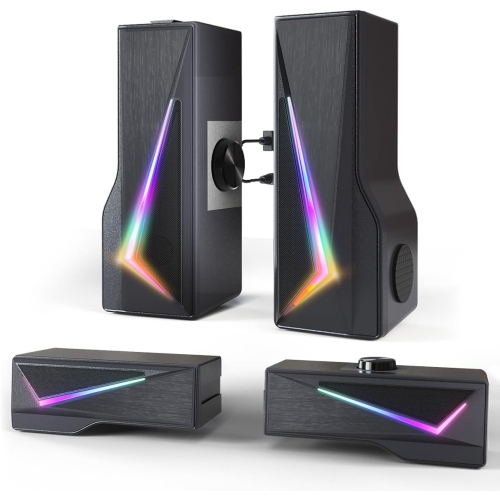
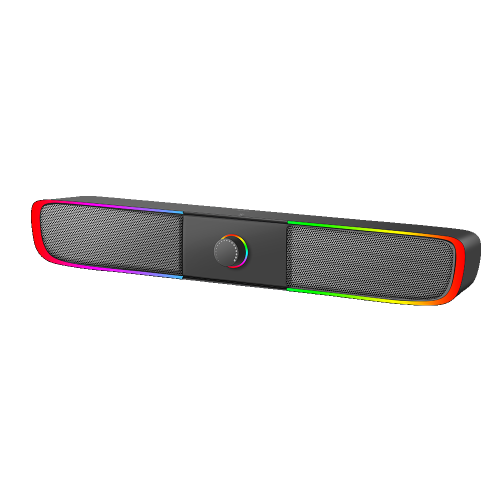
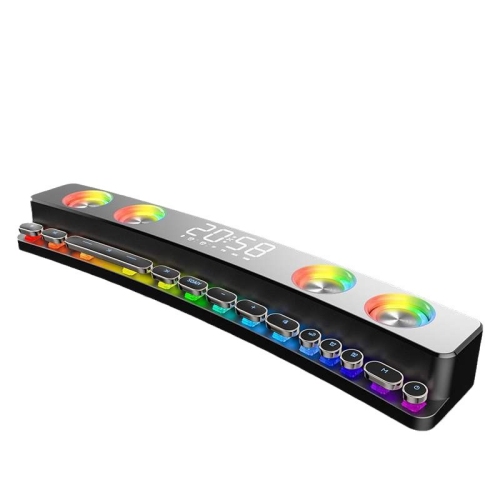
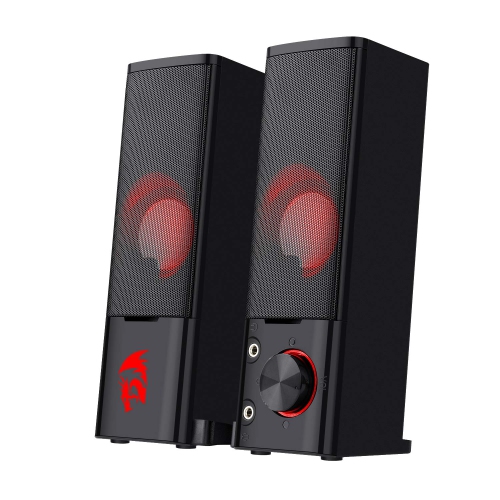
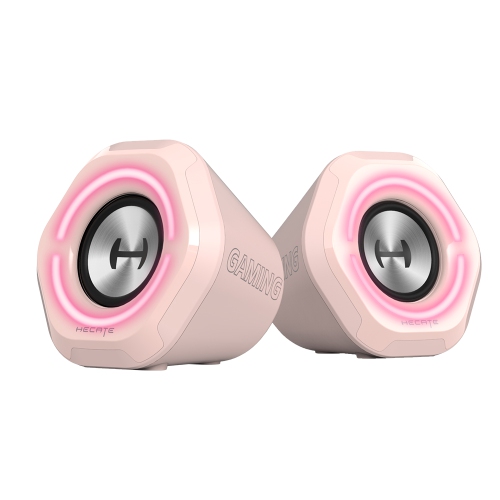
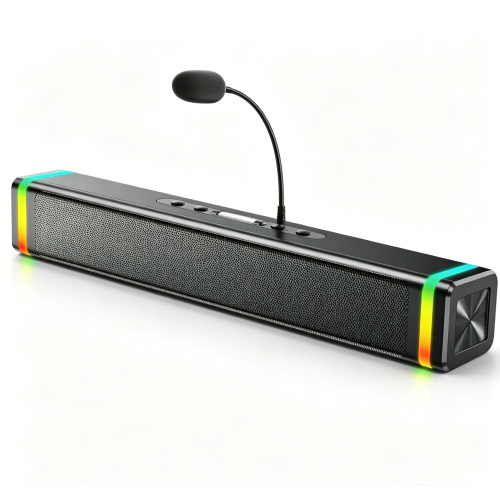
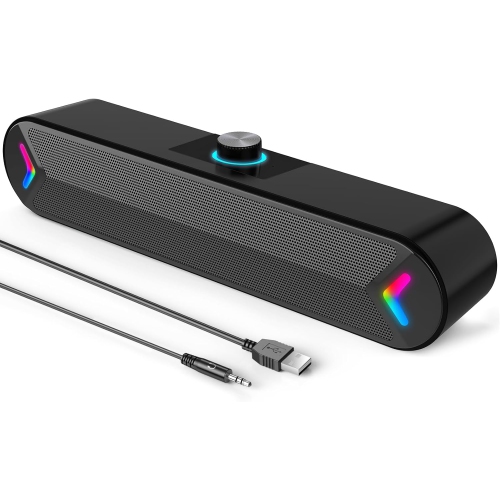
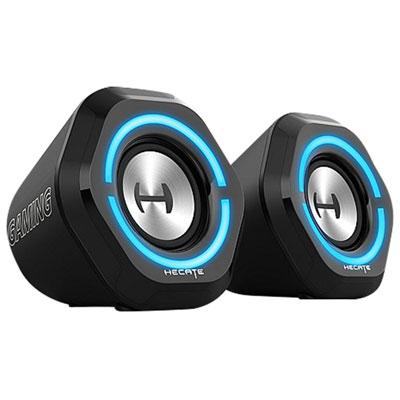
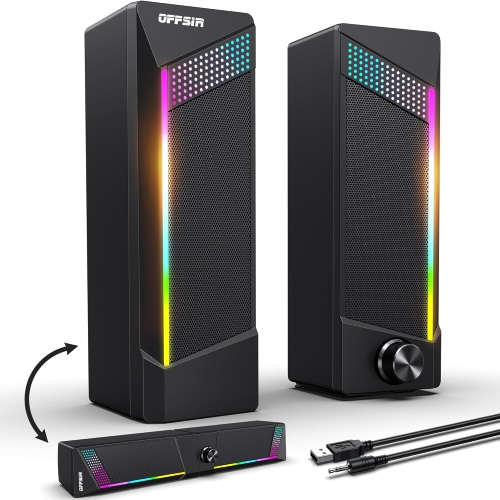
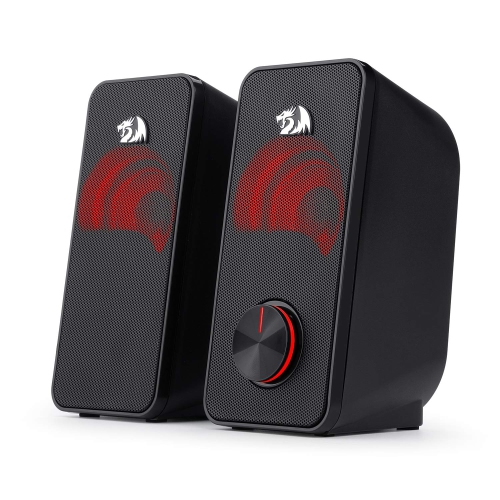
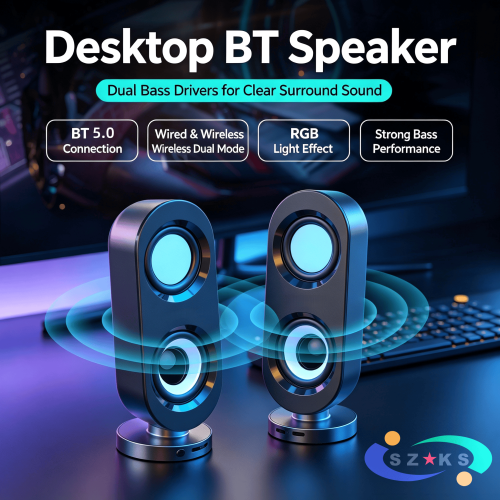
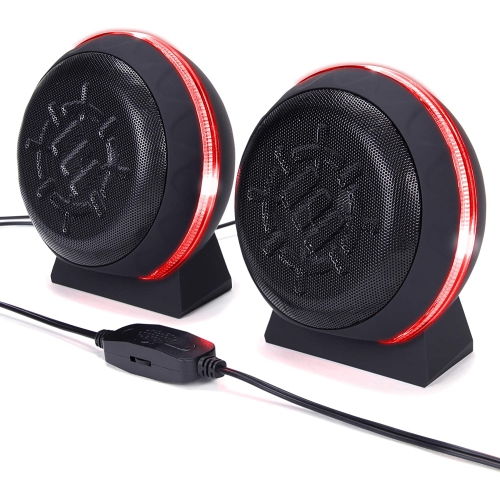
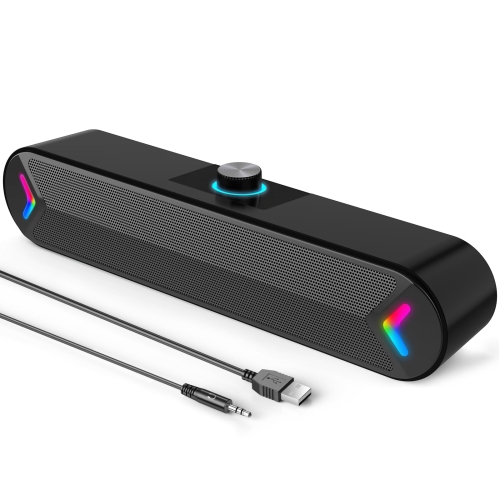
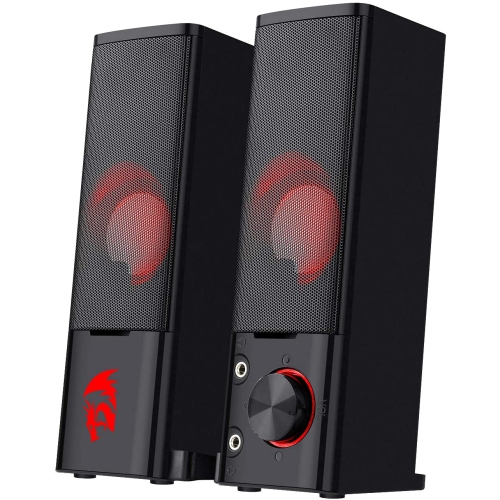
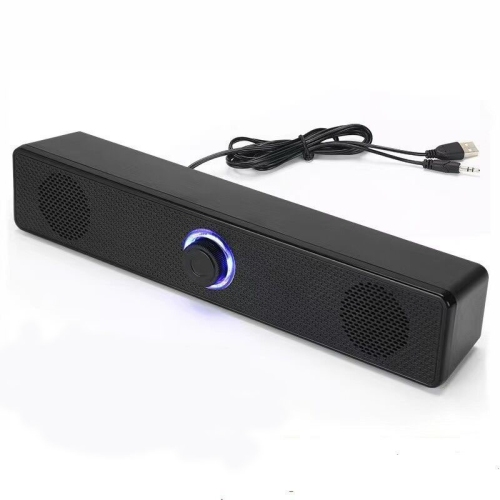
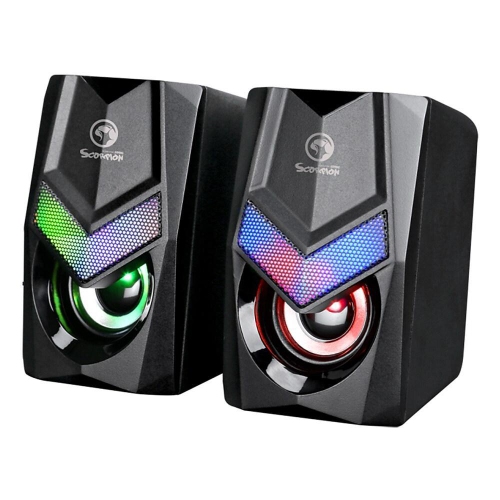
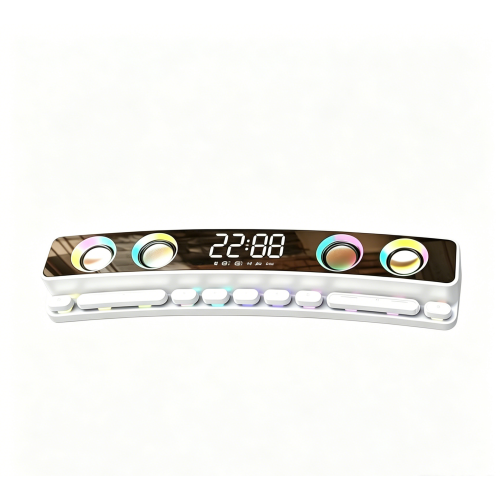
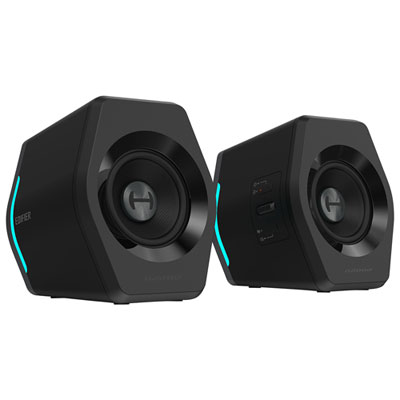
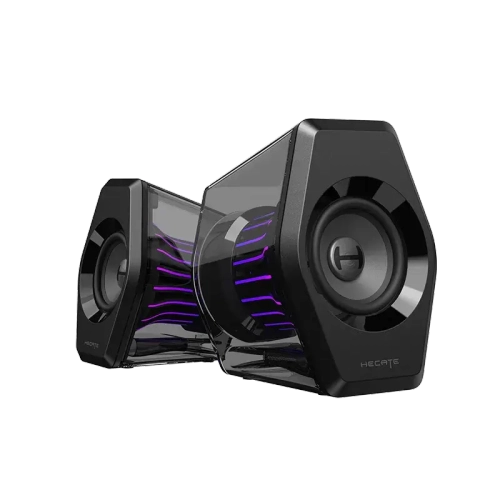
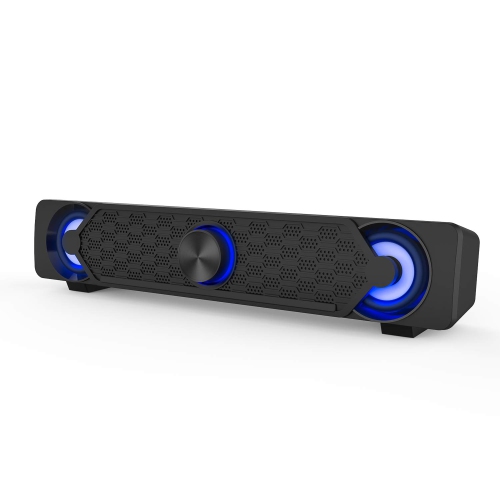
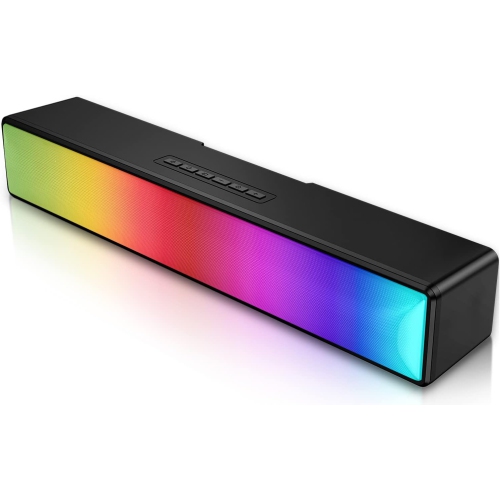
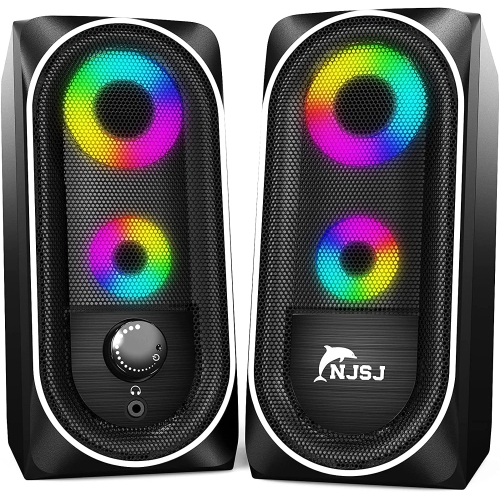
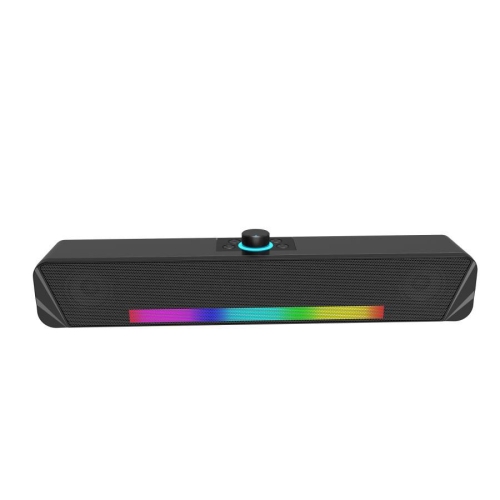
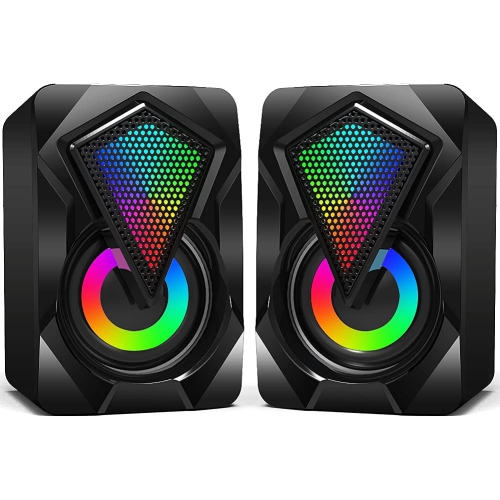

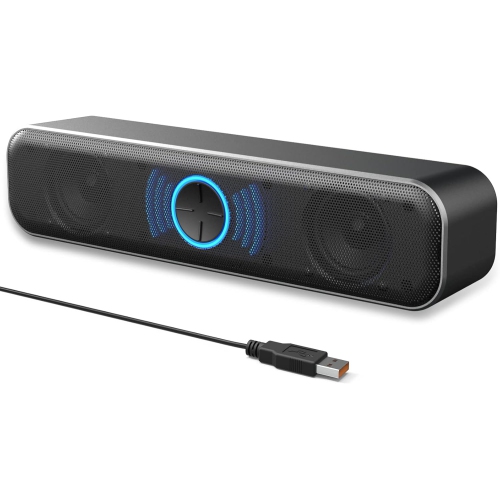
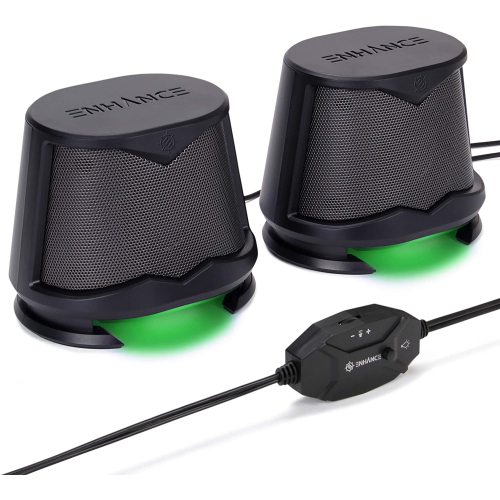
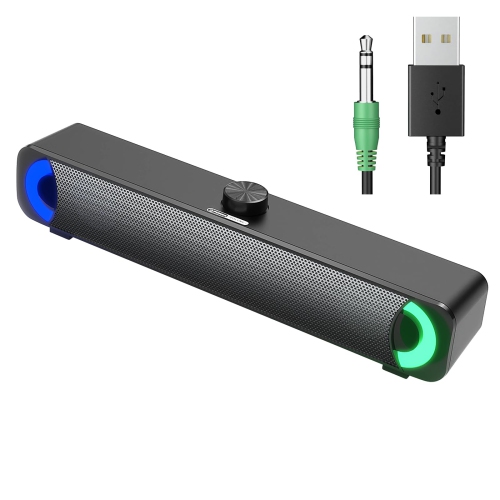
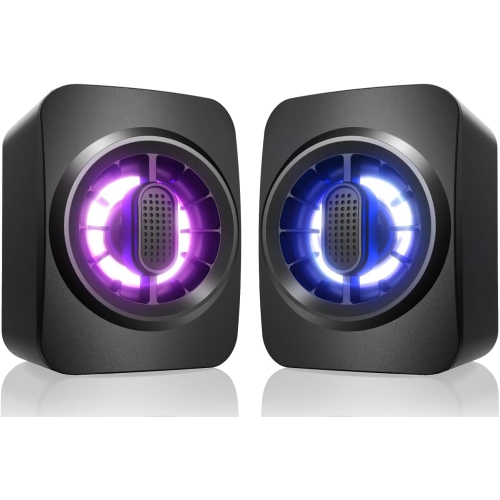
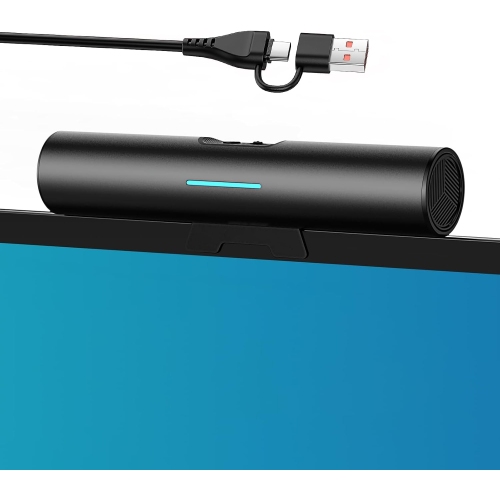
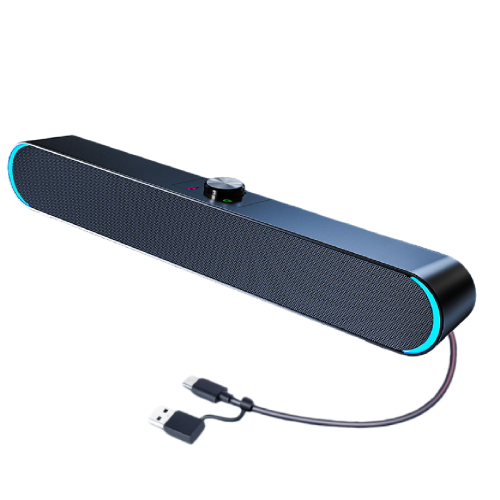
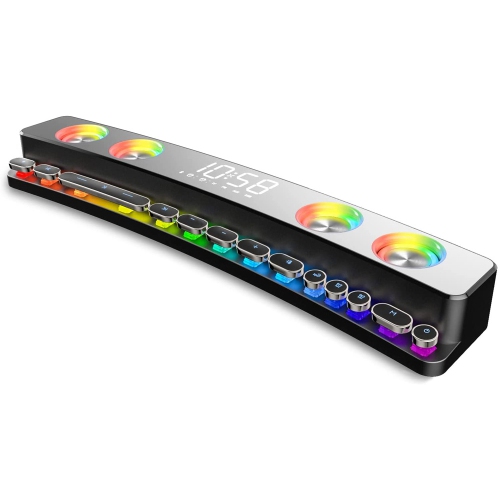


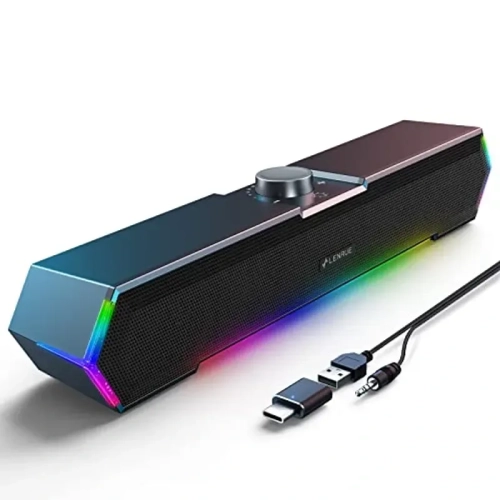
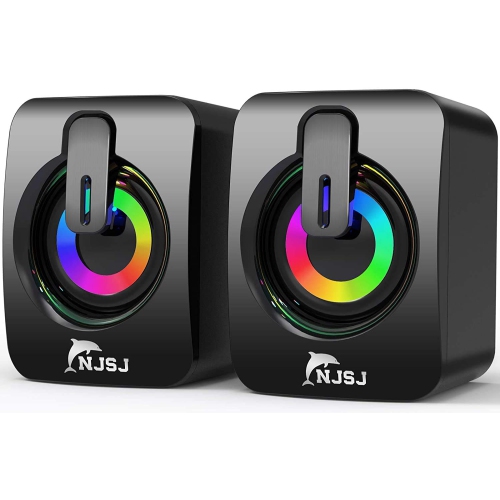
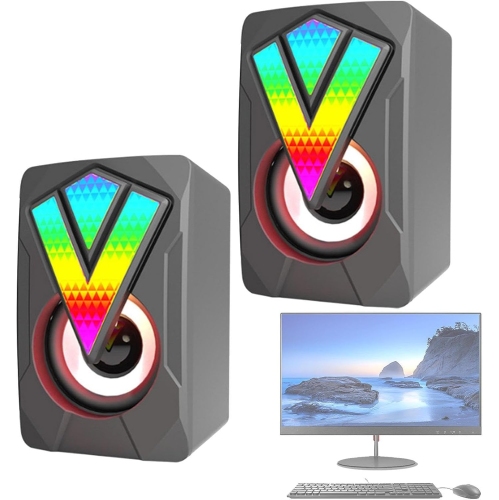
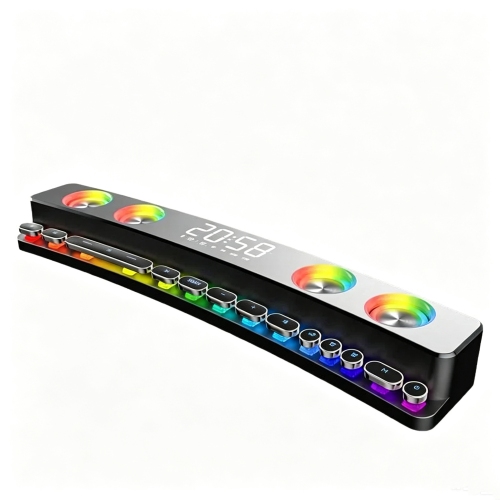

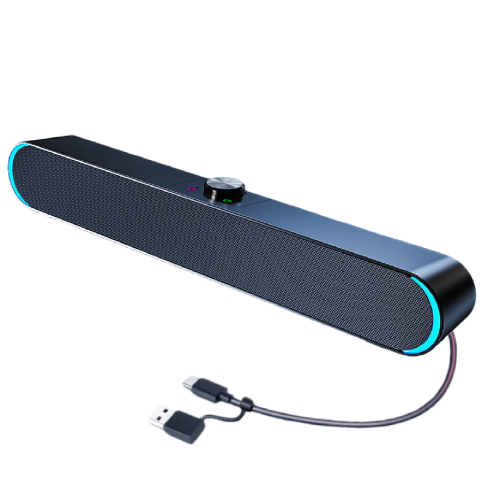
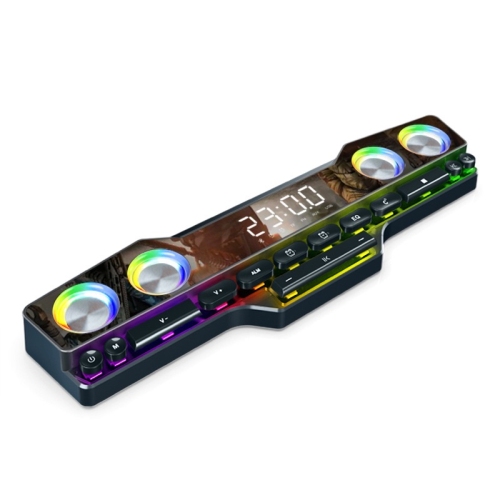
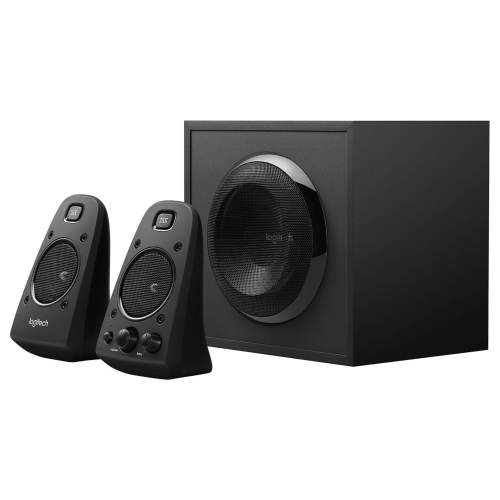
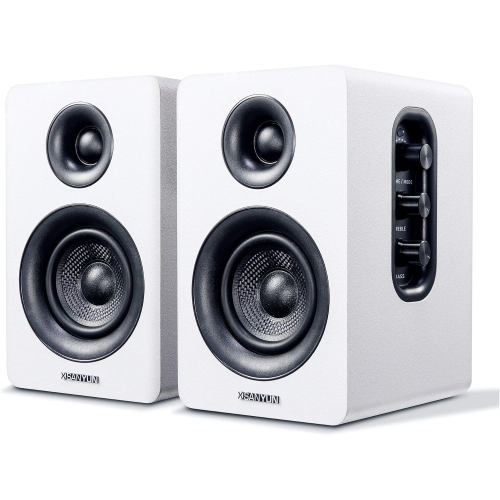


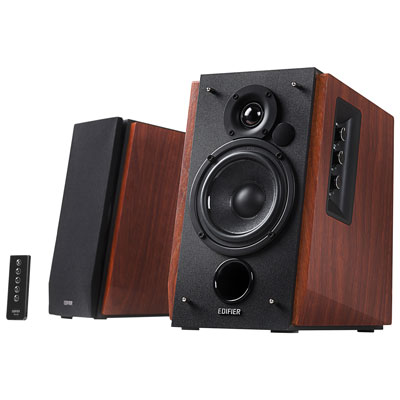
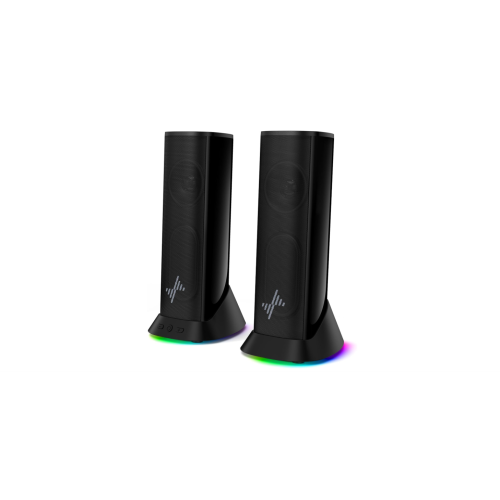
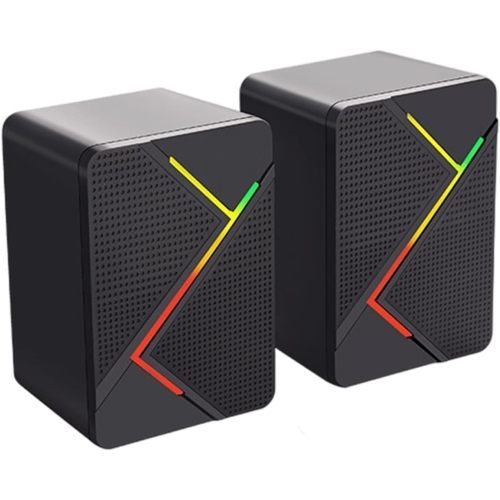
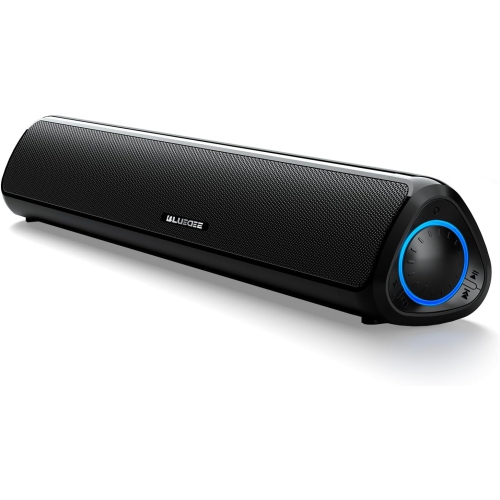
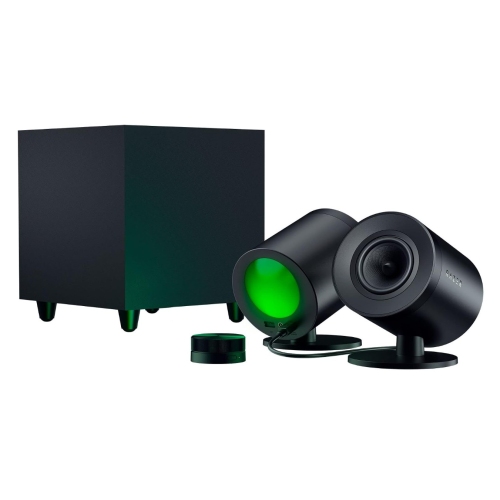
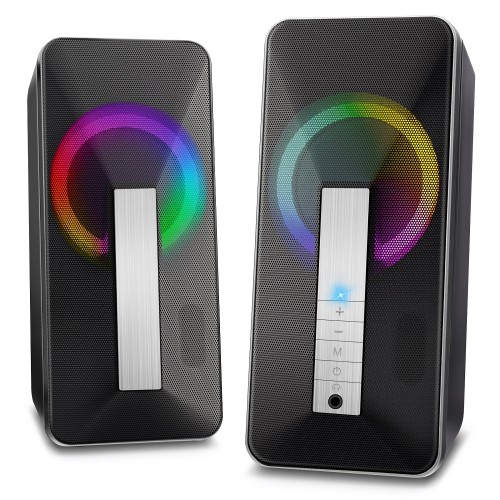
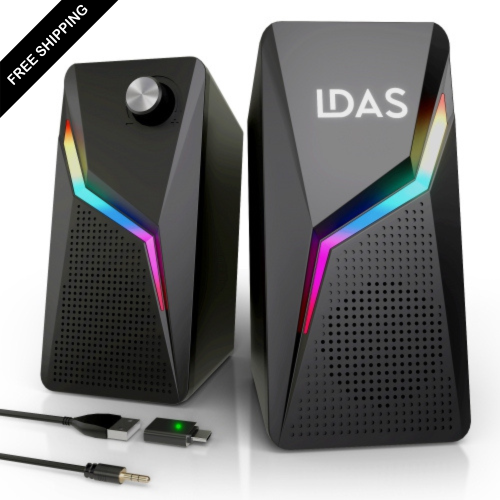
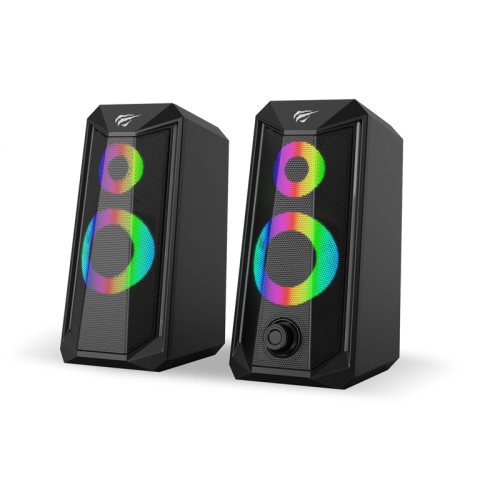
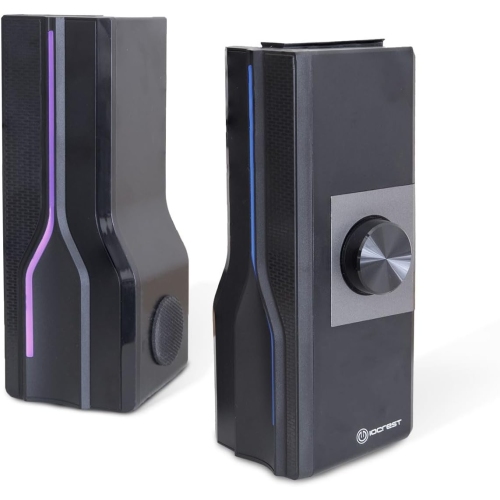
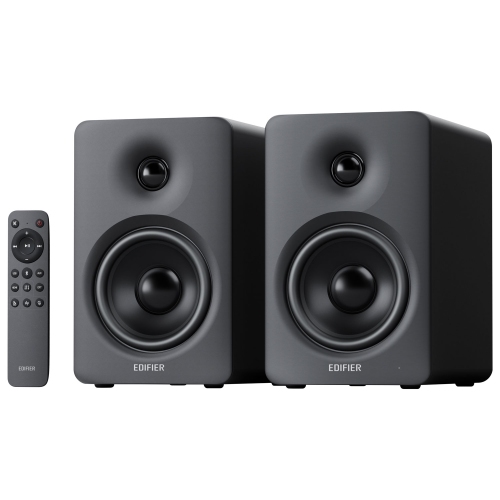
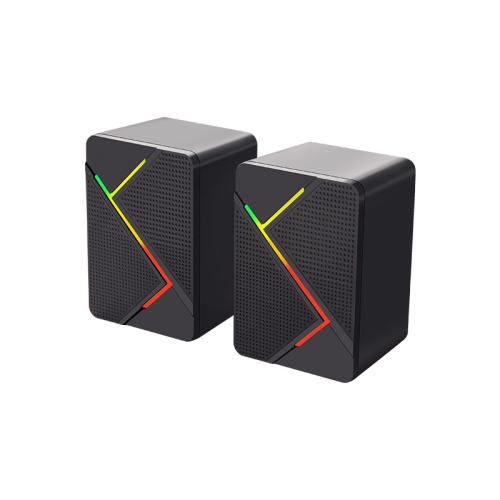
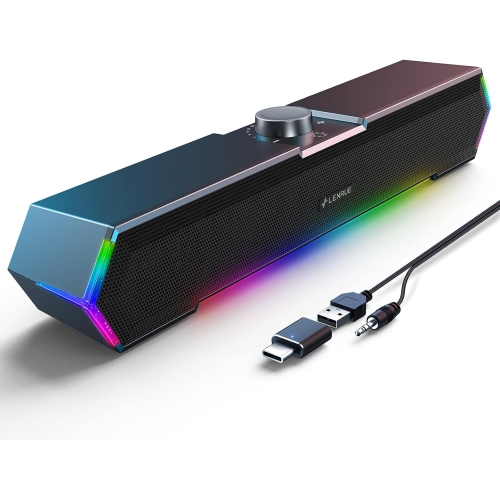
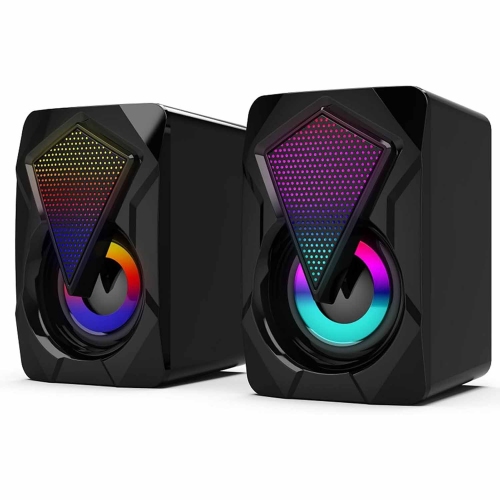
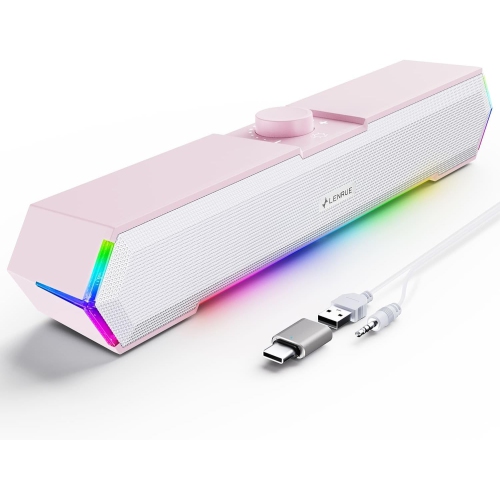
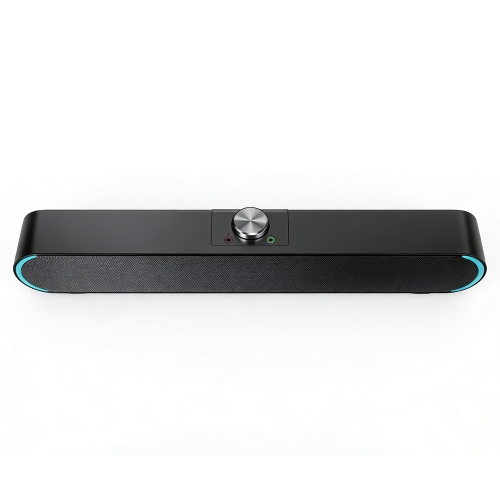
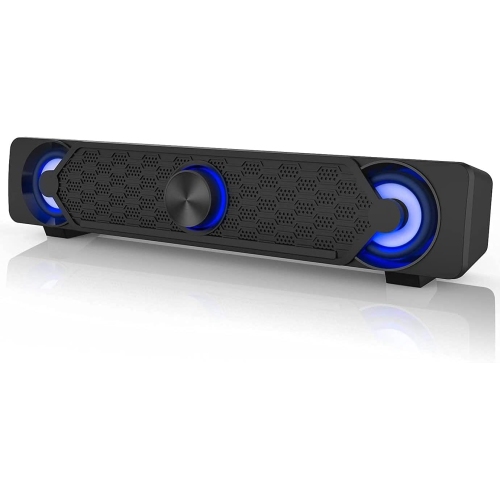
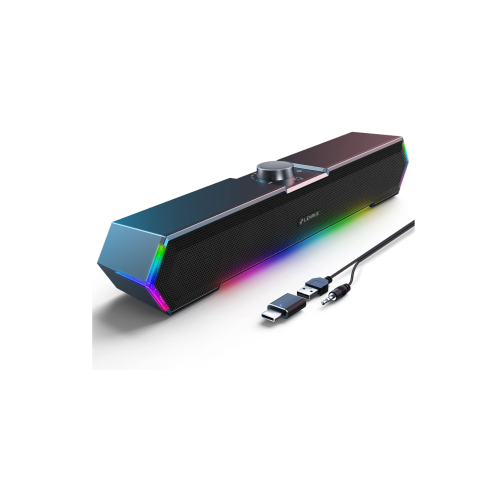

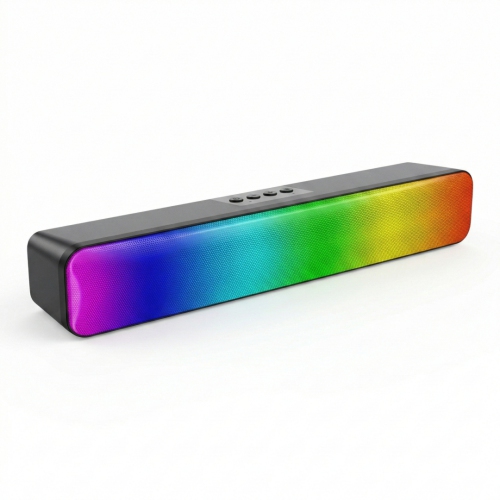
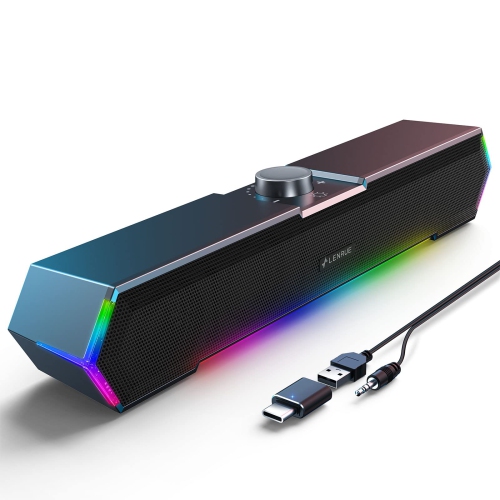
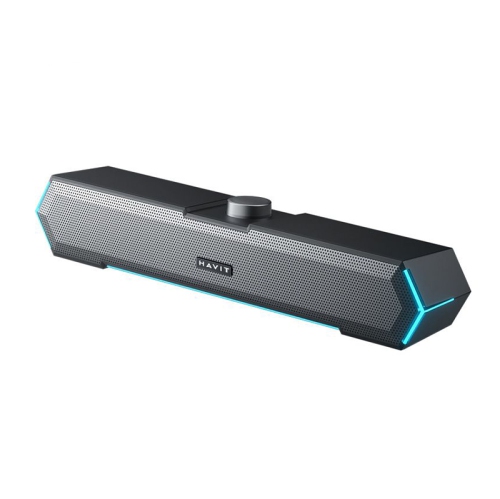
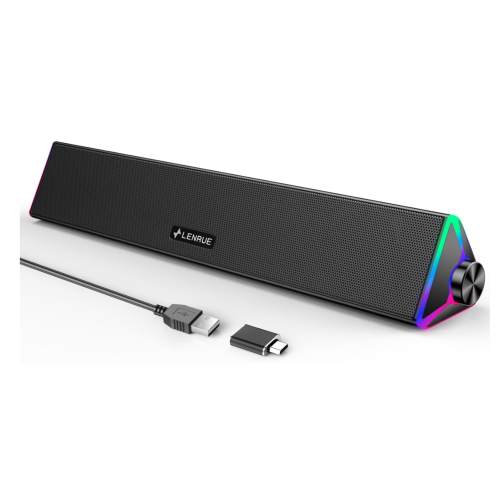
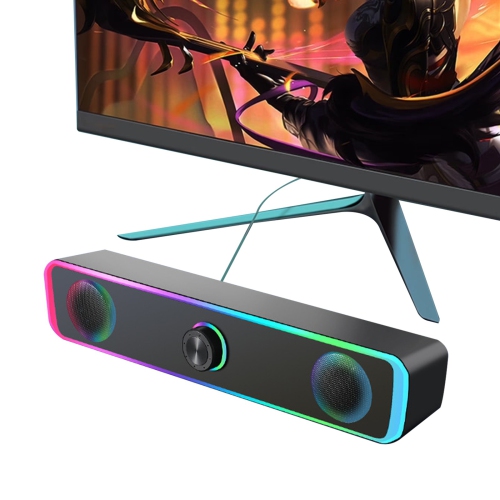
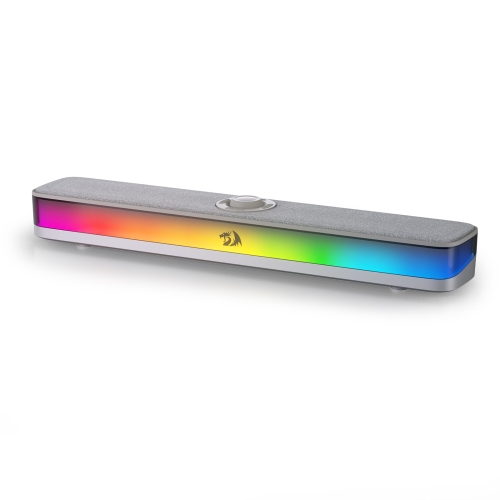
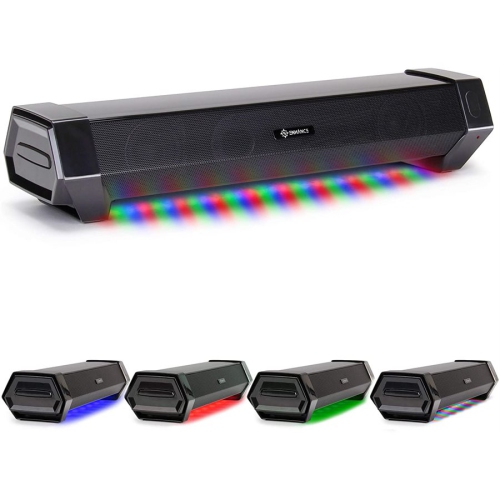
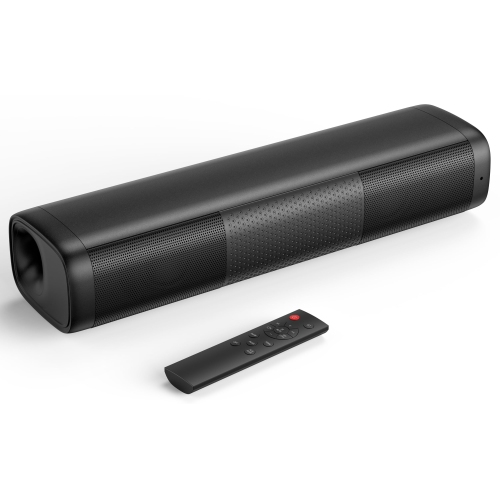

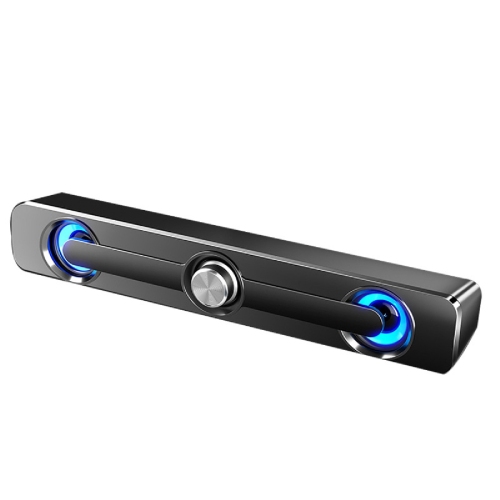
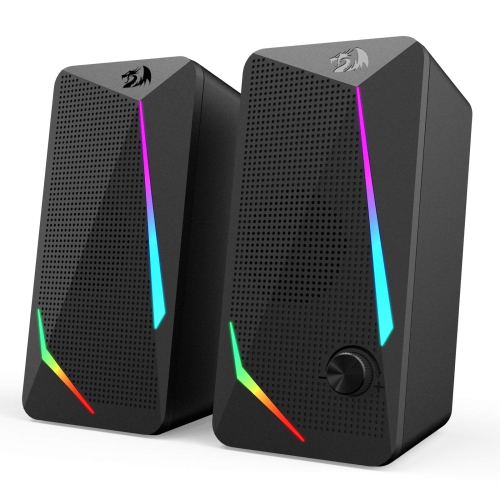
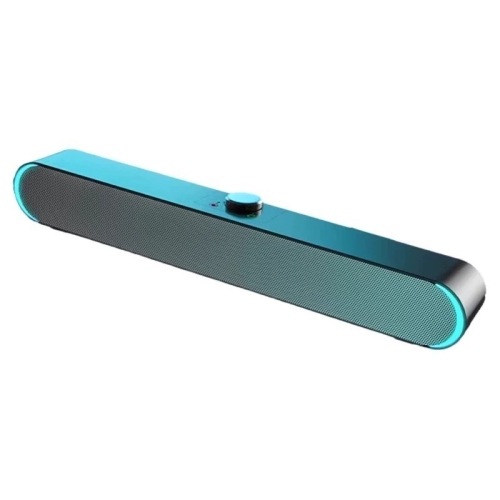
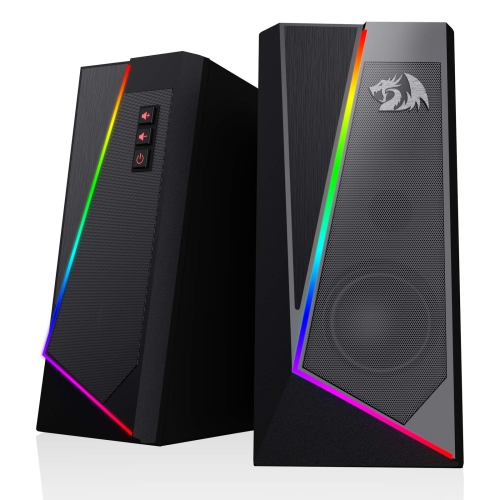
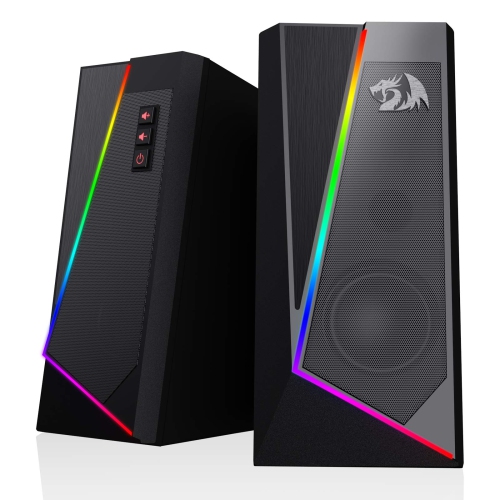
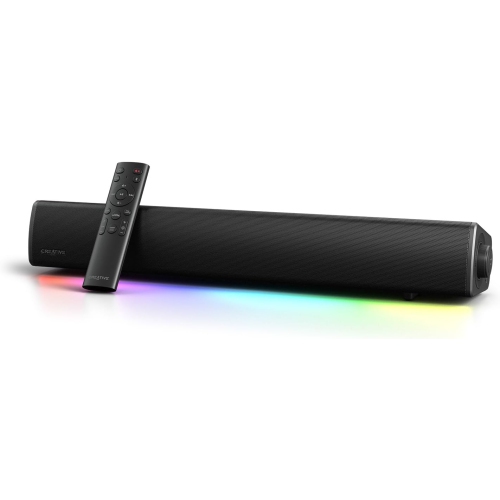
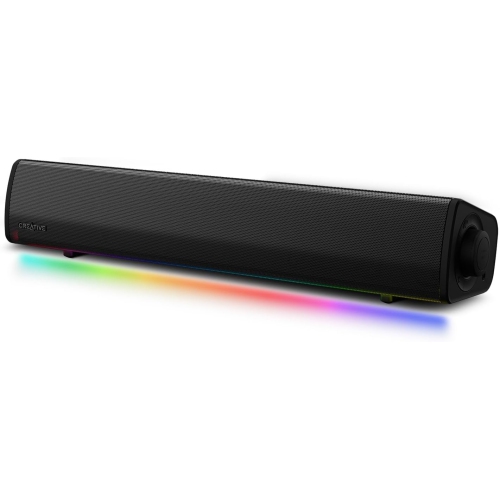
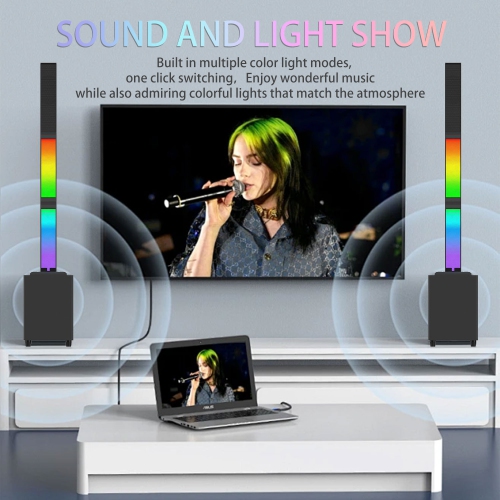
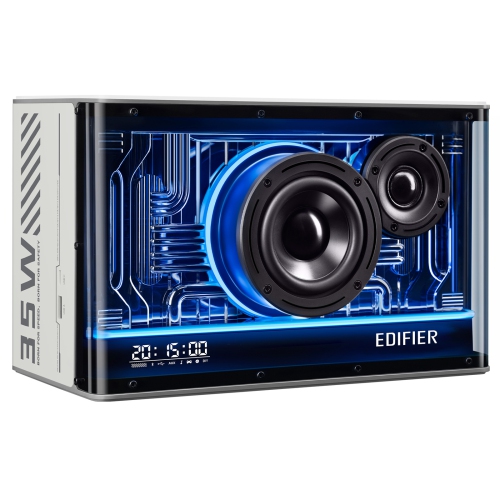
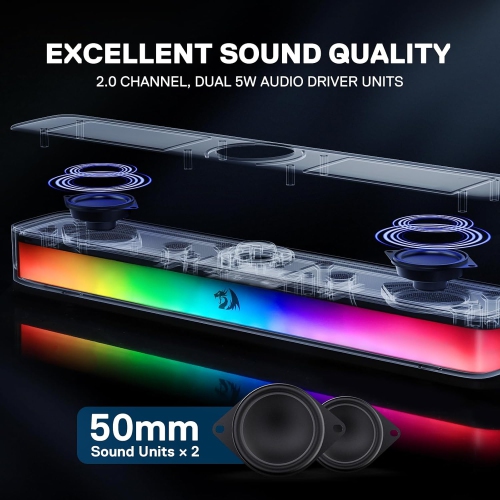
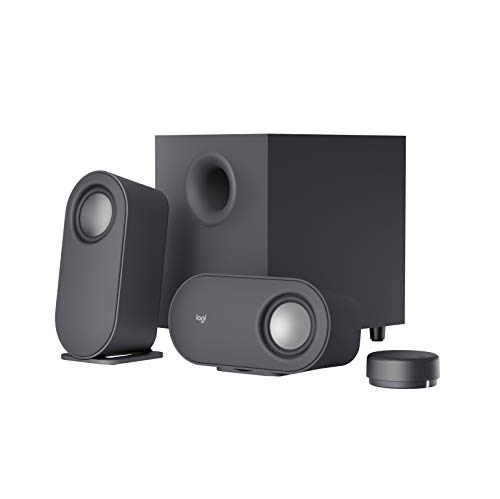
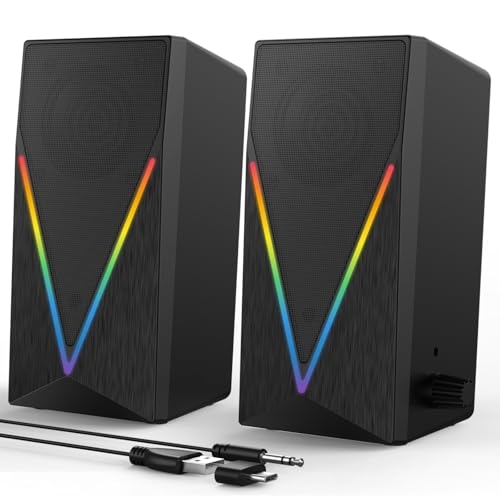
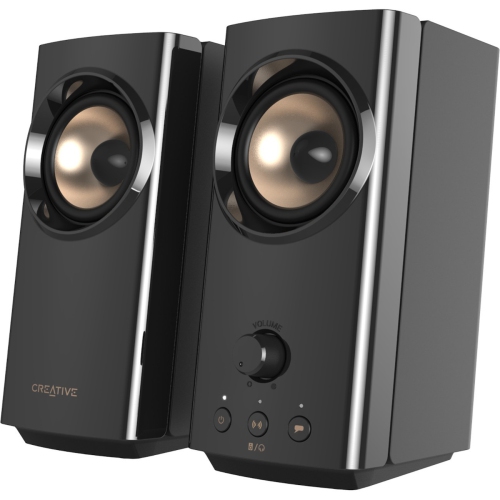

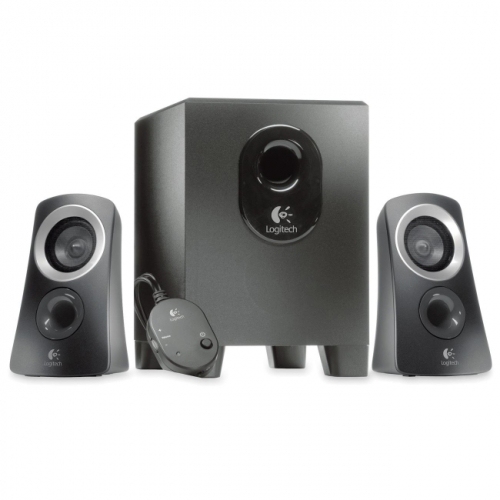
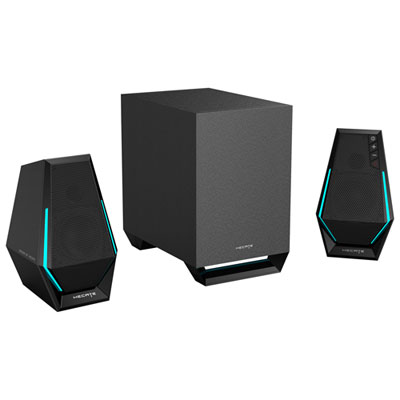
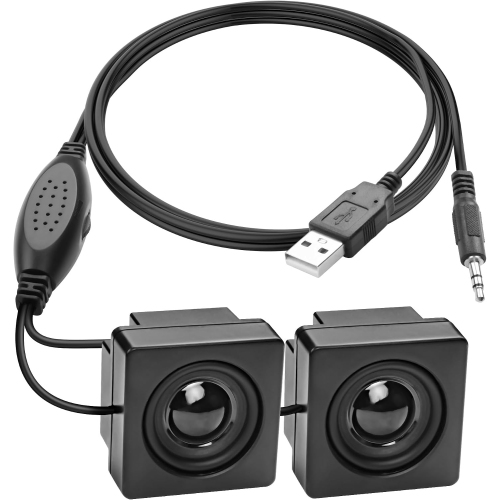
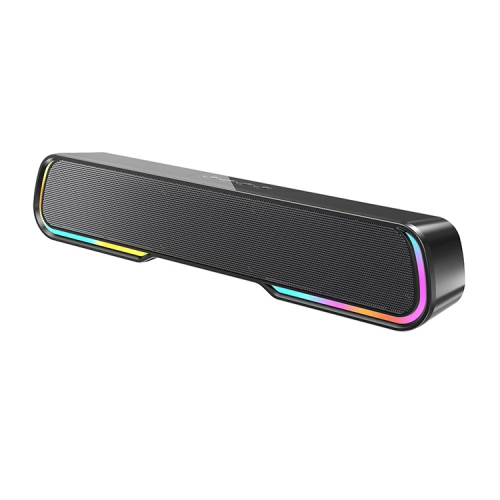
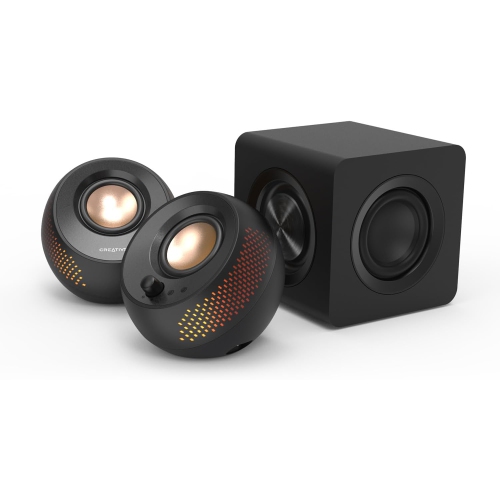
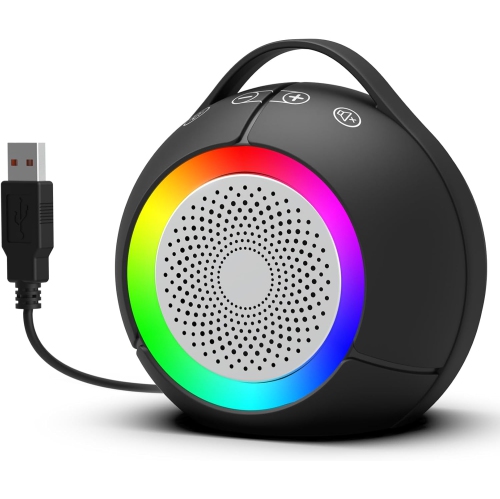
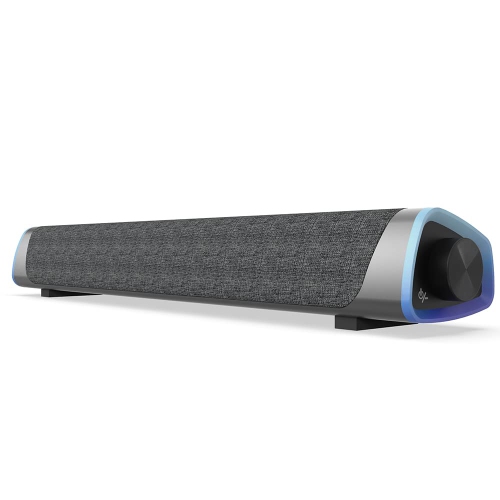
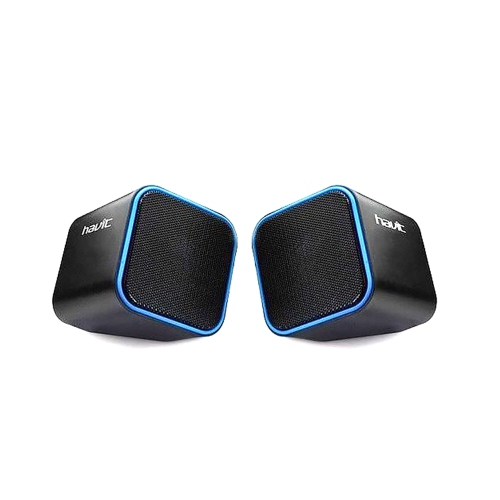
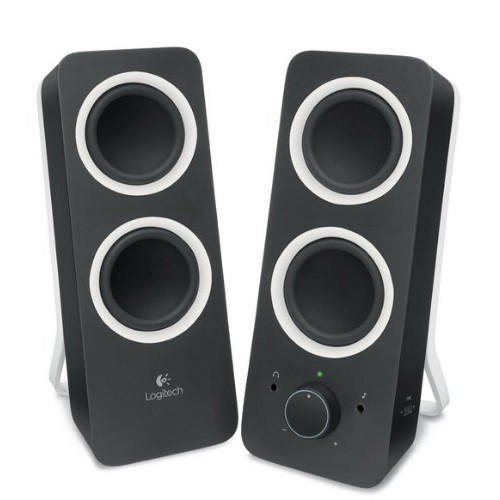
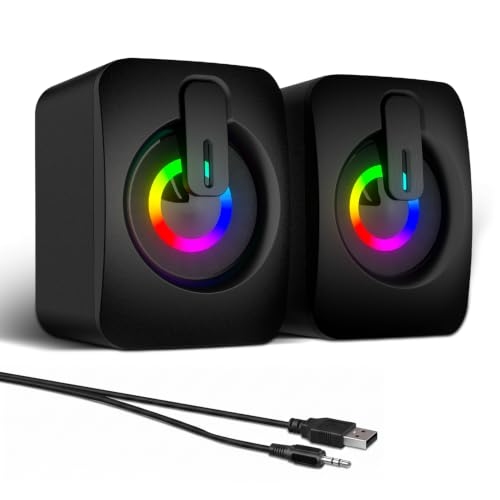
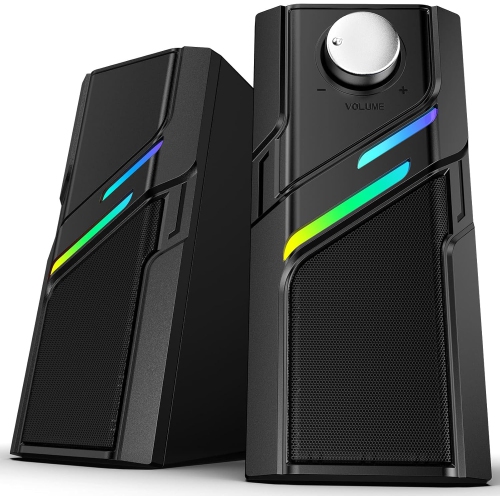
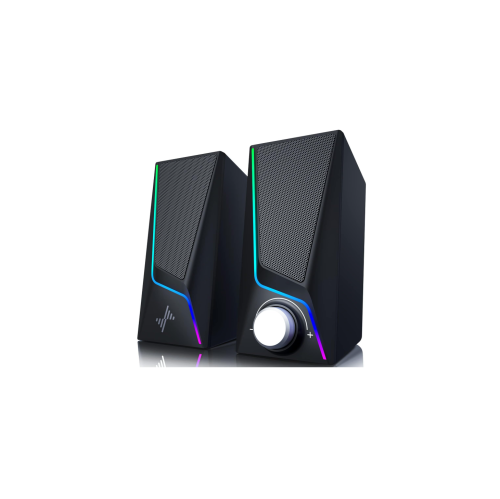
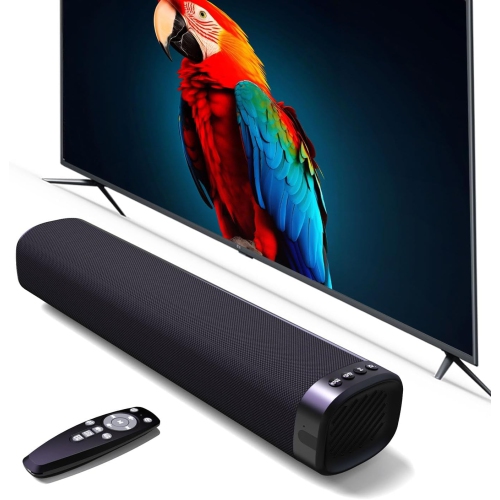
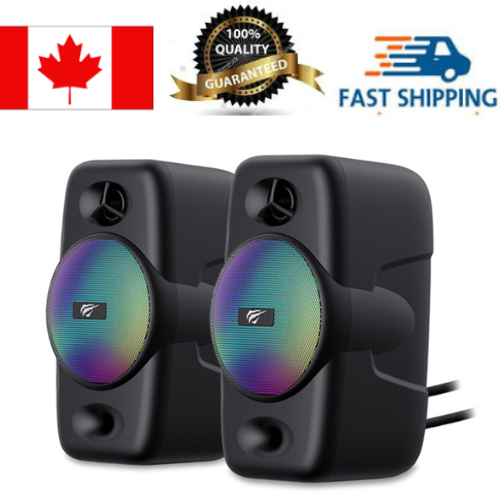
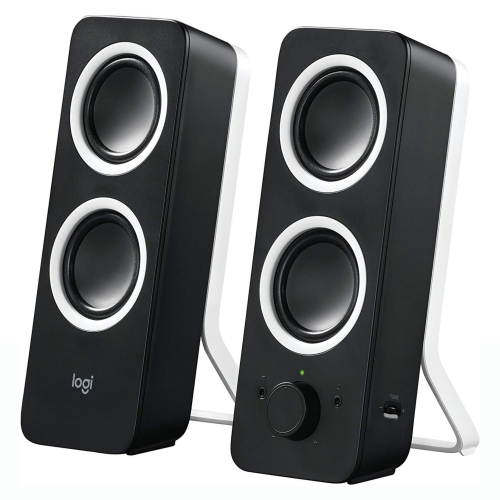
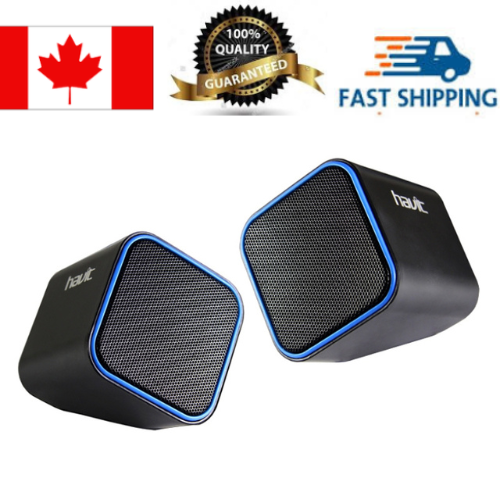
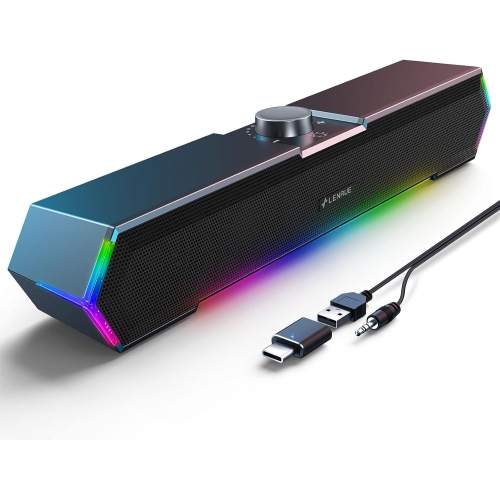
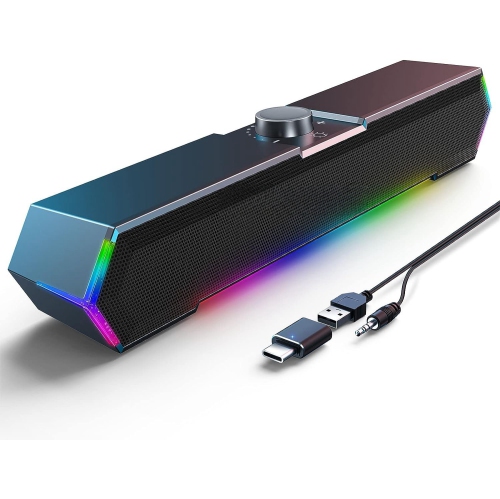

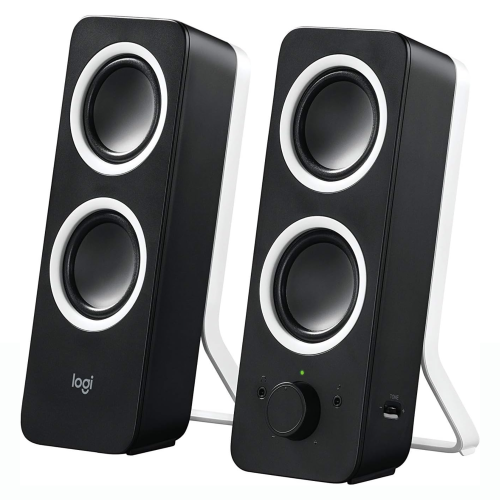
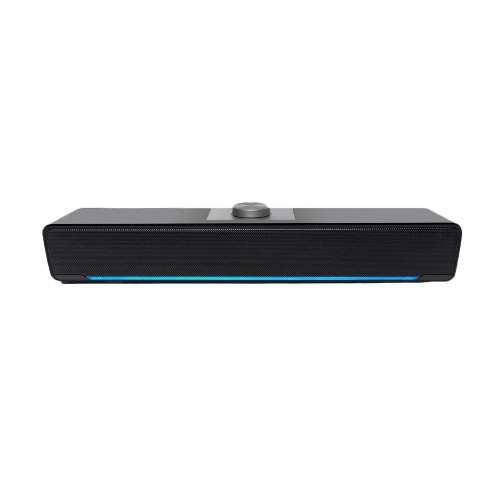
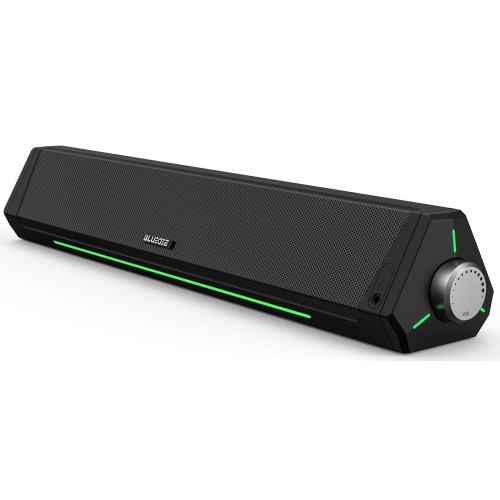
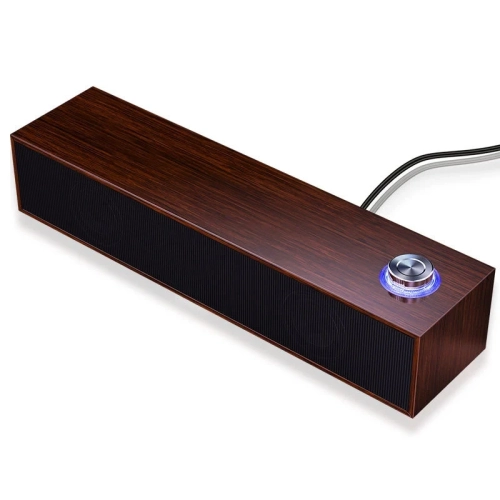
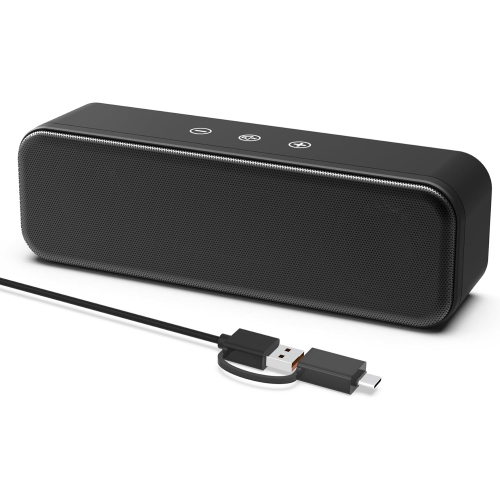
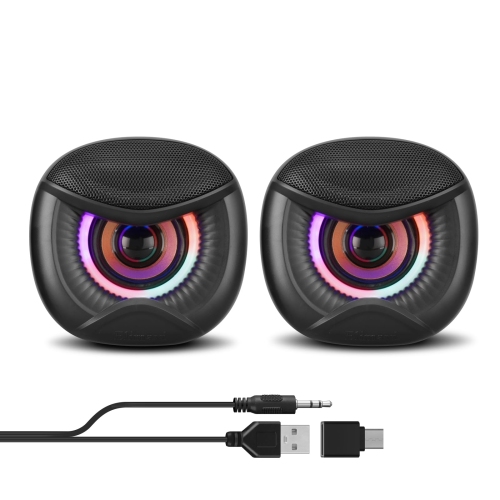
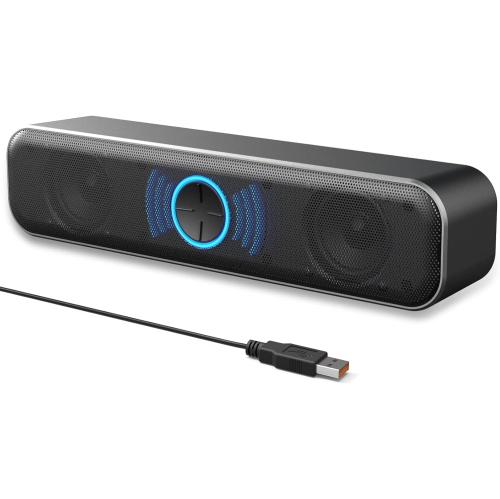


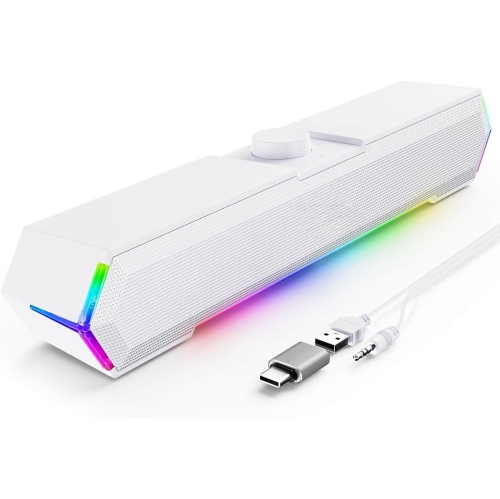
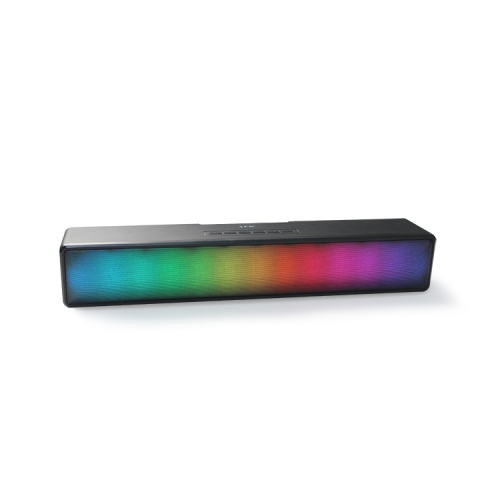
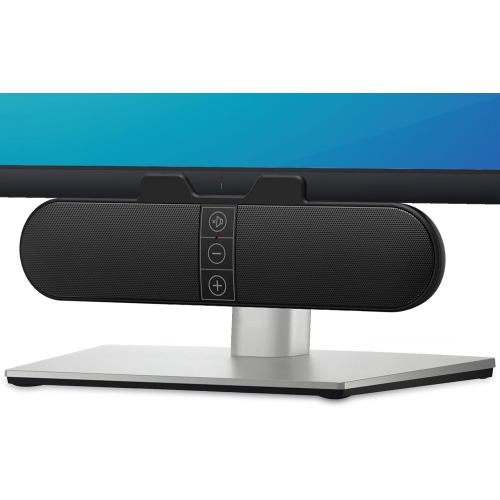
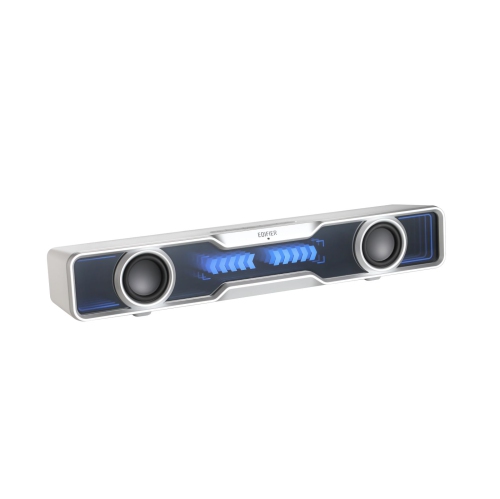
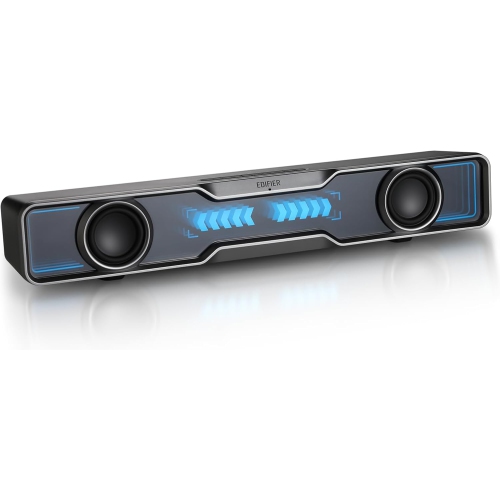
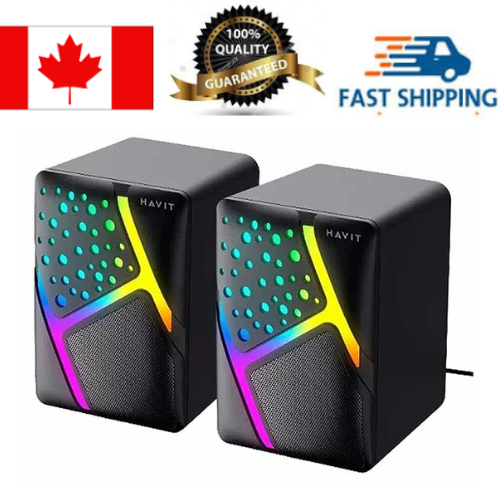
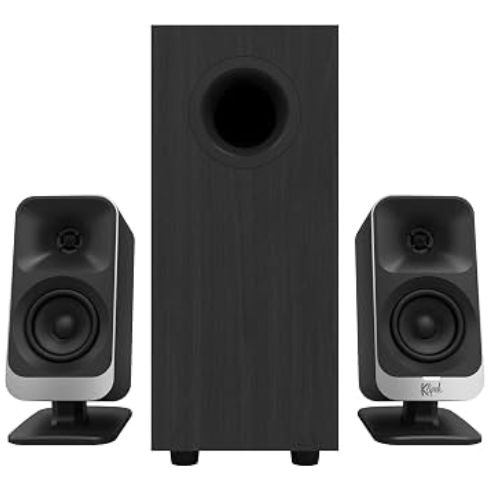

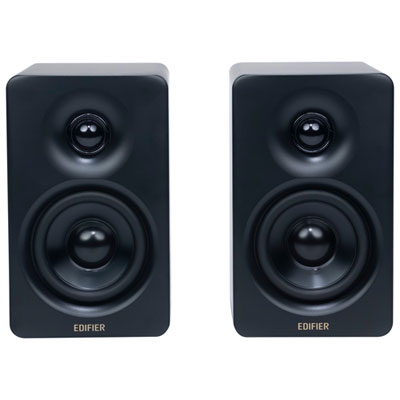
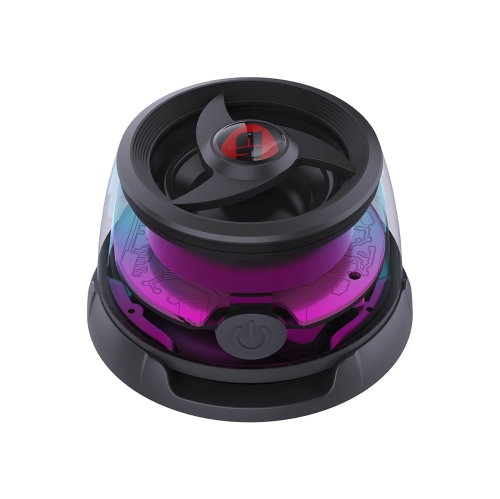
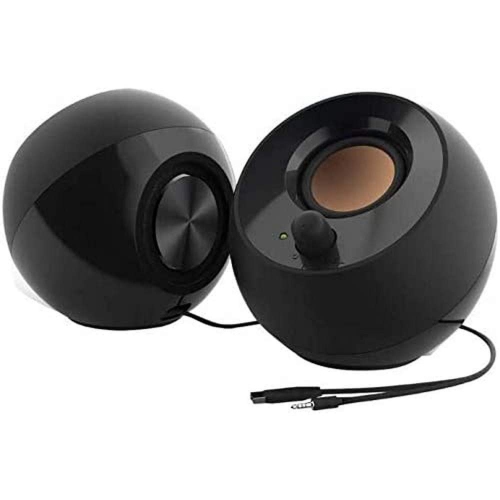
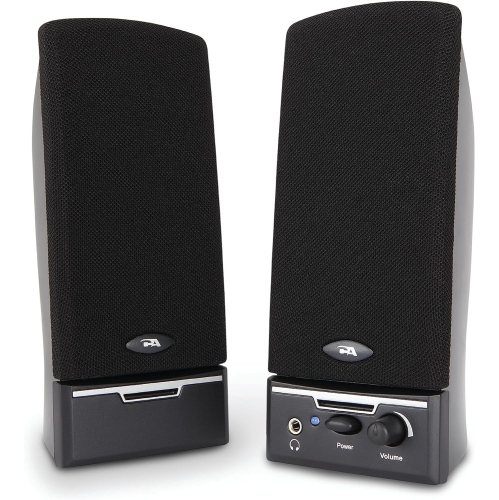
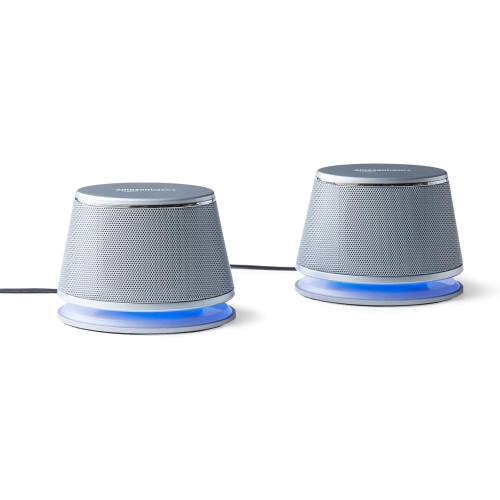

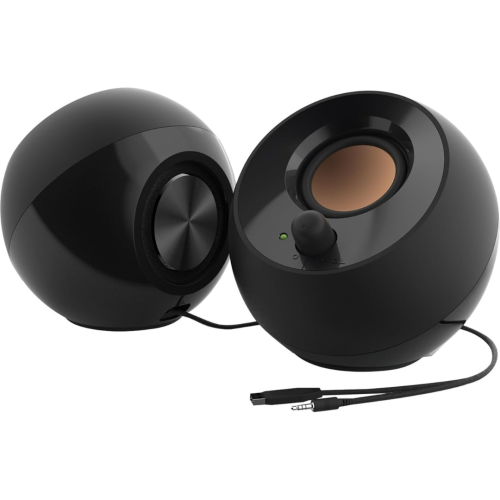
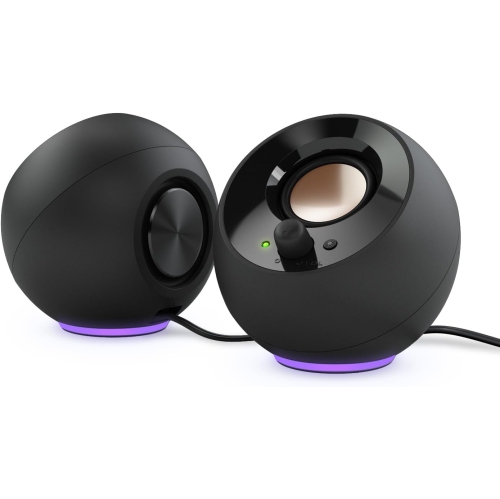
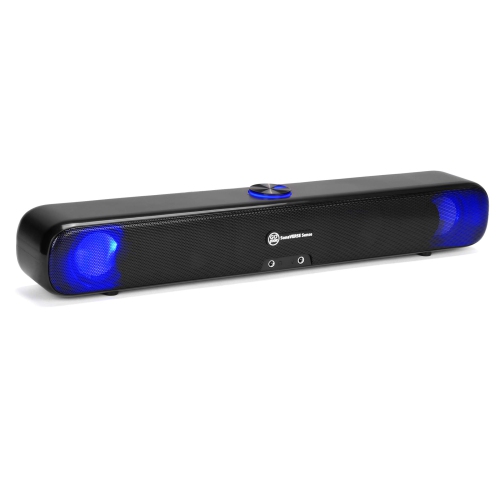
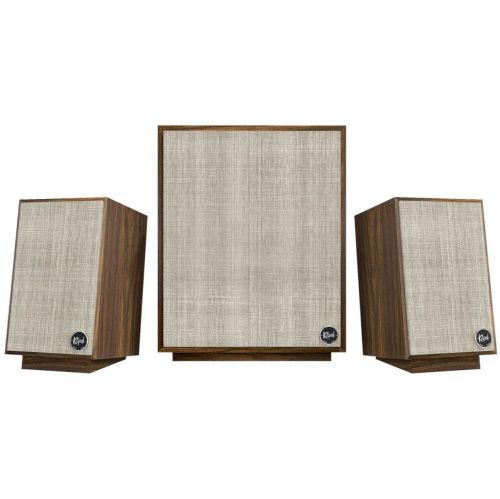
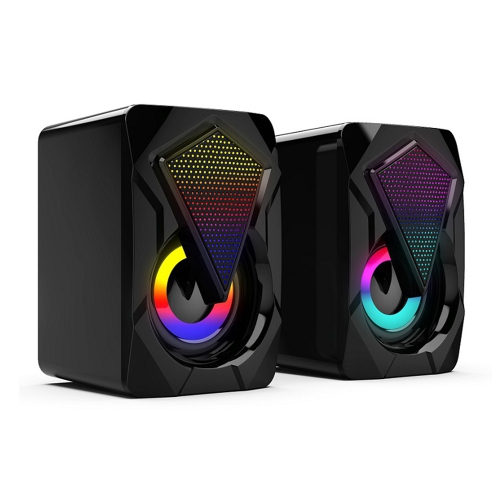
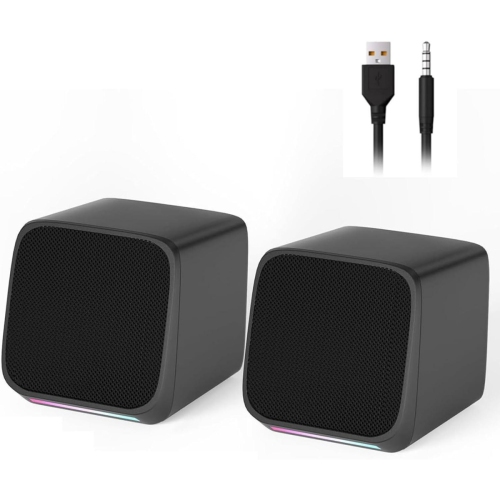
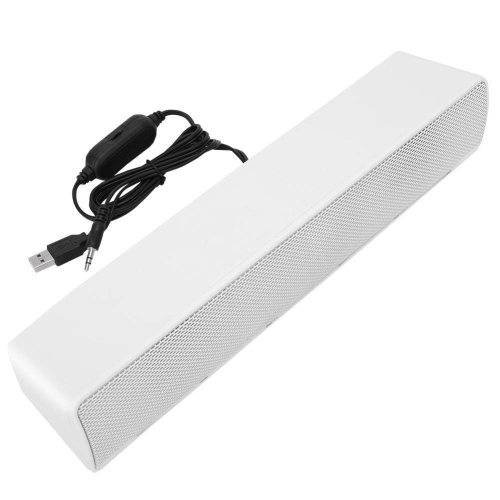
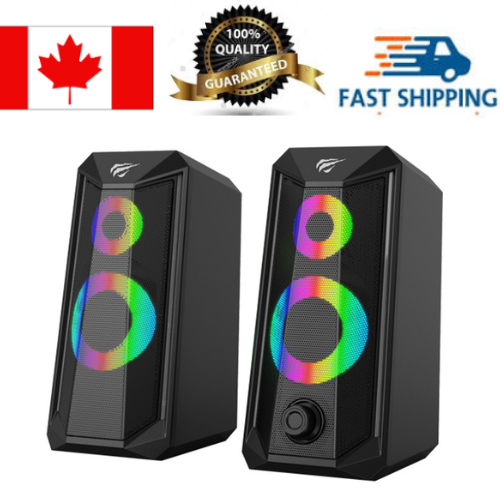
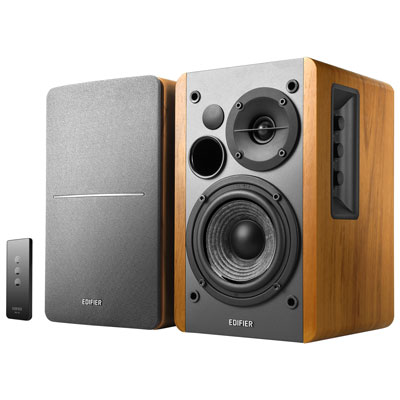
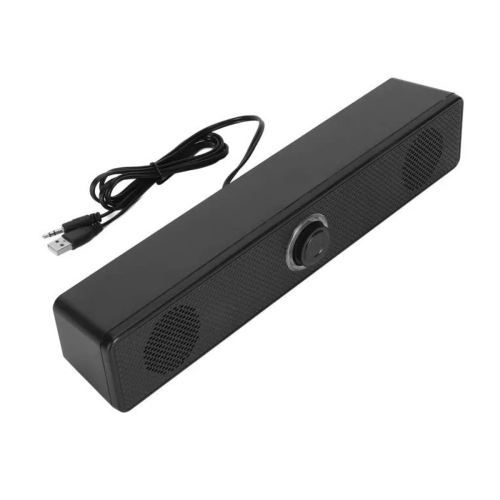
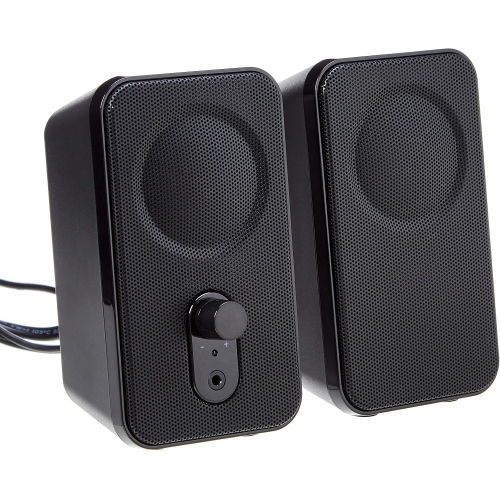
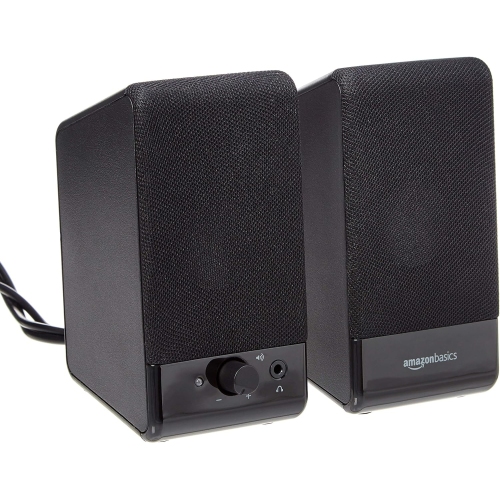
Game sound that earns its space on your desk
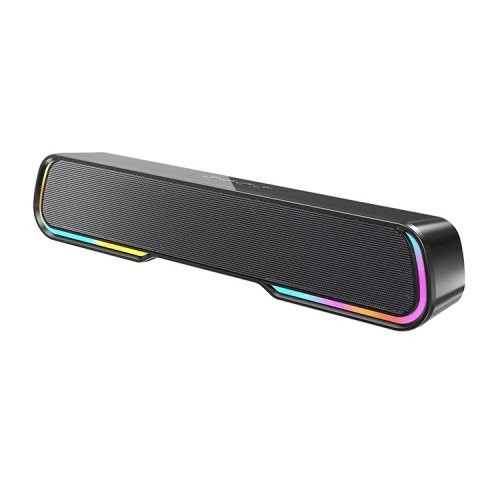
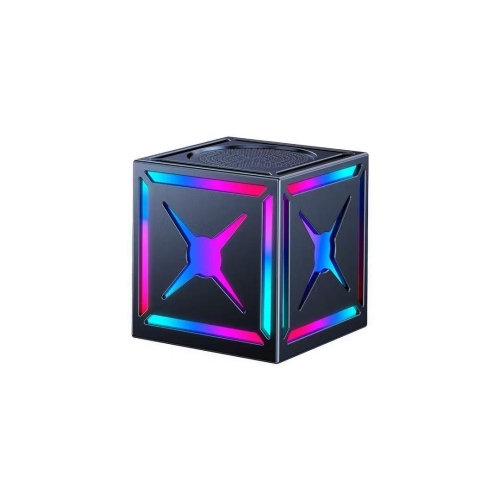
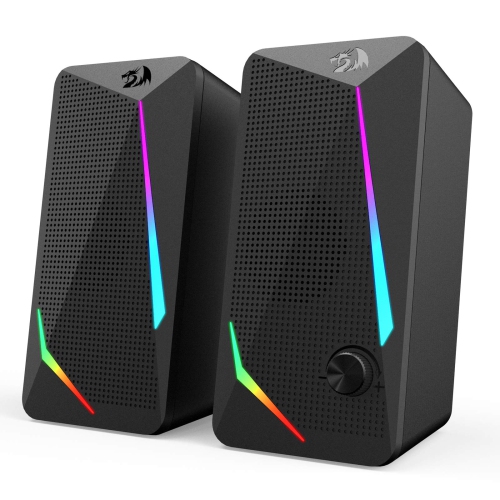
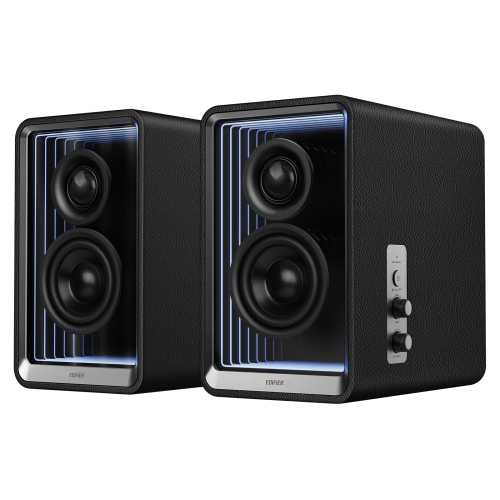
Gaming PC speakers give games a sense of scale beyond the monitor, from the low rumble of an approaching vehicle to the small metallic click of a reload. They also handle everyday desktop listening, including music, video calls, livestreams, and films, making them a practical addition to a computer used for both play and work. The main formats are 2.0 stereo speakers, 2.1 speaker systems, desktop soundbars, and multichannel surround systems. A 2.0 setup uses separate left and right speakers without a dedicated subwoofer, keeping the arrangement straightforward while providing stereo separation. A 2.1 system adds a subwoofer for deeper bass, giving explosions, engines, and soundtracks more weight. The added bass can make a large game world feel more expansive, although its level needs to suit the room and the people nearby. A desktop soundbar places its drivers in one enclosure, often fitting beneath a monitor where separate speakers would take up valuable space. Its stereo width depends partly on the distance between its drivers and the processing it uses. Multichannel systems use additional speakers to reproduce sound from more directions, but require suitable connections, compatible audio output, and room for placement. Virtual surround instead uses audio processing to suggest a wider or more enveloping soundstage; the result varies with the system, the game, and the listening position. Across these formats, clear midrange helps dialogue remain understandable, controlled treble preserves detail without making effects sound harsh, and balanced bass adds impact without covering quieter sounds. For competitive games, distinct effects and stable stereo imaging can be more useful than sheer volume. Story-driven adventures and racing games may benefit from a fuller presentation that gives voices, music, and mechanical sounds their own space. Speaker size alone does not establish sound quality, and a larger subwoofer is not automatically a better match for a small desk or shared room.
Connections and controls determine how easily gaming PC speakers fit into a daily routine. An analogue 3.5 mm input commonly connects to a computer’s headphone or line output, while USB audio can carry digital sound directly from a compatible computer. A USB connection does not always carry audio, however; some speakers use it only for power and still need a separate audio cable. Optical connections can suit compatible desktop equipment, and Bluetooth offers convenient wireless playback from a phone or another supported device. For gaming, a wired connection generally avoids the additional delay that Bluetooth can introduce between an on-screen action and its sound. Wireless performance depends on the devices and audio formats involved, so a system used for both games and casual music listening may benefit from having both wired and wireless inputs. Separate input controls can also make switching sources simpler, though support for playing multiple sources at once varies. An accessible volume dial is useful when a quiet conversation suddenly gives way to a loud battle, especially if reaching the computer’s audio settings would interrupt play. Bass adjustment allows low-frequency output to be matched to the space, while a headphone socket can make the transition to private listening more convenient. A speaker system does not necessarily include a microphone, so voice chat may still require a separate microphone or headset. Equalizer settings can shape the sound for different uses, but boosting every frequency can reduce clarity rather than improve it. Likewise, virtual surround processing may overlap with spatial audio already enabled in a game or on the computer. Using one suitable processing mode at a time can preserve more predictable sound placement. For a broader look at this category, Good Gaming Speakers brings together the same everyday priorities: clear playback, practical controls, and a setup that suits the way the computer is used. Lighting effects can complement a gaming desk, but sound quality, connection compatibility, and comfortable operation remain the more important considerations during a long session.
Physical fit matters as much as the connection list, particularly on a desk shared by a large mouse mat, keyboard, microphone arm, and multiple monitors. Compact satellite speakers leave more working space, while larger enclosures may need room beside or behind the display. Cabinet materials commonly include plastic, wood-based panels, and metal components, with fabric or metal grilles protecting the drivers. Material alone does not determine performance; enclosure design, driver quality, and secure assembly all contribute to clean sound and durability. Stable feet or isolation pads can help limit vibration passing into the desk, especially when bass-heavy effects make nearby objects rattle. For stereo listening, left and right speakers generally work best at similar distances from the listener, with their fronts unobstructed and directed towards the seating position. A soundbar needs enough clearance that the monitor stand does not block its drivers or controls. A subwoofer requires floor space, cable reach, and clearance around any vents or ports. Placing it tightly into a corner can exaggerate bass in some rooms, while moving it even a short distance may produce a more even result. Cable lengths deserve attention on a sit-stand desk, where the desktop’s full movement can pull on a connection that seemed comfortably loose at seated height. Care is usually simple: switch off and unplug the system before cleaning, wipe the enclosure with a soft, dry cloth, and avoid pressing on exposed speaker cones. Liquids, direct heat, and blocked ventilation can damage components, while tidy cable routing reduces accidental tugs. Gaming PC speakers can suit students, home-office users, casual players, and dedicated desktop gamers who prefer listening without wearing a headset. They can also make a thoughtful gift when the recipient’s desk space, computer connections, and preference for bass are known. In shared homes, adjustable bass and easy access to headphones help keep a powerful setup considerate, allowing detailed game audio to remain enjoyable without sending every explosion through the adjoining wall.
Top selling and popular products
-
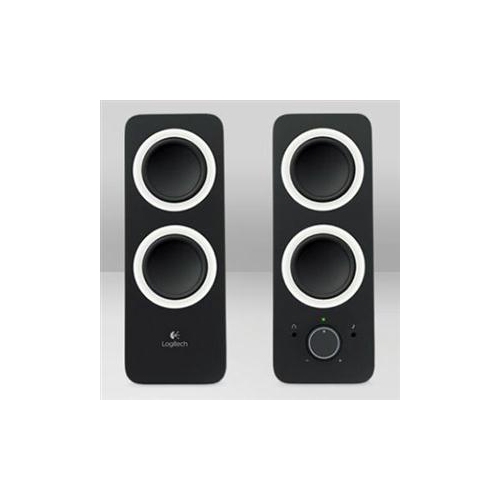 Your price for this item is $101.68
-
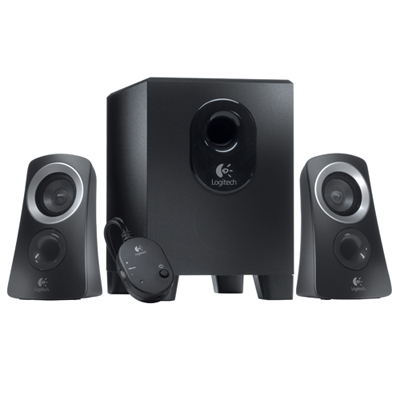 Your price for this item is $79.98
-
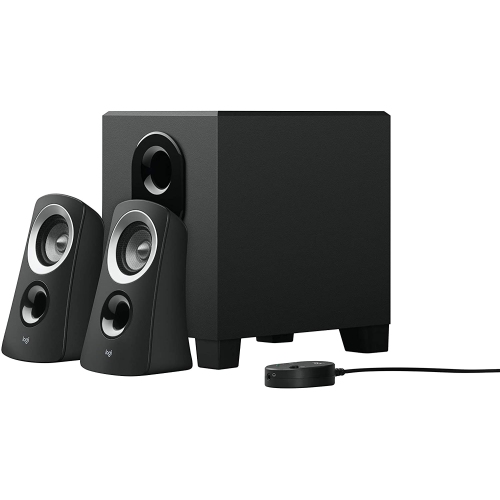 Your price for this item is $106.11
-
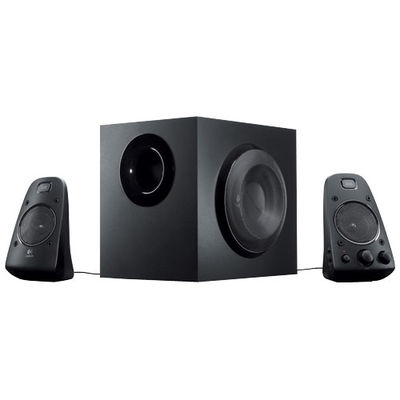 Your price for this item is $231.98
-
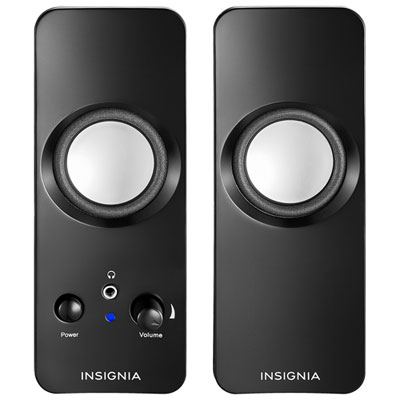 Your price for this item is $29.95
-
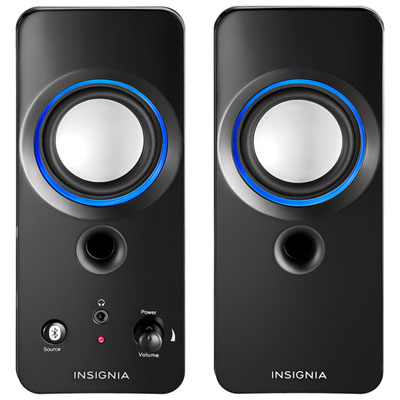 Your price for this item is $39.95
-
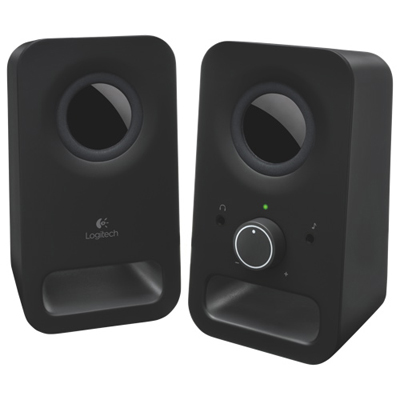 Your price for this item is $34.98
-
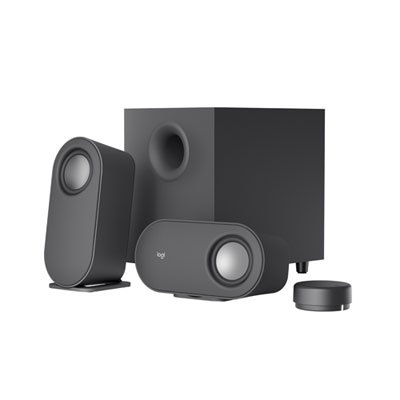 Your price for this item is $179.99
Discover more categories related to Gaming PC Speakers
Top Collections:
Best Black Friday Deals This Year, Best Black Friday Deals On Electronics, Kindle Devices, Pokemon Centers, Best Black Friday Deals On Apple Products, Best Cameras for Sports Photography, Dyson Airwrap, Pokémon 30th Celebration Cards, Apple iPhone 17 Pro, Canon G7X Cameras
Some products may be subject to Environmental Handling Fees
(EHF) depending on your province.
Learn more about EHFs.