Student Wireless Mice for Study Sessions
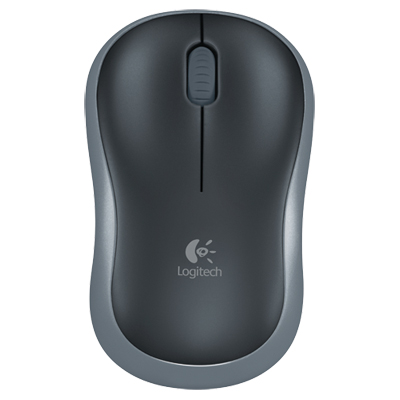
Student Wireless Mice For Study Sessions are designed to help make studying more efficient and comfortable. With a variety of styles and options available, these wireless mice provide flexibility for students working in different environments, whether at home, in the library, or on campus. Explore choices that suit your needs and preferences to enhance your productivity during study sessions. Find the right Student Wireless Mice For Study Sessions to support your academic goals.
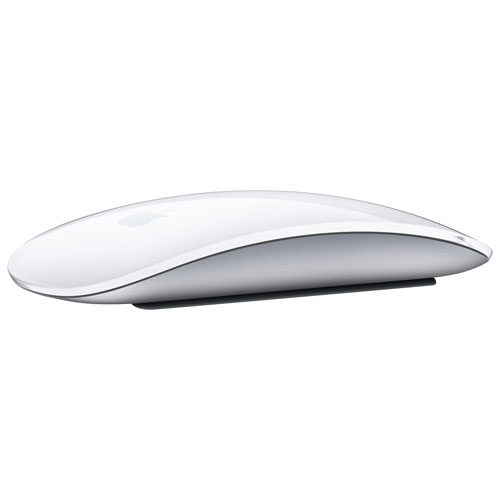
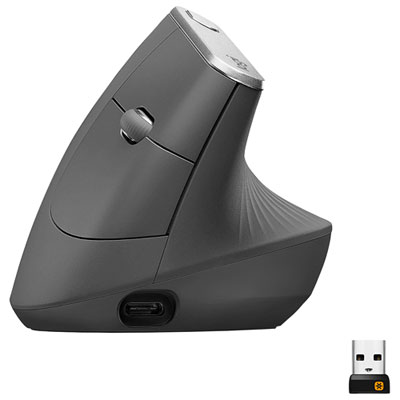
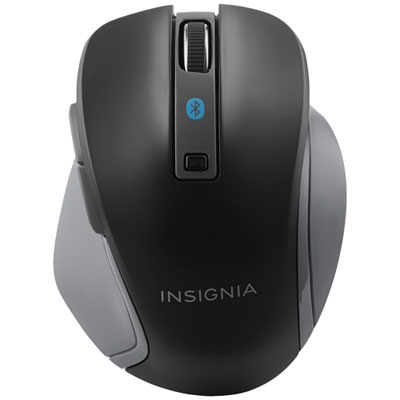
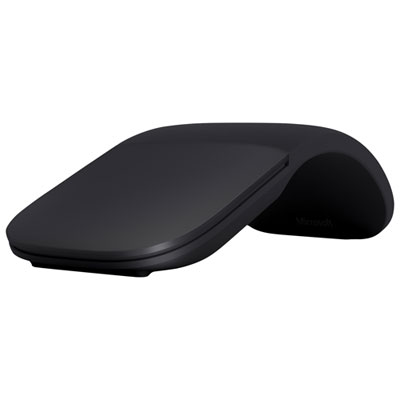
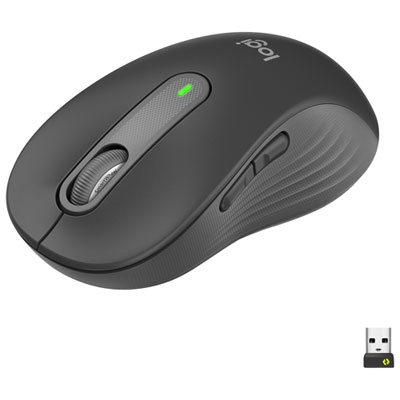
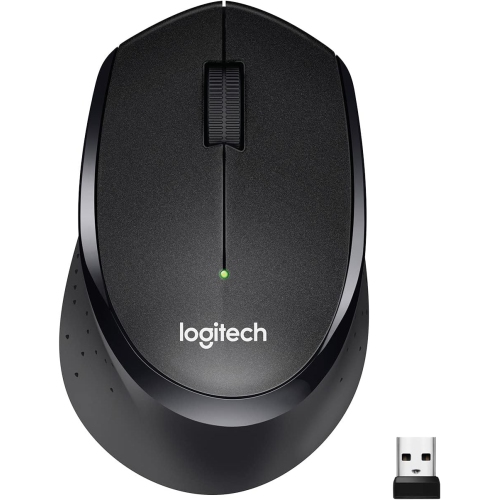
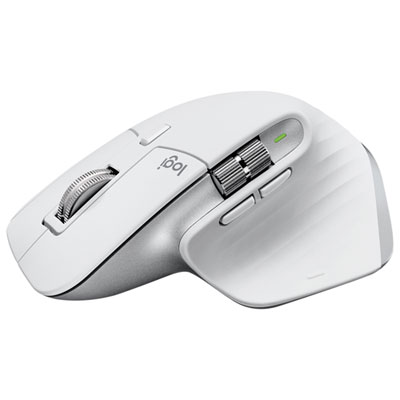
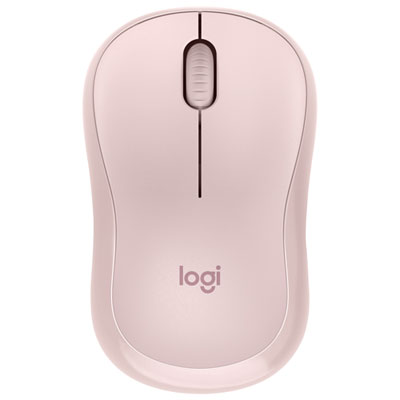
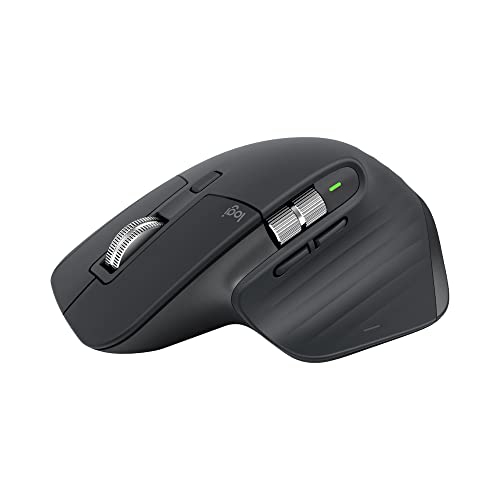
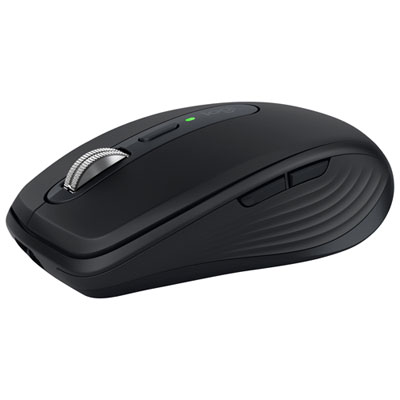

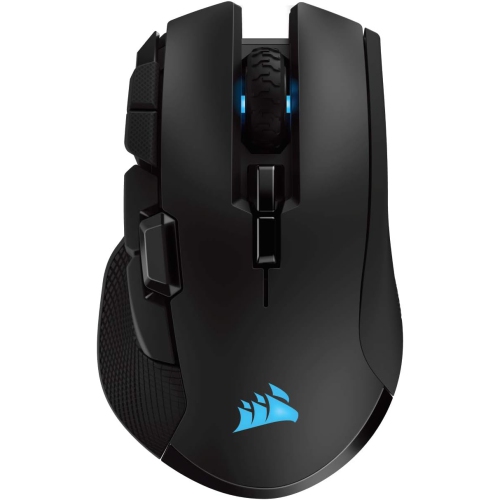

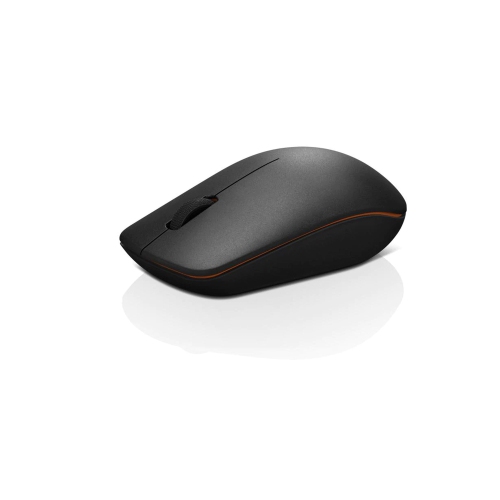
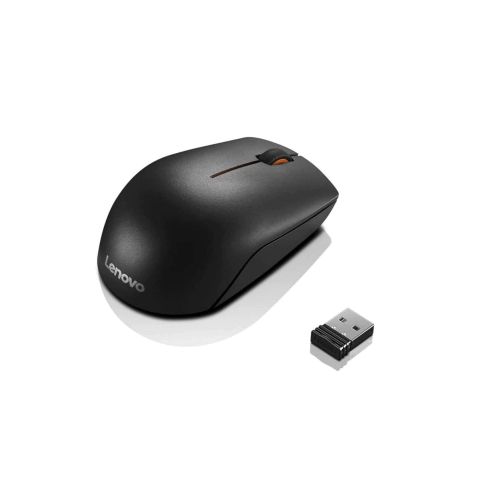
Comfort and battery life for focused study anywhere
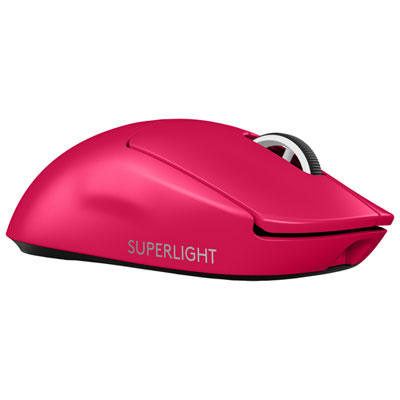
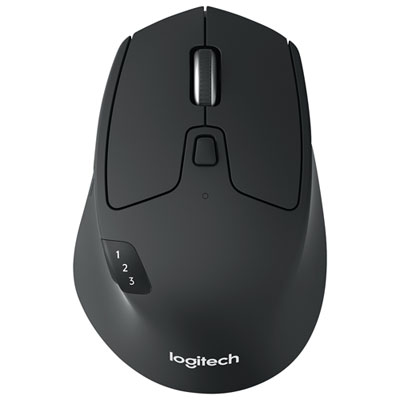
When shopping for student wireless mice, there are several features to consider that can enhance both everyday tasks and more specialized needs. Battery life is often a top concern, as students rely on their devices to last through back-to-back classes or marathon study periods. Many wireless mice offer impressive battery longevity, with some models running for months on a single charge or set of batteries. Quiet-click buttons are a thoughtful touch for shared spaces or late-night study, helping to minimize distractions for roommates or classmates. Adjustable sensitivity settings allow users to fine-tune cursor speed for anything from precise graphic design work to rapid note-taking during lectures. Some wireless mice are designed with ambidextrous shapes or customizable buttons, making them a practical choice for both left- and right-handed users. With a range of colours and styles available, students can personalize their setup to reflect their tastes, whether they prefer a classic, understated look or something more vibrant to brighten up a study desk. For those seeking the best mouse for college students, it’s worth considering how a mouse will fit into a daily routine—whether it’s for annotating digital textbooks, navigating complex spreadsheets, or unwinding with a bit of casual gaming after class.
Wireless mice also make excellent gifts as students transition into new academic chapters, from high school to college or university. Parents, relatives, and friends often look for practical yet thoughtful presents that will see daily use, and a well-chosen wireless mouse can be a small upgrade that brings a big boost in comfort and efficiency. As students settle into new routines and adapt to changing schedules, having the right accessories on hand helps ease the transition, making study sessions more comfortable and productive. For those looking to explore more options or find a model tailored specifically for academic needs, the curated selection at Back To School Wireless Mouse For Study Desks offers a range of choices designed to complement any study environment. Whether preparing for final exams, collaborating on group projects, or simply staying organized as the seasons shift, the right wireless mouse is a dependable companion for students striving to make the most of their study sessions.
FAQ
What features should students look for in a wireless mouse for study sessions?
Students should consider features such as comfortable ergonomic design, long battery life, reliable wireless connectivity, quiet clicking, and compatibility with their devices. Additional features like programmable buttons and adjustable DPI settings can also enhance productivity during study sessions.
Are wireless mice compatible with both laptops and tablets commonly used by students?
Most wireless mice are compatible with a wide range of devices, including laptops and tablets that support USB or Bluetooth connections. It's important to check the mouse's specifications to ensure it matches your device's connectivity options.
How does a wireless mouse benefit students during group study sessions?
A wireless mouse offers flexibility and freedom of movement, making it easier for students to collaborate, share control of presentations, or navigate documents from different spots around a table without being restricted by cables.
Can a wireless mouse help reduce hand fatigue during long study periods?
Yes, many wireless mice are designed with ergonomics in mind to provide comfort during extended use. Choosing a mouse that fits well in the hand and supports natural wrist movement can help minimize hand fatigue during long study sessions.
What is the difference between Bluetooth and USB receiver wireless mice for students?
Bluetooth mice connect directly to devices with built-in Bluetooth capability, freeing up USB ports. USB receiver mice require plugging a small dongle into a USB port but may offer more stable connections on some devices. Students should choose based on their device compatibility and personal preference.
Top selling and popular products
-
 Your price for this item is $24.99
 -
 Your price for this item is $33.49
 -
 Your price for this item is $39.99
 -
 Your price for this item is $39.99
 -
 Your price for this item is $159.95
 -
 Your price for this item is $54.68
 -
 Your price for this item is $54.68
 -
 Your price for this item is $31