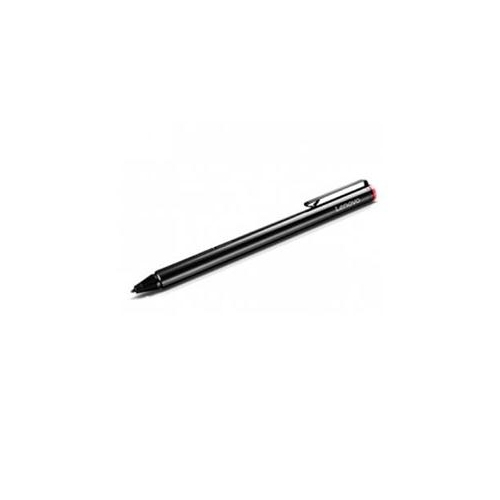
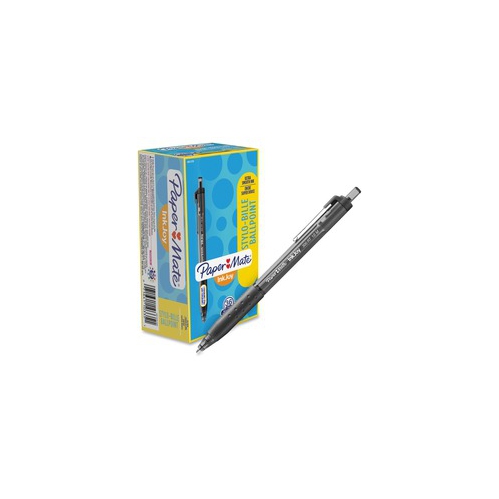
Stylus Pen For Smooth Writing Experience
Discover a wide selection of stylus pens for smooth writing experience, designed to help you navigate touchscreens with precision and ease. Whether you’re taking notes, sketching, or editing documents on your favorite device, these stylus pens offer reliable performance for everyday tasks. Explore options that are compatible with a variety of tablets and smartphones to enhance your digital workflow. Find the right stylus pen for smooth writing experience that matches your needs and personal style.
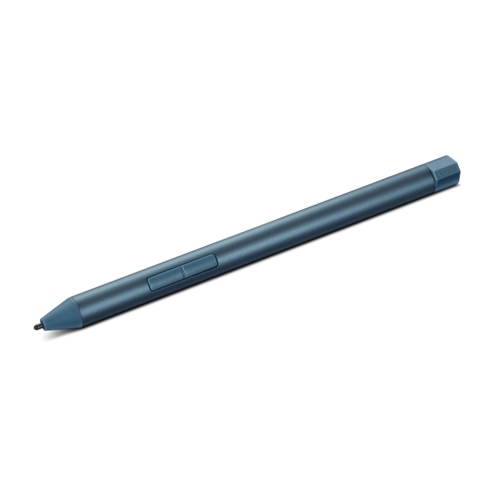
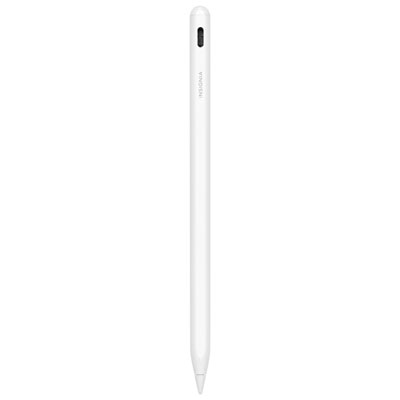
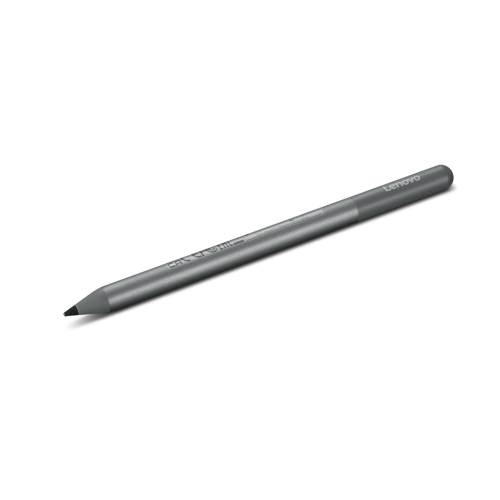
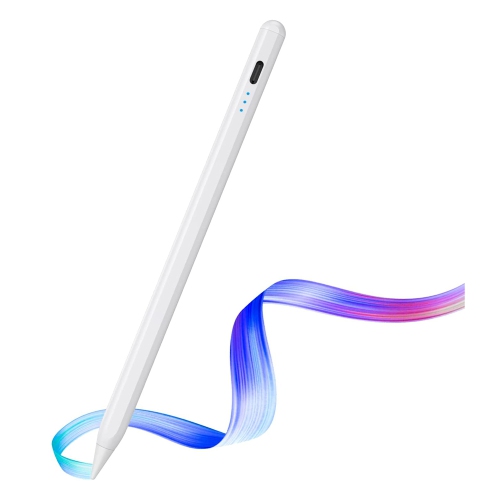
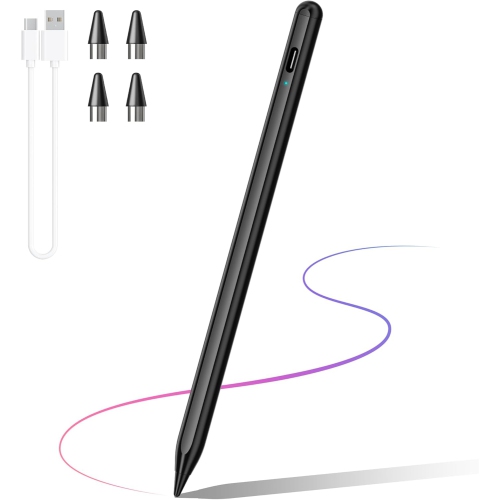
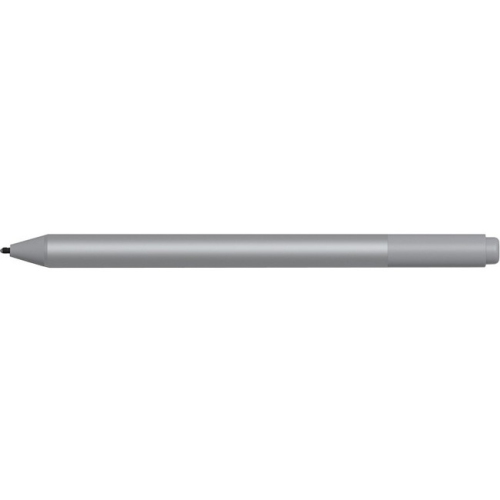
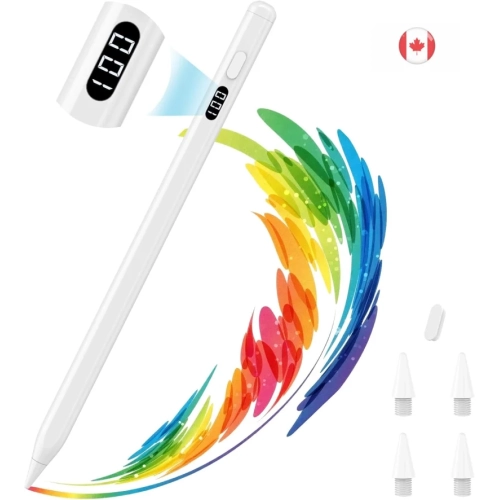


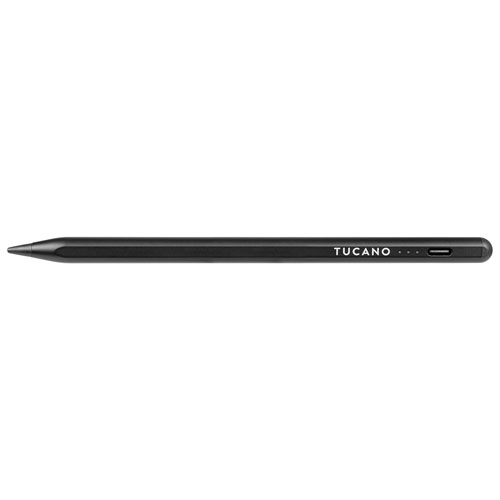
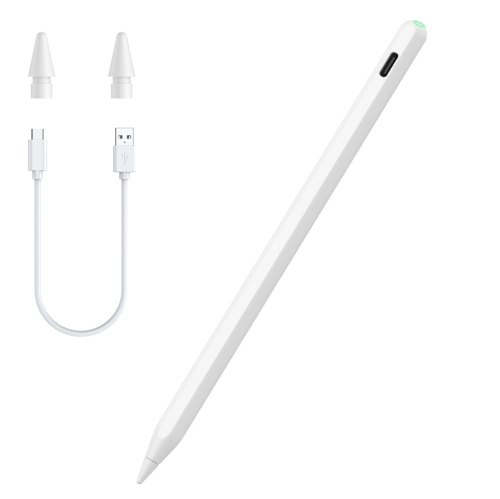


Smooth, precise control for writing, drawing, and navigation
When considering a stylus pen for smooth writing, it’s important to think about compatibility with your device, the type of tip (such as fine-point or soft rubber), and the overall feel in your hand. Some styluses are designed with pressure sensitivity, palm rejection, or tilt support, which can be especially helpful for those who transition between writing and drawing. Others focus on simplicity and ease of use, perfect for quick notes or casual browsing. Battery life, charging method, and portability are also key factors—whether you’re slipping a stylus into a backpack for summer travel or keeping it handy for spontaneous journaling. The versatility of stylus pens makes them suitable for a wide range of users, from kids learning to write on tablets to grandparents exploring digital communication. If you’re interested in stylus pens that excel not only in writing but also in creative applications, you can explore options tailored for artists and illustrators on our Good Stylus for Drawing page. With the right stylus, every swipe and stroke can feel effortless, helping you stay productive, inspired, and connected throughout the changing seasons.
FAQ
What features should I look for in a stylus pen for a smooth writing experience?
When choosing a stylus pen for smooth writing, consider features such as pressure sensitivity, palm rejection, fine tip design, and compatibility with your device. These features help ensure natural handwriting and accurate input.
Are stylus pens compatible with all touchscreen devices?
Not all stylus pens are universally compatible. Some are designed specifically for certain brands or models of tablets and smartphones. Always check the compatibility details to ensure the stylus will work seamlessly with your device.
How does pressure sensitivity enhance the writing experience with a stylus pen?
Pressure sensitivity allows the stylus to detect how hard you press on the screen, enabling varied line thickness and more natural handwriting or drawing. This feature is especially useful for note-taking and digital art.
What is palm rejection in stylus pens and why is it important?
Palm rejection technology allows you to rest your hand on the screen while writing without causing unwanted marks or inputs. This makes writing more comfortable and mimics the feel of using pen and paper.
Can I use a stylus pen for both writing and drawing applications?
Yes, most modern stylus pens are versatile enough to be used for both writing notes and creating digital artwork. Features like fine tips and pressure sensitivity make them suitable for a wide range of creative tasks.
Top selling and popular products
-
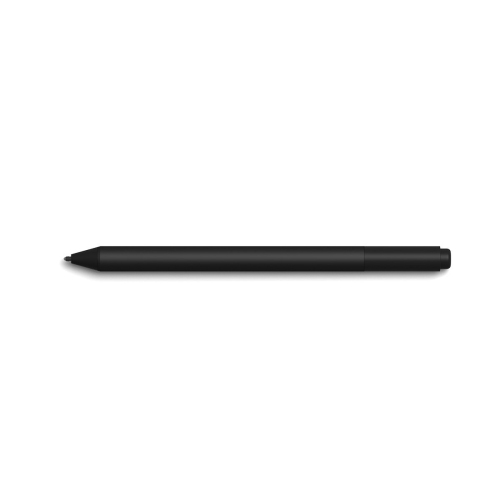 Your price for this item is $175.68
-
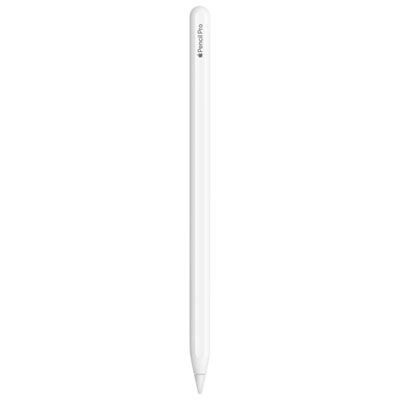 Your price for this item is $169
-
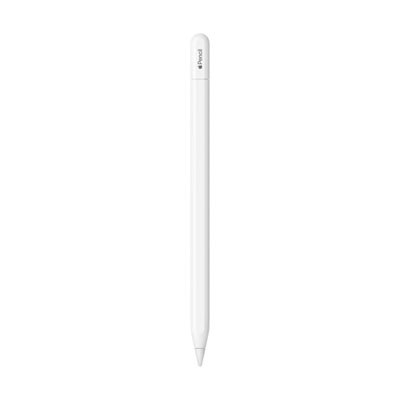 Your price for this item is $109
-
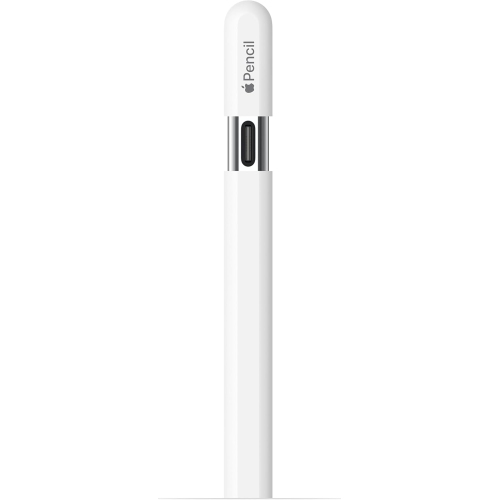 Your price for this item is $96.9
-
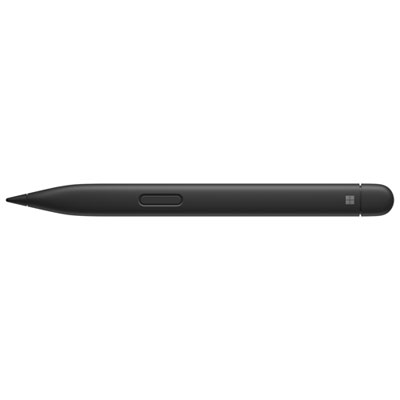 Your price for this item is $189.99
-
 Your price for this item is $9.99
-
 Your price for this item is $71.99
-
 Your price for this item is $21.99