Stylus For Digital Sketching
Explore a range of options designed to enhance your creative workflow with the right stylus for digital sketching. Whether you are an artist, designer, or hobbyist, finding the ideal tool can make all the difference in your digital art experience. Discover styluses that offer compatibility with a variety of devices and help bring your ideas to life with precision and ease. Find the perfect stylus for digital sketching to match your unique style and needs.
Sort
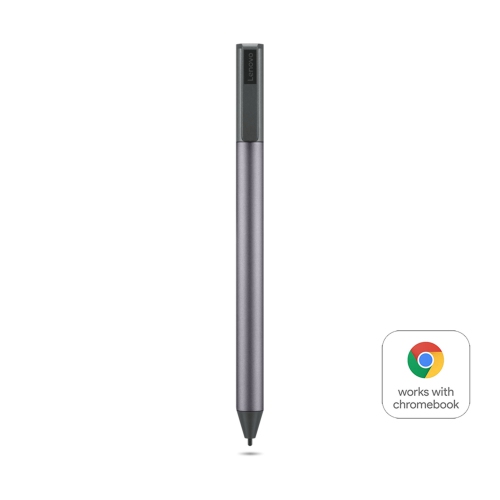
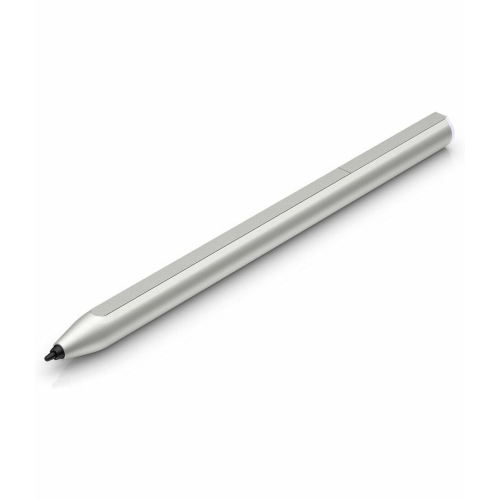
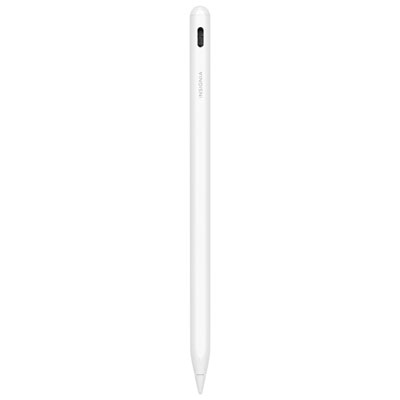
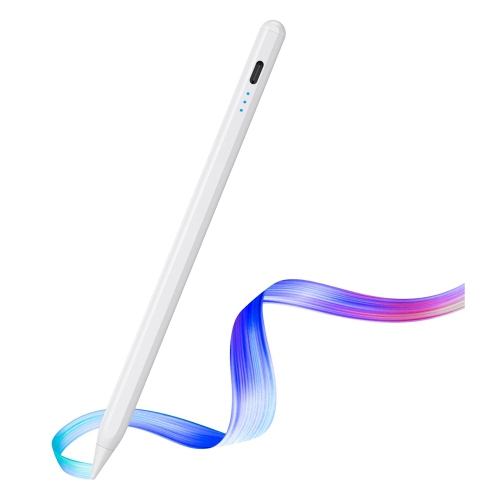
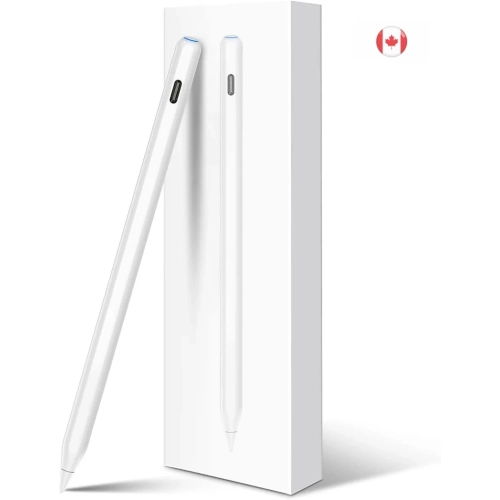
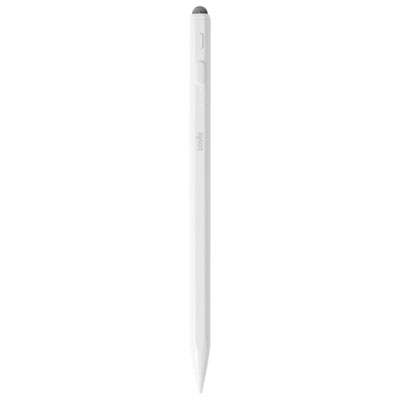
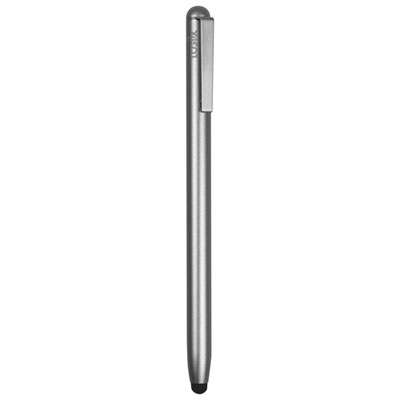
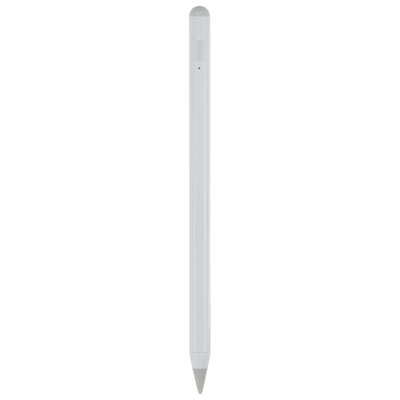
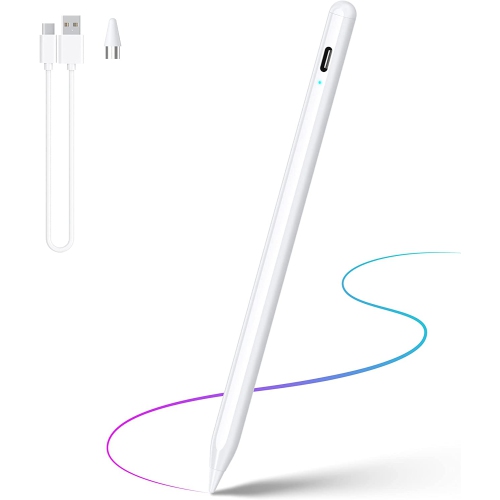
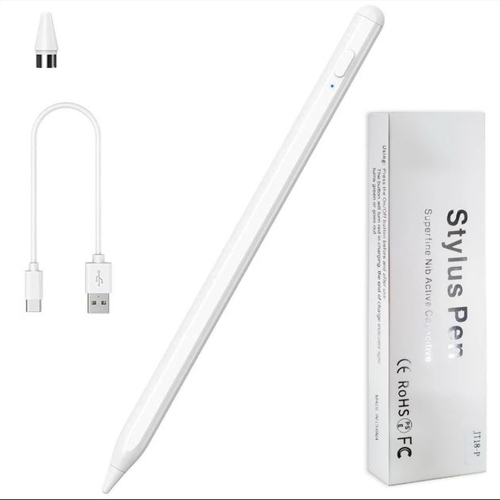
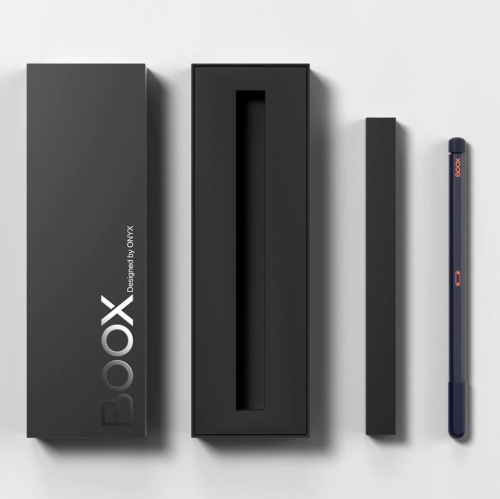
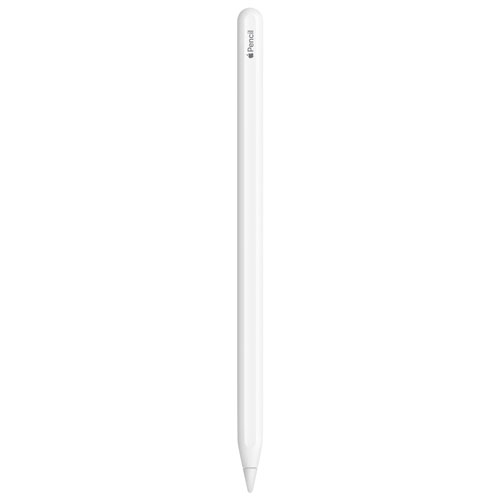
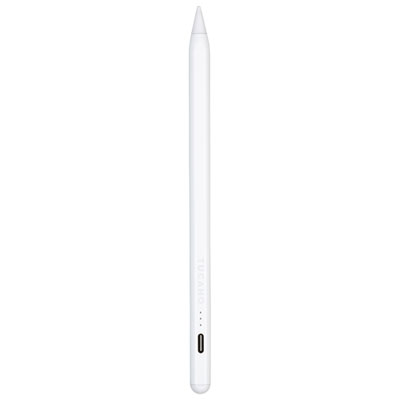
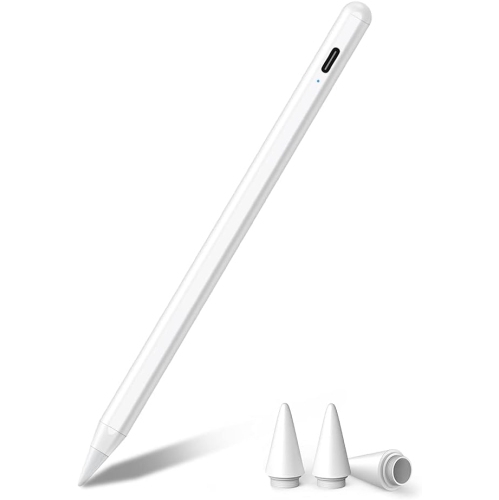
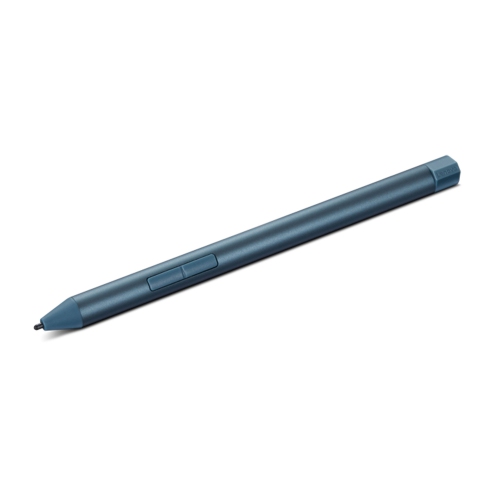
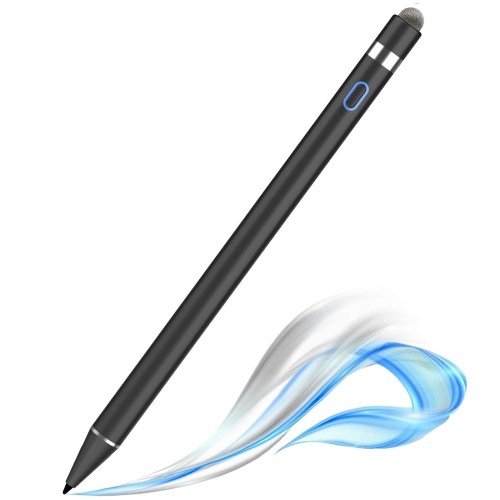
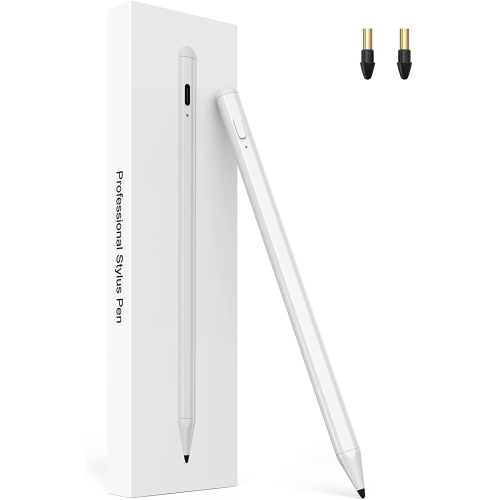
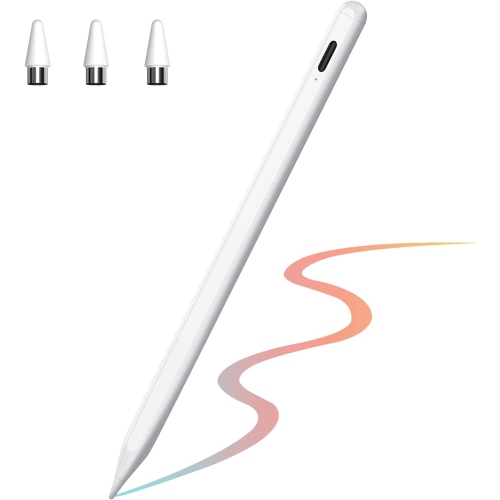
From sketching to note-taking, precision meets everyday comfort
For artists, designers, students, and professionals alike, a stylus for digital sketching opens up a world of creative possibilities. Whether you’re capturing the first rays of inspiration on a sunlit patio or refining intricate details during a quiet evening indoors, the right digital pencil can transform a blank screen into a vibrant canvas. The evolution of stylus technology means these tools now offer remarkable precision, pressure sensitivity, and palm rejection, making them feel natural in hand and responsive to every subtle movement. From those just starting to explore digital art to seasoned creators developing complex illustrations, choosing a stylus involves considering factors such as compatibility with your device, the type of tip for the style of work you do, and the comfort of the grip for longer sessions. Some styluses are designed for universal use and work across a range of tablets and touchscreen laptops, while others are tailored for specific devices, ensuring seamless integration and advanced features like tilt recognition or customizable shortcut buttons.
Styluses also make thoughtful gifts, especially as the school year approaches or as creative projects pick up during the longer days of early summer. They’re ideal for students heading into art programs, professionals who rely on digital sketching for presentations or brainstorming, and hobbyists who enjoy doodling during downtime. Beyond just sketching, many people use a digital pencil for annotating documents, editing photos, or even navigating their devices with greater accuracy. The versatility of these tools means they can seamlessly shift from a morning of technical drafting to an afternoon spent drawing outdoors or jotting down notes during a meeting. For those who value both creativity and productivity, exploring options that bridge sketching and note-taking can be especially rewarding—discover more about this crossover by visiting the Stylus for Note Taking page.
No matter the season, having the right stylus on hand can make creative pursuits more enjoyable and efficient. As the weather warms and schedules shift, many find themselves working in new spaces, from bustling coffee shops to peaceful parks, making portability and battery life important features to consider. Others may prioritize styluses with replaceable tips or those that offer a variety of drawing modes to suit different artistic techniques. Whether you’re gifting a digital pencil to someone special or upgrading your own toolkit, the right stylus can inspire hours of creativity, support professional ambitions, and make everyday tasks more engaging. With so many options available, it’s easy to find a stylus that matches your unique style and workflow, ensuring your ideas are captured exactly as you imagine them, wherever inspiration strikes.
Styluses also make thoughtful gifts, especially as the school year approaches or as creative projects pick up during the longer days of early summer. They’re ideal for students heading into art programs, professionals who rely on digital sketching for presentations or brainstorming, and hobbyists who enjoy doodling during downtime. Beyond just sketching, many people use a digital pencil for annotating documents, editing photos, or even navigating their devices with greater accuracy. The versatility of these tools means they can seamlessly shift from a morning of technical drafting to an afternoon spent drawing outdoors or jotting down notes during a meeting. For those who value both creativity and productivity, exploring options that bridge sketching and note-taking can be especially rewarding—discover more about this crossover by visiting the Stylus for Note Taking page.
No matter the season, having the right stylus on hand can make creative pursuits more enjoyable and efficient. As the weather warms and schedules shift, many find themselves working in new spaces, from bustling coffee shops to peaceful parks, making portability and battery life important features to consider. Others may prioritize styluses with replaceable tips or those that offer a variety of drawing modes to suit different artistic techniques. Whether you’re gifting a digital pencil to someone special or upgrading your own toolkit, the right stylus can inspire hours of creativity, support professional ambitions, and make everyday tasks more engaging. With so many options available, it’s easy to find a stylus that matches your unique style and workflow, ensuring your ideas are captured exactly as you imagine them, wherever inspiration strikes.
Top selling and popular products
-
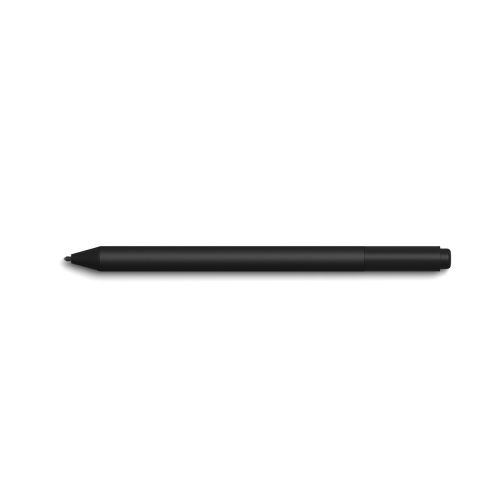 Your price for this item is $165.68
 -
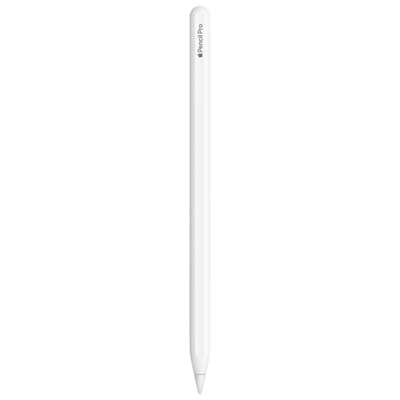 Your price for this item is $169
 -
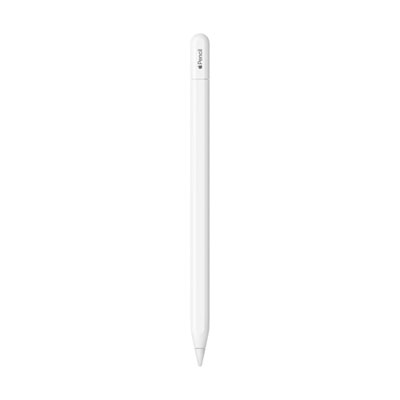 Your price for this item is $94
 -
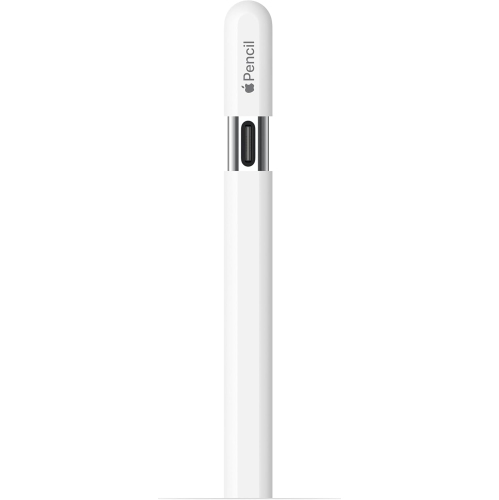 Your price for this item is $96.9
 -
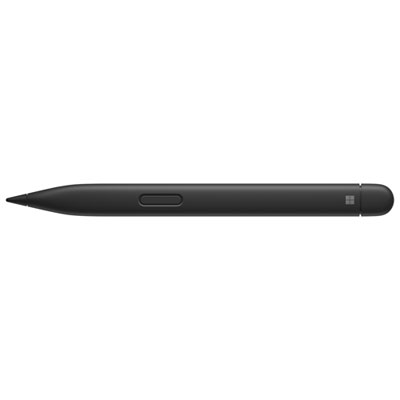 Your price for this item is $151.99
 -
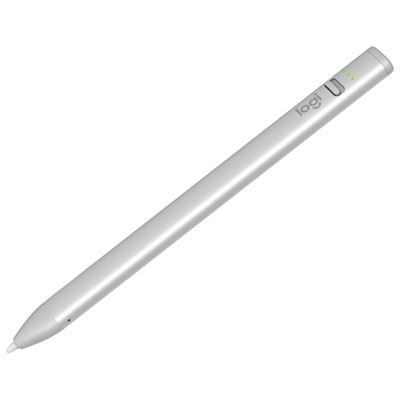 Your price for this item is $89.95
 -
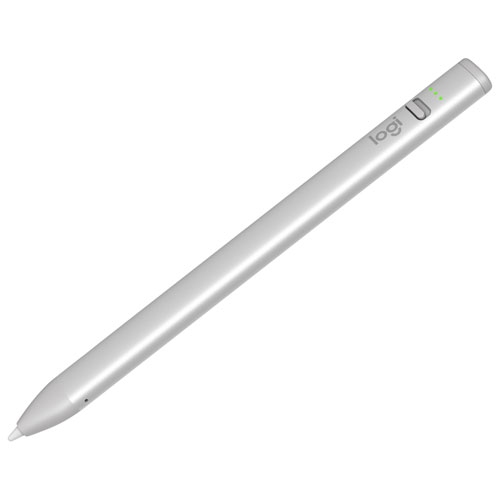 Your price for this item is $118.51
 -
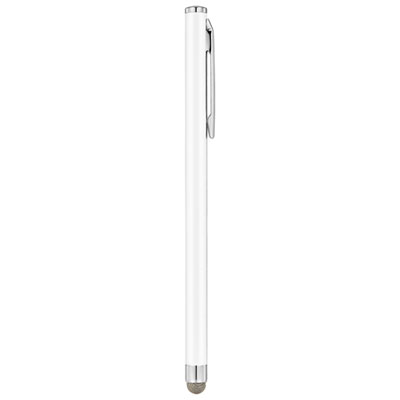 Your price for this item is $9.99
Discover more categories related to Stylus For Digital Sketching
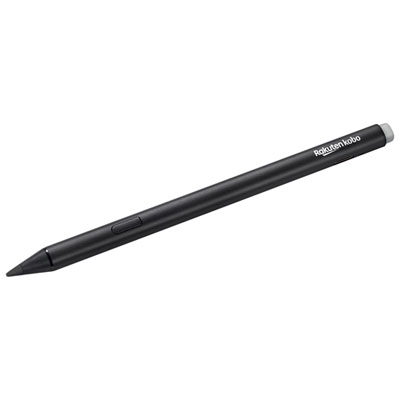
Top Collections:
Best Laptops for Video Editing, Pokemon Centers, Samsung Z Fold, Kindle Devices, Best Cell Phones Under $300, Best Laptop Computers for Students, iPhone 15 Apple, Best Cell Phones Under $500, Alarm Clock, Canon G7X Cameras
Some products may be subject to Environmental Handling Fees
(EHF) depending on your province.
Learn more about EHFs.