Best Mice for iPad
Find the best mice for iPad, ranked by user review ratings to help you compare options with confidence. Whether you’re working on documents, browsing or tackling everyday tasks, a compatible mouse can make navigation more precise and comfortable. Explore the list to find a mouse that suits your setup, and check compatibility with your iPad model and iPadOS version before choosing.
What to look for in mice for iPad
1. iPad Compatibility
2. Connection Options
3. Comfort and Portability
4. Navigation and Controls
-
1
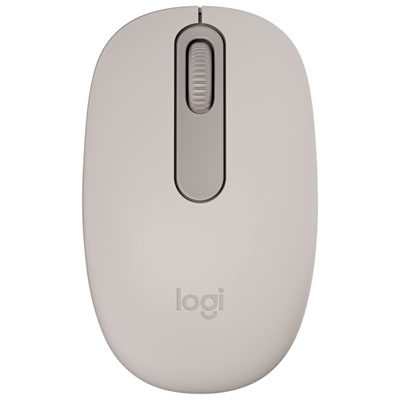
Logitech M196 Wireless Optical Bluetooth Ambidextrous Mouse - Sand - Only at Best Buy
About this product
A sand-coloured wireless Bluetooth mouse offering precise optical tracking and ambidextrous comfort for everyday use.
What customers like
(20)$19.99 Your price for this item is $19.99 -
2
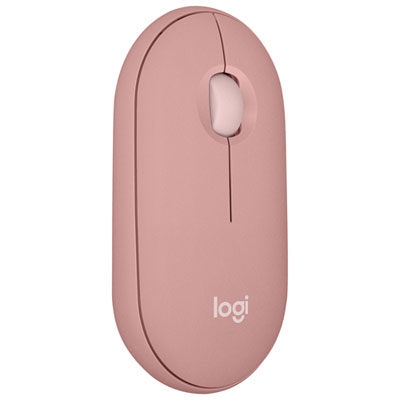
Logitech Pebble 2 M350s 4000 DPI Bluetooth Optical Mouse - Tonal Rose
About this product
A slim tonal rose Bluetooth mouse with 4,000 DPI, Silent Touch clicks, and customizable middle button.
What customers like
(154)$34.99 Your price for this item is $34.99 -
3
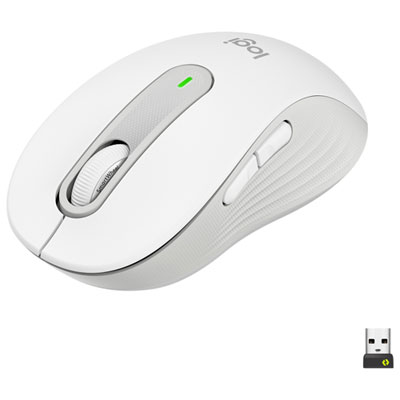
Logitech Signature M650 Wireless Optical Mouse - Off-White
About this product
An off-white wireless optical mouse with SmartWheel scrolling, customisable buttons, and comfortable rubber grips.
What customers like
(370)$44.99Your price for this item is $44.99SAVE $15 -
4
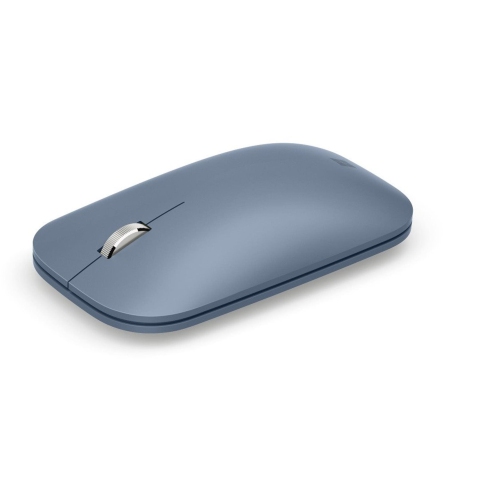
MICROSOFT - Surface Kgy-00041 Mobile Mouse Ice In Blue
About this product
A ultra-slim and lightweight Bluetooth mouse with BlueTrack technology for seamless use on any surface.
What customers like
(363)$39.99Your price for this item is $39.99SAVE $30 -
5
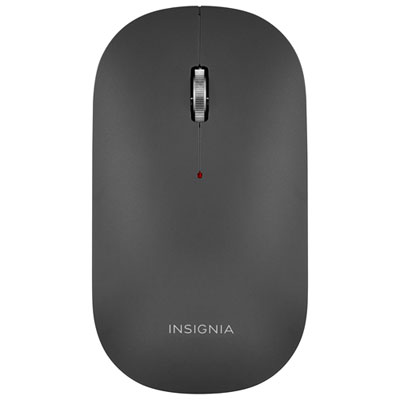
Insignia Slim 1600 DPI Wireless Optical Mouse - Black - Only at Best Buy
About this product
A slim black wireless optical mouse featuring 1600 DPI precision, contoured design, and metal scroll wheel.
What customers like
(183)$29.99 Your price for this item is $29.99 -
6
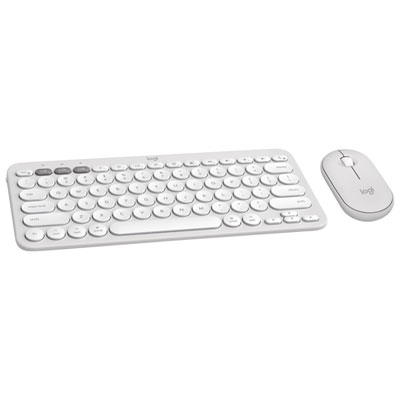
Logitech Pebble 2 Bluetooth Optical Ergonomic Keyboard & Mouse Combo for Mac - White
About this product
A sleek white Bluetooth keyboard and mouse combo designed for Mac with customizable keys and portable design.
What customers like
(33)$69.99Your price for this item is $69.99SAVE $20 -
7
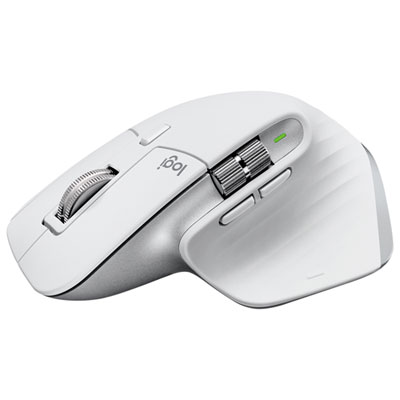
Logitech MX Master 3S Bluetooth Optical Mouse for Mac - Pale Grey
About this product
A pale grey wireless mouse with 8K DPI sensor, Bluetooth connectivity, and multi-device support for Mac.
What customers like
(23)$159.99 Your price for this item is $159.99 -
8
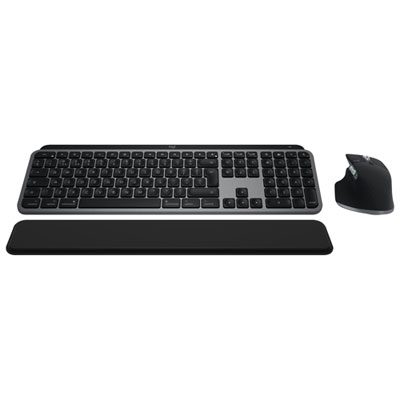
Logitech MX Keys S Bluetooth Combo for Mac/Ipad - Space Grey
About this product
A space grey wireless keyboard and mouse combo offering smart illumination, quiet clicks, and precise 8K DPI control.
(20)$299.99 Your price for this item is $299.99 -
9
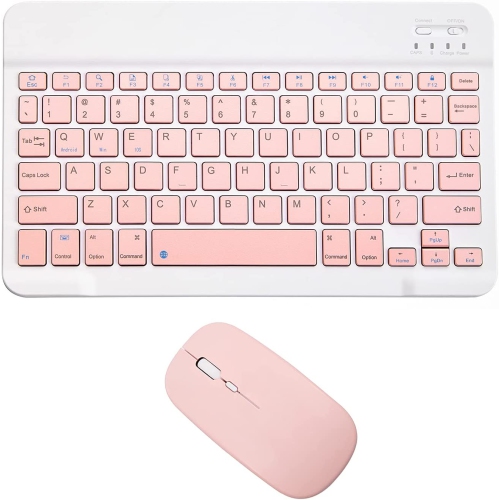
DOLAER Rechargeable Bluetooth Keyboard And Mouse Combo Ultra-Slim Portable Compact Wireless Mouse Keyboard Set for Android Windows Tablet Cell Phone
About this product
An ultra-slim, rechargeable Bluetooth keyboard and mouse combo compatible with Android, Windows, and iOS devices.
(1)$30.99Your price for this item is $30.99SAVE $52 -
10
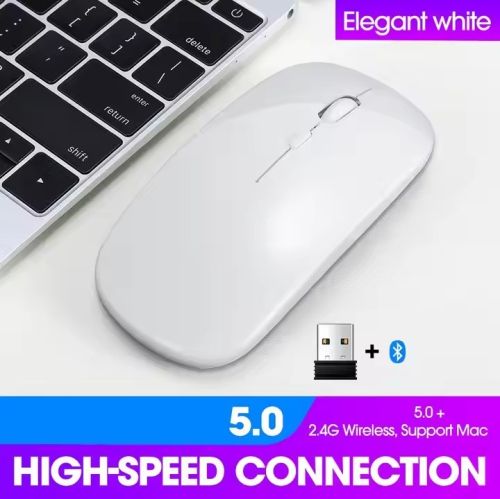
NAVOR Wireless Rechargeable Silent Ergonomic Mouse Slim Dual Model Bluetooth & USB 2.4G for PC Laptop Imac Mac Pro, Desktop Computer, Chromebook
About this product
A white wireless ergonomic mouse featuring silent operation, dual Bluetooth and USB connectivity, and adjustable DPI settings.
(1)$18.89Your price for this item is $18.89SAVE $21
FAQ
An iPad running iPadOS 13.4 or later supports many Bluetooth and USB mice. Bluetooth models can pair directly with the iPad, while wired mice and models with USB receivers need a compatible port or adapter. Check the mouse’s iPadOS compatibility, as some extra buttons and features may require software that is not available for iPad.
Put the mouse into Bluetooth pairing mode, then open Settings on your iPad and select Bluetooth. Turn Bluetooth on and select the mouse when it appears in the device list. If the mouse is already paired with another device, you may need to disconnect it or switch to an available pairing channel first.
Yes, many mice with USB receivers work with an iPad. The receiver must connect through a matching port or a compatible adapter, such as a USB-C to USB-A adapter. iPad models with a Lightning connector require an appropriate Lightning to USB adapter, and some setups may also need external power.
With a mouse connected, go to Settings, then General, then Trackpad & Mouse to adjust options such as tracking speed, natural scrolling and secondary click. Pointer appearance options are available under Settings, Accessibility, Pointer Control. Available settings can vary with your mouse and iPadOS version.
A mouse typically uses buttons and a scroll wheel for clicking and scrolling, while a compatible trackpad also supports Multi-Touch gestures for actions such as switching apps. Both provide pointer navigation in iPadOS. Gesture support and scrolling behaviour depend on the accessory and iPadOS version.
Top selling and popular products
Discover more categories related to Best Mice for iPad
Some products may be subject to Environmental Handling Fees (EHF) depending on your province. Learn more about EHFs.