Wireless Mice for iPad Air 2
The Apple IPad Air 2 is a great tablet for surfing the web, playing games, and watching videos. If you want to get the most out of your tablet, you'll need a good wireless mouse. These mice offer precision and control that will help you get things done quickly and easily. Here are some of the best wireless mice for the IPad Air 2.
Sort
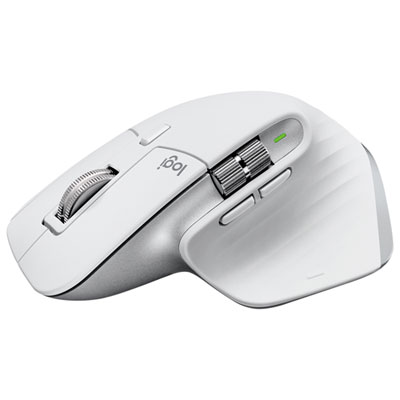
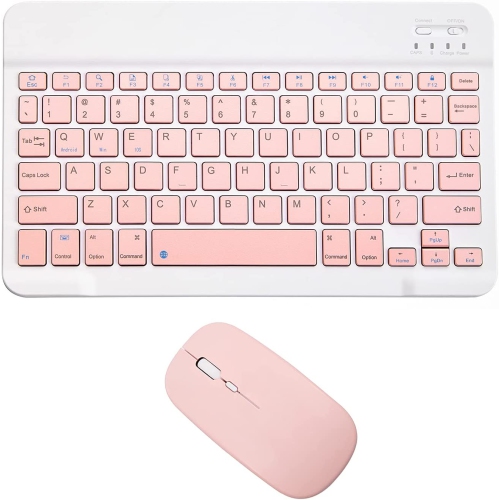
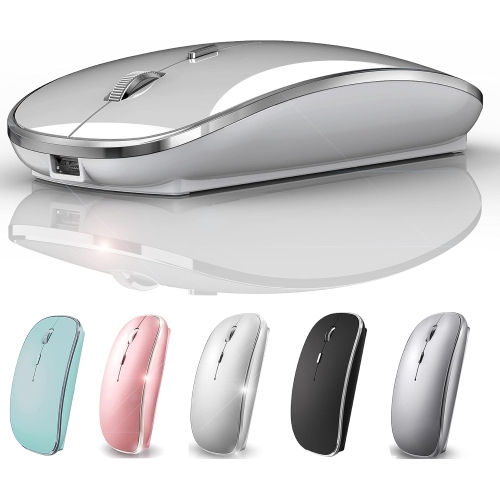
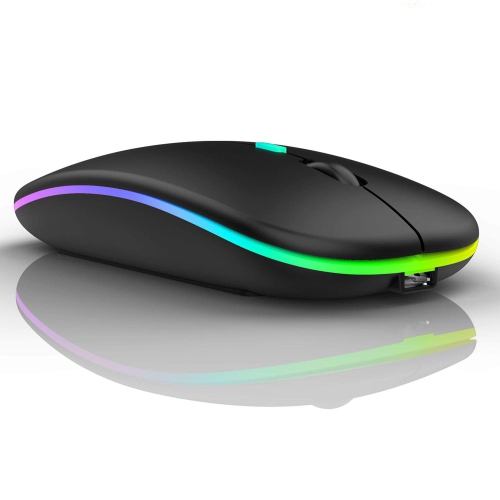

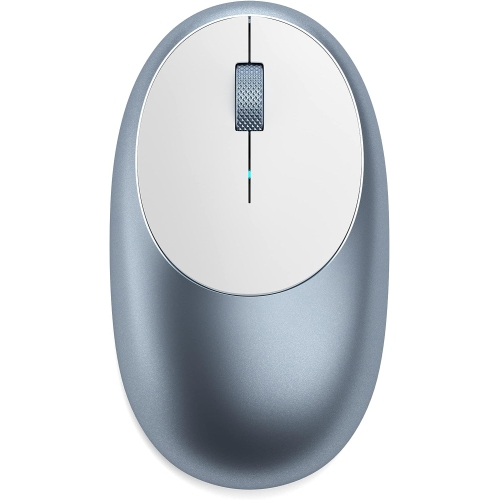
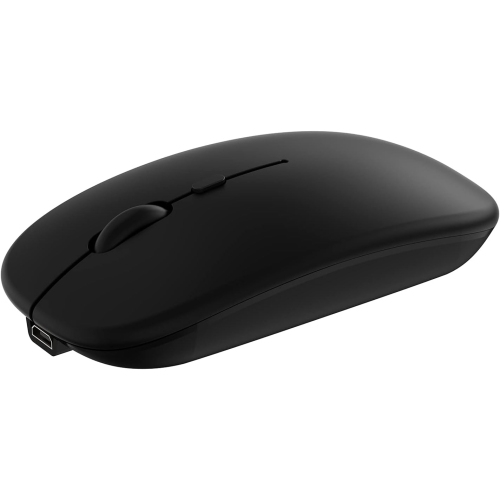
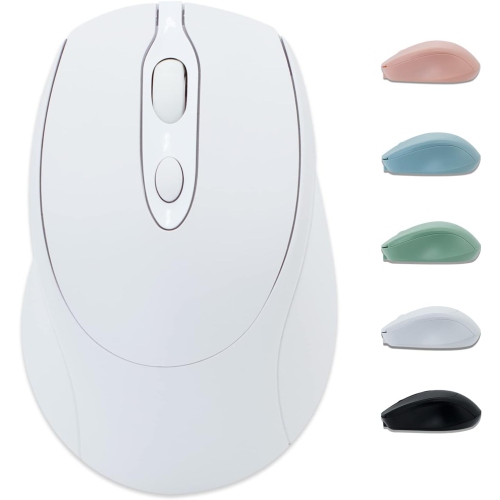
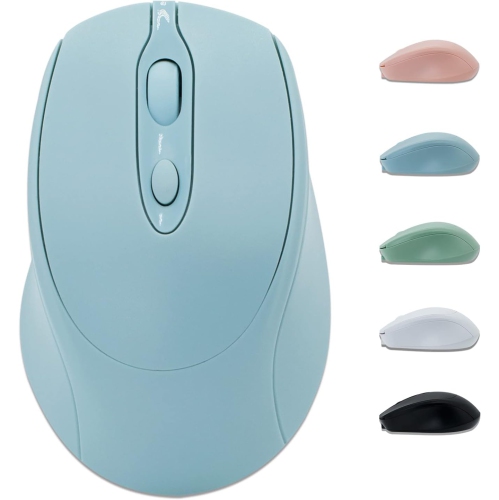
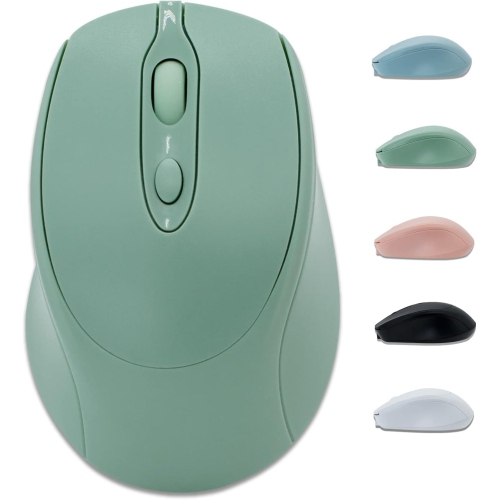
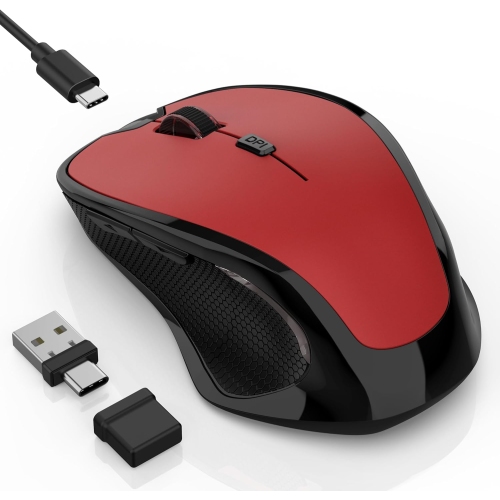
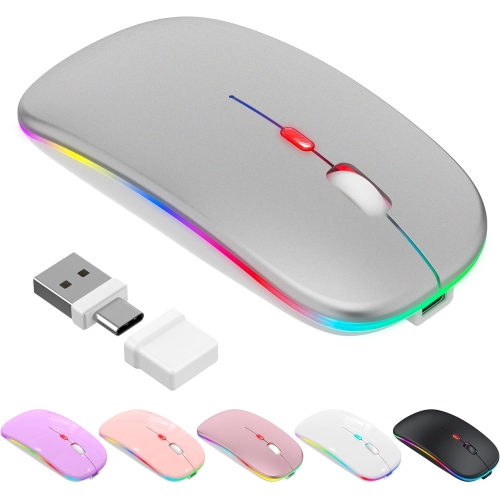
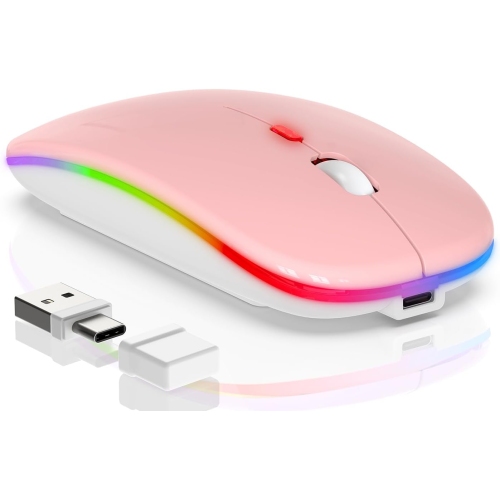
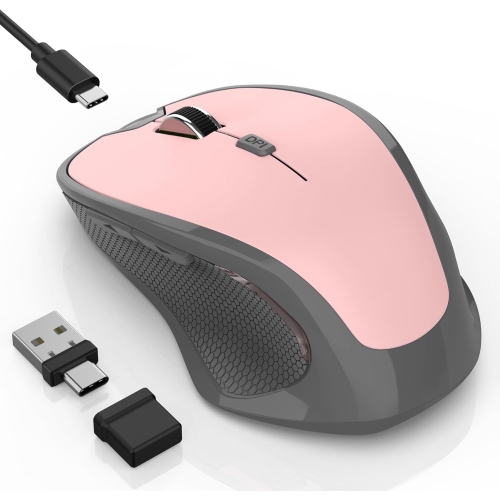
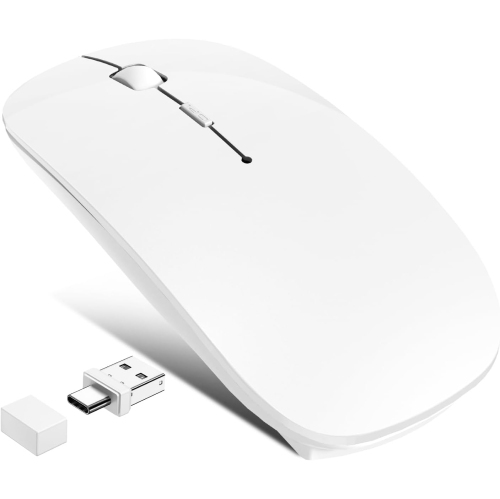
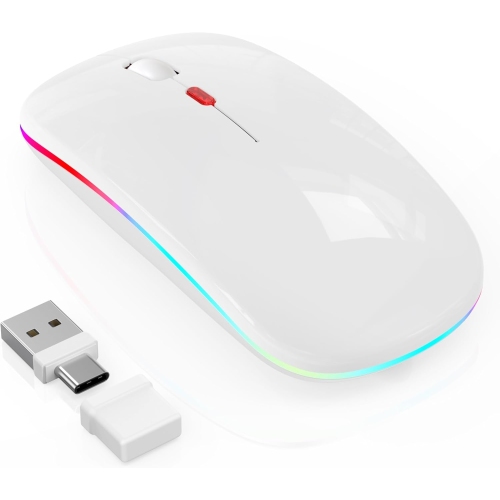
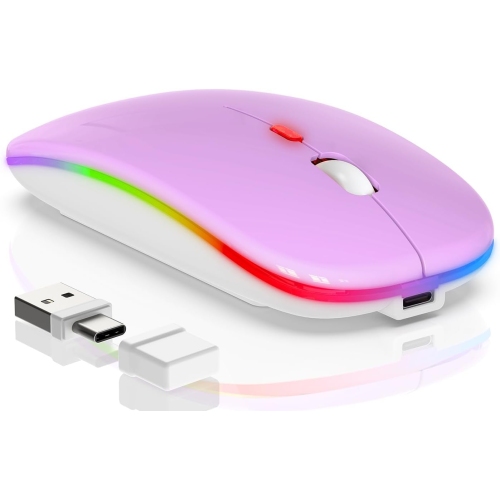
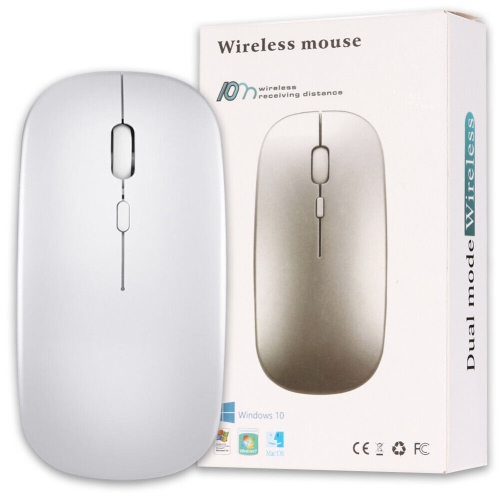
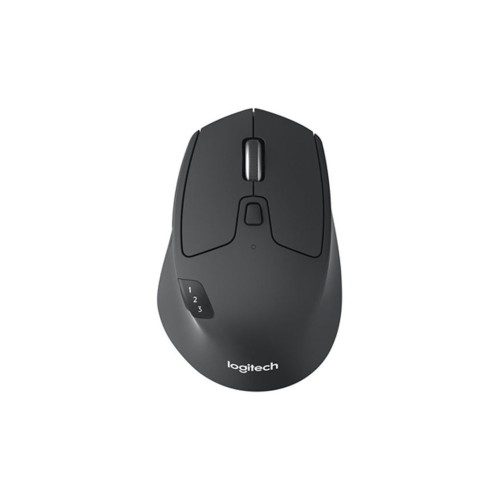
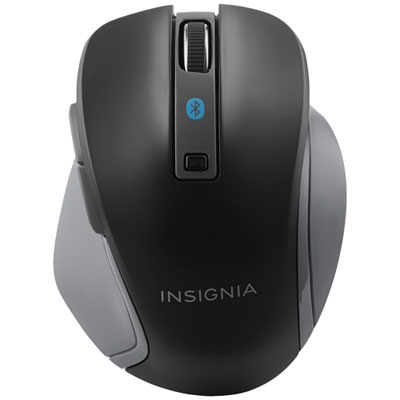
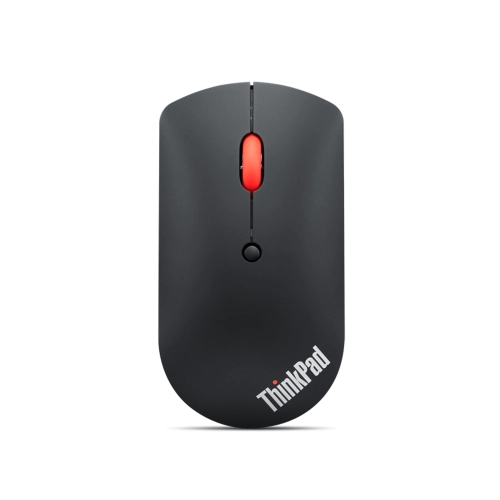
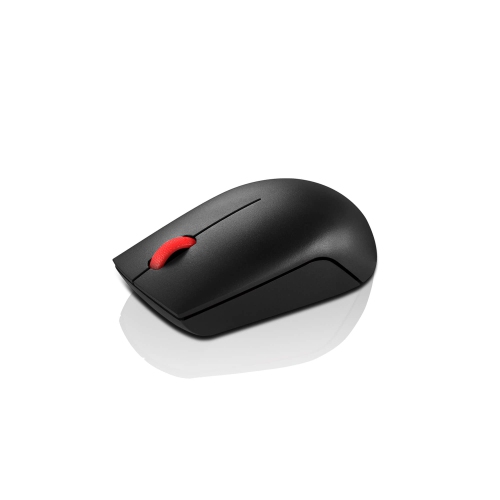
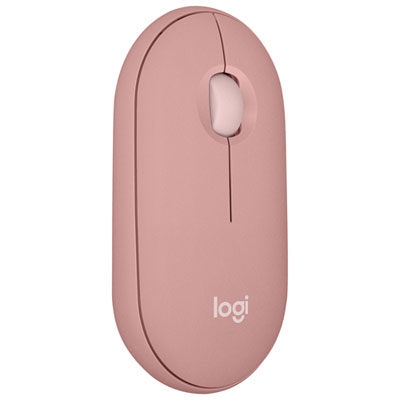
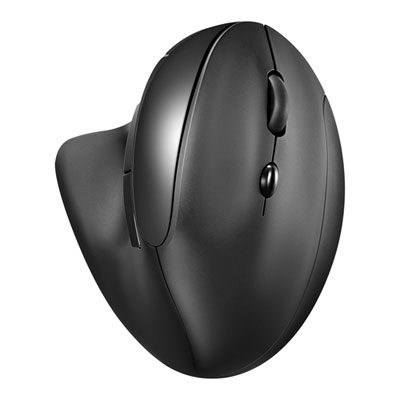
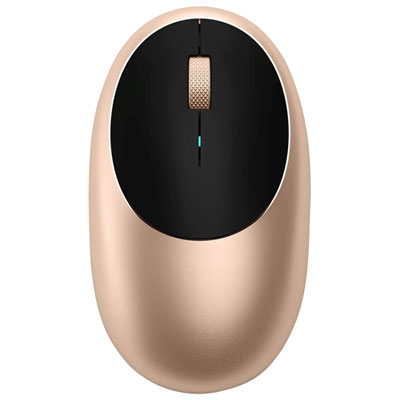
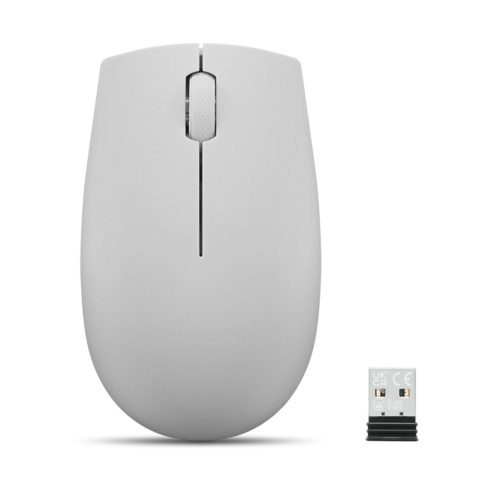
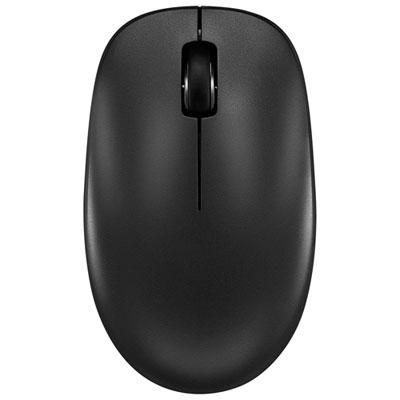
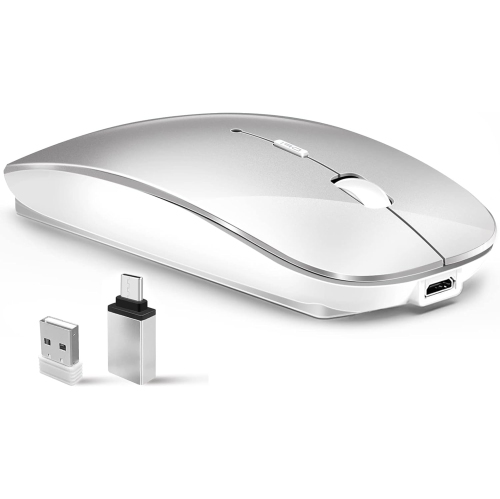
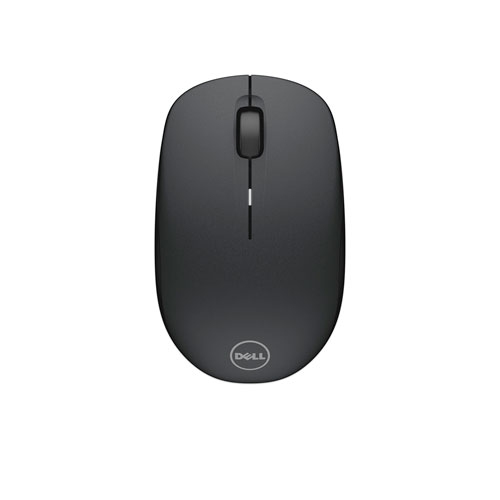

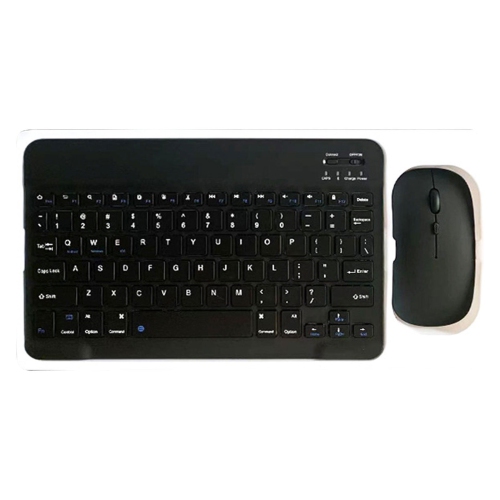
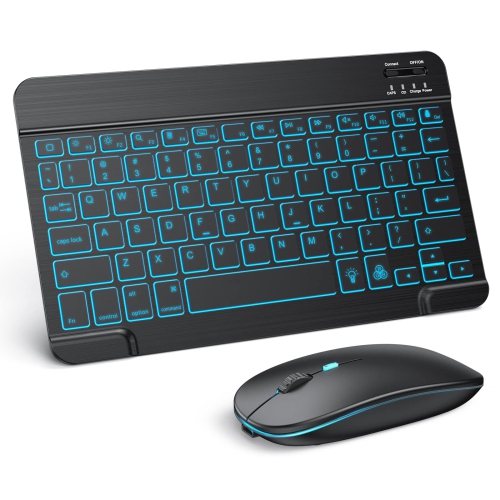
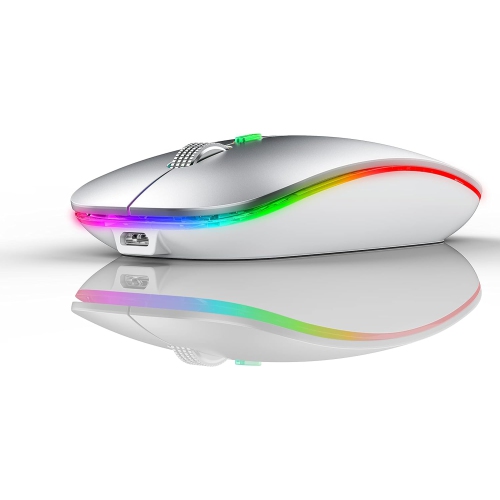
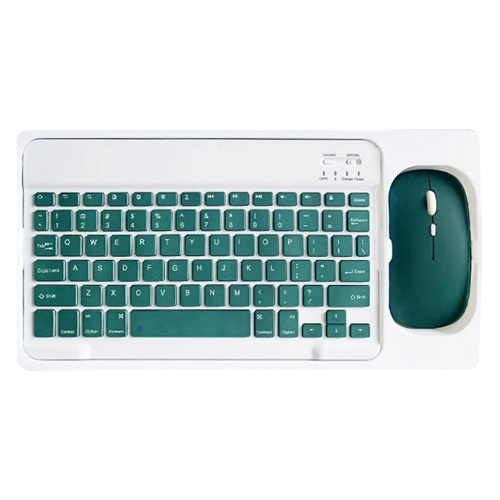
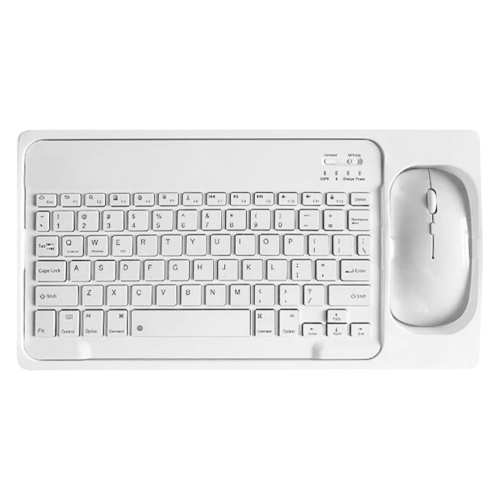

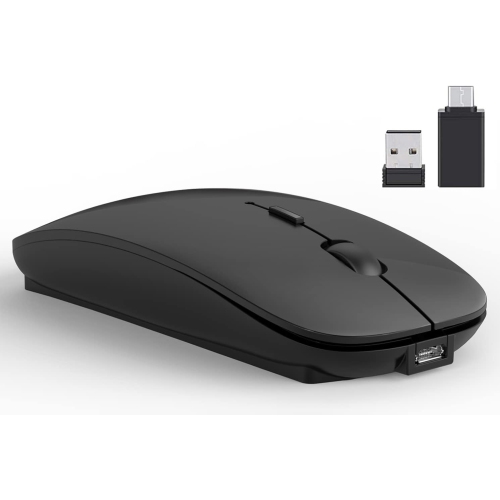
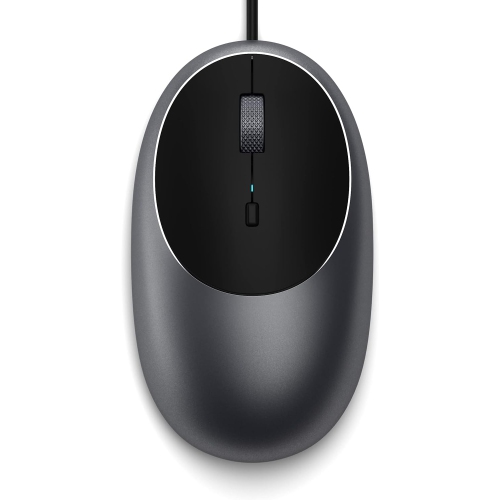


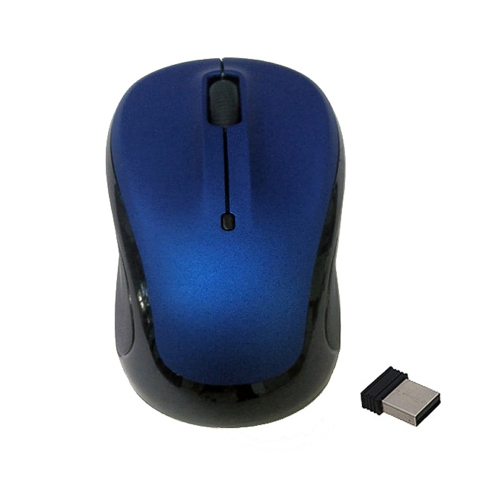
Practical Bluetooth control for writing, browsing, and study
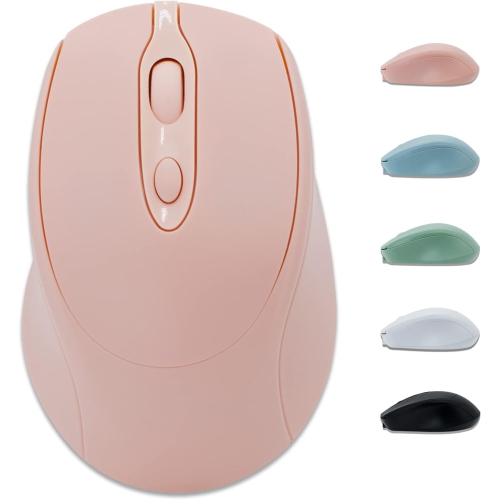
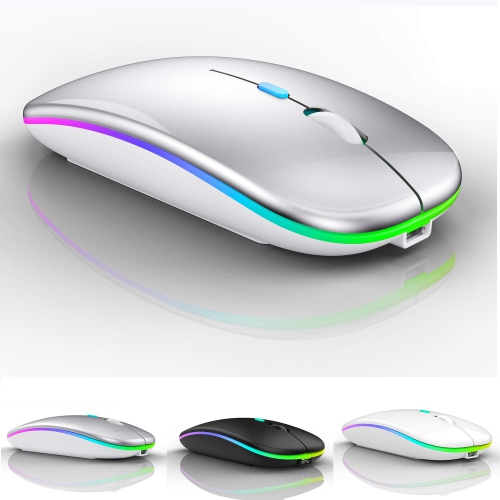
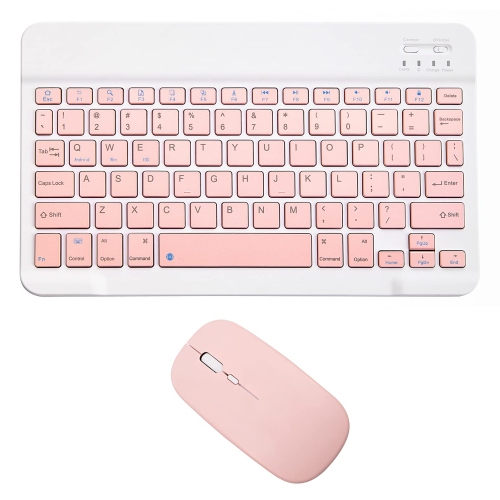
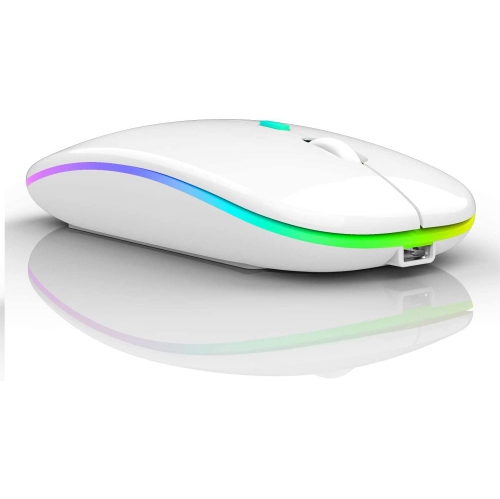
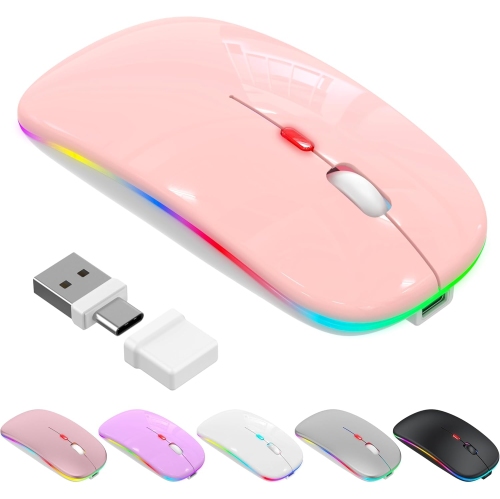
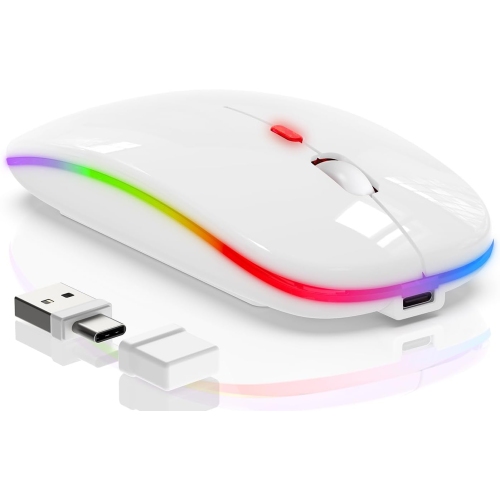
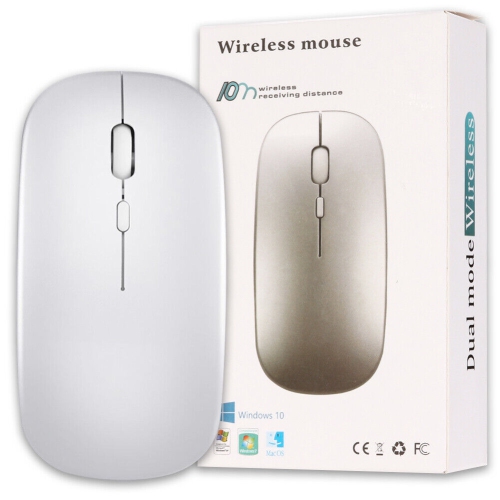
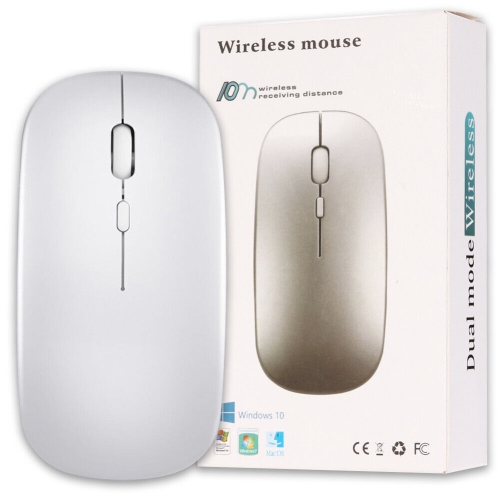
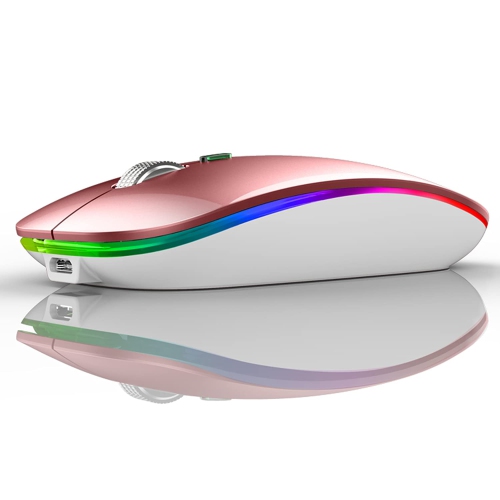
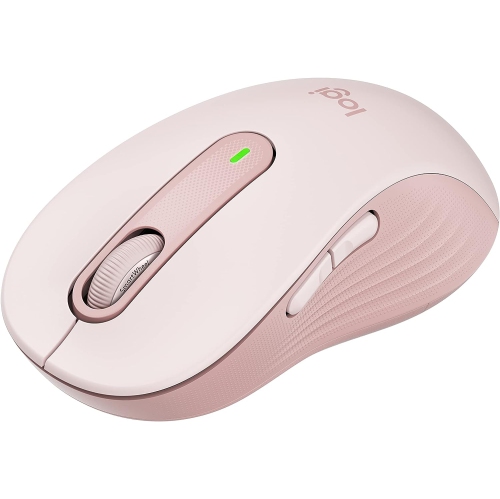
Wireless mice for iPad Air 2 can make everyday tablet use feel more controlled and familiar, especially when tapping and swiping on the screen becomes tiring. The iPad Air 2 supports standard Bluetooth wireless mice, so look for a model that connects directly through Bluetooth rather than one that depends on a USB receiver. Because the iPad Air 2 does not have a built-in USB port for a conventional receiver, Bluetooth is generally the simplest connection method. A compatible mouse can be useful for writing longer documents, selecting text, managing files, browsing websites, working in spreadsheets, answering messages, or moving through online lessons. It can also be handy when the iPad is placed on a stand or connected to a keyboard, creating a compact workstation on a kitchen table, home office desk, or library table. The on-screen pointer is designed for basic navigation, and the most dependable functions on this older iPad model are pointing, clicking, selecting, dragging, and scrolling. Newer iPad models and operating systems may offer more advanced mouse and trackpad gestures, but the iPad Air 2 runs up to iPadOS 15, so expectations should be centred on straightforward cursor control rather than the smoothest gesture experience. Before purchasing, check that the mouse lists Bluetooth compatibility and works with iPadOS or iOS devices. A model with a compact shape can slip into a tablet bag for commuting or travel, while a fuller-sized design may feel more comfortable during long study or work sessions. Ambidextrous shapes are convenient for shared spaces and households where different people use the same accessory, and a quiet-click design can be considerate in classrooms, bedrooms, cafés, and quieter offices.
Connection and comfort are the two most important practical considerations when choosing wireless mice for iPad Air 2. To pair a compatible mouse, turn it on, place it in Bluetooth pairing or discovery mode, open Settings on the iPad, select Bluetooth, and choose the mouse when it appears under Other Devices. If a pairing code is requested, follow the instructions supplied with the mouse; some basic accessories may use a default code such as 0000. Once connected, iPadOS typically displays a circular pointer that can be moved across the screen. If the pointer does not appear or the mouse does not respond as expected, check that the mouse has power, move it closer to the iPad, disconnect it from another nearby computer, and confirm that Bluetooth is enabled. Restarting Bluetooth or removing the mouse from the iPad’s saved devices before pairing again can also help resolve intermittent connections. Battery style is another useful deciding factor. Battery-powered mice are convenient when you want to replace a battery quickly, while rechargeable models avoid keeping spare batteries in a desk drawer and can be topped up between uses. Review the expected battery life, charging method, and whether the mouse can be used while charging. A responsive optical sensor is helpful on a range of desk surfaces, although a mouse pad can improve movement on glass, glossy furniture, or textured tables. Consider the shape of the palm rest, the width of the mouse, the placement of the scroll wheel, and whether the buttons are easy to press without excessive force. A smaller mouse may suit children or people with smaller hands, while a larger contoured design can reduce strain for someone who uses a pointer throughout the day. For those comparing accessories for different Apple devices, the selection of Wireless Mice for MacBook Air may also provide useful context around Bluetooth connection types, portable designs, and comfort features, although compatibility should always be confirmed for the specific device in use.
Wireless mice for iPad Air 2 can be a thoughtful gift for a student, remote worker, family member, or anyone who relies on an older iPad for practical tasks. They are especially useful for someone who has recently added a keyboard case or stand and wants the tablet to feel more like a small computer without carrying a laptop. A mouse can help a student select text for an assignment, organise research tabs, or work through a presentation at a desk. It can give a home-based worker more precise control over documents and web-based tools, while a grandparent or occasional tablet user may appreciate having a familiar pointer instead of relying entirely on touchscreen gestures. During the warmer months, a compact Bluetooth mouse can make the iPad more comfortable to use on a patio or while travelling, and during the cooler months it can turn a small side table into a convenient spot for reading, planning, or catching up on correspondence. When choosing a gift, consider whether the recipient prefers a subtle, compact accessory or a more supportive shape for extended use. Neutral styling can suit a shared family tablet, while a lightweight design is easier to pack beside a charger, notebook, and tablet case. It is also worth checking the mouse’s Bluetooth pairing process, battery requirements, scroll-wheel behaviour, and button layout before buying, since the iPad Air 2 is an older device and not every modern wireless accessory is designed with it in mind. The best fit is a Bluetooth mouse that offers dependable basic navigation, comfortable handling, simple power management, and clear compatibility information, giving the iPad Air 2 a practical pointer for browsing, writing, studying, and everyday organisation.
Connection and comfort are the two most important practical considerations when choosing wireless mice for iPad Air 2. To pair a compatible mouse, turn it on, place it in Bluetooth pairing or discovery mode, open Settings on the iPad, select Bluetooth, and choose the mouse when it appears under Other Devices. If a pairing code is requested, follow the instructions supplied with the mouse; some basic accessories may use a default code such as 0000. Once connected, iPadOS typically displays a circular pointer that can be moved across the screen. If the pointer does not appear or the mouse does not respond as expected, check that the mouse has power, move it closer to the iPad, disconnect it from another nearby computer, and confirm that Bluetooth is enabled. Restarting Bluetooth or removing the mouse from the iPad’s saved devices before pairing again can also help resolve intermittent connections. Battery style is another useful deciding factor. Battery-powered mice are convenient when you want to replace a battery quickly, while rechargeable models avoid keeping spare batteries in a desk drawer and can be topped up between uses. Review the expected battery life, charging method, and whether the mouse can be used while charging. A responsive optical sensor is helpful on a range of desk surfaces, although a mouse pad can improve movement on glass, glossy furniture, or textured tables. Consider the shape of the palm rest, the width of the mouse, the placement of the scroll wheel, and whether the buttons are easy to press without excessive force. A smaller mouse may suit children or people with smaller hands, while a larger contoured design can reduce strain for someone who uses a pointer throughout the day. For those comparing accessories for different Apple devices, the selection of Wireless Mice for MacBook Air may also provide useful context around Bluetooth connection types, portable designs, and comfort features, although compatibility should always be confirmed for the specific device in use.
Wireless mice for iPad Air 2 can be a thoughtful gift for a student, remote worker, family member, or anyone who relies on an older iPad for practical tasks. They are especially useful for someone who has recently added a keyboard case or stand and wants the tablet to feel more like a small computer without carrying a laptop. A mouse can help a student select text for an assignment, organise research tabs, or work through a presentation at a desk. It can give a home-based worker more precise control over documents and web-based tools, while a grandparent or occasional tablet user may appreciate having a familiar pointer instead of relying entirely on touchscreen gestures. During the warmer months, a compact Bluetooth mouse can make the iPad more comfortable to use on a patio or while travelling, and during the cooler months it can turn a small side table into a convenient spot for reading, planning, or catching up on correspondence. When choosing a gift, consider whether the recipient prefers a subtle, compact accessory or a more supportive shape for extended use. Neutral styling can suit a shared family tablet, while a lightweight design is easier to pack beside a charger, notebook, and tablet case. It is also worth checking the mouse’s Bluetooth pairing process, battery requirements, scroll-wheel behaviour, and button layout before buying, since the iPad Air 2 is an older device and not every modern wireless accessory is designed with it in mind. The best fit is a Bluetooth mouse that offers dependable basic navigation, comfortable handling, simple power management, and clear compatibility information, giving the iPad Air 2 a practical pointer for browsing, writing, studying, and everyday organisation.
Top selling and popular products
-
 Your price for this item is $29.99
 -
 Your price for this item is $50.44
 -
 Your price for this item is $39.99
 -
 Your price for this item is $49.99
 -
 Your price for this item is $159.95
 -
 Your price for this item is $44.68
 -
 Your price for this item is $44.68
 -
 Your price for this item is $31
Discover more categories related to Wireless Mice for iPad Air 2

Top Collections:
Pokemon Centers, Kindle Devices, Best Budget Office Chairs, Apple iPhones 16, Best Laptops for Writers, iPhone 15 Apple, Canon G7X Cameras, Refurbished Apple Laptops, Alarm Clock, Motorola Razr Phones
Some products may be subject to Environmental Handling Fees
(EHF) depending on your province.
Learn more about EHFs.