Digital Notebooks for Journaling And Daily Planning
Elevate your organization and creativity with a digital notebook for journaling and daily planning. Designed to seamlessly blend note-taking with task management, these innovative tools offer a modern approach to capturing thoughts, tracking goals, and staying on top of your schedule. Whether you're recording ideas, outlining your day, or reflecting on achievements, a digital notebook for journaling and daily planning brings convenience and flexibility to every routine. Discover options that help you stay productive and inspired wherever life takes you.
Sort




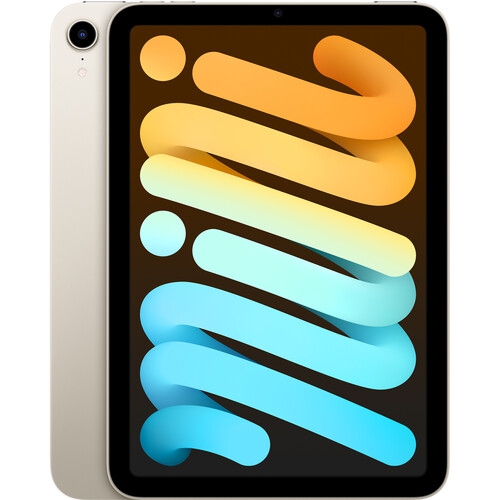
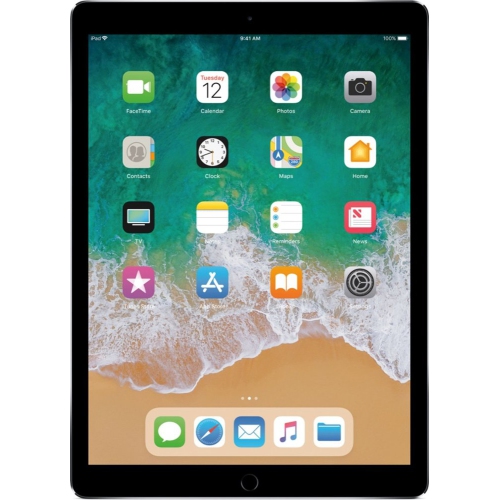
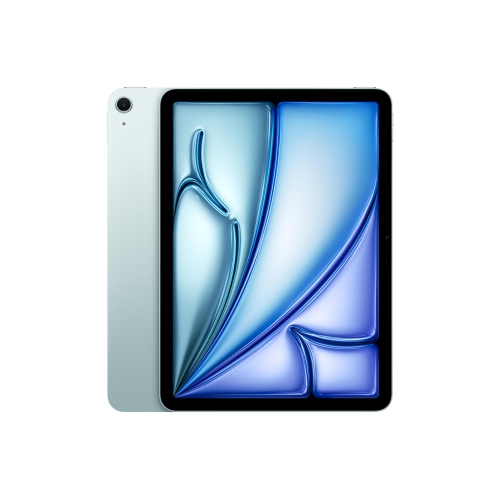
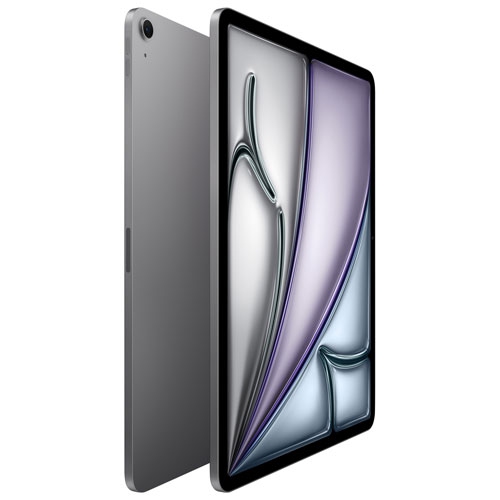
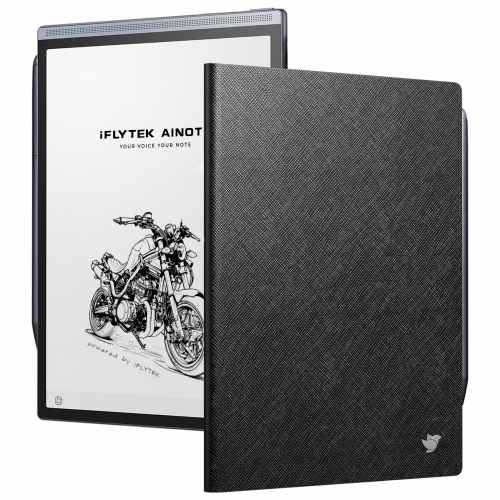

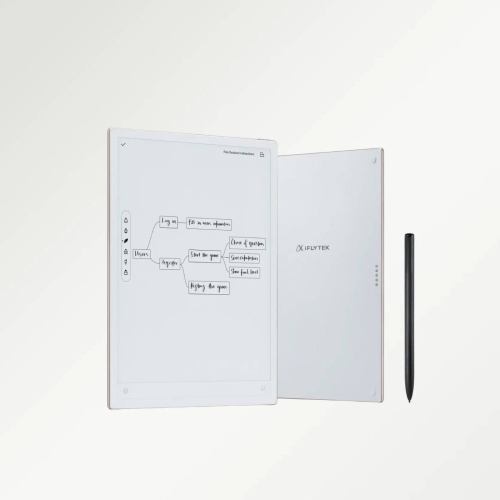

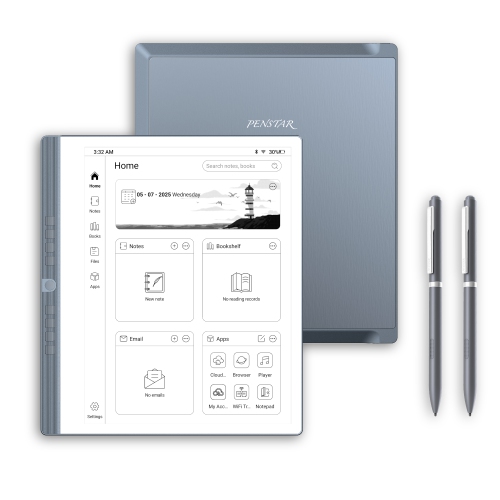
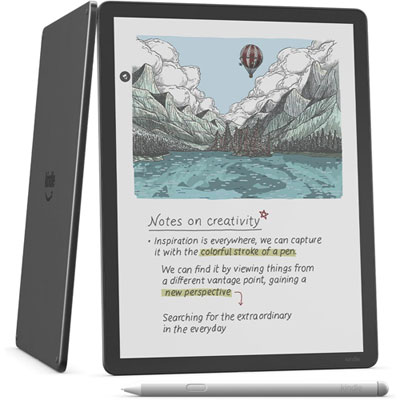
Handwritten pages that adapt as your plans change
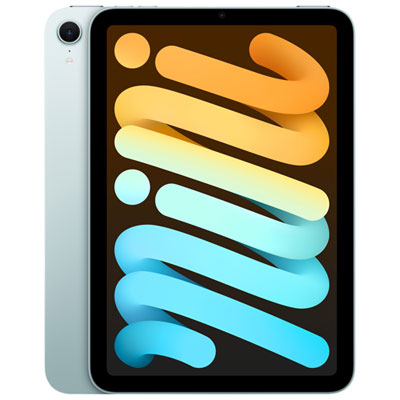
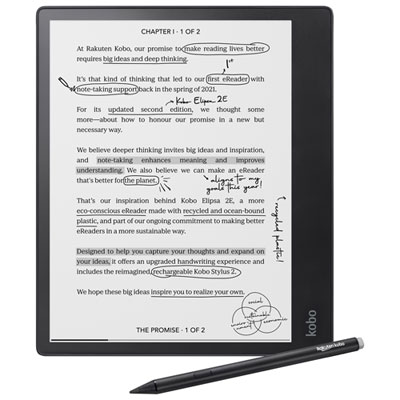
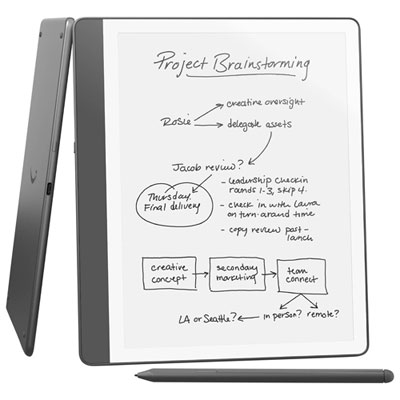
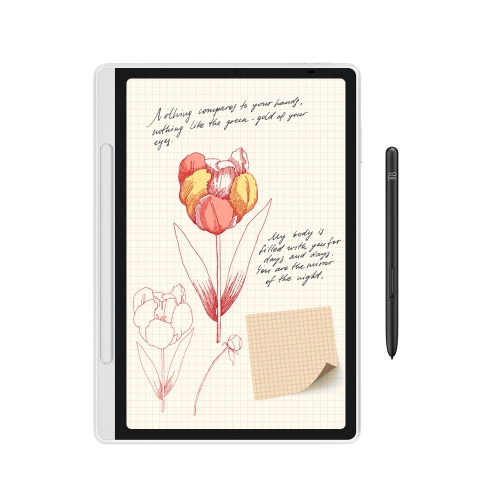
Digital notebooks for journaling and daily planning bring handwritten thoughts, appointments, and task lists into a format that can be saved, rearranged, and revisited without carrying several paper notebooks. The main options are dedicated E Ink writing tablets and general-purpose tablets that support a compatible stylus and note-taking software. Digital planner templates add structure to either approach when the device and software support their file format. A dedicated writing tablet often centres on reading and handwriting, with fewer distractions than a device built for messaging, entertainment, and everyday apps. A general-purpose tablet can combine handwritten journal entries with calendar access, photos, and other tools, making it useful for someone who wants one device for several parts of the day. Neither approach requires every page to look the same: a morning task list, a meeting outline, and a few lines of evening reflection can each have their own space. The Best Digital Notebooks page offers a broader starting point for exploring this product category. For journaling, comfortable handwriting and easy access to older entries can matter more than a long list of features. For daily planning, useful details include page navigation, reusable layouts, and enough room to keep appointments separate from flexible tasks. Students might keep lecture notes beside assignment plans, while someone managing a household could use separate notebooks for meal ideas, appointment notes, and shared responsibilities. At work, a handwritten action list can sit alongside project notes without loose pages gathering in a bag. These devices can also suit people who enjoy writing by hand but prefer digital storage and the ability to move or duplicate content, where supported. As a gift, a digital notebook is especially relevant for a regular journal writer, a student, or someone starting a new role, provided it fits their existing devices and preferred way of organizing information.
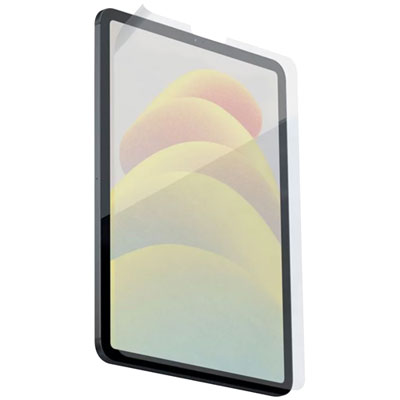
The writing surface, stylus, and overall size shape how a digital notebook feels during repeated use. E Ink displays reflect surrounding light and typically have a more muted appearance than conventional tablet screens; some include a front light for visibility in dim spaces. Conventional tablet displays can show vivid colour and respond smoothly when switching between apps, while surface texture varies by screen finish and any compatible protector. A textured surface can add gentle resistance under the pen tip, whereas smooth glass may feel faster for short notes and broad strokes. Stylus compatibility is essential because pens are not interchangeable across all devices. Palm rejection, where supported, lets the hand rest on the screen while writing, and responsive pen input helps keep the visible line close to the moving tip. Shortcut buttons or an eraser function may reduce interruptions, but their behaviour can depend on the app. A compact notebook is easier to carry between appointments or hold while jotting down a quick reminder. A larger writing area gives a weekly schedule more breathing room and can make it easier to view a document beside notes when split-screen viewing is supported. Weight and balance matter just as much as screen dimensions for someone who writes on a lap or holds the device for extended periods. Fit also includes practical details such as whether the notebook, cover, and attached pen slide comfortably into an everyday bag. Aluminium or plastic housings, cover materials, and exposed edges affect handling, but no single material makes a device immune to drops or pressure. A fitted protective cover can help guard the screen during transport, and secure pen storage reduces the chance of leaving the stylus behind. Routine care generally involves a soft, lint-free cloth and cleaning methods approved by the manufacturer. Worn pen tips may need replacement, and a screen protector should be compatible with the writing surface to avoid interfering with pen performance.
Planning and journaling features are most useful when they match the way a person returns to their notes. A dated planner provides an established calendar structure, while an undated layout leaves room to skip days or begin a new routine without unused dated pages. Daily pages offer space for appointments, priorities, and short reflections; weekly layouts make overlapping commitments easier to see together. Hyperlinked PDF planners use tappable links to move between sections, but navigation depends on the device and annotation software, and some apps require a different mode for following links rather than writing. A template does not automatically connect handwritten appointments to a calendar or turn a task into a reminder. Those functions require explicit support from the device, app, or connected service. For personal journals, folders, tags, bookmarks, and search can make older entries easier to find. Handwriting search and handwriting-to-text conversion are separate capabilities, and accuracy can vary with writing style, language support, and page layout. Someone who writes small, closely spaced notes may value zoom controls, while a visual planner may prefer colour for separating work tasks, personal commitments, and longer-term goals. Storage and export options matter when notes need to outlast a particular device. PDF export can preserve a page’s appearance for reading or sharing, although exported writing may not remain editable as individual pen strokes. Cloud syncing can make supported files accessible elsewhere, while offline writing is useful for keeping a journal without an active connection; the exact balance varies by platform. Device locks, account security, and control over cloud storage deserve attention when entries contain personal reflections or confidential work details. Battery life also depends on the display, lighting, wireless connections, and workload, so charging arrangements are part of everyday convenience rather than an afterthought. Together, comfortable handwriting, dependable organization, and suitable file access help a digital notebook become a familiar place for everything from a five-minute morning plan to a longer entry at the end of a demanding day.
The writing surface, stylus, and overall size shape how a digital notebook feels during repeated use. E Ink displays reflect surrounding light and typically have a more muted appearance than conventional tablet screens; some include a front light for visibility in dim spaces. Conventional tablet displays can show vivid colour and respond smoothly when switching between apps, while surface texture varies by screen finish and any compatible protector. A textured surface can add gentle resistance under the pen tip, whereas smooth glass may feel faster for short notes and broad strokes. Stylus compatibility is essential because pens are not interchangeable across all devices. Palm rejection, where supported, lets the hand rest on the screen while writing, and responsive pen input helps keep the visible line close to the moving tip. Shortcut buttons or an eraser function may reduce interruptions, but their behaviour can depend on the app. A compact notebook is easier to carry between appointments or hold while jotting down a quick reminder. A larger writing area gives a weekly schedule more breathing room and can make it easier to view a document beside notes when split-screen viewing is supported. Weight and balance matter just as much as screen dimensions for someone who writes on a lap or holds the device for extended periods. Fit also includes practical details such as whether the notebook, cover, and attached pen slide comfortably into an everyday bag. Aluminium or plastic housings, cover materials, and exposed edges affect handling, but no single material makes a device immune to drops or pressure. A fitted protective cover can help guard the screen during transport, and secure pen storage reduces the chance of leaving the stylus behind. Routine care generally involves a soft, lint-free cloth and cleaning methods approved by the manufacturer. Worn pen tips may need replacement, and a screen protector should be compatible with the writing surface to avoid interfering with pen performance.
Planning and journaling features are most useful when they match the way a person returns to their notes. A dated planner provides an established calendar structure, while an undated layout leaves room to skip days or begin a new routine without unused dated pages. Daily pages offer space for appointments, priorities, and short reflections; weekly layouts make overlapping commitments easier to see together. Hyperlinked PDF planners use tappable links to move between sections, but navigation depends on the device and annotation software, and some apps require a different mode for following links rather than writing. A template does not automatically connect handwritten appointments to a calendar or turn a task into a reminder. Those functions require explicit support from the device, app, or connected service. For personal journals, folders, tags, bookmarks, and search can make older entries easier to find. Handwriting search and handwriting-to-text conversion are separate capabilities, and accuracy can vary with writing style, language support, and page layout. Someone who writes small, closely spaced notes may value zoom controls, while a visual planner may prefer colour for separating work tasks, personal commitments, and longer-term goals. Storage and export options matter when notes need to outlast a particular device. PDF export can preserve a page’s appearance for reading or sharing, although exported writing may not remain editable as individual pen strokes. Cloud syncing can make supported files accessible elsewhere, while offline writing is useful for keeping a journal without an active connection; the exact balance varies by platform. Device locks, account security, and control over cloud storage deserve attention when entries contain personal reflections or confidential work details. Battery life also depends on the display, lighting, wireless connections, and workload, so charging arrangements are part of everyday convenience rather than an afterthought. Together, comfortable handwriting, dependable organization, and suitable file access help a digital notebook become a familiar place for everything from a five-minute morning plan to a longer entry at the end of a demanding day.
Top selling and popular products
-
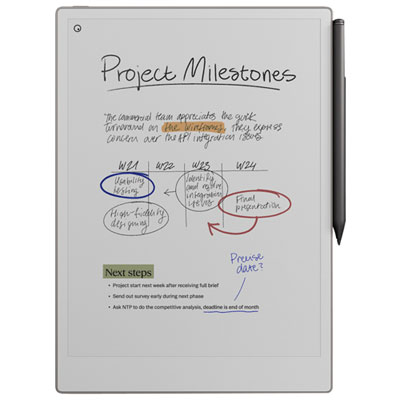 Your price for this item is $899.99
 -
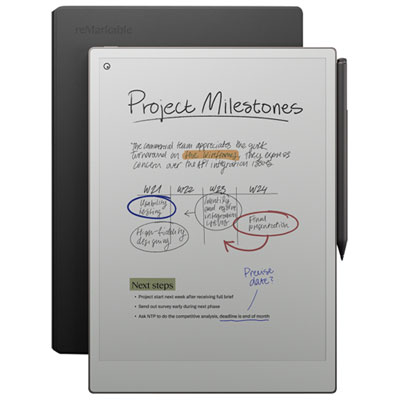 Your price for this item is $1099.99
 -
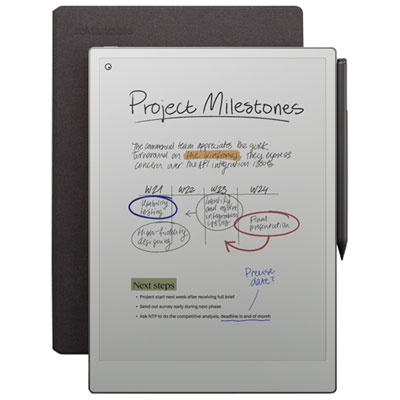 Your price for this item is $1049.99
 -
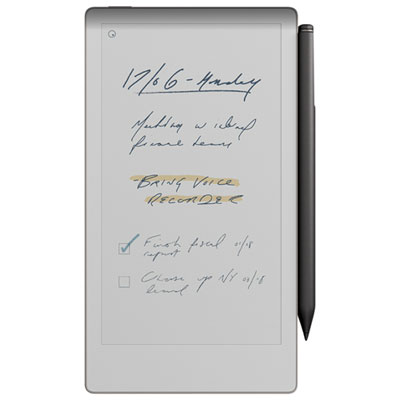 Your price for this item is $699.99
 -
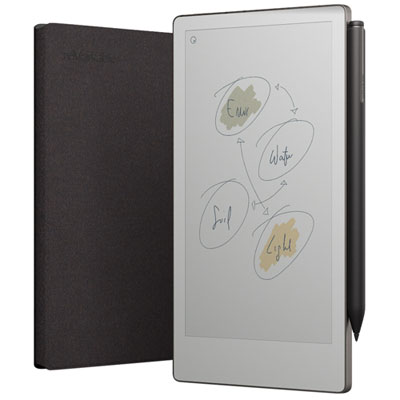 Your price for this item is $799.99
 -
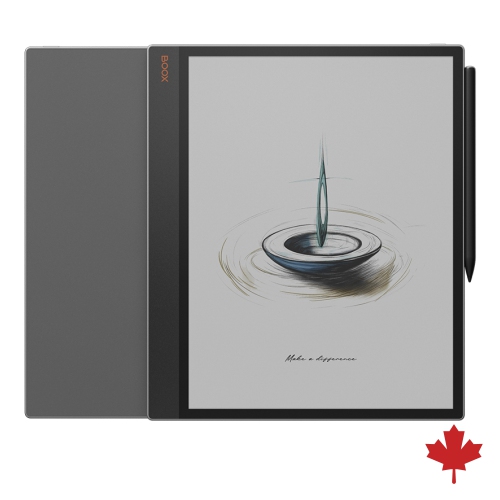 Your price for this item is $1063.99
 -
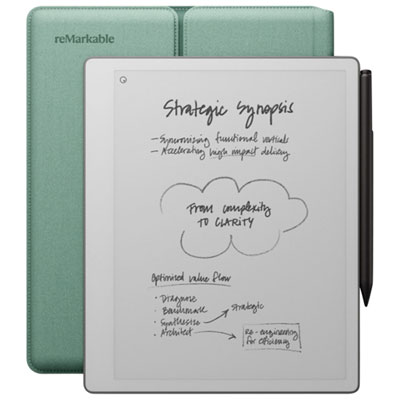 Your price for this item is $679.99
 -
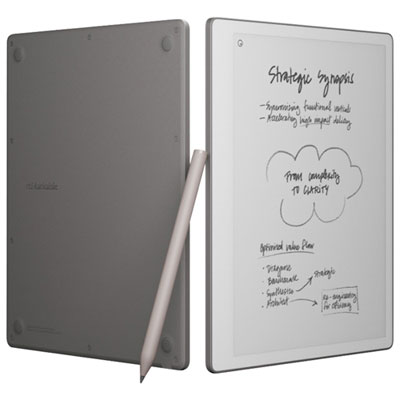 Your price for this item is $549.99
Discover more categories related to Digital Notebooks for Journaling And Daily Planning
Top Collections:
Pokemon Centers, Kindle Devices, Best Budget Office Chairs, Apple iPhones 16, Best Laptops for Writers, iPhone 15 Apple, Canon G7X Cameras, Refurbished Apple Laptops, Alarm Clock, Motorola Razr Phones
Some products may be subject to Environmental Handling Fees
(EHF) depending on your province.
Learn more about EHFs.