Digital Notebooks for Work Meetings And Productivity
Enhance your workflow and stay organized with a digital notebook for work meetings and productivity. Designed to streamline note-taking and collaboration, these versatile tools make it easy to capture ideas, manage tasks, and keep important information at your fingertips. Whether you're in the office or working remotely, a digital notebook for work meetings and productivity helps you maximize efficiency and stay on top of your daily agenda. Explore options that support your professional needs and elevate your productivity.
Sort

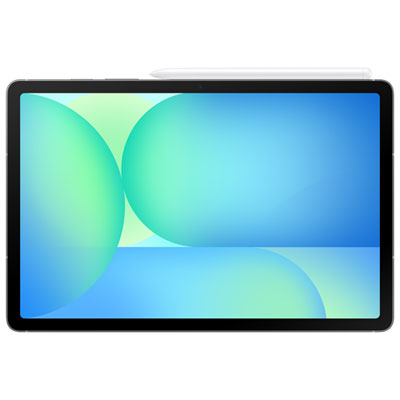
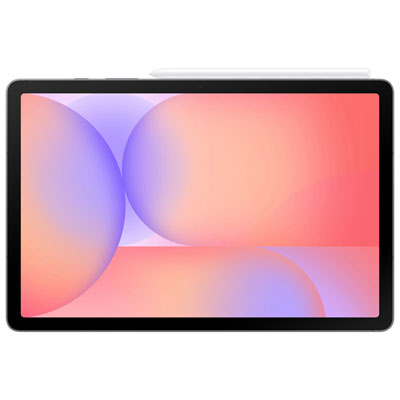
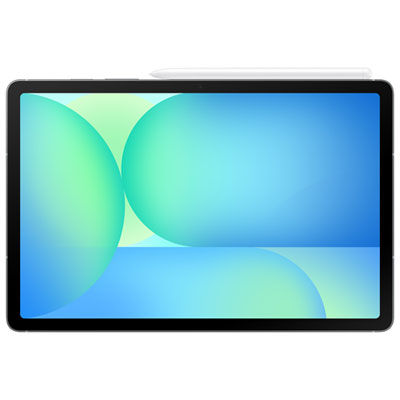
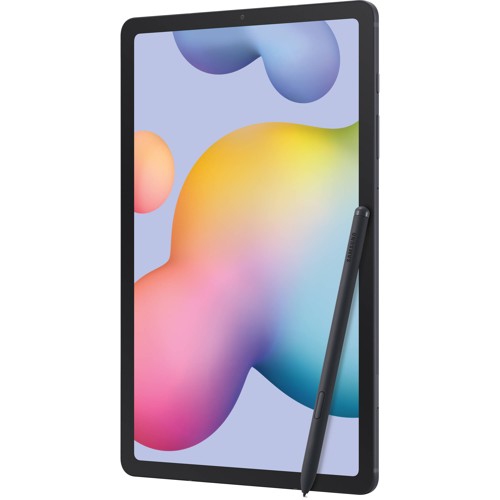
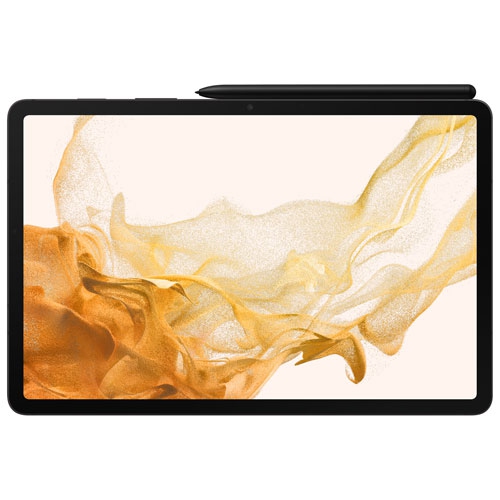
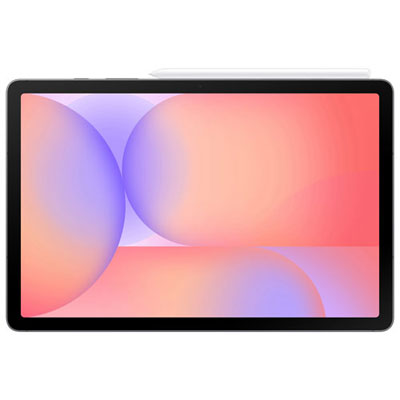
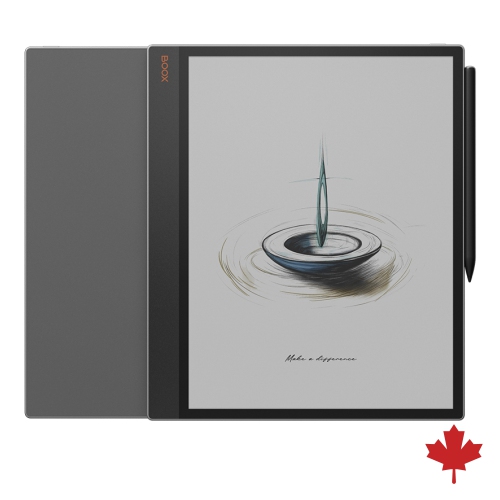
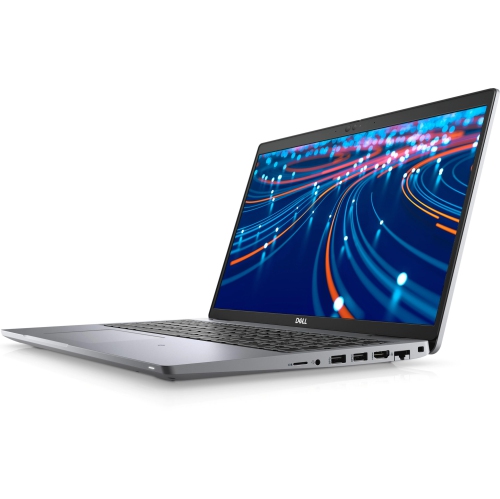
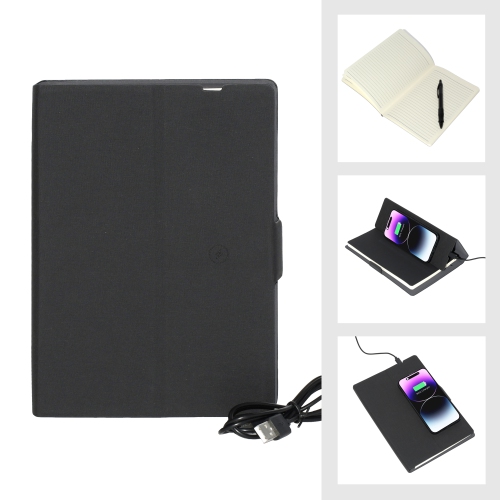

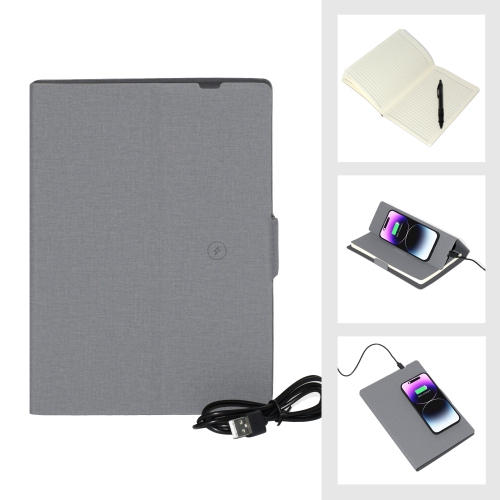
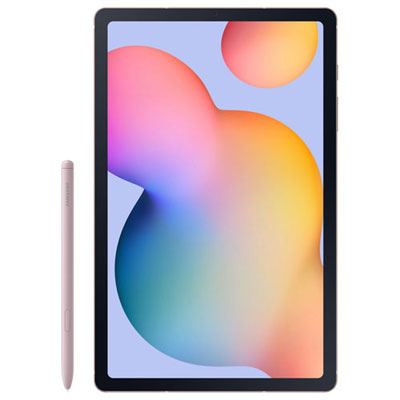
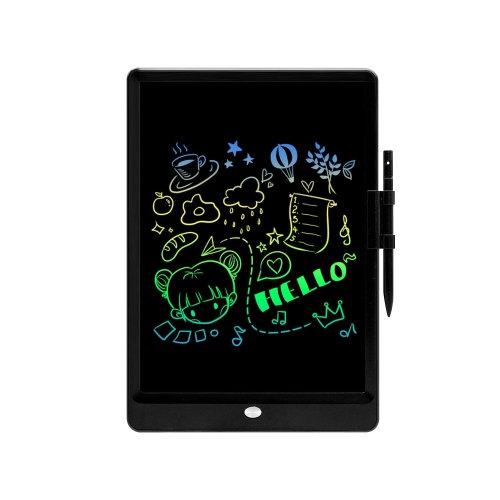
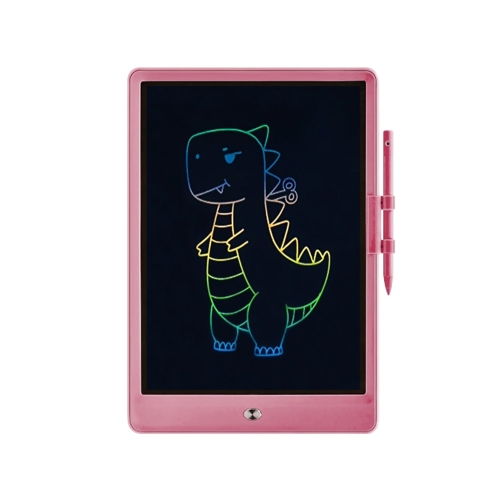
Handwritten notes that are easier to revisit and share
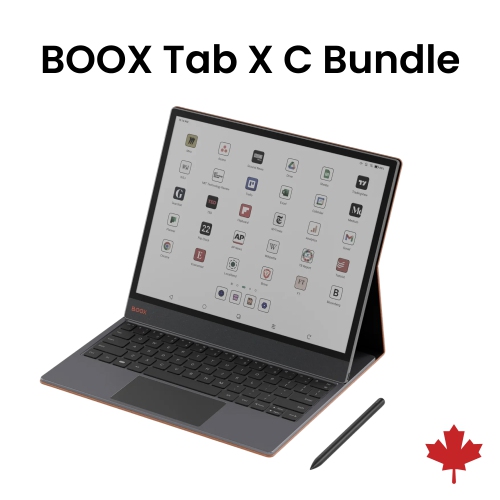
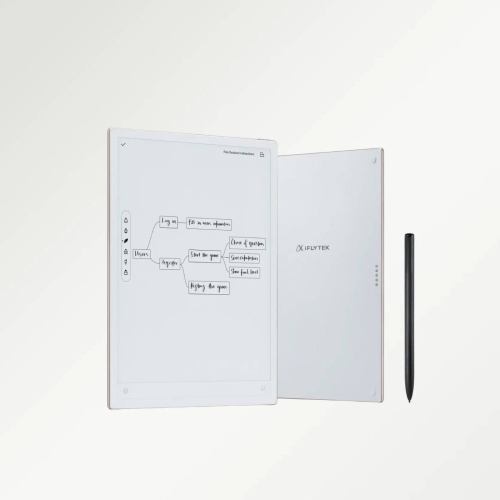
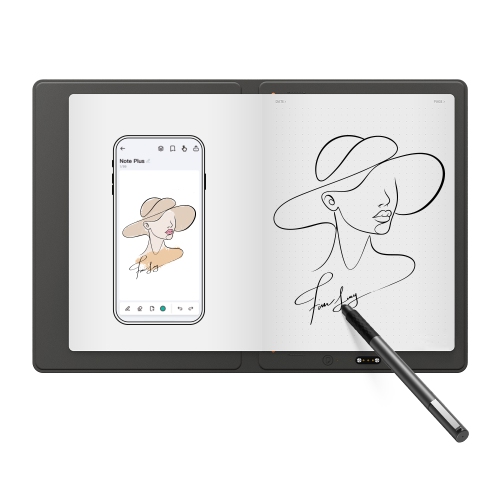
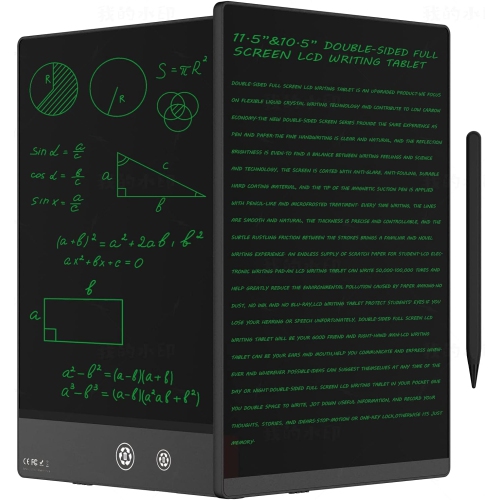
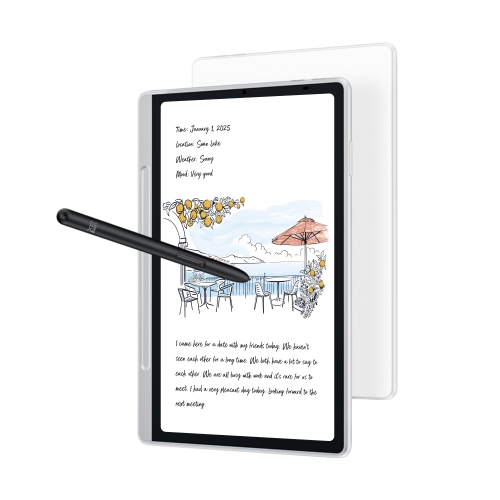
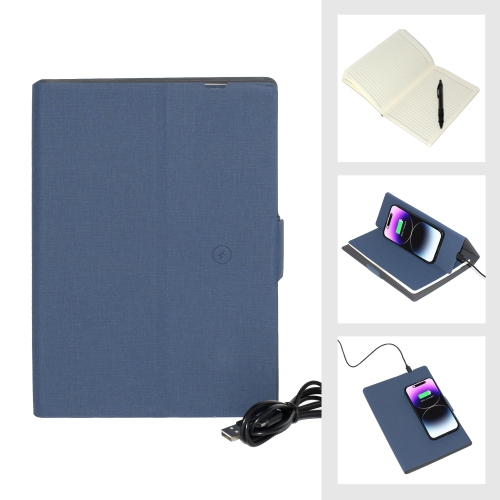
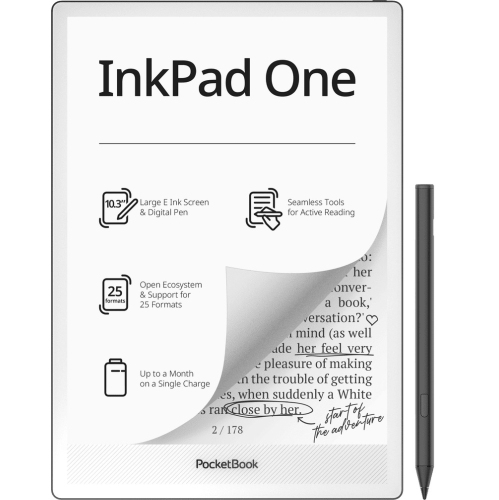
Digital notebooks for work meetings and productivity bring handwritten notes, working documents, and daily plans into a format that is easier to store, revisit, and share. The category includes dedicated electronic writing devices with a screen and stylus, as well as reusable paper-style notebooks that pair with a scanning app. Both suit people who prefer writing by hand but want a more practical way to manage the information that builds up during a busy workday. In a project meeting, that might mean keeping a diagram beside a list of decisions, then moving the next steps into a separate task page before the next call. During a client conversation, it could mean annotating a proposal without juggling loose sheets. Dedicated digital notebooks often use electronic ink displays, which present text and handwriting with a paper-like appearance, while some writing devices use colour screens that support a broader range of applications. Electronic ink generally suits reading and handwritten work better than fast-moving visuals; colour can make charts, highlighted passages, and complex sketches easier to distinguish. Features vary, so handwriting conversion, searchable notes, document annotation, and cloud syncing should be treated as individual capabilities rather than standard features across the category. A reusable notebook takes a different approach: writing stays on the physical page until it is captured with a compatible phone or tablet, and the page is cleared according to its care instructions. That distinction matters for anyone who needs to edit notes immediately on a screen rather than scan them later. For managers, consultants, designers, researchers, and administrative professionals, the appeal is having a consistent place for ideas and follow-ups without losing the flexibility of handwriting. A good match feels natural in the moments between formal tasks, whether that is sketching a seating plan, marking a revised deadline, or jotting down the detail that turns a brief conversation into a useful action item. It should also be comfortable enough to use throughout a meeting, rather than becoming another device that stays in a bag.
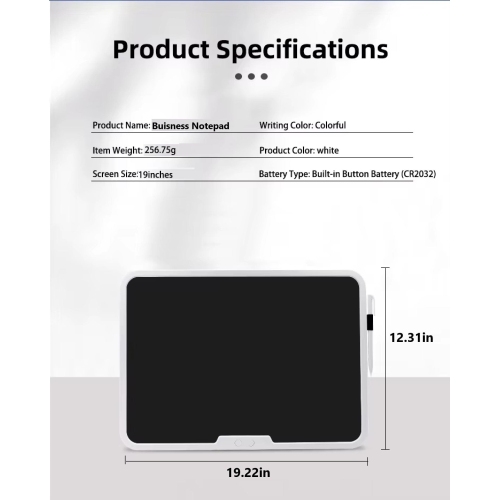
The writing surface, screen size, and pen experience shape how a digital notebook fits into everyday work. A larger display leaves more space for full-page documents, side-by-side thoughts, and diagrams with several branches, while a compact format is easier to carry between meeting rooms or balance on a small desk beside a laptop. The usable writing area matters as much as the overall dimensions: wide margins, toolbars, and document layouts can affect how much content fits comfortably on a page. Device weight and cover thickness also make a difference when notes are taken standing up during a walkthrough rather than seated at a table. Some electronic notebooks have textured screen surfaces designed to add resistance under the stylus, while others feel smoother. Low writing delay helps ink appear close behind the pen tip, and palm rejection, where supported, allows a hand to rest on the display without making unwanted marks. Left-handed writers may appreciate adjustable tool placement and a layout that keeps controls away from the writing hand. Screen lighting deserves attention, too, since not every electronic ink display includes a built-in light for dim meeting rooms. Construction can include plastic or metal housings, with glass or other layered materials at the writing surface; a sturdy-feeling body does not necessarily mean the device can tolerate drops, spills, or pressure inside a crowded bag. A fitted cover can help protect the screen during travel, and a secure pen loop or holder reduces the chance of leaving the stylus behind after a presentation. Care usually involves a soft cloth and cleaning methods approved for the device, rather than household cleaners or abrasive materials. Stylus tips may wear with use and need compatible replacements. Reusable notebooks have their own requirements for pens, cleaning, and drying, so ordinary ink or an unsuitable cleaning method may damage the page. For either format, durability depends partly on thoughtful handling: keeping drinks away from the writing area, avoiding heavy objects against the screen, and protecting the notebook during a daily commute.
Productivity features are most useful when they connect handwritten work to the tools and routines already in place. Folders, tags, page templates, and bookmarks can separate weekly team notes from client projects or longer-term planning, while handwriting-to-text conversion can make a neatly written summary easier to share. Search capabilities differ: some devices search handwriting directly, some rely on converted text, and others search only typed content or document titles. Clear headings and consistent project names remain helpful whichever approach is supported. Document compatibility is equally important for meetings built around agendas, reports, or drawings. PDF annotation can keep comments attached to the relevant passage, but importing a document does not always mean its original text or layout can be edited. Export options determine whether a colleague receives an image, a marked-up PDF, or editable text, and advanced functions may require a companion app, an account, or a separate service. Wi-Fi syncing can make notes accessible across supported devices, although offline writing and later syncing are valuable when a connection is unreliable. Battery life varies with screen technology, lighting, wireless use, and workload; a long day of reading and annotation may place different demands on a device than occasional note-taking. For confidential discussions, practical considerations include screen locks, account security, where synced files are stored, and whether the device meets workplace requirements. Audio capture, when offered, also depends on participant consent and organizational rules. At a home desk, a dedicated writing surface can sit beside a video call without covering the agenda on the main screen, and Digital Notebooks for Remote Workers offers a closely related focus for people whose meetings happen across locations. These notebooks can also make thoughtful gifts for someone starting a new role or building a consulting practice, provided the format suits their preferred way of working. The strongest fit is a notebook that makes meeting notes easier to act on, with comfortable writing, dependable organization, and a straightforward path from a handwritten thought to a shared next step.
The writing surface, screen size, and pen experience shape how a digital notebook fits into everyday work. A larger display leaves more space for full-page documents, side-by-side thoughts, and diagrams with several branches, while a compact format is easier to carry between meeting rooms or balance on a small desk beside a laptop. The usable writing area matters as much as the overall dimensions: wide margins, toolbars, and document layouts can affect how much content fits comfortably on a page. Device weight and cover thickness also make a difference when notes are taken standing up during a walkthrough rather than seated at a table. Some electronic notebooks have textured screen surfaces designed to add resistance under the stylus, while others feel smoother. Low writing delay helps ink appear close behind the pen tip, and palm rejection, where supported, allows a hand to rest on the display without making unwanted marks. Left-handed writers may appreciate adjustable tool placement and a layout that keeps controls away from the writing hand. Screen lighting deserves attention, too, since not every electronic ink display includes a built-in light for dim meeting rooms. Construction can include plastic or metal housings, with glass or other layered materials at the writing surface; a sturdy-feeling body does not necessarily mean the device can tolerate drops, spills, or pressure inside a crowded bag. A fitted cover can help protect the screen during travel, and a secure pen loop or holder reduces the chance of leaving the stylus behind after a presentation. Care usually involves a soft cloth and cleaning methods approved for the device, rather than household cleaners or abrasive materials. Stylus tips may wear with use and need compatible replacements. Reusable notebooks have their own requirements for pens, cleaning, and drying, so ordinary ink or an unsuitable cleaning method may damage the page. For either format, durability depends partly on thoughtful handling: keeping drinks away from the writing area, avoiding heavy objects against the screen, and protecting the notebook during a daily commute.
Productivity features are most useful when they connect handwritten work to the tools and routines already in place. Folders, tags, page templates, and bookmarks can separate weekly team notes from client projects or longer-term planning, while handwriting-to-text conversion can make a neatly written summary easier to share. Search capabilities differ: some devices search handwriting directly, some rely on converted text, and others search only typed content or document titles. Clear headings and consistent project names remain helpful whichever approach is supported. Document compatibility is equally important for meetings built around agendas, reports, or drawings. PDF annotation can keep comments attached to the relevant passage, but importing a document does not always mean its original text or layout can be edited. Export options determine whether a colleague receives an image, a marked-up PDF, or editable text, and advanced functions may require a companion app, an account, or a separate service. Wi-Fi syncing can make notes accessible across supported devices, although offline writing and later syncing are valuable when a connection is unreliable. Battery life varies with screen technology, lighting, wireless use, and workload; a long day of reading and annotation may place different demands on a device than occasional note-taking. For confidential discussions, practical considerations include screen locks, account security, where synced files are stored, and whether the device meets workplace requirements. Audio capture, when offered, also depends on participant consent and organizational rules. At a home desk, a dedicated writing surface can sit beside a video call without covering the agenda on the main screen, and Digital Notebooks for Remote Workers offers a closely related focus for people whose meetings happen across locations. These notebooks can also make thoughtful gifts for someone starting a new role or building a consulting practice, provided the format suits their preferred way of working. The strongest fit is a notebook that makes meeting notes easier to act on, with comfortable writing, dependable organization, and a straightforward path from a handwritten thought to a shared next step.
Top selling and popular products
-
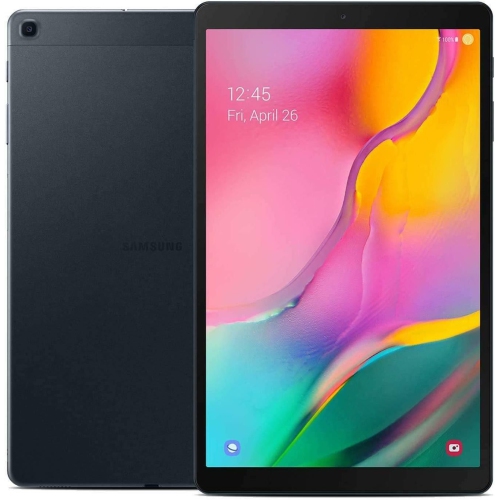 Your price for this item is $301.99
 -
 Your price for this item is $499.99
 -
 Your price for this item is $199.95
 -
 Your price for this item is $325
 -
 Your price for this item is $579.99
 -
 Your price for this item is $139.99
 -
 Your price for this item is $119.99
 -
 Your price for this item is $799.99
Discover more categories related to Digital Notebooks for Work Meetings And Productivity

Top Collections:
Pokemon Centers, Budget 4K TVs, Best Budget Office Chairs, Kindle Devices, Canon G7X Cameras, Apple iPhones 16, iPhone 15 Apple, Laptops for Business Work, Xiaomi Phones, Flip Phones
Some products may be subject to Environmental Handling Fees
(EHF) depending on your province.
Learn more about EHFs.