Handheld Tablets
Discover the perfect blend of portability and performance with a handheld tablet, your ultimate companion for on-the-go connectivity and entertainment. Whether you're streaming your favorite shows, catching up on emails, or exploring new apps, these versatile devices offer seamless functionality in a compact design. Handheld tablets are designed to fit effortlessly into your lifestyle, making them ideal for busy professionals, students, and anyone who values convenience without compromising on quality. Explore this diverse selection to find the handheld tablet that suits your needs and enhances your everyday experiences.
Sort
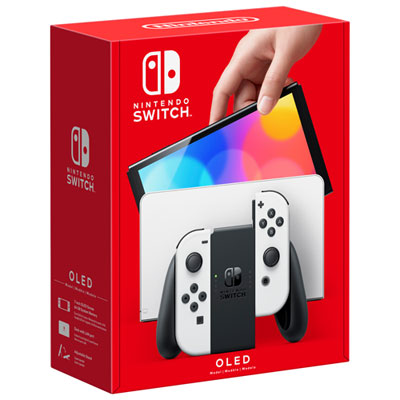

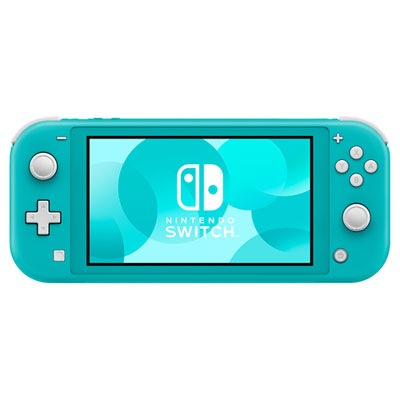
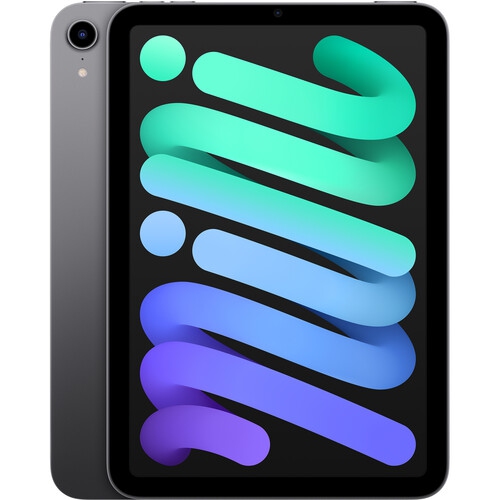
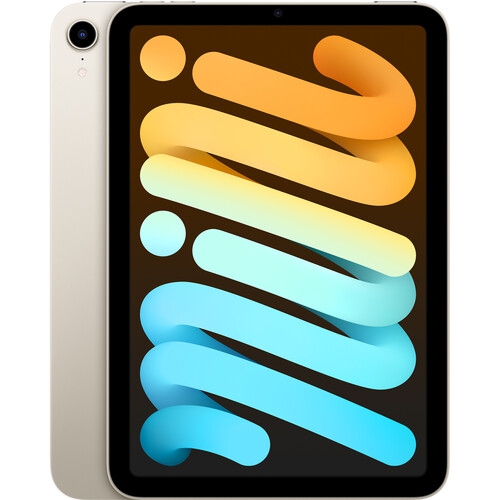

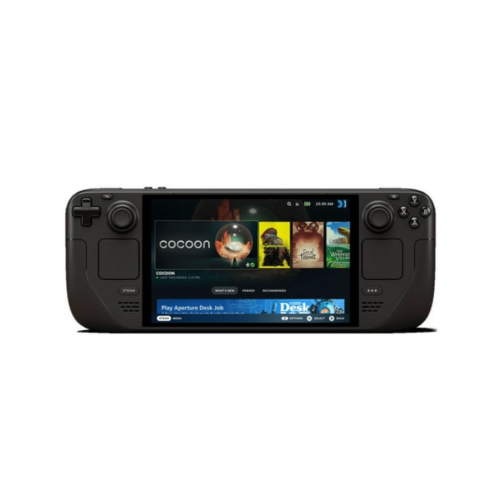
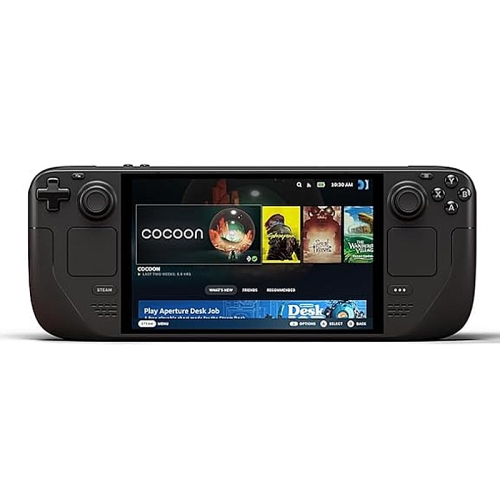
More screen space for reading on the go
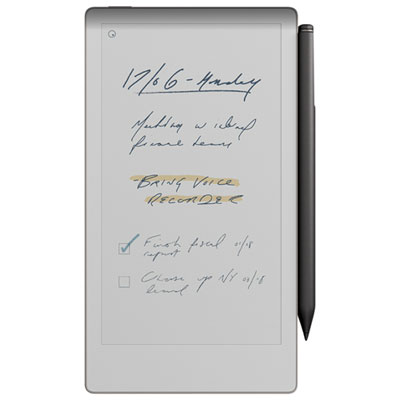
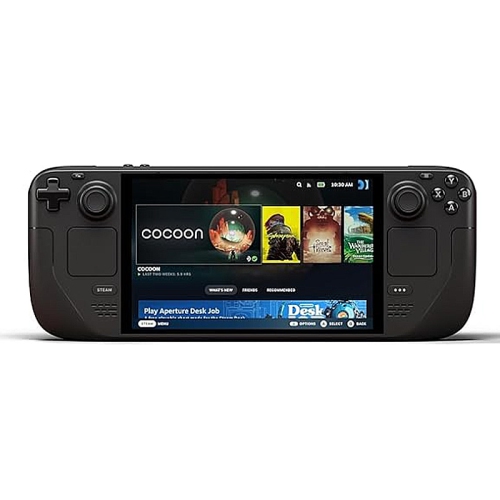
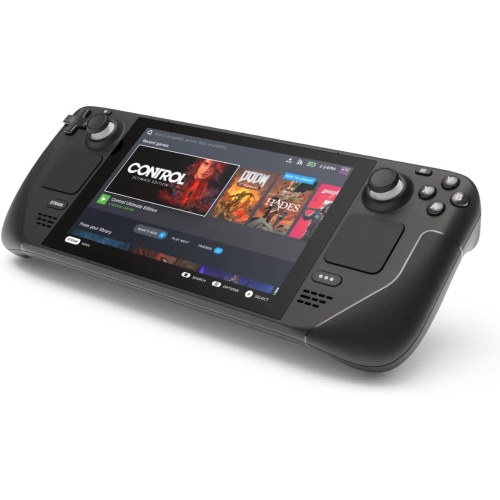
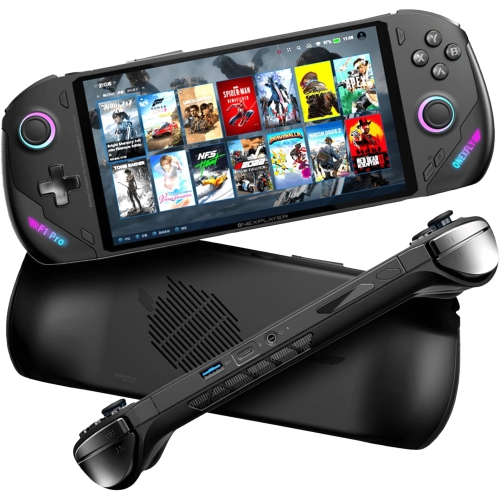
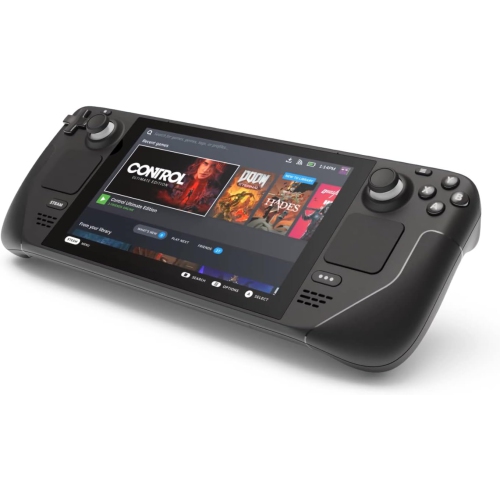
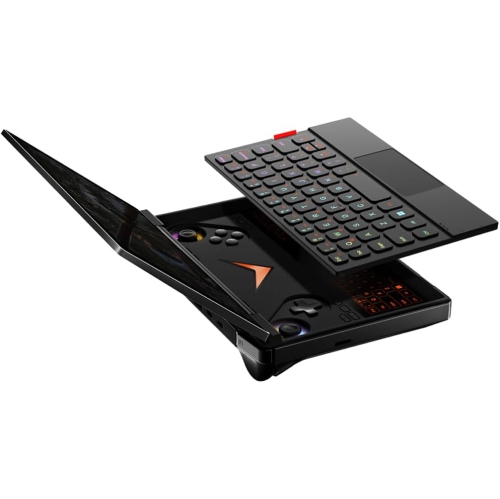
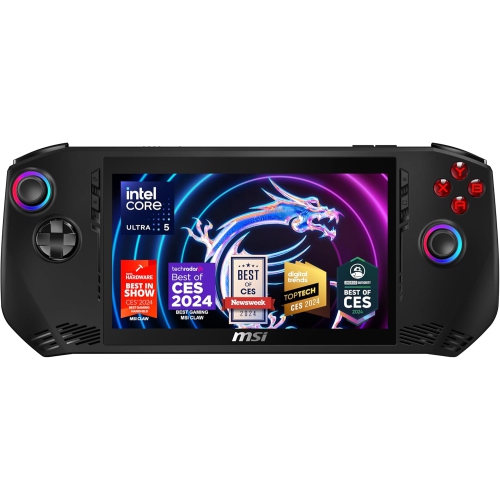
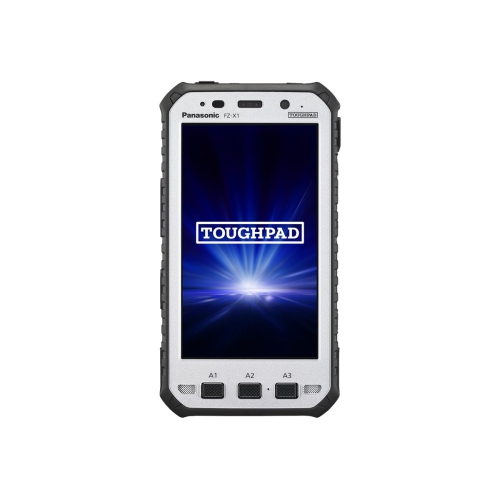
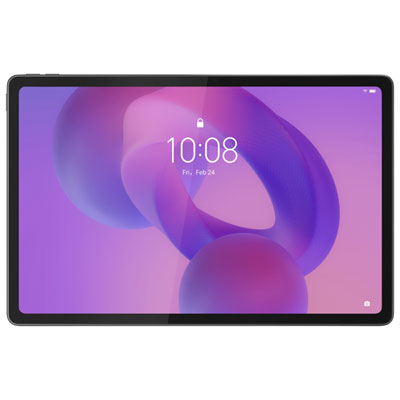
Handheld tablets are compact touchscreen devices designed for reading, streaming, gaming, browsing, and other everyday tasks without the bulk of a larger tablet or laptop. Many fall within the 7- to 9-inch screen range, offering more viewing space than a smartphone while remaining easy to carry in a small bag. The term describes a portable size and style of use rather than a fixed technical category, so dimensions, weight, and features vary. Their appeal is especially clear in familiar moments: reading a novel on the bus, following a recipe beside a mixing bowl, or watching a downloaded episode on a train. A smaller screen can feel comfortable to hold for extended reading, while a slightly wider display gives maps, digital magazines, and games more room. Screen size is measured diagonally, however, and does not tell the whole story about how a device feels in the hand. The width of the body, the shape of its edges, and the weight added by a protective case all affect grip. Narrow borders can keep the overall footprint small, but some space around the display gives fingers somewhere to rest without touching on-screen controls. For someone who reads while standing on public transit, low weight and a secure grip may matter more than extra screen area. Someone using a tablet mainly at a kitchen table may place greater value on a clear display and a case that folds into a stand. Handheld tablets also suit students reviewing class notes, travellers keeping itineraries close by, and families sharing a device for games and video calls. Within the broader range of Touchscreen Tablets, these smaller formats place particular emphasis on portability and comfortable handling. They can be thoughtful gifts for avid readers or frequent travellers, especially when the operating system works with the apps and digital purchases the recipient already uses.
Display quality and everyday responsiveness shape the experience as much as compact dimensions. Text clarity is important for ebooks, subtitles, and long articles, while brightness and reflections affect how easily a screen can be viewed beside a sunny window. A glossy display may show vivid images indoors yet catch distracting reflections under overhead lighting. Wide viewing angles are useful when two people share a video, and adjustable text size can make a small display easier to read without changing the device itself. A higher refresh rate can make scrolling and supported games look smoother, though it is only one part of performance. The processor, memory, software, and demands of each app also influence how quickly a tablet opens documents, switches between tasks, or handles a busy game scene. Reading and video playback generally ask less of a device than detailed games, large drawing files, or frequent multitasking. Storage needs follow a similar pattern: streamed content takes up less permanent space than a library of downloaded films, games, and scanned course materials. Usable storage is lower than the stated capacity because the operating system and installed software occupy some of it. Expandable storage, where supported, can provide room for compatible files, but not every app can be moved to a memory card. The operating system also determines which apps, accessibility features, and family controls are supported, so familiar services deserve attention alongside hardware specifications. Wi-Fi supports internet access at home and on compatible public networks, while tablets with cellular capability can connect away from Wi-Fi with a suitable mobile plan. Downloaded books and videos can be useful for travel, although offline access depends on the app and its terms. Battery life varies with brightness, wireless connections, gaming, and other activity; a video-playback estimate may not reflect a day of mixed use. Charging-port compatibility, speaker placement, headphone support, and microphone quality are equally practical details for a tablet that moves between quiet reading, online lessons, and calls with family.
Materials, protection, and care help determine how well a handheld tablet fits into daily routines. Metal housings can feel firm and substantial, while plastic housings may offer a lighter feel; durability depends on the full construction rather than the outer material alone. Glass screens remain vulnerable to scratches and impacts, even when the body feels sturdy. A properly fitted case can improve grip and protect edges, and a compatible screen protector can add a replaceable layer against everyday surface wear. Fit should be checked against the tablet’s exact dimensions, camera position, buttons, and charging port, since similar screen sizes do not guarantee that accessories are interchangeable. A folding cover is useful for watching videos at a desk, while a hand strap may make longer reading sessions more comfortable. Children may benefit from a case with easy-to-hold edges, together with age-appropriate account settings and adult supervision. For drawing or handwritten notes, stylus support needs particular attention: a basic capacitive stylus and an active pen do not offer the same precision or features, and active pens require compatible hardware. A small wireless keyboard can help with messages or short assignments, although a compact tablet may still feel restrictive for lengthy documents or complex desktop work. Routine care is straightforward: use a clean, soft, lint-free cloth, follow the manufacturer’s cleaning directions, and keep moisture out of openings. Avoid placing an unprotected tablet beside keys in a bag or leaving it under heavy books. Water resistance should never be assumed, particularly when a tablet is used near kitchen spills or packed for a rainy commute. During the cooler months, keeping it away from prolonged extreme cold and following its stated operating-temperature limits helps protect normal operation. Software updates, a secure screen lock, and regular backups support dependable use beyond physical care. With the right balance of size, grip, app support, and protection, a handheld tablet can become a comfortable companion for the small stretches of reading, watching, learning, and playing that fill an ordinary day.
Display quality and everyday responsiveness shape the experience as much as compact dimensions. Text clarity is important for ebooks, subtitles, and long articles, while brightness and reflections affect how easily a screen can be viewed beside a sunny window. A glossy display may show vivid images indoors yet catch distracting reflections under overhead lighting. Wide viewing angles are useful when two people share a video, and adjustable text size can make a small display easier to read without changing the device itself. A higher refresh rate can make scrolling and supported games look smoother, though it is only one part of performance. The processor, memory, software, and demands of each app also influence how quickly a tablet opens documents, switches between tasks, or handles a busy game scene. Reading and video playback generally ask less of a device than detailed games, large drawing files, or frequent multitasking. Storage needs follow a similar pattern: streamed content takes up less permanent space than a library of downloaded films, games, and scanned course materials. Usable storage is lower than the stated capacity because the operating system and installed software occupy some of it. Expandable storage, where supported, can provide room for compatible files, but not every app can be moved to a memory card. The operating system also determines which apps, accessibility features, and family controls are supported, so familiar services deserve attention alongside hardware specifications. Wi-Fi supports internet access at home and on compatible public networks, while tablets with cellular capability can connect away from Wi-Fi with a suitable mobile plan. Downloaded books and videos can be useful for travel, although offline access depends on the app and its terms. Battery life varies with brightness, wireless connections, gaming, and other activity; a video-playback estimate may not reflect a day of mixed use. Charging-port compatibility, speaker placement, headphone support, and microphone quality are equally practical details for a tablet that moves between quiet reading, online lessons, and calls with family.
Materials, protection, and care help determine how well a handheld tablet fits into daily routines. Metal housings can feel firm and substantial, while plastic housings may offer a lighter feel; durability depends on the full construction rather than the outer material alone. Glass screens remain vulnerable to scratches and impacts, even when the body feels sturdy. A properly fitted case can improve grip and protect edges, and a compatible screen protector can add a replaceable layer against everyday surface wear. Fit should be checked against the tablet’s exact dimensions, camera position, buttons, and charging port, since similar screen sizes do not guarantee that accessories are interchangeable. A folding cover is useful for watching videos at a desk, while a hand strap may make longer reading sessions more comfortable. Children may benefit from a case with easy-to-hold edges, together with age-appropriate account settings and adult supervision. For drawing or handwritten notes, stylus support needs particular attention: a basic capacitive stylus and an active pen do not offer the same precision or features, and active pens require compatible hardware. A small wireless keyboard can help with messages or short assignments, although a compact tablet may still feel restrictive for lengthy documents or complex desktop work. Routine care is straightforward: use a clean, soft, lint-free cloth, follow the manufacturer’s cleaning directions, and keep moisture out of openings. Avoid placing an unprotected tablet beside keys in a bag or leaving it under heavy books. Water resistance should never be assumed, particularly when a tablet is used near kitchen spills or packed for a rainy commute. During the cooler months, keeping it away from prolonged extreme cold and following its stated operating-temperature limits helps protect normal operation. Software updates, a secure screen lock, and regular backups support dependable use beyond physical care. With the right balance of size, grip, app support, and protection, a handheld tablet can become a comfortable companion for the small stretches of reading, watching, learning, and playing that fill an ordinary day.
Top selling and popular products
-
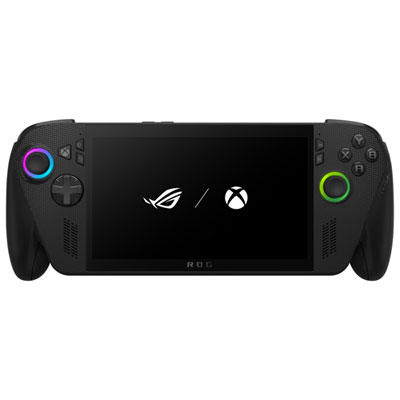 Your price for this item is $1499.99
 -
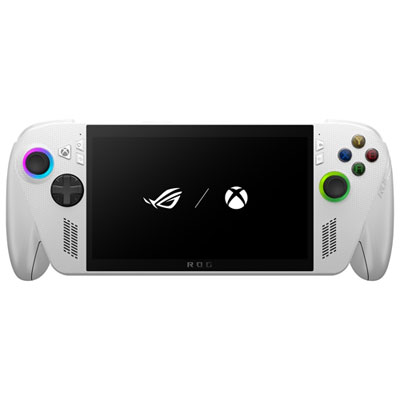 Your price for this item is $799.99
 -
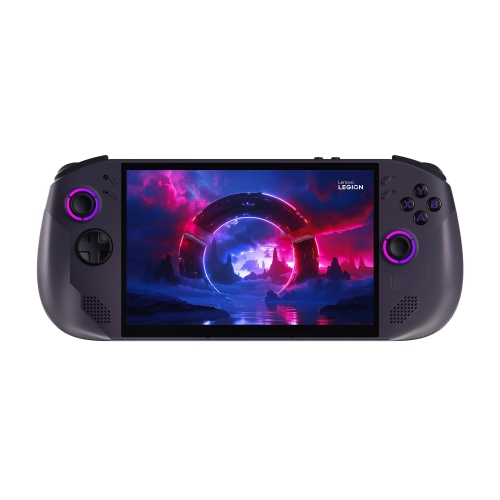 Your price for this item is $2234.99
 -
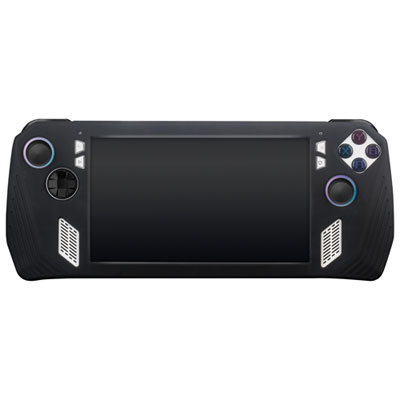 Your price for this item is $29.97
 -
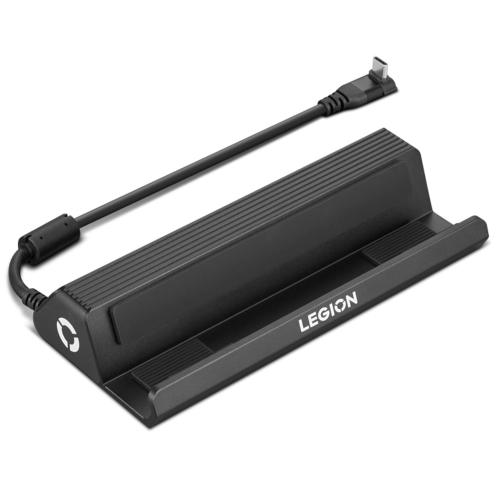 Your price for this item is $92.99
 -
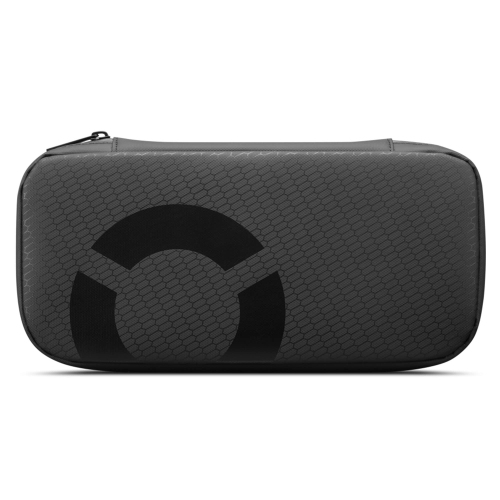 Your price for this item is $22.99
 -
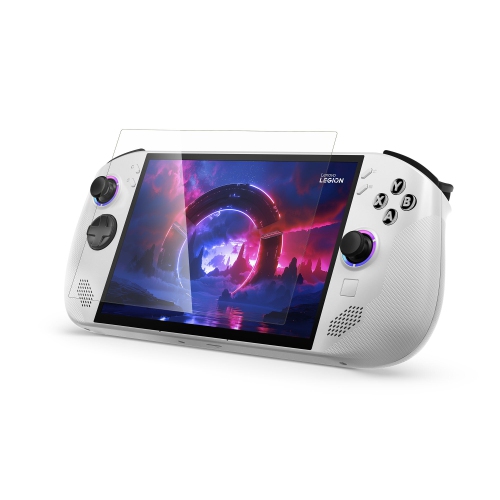 Your price for this item is $28.99
 -
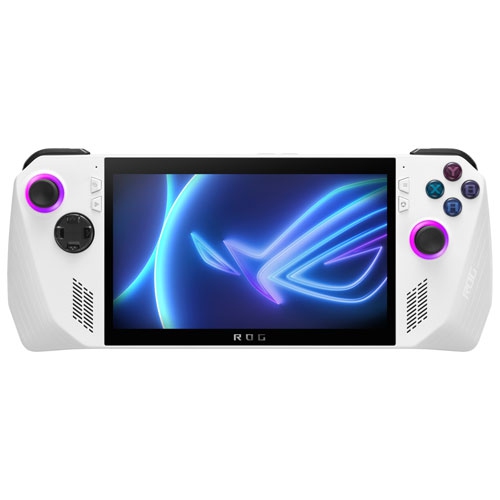 Your price for this item is $1399.99
Discover more categories related to Handheld Tablets

Top Collections:
Pokemon Centers, Kindle Devices, Best Cameras for Sports Photography, Best Budget Office Chairs, Pokémon 30th Celebration Cards, Apple iPhones 16, Canon G7X Cameras, iPhone 15 Apple, Flip Phones, Samsung Galaxy Phones
Some products may be subject to Environmental Handling Fees
(EHF) depending on your province.
Learn more about EHFs.