Touchscreen Tablets
Looking for the perfect touchscreen tablet to suit your on-the-go lifestyle or work needs? Look no further than our selection of cutting-edge tablets that offer sleek designs, intuitive interfaces, and powerful performance. Whether you need a tablet for entertainment, productivity, or creativity, our range of touchscreen tablets provides a diverse array of options to cater to your specific preferences and requirements. Discover the convenience and versatility of touchscreen technology with our collection of tablets that are designed to enhance your digital experience.
Sort






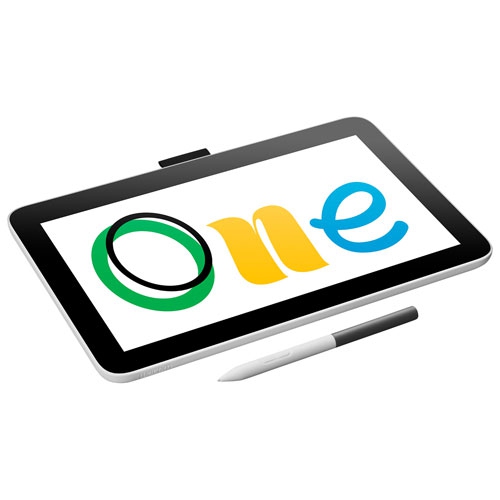
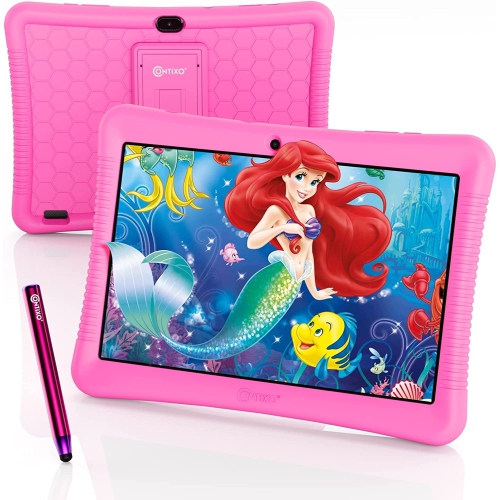

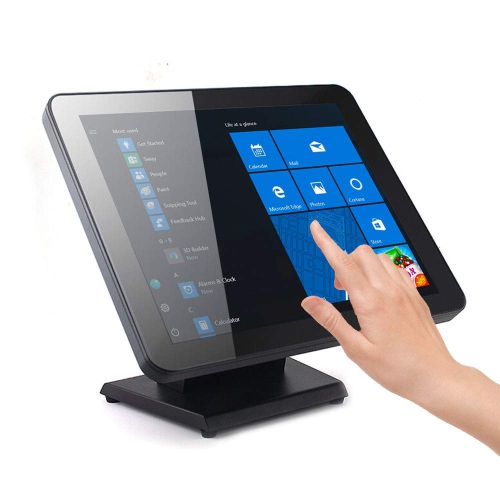
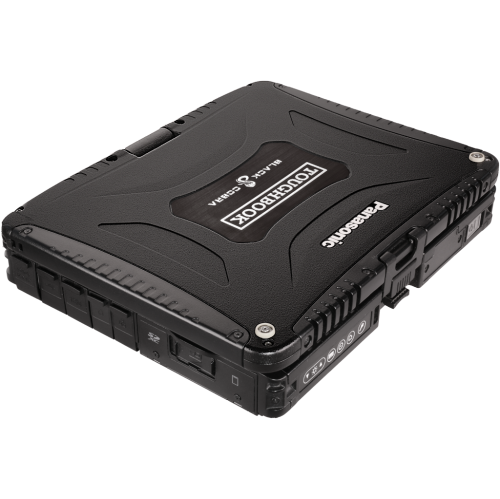

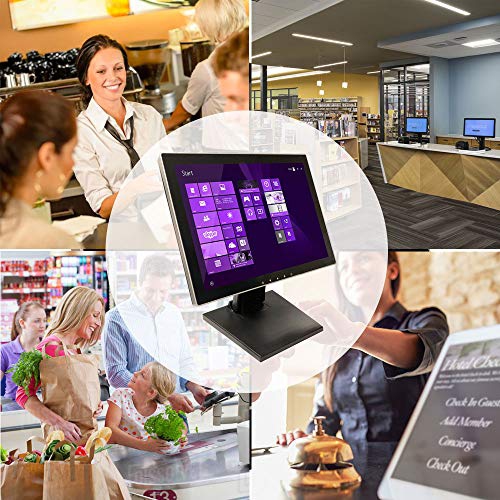
Flexible screens for work, entertainment and everyday routines
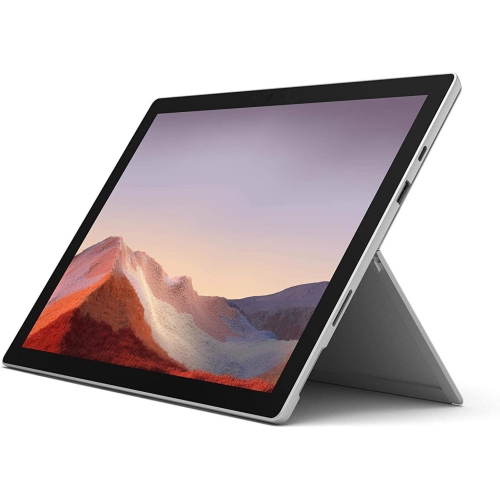
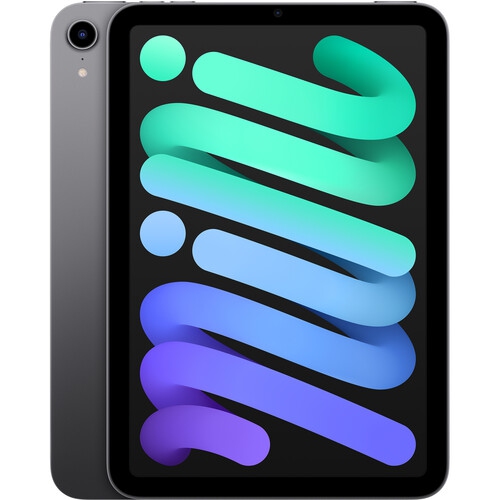
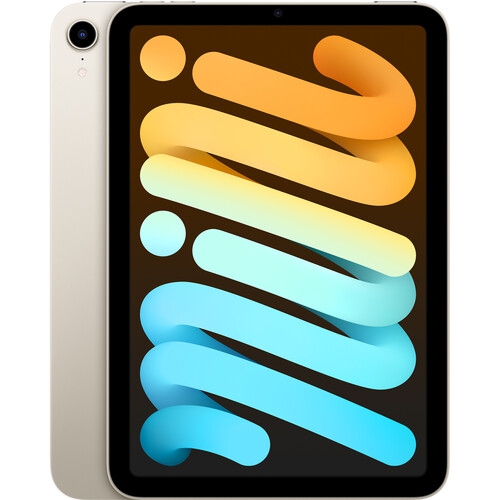
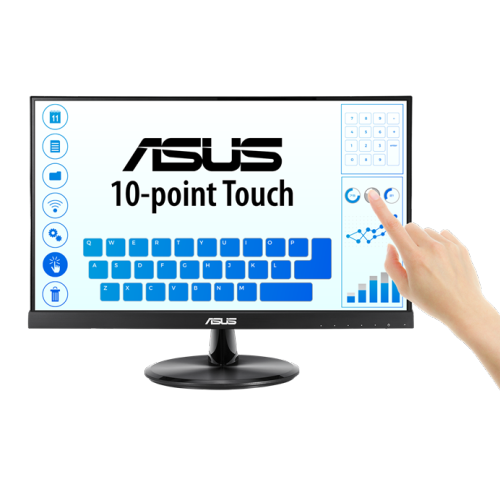
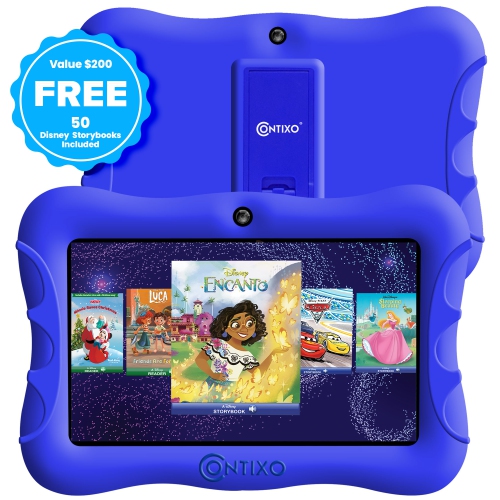
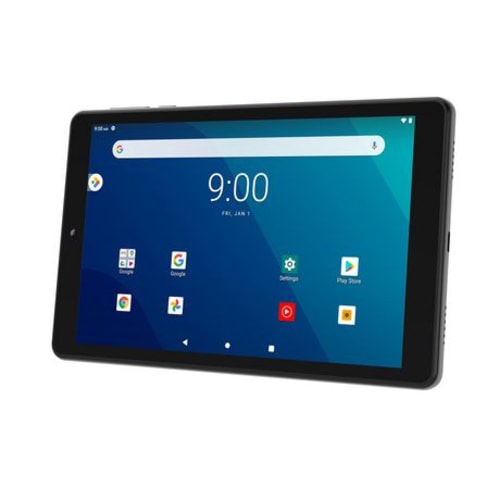
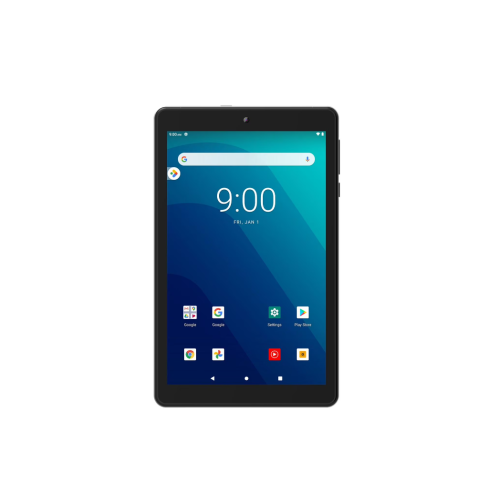
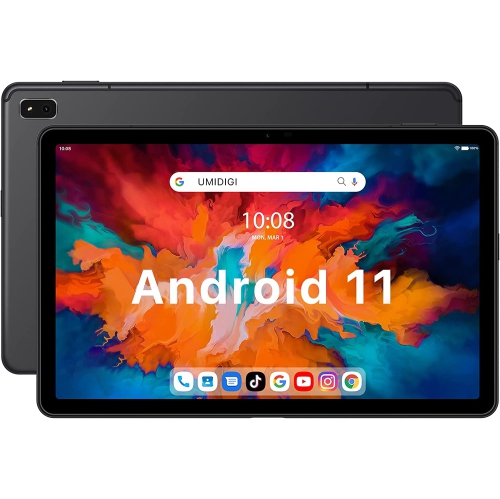
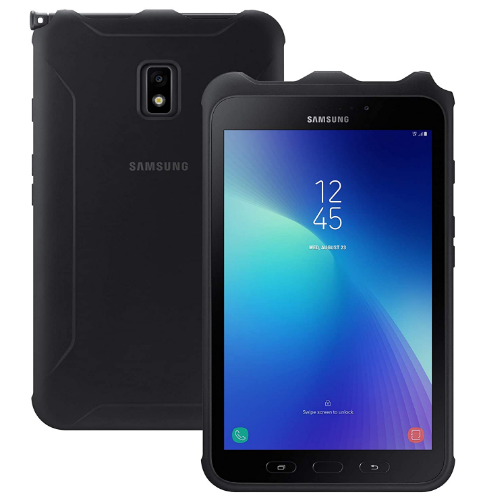
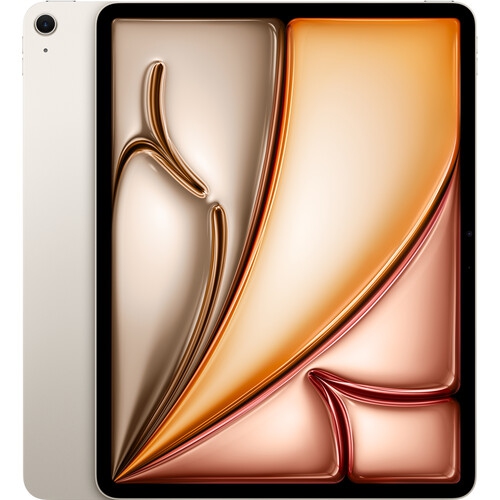
Touchscreen tablets bring the ease of a phone to a larger display, creating a flexible device for reading, streaming, browsing, studying, drawing and staying organized. Their slim design makes them easy to carry from a kitchen counter to a living-room sofa, classroom, office or travel bag, while the responsive display allows you to tap, swipe, scroll and zoom naturally. Smaller tablets measuring about 8 to 10 inches are especially convenient for reading e-books, checking recipes, following travel maps and keeping children entertained during longer journeys. Mid-sized models around 11 to 12 inches offer a comfortable balance of portability and workspace, making them suitable for web browsing, school assignments, video calls, streaming and casual creative projects. Larger displays can make multitasking more comfortable, particularly when comparing documents, viewing digital sheet music, working with detailed drawings or using the tablet as a second screen. When comparing touchscreen tablets, consider where the device will be used most often and how much room you need for onscreen keyboards, split-screen apps and visual content. A compact model can slip into a small bag, while a larger tablet may feel more like a portable workstation and provide a better viewing experience for shared entertainment.
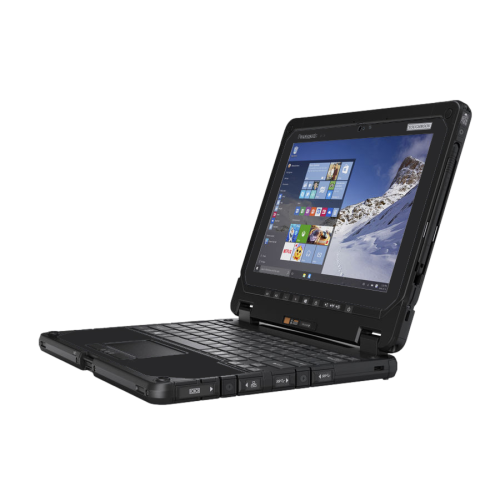
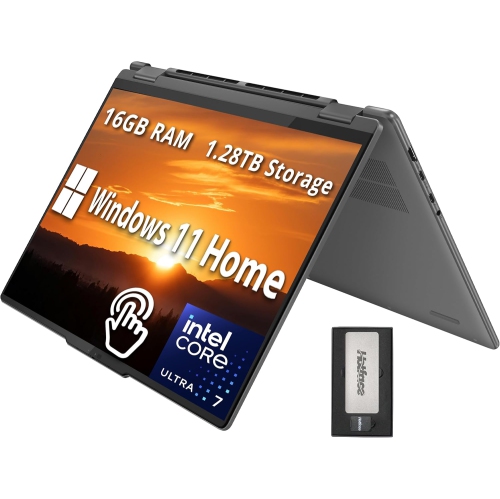
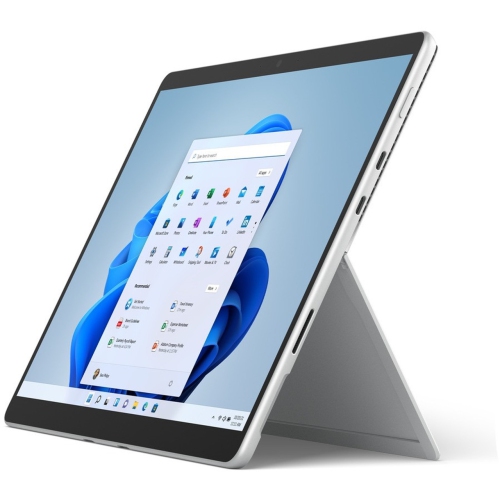
The operating system is another important consideration because it affects the available apps, file management, accessories and compatibility with other devices. Tablets using iPadOS are known for smooth performance, a broad selection of creative and productivity apps and long-term software support, making them appealing to students, artists and people who want a simple, polished experience. Android tablets offer flexibility across a wide range of prices and display sizes, along with convenient customization, expandable storage on some models and useful multitasking features such as split-screen viewing. They can be a practical choice for streaming, browsing, gaming, reading and managing everyday tasks. Windows touchscreen tablets run a full desktop operating system, so they can be better suited to people who need familiar computer software, full web browsers, spreadsheets, presentations or desktop creative programs. Some models can work as a tablet for handwriting and entertainment, then connect to a detachable keyboard for longer typing sessions. For school or office use, look at processor performance, memory and storage capacity alongside the display. More memory can help when switching between several apps, while additional storage is useful for downloaded shows, games, photos, documents and creative files. Battery life matters when outlets are not always nearby, such as during a commute, a lecture or a day of travel. A bright display with clear viewing angles can be helpful in rooms with changing light, while a higher-resolution screen can make small text, photographs and illustrations look sharper. If the tablet will be used for gaming or video, pay attention to speaker quality, refresh rate and wireless connectivity. For video calls, a well-positioned front camera and clear microphones can make conversations easier, particularly when the tablet is placed on a stand rather than held in hand.
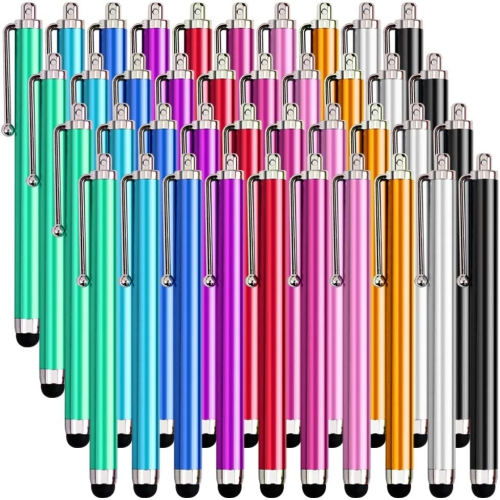
A touchscreen tablet can be a thoughtful gift for a wide range of people because it adapts to different routines without taking up much space. A student may use one to review course materials, annotate PDFs, join online classes and keep notes in one place. A creative user may pair a compatible pressure-sensitive stylus with a drawing or note-taking app to sketch ideas, mark up photographs or practise lettering. Someone who works from home may use a tablet for meetings, email, calendar management and quick document reviews, while a detachable keyboard can make longer messages and reports more comfortable to write. For entertainment, a touchscreen tablet can hold a collection of movies, music, books and games for the couch, bedroom or back seat. Families may appreciate a model with separate user profiles, parental controls and a durable case, while older users may prefer a larger screen, adjustable text size and straightforward navigation. A keyboard is worth considering for frequent typing, and an active stylus can add precision for handwriting, drawing and document annotation. Stands and protective covers can also make everyday use more comfortable; explore Touch Screen Tablet Cases to help protect the display and provide a steadier viewing angle. Before choosing, check which accessories are included and which are sold separately, confirm that the ports and wireless connections suit your existing setup, and make sure the storage meets your typical needs. During the warmer months, a tablet can be useful outdoors for reading or following a project, while during cooler months it can become a convenient home hub for recipes, entertainment, planning and communication. The best touchscreen tablet is the one that fits naturally into the recipient’s routine, whether that means replacing a laptop for light work, complementing a desktop computer or providing a comfortable screen for everyday browsing.
The operating system is another important consideration because it affects the available apps, file management, accessories and compatibility with other devices. Tablets using iPadOS are known for smooth performance, a broad selection of creative and productivity apps and long-term software support, making them appealing to students, artists and people who want a simple, polished experience. Android tablets offer flexibility across a wide range of prices and display sizes, along with convenient customization, expandable storage on some models and useful multitasking features such as split-screen viewing. They can be a practical choice for streaming, browsing, gaming, reading and managing everyday tasks. Windows touchscreen tablets run a full desktop operating system, so they can be better suited to people who need familiar computer software, full web browsers, spreadsheets, presentations or desktop creative programs. Some models can work as a tablet for handwriting and entertainment, then connect to a detachable keyboard for longer typing sessions. For school or office use, look at processor performance, memory and storage capacity alongside the display. More memory can help when switching between several apps, while additional storage is useful for downloaded shows, games, photos, documents and creative files. Battery life matters when outlets are not always nearby, such as during a commute, a lecture or a day of travel. A bright display with clear viewing angles can be helpful in rooms with changing light, while a higher-resolution screen can make small text, photographs and illustrations look sharper. If the tablet will be used for gaming or video, pay attention to speaker quality, refresh rate and wireless connectivity. For video calls, a well-positioned front camera and clear microphones can make conversations easier, particularly when the tablet is placed on a stand rather than held in hand.
A touchscreen tablet can be a thoughtful gift for a wide range of people because it adapts to different routines without taking up much space. A student may use one to review course materials, annotate PDFs, join online classes and keep notes in one place. A creative user may pair a compatible pressure-sensitive stylus with a drawing or note-taking app to sketch ideas, mark up photographs or practise lettering. Someone who works from home may use a tablet for meetings, email, calendar management and quick document reviews, while a detachable keyboard can make longer messages and reports more comfortable to write. For entertainment, a touchscreen tablet can hold a collection of movies, music, books and games for the couch, bedroom or back seat. Families may appreciate a model with separate user profiles, parental controls and a durable case, while older users may prefer a larger screen, adjustable text size and straightforward navigation. A keyboard is worth considering for frequent typing, and an active stylus can add precision for handwriting, drawing and document annotation. Stands and protective covers can also make everyday use more comfortable; explore Touch Screen Tablet Cases to help protect the display and provide a steadier viewing angle. Before choosing, check which accessories are included and which are sold separately, confirm that the ports and wireless connections suit your existing setup, and make sure the storage meets your typical needs. During the warmer months, a tablet can be useful outdoors for reading or following a project, while during cooler months it can become a convenient home hub for recipes, entertainment, planning and communication. The best touchscreen tablet is the one that fits naturally into the recipient’s routine, whether that means replacing a laptop for light work, complementing a desktop computer or providing a comfortable screen for everyday browsing.
Top selling and popular products
-
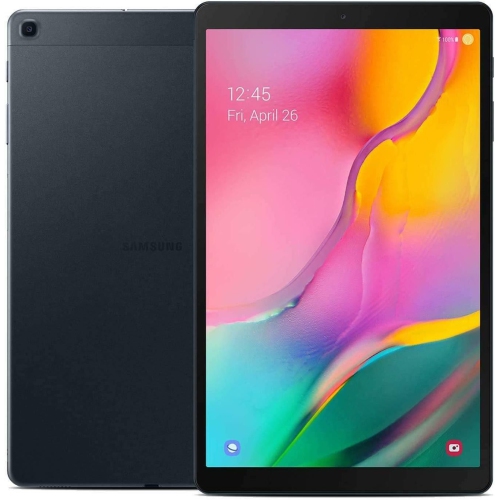 Your price for this item is $301.99
 -
 Your price for this item is $499.99
 -
 Your price for this item is $199.95
 -
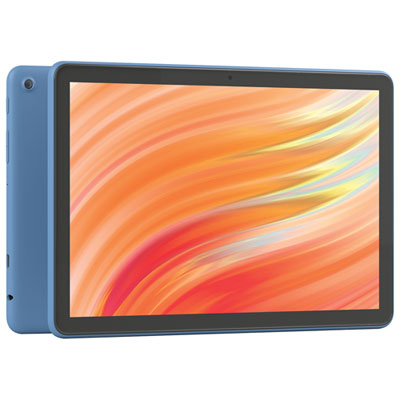 Your price for this item is $134.99
 -
 Your price for this item is $325
 -
 Your price for this item is $579.99
 -
 Your price for this item is $139.99
 -
 Your price for this item is $119.99
Discover more categories related to Touchscreen Tablets

Top Collections:
Pokemon Centers, Budget 4K TVs, Kindle Devices, Canon G7X Cameras, Apple iPhones 16, iPhone 15 Apple, Laptops for Business Work, Flip Phones, Xiaomi Phones, Refurbished Apple Laptops
Some products may be subject to Environmental Handling Fees
(EHF) depending on your province.
Learn more about EHFs.