Education Technology Tools
Enhance learning experiences with our wide selection of education technology tools. From interactive whiteboards to digital projectors and virtual reality headsets, we have everything you need to create an engaging and innovative classroom environment. Whether you're a teacher looking to incorporate technology into your lessons or a student seeking new ways to explore and understand concepts, our collection of education technology tools has got you covered. Discover the latest advancements in educational technology and unlock endless possibilities for knowledge acquisition and skill development.
Sort


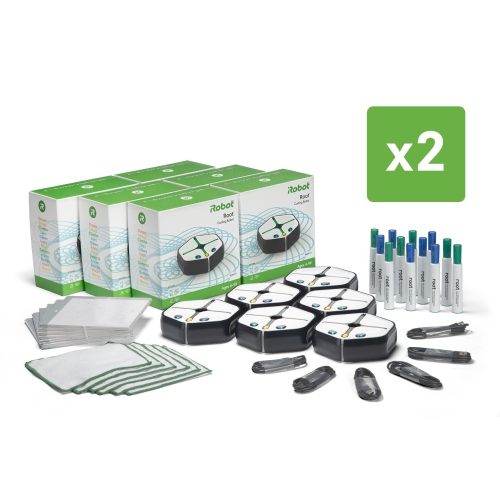
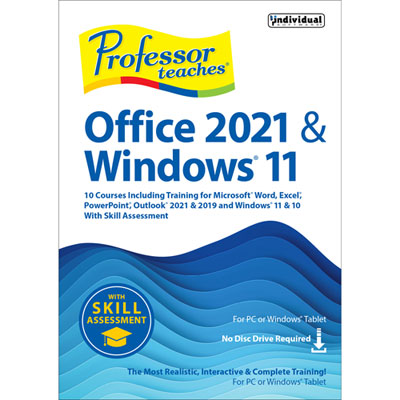
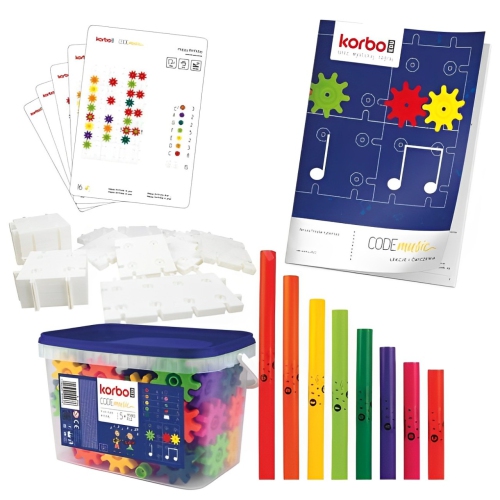
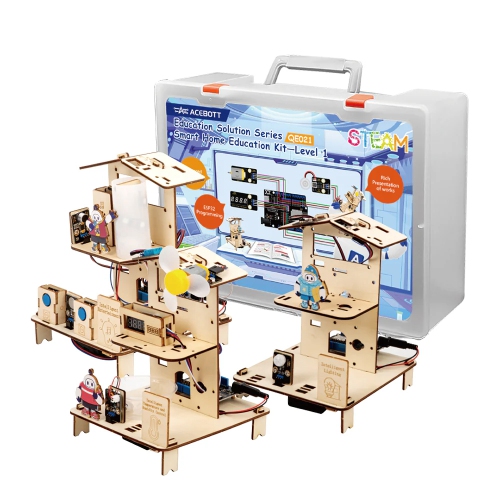
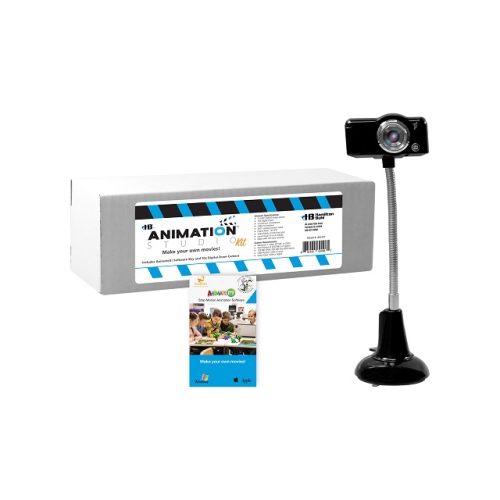
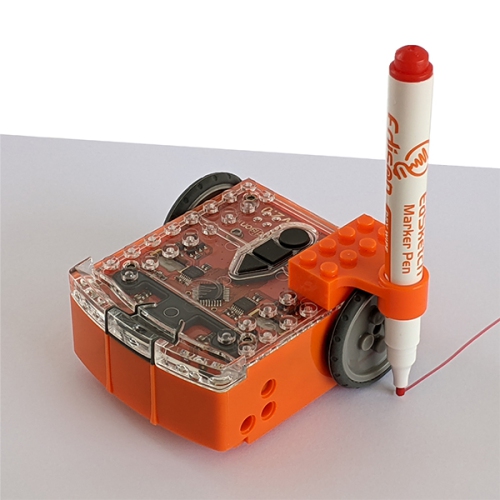
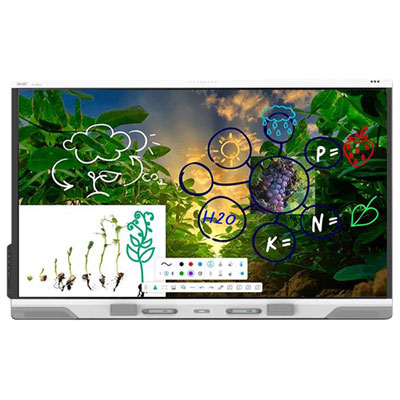
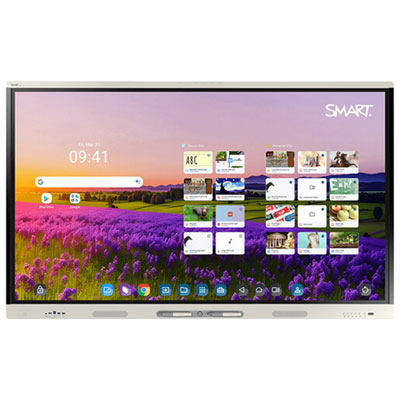


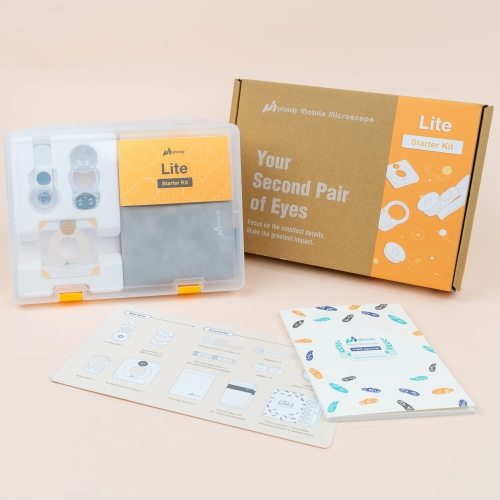
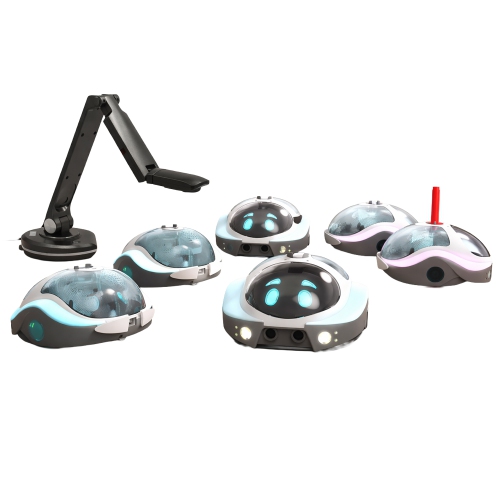



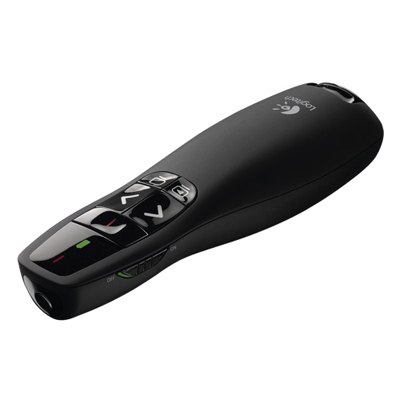
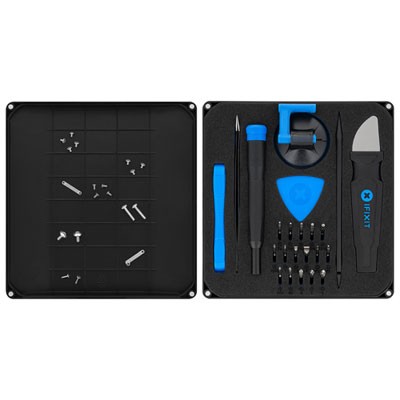









Technology that helps learning stay organized and engaging
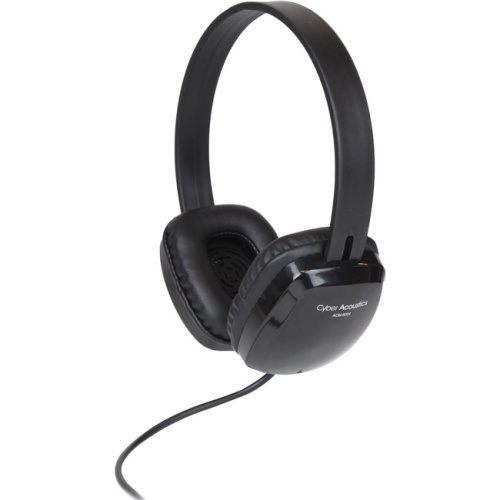
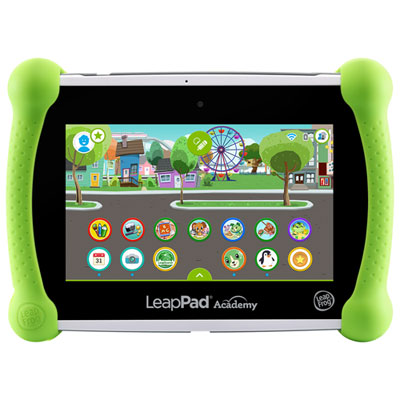
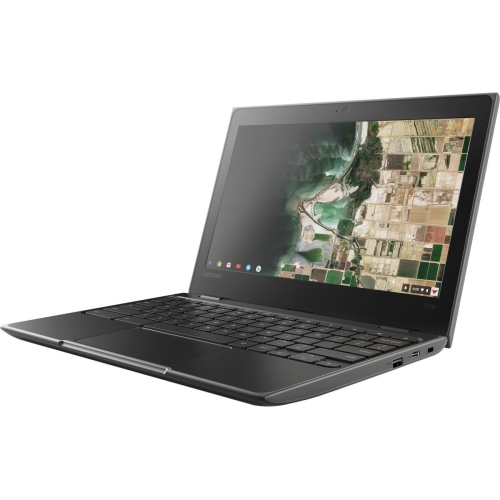
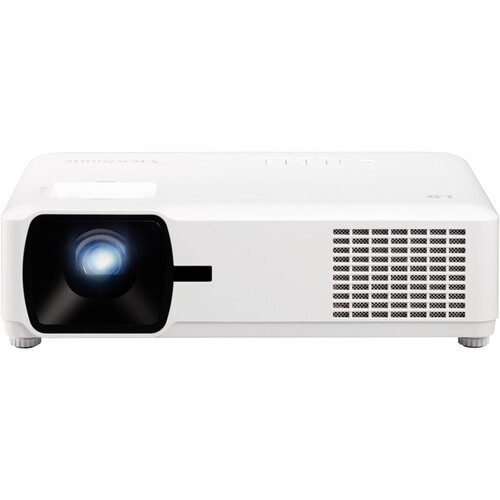
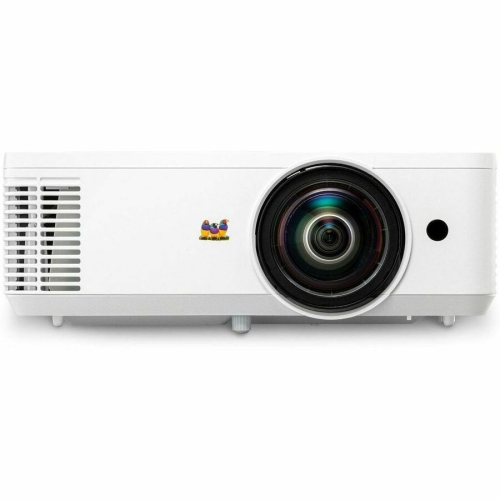
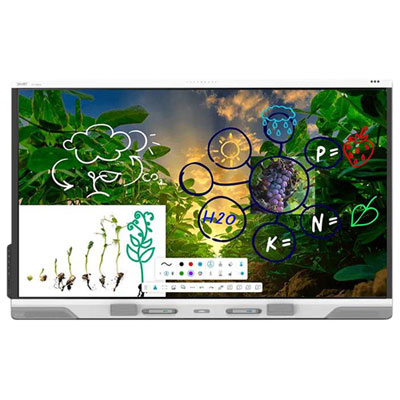
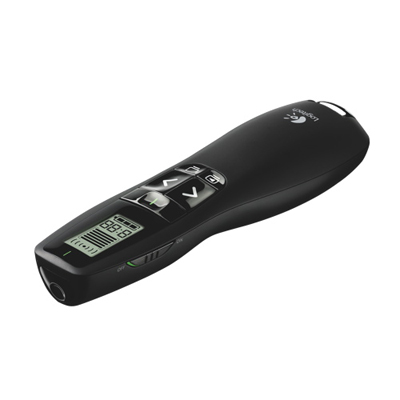
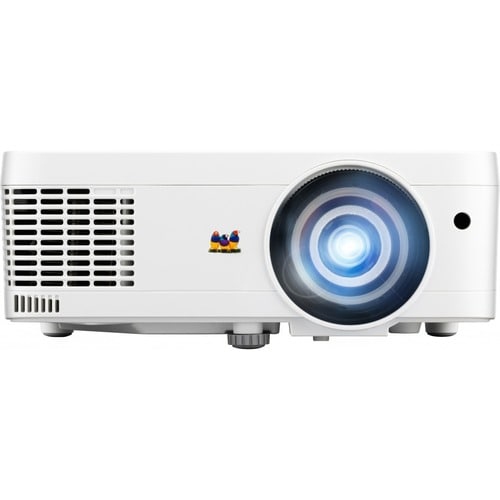
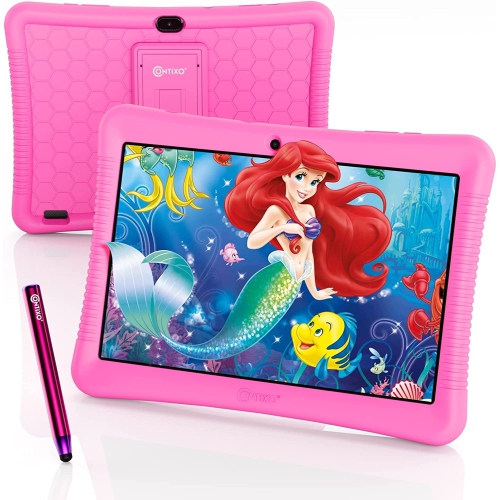
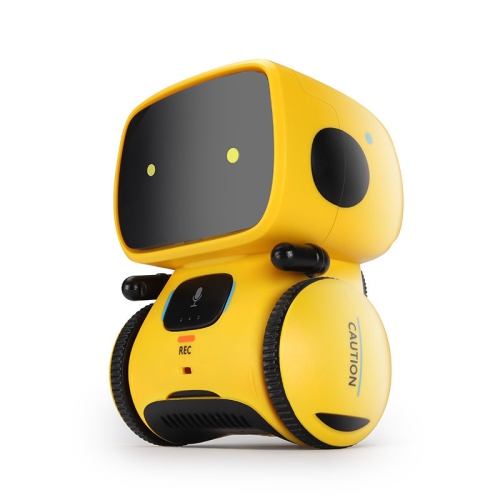
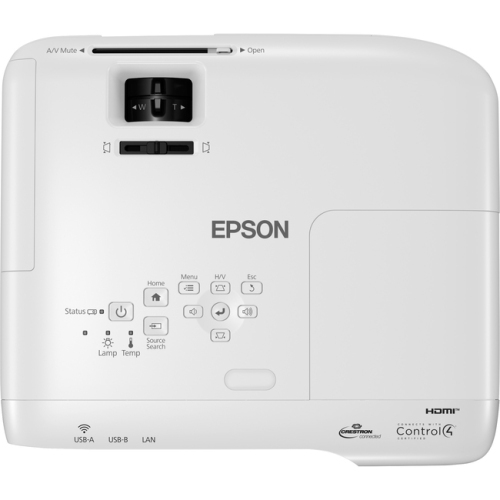
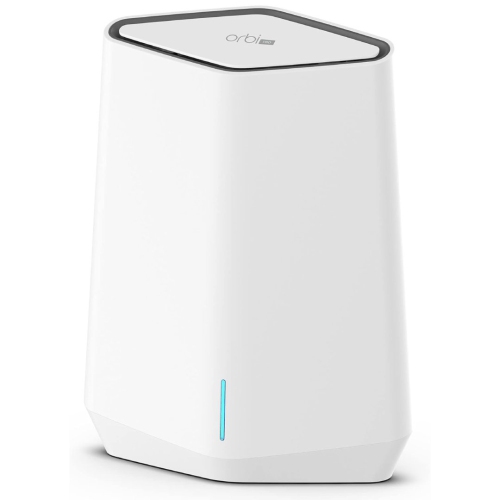
Education technology tools bring together the hardware and accessories that help teachers, students, tutors, administrators, and families create more organized, engaging learning experiences. This category can include classroom presentation equipment, interactive displays, document cameras, webcams, microphones, headphones, tablets, laptops, charging solutions, digital writing accessories, and other tools designed to support teaching and study. Some are intended for a full classroom, while others suit a home study area, tutoring room, library, makerspace, or shared learning environment. A teacher may use a camera to show a science experiment, handwritten work, or a close-up demonstration to everyone in the room, while a student may rely on a tablet or computer to research a topic, complete assignments, attend a virtual lesson, or practise a new skill. Headsets and microphones can make online discussions clearer, especially in busy homes or shared classrooms, and a reliable display can help bring maps, diagrams, demonstrations, videos, and student presentations into sharper focus. When browsing education technology tools, consider the age and learning needs of the people using them, the available space, and the way lessons are delivered. A portable tool may be the better choice for a teacher who moves between rooms, while a larger shared solution may suit a permanent classroom or group study area. It is also worth checking connection options, operating system compatibility, built-in speakers or cameras, ease of setup, and whether the device can work with the learning platforms already used by the school or household. The right combination of tools can reduce distractions and make it easier to move from explanation to practice, discussion, and independent work.
Education technology also supports the day-to-day organization behind a successful lesson. Digital learning platforms can bring assignments, class announcements, feedback, grades, and reference materials into one place, helping educators keep track of progress and helping students understand what needs to be completed. Interactive and gamified learning tools can turn review sessions into lively activities, with quizzes, polls, timers, and instant responses that show where learners are confident and where additional explanation may help. Collaborative whiteboards and shared digital canvases give groups a space to brainstorm, build mind maps, sort ideas, and work on projects together in real time, even when some participants are learning remotely. Interactive presentation tools can collect live responses, create word clouds, and invite quieter students to take part without speaking in front of the whole class. Some education technology tools also assist with lesson preparation by helping educators organize source material, prepare summaries, develop study prompts, or adapt activities for different levels of understanding. These features are most useful when they support the teacher’s knowledge and judgement rather than replace it, and when educators review generated material for accuracy, clarity, age suitability, and alignment with curriculum goals. For students, technology can make abstract subjects more tangible: a digital diagram can reveal how a system works, a stylus can make solving equations feel closer to working on paper, and a recorded explanation can be replayed at a comfortable pace. Families may appreciate tools that help create a consistent homework routine, particularly when a dedicated screen, comfortable headset, or well-positioned light makes it easier to settle into focused work during the cooler months and throughout the school year.
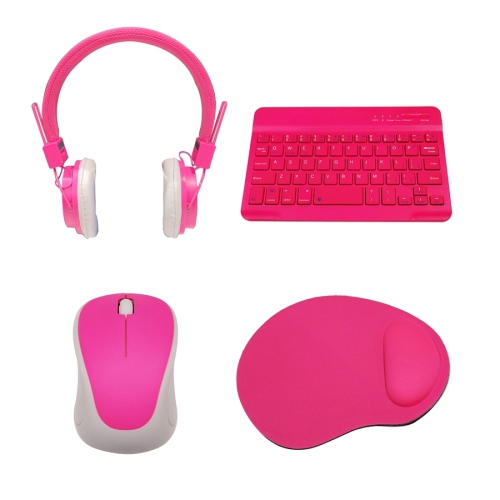
Choosing among education technology tools often comes down to balancing capability with simplicity. A device with many features can be appealing, but the best choice is one that fits naturally into the classroom or study routine and can be used confidently by the intended audience. Look for clear controls, accessible menus, dependable performance, and durable construction when equipment will be shared by many learners. For younger students, straightforward operation and comfortable proportions may matter more than advanced settings; for secondary students, post-secondary learners, and adult learners, compatibility with productivity software, video meetings, note-taking applications, and specialized coursework may be a higher priority. Educators should also consider how content will be displayed and heard across the room, whether accessories are included, and how the tool will be stored, charged, transported, or connected to other equipment. A laptop stand, keyboard, mouse, webcam, or set of headphones can make an existing computer more comfortable for extended study, while a digital pen or drawing accessory can support visual subjects, annotations, and creative assignments. These tools can be thoughtful gifts for students, new teachers, tutors, and graduates setting up a study space, particularly when chosen around a real habit such as reading, presenting, sketching, coding, or joining online classes. To explore equipment intended for teaching spaces and shared learning environments, browse Classroom Technology. Whether the setting is a busy elementary classroom, a quiet university residence, a community workshop, or a kitchen table cleared for homework, well-matched technology can help people explain ideas clearly, participate more actively, and build confidence through practice.
Education technology also supports the day-to-day organization behind a successful lesson. Digital learning platforms can bring assignments, class announcements, feedback, grades, and reference materials into one place, helping educators keep track of progress and helping students understand what needs to be completed. Interactive and gamified learning tools can turn review sessions into lively activities, with quizzes, polls, timers, and instant responses that show where learners are confident and where additional explanation may help. Collaborative whiteboards and shared digital canvases give groups a space to brainstorm, build mind maps, sort ideas, and work on projects together in real time, even when some participants are learning remotely. Interactive presentation tools can collect live responses, create word clouds, and invite quieter students to take part without speaking in front of the whole class. Some education technology tools also assist with lesson preparation by helping educators organize source material, prepare summaries, develop study prompts, or adapt activities for different levels of understanding. These features are most useful when they support the teacher’s knowledge and judgement rather than replace it, and when educators review generated material for accuracy, clarity, age suitability, and alignment with curriculum goals. For students, technology can make abstract subjects more tangible: a digital diagram can reveal how a system works, a stylus can make solving equations feel closer to working on paper, and a recorded explanation can be replayed at a comfortable pace. Families may appreciate tools that help create a consistent homework routine, particularly when a dedicated screen, comfortable headset, or well-positioned light makes it easier to settle into focused work during the cooler months and throughout the school year.
Choosing among education technology tools often comes down to balancing capability with simplicity. A device with many features can be appealing, but the best choice is one that fits naturally into the classroom or study routine and can be used confidently by the intended audience. Look for clear controls, accessible menus, dependable performance, and durable construction when equipment will be shared by many learners. For younger students, straightforward operation and comfortable proportions may matter more than advanced settings; for secondary students, post-secondary learners, and adult learners, compatibility with productivity software, video meetings, note-taking applications, and specialized coursework may be a higher priority. Educators should also consider how content will be displayed and heard across the room, whether accessories are included, and how the tool will be stored, charged, transported, or connected to other equipment. A laptop stand, keyboard, mouse, webcam, or set of headphones can make an existing computer more comfortable for extended study, while a digital pen or drawing accessory can support visual subjects, annotations, and creative assignments. These tools can be thoughtful gifts for students, new teachers, tutors, and graduates setting up a study space, particularly when chosen around a real habit such as reading, presenting, sketching, coding, or joining online classes. To explore equipment intended for teaching spaces and shared learning environments, browse Classroom Technology. Whether the setting is a busy elementary classroom, a quiet university residence, a community workshop, or a kitchen table cleared for homework, well-matched technology can help people explain ideas clearly, participate more actively, and build confidence through practice.
Top selling and popular products
-
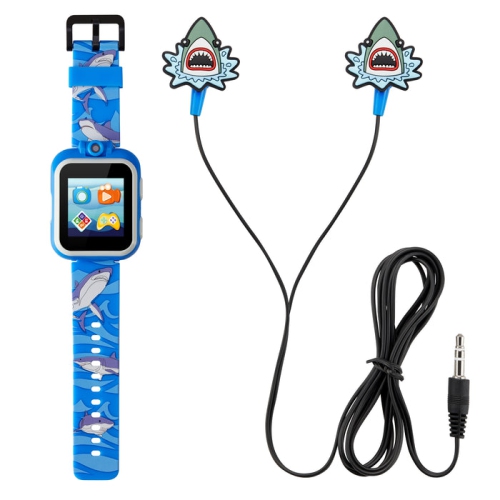 Your price for this item is $38.98
 -
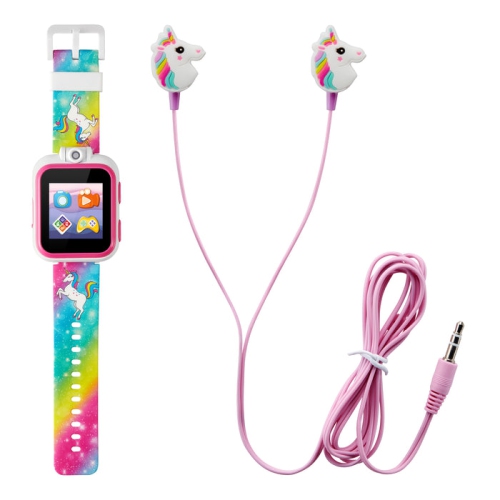 Your price for this item is $19.99
 -
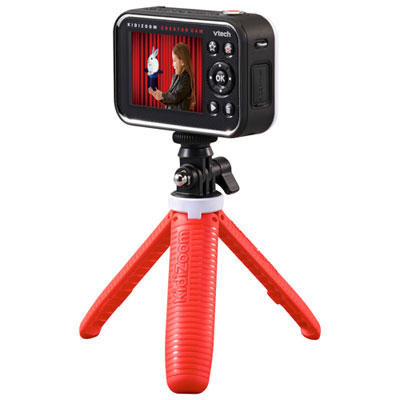 Your price for this item is $89.99
 -
![OSMO - Genius Starter Kit - for Ipad [Electronics]](https://multimedia.bbycastatic.ca/multimedia/products/500x500/188/18884/18884576.jpeg) Your price for this item is $199.99
Your price for this item is $199.99 -
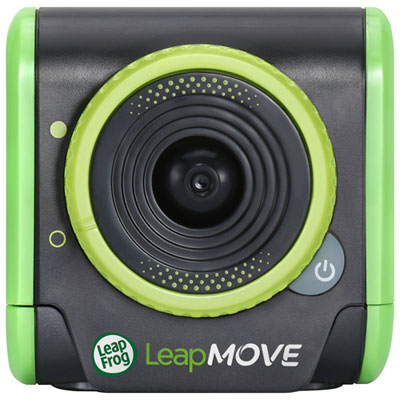 Your price for this item is $79.99
 -
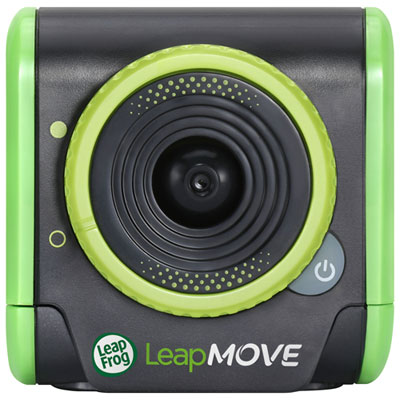 Your price for this item is $79.99
 -
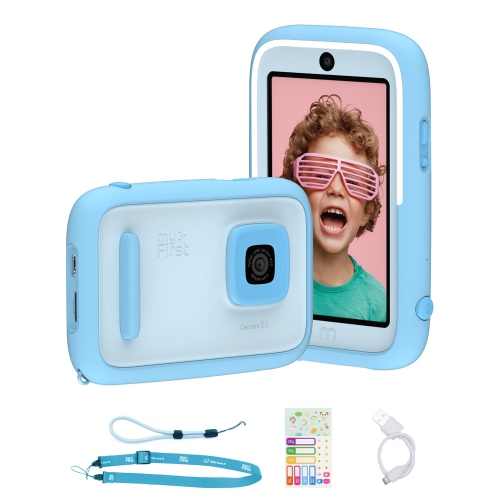 Your price for this item is $149
 -
 Your price for this item is $67.98
Discover more categories related to Education Technology Tools
Top Collections:
Pokemon Centers, Kindle Devices, Best Budget Office Chairs, Apple iPhones 16, Best Laptops for Writers, iPhone 15 Apple, Canon G7X Cameras, Refurbished Apple Laptops, Alarm Clock, Motorola Razr Phones
Some products may be subject to Environmental Handling Fees
(EHF) depending on your province.
Learn more about EHFs.