65-Inch OLED TVs

FAQ
OLED stands for organic light-emitting diode. Each pixel produces its own light and can switch off individually, so an OLED TV does not require the separate backlight used in an LCD TV.
OLED TVs can support HDR formats such as HDR10, Dolby Vision and HDR10+, depending on the model. To watch a particular format, the TV, content and any connected playback device must support it.
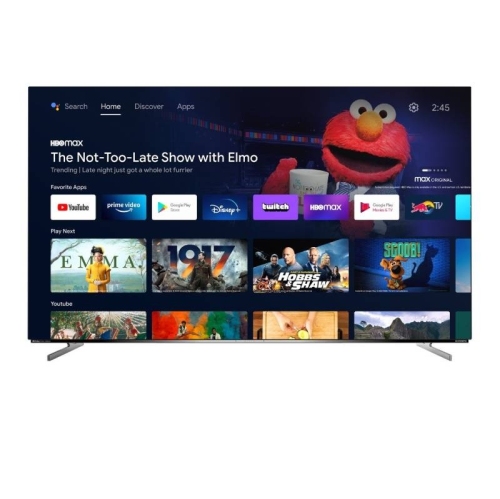
Most current OLED TVs include a smart TV platform with streaming apps and an internet connection through Wi-Fi or Ethernet. Supported apps vary by platform and region, and some services require an account or subscription.
Many OLED TVs connect to a soundbar through an HDMI port labelled ARC or eARC. Some also offer an optical audio output. Check the connections and audio format support on both devices to choose a compatible setup.
An OLED TV with a compatible built-in tuner can receive local over-the-air broadcasts when connected to a suitable antenna. Check the TV’s tuner specifications and local broadcast coverage, then run a channel scan through the TV’s settings.
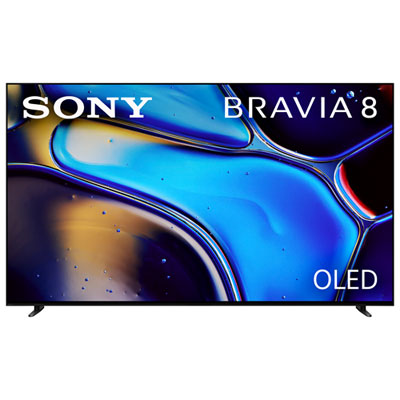
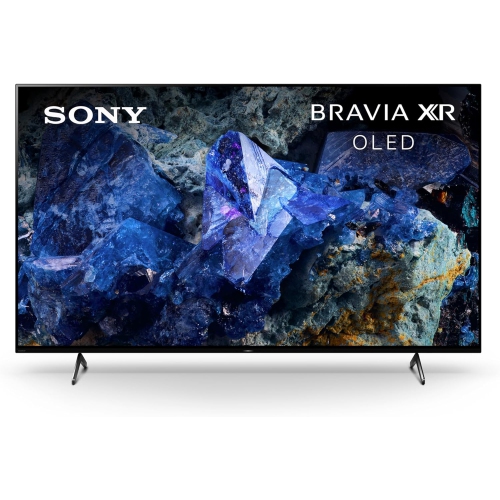
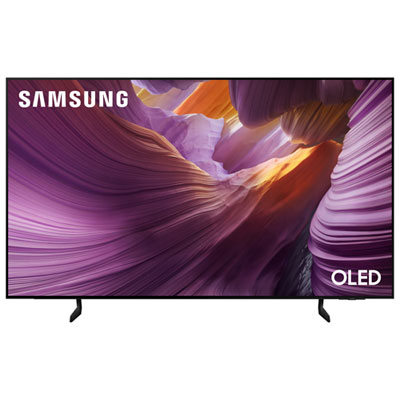
Top selling and popular products
Discover more categories related to 65-Inch OLED TVs
Some products may be subject to Environmental Handling Fees (EHF) depending on your province. Learn more about EHFs.