Best 70-inch OLED TVs

Bring cinematic detail home with our guide to the best 70-inch OLED TVs, ranked by user review ratings. OLED technology delivers deep blacks, rich contrast, and wide viewing angles for immersive movies, sports, and gaming. Compare features, smart TV capabilities, and feedback from other shoppers to find the right fit for your space and budget.

Read More

What to look for in 70-inch OLED TVs

1. Screen Size and Panel Type

Decide whether a 65-inch or 77-inch OLED TV will fit your space, and check the TV’s full dimensions before buying. If you need exactly 70 inches, you may need to consider LED or QLED models, which use different display technology.

2. Picture Quality

OLED TVs offer deep blacks and precise contrast thanks to individually controlled pixels. Compare HDR brightness, colour accuracy and reflection handling, especially if you watch in a bright room.

3. Gaming Features and Connections

For compatible consoles or PCs, look for a native refresh rate of at least 120Hz, HDMI inputs that support 4K at 120Hz, and variable refresh rate support. Check that there are enough HDMI ports for your devices, including an eARC connection if you plan to use a compatible soundbar.

4. Smart Features and Everyday Use

Check that the TV supports your preferred streaming apps and offers convenient Wi-Fi connectivity. If you frequently display static content such as news tickers or desktop toolbars, review the model’s screen-care features and warranty terms for burn-in.
Citrus catapult arrow
  1. 1

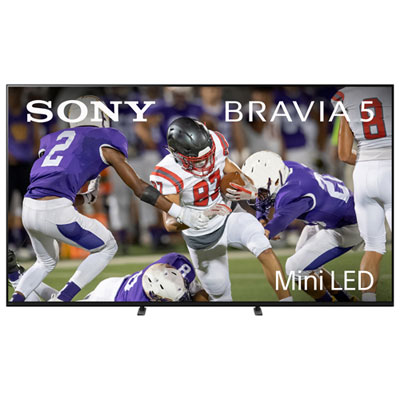
    Sony BRAVIA 5 75" XR50 Series 4K UHD HDR Mini-LED 120Hz Google TV Smart TV (K75XR50) - 2025 - Great for Movies & Gaming

    About this product

    A mini-LED smart TV with 4K UHD resolution, 120Hz refresh rate, and AI-powered picture enhancement.

    What customers like

    • Intuitive Google TV interface
    • Flawless connectivity
    • Stunning picture quality
    • Sleek and elegant design
    • Immersive and powerful sound
    (273)
    $1,999.99
    SAVE $800
    Your price for this item is $1999.99
  2. 2

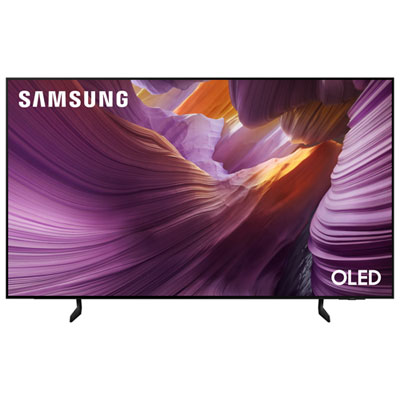
    Samsung 77" S85F Series 4K UHD HDR OLED 120Hz Tizen Smart TV (QN77S85FAEXZC) - 2025 - Great for Gaming & Streaming

    About this product

    A 77" OLED HDR smart TV offering vibrant 4K visuals, seamless connectivity, and exceptional colour accuracy.

    What customers like

    • Slim design
    • Easy-to-use operating system
    • Fantastic picture quality
    • Good bundle price with soundbar
    (252)
    $2,699.95 Your price for this item is $2699.95
  3. 3

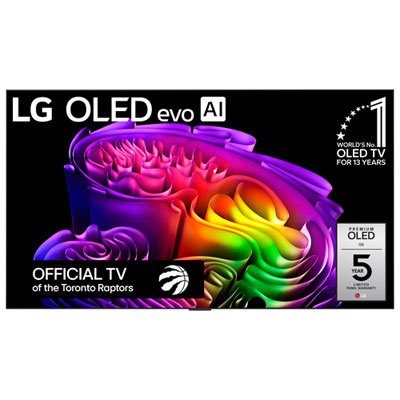
    LG 77" G6 4K UHD HDR Dolby Vision OLED 120Hz Wall Mount Included webOS Smart TV (OLED77G6WUA.ACC) - 2026 - Great for Movies & Gaming

    About this product

    An ultra-large OLED TV delivering luminous 4K visuals with perfect blacks, vibrant colours, and AI personalization.

    What customers like

    • Smooth gaming experience with low input lag, fast response, and advanced features
    • Outstanding picture quality with vibrant colours and deep blacks
    • Easy setup and user-friendly software with seamless installation
    • Sleek, modern design with ultra-thin build and minimal bezels
    • Excellent sound performance with clear audio and Dolby Atmos support
    (1,150)
    $5,999.99 Your price for this item is $5999.99
  4. 4

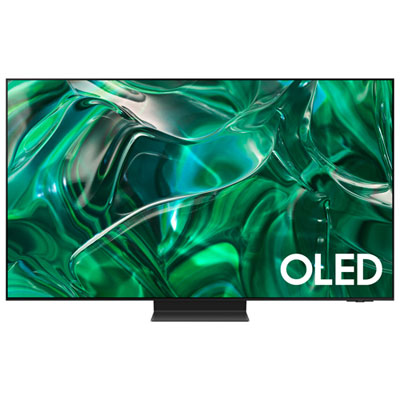
    Samsung 77" 4K UHD HDR QD-OLED Tizen Smart TV(QN77S95CAFXZC) - 2023 - Titan Black

    About this product

    A 77" Samsung smart TV with 4K Ultra HD resolution, dynamic contrast, vivid colouring, and immersive audio.

    What customers like

    • Impressive picture quality and color accuracy
    • Low input lag and gaming features
    • Stylish and sleek design
    • Immersive viewing experience with vivid colors and deep blacks
    • Easy setup and intuitive OS
    (885)
    $3,299.97 Your price for this item is $3299.97

The difference between 65-inch and 77-inch OLED TVs

The best 70-inch OLED TVs for a living room or home theatre depend on how closely the screen needs to match that measurement. OLED televisions typically use 65-inch and 77-inch screen formats rather than an exact 70-inch diagonal, so a search in this size range usually involves choosing between those neighbouring dimensions. That distinction matters when a television has to fit between bookshelves, sit on an existing console, or leave space beside a fireplace. Screen size is measured diagonally, while the television’s overall width, height, stand placement, and depth determine its physical fit. A 77-inch screen creates a larger picture than a 70-inch screen, so checking the full dimensions is more useful than treating the two as interchangeable. Across these sizes, OLED’s defining feature is its self-lit pixels: each pixel produces its own light and can switch off independently. This creates deep blacks and precise contrast without the backlight glow that can appear around bright objects on some LCD screens. In a dimly lit room, a star field can retain its dark backdrop while individual stars remain sharply defined, and subtitles can look crisp against a night scene. OLED also generally maintains colour and contrast well from an angle, making it a good fit for households with seats spread across a sectional rather than lined up directly in front of the screen. A large 4K OLED display suits film enthusiasts, sports viewers, and gamers who want fine detail and a picture that feels substantial from the sofa. The strongest choice is not necessarily the largest screen that fits the wall; it is one that balances viewing distance, room lighting, picture performance, and everyday habits. For someone replacing a smaller television, marking the proposed screen outline on the wall with removable tape can make the difference between 65 and 77 inches much easier to picture before deciding on the right scale.

Picture quality on a large OLED television depends on more than resolution. Contrast gives scenes depth, while brightness, colour accuracy, reflection handling, and video processing affect how convincing that picture looks throughout the day. High dynamic range, or HDR, can reveal bright highlights and subtle tonal differences when both the television and the content support it. Sunlight glinting off water, the texture of a dark coat, and the warm glow of a lamp in a shadowy room all benefit from a display that handles bright and dark detail together. Supported HDR formats vary, and a television’s ability to reproduce those highlights matters as much as the format names on its specification sheet. Room lighting deserves equal attention. OLED can look especially striking during an evening film, but a window reflected directly in the screen may distract from the picture during daytime viewing. Screen coatings and brightness capabilities differ, so positioning the television away from direct reflections and using adjustable blinds can make a meaningful difference. For a comparison with a different display technology, top 70-inch QLED TVs offer another category to consider, particularly when an exact 70-inch size or a bright-room setup is a priority. QLED televisions use an LCD panel with a backlight and a quantum-dot layer, rather than OLED’s individually illuminated pixels. For sport, motion processing can help keep a fast-moving puck or a sweeping camera shot easier to follow, although heavy smoothing can give films an unnatural look. OLED’s fast pixel response provides clear transitions, but it can also make the stepping of low-frame-rate film content more noticeable during slow pans. Adjustable motion settings allow different preferences for live games and cinema. Good upscaling is useful, too: broadcast channels and older programmes do not always arrive in 4K, and a larger screen makes compression, softness, and rough edges easier to see.

Everyday suitability also comes down to connections, sound, installation, and care. For console or PC gaming, a native 120 Hz panel, low input lag, and compatible HDMI inputs can support responsive play and smoother motion with suitable games and hardware. Variable refresh rate can reduce screen tearing, while an automatic low-latency mode can switch the television into its gaming settings without repeated menu adjustments. These features differ between televisions and sometimes between HDMI ports, so the number of compatible inputs matters when connecting more than one gaming system. An HDMI connection with eARC can carry supported audio formats to a compatible soundbar or receiver, but it may also occupy a port needed for another device. Planning those connections helps keep the setup straightforward. Thin television cabinets leave limited room for larger speakers, making a separate audio system useful for clearer dialogue and a fuller sense of space during films. Leave enough clearance that a soundbar will not cover the lower edge of the picture or interfere with the television’s remote sensor. Installation requires similar attention to detail. Large OLED panels can be very thin, with metal, glass, and plastic used in different parts of the construction; slimness does not mean the screen can safely withstand twisting or pressure. Follow the manufacturer’s lifting instructions, use enough people to handle the television safely, and choose a wall mount rated for its weight and mounting pattern. On a console, confirm both the furniture’s weight capacity and the space required by the feet or centre stand. For cleaning, follow the supplied care instructions and use a clean, soft microfibre cloth without pressing hard or spraying liquid directly onto the display. Long-term care also includes sensible viewing habits. Repeated, prolonged exposure to static logos, news tickers, or desktop elements can contribute to permanent image retention on OLED screens. Built-in panel-care features help manage this risk but do not eliminate it. Keeping those features enabled and varying content suits the mixed viewing typical of many households. For shared movie nights during the cooler months, weekend sport, or immersive gaming after work, a well-fitted OLED television brings its greatest value through a comfortable picture, dependable connections, and a setup that works naturally with the room.
Read More

FAQ

Some products may be subject to Environmental Handling Fees (EHF) depending on your province. Learn more about EHFs.