Best HDMI Cables

Connect your TV, gaming console, or home theatre system with confidence using our selection of the best HDMI cables, ranked by customer review ratings. Whether you’re setting up for movie nights or fast-paced gaming, explore options that support your devices’ resolution, refresh rate, and cable length needs.

Read More

What to look for in HDMI cables

1. Resolution and Refresh Rate

Choose a cable that supports your intended resolution and refresh rate, such as 4K at 60 Hz or 4K at 120 Hz. Your source device and display must also support those settings.

2. Certified Performance

Look for Premium High Speed certification for bandwidth up to 18 Gbps or Ultra High Speed certification for bandwidth up to 48 Gbps. These certifications help you identify cables tested to meet defined performance requirements.

3. Cable Length and Installation

Measure the distance between your devices and allow a little extra length for routing without sharp bends. For longer runs, consider an active or optical HDMI cable, check whether it is directional, and choose an appropriately rated cable for any in-wall installation.

4. Connections and Audio Support

Check whether your devices need standard HDMI, Mini HDMI, or Micro HDMI connectors. If you plan to use enhanced Audio Return Channel (eARC) between a TV and soundbar or receiver, choose a cable that explicitly supports eARC and confirm both devices support it.
Citrus catapult arrow
  1. 1

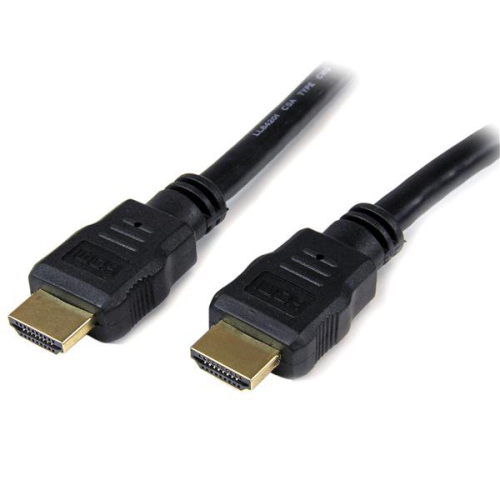
    STARTECH High Speed HDMI Cable - Ultra HD 4K X 2K HDMI Cable - HDMI M/m

    About this product

    A 5-foot high-speed HDMI cable with gold-plated contacts for a reliable, clutter-free connection.

    (1)
    $22.99 Your price for this item is $22.99
  2. 2

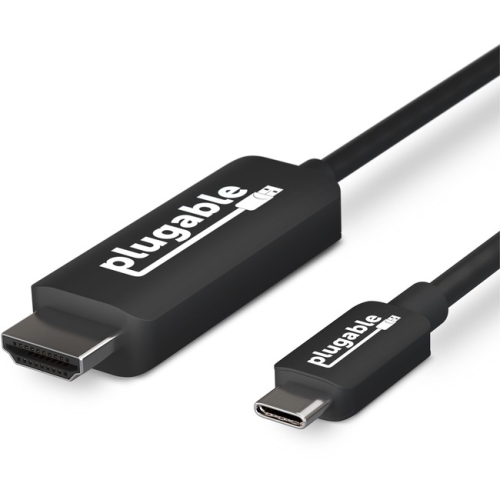
    PLUGABLE USBc-HDMI-Cable USB 3.1 Type-C to HDMI 2.0 Cable (USBc-HDMI-Cable)

    About this product

    A versatile USB 3.1 Type-C to HDMI 2.0 cable for connecting devices to HDMI displays.

    (6)
    $85.62
    SAVE $25
    Your price for this item is $85.62
  3. 3

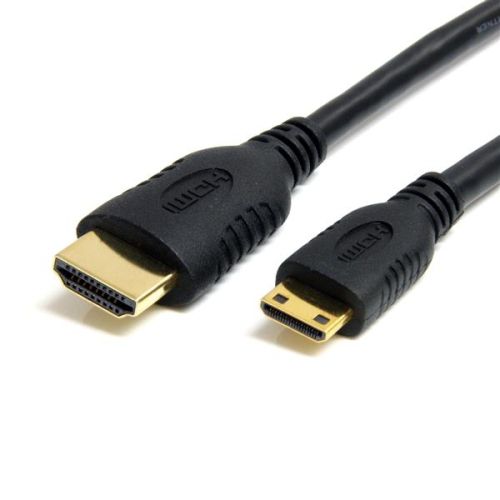
    STARTECH 6 Ft High Speed HDMI® Cable With Ethernet- HDMI to HDMI Mini

    About this product

    A high-speed HDMI to HDMI Mini cable with Ethernet and gold-plated conductors for optimal resolution.

    (1)
    $22.99 Your price for this item is $22.99
  4. 4

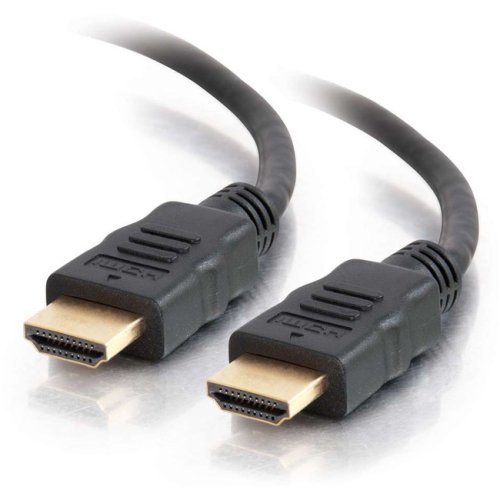
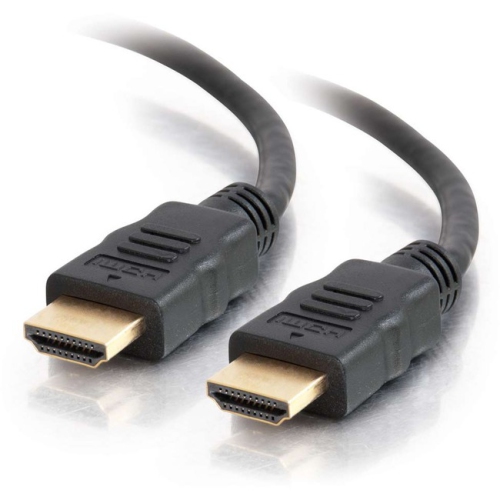
    C2G 12Ft High Speed HDMI Cable With Ethernet

    About this product

    A 12-foot high-speed HDMI cable with Ethernet, supporting 4K Ultra HD and gold-plated connectors.

    (0)
    $28.99 Your price for this item is $28.99
  5. 5

    C2G 4Ft High Speed HDMI Cable With Ethernet

    About this product

    A high-speed 4ft HDMI cable with Ethernet, supporting 4K Ultra HD and gold-plated connectors.

    (0)
    $21.99 Your price for this item is $21.99
  6. 6

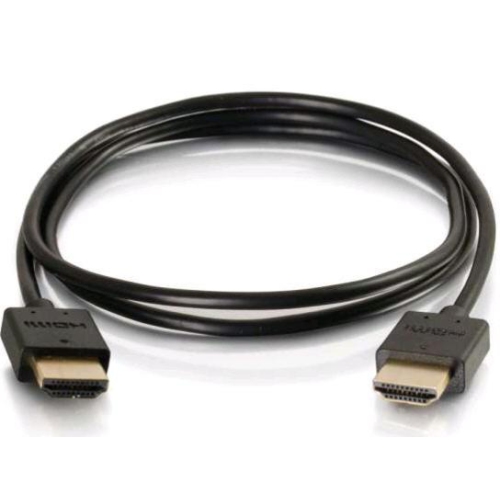
    ORTRONICS C2G Flexible High Speed HDMI Cable 1Ft (41361)

    About this product

    A flexible 1-foot HDMI cable with low-profile connectors, supporting 4K resolution at 60Hz.

    (0)
    $40.68 Your price for this item is $40.68
  7. 7

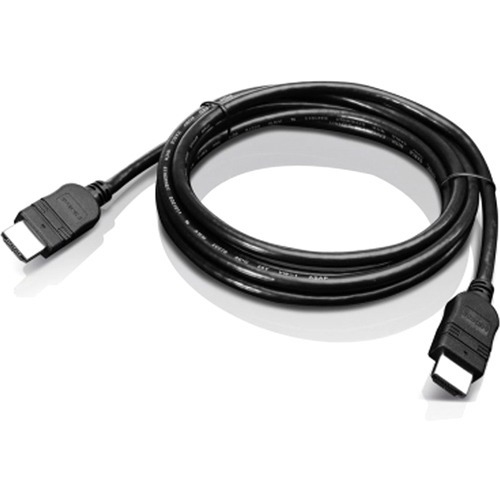
    LENOVO HDMI Cable - HDMI - Male - HDMI - Male - 2 M

    About this product

    A 6.56 ft long Lenovo HDMI cable with male connectors for audio/video devices.

    What customers like

    • Convenient and functional design
    • Clear and sharp audio/video quality
    • Durable and sturdy materials
    • Effective and reliable connectivity
    • Competitive and reasonable price
    (60)
    $29.99 Your price for this item is $29.99
  8. 8

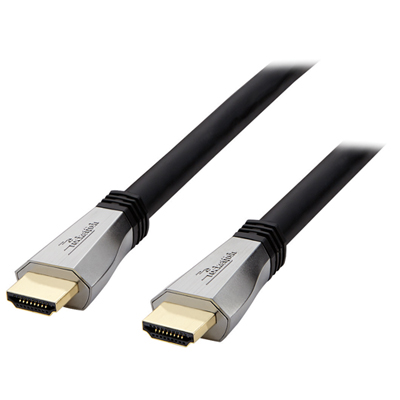
    Rocketfish 7.3m (24 ft.) 4K Ultra HD HDMI Cable - Only at Best Buy

    About this product

    A silver and black HDMI cable delivering 4K Ultra HD signals for crisp, blur-free viewing.

    What customers like

    • Good value for the price
    • Delivers crisp 4K picture quality
    • Durable and sturdy construction
    • Long length solves distance issues
    • Reliable performance for in-wall setups
    (1,269)
    $119.99 Your price for this item is $119.99
  9. 9

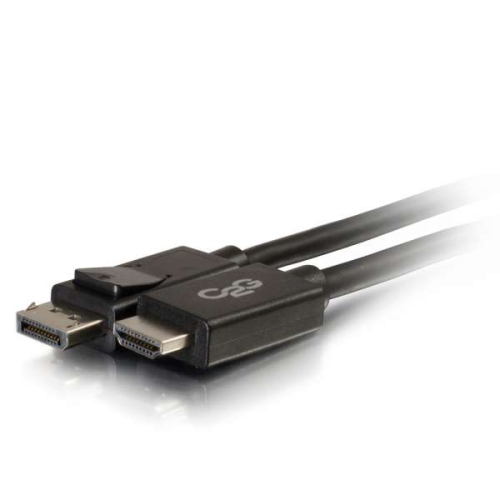
    CABLES TO GO C2G 1M (3 Ft.) Displayport/hdmi Adapter Cable - - (54325) In Black

    About this product

    A black adapter cable that connects DisplayPort laptops to HDMI displays, supporting digital audio/video up to 1080p.

    (0)
    $39.99
    SAVE $7
    Your price for this item is $39.99
  10. 10

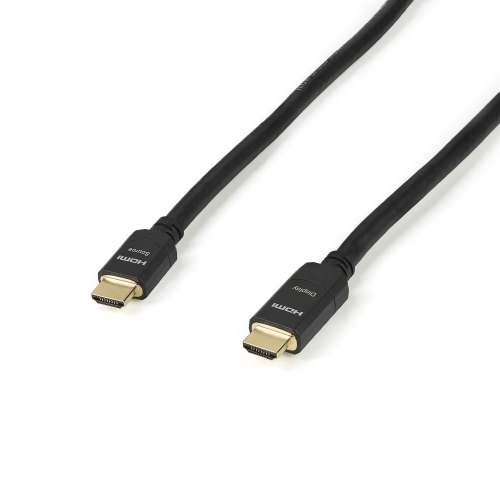
    STARTECH 98Ft (30M) Active HDMI Cable (HDmm30Ma)

    About this product

    An active HDMI cable designed for high-speed, in-wall connections over long distances.

    (1)
    $172.99
    SAVE $30
    Your price for this item is $172.99

Why HDMI cable performance depends on your setup

The best HDMI cables are the ones that match the connected equipment, support the required video and audio formats, and fit comfortably into the space where they will be used. An HDMI cable carries digital picture and sound through a single connection, making it a familiar part of living room entertainment systems, desktop workstations, gaming setups, and meeting rooms. For a television connected to a streaming device, reliable transmission and a manageable length may be the main priorities. A gaming monitor or large-screen television running at a high refresh rate places greater demands on bandwidth. Certified Premium High Speed HDMI cables support bandwidth up to 18Gbps and many common 4K configurations at 60Hz, while certified Ultra High Speed HDMI cables support up to 48Gbps for demanding formats such as 4K at 120Hz and 8K at 60Hz, depending on the connected equipment and signal settings. Resolution alone does not describe the entire signal: refresh rate, colour depth, and HDR format also affect bandwidth requirements. Cable category and certification are therefore more useful indicators than a resolution claim printed without further detail. Official certification labels with scannable verification codes help distinguish tested cable performance from broad marketing language. A cable does not add capabilities that a television, monitor, receiver, or source device lacks, and every connection in the signal path needs to support the intended format. For example, a console connected through a receiver may be limited by the receiver’s HDMI ports even when the cable and television support higher performance. When two cables reliably carry the same digital signal, a more elaborate exterior does not make the image sharper or the soundtrack richer. The practical difference lies in supported bandwidth, construction, flexibility, and dependable operation. That makes an HDMI cable a small but important part of a system, whether its everyday job is displaying a presentation, carrying a film’s surround soundtrack, or keeping fast-moving gameplay clear on a compatible screen.

Length, connector size, and jacket construction shape how comfortably an HDMI cable fits into a room. A short connection between neighbouring components can keep an entertainment unit tidy, while a television mounted above a cabinet needs enough length to follow the actual route behind furniture and reach its ports without tension. Allowing a little slack makes it easier to move equipment for cleaning or access, but a large coil of unused cable can crowd a narrow shelf. The connector housing matters as much as the cable itself when a screen sits close to a wall. Bulky plugs can press against the mounting surface or block adjacent ports, and a right-angle connector only helps when its orientation matches the equipment. Standard HDMI connectors are common on televisions, receivers, and monitors; Mini HDMI and Micro HDMI connections appear on some smaller devices and cameras. A cable’s connector types need to match both ends of the connection, rather than simply looking similar in a photograph. Inside many HDMI cables, copper conductors carry the signal, with shielding designed to reduce interference. Flexible outer jackets are convenient for tight spaces, while braided coverings can provide useful resistance to everyday abrasion. Neither braid nor thickness alone proves that a cable supports a particular bandwidth. Gold-plated contacts, including those found on Gold HDMI Cables, resist corrosion at the connection points, but the plating does not increase resolution or improve a correctly transmitted digital picture. Strain relief where the cable meets the plug helps protect an area that often flexes during installation. For longer routes, active copper or optical HDMI cables may offer suitable alternatives to passive cables, provided their specifications support the required formats over the stated distance. Many active designs are directional, with designated source and display ends, and some require additional power. Concealed installations also need cables rated for the intended location and installed in accordance with applicable local requirements; an ordinary outer jacket should not be assumed suitable for use inside a wall.

Different uses bring different details into focus. For console and computer gaming, a cable that supports the required resolution and refresh rate helps compatible equipment deliver its intended output, including variable refresh rate where supported throughout the connection. For film and television viewing, dependable HDR transmission and support for the chosen audio arrangement matter more than decorative finishes. A soundbar connected through an Audio Return Channel or Enhanced Audio Return Channel port can receive sound from the television without a separate audio lead, but the television, soundbar, cable, and selected ports must support the intended connection. Enhanced Audio Return Channel, commonly called eARC, can carry higher-bandwidth audio formats on compatible equipment; the cable alone does not enable those formats. At a desk, HDMI cables can link a compatible laptop, desktop computer, or docking station to an external display for spreadsheets, video calls, and creative work. Text clarity and smooth movement depend on the display’s resolution and refresh rate as well as the output capabilities of the computer or dock. In a shared workspace, a flexible cable with accessible connectors is easier to handle than a stiff lead pulled taut across the desk. An HDMI cable can also be a practical companion gift for someone setting up a new screen, moving into a home, or building a gaming space, particularly when the port types and required length are known. Day-to-day care is straightforward: disconnect by holding the plug rather than pulling the cable, avoid sharp bends near the connector, and keep the lead away from chair wheels, pinching cabinet doors, and hot equipment vents. Loose loops are gentler than tight folds when a cable is stored, and reusable cable ties can keep multiple connections orderly without crushing their jackets. If a connection develops intermittent black screens, flickering, or audio dropouts, possible causes include a loose plug, excessive bending, an unsuitable cable length, or a mismatch between signal requirements and supported bandwidth. Well-matched specifications and sensible routing make HDMI cables useful, unobtrusive connections that can stay in place through everyday viewing, work, and play.
Read More

FAQ

Some products may be subject to Environmental Handling Fees (EHF) depending on your province. Learn more about EHFs.