Cables for Apple TV
Cables for Apple TV are essential for connecting your device to your television and enhancing your home entertainment setup. Whether you’re streaming your favorite shows, enjoying movies, or gaming, having the right cables ensures a seamless and high-quality experience. Explore a variety of options designed to deliver reliable connections and compatibility with your Apple TV. Find the perfect solution to suit your needs and get the most out of your viewing experience.
Sort


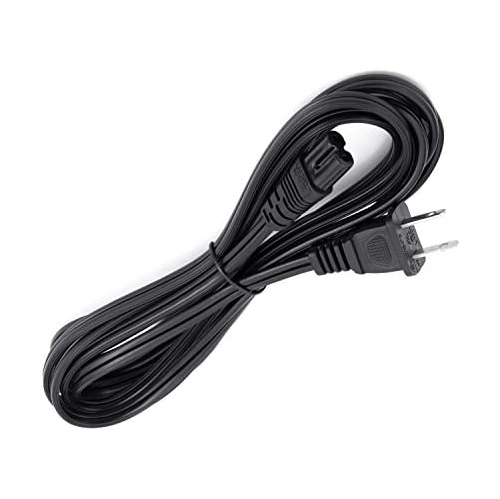
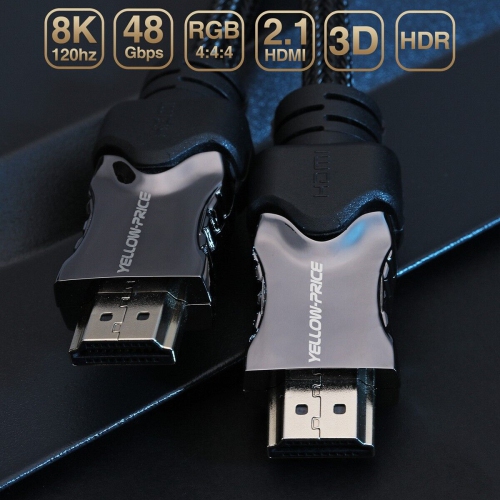
Cable compatibility goes beyond matching the plug
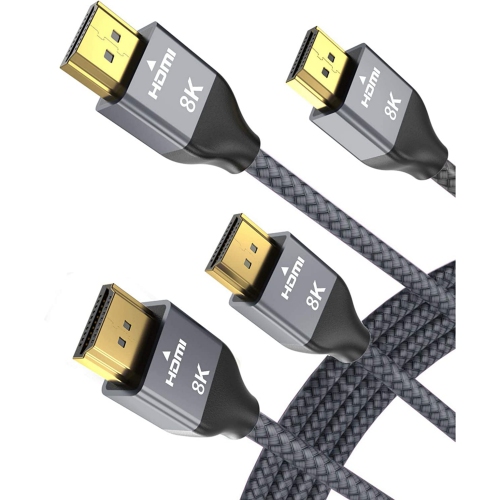
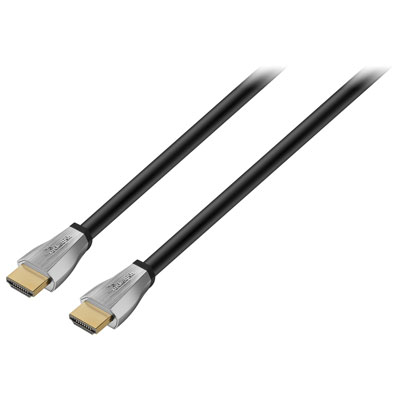
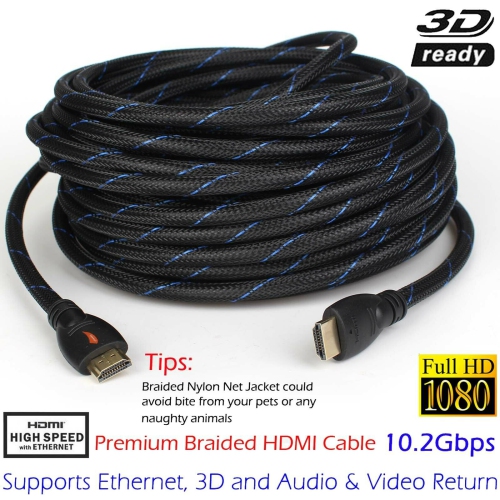
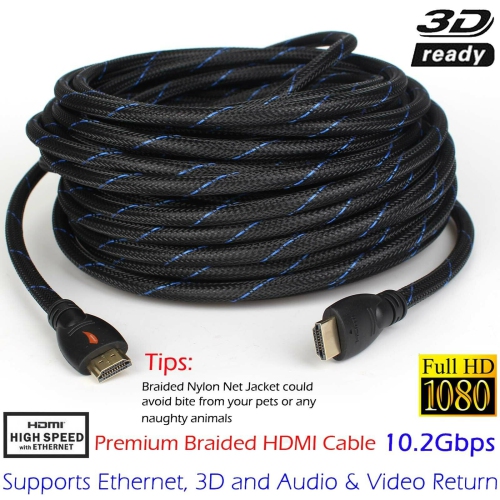
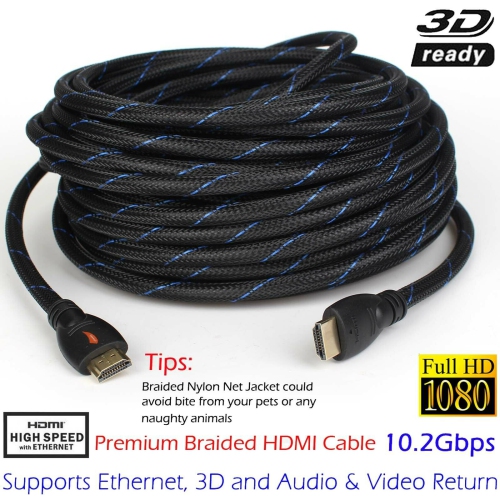
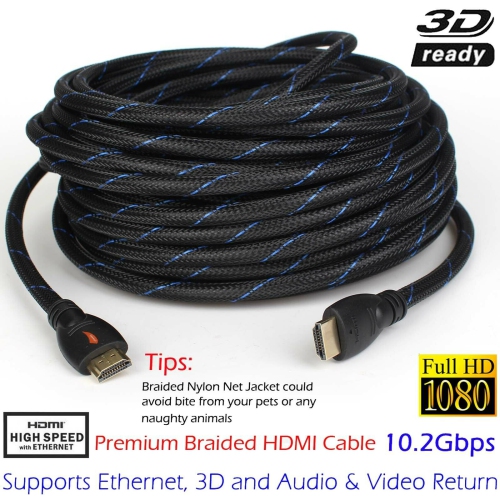
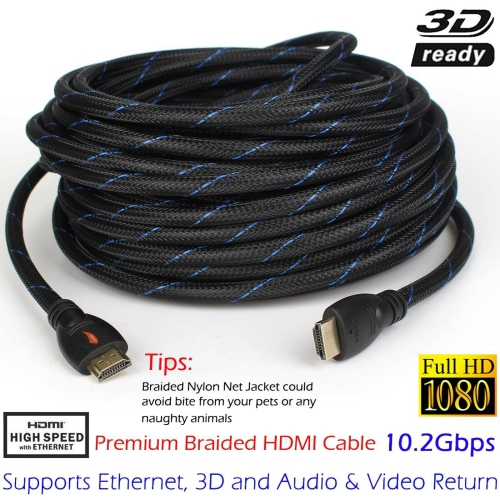
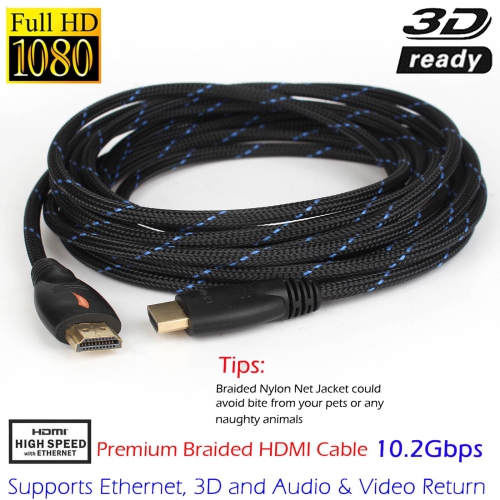
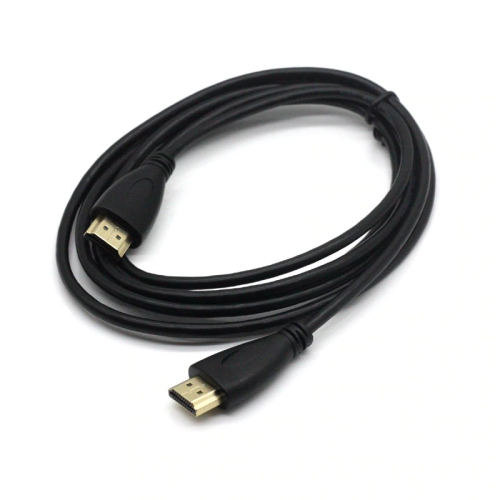
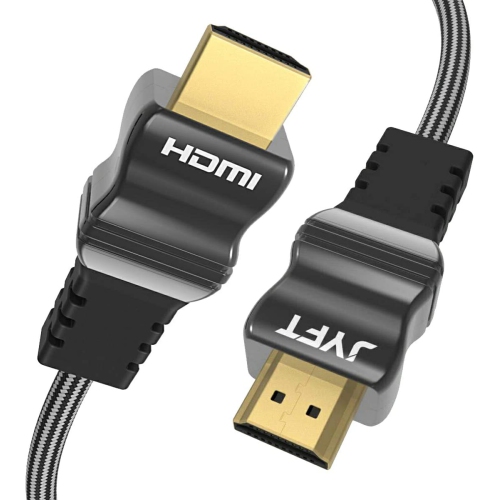
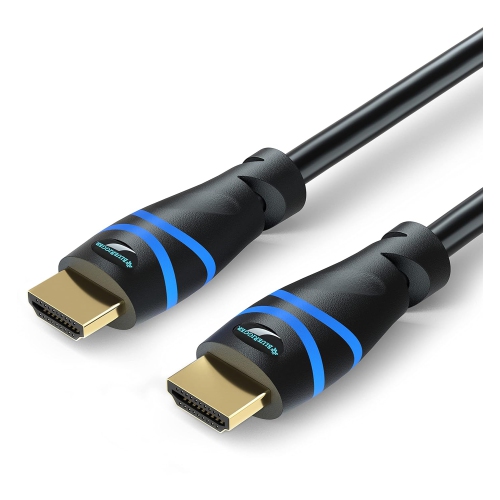
A typical Apple TV setup uses two main cables: an HDMI cable to send picture and sound to a television, and a compatible power cord to connect the streaming device to an electrical outlet. An Ethernet cable is optional for models with an Ethernet port, while Wi-Fi provides a wireless connection to the home network. These cables serve different purposes, so a replacement needs to match both the connection and the intended use. HDMI carries digital video and audio through a single cable, keeping the connection between the streaming device and the screen relatively simple. The right HDMI specification depends on the resolution, refresh rate and audio features supported by the complete setup. A television used for everyday HD viewing has different bandwidth requirements from a system playing 4K video with high dynamic range. Cable specifications matter more than a thick jacket or an elaborate connector finish, and a cable cannot add picture or sound features that the connected equipment does not support. Connector fit matters, too: a standard HDMI plug must seat securely without being forced against the back of a cabinet or bent sharply behind a wall-mounted television. In a compact media unit, a flexible cable can be easier to position than a heavily reinforced one. A longer cable may suit a streaming device placed on a side shelf, but additional length also means more cable to manage. Where an AV receiver sits between the streaming device and the television, each HDMI connection along that path needs to support the desired signal. Soundbars and televisions can also have particular requirements for their HDMI audio-return connections. Matching the cable to the actual equipment helps keep the focus on clear dialogue, detailed images and dependable playback rather than on features that the setup cannot use.
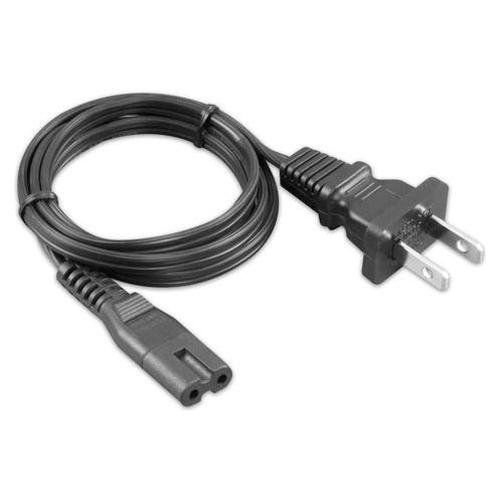
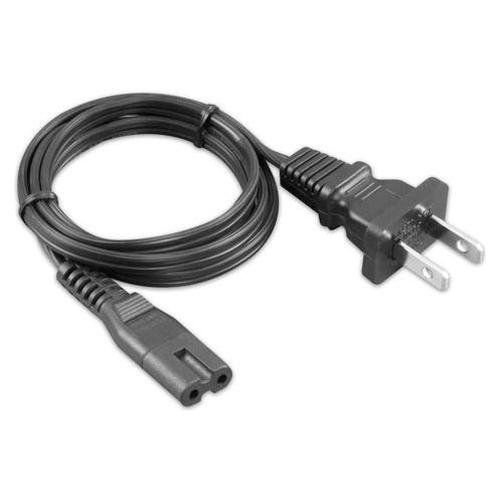
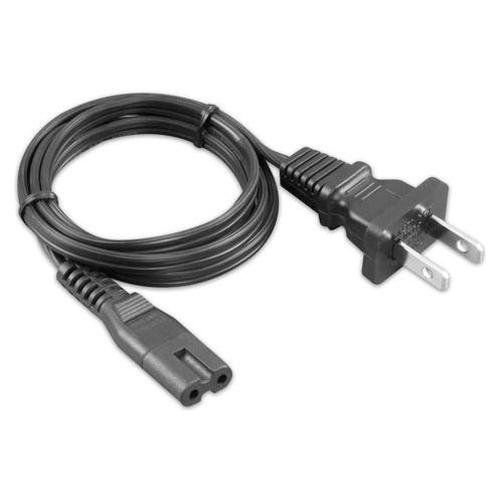
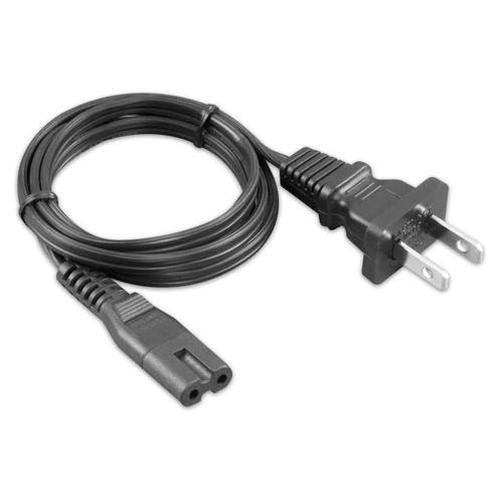
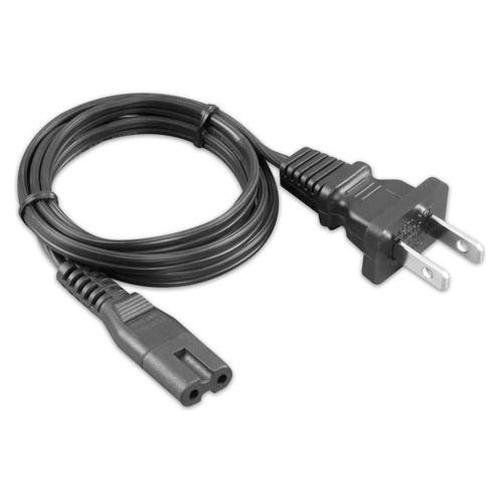
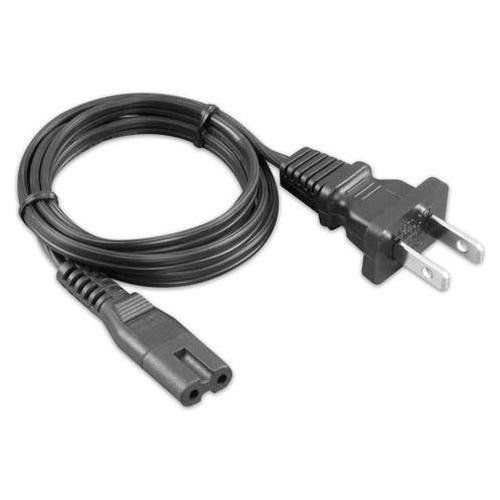
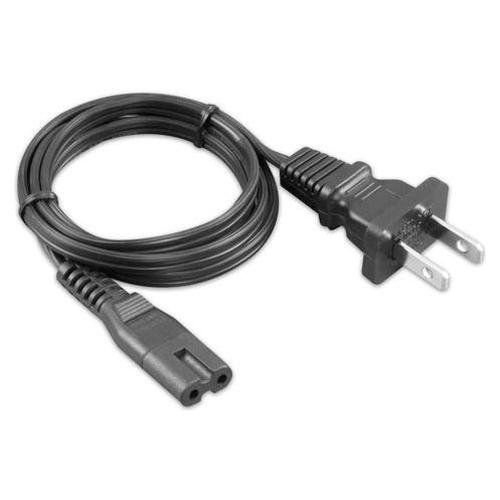
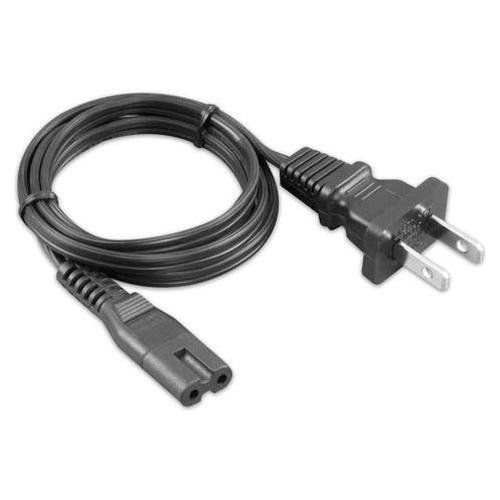
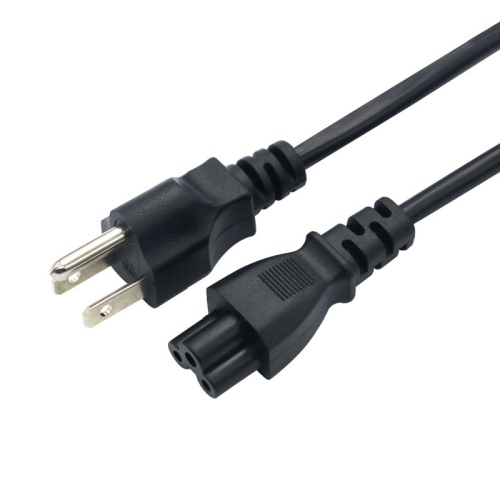
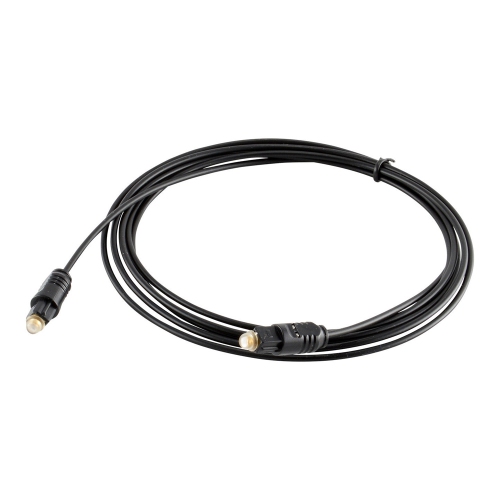
Power, network and separate audio cables each have their own compatibility considerations. A replacement power cord needs the correct device-end connector, an appropriate electrical rating and a plug suitable for use in Canada. A similar-looking cord is not necessarily interchangeable, and a USB charging cable is not a substitute for the streaming device’s mains power connection. Cord length can make a practical difference when an outlet is beside the media unit rather than directly behind it; enough reach allows the device to sit securely without leaving the cord stretched across an open space. For network access, an Ethernet cable connects a compatible model to a router or network outlet. A wired connection can reduce reliance on Wi-Fi in a busy household, although streaming performance still depends on the internet service, router and wider home network. Standard network cable categories offer different capabilities, but paying attention to the supported connection speed and required length is more useful than choosing the highest specification without a clear need. Separate audio connections depend particularly on the age and layout of the equipment. Some older Apple TV models include an optical audio output, while newer models send audio through HDMI. The options grouped under Apple TV Optical Audio Cables are relevant only where the intended connection has compatible optical ports, whether on an older streaming device or elsewhere in the sound system. An optical cable cannot plug directly into an HDMI port, and newer setups may instead use an optical output on the television or a compatible audio extraction device. Optical connections carry sound rather than video and do not support all the audio formats available through HDMI. This distinction matters when connecting an older receiver or soundbar: the cable must match the available ports, and the resulting sound format depends on the capabilities of every device in the connection.
The physical construction of cables becomes especially noticeable in everyday spaces, from a shallow television stand to a shared family room with several connected devices. Flexible jackets are easier to arrange around shelves, while braided coverings can offer extra protection against surface abrasion. Neither finish alone guarantees better signal quality, and durability also depends on sound connector construction, suitable strain relief and sensible handling. A bulky plug may be awkward beside closely spaced ports, while a stiff cable can place unwanted pressure on a small streaming device. Low-profile or angled connectors can help in tight spaces when their orientation matches the ports, but they still need enough clearance to fit without strain. Length is best considered along the actual cable route, including the distance around cabinet edges and between shelves, rather than only the straight-line gap between devices. A little slack makes it easier to move equipment for cleaning or reach a port without pulling on the connection. Excess cable can be gathered loosely with reusable cable ties, leaving ventilation openings clear and avoiding tight bends. Optical cables deserve particular care because their internal fibres can be damaged by sharp bending or crushing; their connector ends also need to stay clean. For all cable types, holding the plug rather than tugging the lead helps protect the joint where the connector meets the jacket. A soft, dry cloth is generally enough for cleaning the outer surface, with equipment unplugged before cables are disconnected or rearranged. Visible damage, loose connectors or a frayed power cord are reasons to stop using the affected cable. For HDMI or network cables routed inside a wall, an appropriate in-wall rating is a separate consideration from bandwidth or appearance. Whether the setup serves a living-room television, a bedroom screen or a shared home theatre, well-matched cables provide the reach, fit and connection type needed without unnecessary adapters or tangled loops behind the furniture.
Top selling and popular products
-
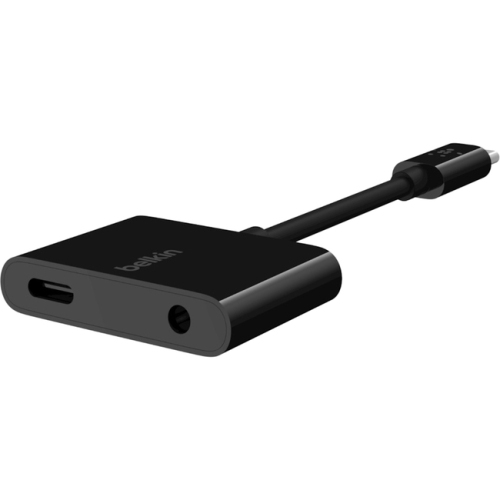 Your price for this item is $125.68
-
 Your price for this item is $111.68
-
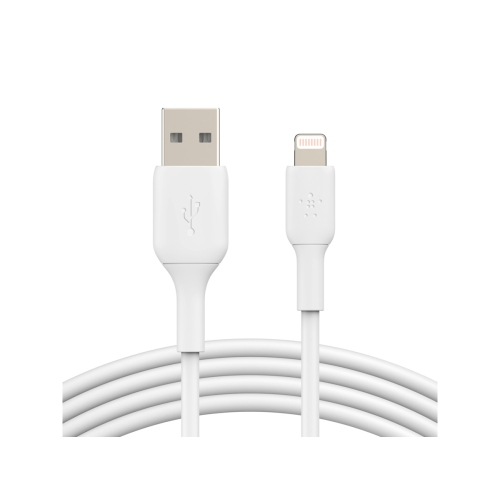 Your price for this item is $33.99
-
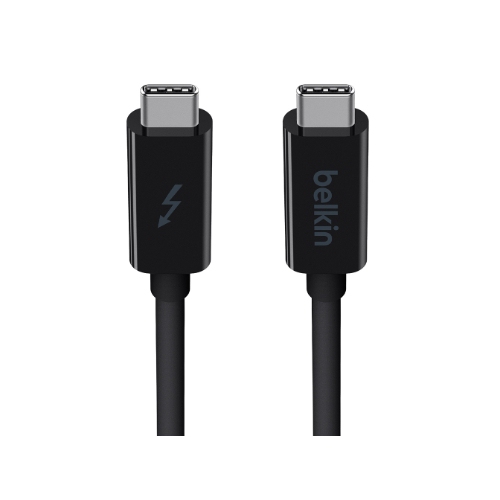 Your price for this item is $45.99
-
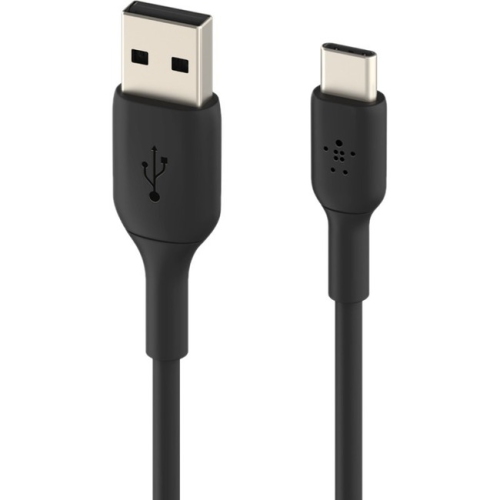 Your price for this item is $30.99
-
 Your price for this item is $105.68
-
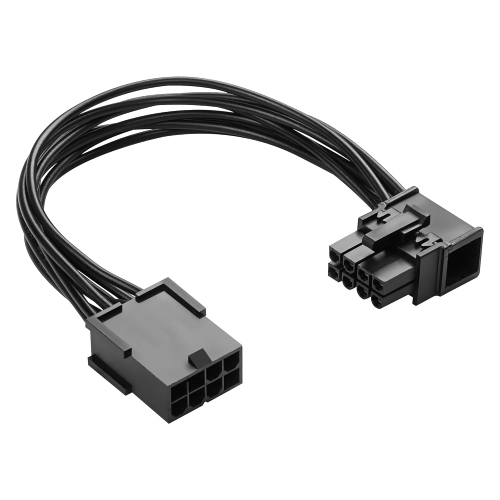 Your price for this item is $30
-
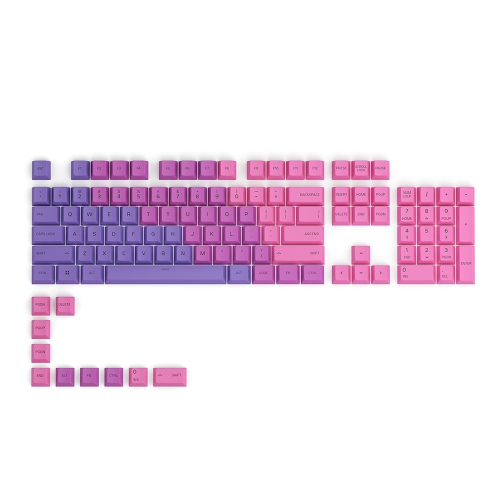 Your price for this item is $86.68
Discover more categories related to Cables for Apple TV
Top Collections:
Best Black Friday Deals This Year, Best Black Friday Deals On Electronics, Kindle Devices, Pokemon Centers, Best Black Friday Deals On Apple Products, Best Cameras for Sports Photography, Dyson Airwrap, Pokémon 30th Celebration Cards, Apple iPhone 17 Pro, Canon G7X Cameras
Some products may be subject to Environmental Handling Fees
(EHF) depending on your province.
Learn more about EHFs.