Chromecast Televisions
Elevate your home entertainment experience with Chromecast televisions, where seamless streaming meets cutting-edge technology. These innovative TVs integrate effortlessly with your digital lifestyle, offering a gateway to a world of content at your fingertips. Whether you're binge-watching your favorite series or exploring new films, Chromecast televisions provide the ultimate convenience and connectivity. Discover a range of options that cater to diverse needs, ensuring you find the perfect addition to your living space. Dive into a realm of endless entertainment possibilities with Chromecast televisions, designed to bring you closer to the content you love.
Sort
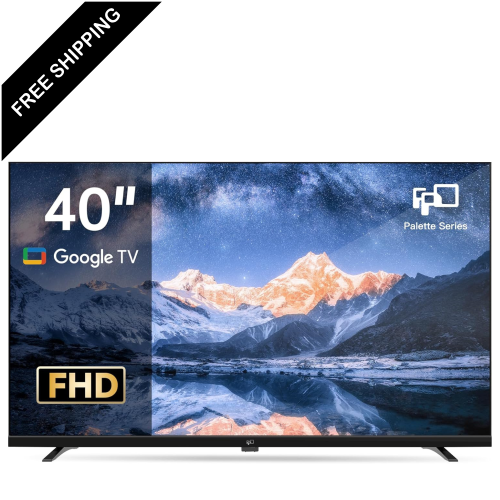
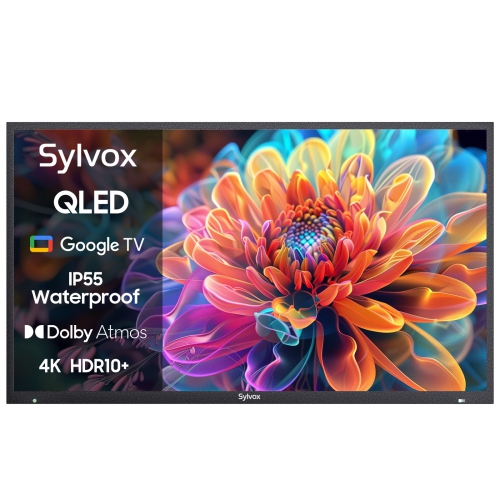
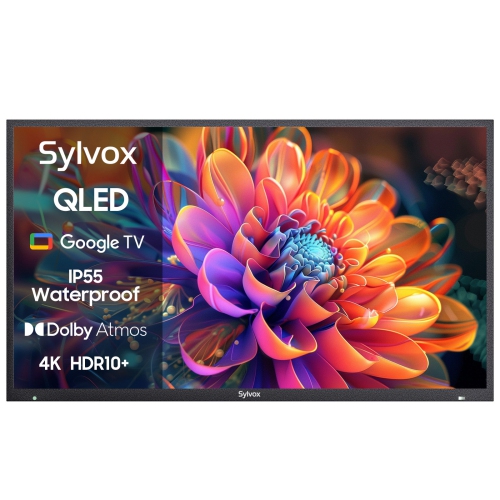
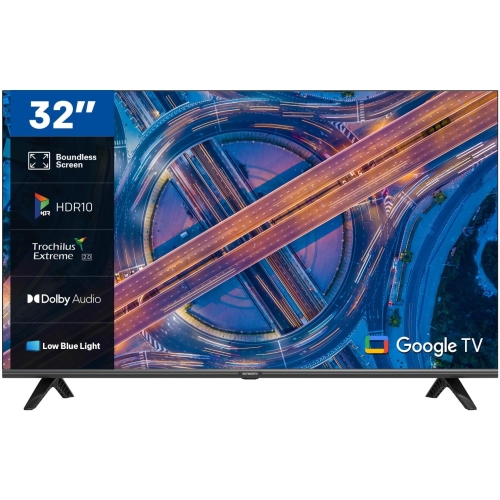
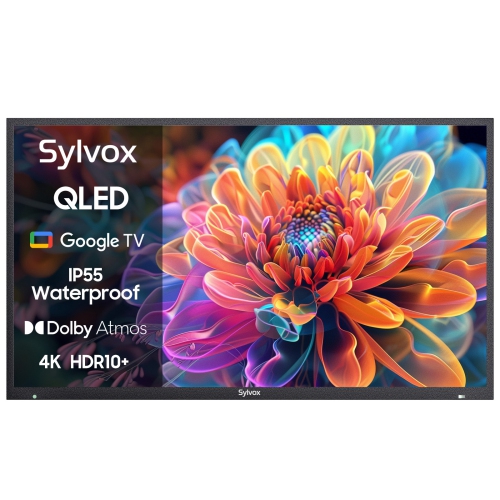
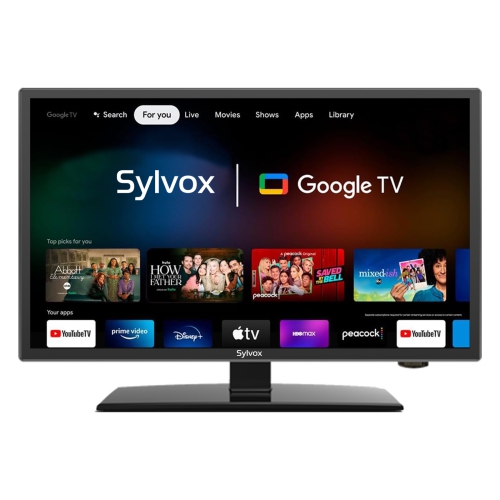
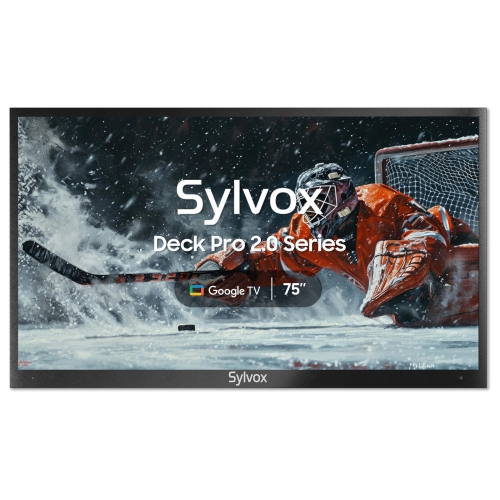
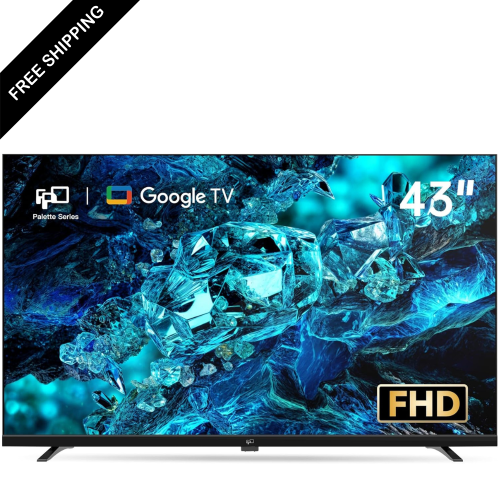
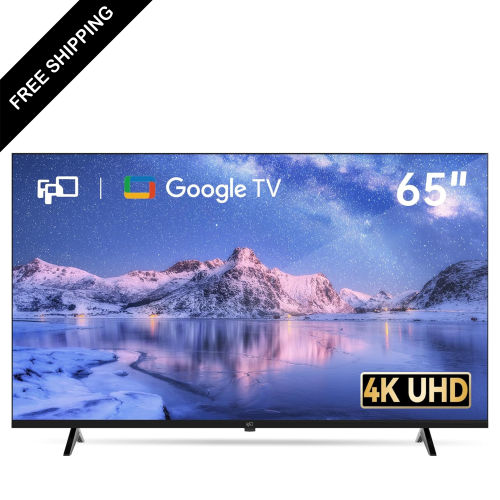
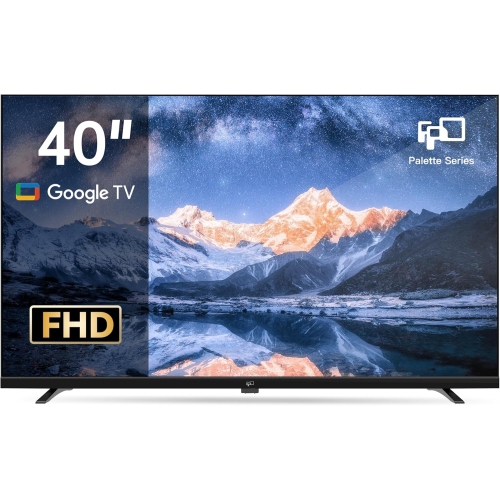
Built-in casting brings mobile entertainment to the big screen
Chromecast televisions make it easy to bring entertainment from a phone, tablet, or computer to a larger screen. In many newer smart televisions, Chromecast functionality is built directly into the TV software under the Google Cast name, so there is no separate dongle to connect before streaming. Open a compatible app, select the cast icon, and choose the television to send a film, show, music playlist, podcast, photo album, or presentation to the screen. The television handles playback while the mobile device works as a convenient remote, allowing you to pause, adjust the volume, switch content, or continue browsing without interrupting what is playing. This arrangement is especially useful in a busy household where people already keep their phones nearby. Someone can cast a recipe while preparing dinner, display holiday photos during a family visit, or put on a playlist for a relaxed evening without searching through menus with a traditional remote. Built-in casting can also help keep the living room tidy by reducing the number of accessories connected to the TV. When comparing Chromecast televisions, check that the listing clearly identifies built-in Chromecast or Google Cast support, since smart TV features can vary between models and operating systems. It is also worth considering the television’s screen size, resolution, brightness, sound quality, and available applications alongside its casting capabilities. A compact screen may suit a bedroom, kitchen, dorm room, or apartment, while a larger display can create a more immersive setting for films, sports, gaming, and group viewing. A 4K television can show compatible content with greater detail, although the visible benefit depends on viewing distance and the quality of the source. For a bright room, look for a screen with strong brightness and useful glare management; for evening viewing, contrast and picture controls may matter more. Built-in speakers are convenient for everyday programmes, but a soundbar or external audio system can add fuller dialogue and deeper sound if the television is being used as the centre of a home entertainment setup.
Connectivity is another important consideration when choosing among Chromecast televisions. Look for enough HDMI inputs for game consoles, Blu-ray players, cable or satellite equipment, soundbars, and other accessories, particularly if the television will be installed in a shared family room. Wi-Fi support is essential for wireless casting, and a reliable home network helps video start promptly and remain smooth during longer viewing sessions. The television should be positioned within a strong wireless signal, or connected by a wired network connection when that option is available. Compatibility can depend on the app, the mobile device, and the television’s software, so confirm that the services you use support casting and that your phone or tablet is connected to the same Wi-Fi network as the TV. Casting is different from mirroring: casting sends supported content to the television for playback, while screen mirroring shows the device’s display more directly. This distinction matters when sharing a presentation, browsing photos, or displaying an app that does not offer a cast function. If an existing television does not include built-in smart features or casting support, an external streaming device can typically connect through an open HDMI port and add wireless streaming capabilities. Shoppers comparing options can also explore Chromecast To TVs to see televisions and related choices suited to sending content from compatible devices. Before purchasing, measure the wall, TV stand, or entertainment unit where the screen will go, and leave room for ventilation and connected cables. If wall mounting is planned, verify the television’s mounting compatibility and consider where the power outlet and HDMI connections will sit. A simple setup is often best: place the television where everyone can see it comfortably, connect it to the home network, sign in to the preferred services, and keep the included remote nearby for settings and applications that are not controlled through casting.
Chromecast televisions can suit a wide range of viewers and make a thoughtful gift for someone moving into a first home, setting up a student room, replacing an older screen, or creating a more comfortable space for family entertainment. They are useful for people who already watch content on mobile devices and want an uncomplicated way to enjoy it at a larger size. They can also be practical for grandparents or relatives who receive shared photo albums, video messages, or family updates and prefer viewing them on a clear television screen rather than passing a phone around. During the cooler months, a television with built-in casting can become a natural gathering point for a film night, a playlist while friends visit, or a collection of family photos shown during a meal. In early fall, it may be used for live sports, cooking demonstrations, school presentations, or a calming background playlist while routines settle into a busier season; as winter approaches, its large screen can make indoor time feel more inviting without requiring complicated equipment. For households with children, parental controls, separate profiles, and straightforward access to age-appropriate services may be more valuable than advanced picture specifications alone. For gamers, input response, refresh rate, HDMI features, and low-latency settings deserve closer attention. For film enthusiasts, screen size, contrast, resolution, and audio connectivity may take priority. People who use video calls or share work presentations should confirm that their preferred applications support casting and remember that casting a screen does not automatically provide a camera or microphone for the television. Good everyday performance also depends on keeping the TV software and mobile apps updated, using a secure home network, and placing the screen at a comfortable height to reduce neck strain. Whether it is installed in a bright open-concept room, a quiet bedroom, or a compact apartment, a Chromecast television combines the convenience of smart TV access with the familiar controls of a phone or tablet, making it easier to move the content you already enjoy from a small personal screen to a shared one.
Connectivity is another important consideration when choosing among Chromecast televisions. Look for enough HDMI inputs for game consoles, Blu-ray players, cable or satellite equipment, soundbars, and other accessories, particularly if the television will be installed in a shared family room. Wi-Fi support is essential for wireless casting, and a reliable home network helps video start promptly and remain smooth during longer viewing sessions. The television should be positioned within a strong wireless signal, or connected by a wired network connection when that option is available. Compatibility can depend on the app, the mobile device, and the television’s software, so confirm that the services you use support casting and that your phone or tablet is connected to the same Wi-Fi network as the TV. Casting is different from mirroring: casting sends supported content to the television for playback, while screen mirroring shows the device’s display more directly. This distinction matters when sharing a presentation, browsing photos, or displaying an app that does not offer a cast function. If an existing television does not include built-in smart features or casting support, an external streaming device can typically connect through an open HDMI port and add wireless streaming capabilities. Shoppers comparing options can also explore Chromecast To TVs to see televisions and related choices suited to sending content from compatible devices. Before purchasing, measure the wall, TV stand, or entertainment unit where the screen will go, and leave room for ventilation and connected cables. If wall mounting is planned, verify the television’s mounting compatibility and consider where the power outlet and HDMI connections will sit. A simple setup is often best: place the television where everyone can see it comfortably, connect it to the home network, sign in to the preferred services, and keep the included remote nearby for settings and applications that are not controlled through casting.
Chromecast televisions can suit a wide range of viewers and make a thoughtful gift for someone moving into a first home, setting up a student room, replacing an older screen, or creating a more comfortable space for family entertainment. They are useful for people who already watch content on mobile devices and want an uncomplicated way to enjoy it at a larger size. They can also be practical for grandparents or relatives who receive shared photo albums, video messages, or family updates and prefer viewing them on a clear television screen rather than passing a phone around. During the cooler months, a television with built-in casting can become a natural gathering point for a film night, a playlist while friends visit, or a collection of family photos shown during a meal. In early fall, it may be used for live sports, cooking demonstrations, school presentations, or a calming background playlist while routines settle into a busier season; as winter approaches, its large screen can make indoor time feel more inviting without requiring complicated equipment. For households with children, parental controls, separate profiles, and straightforward access to age-appropriate services may be more valuable than advanced picture specifications alone. For gamers, input response, refresh rate, HDMI features, and low-latency settings deserve closer attention. For film enthusiasts, screen size, contrast, resolution, and audio connectivity may take priority. People who use video calls or share work presentations should confirm that their preferred applications support casting and remember that casting a screen does not automatically provide a camera or microphone for the television. Good everyday performance also depends on keeping the TV software and mobile apps updated, using a secure home network, and placing the screen at a comfortable height to reduce neck strain. Whether it is installed in a bright open-concept room, a quiet bedroom, or a compact apartment, a Chromecast television combines the convenience of smart TV access with the familiar controls of a phone or tablet, making it easier to move the content you already enjoy from a small personal screen to a shared one.
Top selling and popular products
-
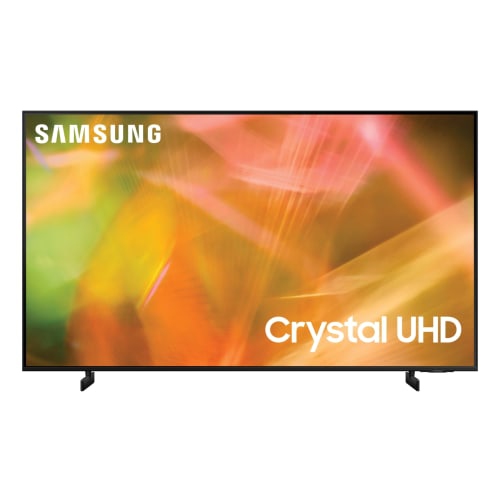 Your price for this item is $559.99
 -
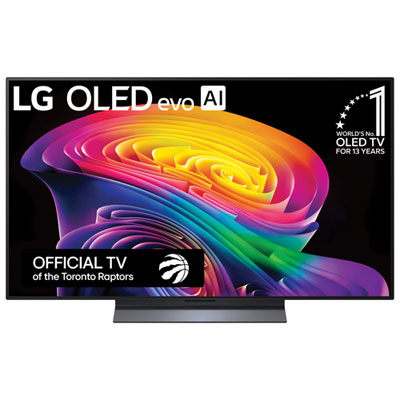 Your price for this item is $1599.99
 -
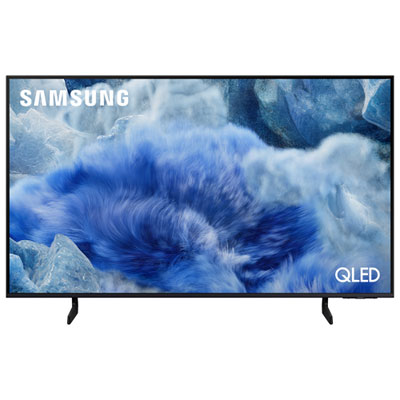 Your price for this item is $749.95
 -
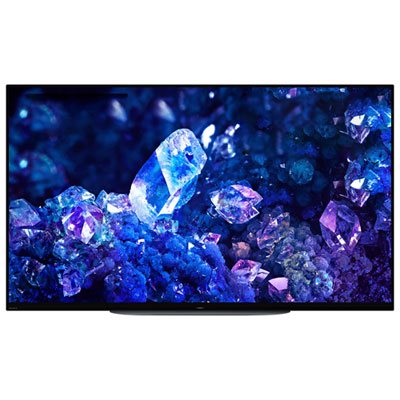 Your price for this item is $1899.99
 -
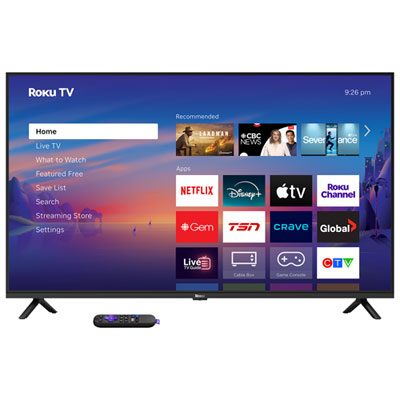 Your price for this item is $329.99
 -
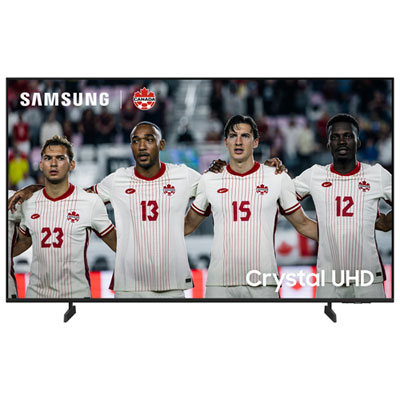 Your price for this item is $449.99
 -
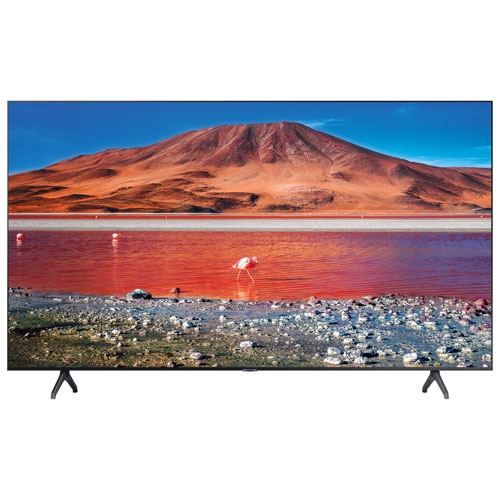 Your price for this item is $449.99
 -
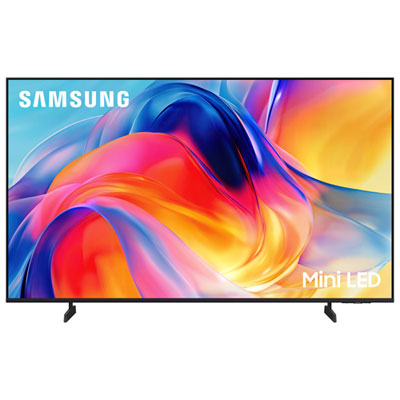 Your price for this item is $449.99
Discover more categories related to Chromecast Televisions
Top Collections:
Pokemon Centers, Kindle Devices, Best Budget Office Chairs, Canon G7X Cameras, Apple iPhones 16, Samsung Galaxy Phones, Refurbished Apple Laptops, Laptops for Students, iPhone 15 Apple, Budget Smartphones
Some products may be subject to Environmental Handling Fees
(EHF) depending on your province.
Learn more about EHFs.