Receiver Chromecast
Transform your home entertainment experience with the versatility and convenience of a receiver Chromecast. Stream your favorite movies, music, and shows seamlessly from your device to your TV, enhancing your viewing experience with just a few taps. Whether you're hosting a movie night or enjoying a quiet evening in, a receiver Chromecast integrates effortlessly into your setup, providing high-quality streaming that fits perfectly into your lifestyle. Dive into the world of wireless entertainment and elevate your media consumption to new heights.
Sort
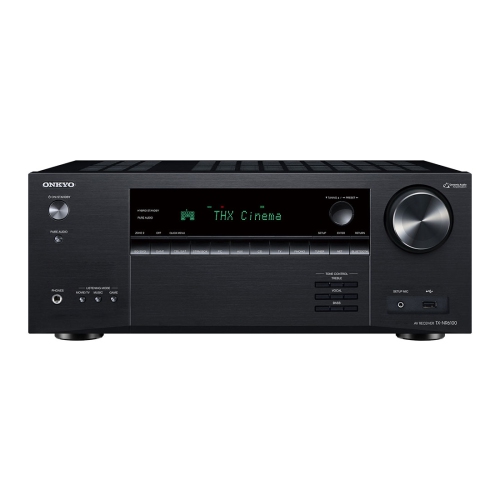
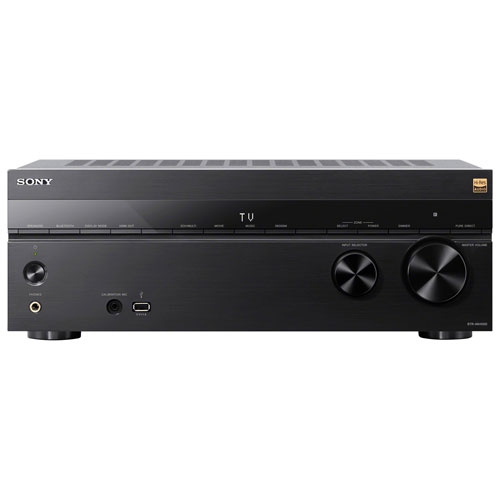
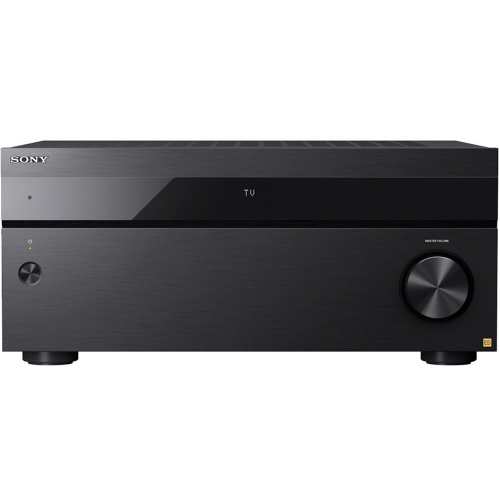
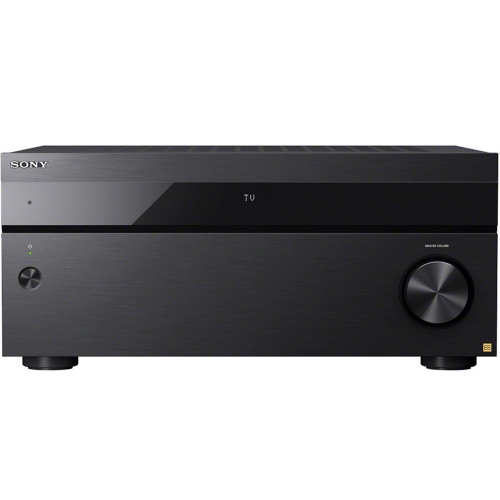
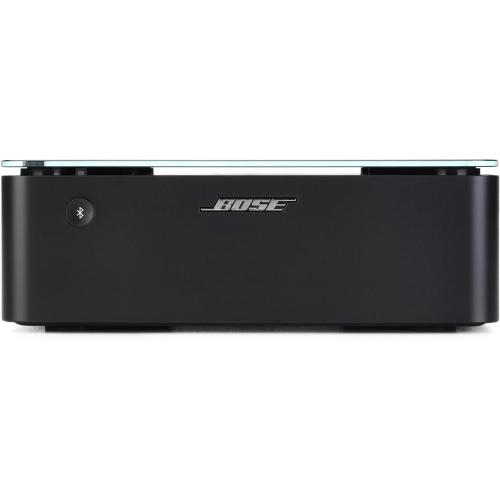
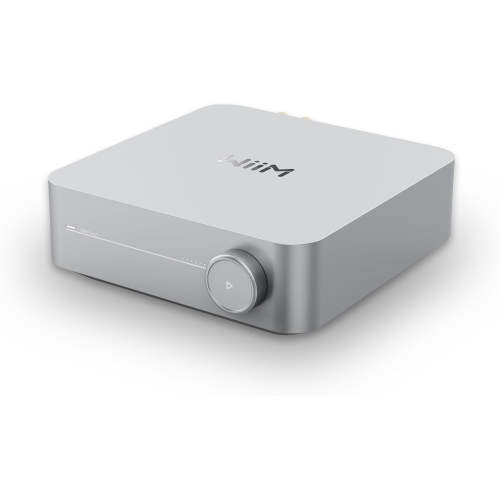
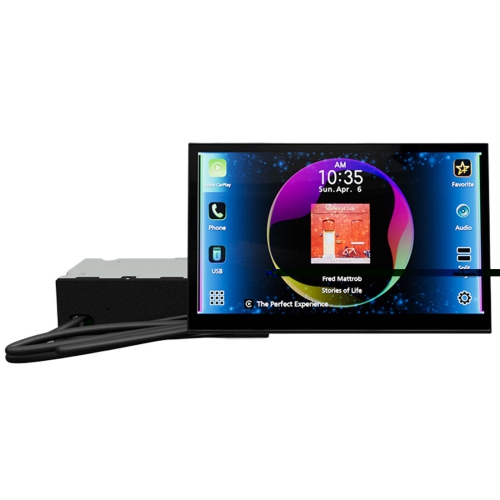
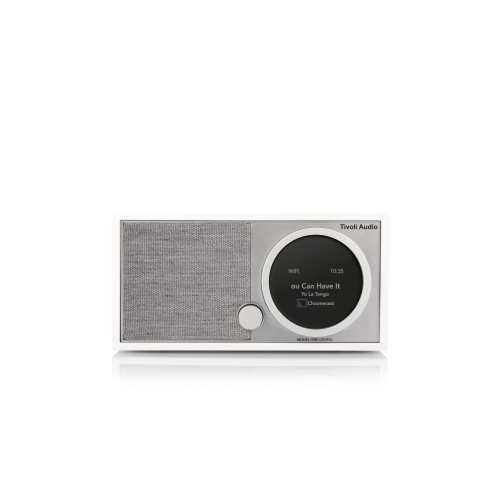
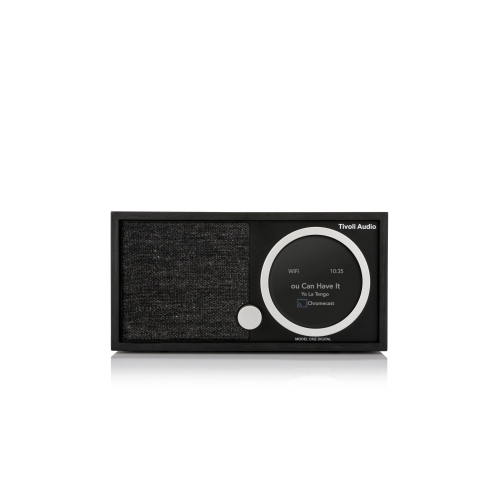
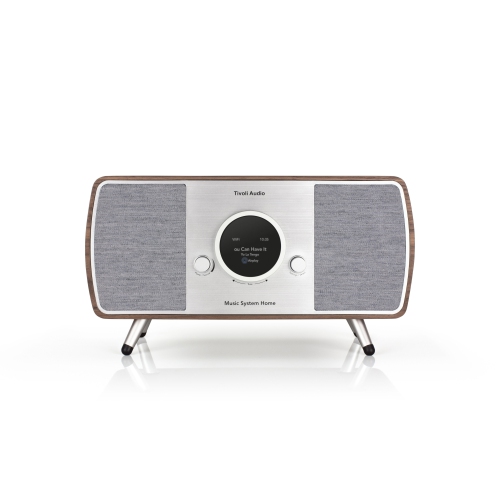
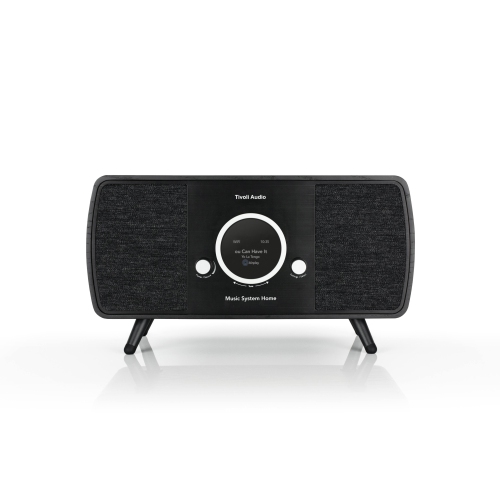
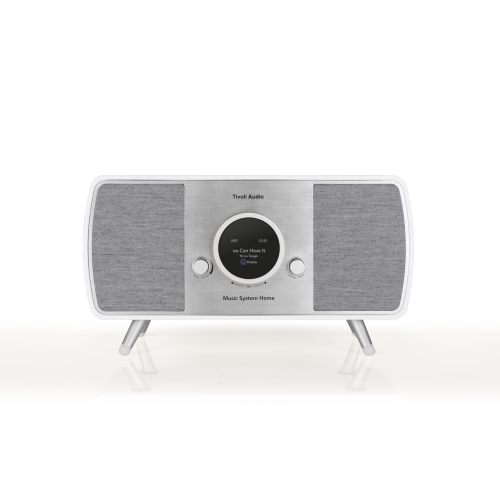
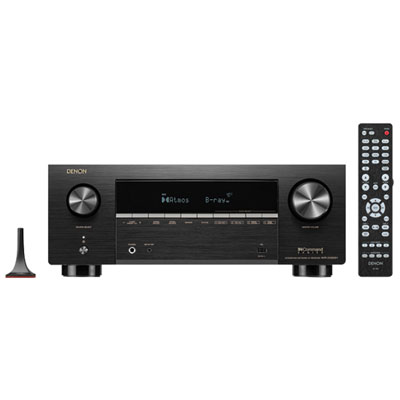
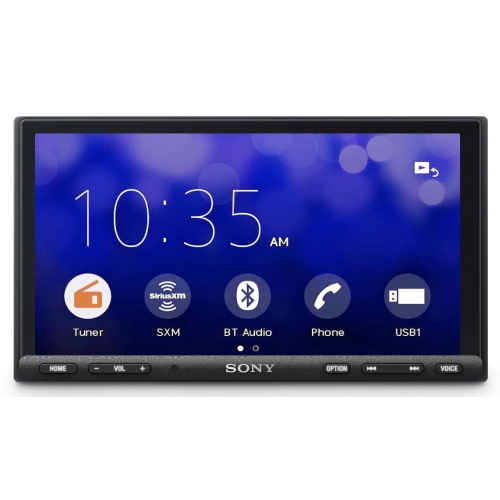
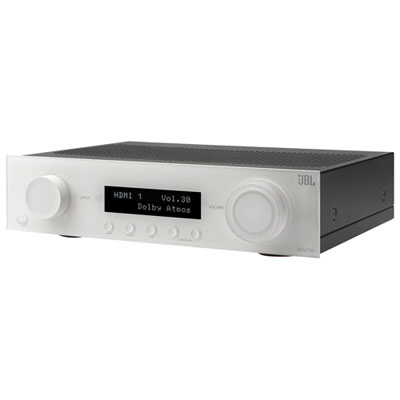
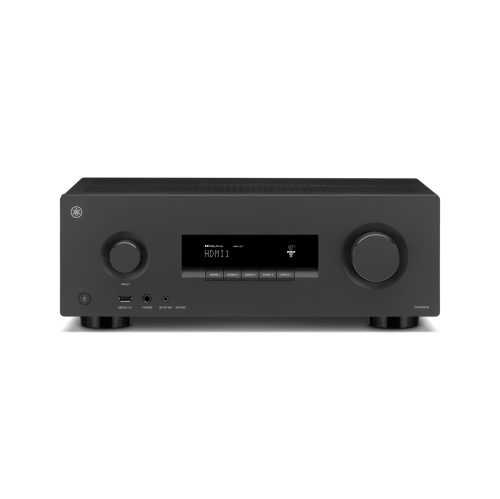
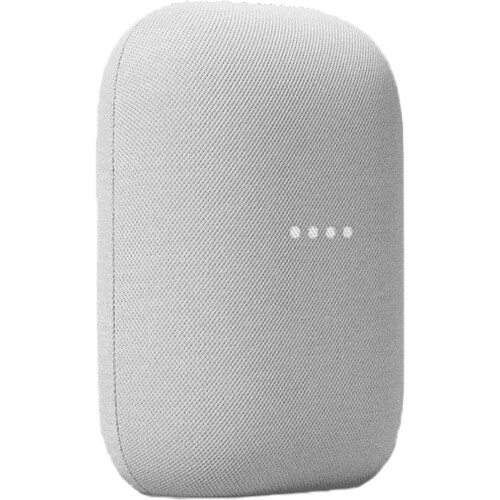
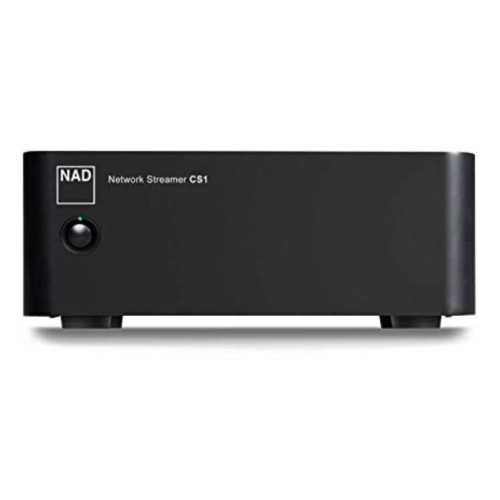
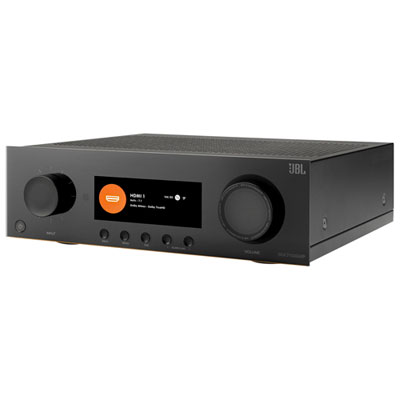
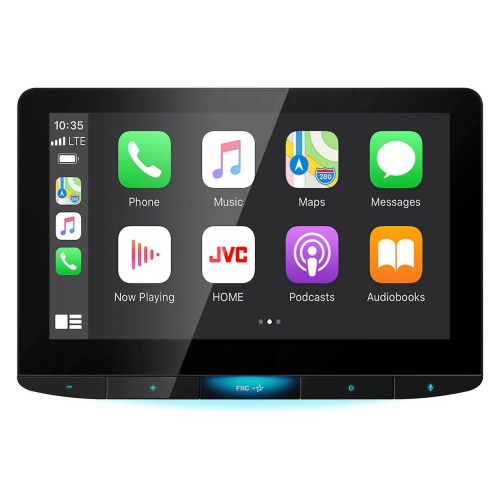
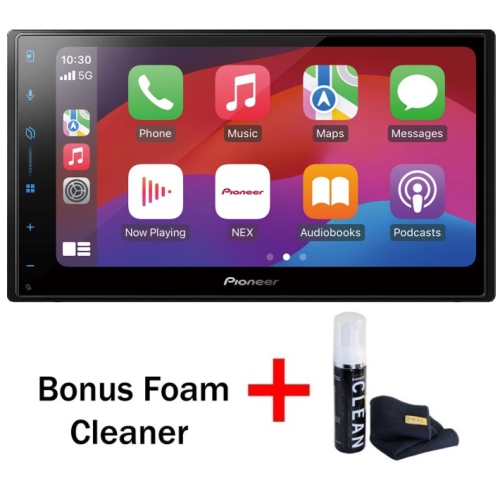
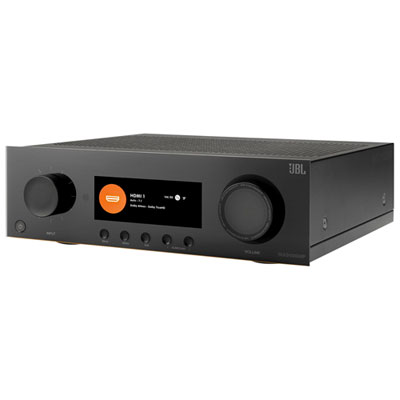
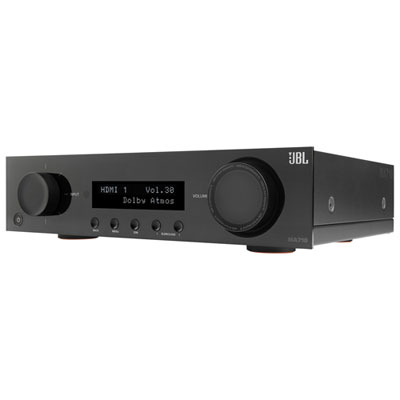

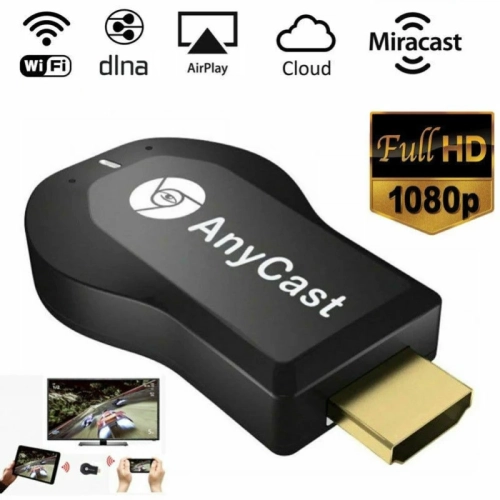
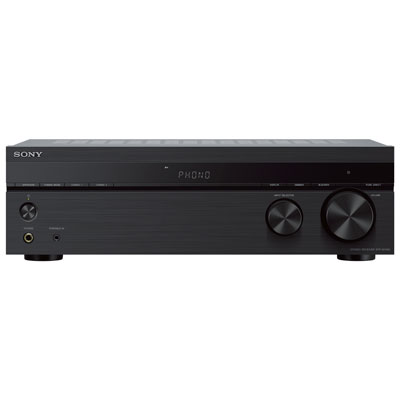
Understand how cast receivers connect devices to shared screens
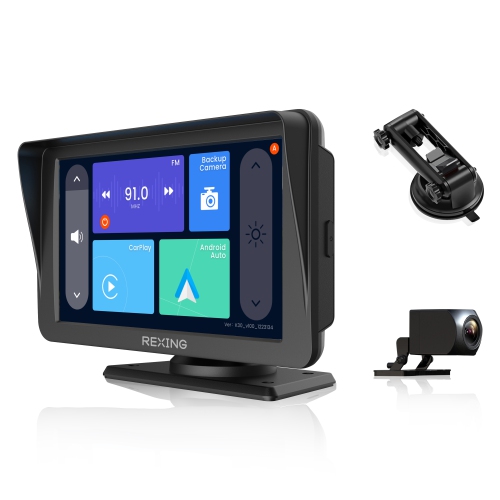
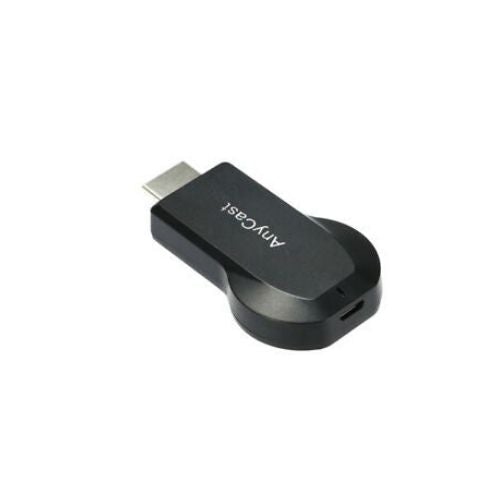
A Chromecast receiver is the part of a home entertainment setup that accepts a cast command and plays the selected content on a television or another compatible screen. The sender is usually a phone, tablet, or computer running a supported app or browser, while the receiver is the screen, streaming device, or receiver software that handles playback. Once a cast session begins, the sender typically tells the receiver what to play, and the receiver connects to the internet to retrieve the video, music, photos, or other content. This arrangement lets you use a familiar handheld device as a remote without mirroring every action on its display. It can be useful for putting a family video on the living room television, displaying holiday photos for visiting relatives, listening to a playlist through a larger audio system, or moving a programme from a small laptop screen to a more comfortable viewing position. When exploring receiver Chromecast options, start by considering the screen you want to use and the type of content you plan to share. Some receivers are standalone hardware devices that connect to a display through HDMI and add casting capability to a television, projector, or monitor. Others are built into compatible televisions and screens, so no separate device is required. A software receiver may allow a computer or another supported screen to accept cast content through an installed application, while a web receiver is an HTML5-based experience that runs on cast-enabled hardware and manages playback through the display. These options can serve similar purposes, but their setup process, controls, supported formats, and performance may differ.
Compatibility is one of the most important purchase considerations. Check that the receiver works with the operating systems used by the people in your home, including the phones, tablets, and computers that will act as senders. It is also worth confirming that the receiver supports the applications and file types you use most often, as well as the video resolution and audio standards your television or sound system can display. A receiver that supports high-definition or ultra-high-definition content may be a sensible choice for a newer screen, while a simpler display in a bedroom, kitchen, classroom, or cottage may not require the same capabilities. Consider the available connection as well: HDMI is common for televisions and projectors, but the space around the display may call for a compact design or a longer cable. Reliable Wi-Fi is essential because the sender and receiver generally need to communicate through the same home network, and the receiver needs a stable internet connection for online playback. If the router is far from the television or separated by thick walls, buffering and delayed commands may be more noticeable. A receiver with straightforward on-screen instructions, automatic updates, and an easy-to-use remote can make everyday use more comfortable, particularly for children, older family members, or guests who do not want to learn a complicated interface. Privacy and account controls also deserve attention. Review which permissions are requested, how guest access works, and whether users can easily stop a cast session from the sender device. For a broader selection of compatible screens and setups, browse Chromecast To TVs.
Receiver Chromecast products can fit naturally into many routines. In a family room, one person can send a film to the television while keeping their phone available for messages or other tasks. During the cooler months, a receiver can make a quiet evening feel more inviting by bringing a concert, recipe, workout, or travel video to a larger screen while everyone gathers nearby. In a home office, it can help present a slideshow, video call, spreadsheet, or training material on a monitor or television, provided the sending device and receiver support the necessary software. Students may use a compatible screen to review notes or share a presentation, and hosts can use one to display photos during a family gathering without passing a phone around the room. These products can also make thoughtful gifts for someone moving into a first apartment, setting up a guest room, or replacing an older television that still has a good picture but lacks current streaming features. Before choosing one as a gift, confirm the recipient’s television connections, home network, and preferred mobile devices; a small amount of advance checking can prevent an otherwise useful present from sitting unopened beside the screen. The best option is usually the one that fits the existing setup, starts quickly, responds consistently, and makes it simple to move content from a personal device to a shared display. Whether the goal is casual entertainment, convenient presentations, shared memories, or a more flexible television setup, understanding the difference between the sender and the receiver makes it easier to choose equipment that feels natural in daily use.
Compatibility is one of the most important purchase considerations. Check that the receiver works with the operating systems used by the people in your home, including the phones, tablets, and computers that will act as senders. It is also worth confirming that the receiver supports the applications and file types you use most often, as well as the video resolution and audio standards your television or sound system can display. A receiver that supports high-definition or ultra-high-definition content may be a sensible choice for a newer screen, while a simpler display in a bedroom, kitchen, classroom, or cottage may not require the same capabilities. Consider the available connection as well: HDMI is common for televisions and projectors, but the space around the display may call for a compact design or a longer cable. Reliable Wi-Fi is essential because the sender and receiver generally need to communicate through the same home network, and the receiver needs a stable internet connection for online playback. If the router is far from the television or separated by thick walls, buffering and delayed commands may be more noticeable. A receiver with straightforward on-screen instructions, automatic updates, and an easy-to-use remote can make everyday use more comfortable, particularly for children, older family members, or guests who do not want to learn a complicated interface. Privacy and account controls also deserve attention. Review which permissions are requested, how guest access works, and whether users can easily stop a cast session from the sender device. For a broader selection of compatible screens and setups, browse Chromecast To TVs.
Receiver Chromecast products can fit naturally into many routines. In a family room, one person can send a film to the television while keeping their phone available for messages or other tasks. During the cooler months, a receiver can make a quiet evening feel more inviting by bringing a concert, recipe, workout, or travel video to a larger screen while everyone gathers nearby. In a home office, it can help present a slideshow, video call, spreadsheet, or training material on a monitor or television, provided the sending device and receiver support the necessary software. Students may use a compatible screen to review notes or share a presentation, and hosts can use one to display photos during a family gathering without passing a phone around the room. These products can also make thoughtful gifts for someone moving into a first apartment, setting up a guest room, or replacing an older television that still has a good picture but lacks current streaming features. Before choosing one as a gift, confirm the recipient’s television connections, home network, and preferred mobile devices; a small amount of advance checking can prevent an otherwise useful present from sitting unopened beside the screen. The best option is usually the one that fits the existing setup, starts quickly, responds consistently, and makes it simple to move content from a personal device to a shared display. Whether the goal is casual entertainment, convenient presentations, shared memories, or a more flexible television setup, understanding the difference between the sender and the receiver makes it easier to choose equipment that feels natural in daily use.
Top selling and popular products
-
 Your price for this item is $259
 -
 Your price for this item is $1299.99
 -
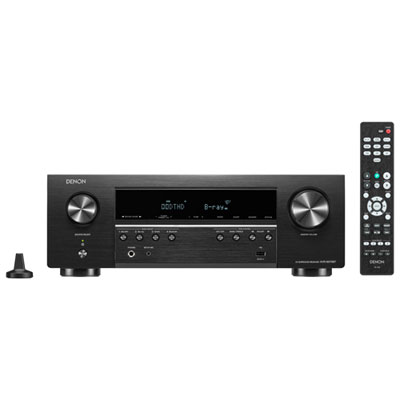 Your price for this item is $549.99
 -
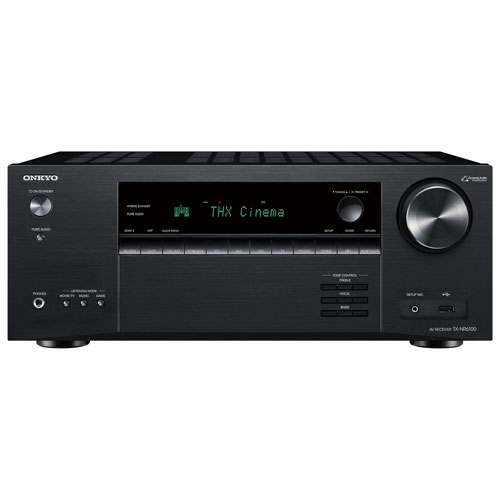 Your price for this item is $998
 -
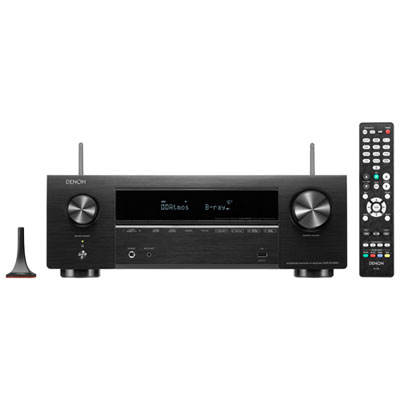 Your price for this item is $999.99
 -
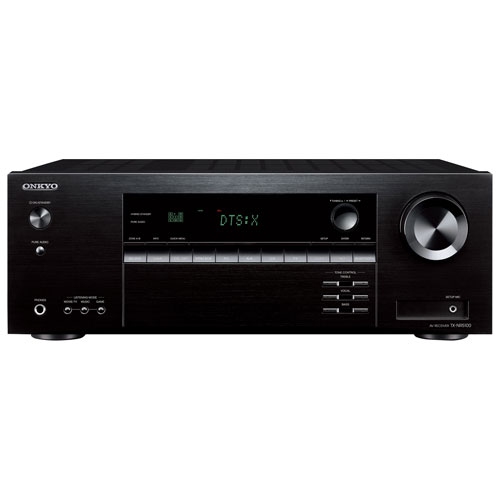 Your price for this item is $777
 -
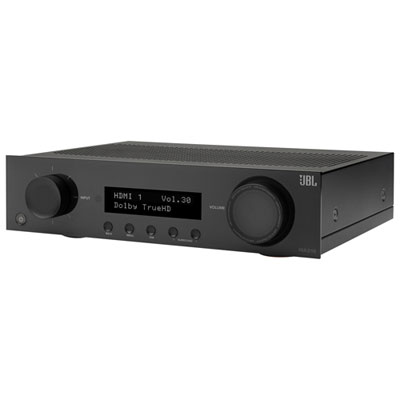 Your price for this item is $599.99
 -
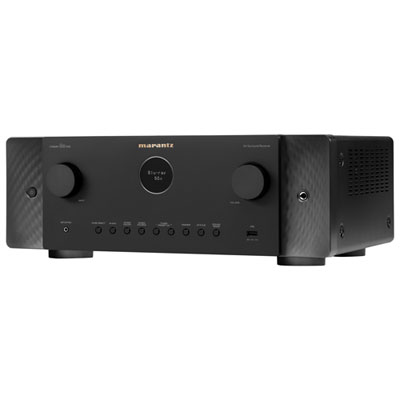 Your price for this item is $2000
Discover more categories related to Receiver Chromecast
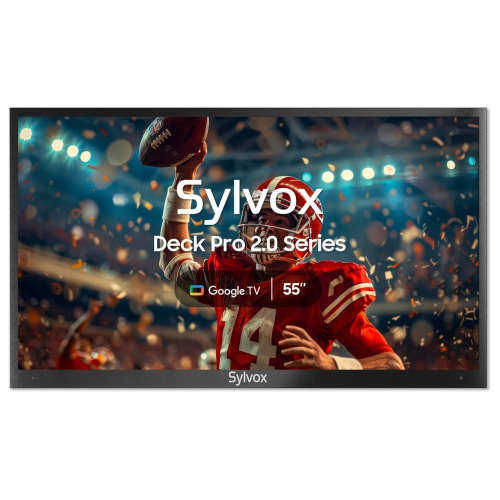
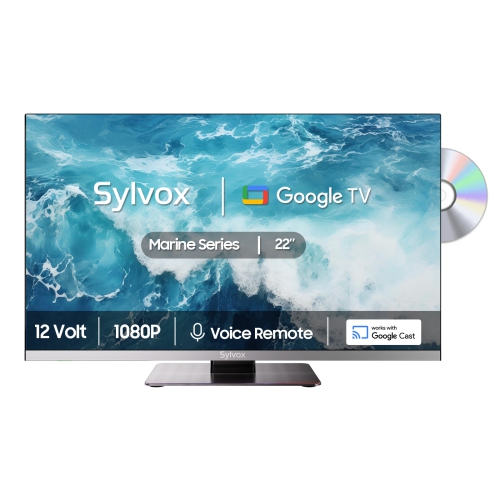
Top Collections:
Pokemon Centers, Kindle Devices, Best Budget Office Chairs, Canon G7X Cameras, Apple iPhones 16, Samsung Galaxy Phones, Refurbished Apple Laptops, Laptops for Students, iPhone 15 Apple, Budget Smartphones
Some products may be subject to Environmental Handling Fees
(EHF) depending on your province.
Learn more about EHFs.