Cord Organizing Ideas
Tangled cords and cluttered spaces can disrupt the harmony of any room, but with innovative cord organizing ideas, you can transform chaos into calm. Whether you're setting up a home office, streamlining your entertainment center, or simply trying to keep your kitchen gadgets in line, finding the right solutions to manage those pesky cables is essential. From sleek and subtle to bold and creative, these ideas will not only enhance the aesthetics of your space but also improve functionality by keeping everything neat and accessible. Dive into a world where organization meets style, and discover how easy it is to maintain order with clever cord management strategies.
Sort
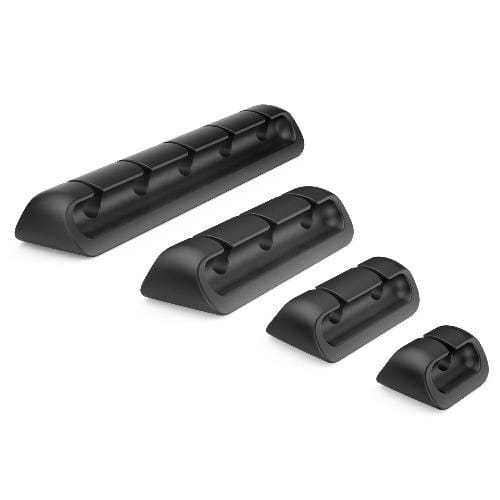
![SAHARA CASE Sahara - USB Cable Holder Organizer (4-Pack) [Employee of bestbuy] Great tool to help organize cords on your desk so you can avoid spaghetti wires](https://multimedia.bbycastatic.ca/multimedia/products/500x500/166/16606/16606090.jpeg)
Practical ways to sort, route, and store charging cables
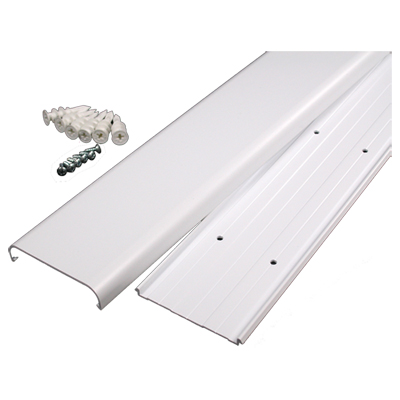
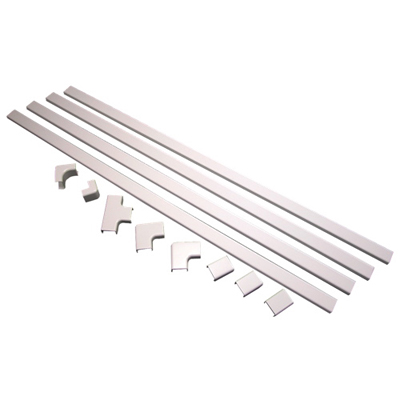
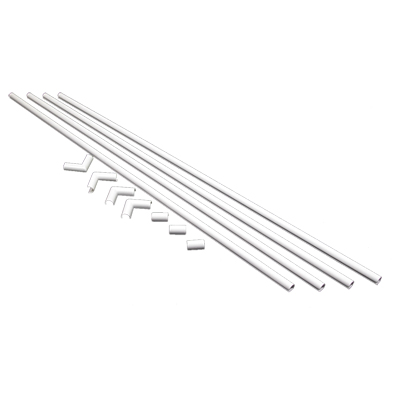
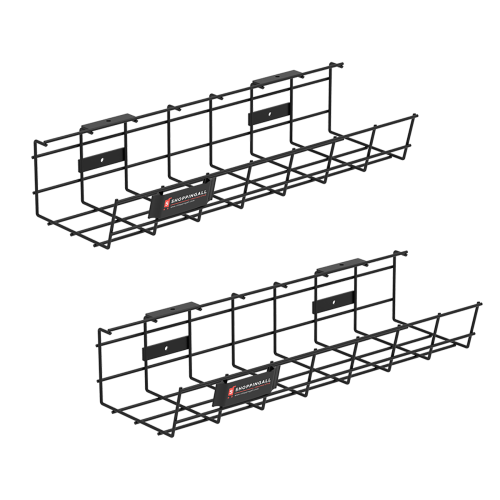
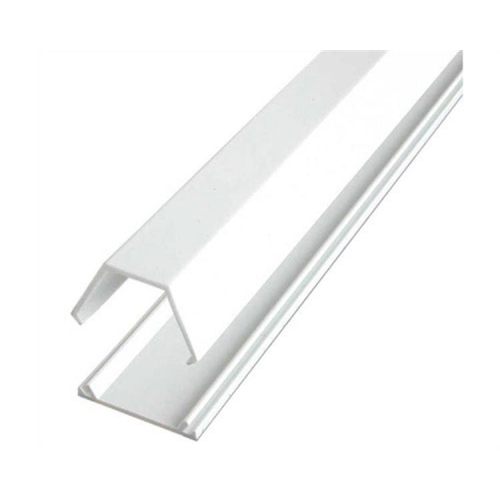
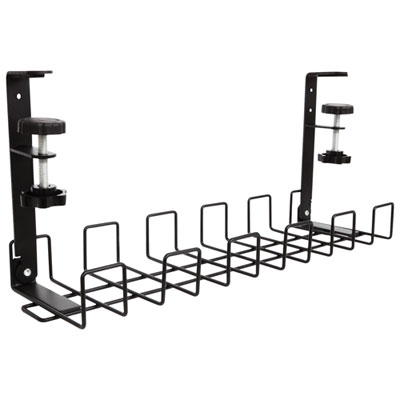
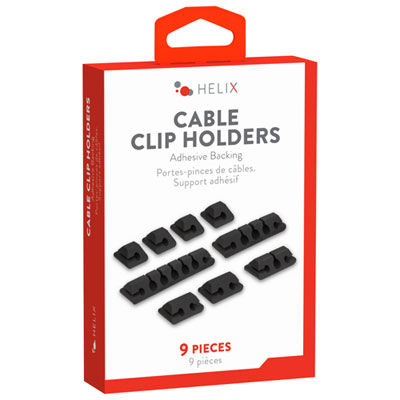
Cord organizing ideas can make a noticeable difference in the places where technology gathers: a home office with chargers spread across the desk, an entertainment area with cables running behind the television, a bedside table crowded with power leads, or a travel bag filled with charging accessories. The right organizing accessories help separate cords by purpose, keep frequently used cables within reach, and reduce the knots that form when everything is stored together. Start by considering where the cords are located and whether they need to remain connected. Adhesive cable clips can guide individual wires along the back or underside of a desk, while cable sleeves can group several leads into a neater bundle without making them difficult to identify. A cable box or cord cover can conceal excess length near a power bar and create a cleaner appearance in an open living space. For heavier power supplies, an under-desk tray or similar holder can lift them off the floor, helping prevent them from being kicked, pulled, or covered by dust. Choose a solution that suits the surface and the weight of the cables; removable adhesive may be preferable for a rental or finished furniture, while a more secure mounting method may be better for a permanent office setup. Measure the available space before buying, paying attention to the width of a desk edge, the clearance beneath a shelf, and the number of cables that need to pass through an opening. It is also helpful to think about access. A cord that is neatly hidden but difficult to reach can become frustrating during everyday use, particularly when a phone, tablet, laptop, game console, lamp, or speaker needs to be moved.
Different types of cords call for different storage approaches. Short charging leads and spare cables can be sorted in labelled pouches, small cases, or divided containers so that similar connections stay together instead of disappearing into a drawer. A roll-style organizer is useful for travel accessories because each cable can be coiled loosely and secured in its own section, keeping plugs and adapters from scraping against one another. For a junk drawer, a set of compartments or small bags can separate audio cables, charging cables, computer accessories, and cables whose purpose is not immediately obvious. Labels are especially helpful when several cords look alike; noting the device or connection type on a tag can save time later and reduce the temptation to pull every cable out at once. Cords should be coiled gently rather than wrapped tightly around a plug or folded at a sharp angle, since repeated stress can damage the outer covering and connection points. Before arranging a workstation or entertainment centre, unplug devices where practical, trace each cable from end to end, and remove items that are no longer needed in that area. Household items such as cardboard tubes, binder clips, or resealable bags can help with temporary sorting, while purpose-built organizers generally offer a more polished fit, stronger retention, and easier access for a busy setup. Keep power cables, data cables, and audio leads identifiable, and avoid placing too many cables in a confined channel where they may become difficult to inspect. In homes with children or pets, look for options that keep loose loops away from walking paths and secure cables close to furniture without creating a new snag point.
Cord management accessories can be useful for students setting up a first study area, remote workers refreshing a home office, gamers arranging a console station, families sharing a charging area, and anyone who prefers a calmer, more orderly room. They can also make practical gifts for a new homeowner, a university student moving into residence, a frequent traveller, or someone preparing a workspace during the cooler months when more time is often spent indoors. A thoughtful assortment might include a compact travel organizer for portable accessories, simple clips for a desk, and a container for spare cables kept in a drawer. When choosing items, consider the recipient’s devices, the number of connections they use each day, and whether they prefer concealed storage or quick visual access. Neutral colours and flexible designs can work across offices, bedrooms, media rooms, and shared family spaces, while a compact format is better for a small desk or carry-on bag. For larger setups, look for organizers with enough capacity for power bars, adapters, and longer leads, along with openings that allow cables to enter and exit without sharp bends. For a rental home, non-permanent options can help maintain a tidy arrangement without altering walls or furniture. For a permanent workstation, a mounted tray, under-surface channel, or larger cable management system may provide better long-term structure. Browsing Organizing Solutions can help you compare storage approaches for the rest of the room while selecting cord organizers that match the way your space is used. With the right combination of sorting, routing, and accessible storage, chargers and power leads can become part of the room’s layout instead of a tangled pile on the floor.
Different types of cords call for different storage approaches. Short charging leads and spare cables can be sorted in labelled pouches, small cases, or divided containers so that similar connections stay together instead of disappearing into a drawer. A roll-style organizer is useful for travel accessories because each cable can be coiled loosely and secured in its own section, keeping plugs and adapters from scraping against one another. For a junk drawer, a set of compartments or small bags can separate audio cables, charging cables, computer accessories, and cables whose purpose is not immediately obvious. Labels are especially helpful when several cords look alike; noting the device or connection type on a tag can save time later and reduce the temptation to pull every cable out at once. Cords should be coiled gently rather than wrapped tightly around a plug or folded at a sharp angle, since repeated stress can damage the outer covering and connection points. Before arranging a workstation or entertainment centre, unplug devices where practical, trace each cable from end to end, and remove items that are no longer needed in that area. Household items such as cardboard tubes, binder clips, or resealable bags can help with temporary sorting, while purpose-built organizers generally offer a more polished fit, stronger retention, and easier access for a busy setup. Keep power cables, data cables, and audio leads identifiable, and avoid placing too many cables in a confined channel where they may become difficult to inspect. In homes with children or pets, look for options that keep loose loops away from walking paths and secure cables close to furniture without creating a new snag point.
Cord management accessories can be useful for students setting up a first study area, remote workers refreshing a home office, gamers arranging a console station, families sharing a charging area, and anyone who prefers a calmer, more orderly room. They can also make practical gifts for a new homeowner, a university student moving into residence, a frequent traveller, or someone preparing a workspace during the cooler months when more time is often spent indoors. A thoughtful assortment might include a compact travel organizer for portable accessories, simple clips for a desk, and a container for spare cables kept in a drawer. When choosing items, consider the recipient’s devices, the number of connections they use each day, and whether they prefer concealed storage or quick visual access. Neutral colours and flexible designs can work across offices, bedrooms, media rooms, and shared family spaces, while a compact format is better for a small desk or carry-on bag. For larger setups, look for organizers with enough capacity for power bars, adapters, and longer leads, along with openings that allow cables to enter and exit without sharp bends. For a rental home, non-permanent options can help maintain a tidy arrangement without altering walls or furniture. For a permanent workstation, a mounted tray, under-surface channel, or larger cable management system may provide better long-term structure. Browsing Organizing Solutions can help you compare storage approaches for the rest of the room while selecting cord organizers that match the way your space is used. With the right combination of sorting, routing, and accessible storage, chargers and power leads can become part of the room’s layout instead of a tangled pile on the floor.
Top selling and popular products
-
 Your price for this item is $180.75
 -
 Your price for this item is $24.99
 -
 Your price for this item is $400
 -
 Your price for this item is $14.98
 -
 Your price for this item is $106.68
 -
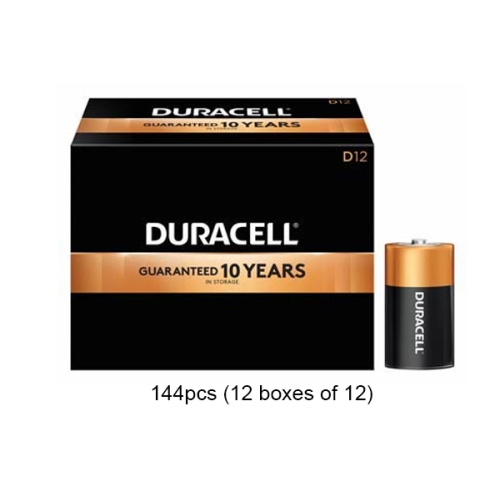 Your price for this item is $379.97
 -
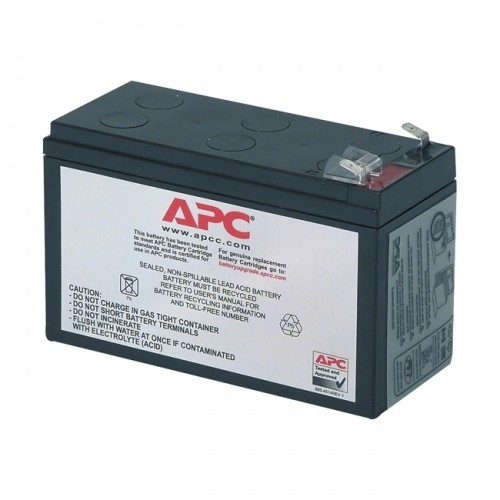 Your price for this item is $110.37
 -
 Your price for this item is $75.58
Discover more categories related to Cord Organizing Ideas
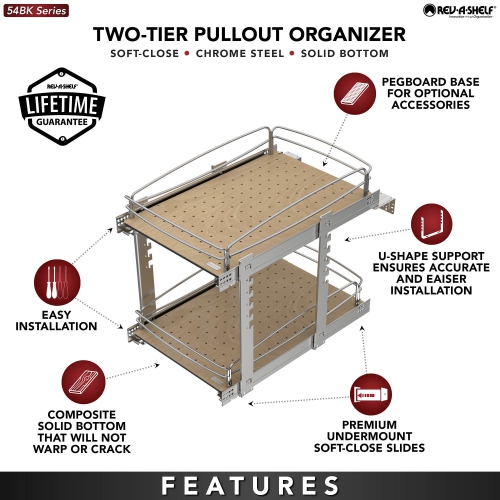
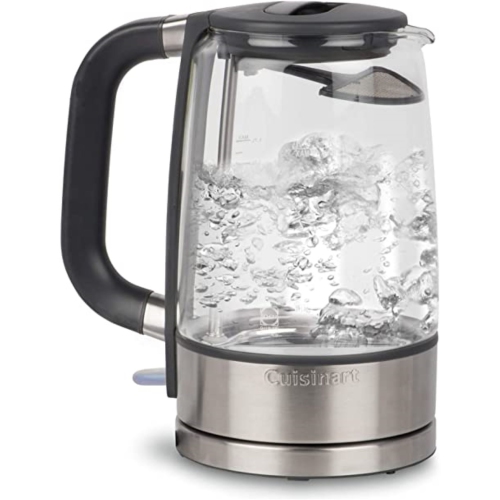
Top Collections:
Pokemon Centers, Kindle Devices, Best Budget Office Chairs, Apple iPhones 16, Best Laptops for Writers, iPhone 15 Apple, Canon G7X Cameras, Refurbished Apple Laptops, Alarm Clock, Motorola Razr Phones
Some products may be subject to Environmental Handling Fees
(EHF) depending on your province.
Learn more about EHFs.