Desktop Cable Organizers
Keep your workspace neat and clutter-free with our selection of desktop cable organizers. Say goodbye to tangled cords and messy cables with these handy accessories designed to keep your desk organized and cables easily accessible. Whether you're working from home or in the office, our range of desktop cable organizers offers practical solutions to help you create a clean and efficient workspace. From cable clips to cable sleeves, explore our collection and find the perfect solution to tame those unruly cords and streamline your setup.
Sort
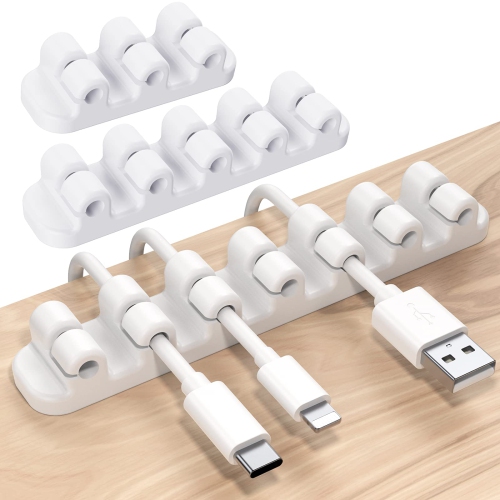
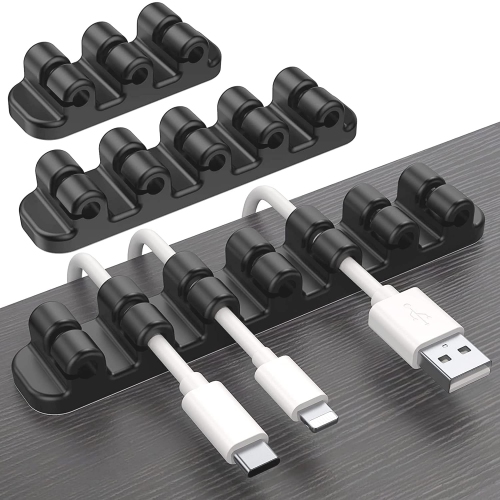
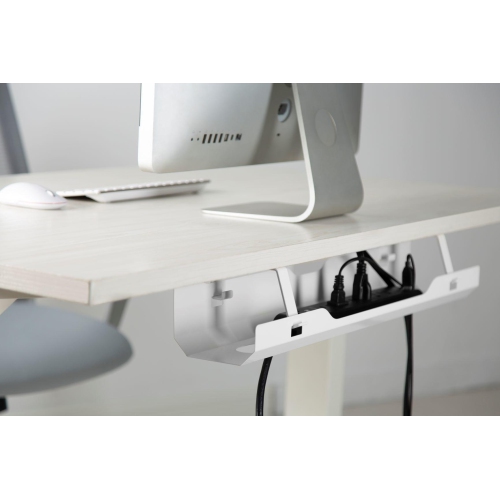
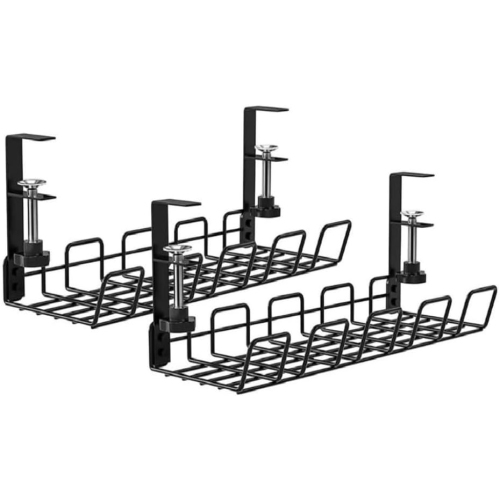
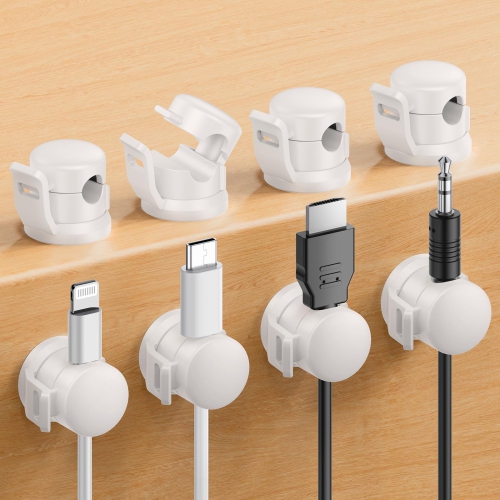
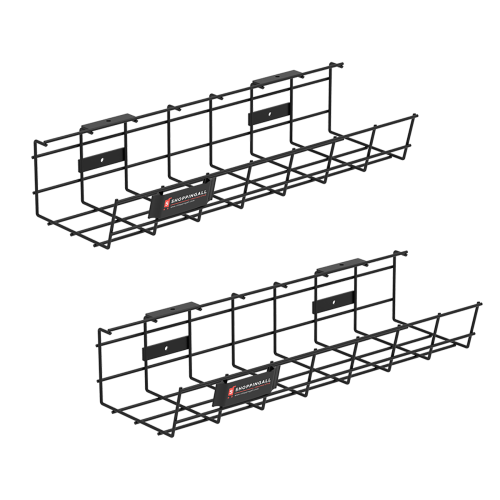
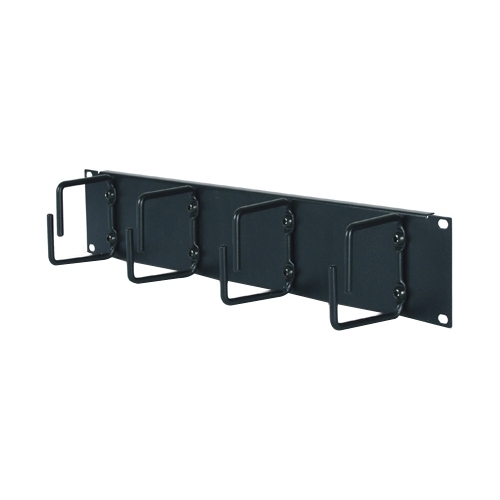
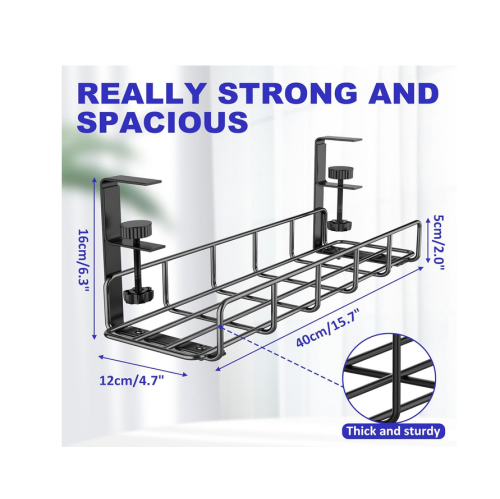
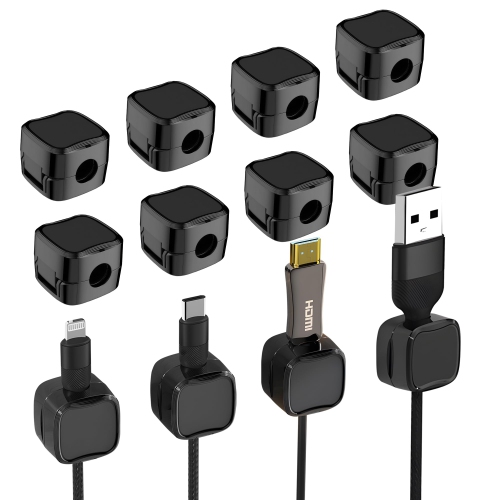
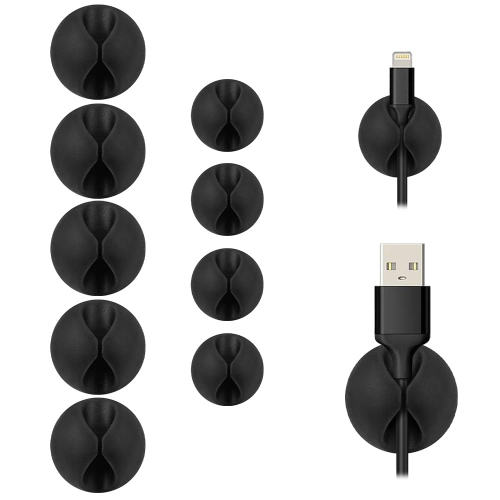
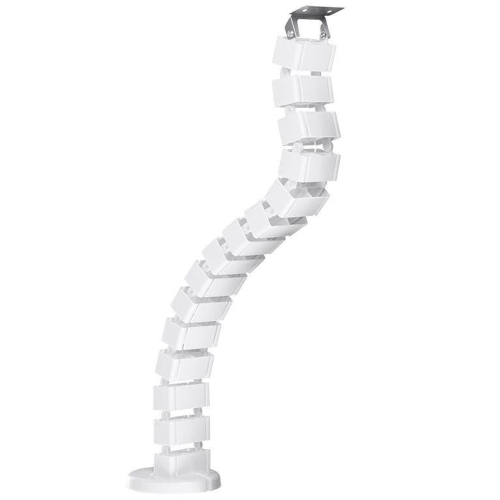
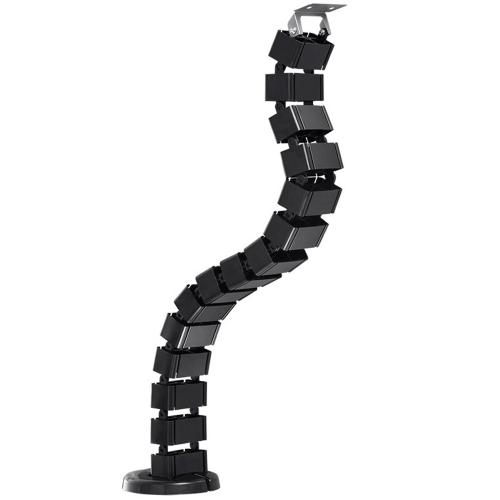
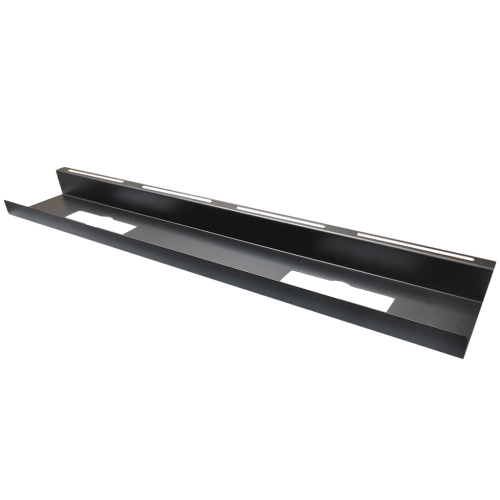
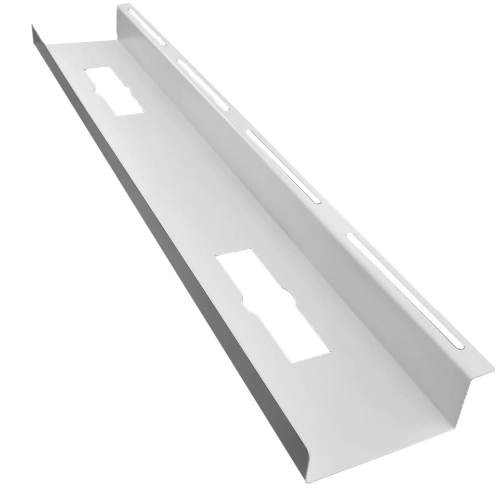
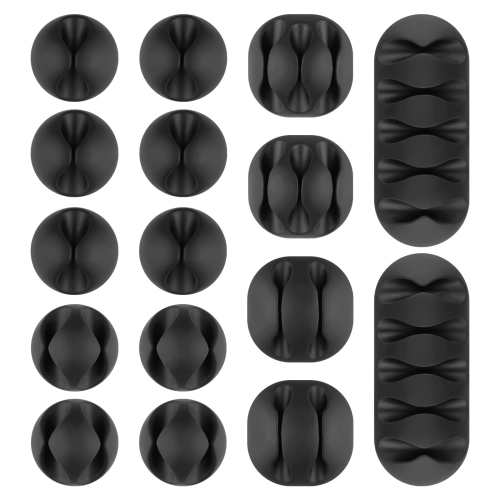
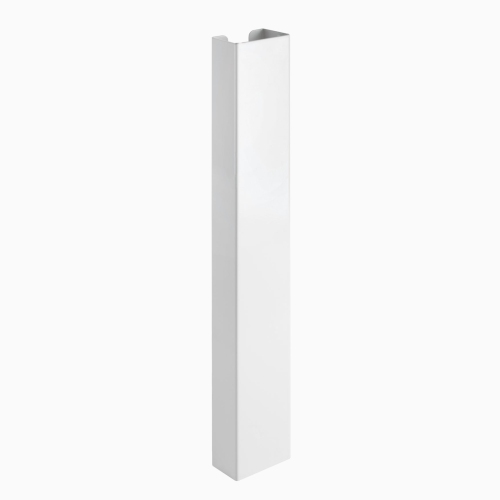
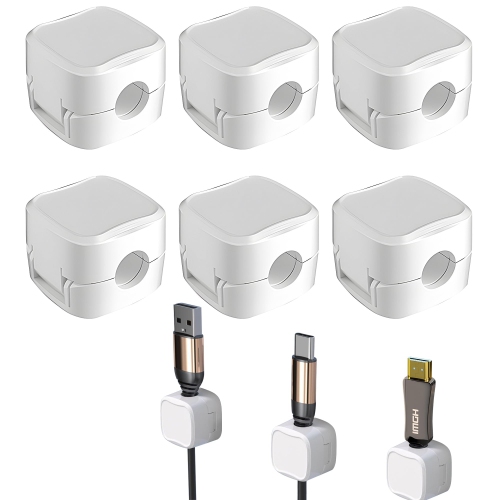
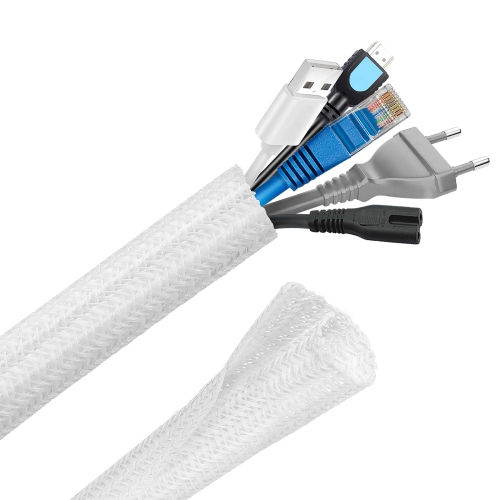
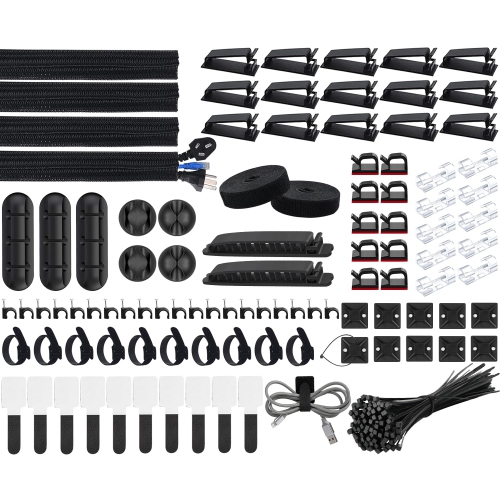
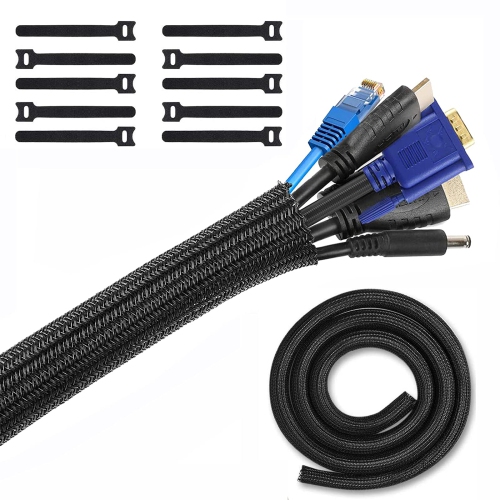
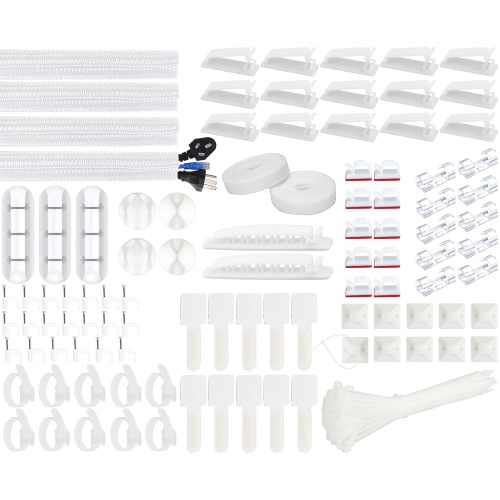
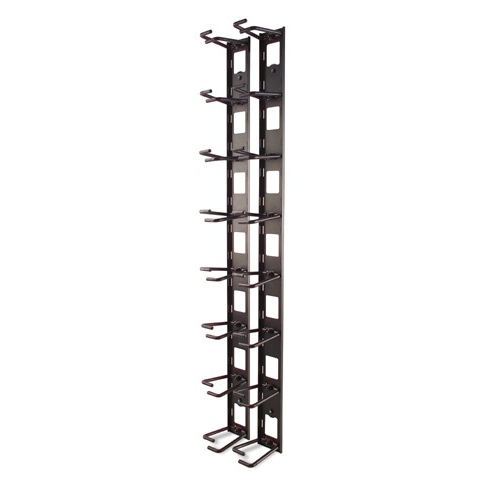
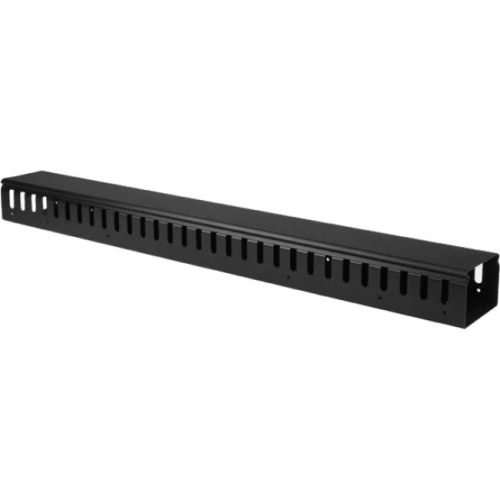
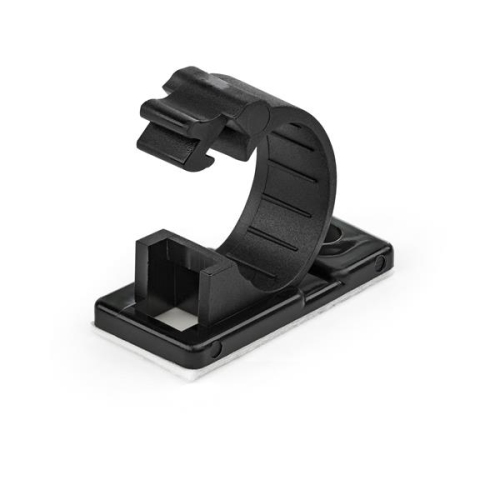

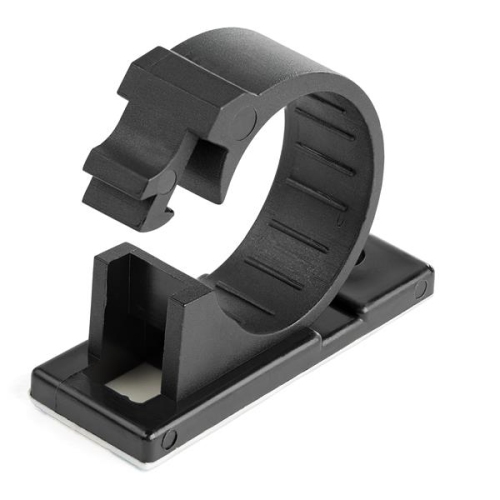
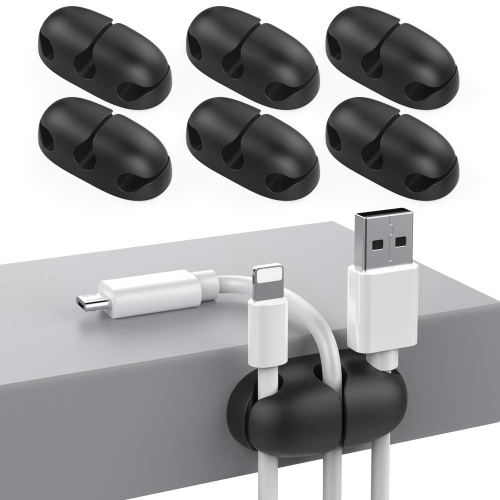
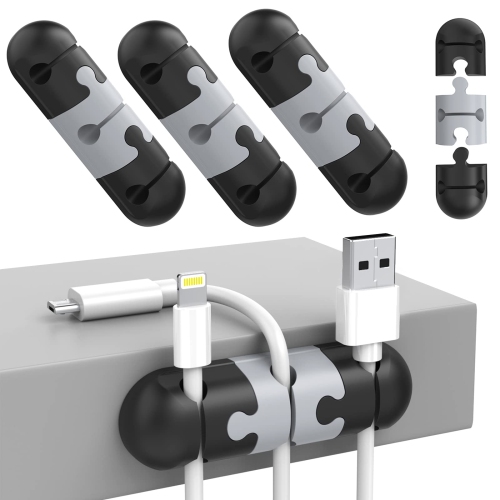
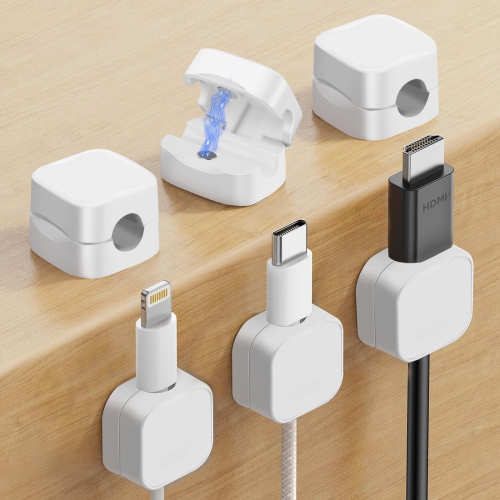
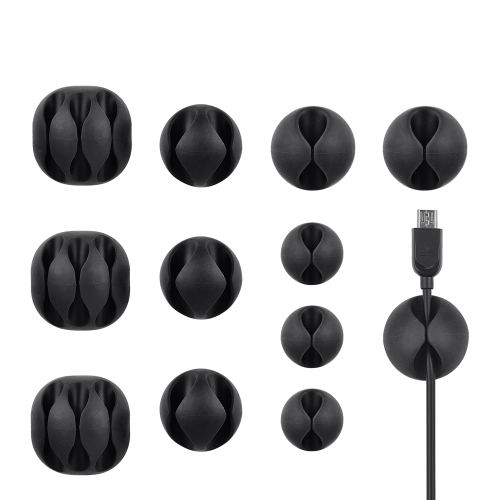
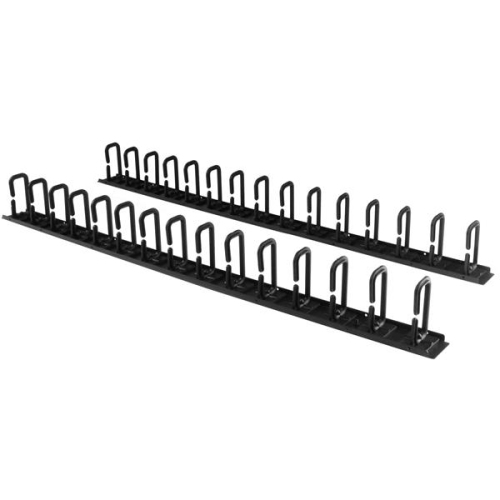
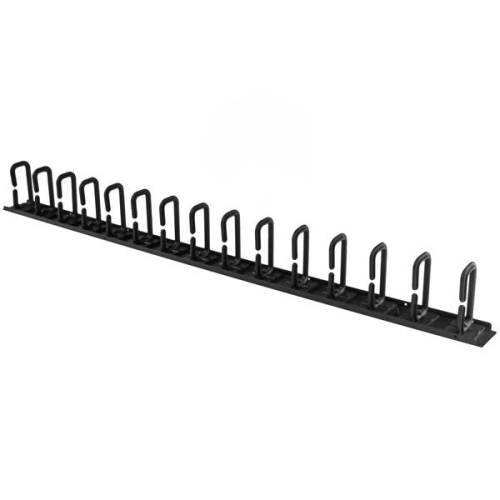
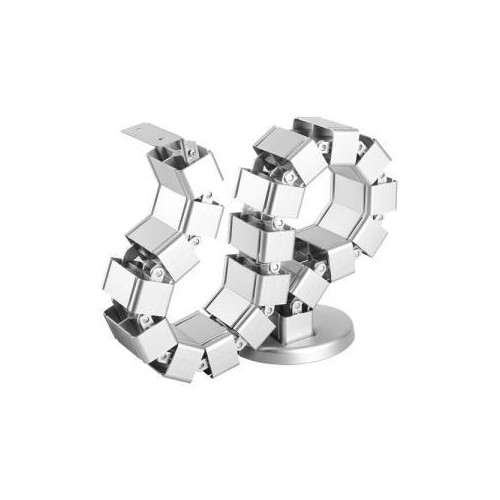
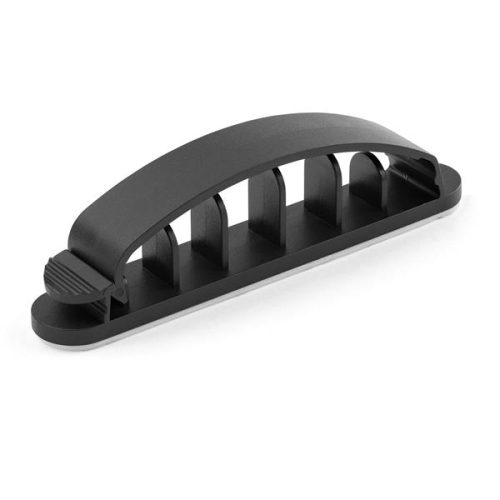
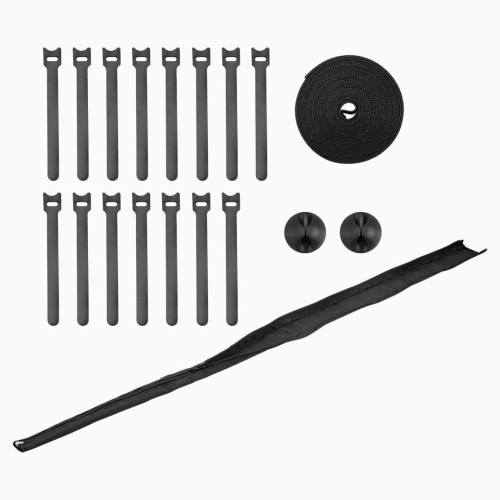
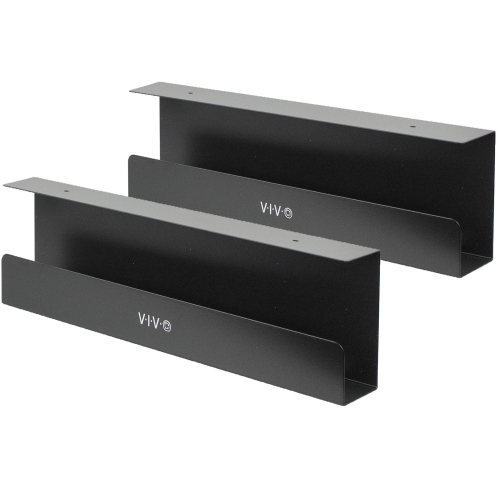
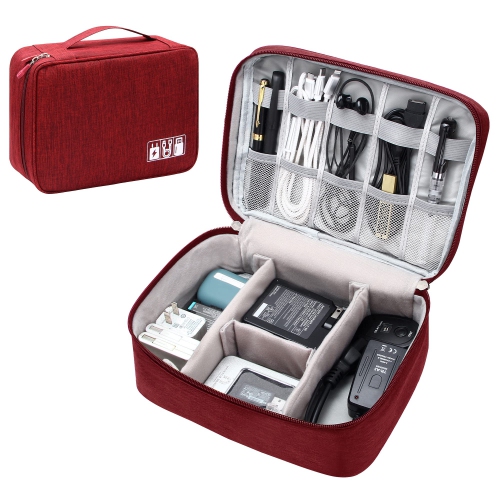

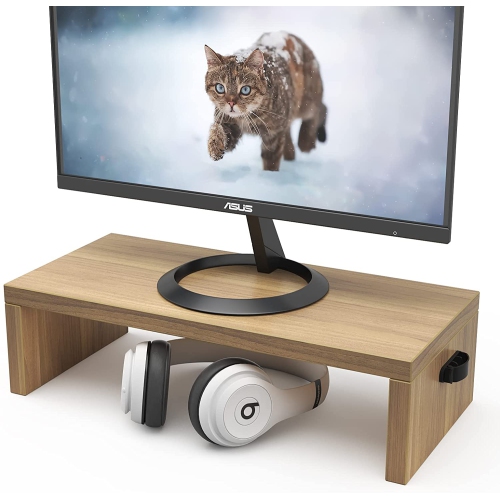
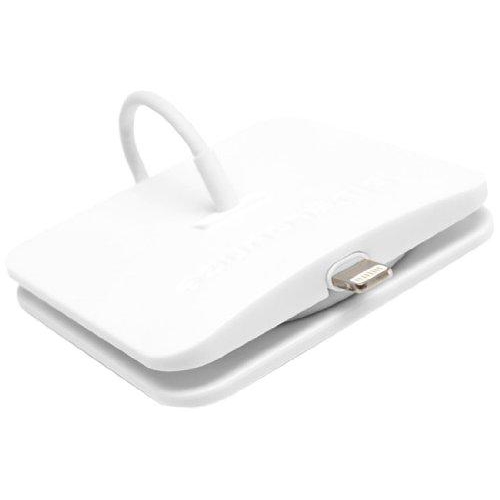
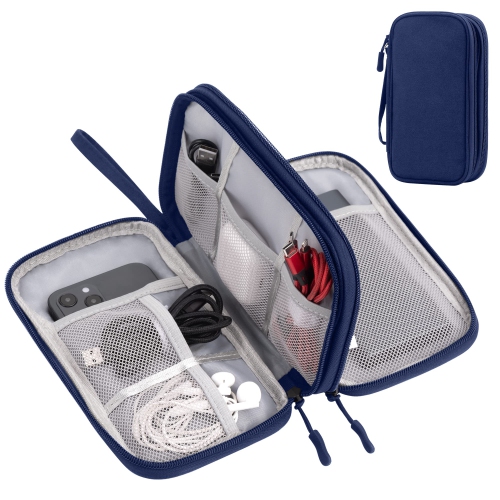
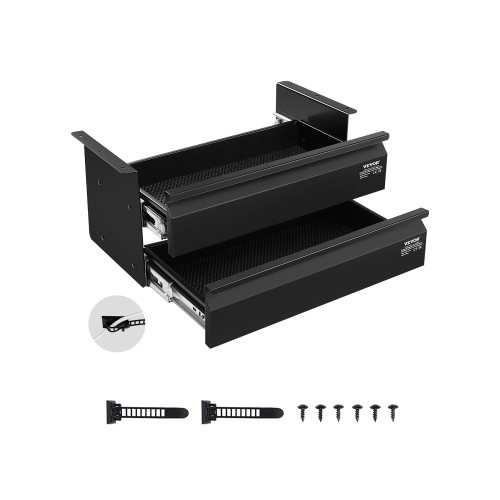
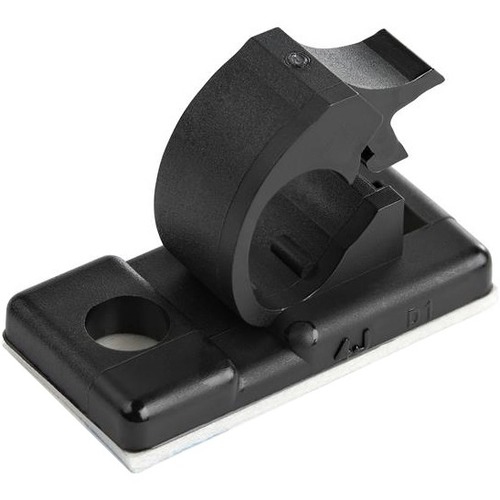
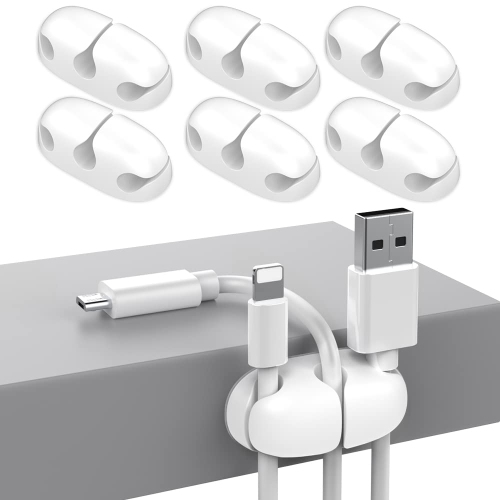
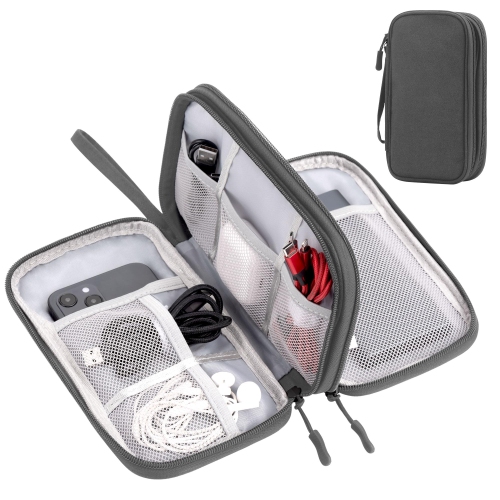

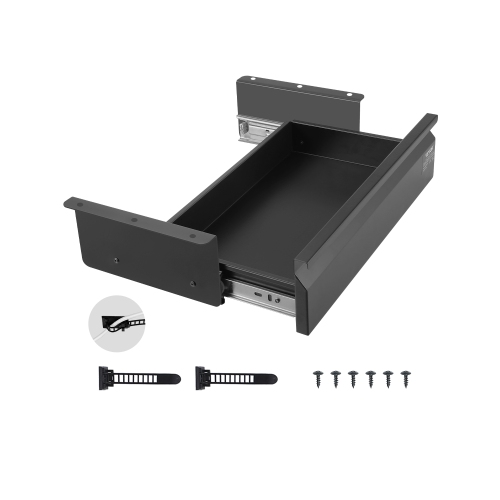
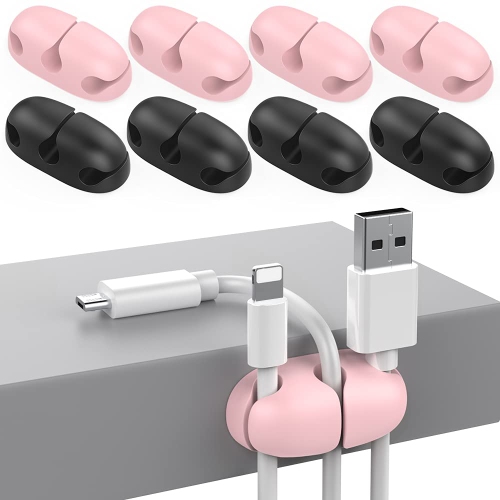
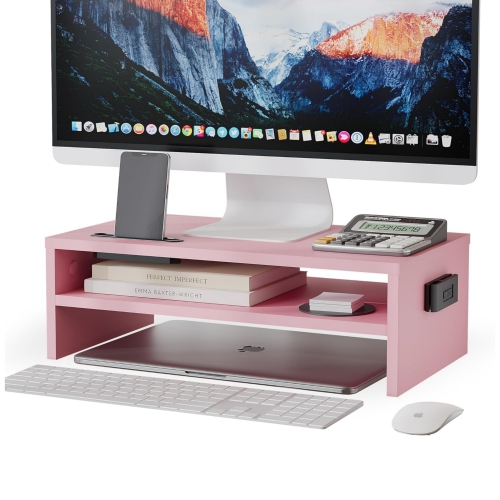
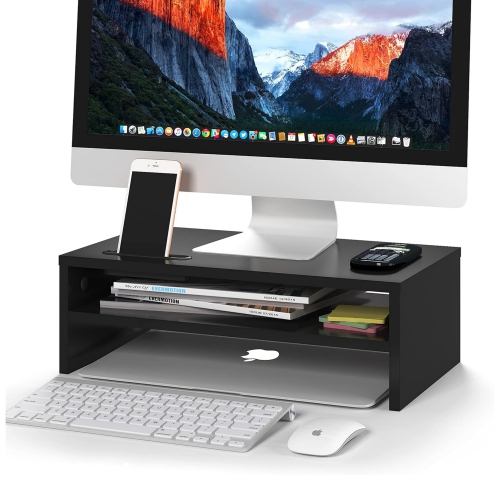
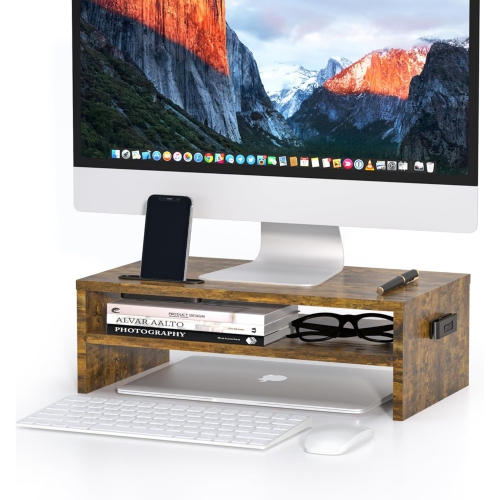
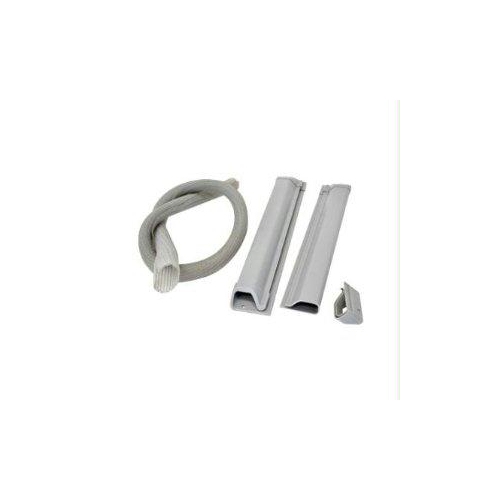
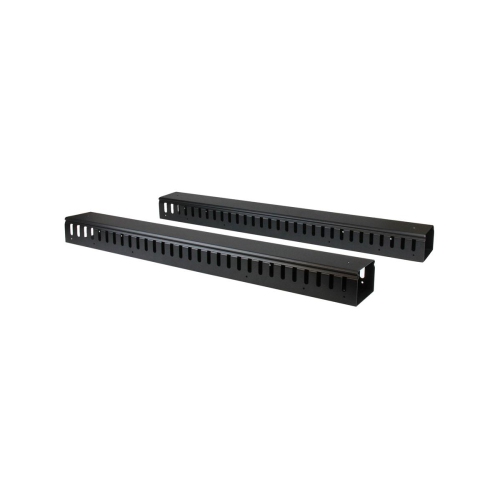
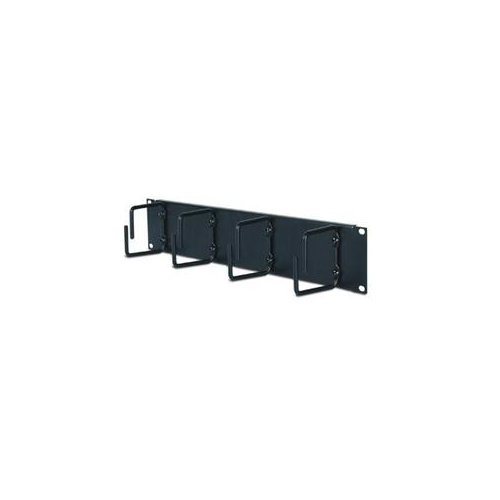
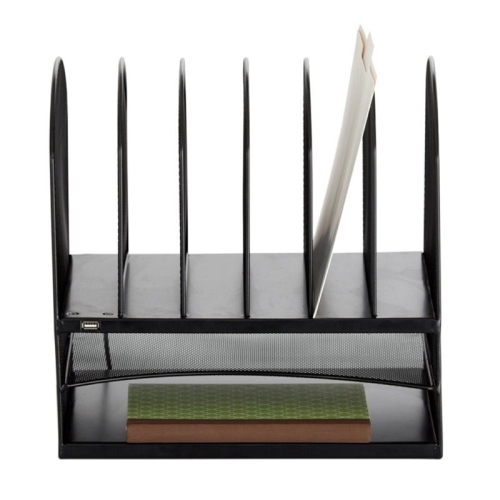
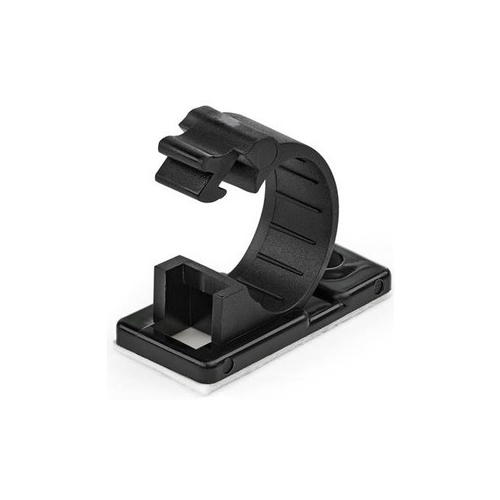

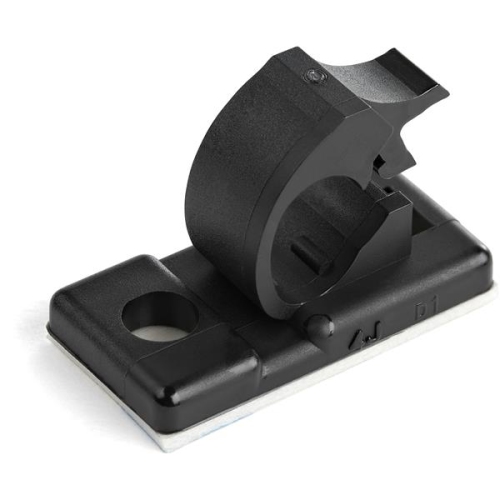
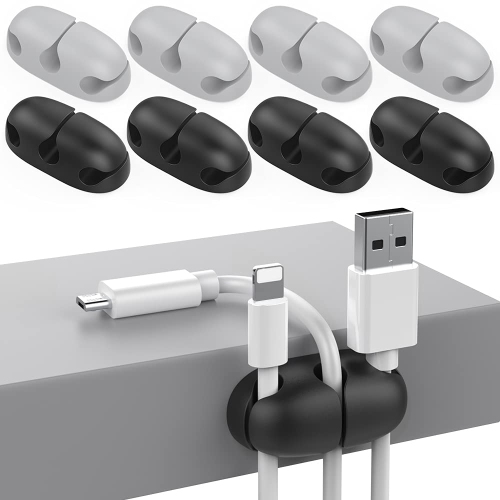
Charging cords within reach and excess cables tucked away
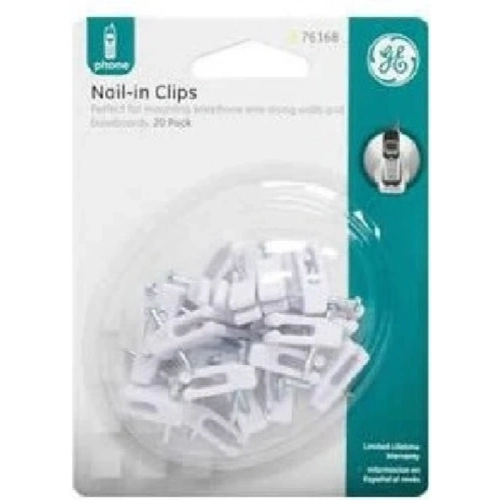
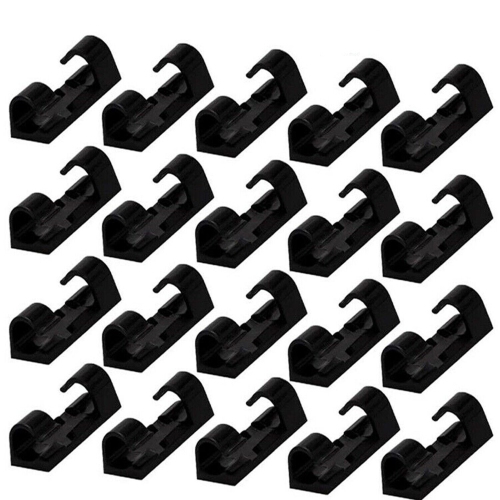
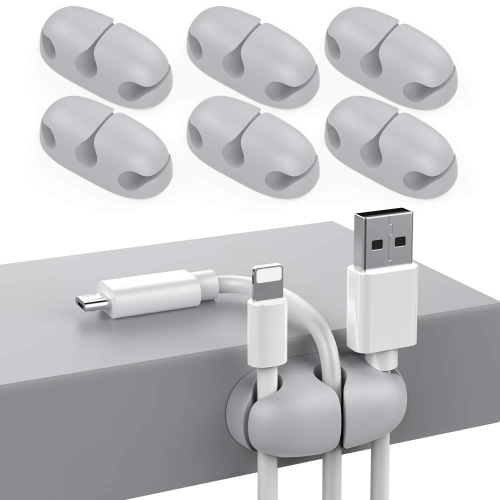
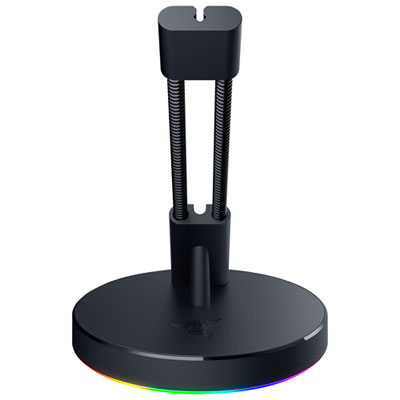
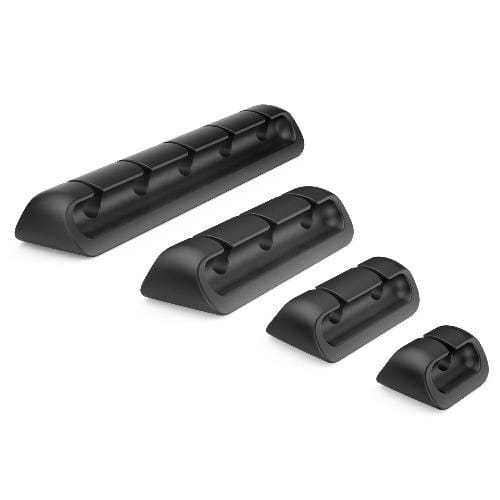
Desktop cable organizers keep charging cords, computer cables, and peripheral connections arranged on, behind, and beneath a desk. Their purpose is straightforward: keep the connections that need to be within reach accessible, while containing excess cable length and separating wires that would otherwise tangle. A charging lead held at the edge of a desktop is easier to find than one that slips behind a cabinet each time a phone is unplugged. A bundle routed beneath the work surface leaves more space for notebooks, a keyboard, or a drawing tablet. Different organizer styles serve different parts of that setup. Desktop cable clips and cord holders secure individual leads or small groups of cables near the devices they connect to. Adhesive anchors create routing points along a desk edge or underneath a shelf, while weighted holders can sit on a surface without a permanent attachment. Cable sleeves gather several wires into one more manageable bundle, particularly between a monitor and a computer tower. Reusable straps contain extra length and let individual cables be removed when equipment changes. Under-desk trays and baskets support longer cable runs and, where their dimensions and load ratings allow, power bars and adapter bricks. Cable management boxes conceal compatible power bars and surplus cords, though ventilation and access to switches remain important. These formats can work together rather than compete for the same job: a clip can hold a frequently used charging cable while a tray handles the less frequently touched connections underneath. For a workspace that extends beyond the desktop, Cable Management Organizers cover the broader task of routing and containing cords around connected equipment. The most useful arrangement depends on where cables enter the workspace, which devices move throughout the day, and how often connections need to change. A compact laptop station may need only a few accessible holding points, while a multi-monitor desk often benefits from separate routes for desktop leads and the cables running towards a wall outlet.
Materials, attachment methods, and dimensions all affect how well desktop cable organizers fit a particular workspace. Flexible silicone or rubber holders can grip cords while allowing them to be pressed into a slot and removed again; the opening still needs to match the cable diameter. A slot that works for a thin charging lead may be too tight for a thicker display cable, and a wide channel may not hold a slender cord securely. Rigid plastic channels and boxes give cable runs a defined shape, while metal trays provide structure for supported bundles beneath the desk. Fabric sleeves and hook-and-loop straps are useful where connections change regularly because they can be opened and adjusted without cutting a fastener. Durability depends on construction as well as material: smooth edges, secure fastenings, and closures that tolerate repeated opening matter when cables are moved often. For adhesive organizers, the mounting surface is just as important as the holder itself. Smooth, clean surfaces generally offer more consistent contact than textured or dusty ones, but compatibility with painted, laminated, wood, or glass finishes should be checked before installation. Adhesive removal can affect some finishes, so a repositionable layout should not be assumed simply because an organizer is small. Clamp-mounted trays avoid drilled holes but need a suitable desk edge, enough clearance, and a compatible desktop thickness. Screw-mounted styles require an appropriate mounting surface and care around drawers, desktop hardware, and the length of the fasteners. Tray width and depth should accommodate the intended contents without squeezing plugs or forcing cords against an edge. Large adapter bricks need room beside neighbouring plugs, and power switches should remain reachable. On a height-adjustable desk, cables also need enough slack for the full range of movement without pulling at ports or dragging across the floor. Allowing a gentle bend near each connection helps avoid strain, particularly where a cable exits a laptop dock or turns behind a monitor.
Intended use makes a noticeable difference to the layout. Someone who carries a laptop between rooms may value desktop cord holders that leave charging and display connections ready to plug in, rather than bundled out of reach. A gamer with a headset, controller, microphone, and several displays may need accessible leads at the front of the desk and a more substantial cable route at the back. For a student working at a small desk, keeping cords away from the writing area can leave useful room for textbooks and handwritten notes. Shared workstations benefit from simple arrangements that make connections easy to identify without undoing an entire bundle. Small cable labels can help distinguish similar-looking leads, especially when several adapters sit together beneath the surface. Colour can also be practical: an organizer that blends with the desk makes the arrangement less noticeable, while contrasting holders can make frequently used connections easier to spot. Desktop cable organizers can be a thoughtful practical gift for someone setting up a study space, home office, or creative workstation, particularly when their desk size and device setup are known. Day-to-day care is usually modest, but it helps preserve both the organizers and the surfaces around them. Dust can gather inside trays, around clips, and along fabric sleeves; cleaning should follow the material’s care instructions, with connected equipment kept clear of moisture. Adhesive mounts deserve an occasional check for lifting edges, and clamps or other fastenings should remain secure without damaging the desk. A tidy appearance should never come at the expense of cable condition: bundles should not be cinched so tightly that insulation is compressed, and damaged cords need attention rather than concealment. Power bars and adapters also need the clearances and ventilation specified by their manufacturers. Leaving access to plugs, removable panels, and closures makes later changes easier. The result is a workspace where everyday connections have a consistent place, excess length stays contained, and adding a device does not mean pulling apart every cable behind the desk.
Materials, attachment methods, and dimensions all affect how well desktop cable organizers fit a particular workspace. Flexible silicone or rubber holders can grip cords while allowing them to be pressed into a slot and removed again; the opening still needs to match the cable diameter. A slot that works for a thin charging lead may be too tight for a thicker display cable, and a wide channel may not hold a slender cord securely. Rigid plastic channels and boxes give cable runs a defined shape, while metal trays provide structure for supported bundles beneath the desk. Fabric sleeves and hook-and-loop straps are useful where connections change regularly because they can be opened and adjusted without cutting a fastener. Durability depends on construction as well as material: smooth edges, secure fastenings, and closures that tolerate repeated opening matter when cables are moved often. For adhesive organizers, the mounting surface is just as important as the holder itself. Smooth, clean surfaces generally offer more consistent contact than textured or dusty ones, but compatibility with painted, laminated, wood, or glass finishes should be checked before installation. Adhesive removal can affect some finishes, so a repositionable layout should not be assumed simply because an organizer is small. Clamp-mounted trays avoid drilled holes but need a suitable desk edge, enough clearance, and a compatible desktop thickness. Screw-mounted styles require an appropriate mounting surface and care around drawers, desktop hardware, and the length of the fasteners. Tray width and depth should accommodate the intended contents without squeezing plugs or forcing cords against an edge. Large adapter bricks need room beside neighbouring plugs, and power switches should remain reachable. On a height-adjustable desk, cables also need enough slack for the full range of movement without pulling at ports or dragging across the floor. Allowing a gentle bend near each connection helps avoid strain, particularly where a cable exits a laptop dock or turns behind a monitor.
Intended use makes a noticeable difference to the layout. Someone who carries a laptop between rooms may value desktop cord holders that leave charging and display connections ready to plug in, rather than bundled out of reach. A gamer with a headset, controller, microphone, and several displays may need accessible leads at the front of the desk and a more substantial cable route at the back. For a student working at a small desk, keeping cords away from the writing area can leave useful room for textbooks and handwritten notes. Shared workstations benefit from simple arrangements that make connections easy to identify without undoing an entire bundle. Small cable labels can help distinguish similar-looking leads, especially when several adapters sit together beneath the surface. Colour can also be practical: an organizer that blends with the desk makes the arrangement less noticeable, while contrasting holders can make frequently used connections easier to spot. Desktop cable organizers can be a thoughtful practical gift for someone setting up a study space, home office, or creative workstation, particularly when their desk size and device setup are known. Day-to-day care is usually modest, but it helps preserve both the organizers and the surfaces around them. Dust can gather inside trays, around clips, and along fabric sleeves; cleaning should follow the material’s care instructions, with connected equipment kept clear of moisture. Adhesive mounts deserve an occasional check for lifting edges, and clamps or other fastenings should remain secure without damaging the desk. A tidy appearance should never come at the expense of cable condition: bundles should not be cinched so tightly that insulation is compressed, and damaged cords need attention rather than concealment. Power bars and adapters also need the clearances and ventilation specified by their manufacturers. Leaving access to plugs, removable panels, and closures makes later changes easier. The result is a workspace where everyday connections have a consistent place, excess length stays contained, and adding a device does not mean pulling apart every cable behind the desk.
Top selling and popular products
-
 Your price for this item is $3.99
 -
 Your price for this item is $20.99
 -
 Your price for this item is $7.99
 -
 Your price for this item is $25.96
 -
 Your price for this item is $29.96
 -
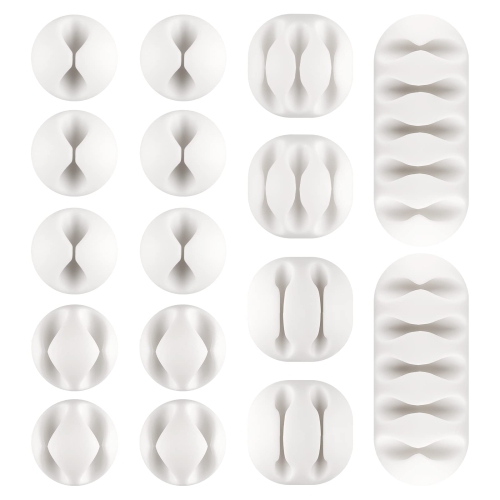 Your price for this item is $27.96
 -
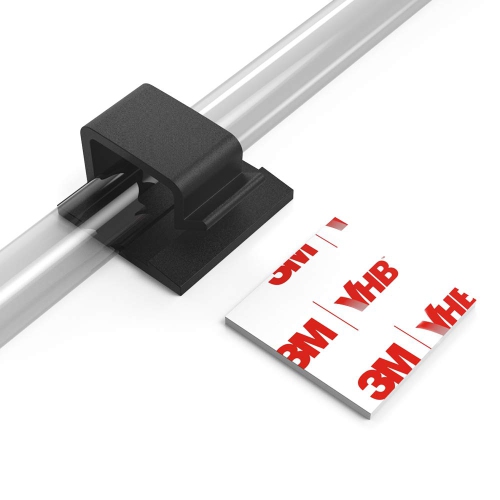 Your price for this item is $33.96
 -
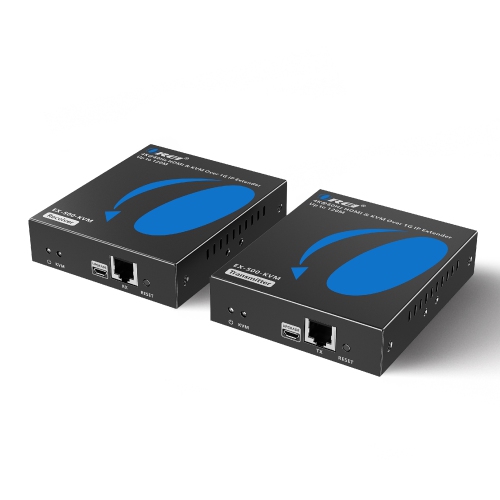 Your price for this item is $277.99
Discover more categories related to Desktop Cable Organizers
Top Collections:
Pokemon Centers, Kindle Devices, Best Budget Office Chairs, Apple iPhones 16, Best Laptops for Writers, iPhone 15 Apple, Canon G7X Cameras, Refurbished Apple Laptops, Alarm Clock, Motorola Razr Phones
Some products may be subject to Environmental Handling Fees
(EHF) depending on your province.
Learn more about EHFs.