Digital Signage Solutions
Our selection of digital signage solutions offers a dynamic way to engage with customers, employees, and visitors. Whether you're looking to display promotions, important announcements, or interactive content, digital signage provides a modern and eye-catching platform to convey your message effectively. Explore our range of options to find the perfect digital signage solution for your needs.
Sort
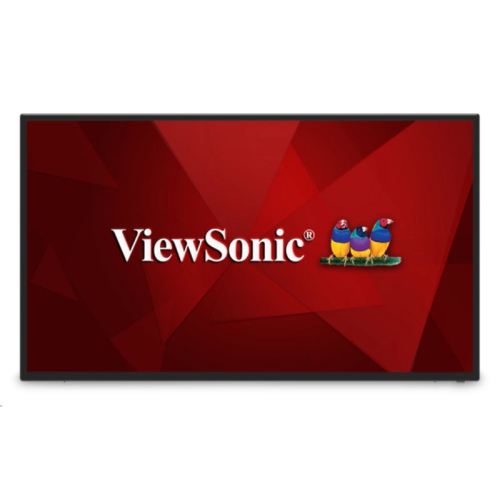
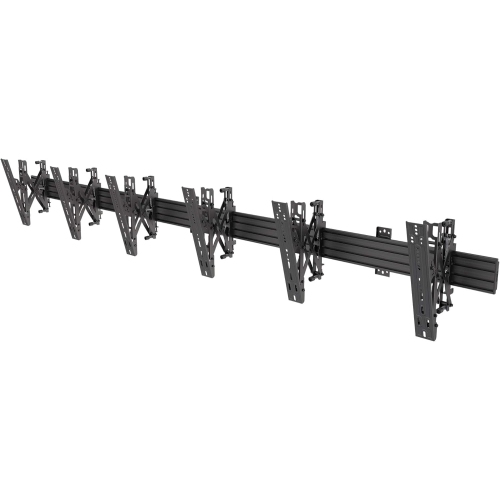
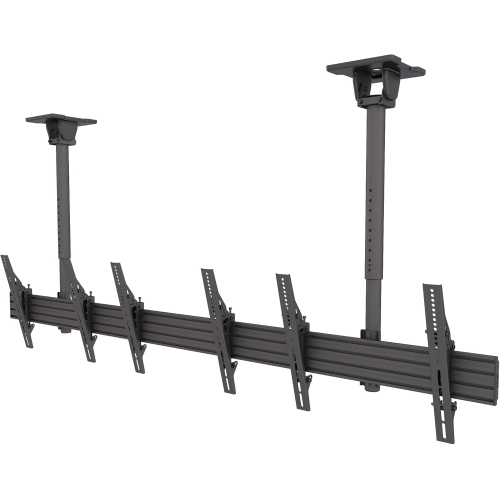
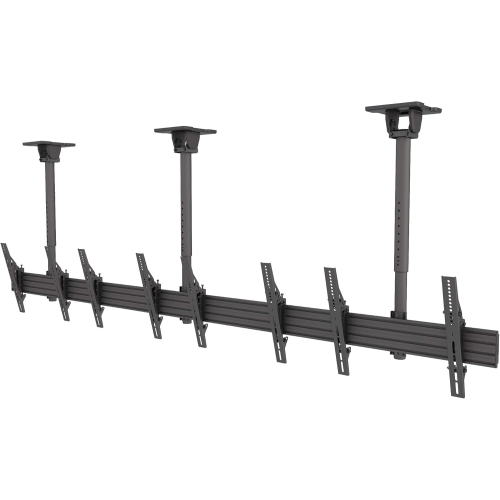

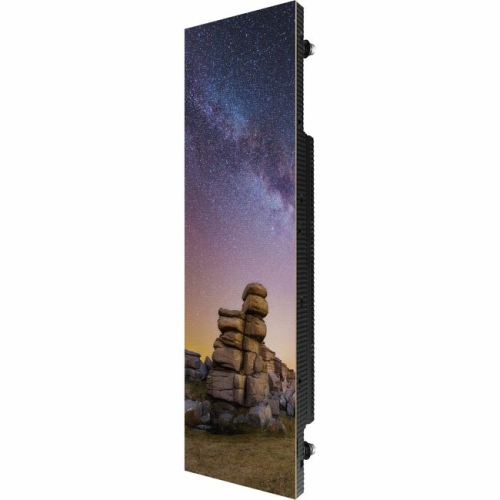
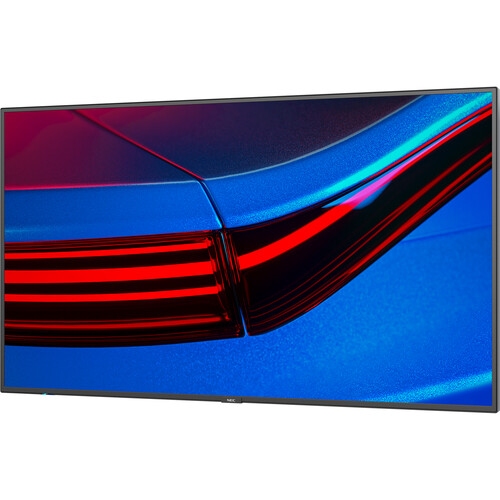

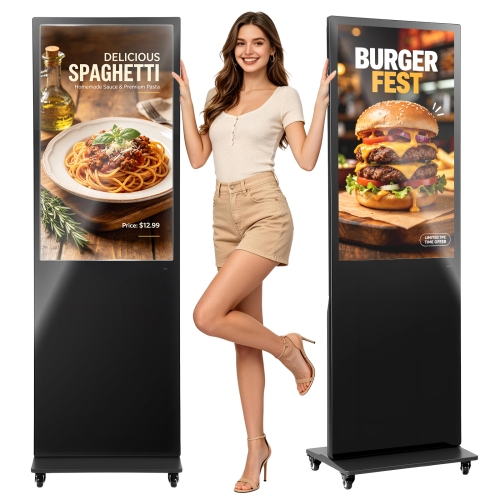

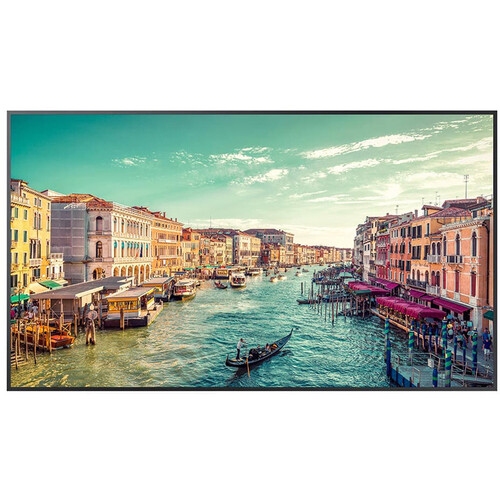








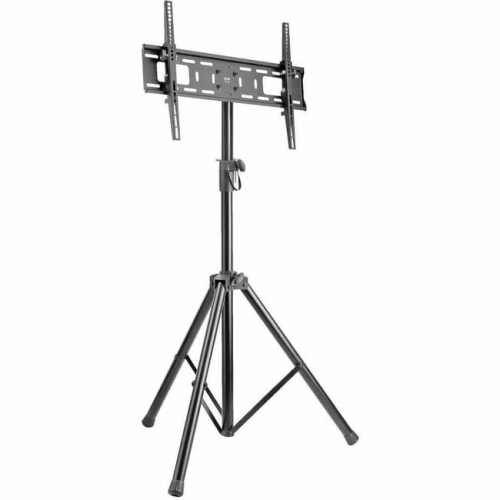
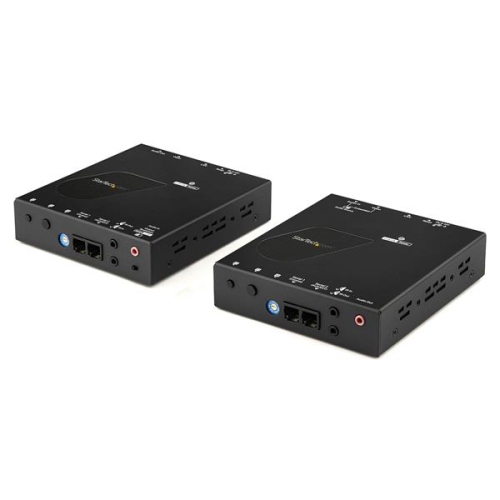


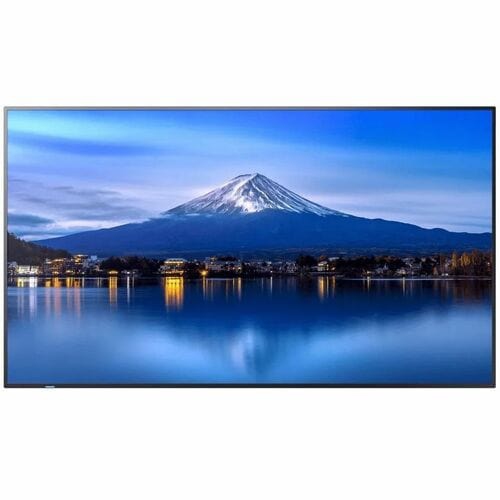
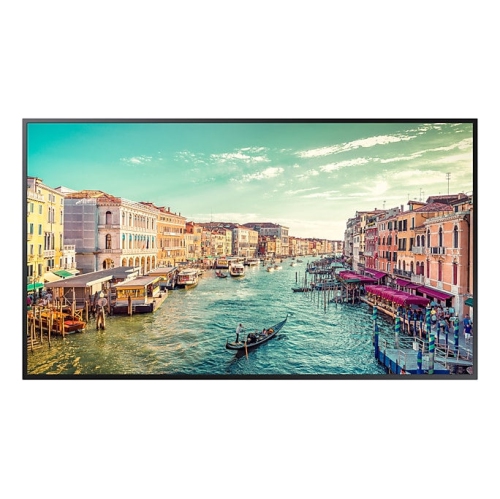




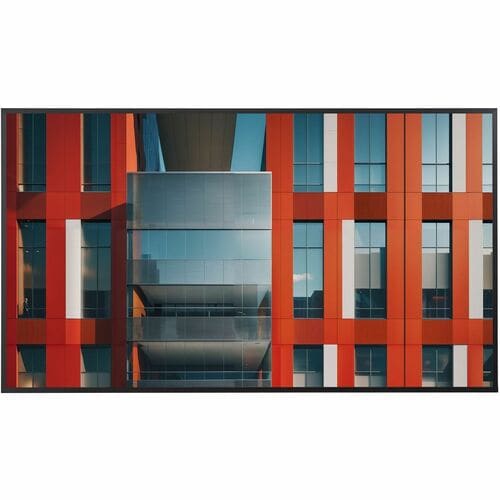

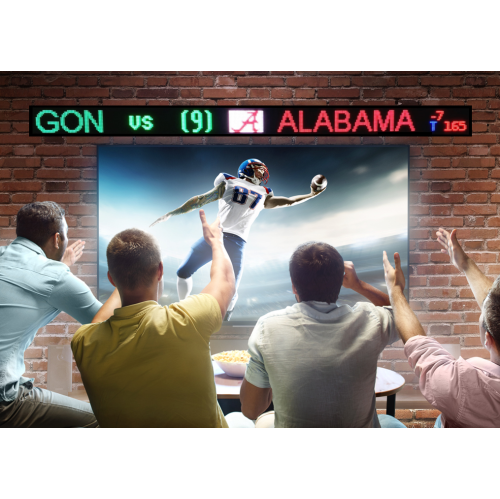

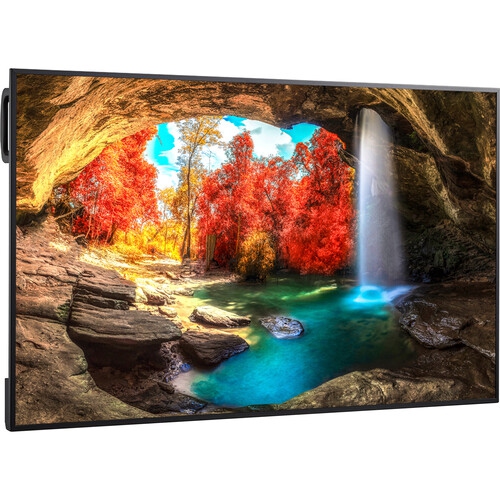



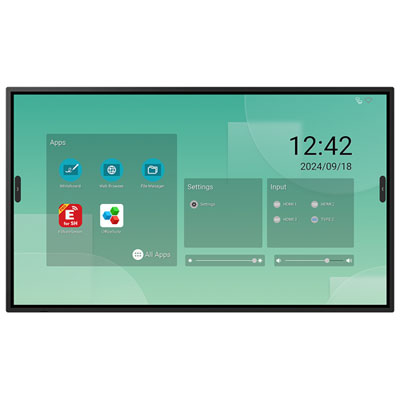
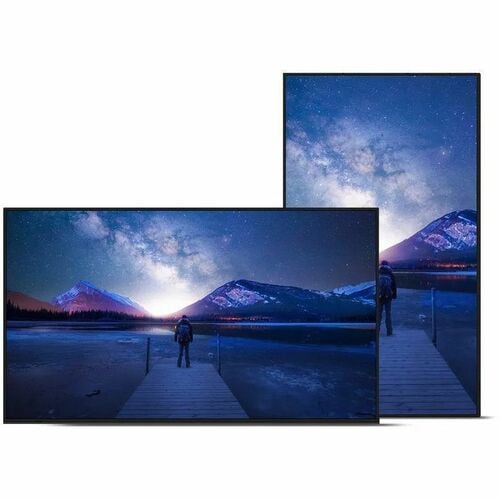
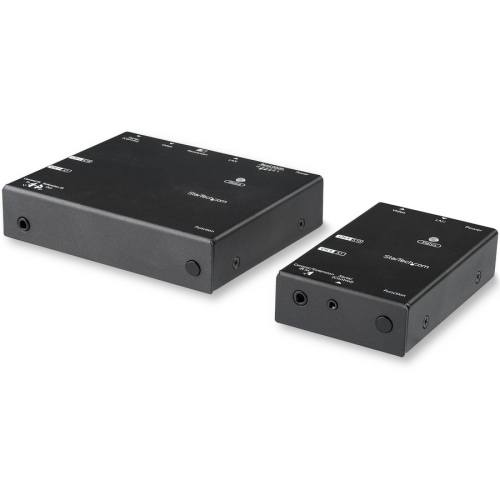
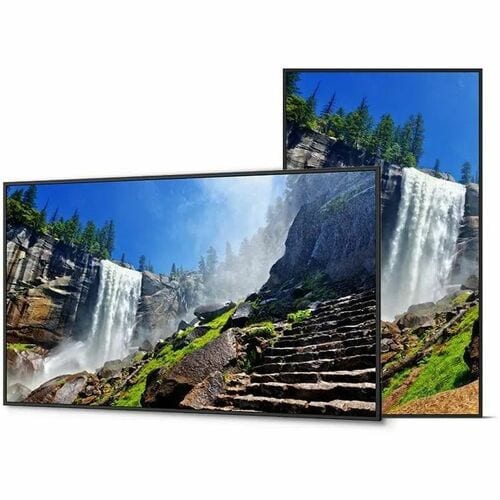


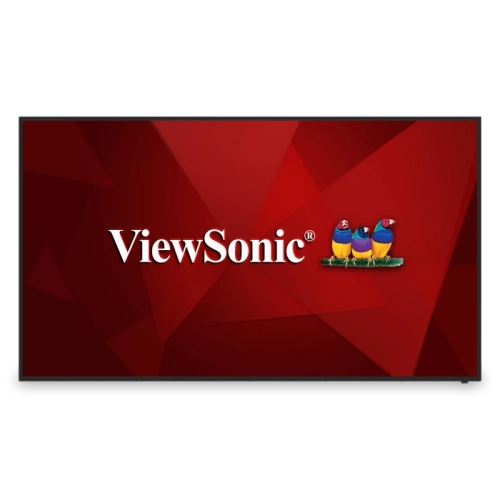
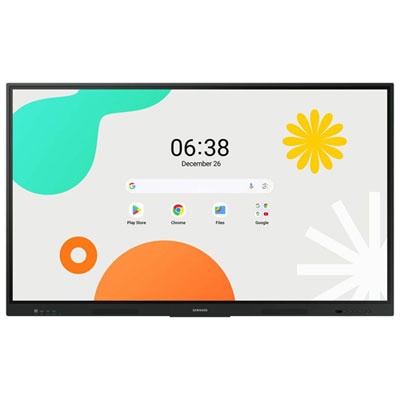

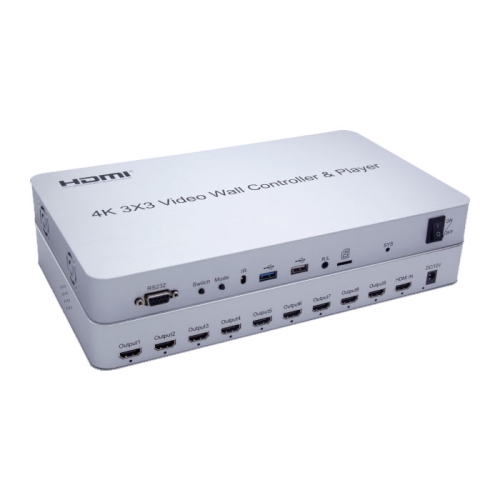

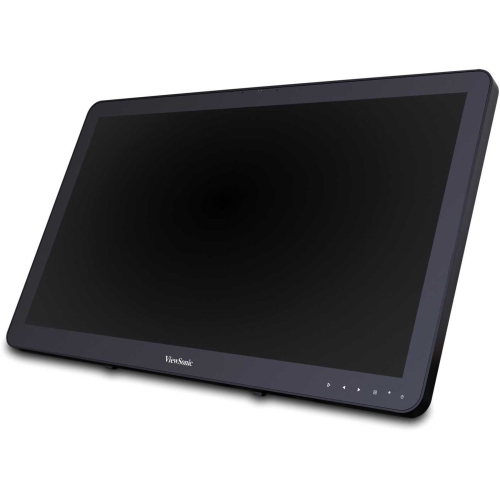

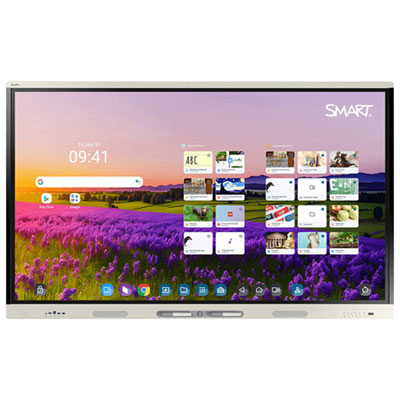

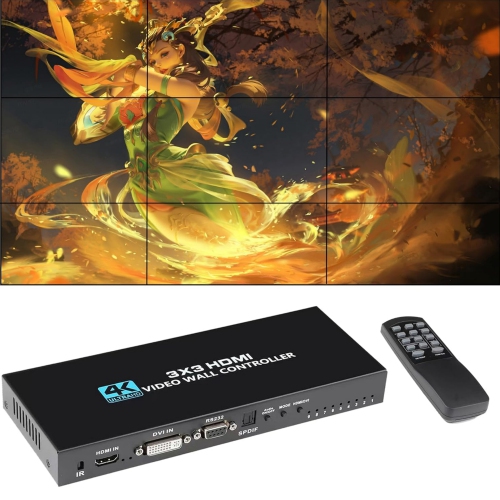
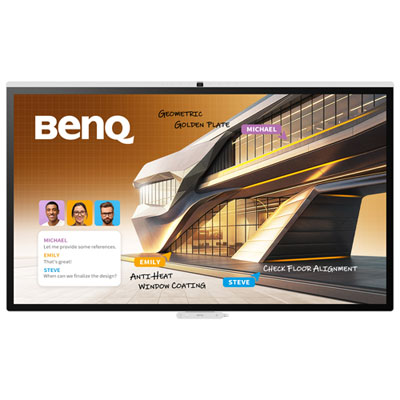
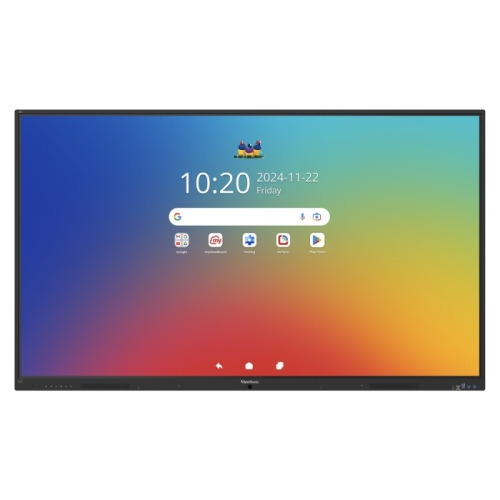
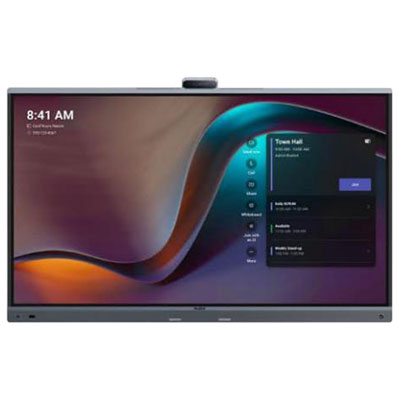
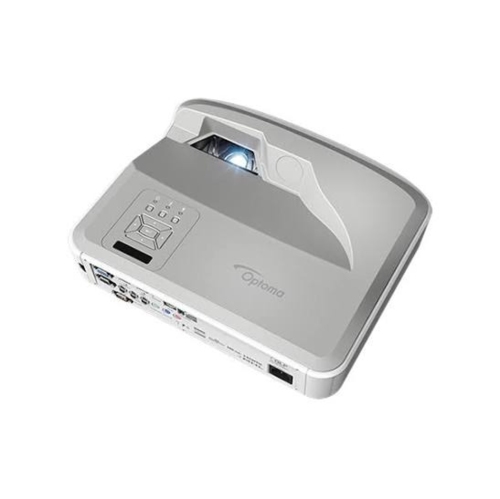

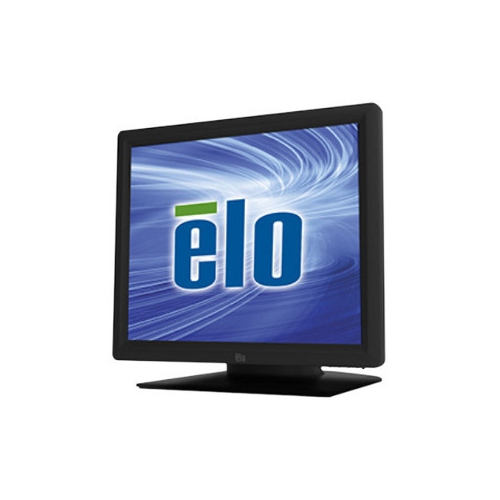


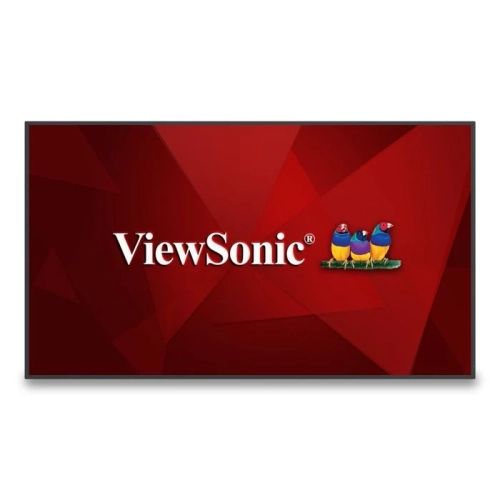

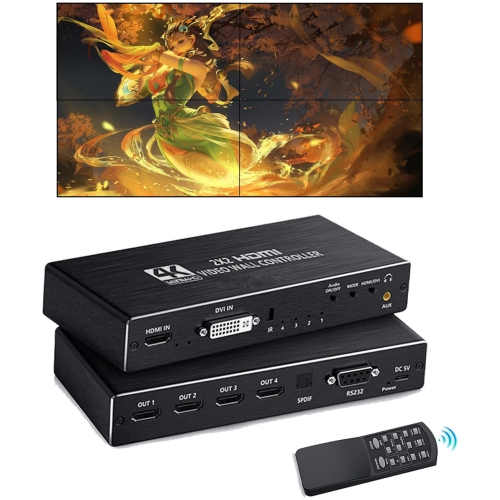



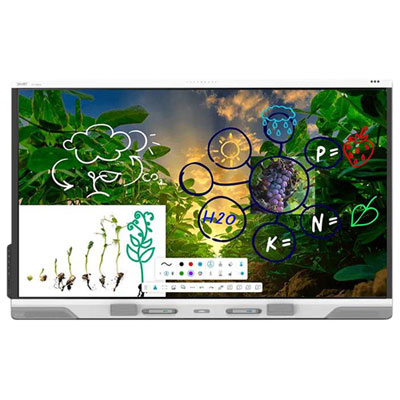
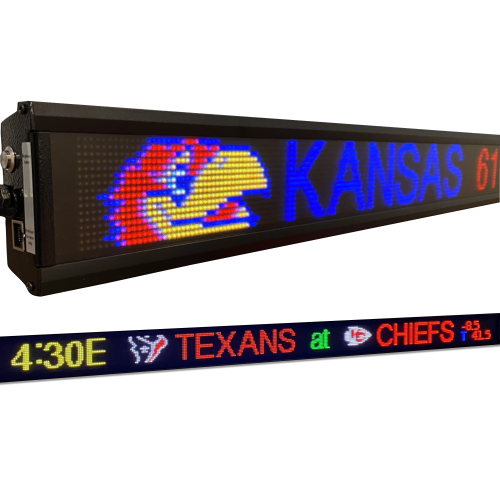
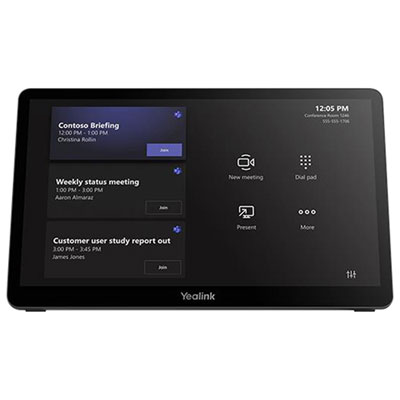
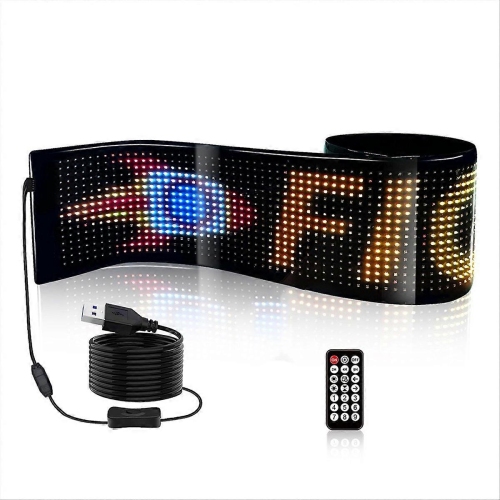
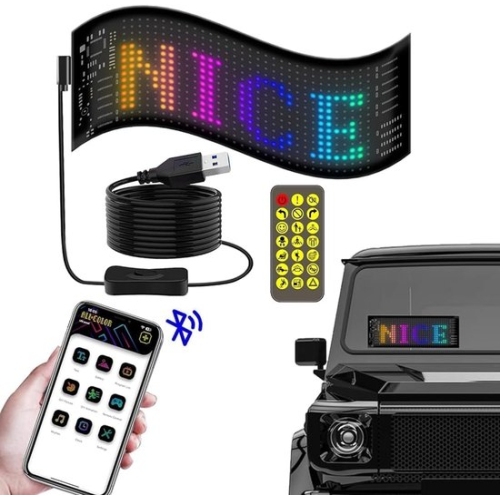

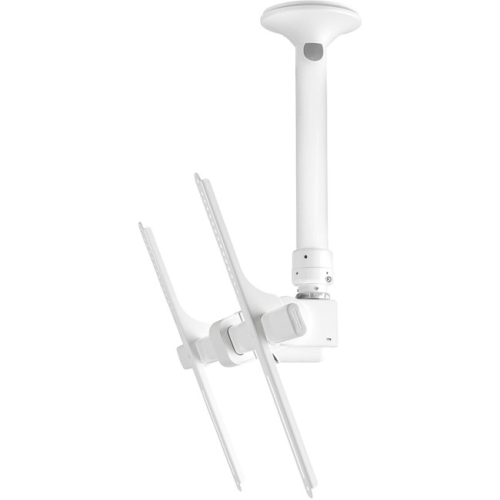
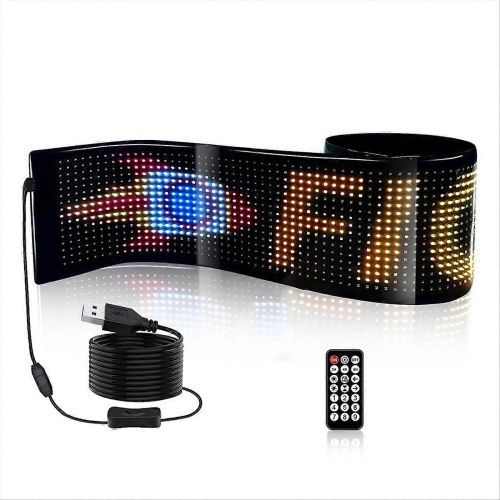

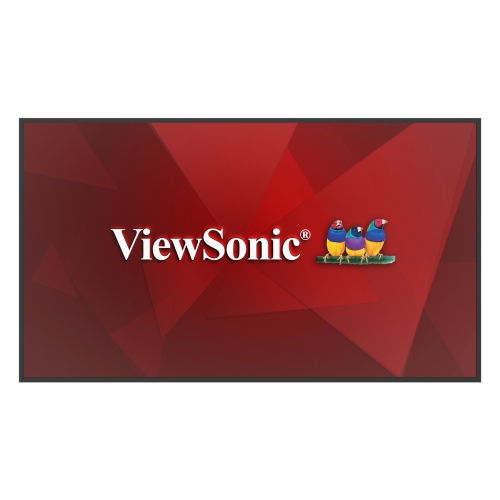

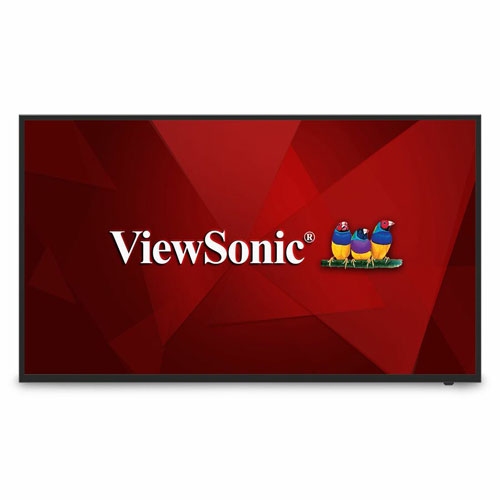
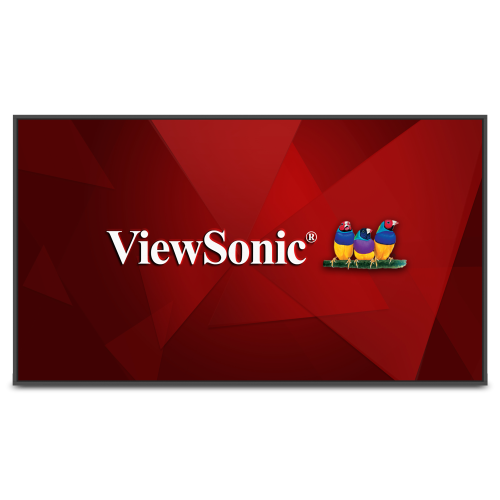


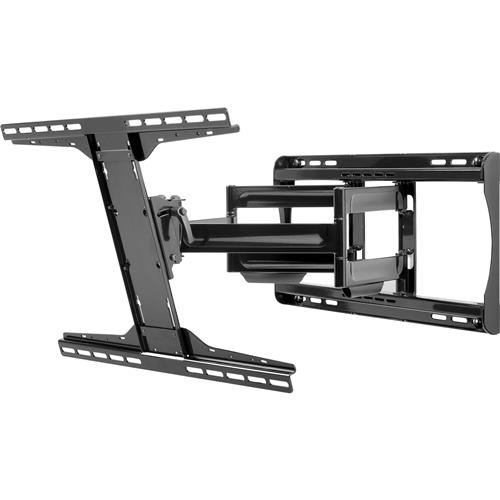
Screens that change their message throughout the day
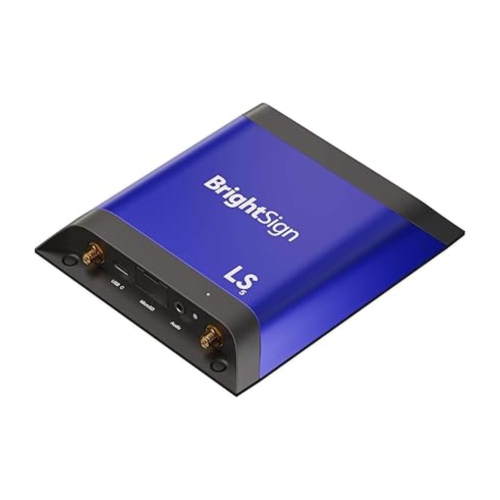
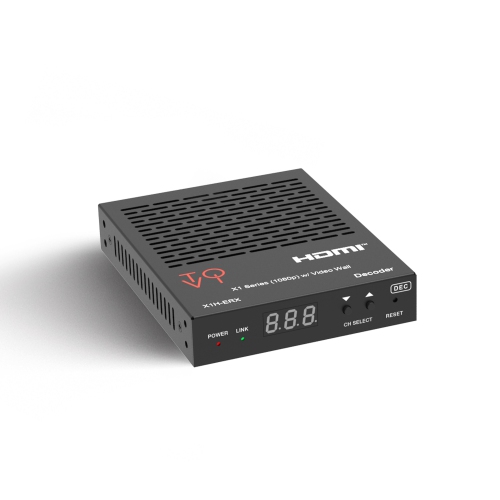
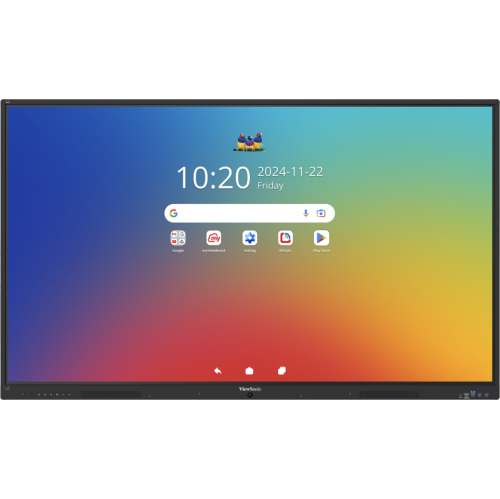
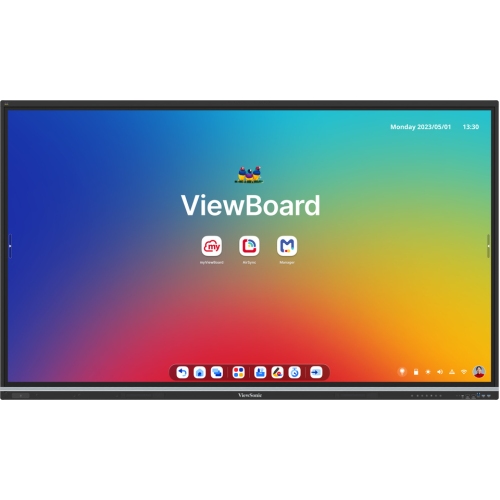
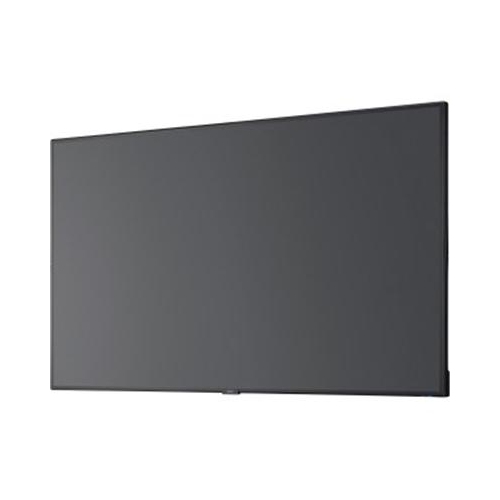
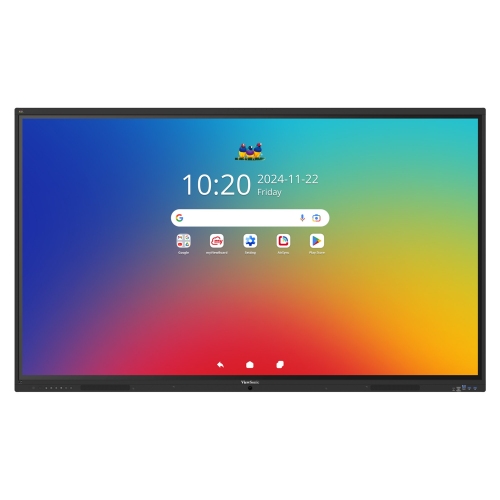
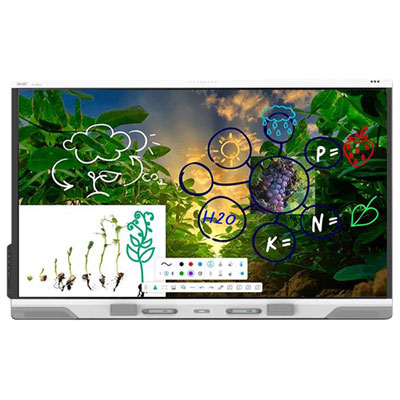
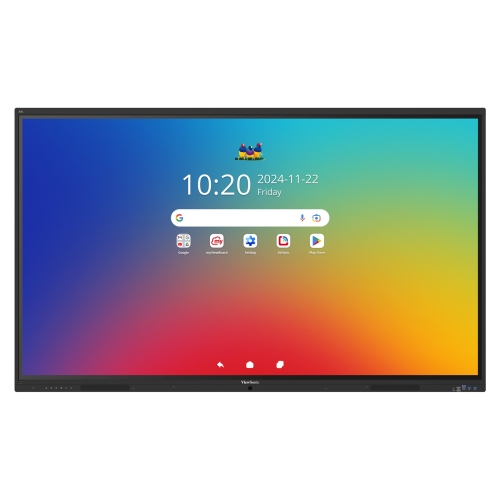
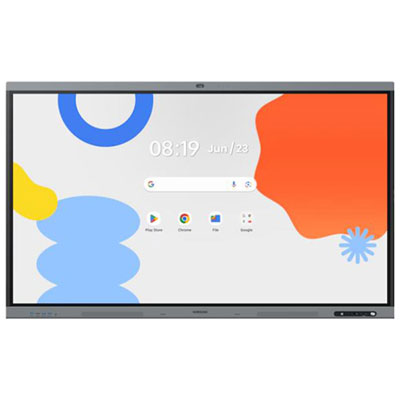
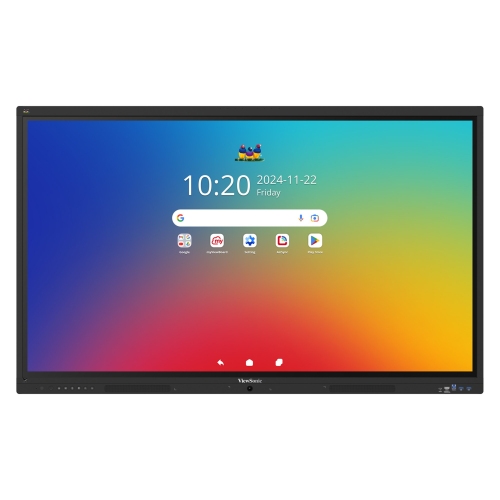
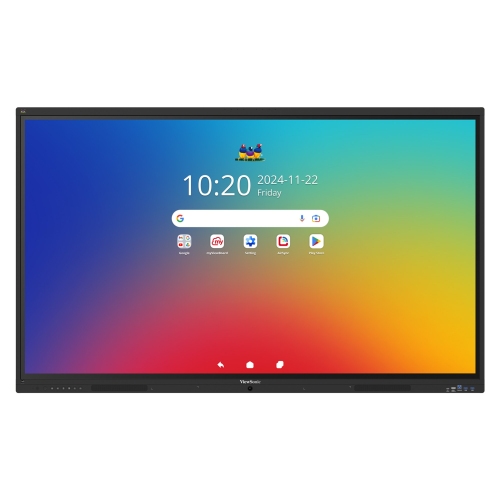
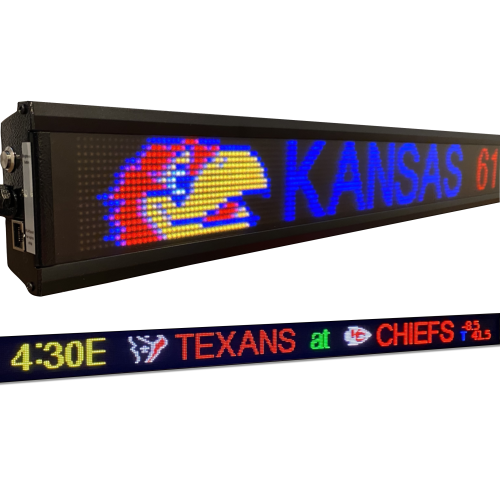
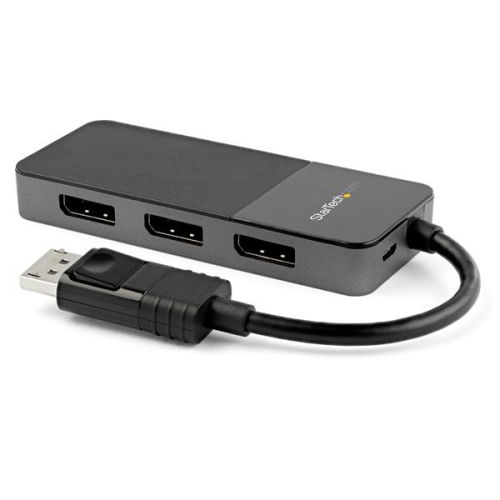
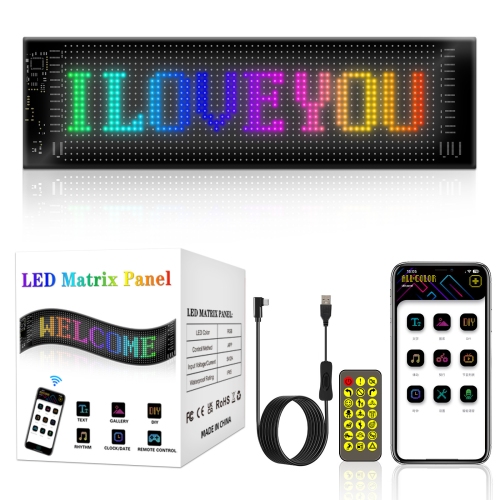
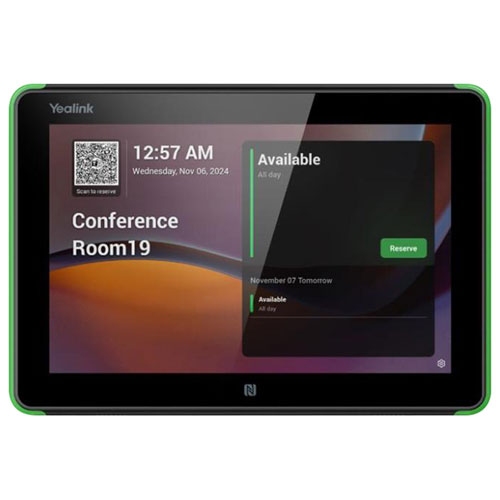
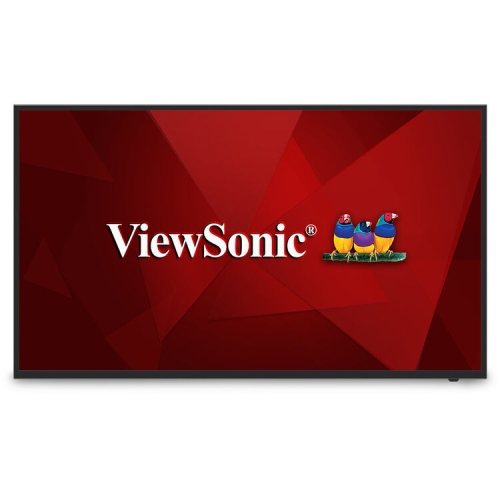
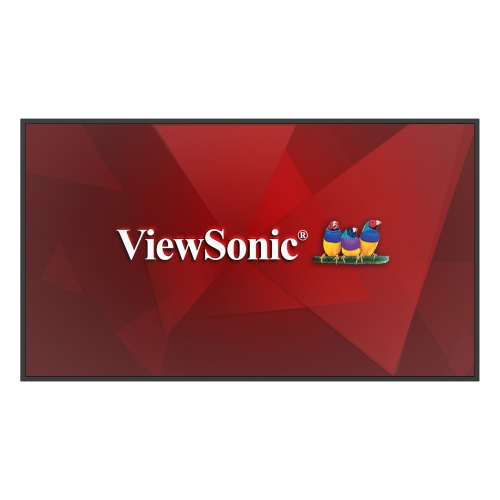
Digital signage solutions bring together displays, media players, content management software, and mounting hardware to present information on one screen or across a connected network. Unlike a printed sign, a digital display can rotate through messages, show video, and change its content to suit the time of day or location. A café might switch from breakfast menus to lunch selections, while an office lobby displays visitor information alongside meeting schedules. In a retail space, screens can explain product features or direct customers towards different departments; in a recreation centre, they can show class times and facility announcements. The right combination depends on what the screen needs to communicate, how far away people will be, and who will manage the content. A typical setup uses a media player, either built into the display or connected externally, to deliver images, video, and other supported content. A content management system, often called a CMS, lets authorised staff upload files, create playlists, schedule changes, and assign content to individual screens or groups. Cloud-based software can support remote management through a browser, while locally managed systems may suit installations with different network or security requirements. These capabilities vary by platform, so compatibility between the screen, player, and software matters as much as any individual specification. A single reception screen may only need a straightforward playlist, whereas a business with several locations may need shared templates, separate access permissions, and central scheduling. Some systems can also display supported live information feeds, although those features depend on the software and an appropriate data connection. For schools, clinics, hospitality spaces, and offices, the appeal is practical: information can be updated without replacing a physical sign every time details change. Clear text, familiar symbols, and a consistent layout help viewers understand the message quickly, whether they are pausing at a reception desk or walking past a screen on their way to an appointment. Digital signage works best when its hardware and content both suit that everyday use.
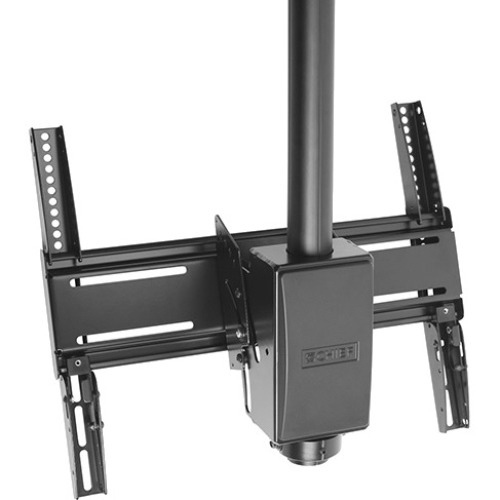
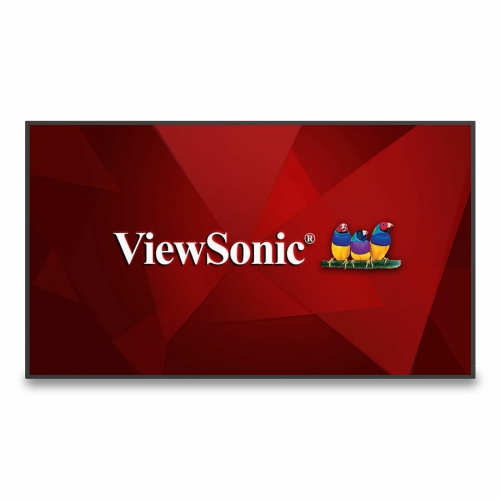
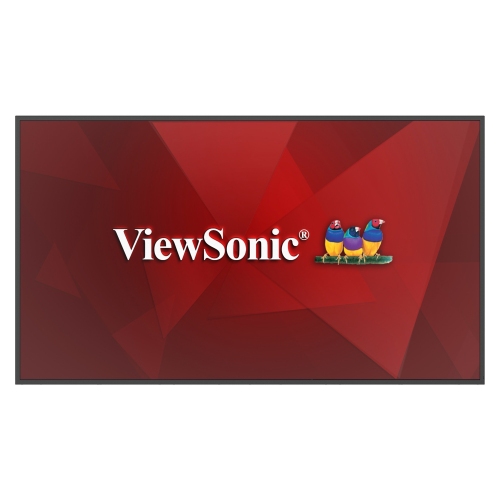
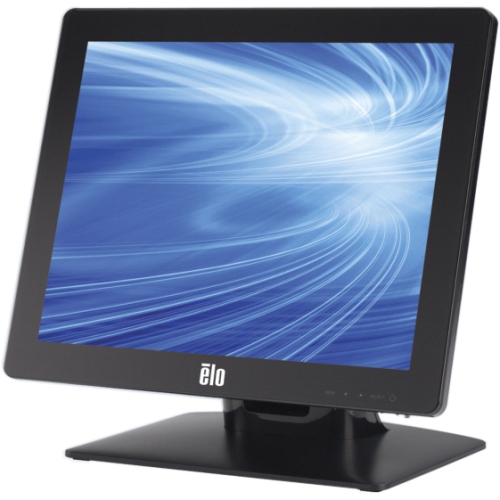
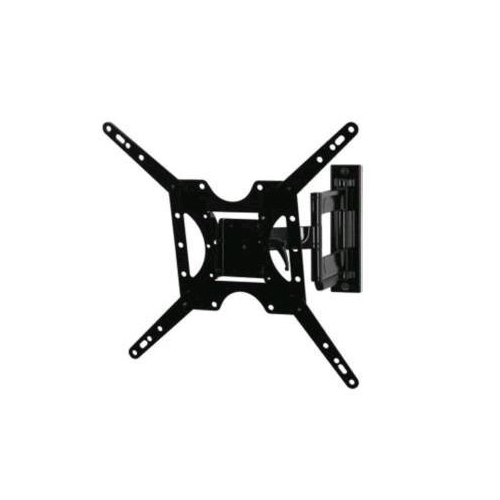
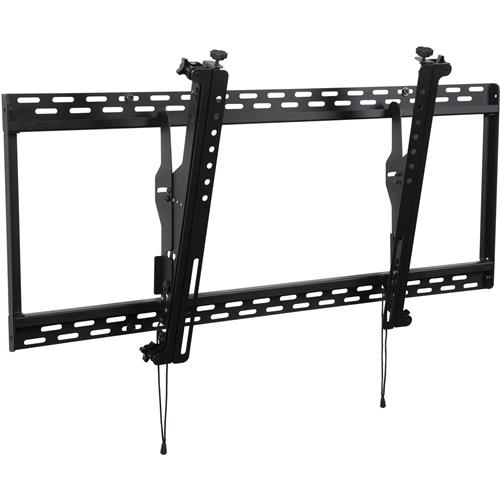
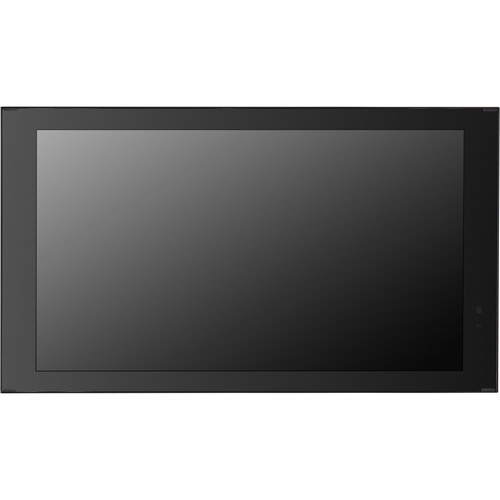
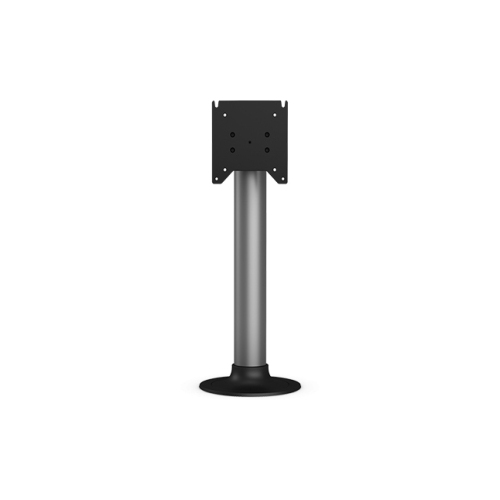
Display selection starts with the viewing conditions and the amount of time the screen will operate. A screen facing a bright entrance has different needs from one mounted in a softly lit meeting area. Brightness, surface reflections, viewing angles, and text size all affect readability; a higher resolution alone will not make small lettering easy to read from across a room. Larger screens can make sense for open spaces and distant viewing, while smaller displays may suit service counters or room entrances where people stand close by. Commercial displays often have specified operating schedules, such as extended daily use or continuous operation, and those ratings should match the intended schedule. A household television may support some basic signage applications, but its operating limits, orientation support, controls, and warranty terms may differ from those of a purpose-built commercial screen. Portrait placement is useful for directories and tall layouts, provided the display supports that orientation. Landscape placement often suits menus, announcements, and video. Touch-enabled displays add another layer of interaction for maps, directories, or self-service information, but require compatible software and positioning that allows comfortable access. Physical fit includes more than screen dimensions: the mount must support the display’s weight and mounting pattern, with enough clearance for ventilation, connectors, and servicing. Steel or aluminium mounting hardware can provide a sturdy foundation when correctly rated and installed, while protective housings may be appropriate where screens face frequent contact. Outdoor and partially sheltered installations need equipment specifically rated for the expected temperature range, moisture, and sunlight; an indoor display behind glass is not automatically suitable. During the cooler months, entrances can expose equipment to temperature changes and tracked-in moisture, making placement particularly important. Care is generally straightforward but should follow the manufacturer’s directions. Suitable cloths and approved cleaning methods help protect screen coatings, while accessible vents and tidy cable routing make routine upkeep easier. In busy public areas, secure attachments and cables kept away from walking routes contribute to a safer, more durable installation.
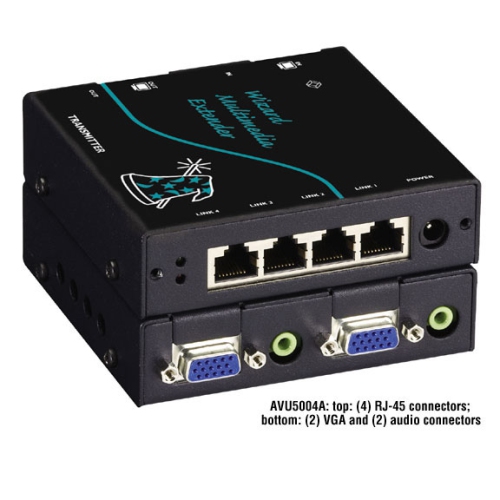
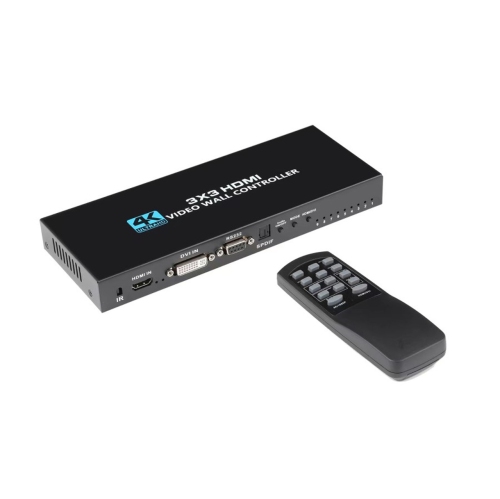
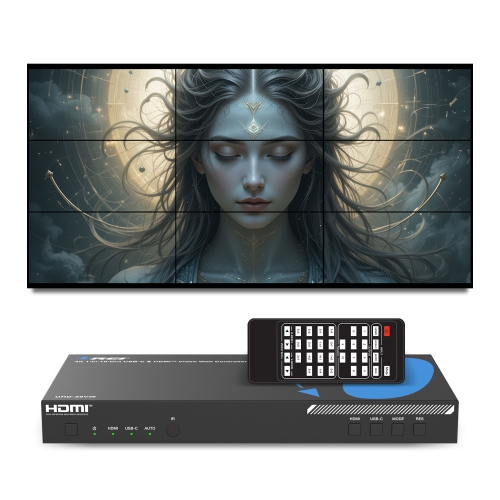
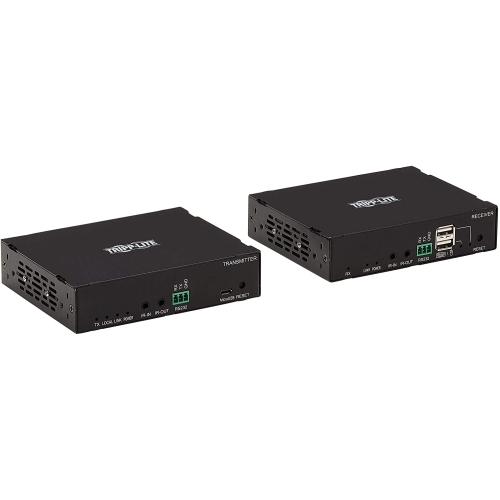
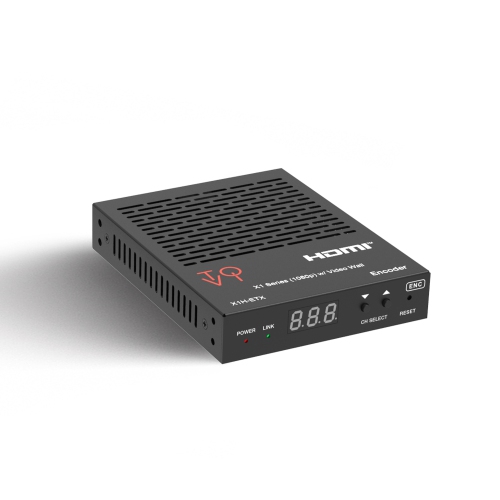
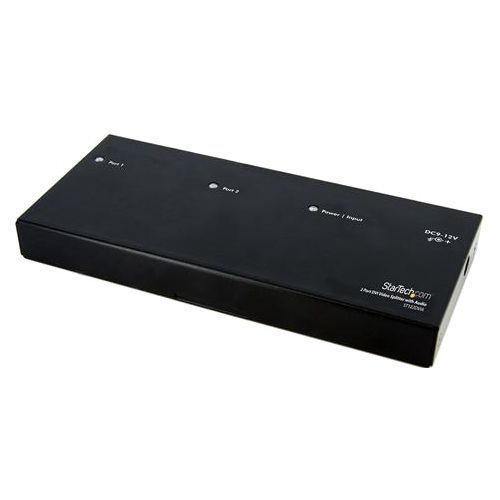
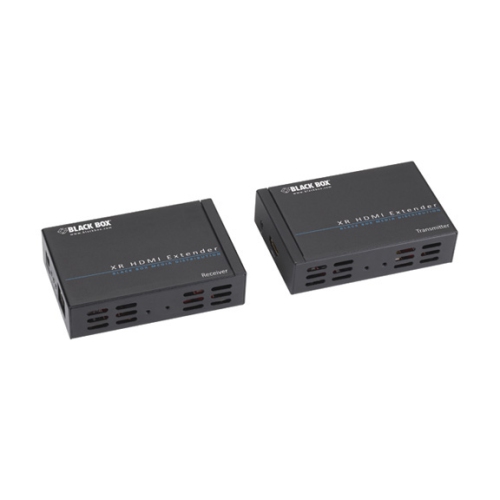
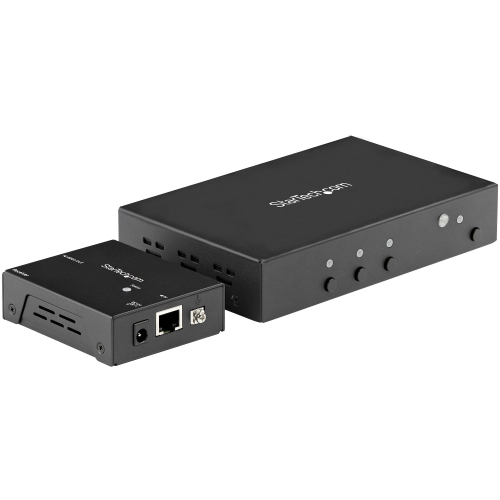
Behind the display, connectivity and day-to-day management determine how smoothly a digital signage system fits into a workplace. HDMI connections are common between external media players and screens, but resolution support, cable length, and access to power still need attention. Built-in players can reduce the number of separate components, while external players may offer flexibility when software requirements change. Wired networking can provide a steady connection for fixed installations; Wi-Fi can be useful where running network cable is impractical, provided coverage and network permissions are suitable. Some players store downloaded content locally and continue showing it during a connection interruption, though live feeds and remote changes may pause until the connection returns. That distinction matters for a menu board expected to stay readable throughout the day or a lobby screen that should not go blank when a connection drops. Remote status checks, scheduled power settings, and automatic restart features can simplify maintenance where supported, especially when screens are spread across several rooms or locations. For portable displays used at exhibitions and business gatherings, Digital Signage for Trade Shows brings the focus to temporary setups where visibility, transport, and straightforward assembly matter. Mobile stands with appropriately rated supports and locking castors can help position a screen, while protective transport cases and neatly managed cables support repeated setup and packing. Content needs are equally practical: a short, silent demonstration with captions may communicate more clearly on a busy show floor than a video that relies on spoken narration. Across permanent and temporary installations, high contrast, generous text sizing, and enough time to read each message make screens more useful to a wider audience. English and French content can be incorporated where appropriate for the audience and location. For organisations planning to add screens later, consistent mounting standards, compatible playback formats, and manageable software permissions help keep the network cohesive. A well-matched digital signage setup gives staff a practical way to maintain clear, timely communication, from a single welcome screen to a coordinated group of displays serving different spaces.
Display selection starts with the viewing conditions and the amount of time the screen will operate. A screen facing a bright entrance has different needs from one mounted in a softly lit meeting area. Brightness, surface reflections, viewing angles, and text size all affect readability; a higher resolution alone will not make small lettering easy to read from across a room. Larger screens can make sense for open spaces and distant viewing, while smaller displays may suit service counters or room entrances where people stand close by. Commercial displays often have specified operating schedules, such as extended daily use or continuous operation, and those ratings should match the intended schedule. A household television may support some basic signage applications, but its operating limits, orientation support, controls, and warranty terms may differ from those of a purpose-built commercial screen. Portrait placement is useful for directories and tall layouts, provided the display supports that orientation. Landscape placement often suits menus, announcements, and video. Touch-enabled displays add another layer of interaction for maps, directories, or self-service information, but require compatible software and positioning that allows comfortable access. Physical fit includes more than screen dimensions: the mount must support the display’s weight and mounting pattern, with enough clearance for ventilation, connectors, and servicing. Steel or aluminium mounting hardware can provide a sturdy foundation when correctly rated and installed, while protective housings may be appropriate where screens face frequent contact. Outdoor and partially sheltered installations need equipment specifically rated for the expected temperature range, moisture, and sunlight; an indoor display behind glass is not automatically suitable. During the cooler months, entrances can expose equipment to temperature changes and tracked-in moisture, making placement particularly important. Care is generally straightforward but should follow the manufacturer’s directions. Suitable cloths and approved cleaning methods help protect screen coatings, while accessible vents and tidy cable routing make routine upkeep easier. In busy public areas, secure attachments and cables kept away from walking routes contribute to a safer, more durable installation.
Behind the display, connectivity and day-to-day management determine how smoothly a digital signage system fits into a workplace. HDMI connections are common between external media players and screens, but resolution support, cable length, and access to power still need attention. Built-in players can reduce the number of separate components, while external players may offer flexibility when software requirements change. Wired networking can provide a steady connection for fixed installations; Wi-Fi can be useful where running network cable is impractical, provided coverage and network permissions are suitable. Some players store downloaded content locally and continue showing it during a connection interruption, though live feeds and remote changes may pause until the connection returns. That distinction matters for a menu board expected to stay readable throughout the day or a lobby screen that should not go blank when a connection drops. Remote status checks, scheduled power settings, and automatic restart features can simplify maintenance where supported, especially when screens are spread across several rooms or locations. For portable displays used at exhibitions and business gatherings, Digital Signage for Trade Shows brings the focus to temporary setups where visibility, transport, and straightforward assembly matter. Mobile stands with appropriately rated supports and locking castors can help position a screen, while protective transport cases and neatly managed cables support repeated setup and packing. Content needs are equally practical: a short, silent demonstration with captions may communicate more clearly on a busy show floor than a video that relies on spoken narration. Across permanent and temporary installations, high contrast, generous text sizing, and enough time to read each message make screens more useful to a wider audience. English and French content can be incorporated where appropriate for the audience and location. For organisations planning to add screens later, consistent mounting standards, compatible playback formats, and manageable software permissions help keep the network cohesive. A well-matched digital signage setup gives staff a practical way to maintain clear, timely communication, from a single welcome screen to a coordinated group of displays serving different spaces.
Top selling and popular products
-
 Your price for this item is $899.99
 -
 Your price for this item is $699
 -
 Your price for this item is $1299.99
 -
 Your price for this item is $799
 -
 Your price for this item is $691.87
 -
 Your price for this item is $3739.99
 -
 Your price for this item is $567.99
 -
 Your price for this item is $69.99
Discover more categories related to Digital Signage Solutions
Top Collections:
Pokemon Centers, Best Cameras for Sports Photography, Kindle Devices, Samsung Galaxy Phones, Canon G7X Cameras, Pokémon 30th Celebration Cards, Refurbished Apple Laptops, iPhone 15 Apple, Laptops for Students, Budget Smartphones
Some products may be subject to Environmental Handling Fees
(EHF) depending on your province.
Learn more about EHFs.