Headphone Extension
Headphone Extension solutions are designed to give you added flexibility and convenience when enjoying your favorite audio devices. Whether you need extra length for your home entertainment setup, workspace, or on-the-go listening, these accessories make it easy to connect without compromising sound quality. Discover a range of Headphone Extension options to help you enjoy uninterrupted audio wherever you need it most.
Sort








More room for wired listening without replacing your headphones
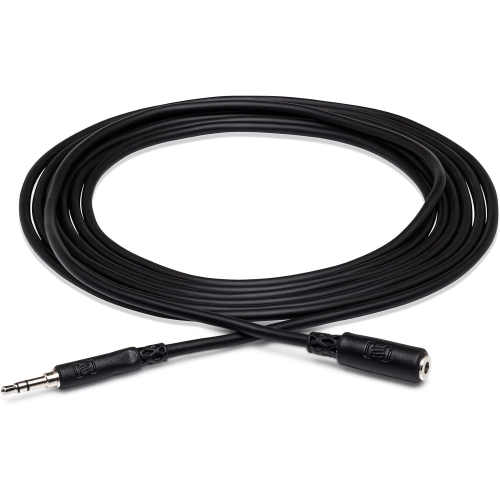
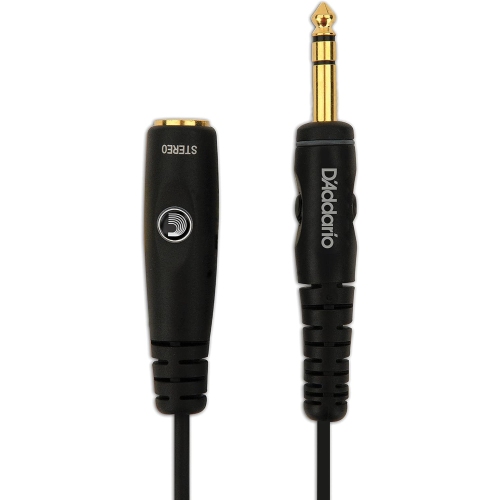
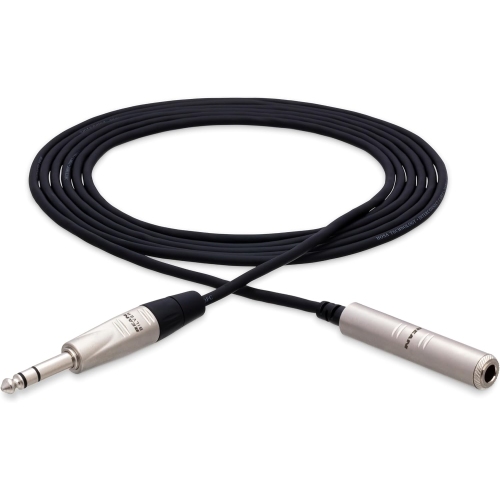
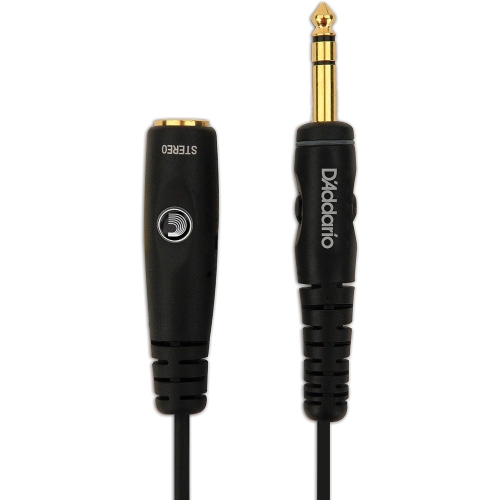
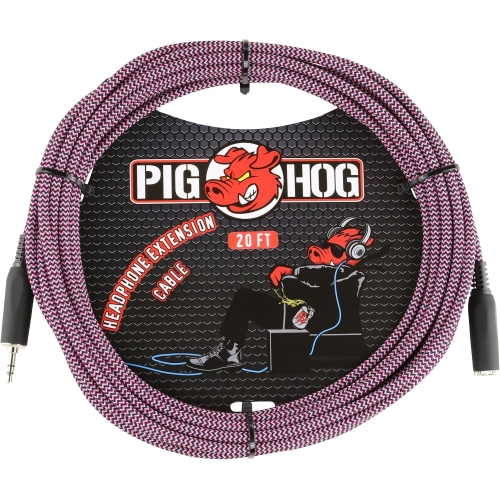
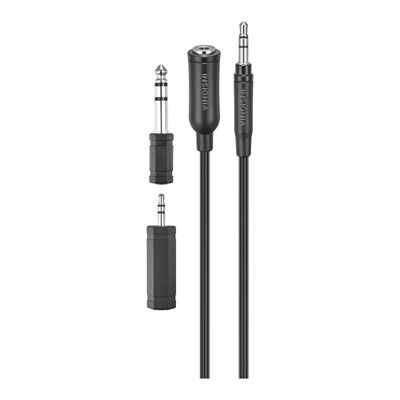
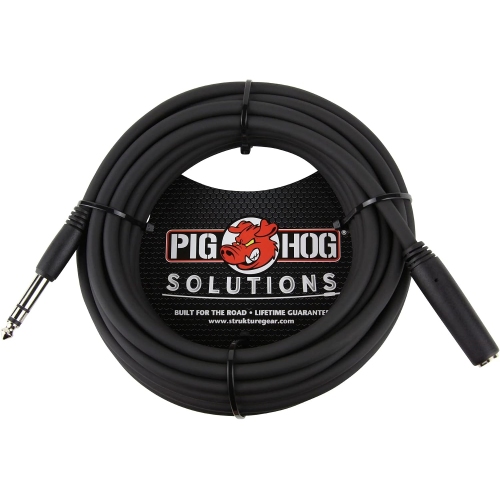
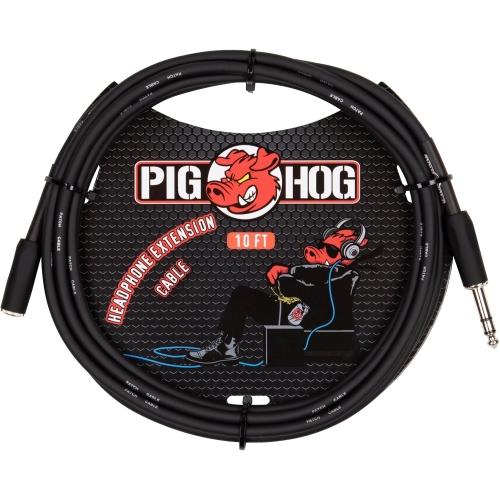
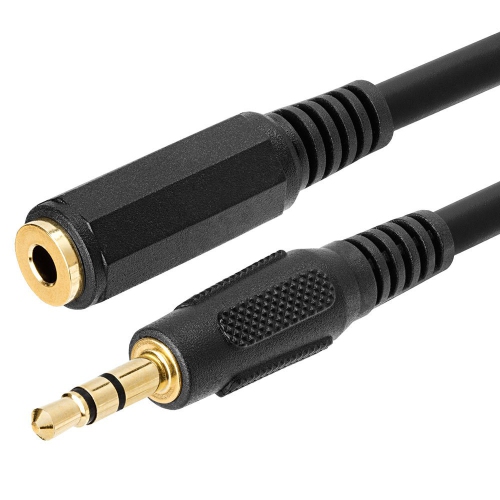
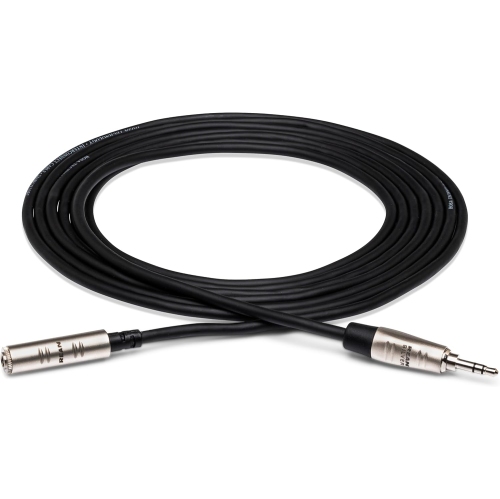
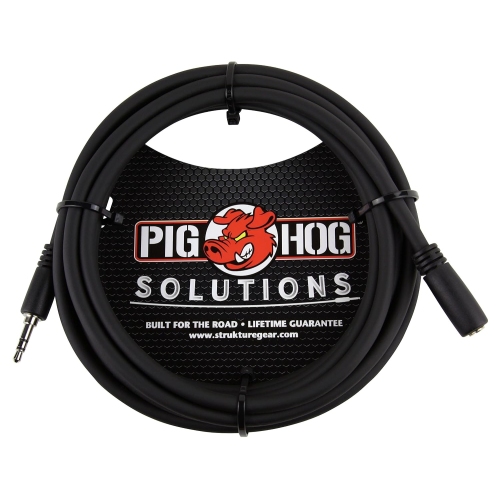
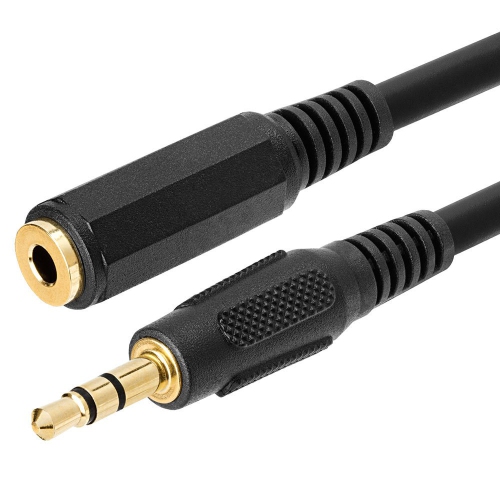
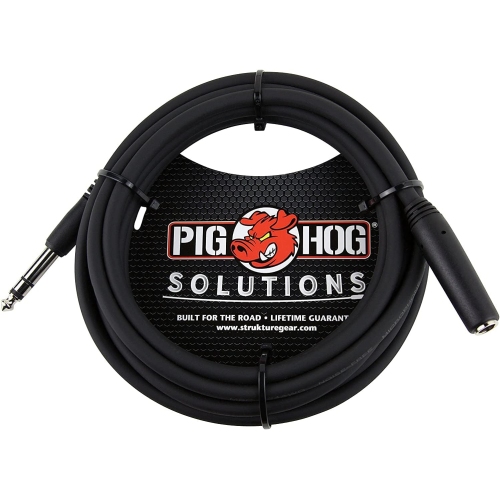
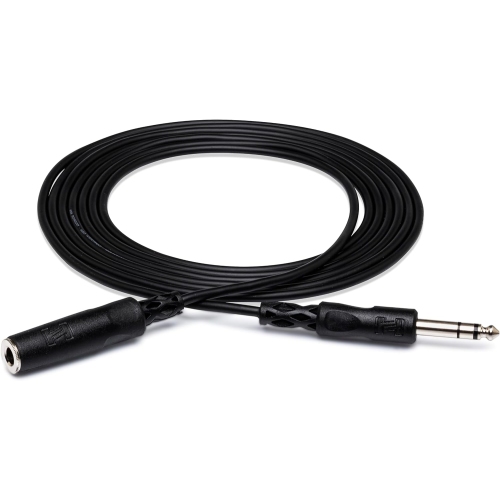
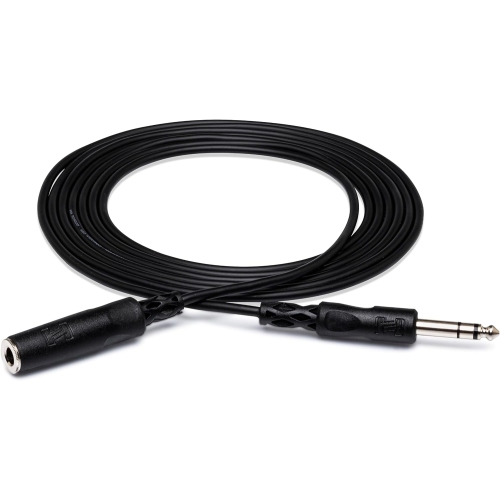
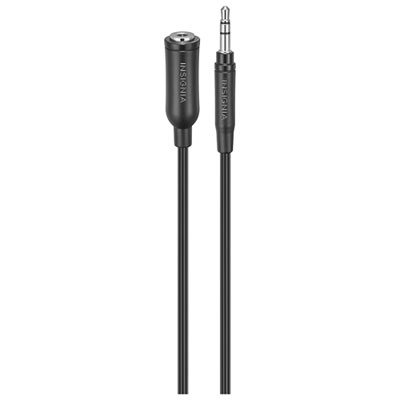
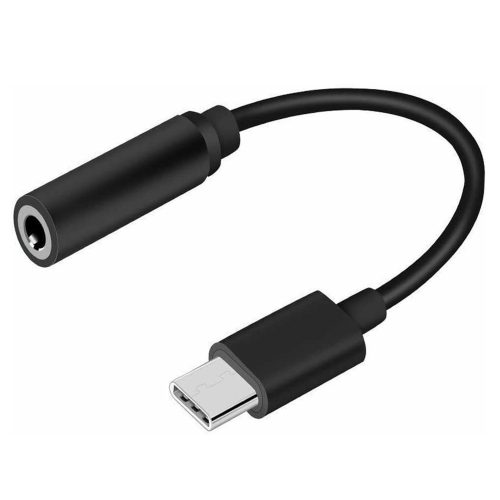
A headphone extension cable lengthens the wired connection between headphones and an audio source, giving the listener more room without replacing the headphones themselves. Most have a male plug at one end and a female socket at the other: the plug connects to the source, while the socket accepts the existing headphone plug. That extra reach can make a difference when a computer sits beneath a desk, a stereo receiver is across the room, or a television’s headphone socket is difficult to reach from a favourite chair. Unlike a splitter, which creates connections for multiple listeners, an extension continues a single connection over a longer distance. It is a simple accessory for people who prefer wired listening, whether for music, films, gaming, audio editing, or private practice on an electronic instrument. The connection type determines where it fits. A 3.5 mm extension is commonly associated with portable headphones, computers, and other compact audio devices, while a 6.35 mm connection is often found on receivers, headphone amplifiers, and musical equipment. These sizes are not interchangeable without an appropriate adapter, and an extension does not necessarily change the connector size. Phones also vary: some provide a built-in analogue headphone socket, while others require a compatible digital audio adapter before a conventional headphone extension can be connected. For listeners interested in a direct wired connection, Headphone Jack Phones offer a related starting point. The source device, headphone plug, and extension all need compatible connections for the setup to work as expected. Physical access matters as well as the stated size. A recessed socket or a thick protective case can prevent a wide plug housing from seating fully, even when the connector itself is correct. Slim housings can be helpful around crowded ports, while a right-angle plug may route the cable more neatly beside a laptop or handheld device. Neither shape is universally better; the useful fit depends on where the socket sits and how the cable will leave it.
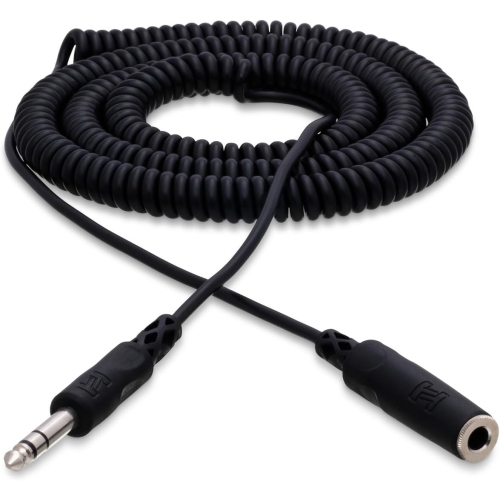
Headphone extensions can look similar while supporting different functions. A standard stereo connection typically uses a TRS plug, with three electrical contacts for left audio, right audio, and a shared return. A headset with a microphone commonly uses a TRRS plug, which has a fourth contact. A stereo-only extension may carry headphone sound but not preserve the microphone connection, making this distinction particularly relevant for video calls, multiplayer games, and online lessons. Even among four-contact connections, wiring standards and device support can differ, so microphone and inline-control compatibility should be stated rather than assumed. Separate headphone and microphone sockets on a computer introduce another consideration: an extension cable does not replace the adapter needed to connect a combined headset plug to those separate ports. Similarly, a balanced headphone connection should not be treated as interchangeable with an ordinary stereo connection simply because the plug looks familiar. Beyond compatibility, cable length affects how comfortably a space works. A shorter extension can bridge the distance from the back of a desktop computer to the edge of a desk without leaving a large coil underfoot. A longer cable can suit a listening chair farther from a receiver, but the extra reach also needs somewhere to go when it is not in use. Very long runs add electrical resistance and create more opportunities for interference or poor connections; the result depends on the cable, source, and headphones rather than length alone. An extension should provide the reach the setup needs without unnecessary excess. Straight cables lie predictably along furniture and are generally easy to route. Coiled designs can gather some slack into a smaller area, although stretching the coil introduces pull that may be noticeable with lightweight earbuds or headphones. At a workstation, enough slack to turn toward a second monitor or stand briefly can prevent an otherwise comfortable headset from tugging at an ear. Across a room, routing the cable along the edge of the space is preferable to leaving it stretched through a walkway, where someone could catch a foot or pull equipment from a shelf.
Materials and construction influence how a headphone extension feels in daily use and how well it tolerates repeated handling. Flexible plastic or rubber-like jackets can be smooth and easy to wipe clean, while braided outer coverings add texture and may help resist surface abrasion. Braiding does not make a cable immune to kinks, snagging, or damage, and a thick jacket is not automatically a sign of better audio performance. Good strain relief at both ends helps soften the transition between the flexible cable and the rigid connector, an important area when a lead is frequently moved between a desk, bag, and listening space. Connector housings should be easy to grip without putting pressure on the wire itself. Gold-plated contacts can resist corrosion, but plating alone does not guarantee clearer sound; secure contact, suitable wiring, and sound construction matter more than appearance. Shielding can help reduce unwanted interference, especially where an analogue cable runs near power supplies or other electronics. Keeping audio leads separated from power cords where practical can also help with a tidy, dependable setup. For care, disconnect an extension by holding the plug housing rather than pulling the cable, and store it in loose loops instead of tightly winding it around headphones or a phone. A soft, dry cloth is usually sufficient for routine cleaning of the exterior; liquid should stay away from the socket and plug contacts. Repeated crackling when a connector moves, an unusually loose fit, or visible damage near a cable end can indicate wear rather than a problem with the headphones. For students at a shared desk, musicians working beside an audio interface, or film fans listening without disturbing others, the right extension is often the one that becomes barely noticeable in use. It can also make a thoughtful, practical addition to a gift of wired headphones when the recipient’s connector type and listening space are known. Comfortable reach, reliable connections, and manageable cable routing give this small accessory its everyday value.
Headphone extensions can look similar while supporting different functions. A standard stereo connection typically uses a TRS plug, with three electrical contacts for left audio, right audio, and a shared return. A headset with a microphone commonly uses a TRRS plug, which has a fourth contact. A stereo-only extension may carry headphone sound but not preserve the microphone connection, making this distinction particularly relevant for video calls, multiplayer games, and online lessons. Even among four-contact connections, wiring standards and device support can differ, so microphone and inline-control compatibility should be stated rather than assumed. Separate headphone and microphone sockets on a computer introduce another consideration: an extension cable does not replace the adapter needed to connect a combined headset plug to those separate ports. Similarly, a balanced headphone connection should not be treated as interchangeable with an ordinary stereo connection simply because the plug looks familiar. Beyond compatibility, cable length affects how comfortably a space works. A shorter extension can bridge the distance from the back of a desktop computer to the edge of a desk without leaving a large coil underfoot. A longer cable can suit a listening chair farther from a receiver, but the extra reach also needs somewhere to go when it is not in use. Very long runs add electrical resistance and create more opportunities for interference or poor connections; the result depends on the cable, source, and headphones rather than length alone. An extension should provide the reach the setup needs without unnecessary excess. Straight cables lie predictably along furniture and are generally easy to route. Coiled designs can gather some slack into a smaller area, although stretching the coil introduces pull that may be noticeable with lightweight earbuds or headphones. At a workstation, enough slack to turn toward a second monitor or stand briefly can prevent an otherwise comfortable headset from tugging at an ear. Across a room, routing the cable along the edge of the space is preferable to leaving it stretched through a walkway, where someone could catch a foot or pull equipment from a shelf.
Materials and construction influence how a headphone extension feels in daily use and how well it tolerates repeated handling. Flexible plastic or rubber-like jackets can be smooth and easy to wipe clean, while braided outer coverings add texture and may help resist surface abrasion. Braiding does not make a cable immune to kinks, snagging, or damage, and a thick jacket is not automatically a sign of better audio performance. Good strain relief at both ends helps soften the transition between the flexible cable and the rigid connector, an important area when a lead is frequently moved between a desk, bag, and listening space. Connector housings should be easy to grip without putting pressure on the wire itself. Gold-plated contacts can resist corrosion, but plating alone does not guarantee clearer sound; secure contact, suitable wiring, and sound construction matter more than appearance. Shielding can help reduce unwanted interference, especially where an analogue cable runs near power supplies or other electronics. Keeping audio leads separated from power cords where practical can also help with a tidy, dependable setup. For care, disconnect an extension by holding the plug housing rather than pulling the cable, and store it in loose loops instead of tightly winding it around headphones or a phone. A soft, dry cloth is usually sufficient for routine cleaning of the exterior; liquid should stay away from the socket and plug contacts. Repeated crackling when a connector moves, an unusually loose fit, or visible damage near a cable end can indicate wear rather than a problem with the headphones. For students at a shared desk, musicians working beside an audio interface, or film fans listening without disturbing others, the right extension is often the one that becomes barely noticeable in use. It can also make a thoughtful, practical addition to a gift of wired headphones when the recipient’s connector type and listening space are known. Comfortable reach, reliable connections, and manageable cable routing give this small accessory its everyday value.
Top selling and popular products
-
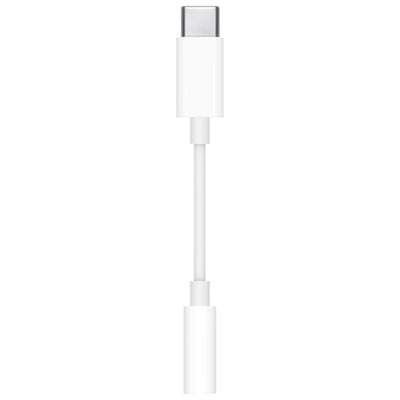 Your price for this item is $10
-
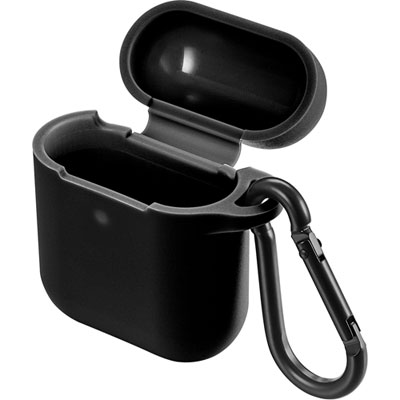 Your price for this item is $19.97
-
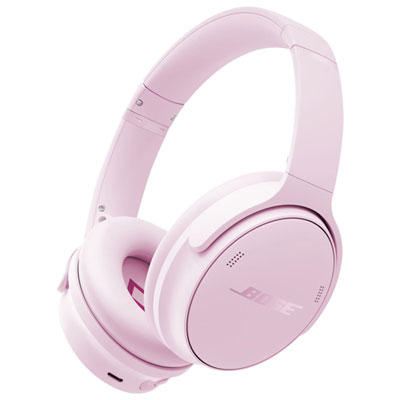 Your price for this item is $249
-
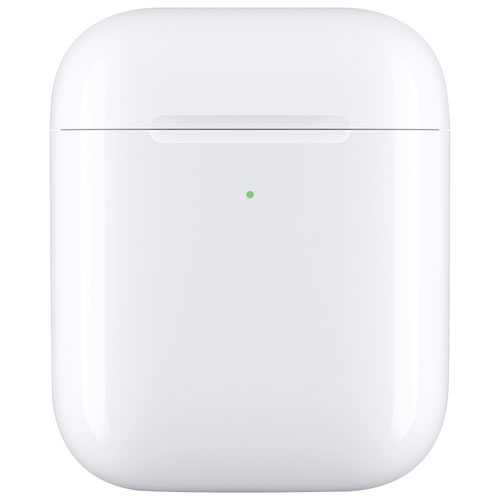 Your price for this item is $59.99
-
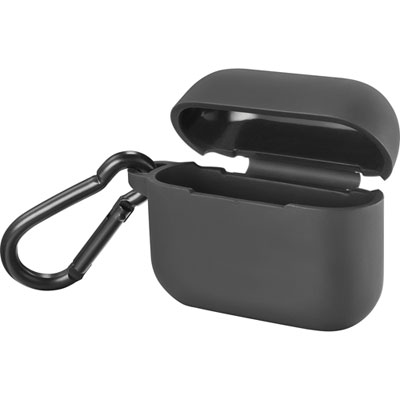 Your price for this item is $4.99
-
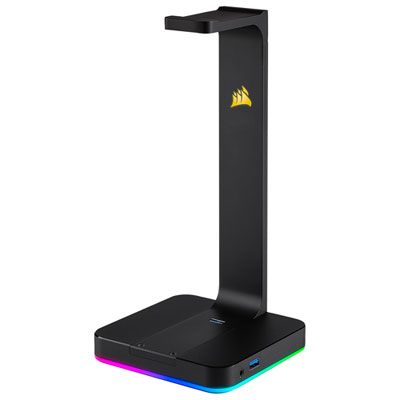 Your price for this item is $124.95
-
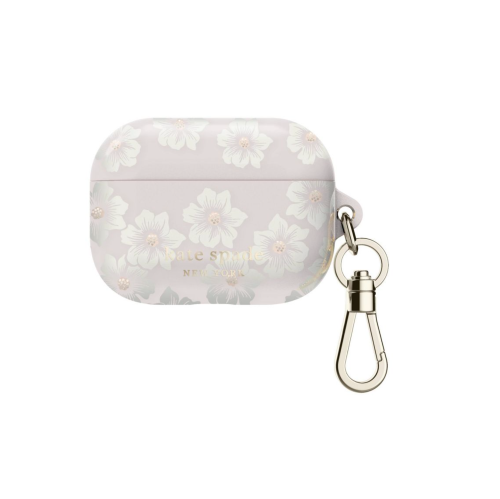 Your price for this item is $98.99
-
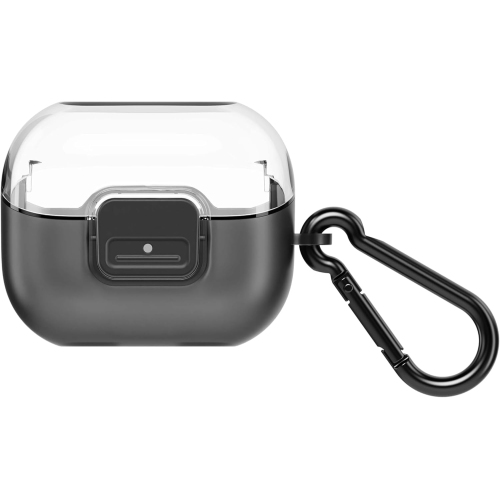 Your price for this item is $49.99
Discover more categories related to Headphone Extension
Top Collections:
Best Black Friday Deals This Year, Best Black Friday Deals On Electronics, Kindle Devices, Pokemon Centers, Best Black Friday Deals On Apple Products, Best Cameras for Sports Photography, Dyson Airwrap, Pokémon 30th Celebration Cards, Apple iPhone 17 Pro, Canon G7X Cameras
Some products may be subject to Environmental Handling Fees
(EHF) depending on your province.
Learn more about EHFs.