Height Adjustable TV Mounts
Enhance your home entertainment setup with a Height Adjustable TV Mount, designed to provide flexibility and convenience for any viewing space. Perfect for living rooms, bedrooms, offices, and more, these mounts allow you to customize the position of your television for optimal comfort and visibility. Whether you're looking to create a sleek look or maximize floor space, a Height Adjustable TV Mount offers a practical solution that adapts to your needs. Explore a variety of options to find the ideal fit for your TV size and room layout.
Sort
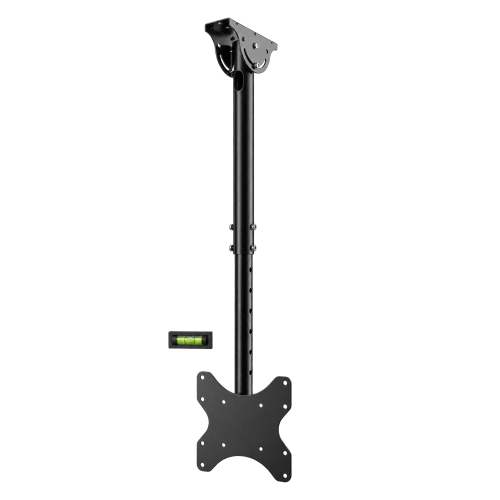
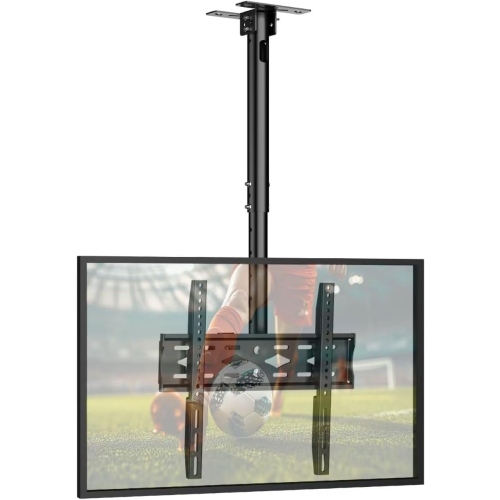

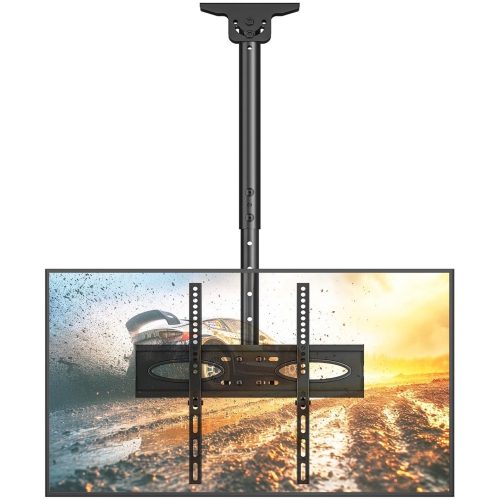
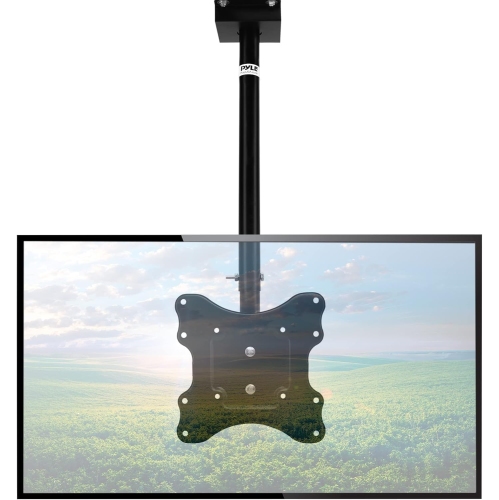
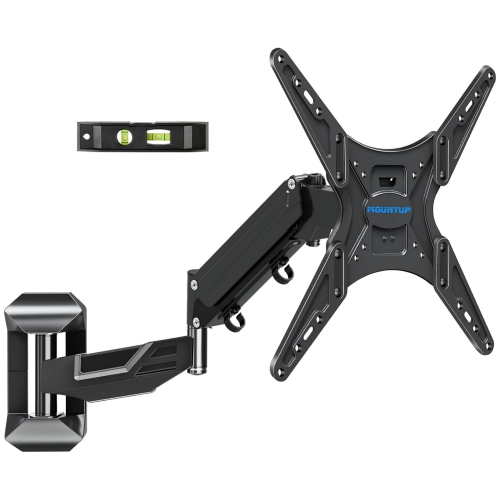
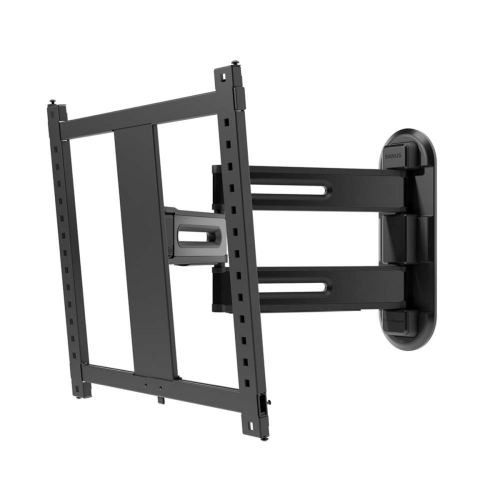
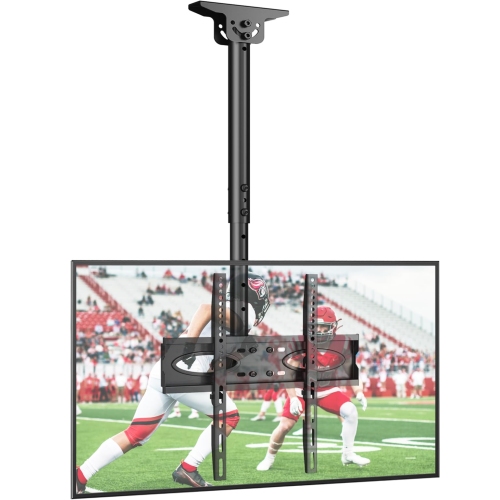
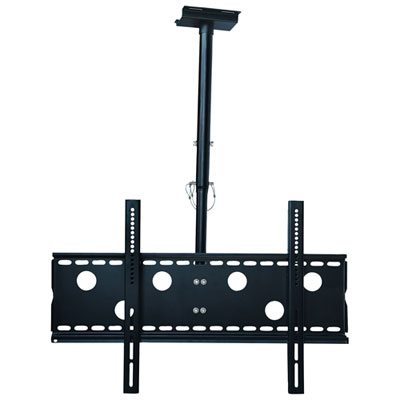
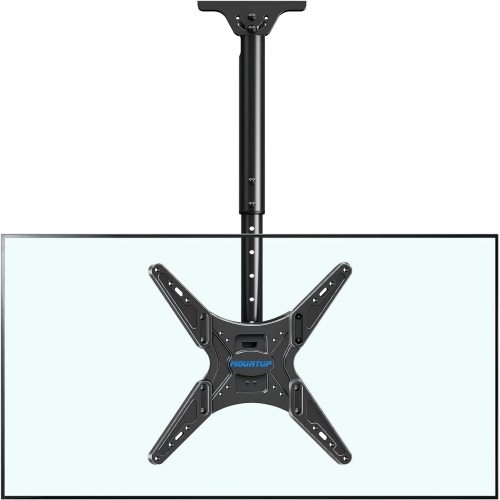
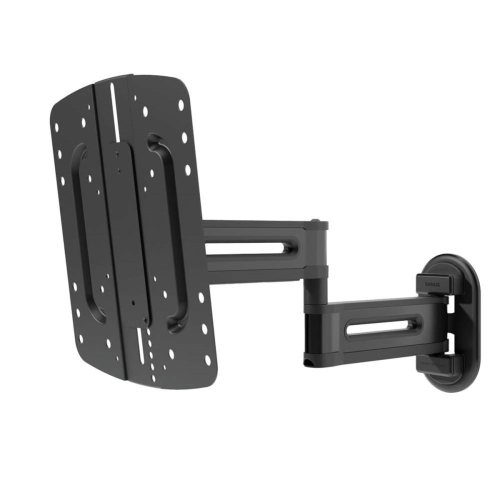
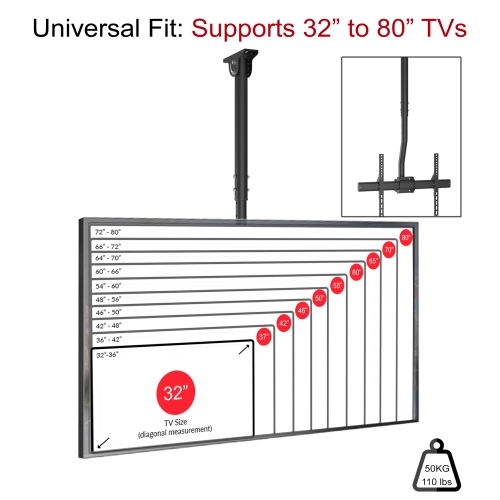
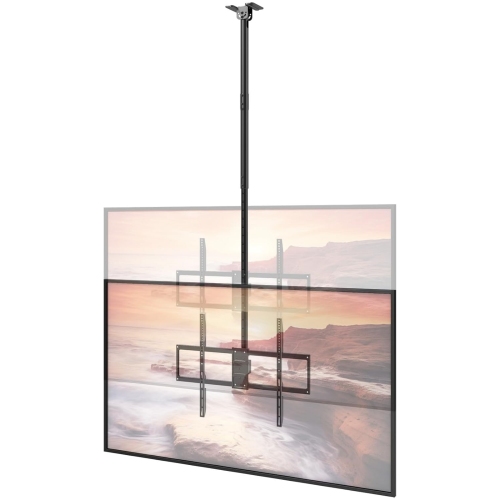
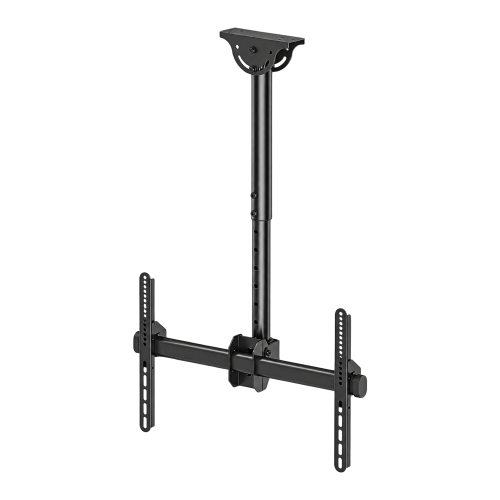
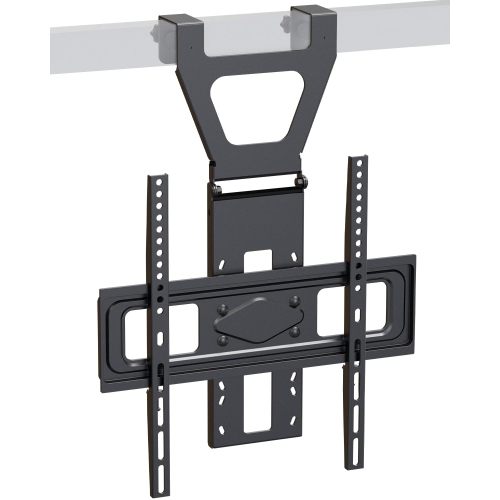

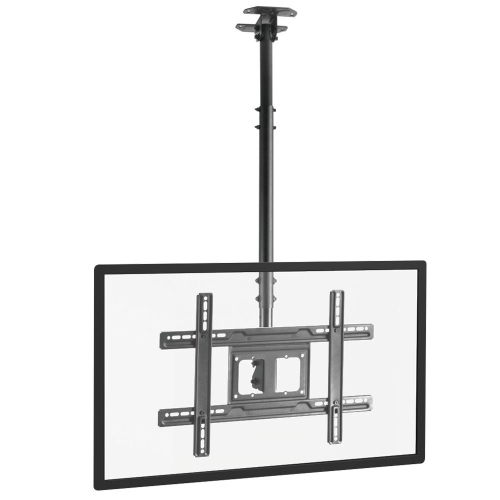
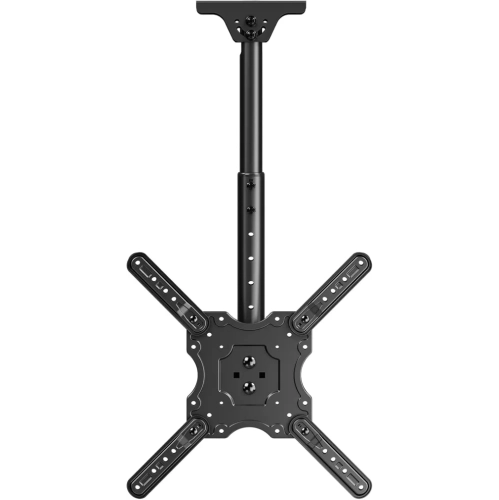
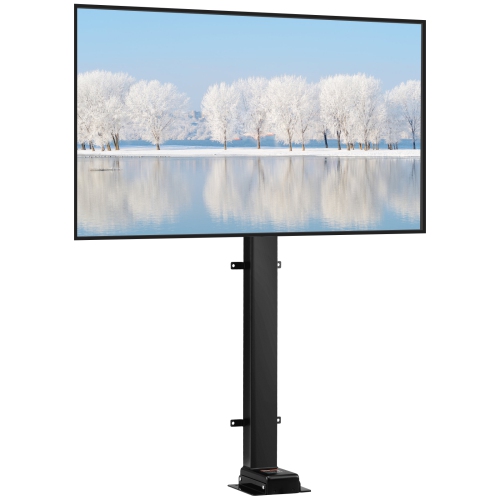
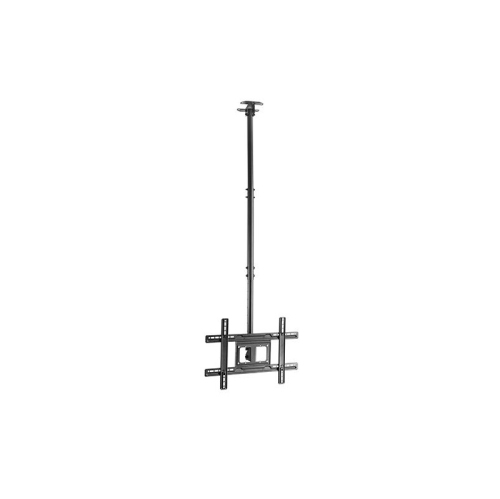
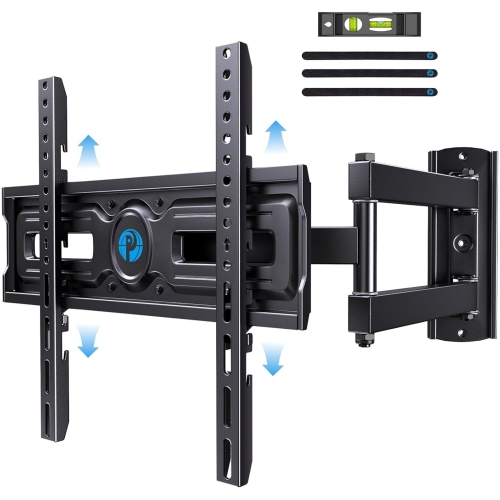
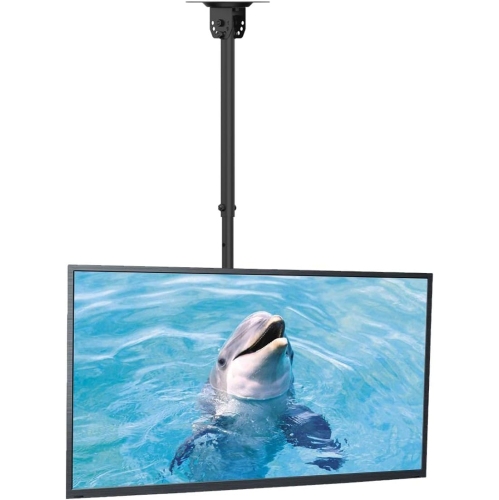
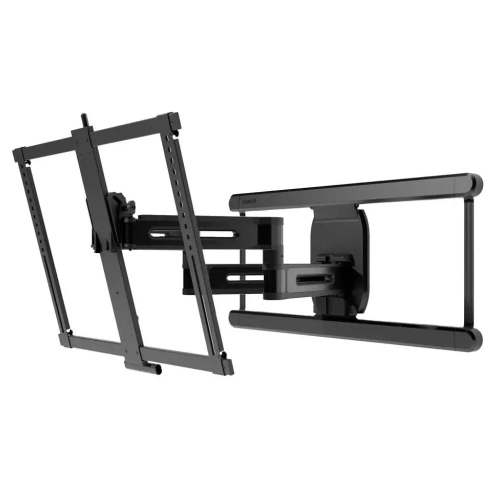
What changes when your TV moves up and down
A height-adjustable TV mount lets you raise or lower the screen to suit different viewing positions or clear an obstacle such as a fireplace mantel. Moving the whole screen closer to seated eye level can make it easier to watch without tipping your head back. That vertical movement is different from tilt, which angles the screen up or down without changing the height of its centre, and swivel, which turns it toward a seat off to one side. Some mounts combine all three movements. Others offer several height settings at installation but aren’t designed to move during everyday use. The difference matters in a room where the best spot for the TV changes with the activity. In a basement rec room, for example, a screen set high enough to see from stools behind the sofa may feel too high for someone sinking into the sofa for a long movie. A mount with everyday height adjustment can bring the picture down for the front row and lift it back up when more people are watching. In a smaller living room, lowering the screen may put the bottom edge in front of a soundbar or a lamp, so the most useful position is often somewhere between the mount’s lowest and highest settings. Marking the outline of the TV with painter’s tape at both heights helps show what the screen will cover and how much of the picture will be visible from each seat. Check the outline from the spot where people actually sit, not just while standing in front of the wall. Sofa cushions that sit low or recliners that tip back can change what feels comfortable. If the TV will also be watched from a dining table or kitchen countertop, a bit of swivel may do more for that sightline than extra vertical travel.
Fit depends on more than the advertised range of screen sizes. The mount needs to support the TV’s weight without its tabletop stand and match its VESA pattern, the horizontal and vertical spacing of the mounting holes on the back of the screen. Hole placement affects where the screen ends up: if the holes sit below the centre of the TV, the top edge may end up higher than expected even when the bracket itself is at the planned height. The TV and mount instructions also specify screw lengths and when spacers are needed, particularly if the mounting holes are recessed or the back of the TV isn’t flat. For a wall-mounted setup, check that the mounting surface, stud spacing or masonry, and hardware meet the mount’s installation requirements. The arm on a mount that pulls away from the wall places more leverage on the attachment points when extended, so the wall requirements matter just as much as the weight rating. Check the path the screen takes as it moves, not only where it stops. A pull-down mount may swing the TV forward before it lowers, while another design may move it more directly up and down. Over a mantel, that distinction can determine whether the screen clears the shelf at all. A fireplace installation also needs to meet the fireplace and TV manufacturers’ requirements for heat and clearance; a screen that clears the ledge isn’t necessarily far enough from the heat. The same attention to clearance pays off beside shelving, where a screen can pass the shelf when flat against the wall but catch a corner when turned. If the room has one main viewing position and the screen only needs to be set at the right height once, Easy TV Wall Mounts offers a useful comparison with mounts built for repeated height changes.
How the mount moves is especially noticeable in a household that adjusts the screen day to day. Steel is commonly used for load-bearing plates and arms, and some designs use aluminum in moving assemblies. The material alone doesn’t tell you how steady the screen will feel. The design of the joints, the supported weight range and a secure installation all affect how smoothly the screen moves and whether it stays where it’s set. Counterbalanced designs may use a spring or gas-assisted mechanism to offset the TV’s weight. These mounts can have a minimum as well as a maximum supported weight, since a screen that’s too light may not stay in the lowered position. A handle can make occasional adjustments easier without reaching around the panel, provided there’s enough room to grip it below the screen. If a soundbar moves with the TV, check whether its bracket is compatible and count the full moving load, including the soundbar and bracket, against the mount’s rating. Cables need enough slack to reach the farthest position without tugging at the ports, but not so much that a loop can snag on an arm or get pinched as the mount folds back. It’s worth checking the power and HDMI connections with the screen lowered, raised and turned before securing the cables in place. For routine care, a soft, dry cloth is generally enough to remove dust from exposed surfaces. Follow the manufacturer’s maintenance instructions for the moving parts rather than applying lubricant on the assumption that a stiff joint needs it. New wobble, uneven movement or a screen that no longer holds its position are reasons to stop adjusting it and have the attachment points and mechanism checked. For a shared room, the most useful range is the one that lets the screen settle comfortably at the heights people use, with enough clearance to move between them without shifting furniture or unplugging cables.
Top selling and popular products
-
 Your price for this item is $199.99
-
 Your price for this item is $99.99
-
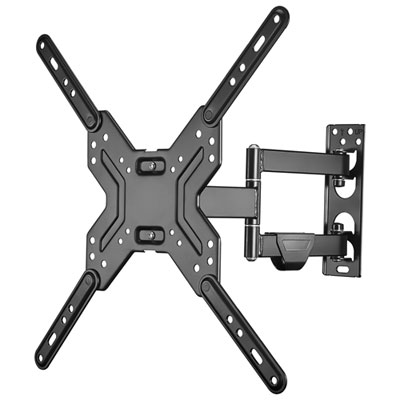 Your price for this item is $59.99
-
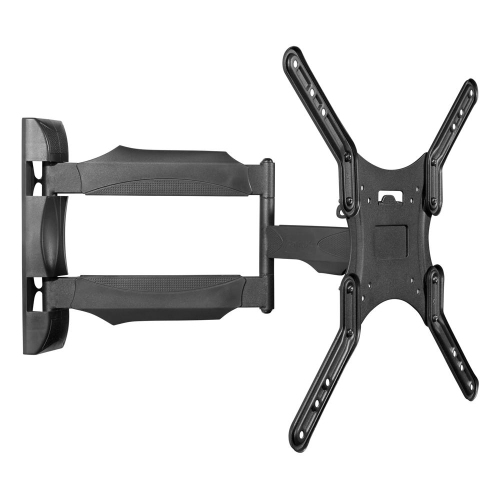 Your price for this item is $79.99
-
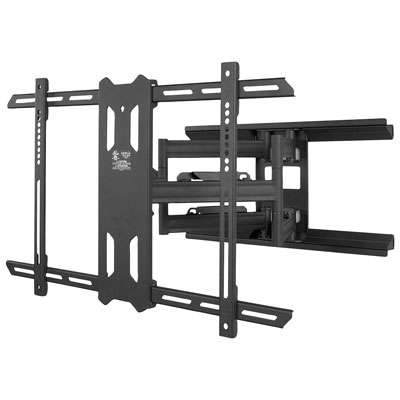 Your price for this item is $179.99
-
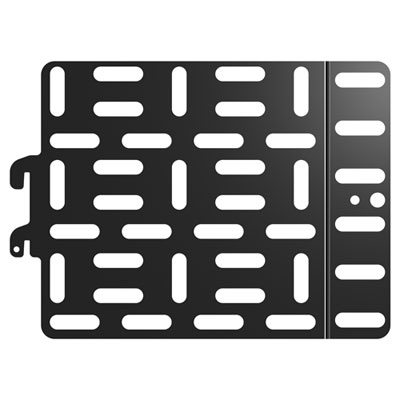 Your price for this item is $18.97
-
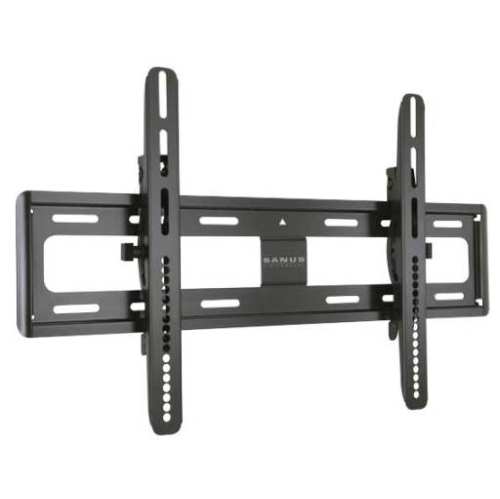 Your price for this item is $143
-
 Your price for this item is $99.99
Discover more categories related to Height Adjustable TV Mounts
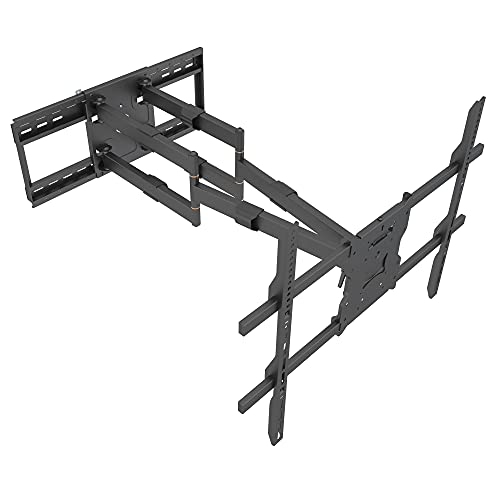
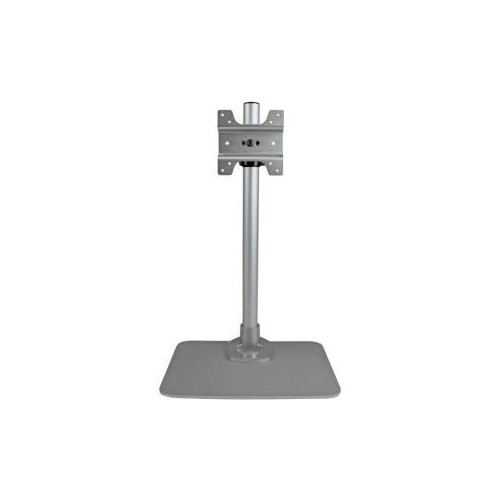
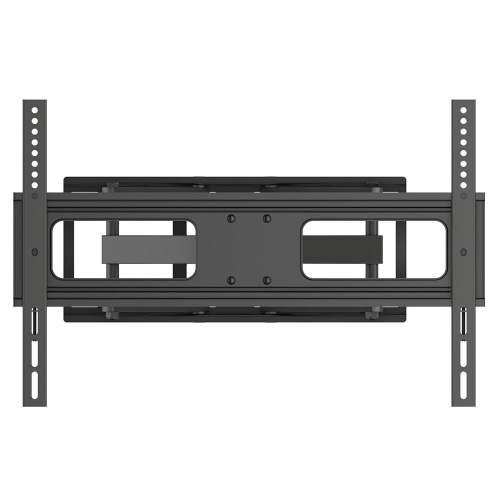
Top Collections:
Best Black Friday Deals This Year, Best Black Friday Deals On Electronics, Kindle Devices, Pokemon Centers, Best Black Friday Deals On Apple Products, Best Cameras for Sports Photography, Dyson Airwrap, Pokémon 30th Celebration Cards, Apple iPhone 17 Pro, Canon G7X Cameras
Some products may be subject to Environmental Handling Fees
(EHF) depending on your province.
Learn more about EHFs.