Laptop To TV Cables
If you have a laptop and a large TV, you may have considered connecting your computer to your TV. This allows you to use your TV as a monitor for your computer. The best way to do this is with a cable. Depending on the type of laptop and TV you have, you may need a different type of cable. Here are the cables you might consider when connecting to your TV.
Sort
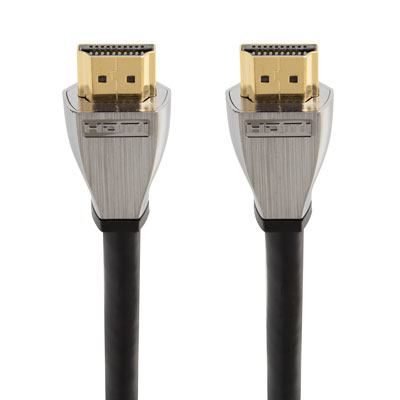

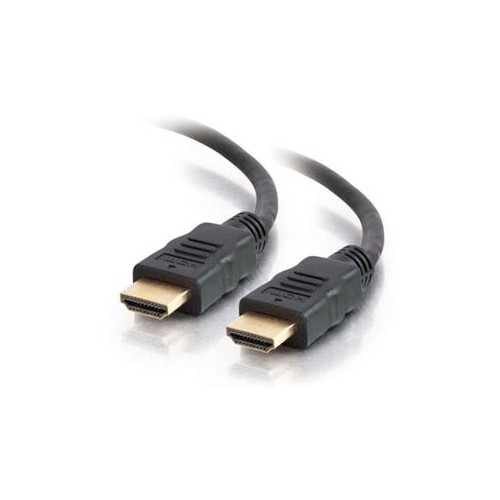
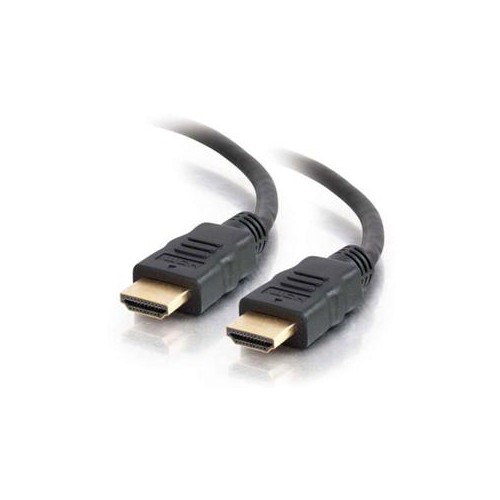
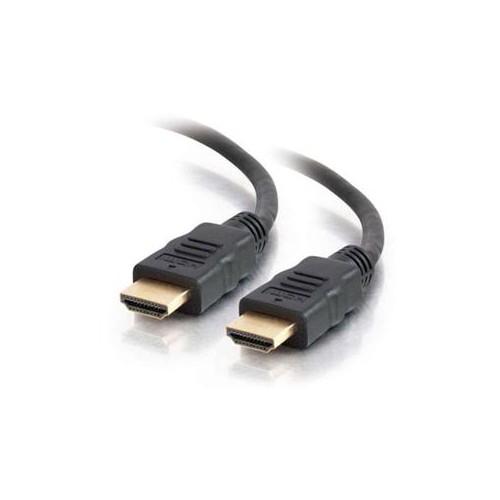
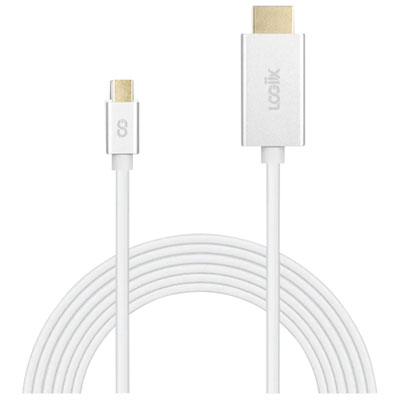
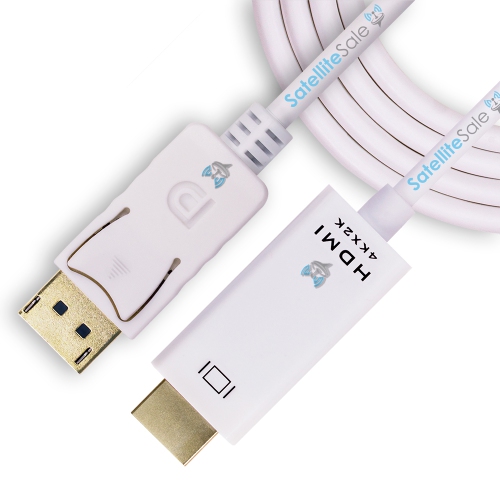
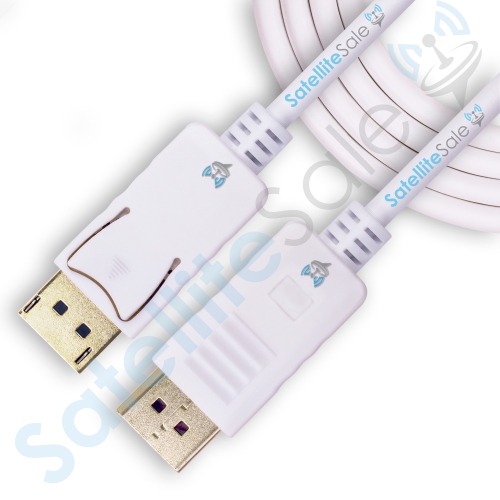

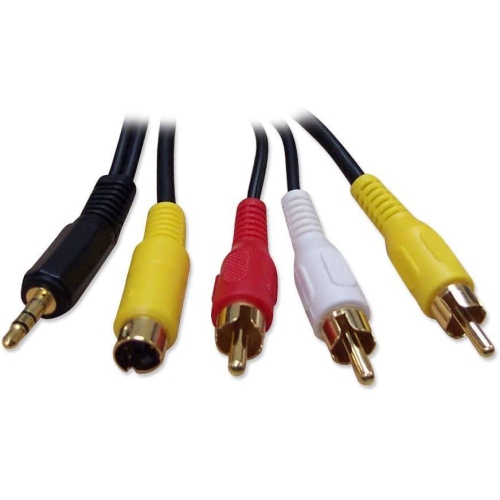
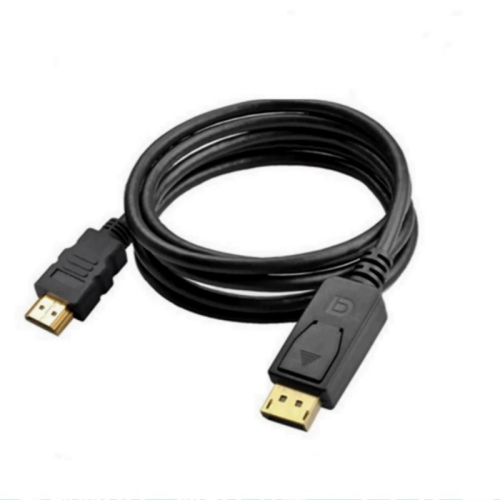


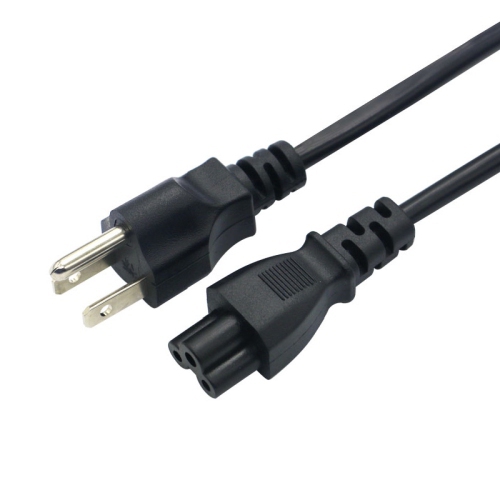
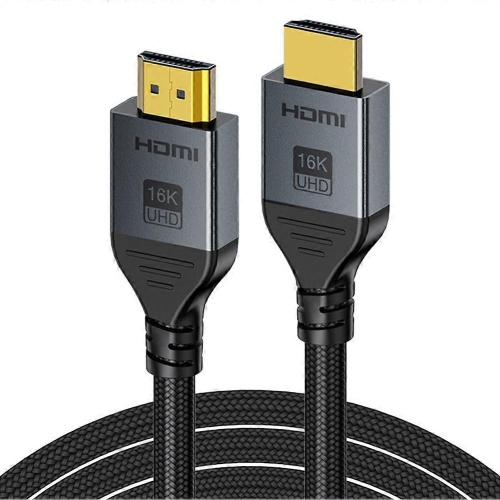
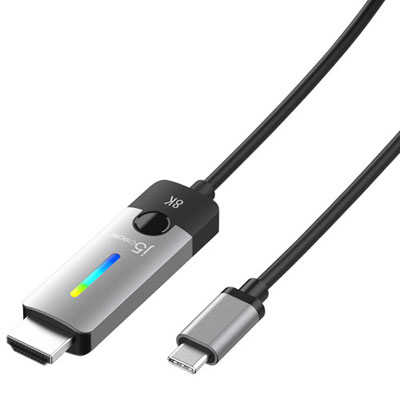
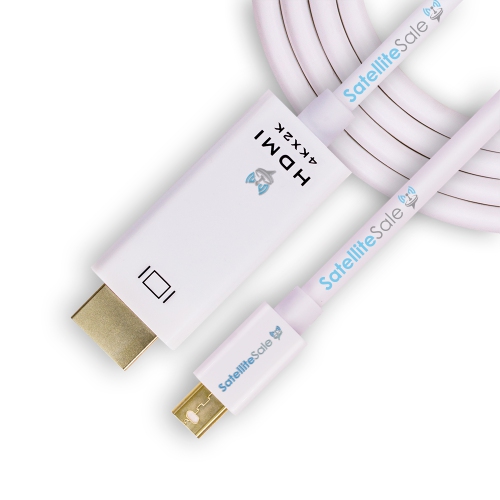
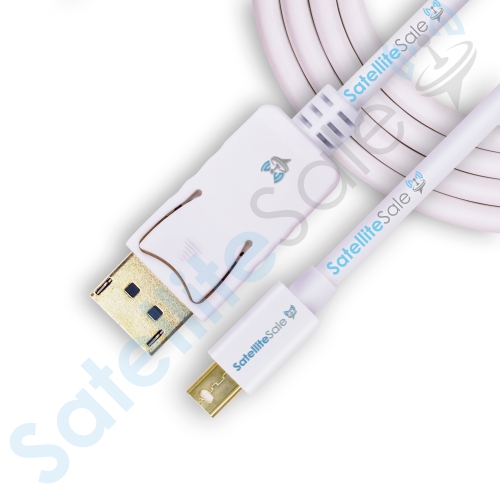
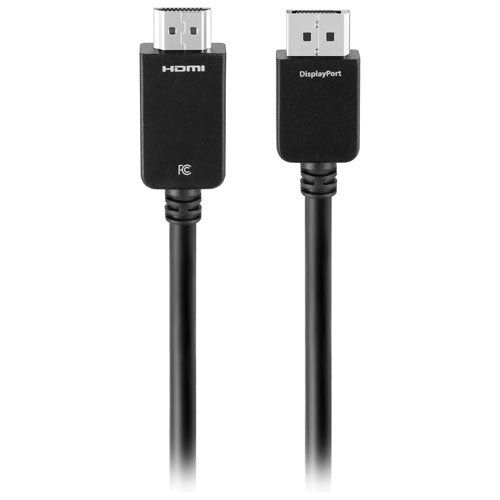
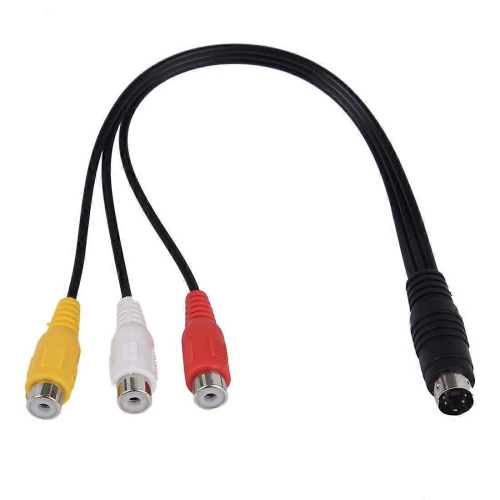
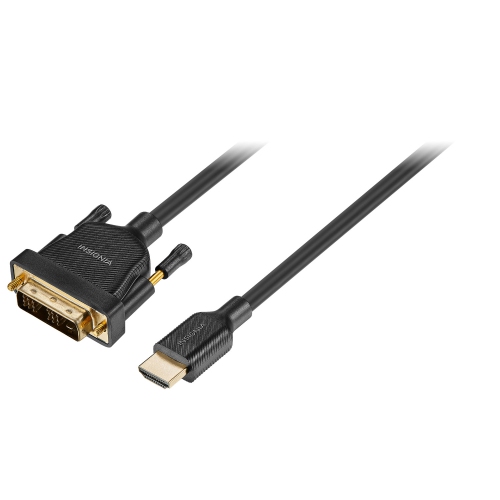
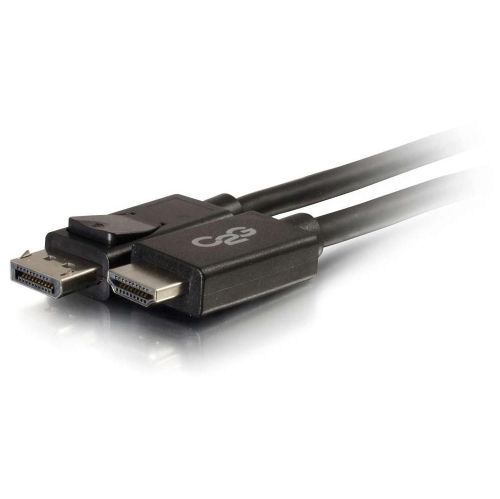
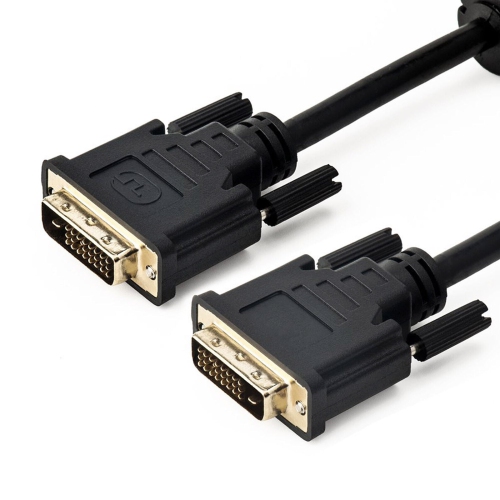
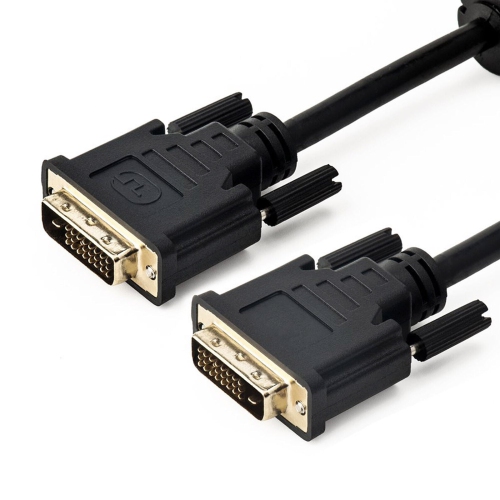
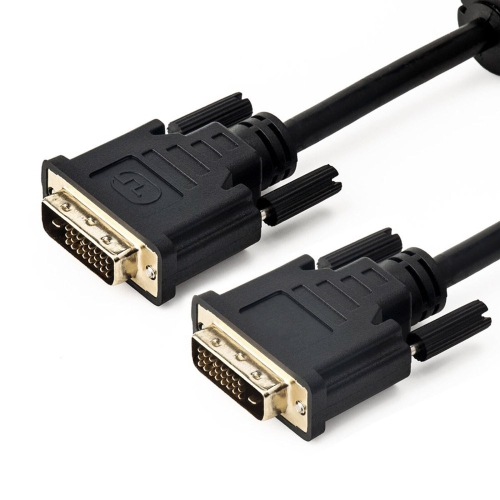
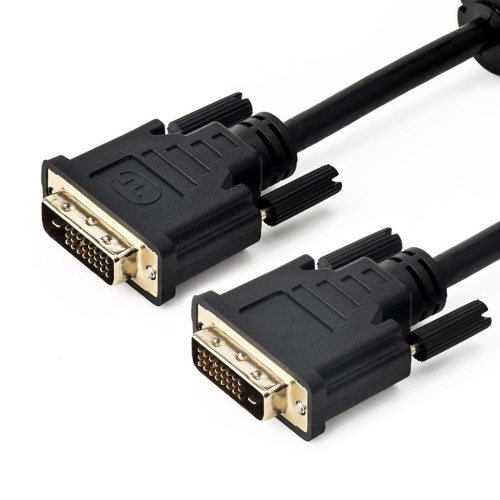
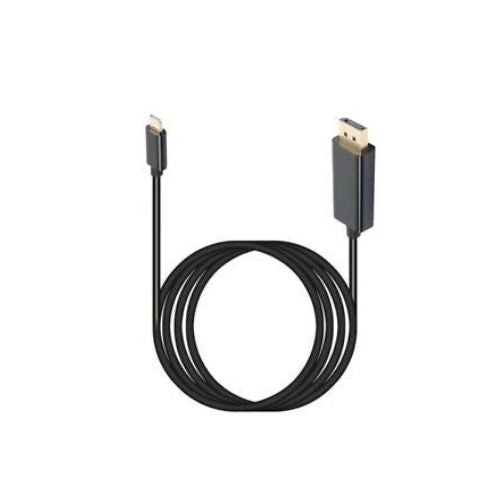
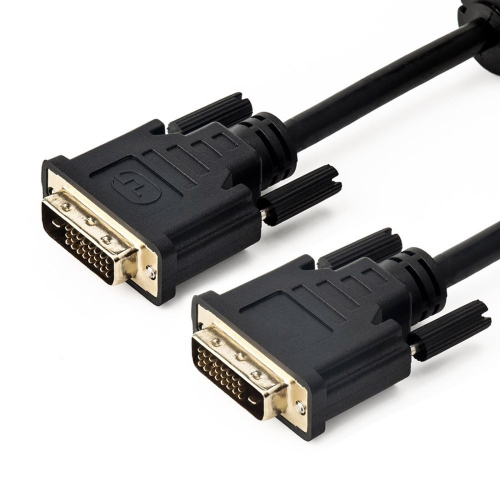
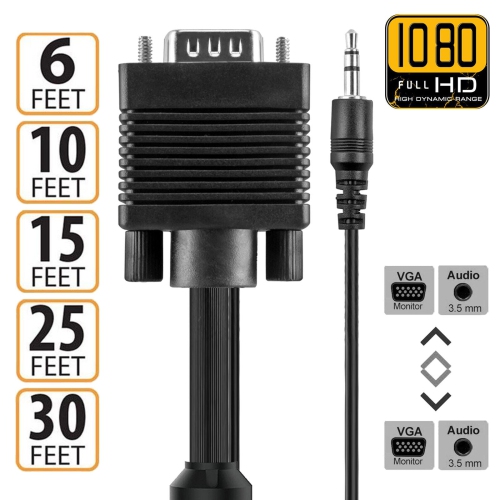
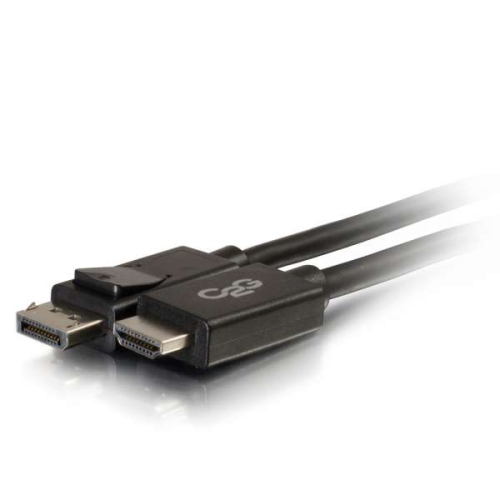
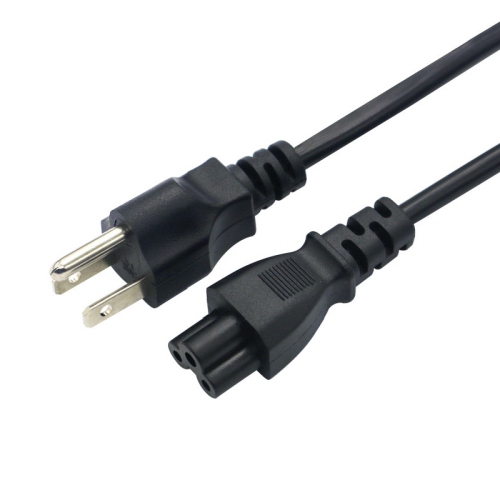
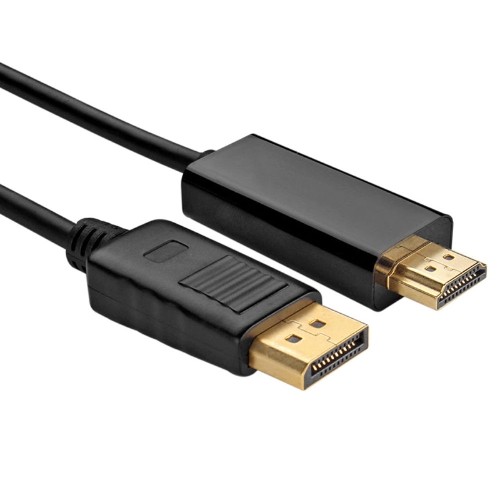
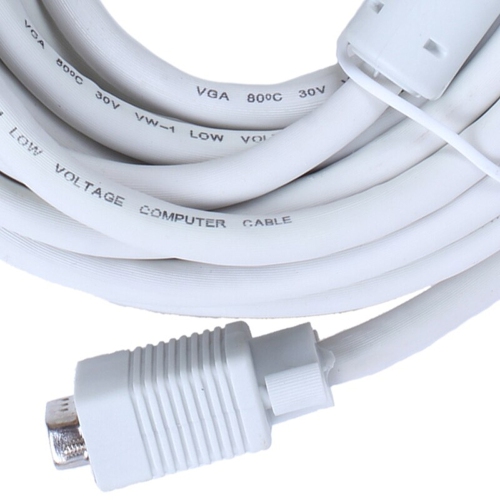
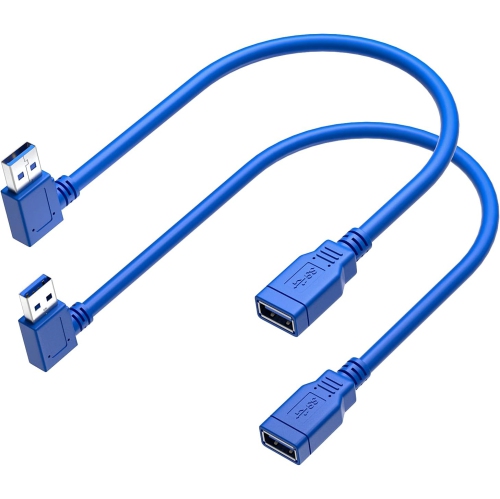
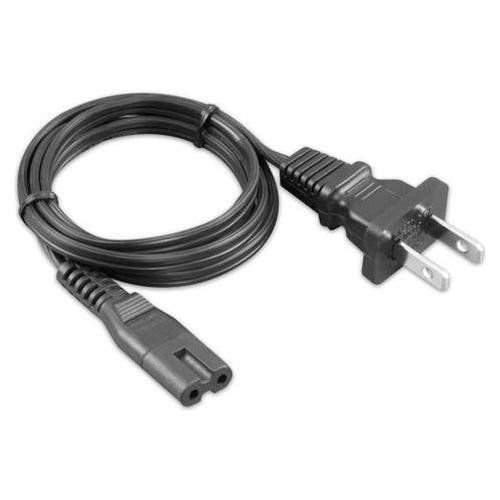
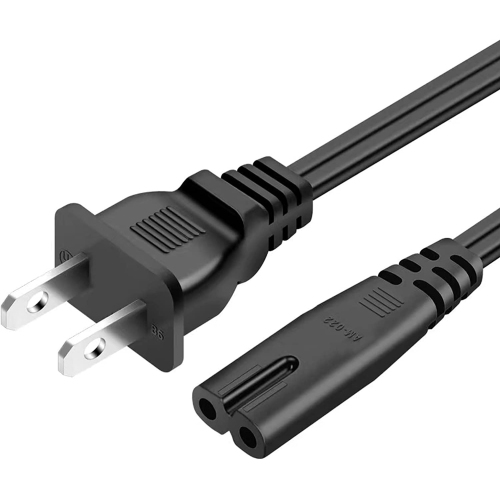
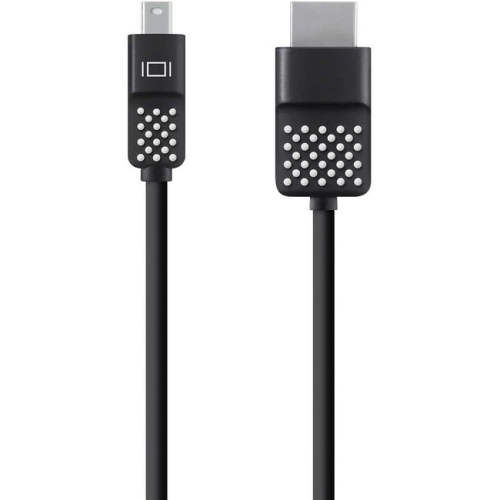
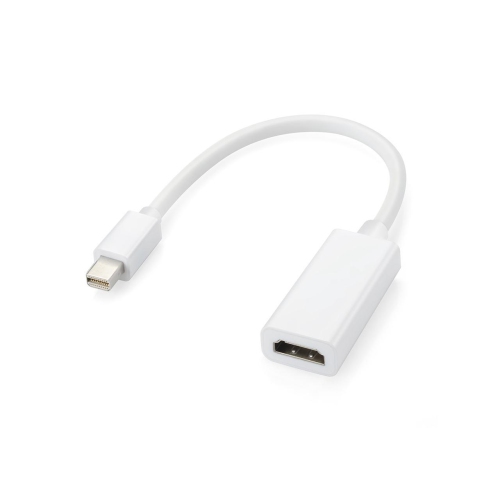
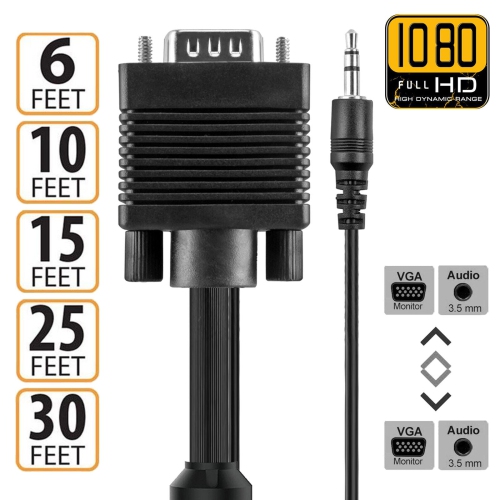
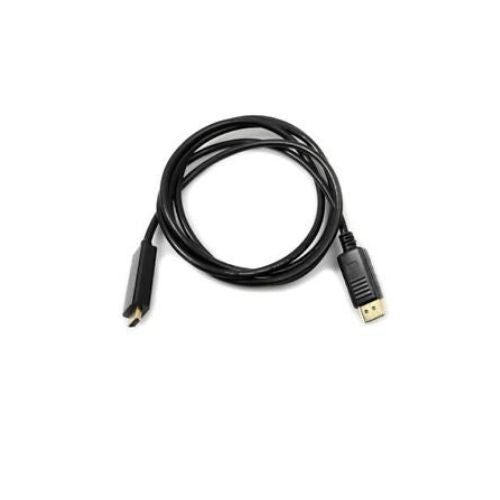
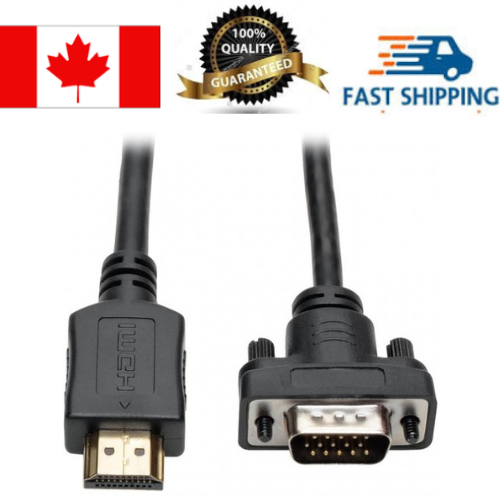
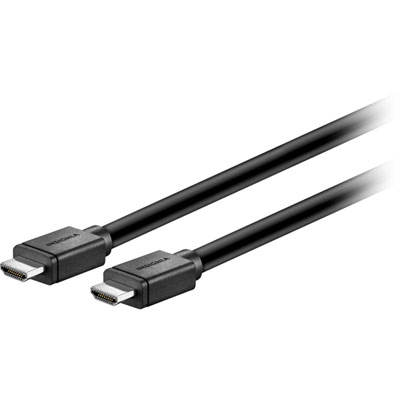
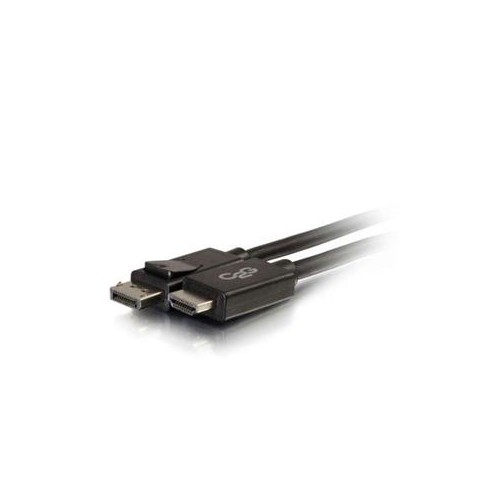
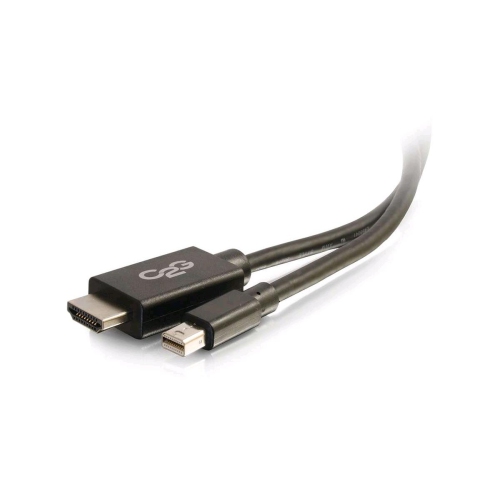
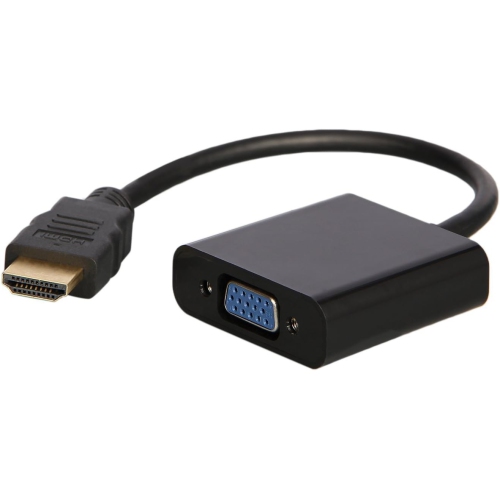
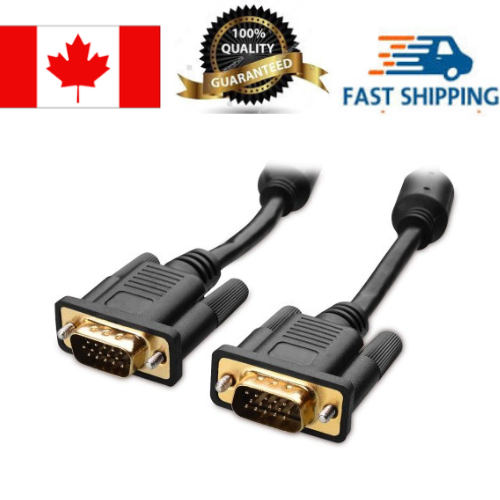
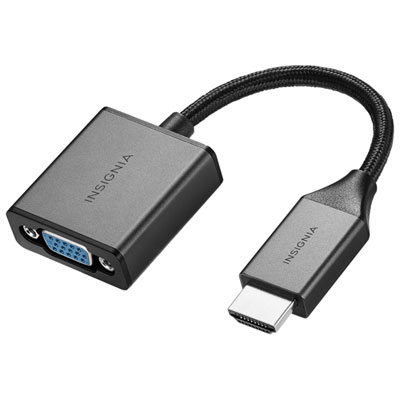
![SHERVIN HDMI to VGA 6 Feet Cable, [Uni-Directional] HDMI Computer to VGA Monitor Cable [Male to Male] Compatible for Computer, Laptop, PC, Monitor](https://multimedia.bbycastatic.ca/multimedia/products/500x500/194/19498/19498579.jpeg)
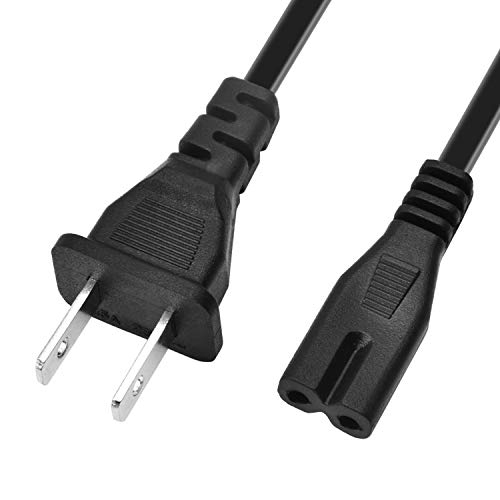
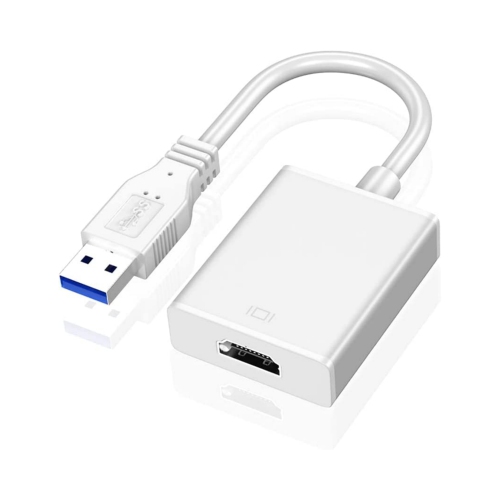
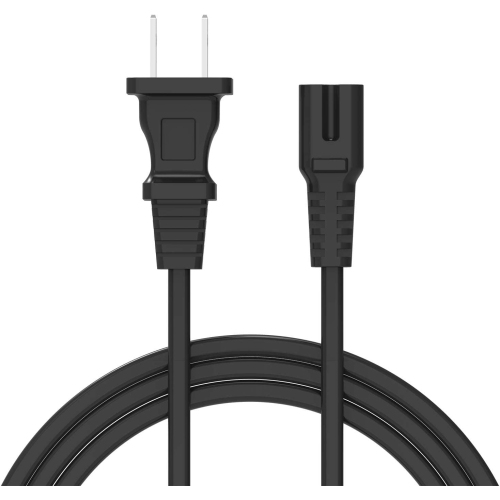
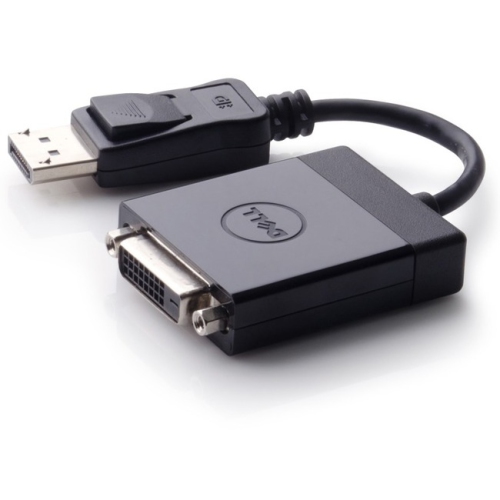
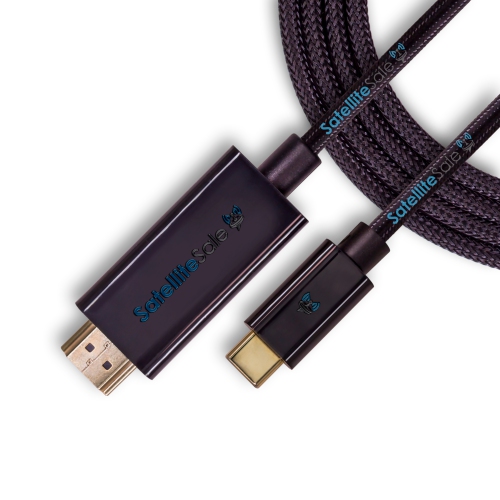
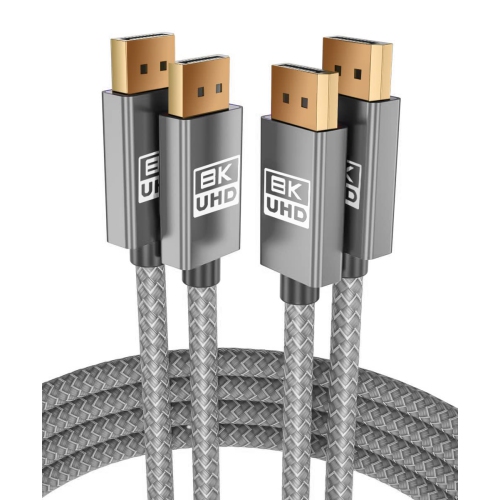
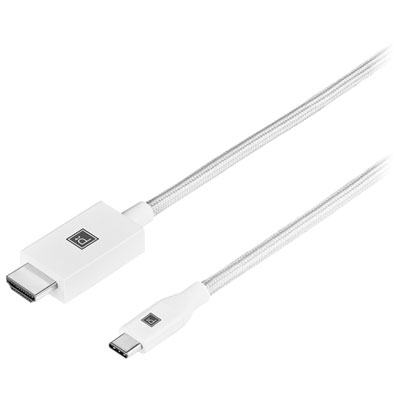
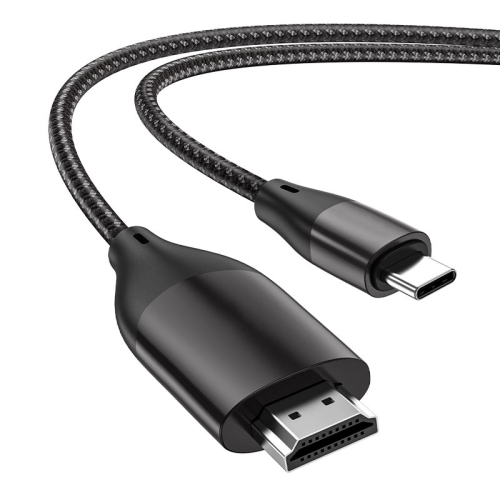
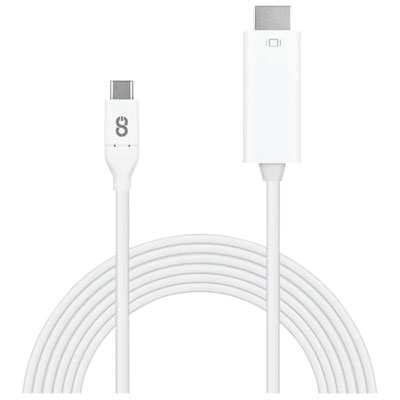
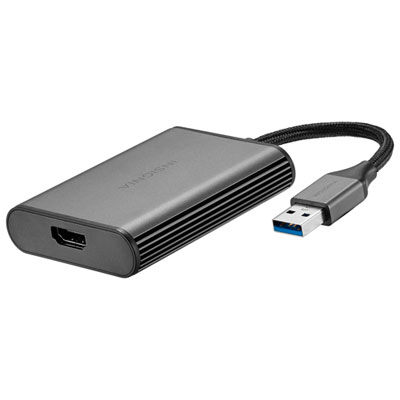
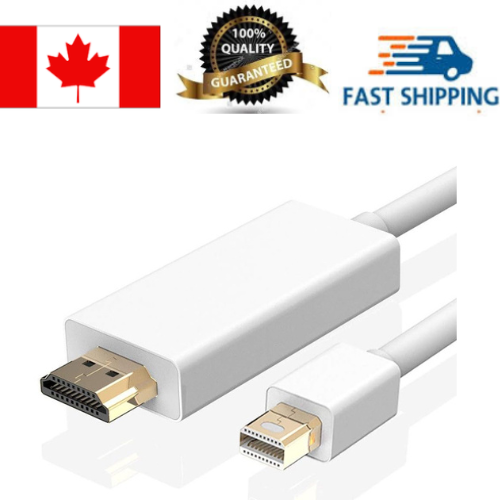
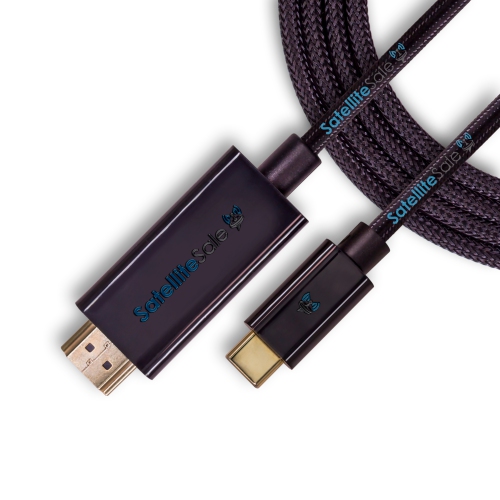
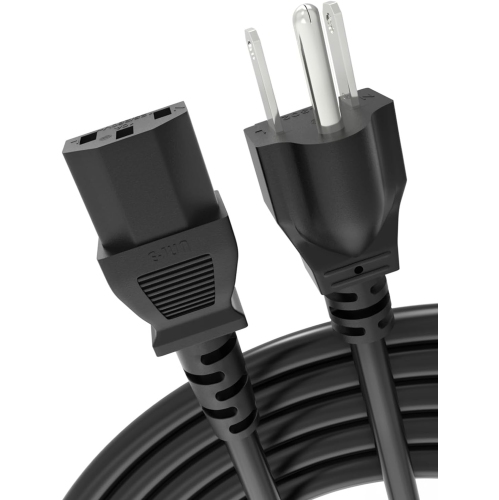
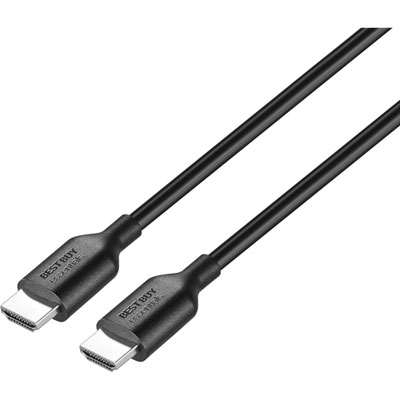
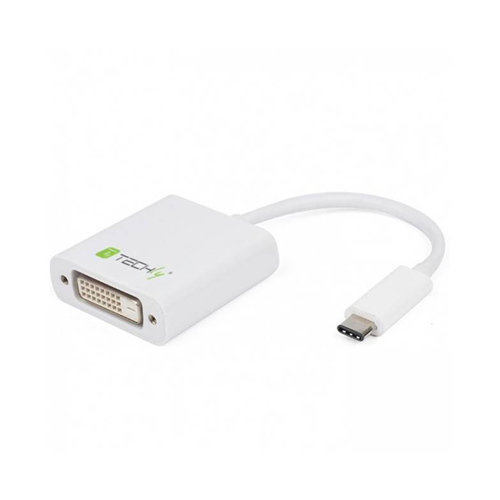
![YELLOW-PRICE USB C to HDMI Adapter 4K60Hz Cable [Thunderbolt 3 Compatible]+HDMI 2.0 HD Cable](https://multimedia.bbycastatic.ca/multimedia/products/500x500/166/16600/16600781.jpeg)
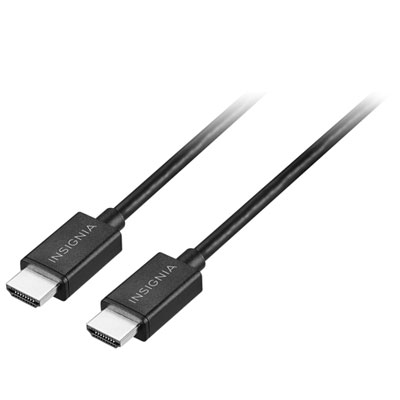
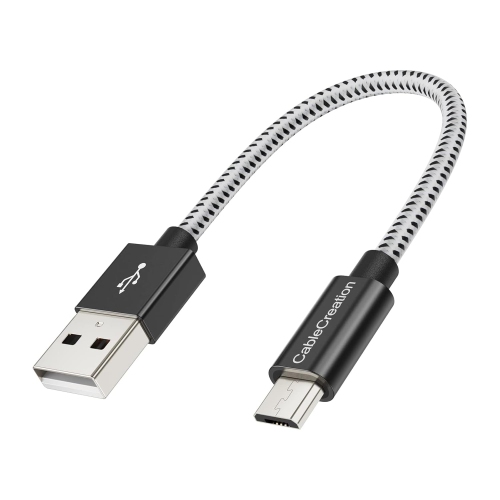
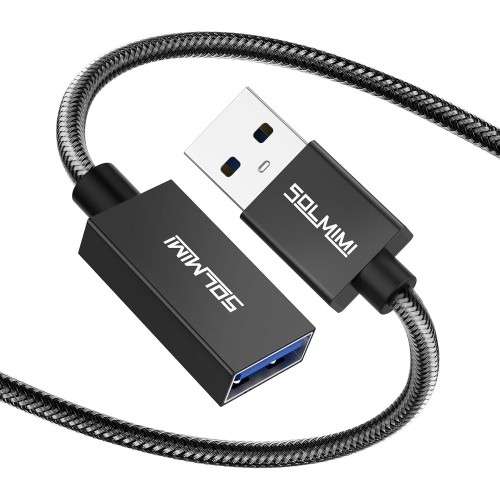
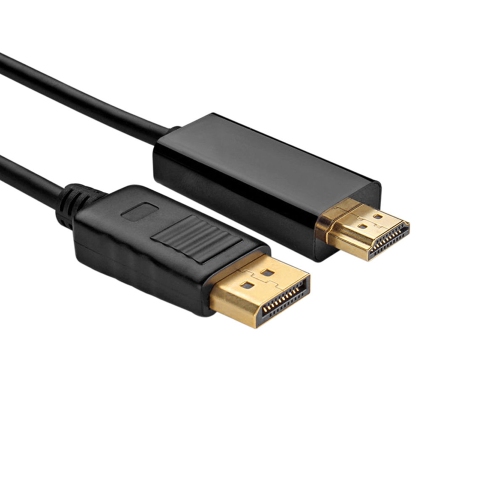
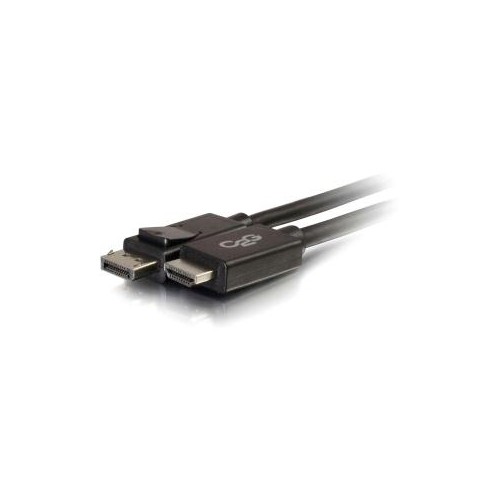
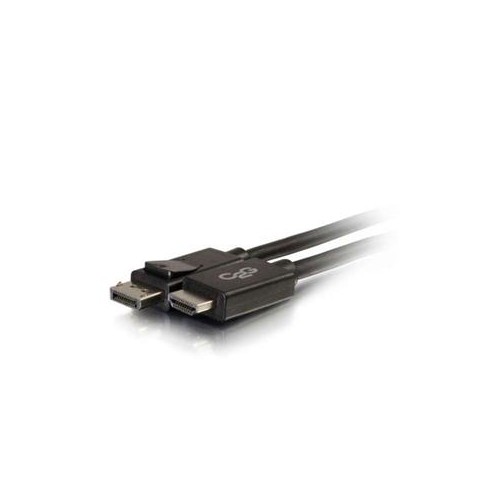
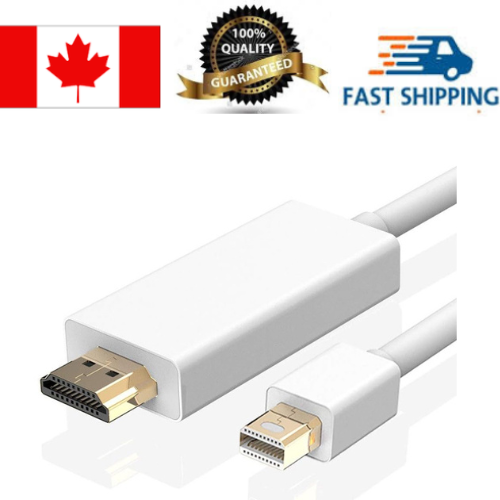
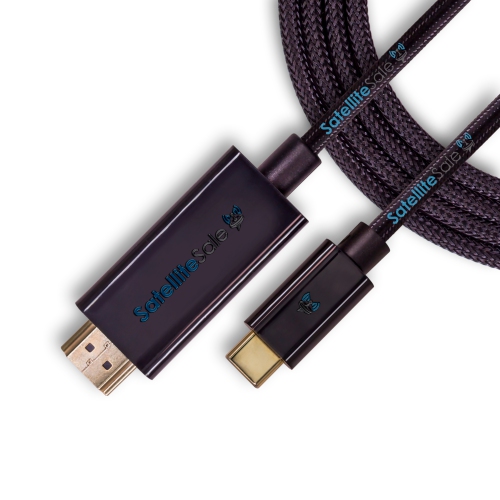
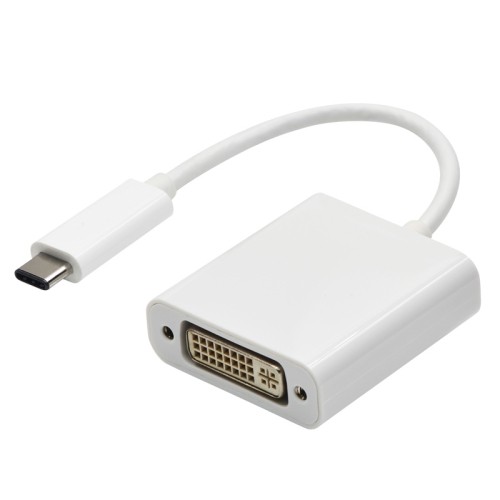
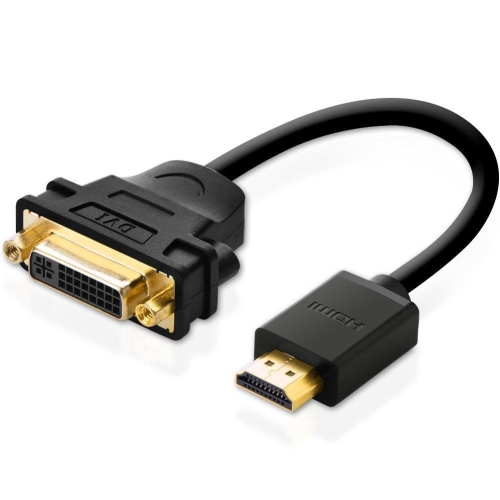
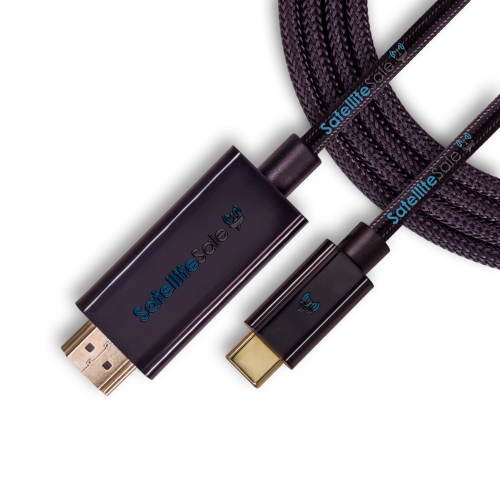
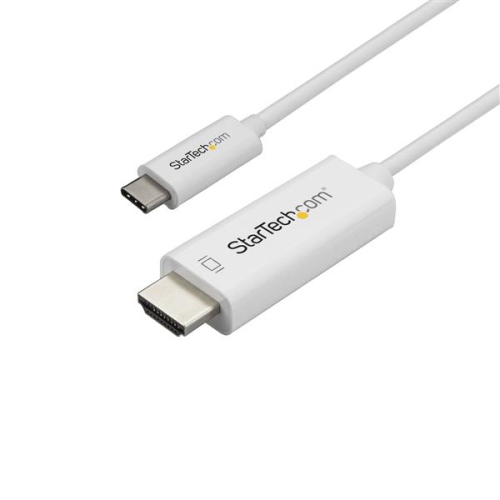
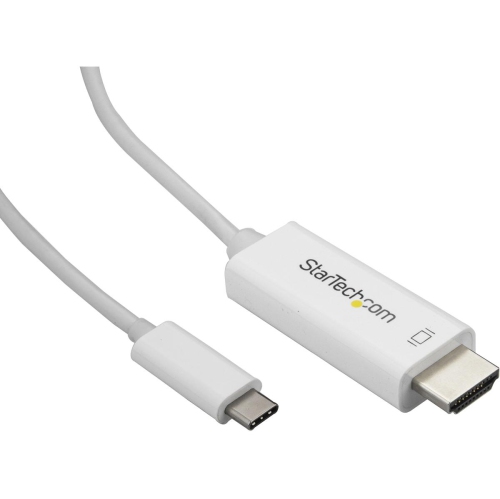

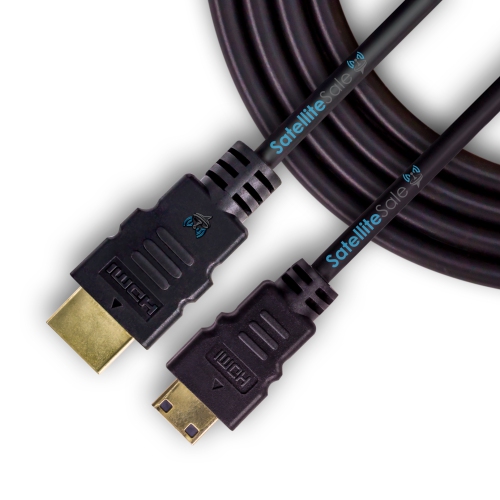
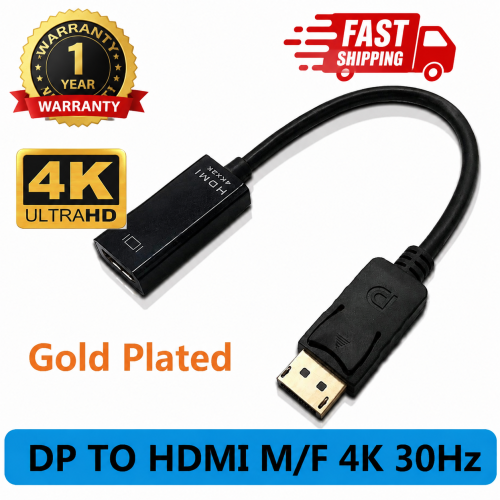
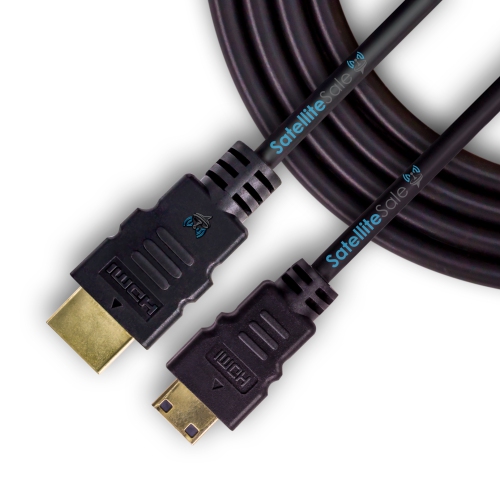
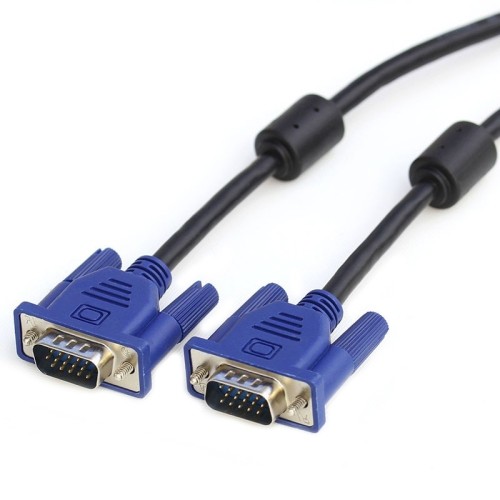
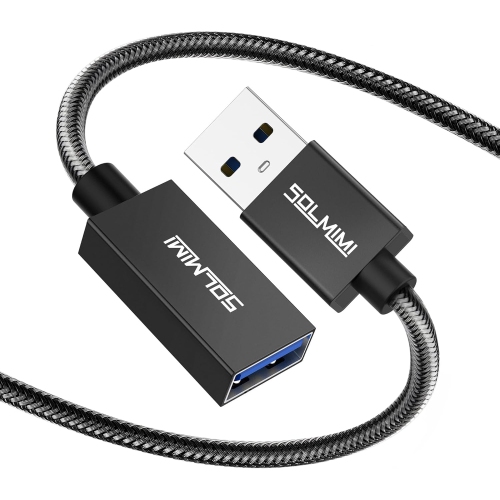
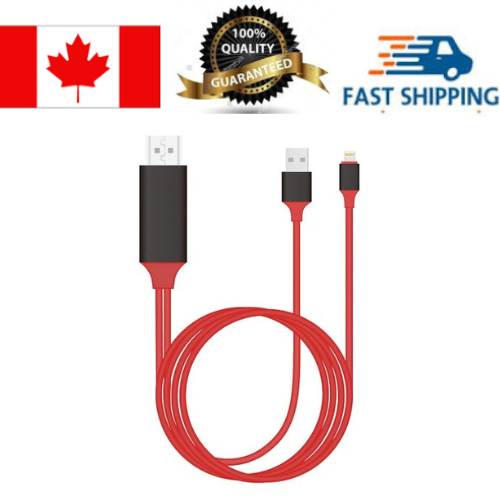
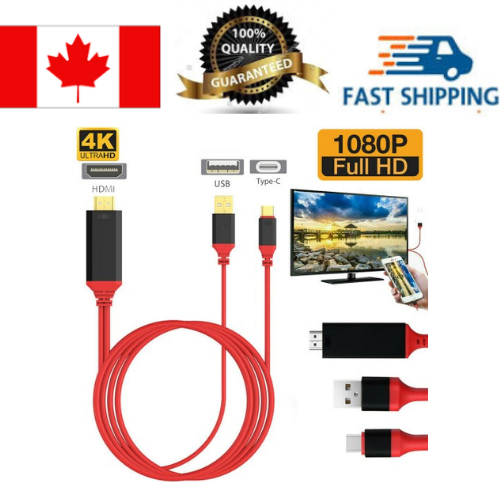
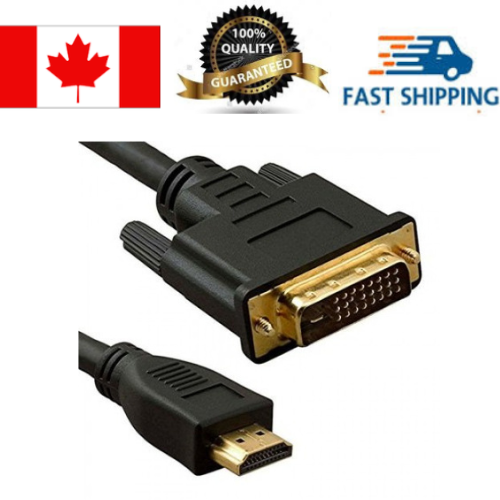
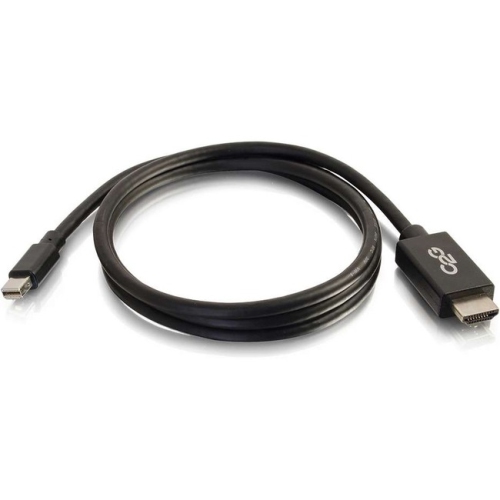
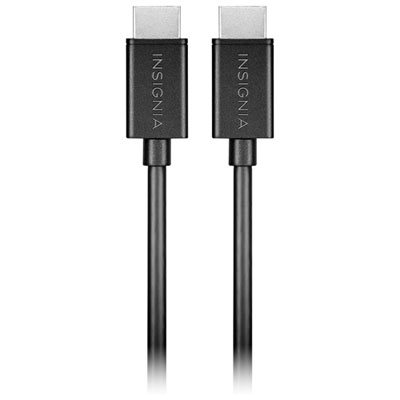
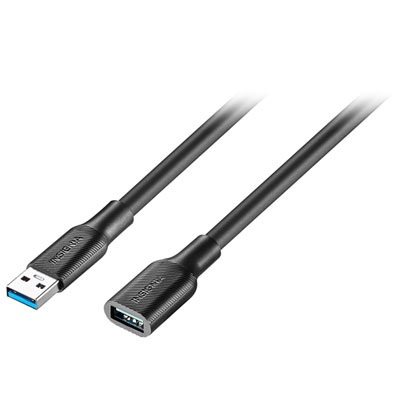
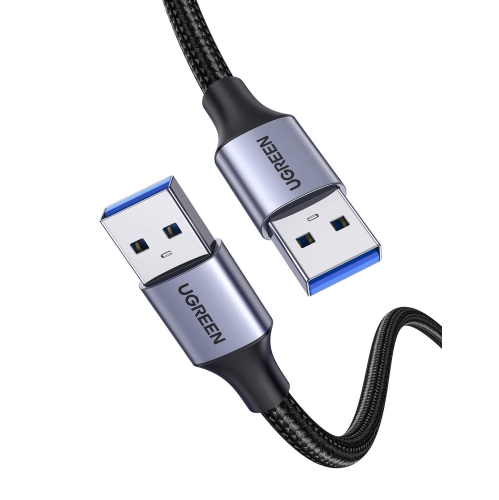
![TASNIM HDMI to VGA 6 Feet Cable, [Uni-Directional] HDMI Computer to VGA Monitor Cable [Male to Male]](https://multimedia.bbycastatic.ca/multimedia/products/500x500/196/19661/19661186.jpeg)
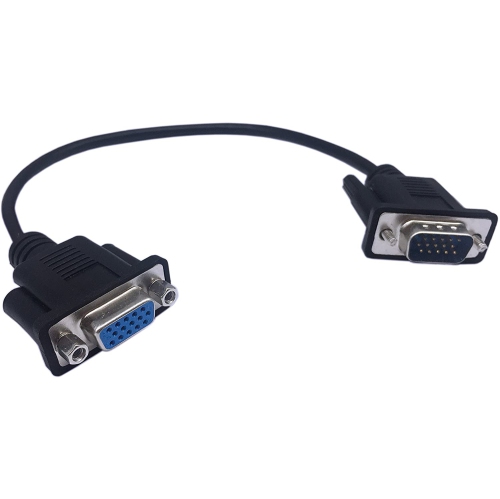
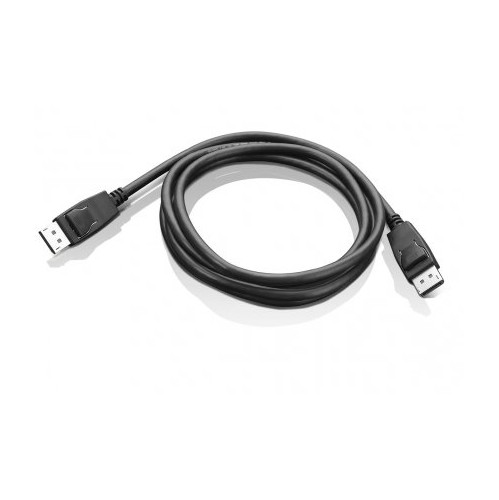
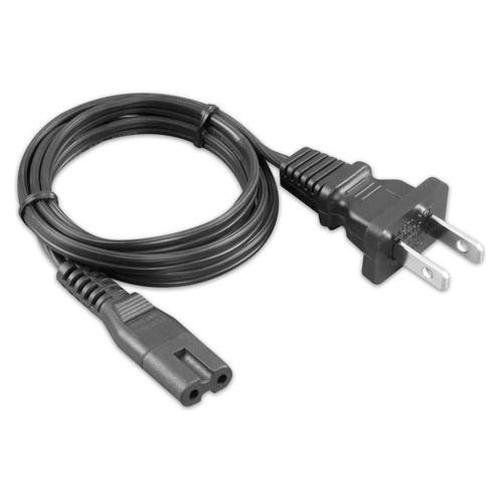
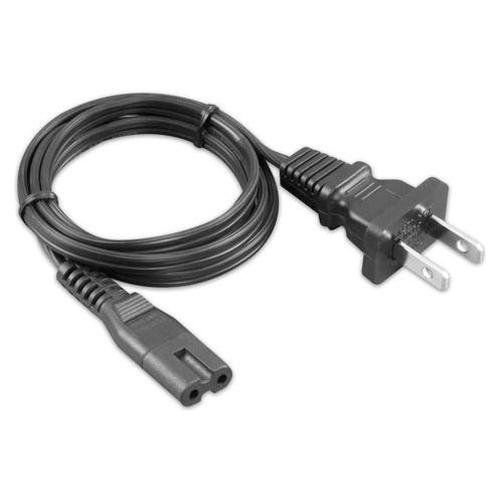
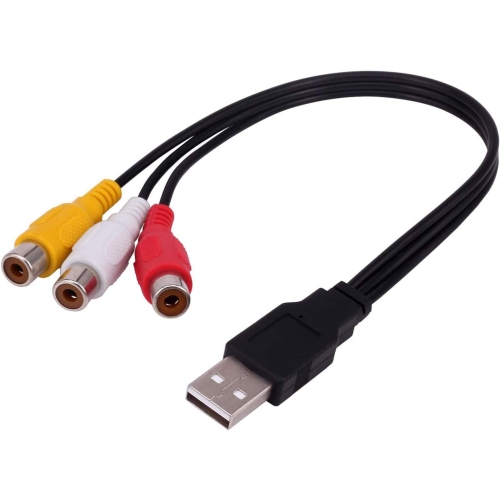
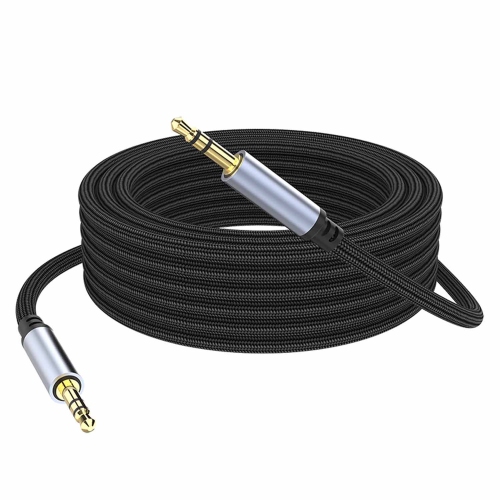
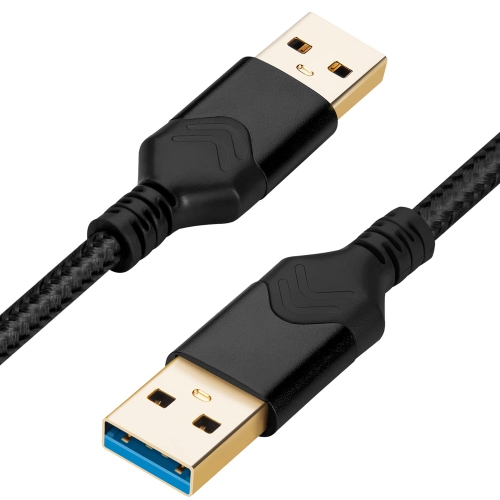
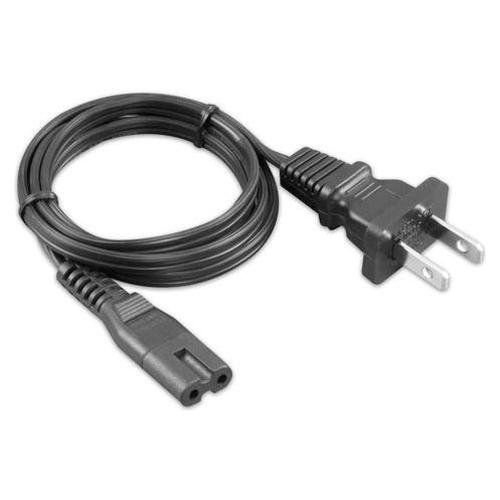
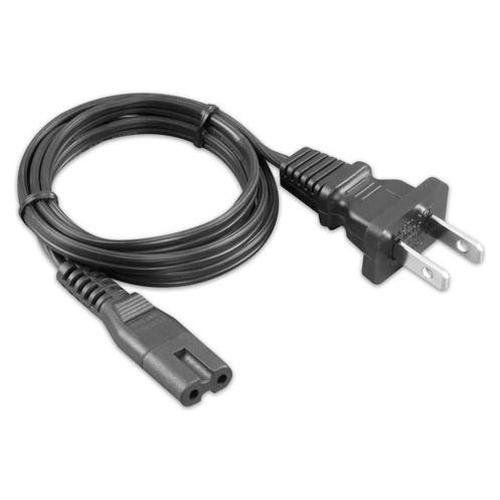
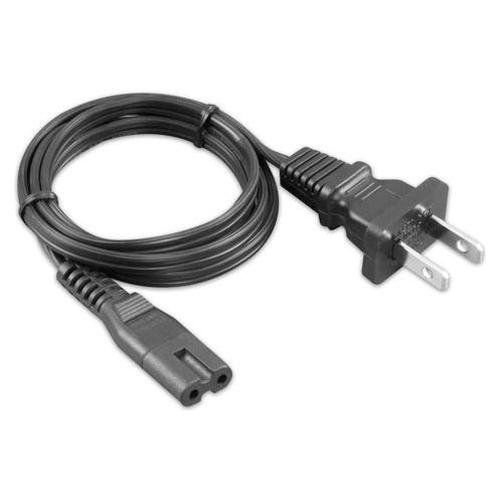

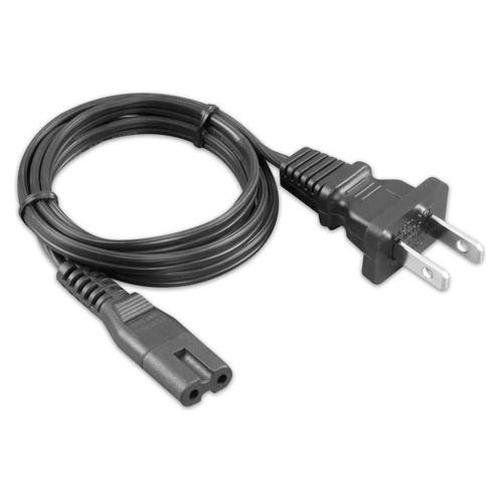
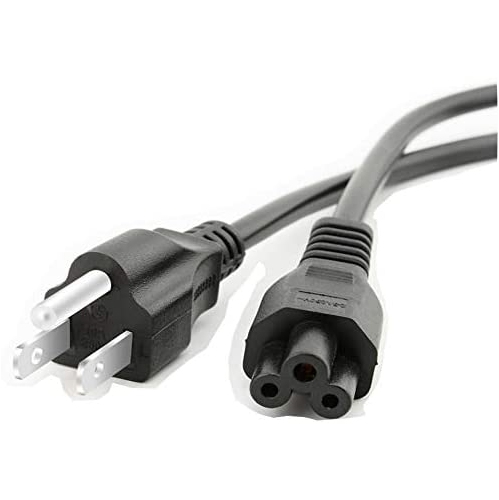
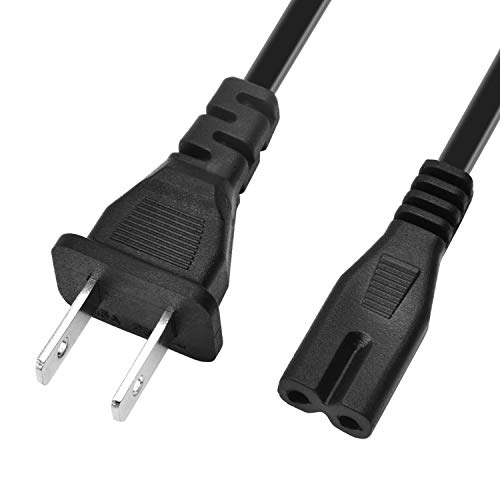
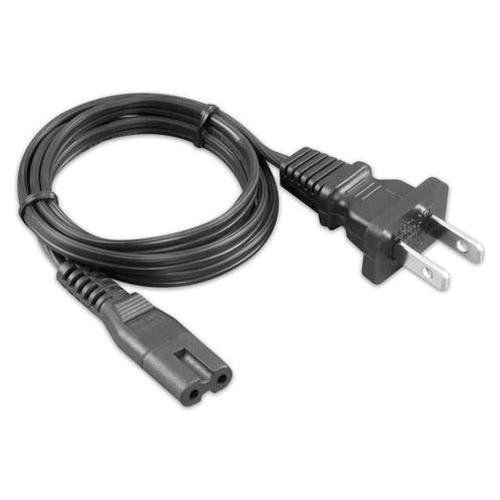
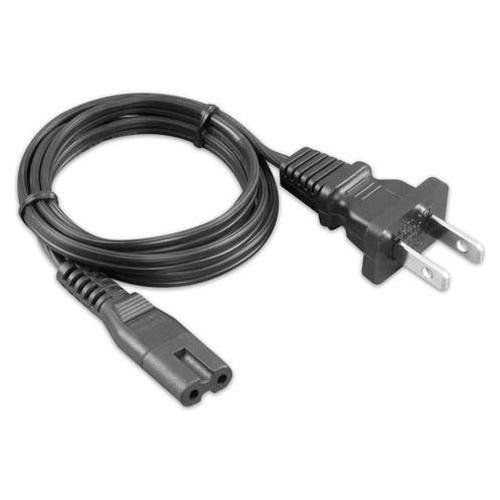
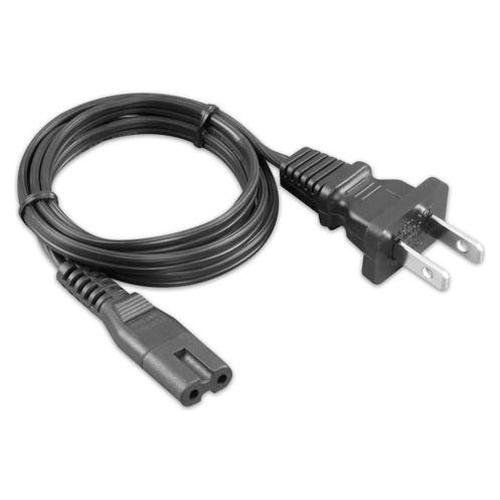
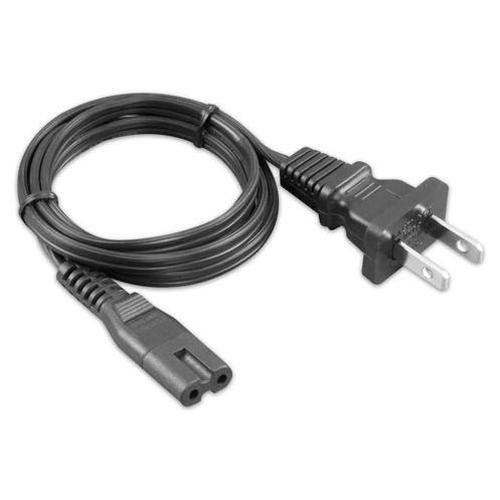
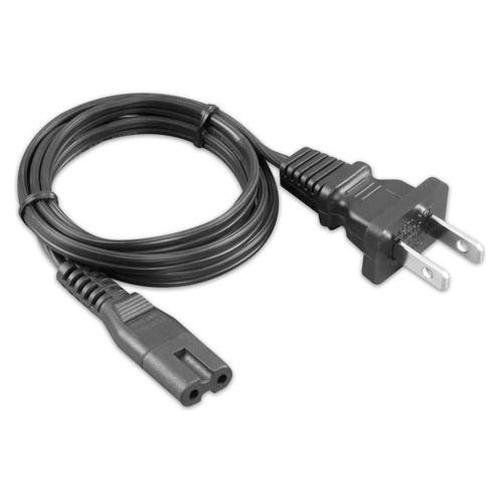
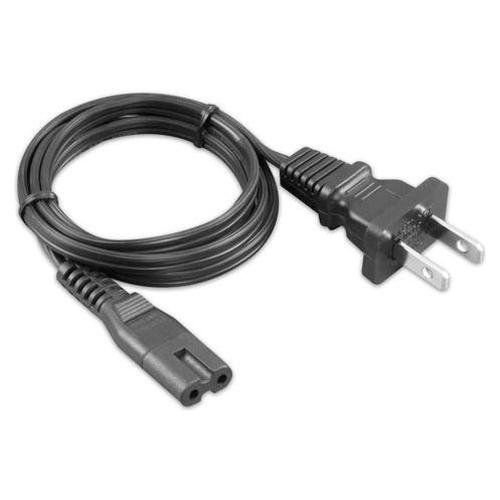
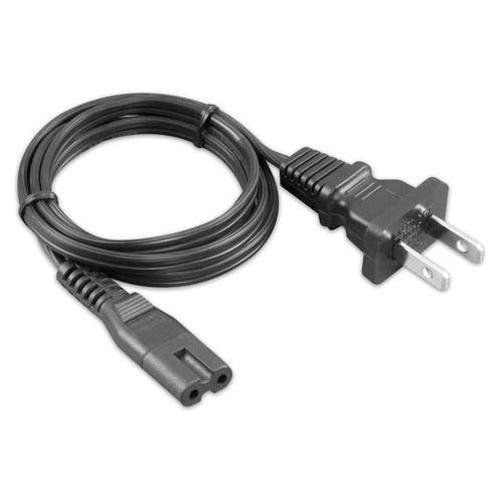
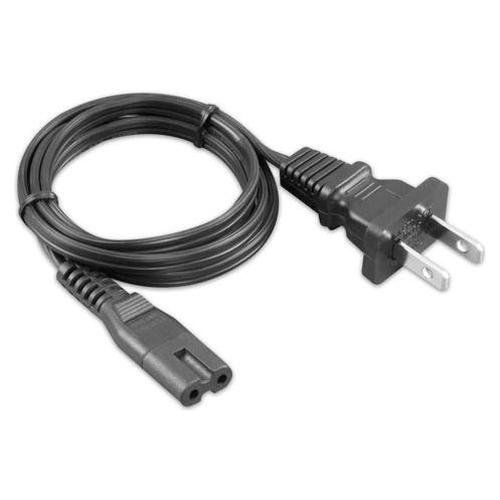
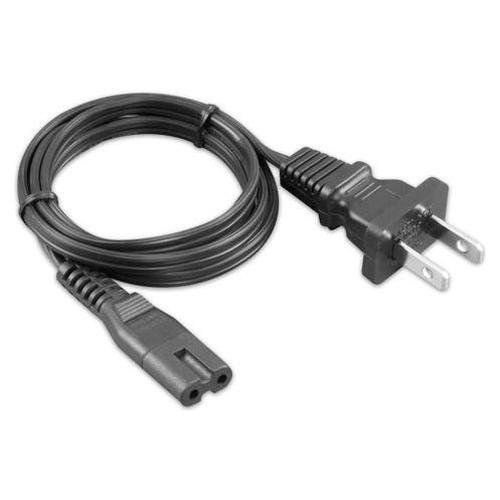
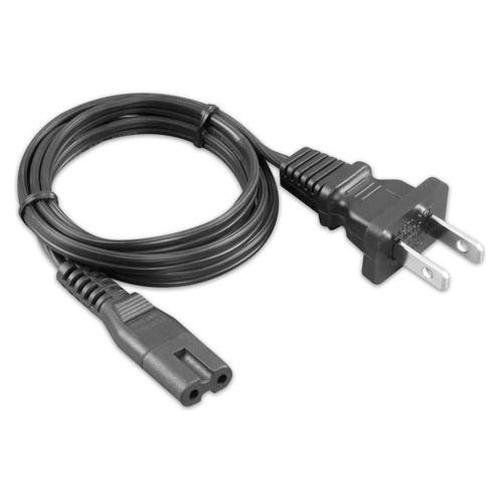
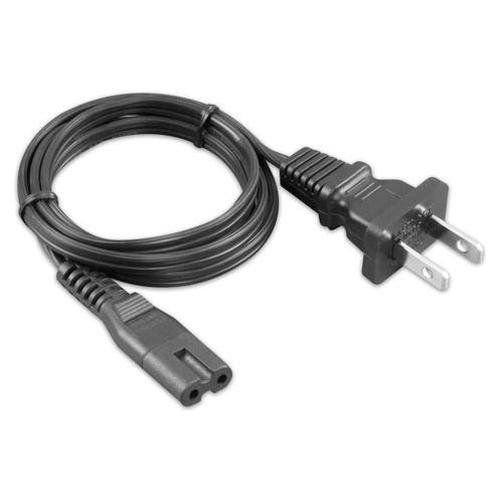
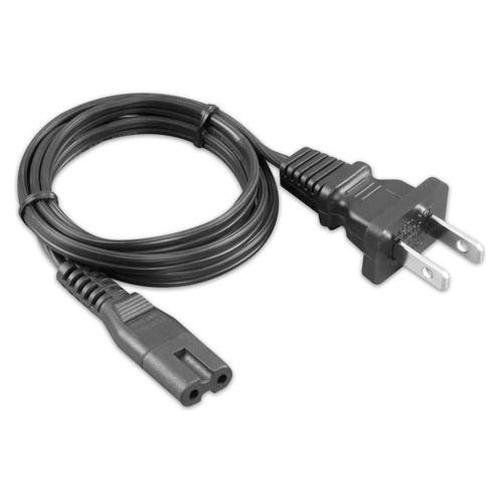
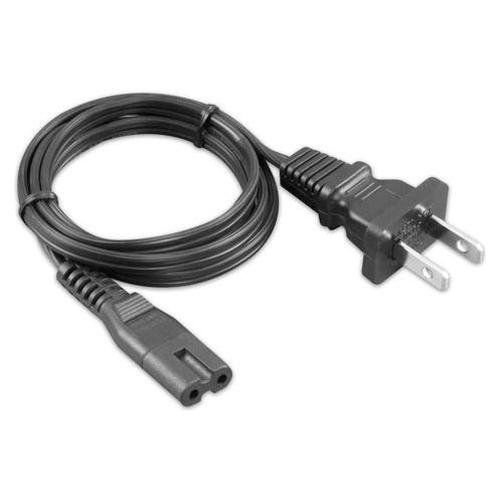
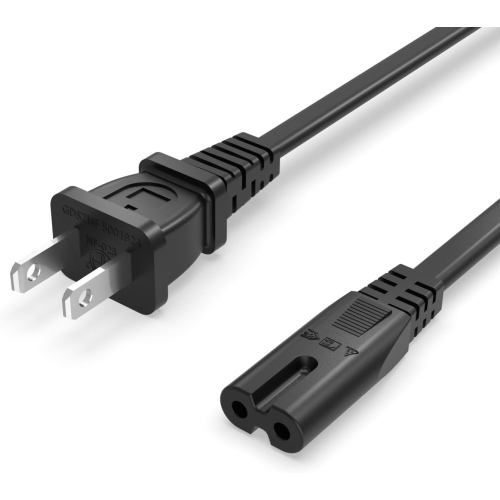
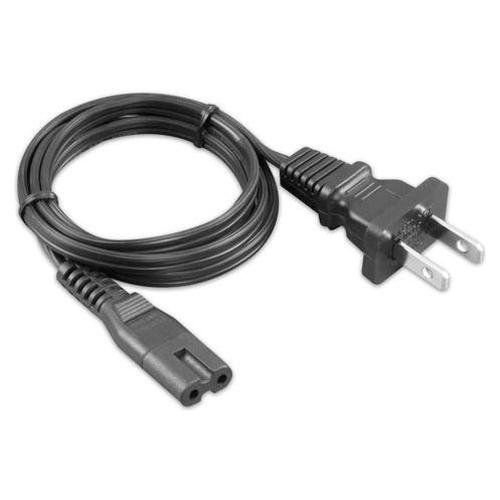
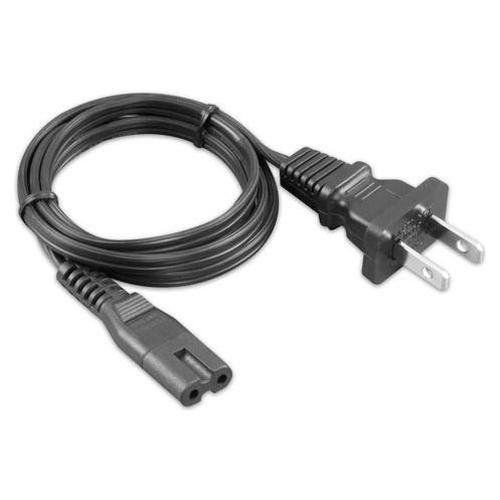
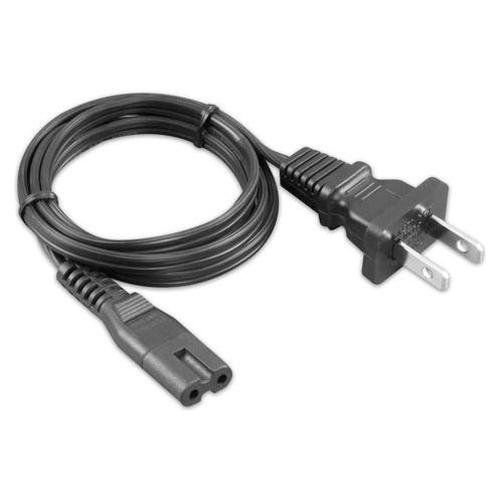
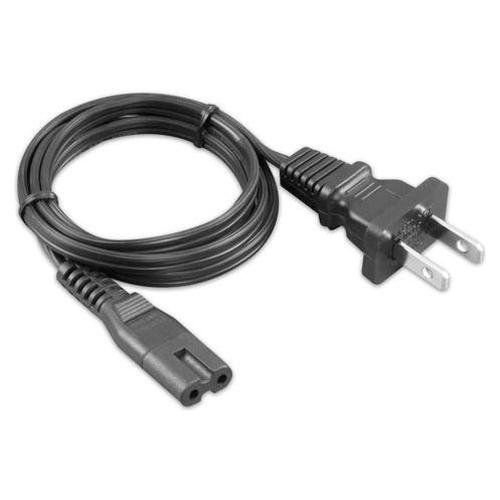
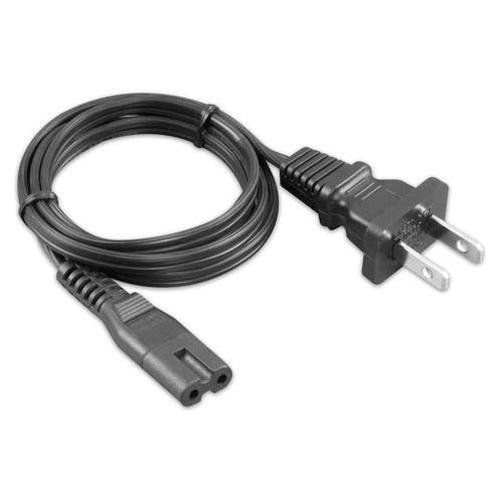
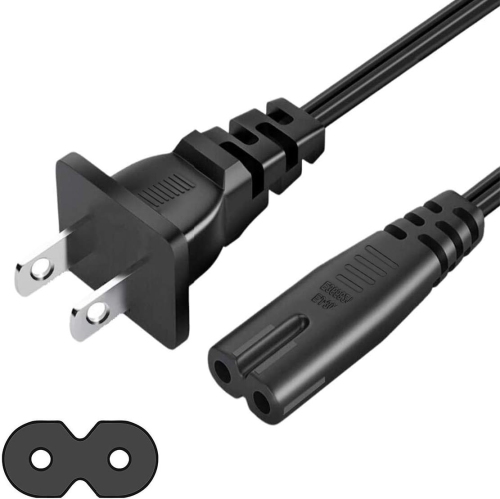
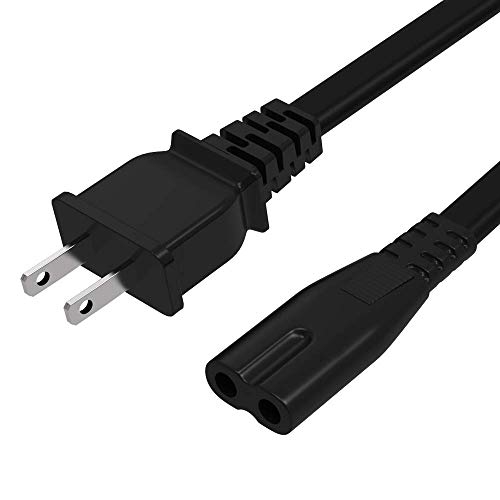
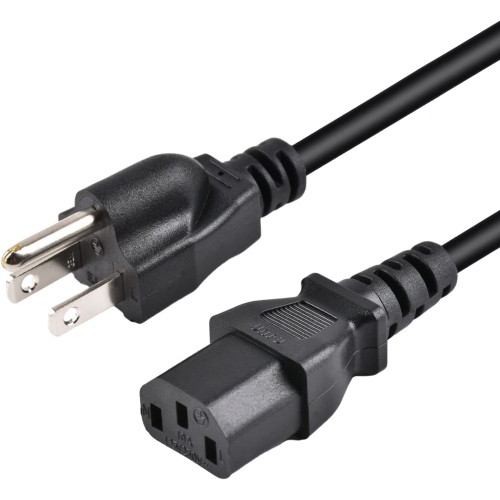
![POWSEED [Ul Listed] 6Ft 2-Prong Ac Wall Power Cable 2 Slot Cord for HP Dell Samsung Sony Asus Acer Toshiba Laptop Charger Led Lcd Monitor Tv Epson](https://multimedia.bbycastatic.ca/multimedia/products/500x500/173/17348/17348558.jpeg)
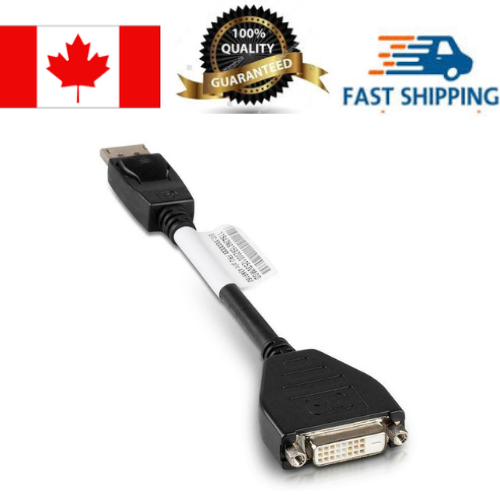
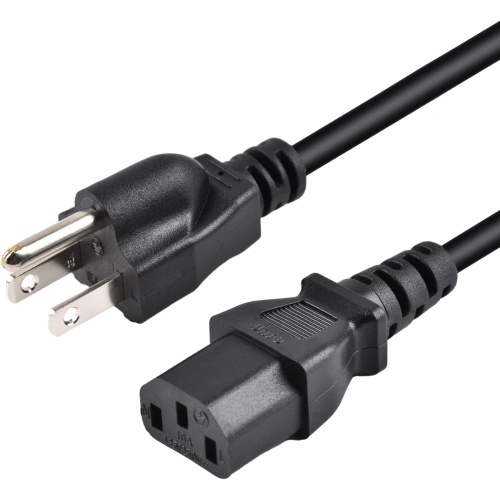
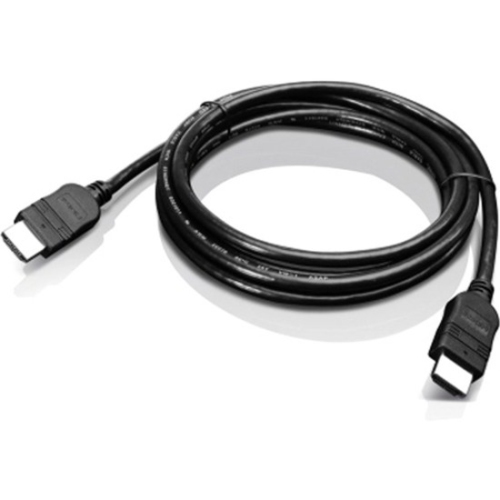
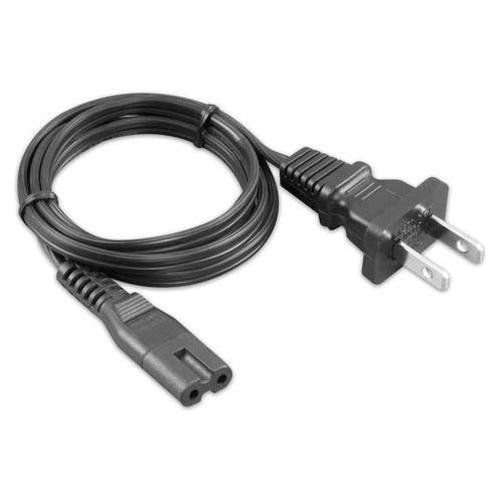
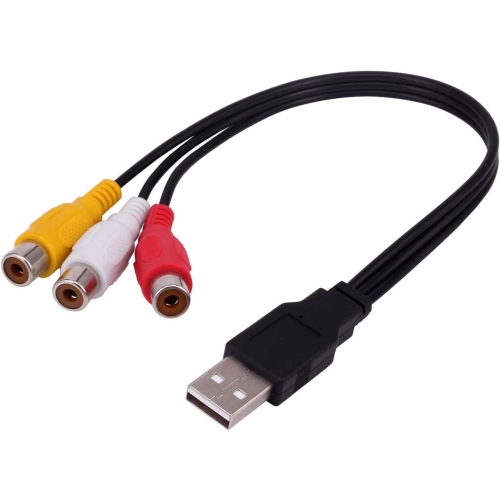
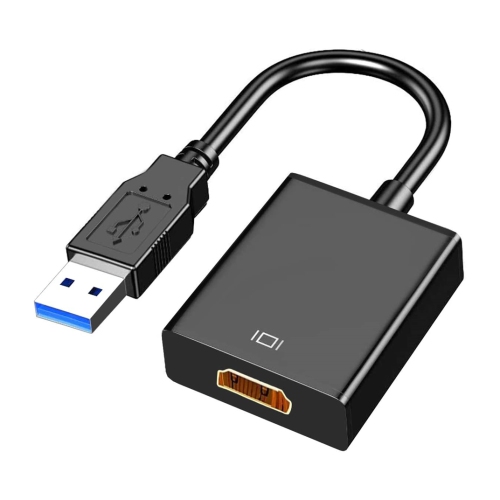
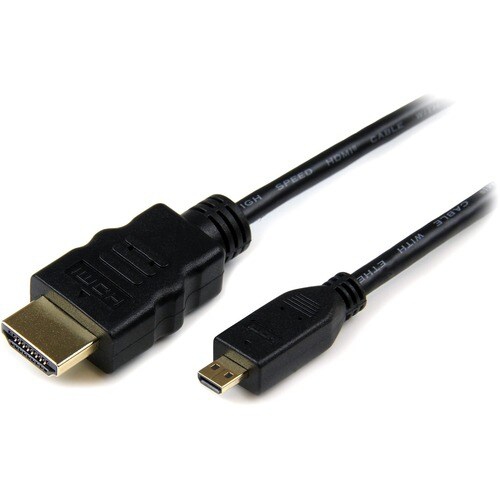
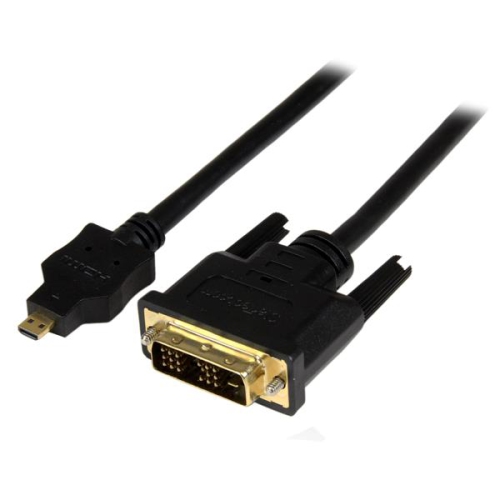

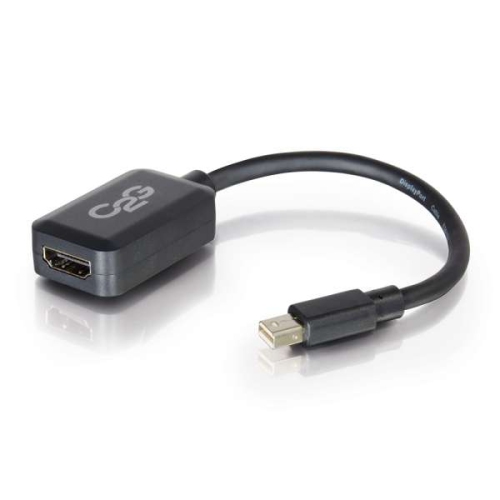
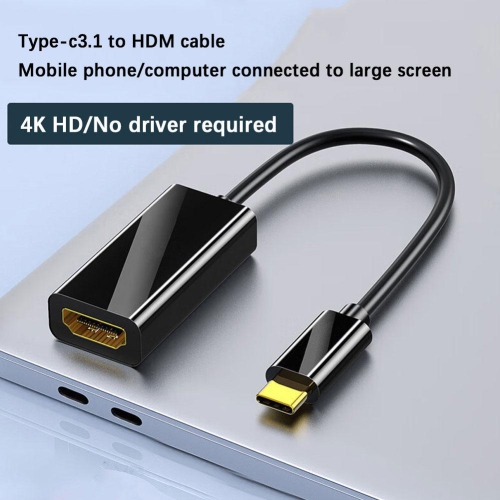

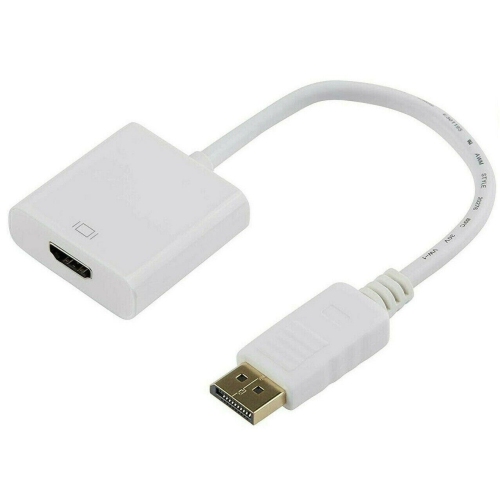
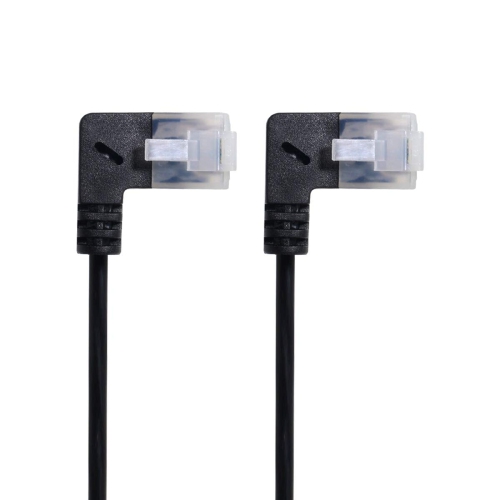

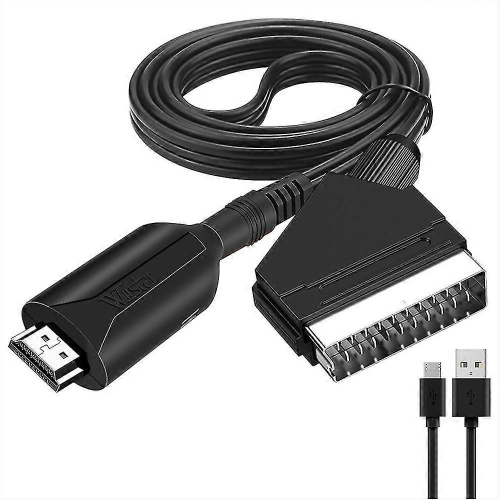
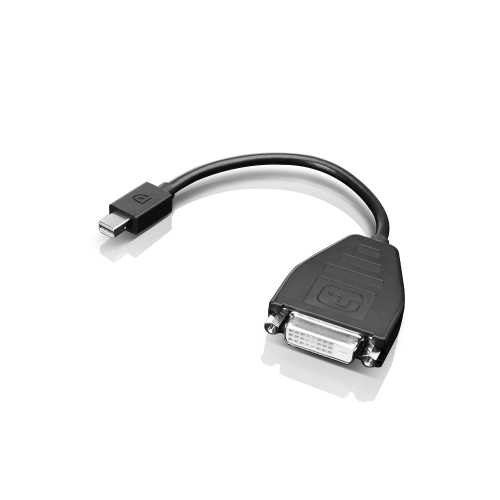
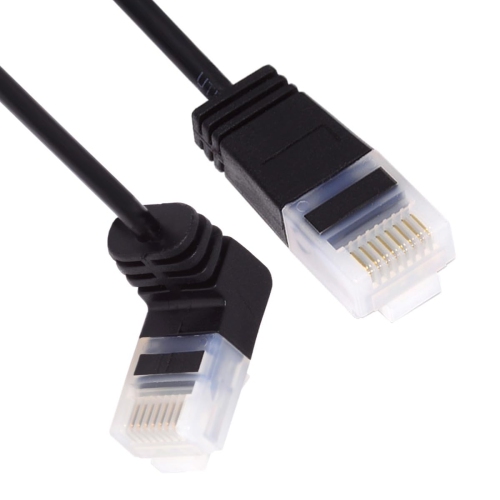
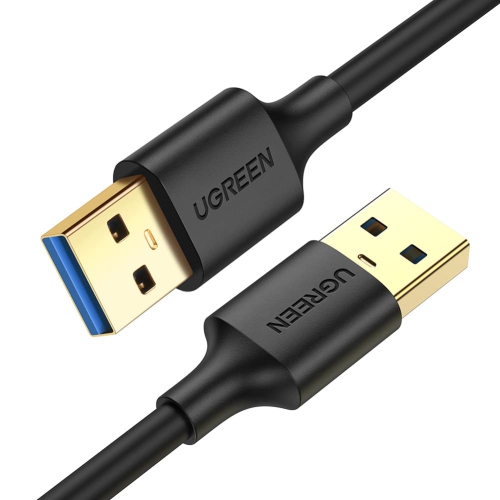
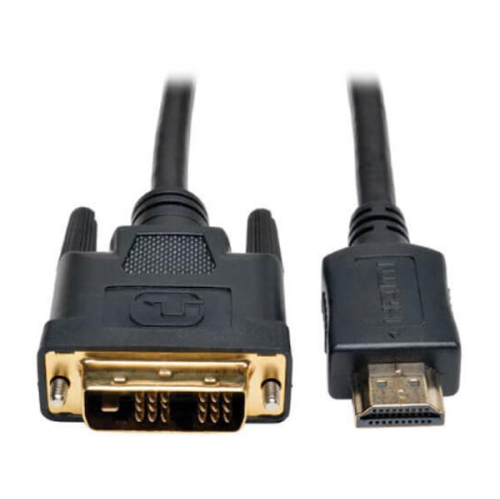
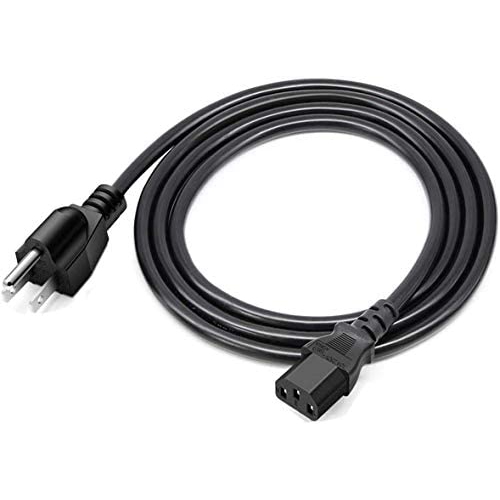
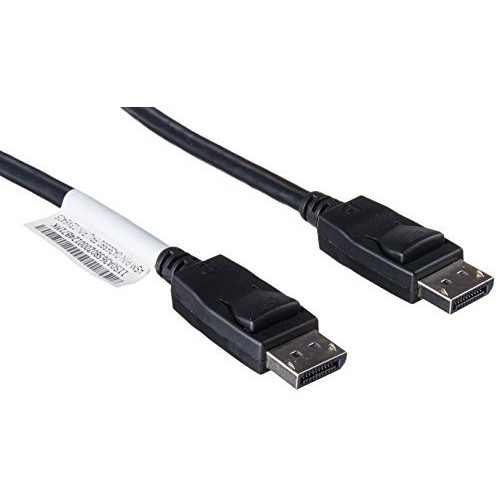
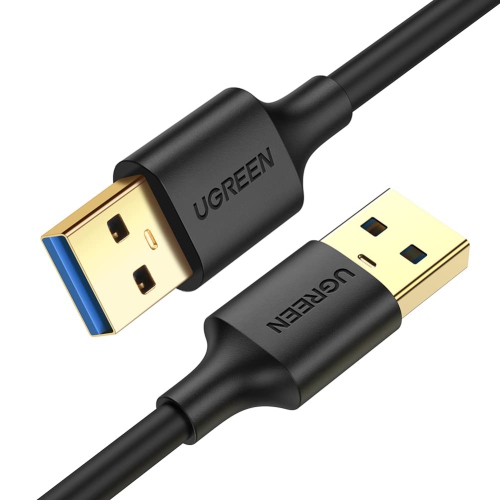
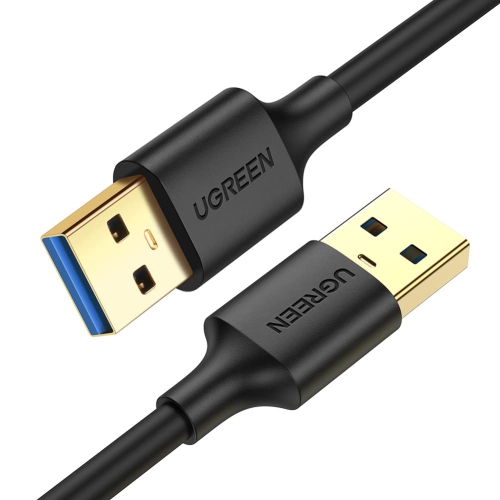
From presentations to movie nights on the big screen
Connecting your laptop to your TV can transform everyday moments into immersive experiences, whether you’re sharing vacation photos with family, streaming your favourite shows for a group movie night, or delivering a crisp, professional presentation in a home office or classroom. Laptop to TV cables are designed to bridge the gap between portable computing and big-screen viewing, offering a simple solution for both work and play. As the weather warms and gatherings shift from indoors to backyard patios or cottage living rooms, these cables make it easy to enjoy music videos, sports events, or slide shows on a larger display. Students heading back to school in the fall may find them essential for collaborative projects, while professionals working remotely can use them to create a more productive workspace by extending their screen real estate. For gamers, connecting a laptop to a TV can provide a more immersive gaming session, turning the living room into a personal arcade. These cables also make thoughtful gifts for students, tech enthusiasts, and anyone who loves sharing digital content with friends and family.
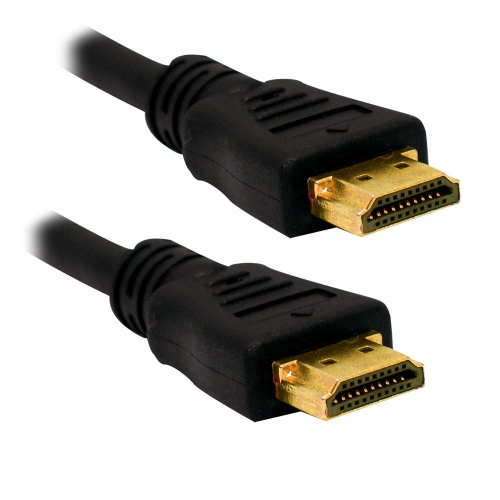
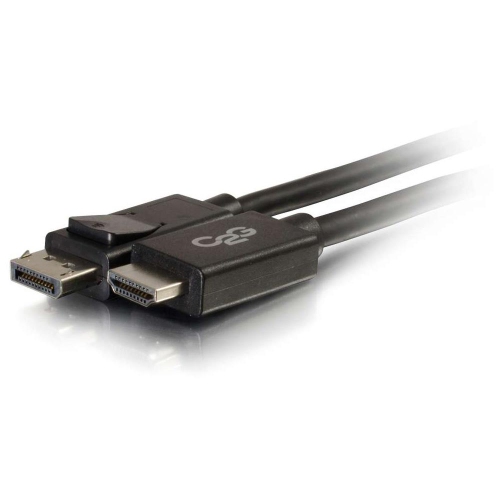
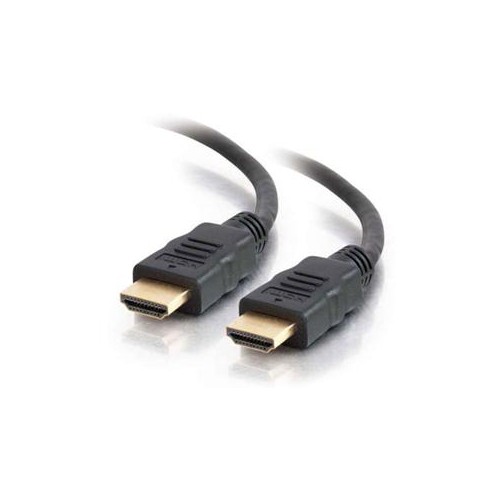
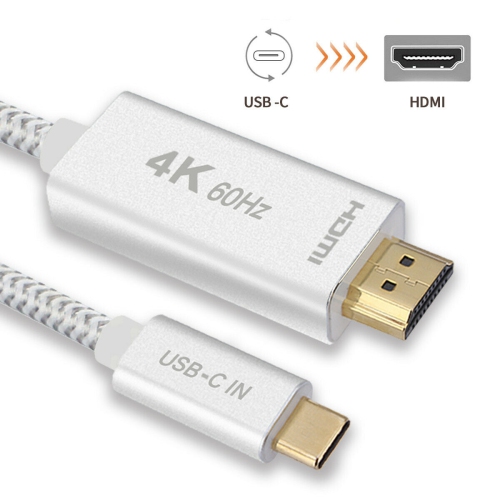
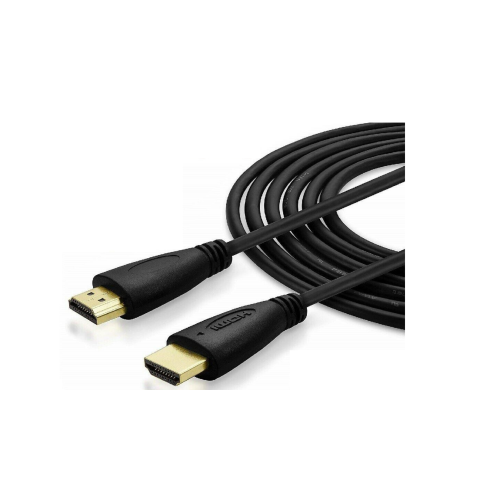
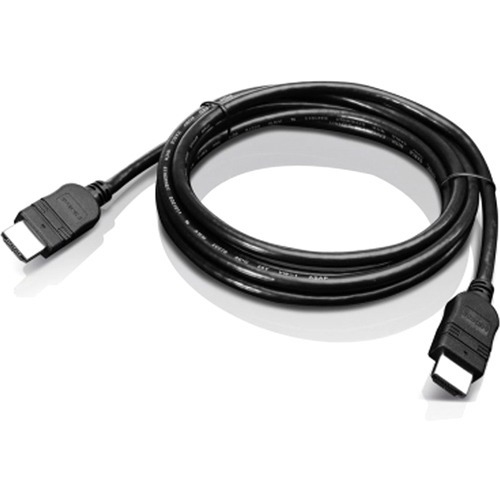
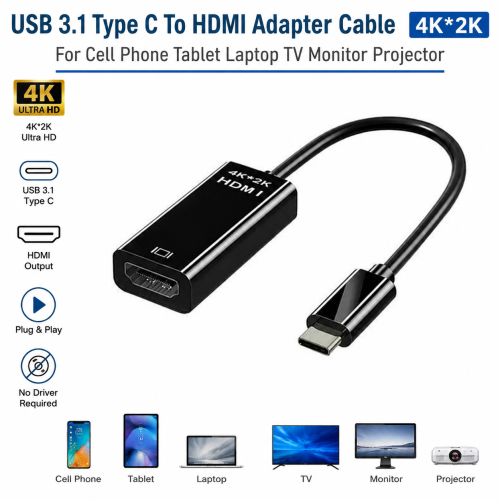
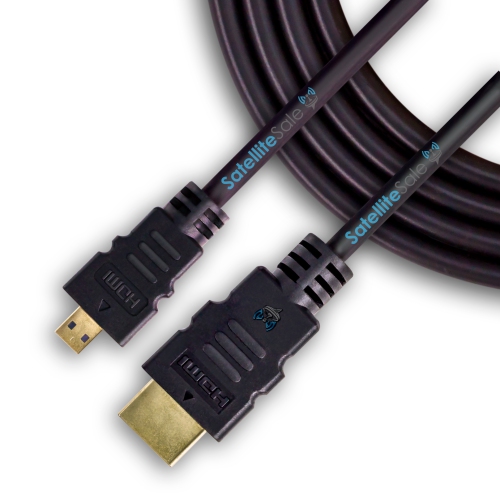
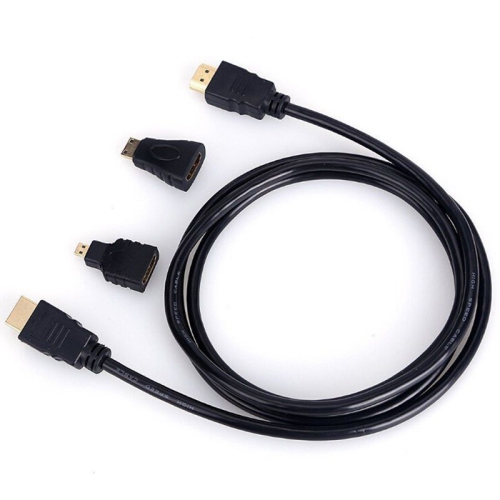
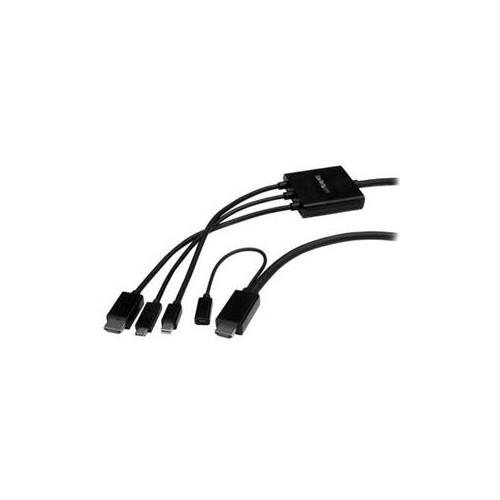
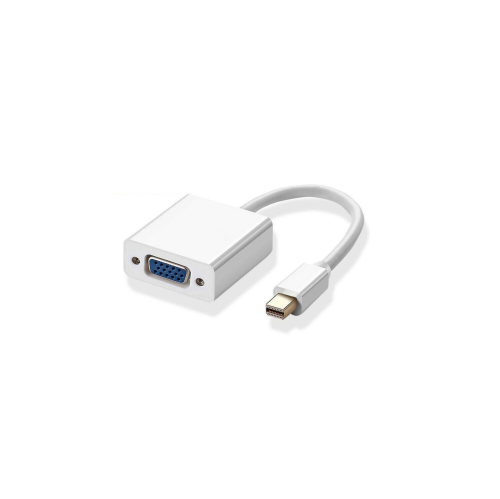
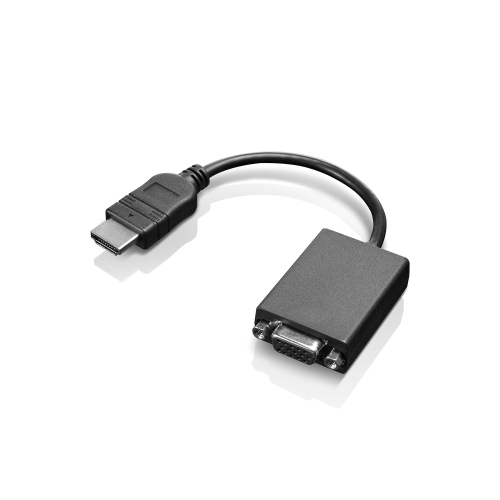
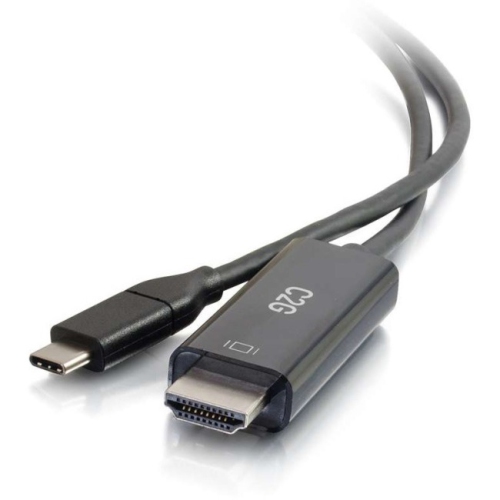
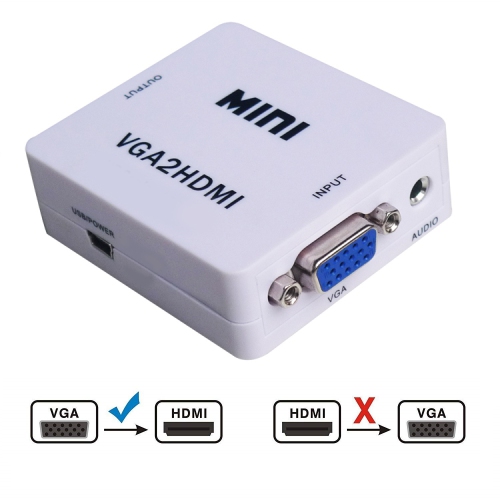
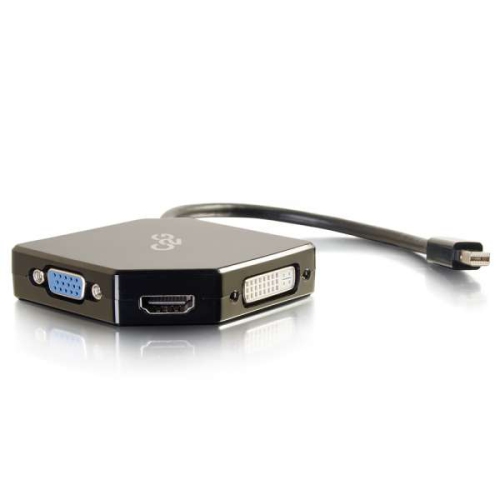
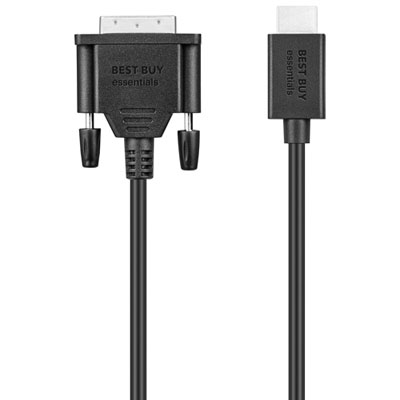
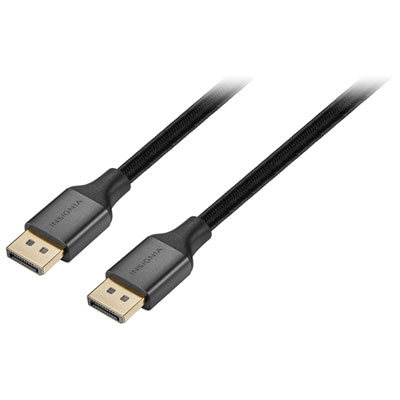
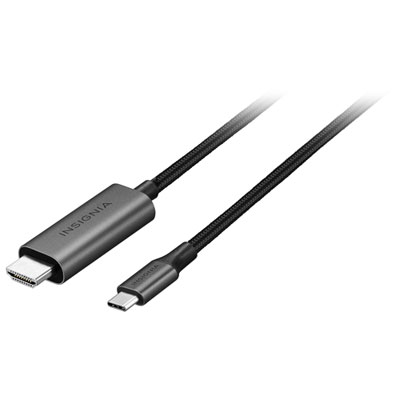
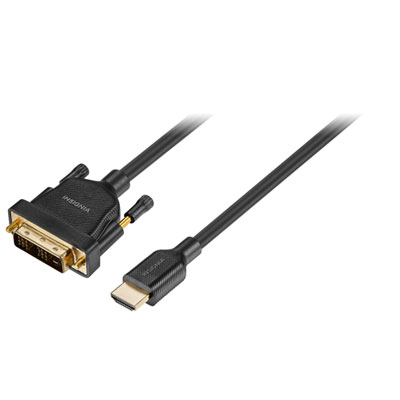
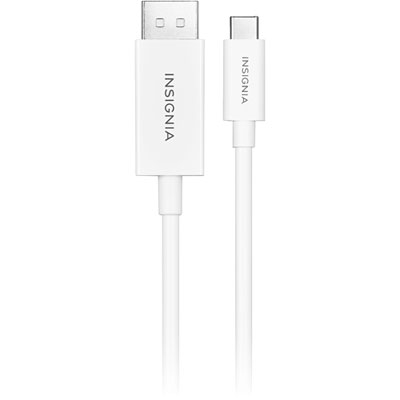
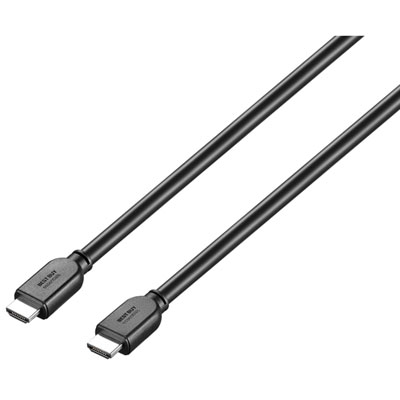
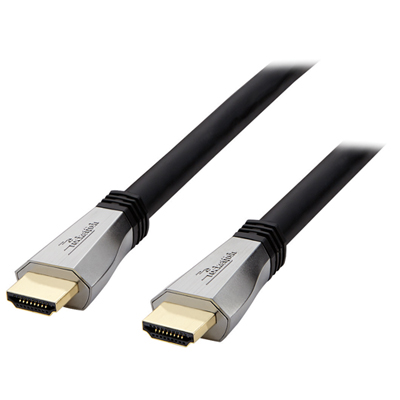
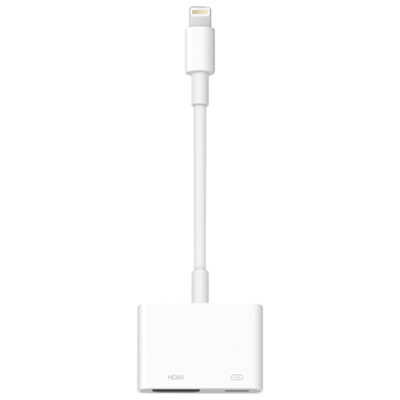
When choosing the right cable, consider the ports available on your laptop and TV. The classic HDMI to HDMI cable remains the most straightforward option for most modern devices, delivering both high-definition video and audio with a single connection. For newer, ultra-thin laptops that may only offer USB-C or Thunderbolt ports, a USB-C to HDMI adapter or cable is typically required to achieve the same seamless connection. Some smaller laptops or tablets feature mini HDMI or micro HDMI outputs, which call for specialized cables or adapters to match your TV’s standard HDMI input. It’s important to check your device’s specifications before purchasing to ensure compatibility and optimal performance. Cable length is another key factor—longer cables provide flexibility in room setup, while shorter options keep things tidy for desktop use. For those who travel frequently or move between home and office, compact and durable cables or multi-port adapters are especially convenient. If you’re interested in learning more about specific cable types and their uses, visit our dedicated page on HDMI Cable To Connect Laptop To TVs for additional details and options.
Beyond the basics, consider your unique needs and environment. Families may appreciate the ease of quickly connecting a laptop to the TV for spontaneous movie marathons or virtual calls with relatives. Teachers and students can use these cables to display lessons, projects, or educational videos on a classroom screen, making learning more interactive. Those working from home often rely on dual screens for multitasking, and a reliable cable ensures smooth transitions between meetings and presentations. Whether you’re setting up for a summer backyard movie night, preparing for the back-to-school season, or simply upgrading your home entertainment system, the right laptop to TV cable can make all the difference. With so many options available, finding a cable that matches your devices and lifestyle will help you get the most out of your technology—no matter the season or setting.
When choosing the right cable, consider the ports available on your laptop and TV. The classic HDMI to HDMI cable remains the most straightforward option for most modern devices, delivering both high-definition video and audio with a single connection. For newer, ultra-thin laptops that may only offer USB-C or Thunderbolt ports, a USB-C to HDMI adapter or cable is typically required to achieve the same seamless connection. Some smaller laptops or tablets feature mini HDMI or micro HDMI outputs, which call for specialized cables or adapters to match your TV’s standard HDMI input. It’s important to check your device’s specifications before purchasing to ensure compatibility and optimal performance. Cable length is another key factor—longer cables provide flexibility in room setup, while shorter options keep things tidy for desktop use. For those who travel frequently or move between home and office, compact and durable cables or multi-port adapters are especially convenient. If you’re interested in learning more about specific cable types and their uses, visit our dedicated page on HDMI Cable To Connect Laptop To TVs for additional details and options.
Beyond the basics, consider your unique needs and environment. Families may appreciate the ease of quickly connecting a laptop to the TV for spontaneous movie marathons or virtual calls with relatives. Teachers and students can use these cables to display lessons, projects, or educational videos on a classroom screen, making learning more interactive. Those working from home often rely on dual screens for multitasking, and a reliable cable ensures smooth transitions between meetings and presentations. Whether you’re setting up for a summer backyard movie night, preparing for the back-to-school season, or simply upgrading your home entertainment system, the right laptop to TV cable can make all the difference. With so many options available, finding a cable that matches your devices and lifestyle will help you get the most out of your technology—no matter the season or setting.
Top selling and popular products
-
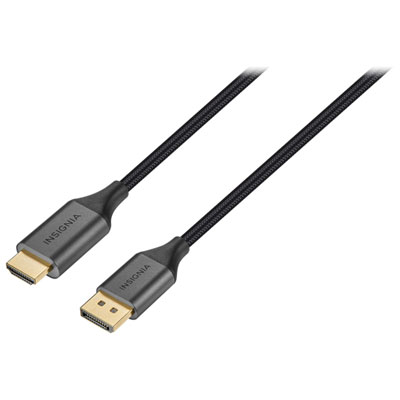 Your price for this item is $39.95
 -
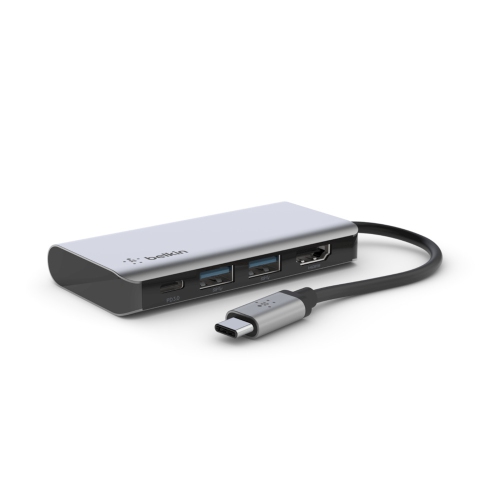 Your price for this item is $62.99
 -
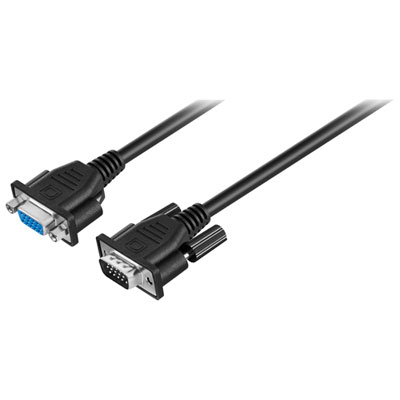 Your price for this item is $29.95
 -
 Your price for this item is $14.99
 -
 Your price for this item is $29.99
 -
 Your price for this item is $39.99
 -
 Your price for this item is $29.99
 -
 Your price for this item is $24.97
Discover more categories related to Laptop To TV Cables
Top Collections:
Pokemon Centers, Kindle Devices, Best Budget Office Chairs, Canon G7X Cameras, Apple iPhones 16, Samsung Galaxy Phones, Refurbished Apple Laptops, Laptops for Students, iPhone 15 Apple, Budget Smartphones
Some products may be subject to Environmental Handling Fees
(EHF) depending on your province.
Learn more about EHFs.