LED TV Wall
Transform your home entertainment experience with an LED TV Wall that combines style and functionality for any room. Whether you're looking to create a cinematic atmosphere or simply enhance your living space, an LED TV Wall offers a sleek and modern solution. Discover a variety of options designed to fit different sizes and layouts, making it easy to find the perfect match for your viewing needs. Elevate your setup and enjoy immersive visuals with an LED TV Wall that brings your favorite shows, movies, and games to life.
Sort
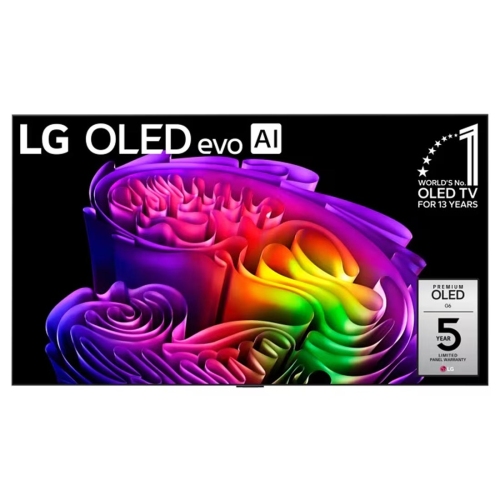
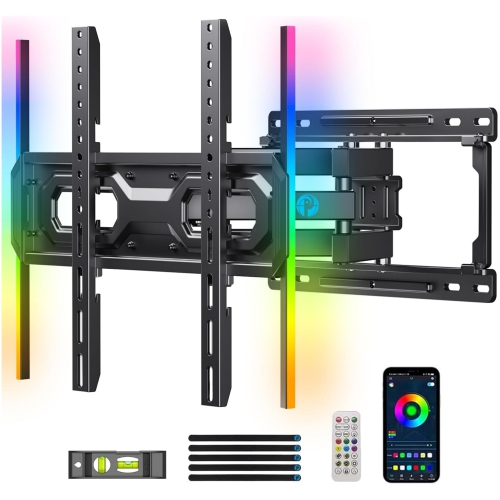
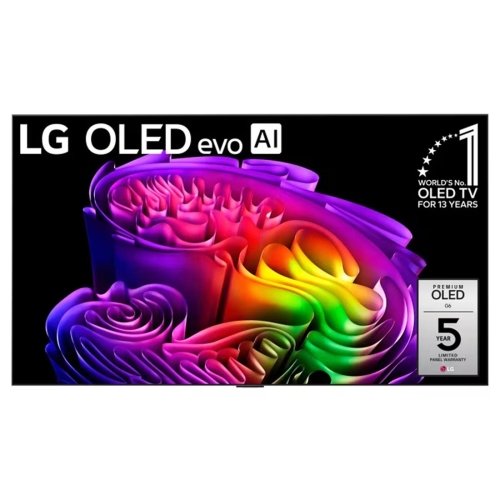


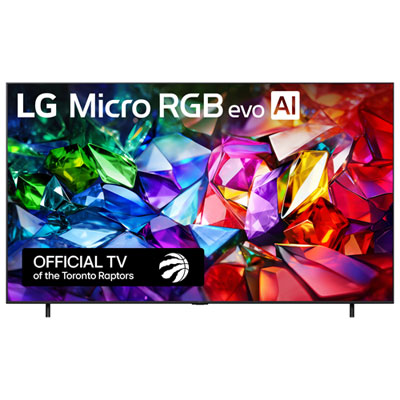
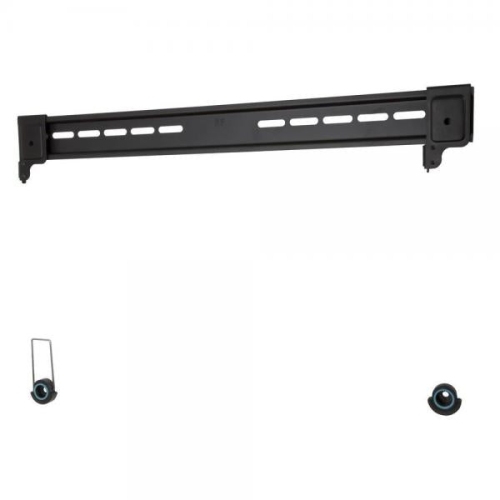
There’s more to a wall-mounted setup than the screen
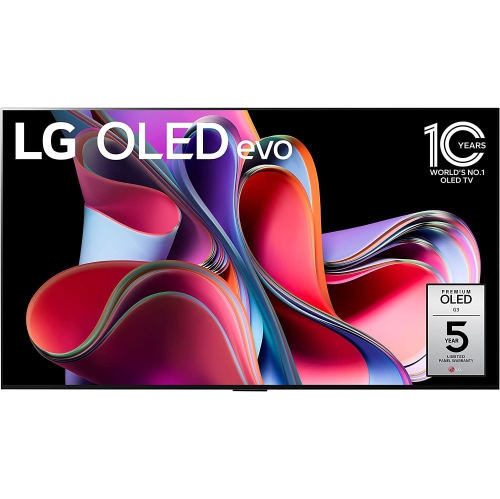
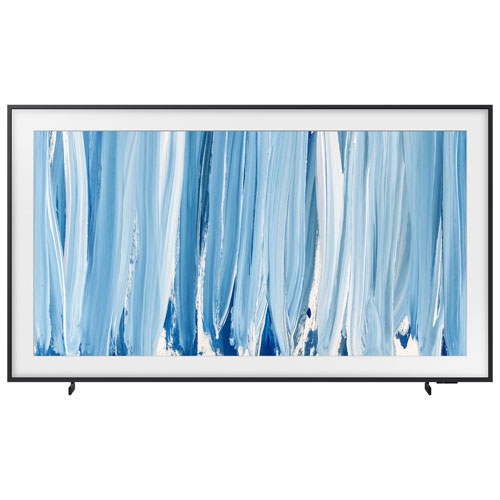
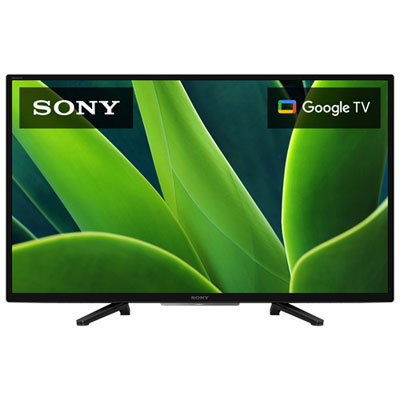
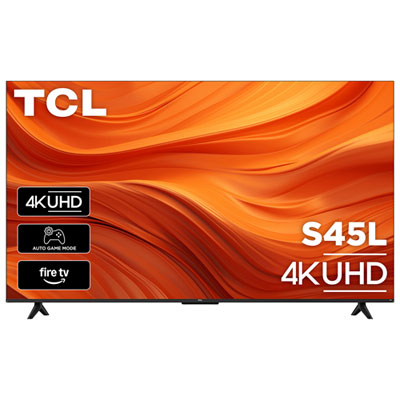
An LED TV wall can describe a modular direct-view LED display, a conventional LED television mounted on a wall, or a wall-mounted media console with integrated LED lighting. These products create different effects: a video wall turns multiple LED modules into one large display, a wall-mounted television keeps the screen off the furniture below, and an illuminated floating console adds storage and accent lighting around a separate TV. A direct-view LED wall produces its image through LEDs in the display itself, while a typical LED television uses LED backlighting behind an LCD panel. That distinction matters when comparing viewing distance, installation requirements, and the overall look of a room. Modular displays can suit expansive home theatres, reception areas, and presentation spaces where a large image is central to the layout. Pixel pitch, the distance between adjacent LED pixels, helps determine how detailed that image appears from nearby seating; a smaller pitch generally supports closer viewing. A conventional wall-mounted LED TV is often a more straightforward fit for a living room, bedroom, or games room, with screen size and resolution chosen around the seating arrangement. A broad screen across from a sectional can make films feel more immersive, while a smaller display opposite a bed can leave room for dressers and doorways. Picture quality also depends on contrast, brightness, viewing angles, and how the screen handles reflections. Side seating makes viewing angles especially noticeable, and lamps reflected across dark scenes can be distracting even on a sharp display. For gaming and live sports, refresh rate, motion handling, and compatible inputs deserve attention alongside resolution. Smart features and Wi-Fi connectivity can simplify streaming, although connection options vary by display. With either a single television or a modular video wall, the finished setup includes more than the visible screen: source devices, audio equipment, power connections, and cable routing all contribute to how comfortably the space works.
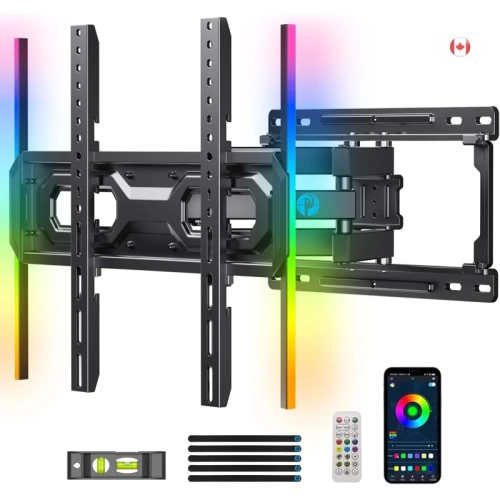
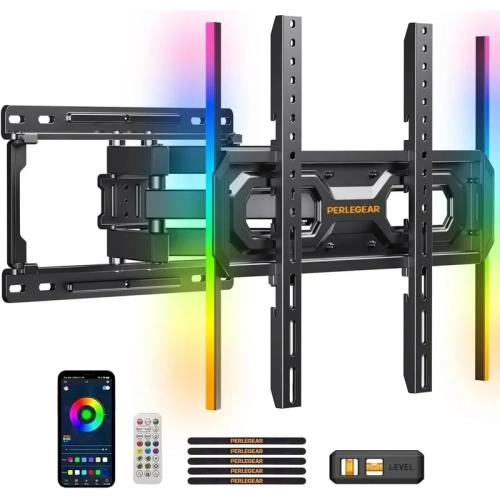
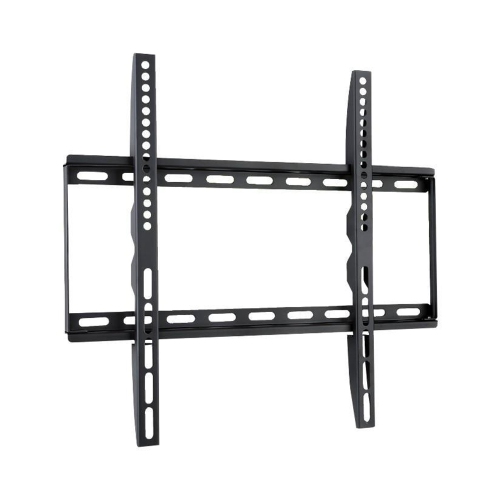
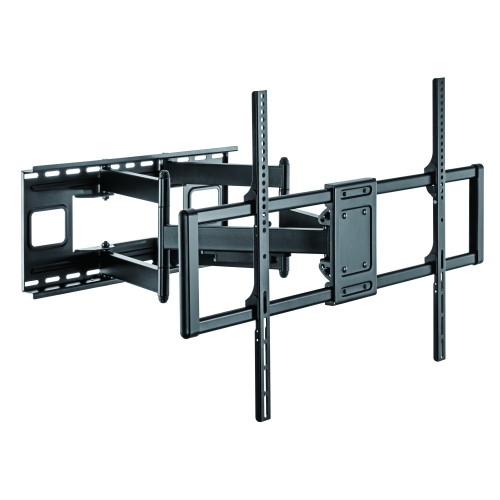
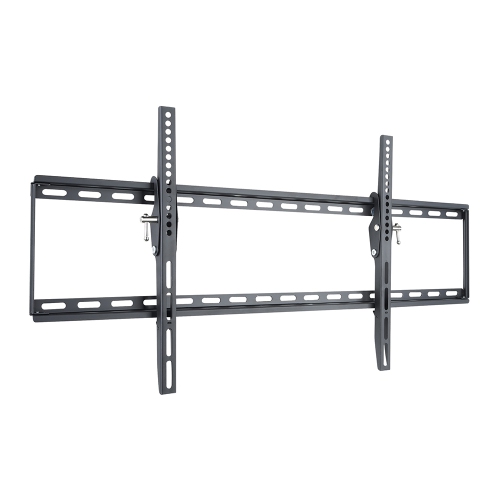
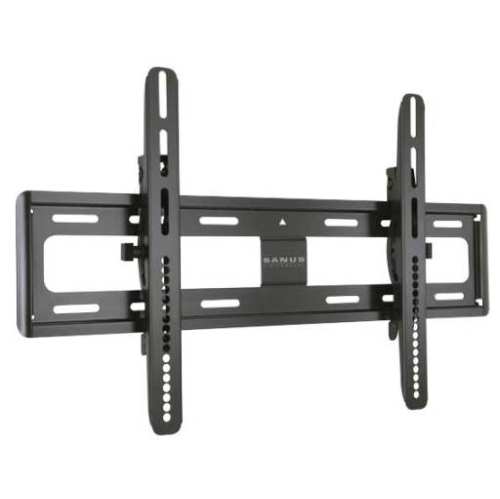
Wall mounts provide the physical connection between a television and the room, so compatibility involves more than matching a screen-size range. The television’s weight, its VESA mounting pattern, and the mount’s stated limits all need to align. VESA measurements describe the spacing between mounting holes on the back of a compatible television, and screens of similar size can still have different requirements. Fixed mounts hold the display close to the wall for a clean profile, tilting mounts offer limited angle adjustment, and full-motion mounts can extend and swivel toward different seating positions. In an open-plan room, an articulating mount may let the same screen face a sofa for a film and a kitchen seating area for a cooking program. That movement also requires sufficient clearance from shelves, adjacent walls, and connected cables. Steel construction is common in mounting hardware, but load ratings, joint design, fasteners, and the supporting wall determine suitability more reliably than appearance alone. Drywall by itself is generally not a suitable anchor for a large television; the installation needs appropriate structural support and hardware specified for the wall construction. Brick, concrete, wood studs, and metal studs can call for different mounting methods. A qualified installer can assess unfamiliar wall assemblies and concealed services before drilling. Screen placement affects everyday comfort as much as the bracket does. A television positioned near seated eye level usually reduces the need to look upward, while installations above fireplaces require particular attention to viewing height, clearances, and the television manufacturer’s temperature limits. Space behind the screen matters for ventilation, plugs, and access to ports, especially with low-profile brackets. In-wall cable routing requires suitable cables and compliant electrical work rather than passing a standard power cord through a wall cavity. For a separate patio or outdoor viewing area, outdoor TV wall mounts are a distinct category; both the mount and the television need to be rated for their intended location. Indoor mounting equipment should not be assumed suitable simply because it fits the screen.
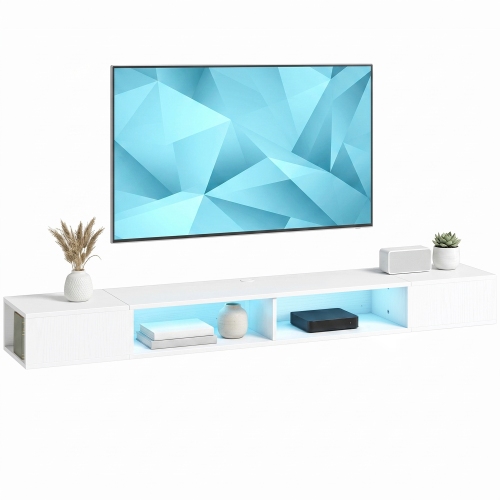
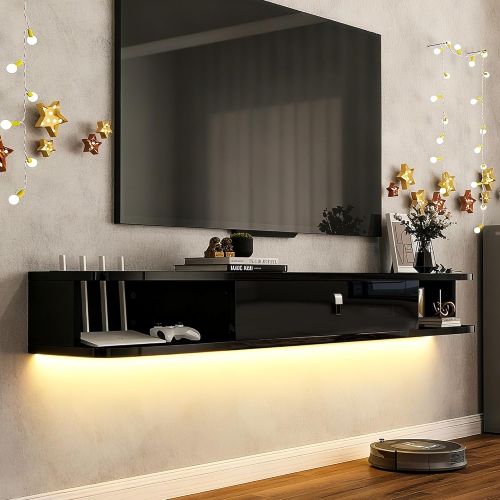
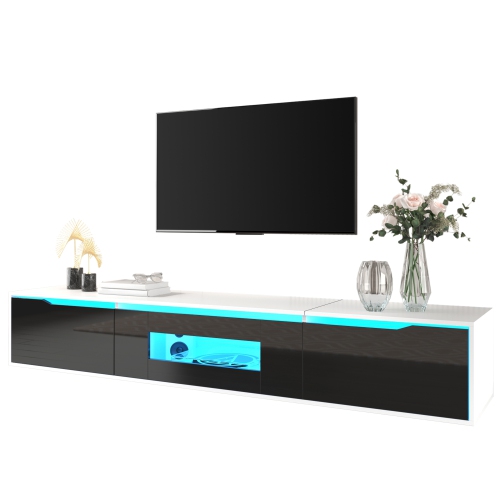
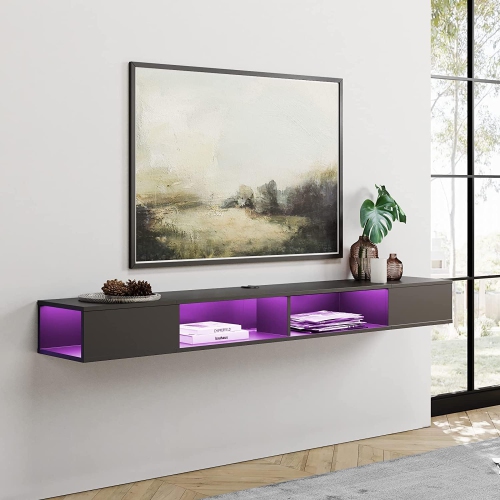
Floating media consoles with LED lighting serve a different purpose from the display and its bracket. They provide a visual base beneath the television, organize entertainment equipment, and can add a soft line of light behind or below the cabinet. Integrated lighting does not improve the screen’s resolution, but its placement and brightness can influence the room’s appearance and viewing comfort. A restrained glow behind a display may feel less distracting than bright light within the viewer’s direct line of sight, while adjustable colours allow the cabinet to coordinate with other furnishings. A console’s finish and proportions shape the result just as much as the lighting. Wood and wood-veneer surfaces bring visible grain, laminated engineered wood offers a range of consistent finishes, and metal or glass details can create a lighter-looking arrangement. Durability depends on construction, finish quality, hardware, and adherence to the stated load limits. A floating cabinet needs its own suitable wall attachment, and it should not be treated as a television support unless it is designed for that purpose. Closed compartments keep controllers, remotes, and small accessories out of sight, while open shelves make frequently used devices easier to reach. Ventilation openings and cable passages are important for receivers, streaming devices, and game consoles that release heat during use. Cabinet depth should accommodate both the equipment and the space needed for connectors behind it. A soundbar also needs a position that does not block the picture or interfere with its speakers. In homes with children or pets, secured cables and properly installed furniture help reduce access to loose cords and unstable components. Routine care is generally simple: a soft, dry microfibre cloth suits many screens, while cabinet surfaces should be cleaned according to their finish instructions. Liquid should not be sprayed directly onto a display or lighting assembly. For a shared family room, a compact apartment, or a dedicated entertainment space, the strongest combination is one in which the screen, mounting hardware, storage, and lighting each suit the room without competing for attention.
Top selling and popular products
-
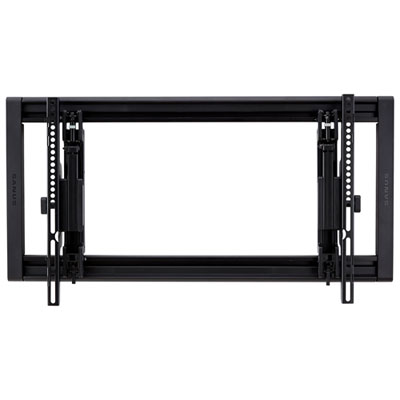 Your price for this item is $199.99
-
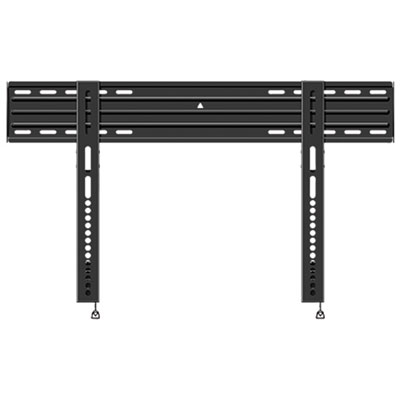 Your price for this item is $99.99
-
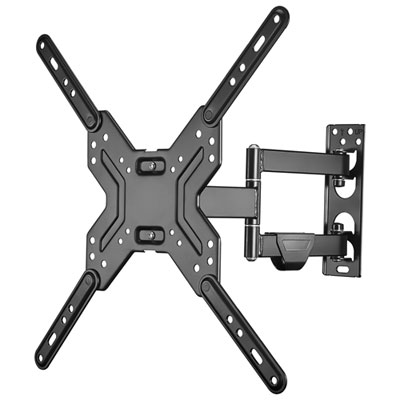 Your price for this item is $59.99
-
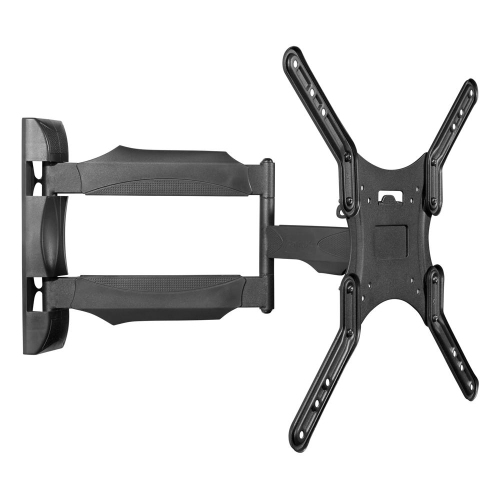 Your price for this item is $79.99
-
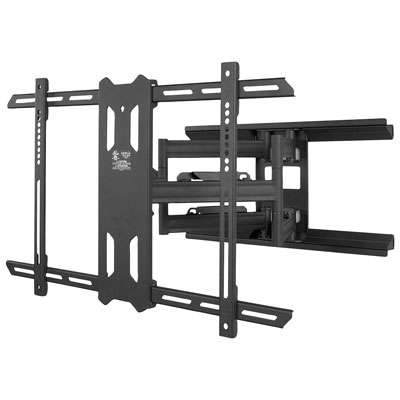 Your price for this item is $179.99
-
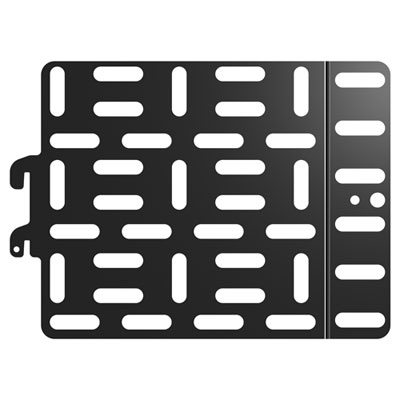 Your price for this item is $18.97
-
 Your price for this item is $143
-
 Your price for this item is $99.99
Discover more categories related to LED TV Wall
Top Collections:
Best Black Friday Deals This Year, Best Black Friday Deals On Electronics, Kindle Devices, Pokemon Centers, Best Black Friday Deals On Apple Products, Best Cameras for Sports Photography, Dyson Airwrap, Pokémon 30th Celebration Cards, Apple iPhone 17 Pro, Canon G7X Cameras
Some products may be subject to Environmental Handling Fees
(EHF) depending on your province.
Learn more about EHFs.