Philips Roku
Explore the world of seamless entertainment with Philips Roku options, designed to bring your favorite streaming content right into your living room. With a user-friendly interface and access to a wide variety of channels, Philips Roku devices make it easy to enjoy movies, TV shows, music, and more. Discover models that fit any space and lifestyle, offering reliable performance for an enjoyable viewing experience. Find the perfect Philips Roku solution to elevate your home entertainment setup today.
Sort
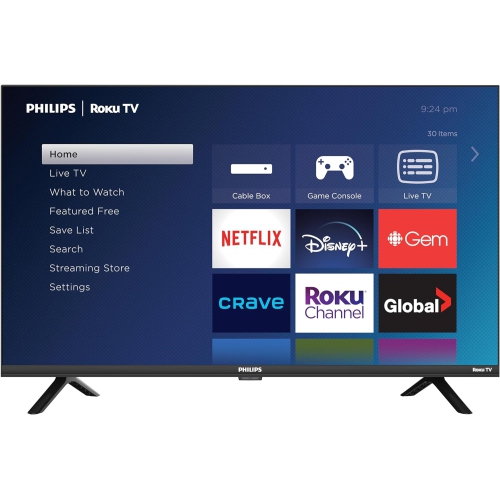
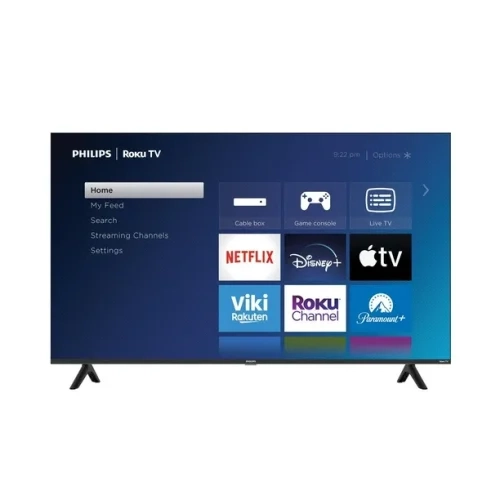
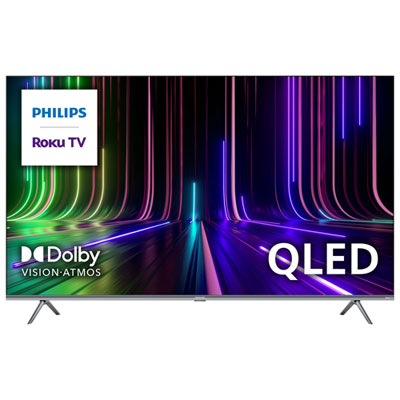


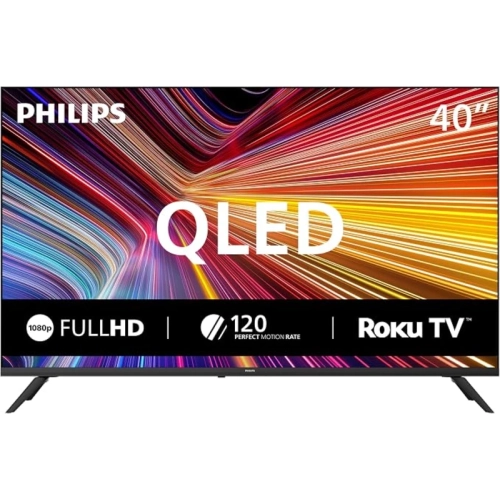
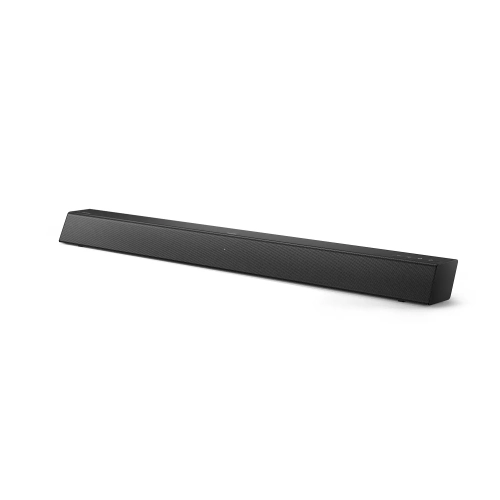
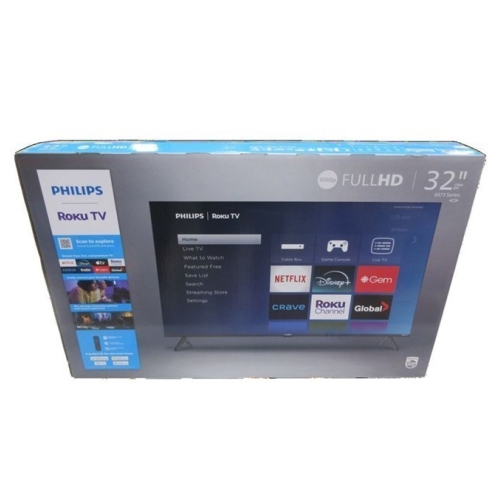
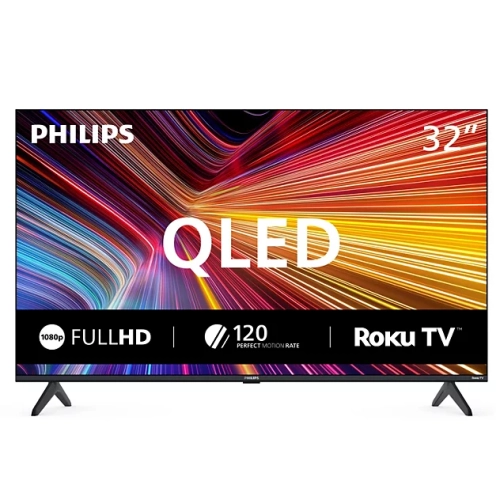
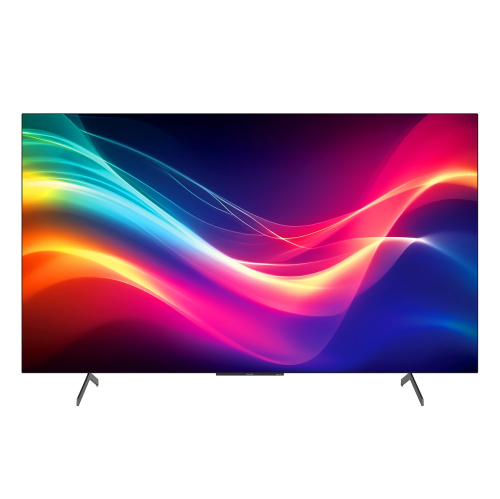
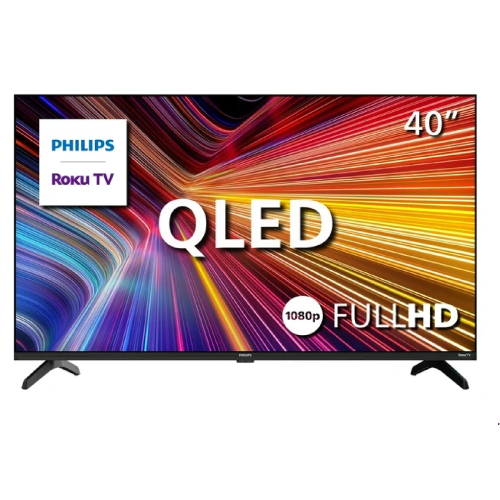
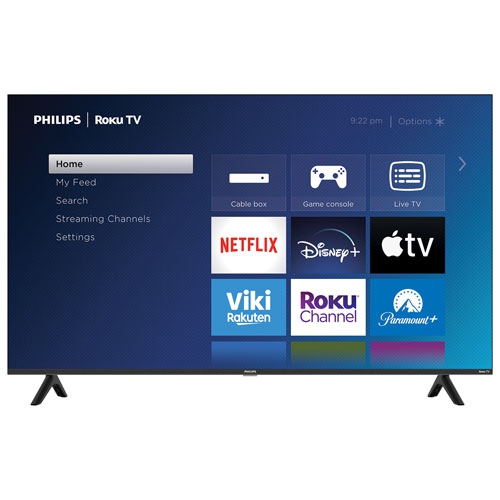
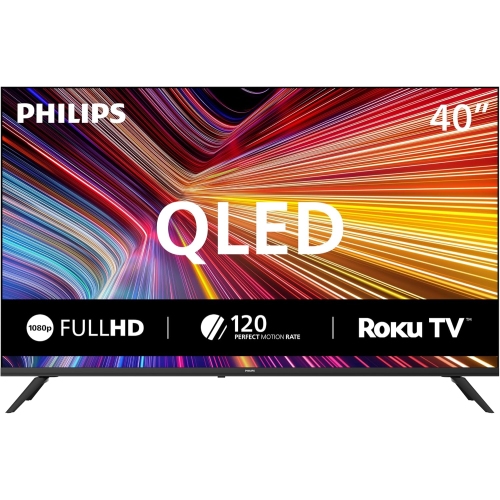
What built-in streaming means for everyday TV viewing
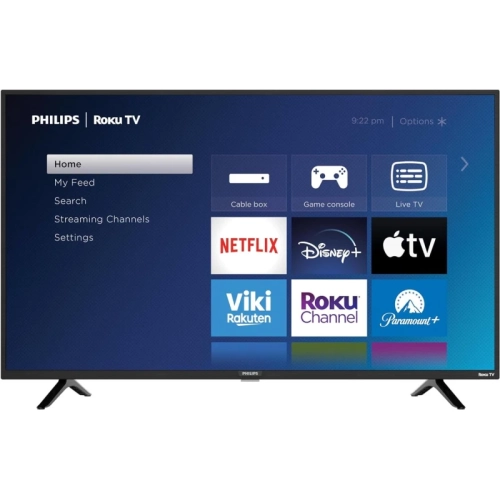
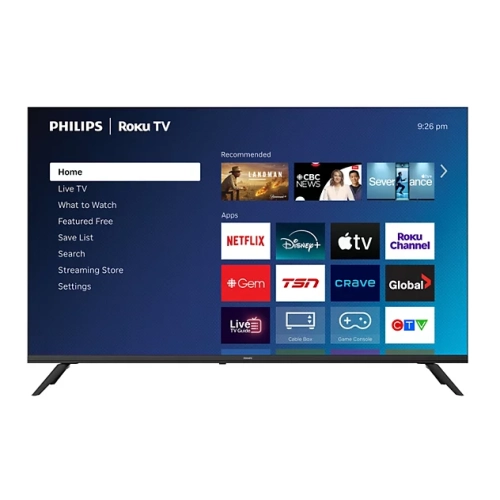
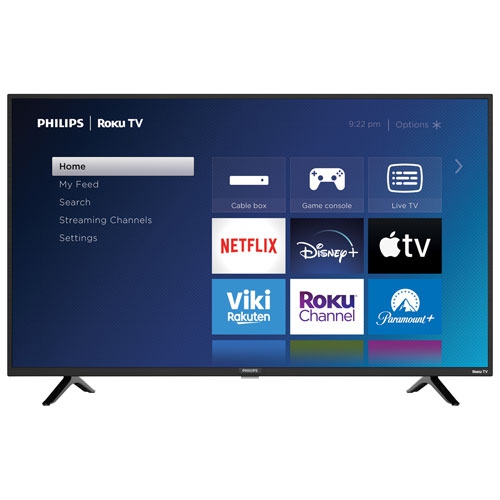
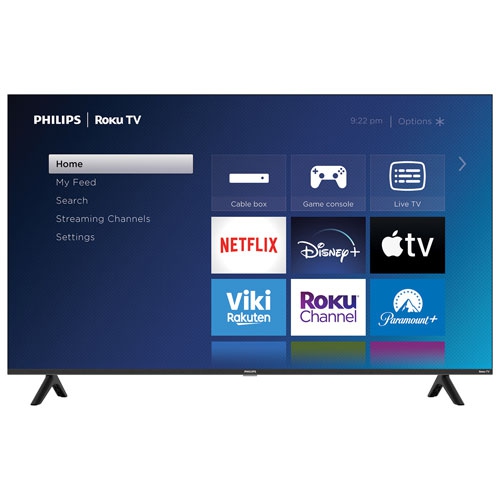
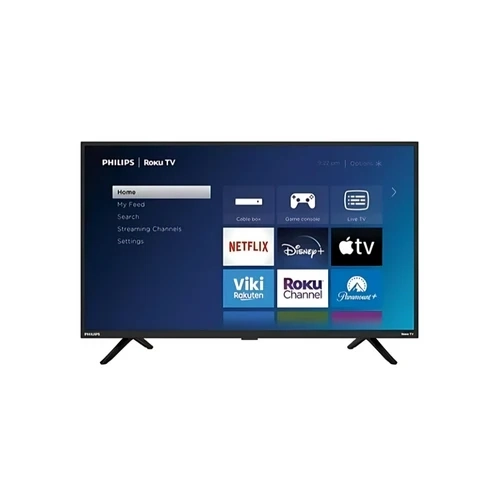
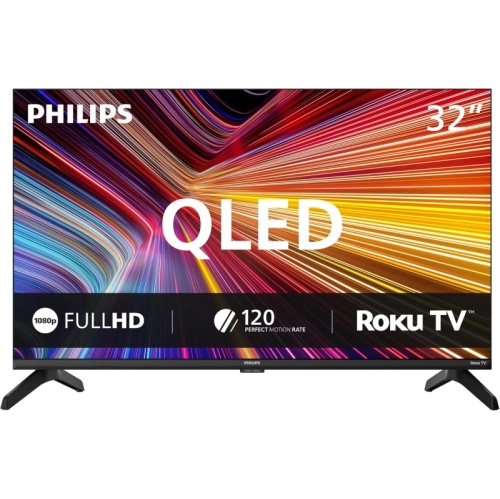
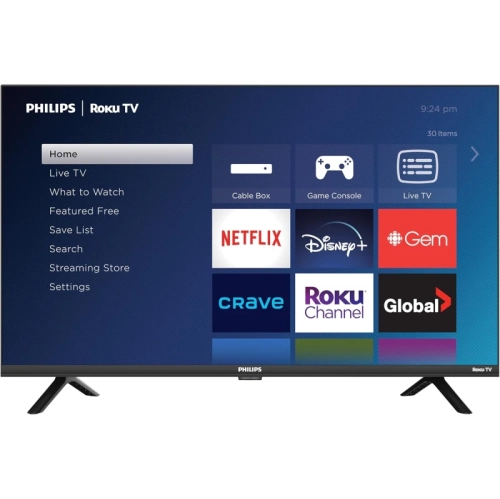
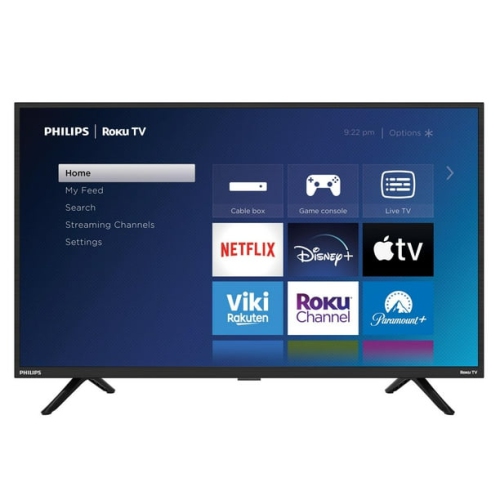
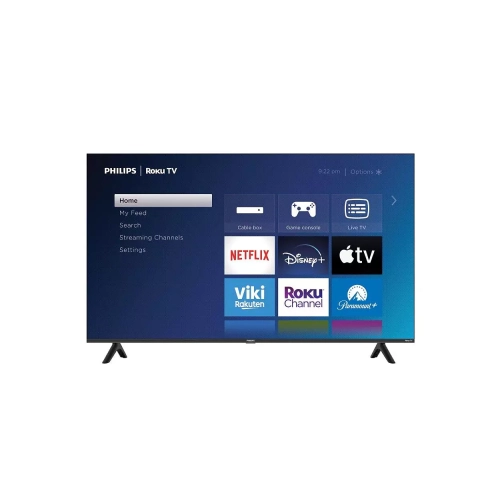
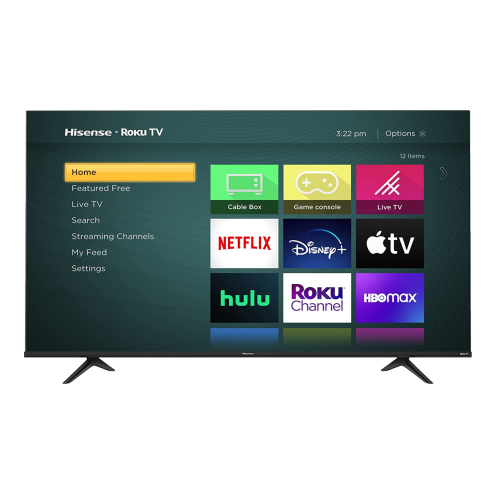
Smart TVs with built-in streaming software combine a television display and an app-based entertainment platform in a single device. Supported streaming services run directly on the television, so a separate streaming player is not needed for those apps. A home screen typically brings together entertainment apps and connected sources, making it easier to move between an on-demand series, a game console, and a cable receiver. The television’s operating system determines much of that everyday experience, including menu layout, app compatibility, and supported connected features. Within the broader selection of Philips Smart TVs, the installed platform is therefore a useful distinction alongside screen size and resolution. A dependable internet connection supports streaming, while a service account or subscription may be required for particular content. Wi-Fi offers flexibility in room placement; a wired network connection can be another option when the television includes an Ethernet port. Picture quality depends on more than the streaming interface. Resolution, contrast, brightness, motion handling, and the quality of the original video all contribute to what appears on screen. A 4K display can reveal fine detail in compatible content, from the texture of a costume to the lettering on a distant scoreboard, but lower-resolution video does not gain the same detail simply because it appears on a higher-resolution panel. High dynamic range can add depth to supported films and shows, though the effect depends on the television’s capabilities and the content format. For a household that regularly switches between broadcast television and streaming, connections matter as much as apps. An antenna input can support reception of compatible local broadcasts where signals are accessible, while HDMI inputs accommodate devices such as consoles and receivers. The combination of display features, software, and physical connections shapes how well a television fits an established routine, whether that means a film after dinner or familiar programming in a shared living room.
Screen size works best when it suits both the viewing distance and the furniture around it. The advertised measurement describes the screen diagonally, not the television’s full width, and the stand can add depth that is easy to overlook. A television positioned on a media cabinet needs enough surface area for its feet or pedestal, with no unsupported edges. Feet mounted near the ends of a screen may require a wider cabinet than a central stand, even when two televisions have similar screen dimensions. A wall-mounted arrangement frees the cabinet’s work surface, but the television’s mounting pattern, weight, bracket compatibility, and wall construction all affect the installation. Cables also need room to connect without sharp bends, especially when ports face backwards rather than sideways. In a compact bedroom, a screen that feels comfortable from the bed may be more useful than the largest size the wall can accommodate. In a family room with a wide sofa, viewing angles deserve attention because the picture may look different from an end seat than it does from directly in front. Reflections from windows and lamps can obscure darker scenes, while placing a screen too high can make a long film less comfortable to watch. Television construction commonly combines a delicate display surface with a plastic or metal housing and a separate stand. These materials need careful handling rather than furniture-style cleaning. A soft, dry microfibre cloth is generally suitable for routine dusting, with any further cleaning guided by the manufacturer’s instructions. Household glass cleaners and liquids sprayed directly onto the screen can damage coatings or reach openings. Ventilation space around the cabinet helps heat disperse, and a stable installation reduces the risk of tipping or accidental impacts. In homes with children or pets, an appropriately secured television and neatly managed cables make the setup more practical. Accessible ports are also helpful when a console, audio cable, or other device needs to be connected without repeatedly moving the screen.
Everyday usability often becomes more important than a long feature list once a television is part of the household. A straightforward remote, readable menus, and easy access to favourite apps can suit viewers who prefer fewer steps between switching on the screen and finding something to watch. Accessibility options such as captions, an audio guide, or adjustable text settings may support different needs, although the available controls vary by television, app, and programme. In a shared home, parental controls and account settings can help manage access, but restrictions within one service do not necessarily apply across every app or connected device. Sound is another part of the experience that deserves attention. Built-in speakers may be sufficient for casual viewing, while a compatible sound bar can make dialogue easier to follow or give films a fuller presentation. An HDMI connection with audio return support can simplify a compatible audio setup, provided both devices support the required features. For gaming, HDMI compatibility, input lag, refresh rate, and any supported game mode are more useful distinctions than screen size alone. Someone playing a relaxed puzzle game has different priorities from a player who values quick response during fast action, and not every television supports the same console features. A smart television can also be a thoughtful gift for a first apartment, a student’s living space, or a household replacing an older screen. The most suitable choice depends on room dimensions, existing equipment, preferred services, and how comfortably the recipient can use the interface. Reliable Wi-Fi coverage near the intended location matters, especially when the router sits several rooms away. Software updates can maintain compatibility or introduce changes, though long-term app support varies. Before a television changes hands, signing out of accounts and following the manufacturer’s reset procedure helps remove personal information. A well-matched screen ultimately supports the ways people already watch, play, and spend time together, without making ordinary entertainment feel unnecessarily complicated.
Top selling and popular products
-
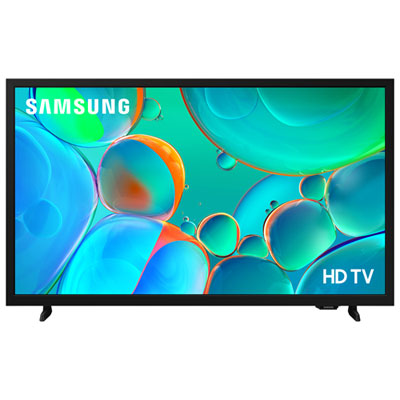 Your price for this item is $229.99
-
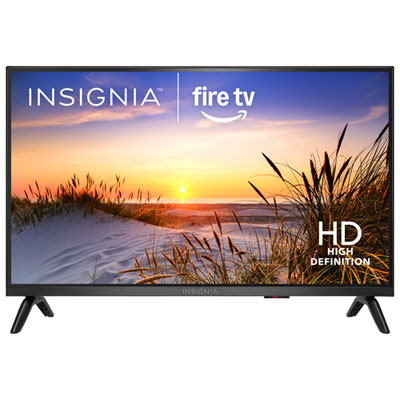 Your price for this item is $199.99
-
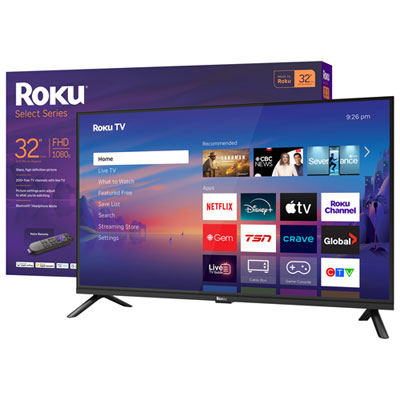 Your price for this item is $169.99
-
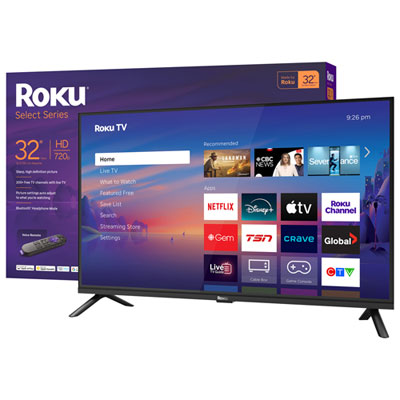 Your price for this item is $199.99
-
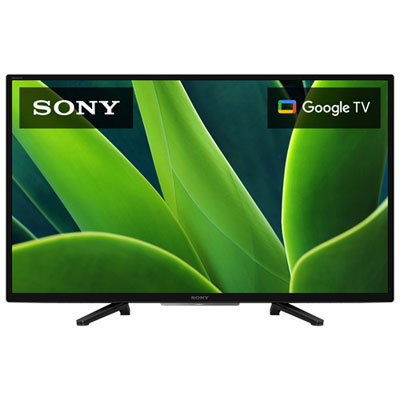 Your price for this item is $379.99
-
 Your price for this item is $4999.95
-
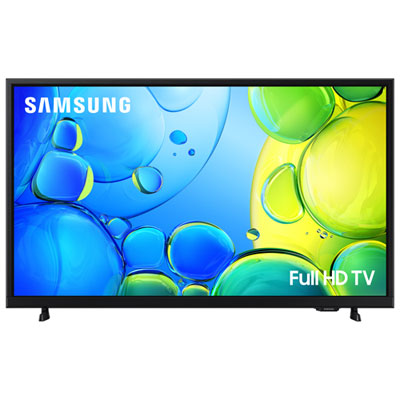 Your price for this item is $279.99
-
 Your price for this item is $6999.99
Discover more categories related to Philips Roku
Top Collections:
Best Black Friday Deals This Year, Best Black Friday Deals On Electronics, Kindle Devices, Pokemon Centers, Best Black Friday Deals On Apple Products, Best Cameras for Sports Photography, Dyson Airwrap, Pokémon 30th Celebration Cards, Apple iPhone 17 Pro, Canon G7X Cameras
Some products may be subject to Environmental Handling Fees
(EHF) depending on your province.
Learn more about EHFs.