Projector and Screen Bundle
Elevate your viewing experience with a Projector and Screen Bundle, designed to bring the magic of the big screen right into your space. Whether you're setting up for movie nights, presentations, or gaming sessions, these bundles offer a convenient way to enjoy crisp visuals and immersive entertainment. Explore a variety of options that make it easy to create a home theater atmosphere or enhance your office setup. With a Projector and Screen Bundle, transforming any room into a captivating visual hub is simple and efficient.
Sort
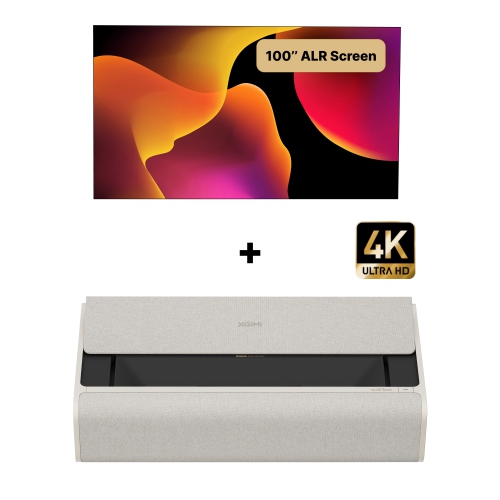
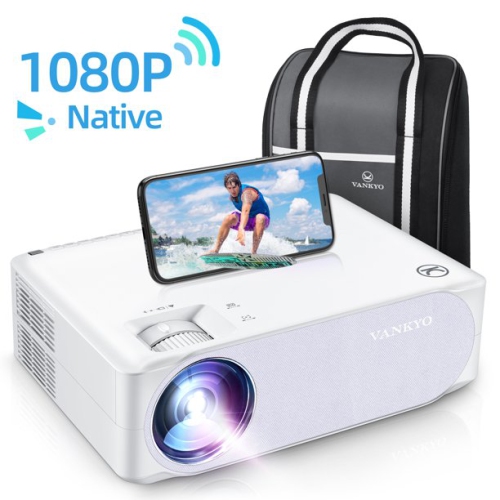
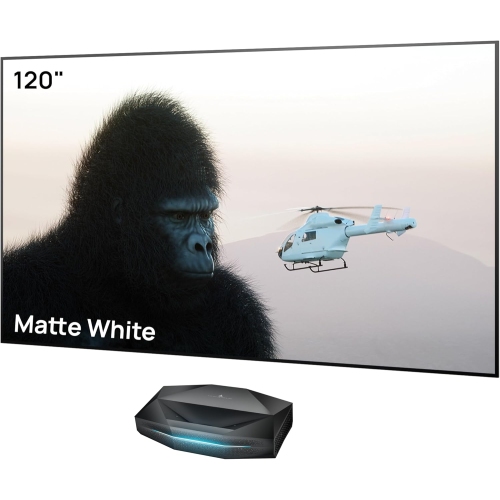
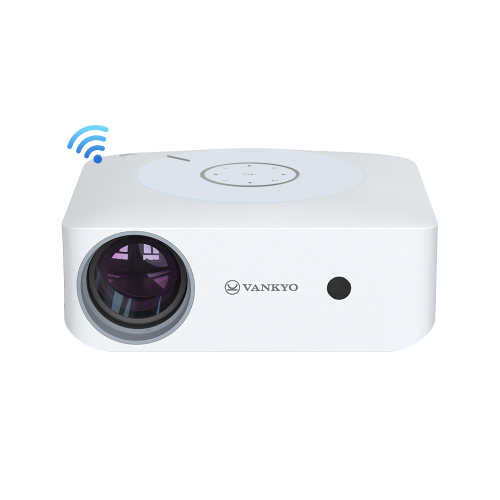
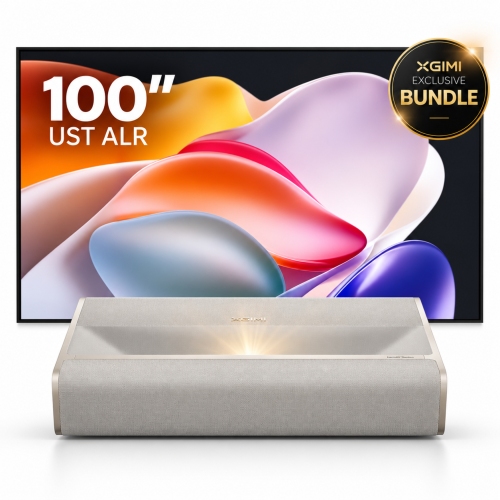
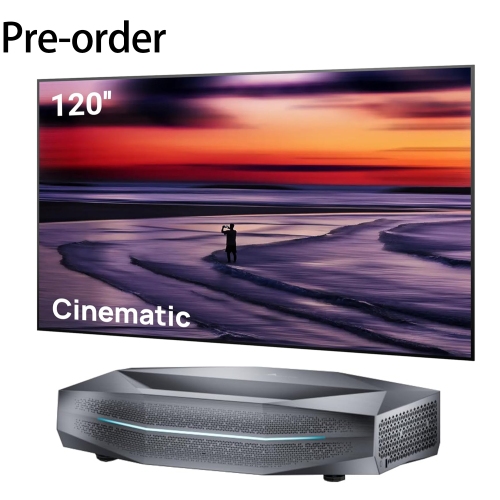
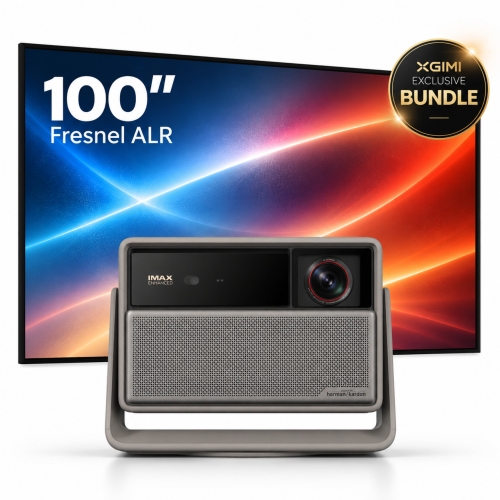
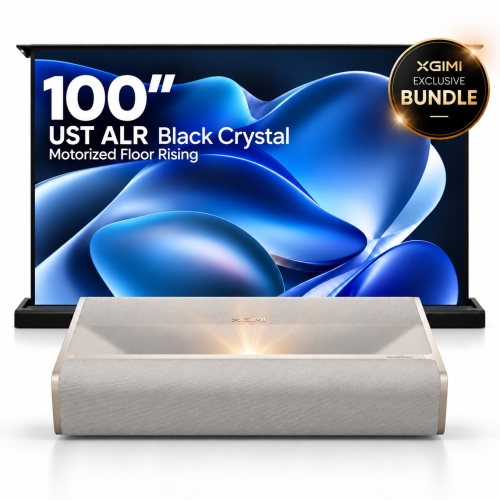
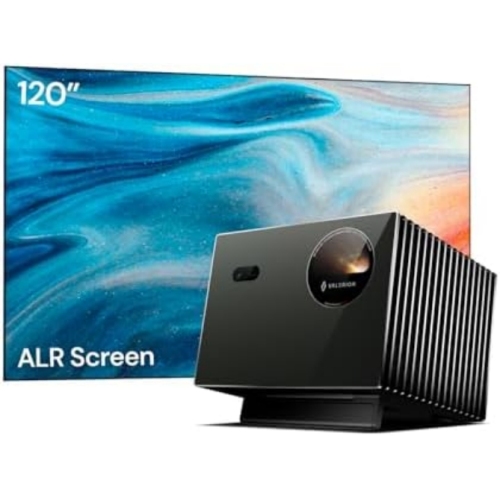
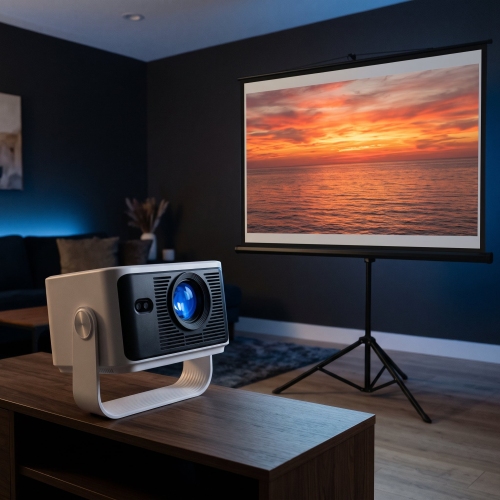
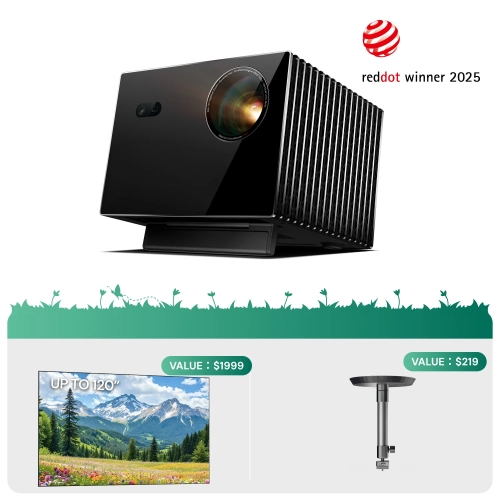
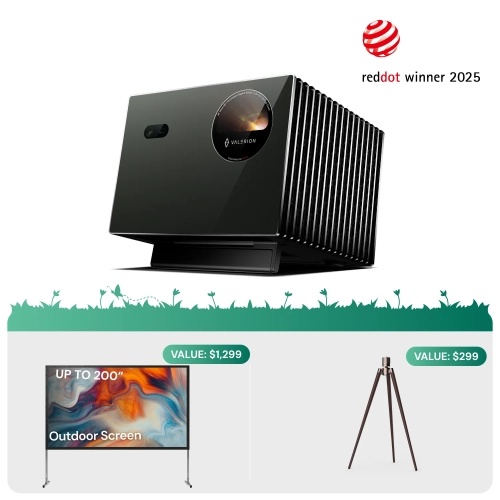
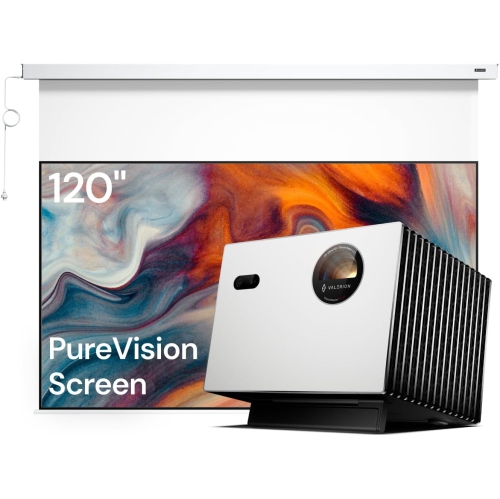
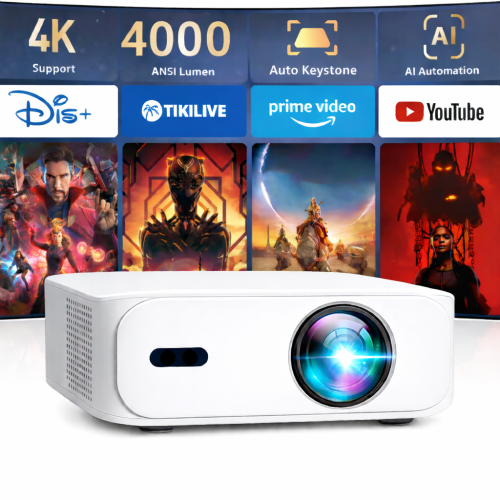
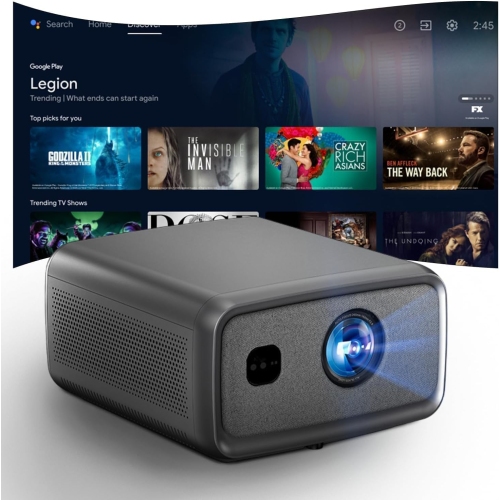
Screen size is only part of the picture
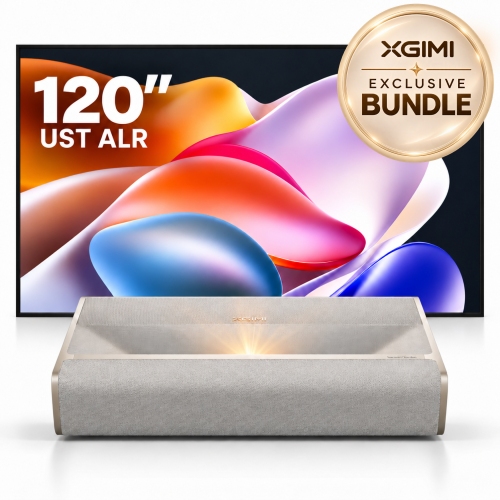
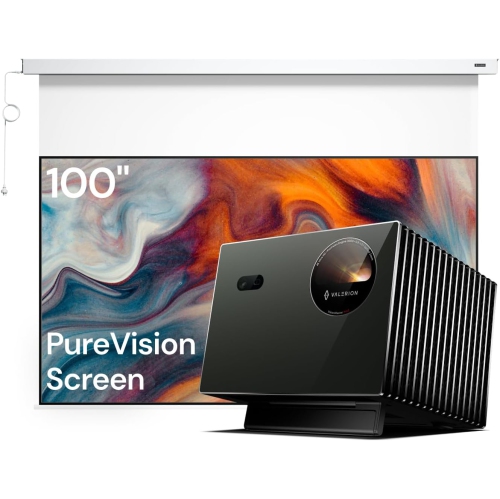
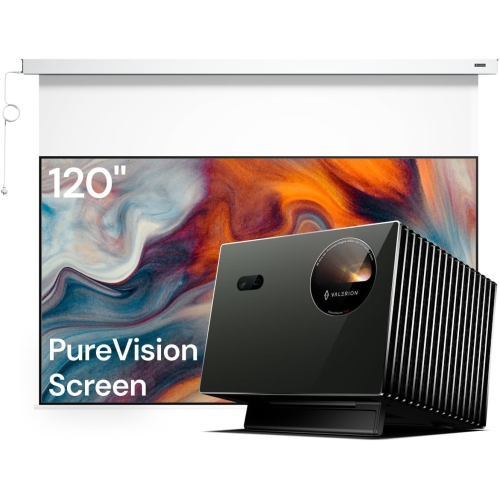
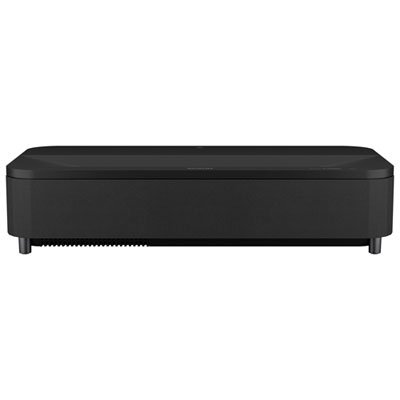
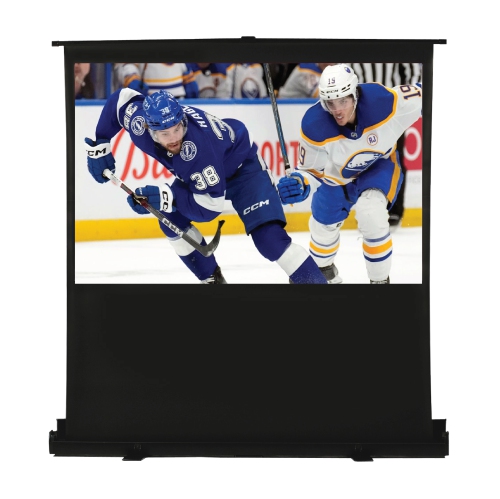
A projector and screen bundle combines a projector with a dedicated projection surface, bringing the main pieces of a large-screen setup together in one package. These bundles suit everything from a living room movie night to a presentation space, with configurations ranging from compact, portable equipment to more permanent home theatre installations. The contents vary: a package may include a freestanding screen, a fixed-frame screen, mounting hardware, a carrying case, or other accessories, but those extras should not be assumed. The pairing matters because the projector’s placement and the screen’s design work together to determine the finished image. A standard-throw projector generally needs more distance from the screen, while a short-throw model creates a large picture from closer range. Ultra-short-throw projectors sit close to the display surface and require particularly precise positioning, along with a screen suited to their projection angle. For a shared living room, a retractable screen can keep the wall clear between viewing sessions; in a dedicated media room, a fixed frame provides a consistently tensioned surface. Screen measurements usually describe the diagonal rather than the width. A 100-inch screen with a 16:9 aspect ratio has an image area approximately 87 inches wide and 49 inches high, before allowing for its frame or housing. That distinction becomes important when fitting a screen between shelving, above a low cabinet, or beside a doorway. Viewing distance also deserves attention: a picture that feels immersive for films may feel overwhelming from a nearby sofa, especially when reading subtitles or following fast-moving gameplay. Room layout includes more than the wall itself. Projector depth, ventilation clearance, furniture height, power access, and cable routing all affect how comfortably a bundle fits into everyday use. A ceiling-mounted arrangement can free up floor space, while a tabletop setup offers more flexibility for rooms that serve several purposes.
Picture quality depends on the combination of resolution, light output, screen surface, and light in the room, rather than screen size alone. Native resolution describes the image detail a projector can display; accepting a 4K signal does not necessarily mean the projector produces a native 4K image. Full HD can suit casual films and presentations, while higher native resolution can make fine textures, small text, and detailed game scenes easier to distinguish on a large screen. Brightness is especially relevant in a living room where lamps remain on or light reaches the screen through windows. ANSI or ISO lumen ratings provide more useful points of comparison than unspecified brightness claims, although figures measured under different standards are not directly interchangeable. As the projected image gets larger, the same light output spreads across a greater area, so an impressive maximum screen size does not automatically describe the best everyday viewing size. Screen construction also changes the result. Matte white surfaces commonly offer broad viewing angles, while some grey or ambient-light-rejecting surfaces are designed to help maintain contrast under particular lighting conditions. Ambient-light-rejecting screens must match the projector’s throw type; a surface designed for an ultra-short-throw setup is not a universal substitute for one intended for a standard-throw projector. Screen gain describes how a surface directs reflected light, and higher gain can involve a narrower useful viewing angle. That matters when seats extend well beyond the centre of the screen. A family spread across a sectional may value an even picture from different positions more than extra brightness straight ahead. Focus uniformity, contrast, and colour accuracy help faces, shadow details, and on-screen text remain convincing. Automatic focus and keystone adjustment can simplify setup, but physical alignment remains important because digital image correction can reduce usable resolution. For gaming, input lag and supported refresh rates deserve attention alongside picture detail, particularly for quick reactions in racing or competitive play.
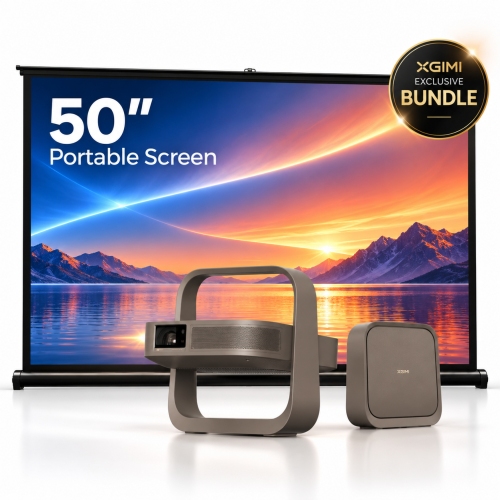
Everyday convenience often comes down to connections, sound, storage, and the way the screen is built. HDMI inputs accommodate compatible consoles, streaming devices, and computers, while built-in smart features may provide streaming without a separate player; app support and account requirements vary. Wi-Fi can support connected features, but wireless screen sharing is not the same as guaranteed access to every streaming service, and some protected content may require a direct connection or supported app. Built-in speakers can be useful for a simple setup, though dialogue clarity and fuller sound may call for separate audio equipment. Audio outputs and compatibility matter here, since Bluetooth connections can introduce a noticeable delay between the picture and sound. Portable bundles are useful for people who move between rooms, share presentations, or want equipment that stores away after a film. A tripod or folding frame needs a stable footprint, with enough room around the legs to keep walkways clear. Screen materials such as coated polyester or PVC have different handling requirements: some fold for storage, while others need rolling or tensioning to avoid persistent creases. Fixed frames commonly use metal rails and a stretched surface to maintain flatness, while retractable designs depend on smooth, even operation. Care is straightforward but material-specific. Dust removal, gentle handling, and cleaning methods approved by the manufacturer help protect the projection coating; household sprays and abrasive cloths can damage it. Projector vents also need unobstructed airflow, and carrying cases help protect lenses, remotes, and cables between uses. For gatherings beyond the living room, the Best Outdoor Projector And Screens page offers a related selection to explore, with portability, secure screen support, and suitable power connections remaining important considerations. A projector and screen bundle can also make a thoughtful shared gift for film enthusiasts, gamers, or a household creating its first media space, especially when the screen dimensions, mounting permissions, and preferred source devices are already known. The most useful pairing is one that fits both the room and the routines of the people using it.
Top selling and popular products
-
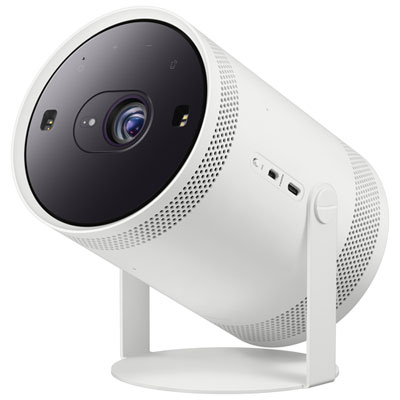 Your price for this item is $599.99
-
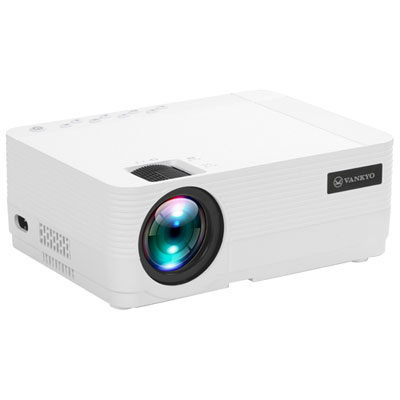 Your price for this item is $229.99
-
 Your price for this item is $1999.99
-
 Your price for this item is $649.99
-
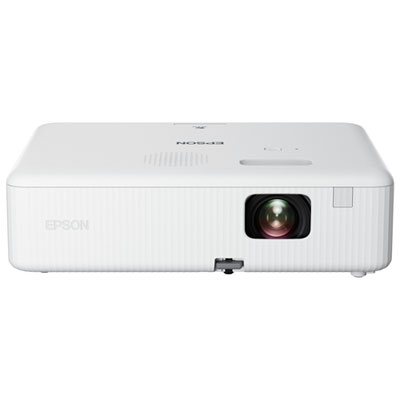 Your price for this item is $499.99
-
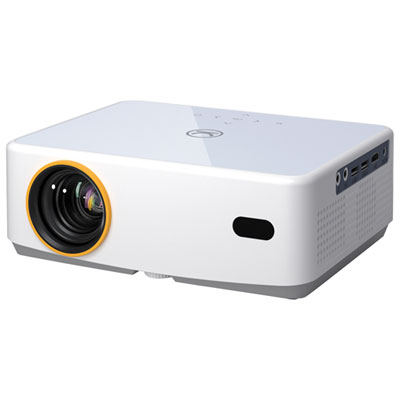 Your price for this item is $319.99
-
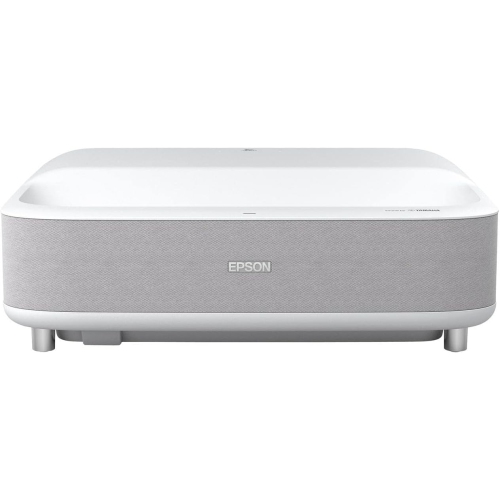 Your price for this item is $2279.05
-
 Your price for this item is $4799.99
Discover more categories related to Projector and Screen Bundle

Top Collections:
Best Black Friday Deals This Year, Best Black Friday Deals On Electronics, Kindle Devices, Pokemon Centers, Best Black Friday Deals On Apple Products, Best Cameras for Sports Photography, Dyson Airwrap, Pokémon 30th Celebration Cards, Apple iPhone 17 Pro, Canon G7X Cameras
Some products may be subject to Environmental Handling Fees
(EHF) depending on your province.
Learn more about EHFs.