Replacement Remotes for Fire TV Stick
Upgrade your home entertainment experience with a Replacement Remote for Fire TV Stick. Whether your original remote is lost, damaged, or simply needs an upgrade, finding the right replacement ensures seamless navigation and control over your favorite streaming content. Explore a range of easy-to-use options designed to get you back to enjoying movies, shows, and more with minimal hassle. Discover the ideal Replacement Remote for Fire TV Stick to keep your viewing uninterrupted and convenient.
Sort
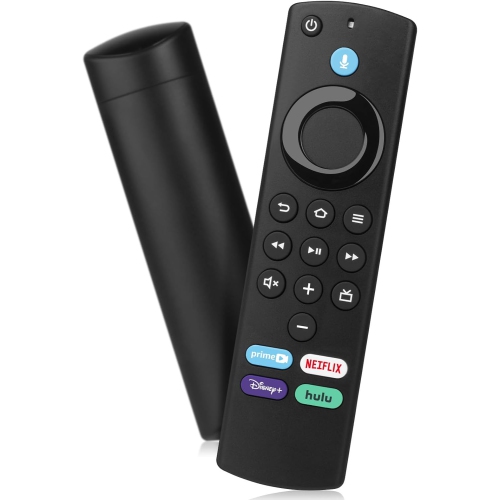
A familiar button layout does not guarantee compatibility
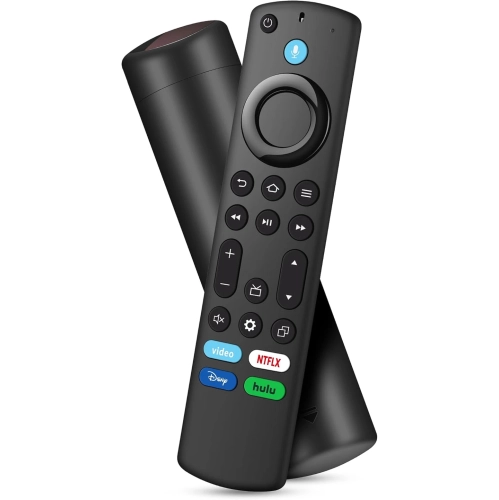
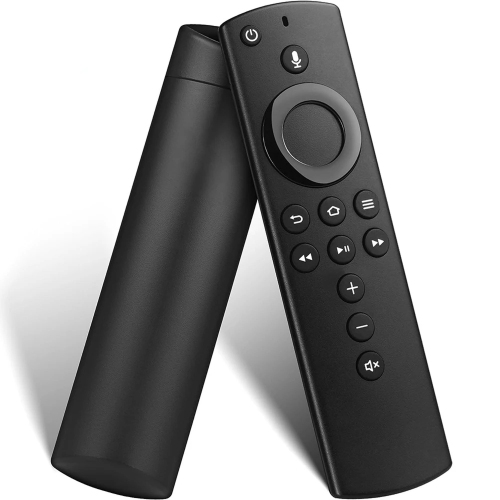
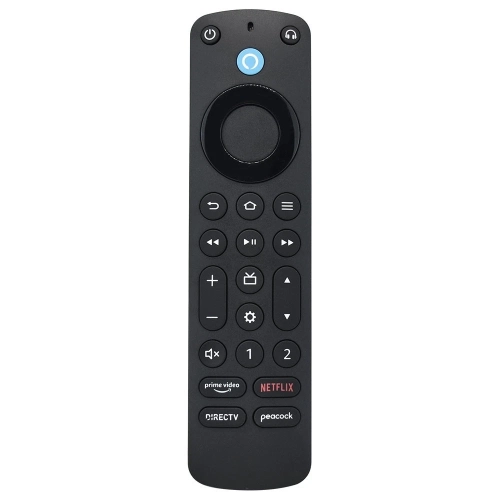
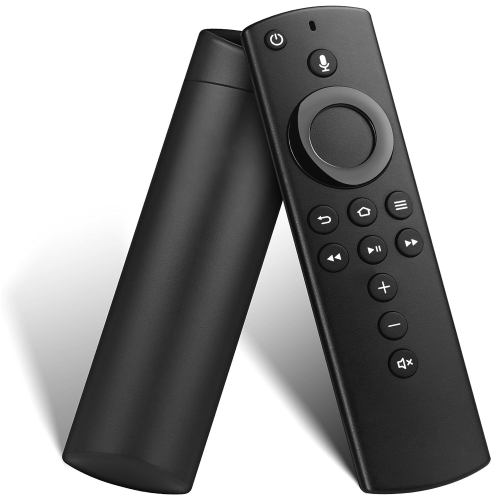
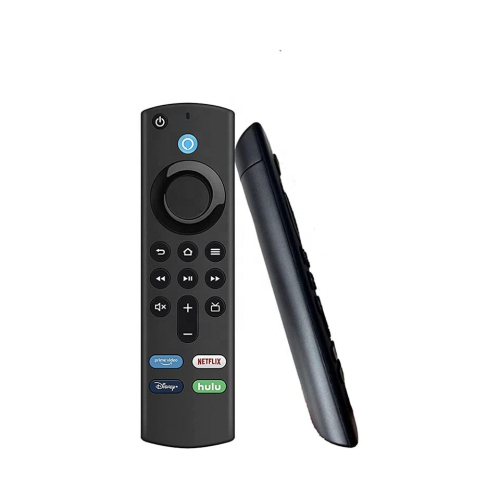
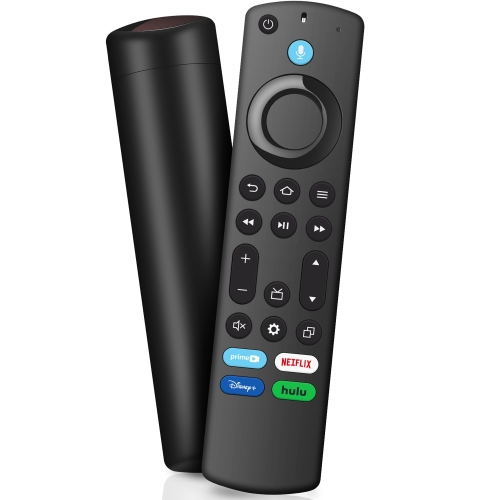
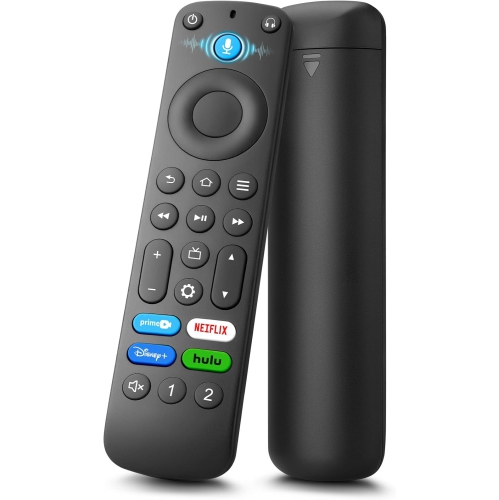
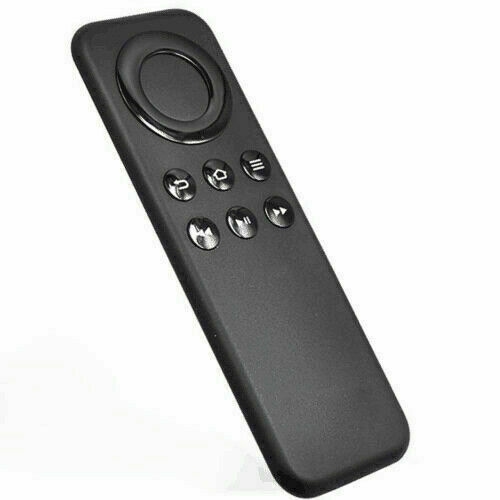
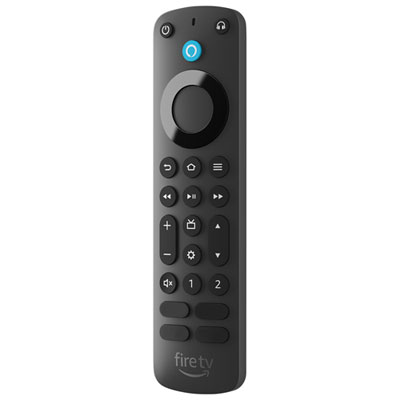
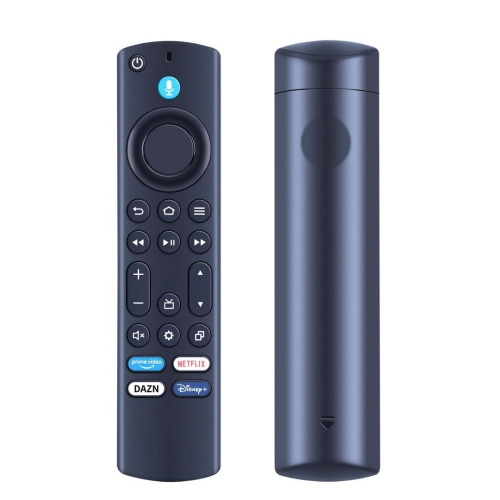
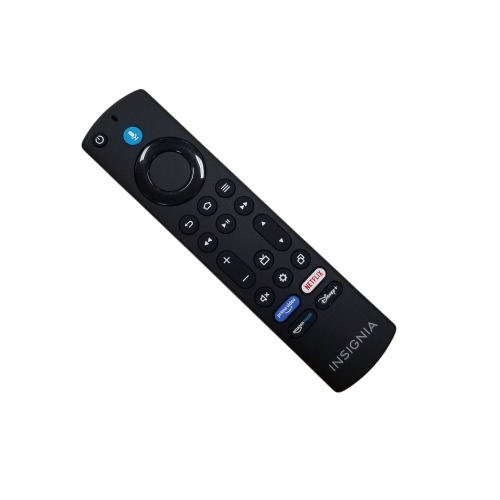
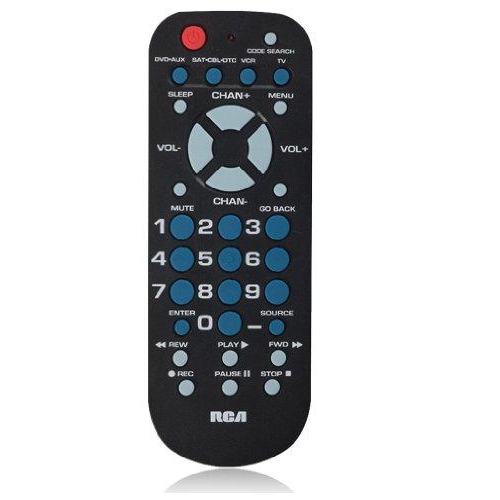
Replacement remotes for Fire TV Stick restore everyday control when an original remote is lost, damaged, or no longer responding reliably. A suitable replacement can handle browsing, selecting apps, pausing a programme, and returning to the home screen, with additional functions depending on the remote and the connected equipment. Compatibility is the most important distinction between remotes that look alike. The streaming device’s model and generation matter more than its shape, the television’s screen size, or the connection used to attach it to the TV. Original-equipment and third-party replacements can have different compatibility lists, so a familiar button layout alone does not establish a match. A remote described as universal may support several televisions without supporting the wireless connection required by a streaming stick. Many streaming remotes use Bluetooth for navigation, allowing control without a direct line of sight to the stick behind the television. Infrared-only remotes generally cannot replace that connection unless a compatible accessory or another supported control method is involved. Pairing support also matters: a replacement needs to be recognized by the streaming device, rather than simply having batteries installed. Previously paired remotes, changes to the streaming hardware, and differences between device generations can affect setup. Television power, volume, and mute are separate considerations from streaming navigation. A compatible remote may operate the streaming device successfully but require additional setup for television controls, and support for a soundbar or receiver should not be assumed. For a living room with several connected components, a remote’s stated equipment-control capabilities help clarify whether it can reduce the number of controllers on the coffee table. For a bedroom television with a simpler arrangement, dependable navigation and playback buttons may be all that is needed. Keeping the streaming device’s model information handy makes it easier to distinguish a genuine functional replacement from a remote intended for different hardware, even when the casing and button symbols appear almost identical.
The most useful features are the ones that suit the way the television is used each day. A clear directional ring, a responsive select button, and easy-to-find back and home controls support familiar browsing without constant glances down at the handset. Dedicated playback buttons can make pausing dialogue or skipping through supported content more convenient, although their behaviour can vary by app. Voice-enabled replacements add another way to search or issue supported commands, but a microphone button does not by itself guarantee compatibility with every streaming device or voice feature. Voice functions depend on the remote, the device, the software, and, for many requests, an internet connection. Voice input is generally activated by pressing and holding the appropriate button; it should not be assumed to provide hands-free operation. For someone who finds entering a programme title with an on-screen keyboard tedious, supported voice search can be a meaningful convenience. Others may prefer a straightforward remote with fewer buttons and a layout that is easy to learn. Raised controls, distinct button shapes, and clear contrast between symbols and the casing can make a handset easier to use without looking directly at it. Backlighting, where specified, can help identify controls when the room lights are dimmed, but it is not a standard feature across replacements. Shortcut buttons also deserve attention: they may be assigned to particular services, may not be customizable, and do not include subscriptions or guarantee access to content. In a shared household, a familiar layout can help everyone move between navigation and playback without confusion. A replacement can also be a thoughtful practical gift for someone whose remote has worn buttons or an unreliable battery cover, provided the device compatibility is confirmed beforehand. For a guest room or a family member who prefers simple controls, an uncomplicated handset may be more useful than additional functions that will rarely be used.
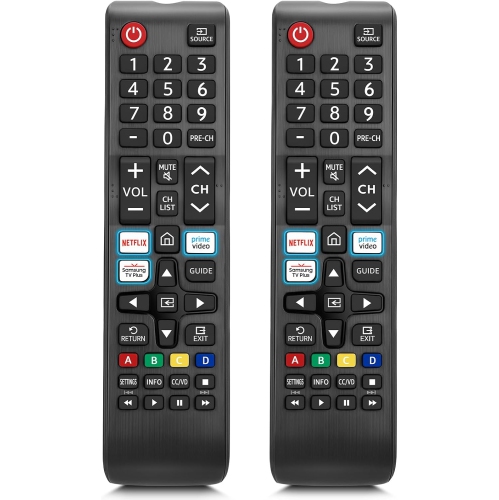
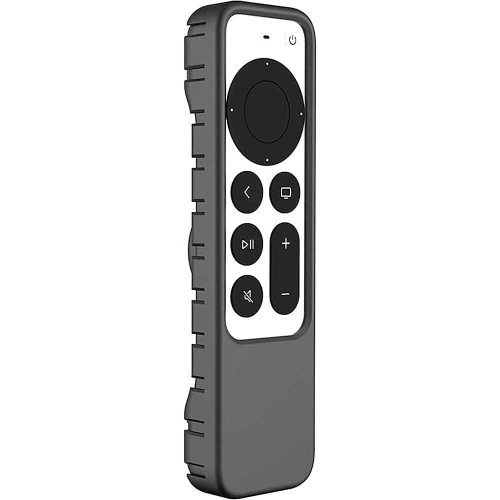
Physical fit and construction influence how comfortable a replacement remote feels over repeated use. Most housings are made from moulded plastic, while button surfaces may use rubber-like materials or other flexible components. A smooth finish can slide easily into a storage tray, whereas a textured back or a compatible grip cover may feel more secure in the hand. Remote length, thickness, weight, and button spacing all affect whether the main controls sit comfortably under the thumb. A lightweight design can be comfortable to hold, but durability also depends on the quality of the casing, button assembly, and battery compartment. A snug battery cover is especially helpful in households where the remote is passed between several people or frequently slips between sofa cushions. Protective covers need to match the remote’s exact shape, leaving the microphone, infrared emitter, buttons, and battery access unobstructed; a cover designed for a similar-looking handset may not fit correctly. Battery type and quantity vary, and the required batteries should be confirmed rather than assumed to be included. Correct polarity and a secure compartment help maintain reliable power, while batteries should be removed before prolonged storage in accordance with the manufacturer’s guidance. For routine care, a soft, dry, lint-free cloth is generally suitable for the exterior, with any additional cleaning method governed by the remote’s care instructions. Spraying liquid directly onto the handset or allowing moisture around the buttons can damage internal components. Keeping the remote in a consistent place, such as a tray beside the seating area, helps prevent misplaced controls and accidental knocks. A compatible spare can be useful in a busy household, although support for multiple paired remotes depends on the streaming device. Households replacing controls for the television itself can also explore Samsung TV Remote Replacements, keeping the television’s model details separate from those of the streaming stick so each replacement is matched to the equipment it is intended to operate.
The most useful features are the ones that suit the way the television is used each day. A clear directional ring, a responsive select button, and easy-to-find back and home controls support familiar browsing without constant glances down at the handset. Dedicated playback buttons can make pausing dialogue or skipping through supported content more convenient, although their behaviour can vary by app. Voice-enabled replacements add another way to search or issue supported commands, but a microphone button does not by itself guarantee compatibility with every streaming device or voice feature. Voice functions depend on the remote, the device, the software, and, for many requests, an internet connection. Voice input is generally activated by pressing and holding the appropriate button; it should not be assumed to provide hands-free operation. For someone who finds entering a programme title with an on-screen keyboard tedious, supported voice search can be a meaningful convenience. Others may prefer a straightforward remote with fewer buttons and a layout that is easy to learn. Raised controls, distinct button shapes, and clear contrast between symbols and the casing can make a handset easier to use without looking directly at it. Backlighting, where specified, can help identify controls when the room lights are dimmed, but it is not a standard feature across replacements. Shortcut buttons also deserve attention: they may be assigned to particular services, may not be customizable, and do not include subscriptions or guarantee access to content. In a shared household, a familiar layout can help everyone move between navigation and playback without confusion. A replacement can also be a thoughtful practical gift for someone whose remote has worn buttons or an unreliable battery cover, provided the device compatibility is confirmed beforehand. For a guest room or a family member who prefers simple controls, an uncomplicated handset may be more useful than additional functions that will rarely be used.
Physical fit and construction influence how comfortable a replacement remote feels over repeated use. Most housings are made from moulded plastic, while button surfaces may use rubber-like materials or other flexible components. A smooth finish can slide easily into a storage tray, whereas a textured back or a compatible grip cover may feel more secure in the hand. Remote length, thickness, weight, and button spacing all affect whether the main controls sit comfortably under the thumb. A lightweight design can be comfortable to hold, but durability also depends on the quality of the casing, button assembly, and battery compartment. A snug battery cover is especially helpful in households where the remote is passed between several people or frequently slips between sofa cushions. Protective covers need to match the remote’s exact shape, leaving the microphone, infrared emitter, buttons, and battery access unobstructed; a cover designed for a similar-looking handset may not fit correctly. Battery type and quantity vary, and the required batteries should be confirmed rather than assumed to be included. Correct polarity and a secure compartment help maintain reliable power, while batteries should be removed before prolonged storage in accordance with the manufacturer’s guidance. For routine care, a soft, dry, lint-free cloth is generally suitable for the exterior, with any additional cleaning method governed by the remote’s care instructions. Spraying liquid directly onto the handset or allowing moisture around the buttons can damage internal components. Keeping the remote in a consistent place, such as a tray beside the seating area, helps prevent misplaced controls and accidental knocks. A compatible spare can be useful in a busy household, although support for multiple paired remotes depends on the streaming device. Households replacing controls for the television itself can also explore Samsung TV Remote Replacements, keeping the television’s model details separate from those of the streaming stick so each replacement is matched to the equipment it is intended to operate.
Top selling and popular products
-
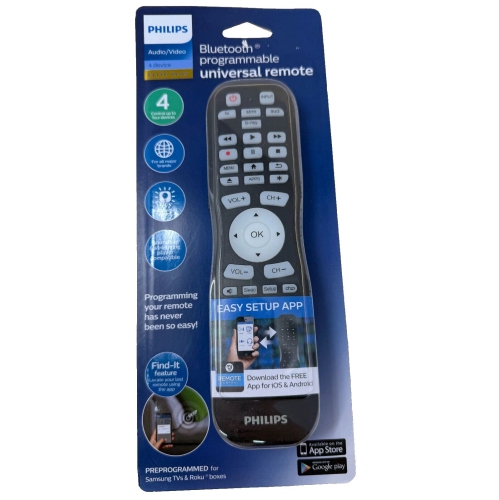 Your price for this item is $14.99
 -
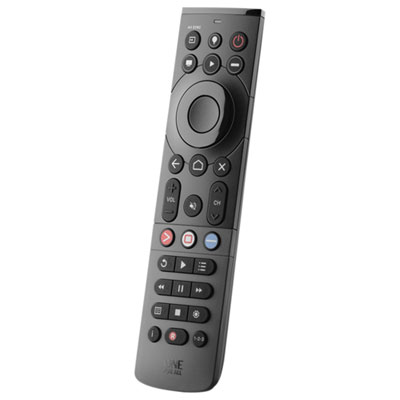 Your price for this item is $69.99
 -
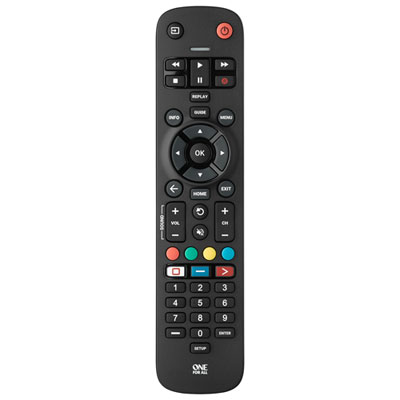 Your price for this item is $19.99
 -
 Your price for this item is $14.99
 -
 Your price for this item is $52
 -
 Your price for this item is $39.99
 -
 Your price for this item is $39.99
 -
 Your price for this item is $39.99
Discover more categories related to Replacement Remotes for Fire TV Stick
Top Collections:
Pokemon Centers, Best Cameras for Sports Photography, Kindle Devices, Samsung Galaxy Phones, Canon G7X Cameras, Pokémon 30th Celebration Cards, Refurbished Apple Laptops, iPhone 15 Apple, Laptops for Students, Budget Smartphones
Some products may be subject to Environmental Handling Fees
(EHF) depending on your province.
Learn more about EHFs.