TVs With HDMI Input
Discover an impressive selection of TVs with HDMI input, designed to enhance your home entertainment setup. Whether you're connecting gaming consoles, streaming devices, or Blu-ray players, these televisions offer the versatility you need for a seamless viewing experience. Explore a variety of sizes and styles to find the perfect TV with HDMI input that fits your space and lifestyle. Enjoy easy connectivity and bring your favorite content to life with vibrant visuals and clear audio.
Sort
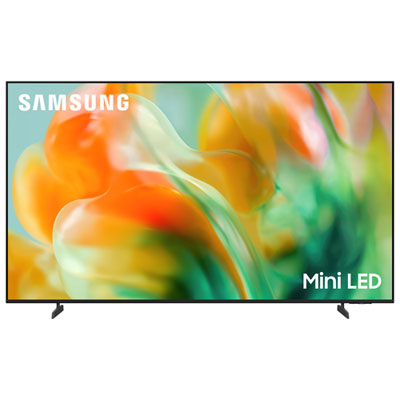
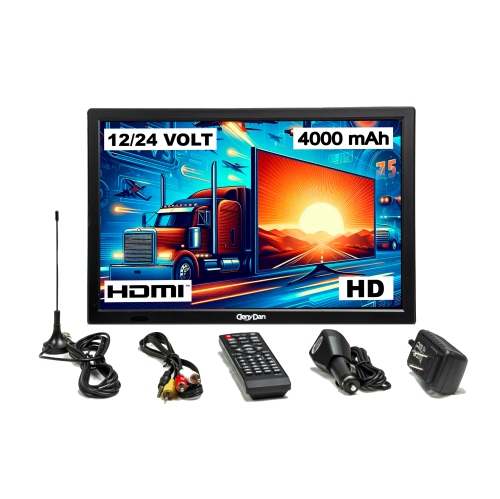
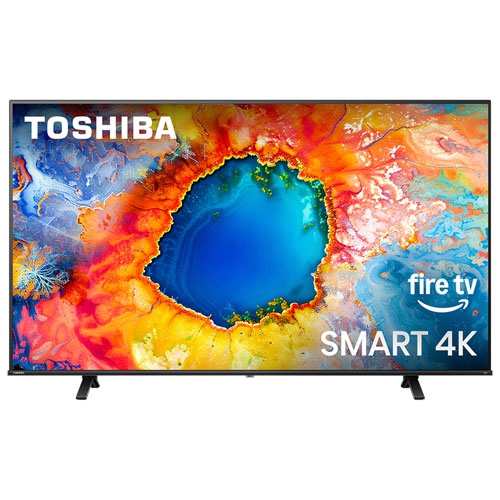
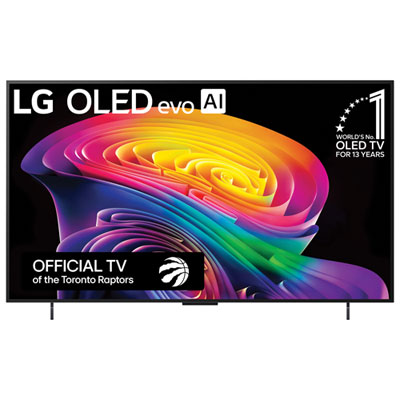

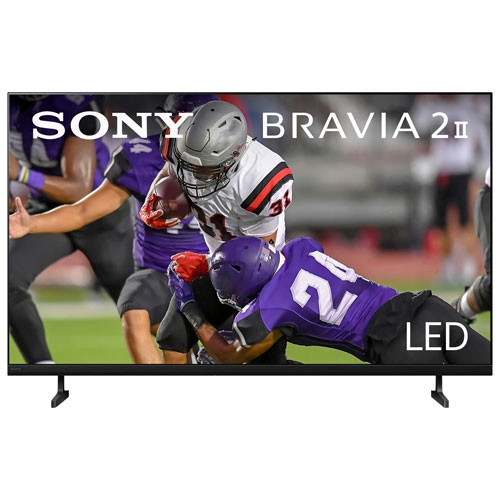
Why HDMI port count is only the beginning
TVs with HDMI input receive digital video and audio from compatible devices through a single cable, making HDMI a standard connection for home entertainment. Most modern flat-screen TVs, including 4K and smart TVs, have multiple HDMI inputs for devices such as streaming players, game consoles, computers, and cable or satellite receivers. The number of inputs matters because each connected device usually occupies its own port. A television used mainly for streaming through built-in apps may need fewer connections than one at the centre of a family entertainment setup. In a living room with a console, a cable receiver, and a separate media player, three connected devices can fill three inputs before an audio system is added. Having enough ports means less reaching behind the screen to swap cables when someone wants to switch from a film to a game. Port location also affects everyday convenience: side-facing inputs can be easier to reach, while rear-facing connections may call for extra clearance between the television and the wall. Built-in smart features and HDMI inputs serve different purposes. Smart features provide access to supported apps through an internet connection, while HDMI inputs accept signals from external equipment. A smart TV can still benefit from an external streaming device, and an HDMI connection can give a laptop a much larger display for photos, presentations, or video calls. The screen does not need an internet connection simply to display a compatible HDMI source, although the connected device or its content may require one. Older equipment with analogue video connections may need an appropriate converter rather than a basic cable adapter, since HDMI uses a digital signal. For households bringing several generations of entertainment equipment together, connection compatibility is just as relevant as screen size. The useful distinction is not simply whether a TV has HDMI, but how many inputs it provides, where they are positioned, and what each input supports.
HDMI inputs can differ in capability, even on the same television, so resolution and refresh-rate support deserve attention alongside the port count. A connection that handles 4K video at 60 Hz can suit films, television programmes, and many games, while compatible 4K gaming at 120 Hz requires support from the TV, the particular HDMI input, the console or computer, and the cable. The panel must also be capable of displaying that refresh rate; motion-processing labels are not the same as a native 120 Hz panel. HDMI version information provides useful context, but the listed features for each port are more informative than a version number alone. Variable refresh rate can help reduce visible tearing during supported gameplay, while automatic low-latency mode can let compatible equipment switch the TV into a setting designed to reduce input delay. These features are especially relevant when quick reactions matter, such as steering through a tight corner or timing a pass in a sports game. For films and series, high dynamic range support can help preserve detail in bright highlights and shadowed scenes, provided the TV, source device, and content support a compatible HDR format. Picture quality also depends on the screen’s contrast, brightness, colour performance, and processing, rather than the HDMI connection alone. A computer connected for desktop use brings other considerations, including readable text, suitable scaling, and support for the intended resolution and refresh rate. Sound connections deserve a place in the same assessment. An HDMI port labelled ARC or eARC can send audio from the TV to a compatible soundbar or home theatre receiver, including sound from built-in apps. eARC supports higher-bandwidth audio formats than ARC, although the formats that work depend on both devices and their settings. Using this connection for audio may occupy a port that would otherwise accept another source. HDMI-CEC, when supported and enabled across compatible equipment, can also simplify routine tasks such as powering devices on together or adjusting audio volume with the TV remote.
The right TV with HDMI input should fit the room and the way it will be used, not just the devices attached to it. Screen measurements describe the diagonal viewing area, so the television’s full width, height, stand footprint, and weight are more useful for checking a media unit or wall space. A wide screen with feet near its outer edges may need a broader cabinet than one with a centre stand. Wall mounting calls for a compatible mounting pattern, suitable weight capacity, secure installation, and enough space for ventilation and cable connections. Thin profiles can look tidy, but a sharply bent HDMI cable or a connector pressed against the wall can put unnecessary strain on the port. Cable length matters too: a nearby console needs a different run from equipment housed across the room, and longer connections must still support the intended video signal. For wall-mounted installations, appropriately rated in-wall cabling helps keep the setup orderly. Screen finish, viewing angles, and room lighting influence comfort, especially when seating spreads across a sectional rather than facing the display directly. Construction varies, with televisions commonly combining a delicate display surface, a plastic or metal housing, and a separate stand. These materials benefit from careful handling rather than pressure on the screen or lifting by a thin bezel. For routine care, a soft, dry microfibre cloth is a sensible starting point, with any further cleaning following the manufacturer’s directions; spraying liquid directly onto the display can damage its surface or allow moisture into the housing. Clear ventilation spaces and cables routed away from busy walkways also support a practical long-term setup. A television chosen for shared viewing, a student’s room, or a gift should match the recipient’s available space and existing equipment. Browsing TVs With HDMI Ports makes it possible to compare connection options alongside screen size, display features, and mounting requirements, with attention to the details that make daily viewing straightforward.
Top selling and popular products
-
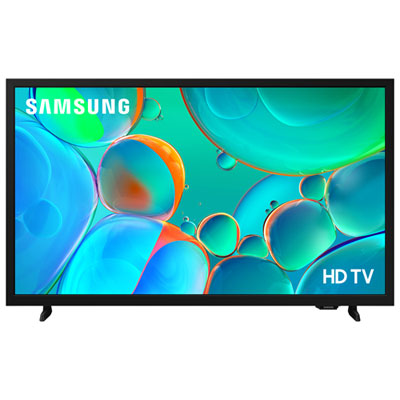 Your price for this item is $229.99
-
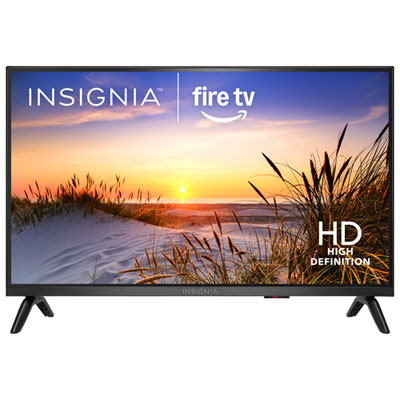 Your price for this item is $199.99
-
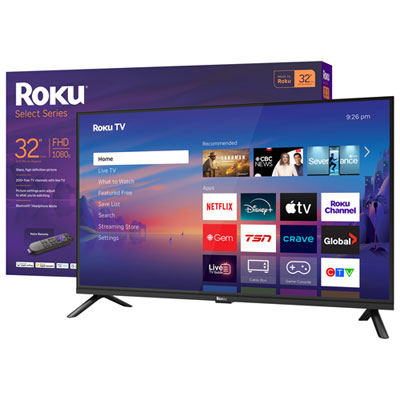 Your price for this item is $169.99
-
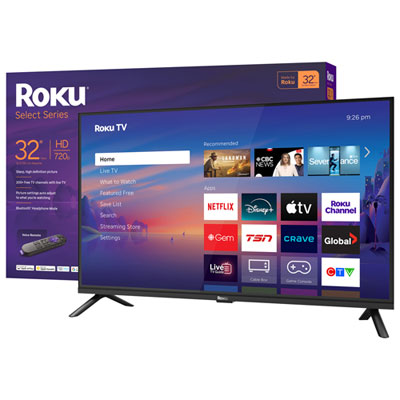 Your price for this item is $199.99
-
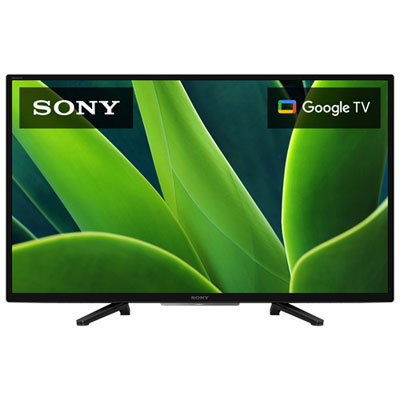 Your price for this item is $379.99
-
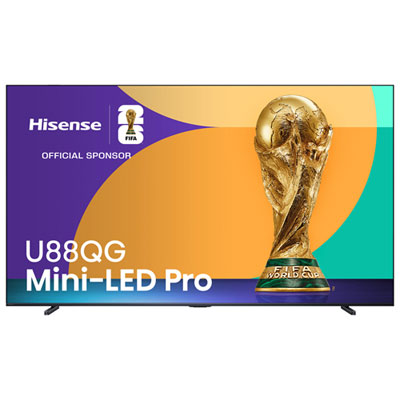 Your price for this item is $4999.95
-
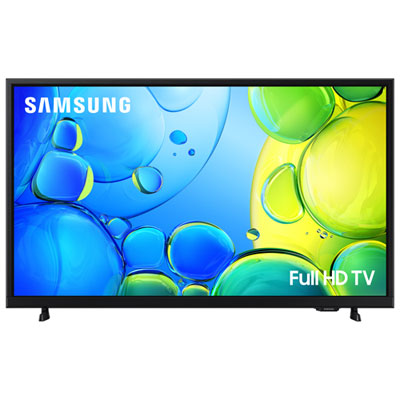 Your price for this item is $279.99
-
 Your price for this item is $6999.99
Discover more categories related to TVs With HDMI Input
Top Collections:
Best Black Friday Deals This Year, Best Black Friday Deals On Electronics, Kindle Devices, Pokemon Centers, Best Black Friday Deals On Apple Products, Best Cameras for Sports Photography, Dyson Airwrap, Pokémon 30th Celebration Cards, Apple iPhone 17 Pro, Canon G7X Cameras
Some products may be subject to Environmental Handling Fees
(EHF) depending on your province.
Learn more about EHFs.