TVs With HDMI
Looking to enhance your home entertainment setup with the latest technology? Explore our collection of TVs with HDMI connectivity, designed to bring stunning visuals and seamless connectivity to your viewing experience. Whether you're a movie buff, a gaming enthusiast, or simply enjoy streaming your favorite shows, these TVs offer crisp picture quality and easy integration with a range of devices. Upgrade your entertainment hub with a TV that delivers both style and functionality, perfect for any living room, game room, or home theater space.
Sort



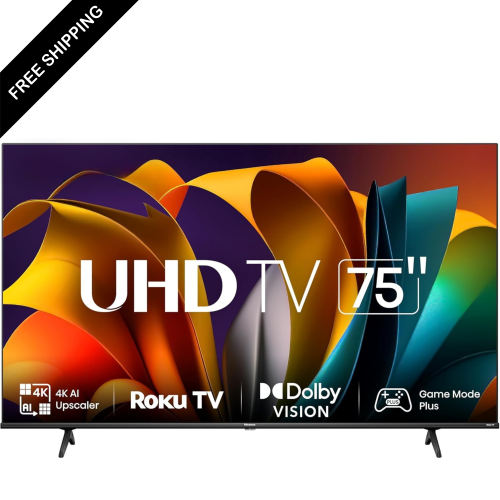
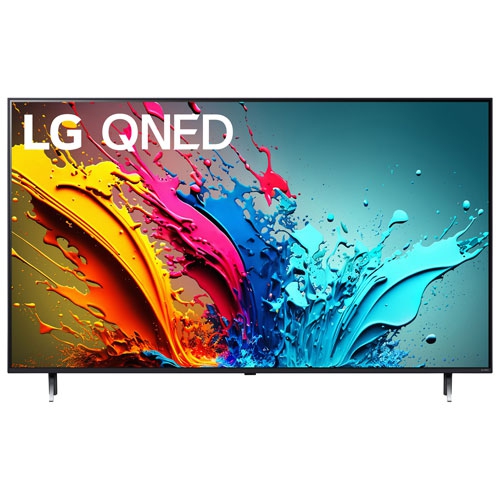
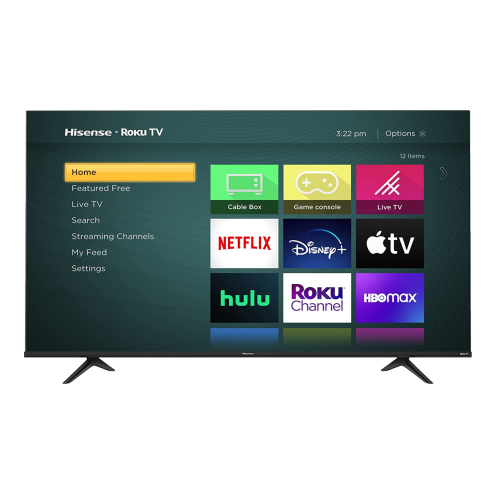
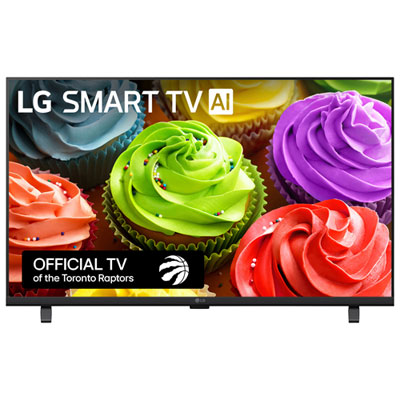
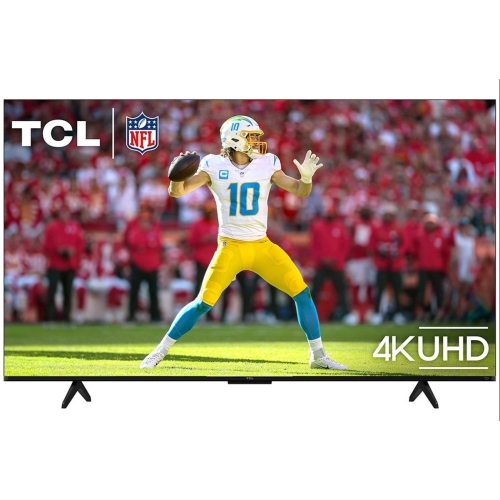
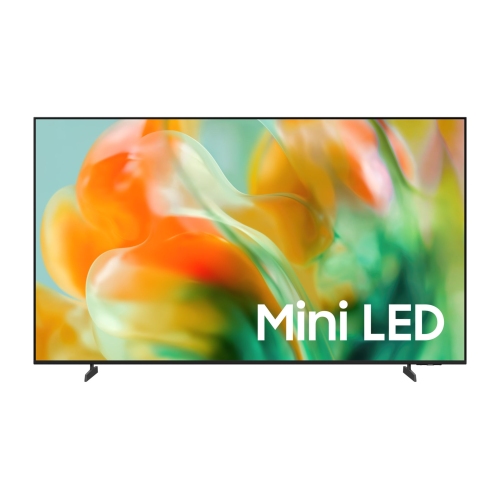
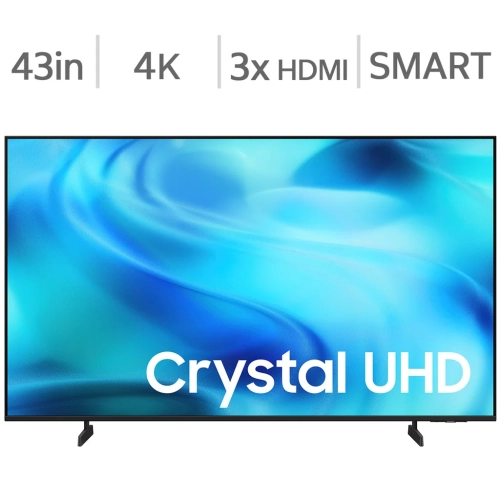
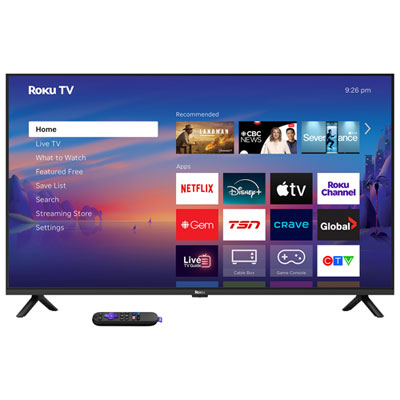
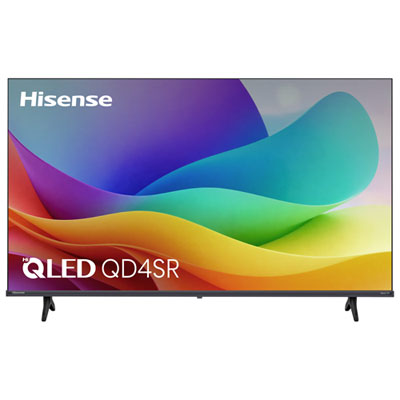
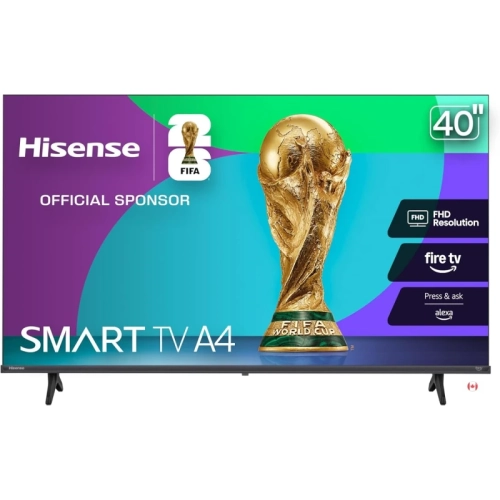
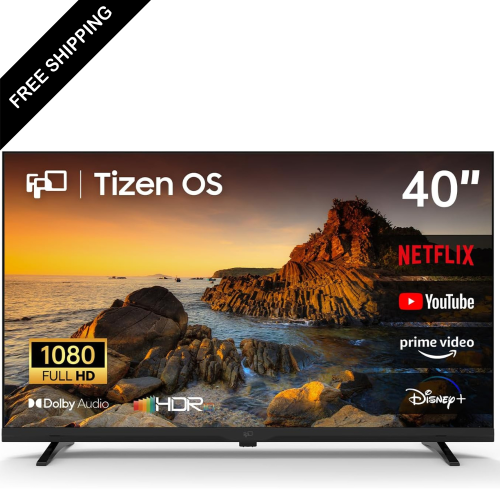
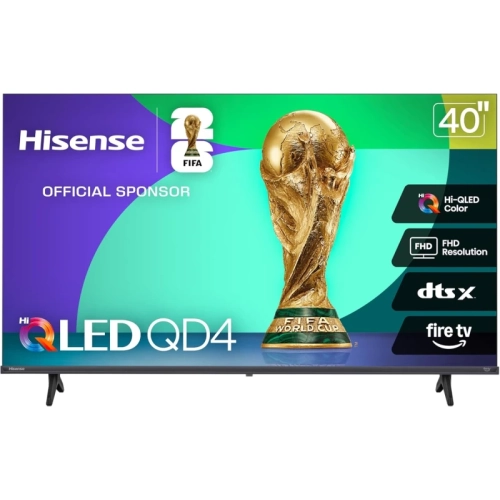
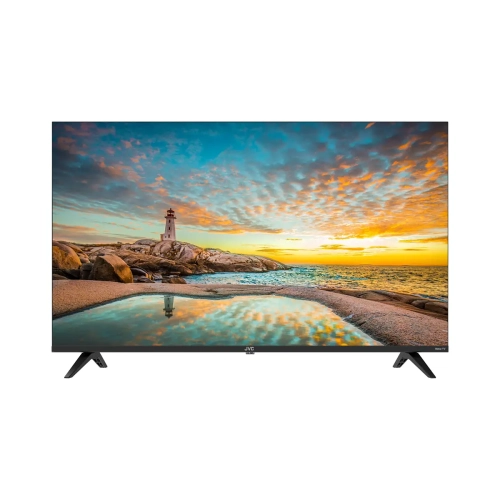
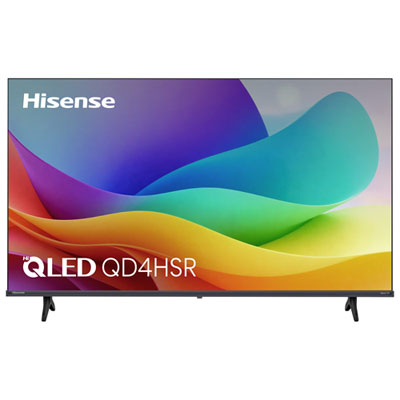
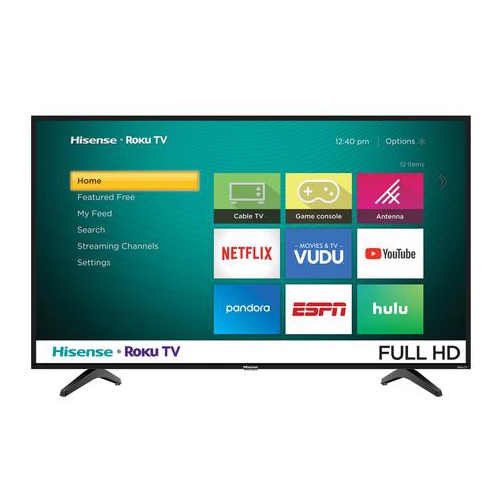
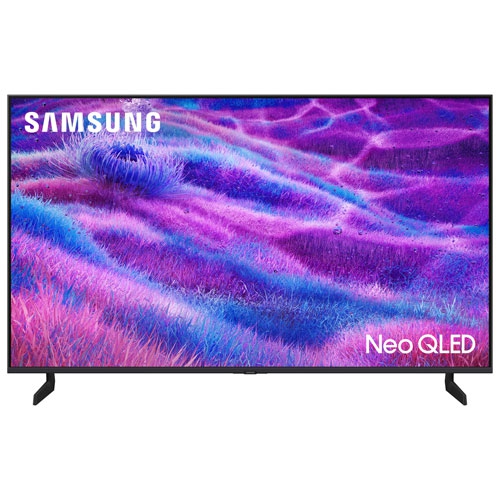
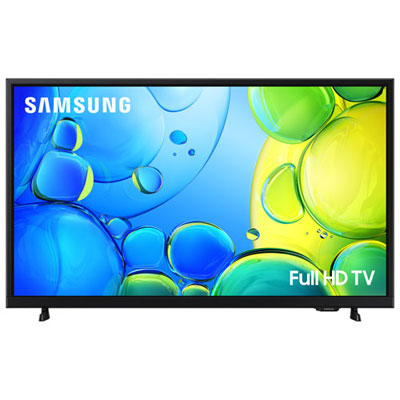
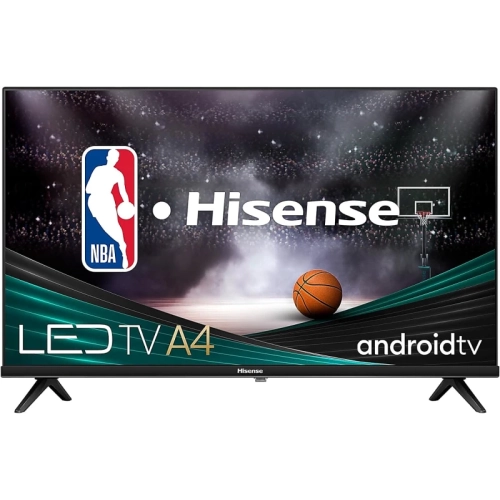


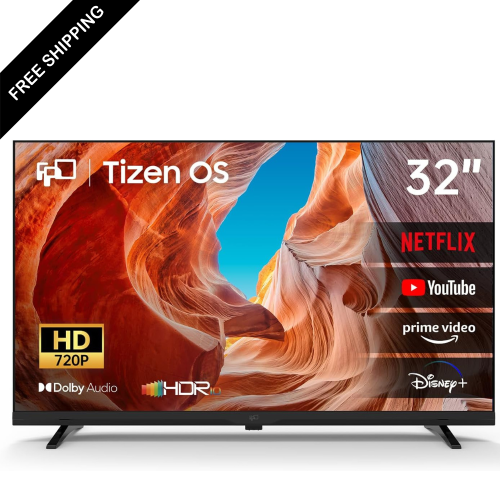

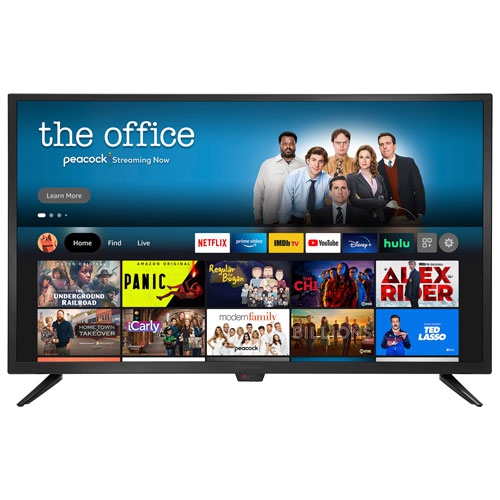


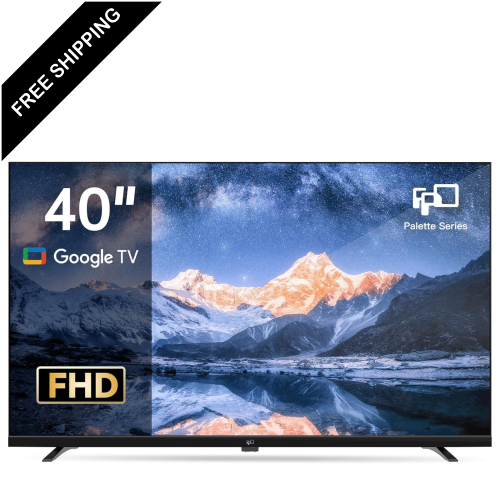
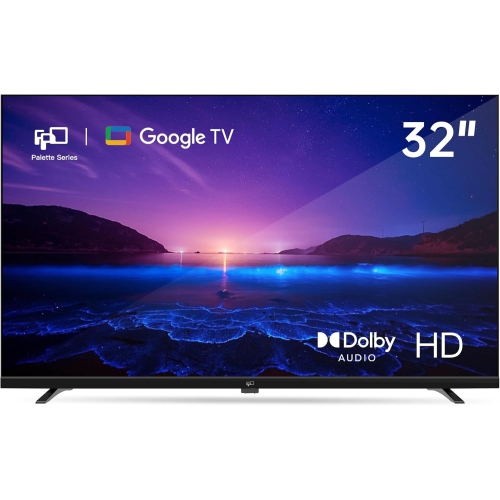
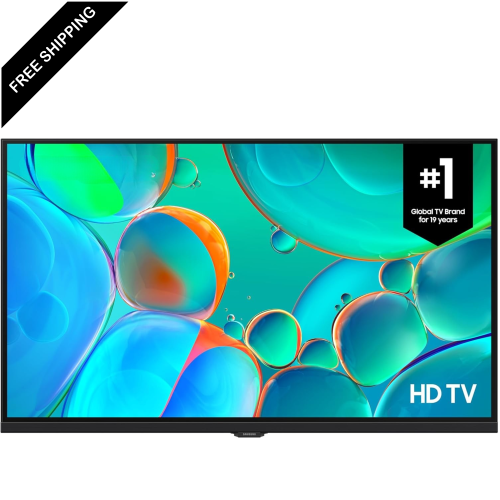
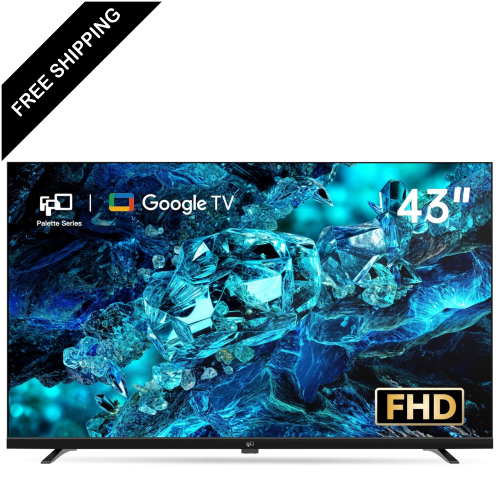




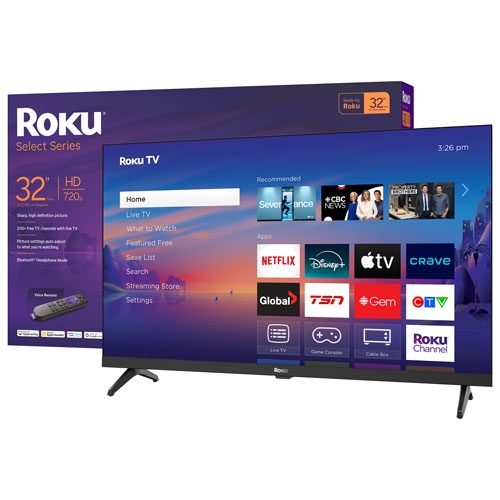
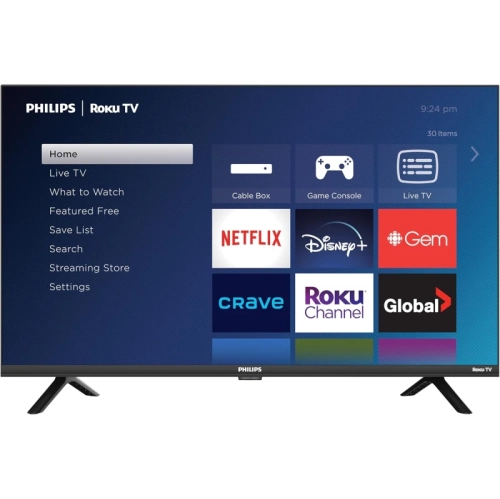

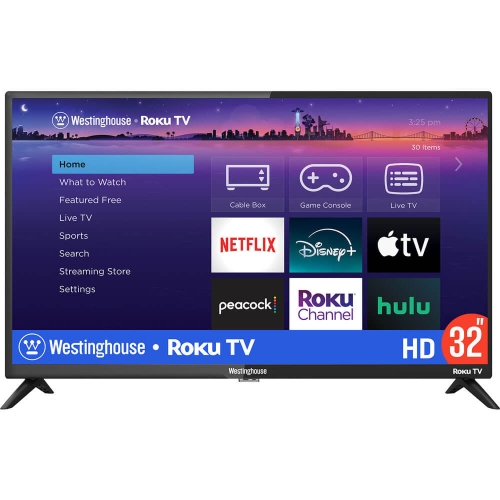
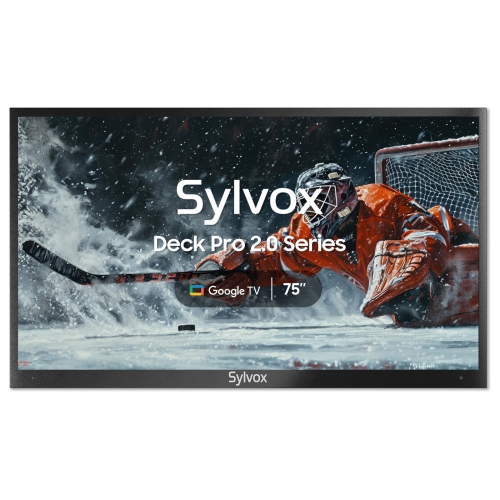
Why HDMI port details matter for everyday viewing
TVs with HDMI connect compatible entertainment devices through a single cable that carries digital video and audio. Most modern TVs include multiple HDMI inputs for gaming consoles, streaming devices, cable or satellite receivers, laptops, and other home theatre equipment. That makes HDMI a practical connection for everything from watching live sports to sharing holiday photos on a larger screen. The number of inputs matters as much as their presence: a television connected to a console, a receiver, and a streaming device needs three available inputs if each device connects directly to the TV. Adding an HDMI-connected soundbar can occupy another port, so a spare input leaves room for a future addition without regularly unplugging cables. Port placement also affects everyday convenience. Side-facing connections are often easier to reach when a TV sits close to a wall, while rear-facing connections need enough clearance to accommodate the cable plug without a sharp bend. A laptop connection can turn the screen into a shared display for presentations, video calls, or family photo albums, although some laptops need a compatible adapter rather than a direct HDMI cable. HDMI connectivity is separate from display resolution, so TVs with this connection can serve different spaces and viewing habits. Compact 720p TVs may suit a smaller room or occasional viewing, while higher-resolution screens can show finer detail when paired with suitable content. A source device must still output a signal the television accepts; having an HDMI connector alone does not guarantee support for every resolution or refresh rate. For a living room with several connected devices, accessible ports and clearly labelled inputs can make the difference between a tidy, dependable setup and a tangle of cables that needs constant rearranging. Renaming inputs through the TV’s menu, where supported, also makes it easier for everyone in the household to select the right device.
HDMI capabilities vary between televisions and can even differ between ports on the same screen. Supported resolution, refresh rate, audio return features, and gaming functions are more useful details than a connection label on its own. A household mainly watching films and television has different needs from someone connecting a console or computer for fast-paced games. For compatible gaming equipment, support for 4K at 120 Hz can provide detailed images with smoother motion, but the television, the particular HDMI input, the source device, and the cable must all support that signal. A screen’s native refresh rate is also distinct from motion-processing settings, which can create additional frames rather than accept a higher-rate input. Variable refresh rate can help reduce visible tearing when a game’s frame rate changes, while automatic low latency mode can switch a compatible TV into a setting designed to reduce input delay. These features are not present on every HDMI-equipped television, and their operation depends on the connected equipment. Audio connections deserve similar attention. HDMI ARC, or Audio Return Channel, allows a compatible TV to send audio to a soundbar or receiver through the designated HDMI port, including sound from supported built-in streaming apps. Enhanced Audio Return Channel, usually labelled eARC, supports higher-bandwidth audio formats when the television and audio equipment are compatible. Supported formats and audio passthrough capabilities still vary, so eARC should not be treated as a promise that every soundtrack will play in every format. HDMI device control, commonly called CEC, can simplify daily use by allowing compatible equipment to respond to shared power or volume commands, though behaviour can differ across devices. For long cable runs or demanding video signals, cable capability and construction matter more than appearance. Cables identified for the required bandwidth help avoid signal dropouts, and an unnecessarily tight bend behind the cabinet can put strain on both the cable and the TV’s connection.
Beyond the connections, the right television needs to fit the room and the way people watch. Screen size is measured diagonally in inches, but the full width, height, stand depth, and weight determine whether it will sit securely on a media unit. Feet positioned near the edges of a screen may need a wider surface than a centre-mounted stand. A wall-mounted setup needs a compatible mounting pattern, a bracket rated for the television’s weight, suitable wall support, and enough access for power and HDMI cables. Cable routing is easier to plan before the screen is mounted, especially when several devices share a cabinet below it. Picture characteristics also shape the experience. Darker scenes in films benefit from strong contrast, while a room with plenty of daylight may call for a screen with good brightness and reflection handling. Wide viewing angles can matter when people watch from an armchair off to the side rather than directly in front. Captions, dialogue clarity, accessible remote controls, and straightforward input selection may be just as important as picture specifications for a shared household TV. Slim frames and metal or plastic stands contribute to the overall appearance, but careful handling and secure placement do more to protect the television than a sturdy-looking finish alone. The display surface needs gentle care: a clean, soft microfibre cloth is generally appropriate, with any additional cleaning method following the manufacturer’s directions. Spraying liquid directly onto the panel, pressing hard on the screen, or blocking ventilation openings can cause damage. Keeping connected devices accessible also makes it easier to replace a cable without pulling against the television. As a gift for someone setting up a first apartment, furnishing a guest room, or replacing an older screen, an HDMI-equipped TV is most useful when its size, connections, and controls match the recipient’s existing equipment and daily routines.
Top selling and popular products
-
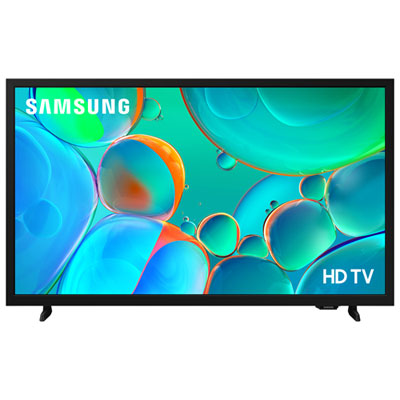 Your price for this item is $229.99
-
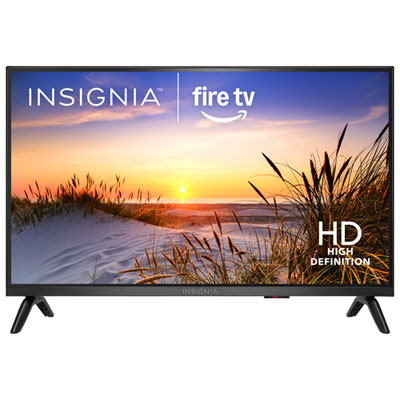 Your price for this item is $199.99
-
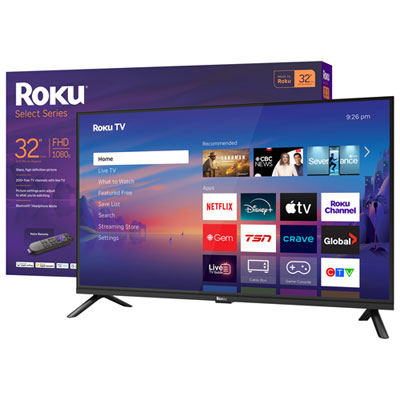 Your price for this item is $169.99
-
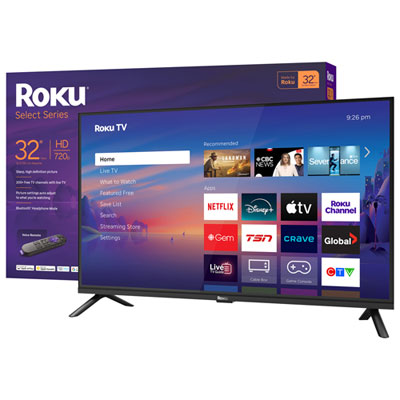 Your price for this item is $199.99
-
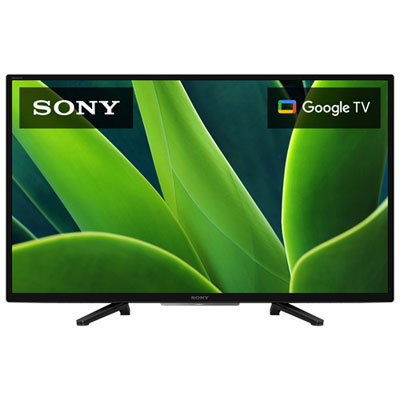 Your price for this item is $379.99
-
 Your price for this item is $4999.95
-
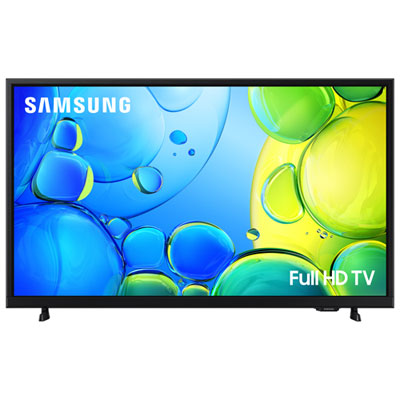 Your price for this item is $279.99
-
 Your price for this item is $6999.99
Discover more categories related to TVs With HDMI
Top Collections:
Best Black Friday Deals This Year, Best Black Friday Deals On Electronics, Kindle Devices, Pokemon Centers, Best Black Friday Deals On Apple Products, Best Cameras for Sports Photography, Dyson Airwrap, Pokémon 30th Celebration Cards, Apple iPhone 17 Pro, Canon G7X Cameras
Some products may be subject to Environmental Handling Fees
(EHF) depending on your province.
Learn more about EHFs.