Vizio Cables
Vizio Cables are essential for connecting your home entertainment devices and ensuring smooth, reliable performance. Whether you're setting up a new TV, sound system, or gaming console, the right cables make all the difference in delivering quality audio and video signals. Explore a wide selection of Vizio Cables designed to support various setups and configurations, making it easy to find the perfect fit for your needs. Shop now to enhance your viewing and listening experience with dependable connectivity solutions.
Sort




Why a cable that fits your TV might not work
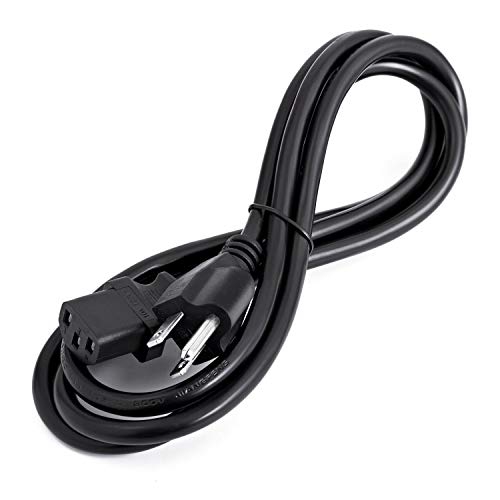
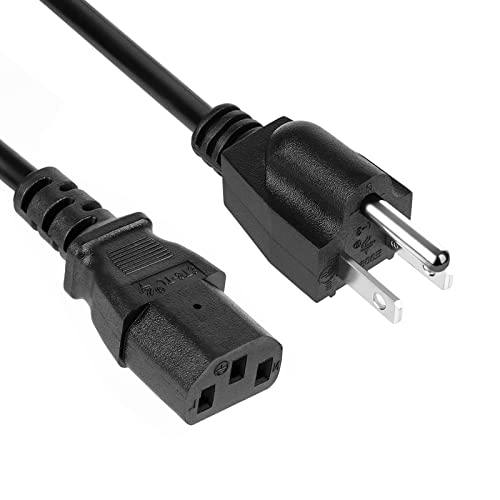
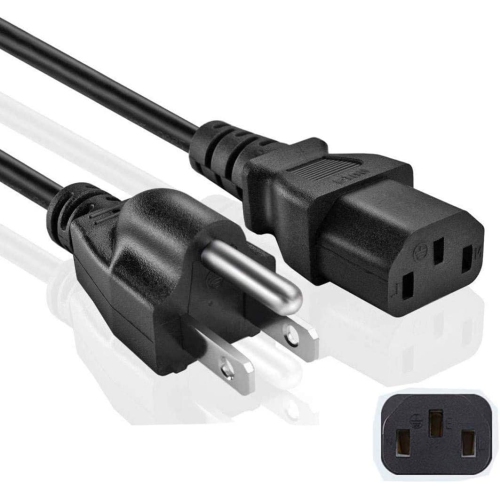
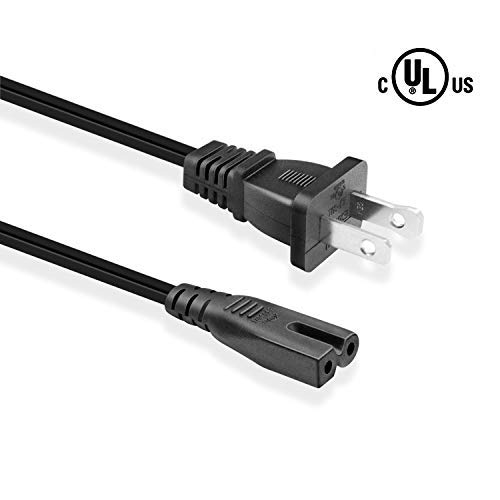
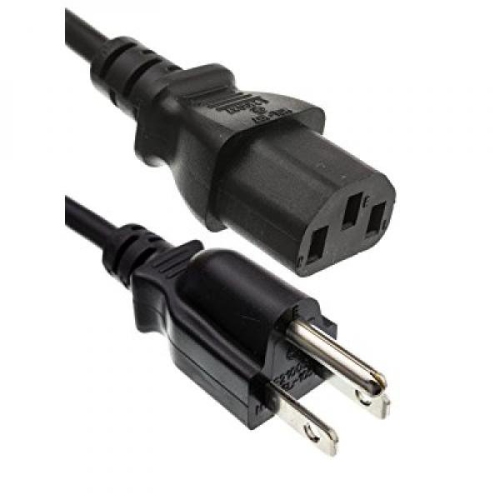
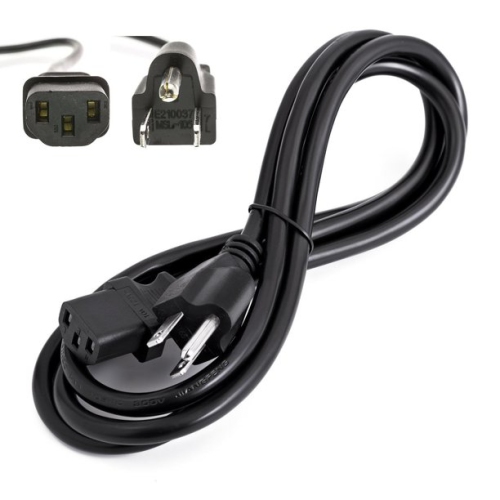
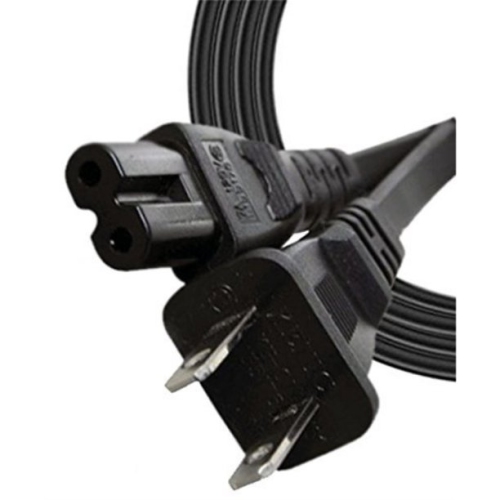
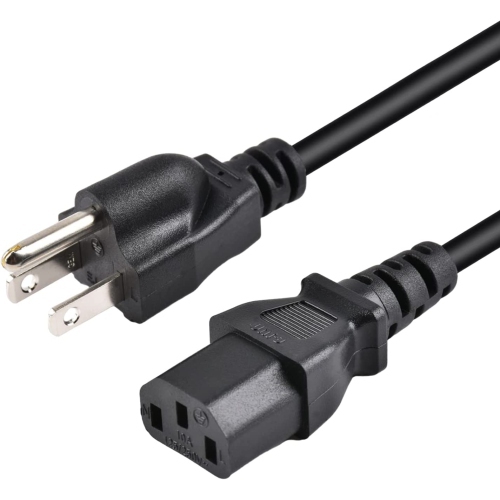
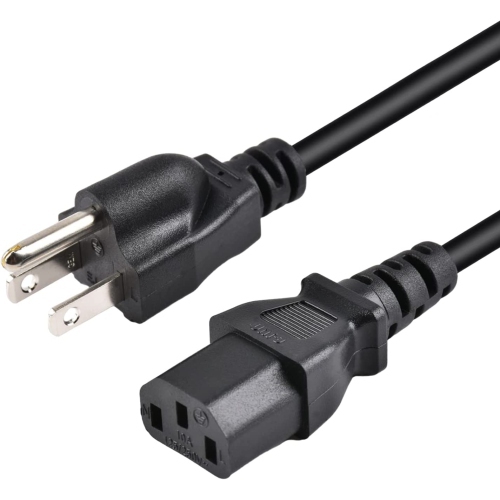
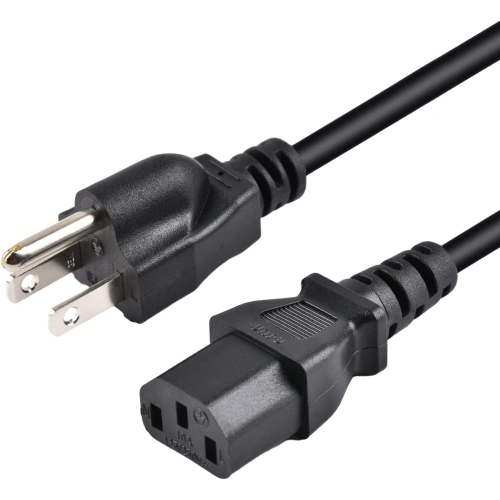
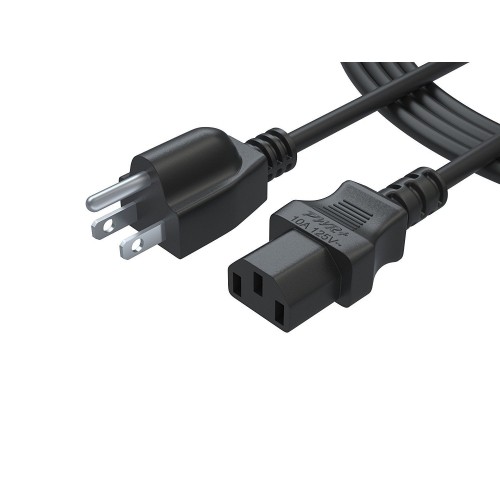
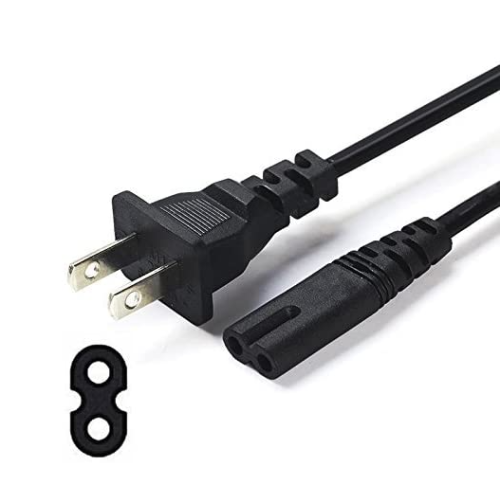
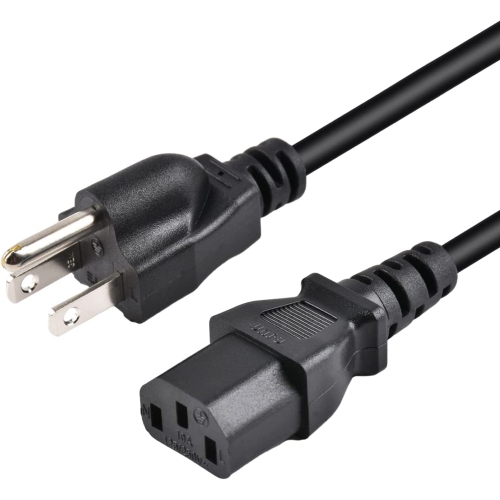
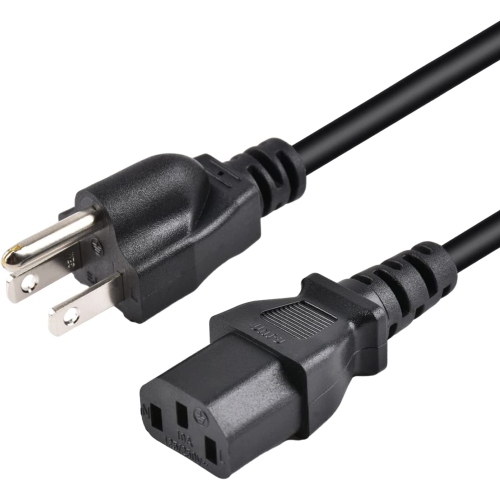
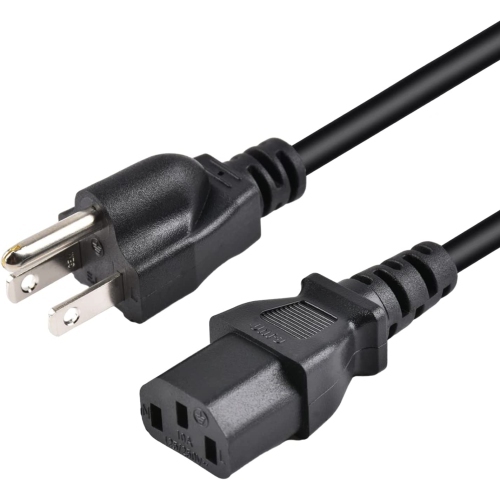
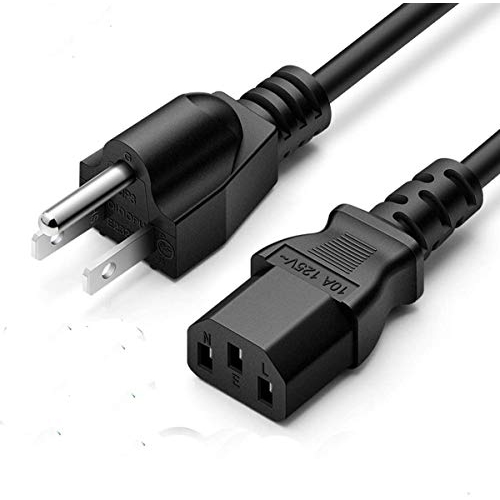
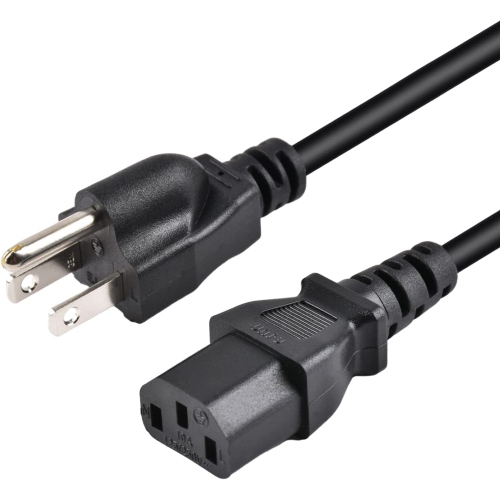
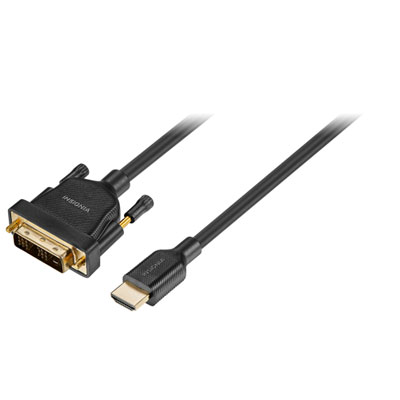
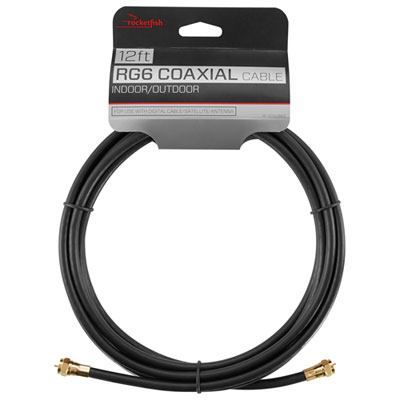
Replacement and connection cables for TVs, soundbars and home theatre systems include power cords, HDMI cables for picture and sound, optical cables for digital audio, and Ethernet cables for a wired network connection. The right cable depends on the equipment model and what the cable needs to do. For a missing power cord, check the model number on the back of the TV or soundbar and compare the power inlet and electrical ratings with the specifications in the manual. A two-pin connector with a rounded figure-eight shape is different from a grounded three-pin connector, and even similar-looking plugs can have different shapes or orientations. Some devices use a detachable cord that goes directly to a wall outlet, while others need an external power adapter. An adapter has to match the specified output voltage, polarity and plug dimensions, and meet the device’s current requirements. A plug that happens to fit does not establish compatibility. If the original power cord is permanently attached, it isn’t a plug-in replacement. It’s also worth checking which component is actually missing its cable. In a home theatre setup, a wireless subwoofer may receive audio from the soundbar without a signal cable but still need its own power connection. Rear speakers, by contrast, may connect to the subwoofer with speaker leads specified for that system. With older equipment, the port labels matter just as much as the shape of the plug. An older disc player might send picture and sound over separate analog cables, while a newer TV might accept only HDMI or use a model-specific adapter for its analog input. Where the two devices use different signal types, a passive cable alone won’t convert the signal. A TV with an Ethernet port can also connect directly to a router or network jack, a practical option when the router is already beside the media cabinet.
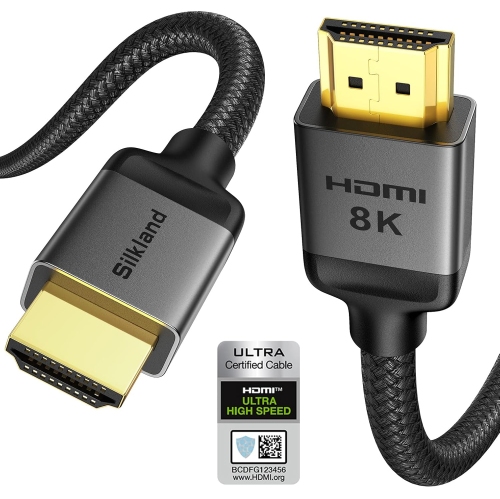
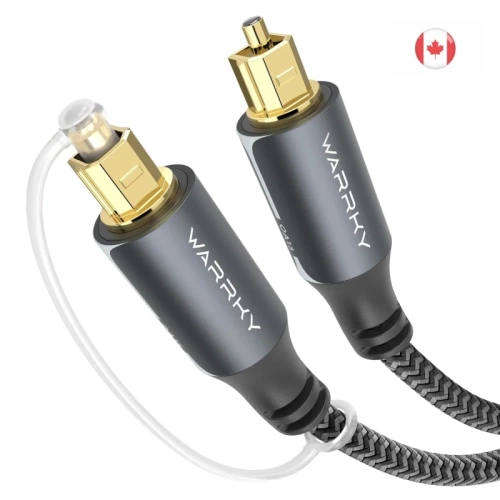
HDMI is the usual connection for carrying both picture and sound from a game console, disc player or streaming device to a TV. The cable needs to handle the signal the equipment actually sends. A certified Premium High Speed HDMI cable handles many 4K signals at 60 Hz, while a certified Ultra High Speed HDMI cable can support 4K at 120 Hz when the source and the TV input both support that mode. Higher cable bandwidth won’t add features that the equipment doesn’t have, so the capabilities of the ports matter as much as the cable. The port labels are especially useful when adding a soundbar. HDMI ARC and eARC let the TV send audio back to the soundbar over HDMI, including sound from the TV’s built-in apps. That connection needs to use the ports marked ARC or eARC on the TV and the audio equipment, with a cable that meets the equipment’s requirements. Running the same cable to an unmarked HDMI port can leave the soundbar silent even though both devices are working. The TV’s sound settings may also need to be set to external audio. An optical digital audio cable is a useful alternative when both devices have optical ports, particularly when pairing an older television with a soundbar. It carries sound only, not picture, and doesn’t support all the audio formats that eARC can pass. Optical plugs are shaped to fit in one orientation, and any protective caps need to come off before they’re seated. Since a sharp bend can interfere with the signal, an optical cable is better routed in a gentle curve than folded into the corner of a cabinet. For a setup with several sources and a separate audio system, Cables for Smart TV offers a way to compare connection types and distinguish the leads that carry picture and sound together from those that serve a single purpose.
Physical fit matters as much as the connection type, especially when the screen sits close to the wall or the cabinet has a shallow opening at the back. Measure along the route the cable will take, including the drop from the TV, the turn through the cabinet and the reach to the outlet or source device. Leave enough slack to pull a console forward or move a TV on a swivel mount without tugging on the ports. A right-angle connector can help behind a slim wall mount, provided it points in the right direction and doesn’t cover a neighbouring input. A flexible cable jacket can make tight routing easier, while a thicker jacket or braided sleeve may help protect a lead that rubs against a cabinet edge or gets handled often. Those features don’t determine signal compatibility, and a stiff cable can put more strain on a port if it’s forced into a small space. Strain relief where the cable meets the plug is particularly useful in a gaming setup where devices are moved or unplugged regularly. For a concealed installation, use signal cables rated for in-wall use and keep ordinary detachable power cords out of wall cavities. In everyday use, avoid pinching leads under furniture, hold the connector rather than pulling on the cable when unplugging it, and replace a power cord with a damaged jacket or plug. A simple label at each end can save time when several black cables disappear through the same cabinet opening. That little bit of organization can be especially helpful after a move, when setting up a hand-me-down TV in a spare room, or when helping someone connect a soundbar without disturbing the rest of the setup. A cable can also be a practical addition to a TV or audio gift when the recipient’s equipment and room layout are known. A photo of the port labels and a measurement of the cable route are often more useful than knowing the screen size.
Top selling and popular products
-
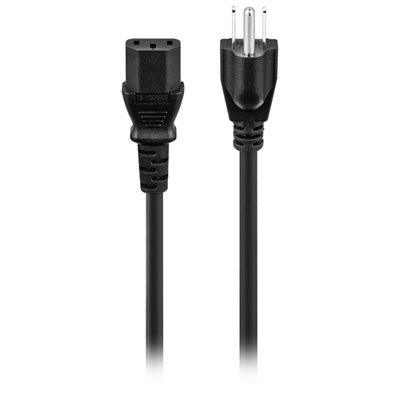 Your price for this item is $9.99
-
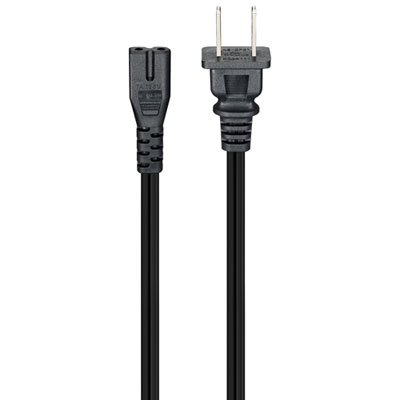 Your price for this item is $12.99
-
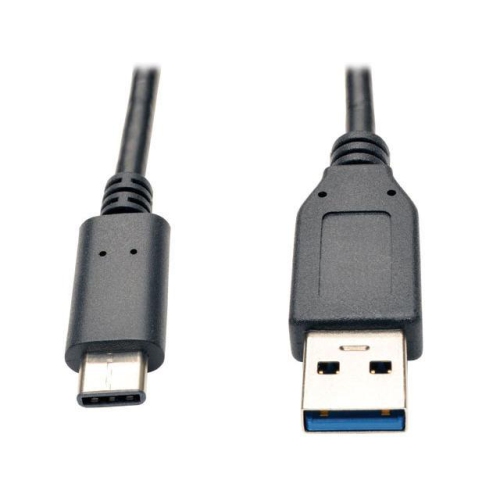 Your price for this item is $29.99
-
 Your price for this item is $10
-
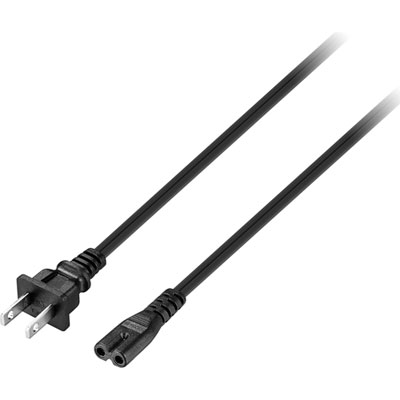 Your price for this item is $12.99
-
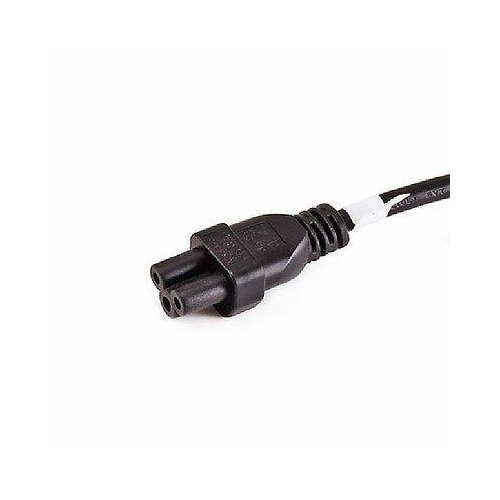 Your price for this item is $10
-
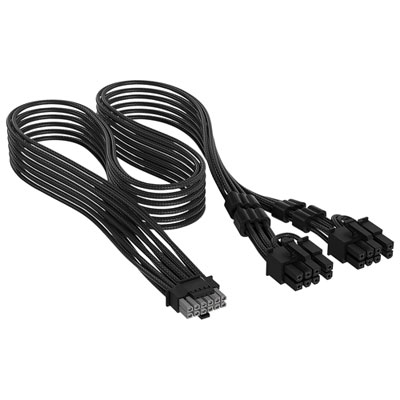 Your price for this item is $24.99
-
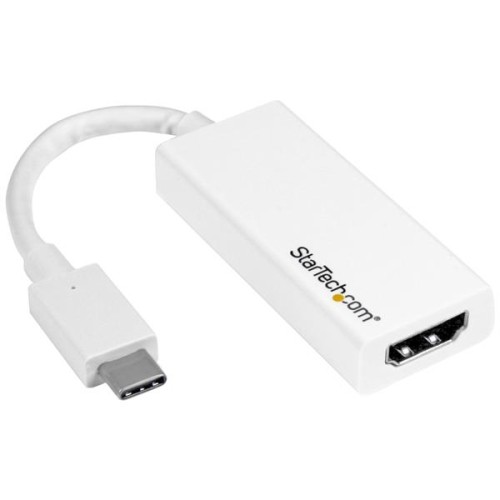 Your price for this item is $35.99
Discover more categories related to Vizio Cables

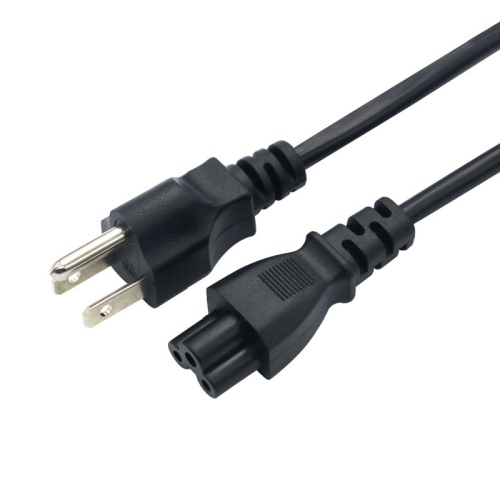
Top Collections:
Best Black Friday Deals This Year, Best Black Friday Deals On Electronics, Kindle Devices, Pokemon Centers, Best Black Friday Deals On Apple Products, Best Cameras for Sports Photography, Dyson Airwrap, Pokémon 30th Celebration Cards, Apple iPhone 17 Pro, Canon G7X Cameras
Some products may be subject to Environmental Handling Fees
(EHF) depending on your province.
Learn more about EHFs.