Cables for DVD Player
Cables for DVD Player are essential for connecting your device to TVs, audio systems, and other home entertainment equipment. Whether you need to replace a worn-out cable or set up a new system, finding the right connection ensures smooth playback and optimal performance. Explore a wide range of options to suit various setups and enjoy reliable connectivity for your DVD player.
Sort

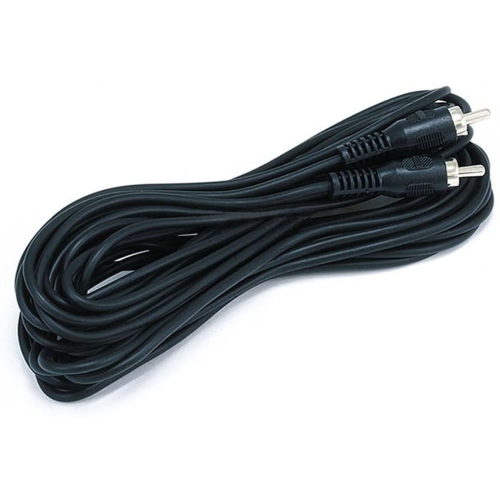
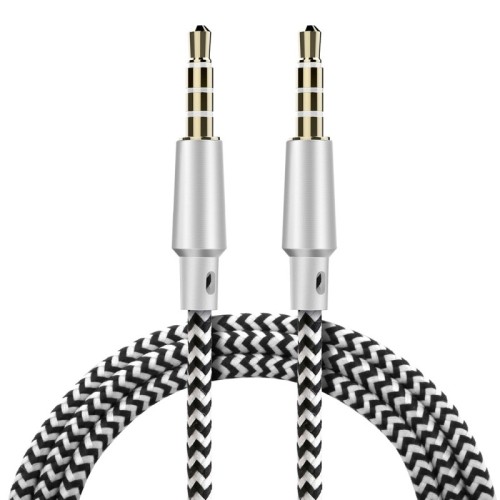
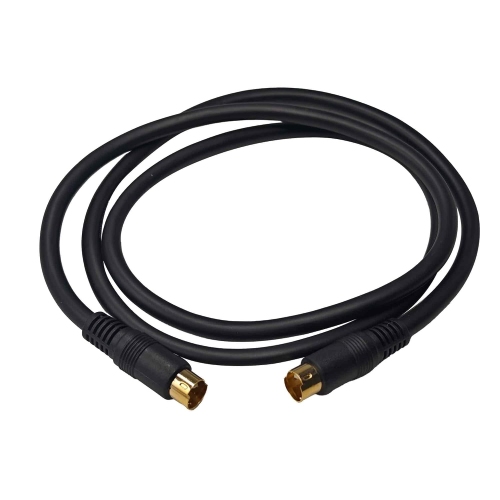
The right connection starts with matching your sockets
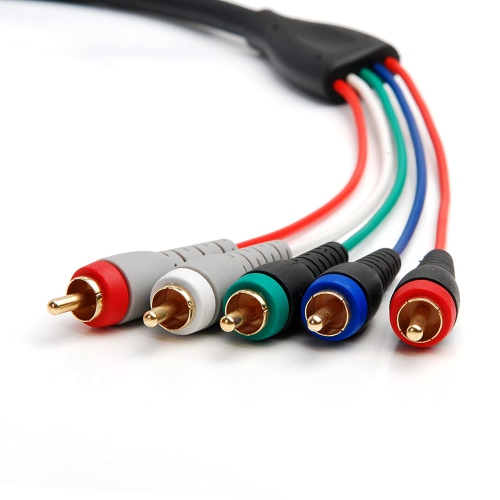
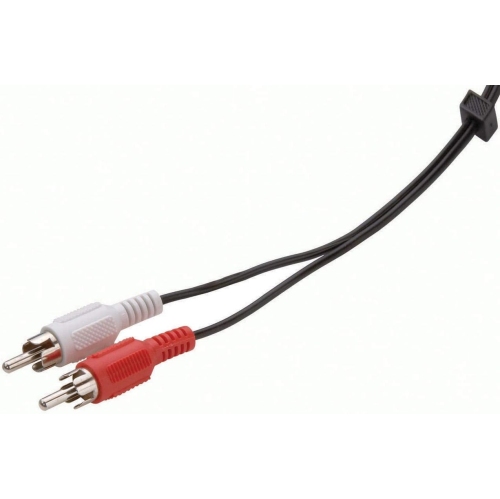
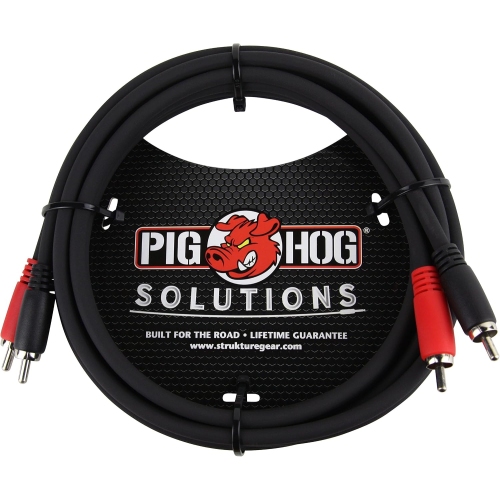
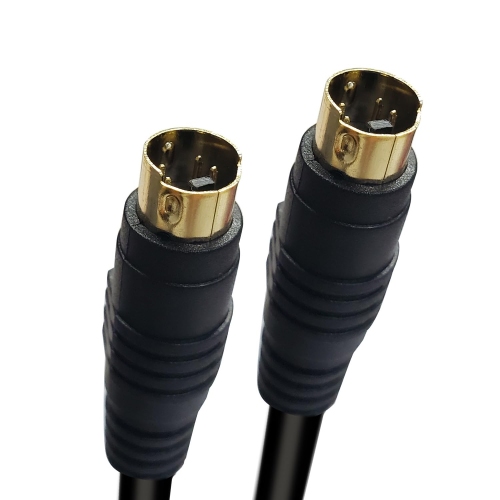
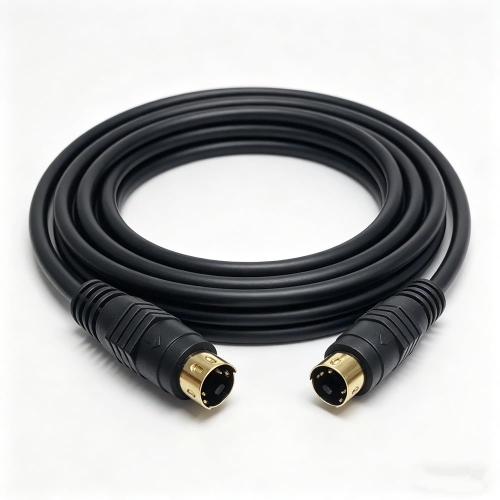
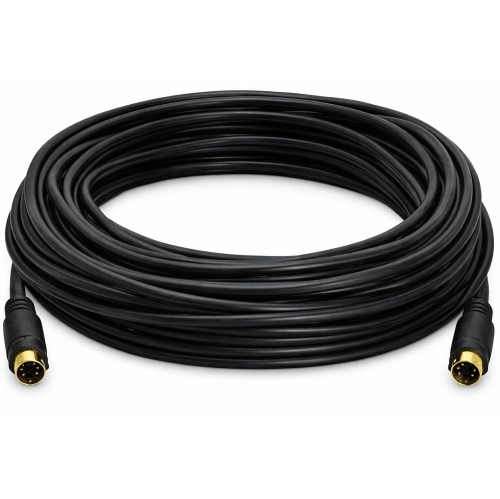
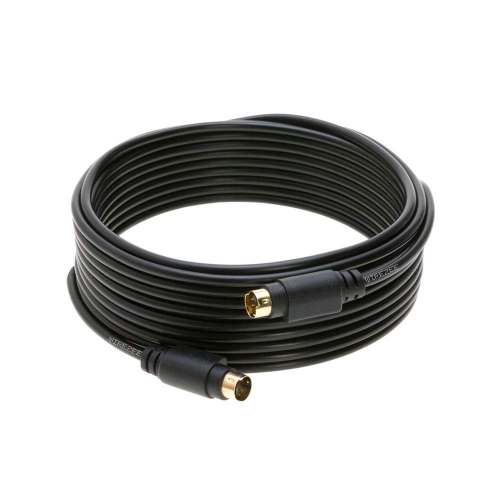
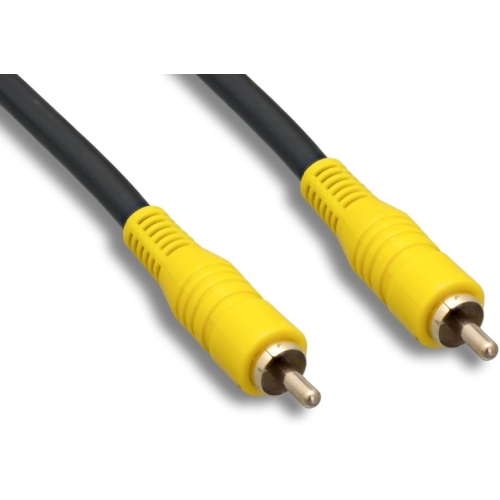
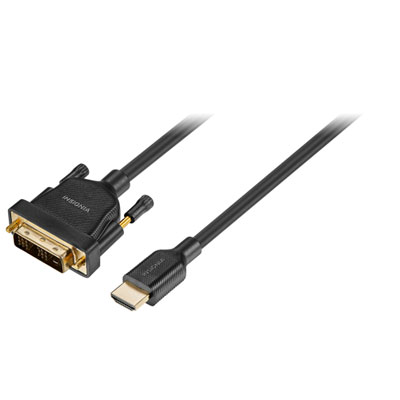
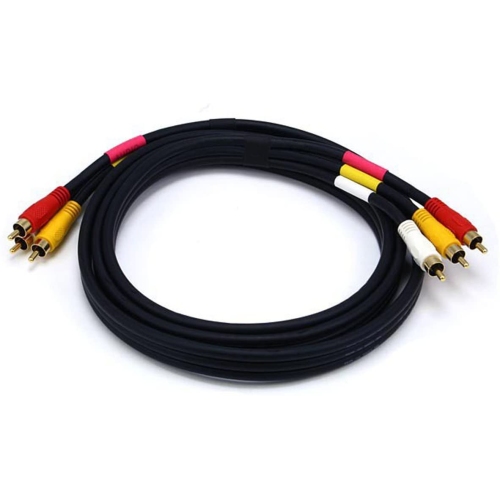
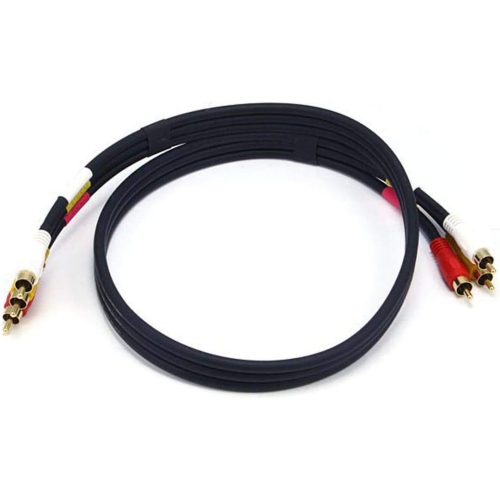
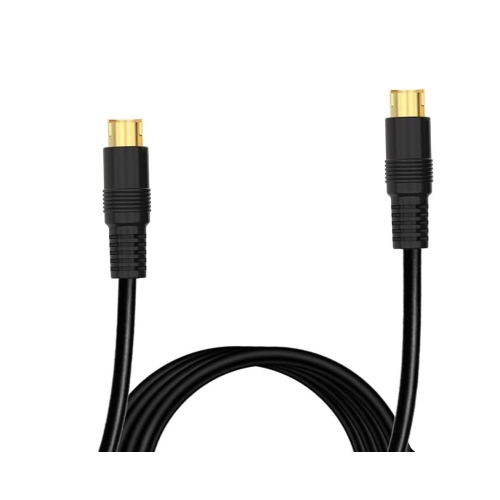
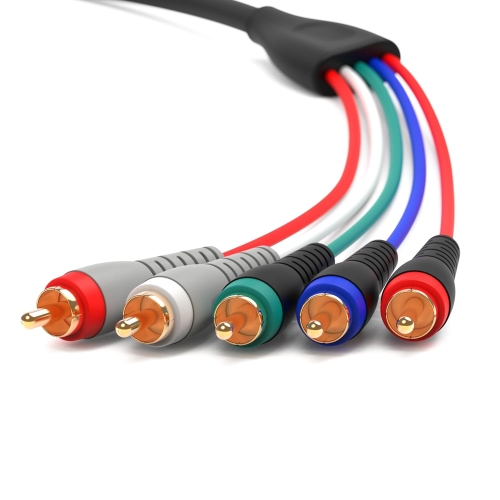
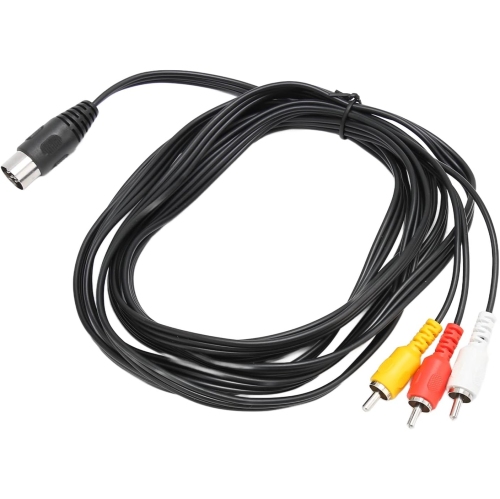
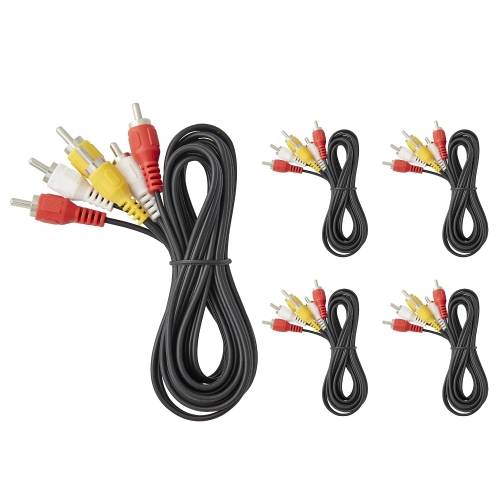
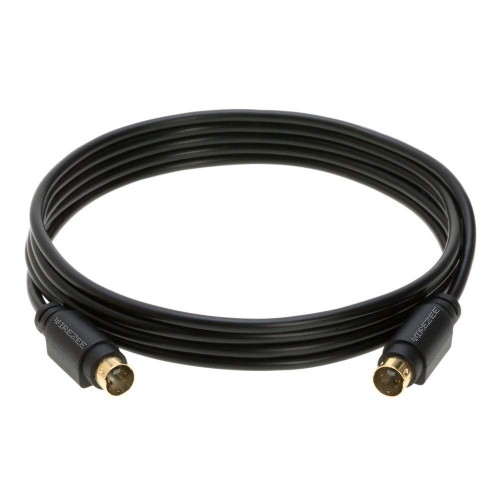
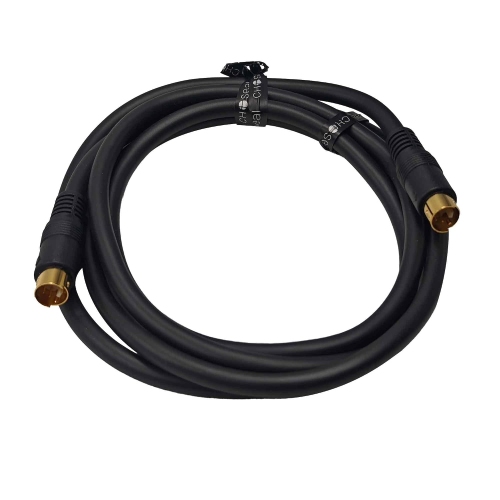
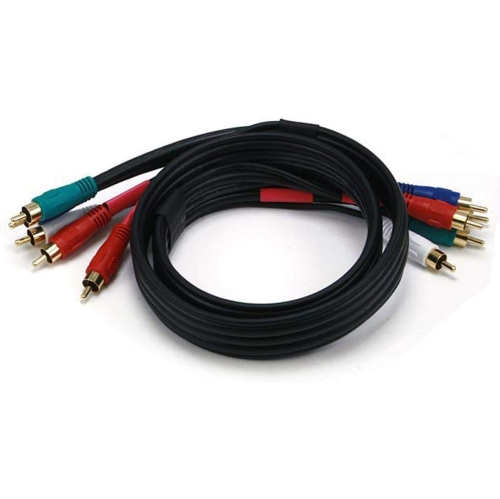
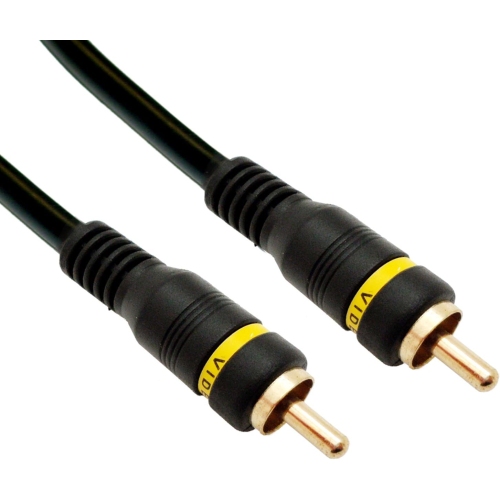
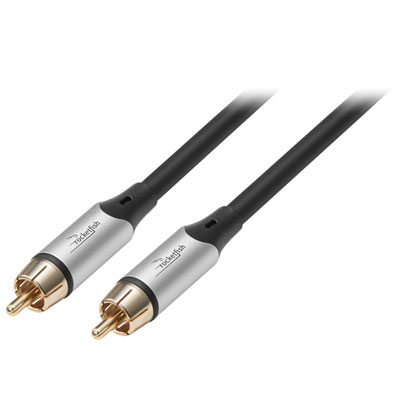
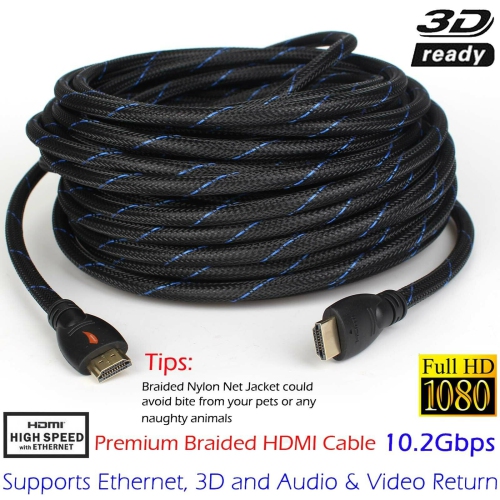
Cables for DVD players connect familiar movie collections to televisions, projectors and home theatre equipment, but the right connection depends on the sockets at both ends. A player beside a newer television may use HDMI to carry digital picture and sound through one cable, while an older player may have separate connections for video and audio. Matching those connection types matters more than choosing a cable with the most elaborate construction or the highest advertised capabilities. HDMI is a practical option when both the player and display support it, especially when a tidy installation with fewer leads is the goal. A cable cannot add an output that the player does not have, however, and a television with HDMI inputs will not necessarily accept an older analogue signal without conversion. Composite video connections typically use a yellow RCA plug for the picture, with red and white RCA plugs carrying right and left stereo audio. Component video uses three separate video connections, usually marked green, blue and red, and normally needs an additional audio connection. Because red plugs can appear in both component video and stereo audio groups, the labels beside the sockets are more reliable than colour alone. Component and composite connections are not interchangeable simply because they use similarly shaped plugs. The display must also support the signal coming from the player, including any progressive-scan setting used with component video. These distinctions are particularly relevant when moving a well-used DVD player from a living room television to a spare-room display or connecting one to a projector for family film nights. An older television may also have fewer inputs, making the existing connections an important part of the choice. For households keeping a collection of films, exercise programs, concert recordings or children’s favourites in regular rotation, a correctly matched cable helps make that collection easy to enjoy without replacing equipment that still serves its purpose.
Cable length, flexibility and connector shape affect how comfortably a DVD player fits into an entertainment unit. A short connection can keep a player and television neatly linked on the same shelf, while a longer route may be needed when the television is mounted above a cabinet or the audio equipment sits off to one side. The useful measurement is the path the cable will actually follow, including the distance around shelf edges and through cable openings, rather than a straight line between devices. A little slack allows the player to move forward for cleaning or access to its rear panel without pulling against the sockets. Excess length, on the other hand, can create bulky loops behind a shallow cabinet. Connector housings also need room: a plug that fits the socket may still press against the cabinet backing or prevent equipment from sitting properly on a shelf. Angled connectors can help in some layouts, provided their orientation suits the position of the port. Electrical cables commonly use copper conductors surrounded by insulation and an outer jacket, with shielding that can help limit interference. Flexible jackets are useful for routing around furniture, while well-supported strain relief helps protect the point where the cable enters the plug. Gold-plated contacts can resist corrosion, but plating does not increase the resolution of a DVD or restore detail absent from the recording. Reliable construction and the correct cable specification are more useful considerations than appearance alone. Longer cable runs deserve particular attention because signal reliability depends on the connection type, cable design and distance. For everyday care, cables benefit from gentle bends, loose storage loops and placement away from furniture feet or other pinch points. Pulling on the connector housing rather than the cable itself reduces strain during disconnection. Dry, clean contacts and clearly labelled cable ends can also make occasional rearrangements much less frustrating, particularly where several similar RCA connections sit close together behind a receiver.
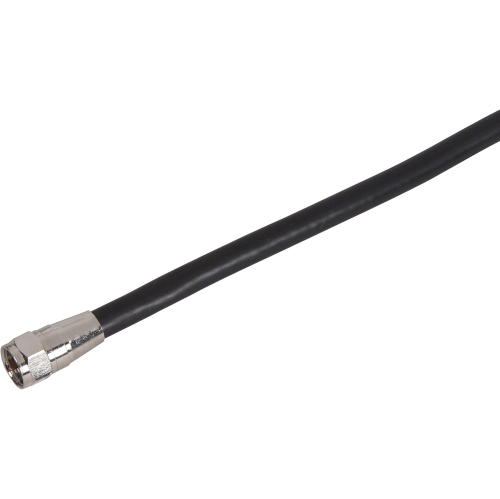
Audio connections deserve the same attention as the picture, especially when a DVD player feeds speakers through a receiver or another audio component. Red and white RCA connections carry analogue stereo sound and suit equipment with matching inputs. Optical digital and coaxial digital audio connections can carry supported digital audio formats, but they use different cable types and cannot be substituted for one another. An optical cable also needs gentle handling, with room for gradual bends rather than tight folds behind the equipment. A coaxial digital audio socket may resemble an analogue RCA socket, so its printed label is important. Whether sound travels by HDMI, optical, coaxial digital or stereo audio cable, the receiving equipment must support the connection and audio format being sent. Some setups also need the player’s audio output setting adjusted to suit the receiver or television. The same attention to inputs, outputs and signal compatibility applies when browsing Vizio Cables for the television side of a home theatre setup. When an older DVD player needs to connect to a display with different inputs, an active converter may be necessary rather than a simple cable with different plugs at each end. Analogue-to-digital conversion involves electronics, often requires power, and works in a specified direction; a converter intended to send HDMI to an analogue display is not necessarily suitable for sending composite video to an HDMI television. This is especially relevant in mixed-generation systems assembled from equipment that has moved between rooms over the years. For a film enthusiast refreshing a media cabinet, a parent reconnecting a collection of children’s DVDs or someone helping a relative keep a familiar player in use, the most useful cable is one that fits the actual setup. As a practical gift, a cable is best chosen with the recipient’s port types and required length confirmed beforehand. Clear connection labels, comfortable routing and dependable fit help keep the focus on the film rather than the wiring behind the screen.
Top selling and popular products
-
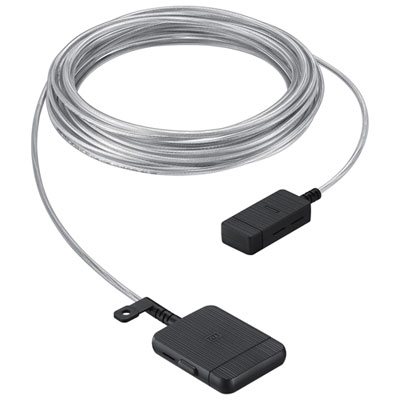 Your price for this item is $399.99
-
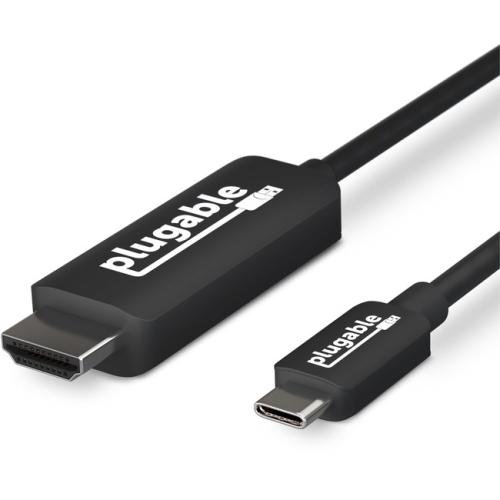 Your price for this item is $64.37
-
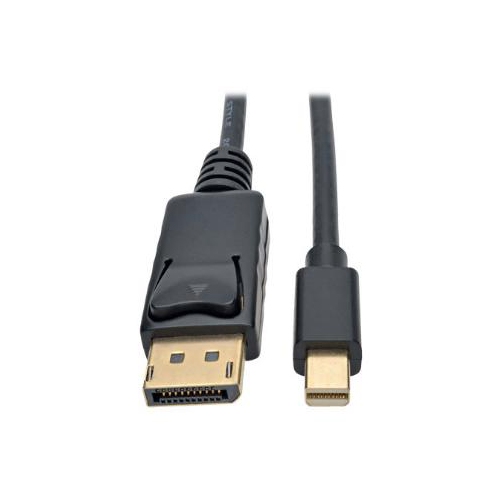 Your price for this item is $22.99
-
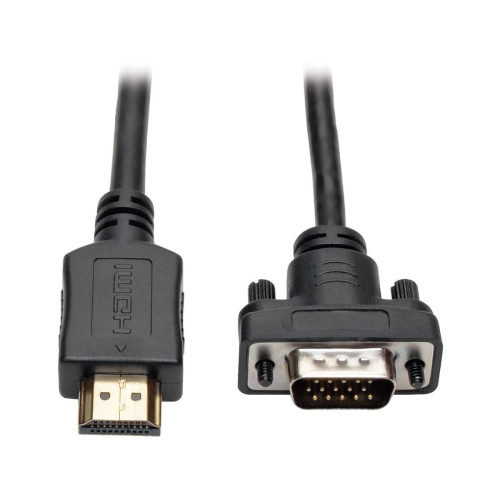 Your price for this item is $48.99
-
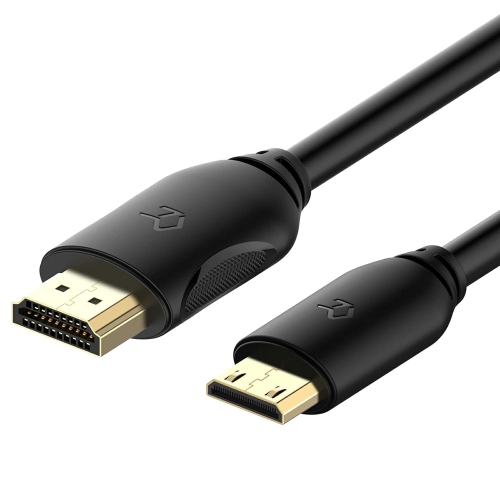 Your price for this item is $9.99
-
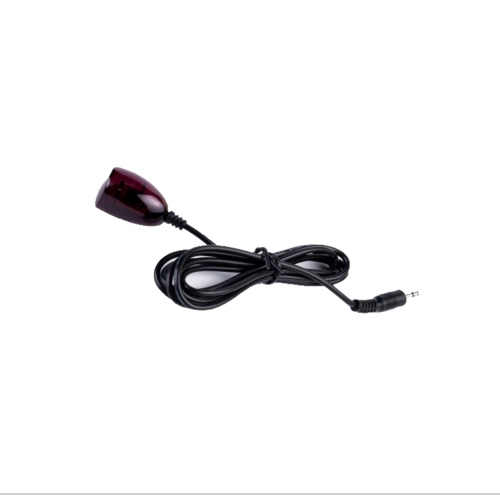 Your price for this item is $14.99
-
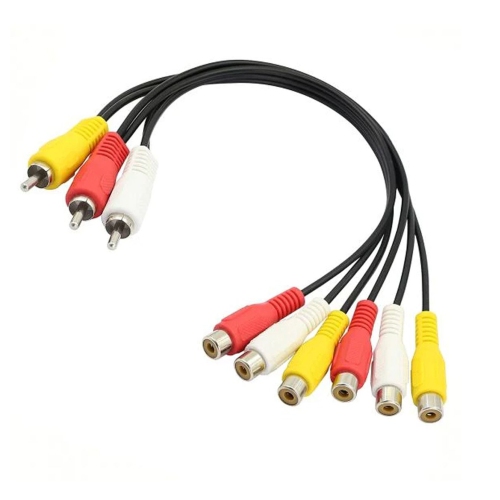 Your price for this item is $10.48
-
 Your price for this item is $37.99
Discover more categories related to Cables for DVD Player
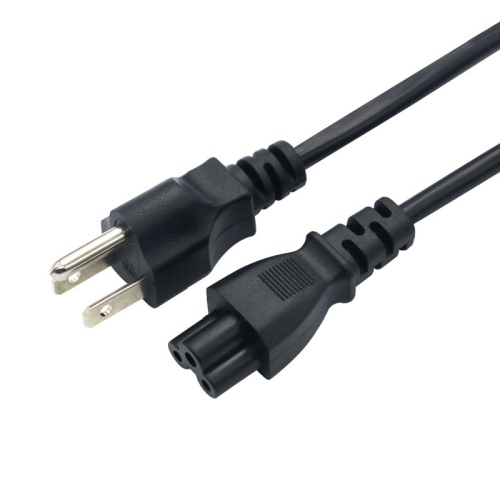
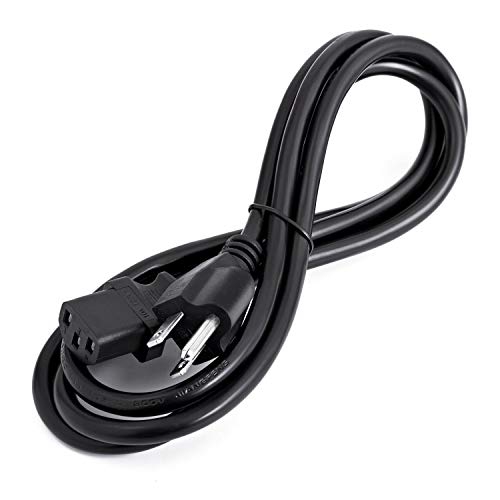
Top Collections:
Best Black Friday Deals This Year, Best Black Friday Deals On Electronics, Kindle Devices, Pokemon Centers, Best Black Friday Deals On Apple Products, Best Cameras for Sports Photography, Dyson Airwrap, Pokémon 30th Celebration Cards, Apple iPhone 17 Pro, Canon G7X Cameras
Some products may be subject to Environmental Handling Fees
(EHF) depending on your province.
Learn more about EHFs.