Wireless Transmitters
Wireless transmitters are essential devices that allow you to wirelessly transmit audio, video, and data signals from one source to another with ease and convenience. Whether you're looking to stream music from your smartphone to a speaker system, connect your laptop to a projector without messy cables, or send data wirelessly between devices, wireless transmitters offer a seamless solution for your connectivity needs. With a range of options available to suit various applications, finding the right wireless transmitter can simplify your setup and enhance your overall user experience.
Sort




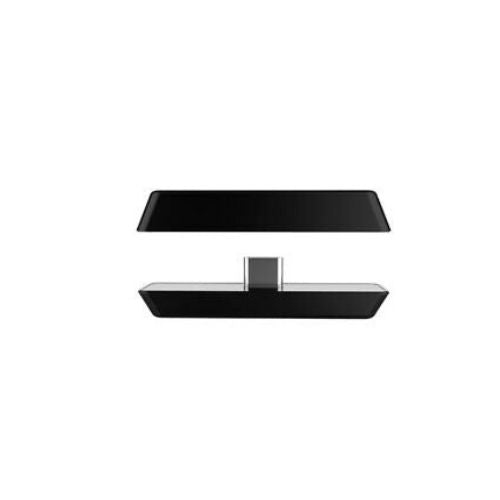
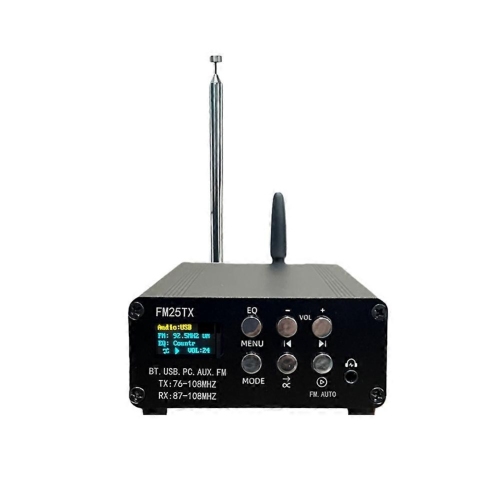
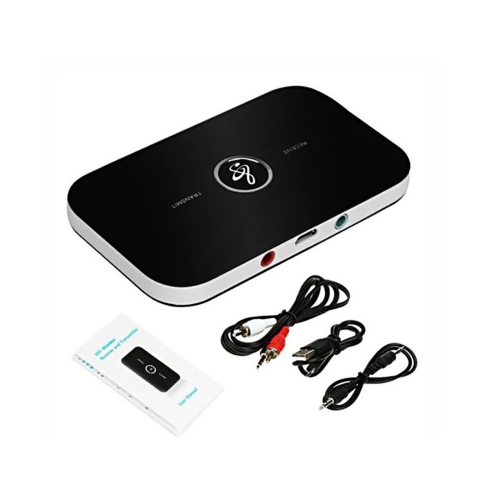
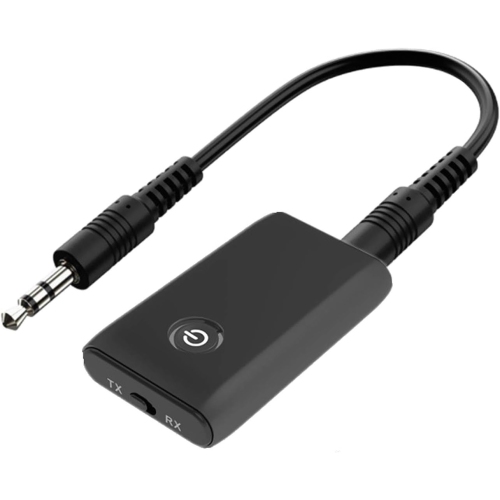
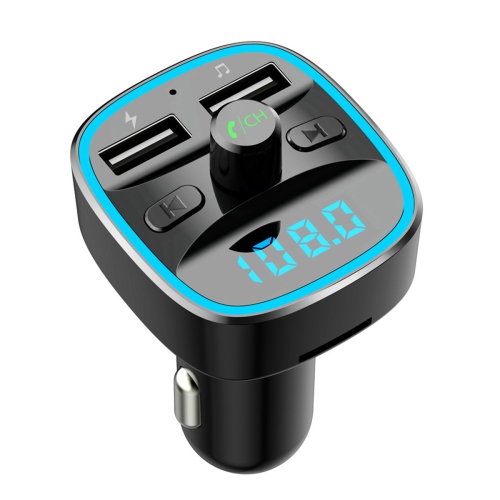
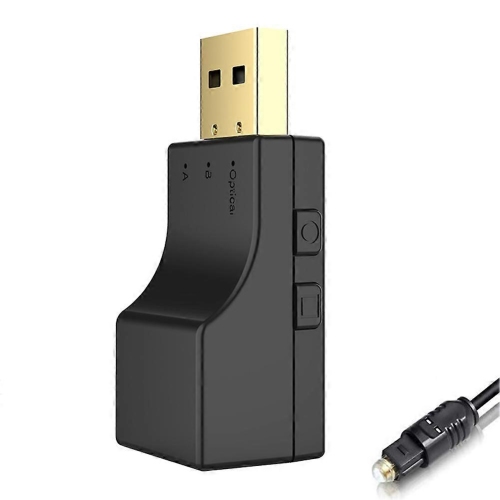
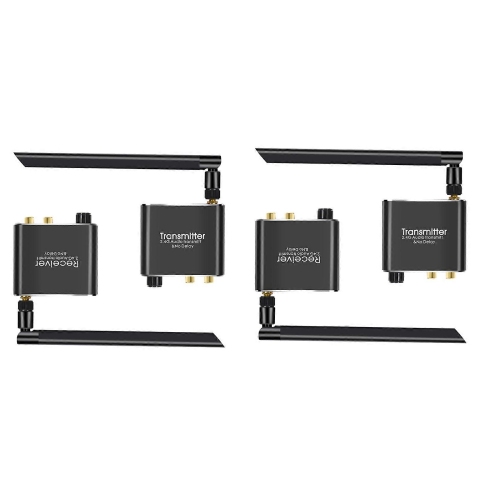
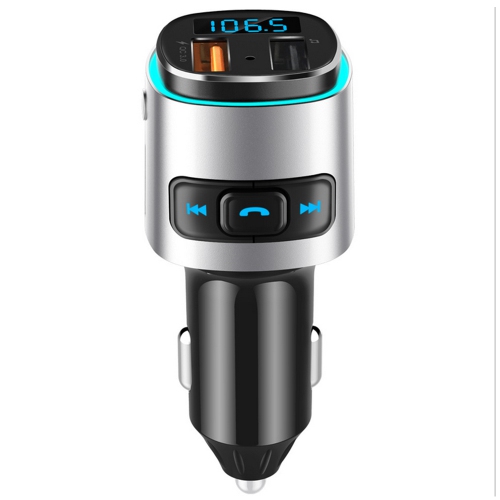
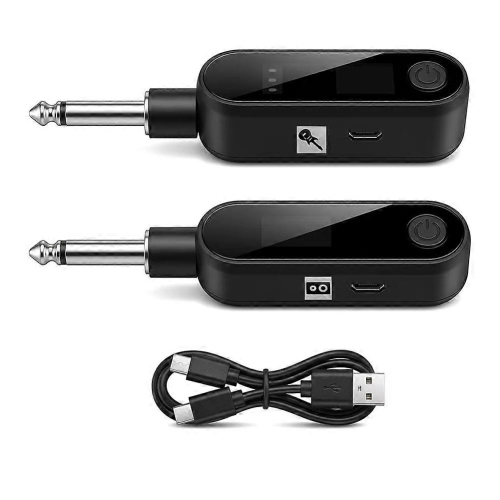
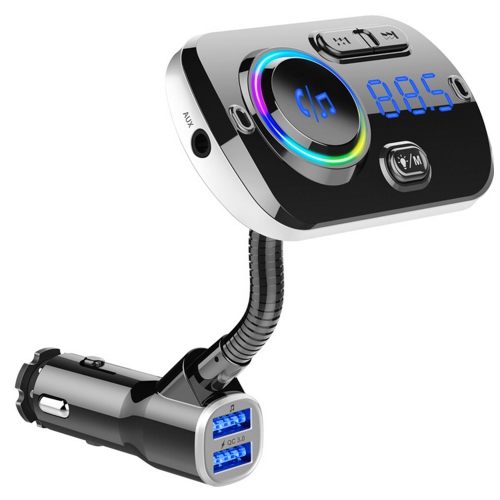
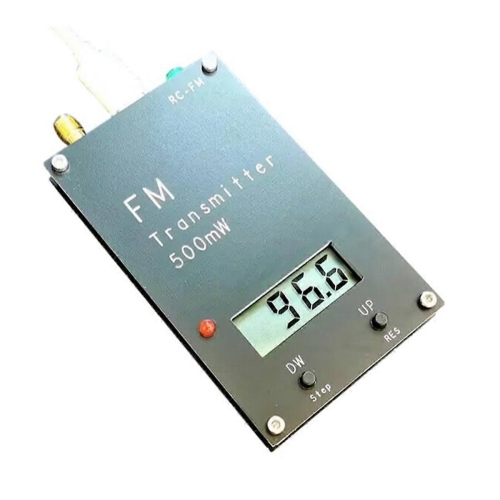
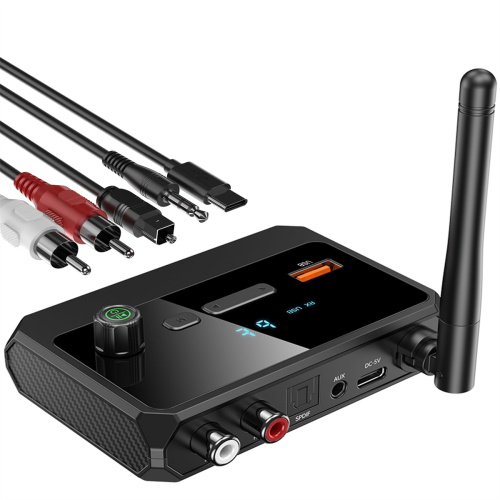
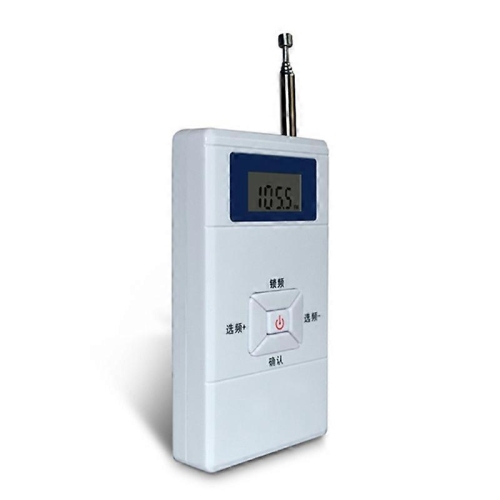
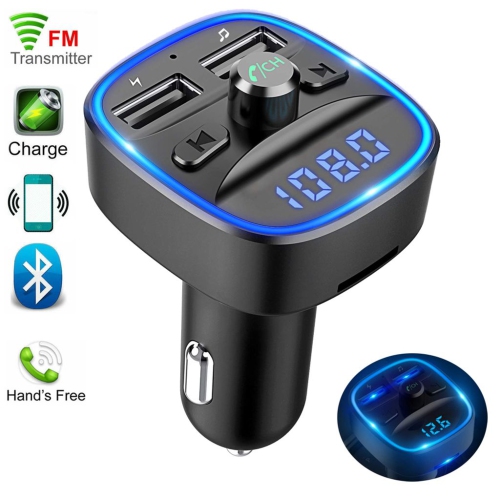
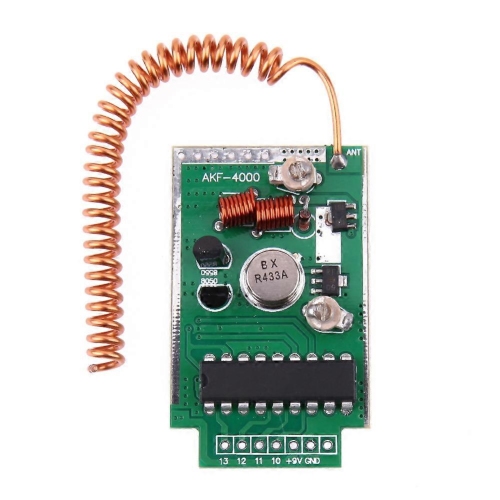
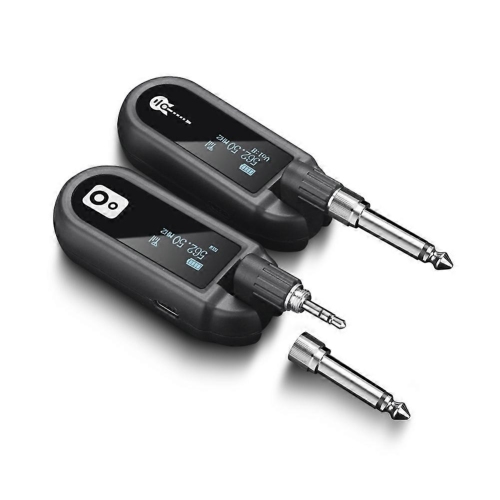
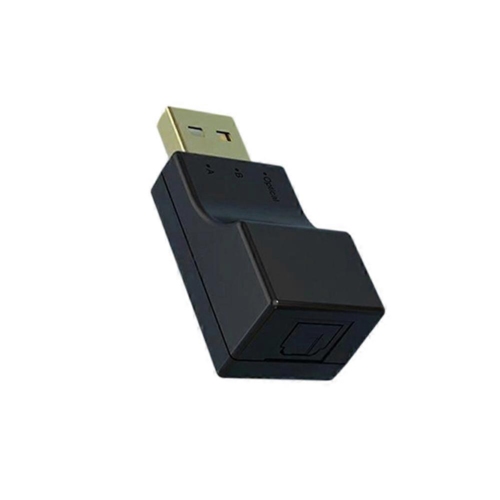
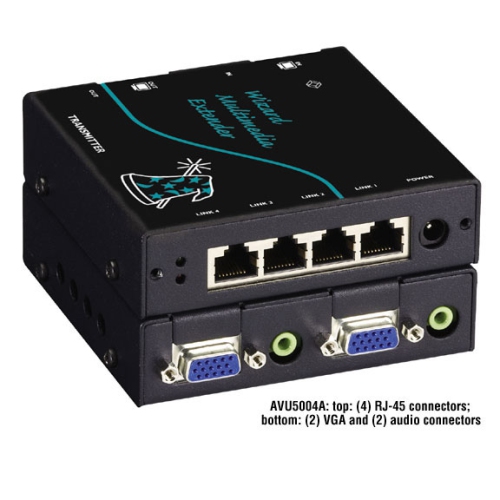
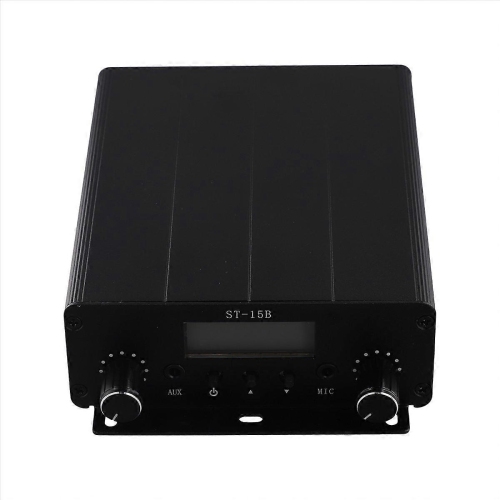
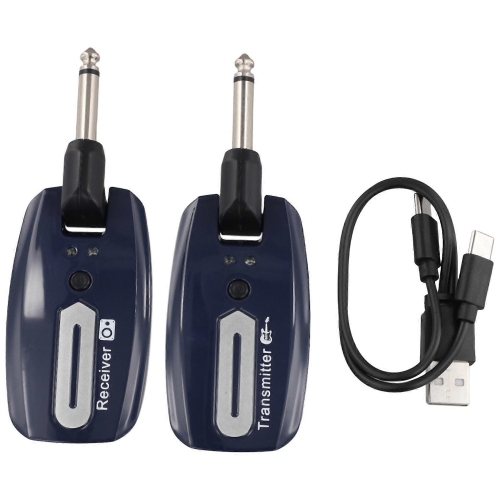
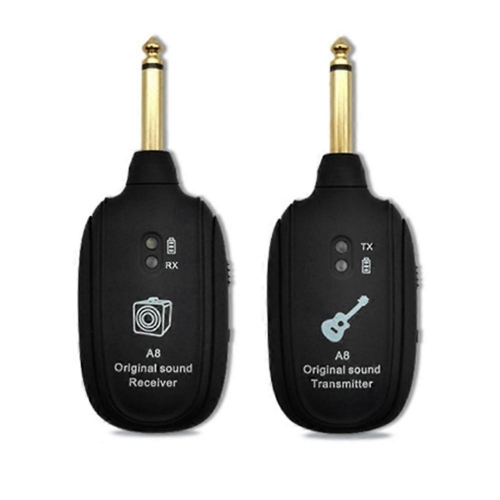
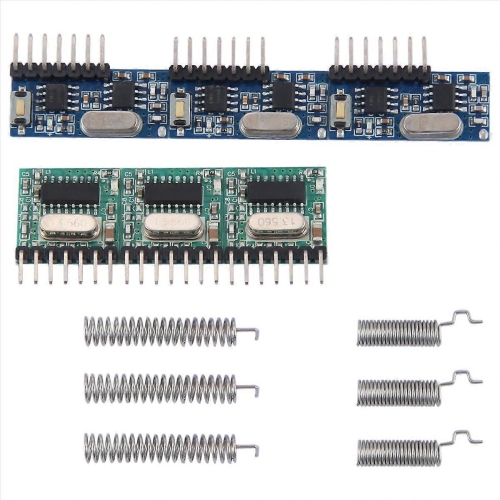
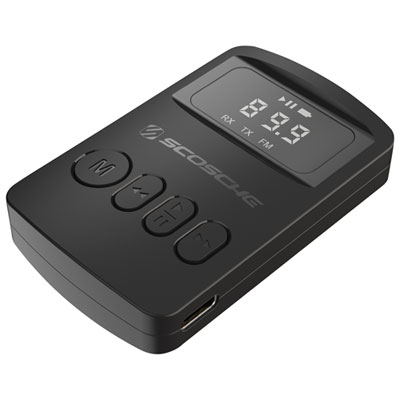
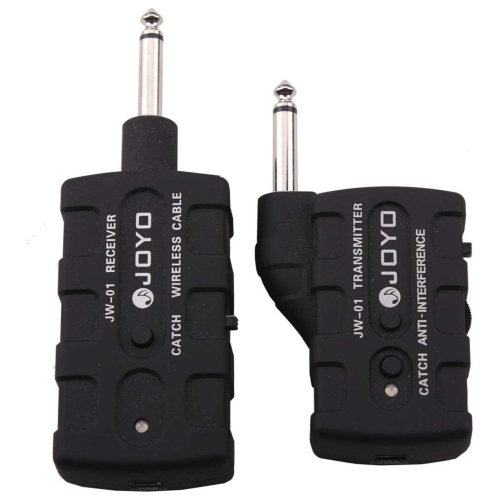
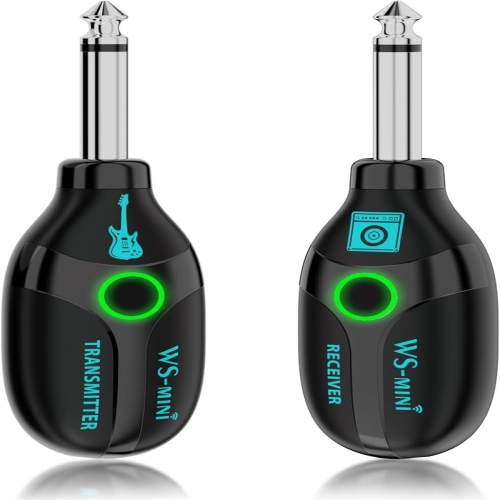
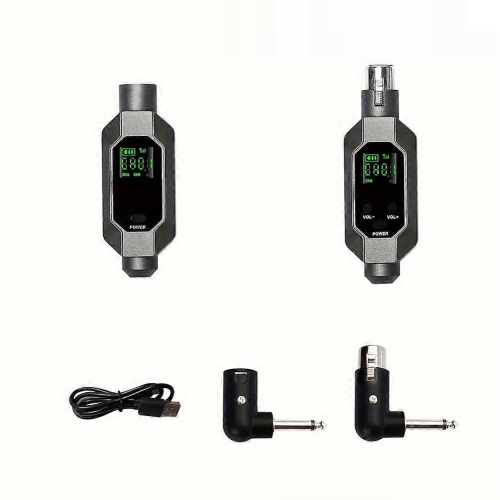
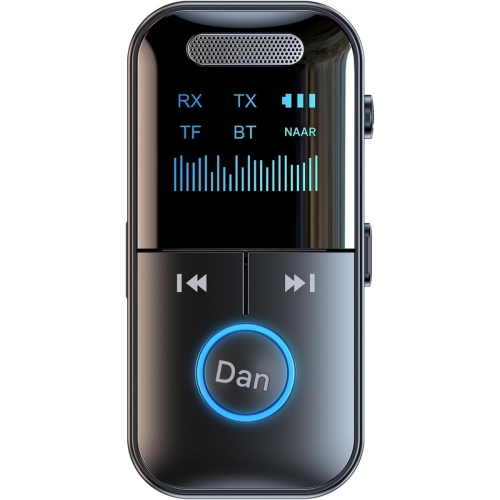
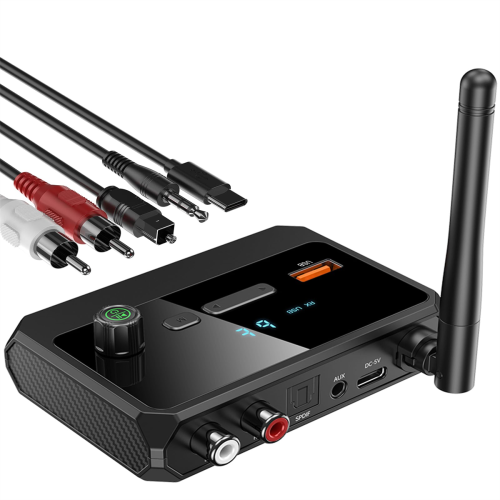
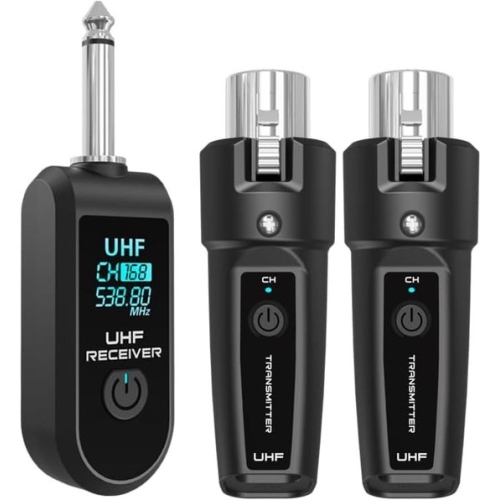
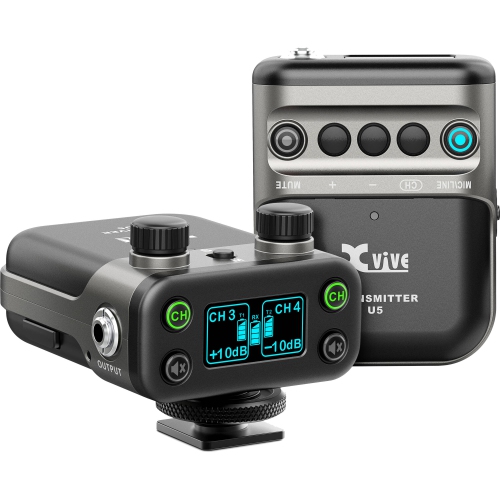
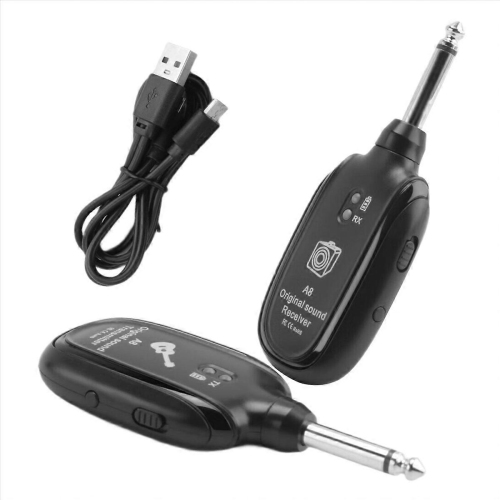
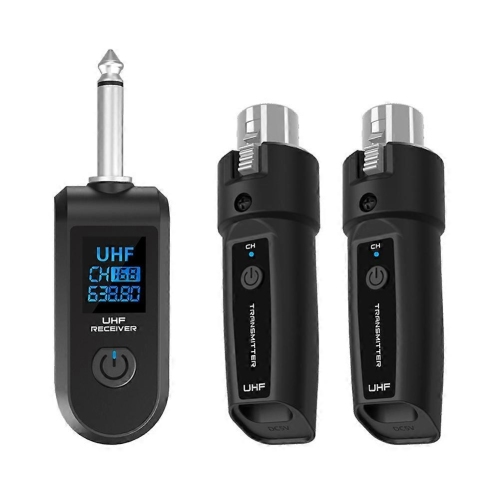
The right wireless connection takes more than matching plugs
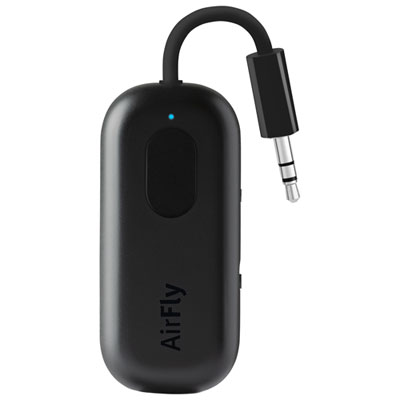
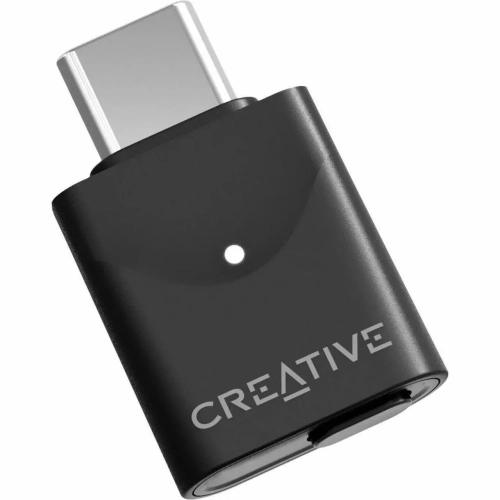
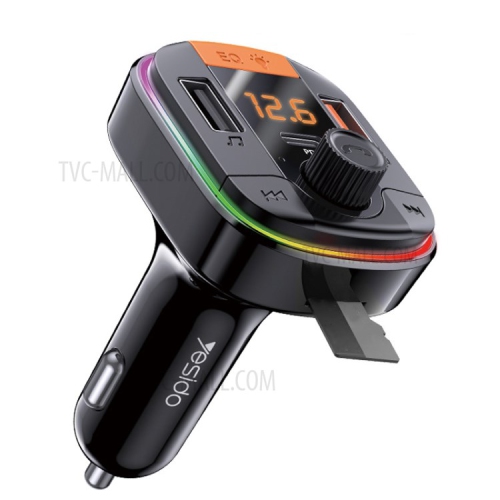
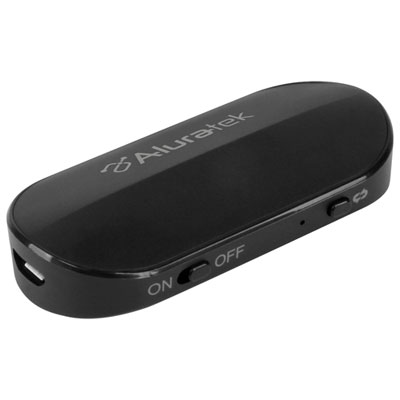
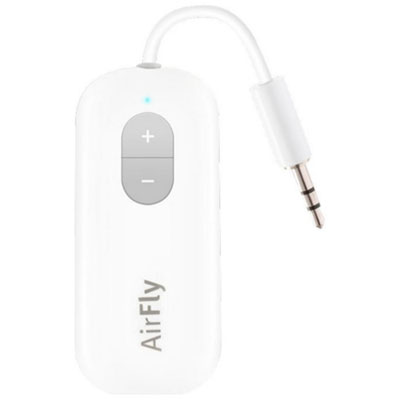
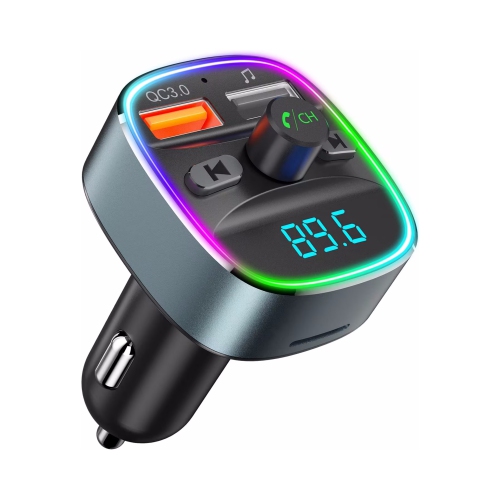
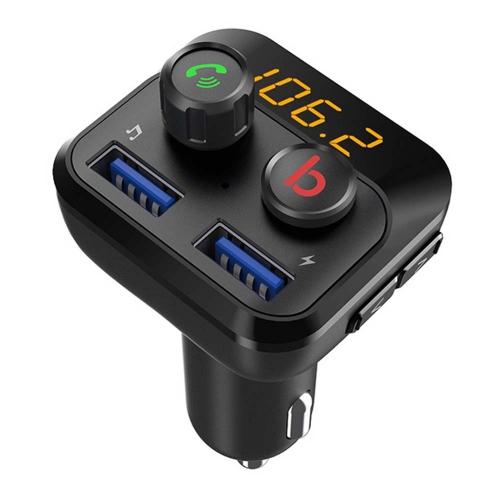
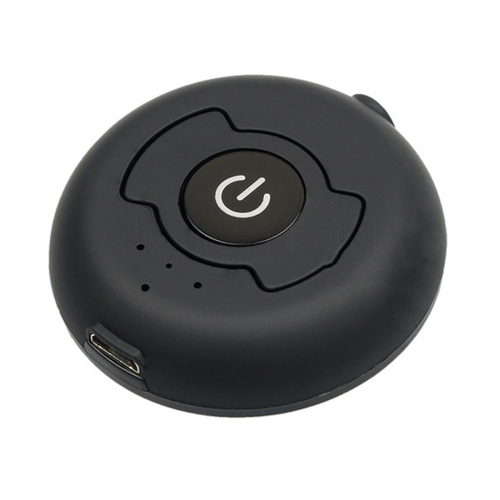
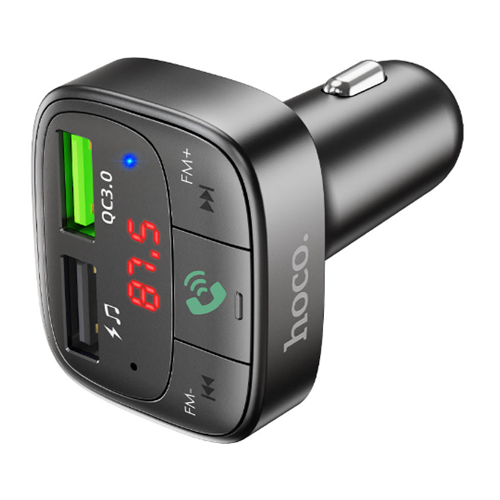
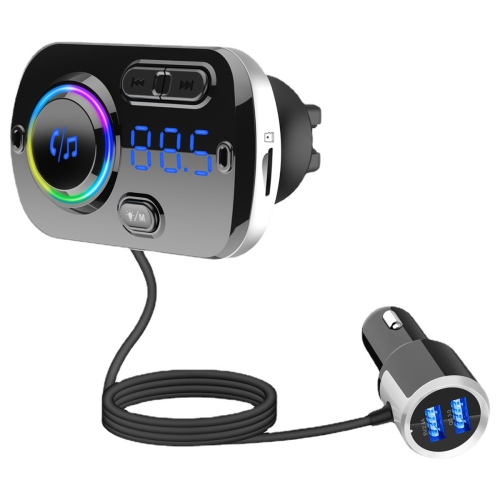
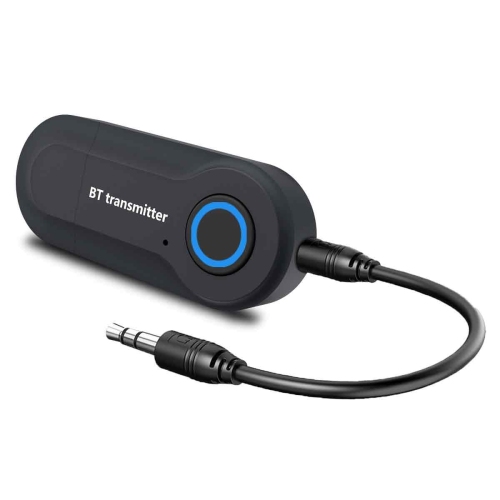
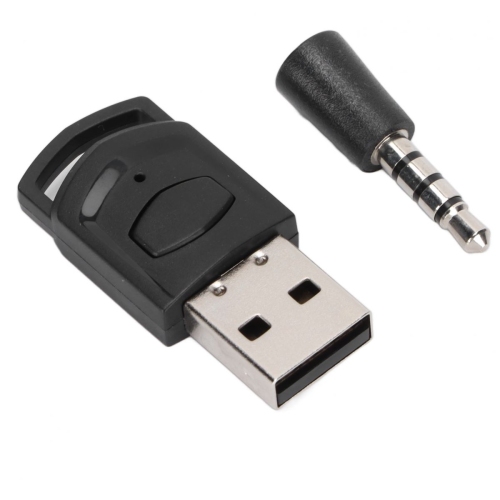
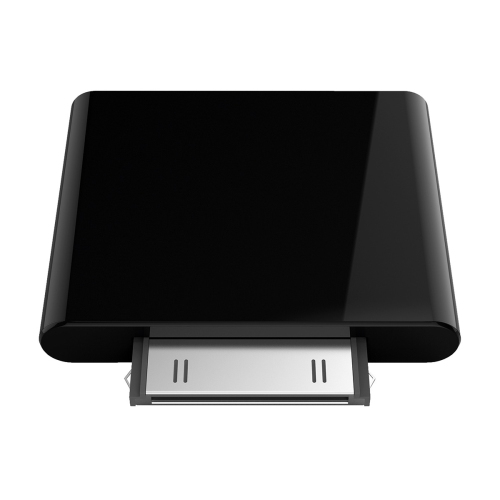
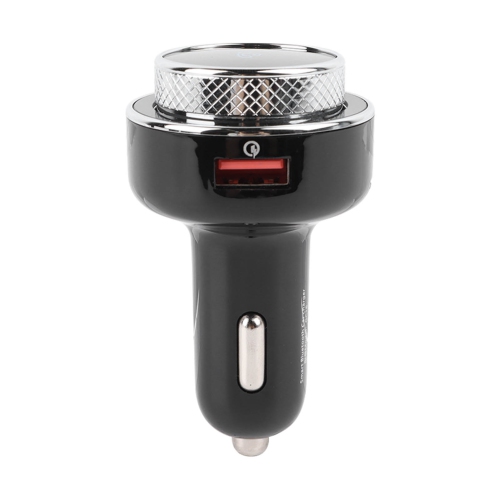
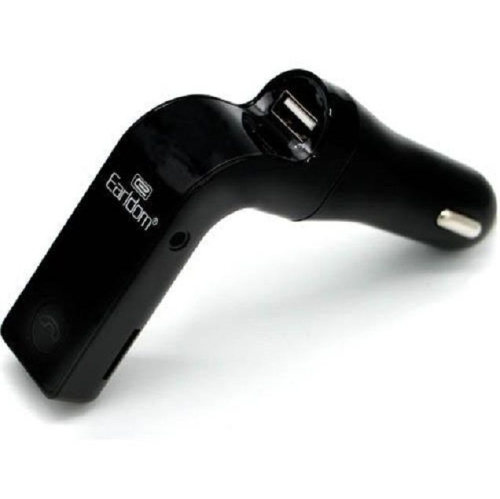
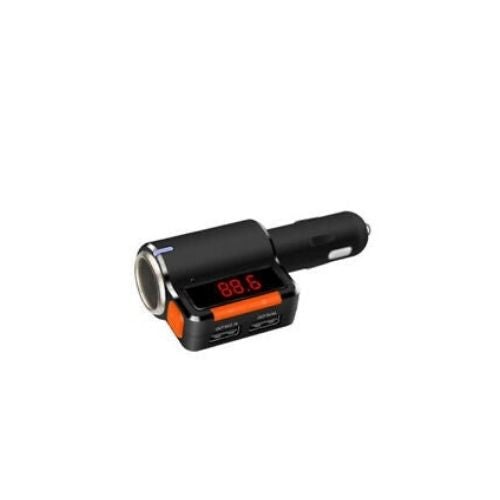
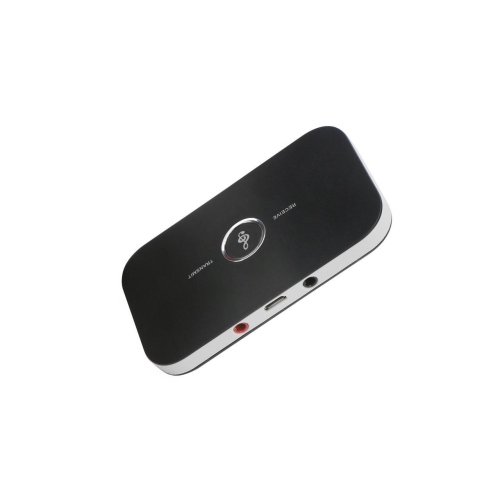
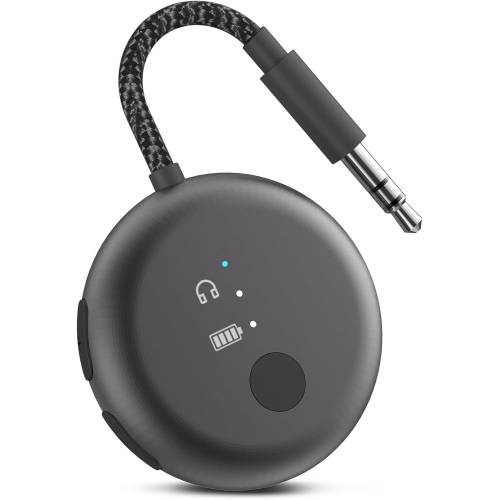
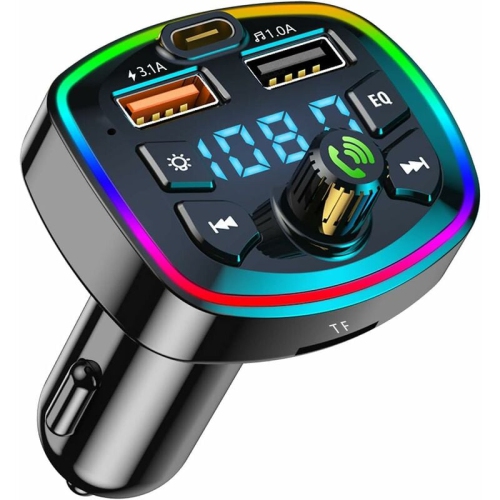
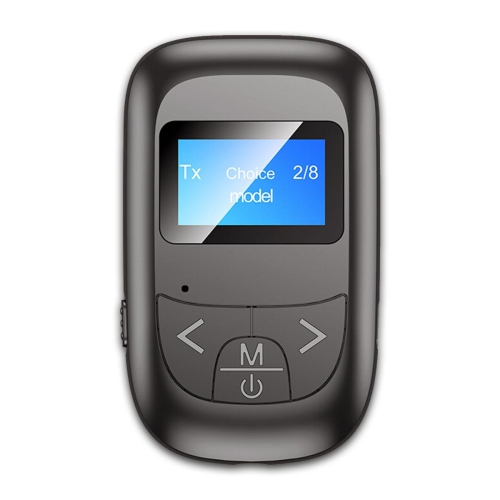
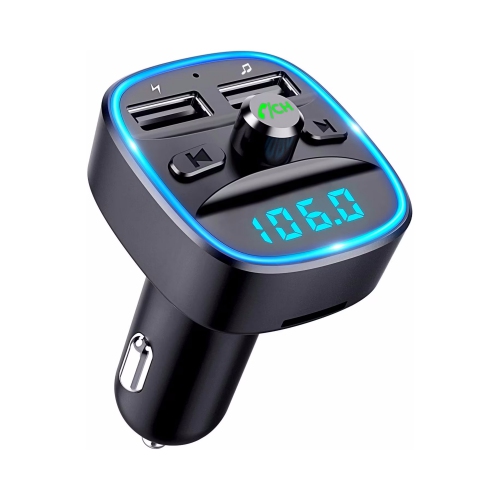
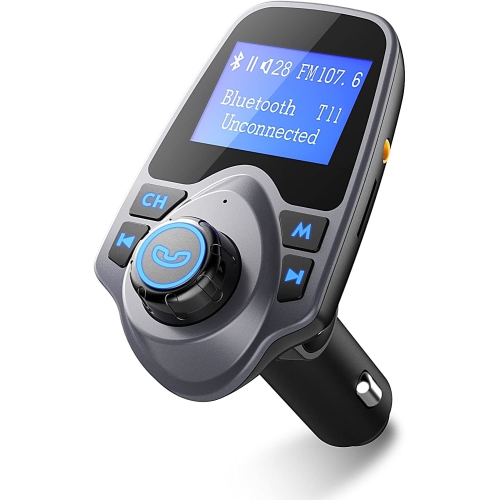
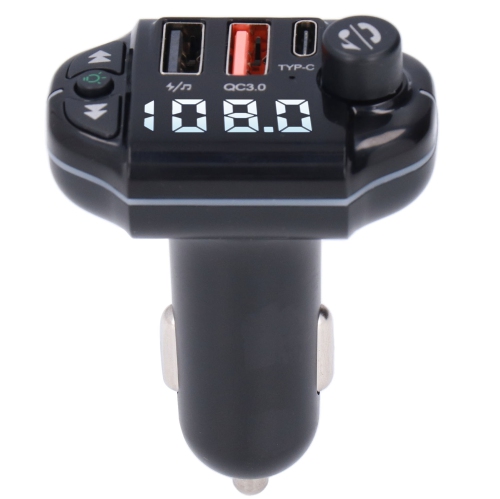
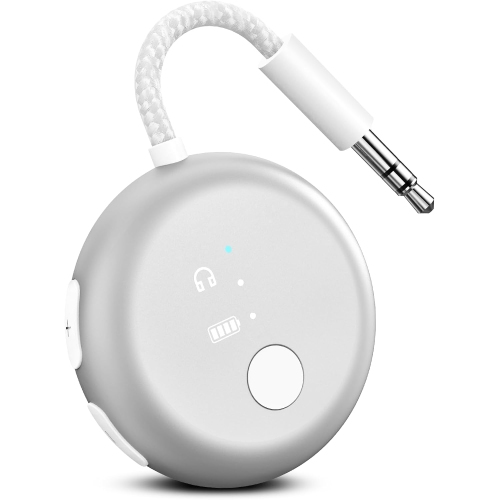
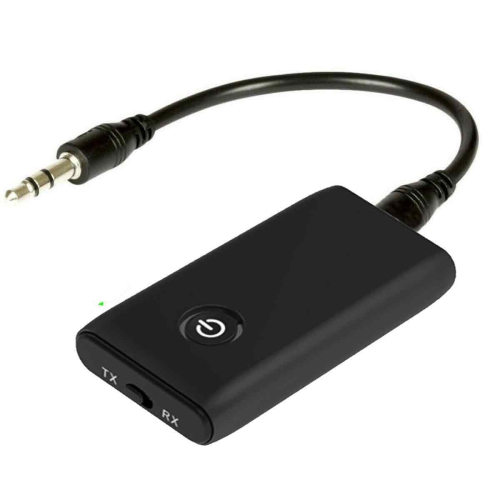
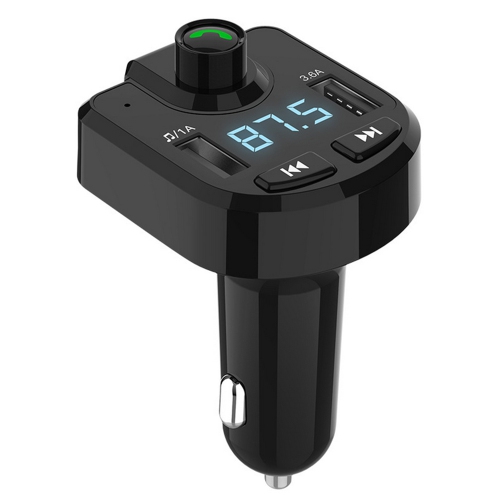
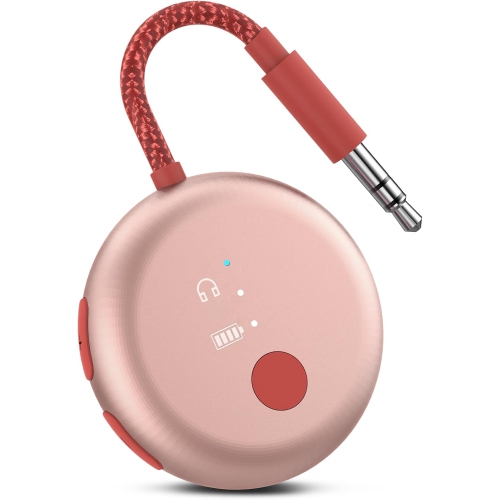
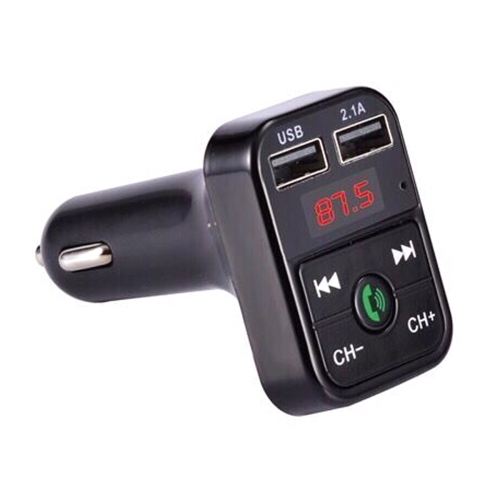
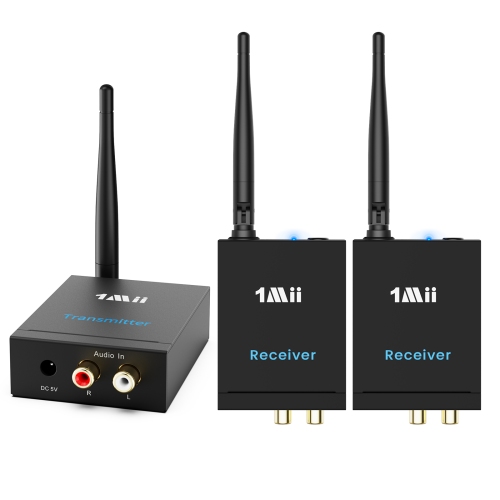
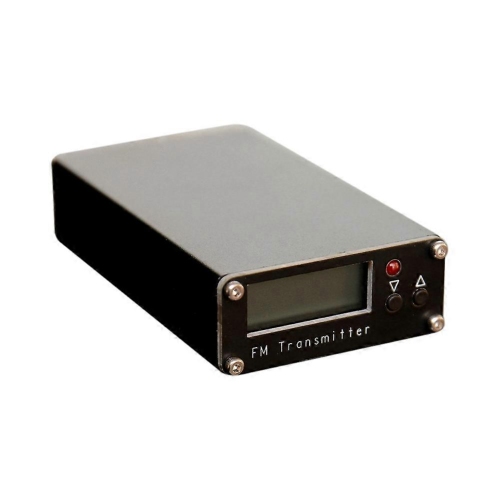
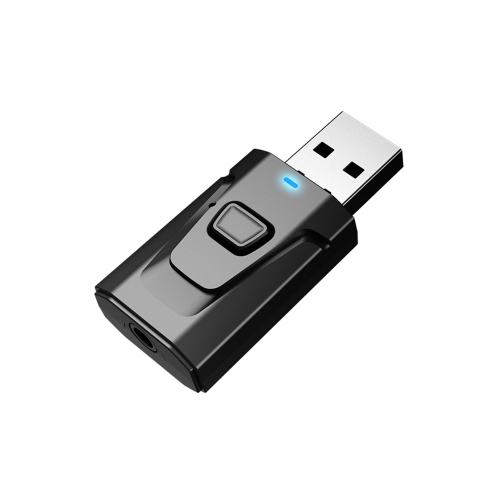
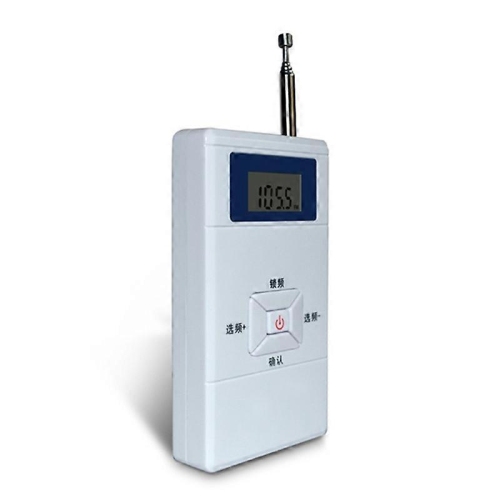
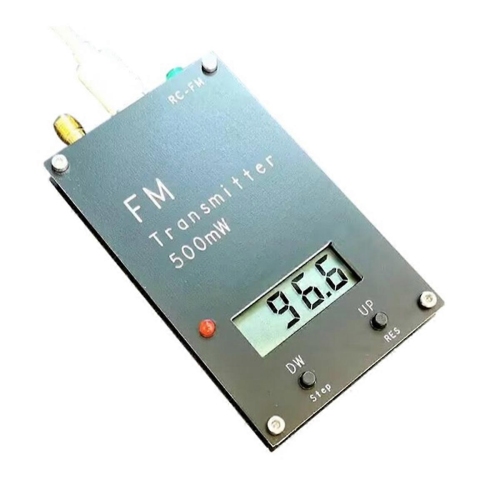
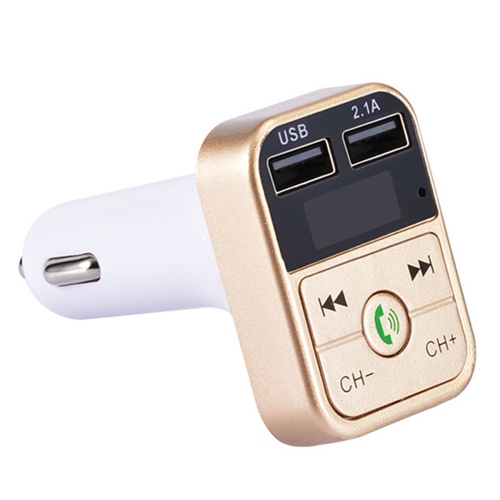
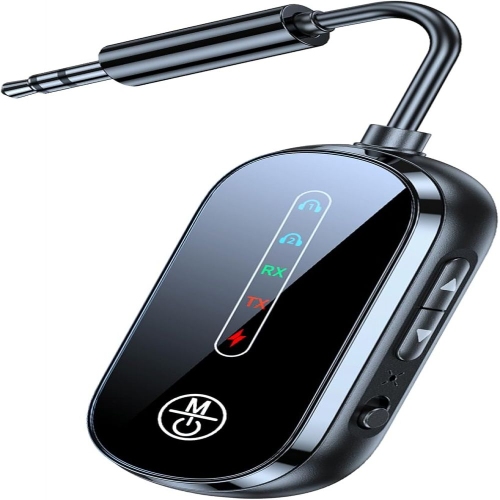
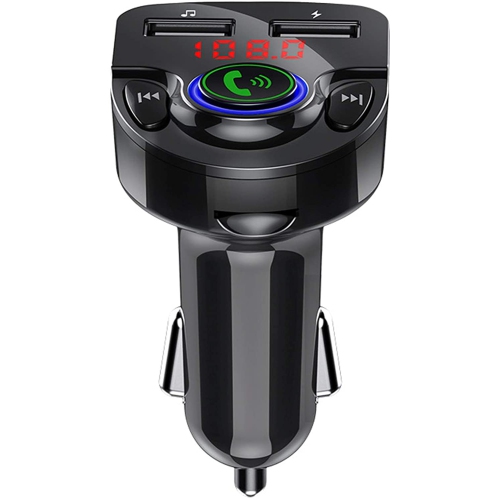
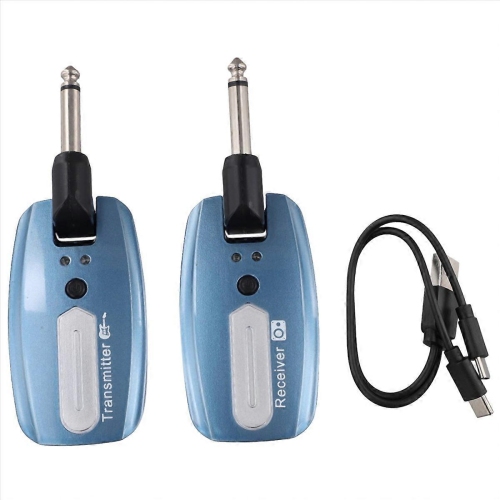
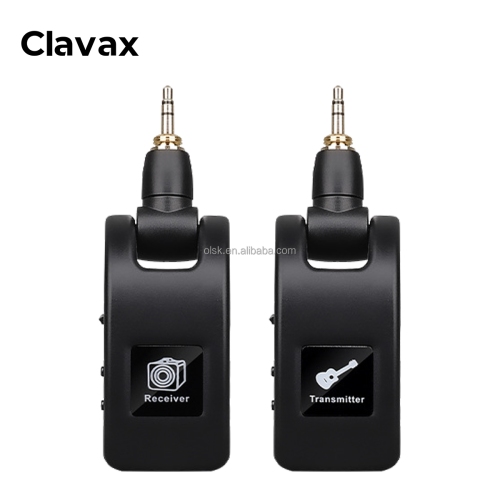
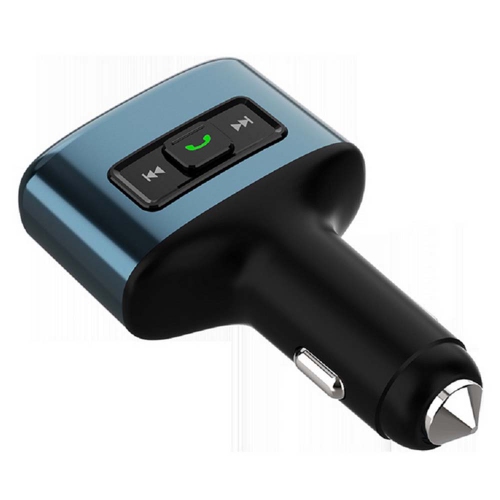
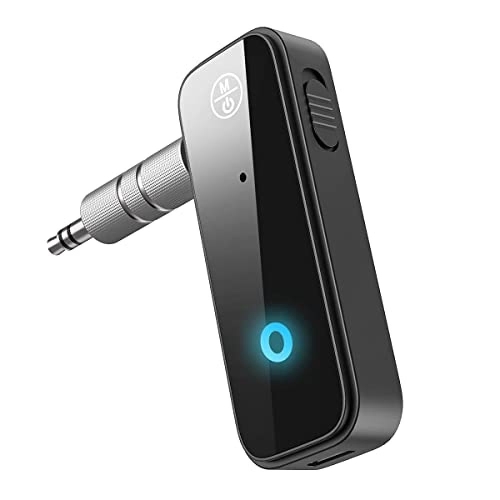
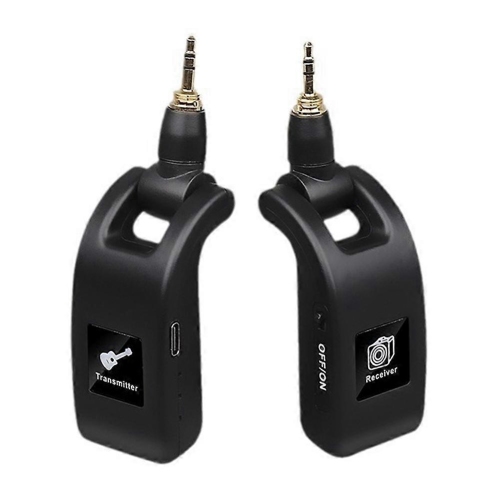
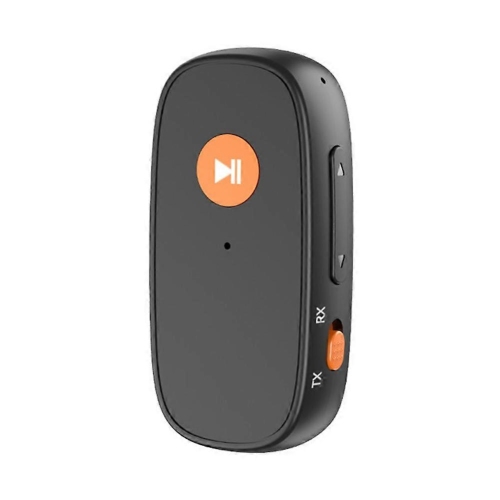
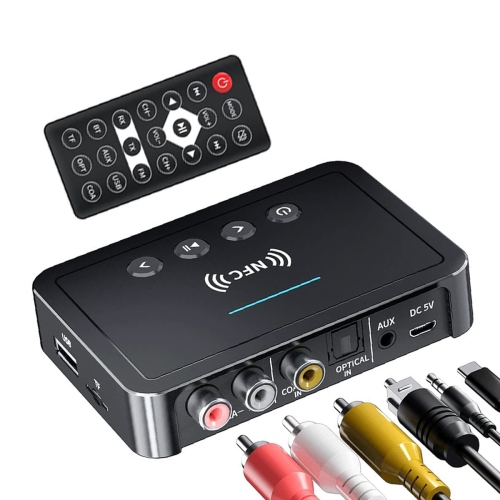
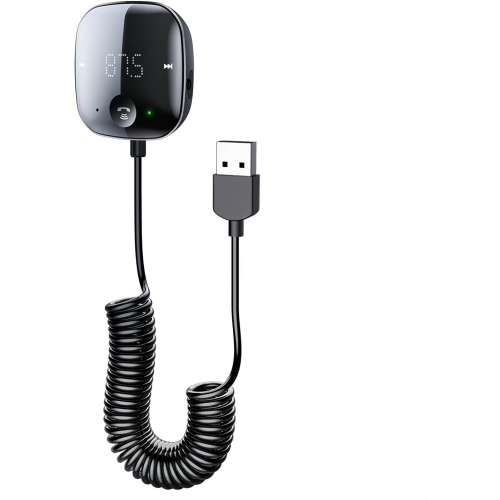
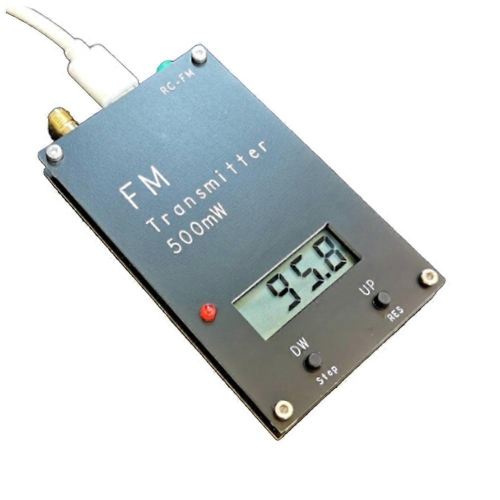
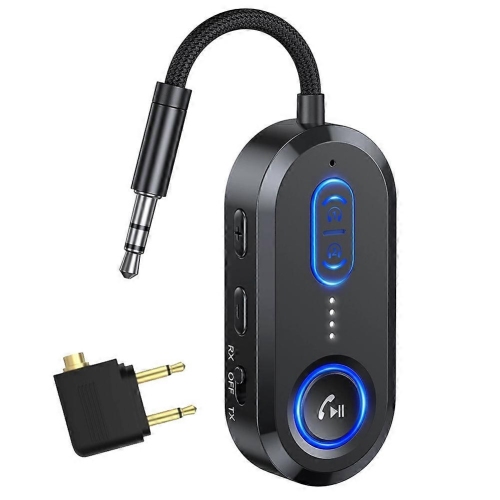
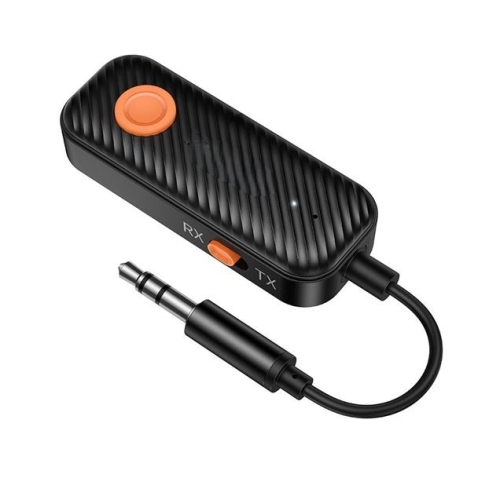
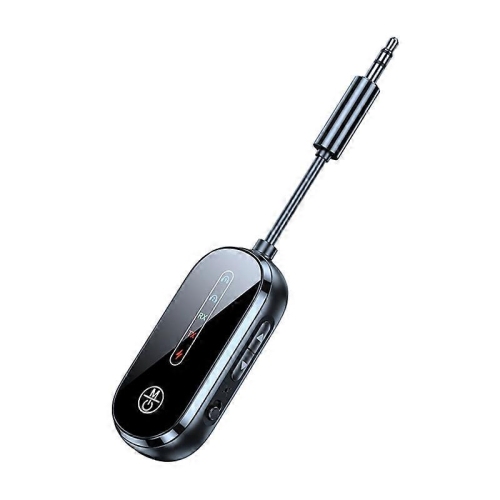
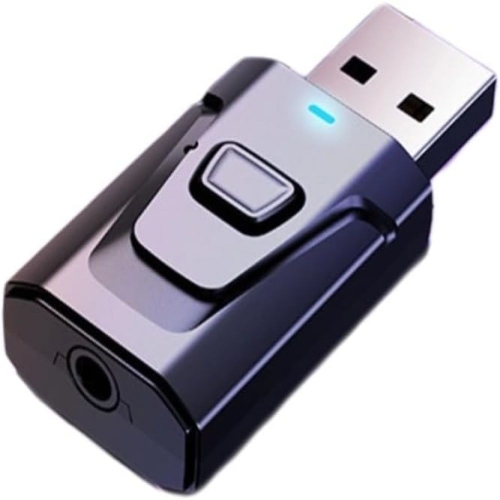
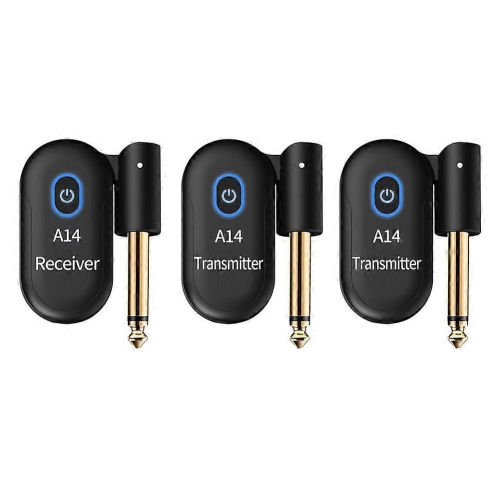
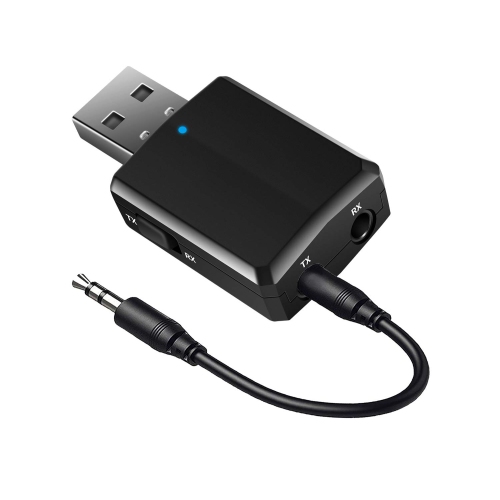
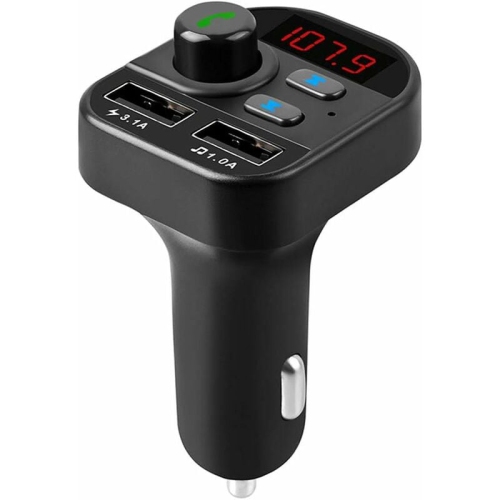
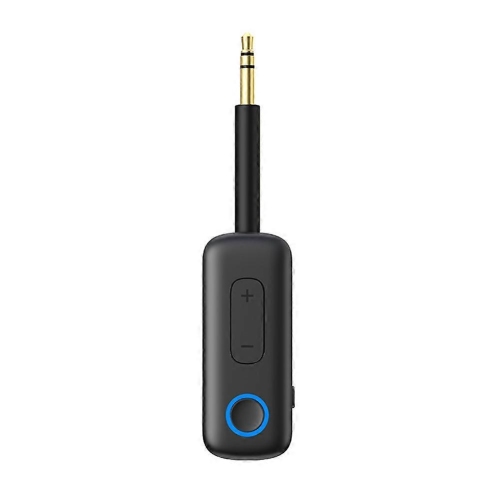
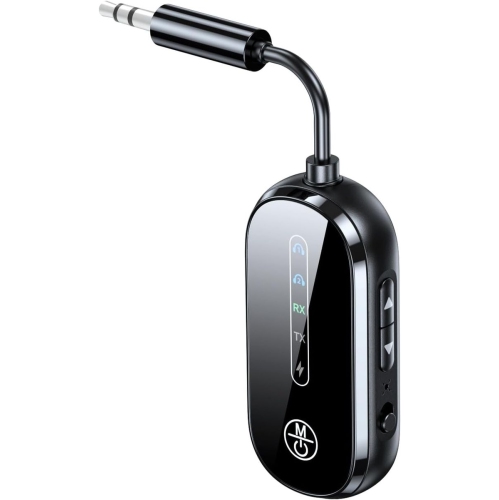
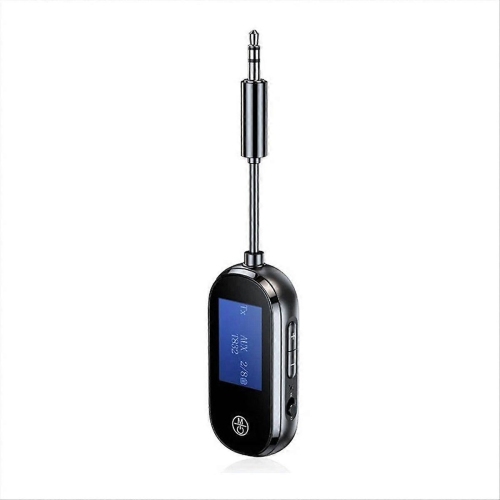
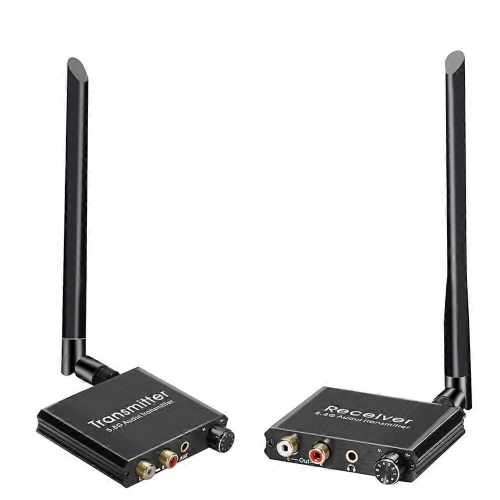
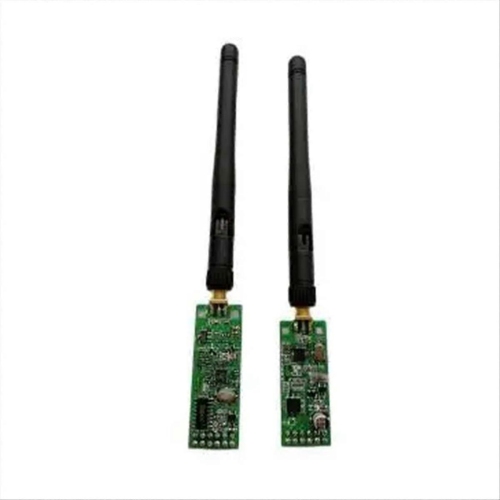
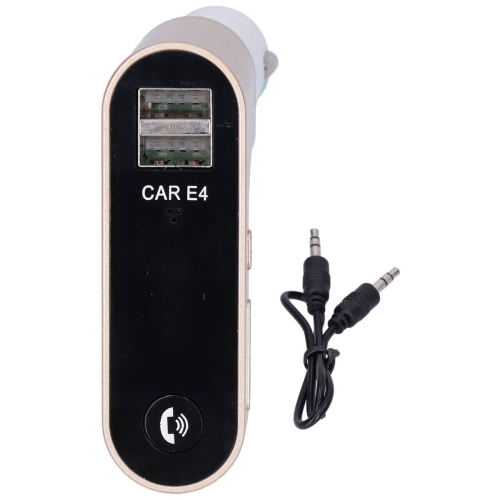
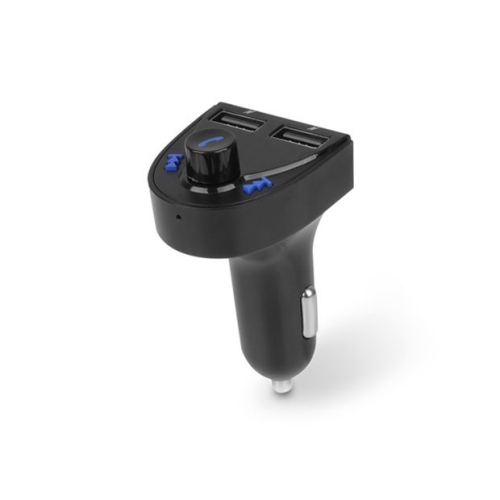
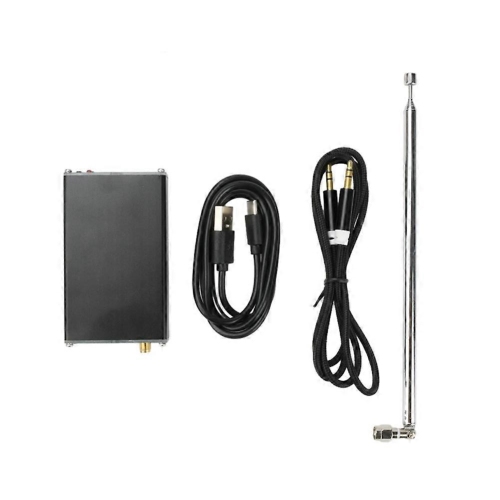
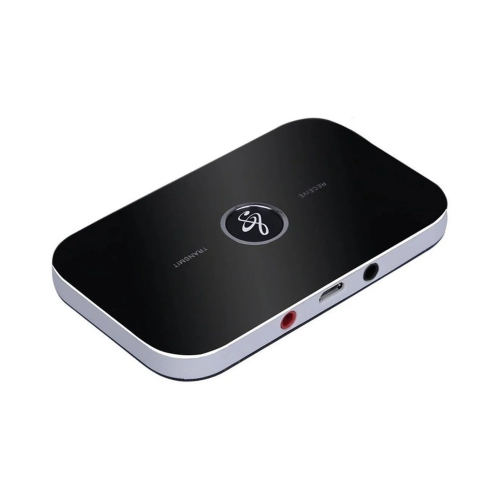
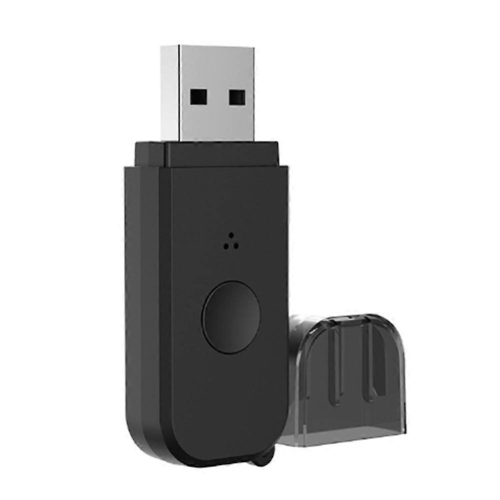
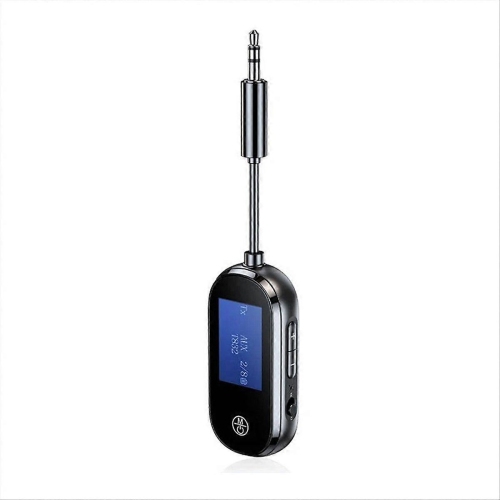
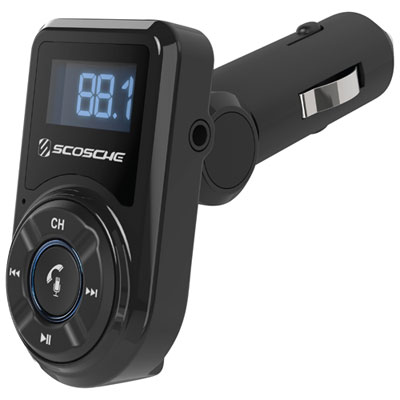
Wireless transmitters send audio, video, data, or control signals through the air from a source device to a compatible receiver, reducing the need for a cable between those two points. Their purpose depends on the signal being carried: an audio transmitter can connect a television to wireless headphones, an HDMI transmitter can send a picture to a separate display, and a microphone transmitter can carry a voice or instrument signal to a sound system. Although these devices share a name, they are not interchangeable. The source connection, transmission technology, and receiving equipment all need to work together. For listening setups, the Wireless Transmitter Bluetooth collection focuses on sending audio to compatible Bluetooth equipment. This type of connection can be useful when watching television without disturbing someone nearby, listening to a stereo through wireless headphones, or connecting an older audio source to a Bluetooth speaker. Common source connections include a 3.5 mm headphone socket, RCA audio outputs, and optical digital audio, while USB may provide power, audio, or both, depending on the device. A matching connector alone does not guarantee compatibility; an optical connection, for example, may require the television to output a supported audio format such as stereo PCM. Transmitter mode sends a signal, whereas receiver mode accepts one, and devices offering both functions generally switch between them rather than performing both at once. Audio delay also matters. A small delay may go unnoticed during music playback but become distracting when dialogue no longer matches movement on screen. Lower-latency audio requires compatible support at both ends of the connection, not just at the transmitter. Some audio transmitters support two pairs of headphones, which can suit shared television viewing, though supported features may differ when two listeners are connected. Volume control is another practical detail: a headphone output may follow the source device’s volume setting, while a fixed-level audio output usually leaves volume adjustment to the receiving headphones or speaker. These differences shape how naturally a wireless transmitter fits into an everyday listening routine.
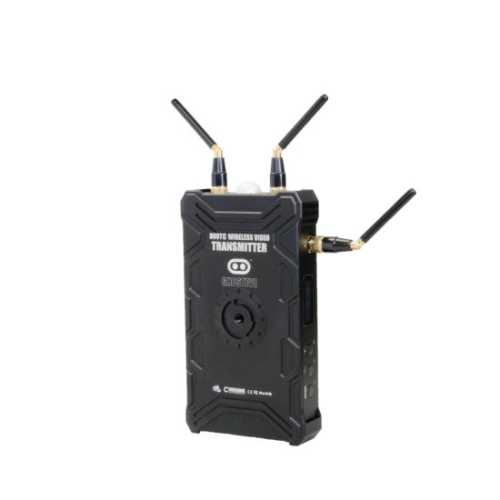
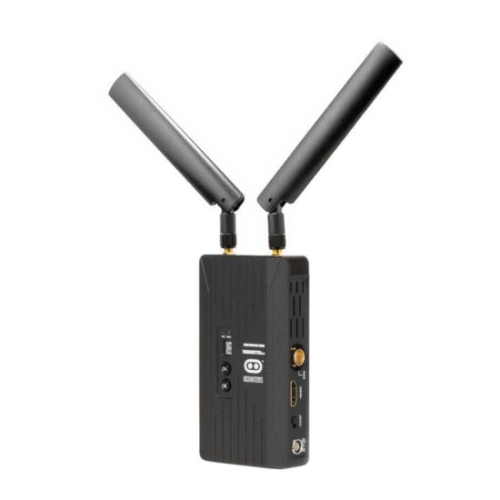
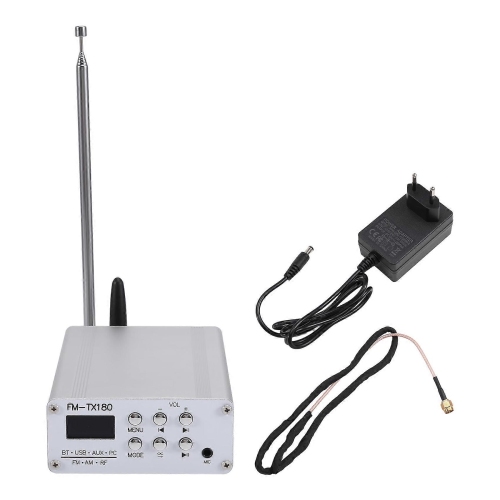
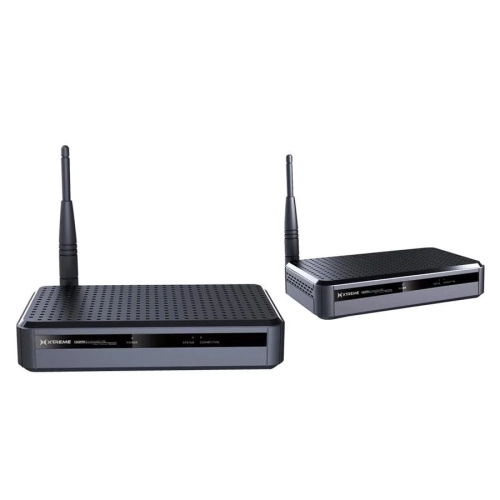
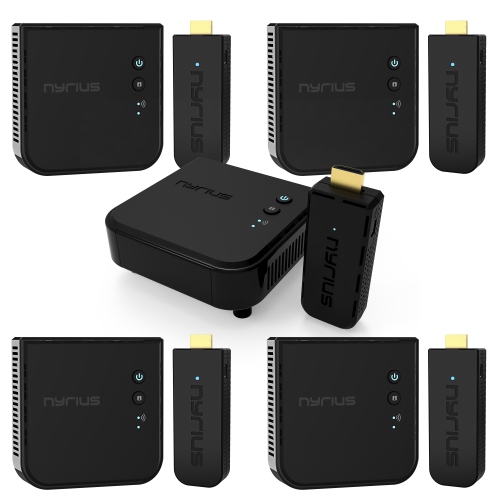
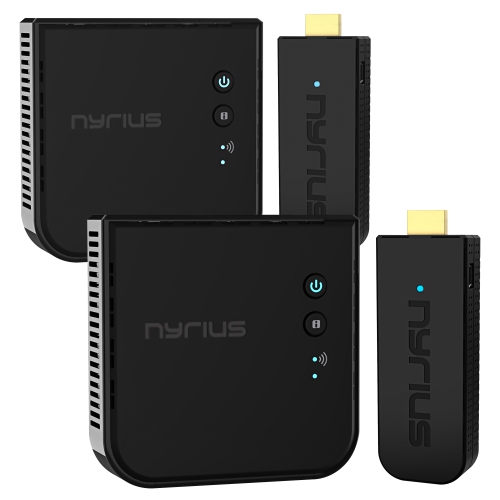
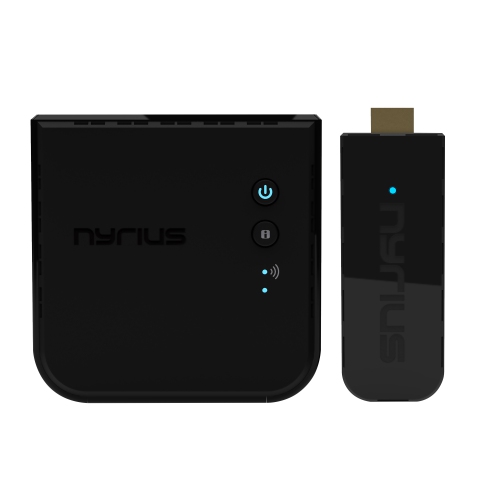
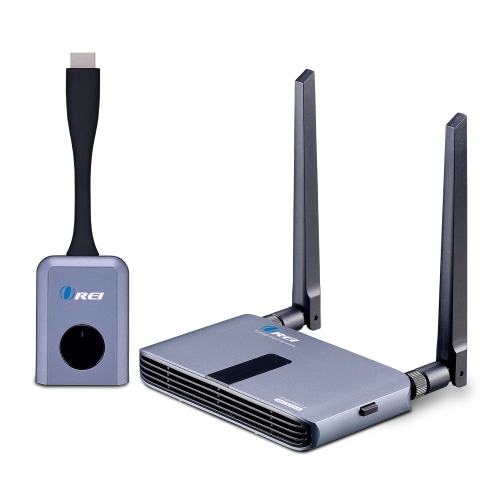
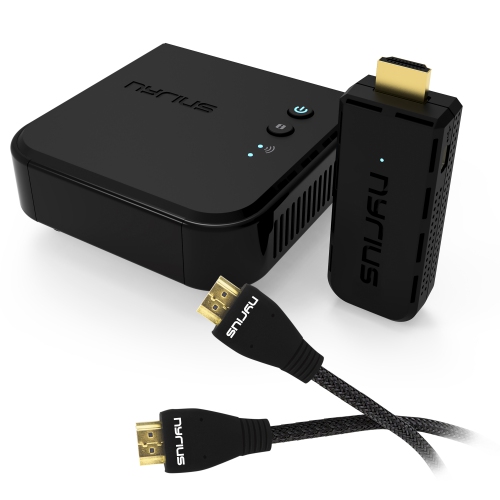
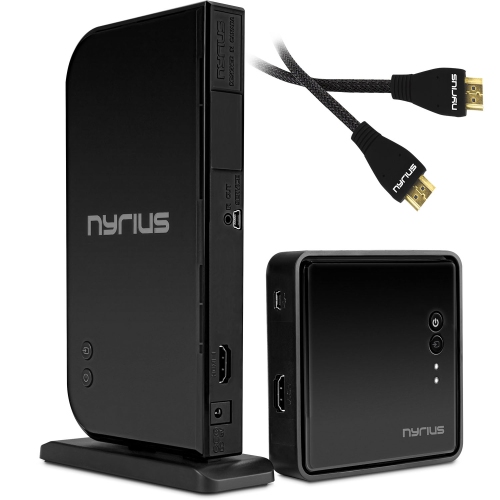
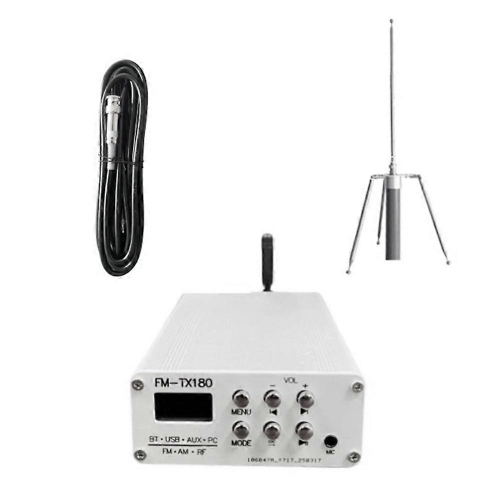
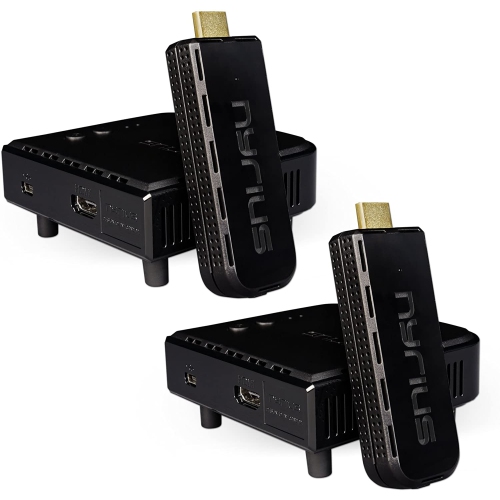
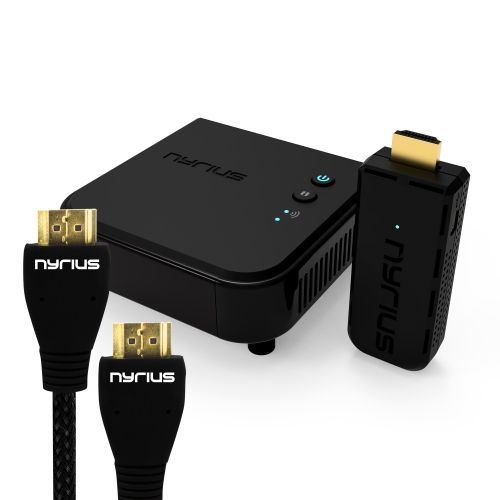
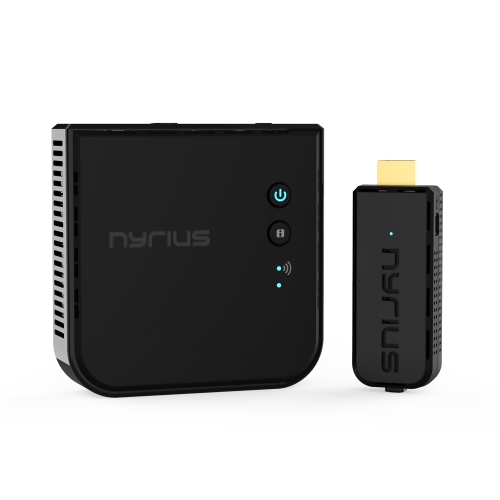
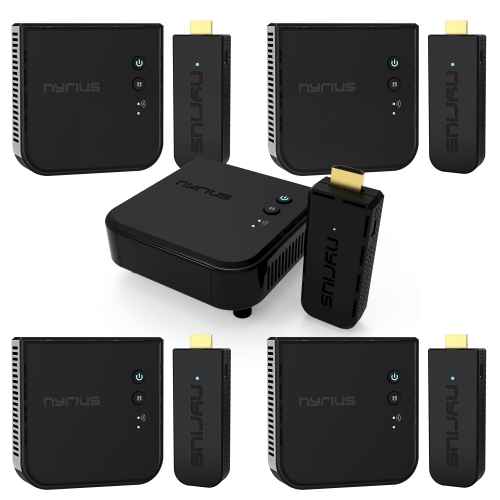
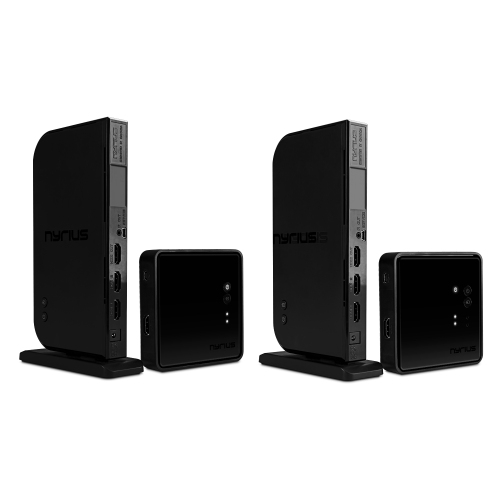
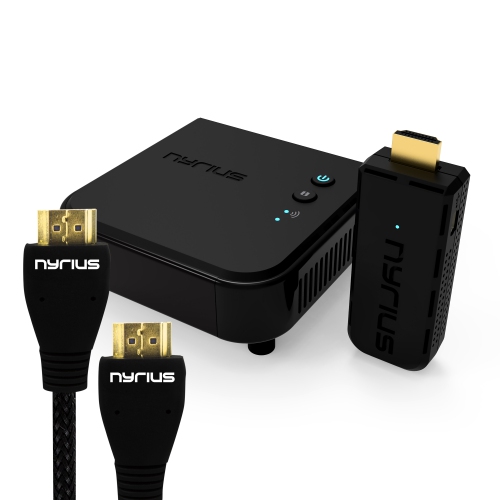
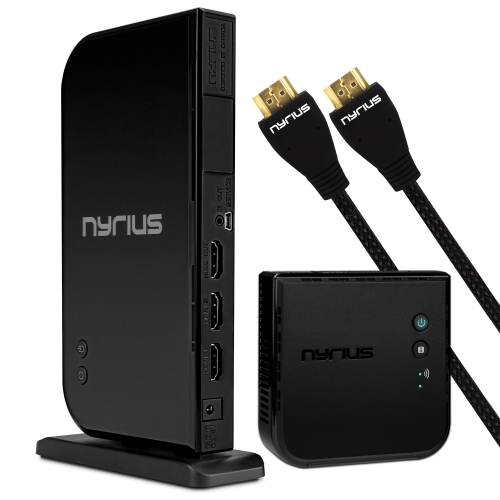
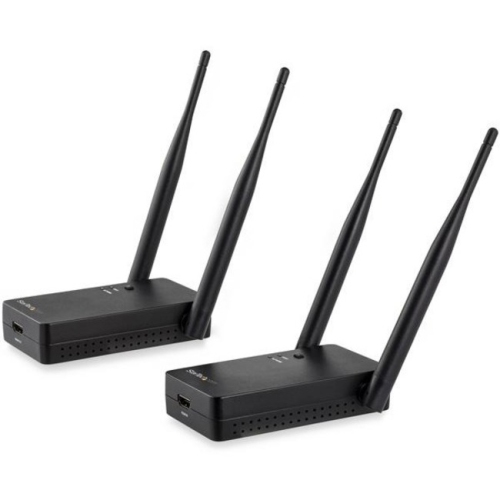
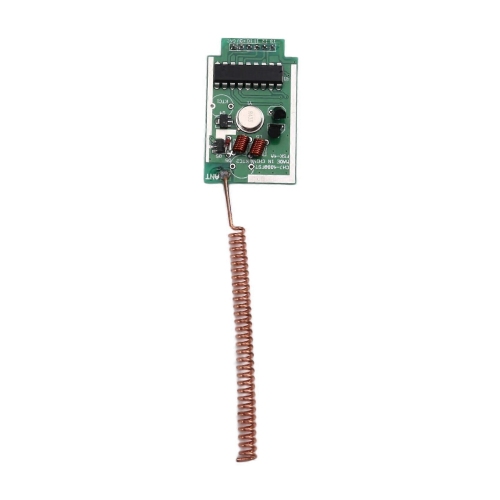
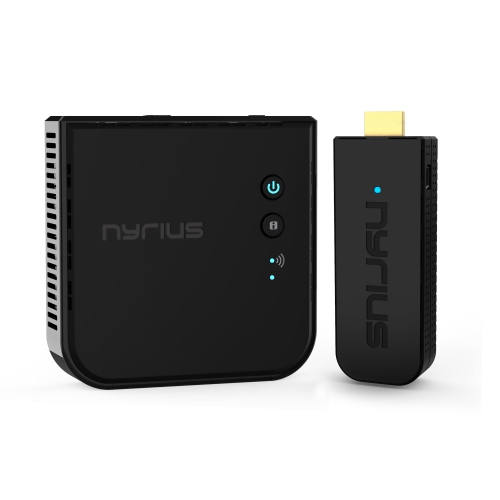
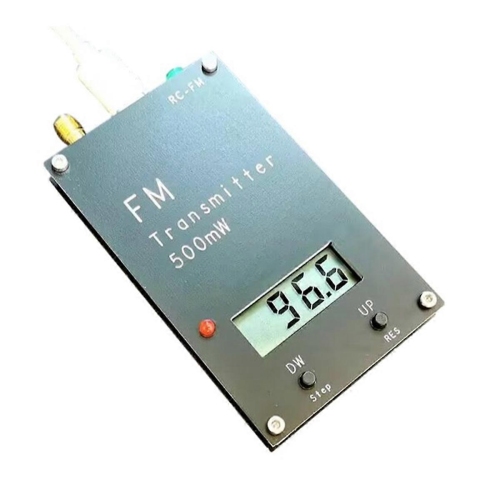
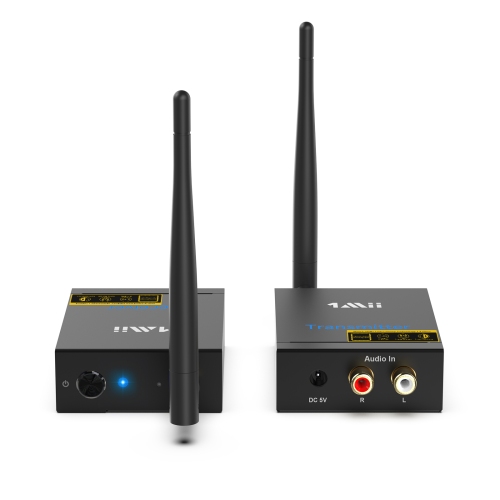
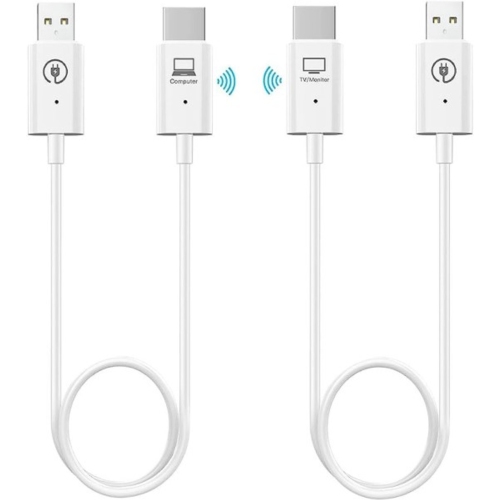
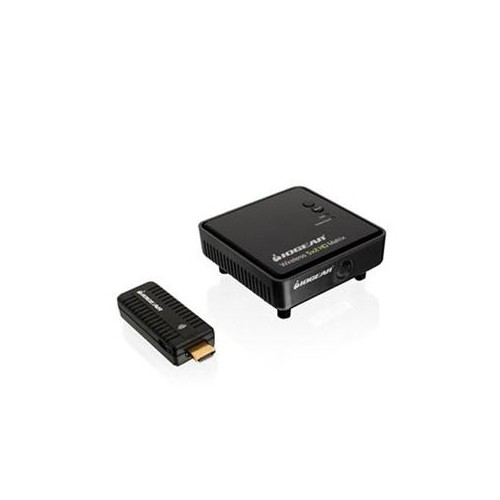
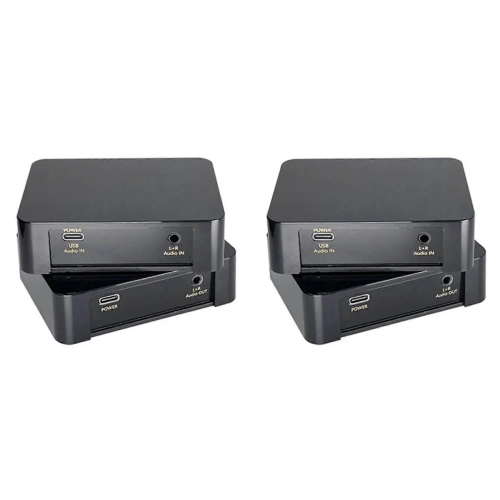
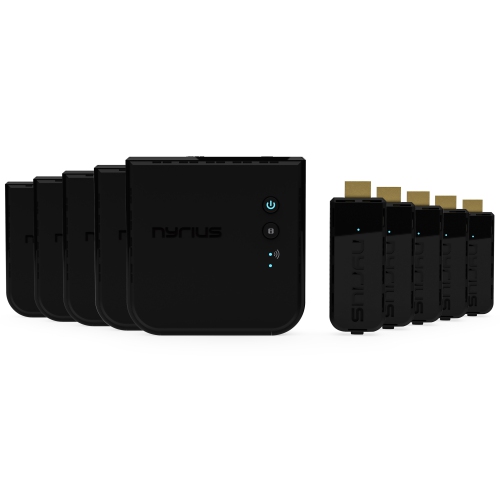
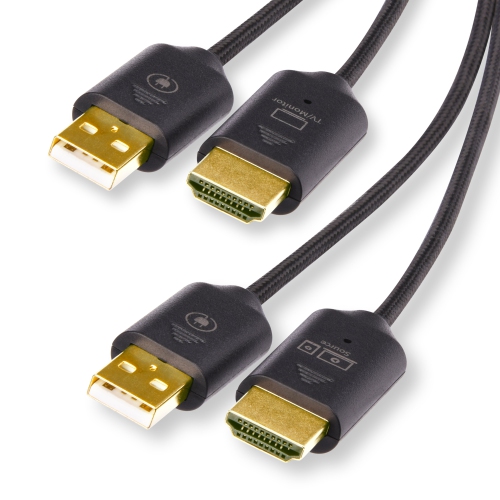
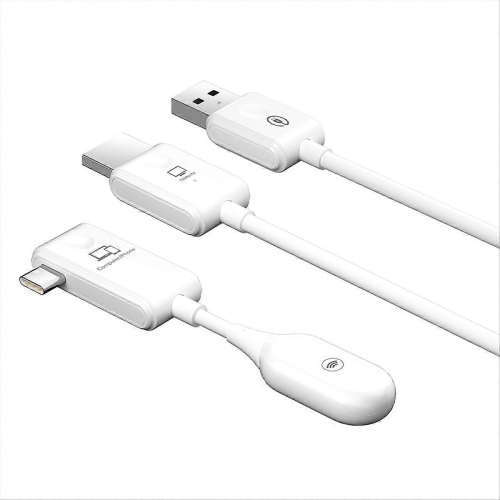
Wireless video transmitters serve a different purpose, carrying a picture and usually accompanying audio from a source to a receiving display. A typical wireless HDMI setup uses a transmitter connected to the source device and a receiver connected to the television, monitor, or projector. It can make sense in a living room where a media source sits across from a wall-mounted screen, in a meeting room where a presenter needs access to a shared display, or in a recording space where a camera feed is viewed from another position. The wireless link replaces the cable run between transmitter and receiver, but short connection cables and a power supply may still be needed at each end. Resolution, refresh rate, supported audio formats, and compatibility with protected content all affect the experience. Support for a particular video resolution does not necessarily mean support for every refresh rate or display feature associated with that resolution. Similarly, a system suitable for presentations or film playback may introduce too much delay for responsive gaming or live camera monitoring. Advertised transmission distance is best understood alongside the layout of the room. Walls, floors, metal furniture, nearby electronics, and the position of the transmitter and receiver can affect signal reliability, making a clear path between them helpful for many systems. Some wireless video connections operate directly between paired units, while others use a local network; the latter may depend on compatible network equipment and connection quality. Wi-Fi and other radio-based data transmitters also move information wirelessly, but they serve different connection needs from Bluetooth audio or a dedicated HDMI link. For a tidy installation, the physical fit matters as much as the connection standard. A compact transmitter may sit neatly beside a media source, while a larger unit with an external antenna needs clearance behind a display or inside a cabinet. Accessible ports, sufficient ventilation, and space for cables to bend without strain help keep the setup practical after installation.
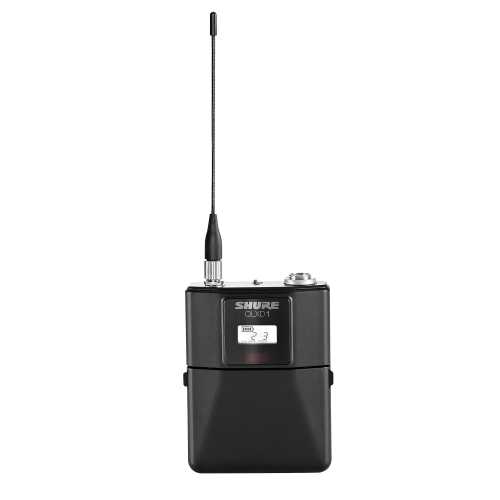
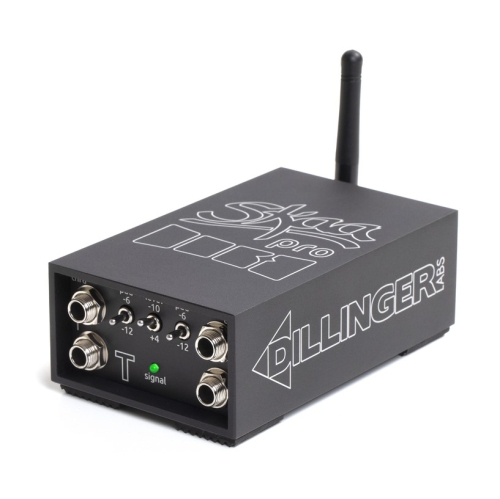
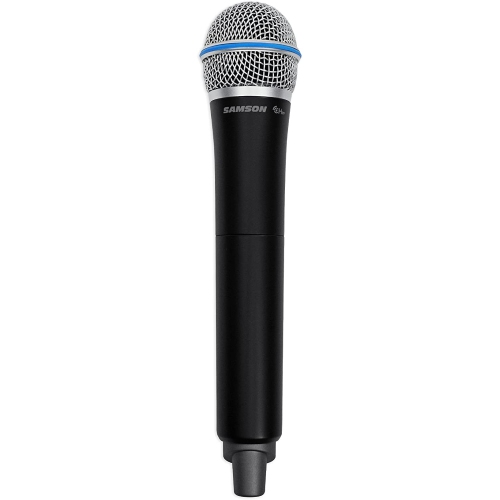
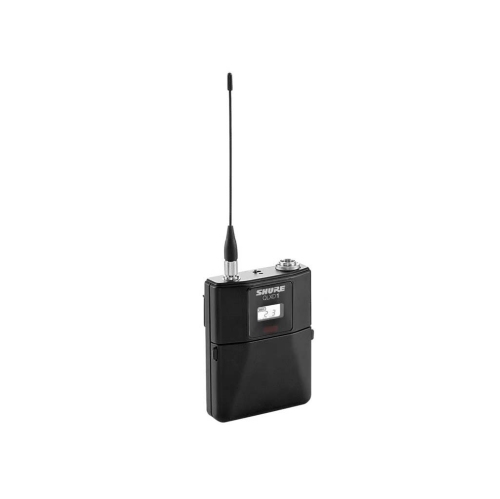
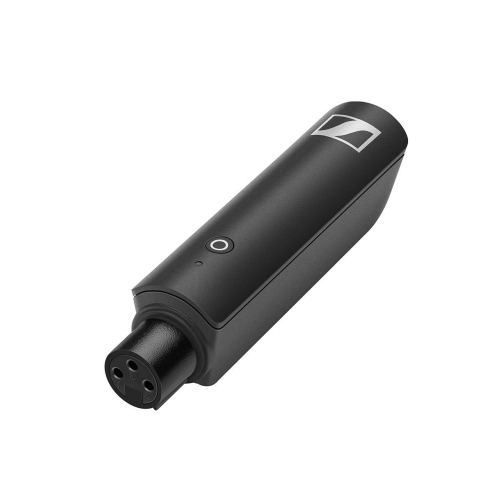
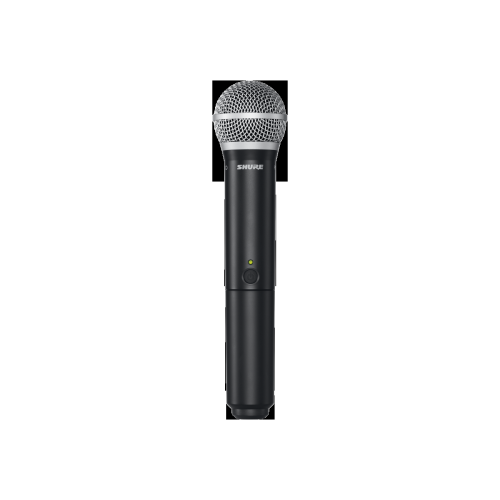
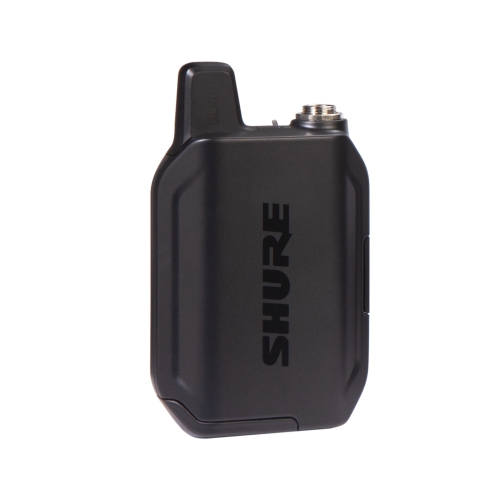
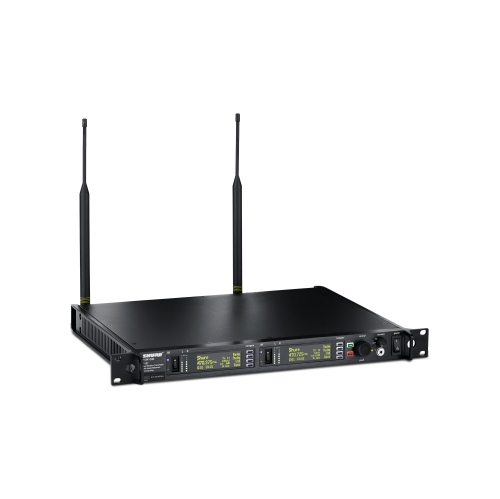
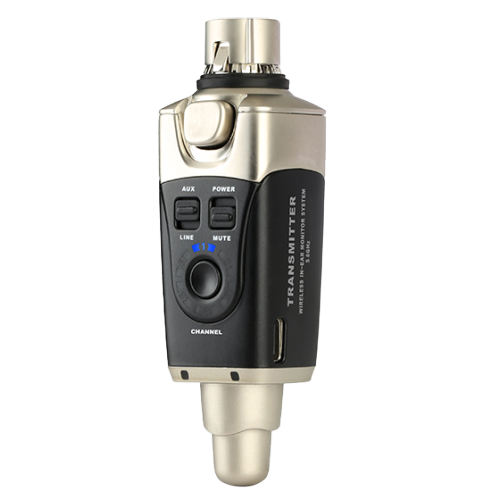
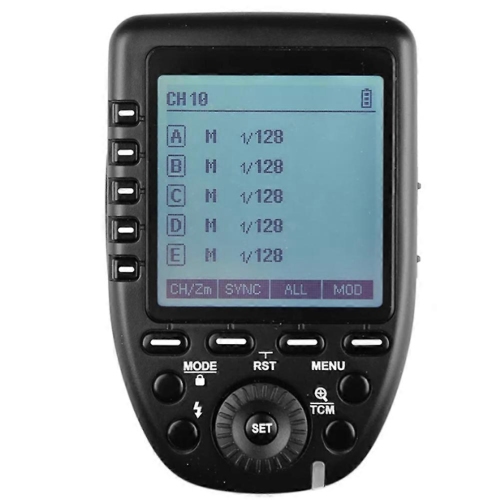
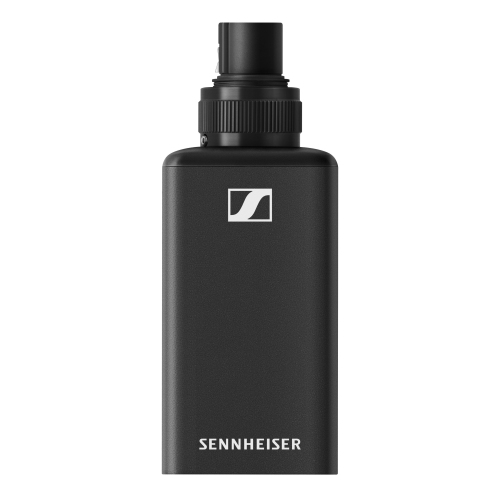
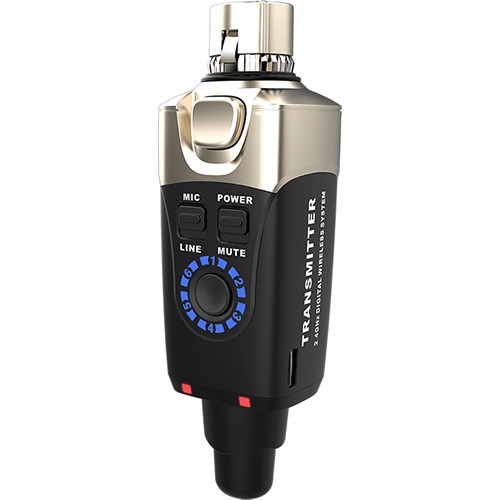
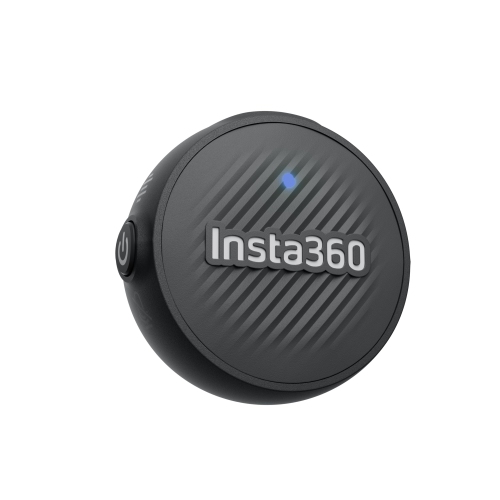
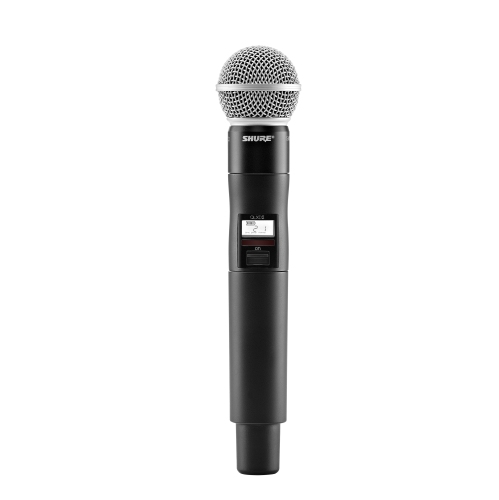
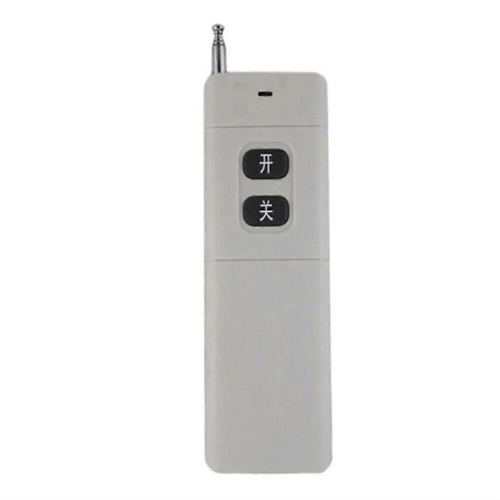
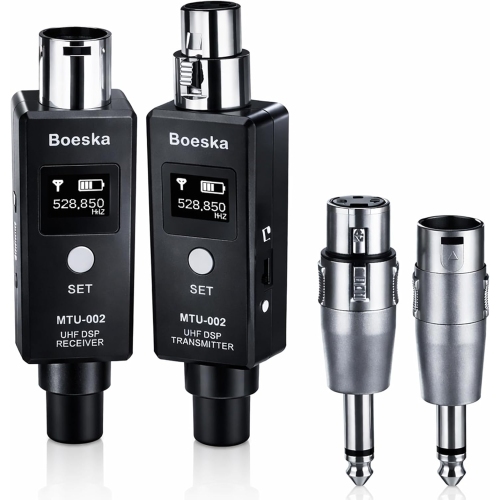
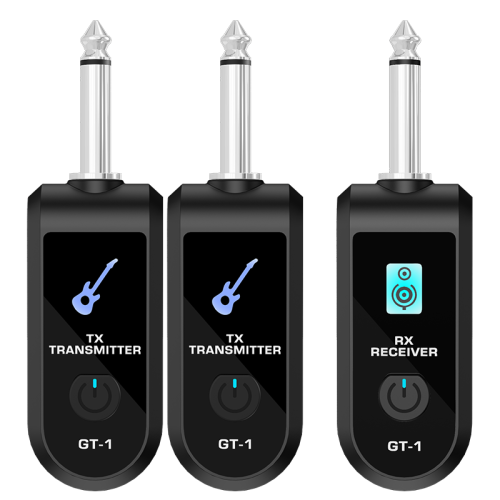
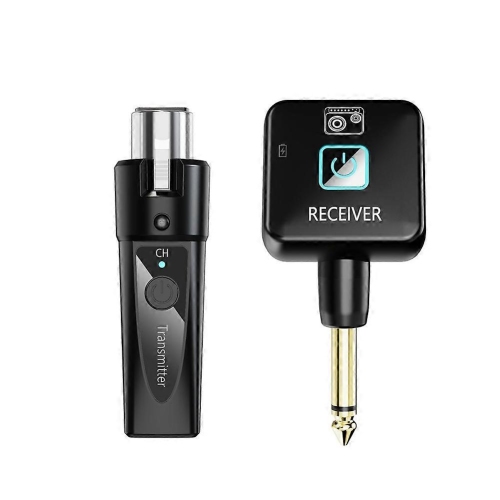
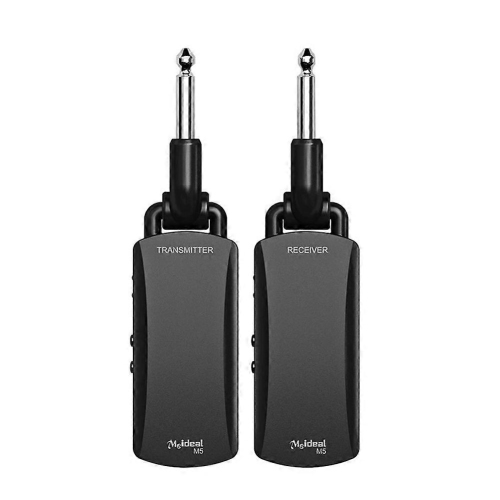
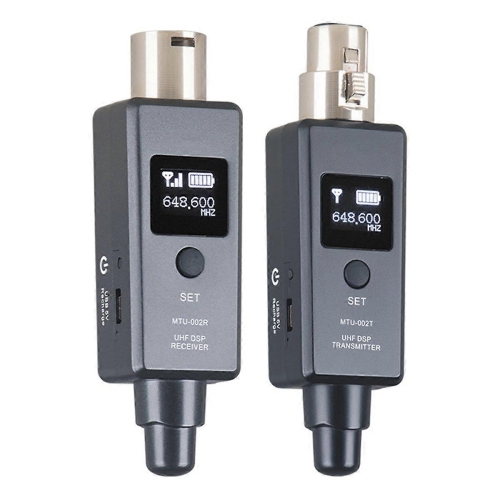
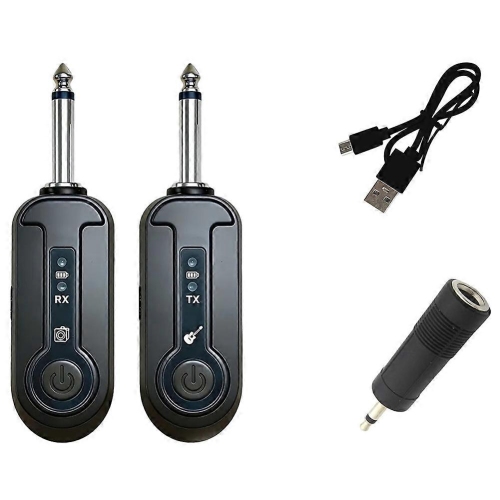
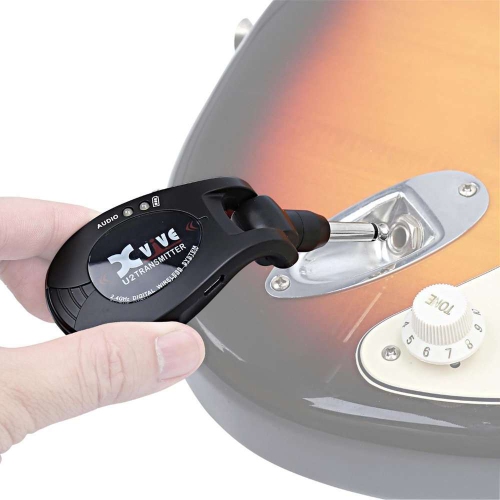
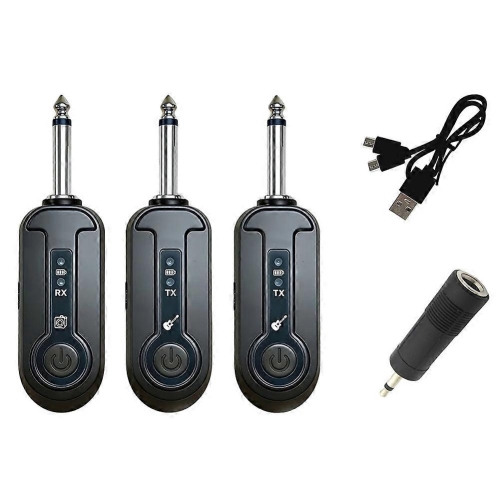
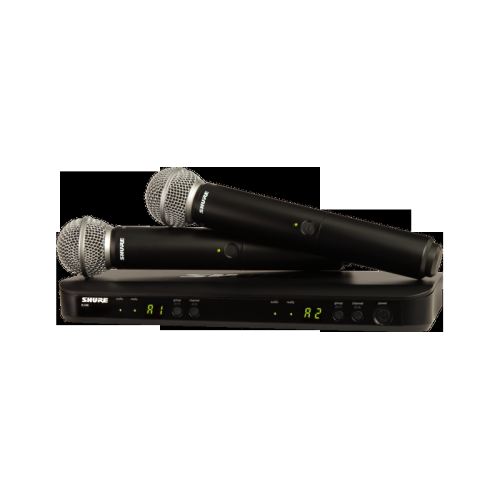
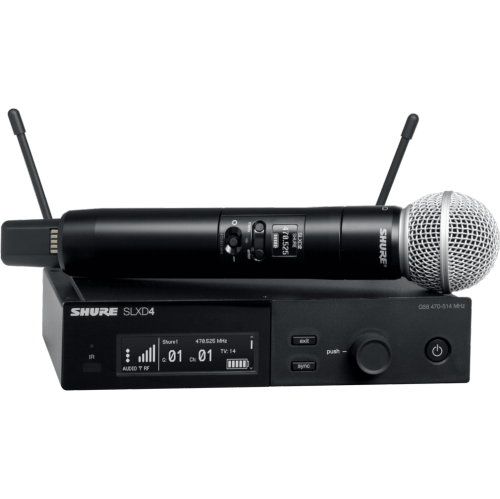
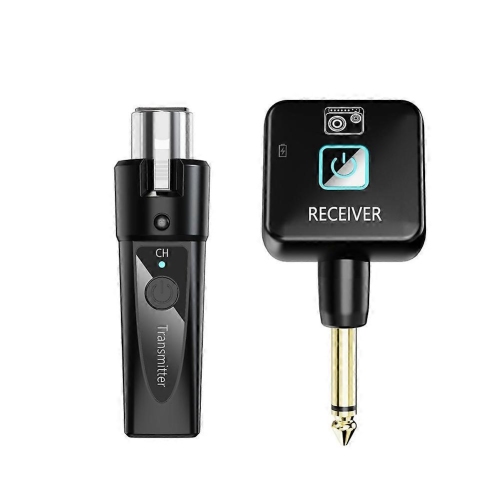
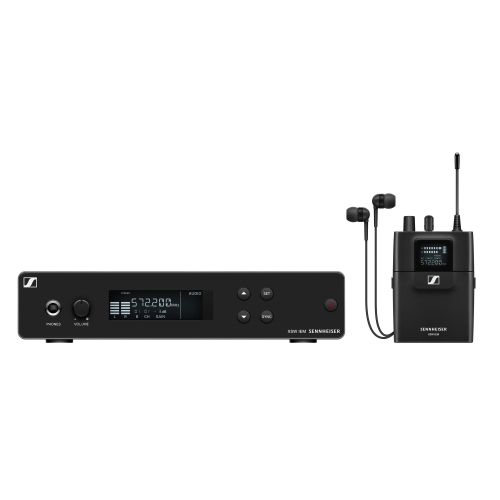
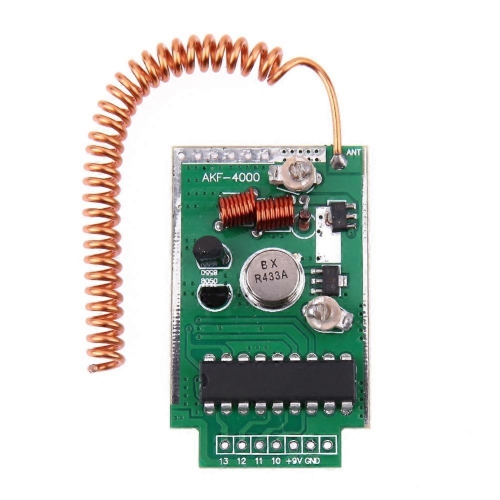
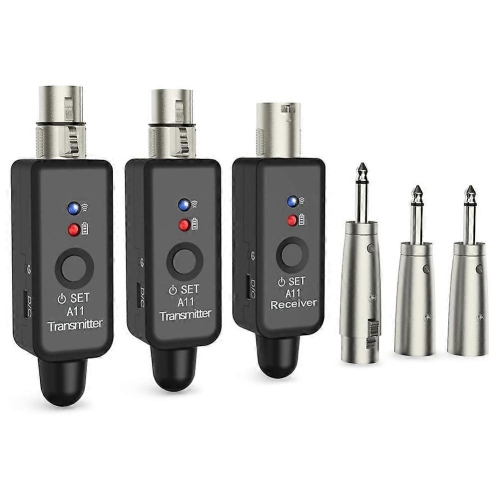
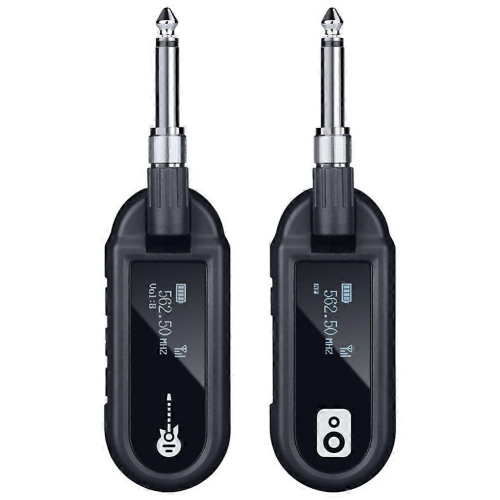
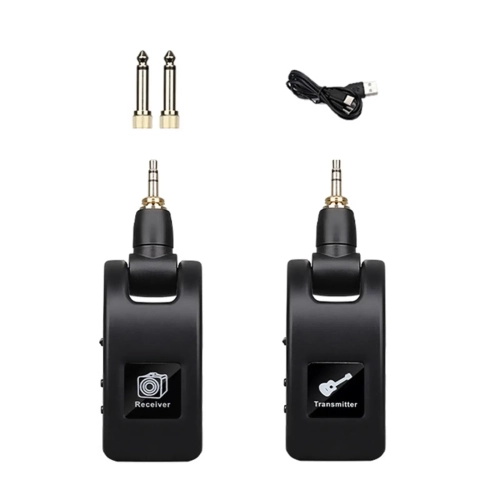
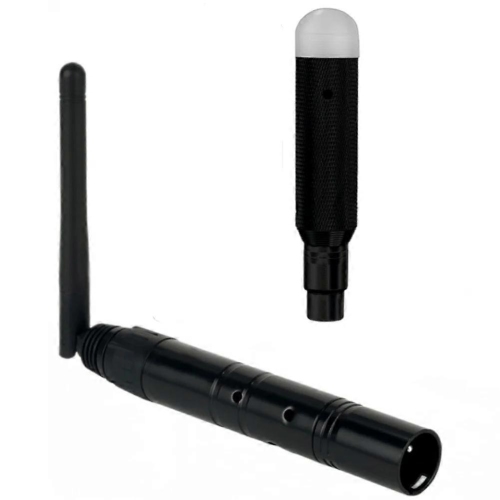
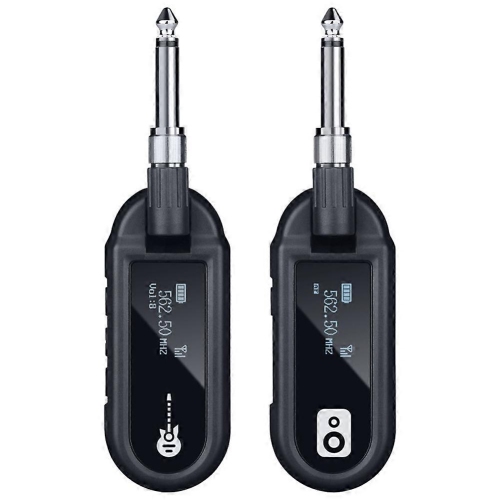
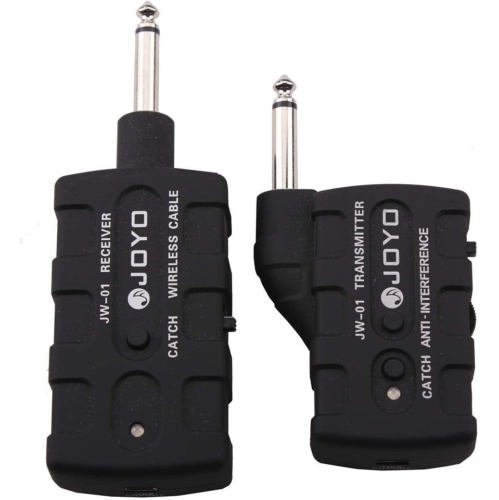
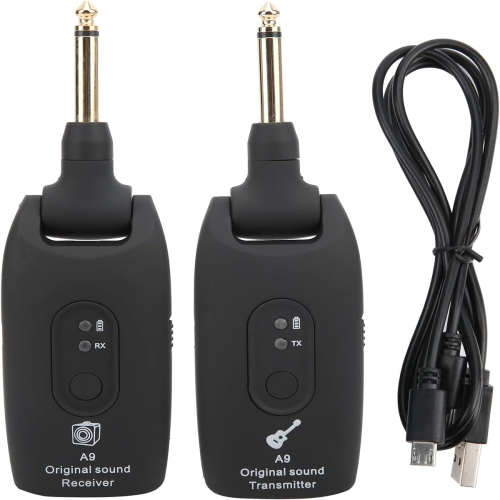
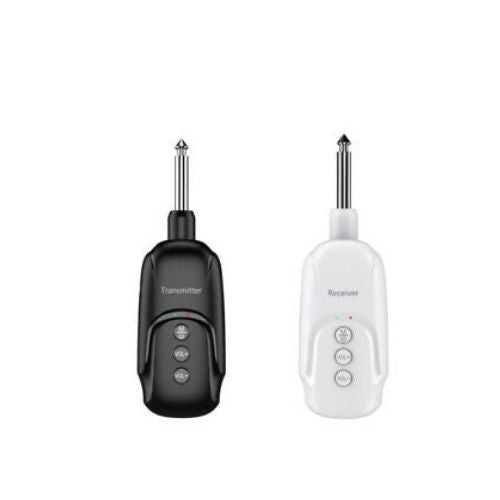
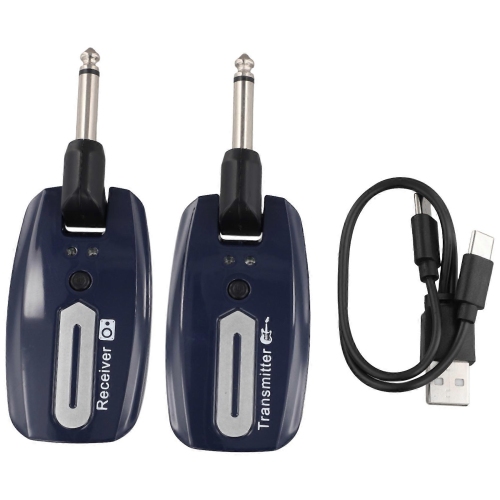
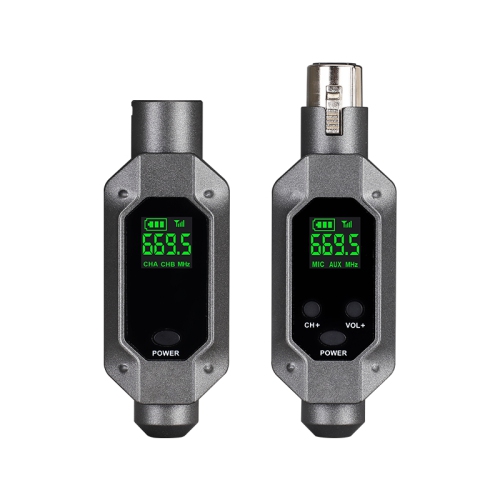
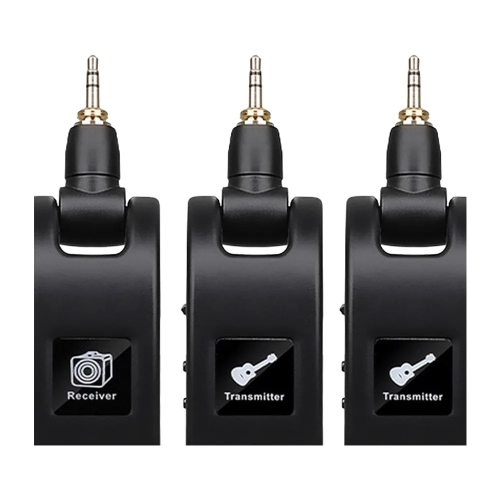
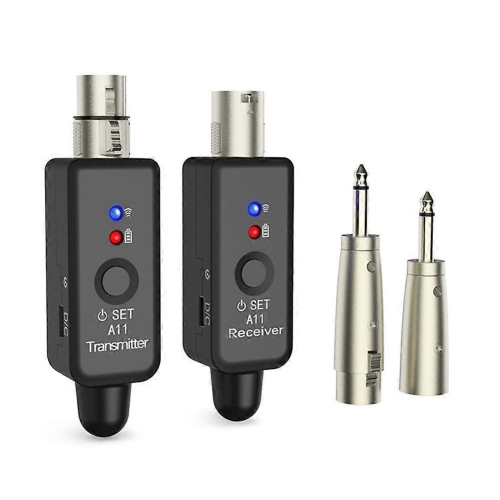
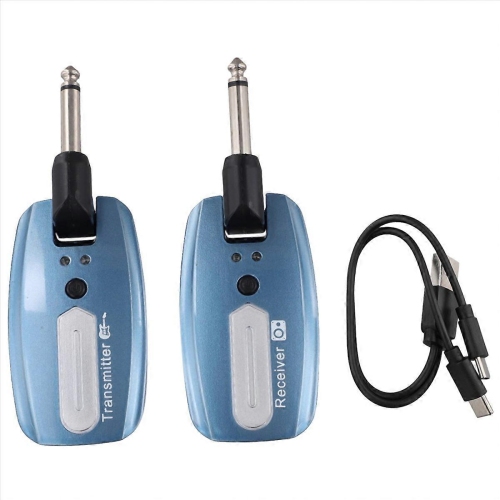
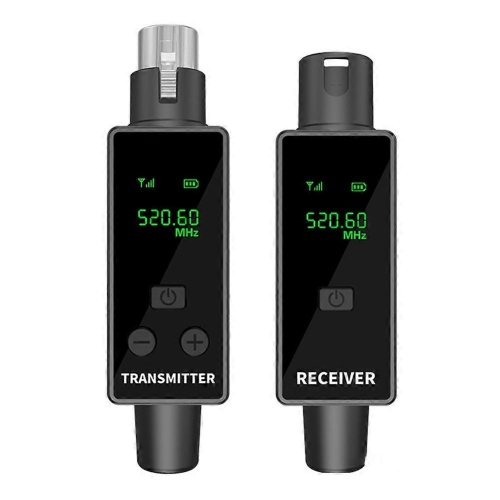
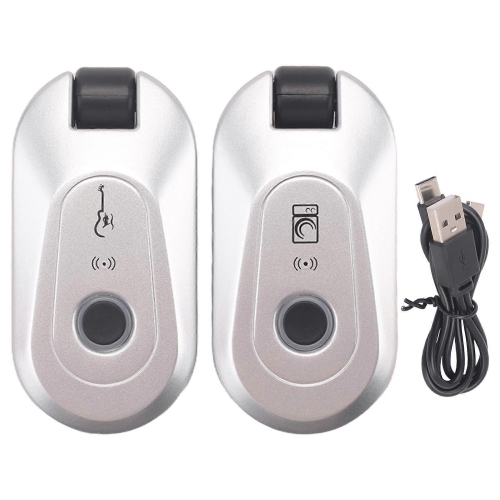
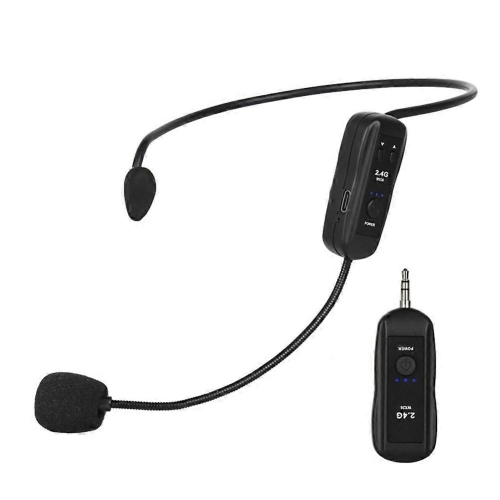
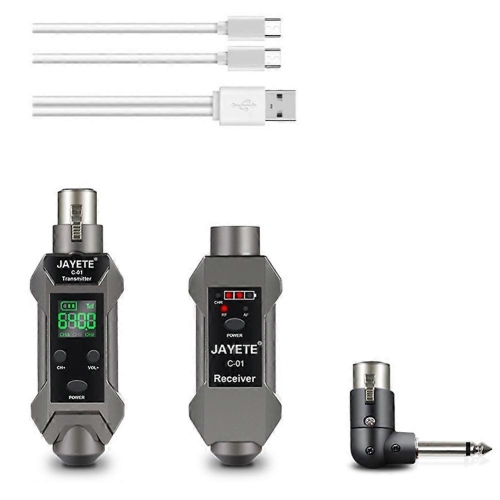
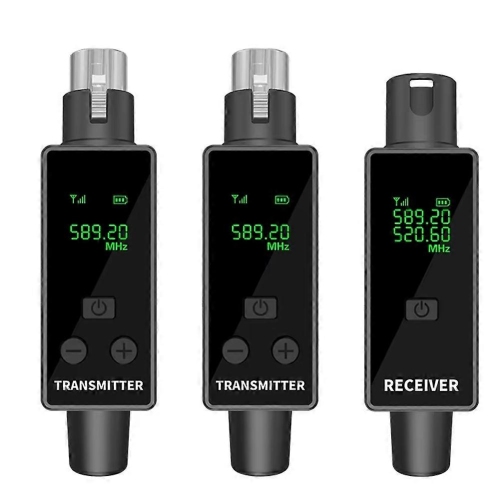
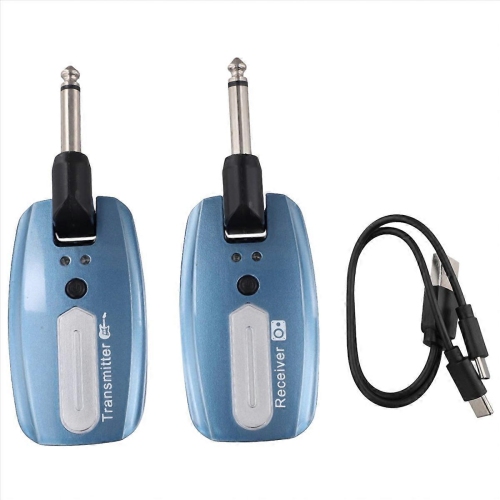
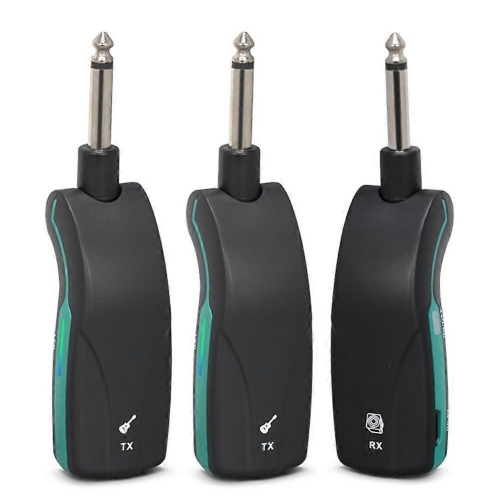
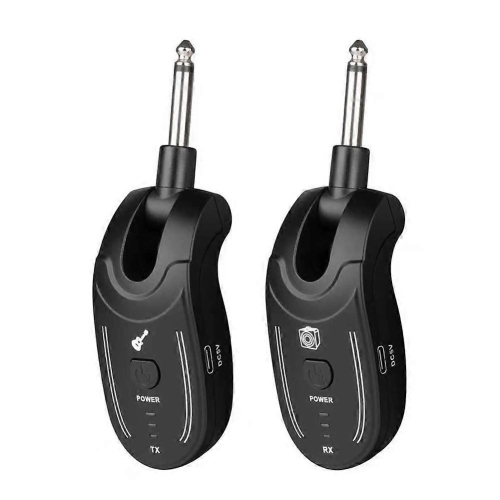
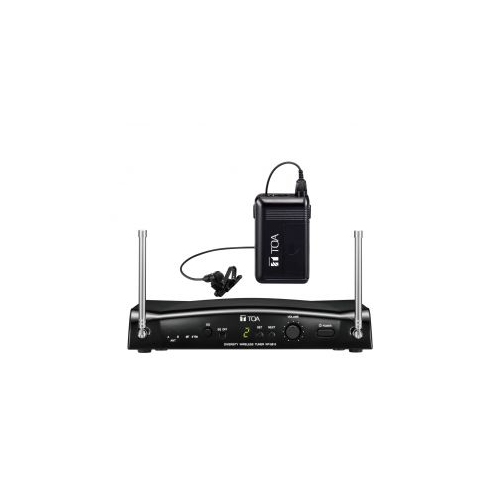
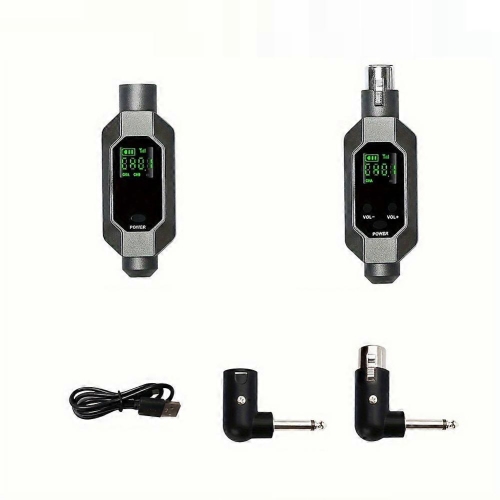
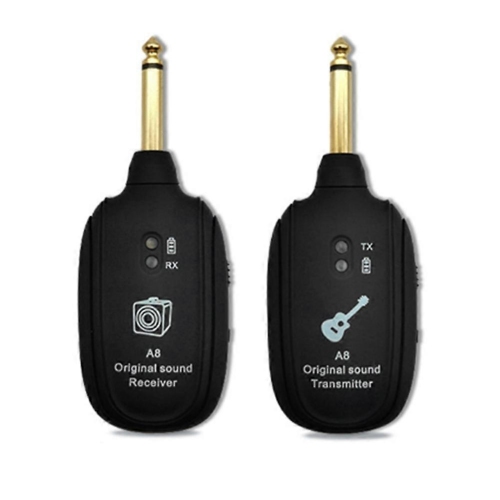
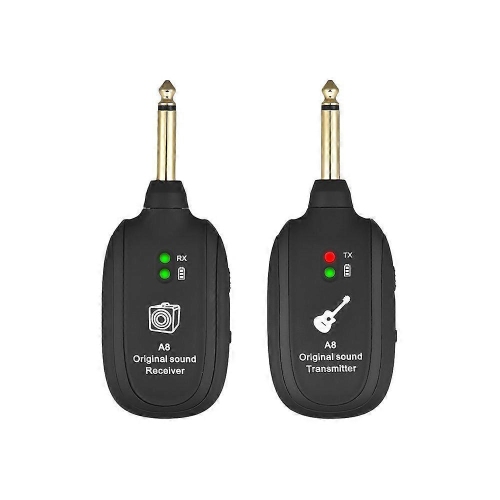
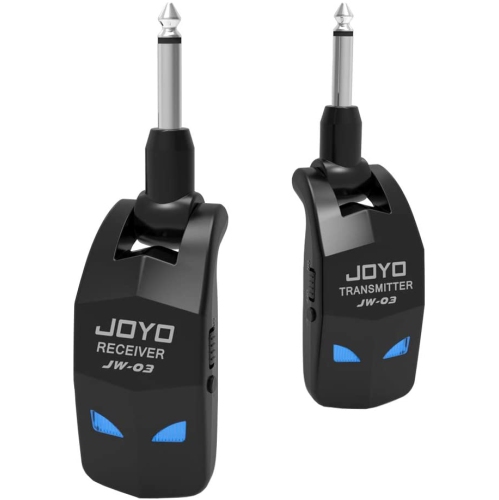
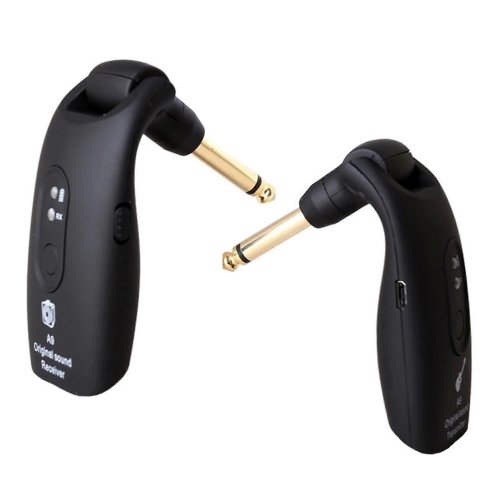
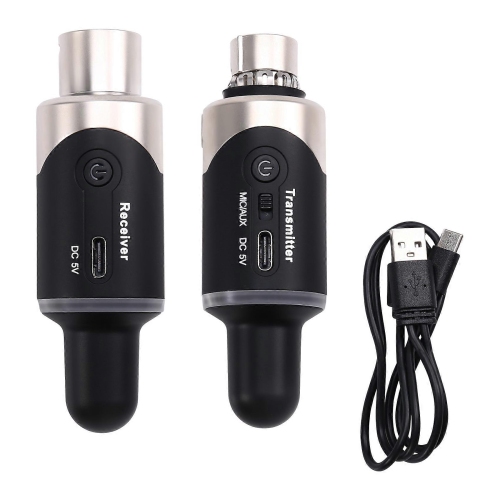
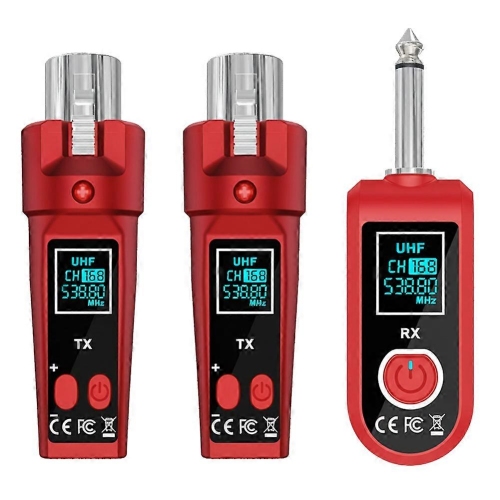
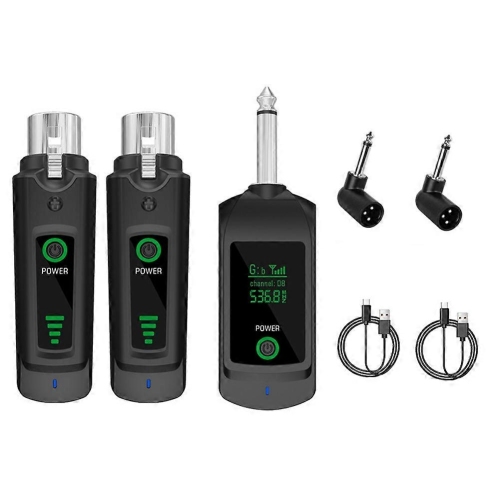
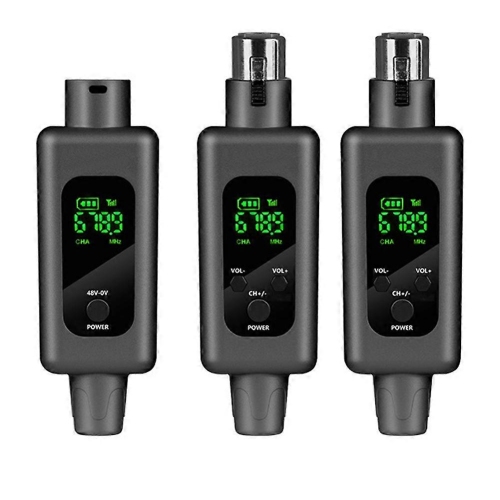
Wireless microphone transmitters and wireless lighting transmitters bring this same cable-reducing convenience to performances, presentations, and production work. A handheld microphone may contain its transmitter within the microphone body, while a bodypack transmitter clips to clothing or a belt and connects to a lavalier microphone, headset, or suitable instrument cable. These arrangements can suit a speaker moving across a presentation area, a fitness instructor demonstrating a movement, or a musician who needs freedom beyond a fixed microphone position. Comfort and secure fit are important for wearable equipment: the clip should hold firmly, the pack should sit without pulling on clothing, and the connected cable should have enough slack for natural movement. Microphone transmitters require compatible receivers, and frequency range, channel support, and permitted operation in Canada deserve attention, particularly when several wireless systems share a venue. Wireless DMX transmitters carry lighting-control instructions to compatible receivers or fixtures, helping reduce control-cable runs for stage lighting and DJ setups. They do not supply power to the lights, so electrical connections remain necessary. Across these categories, housing materials and construction influence how well equipment suits its intended use. Lightweight plastic can be convenient for portable listening accessories, while sturdier housings, protected connectors, and secure antenna fittings can be valuable for equipment that is transported and handled frequently. A transmitter placed behind a television has different durability needs from a bodypack worn during repeated rehearsals. Battery-powered designs offer flexibility, but operating time, charging requirements, and access to replacement batteries affect longer sessions; externally powered units need a dependable power connection. Routine care is straightforward: keep ports free of dust, wipe the housing with a soft, dry cloth, and avoid moisture, sharp cable bends, or pressure on exposed connectors. Protective storage helps prevent damage when equipment travels. As a gift, a wireless transmitter is most useful when it solves a known connection need, such as linking a family member’s television to headphones or supporting a presenter’s existing microphone setup. Knowing the source device, receiving equipment, and intended distance makes that gift more likely to fit comfortably into the recipient’s routine.
Wireless video transmitters serve a different purpose, carrying a picture and usually accompanying audio from a source to a receiving display. A typical wireless HDMI setup uses a transmitter connected to the source device and a receiver connected to the television, monitor, or projector. It can make sense in a living room where a media source sits across from a wall-mounted screen, in a meeting room where a presenter needs access to a shared display, or in a recording space where a camera feed is viewed from another position. The wireless link replaces the cable run between transmitter and receiver, but short connection cables and a power supply may still be needed at each end. Resolution, refresh rate, supported audio formats, and compatibility with protected content all affect the experience. Support for a particular video resolution does not necessarily mean support for every refresh rate or display feature associated with that resolution. Similarly, a system suitable for presentations or film playback may introduce too much delay for responsive gaming or live camera monitoring. Advertised transmission distance is best understood alongside the layout of the room. Walls, floors, metal furniture, nearby electronics, and the position of the transmitter and receiver can affect signal reliability, making a clear path between them helpful for many systems. Some wireless video connections operate directly between paired units, while others use a local network; the latter may depend on compatible network equipment and connection quality. Wi-Fi and other radio-based data transmitters also move information wirelessly, but they serve different connection needs from Bluetooth audio or a dedicated HDMI link. For a tidy installation, the physical fit matters as much as the connection standard. A compact transmitter may sit neatly beside a media source, while a larger unit with an external antenna needs clearance behind a display or inside a cabinet. Accessible ports, sufficient ventilation, and space for cables to bend without strain help keep the setup practical after installation.
Wireless microphone transmitters and wireless lighting transmitters bring this same cable-reducing convenience to performances, presentations, and production work. A handheld microphone may contain its transmitter within the microphone body, while a bodypack transmitter clips to clothing or a belt and connects to a lavalier microphone, headset, or suitable instrument cable. These arrangements can suit a speaker moving across a presentation area, a fitness instructor demonstrating a movement, or a musician who needs freedom beyond a fixed microphone position. Comfort and secure fit are important for wearable equipment: the clip should hold firmly, the pack should sit without pulling on clothing, and the connected cable should have enough slack for natural movement. Microphone transmitters require compatible receivers, and frequency range, channel support, and permitted operation in Canada deserve attention, particularly when several wireless systems share a venue. Wireless DMX transmitters carry lighting-control instructions to compatible receivers or fixtures, helping reduce control-cable runs for stage lighting and DJ setups. They do not supply power to the lights, so electrical connections remain necessary. Across these categories, housing materials and construction influence how well equipment suits its intended use. Lightweight plastic can be convenient for portable listening accessories, while sturdier housings, protected connectors, and secure antenna fittings can be valuable for equipment that is transported and handled frequently. A transmitter placed behind a television has different durability needs from a bodypack worn during repeated rehearsals. Battery-powered designs offer flexibility, but operating time, charging requirements, and access to replacement batteries affect longer sessions; externally powered units need a dependable power connection. Routine care is straightforward: keep ports free of dust, wipe the housing with a soft, dry cloth, and avoid moisture, sharp cable bends, or pressure on exposed connectors. Protective storage helps prevent damage when equipment travels. As a gift, a wireless transmitter is most useful when it solves a known connection need, such as linking a family member’s television to headphones or supporting a presenter’s existing microphone setup. Knowing the source device, receiving equipment, and intended distance makes that gift more likely to fit comfortably into the recipient’s routine.
Top selling and popular products
-
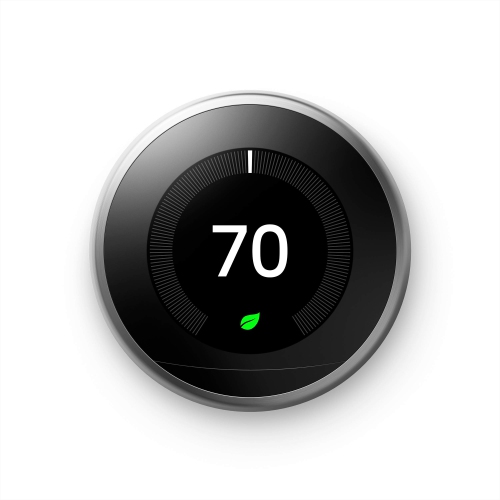 Your price for this item is $303.46
 -
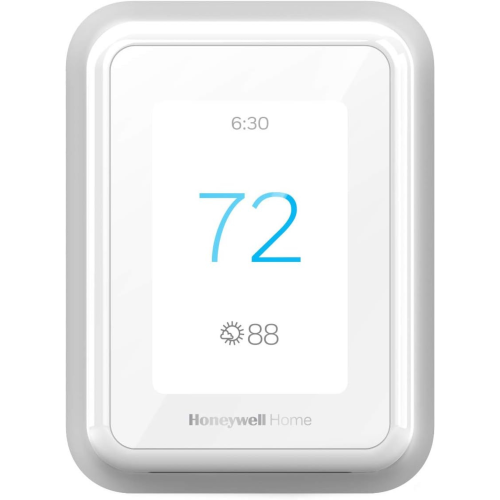 Your price for this item is $219.99
 -
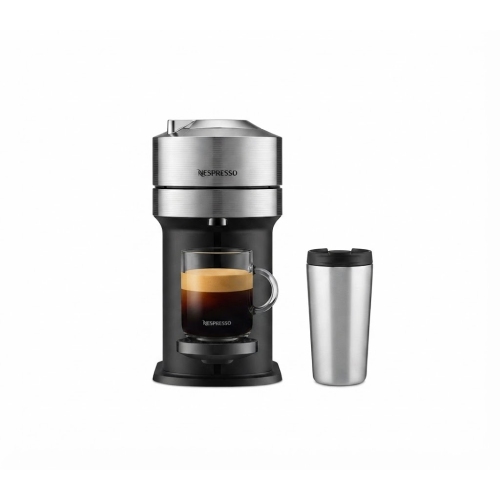 Your price for this item is $114.99
 -
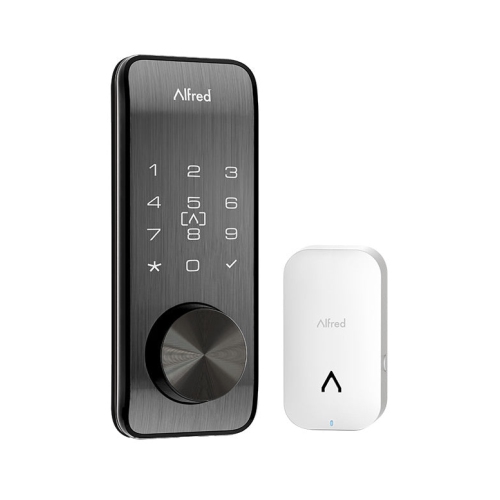 Your price for this item is $399.99
 -
 Your price for this item is $542.64
 -
 Your price for this item is $109.99
 -
 Your price for this item is $249
 -
 Your price for this item is $32.99
Discover more categories related to Wireless Transmitters
Top Collections:
Pokemon Centers, Kindle Devices, Best Cameras for Sports Photography, Best Budget Office Chairs, Pokémon 30th Celebration Cards, Apple iPhones 16, Canon G7X Cameras, iPhone 15 Apple, Flip Phones, Samsung Galaxy Phones
Some products may be subject to Environmental Handling Fees
(EHF) depending on your province.
Learn more about EHFs.