50 Inch Tvs for Watching Sports
If you're a sports fan, there's no better way to enjoy your favorite games than with a big-screen TV. But with so many choices out there, it can be hard to decide which one is right for you. We've rounded up the best 50-inch TVs for watching sports.
Sort
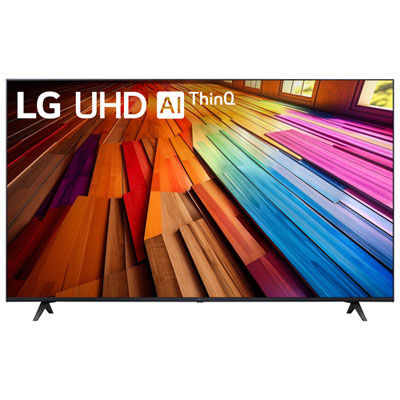
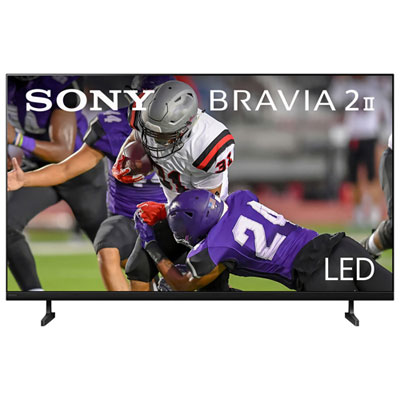
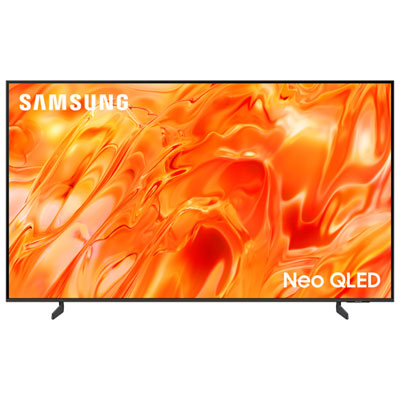
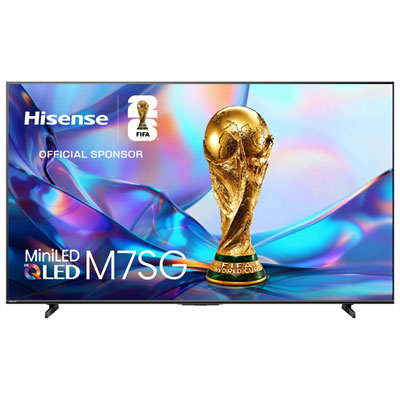
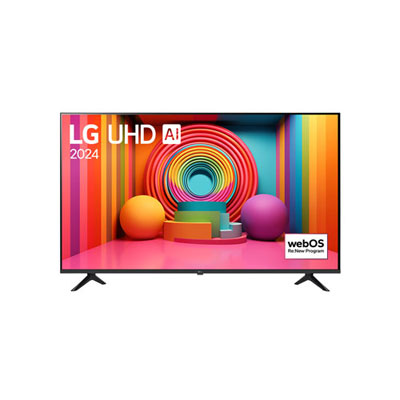
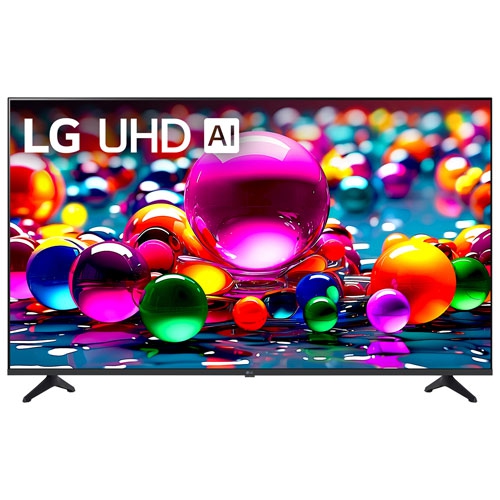
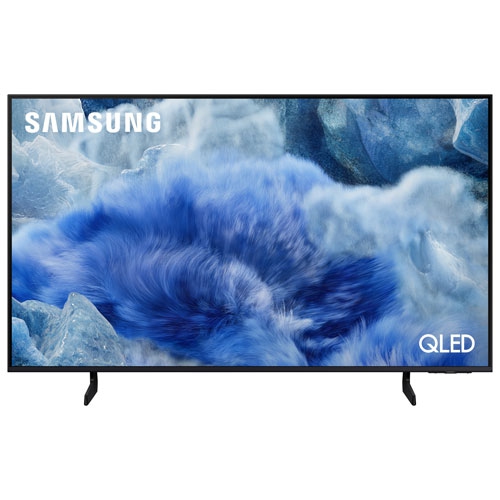
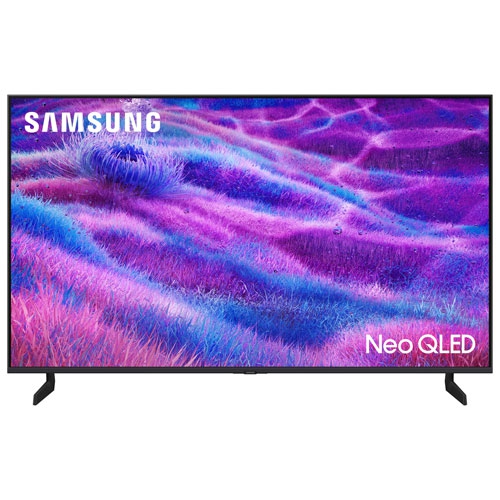
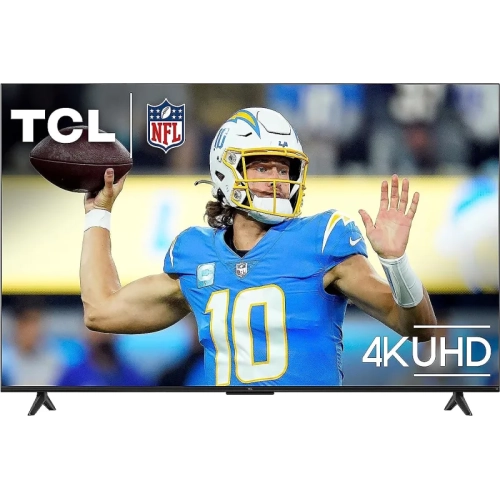
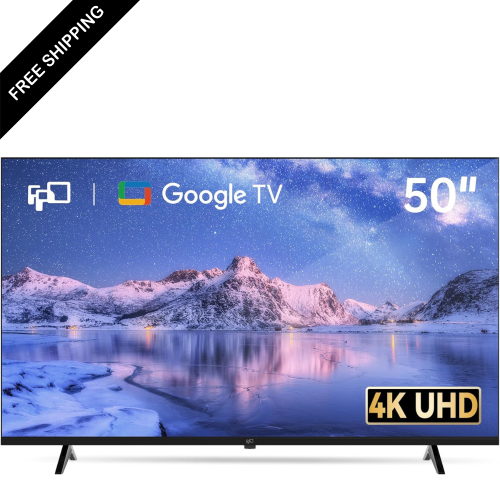

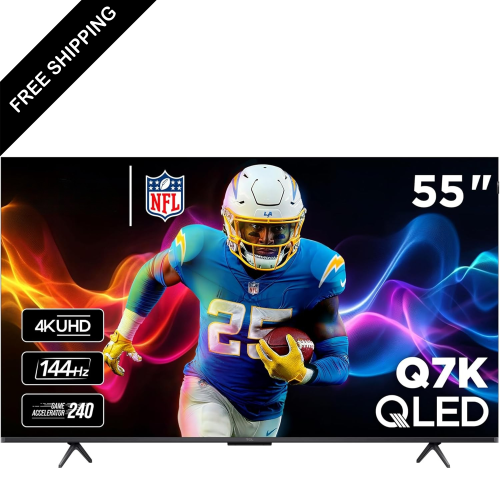
What to look for in a smoother sports viewing experience
A 50-inch TV can bring the pace, colour, and atmosphere of live sports into a living room, family room, bedroom, or den without taking over the space. This size is large enough to make a football field, hockey rink, basketball court, or baseball diamond feel immersive while remaining practical for many TV stands and wall layouts. It can be a strong fit for viewers who sit a moderate distance from the screen, whether they are following a full season of games, catching weekend matches, or gathering with family and friends for a major sporting event. When comparing 50-inch TVs for watching sports, pay close attention to how each display handles motion. Fast refresh rates and effective motion processing can help keep a flying puck, racing player, or quickly panning camera looking clear instead of leaving distracting trails or blur behind. A native 120Hz refresh rate is especially appealing for sports fans who value smooth movement, although a well-tuned 60Hz display can still deliver an enjoyable picture when its motion enhancement is handled effectively. Look for settings that let you adjust motion smoothing to your preference, since some viewers enjoy an exceptionally fluid image while others prefer to preserve the natural look of a live broadcast. Input lag also matters for anyone who follows interactive sports coverage, plays sports games, or wants controls to respond promptly. A dedicated game mode can reduce processing delays while keeping the screen ready for quick action. Strong picture processing is equally useful because many live broadcasts, cable channels, and streamed events are still delivered in HD rather than native 4K. Good 4K upscaling can refine those signals, bringing out cleaner lines in uniforms, more legible scoreboard graphics, and added definition in the crowd and playing surface. This is particularly helpful when watching older recorded games or switching between channels with different broadcast quality.
Room lighting can have a noticeable effect on the viewing experience, especially during afternoon games or when a TV faces windows and lamps. A brighter screen can help maintain visible detail in a sunlit room, while an effective anti-reflective finish may reduce distracting reflections across the field or rink. In a darker room, contrast and black-level performance become more important, helping separate players from a shadowed background and making evening broadcasts feel more cinematic. High dynamic range support can add depth to bright stadium lights, vivid team colours, and subtle details in darker areas, though the final result also depends on the broadcast, streaming service, and picture settings. Viewing angle deserves attention when several people will be watching from different seats. Some screens retain colour and contrast better when viewed from the side, which can make a meaningful difference in an open-concept living area or when guests are spread across a sectional sofa. If everyone usually sits directly in front of the TV, straight-on contrast may be the higher priority. Sound is another practical consideration: built-in speakers can be perfectly suitable for casual viewing, but a soundbar or home theatre setup can add clearer commentary, fuller crowd noise, and stronger impact during a close play. Check the TV’s audio connections and compatibility if you plan to expand your setup. Smart TV features can also make game day more convenient by bringing streaming apps, live channels, sports subscriptions, and screen-sharing tools together in one place. A responsive interface, clear programme guide, and easy-to-use remote can save time when moving between live broadcasts, highlights, and post-game analysis.
Before choosing a 50-inch TV, consider where it will be installed and how it will be used throughout the seasons. Measure the available width, account for the TV stand or wall mount, and leave enough room for ventilation and connected devices. A wall-mounted screen can open up floor space and provide a clean sightline, while a stand-mounted TV may be easier to reposition as seating changes. Think about the height as well: the centre of the screen should be comfortable to view without requiring you to tilt your head upward for an entire game. Cable placement, power access, and the location of a cable box, streaming device, or game console can also influence the best arrangement. For a busy household, features such as multiple HDMI ports, Bluetooth audio, voice control, and quick access to frequently used apps may be worthwhile. A 50-inch TV can also make a thoughtful gift for someone moving into a first home, setting up a basement entertainment area, upgrading a guest room, or creating a dedicated spot for sports and gaming. It is a versatile size for students, couples, grandparents, and families who want a shared screen without choosing one designed for a very large room. During the warmer seasons, it can keep an eye on afternoon broadcasts while the household moves between indoor and outdoor activities; during the cooler months, it can become the gathering point for evening games, playoff races, and spirited conversations over close calls. Buyers who want a larger shared-viewing experience may also wish to explore Top 70-inch Tvs for Sports Watching. Whether the priority is smooth motion, bright-room visibility, accurate colour, broad viewing angles, or convenient streaming, the right 50-inch TV can make every pass, goal, serve, and finish easier to follow from the comfort of home.
Room lighting can have a noticeable effect on the viewing experience, especially during afternoon games or when a TV faces windows and lamps. A brighter screen can help maintain visible detail in a sunlit room, while an effective anti-reflective finish may reduce distracting reflections across the field or rink. In a darker room, contrast and black-level performance become more important, helping separate players from a shadowed background and making evening broadcasts feel more cinematic. High dynamic range support can add depth to bright stadium lights, vivid team colours, and subtle details in darker areas, though the final result also depends on the broadcast, streaming service, and picture settings. Viewing angle deserves attention when several people will be watching from different seats. Some screens retain colour and contrast better when viewed from the side, which can make a meaningful difference in an open-concept living area or when guests are spread across a sectional sofa. If everyone usually sits directly in front of the TV, straight-on contrast may be the higher priority. Sound is another practical consideration: built-in speakers can be perfectly suitable for casual viewing, but a soundbar or home theatre setup can add clearer commentary, fuller crowd noise, and stronger impact during a close play. Check the TV’s audio connections and compatibility if you plan to expand your setup. Smart TV features can also make game day more convenient by bringing streaming apps, live channels, sports subscriptions, and screen-sharing tools together in one place. A responsive interface, clear programme guide, and easy-to-use remote can save time when moving between live broadcasts, highlights, and post-game analysis.
Before choosing a 50-inch TV, consider where it will be installed and how it will be used throughout the seasons. Measure the available width, account for the TV stand or wall mount, and leave enough room for ventilation and connected devices. A wall-mounted screen can open up floor space and provide a clean sightline, while a stand-mounted TV may be easier to reposition as seating changes. Think about the height as well: the centre of the screen should be comfortable to view without requiring you to tilt your head upward for an entire game. Cable placement, power access, and the location of a cable box, streaming device, or game console can also influence the best arrangement. For a busy household, features such as multiple HDMI ports, Bluetooth audio, voice control, and quick access to frequently used apps may be worthwhile. A 50-inch TV can also make a thoughtful gift for someone moving into a first home, setting up a basement entertainment area, upgrading a guest room, or creating a dedicated spot for sports and gaming. It is a versatile size for students, couples, grandparents, and families who want a shared screen without choosing one designed for a very large room. During the warmer seasons, it can keep an eye on afternoon broadcasts while the household moves between indoor and outdoor activities; during the cooler months, it can become the gathering point for evening games, playoff races, and spirited conversations over close calls. Buyers who want a larger shared-viewing experience may also wish to explore Top 70-inch Tvs for Sports Watching. Whether the priority is smooth motion, bright-room visibility, accurate colour, broad viewing angles, or convenient streaming, the right 50-inch TV can make every pass, goal, serve, and finish easier to follow from the comfort of home.
Top selling and popular products
-
 Your price for this item is $722.99
 -
 Your price for this item is $799.97
 -
 Your price for this item is $499.97
 -
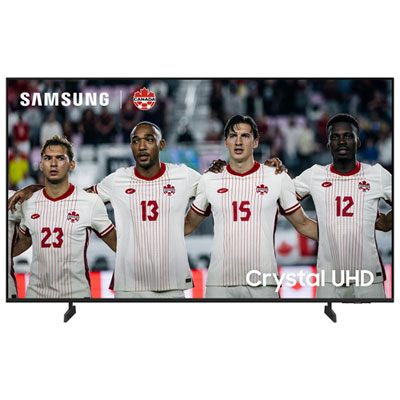 Your price for this item is $549.99
 -
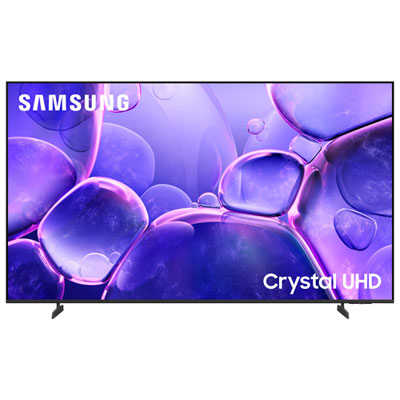 Your price for this item is $449.99
 -
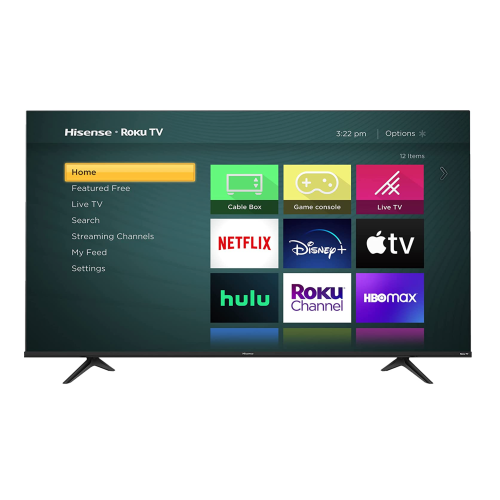 Your price for this item is $769.99
 -
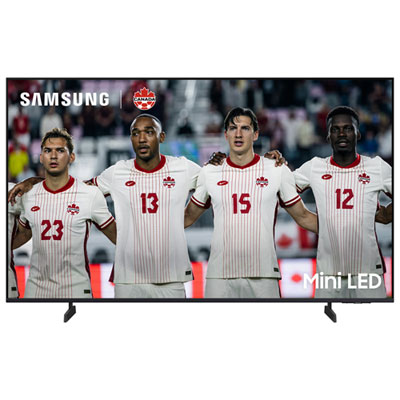 Your price for this item is $549.99
 -
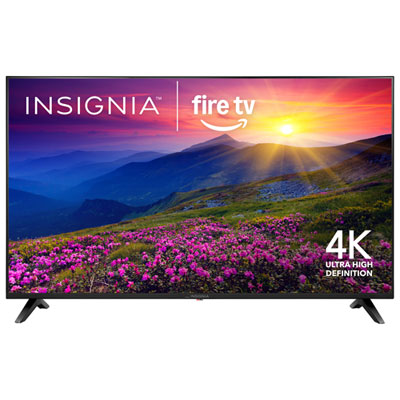 Your price for this item is $249.95
Discover more categories related to 50 Inch Tvs for Watching Sports
Top Collections:
Best Laptops for Video Editing, Pokemon Centers, Samsung Z Fold, Kindle Devices, Best Cell Phones Under $300, Best Laptops for Writers, Best Budget Office Chairs, Best Cell Phones Under $500, Best Laptop Computers for Students, iPhone 15 Apple
Some products may be subject to Environmental Handling Fees
(EHF) depending on your province.
Learn more about EHFs.