70-inch Tvs for Ultimate Sports Fans
If you're looking for a TV that will provide the ultimate viewing experience, then you need to check out these 70-inch TVs. These are the biggest and best TVs on the market. They're ideal for watching sports, playing video games, or just hanging out with friends.
Sort
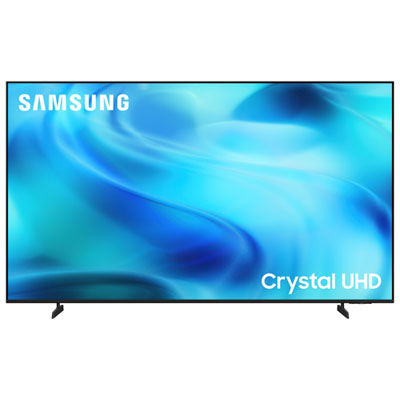
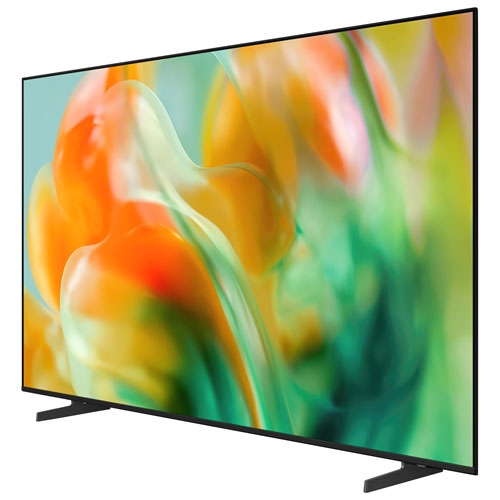
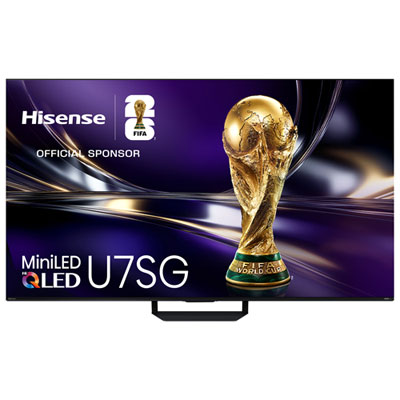
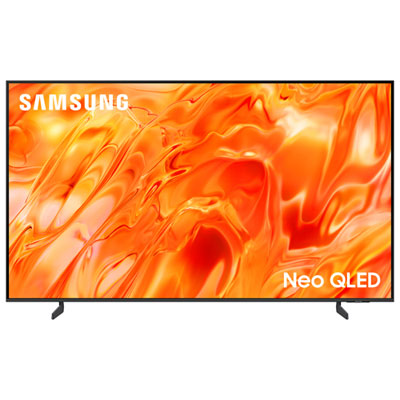
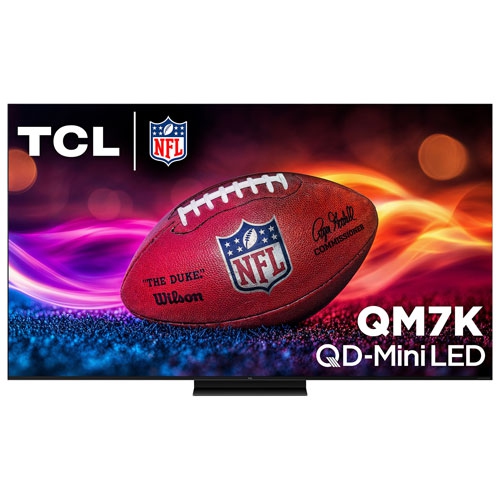
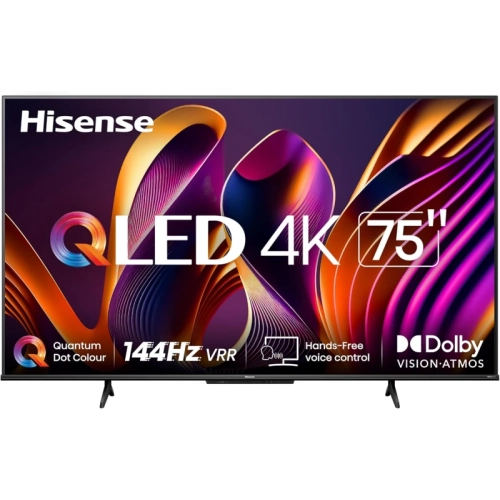
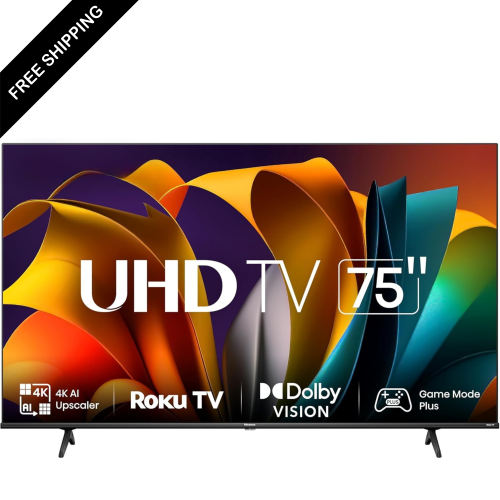
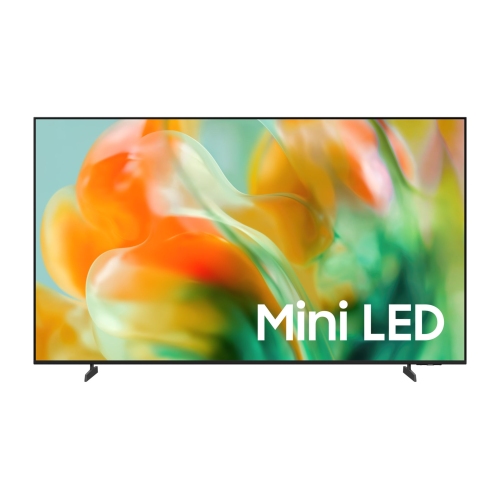
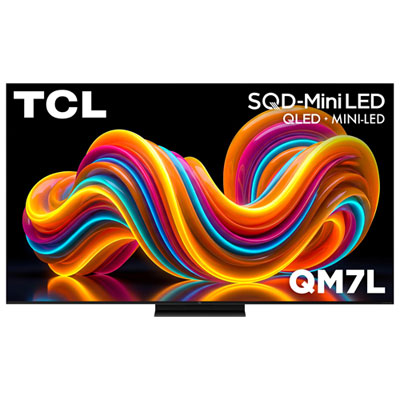
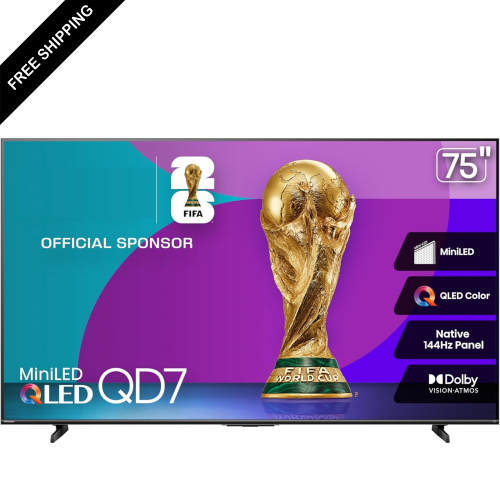
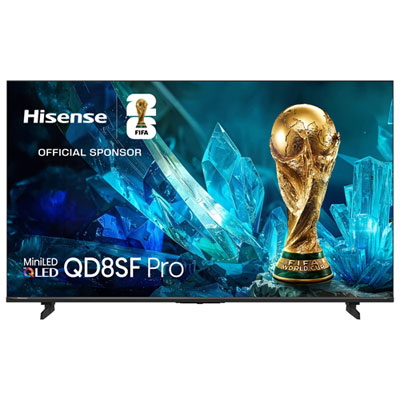
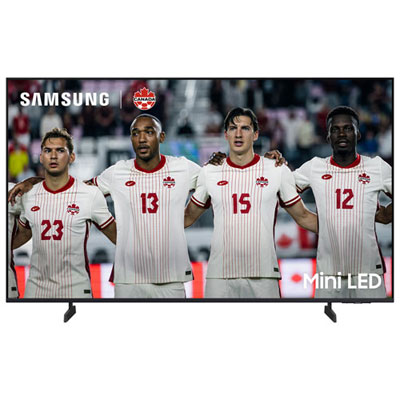
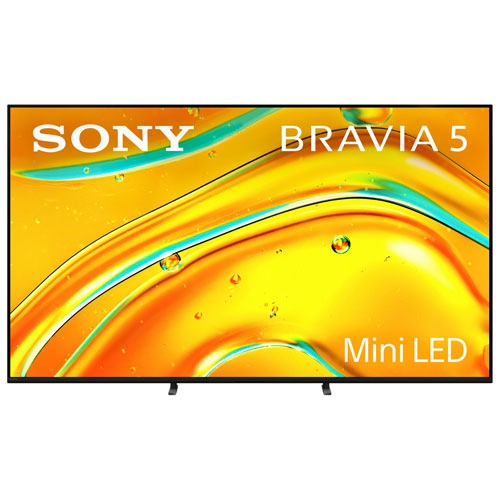

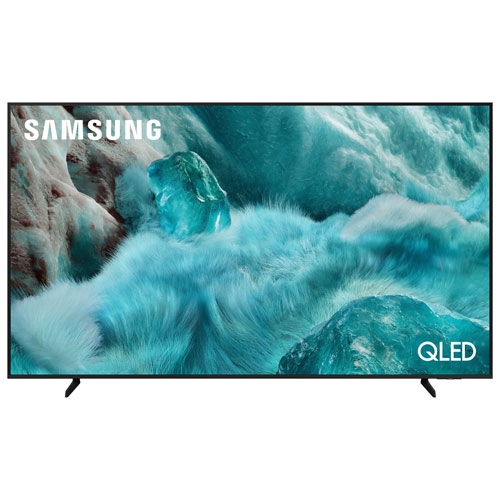
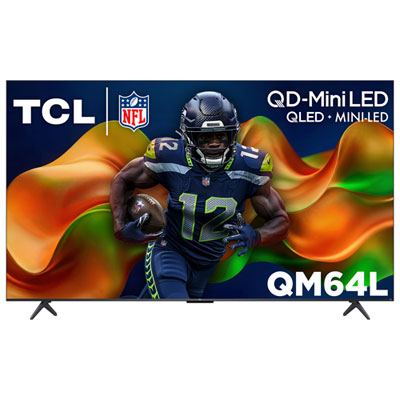
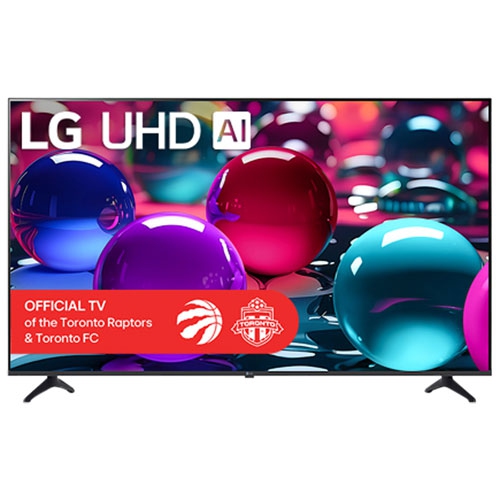
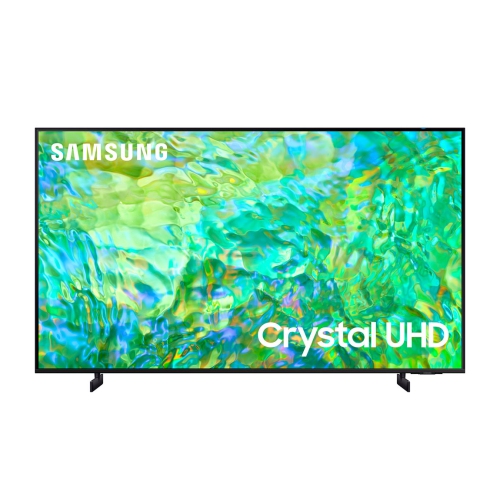
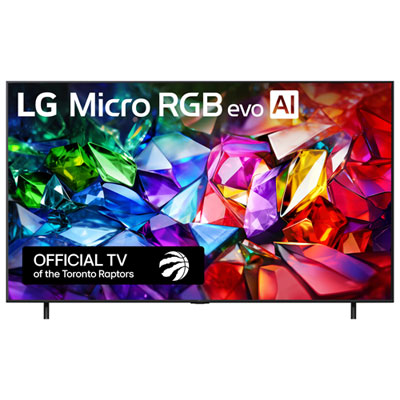
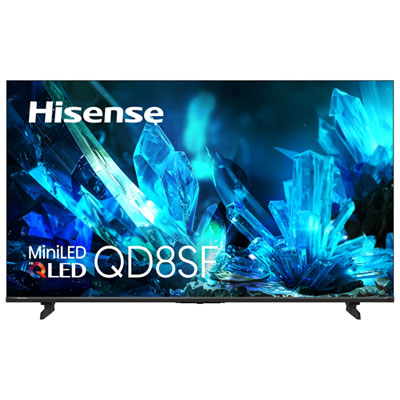
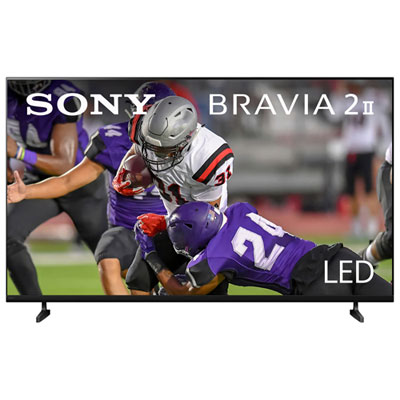
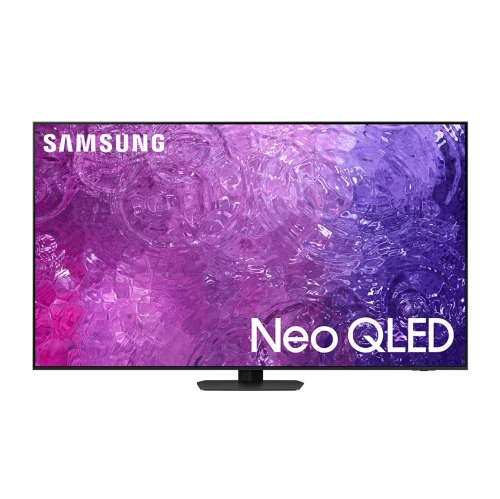
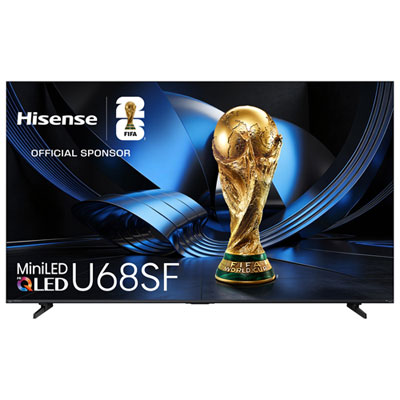
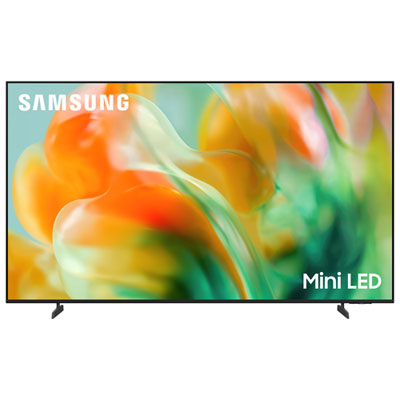
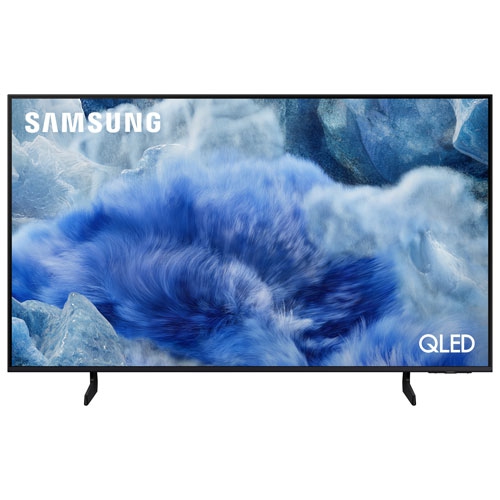
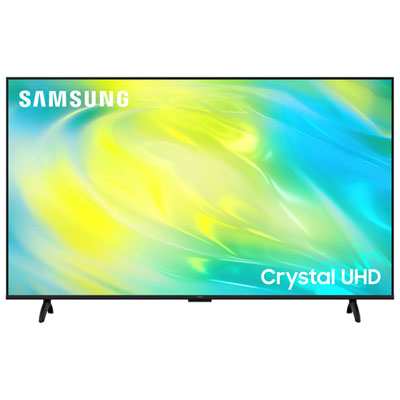
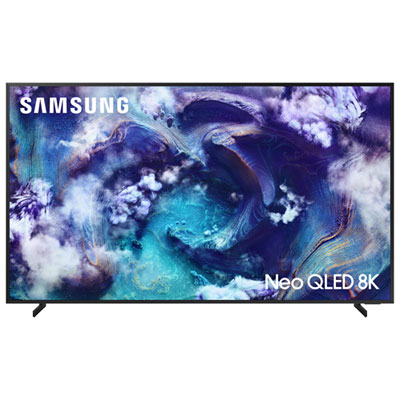
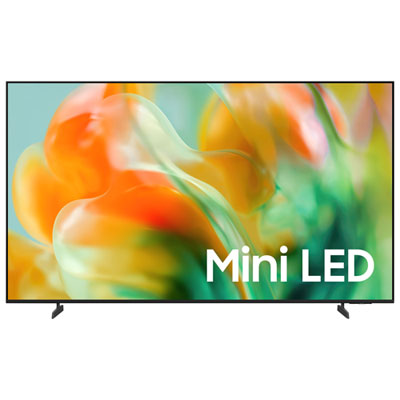
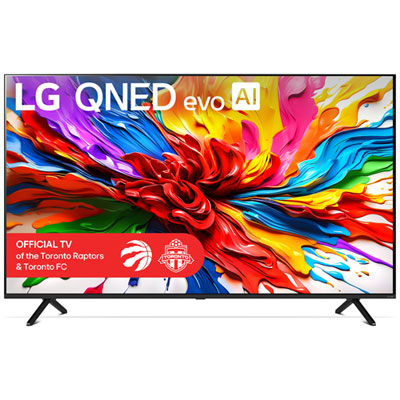
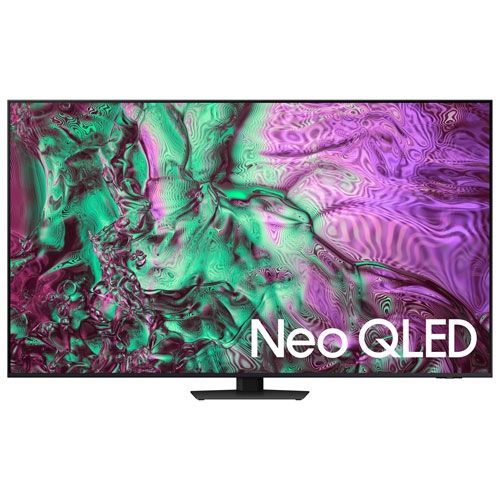
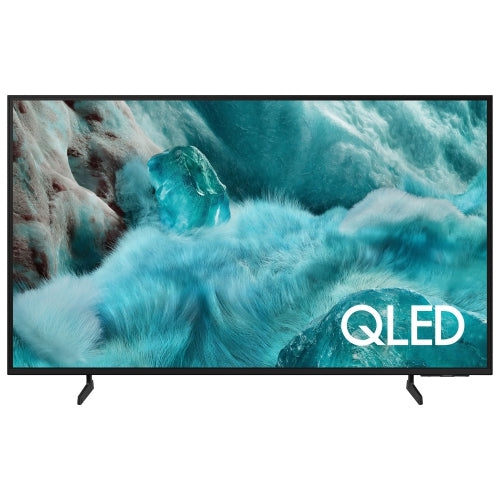
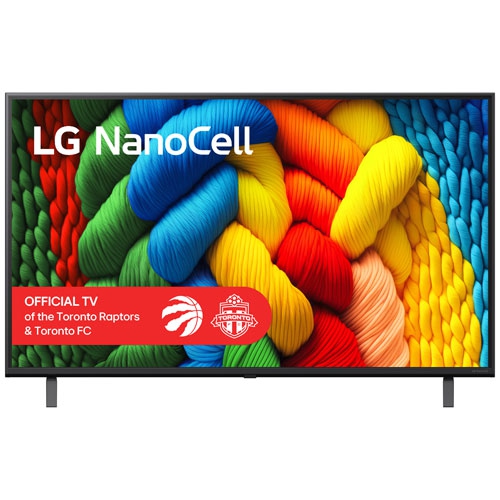
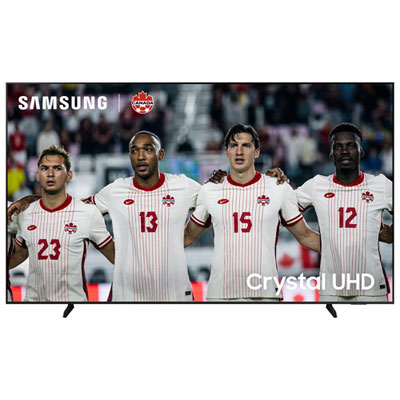


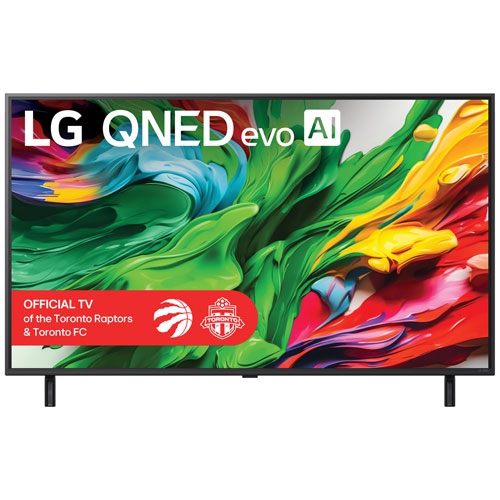

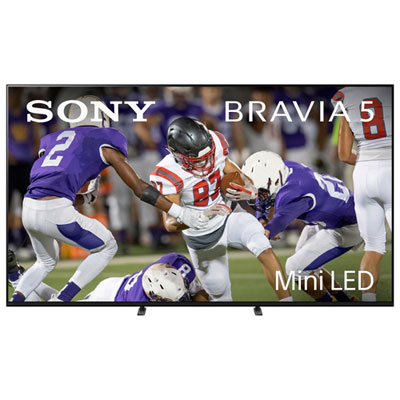
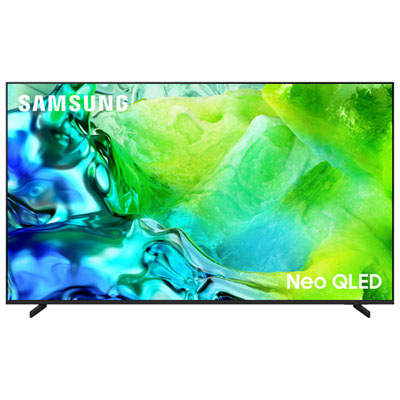
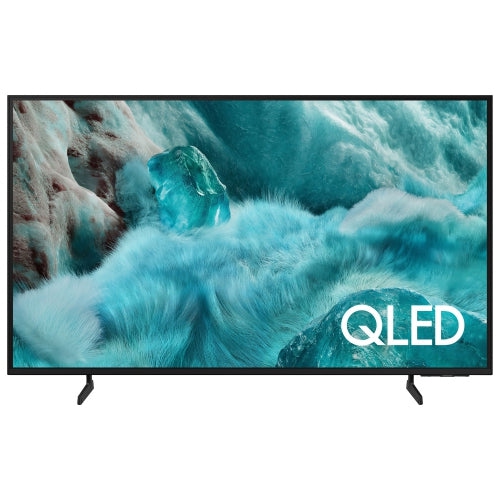
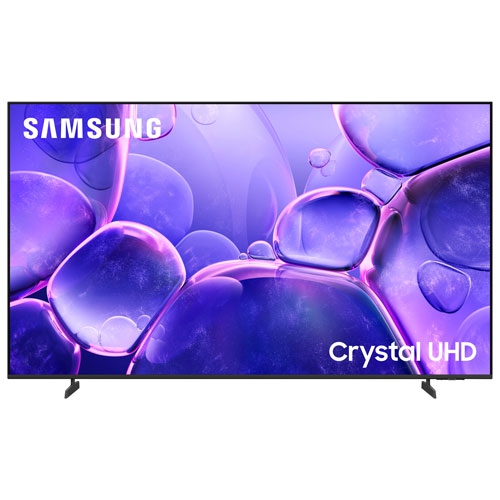
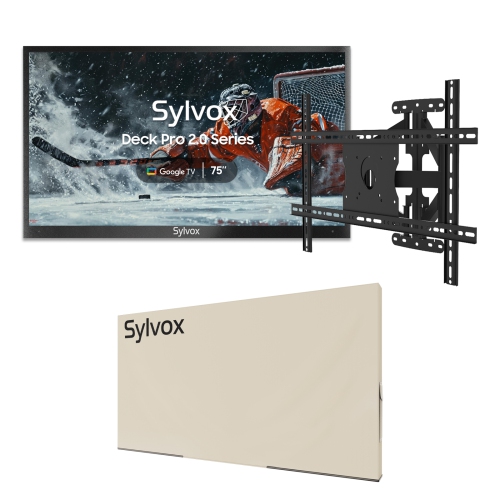
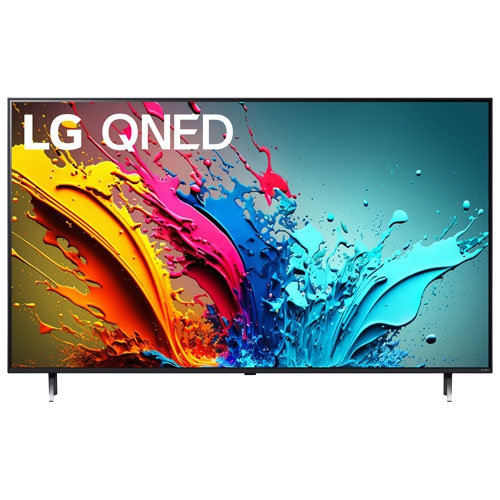
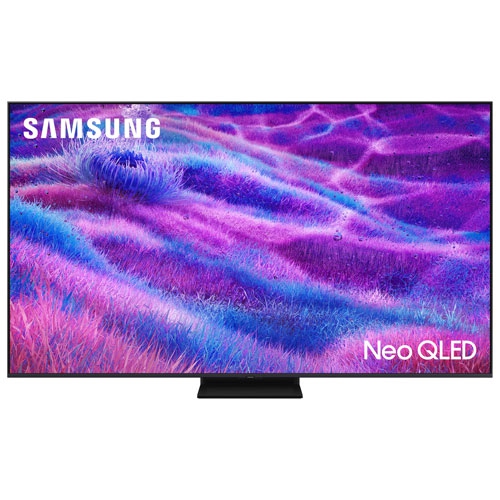
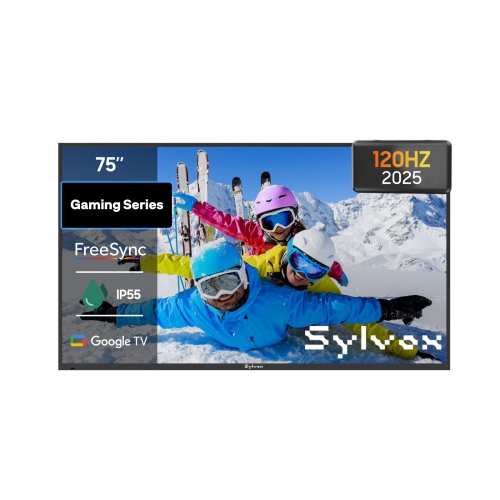
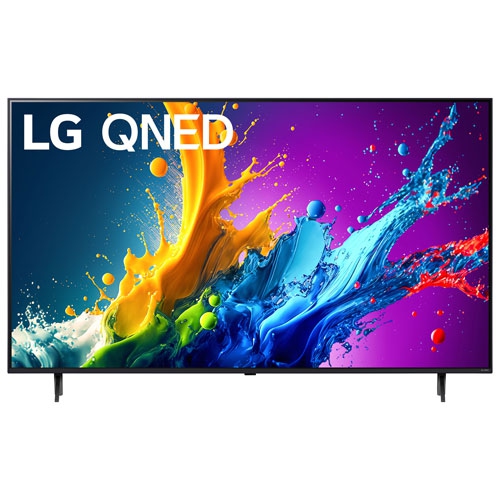
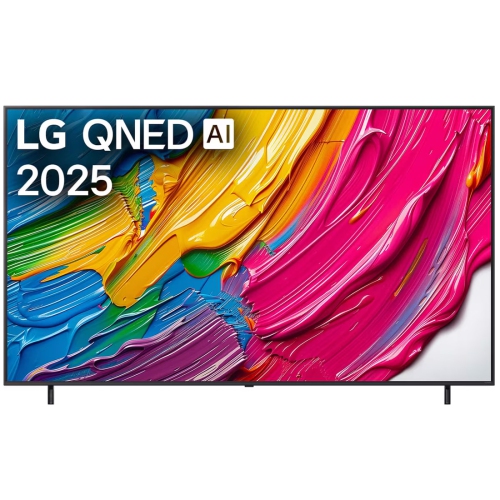
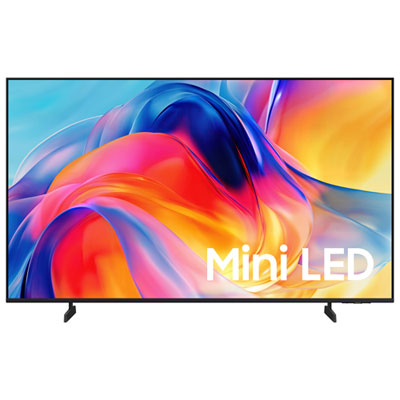
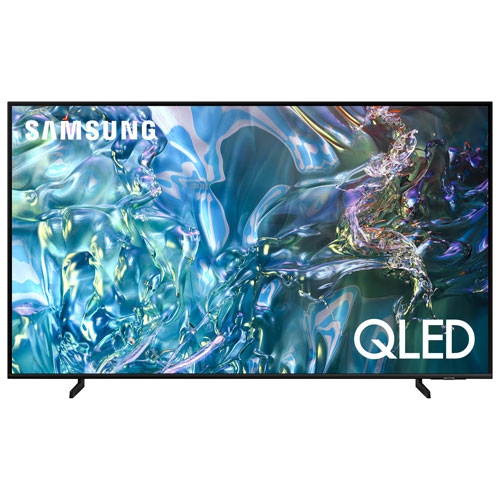
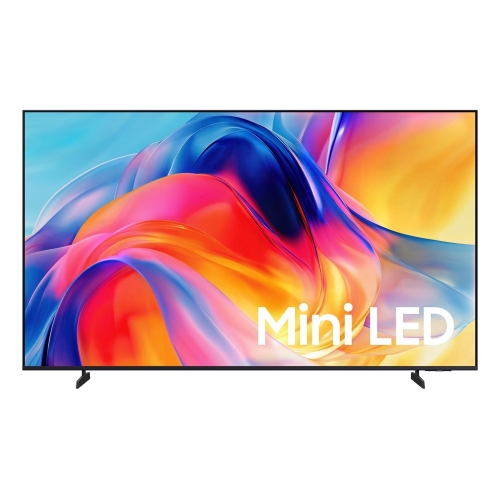
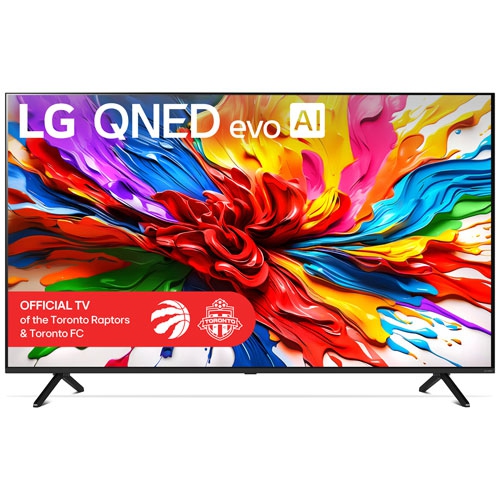
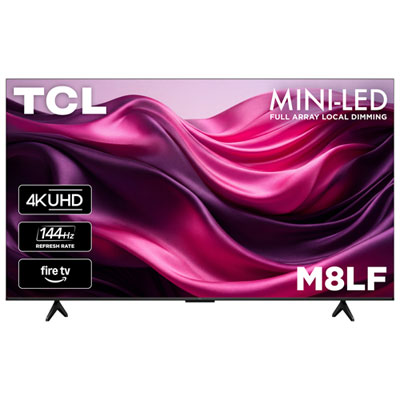
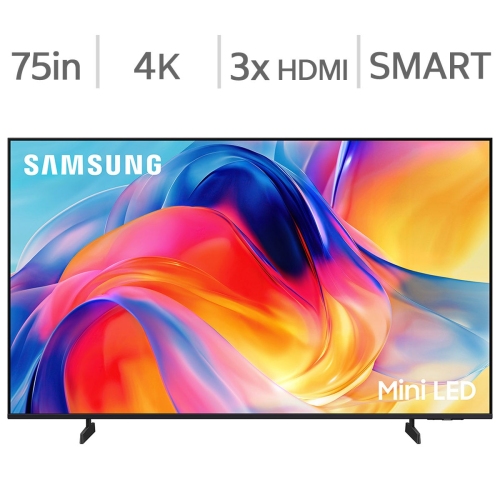
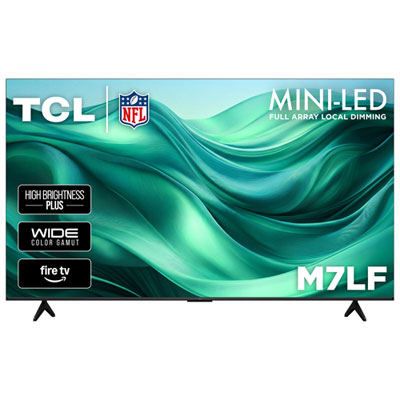
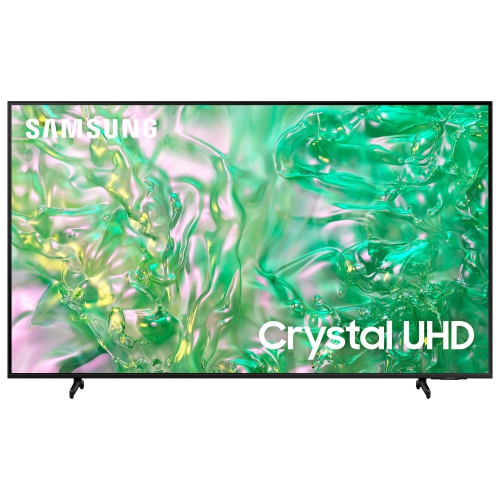
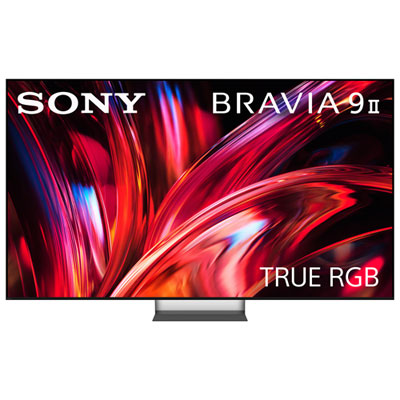
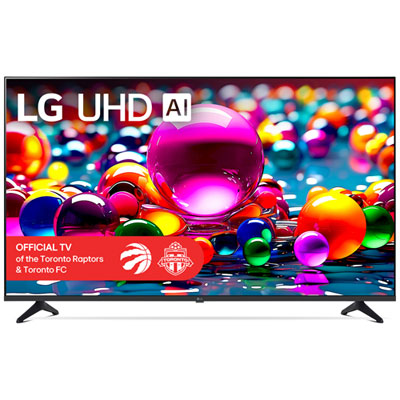
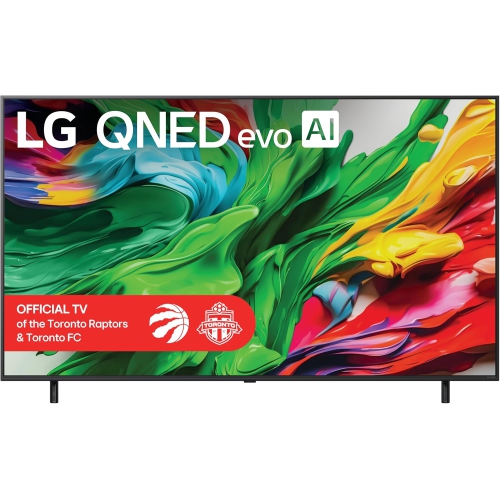
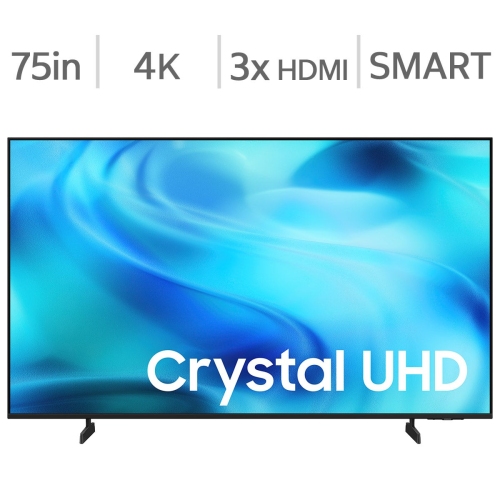
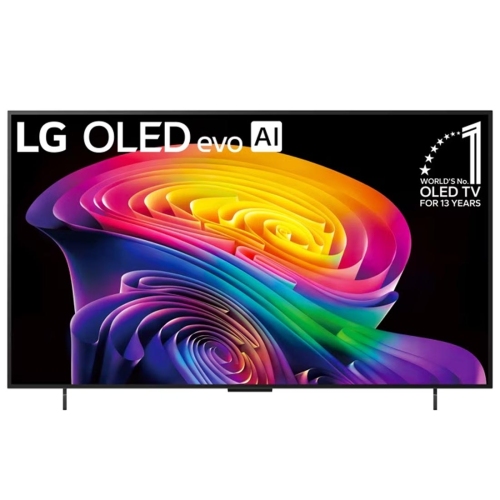
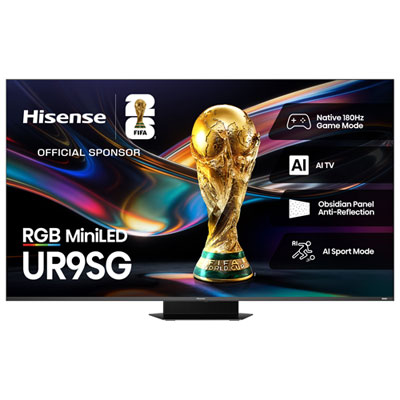
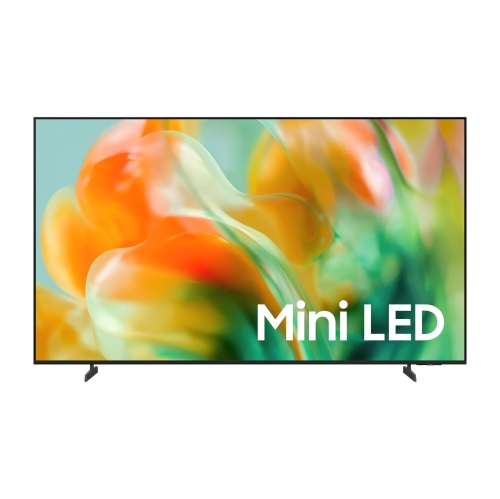
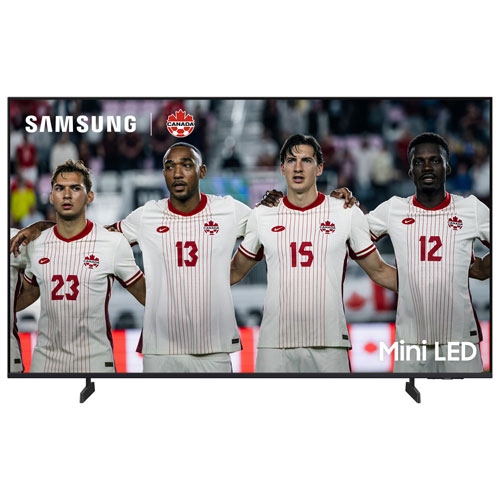
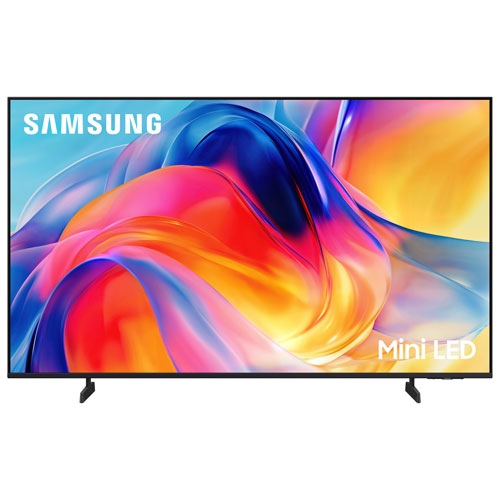

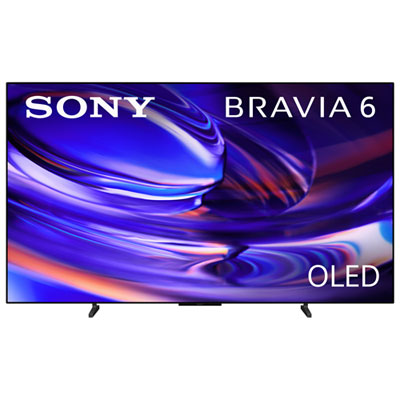
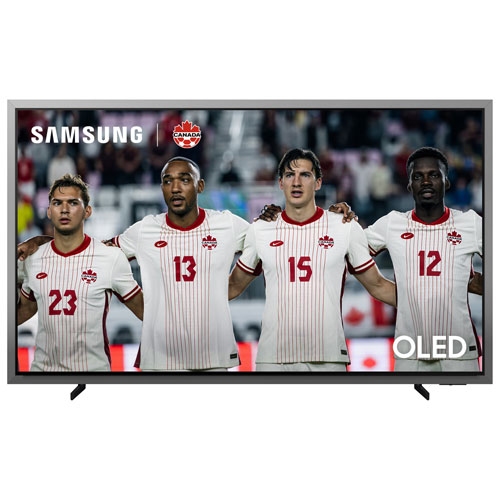

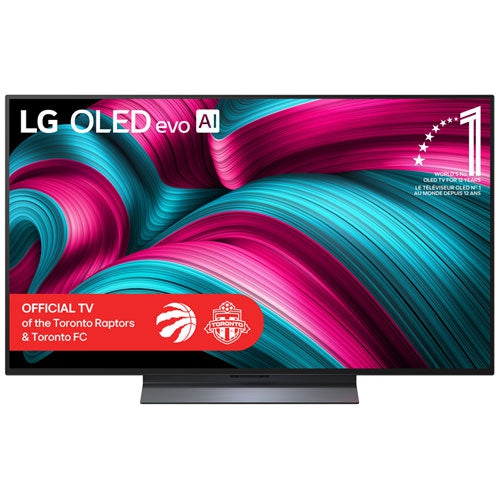
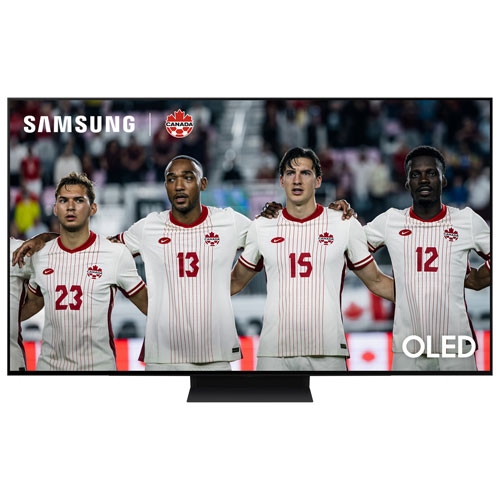
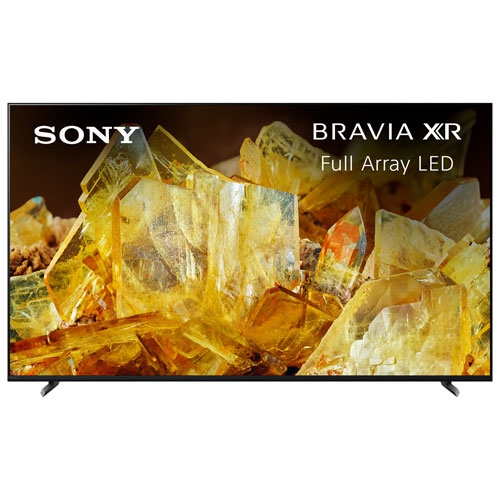
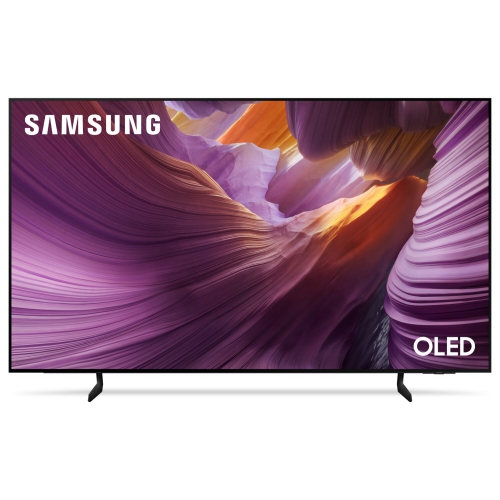
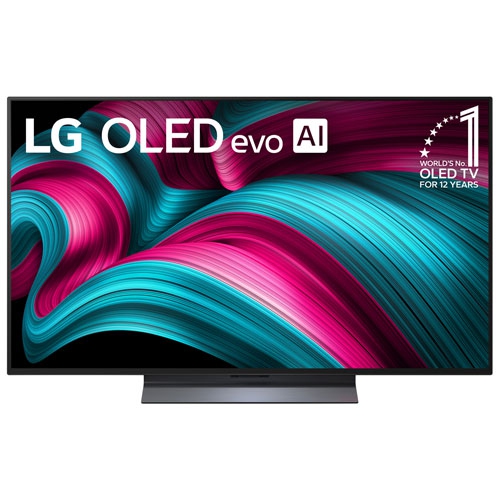
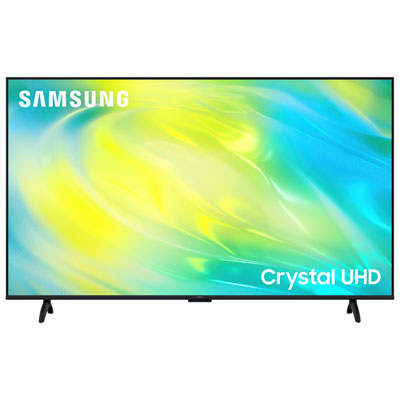
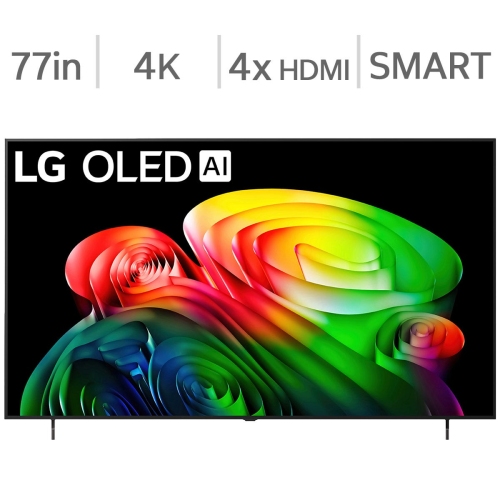
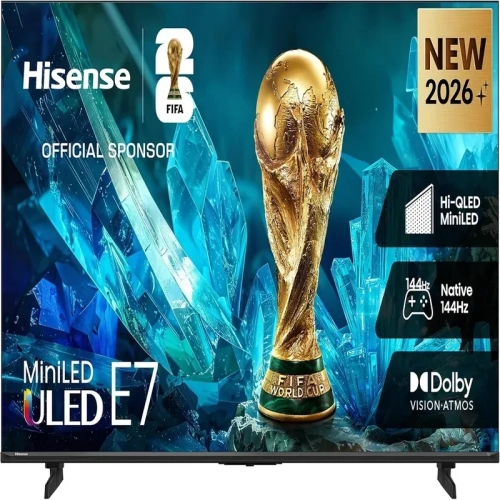
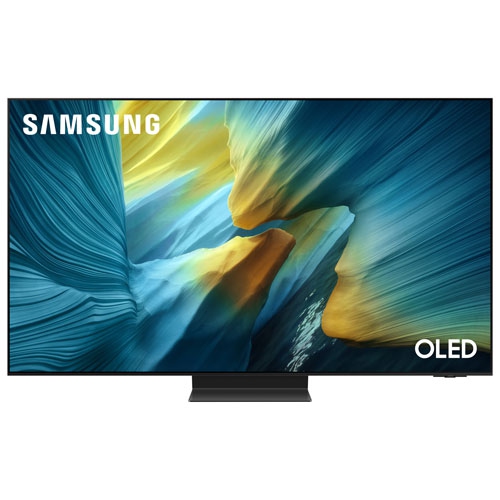
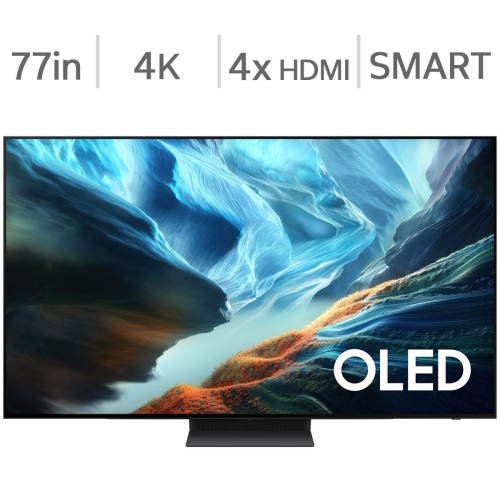

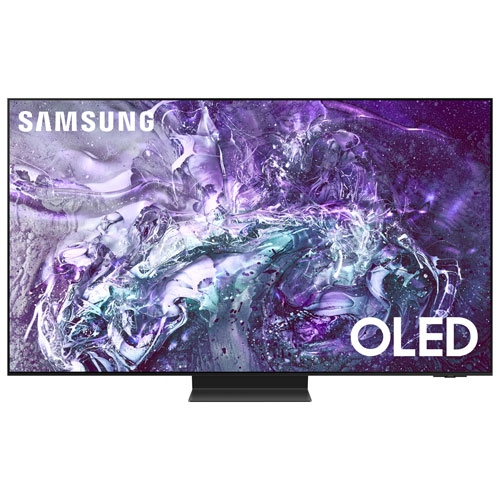
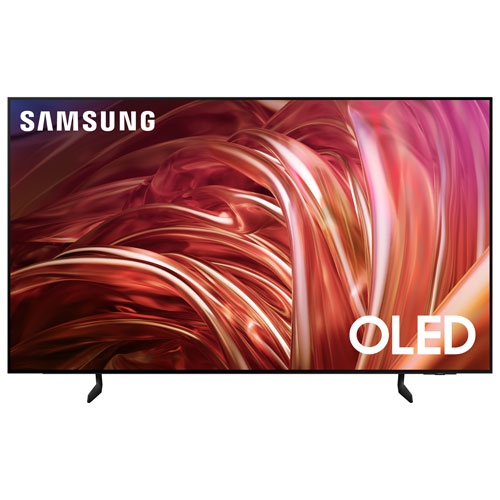

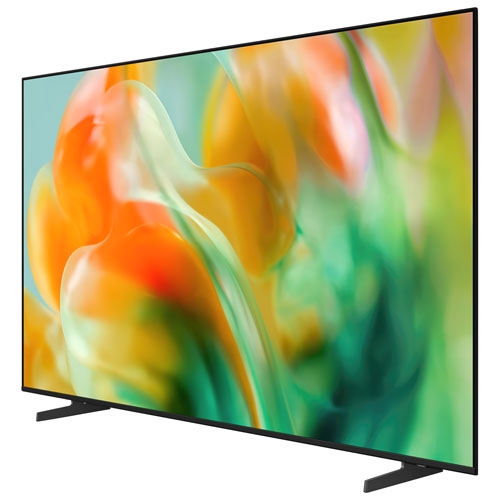
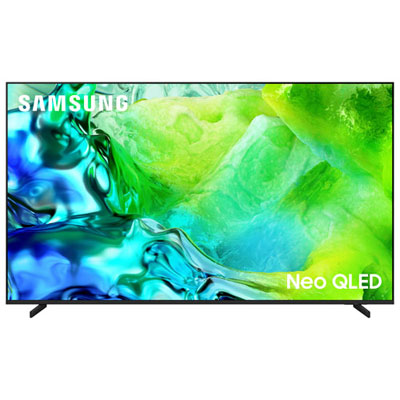
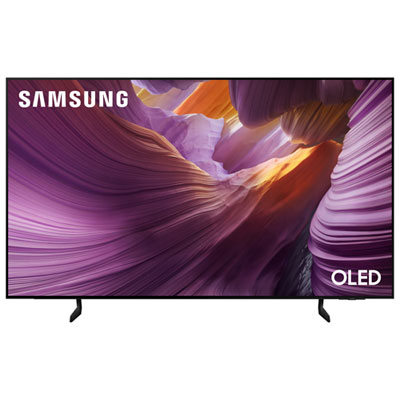
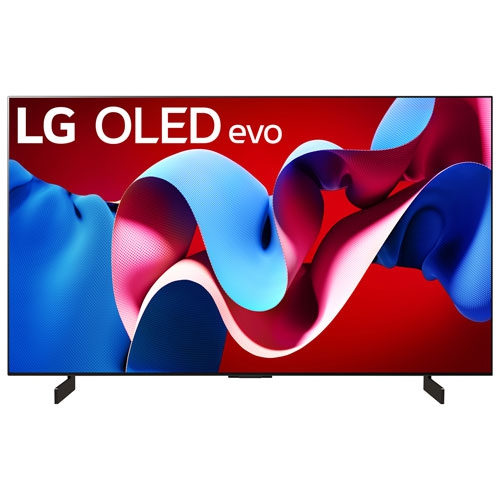

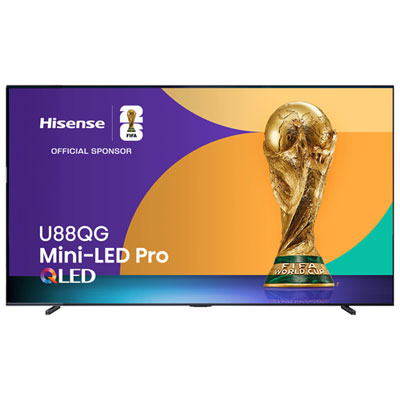
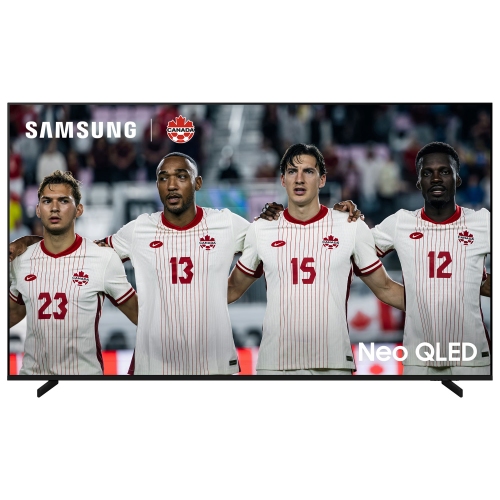
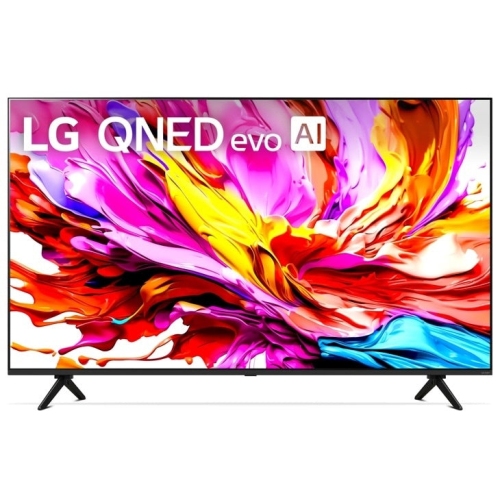
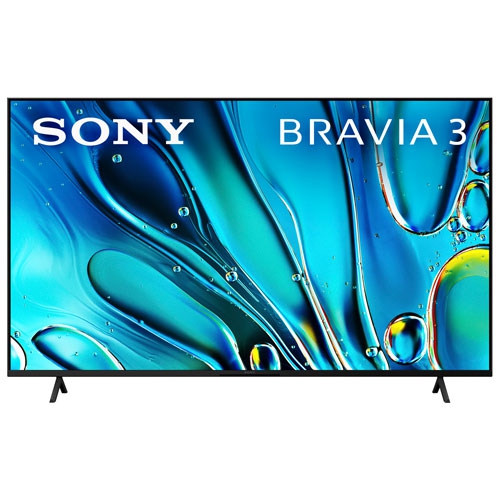
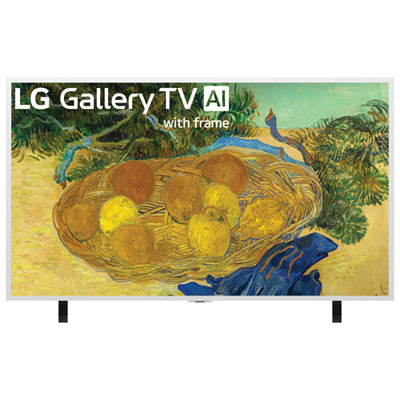
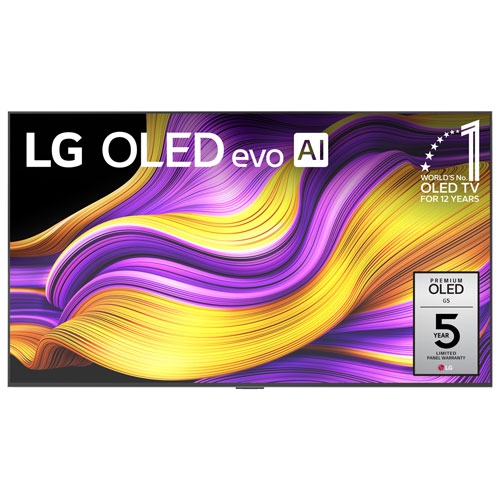
Clear game-day action takes more than screen size
70-inch TVs for ultimate sports fans bring the scale of the stadium into a living room, with enough screen space to make player positioning, score graphics, and close finishes easier to follow from across the sofa. For sports viewing, the most useful qualities are clear motion, effective upscaling, brightness suited to the room, and a picture that holds up from different seats. A large screen makes the action more immersive, but it also reveals weaknesses in the broadcast, so picture processing matters as much as size. Many games arrive through cable, satellite, or streaming at resolutions below 4K. A 4K television can upscale those signals to fill its screen, helping edges and fine details look cleaner, although it cannot recreate all the detail of a native 4K source. This is especially noticeable in wide shots of a football field, where jersey numbers and yard lines need to remain readable, or during hockey, when the camera follows the puck across the ice. Good motion handling helps preserve clarity during those movements rather than letting players blur into the background. A native 120 Hz panel, where offered, can provide more flexibility for motion processing than a native 60 Hz panel, but advertised motion ratings are not the same as the panel’s actual refresh rate. The broadcast frame rate, pixel response, and processing settings all affect the result. Motion smoothing can make a sweeping camera pan look steadier, yet stronger settings may introduce halos or distortion around a fast-moving ball. A restrained setting often gives a more natural balance. Sports picture presets can be a useful starting point, though their sharpness and colour settings sometimes need adjusting to keep grass, ice, and skin tones looking believable. For fans who watch everything from tennis rallies to motorsport, a consistently clear picture across different broadcasts is more valuable than a single dramatic showroom demonstration.
The room itself plays a large part in how satisfying a 70-inch TV feels on game day. At this size, a standard widescreen image measures approximately 61 inches wide and 34 inches high, before allowing for the frame, stand, or mounting hardware. That makes it important to consider the full television dimensions rather than the diagonal measurement alone. A media unit needs sufficient width and depth for the feet, along with a weight rating that supports the television safely. Some stands place the feet close to the outer edges, while others use a central base, so two televisions with the same screen size may fit furniture quite differently. Viewing distance is partly personal: sitting closer makes the match feel more enveloping, but it can also make compression, soft broadcasts, and excessive sharpening more obvious. The goal is a position where the entire field of play is comfortable to take in without constant head movement. Seating layout matters just as much. A fan watching directly in front of the screen may see rich contrast, while someone at the end of a sectional may notice faded colour or lighter-looking blacks, depending on the panel. Wide viewing angles are particularly useful for watch parties, when the best seat is not the only occupied seat. Brightness and reflection handling help in rooms with windows or overhead lighting, although even a bright screen benefits from placement away from direct glare. For hockey and football, screen uniformity also deserves attention: large areas of white ice or green turf can reveal distracting patches or bands as the camera pans. Local dimming, on televisions that include it, can strengthen contrast, but its effectiveness varies and bright graphics may show a glow against darker backgrounds. HDR can add brighter highlights and a wider range of colour when the programme and service support it; it does not automatically improve every broadcast. Where a 70-inch screen would crowd the room, 50-inch TVs for watching sports offer a smaller-screen alternative for a den, bedroom, or more compact seating area.
Everyday usability helps turn a large television into a dependable centre for live sports rather than just an impressive screen. Smart TV features are useful for households that move between a television service and streaming apps, but access to a particular league or match depends on the app, subscription, broadcast rights, and location. Checking compatibility with the services a household actually uses is more meaningful than counting the number of apps on the home screen. A stable connection is equally important: reliable Wi-Fi can work well, while an Ethernet connection, when supported, provides an alternative if wireless performance is inconsistent near the television. Neither connection removes delays built into a streaming service, so a phone notification may still reveal a goal before it appears on screen. Enough HDMI inputs make it easier to keep a television receiver, games console, and other equipment connected without swapping cables. For households that alternate between watching matches and playing sports games, low input lag and compatible gaming features can be useful, although they serve a different purpose from broadcast motion processing. Sound also shapes the experience. Clear dialogue keeps commentary understandable beneath the crowd, and a compatible soundbar or speaker system can give chants, whistles, and arena announcements more presence. HDMI ARC or eARC support can simplify audio connections when both devices are compatible. Physical construction and care matter over years of regular use: a stable stand, secure wall mounting, and sensible cable routing help protect a large, thin display from accidental knocks. Wall brackets must match the television’s mounting pattern and weight, with fixings appropriate for the wall. Keep ventilation openings clear, and follow the manufacturer’s cleaning directions; a clean, dry microfibre cloth is generally a suitable starting point for gentle dust removal, without spraying liquid directly onto the panel. A 70-inch TV can suit a dedicated fan, a sports-loving family, or a shared entertainment room, and can make a memorable gift when the recipient’s space and setup are known. The lasting appeal comes from seeing the whole play clearly, hearing the commentary comfortably, and giving everyone a good view of the finish.
Top selling and popular products
-
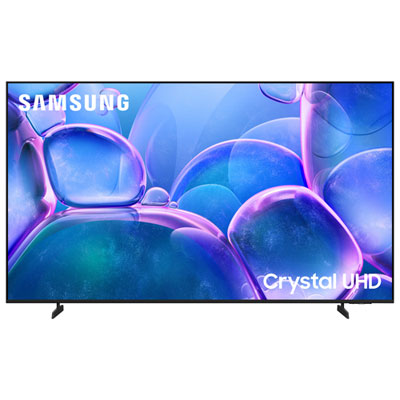 Your price for this item is $824.95
-
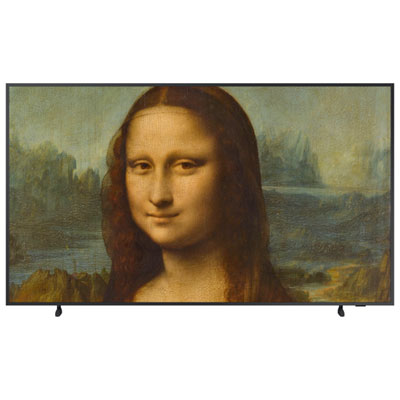 Your price for this item is $1439.97
-
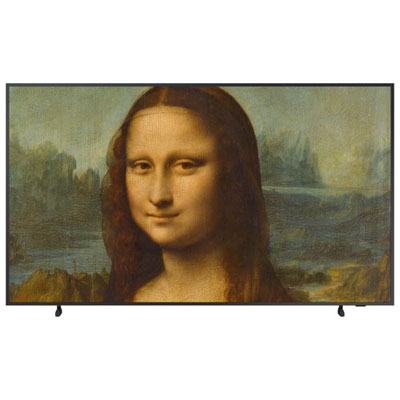 Your price for this item is $1619.97
-
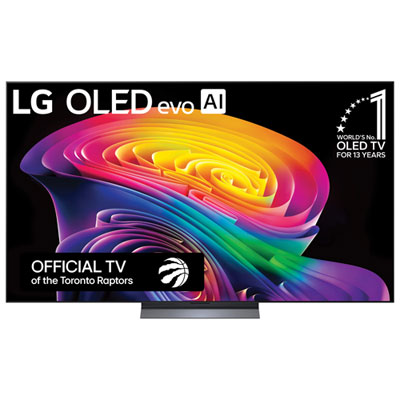 Your price for this item is $2999.99
-
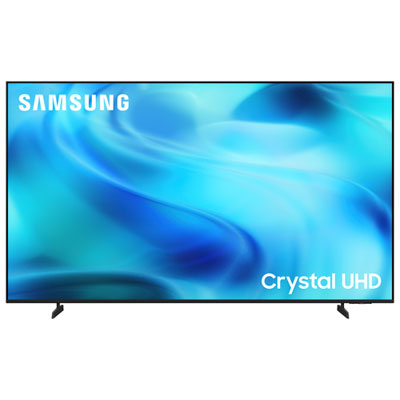 Your price for this item is $999.99
-
 Your price for this item is $5999.99
-
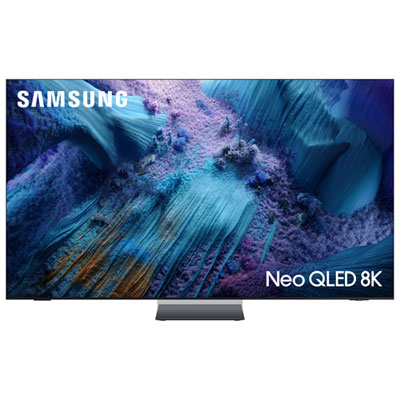 Your price for this item is $4649.95
-
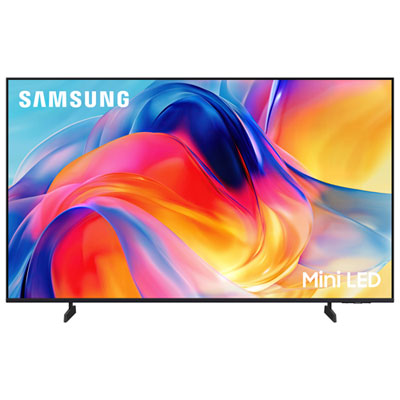 Your price for this item is $999.99
Discover more categories related to 70-inch Tvs for Ultimate Sports Fans
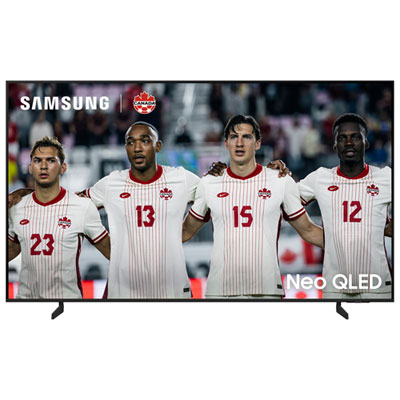

Top Collections:
Best Black Friday Deals This Year, Best Black Friday Deals On Electronics, Kindle Devices, Pokemon Centers, Best Black Friday Deals On Apple Products, Best Cameras for Sports Photography, Dyson Airwrap, Pokémon 30th Celebration Cards, Apple iPhone 17 Pro, Canon G7X Cameras
Some products may be subject to Environmental Handling Fees
(EHF) depending on your province.
Learn more about EHFs.