Smart TV Internets
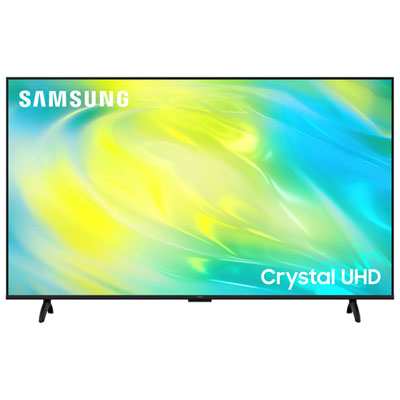
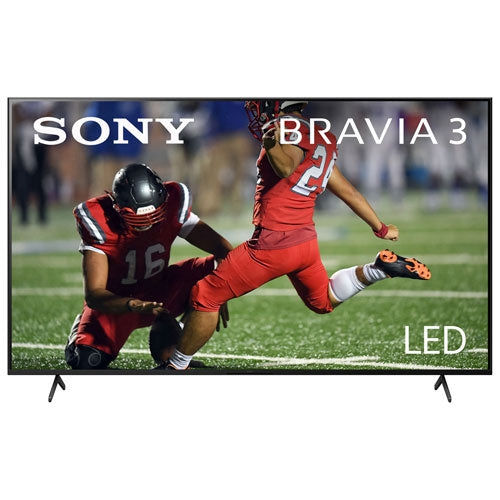
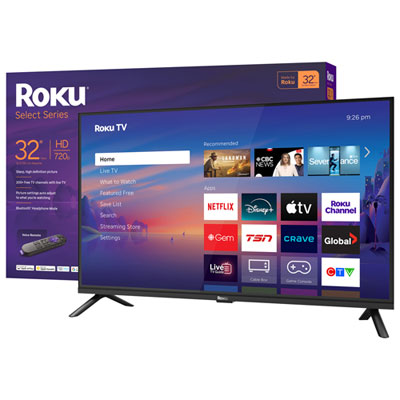
Smart TVs are a great way to watch movies, play games, and surf the web on your TV. They also have a lot of other features that can be very useful for everyday life. Here are some of the top choices for smart TVs available today.
Sort
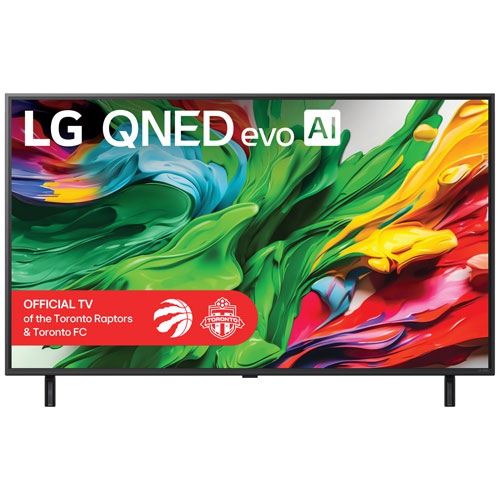


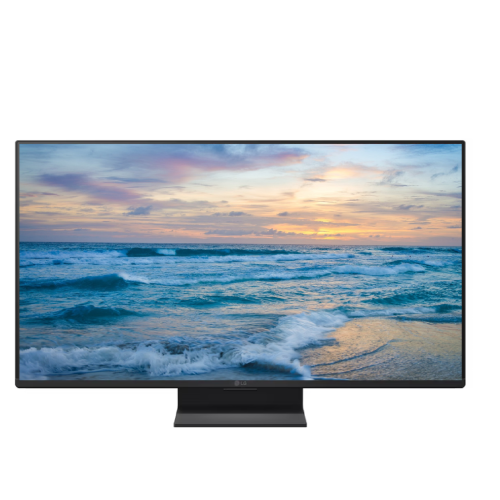
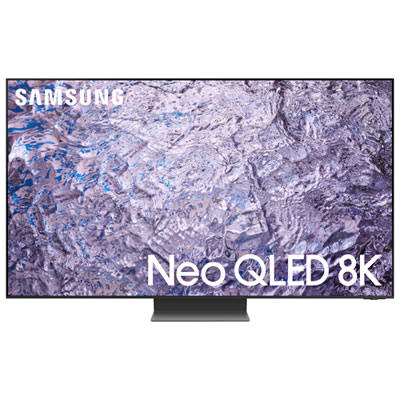
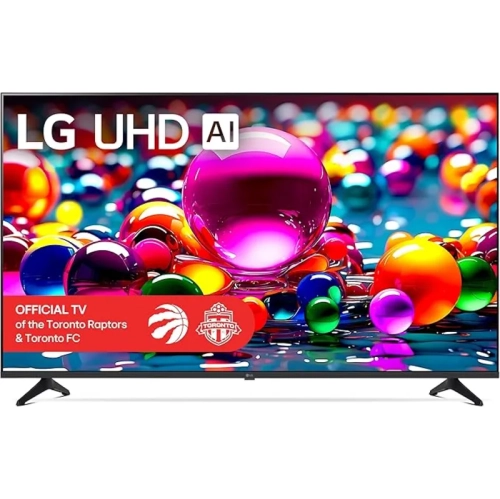
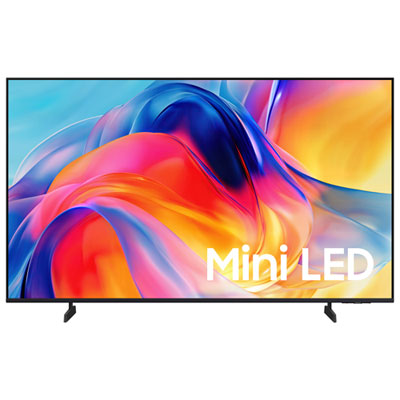
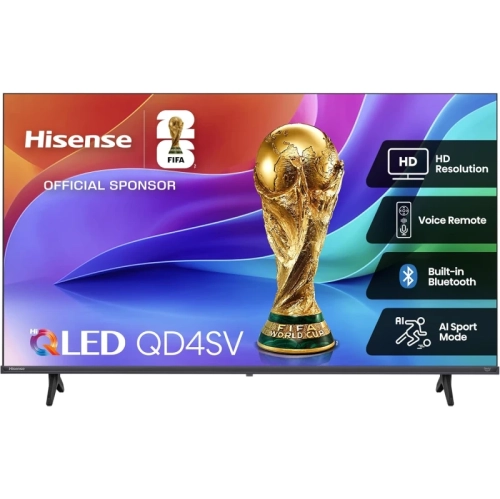
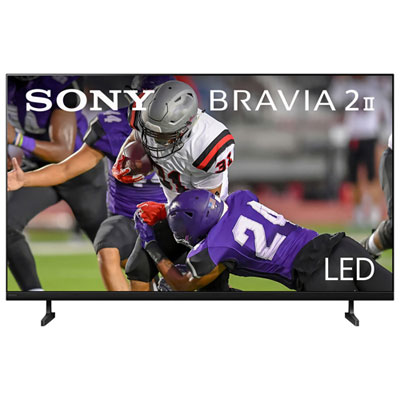
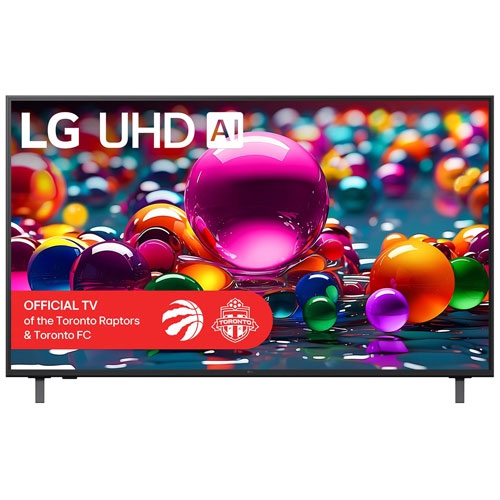
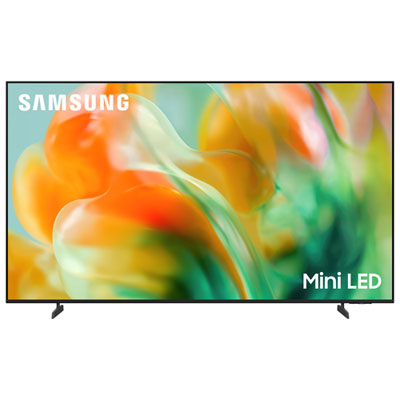
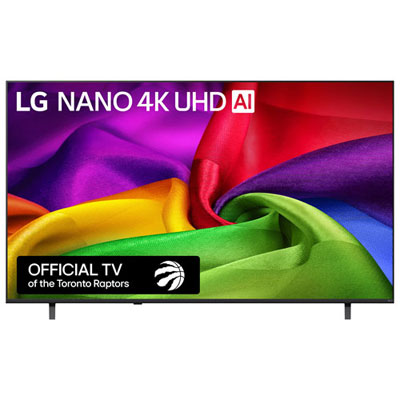
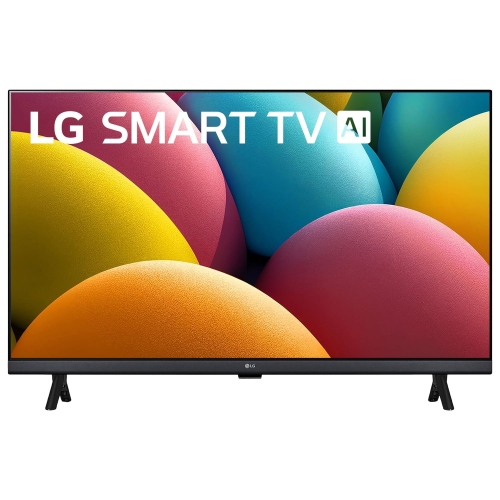
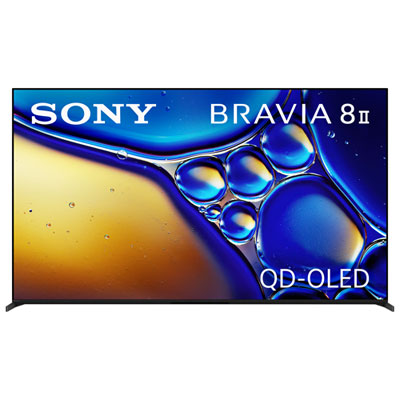
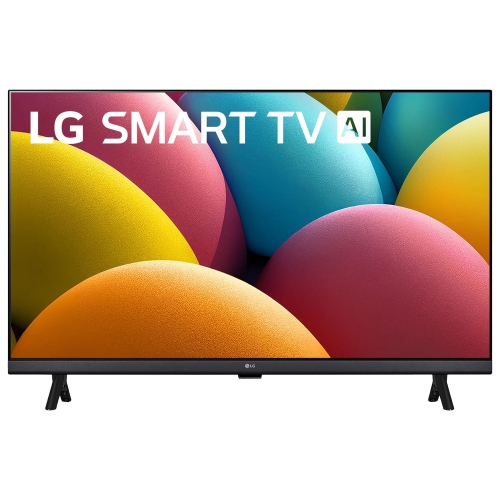


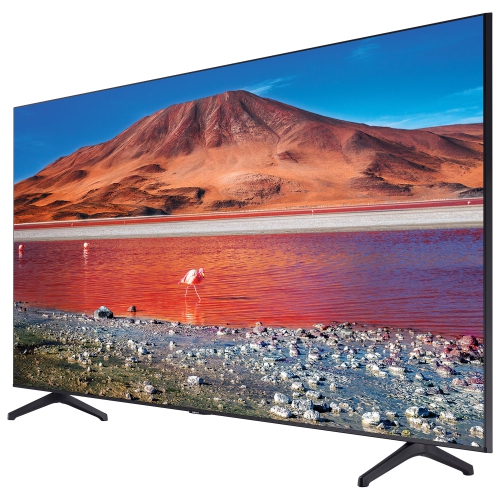
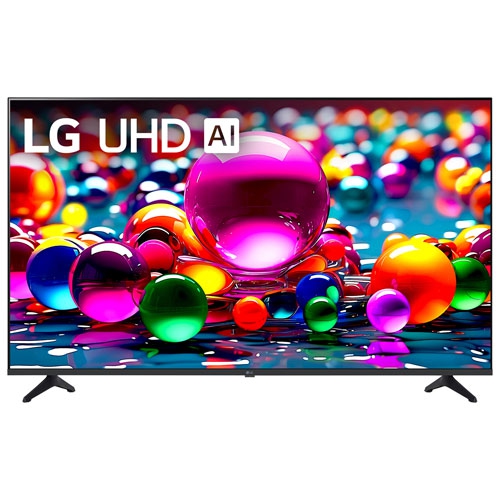

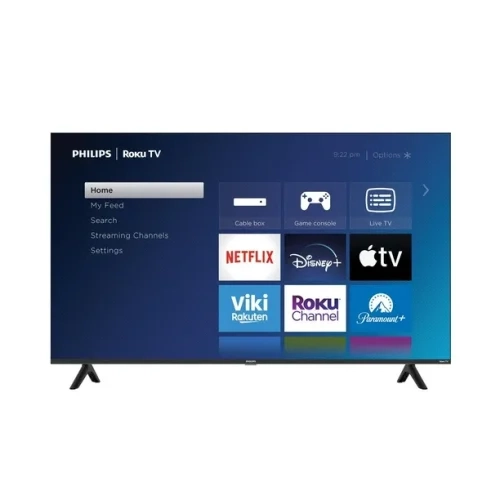
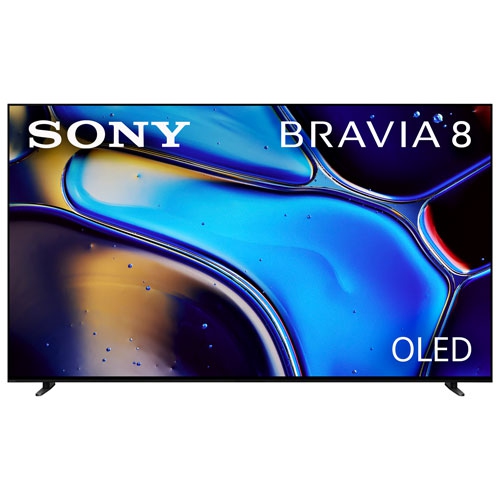
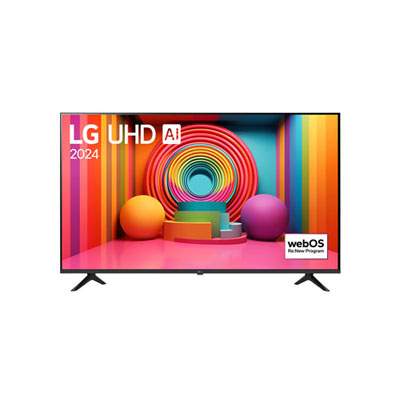
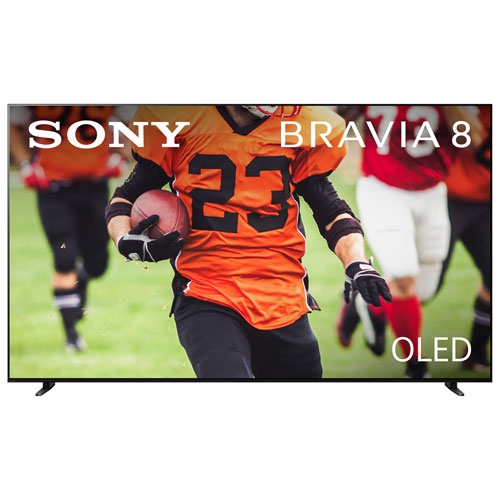
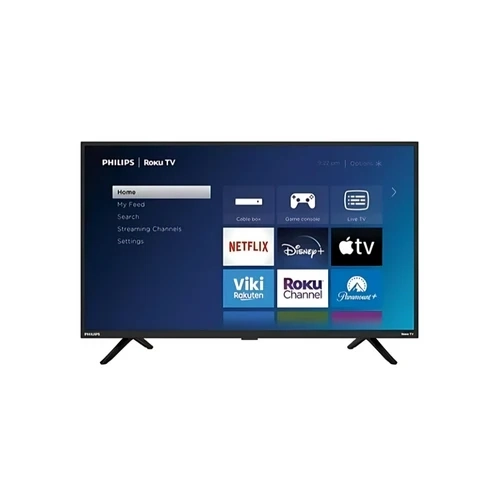
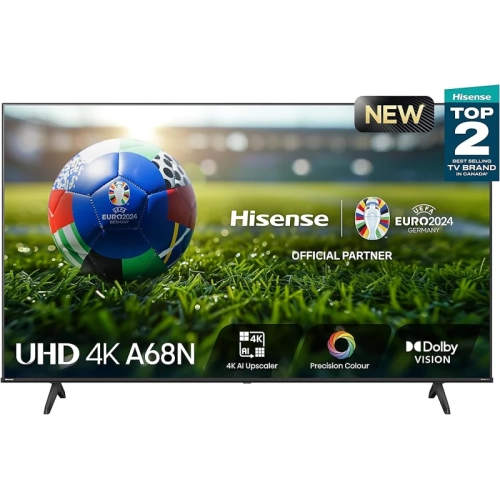
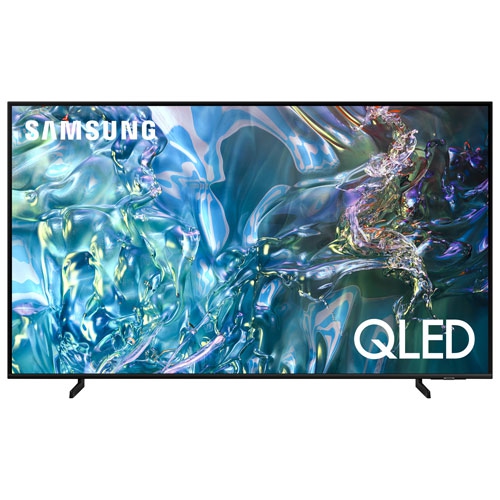
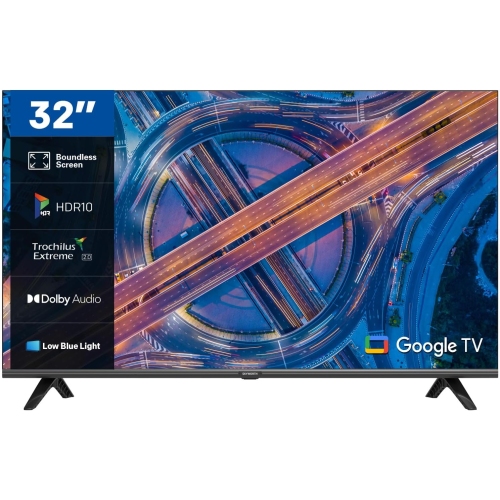
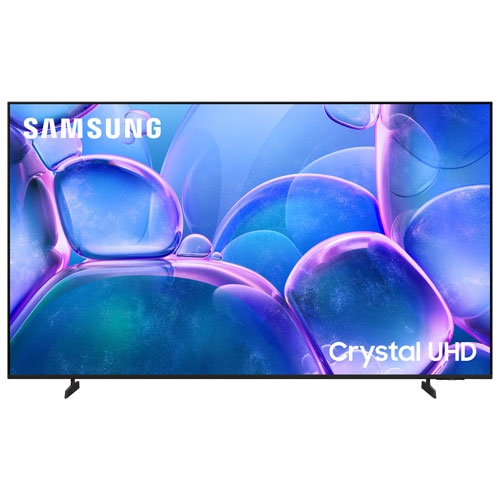
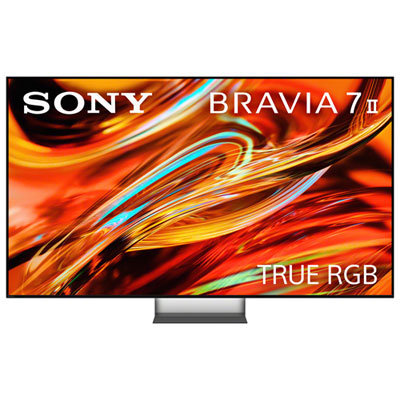
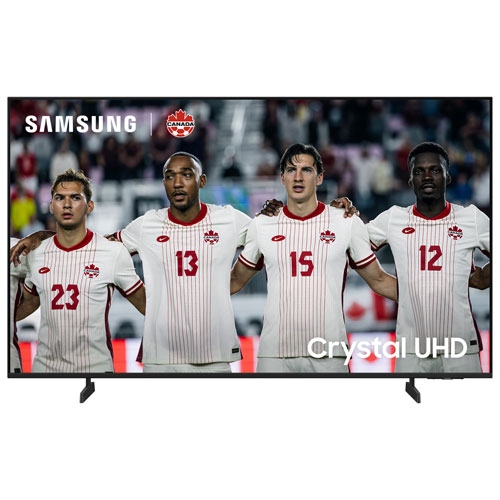
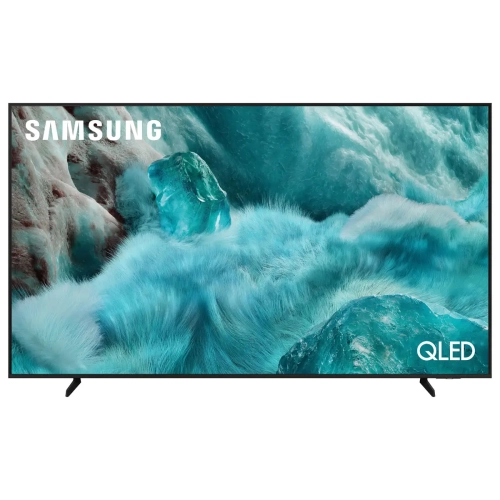
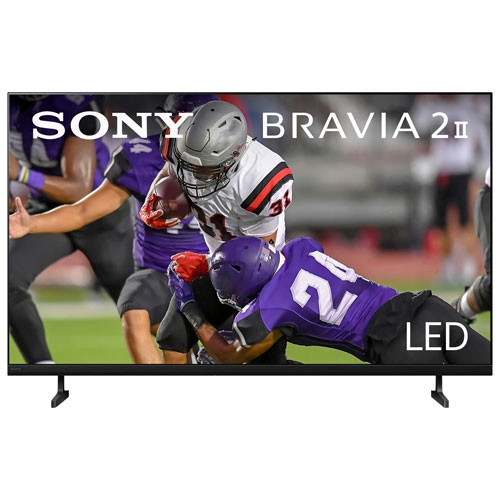



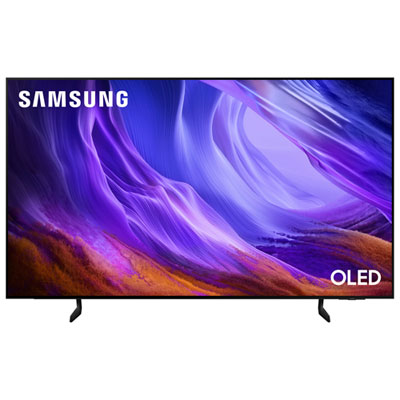
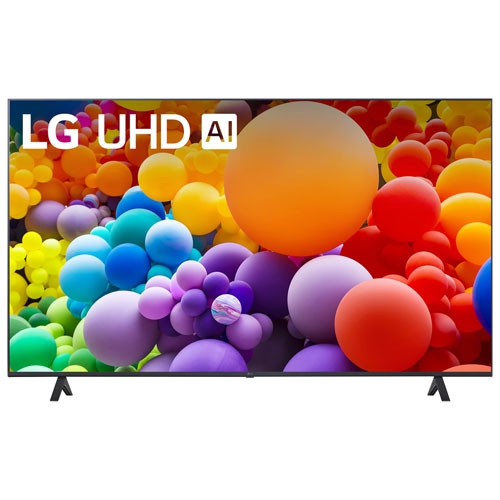
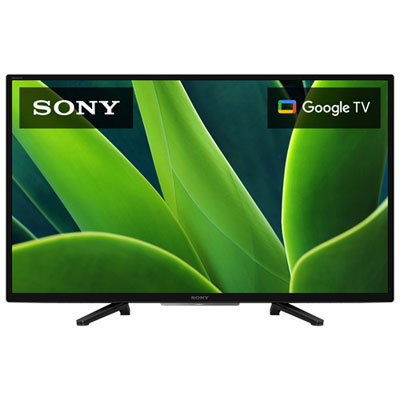
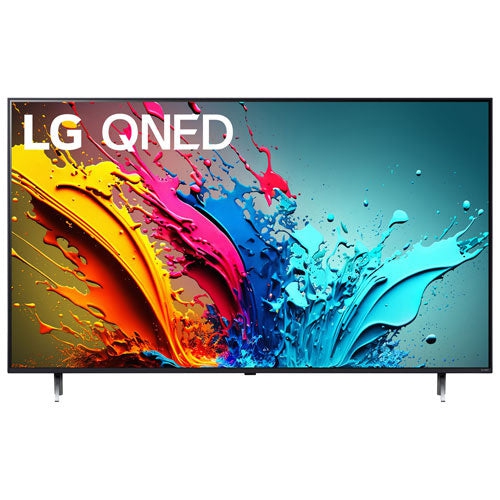
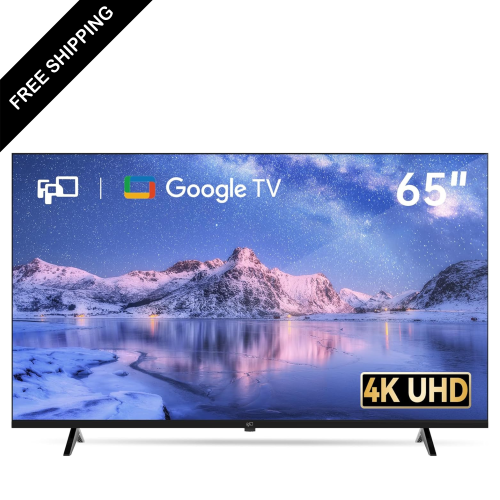
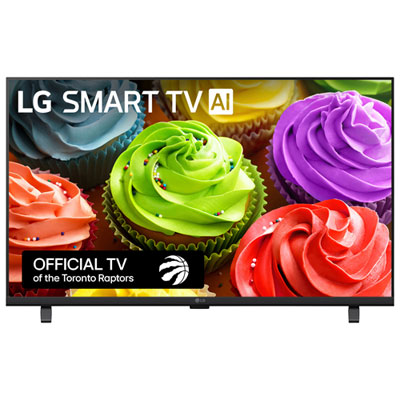
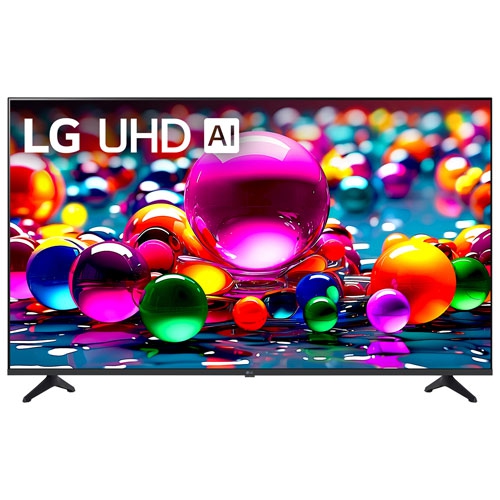
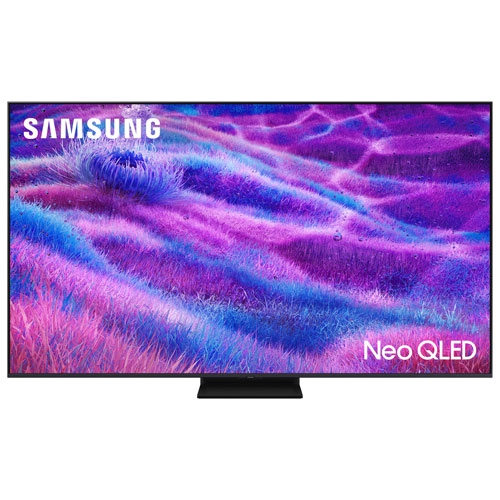
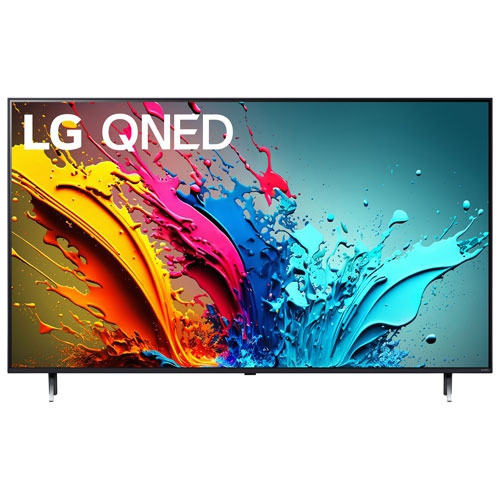
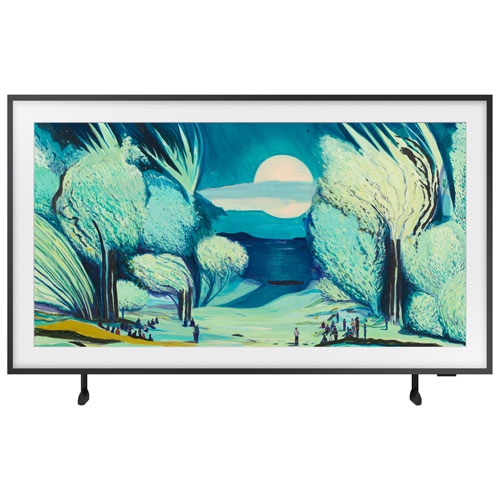


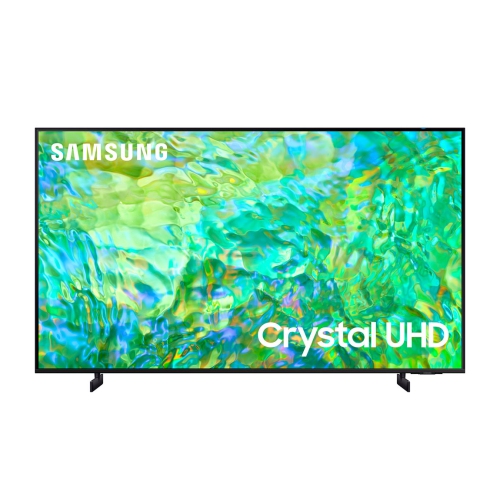
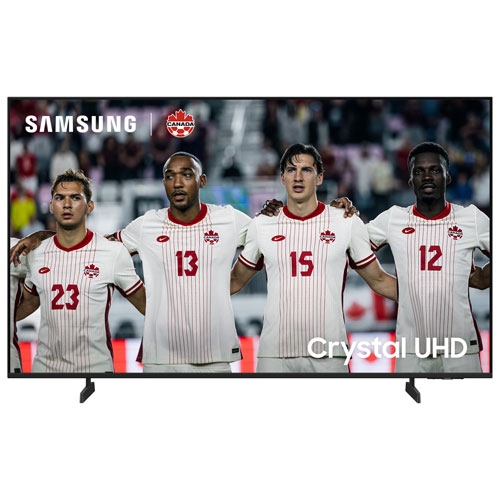
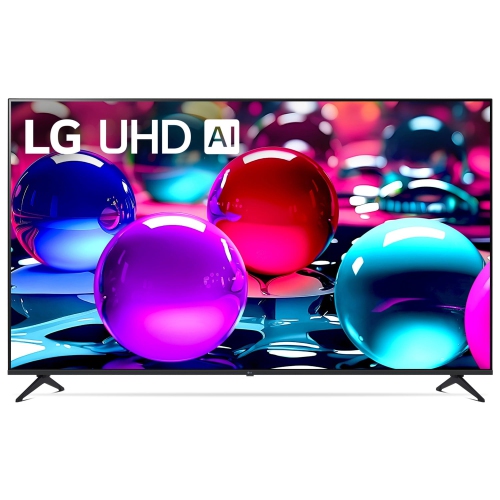
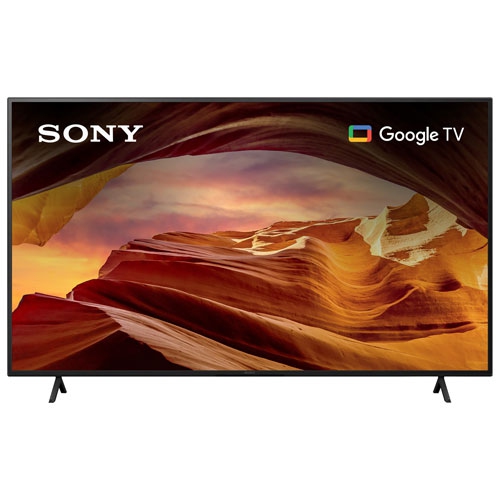
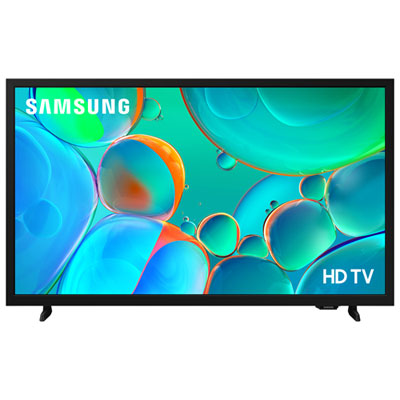


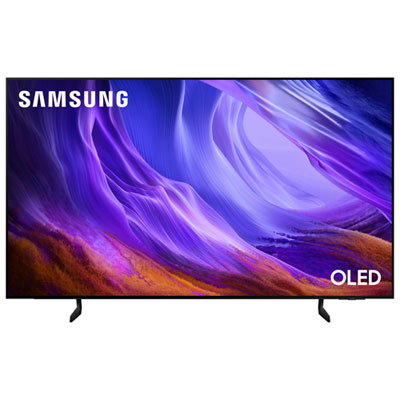
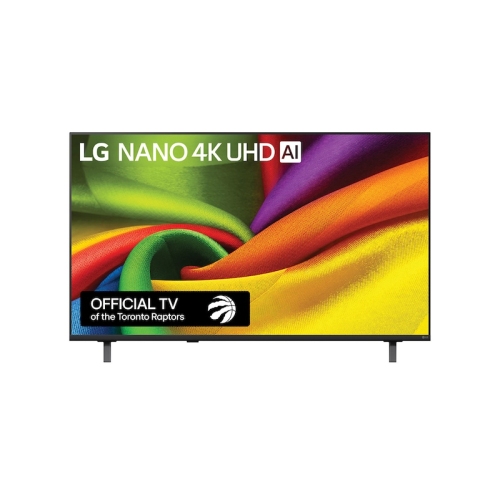
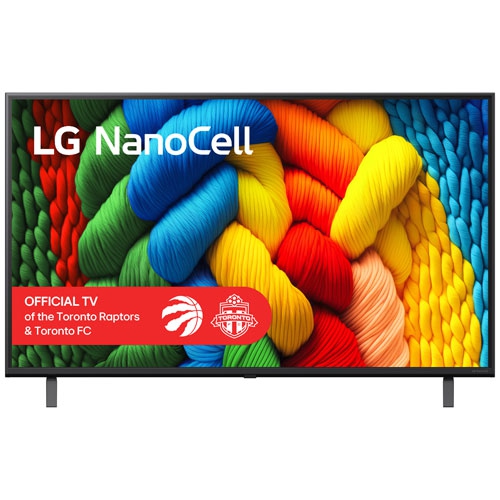
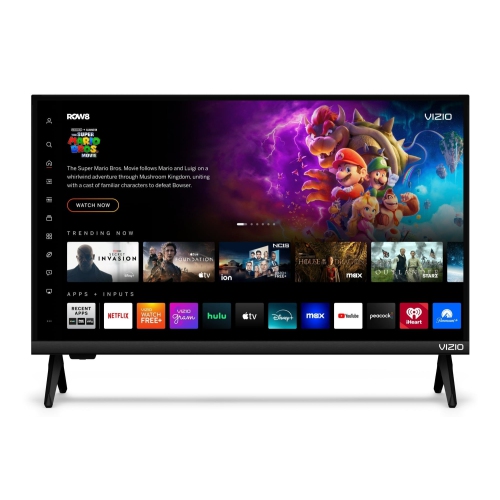

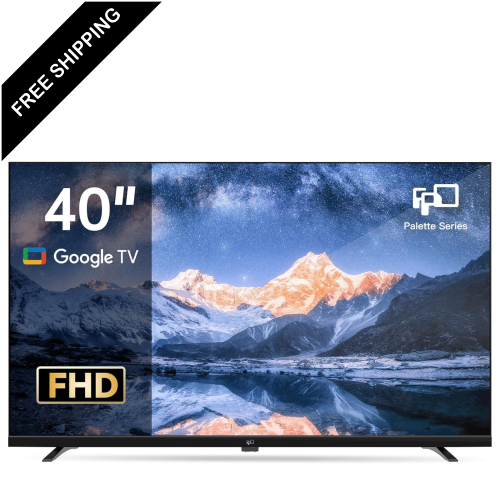

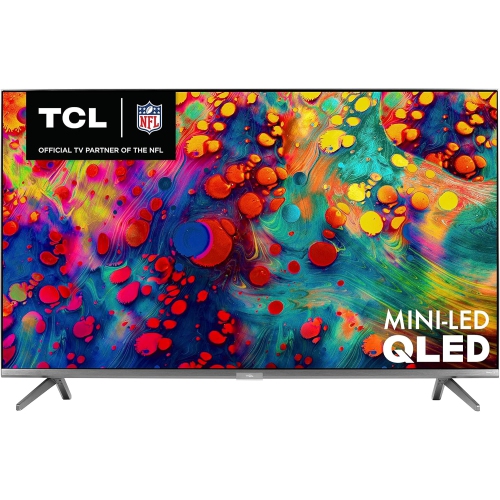
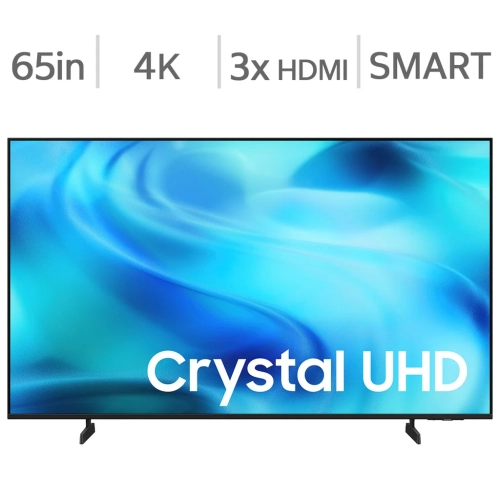
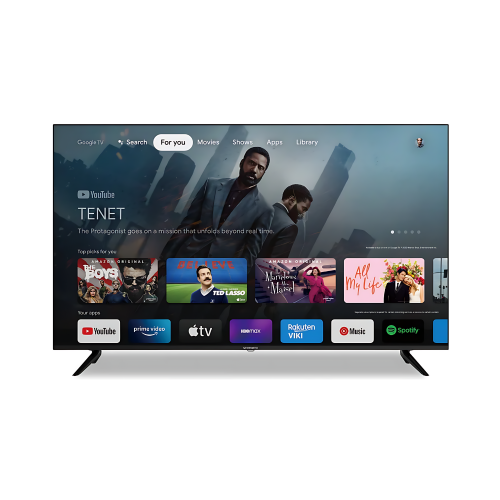
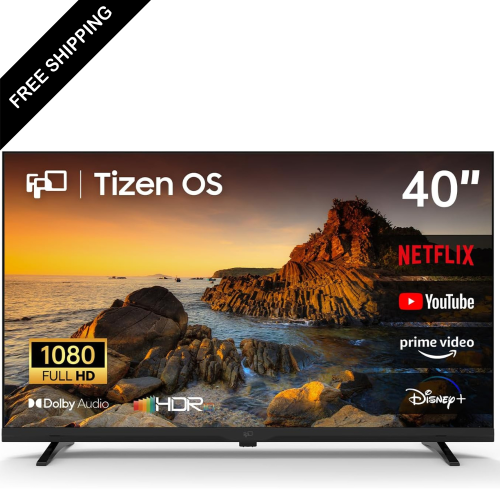
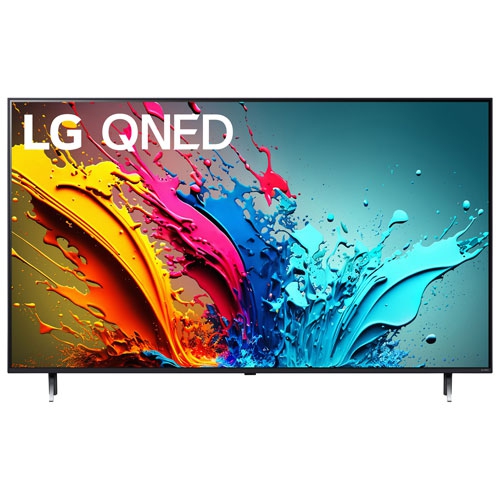
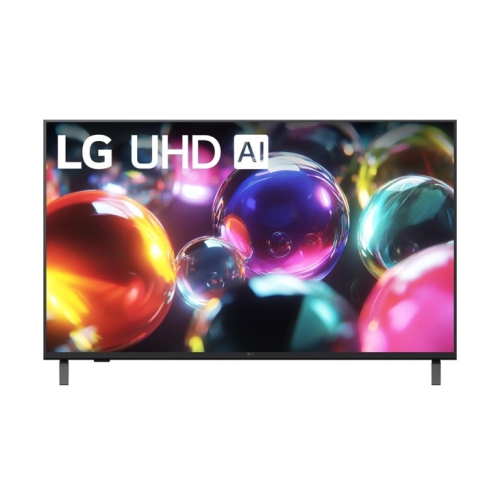
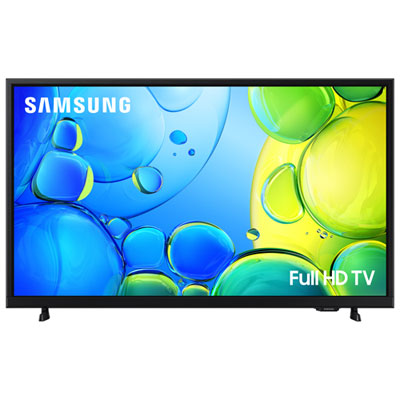
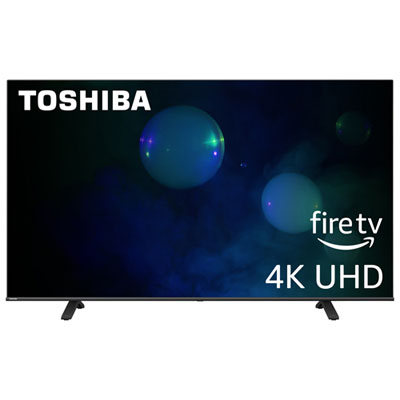
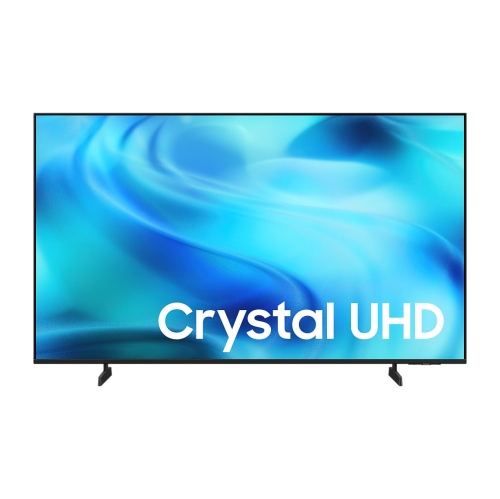

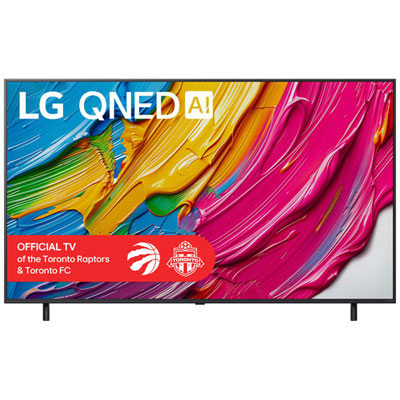



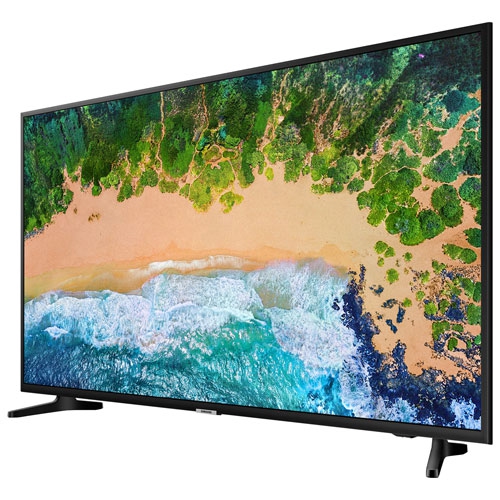
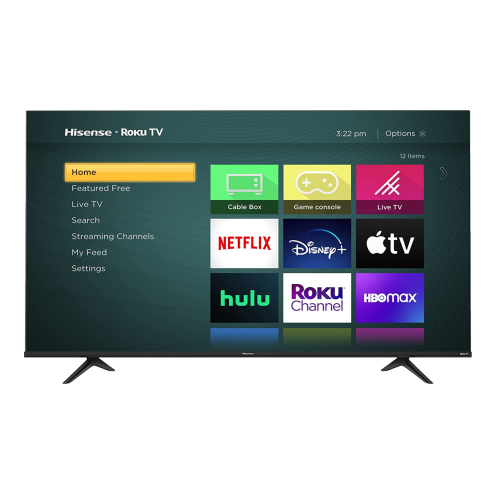
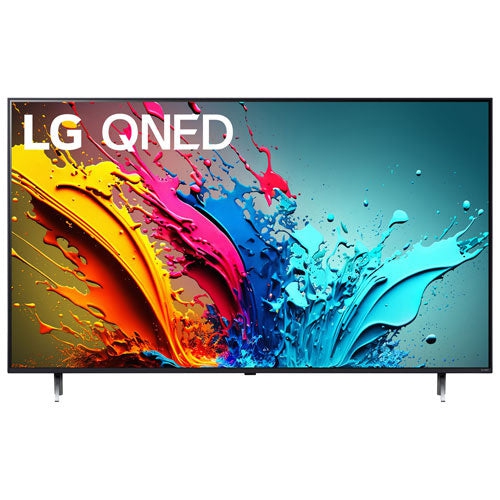

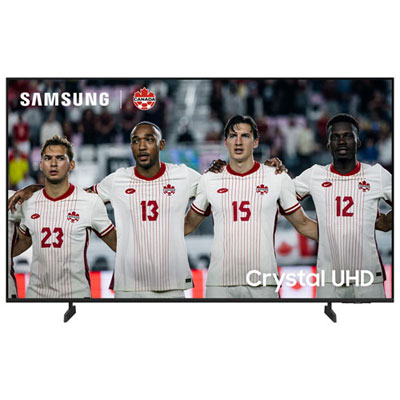
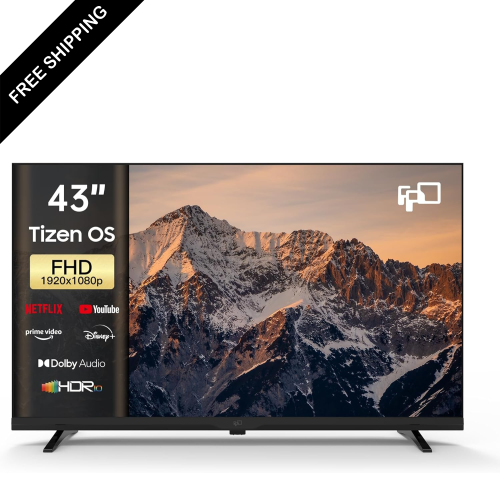
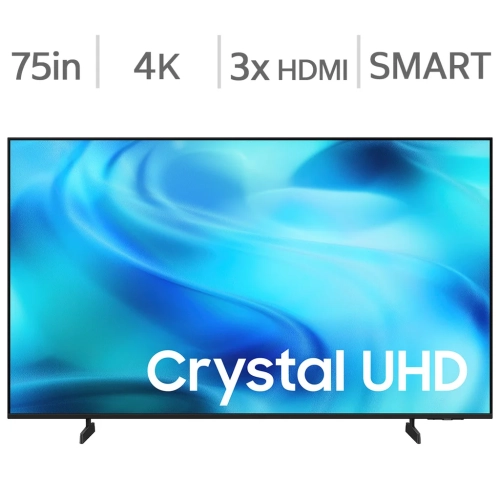
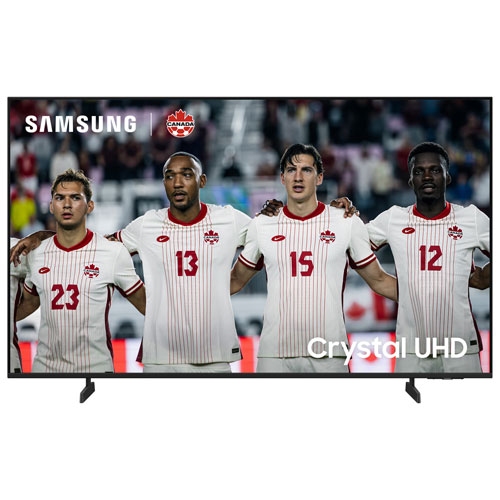
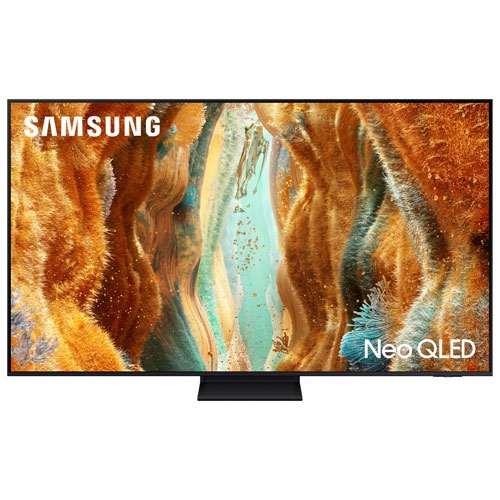


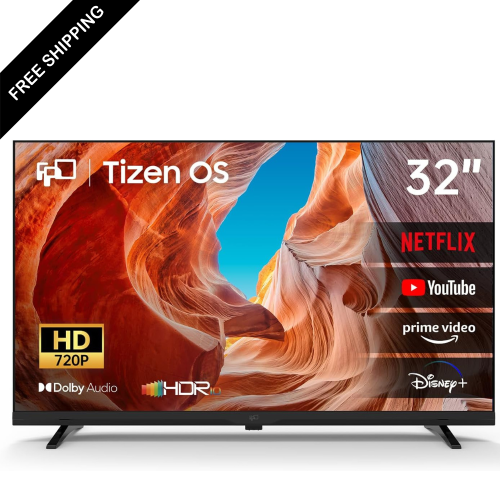
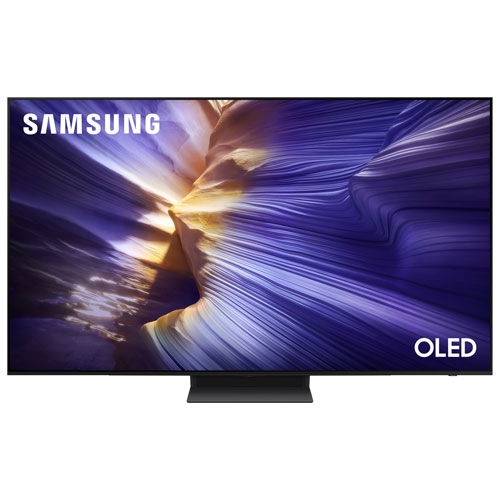
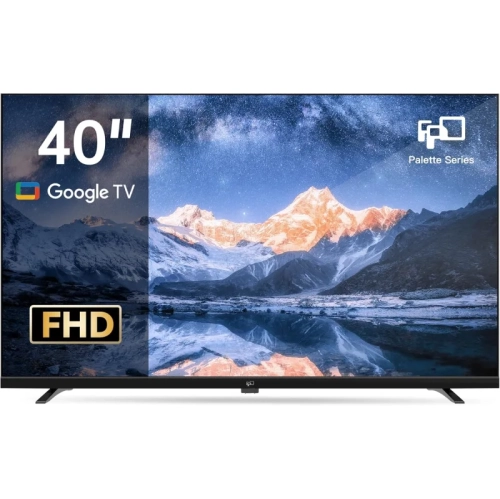
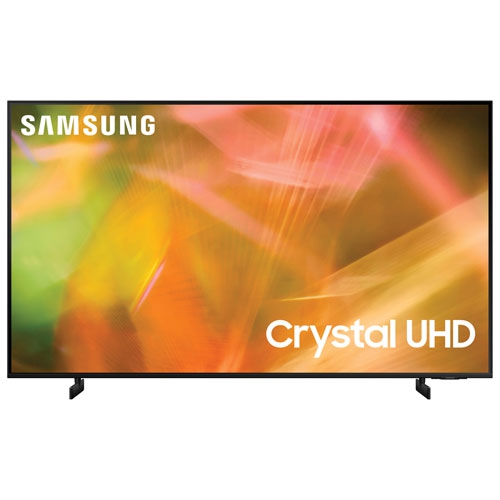
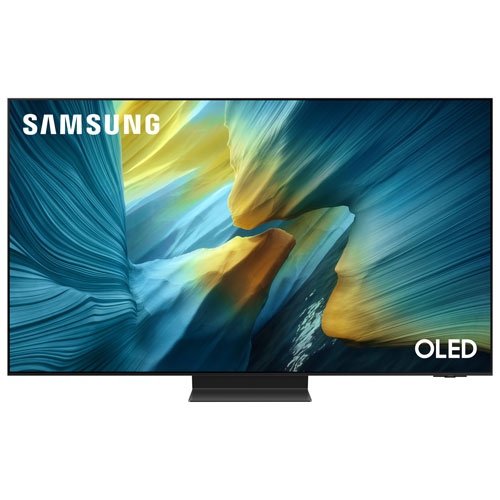
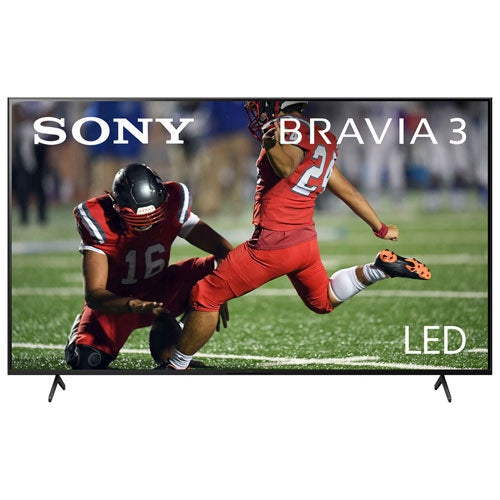
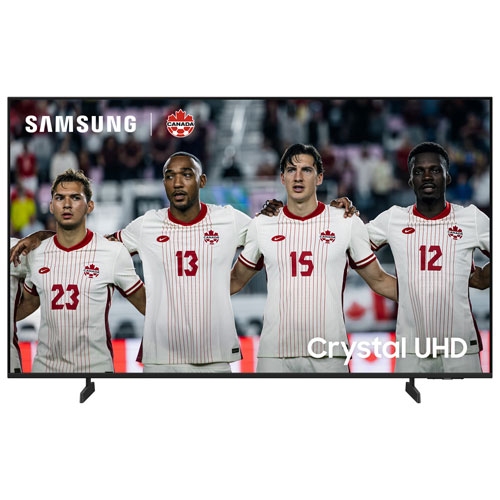
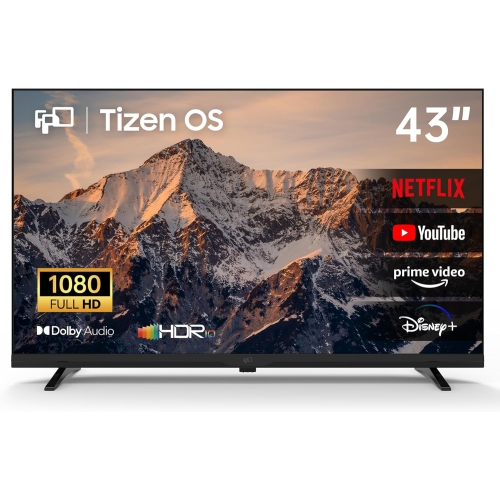

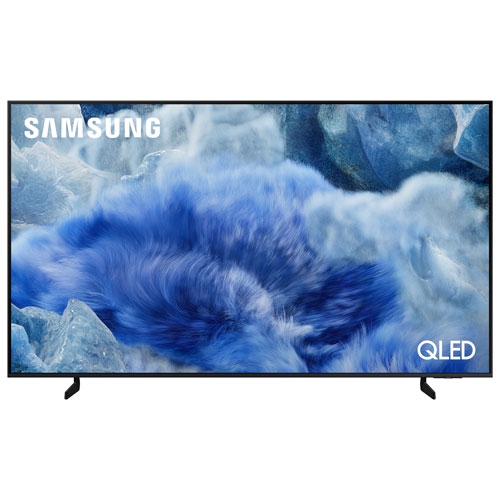
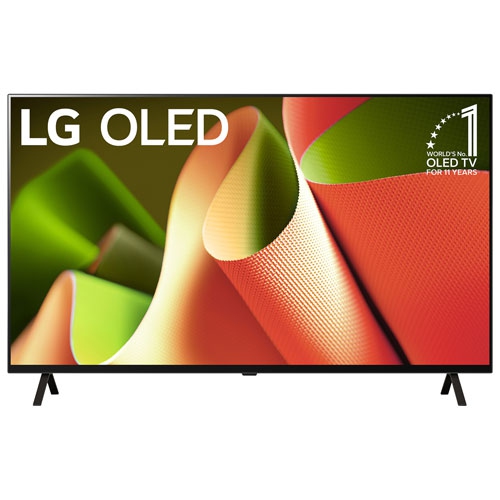
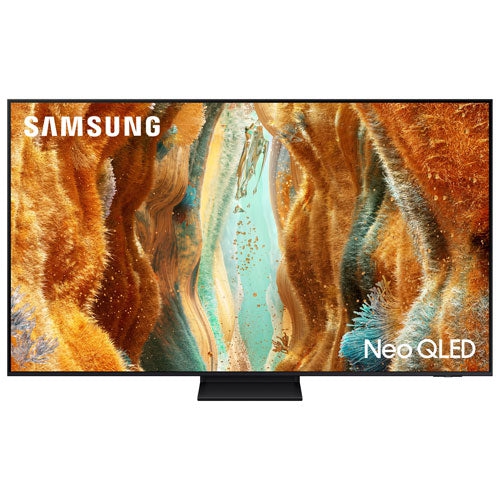
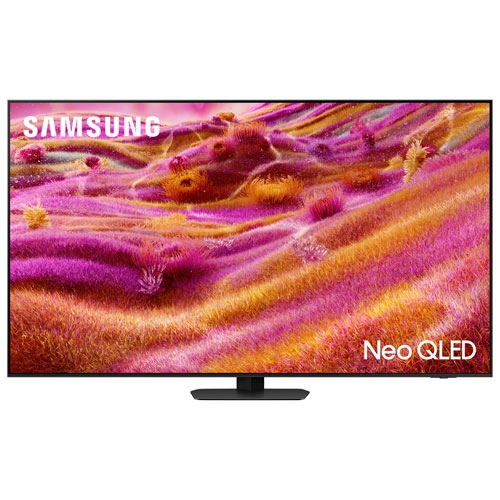
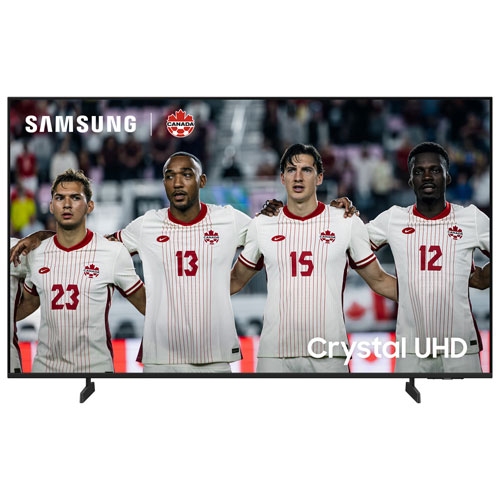
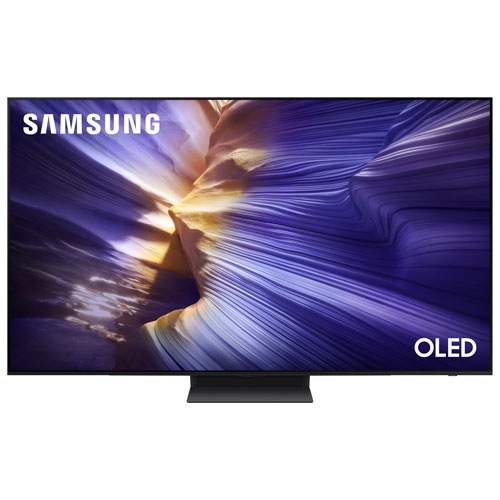


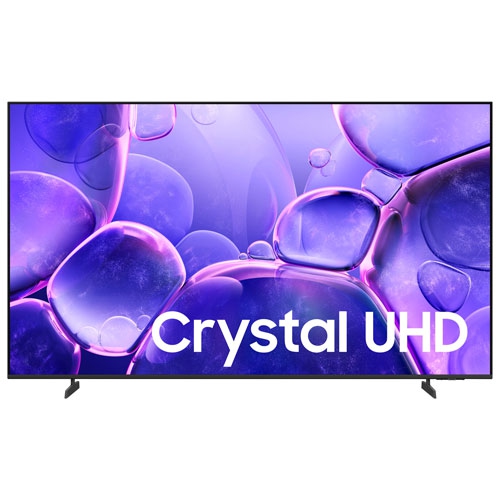
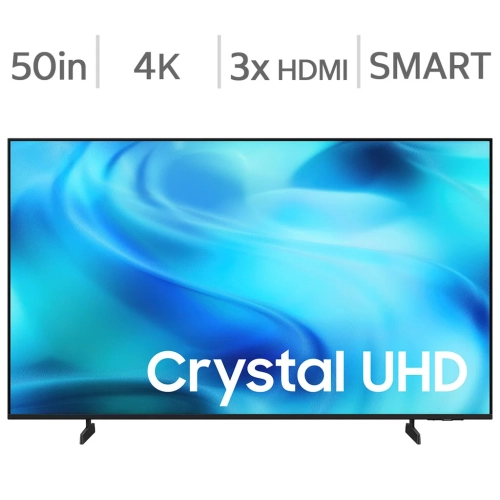
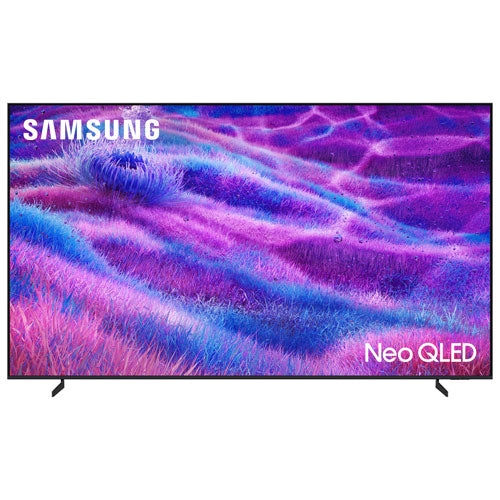
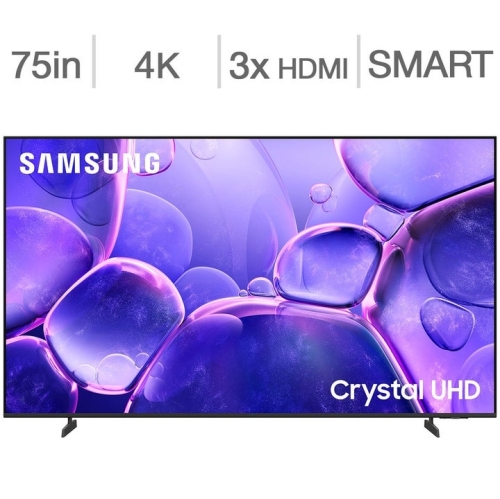
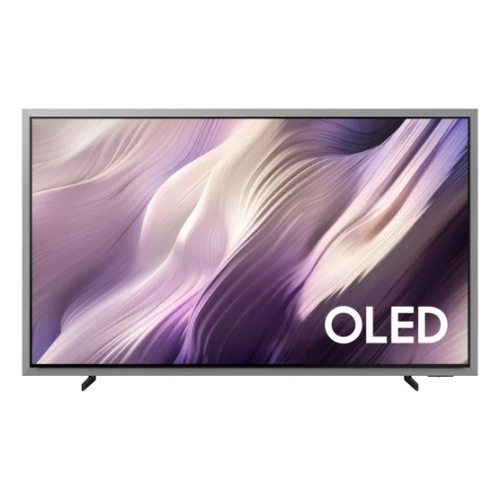
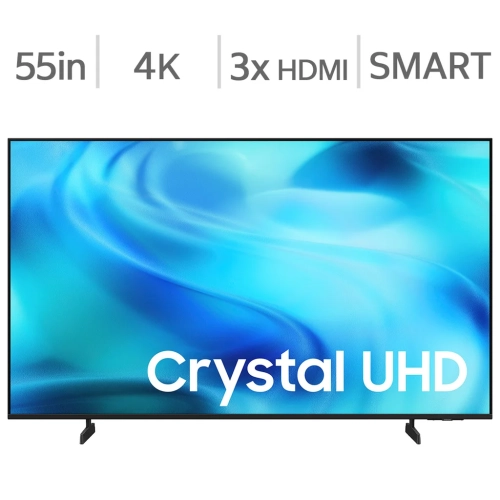
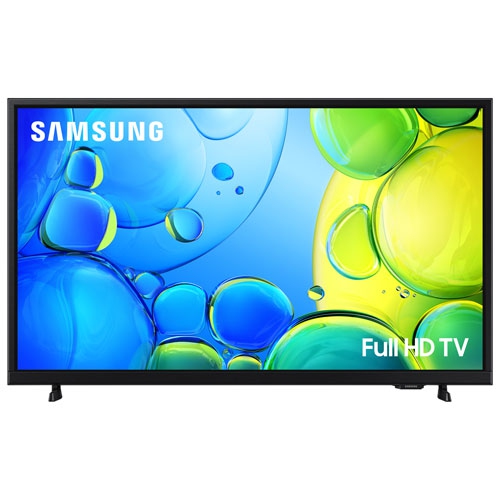
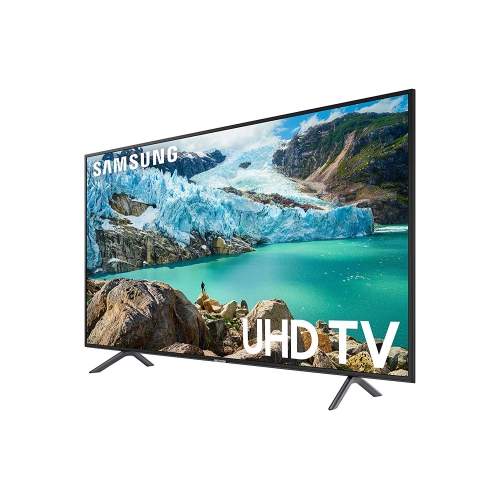



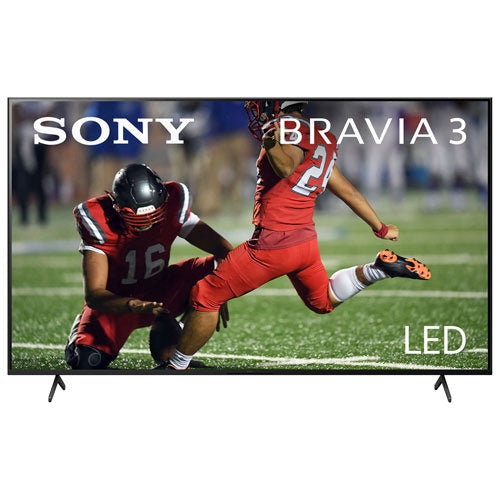

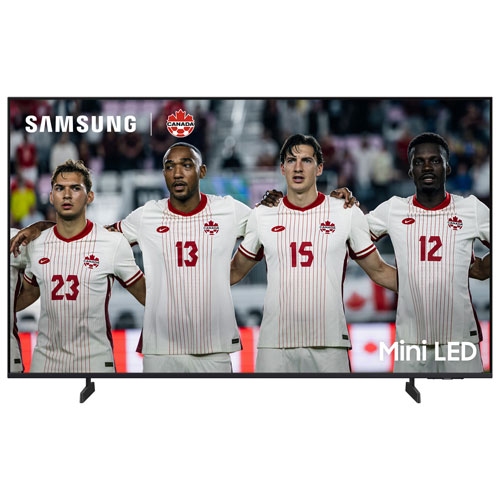
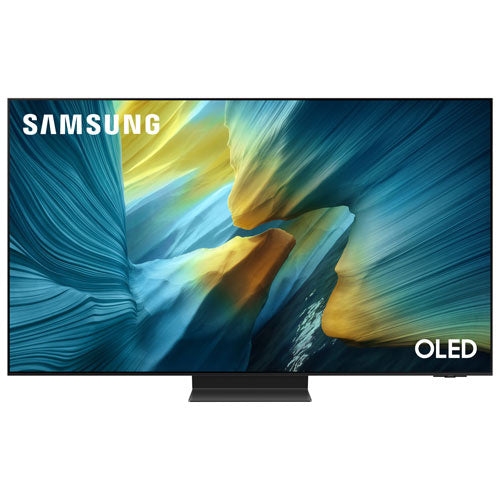

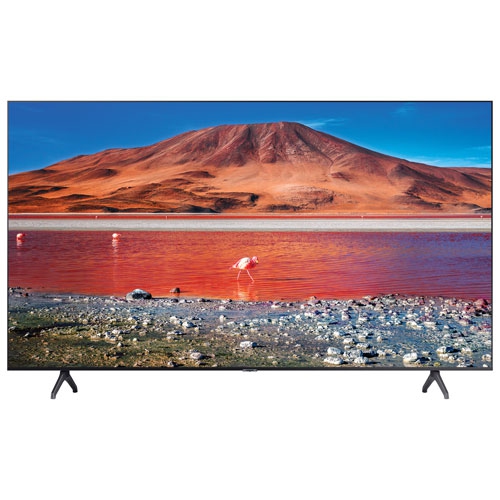


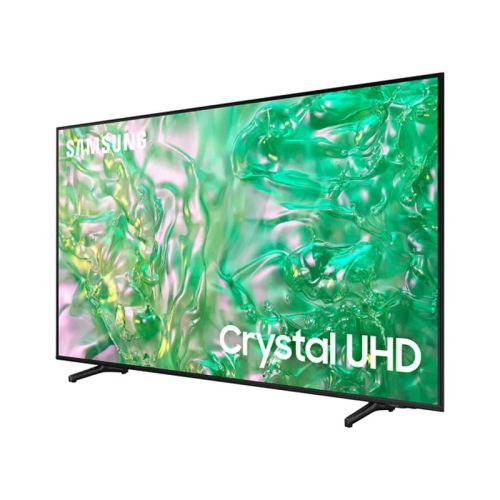
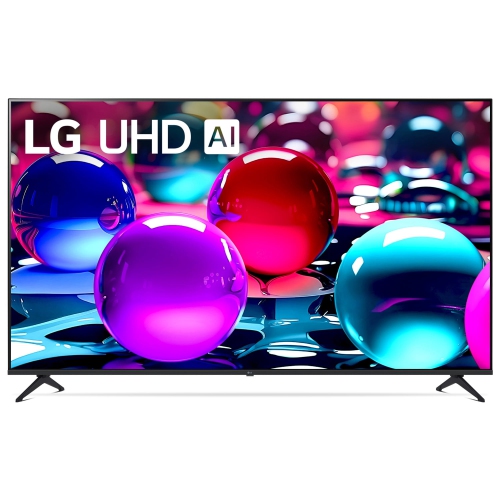

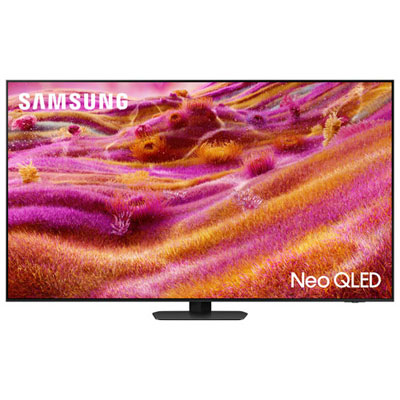
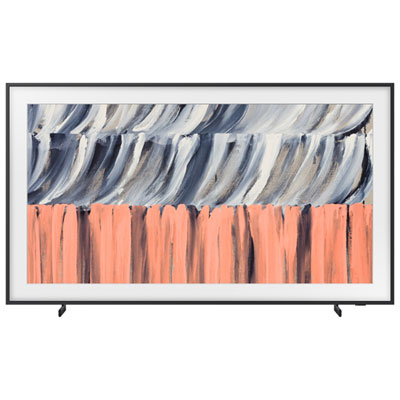

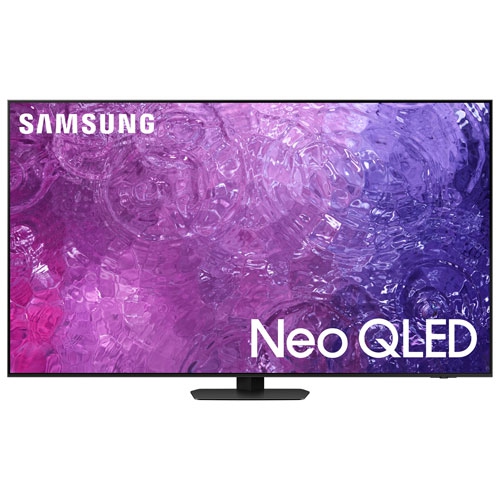
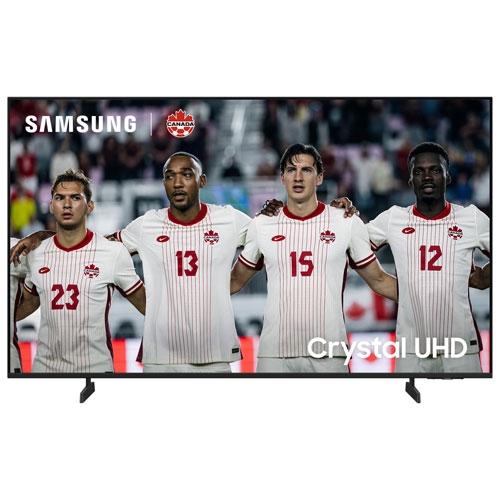
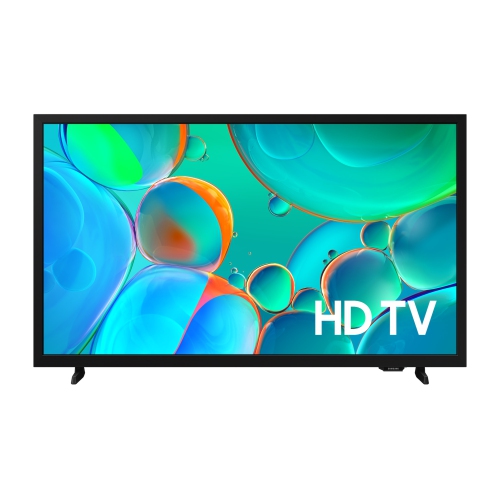
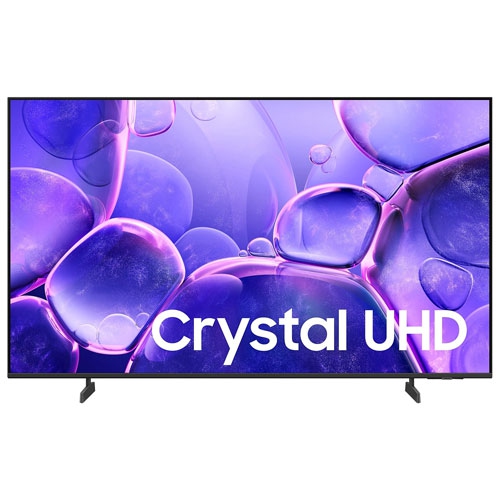
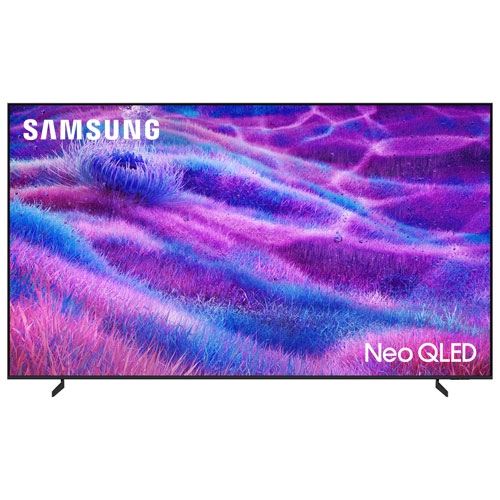
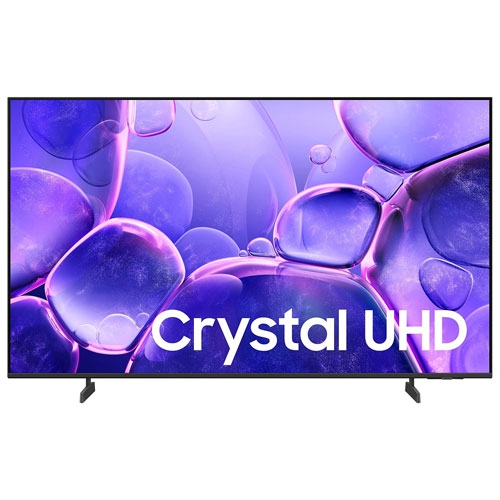
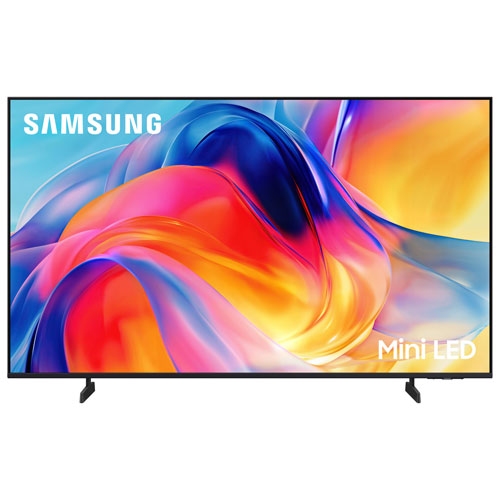
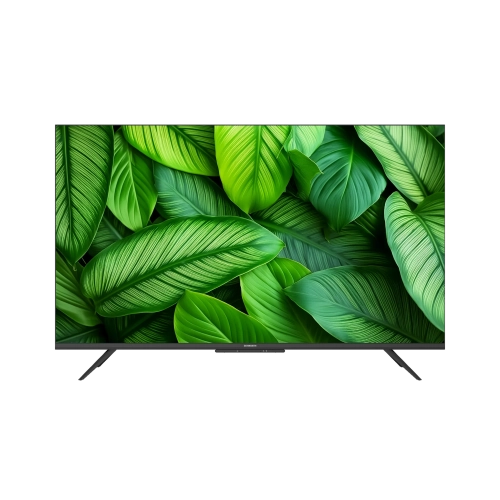

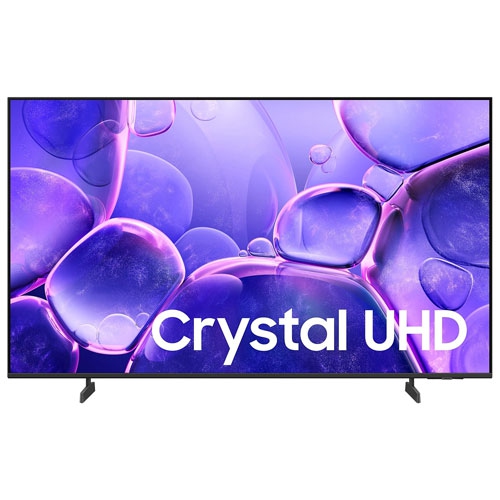


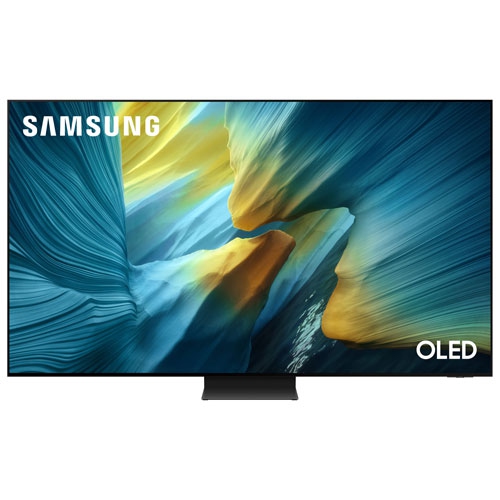

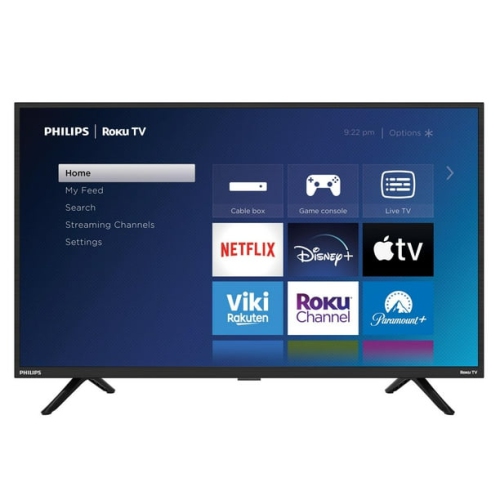
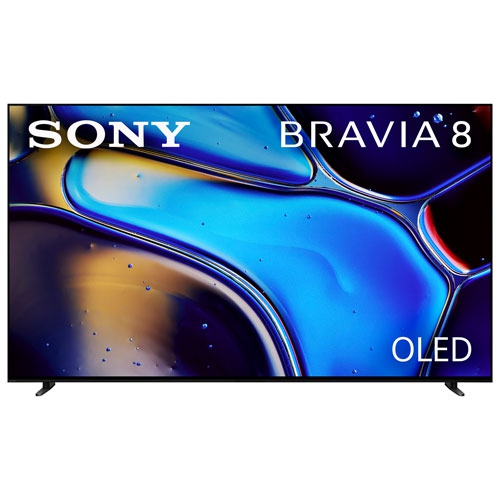
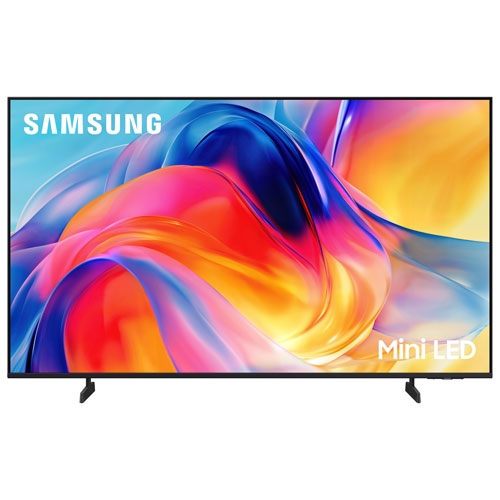
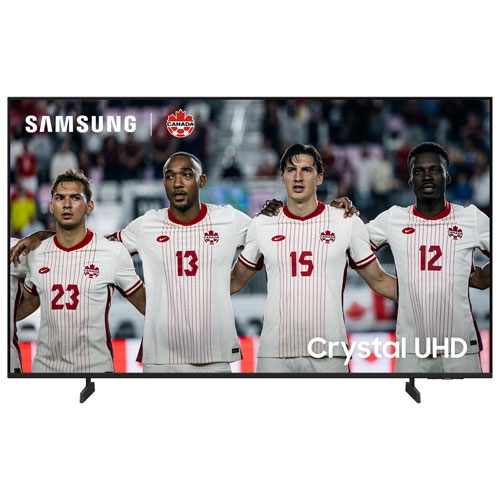



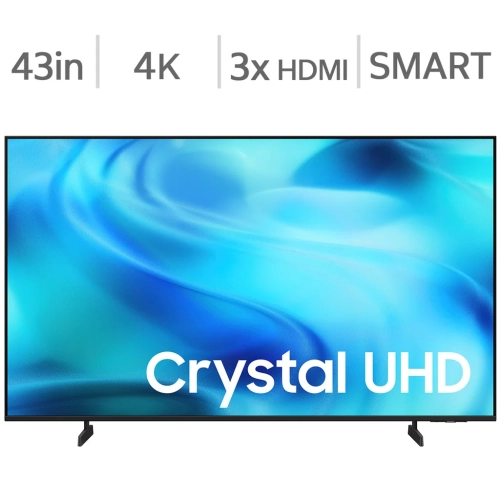
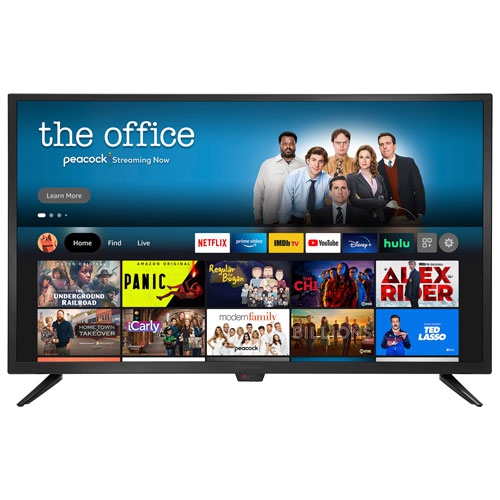
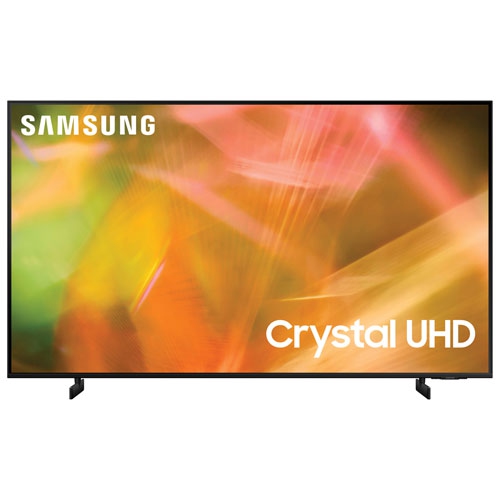
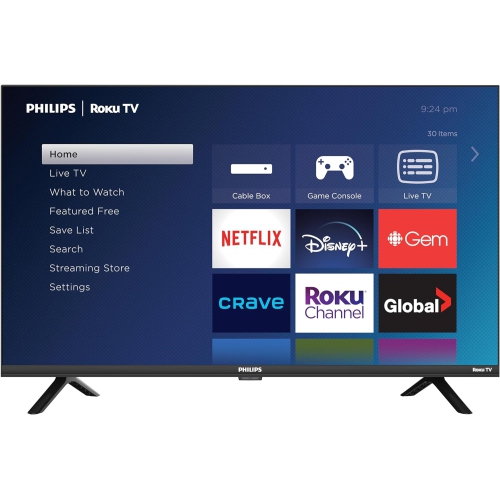
How Wi-Fi and Ethernet shape your streaming experience
Internet-connected smart TVs bring streaming video, music, and supported online apps directly to the television, usually through built-in Wi-Fi or a wired Ethernet connection. Wi-Fi connects the TV to a home router without running a network cable across the room, while Ethernet links a compatible television to a router using a physical cable. Both methods can support high-quality streaming; the better fit depends on the television’s connections, the home’s network layout, and how many people share the connection. Wireless connectivity suits a wall-mounted screen where visible cables would be distracting, especially when the router is nearby and the signal is strong. A wired connection can provide more consistent performance when thick walls, distance, or competing wireless traffic interrupt playback, although it does not automatically mean faster speeds. In a typical smart TV network menu, wireless setup involves selecting the home network and entering its password. Wired setup generally involves connecting an Ethernet cable to the television’s LAN port and a router, then selecting or confirming the wired connection in the network settings. Menu names vary, and not every television includes an Ethernet port. A smart TV does not supply internet service on its own: online viewing requires an internet connection, and individual streaming services may require separate accounts or subscriptions. Picture quality also depends on the connection beyond the television. Several people streaming, gaming, or downloading large files at once can affect playback, even when the TV shows a strong Wi-Fi signal. For a busy household, reliable coverage where the screen will sit matters as much as the speed of the internet plan. A mobile hotspot may work with a compatible TV, but streaming can use substantial mobile data, particularly at higher resolutions. These differences matter when comparing internet-ready televisions for a main living room, a bedroom, or a shared space where everyone’s devices use the same network.
The appeal of a smart TV is the combination of screen quality and convenient access to entertainment, rather than internet connectivity alone. Built-in apps can make it easy to move from a film to a live sports stream or a music playlist without connecting a separate playback device. App selections, account requirements, and software support differ between smart TV platforms, so compatibility with the services a household actually watches is an important consideration. A built-in web browser, where included, is not necessarily a substitute for a computer: some websites, video players, and browser features may not work the same way on a television. Dedicated TV apps generally offer controls and layouts better suited to a remote. Households that regularly watch through a particular service can explore Smart TV Netflix options while comparing app compatibility, screen features, and everyday usability. Resolution is another part of the picture. A 4K screen can show fine detail when the source supports it, but an older programme or lower-resolution stream will not gain the detail of native 4K footage simply because it appears on a higher-resolution panel. High dynamic range can add more convincing highlights and shadow detail when both the television and the content support a compatible format. Panel type, brightness, contrast, and reflection handling also shape the viewing experience. A screen facing large windows has different demands from one used mainly in a dim room, while wide seating arrangements make off-centre picture quality more noticeable. For sports fans and gamers, motion handling and input response can matter alongside resolution. Online gaming performance also depends on network conditions, and cloud gaming requires support for the relevant app, service, and controller. A fast internet connection cannot compensate for every limitation in the screen or streaming source. Balanced choices account for what people watch, where they sit, and how they prefer to control their entertainment.
Physical fit and day-to-day comfort deserve the same attention as connected features. Screen size is measured diagonally, so the television’s full width, height, stand depth, and weight are the useful measurements when checking a media unit or planning a wall installation. A large screen should leave room for stable placement, ventilation, cable connections, and any speaker positioned beneath it. Some stands have widely spaced feet, while others use a central support, which can change how well a television fits an existing cabinet. Wall mounting requires a compatible mounting pattern and hardware suitable for both the television’s weight and the wall structure. Port placement matters, too: rear-facing connections can be difficult to reach once a screen sits close to the wall. Accessible HDMI connections make it easier to add a game console or another source, while a compatible audio connection can simplify soundbar control. For shared households, a clear home screen, responsive remote, captions, and supported voice or accessibility features can make daily viewing more comfortable. Separate profiles, purchase restrictions, and parental controls may also be useful, depending on the apps and platform. Voice features and connected accounts introduce privacy considerations, making microphone controls and account settings worth understanding. Software updates can support app compatibility and security, although the length and scope of support vary. Most televisions combine a glass or coated display surface with a plastic or metal housing; careful handling protects the panel and its finish. A soft, dry microfibre cloth is generally suitable for light dusting, with the manufacturer’s cleaning directions taking priority. Spraying liquid directly onto the screen, pressing hard, or using an abrasive cloth can cause damage. Stable placement, clear ventilation openings, and cables kept away from walkways help protect the television during everyday use. As a gift or a shared household purchase, an internet-ready TV is most useful when its size, controls, and supported services match the recipient’s space and viewing habits. The result is a screen that fits naturally into daily life, whether that means family film nights, following a favourite team, or listening to music while preparing dinner.
Top selling and popular products
-
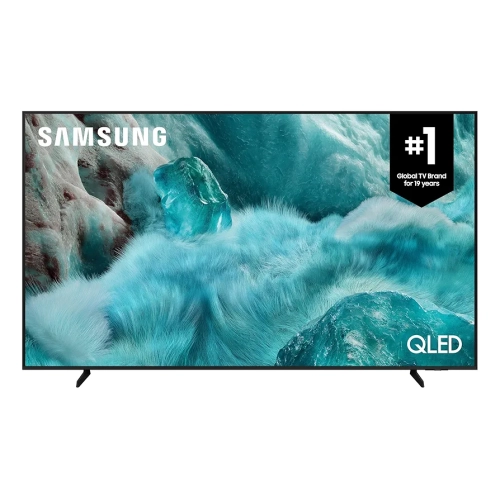 Your price for this item is $479.99
-
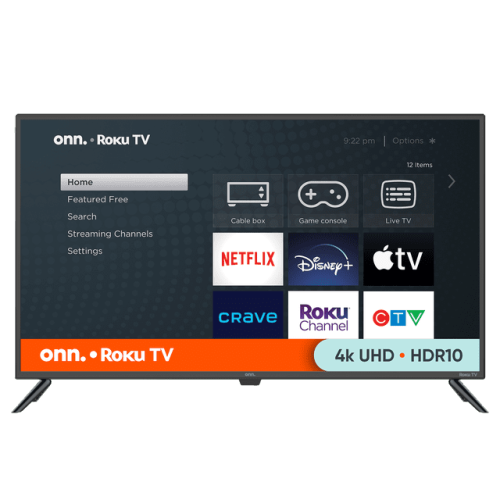 Your price for this item is $347.99
-
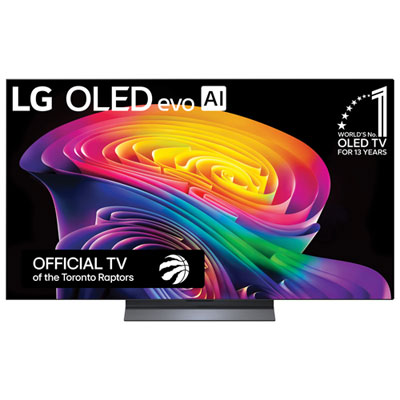 Your price for this item is $1599.99
-
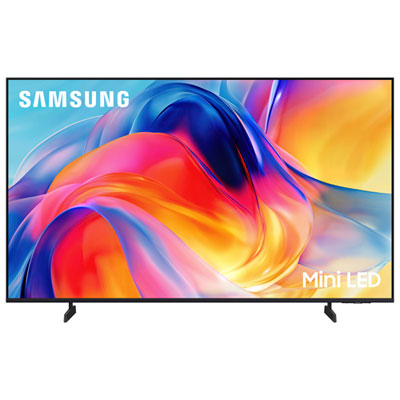 Your price for this item is $799.99
-
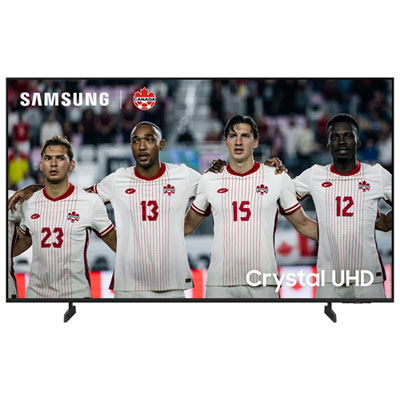 Your price for this item is $499.99
-
 Your price for this item is $1999.99
-
 Your price for this item is $1999.99
-
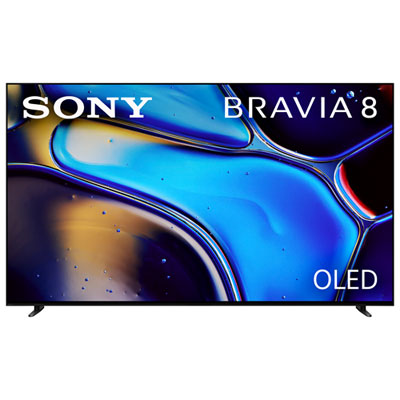 Your price for this item is $1999.99
Discover more categories related to Smart TV Internets
Top Collections:
Best Black Friday Deals This Year, Best Black Friday Deals On Electronics, Kindle Devices, Pokemon Centers, Best Black Friday Deals On Apple Products, Best Cameras for Sports Photography, Dyson Airwrap, Pokémon 30th Celebration Cards, Apple iPhone 17 Pro, Canon G7X Cameras
Some products may be subject to Environmental Handling Fees
(EHF) depending on your province.
Learn more about EHFs.