Smart TV Netflix
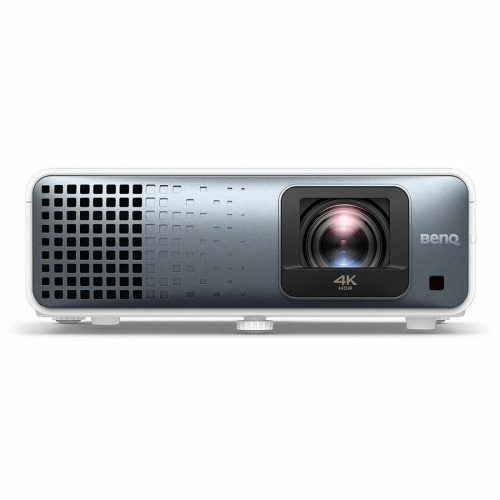
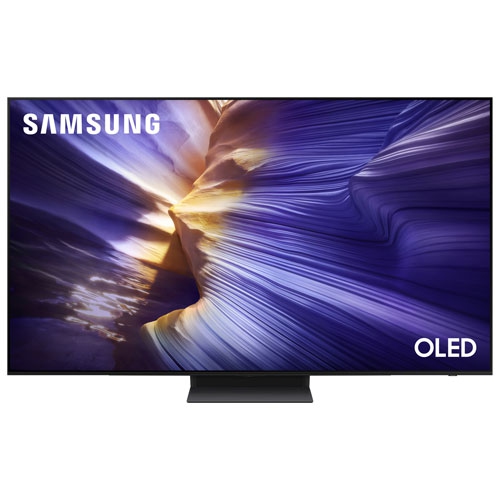
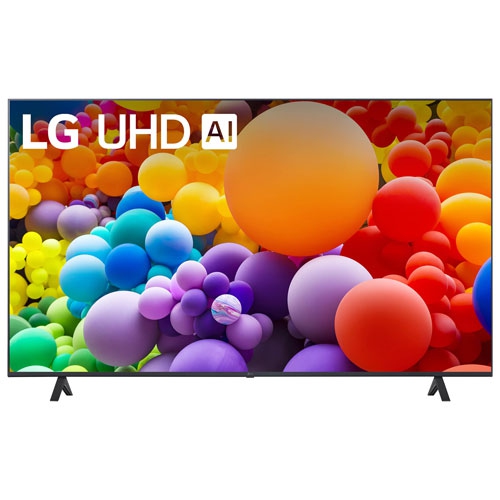
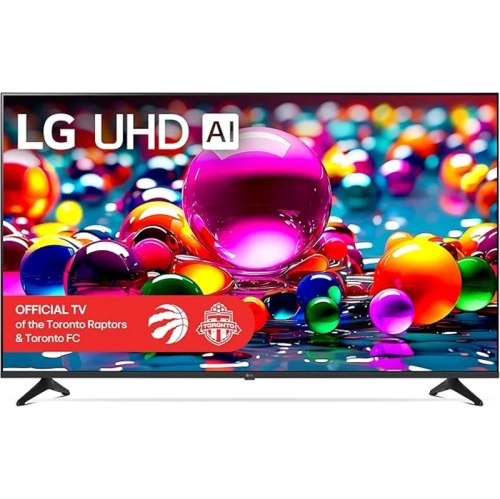
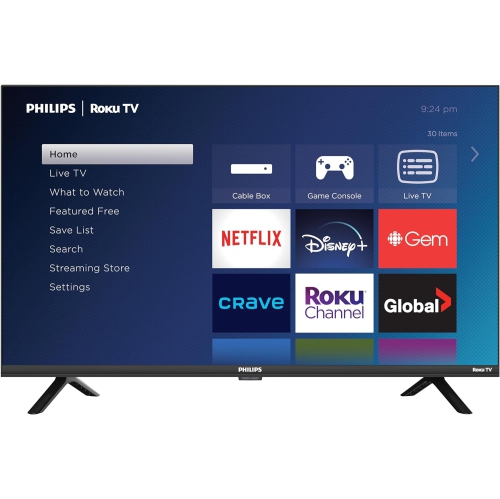
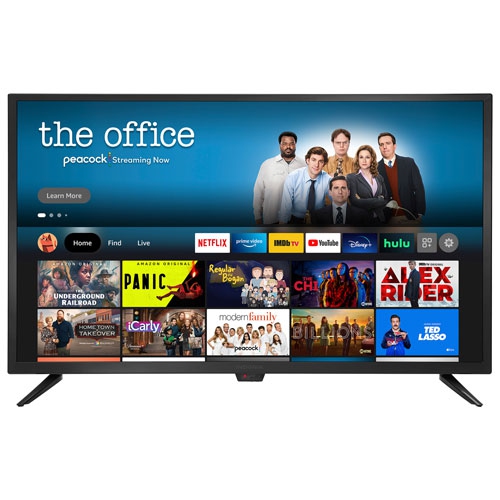
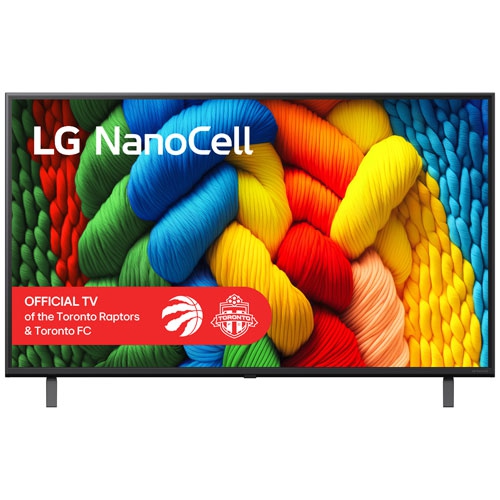
If you're looking to stream Netflix on your TV, you'll need a smart TV. These TVs have built-in software that allows them to connect to the Internet and stream content from online services. Here are some great options for Smart TV for Netflix.
Sort
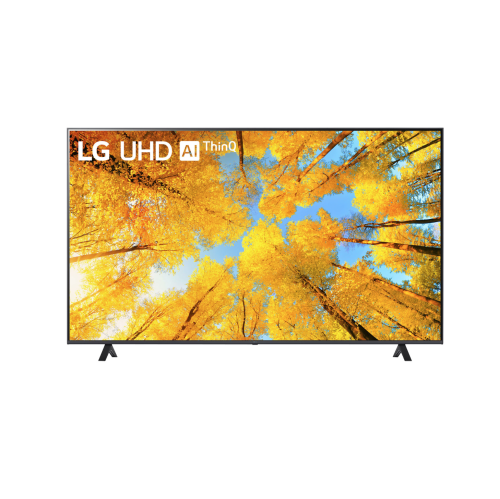
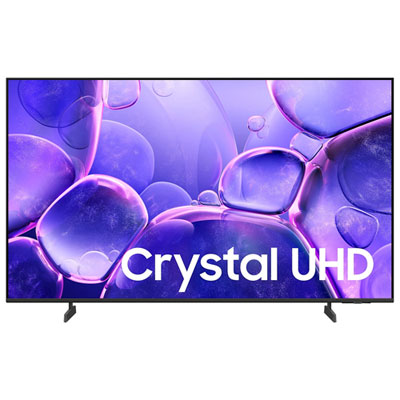
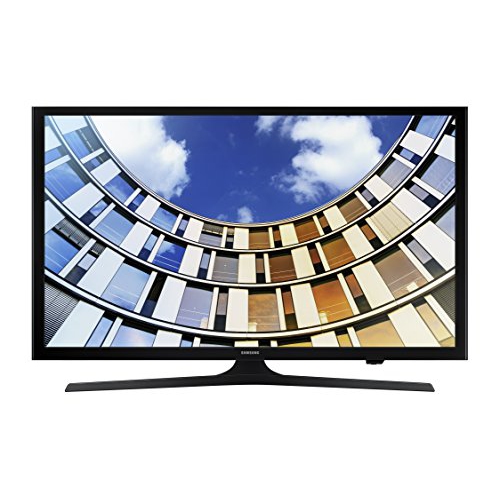
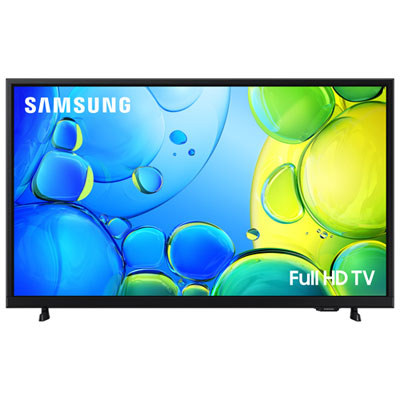




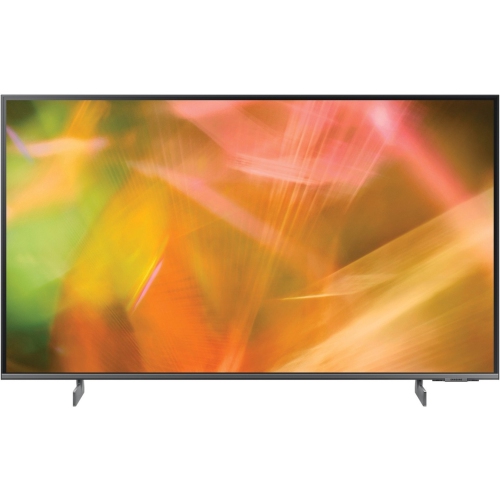
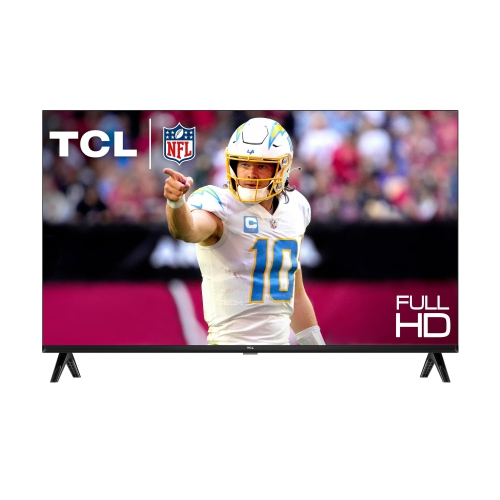
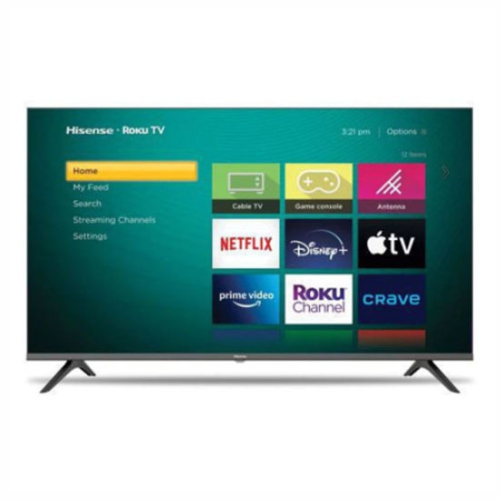
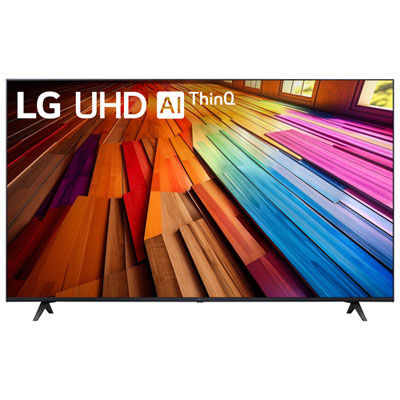



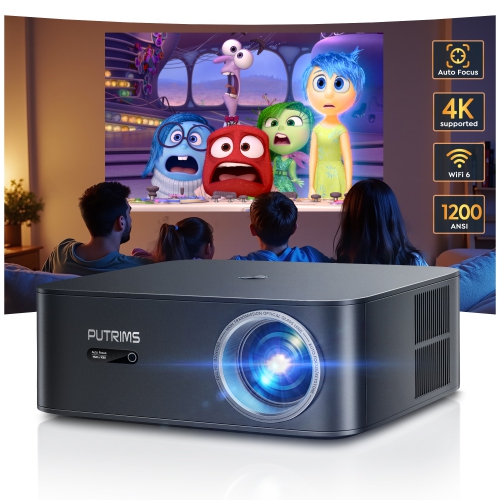
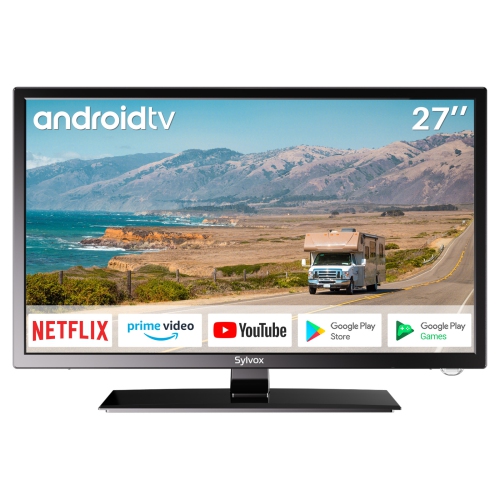
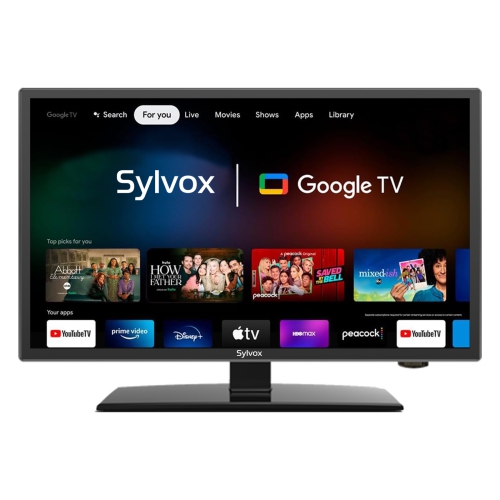
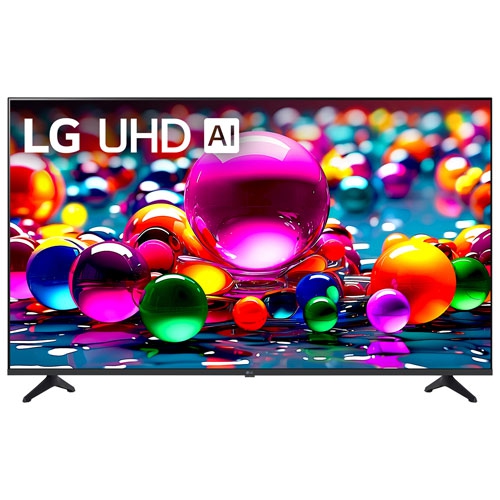

![ULTIMEA [1300 Ansi/android Tv] 4K Projector w Wifi 6, Native 1080P Smart Projector w Auto Focus, Auto Keystone & Dolby Audio, Voice Control](https://multimedia.bbycastatic.ca/multimedia/products/500x500/181/18142/18142088.jpeg)
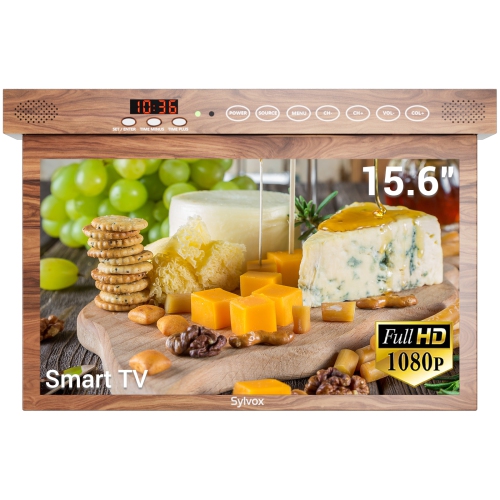
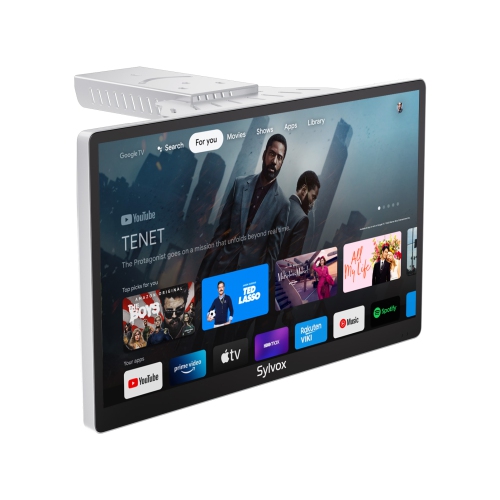



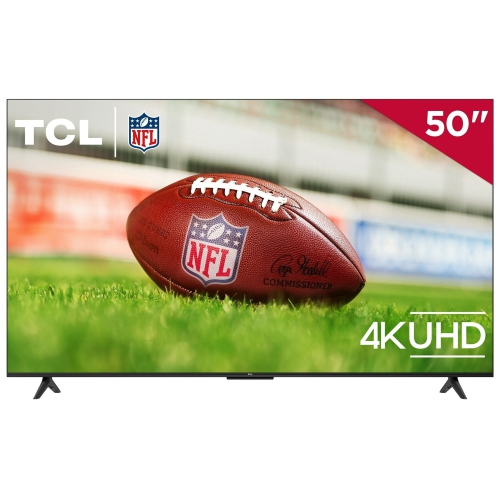
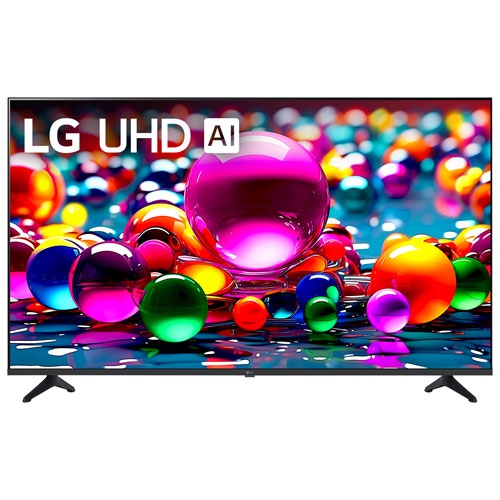
![ULTIMEA Refurbished(Good) - [Android Tv 11.0 & Netflix Officially & Dolby Audio & 90° Gimbal Stand] Nova C40 Projector w Wifi, Smart Home Theater](https://multimedia.bbycastatic.ca/multimedia/products/500x500/181/18196/18196917.jpeg)
Netflix compatibility matters more than a smart TV label
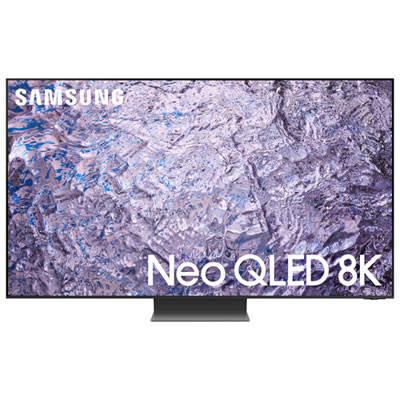
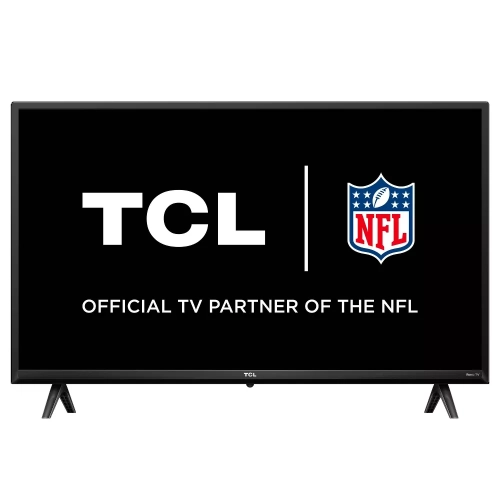
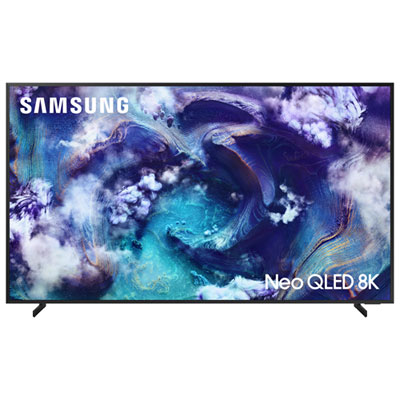
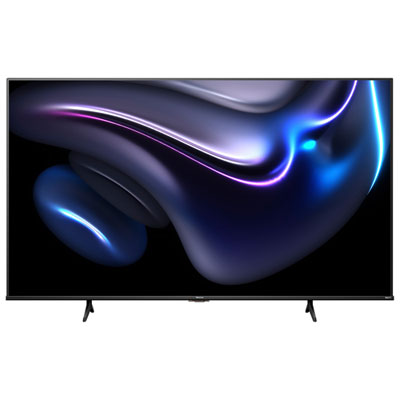
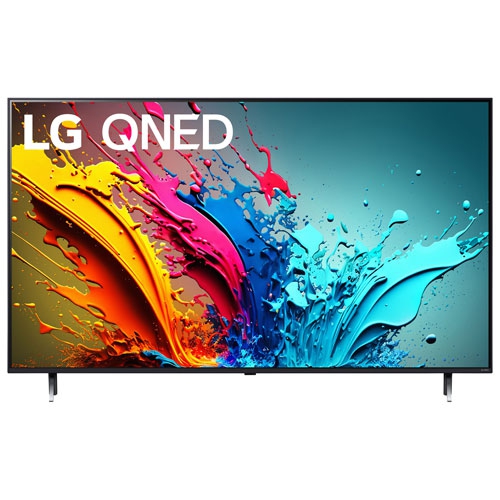
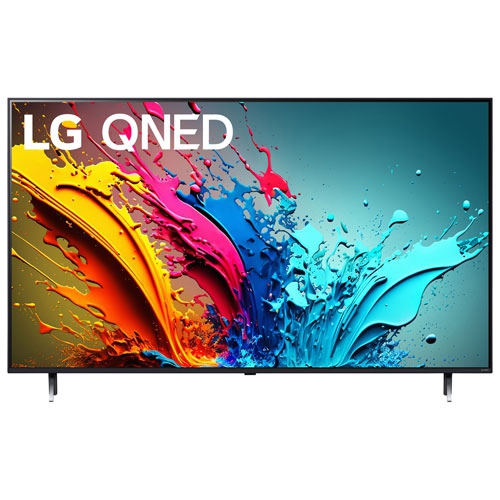
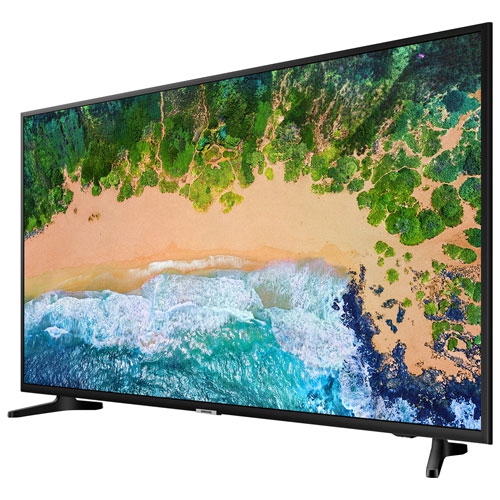
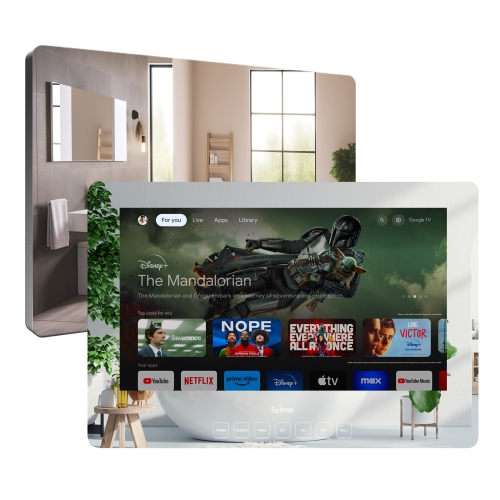
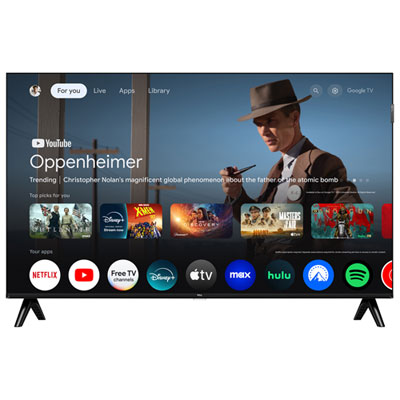
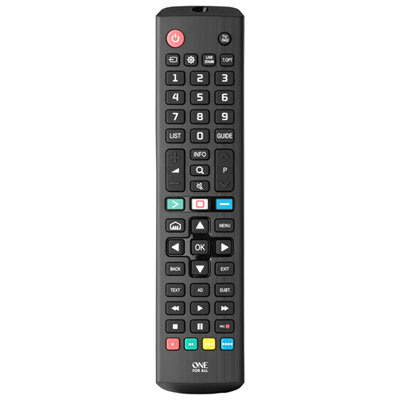
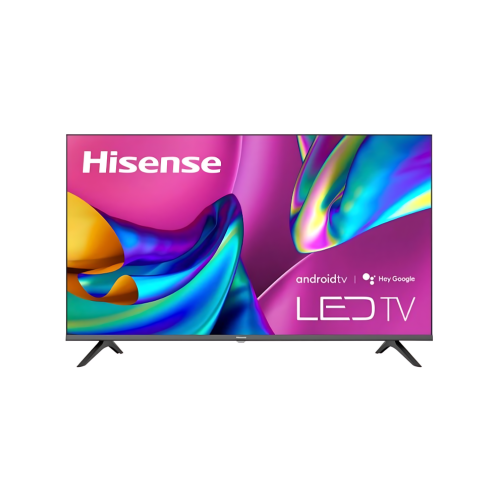
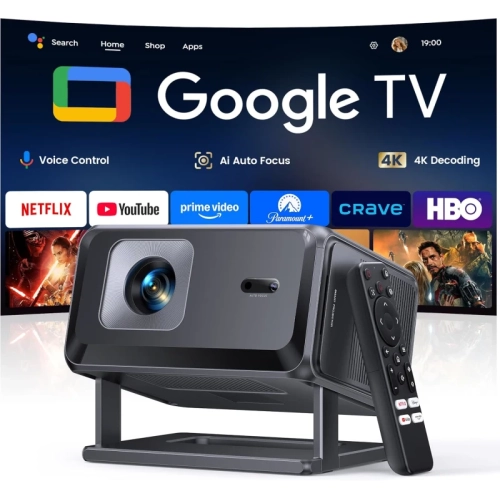
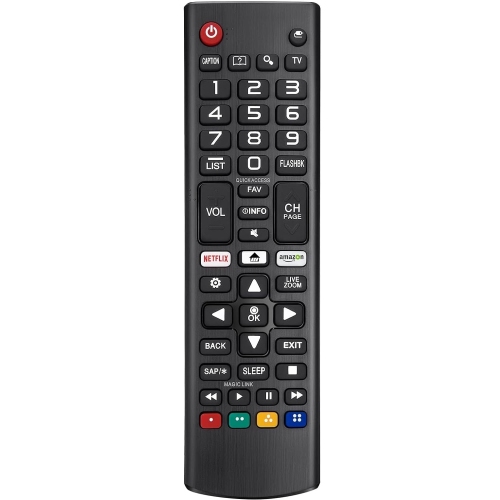
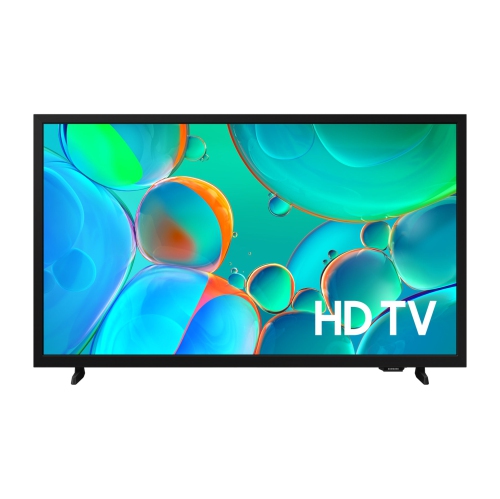
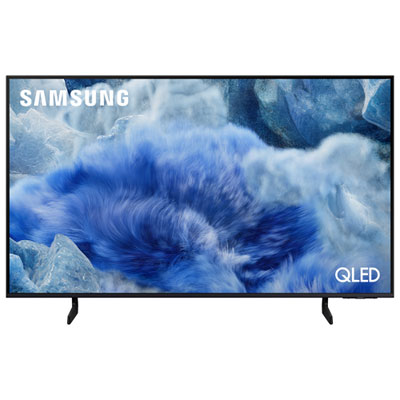
A smart TV with Netflix brings streaming into the television itself, so a separate streaming device is not necessary when the TV supports the app. It is a practical choice for a living room where everyone gathers for a film, a bedroom used for a little viewing before bed, or a smaller space where fewer connected boxes make the setup easier to manage. The important distinction is app compatibility: being a smart TV does not automatically mean a television supports every streaming service. Netflix support depends on the television’s model, software, region, and continued app support, making confirmed compatibility more useful than a general smart TV label. Browsing TVs With Netflix App keeps the focus on televisions suited to that viewing experience. On a compatible TV, Netflix may appear on the home screen or be accessible through the television’s app store. A Netflix account, an eligible subscription, and a reliable internet connection are needed to stream, and the viewing features depend on the subscription, title, and television. For a household that moves between dramas, documentaries, animation, and films, the appeal extends beyond having an app icon on the screen. A responsive home screen, readable menus, and a comfortable remote make everyday viewing feel less fiddly. Dedicated app buttons can shorten the route to a favourite series, although remote layouts differ. Voice search may help with entering titles, but supported commands and search results vary by platform. Profiles can help keep different viewers’ watch lists and suggestions separate, while supported parental controls help adults manage children’s viewing. These televisions can also make thoughtful household gifts, particularly for someone replacing an older screen, provided the screen size, internet access, and account requirements suit the recipient. For someone who mainly wants familiar programmes without switching between inputs, straightforward app access can matter as much as picture specifications.
Getting Netflix onto a compatible smart TV usually begins with the television’s Home menu, where the app may already be installed. If it is not visible, the TV’s app store is the usual place to search for and download it. Once opened, the app presents the supported sign-in options, which may include scanning an on-screen QR code with a phone, entering an activation code through the displayed web address, or typing account details with the remote. The exact wording and sequence vary by television, so the on-screen directions take precedence. A phone-assisted sign-in can be especially convenient when the alternative is moving a cursor across an on-screen keyboard. This initial connection is only part of the experience, however; reliable playback also depends on the connection between the television, home network, and internet service. Built-in Wi-Fi allows flexible placement without running a network cable across the room, while an Ethernet connection can provide a useful wired option on televisions equipped with that port. A screen positioned far from the router, or behind several walls, may receive a weaker wireless signal than one nearby. Several people streaming or downloading at once can also affect performance. Higher-resolution viewing needs sufficient connection speed, and a 4K television alone does not guarantee that every programme will play in 4K. The title, subscription, app, and connection must all support that quality. The same principle applies to high dynamic range, or HDR: compatible content and supported formats are needed to display its wider range of brightness and colour. Keeping the TV’s software and apps updated can help with compatibility and reliability, though updates cannot guarantee indefinite service support. If Netflix is absent from the app store, compatibility should be checked rather than assuming it can be installed through a browser. An external streaming device may extend an older television’s usefulness, but it remains a separate accessory with its own compatibility requirements. For a television intended mainly for Netflix, native app support offers the more direct route from the home screen to playback.
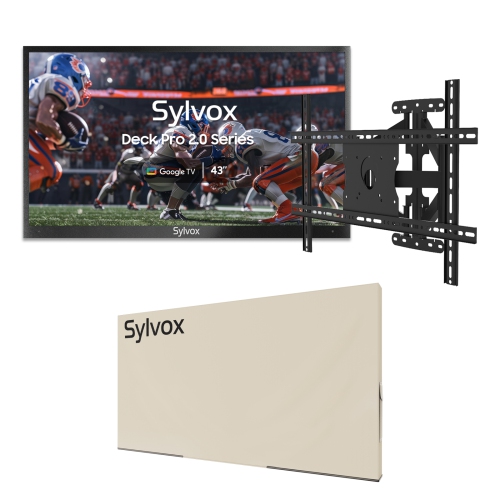
Screen size, picture quality, sound, and physical fit determine how comfortable that streaming experience feels over time. A larger display can bring out the detail in a sweeping landscape or make subtitles easier to read from a sofa, but the right fit depends on viewing distance, room layout, and personal preference. Measuring the television’s full width, stand footprint, and furniture depth is more useful than relying on diagonal screen size alone. A pair of widely spaced feet needs different support from a central stand, and wall mounting requires a compatible mount, suitable wall construction, and careful attention to the television’s weight. Panel construction affects the picture as well. OLED displays control light at the pixel level, producing deep blacks that can make dimly lit scenes look more distinct, while LCD televisions use a backlight and vary in brightness, contrast, and viewing angle. Reflections from windows or lamps can obscure detail, so screen finish and placement deserve attention alongside resolution. For shared seating that stretches across a room, off-centre picture quality matters; for quieter viewing, clear dialogue and convenient headphone connectivity may be more relevant. Built-in speakers can suit everyday use, while a compatible soundbar may give voices and film soundtracks more presence. Checking audio connections helps ensure that any existing sound equipment can work with the new television. Practical details also affect longevity. Slim cabinets and delicate screen surfaces benefit from stable placement, clear ventilation openings, and enough room to reach connections without straining cables. Following the manufacturer’s cleaning instructions, using an appropriate soft cloth, and avoiding pressure on the panel help protect the finish. Cleaner should not be sprayed directly onto the screen. In homes with children or pets, secure mounting or an appropriate anti-tip restraint adds an important safeguard. A well-matched smart TV combines those everyday considerations with dependable Netflix access: a screen that fits the room, controls that suit the people using it, and a picture that remains enjoyable through both a quick episode and a full-length film.
Getting Netflix onto a compatible smart TV usually begins with the television’s Home menu, where the app may already be installed. If it is not visible, the TV’s app store is the usual place to search for and download it. Once opened, the app presents the supported sign-in options, which may include scanning an on-screen QR code with a phone, entering an activation code through the displayed web address, or typing account details with the remote. The exact wording and sequence vary by television, so the on-screen directions take precedence. A phone-assisted sign-in can be especially convenient when the alternative is moving a cursor across an on-screen keyboard. This initial connection is only part of the experience, however; reliable playback also depends on the connection between the television, home network, and internet service. Built-in Wi-Fi allows flexible placement without running a network cable across the room, while an Ethernet connection can provide a useful wired option on televisions equipped with that port. A screen positioned far from the router, or behind several walls, may receive a weaker wireless signal than one nearby. Several people streaming or downloading at once can also affect performance. Higher-resolution viewing needs sufficient connection speed, and a 4K television alone does not guarantee that every programme will play in 4K. The title, subscription, app, and connection must all support that quality. The same principle applies to high dynamic range, or HDR: compatible content and supported formats are needed to display its wider range of brightness and colour. Keeping the TV’s software and apps updated can help with compatibility and reliability, though updates cannot guarantee indefinite service support. If Netflix is absent from the app store, compatibility should be checked rather than assuming it can be installed through a browser. An external streaming device may extend an older television’s usefulness, but it remains a separate accessory with its own compatibility requirements. For a television intended mainly for Netflix, native app support offers the more direct route from the home screen to playback.
Screen size, picture quality, sound, and physical fit determine how comfortable that streaming experience feels over time. A larger display can bring out the detail in a sweeping landscape or make subtitles easier to read from a sofa, but the right fit depends on viewing distance, room layout, and personal preference. Measuring the television’s full width, stand footprint, and furniture depth is more useful than relying on diagonal screen size alone. A pair of widely spaced feet needs different support from a central stand, and wall mounting requires a compatible mount, suitable wall construction, and careful attention to the television’s weight. Panel construction affects the picture as well. OLED displays control light at the pixel level, producing deep blacks that can make dimly lit scenes look more distinct, while LCD televisions use a backlight and vary in brightness, contrast, and viewing angle. Reflections from windows or lamps can obscure detail, so screen finish and placement deserve attention alongside resolution. For shared seating that stretches across a room, off-centre picture quality matters; for quieter viewing, clear dialogue and convenient headphone connectivity may be more relevant. Built-in speakers can suit everyday use, while a compatible soundbar may give voices and film soundtracks more presence. Checking audio connections helps ensure that any existing sound equipment can work with the new television. Practical details also affect longevity. Slim cabinets and delicate screen surfaces benefit from stable placement, clear ventilation openings, and enough room to reach connections without straining cables. Following the manufacturer’s cleaning instructions, using an appropriate soft cloth, and avoiding pressure on the panel help protect the finish. Cleaner should not be sprayed directly onto the screen. In homes with children or pets, secure mounting or an appropriate anti-tip restraint adds an important safeguard. A well-matched smart TV combines those everyday considerations with dependable Netflix access: a screen that fits the room, controls that suit the people using it, and a picture that remains enjoyable through both a quick episode and a full-length film.
Top selling and popular products
-
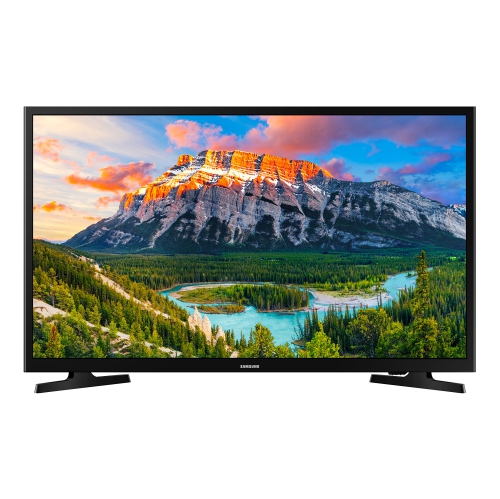 Your price for this item is $349.99
 -
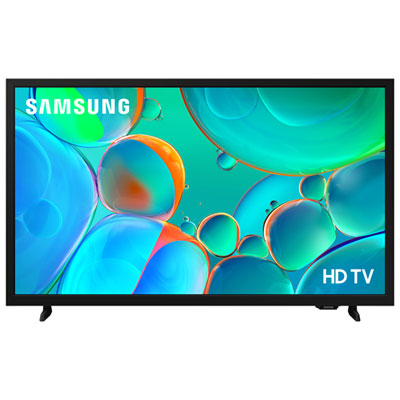 Your price for this item is $199.99
 -
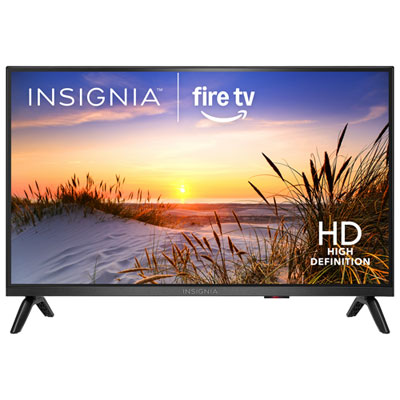 Your price for this item is $199.99
 -
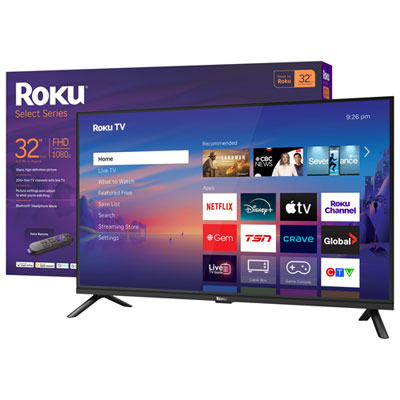 Your price for this item is $159.99
 -
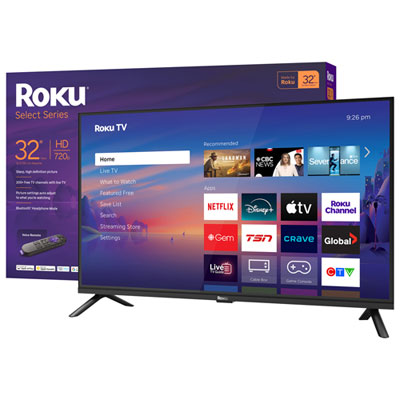 Your price for this item is $199.99
 -
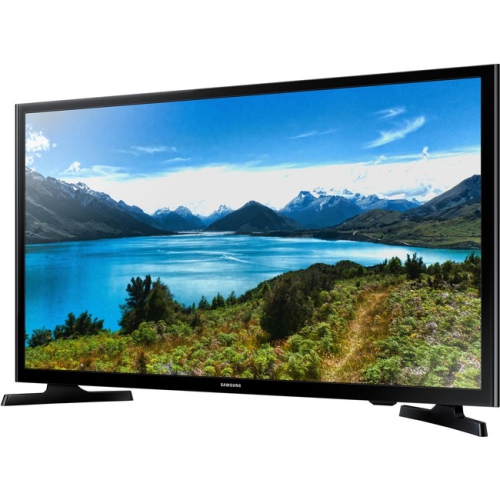 Your price for this item is $349.99
 -
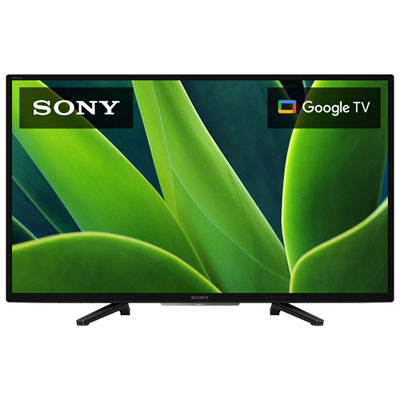 Your price for this item is $379.99
 -
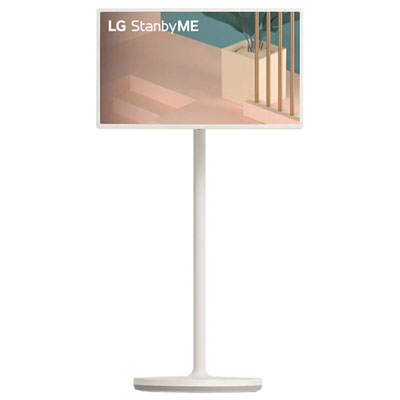 Your price for this item is $999.97
Discover more categories related to Smart TV Netflix
Top Collections:
Pokemon Centers, Kindle Devices, Best Budget Office Chairs, Apple iPhones 16, Best Laptops for Writers, iPhone 15 Apple, Canon G7X Cameras, Refurbished Apple Laptops, Alarm Clock, Motorola Razr Phones
Some products may be subject to Environmental Handling Fees
(EHF) depending on your province.
Learn more about EHFs.