Top Rated 55 Inch Tvs With Low Input Lag
If you're a gamer, you know that a TV's input lag is one of the most important factors when it comes to playing your favorite games. A low input lag TV will allow you to react quickly and play with precision. Here are some great 55-inch TVs with low input lag.
Sort
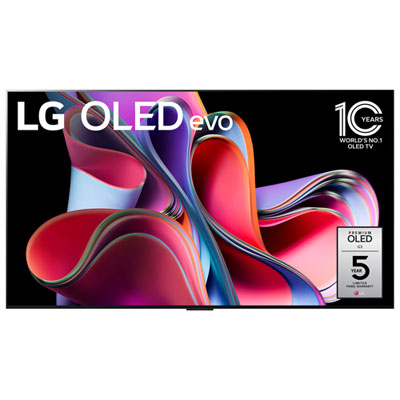
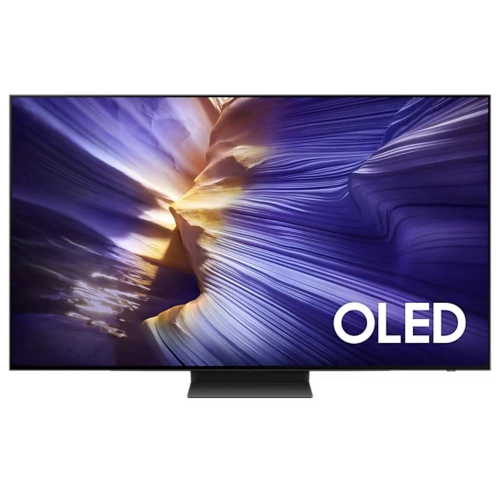
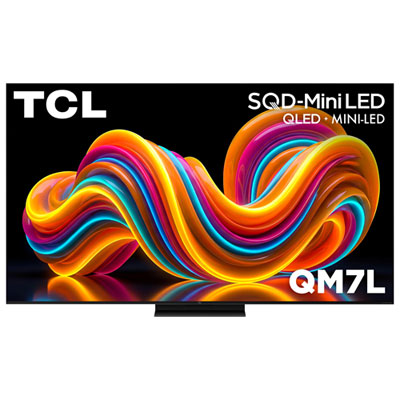
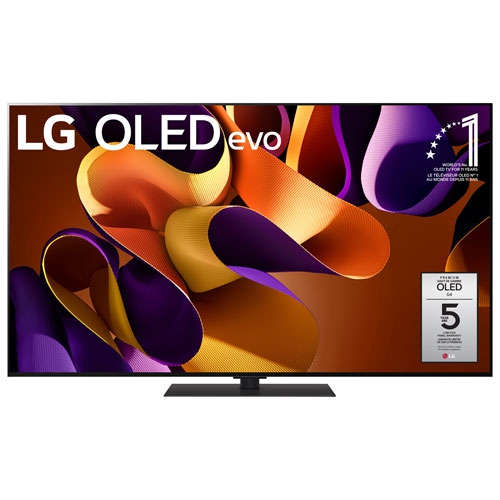
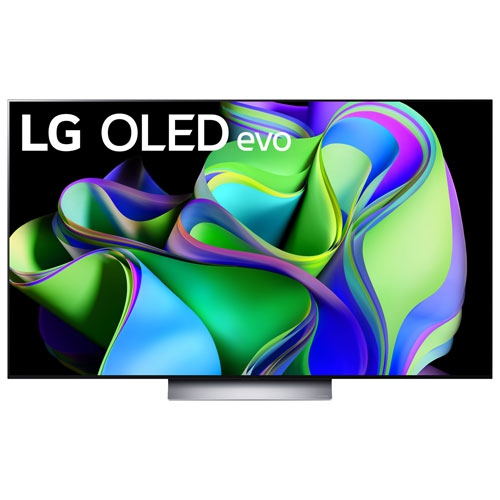
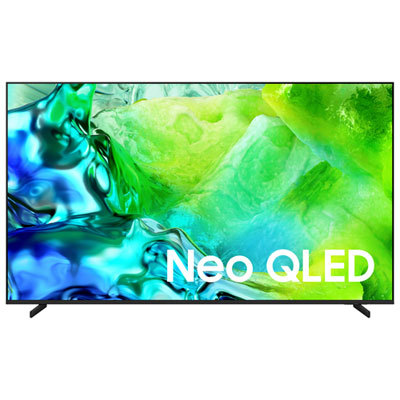
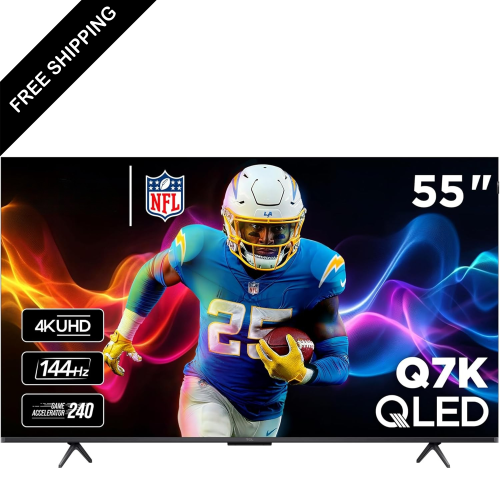
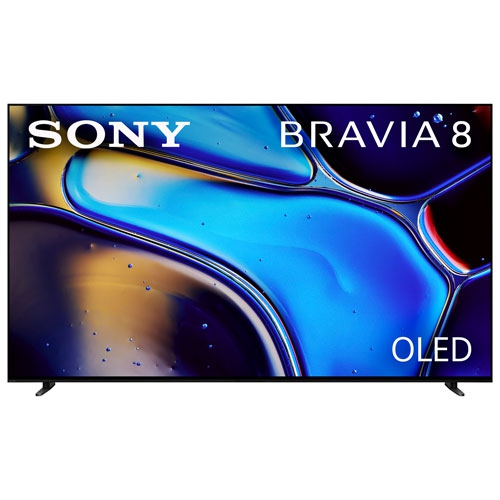
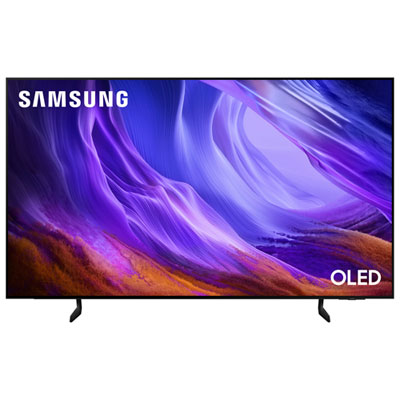
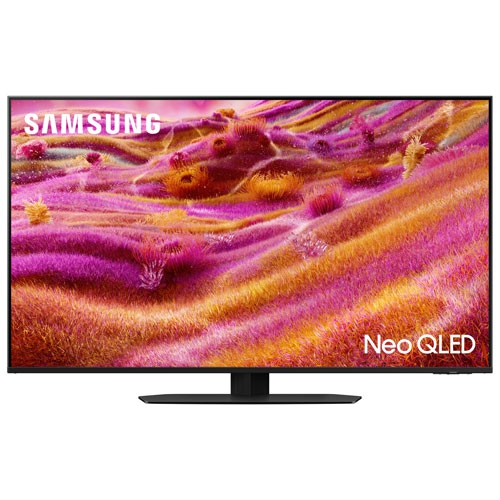
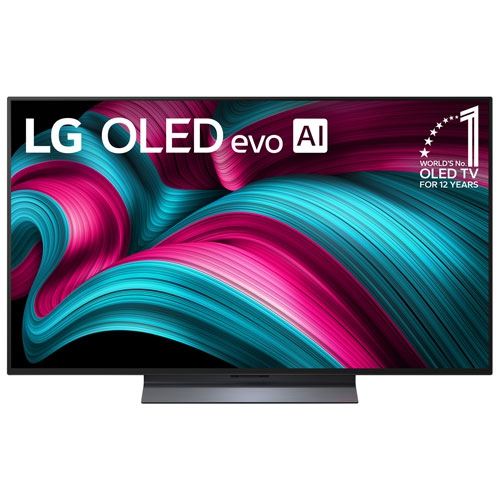
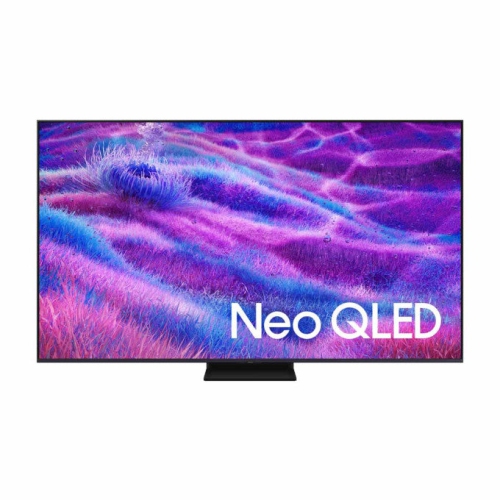
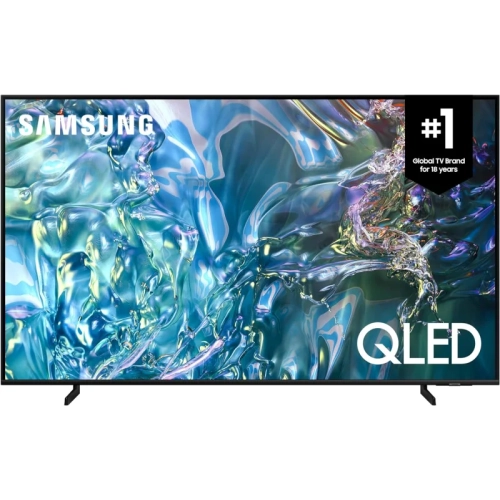
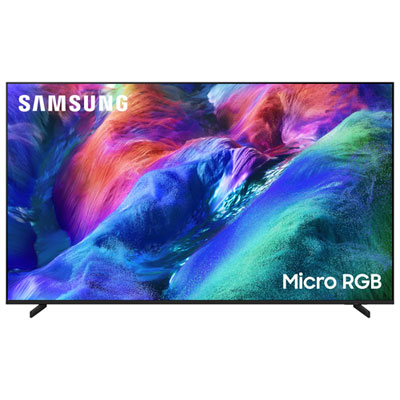
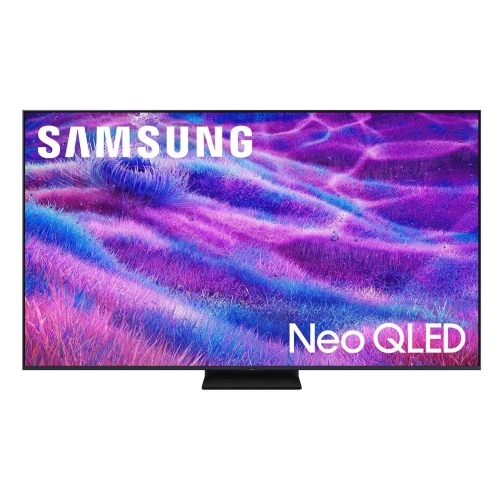
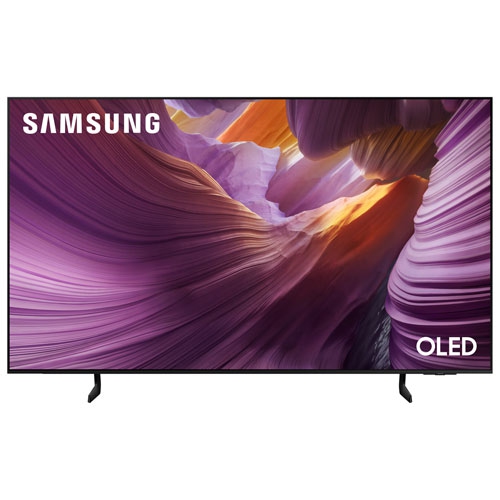
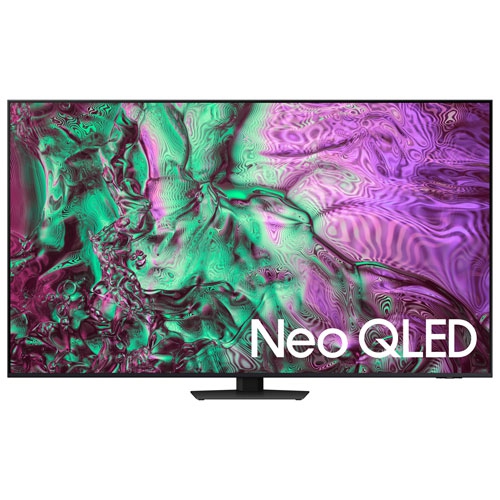
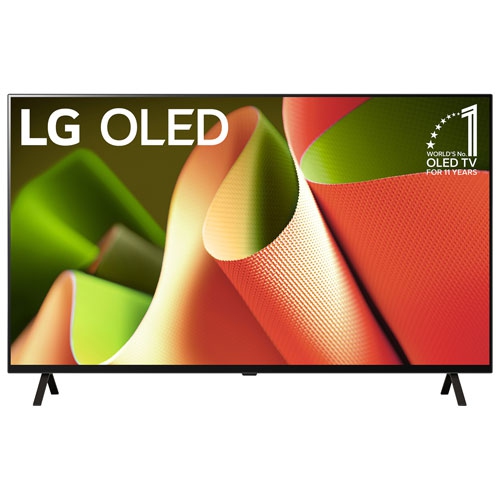
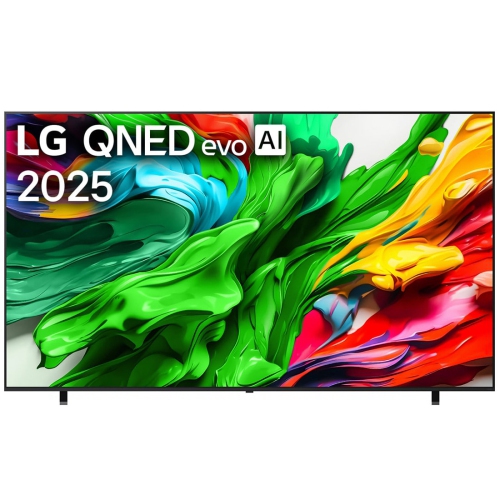
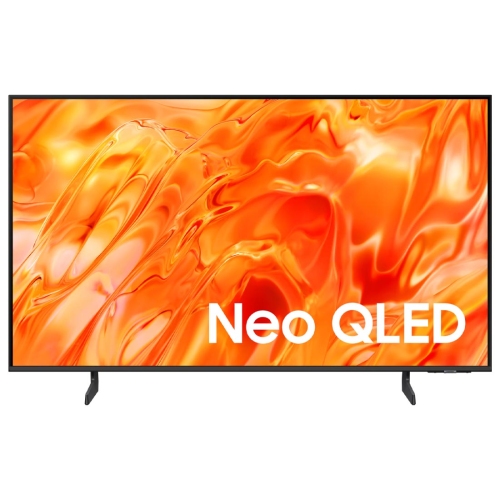


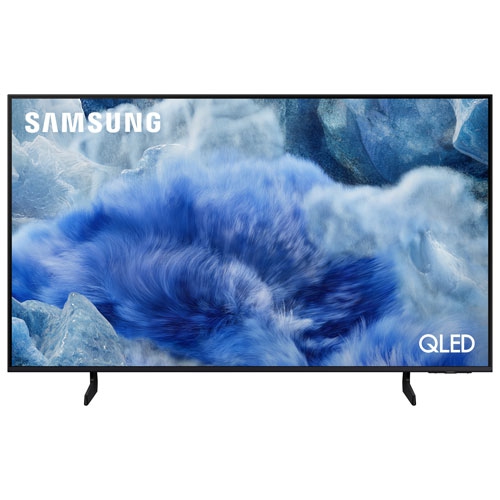
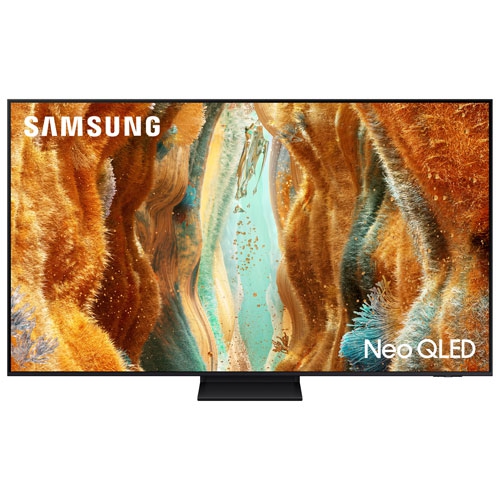
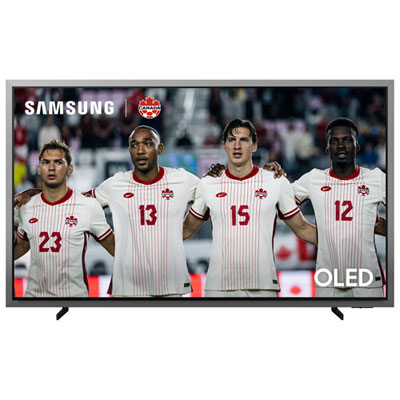
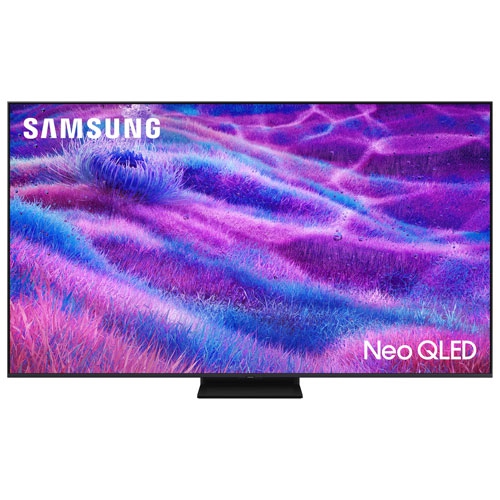
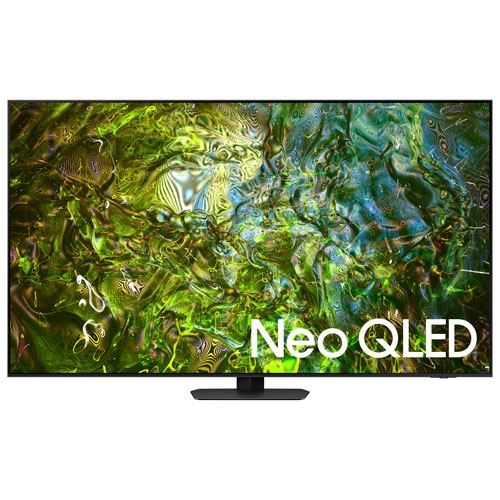
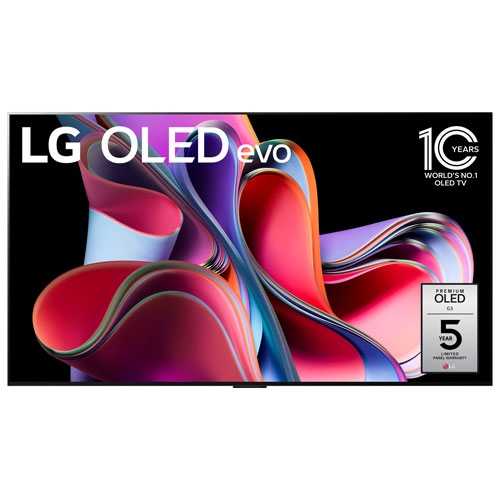
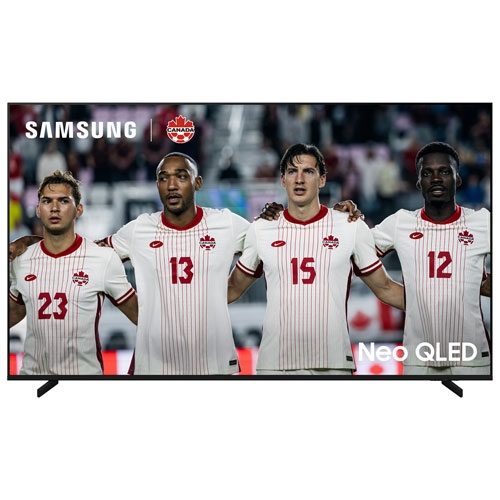
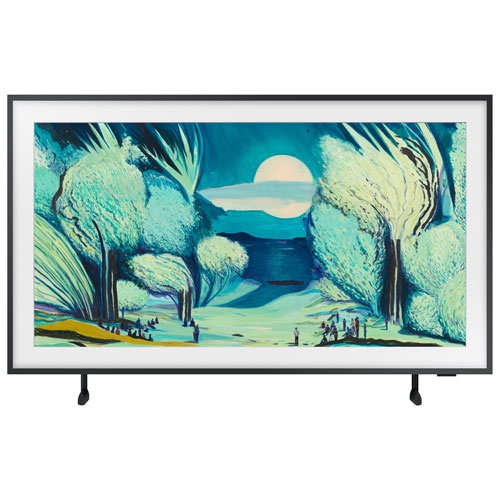
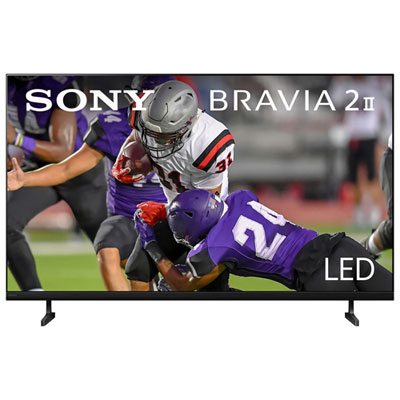
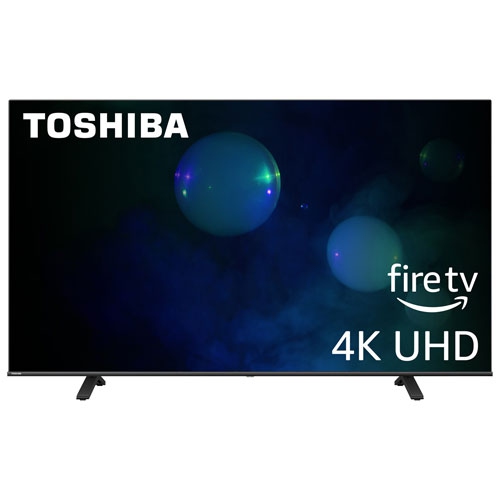
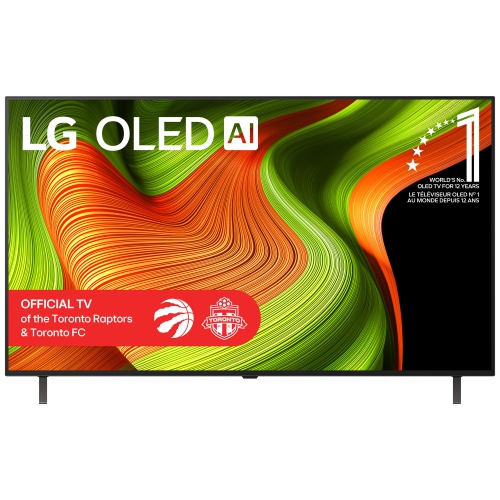
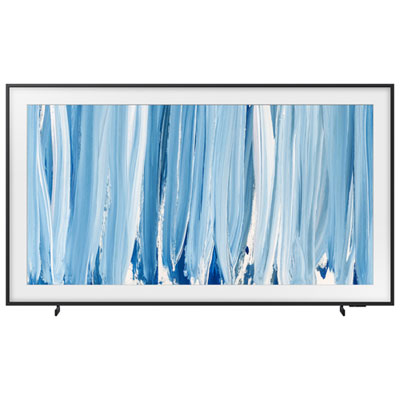
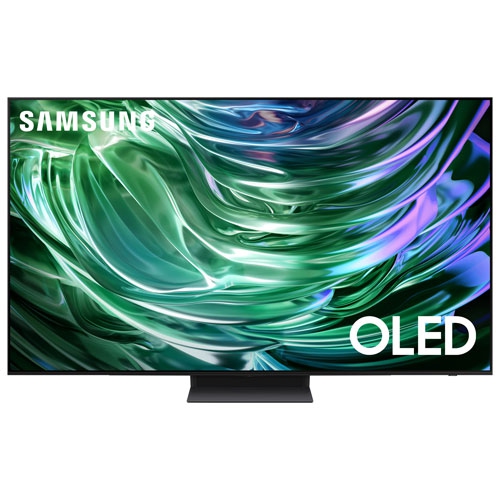
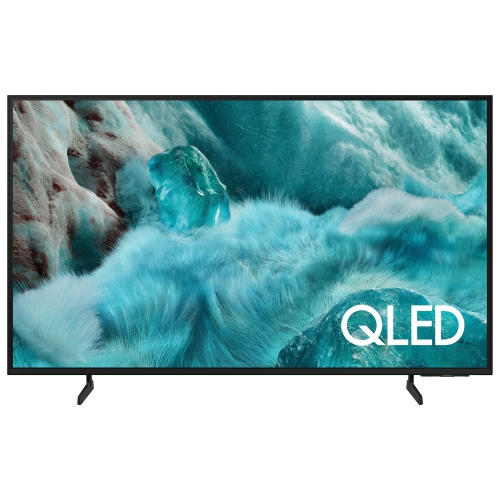
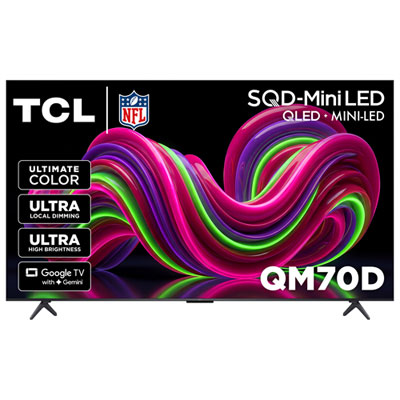
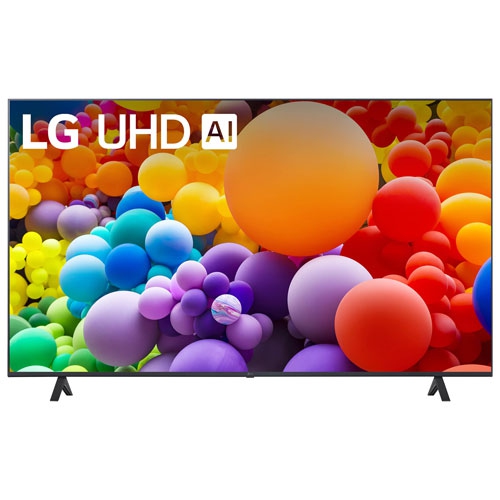
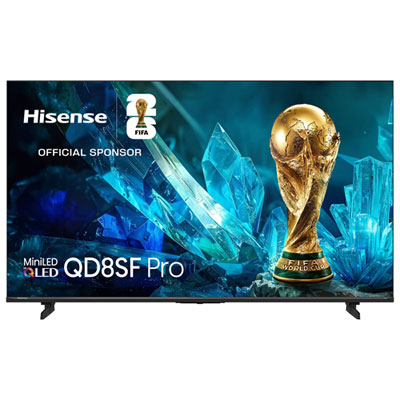
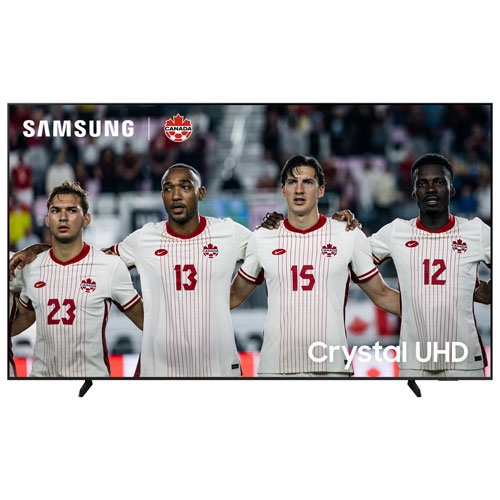
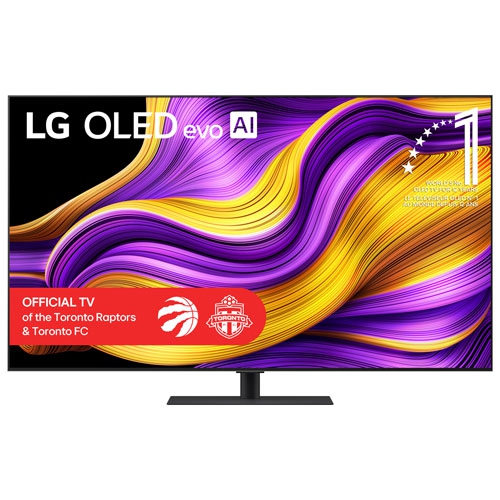
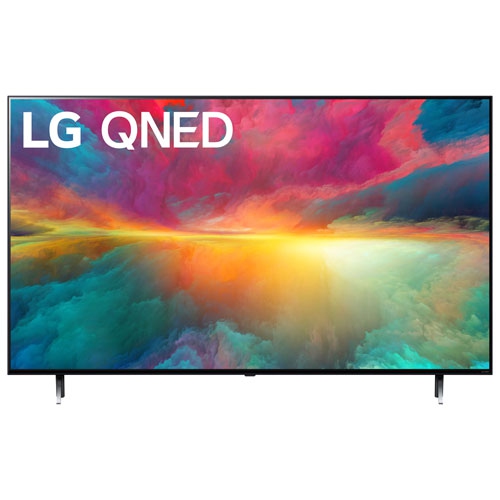
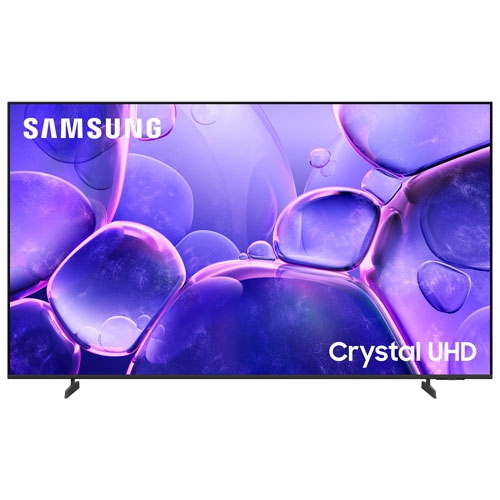
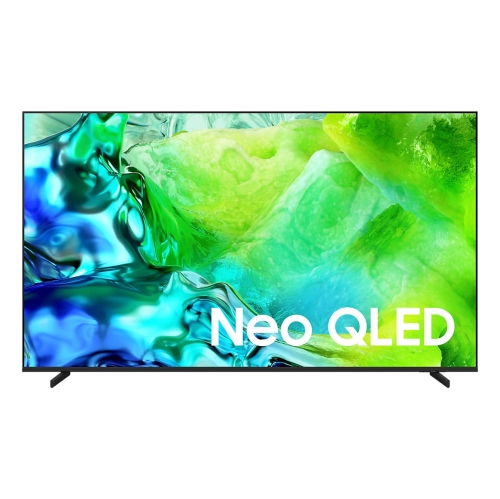
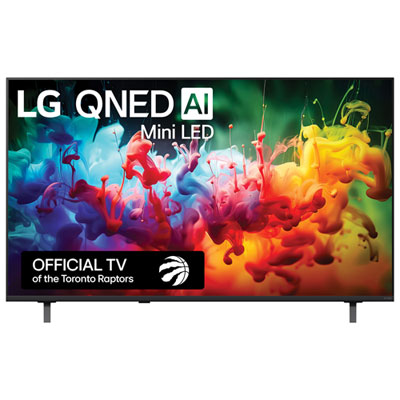

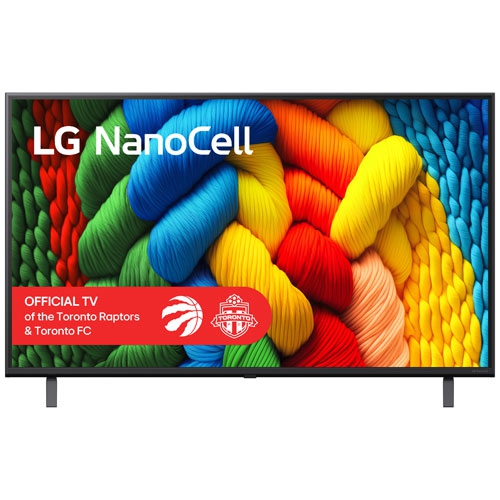
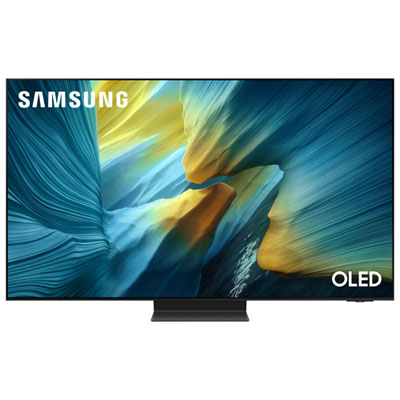

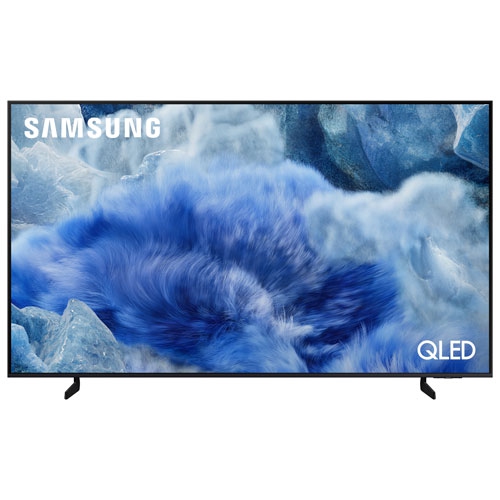
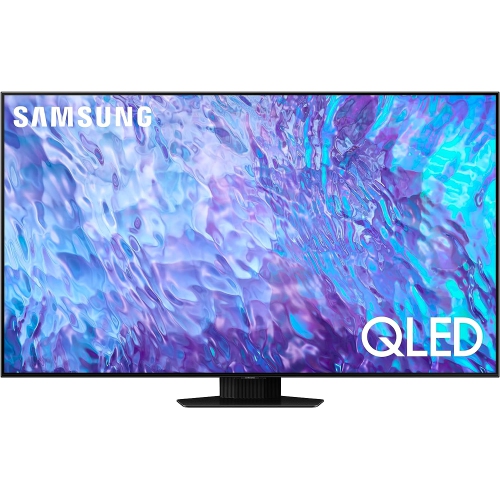
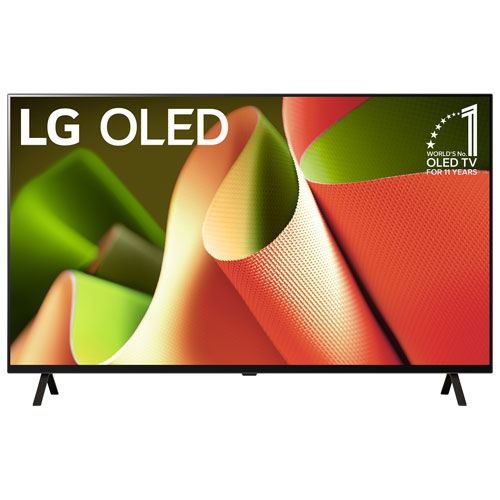
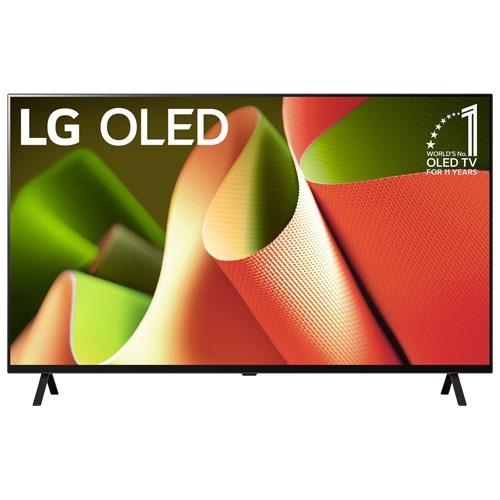
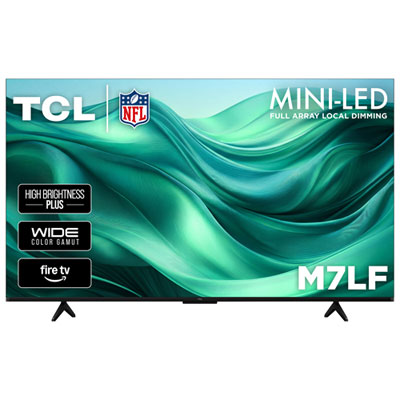
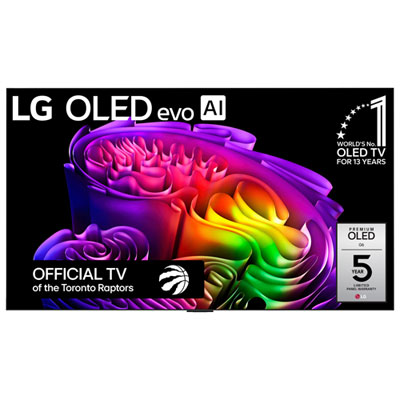
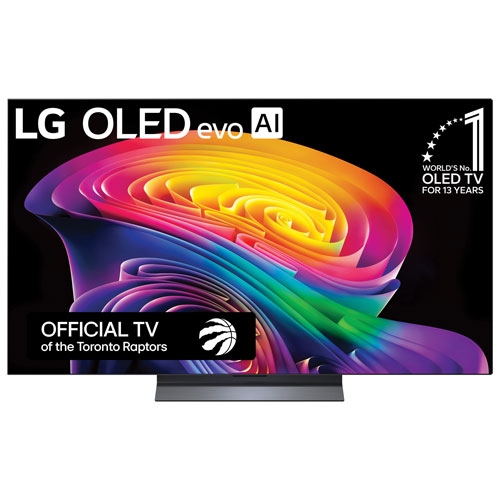

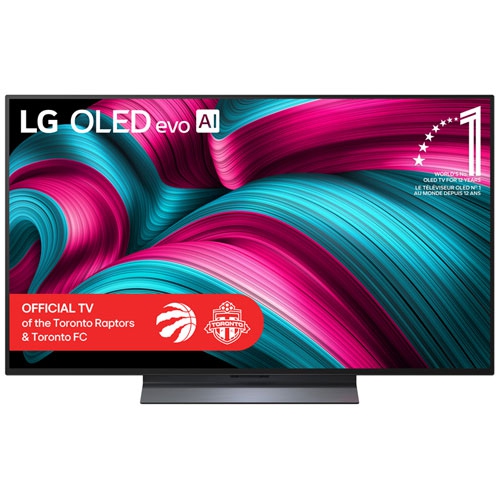
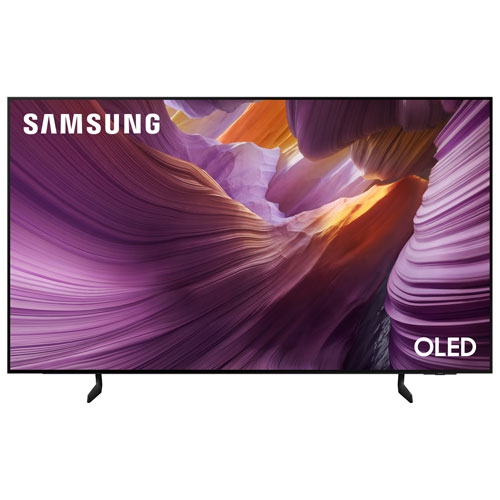
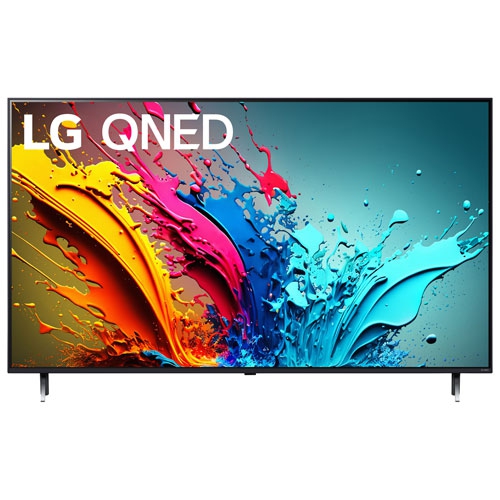
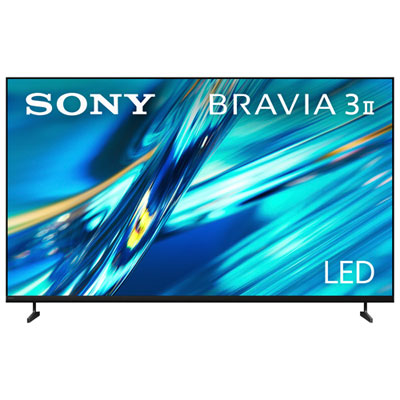
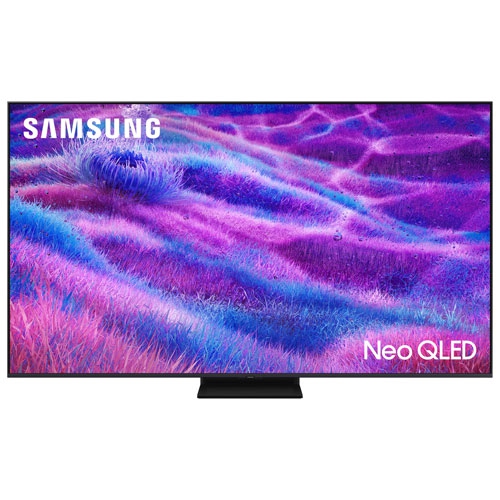
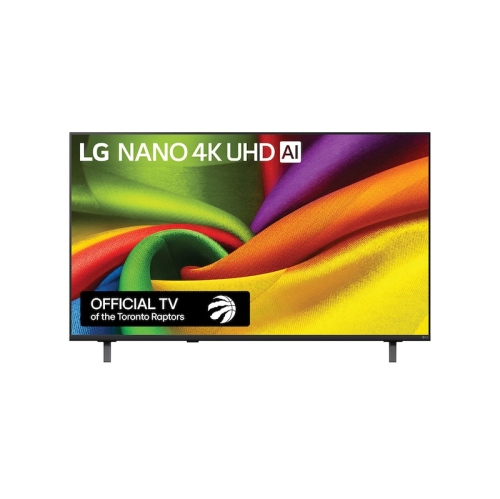
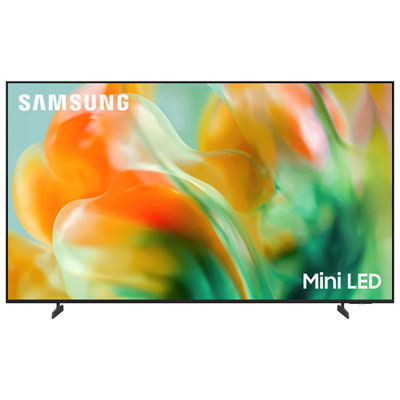
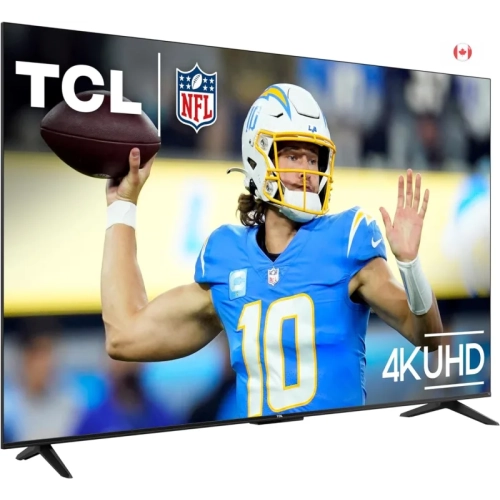
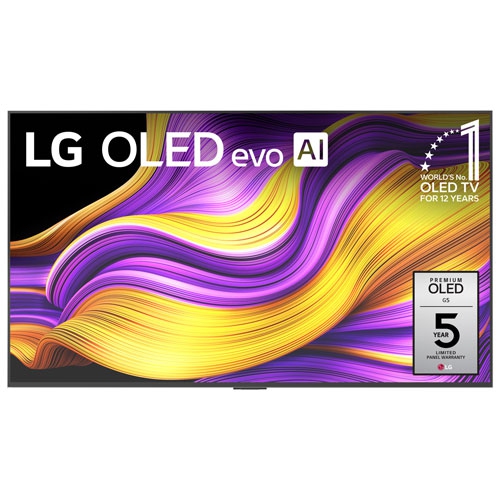
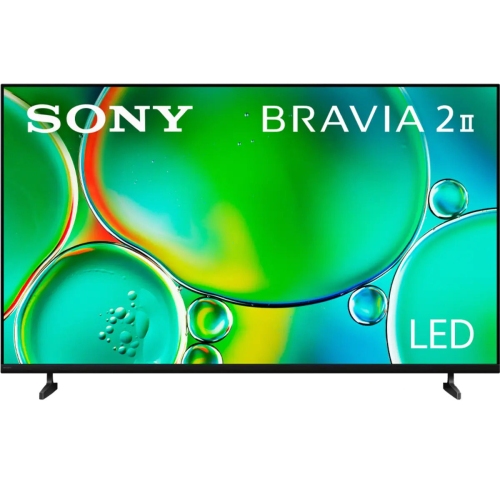
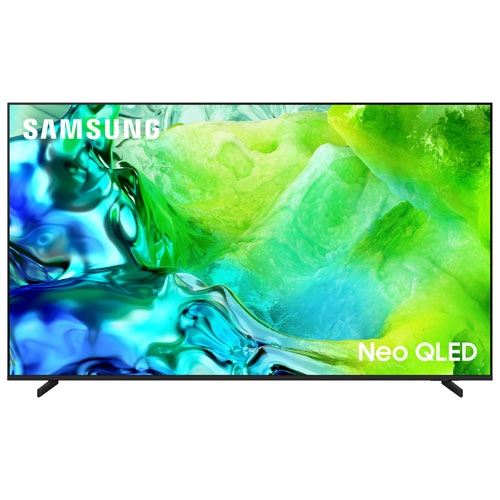

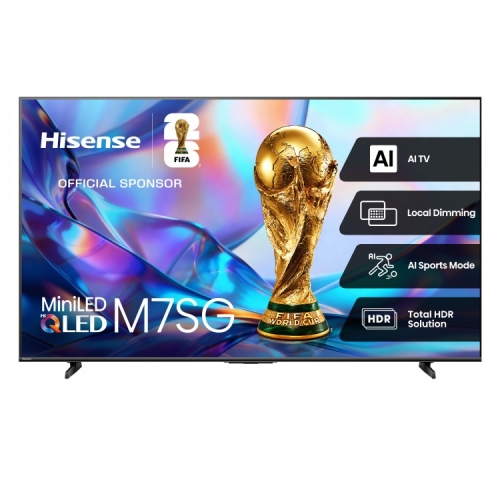
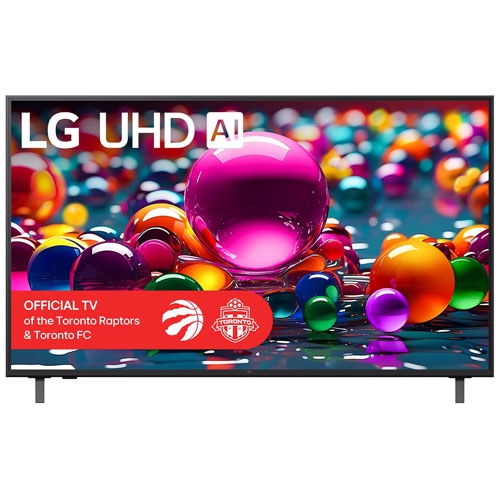
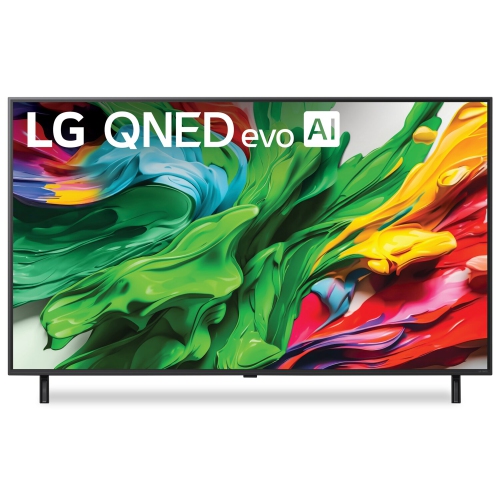
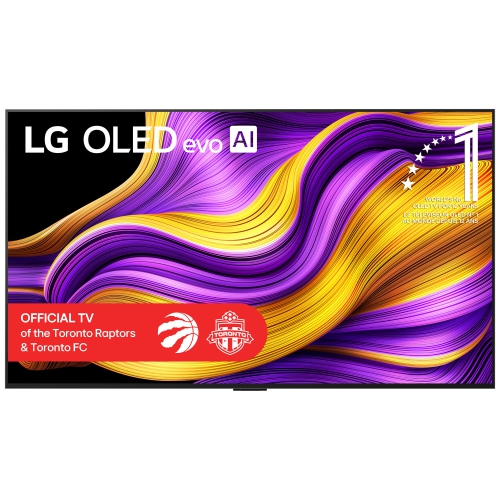

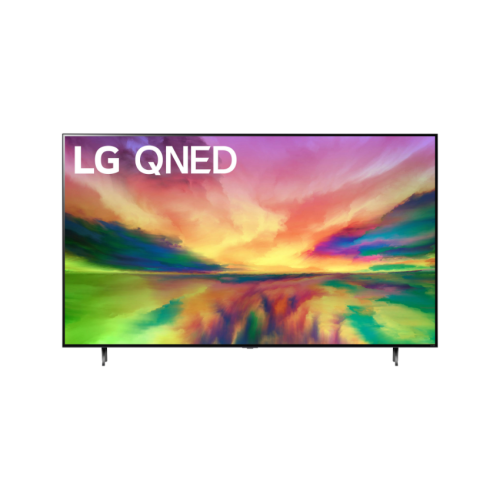
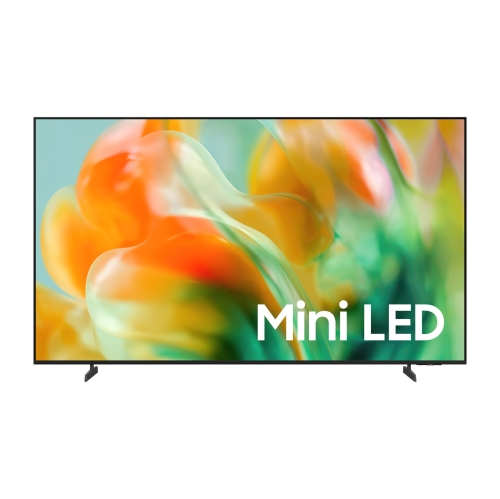
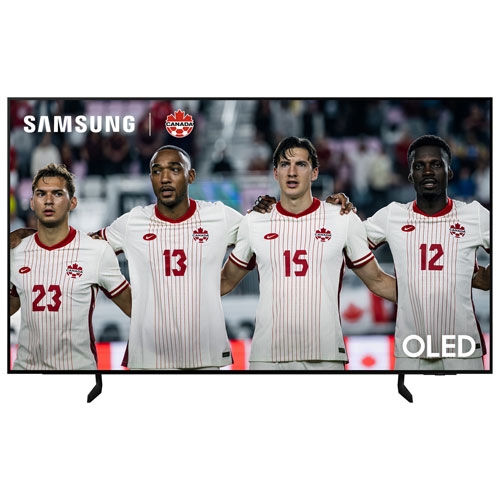
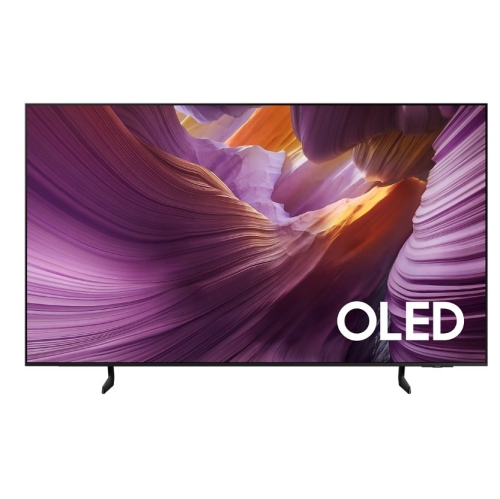
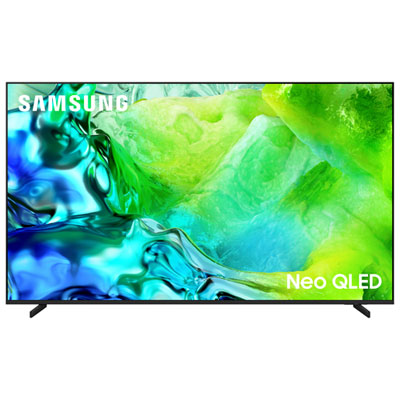
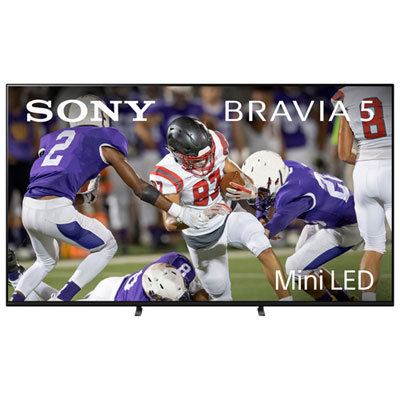
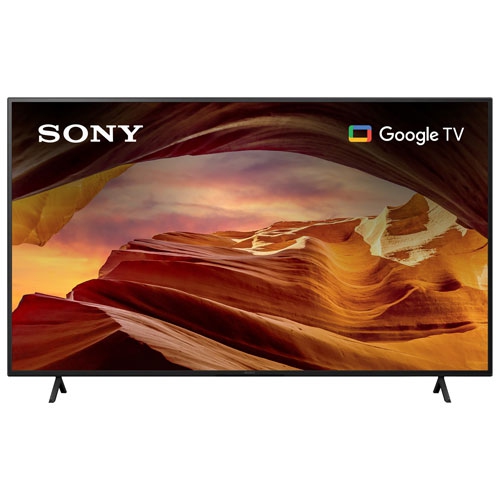
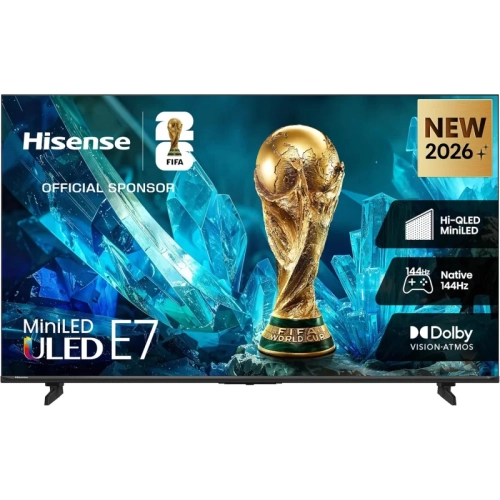
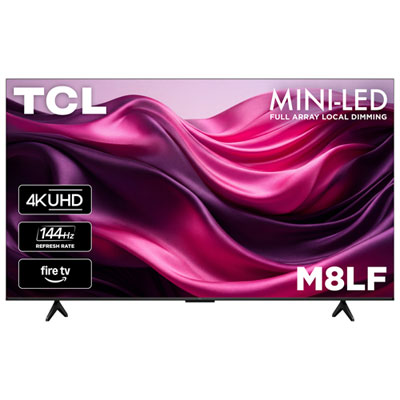
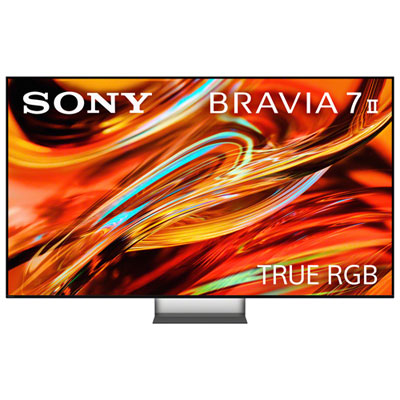
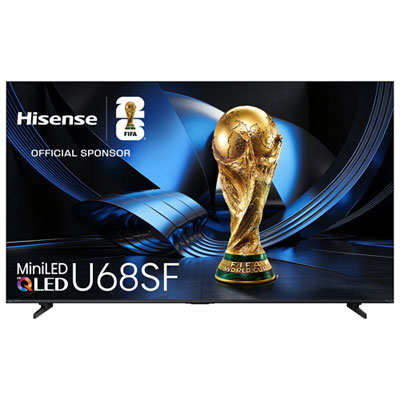

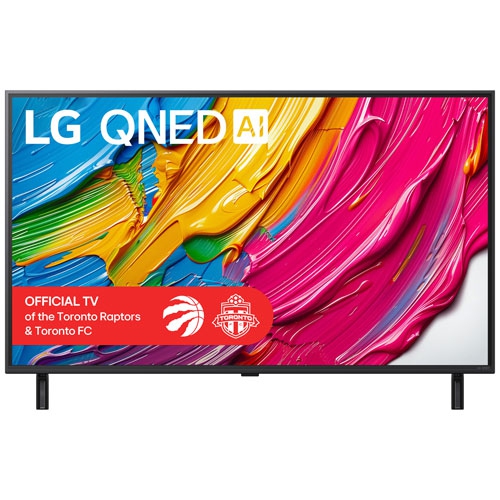
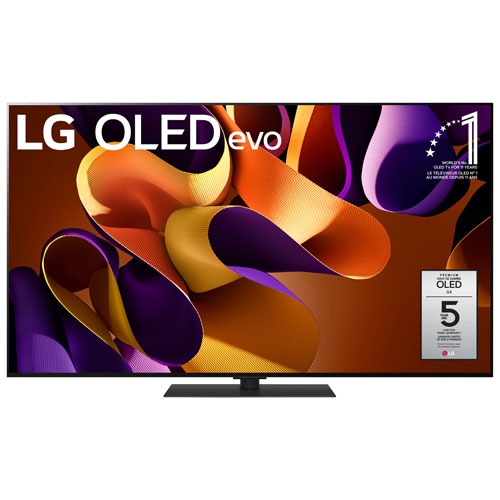
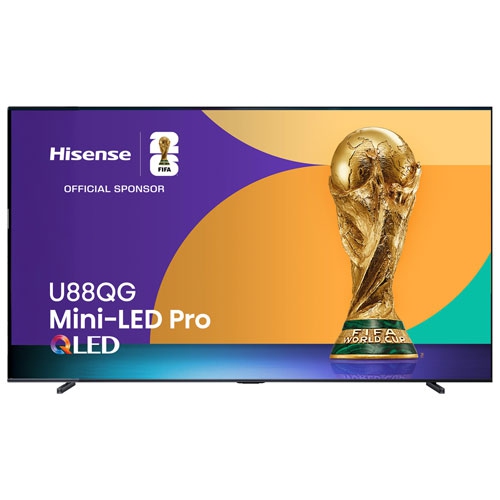
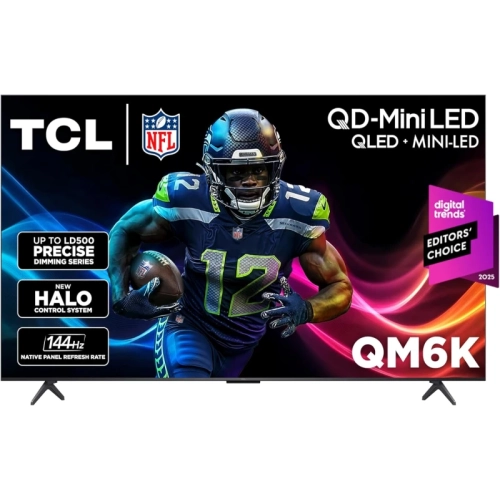
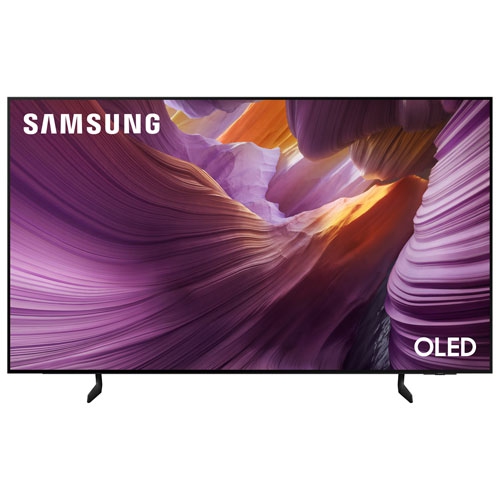
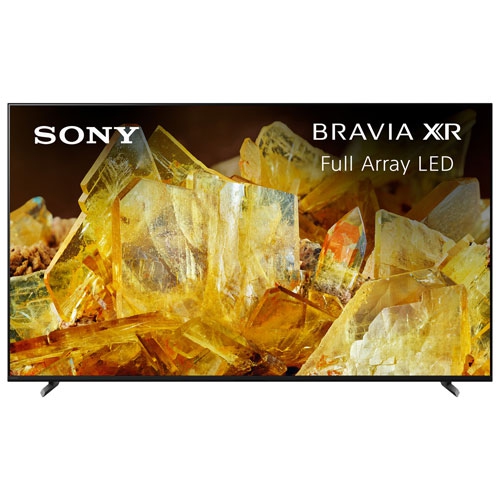
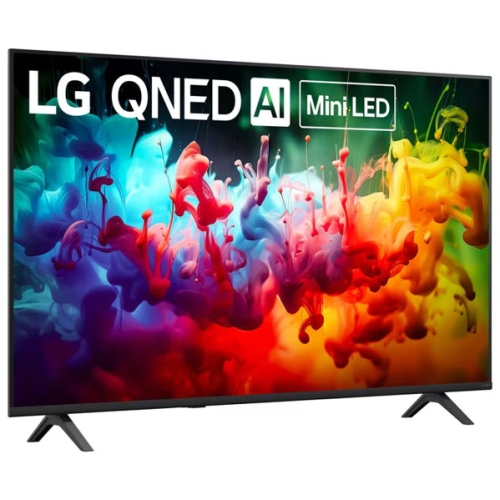
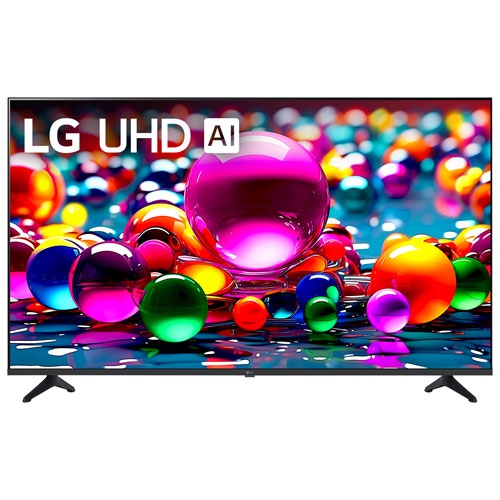
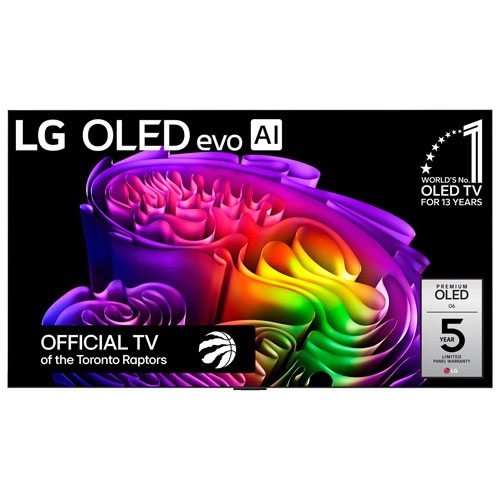
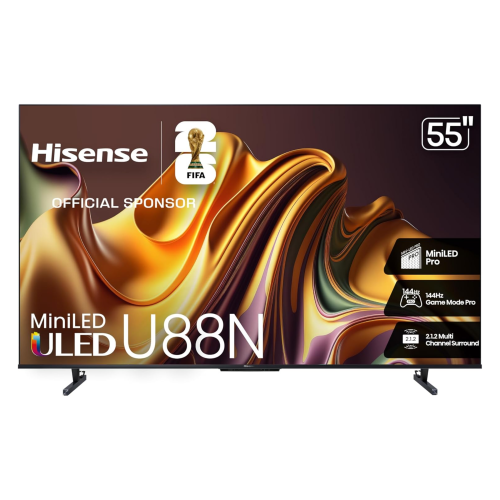
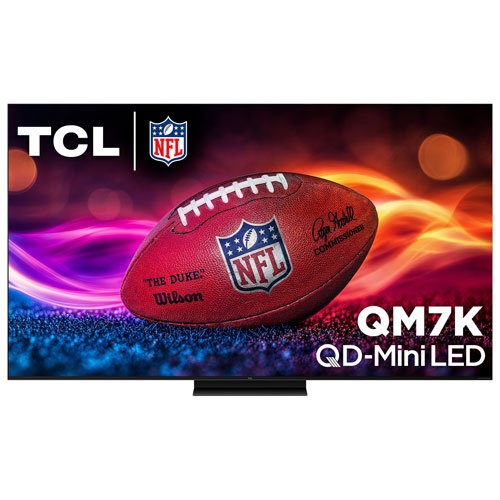
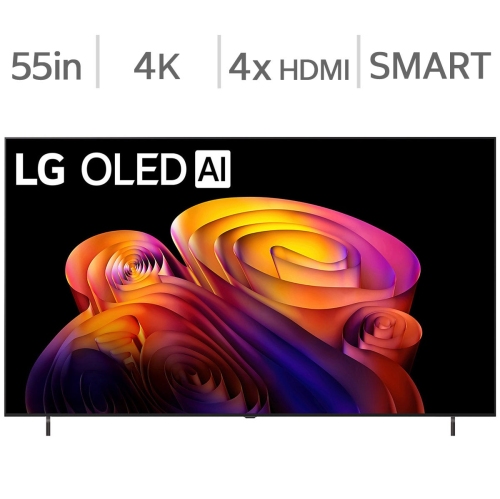
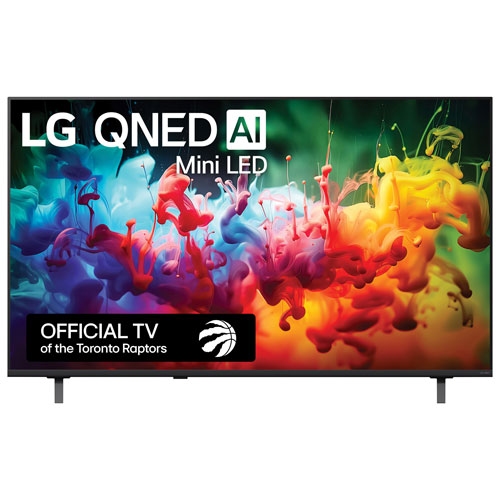
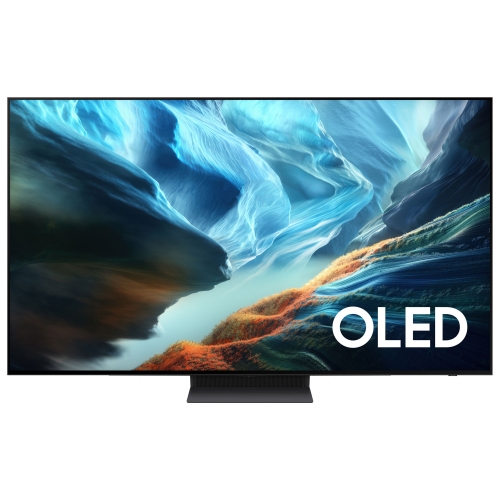
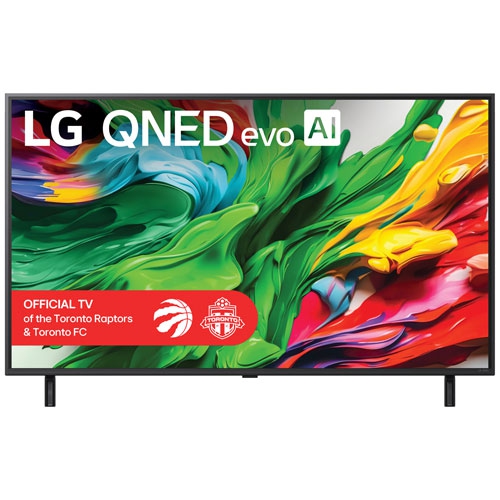
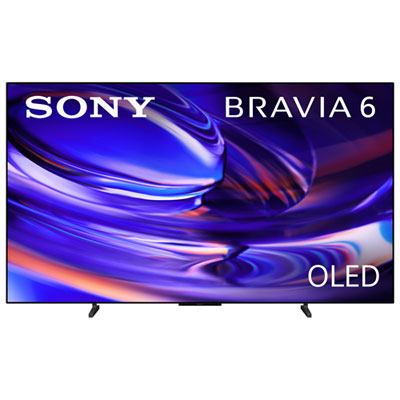
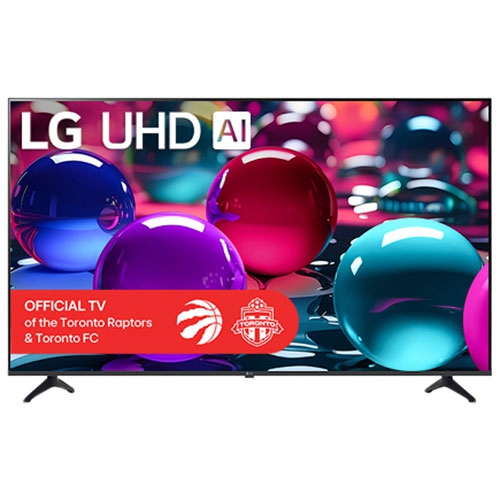
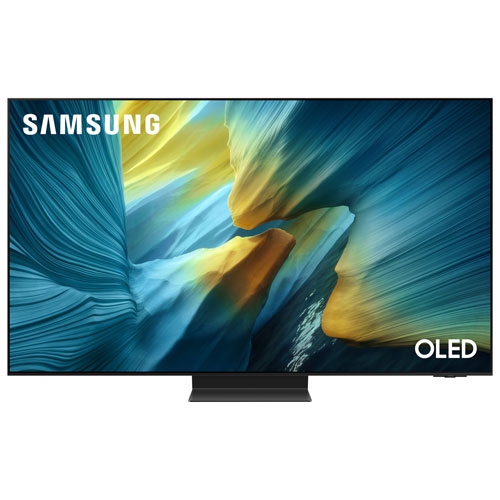
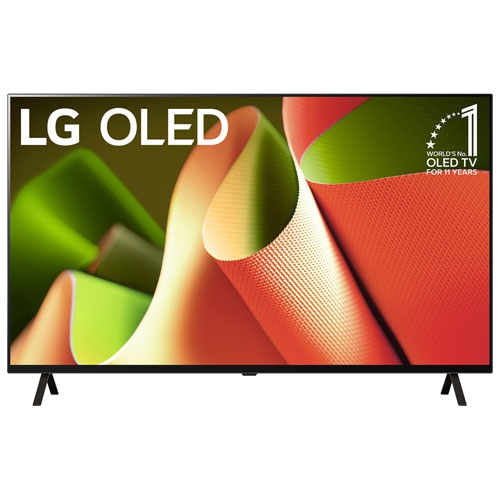
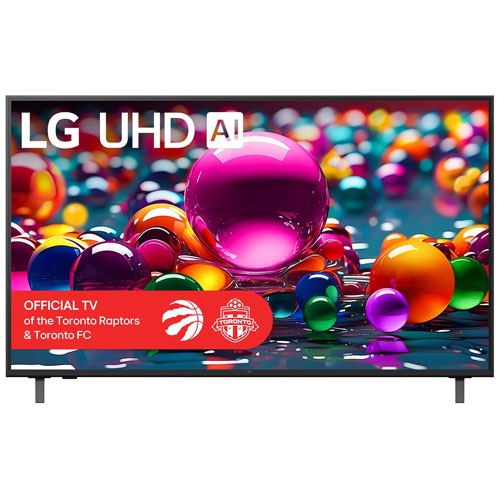
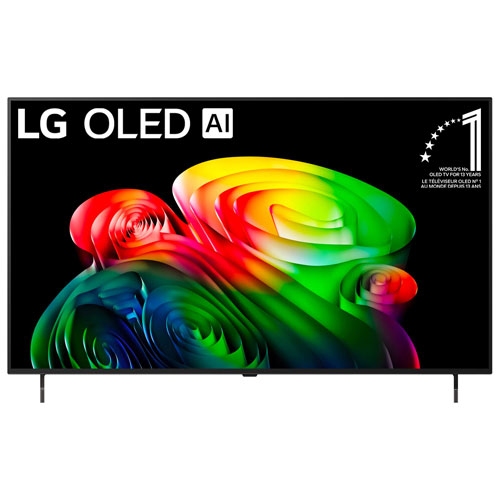
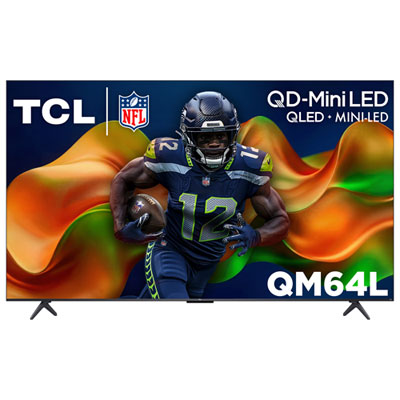
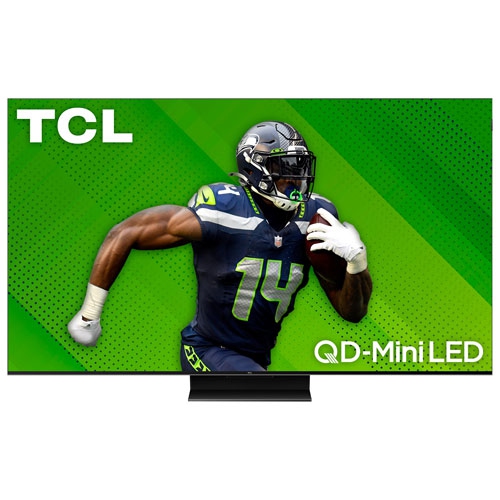
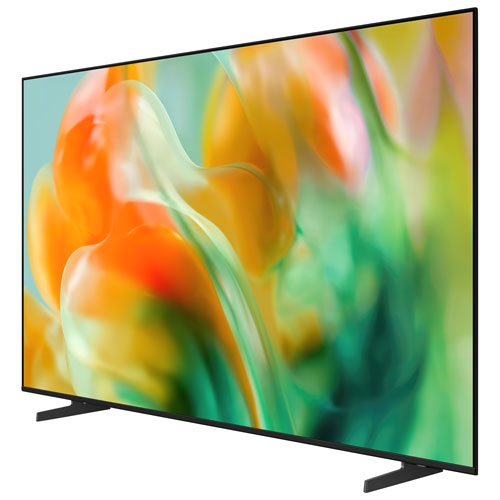
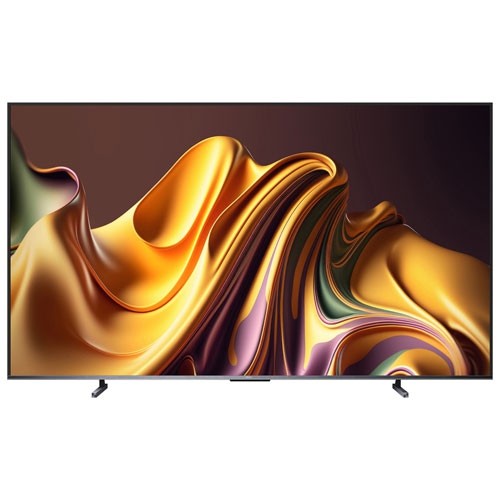
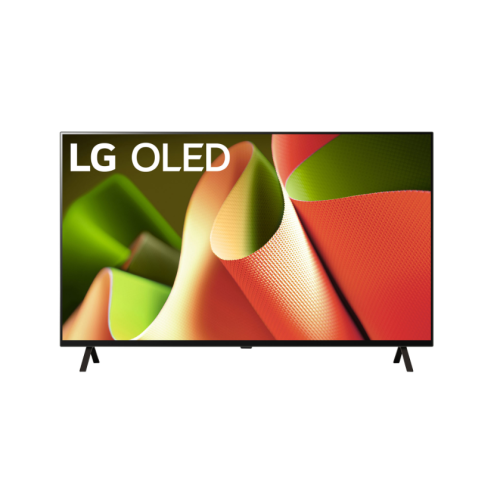
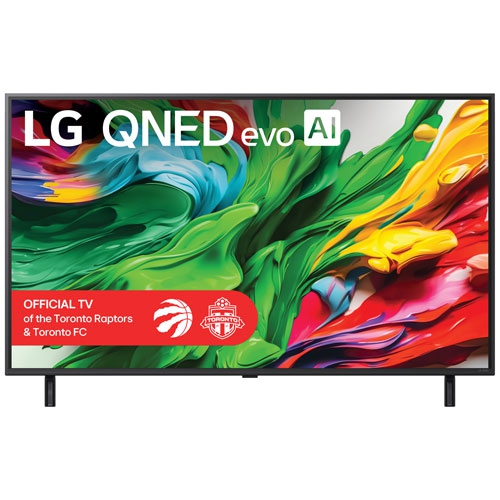
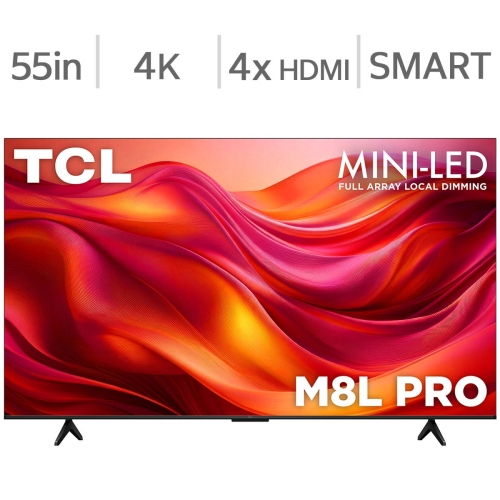
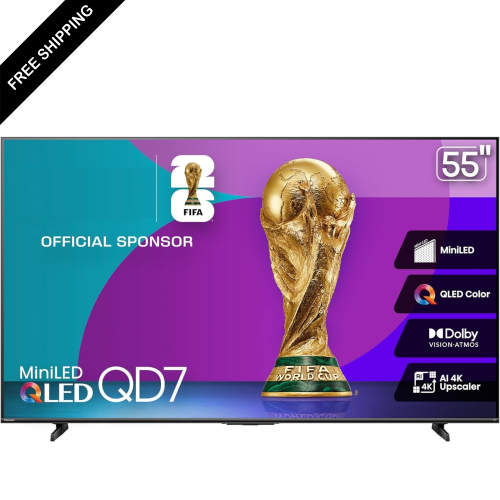
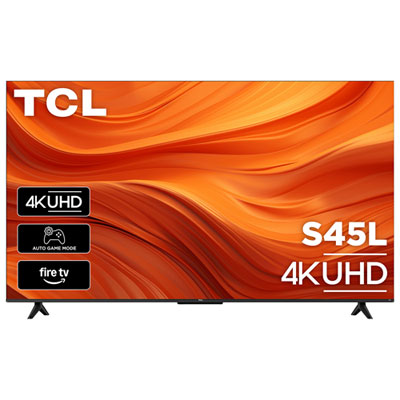
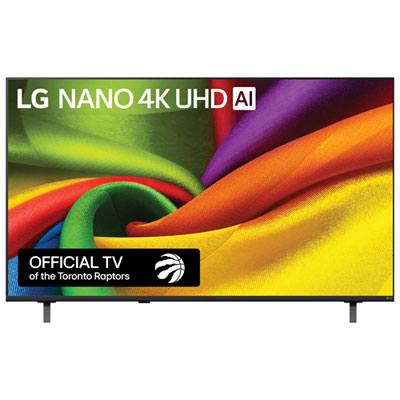
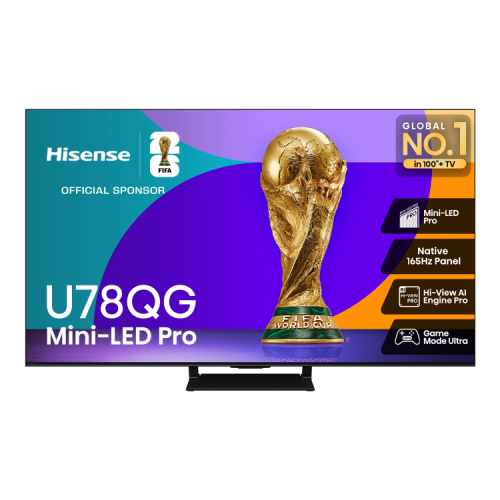
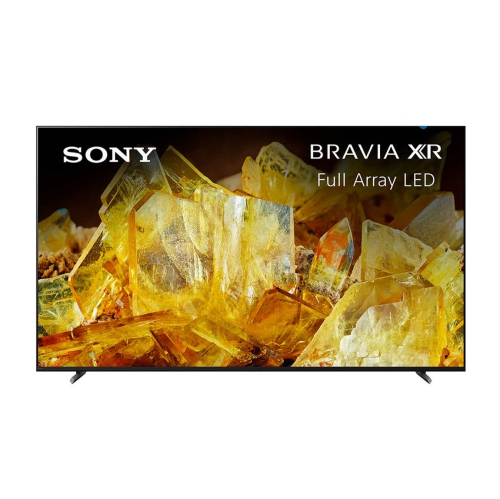

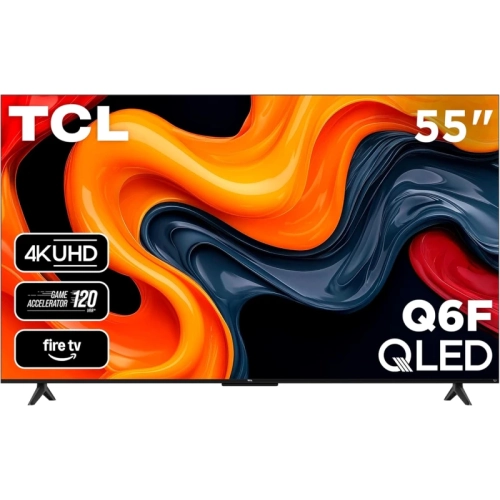
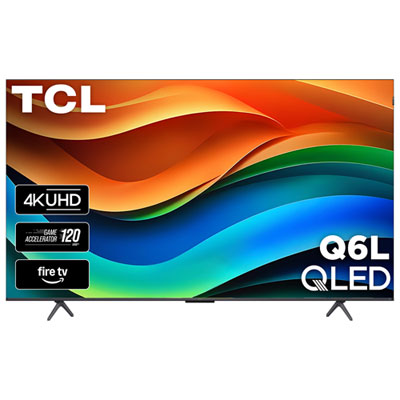

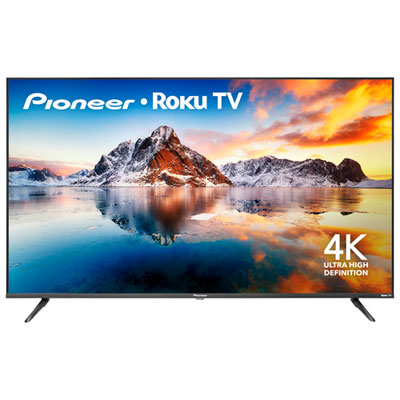
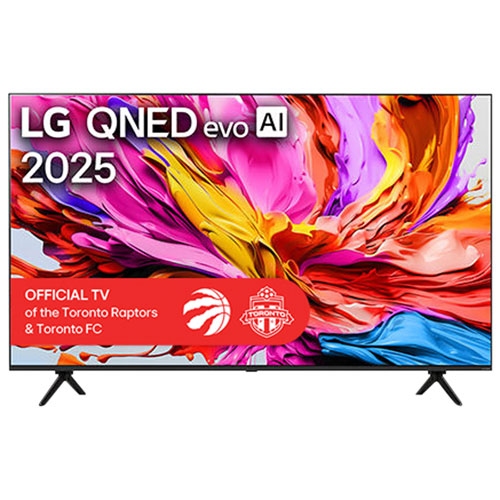

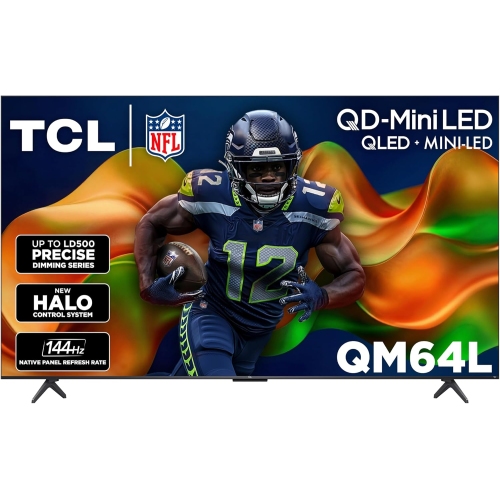
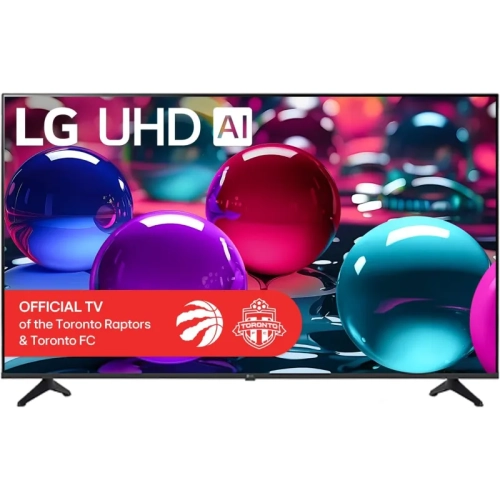
Why responsive gaming takes more than low input lag
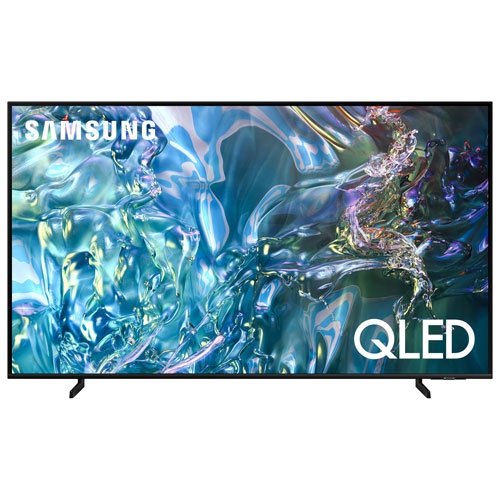
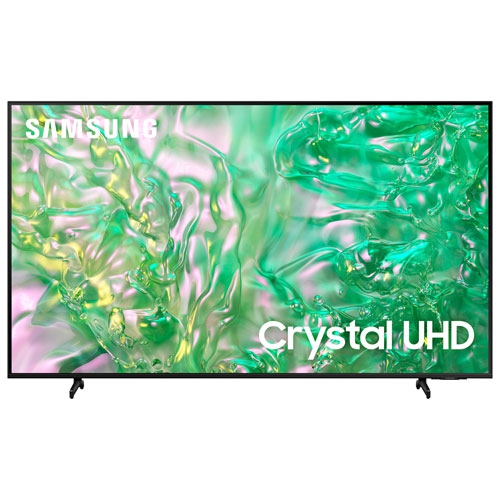
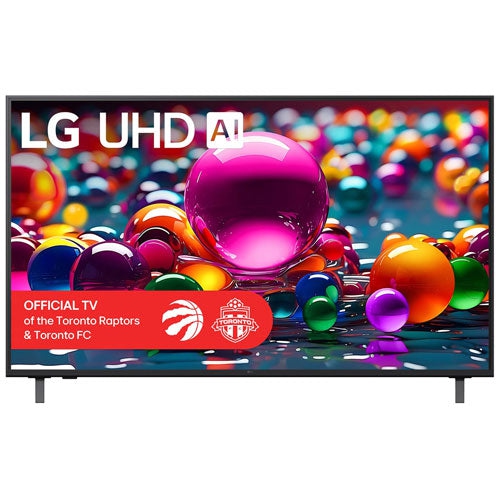
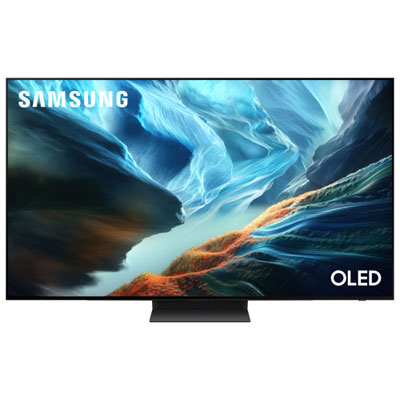
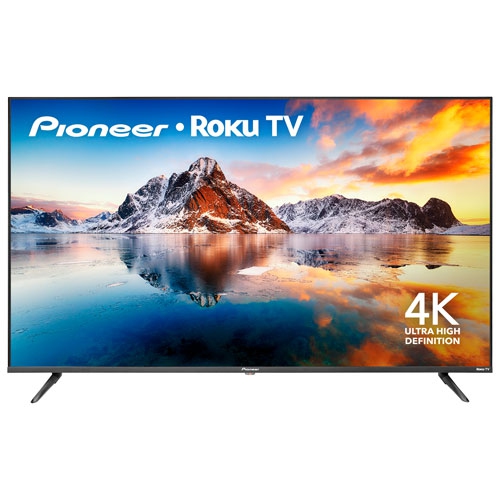
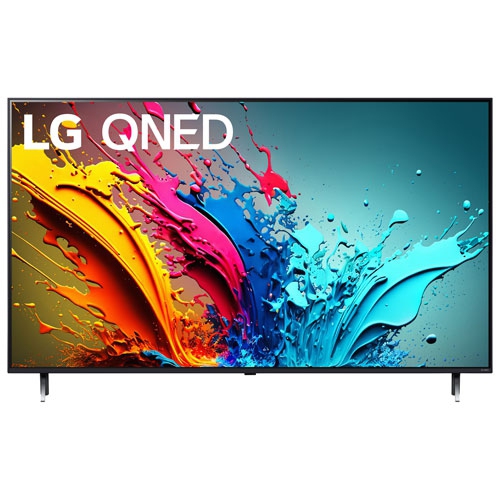
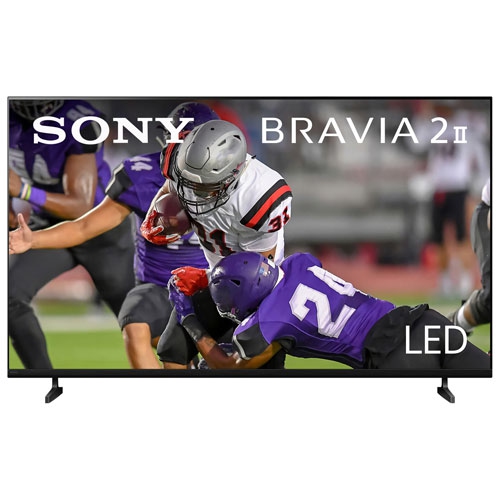
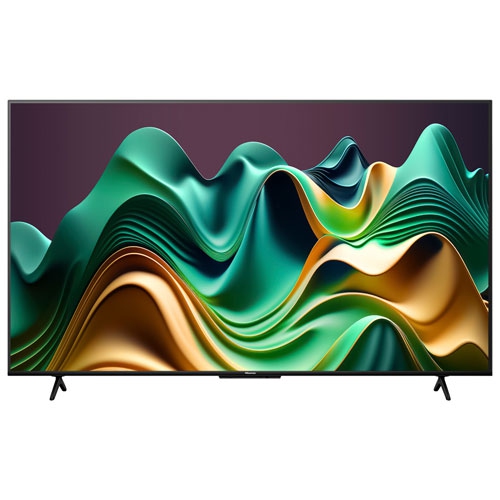
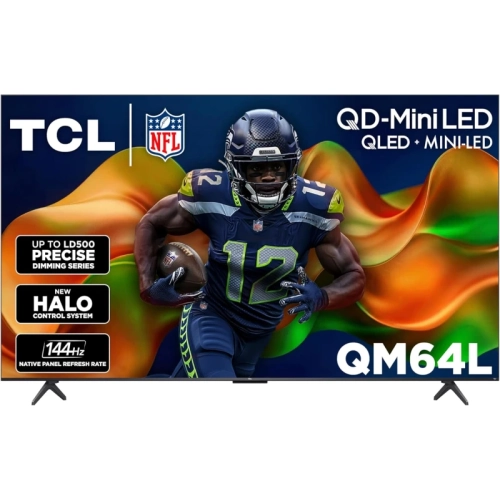
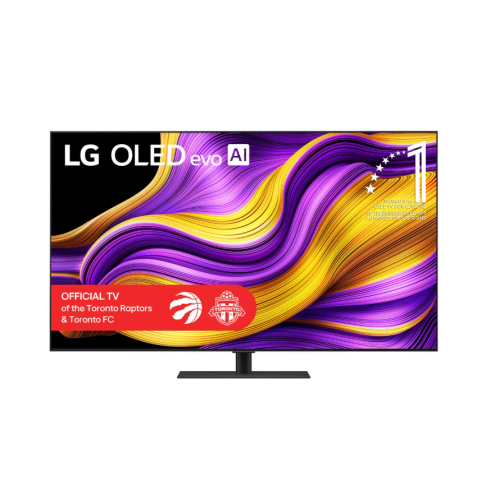
Top-rated 55-inch TVs with low input lag bring together a comfortable screen size, detailed picture quality, and responsive controls for gaming. Input lag is the delay between a television receiving a signal and displaying the corresponding image; lower lag helps an on-screen action feel closely connected to a button press or mouse movement. That connection matters when you are timing a jump, lining up a shot, or steering through a tight corner. For responsive gaming, an input lag measurement below 20 milliseconds at 60Hz is a useful starting point, while some televisions achieve less than 10 milliseconds at higher refresh rates with their gaming settings enabled. Those figures need context: measurements should be compared at the same resolution, refresh rate, and picture mode, since a result recorded at 120Hz does not describe performance at 60Hz. A dedicated Game Mode typically reduces picture processing to shorten the delay, and automatic low latency mode, or ALLM, can switch to that setting when a compatible console signals that a game is running. Low input lag is also different from pixel response time, which describes how quickly pixels change colour. Both contribute to how a game feels and looks, but a fast pixel response alone does not guarantee responsive controls. A 55-inch 4K TV offers room for game menus, maps, and split-screen play without requiring the space of a much larger display. It can suit a living room, a shared entertainment area, or a bedroom with enough viewing distance, particularly when the same screen handles films and streaming after a gaming session. Customer ratings add useful context about everyday ownership, including ease of setup and software reliability, but measured gaming performance is worth considering alongside those impressions. The strongest match is a television that feels responsive with your equipment and looks good in the room where you actually spend time, rather than one chosen for a single headline specification.
Refresh rate and connectivity help determine how much of that responsiveness your setup can use. A native 120Hz panel can display up to 120 frames per second from a compatible source, making supported games look smoother than they would at 60Hz. Some 55-inch gaming TVs accept 144Hz or 165Hz signals, which can be useful for a capable gaming PC, although the supported resolution, connection, and settings vary by television. Higher refresh rates do not make every game run faster: the console or computer and the game itself must support the intended frame rate. Look for confirmed 4K at 120Hz support on the HDMI inputs you plan to use, rather than assuming every port offers the same capabilities because HDMI 2.1 appears in the specifications. A suitable cable also matters for high-bandwidth signals. Variable refresh rate, or VRR, allows a compatible television to adjust its refresh timing to the source within a supported range, helping reduce screen tearing and uneven motion when frame rates fluctuate. PC players may also value compatibility with their graphics card’s adaptive-sync features. These details become especially useful in a busy entertainment setup: a console on one input, a gaming PC on another, and a soundbar connected through an eARC port can fill the available connections quickly. Checking whether eARC shares a port with one of the television’s highest-bandwidth inputs helps avoid an awkward choice later. For another view of this screen size and its gaming features, browse Best 55 Inch TVs for Gaming. Everyday usability deserves attention too, from clearly labelled input settings to a gaming menu that shows whether VRR and high-refresh-rate signals are active. Someone who mostly enjoys slower-paced adventures may be well served by a responsive 60Hz television, while a frequent racing or competitive multiplayer player may place greater value on native 120Hz support. Matching these features to the way you play can be more useful than paying for capabilities your source cannot deliver.
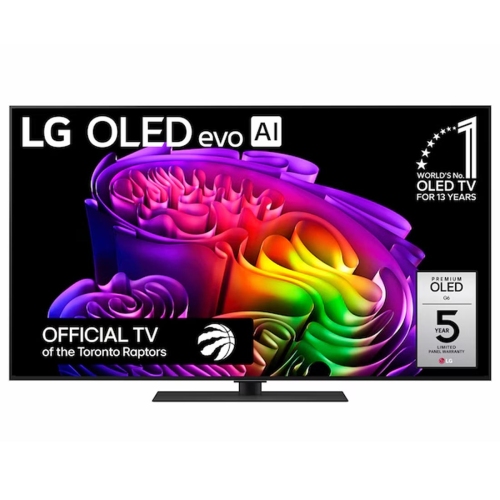
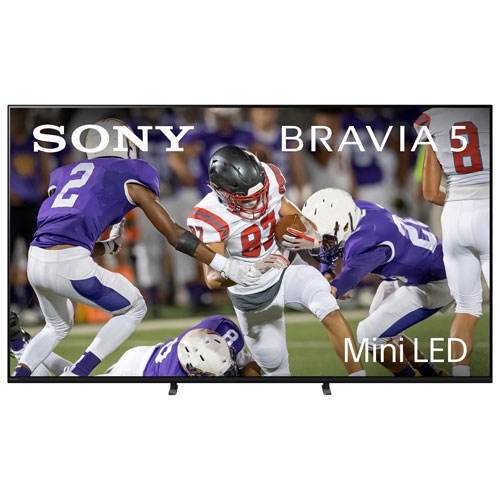
Picture quality, room lighting, and physical fit make just as much difference to long-term enjoyment as gaming specifications. OLED televisions use self-lit pixels to produce deep blacks and strong contrast, giving dark scenes depth without a backlight glow around bright objects. Their fast pixel transitions can also keep moving edges clear. LCD televisions with full-array local dimming or Mini-LED backlighting can offer strong brightness and effective contrast, although performance depends on the panel and how its dimming system operates. A bright room with windows opposite the sofa places more importance on reflection handling and brightness than a room used mainly with the lights lowered. During the cooler months, when an evening might move from a shared racing game to a film, balanced picture quality across both activities is particularly welcome. HDR can add brighter highlights and richer colour, but HDR format support alone does not establish how convincing the result will be; brightness, contrast, and colour performance all contribute. It is also worth checking picture-quality measurements taken in Game Mode, since some televisions handle local dimming or other processing differently when prioritizing low latency. For a PC setup used for both games and work, clear text reproduction and support for full chroma detail at the intended resolution can matter. OLED shoppers who expect to leave the same desktop elements or game displays visible for extended periods should also consider manufacturer care advice and warranty terms relating to image retention or burn-in. Beyond the panel, remember that 55 inches describes the diagonal screen measurement, not the cabinet width. Confirm the television’s actual dimensions, stand footprint, mounting requirements, and clearance for a soundbar before choosing a spot. Wider viewing angles can help when friends spread out across the sofa, while accessible ports simplify occasional controller charging or equipment changes. As a gift for a gamer, a television is easier to get right when you know their console or PC, room layout, and preferred games. Those practical details help turn impressive specifications into a screen that feels at home from the first evening of play.
Refresh rate and connectivity help determine how much of that responsiveness your setup can use. A native 120Hz panel can display up to 120 frames per second from a compatible source, making supported games look smoother than they would at 60Hz. Some 55-inch gaming TVs accept 144Hz or 165Hz signals, which can be useful for a capable gaming PC, although the supported resolution, connection, and settings vary by television. Higher refresh rates do not make every game run faster: the console or computer and the game itself must support the intended frame rate. Look for confirmed 4K at 120Hz support on the HDMI inputs you plan to use, rather than assuming every port offers the same capabilities because HDMI 2.1 appears in the specifications. A suitable cable also matters for high-bandwidth signals. Variable refresh rate, or VRR, allows a compatible television to adjust its refresh timing to the source within a supported range, helping reduce screen tearing and uneven motion when frame rates fluctuate. PC players may also value compatibility with their graphics card’s adaptive-sync features. These details become especially useful in a busy entertainment setup: a console on one input, a gaming PC on another, and a soundbar connected through an eARC port can fill the available connections quickly. Checking whether eARC shares a port with one of the television’s highest-bandwidth inputs helps avoid an awkward choice later. For another view of this screen size and its gaming features, browse Best 55 Inch TVs for Gaming. Everyday usability deserves attention too, from clearly labelled input settings to a gaming menu that shows whether VRR and high-refresh-rate signals are active. Someone who mostly enjoys slower-paced adventures may be well served by a responsive 60Hz television, while a frequent racing or competitive multiplayer player may place greater value on native 120Hz support. Matching these features to the way you play can be more useful than paying for capabilities your source cannot deliver.
Picture quality, room lighting, and physical fit make just as much difference to long-term enjoyment as gaming specifications. OLED televisions use self-lit pixels to produce deep blacks and strong contrast, giving dark scenes depth without a backlight glow around bright objects. Their fast pixel transitions can also keep moving edges clear. LCD televisions with full-array local dimming or Mini-LED backlighting can offer strong brightness and effective contrast, although performance depends on the panel and how its dimming system operates. A bright room with windows opposite the sofa places more importance on reflection handling and brightness than a room used mainly with the lights lowered. During the cooler months, when an evening might move from a shared racing game to a film, balanced picture quality across both activities is particularly welcome. HDR can add brighter highlights and richer colour, but HDR format support alone does not establish how convincing the result will be; brightness, contrast, and colour performance all contribute. It is also worth checking picture-quality measurements taken in Game Mode, since some televisions handle local dimming or other processing differently when prioritizing low latency. For a PC setup used for both games and work, clear text reproduction and support for full chroma detail at the intended resolution can matter. OLED shoppers who expect to leave the same desktop elements or game displays visible for extended periods should also consider manufacturer care advice and warranty terms relating to image retention or burn-in. Beyond the panel, remember that 55 inches describes the diagonal screen measurement, not the cabinet width. Confirm the television’s actual dimensions, stand footprint, mounting requirements, and clearance for a soundbar before choosing a spot. Wider viewing angles can help when friends spread out across the sofa, while accessible ports simplify occasional controller charging or equipment changes. As a gift for a gamer, a television is easier to get right when you know their console or PC, room layout, and preferred games. Those practical details help turn impressive specifications into a screen that feels at home from the first evening of play.
Top selling and popular products
-
 Your price for this item is $1527.99
 -
 Your price for this item is $549.95
 -
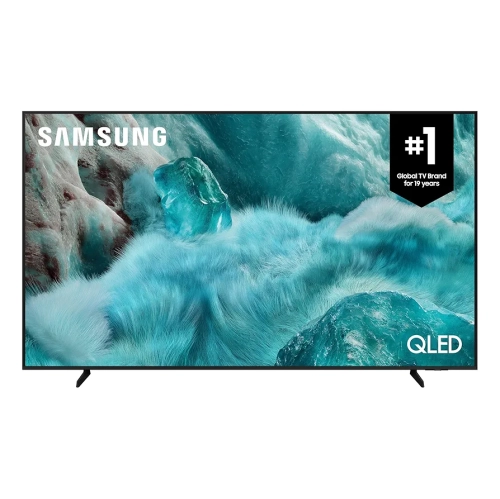 Your price for this item is $479.99
 -
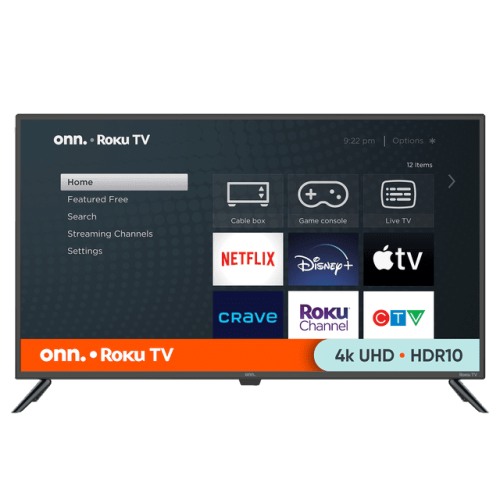 Your price for this item is $399.98
 -
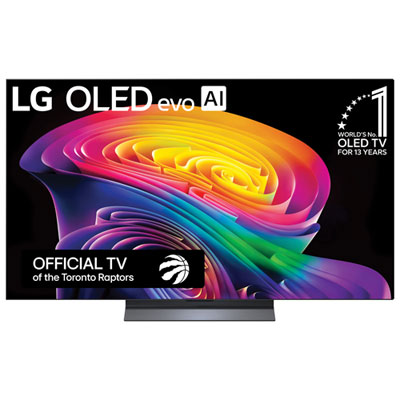 Your price for this item is $2299.99
 -
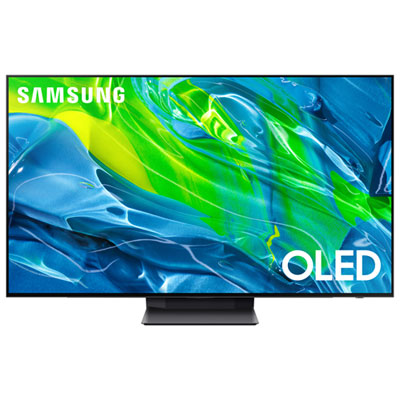 Your price for this item is $1699.97
 -
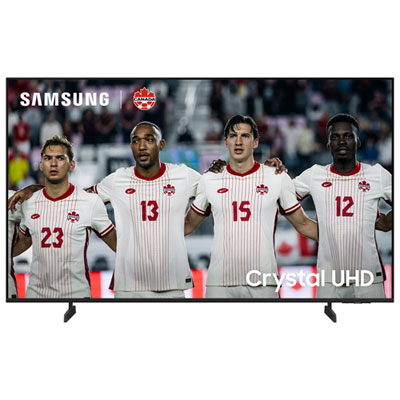 Your price for this item is $649.99
 -
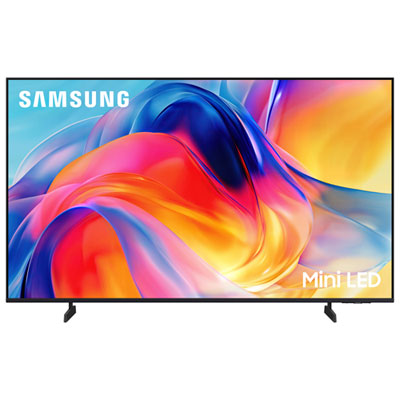 Your price for this item is $799.99
Discover more categories related to Top Rated 55 Inch Tvs With Low Input Lag
Top Collections:
Pokemon Centers, Best Cameras for Sports Photography, Kindle Devices, Samsung Galaxy Phones, Canon G7X Cameras, Pokémon 30th Celebration Cards, Refurbished Apple Laptops, iPhone 15 Apple, Laptops for Students, Budget Smartphones
Some products may be subject to Environmental Handling Fees
(EHF) depending on your province.
Learn more about EHFs.