UAP AC Pro
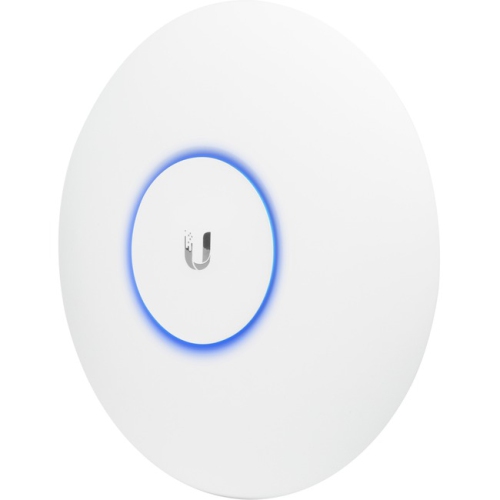
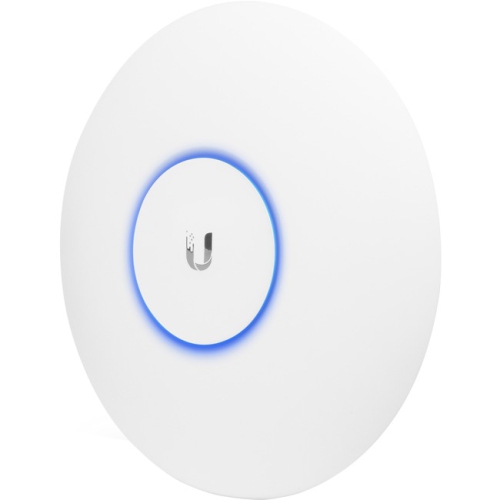
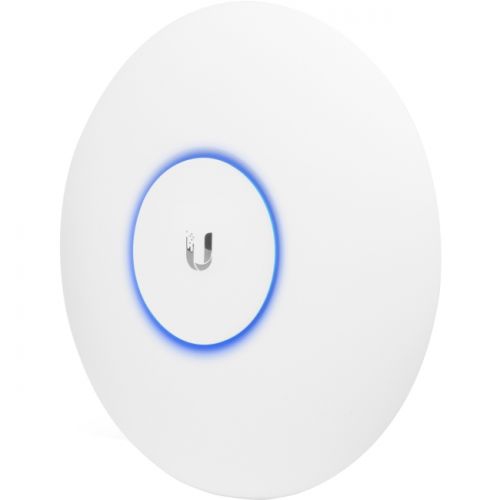
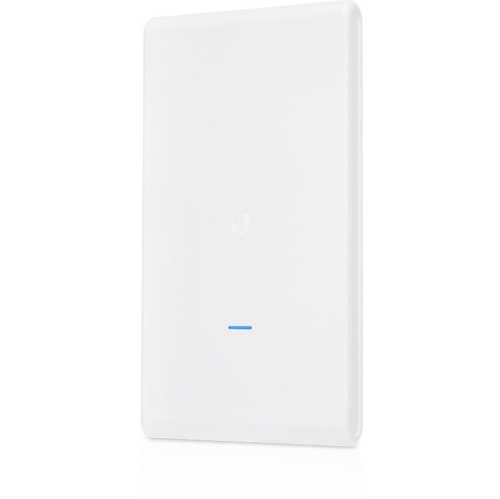
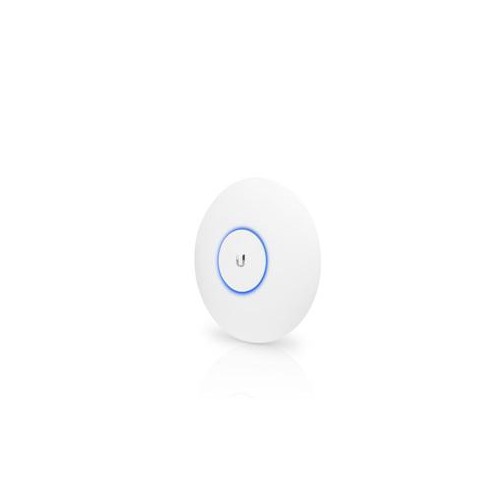
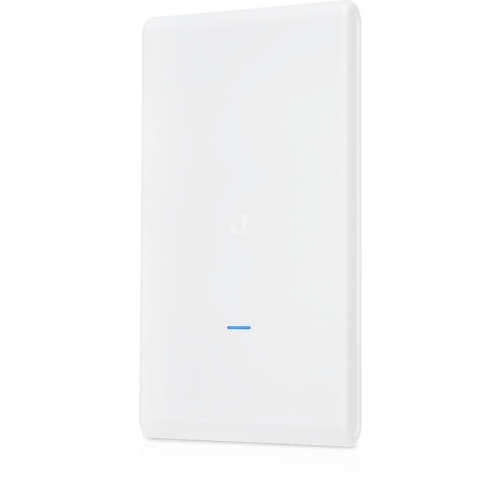
Shop UAP AC PRO wireless access points from Ubiquiti’s UniFi range to add or expand Wi-Fi coverage in your home or business. Check each listing for power requirements, included mounting hardware and compatibility with your existing network to choose an option that fits your setup.

FAQ
A wireless access point connects Wi-Fi devices to an existing wired network. A router directs traffic between networks, including your home or business network and the internet. Many home routers include built-in Wi-Fi, while standalone access points let you manage wireless connections separately.
A dual-band access point supports both the 2.4 GHz and 5 GHz frequency bands. The 2.4 GHz band is commonly used by smart home devices and older equipment, while compatible laptops, phones and other devices can also connect through the 5 GHz band.
Power over Ethernet, or PoE, carries electrical power and network data through one Ethernet cable. Compatible access points can receive power from a PoE switch or injector instead of a separate power adapter. The power source must match the access point’s supported PoE standard and power requirements.
Controller software provides a central place to configure and manage compatible access points. Depending on the platform, you can set Wi-Fi network names, assign devices to networks, review connection information and manage firmware updates. Controller requirements vary, so check compatibility when adding access points to an existing setup.
Yes. Multiple access points can share a Wi-Fi network name, also called an SSID, and matching authentication settings. This allows compatible devices to move between access points without manually selecting a different network. The connected device generally determines when to switch, while supported roaming features can help coordinate the transition.
Top selling and popular products
Discover more categories related to UAP AC Pro

Some products may be subject to Environmental Handling Fees (EHF) depending on your province. Learn more about EHFs.