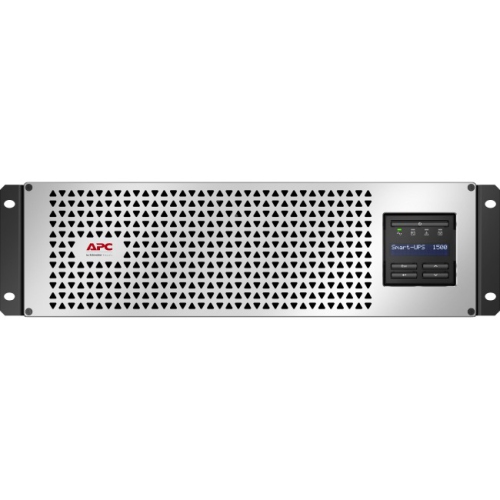
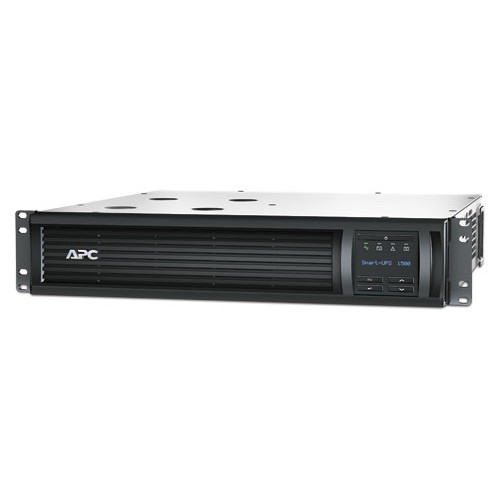
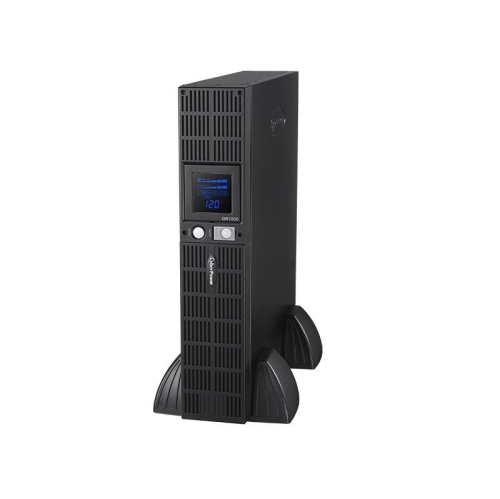
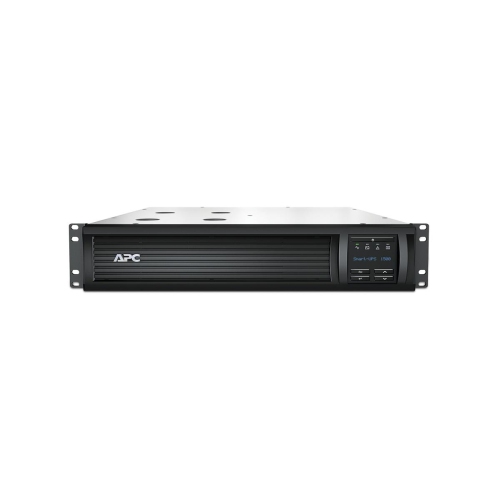
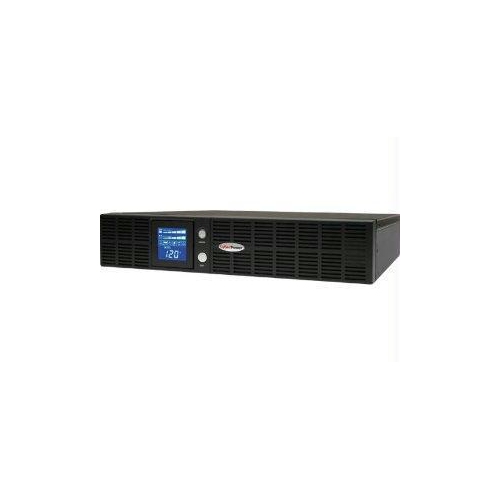
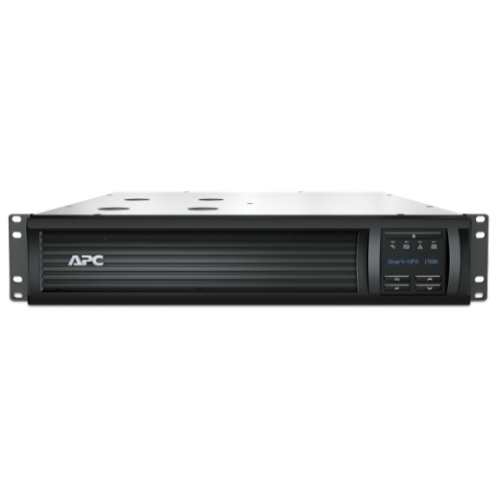
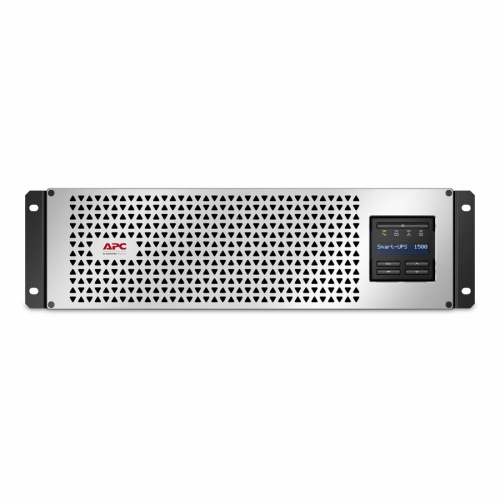
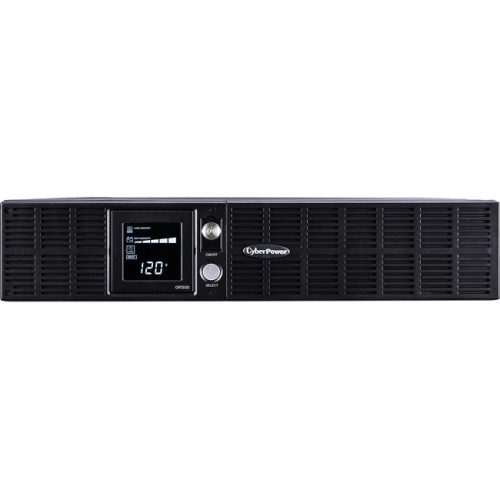
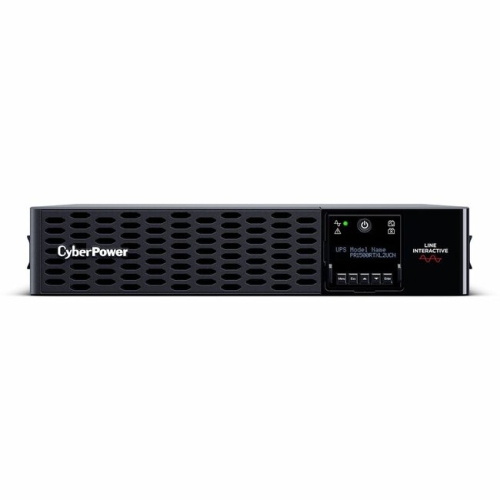
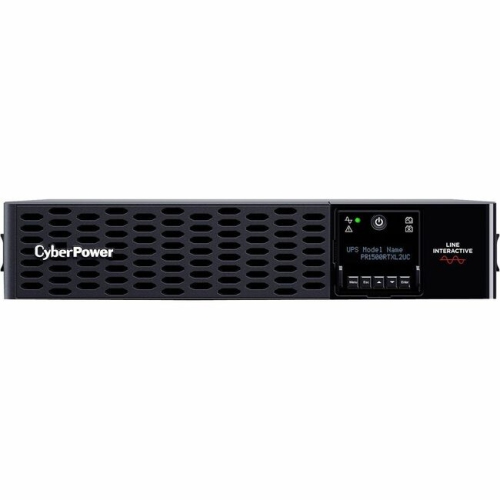
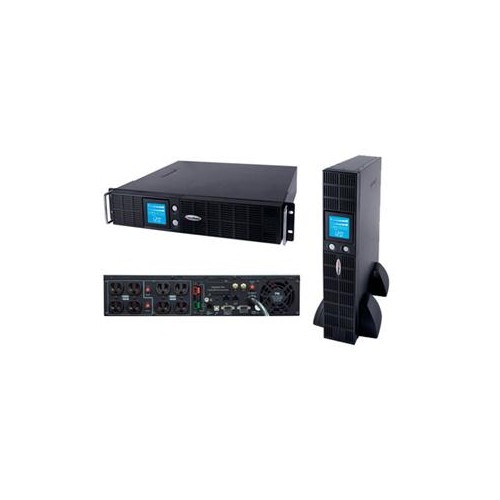
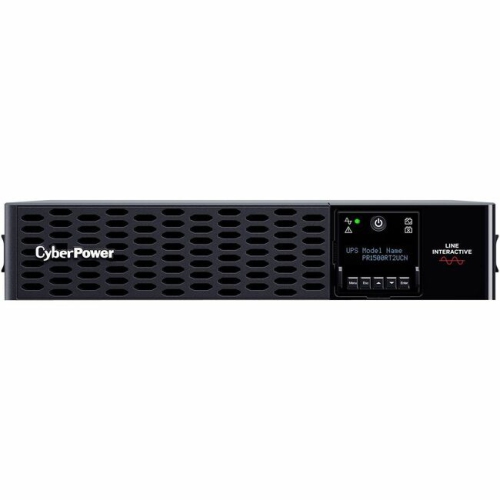
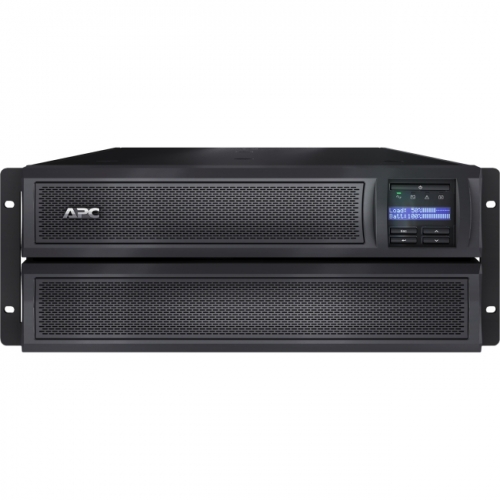
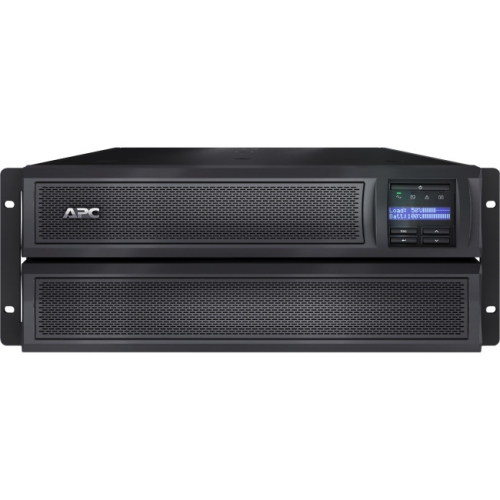
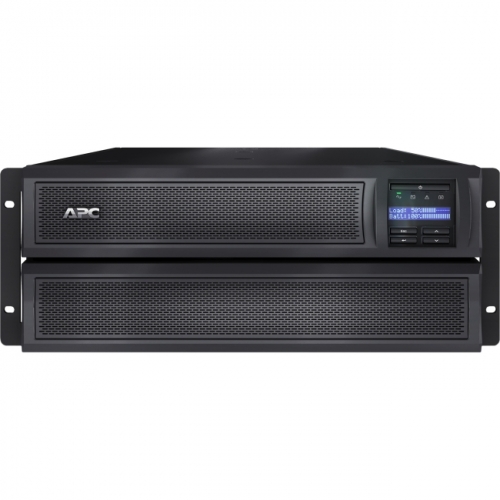
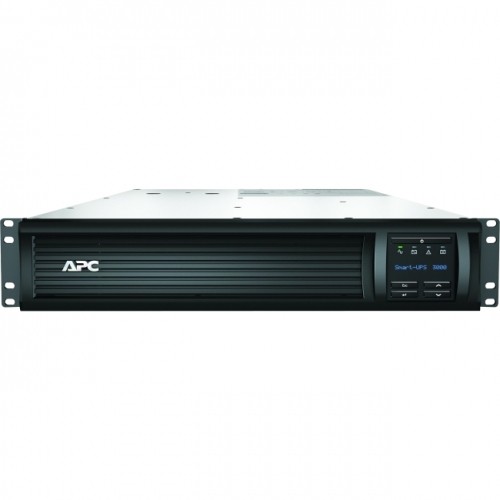
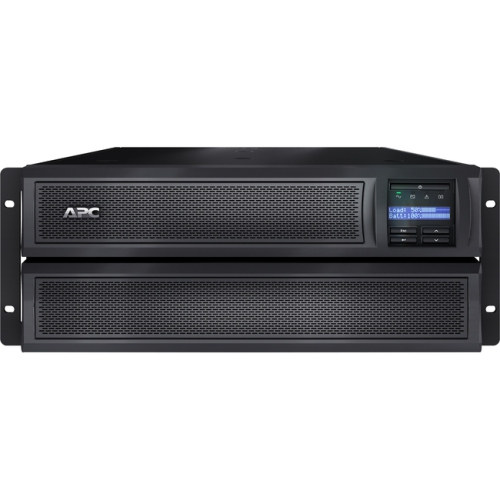
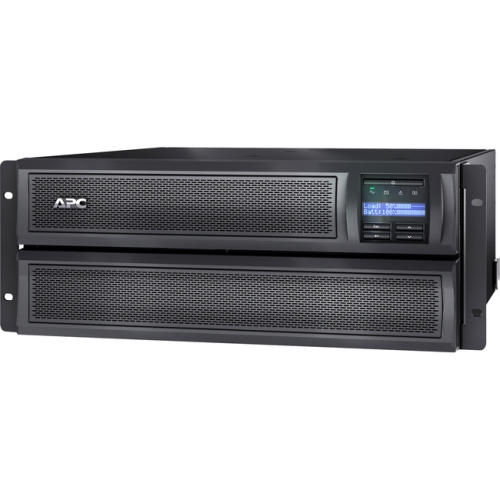
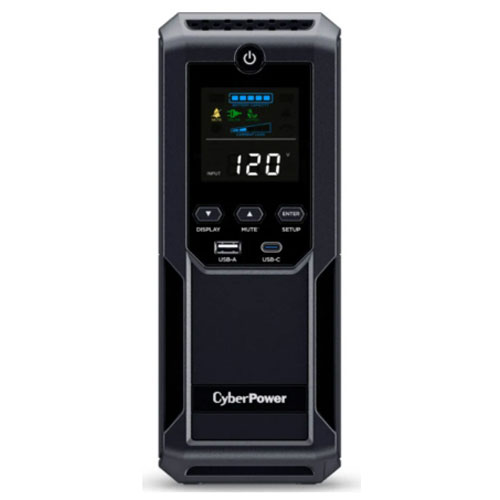
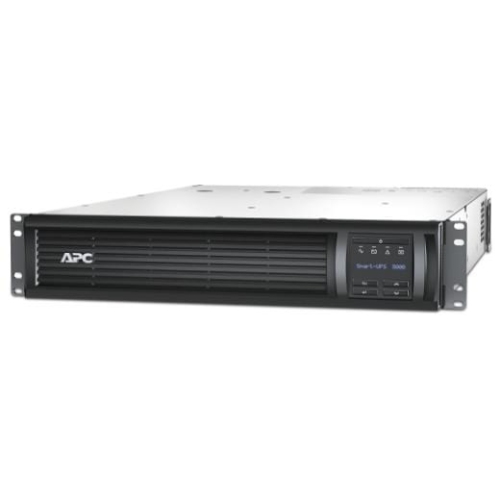
UPS APC Smart-UPS 1500

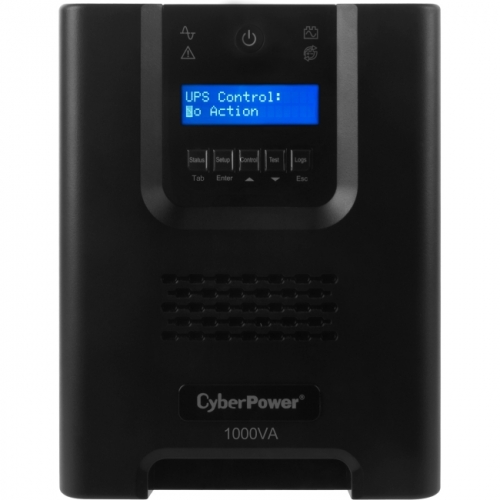
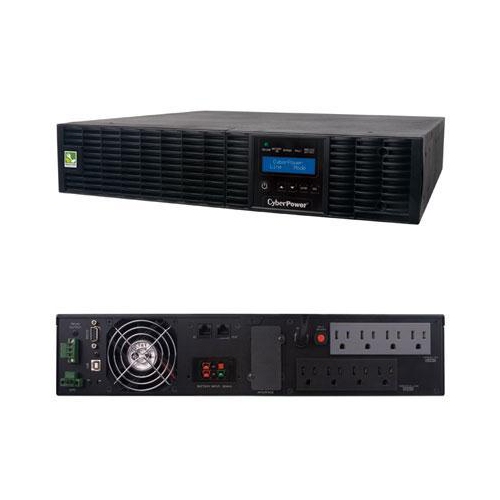
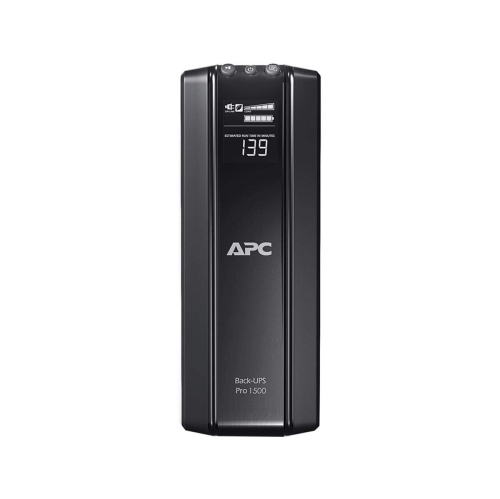
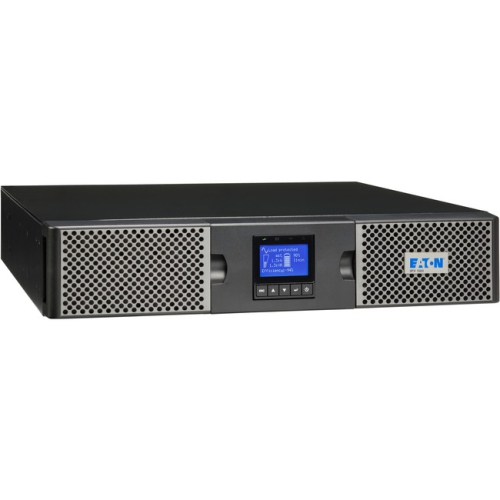
Shop APC Smart-UPS 1500 uninterruptible power supplies (UPS) to help keep connected equipment powered during outages and protected from surges. Compare available models by wattage capacity, outlet configuration, and tower or rackmount design to find the right fit for your equipment and space.
Sort

What 1500VA really means for battery backup

A 1500VA smart UPS is an uninterruptible power supply that combines battery backup, power protection, and status monitoring for connected electronics. Systems in this capacity range are commonly used with desktop workstations, network equipment, network-attached storage, and small servers, where an unexpected loss of power can interrupt work or prevent an orderly shutdown. The 1500VA rating describes apparent power, not the amount of usable power in watts. The watt rating is a separate specification, and both limits matter when matching a UPS to its connected equipment. A system rated at 1500VA should not be assumed to support a 1500W load. Many smart UPS systems in this class use a line-interactive design with automatic voltage regulation, which adjusts moderate high or low input voltage without drawing on the battery. When incoming power fails or moves outside the supported range, battery backup supplies power for a limited period. Pure sine wave output is another useful feature to look for, particularly with equipment that uses active power factor correction, although compatibility should always be checked against the equipment manufacturer’s requirements. Battery runtime depends on the exact UPS, the connected load, battery condition, and operating conditions; the capacity rating alone cannot establish how many minutes a system will run. A workstation and monitor may leave considerably less backup time than a modem, router, and small network switch. Published runtime charts are therefore more useful than a single headline runtime figure, especially when they show performance at a load close to the intended setup. For a home office, the practical benefit may be enough time to save an open project and shut down cleanly. For a small business, it may mean keeping local network equipment running through a brief interruption. Battery backup can support those local devices, but it cannot guarantee an internet connection if the service provider’s equipment also loses power. These systems are generally intended to bridge short interruptions or support controlled shutdowns, rather than provide extended power for an entire workspace.
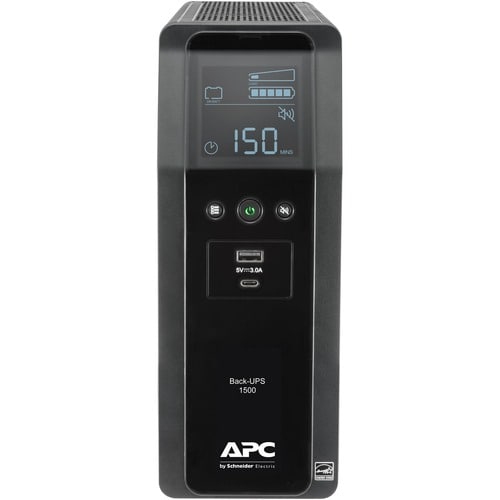
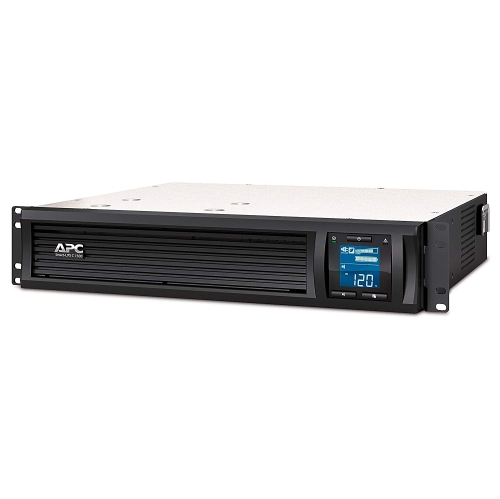
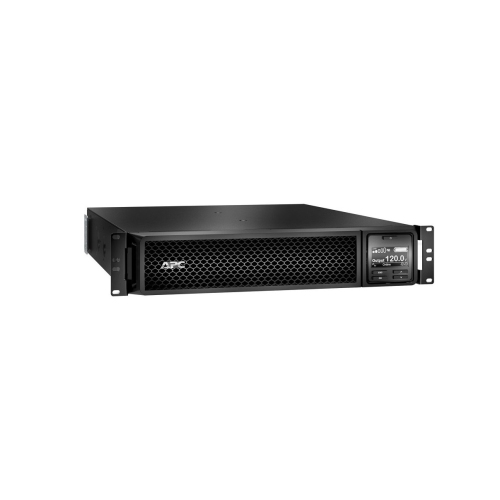
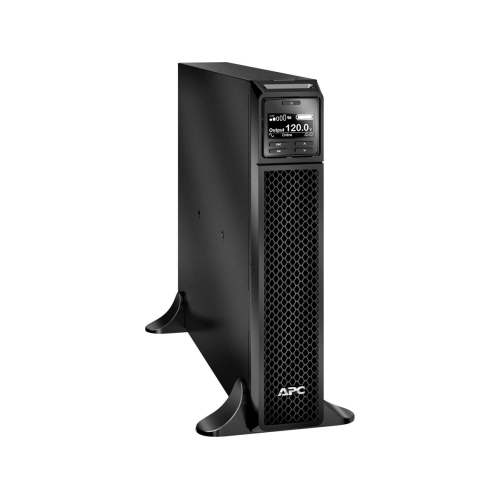
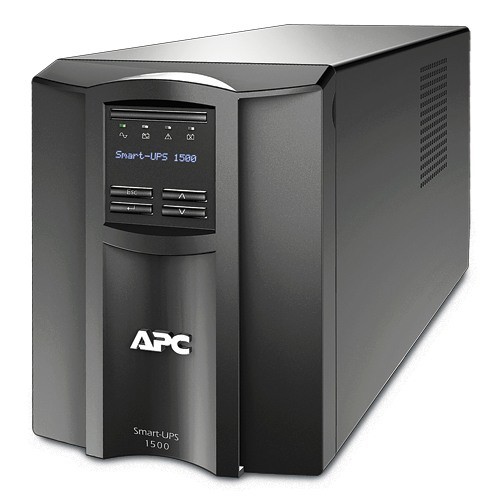
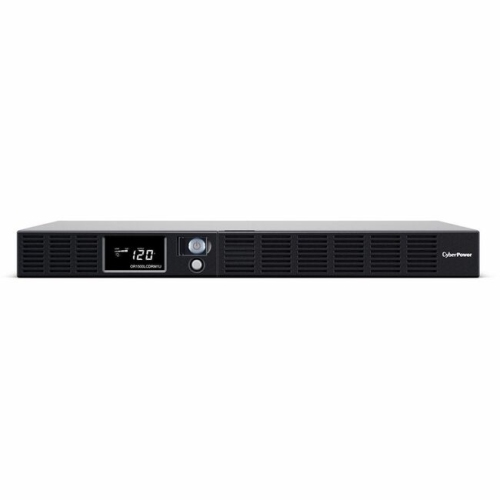
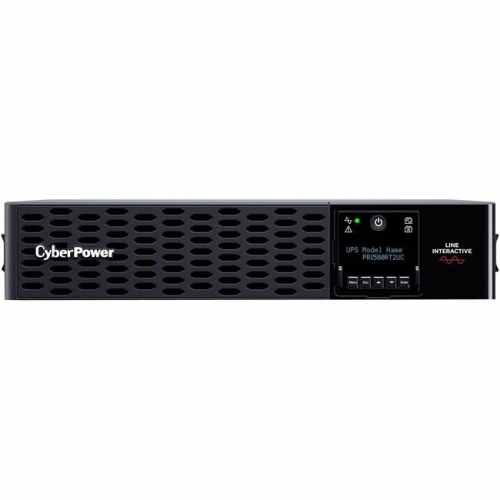
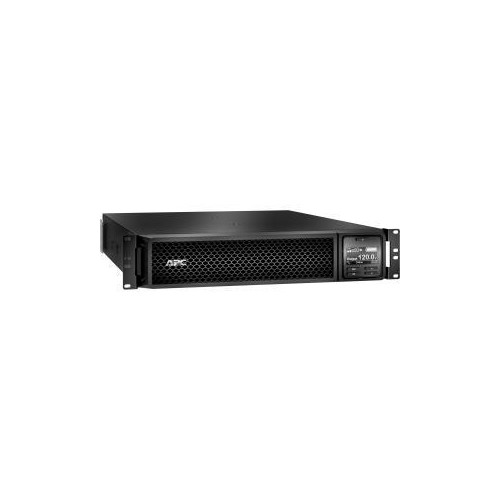
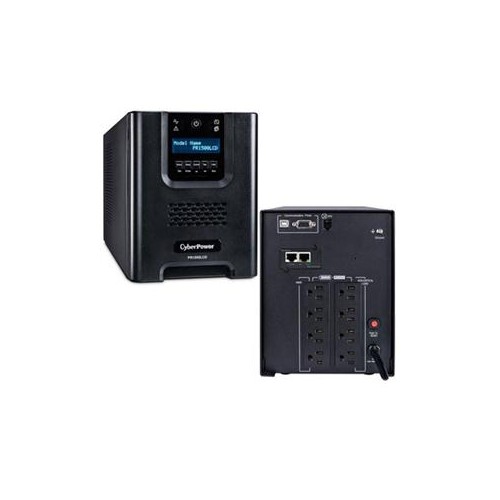
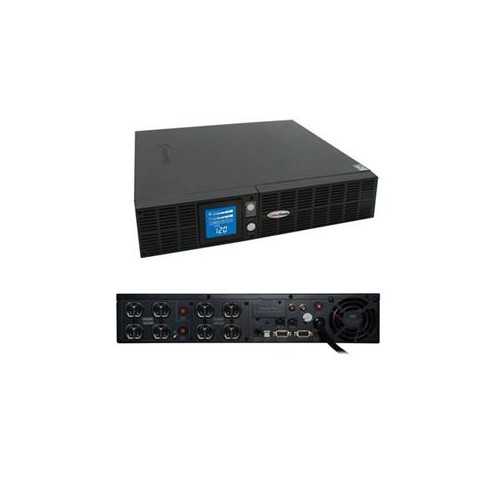
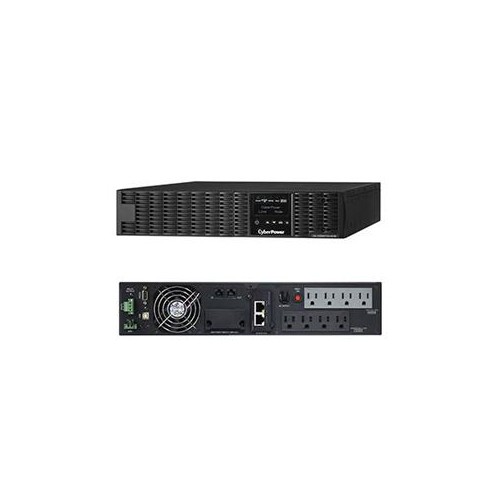
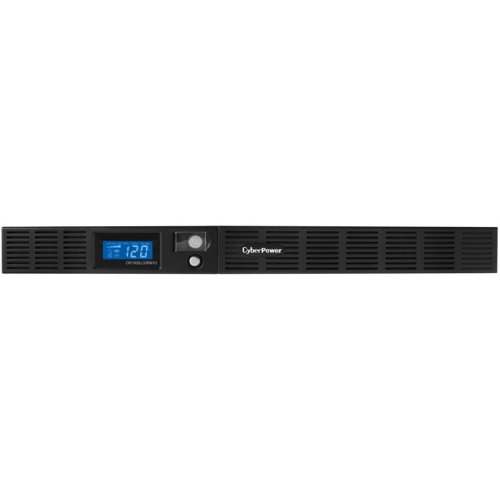
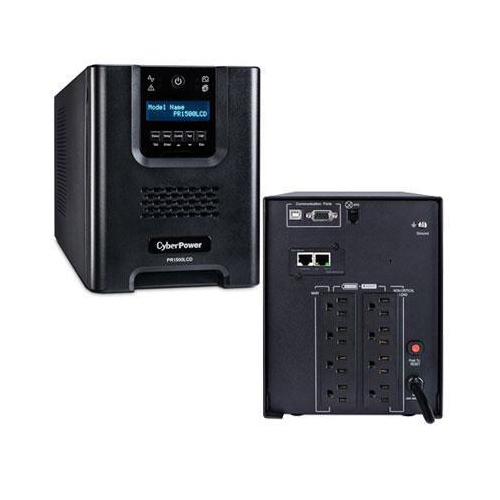
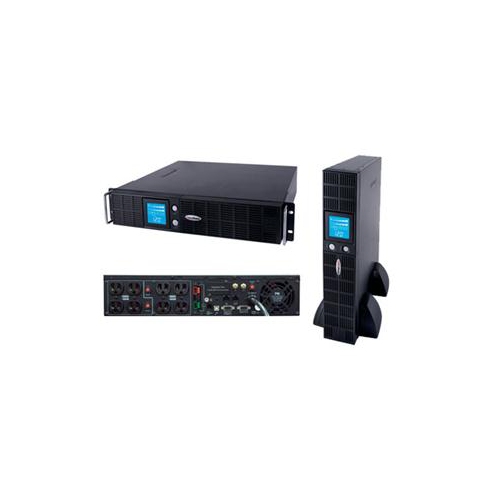
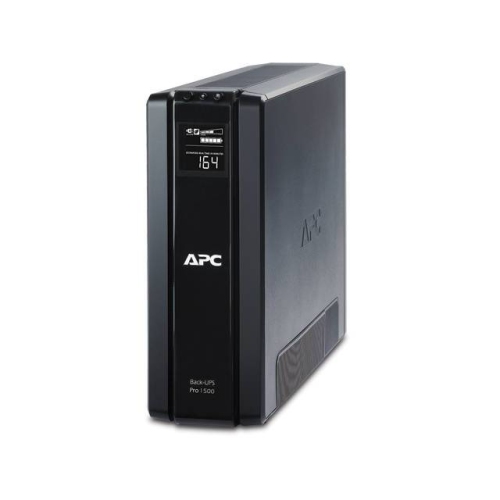
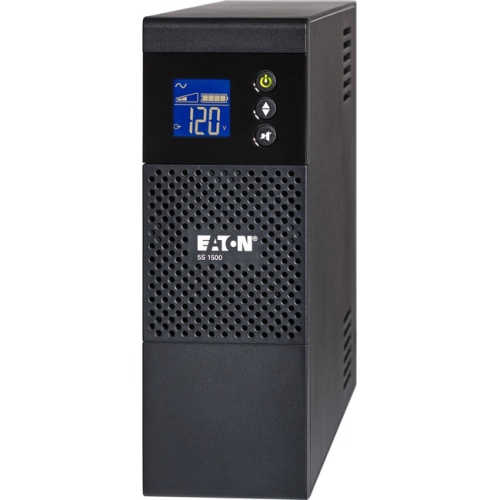
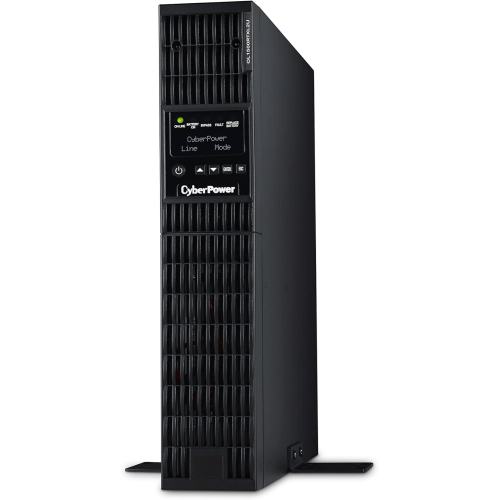
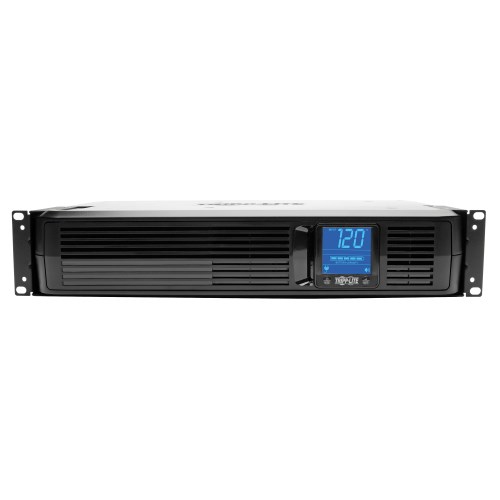
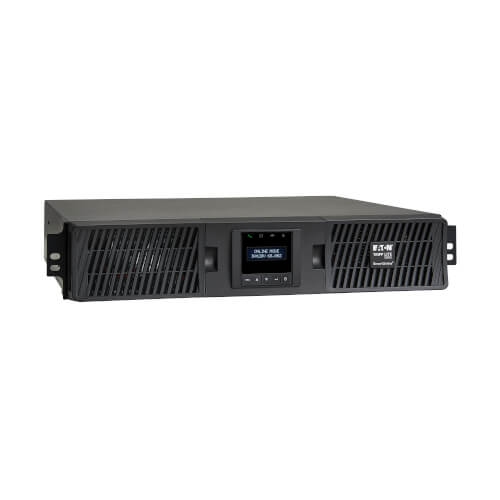
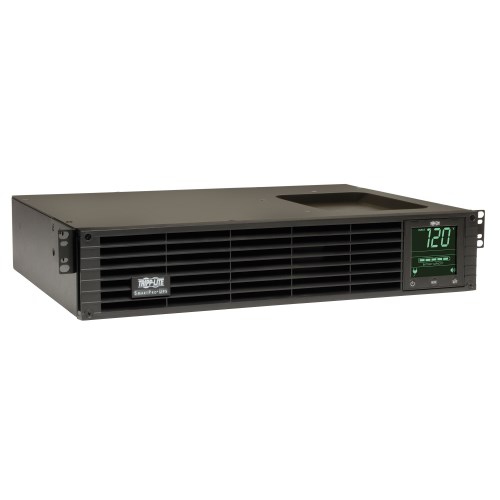
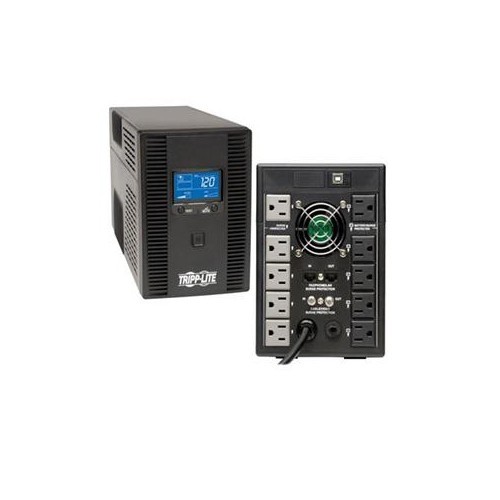
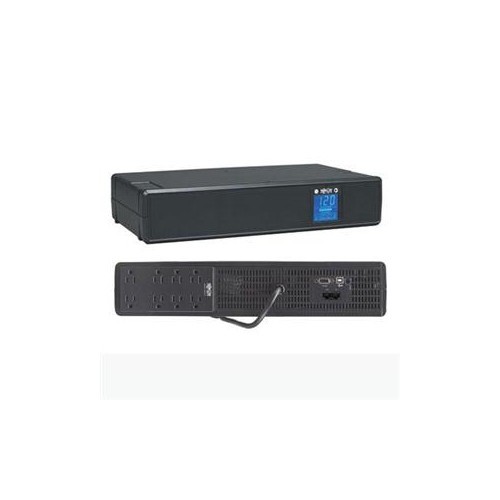
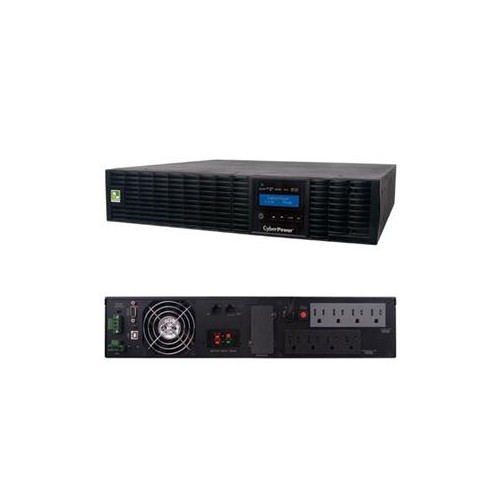
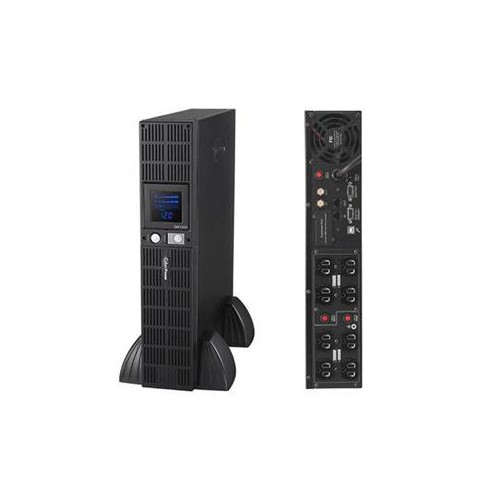
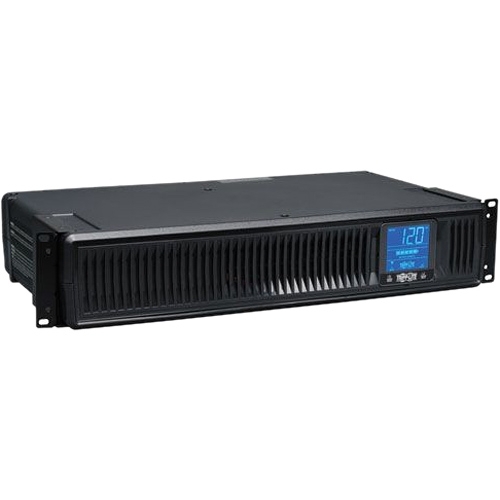
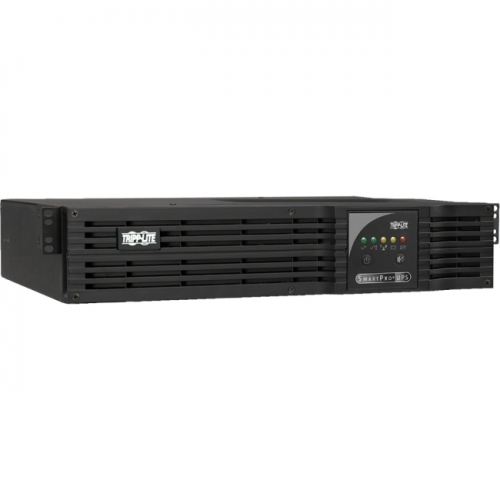
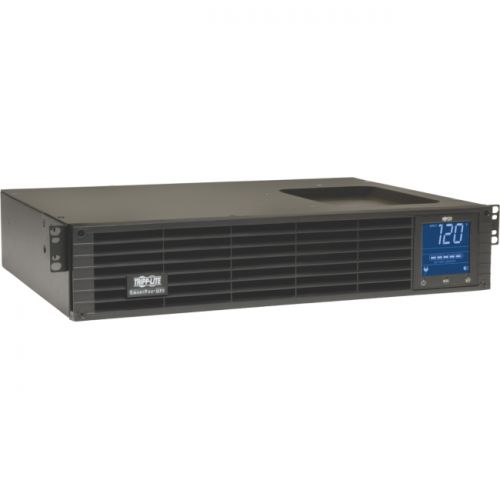
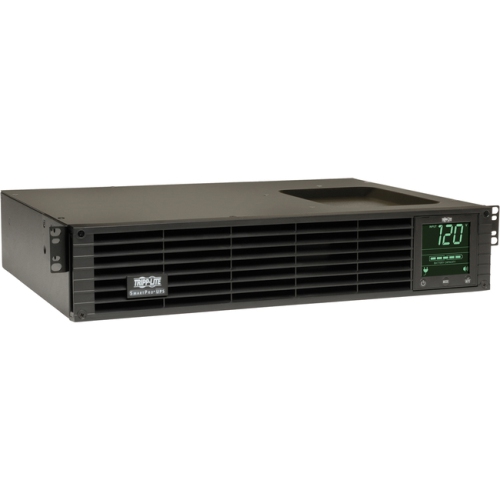
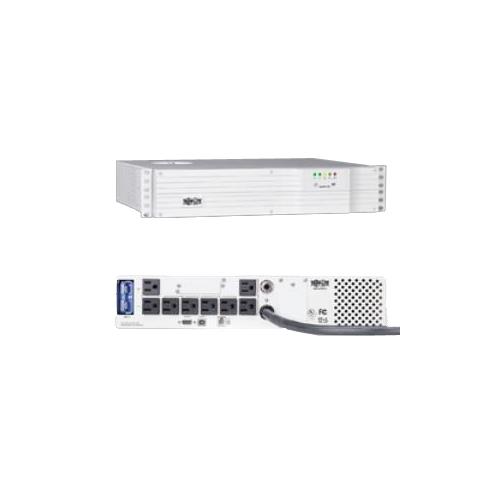
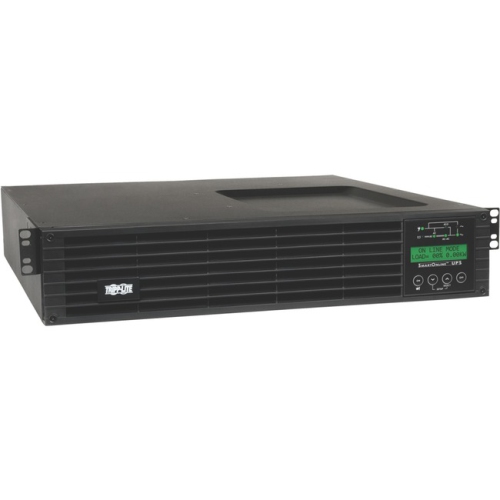
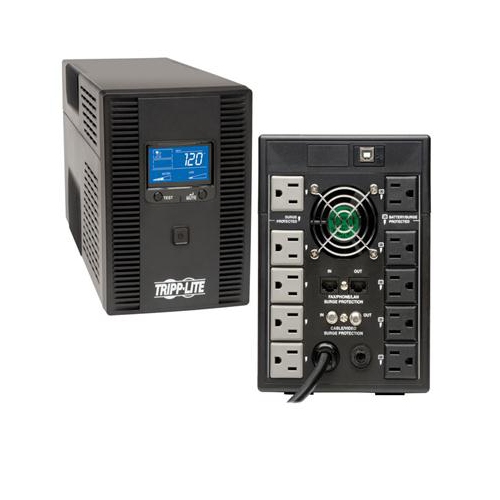
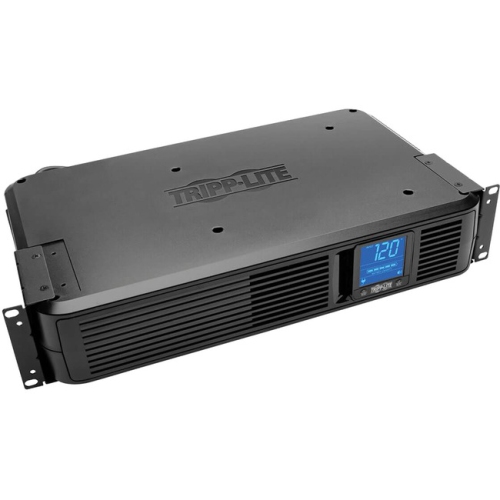
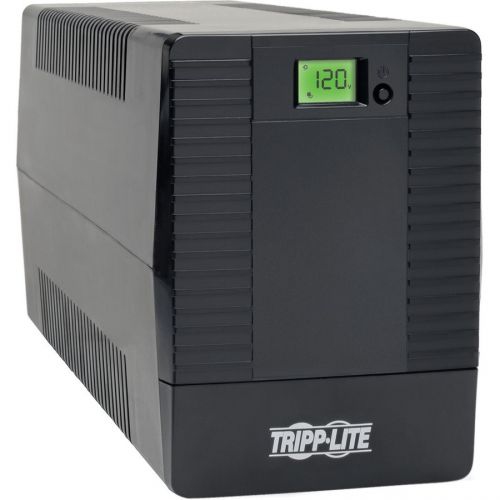
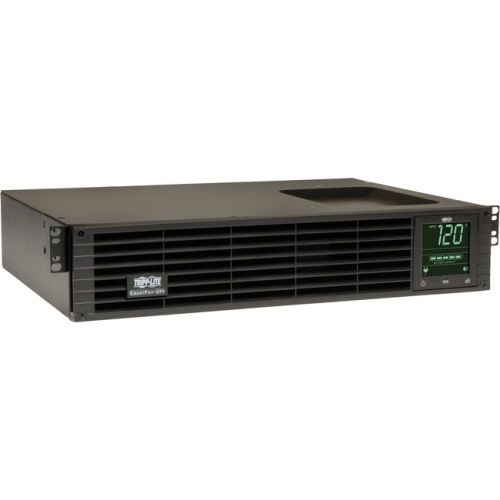
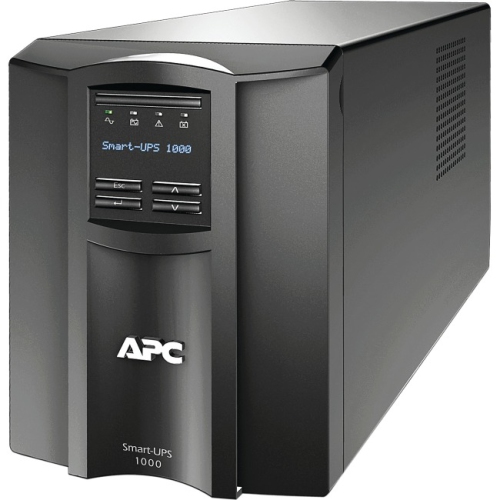
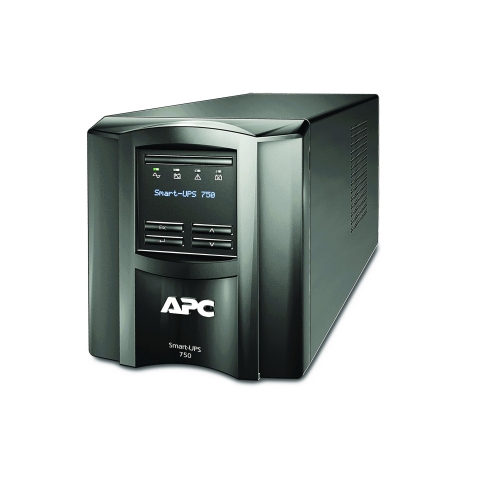
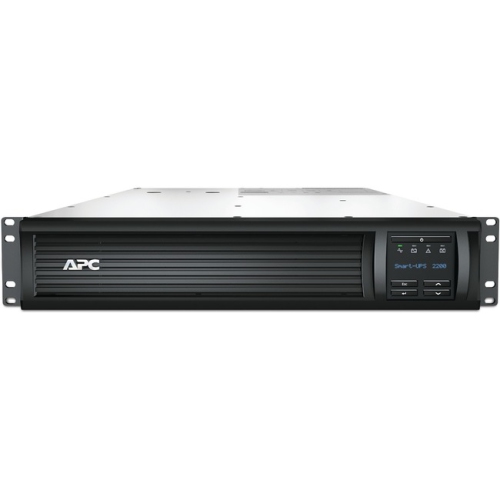
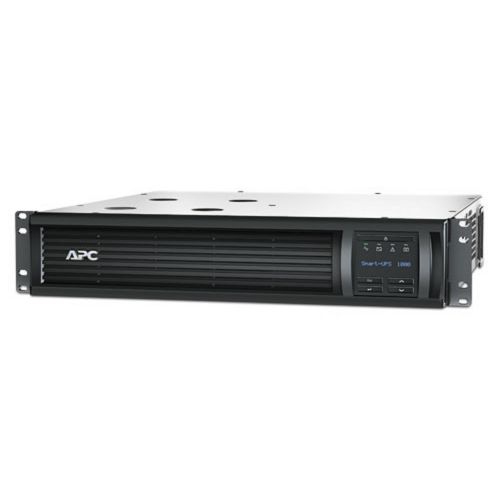
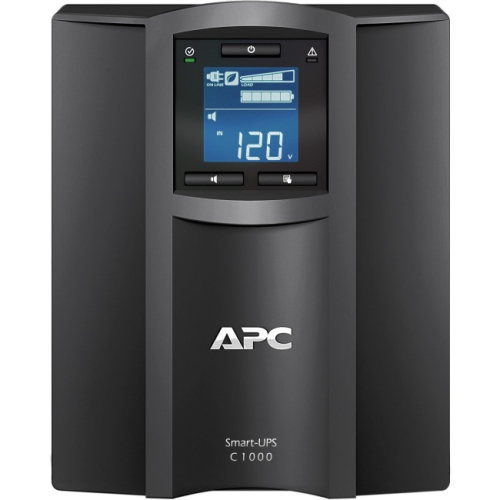
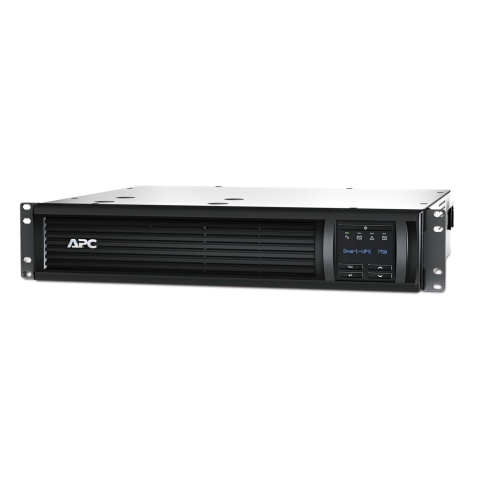
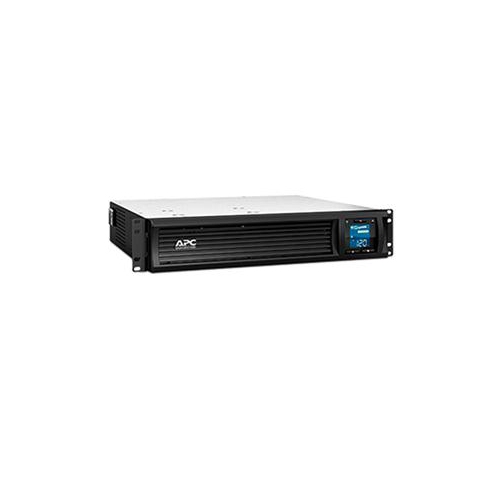
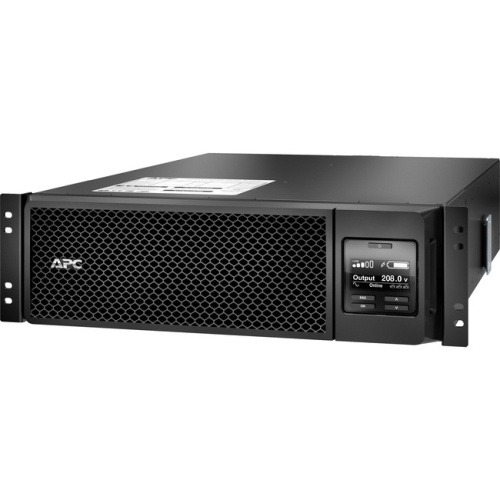
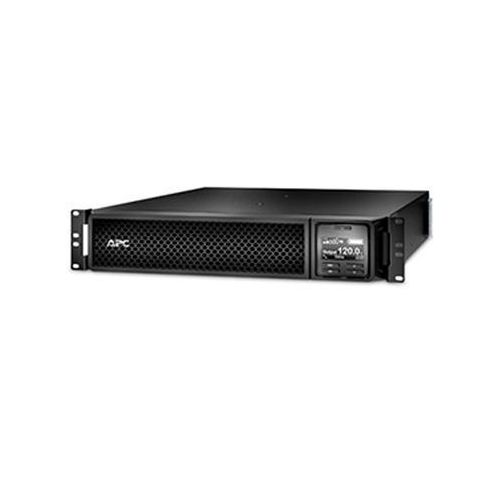
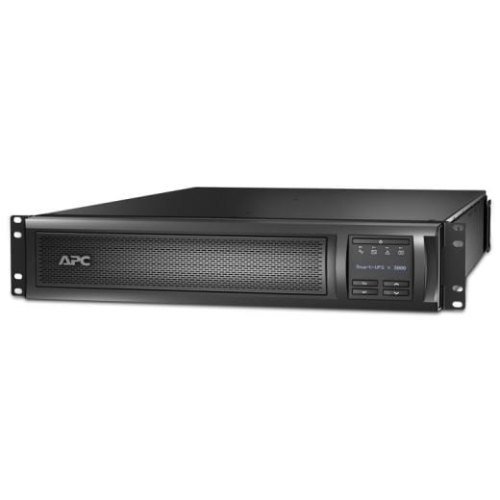
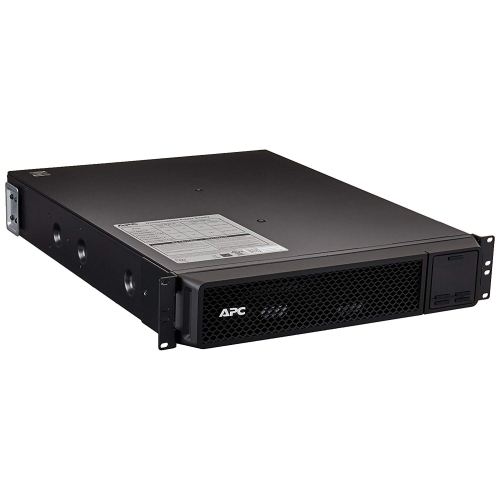
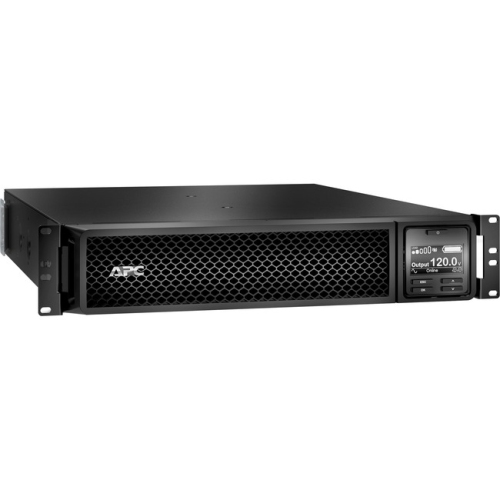
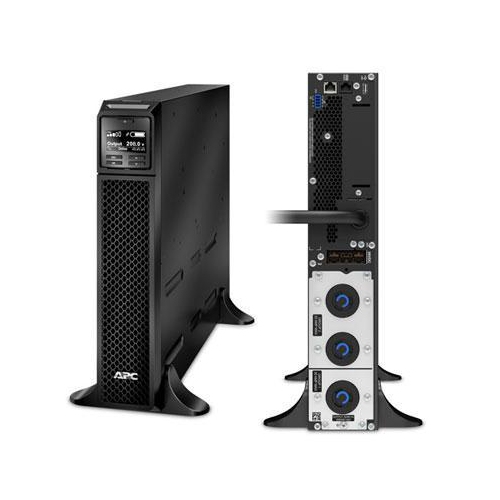
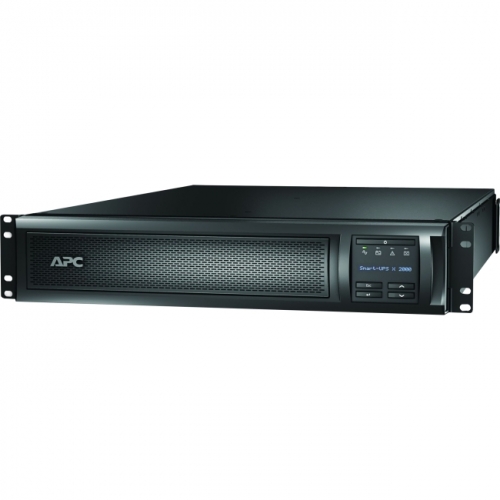
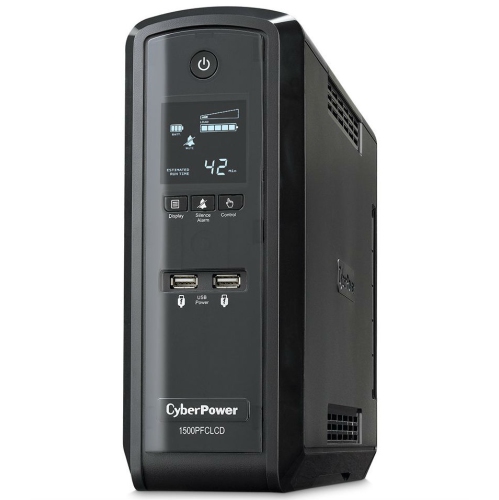
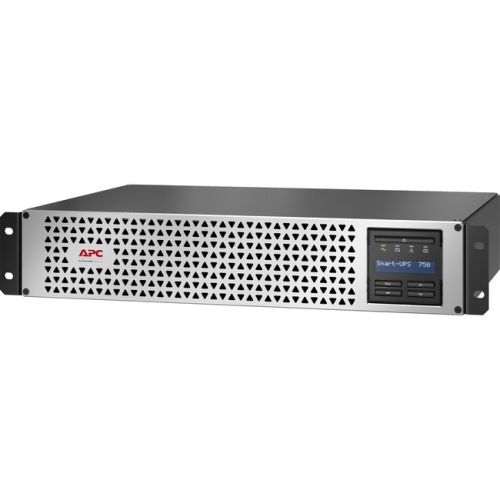
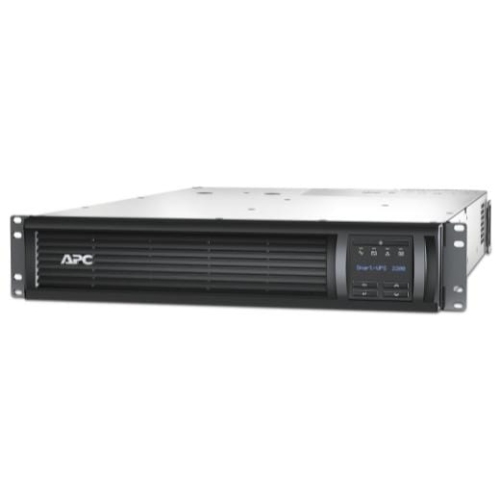
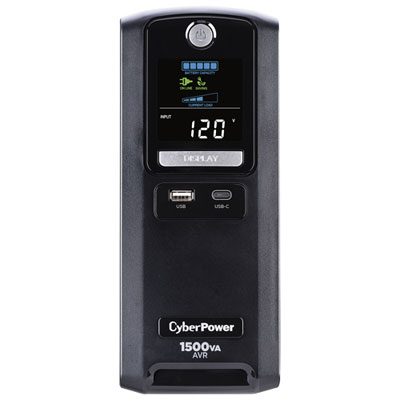
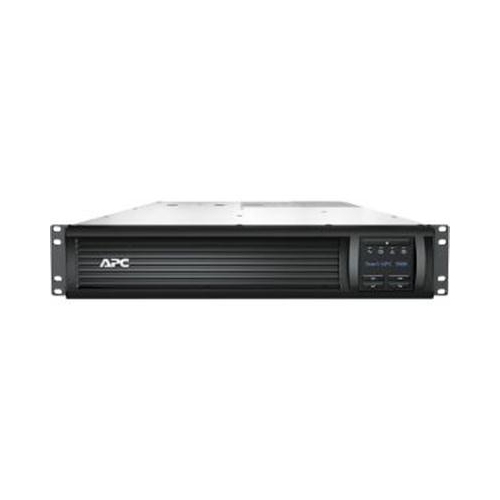
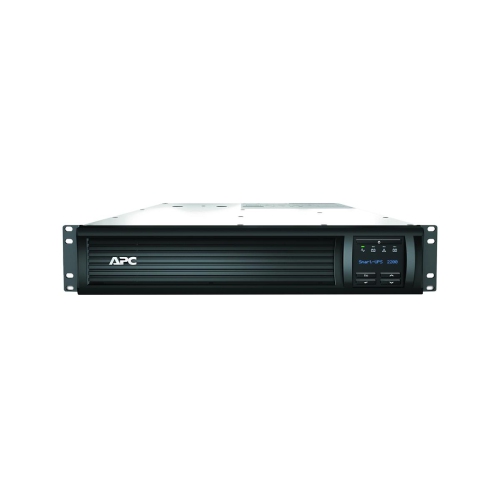
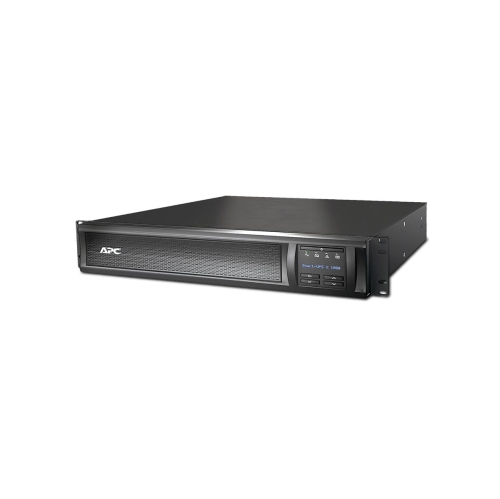
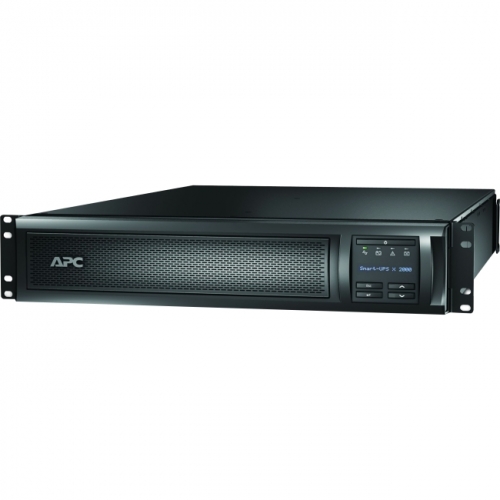
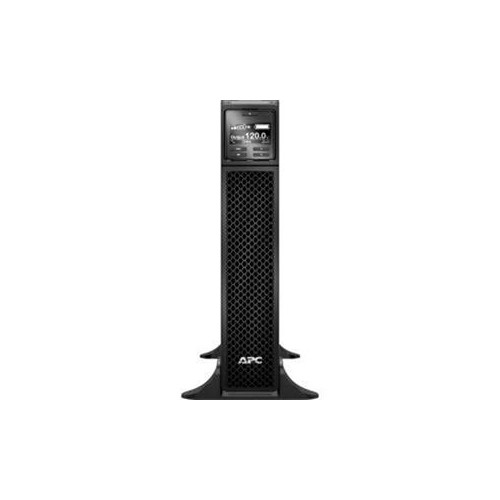
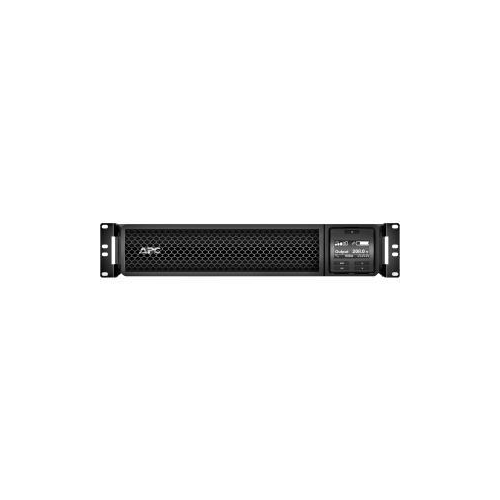
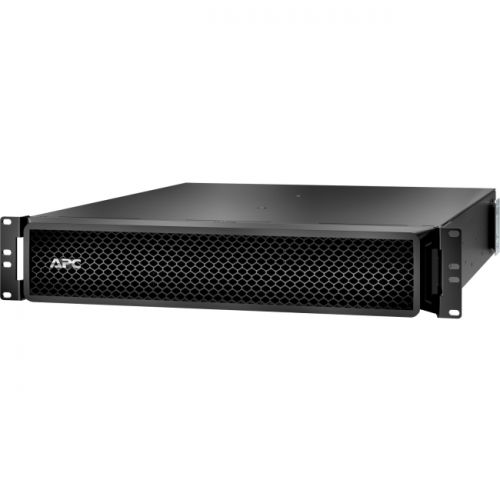
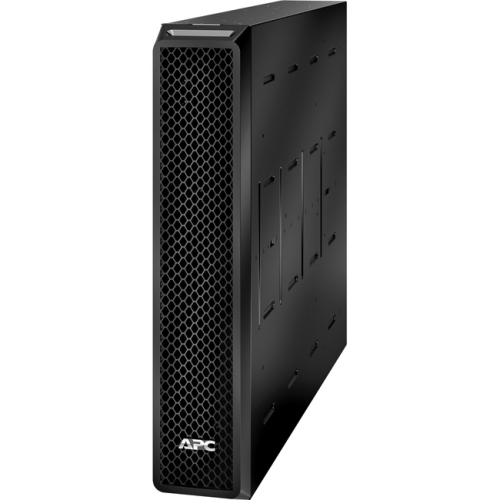
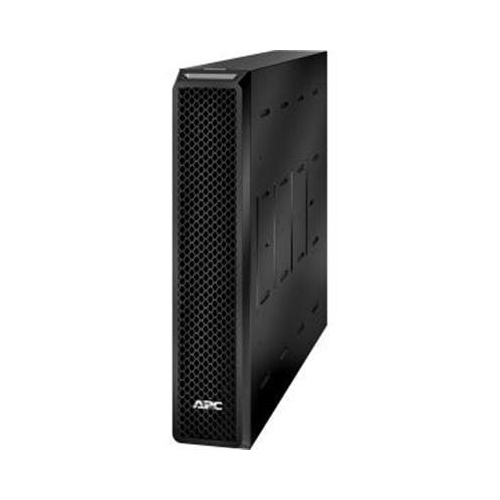
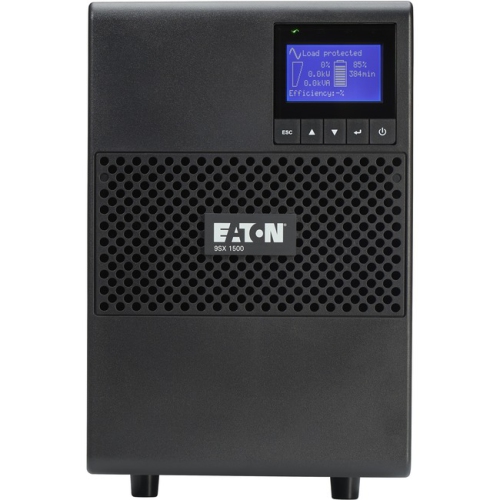
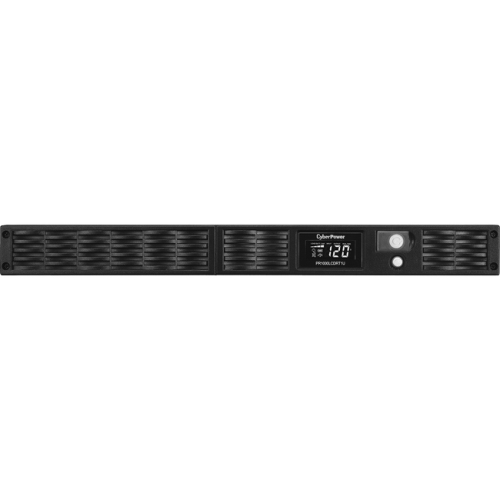
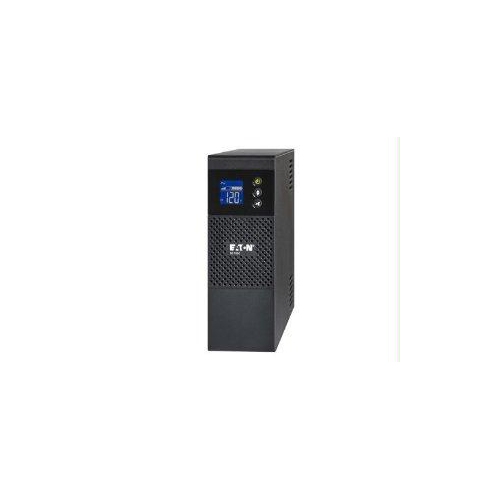
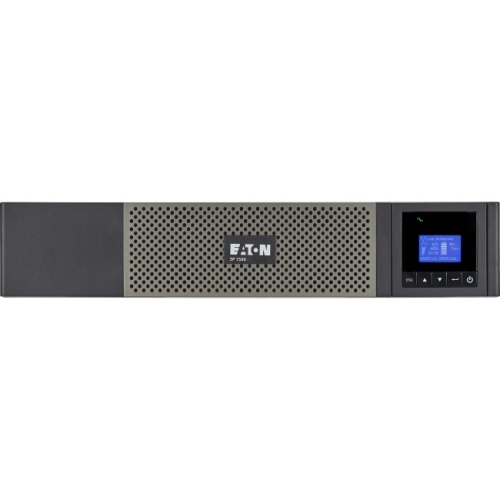
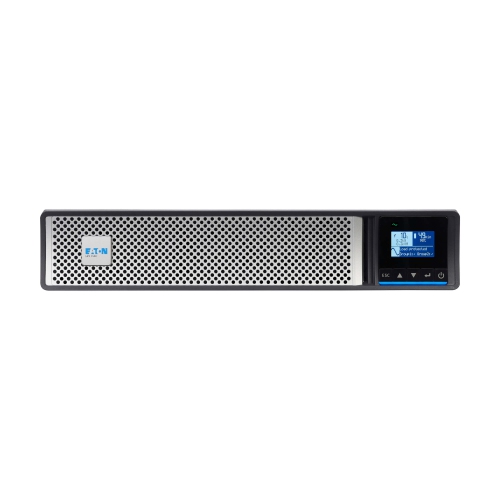
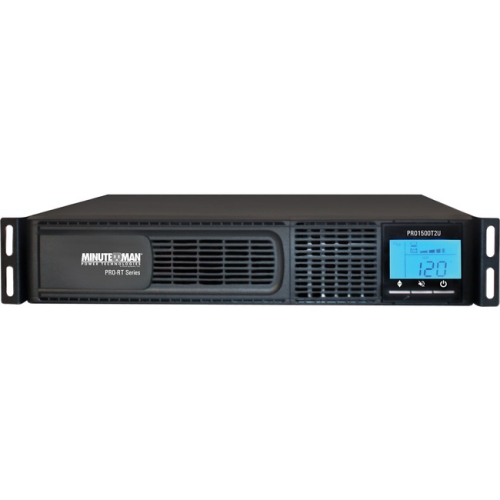
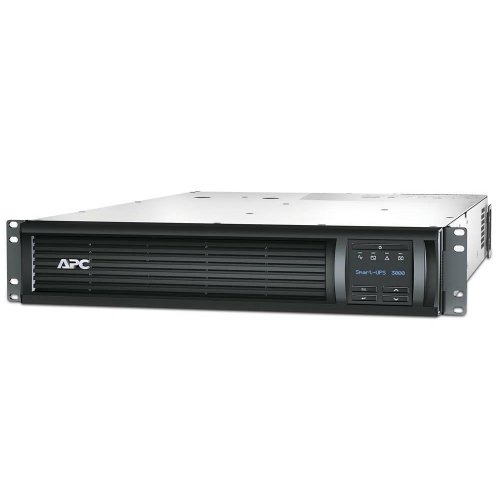
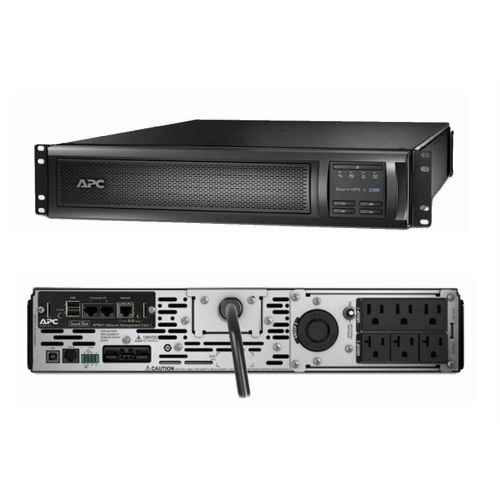
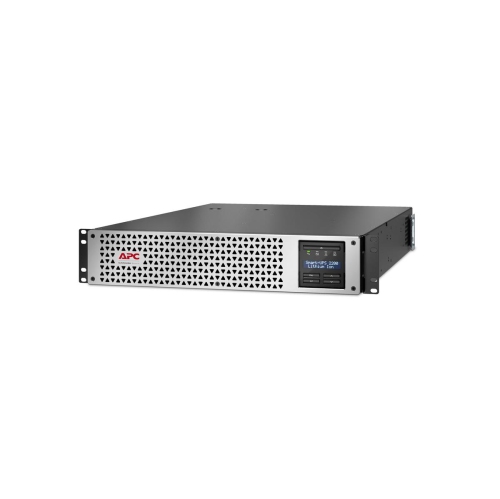
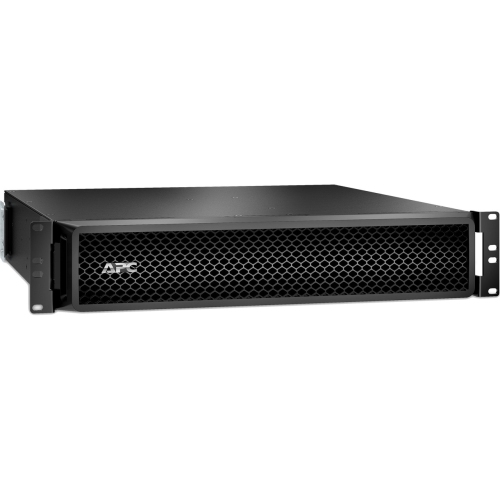
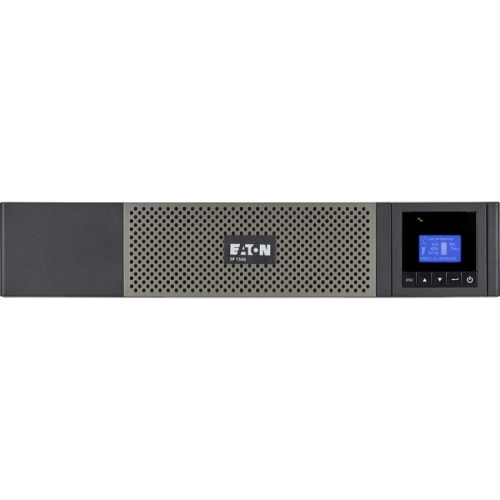
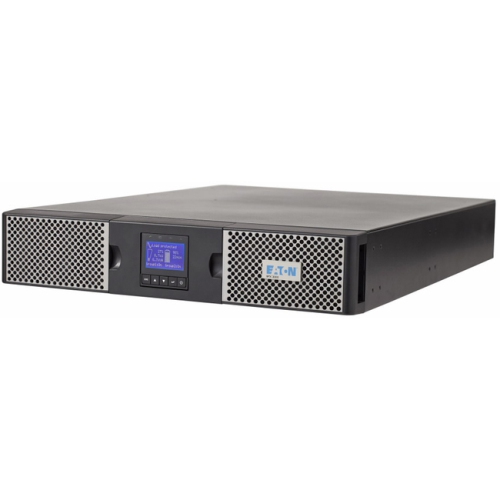
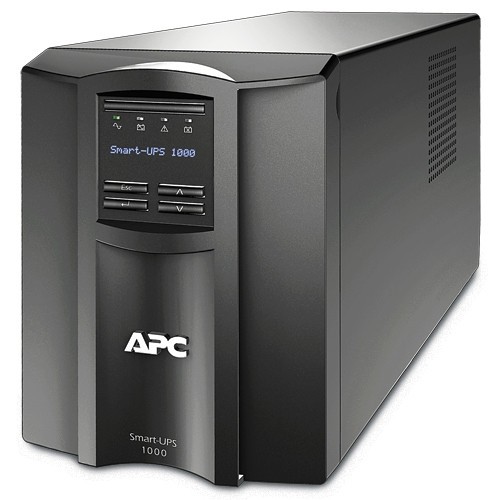
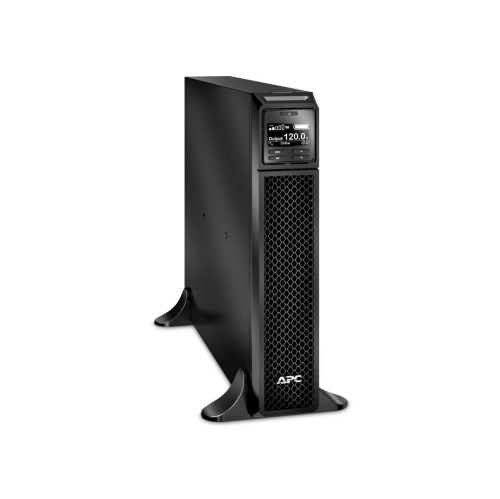
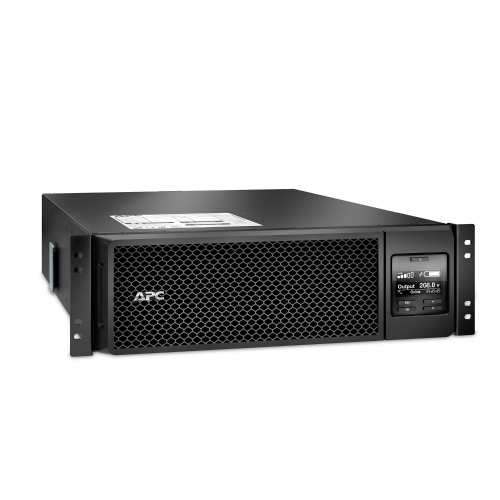
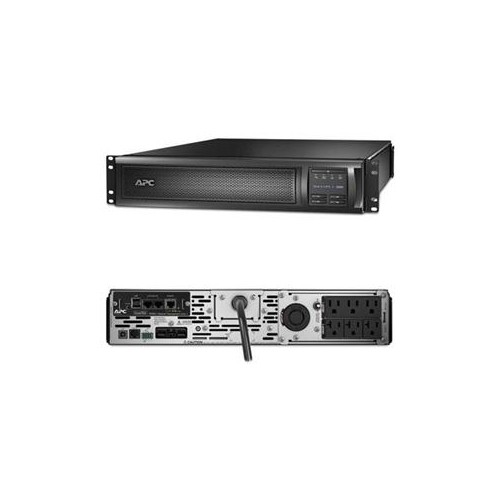
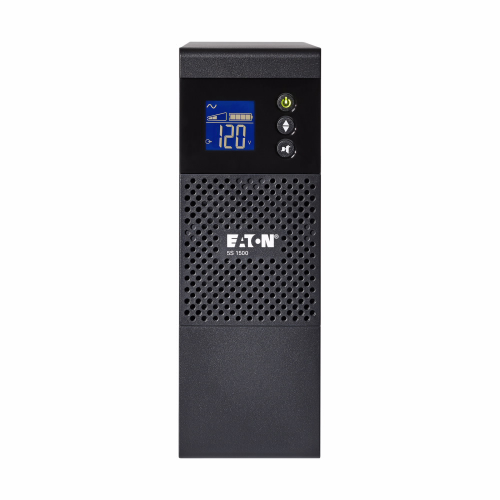
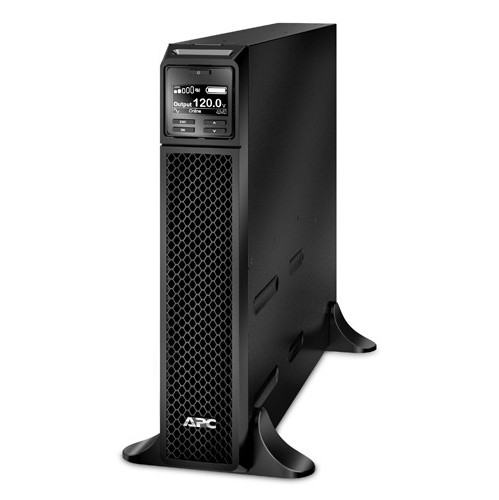
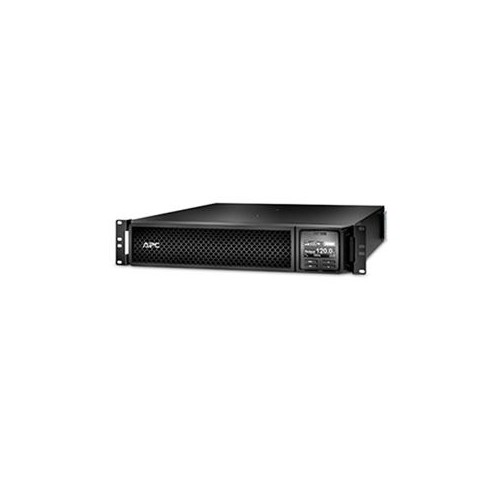
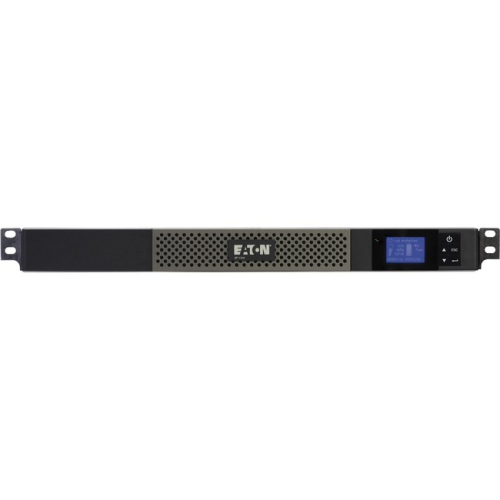
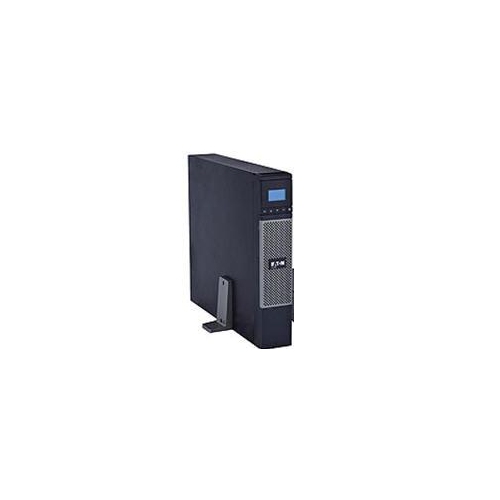
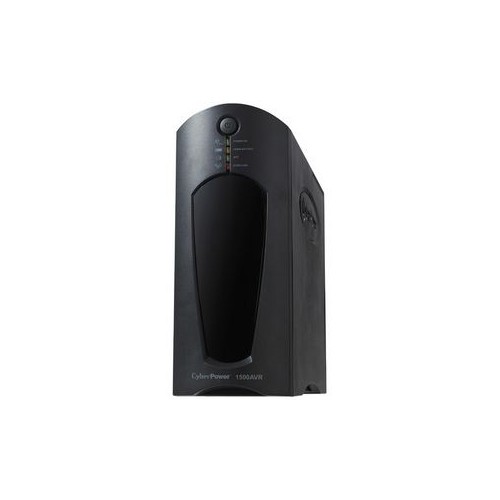
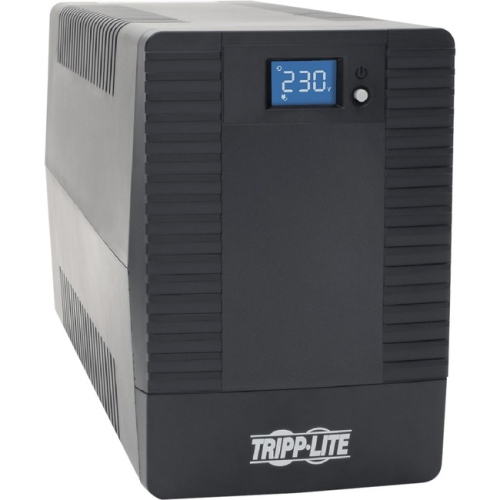
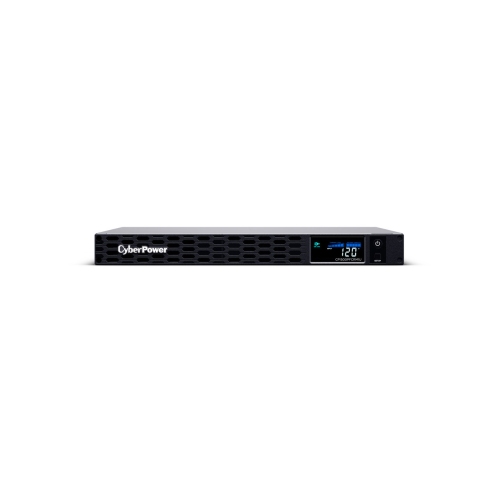
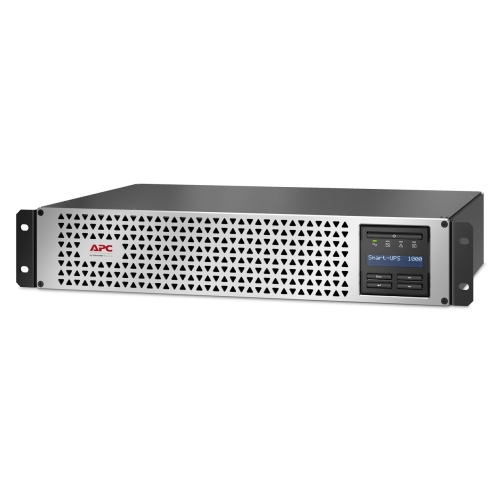
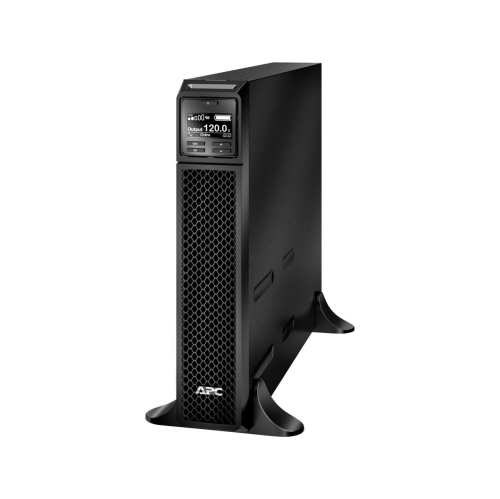
Physical format makes a significant difference to how a 1500VA UPS fits into a workspace. Tower designs can sit beside a desk, workstation, or equipment cabinet, provided there is a stable surface, adequate clearance, and access to the controls. Rackmount designs suit organized equipment installations, but rack width, mounting depth, rack-unit height, and the required rails or brackets all need to match the installation. A 2U chassis occupies two rack units, while its depth and weight remain separate considerations. A unit that fits the front mounting points may still need additional rear clearance for plugs and cable bends. Battery-equipped systems can be heavy, so shelf ratings, mounting support, and safe handling deserve attention before installation. Durable housings help protect the internal electronics, while accessible battery compartments can make later servicing more straightforward. For Canadian installations, input voltage, plug type, and receptacle requirements should match the electrical supply; many office-oriented systems use 120V connections, but the exact specifications determine suitability. Outlet count is only part of the picture. Some UPS designs distinguish between battery-backed outlets and surge-only outlets, and certain models provide separately controlled outlet groups. This distinction matters when deciding which equipment needs backup power and which accessories can remain off during an interruption. A desktop computer, display, external storage device, and network connection may form a useful working group, while a small server installation may place greater importance on storage and switching equipment. High-draw devices such as laser printers should not be added to battery-backed outlets unless the UPS manufacturer expressly supports that use. Cables should reach without strain, ventilation openings should remain clear, and the system should be positioned where its display and alarms can be noticed. Fan behaviour and audible alerts also matter beside a quiet desk or in a shared office. A compact footprint is helpful, but accessible connections, supported mounting, and room for routine maintenance are just as important to a dependable installation.
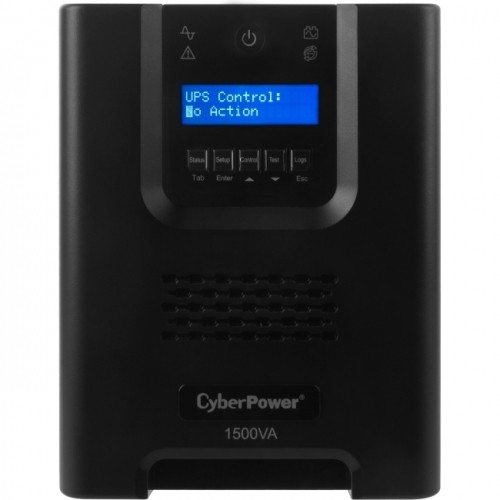
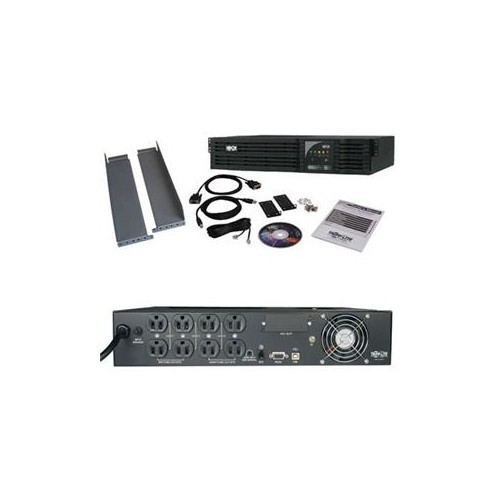
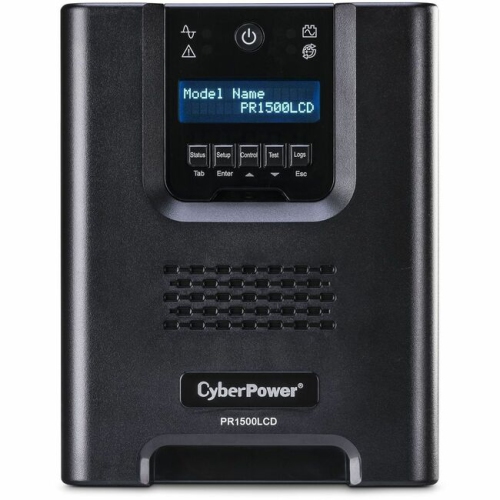
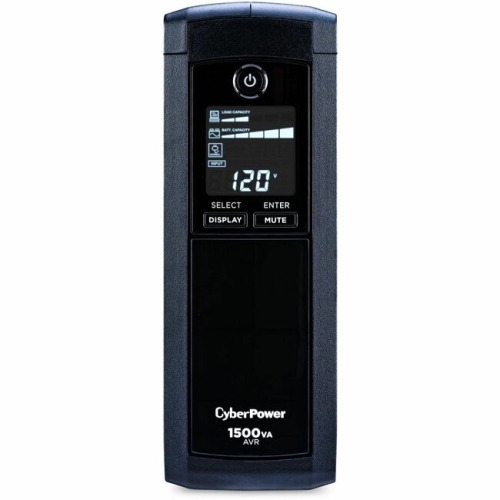
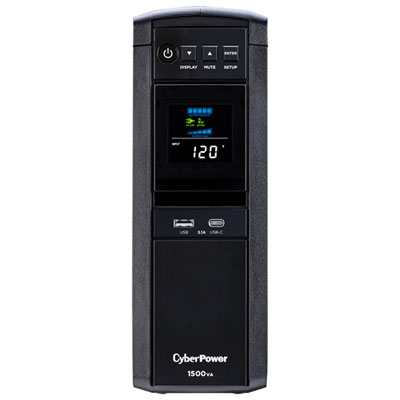
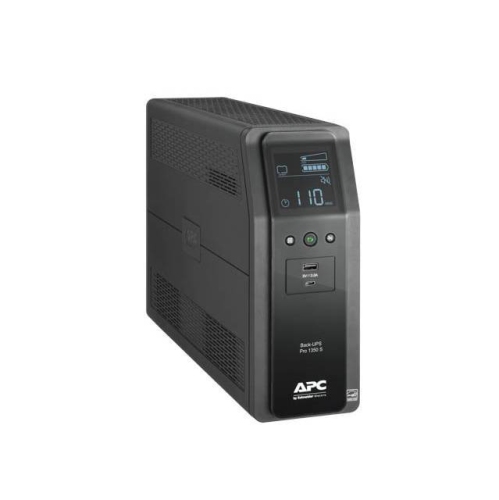
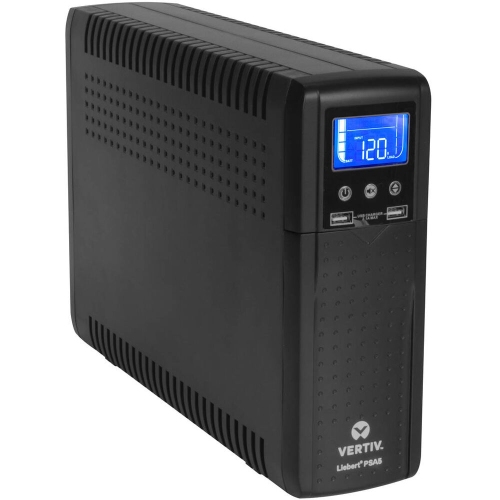
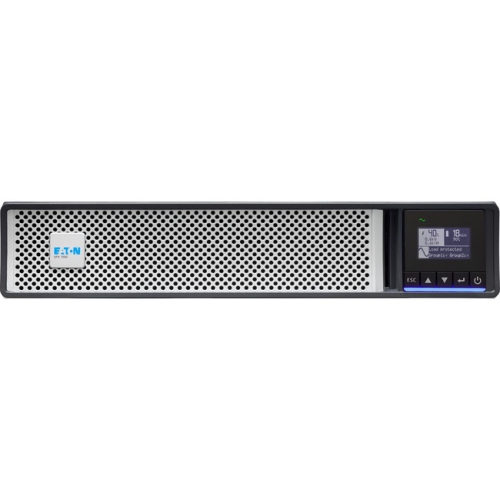
Smart monitoring features make these UPS systems useful beyond the moment power is interrupted. Depending on the design, an LCD can show input voltage, output load, battery charge, estimated runtime, and fault messages, making it easier to understand what the system is supporting. USB or network communication may allow compatible software to initiate an orderly shutdown before the battery is exhausted. That can be particularly valuable for unattended computers and storage systems, where suddenly losing power may interrupt file transfers or leave work unsaved. Compatibility with the operating system, shutdown software, and any network management accessories should be considered alongside electrical capacity. Remote monitoring features vary: some systems support a network management card, some use a connected monitoring service, and others focus on local communication. Account requirements, internet access, notification settings, and administrative permissions can affect how those features work in practice. For an office manager or IT administrator, a clear battery warning or overload notification can be more useful than discovering a problem during an outage. Long-term reliability also depends on battery care. Rechargeable UPS batteries have a finite service life, even when interruptions are uncommon, and a successful self-test does not mean the battery will retain its original runtime indefinitely. Follow the manufacturer’s testing and replacement schedule, use a compatible replacement battery, and keep the unit clean according to its care instructions. User-replaceable batteries can simplify maintenance where that feature is supported, but not every system permits battery replacement while equipment remains connected and operating. Leaving some capacity unused can accommodate normal load changes and modest additions, although future expansion should still be assessed using actual wattage and runtime requirements. Where a setup is growing beyond the intended load of a 1500VA system, the Smart UPS 2200 category offers another capacity class to compare, with its own watt ratings, connection requirements, and installation considerations. The right fit balances electrical compatibility, useful backup time, physical placement, and manageable maintenance, whether the system supports a busy home workstation, a shared office network, or a compact server rack.
FAQ

Some products may be subject to Environmental Handling Fees (EHF) depending on your province. Learn more about EHFs.