USB A to USB C Charging Cables
Find USB-A to USB-C charging cables to connect compatible phones, tablets, and other USB-C devices to a USB-A charger or computer port. Compare cable lengths, charging specifications, and data transfer support to choose a cable that suits your device and setup.
![GENERIC USB C Cable [6Ft], USB A to USB C 3.1/3.2 Gen 2 Cable, 3A Qc Fast Charge & 10GBps Data Sync Cable for Android Auto](https://multimedia.bbycastatic.ca/multimedia/products/500x500/195/19510/19510346.jpeg)
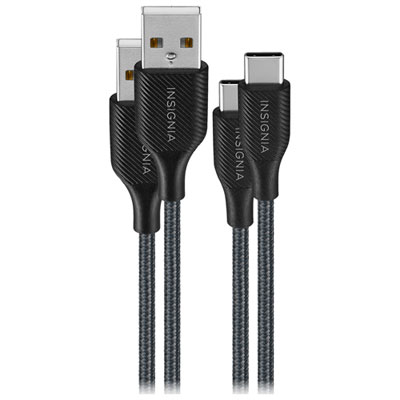
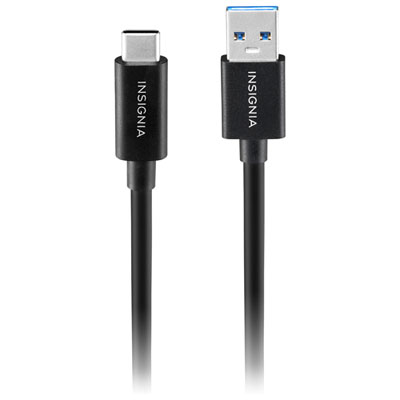
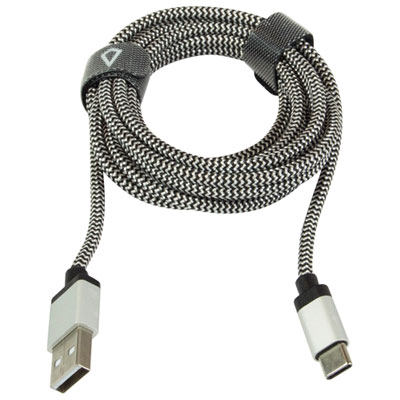

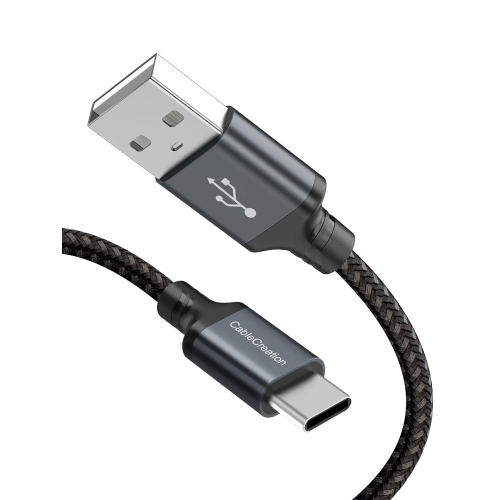
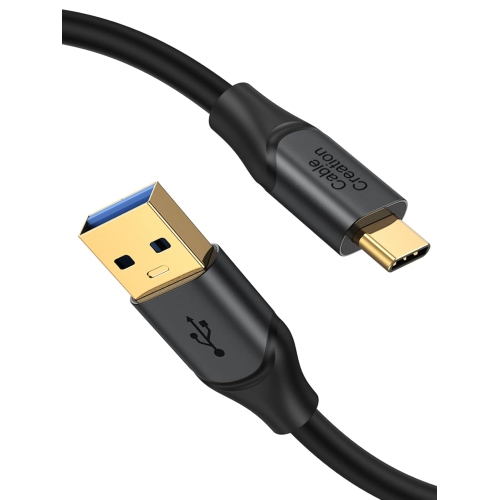
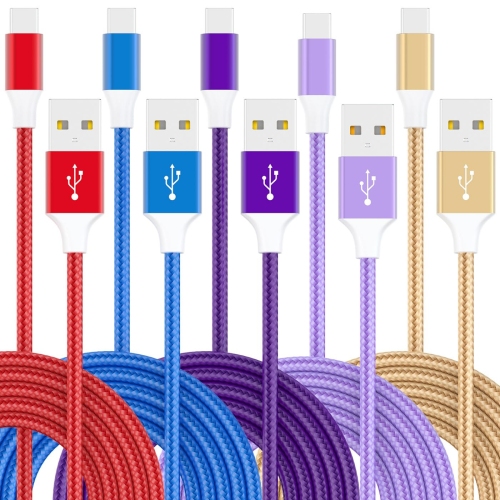
![CLEEFUN USB C Cable [6Ft, 5-Pack], Type C Cable Fast Charge, USB to USB C Charger Fast Charging Cord for Iphone15 Pro](https://multimedia.bbycastatic.ca/multimedia/products/500x500/188/18886/18886721.jpeg)
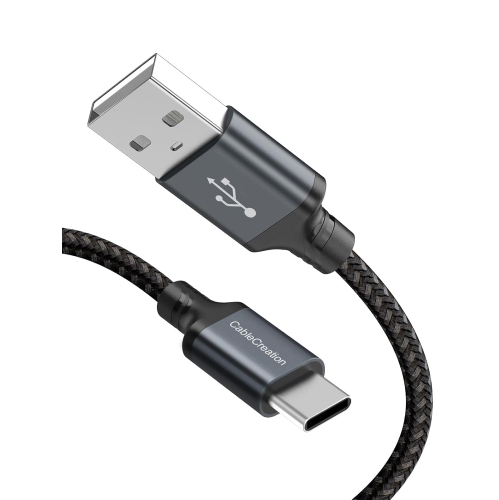
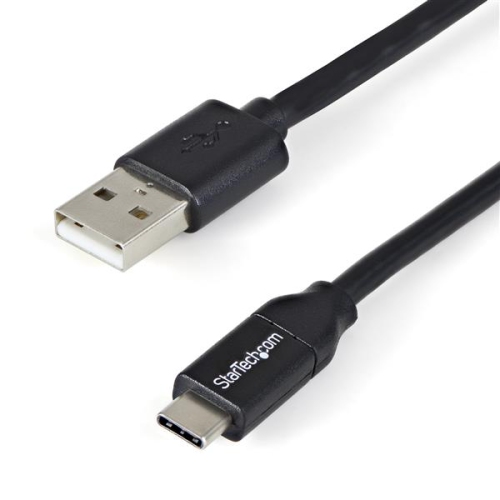
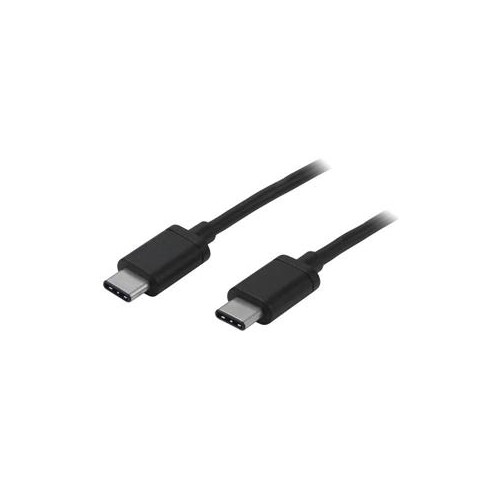
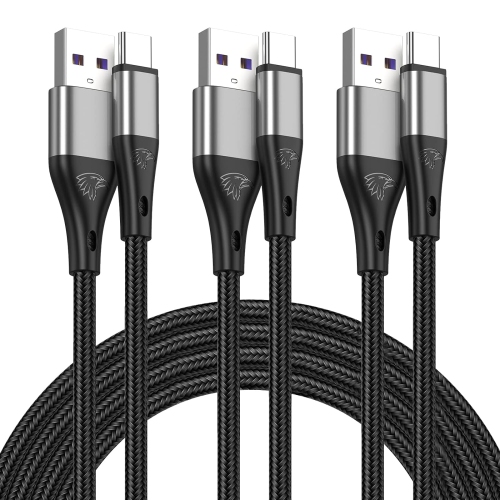
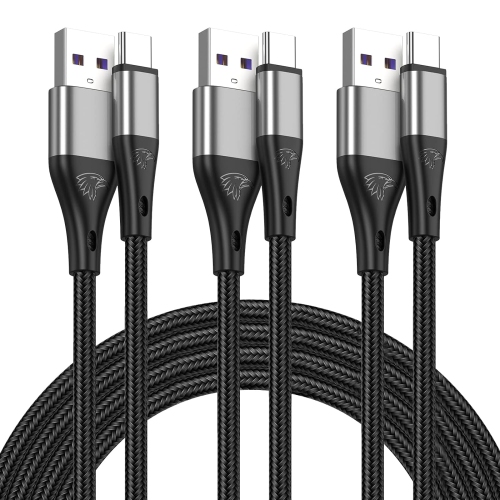
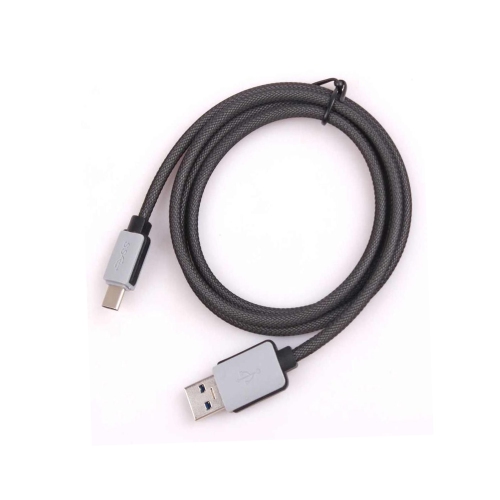
![UNKNOWN USB C Cable [6Ft], USB A to USB C 3.1/3.2 Gen 2 Cable, 3A Qc Fast Charge & 10GBps Data Sync Cable for Android Auto](https://multimedia.bbycastatic.ca/multimedia/products/500x500/181/18144/18144382.jpeg)
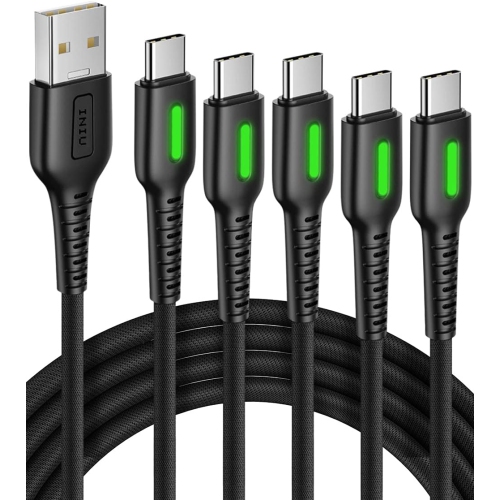
![UNKNOWN USB C Cable [60W, 3A, 10GBps-3Ft] USB A to USB C 3.1/3.2 Gen 2 Cable, Type C Fast Charge & Data Sync Cable for Android](https://multimedia.bbycastatic.ca/multimedia/products/500x500/181/18143/18143996.jpeg)
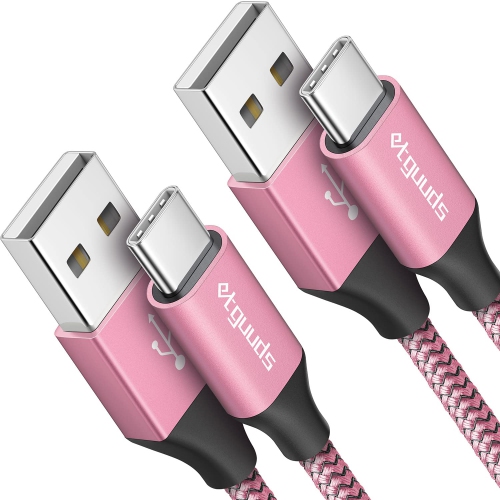
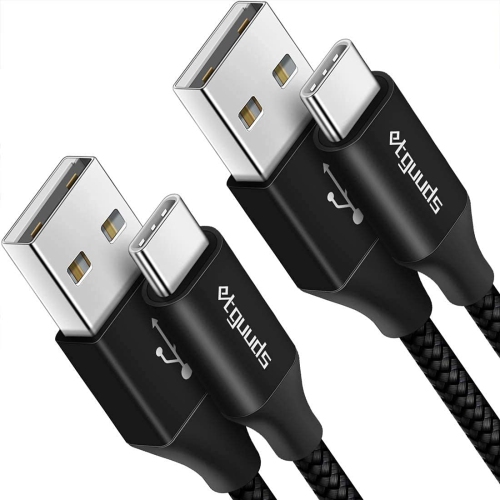
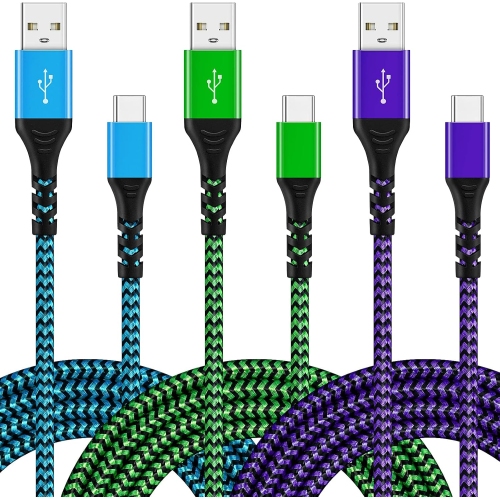
![DOLAER USB C Cable Fast Charge [3 Pack 10Ft] USB to USB C Cable Durable Braided C Charger Cable Fast Charge Compatible w Iphone 16/15 Pro Max](https://multimedia.bbycastatic.ca/multimedia/products/500x500/196/19689/19689928.jpeg)
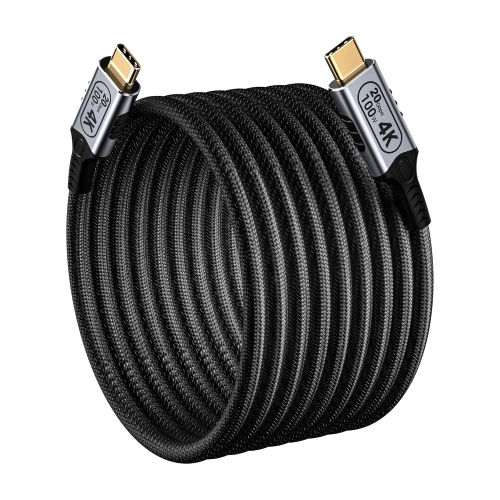
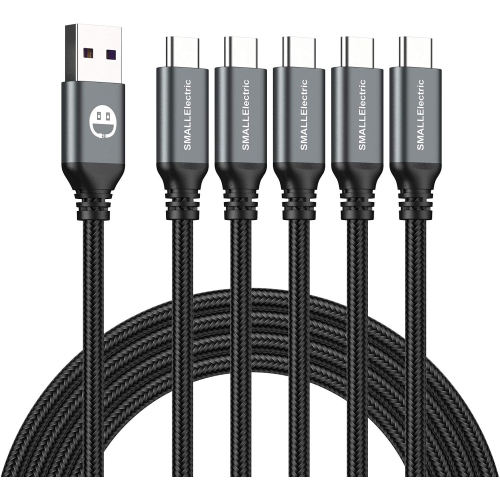
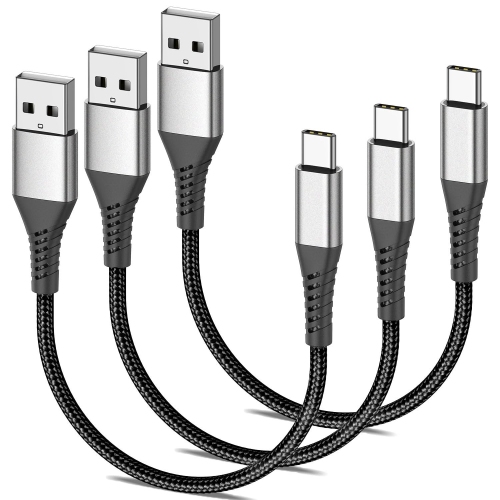
![GENERIC USB C Cable Right Angle [3Pack, 0.6Ft] Short 90 Degree Type C Cable Fast Charge Data Sync USB A to USB C Nylon Braided](https://multimedia.bbycastatic.ca/multimedia/products/500x500/196/19608/19608703.jpeg)
![GENERIC USB C Cable, 3Pack [10Ft + 3.3Ft + 6.6Ft]3A Fast Charging Cord USB Quick Charger Type C Cable, Nylon Braided USB A to USB](https://multimedia.bbycastatic.ca/multimedia/products/500x500/196/19609/19609065.jpeg)
![GENERIC USB C Charging Cord [2Pack 20Ft], USB C Cable Fast Charger 3.0A, USB C to USB Nylon Type C Charging Phone Charger](https://multimedia.bbycastatic.ca/multimedia/products/500x500/196/19607/19607943.jpeg)
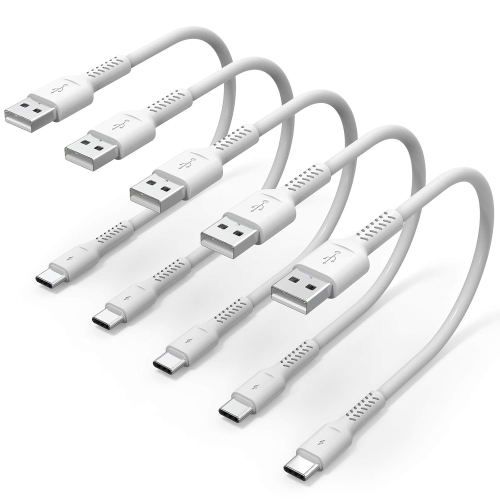
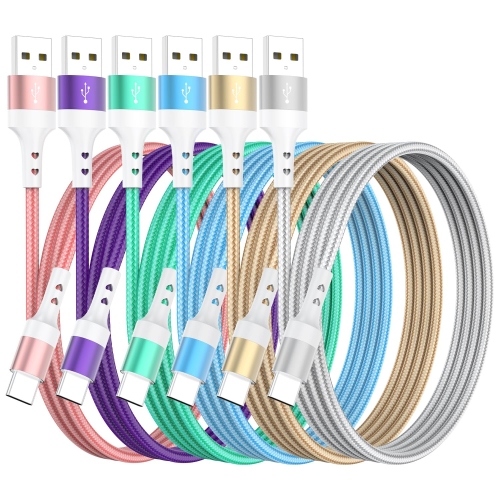
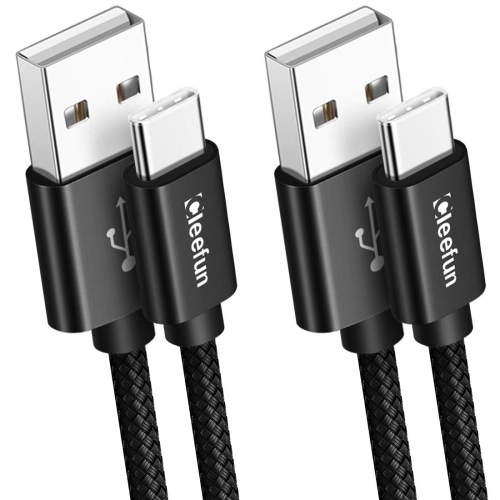
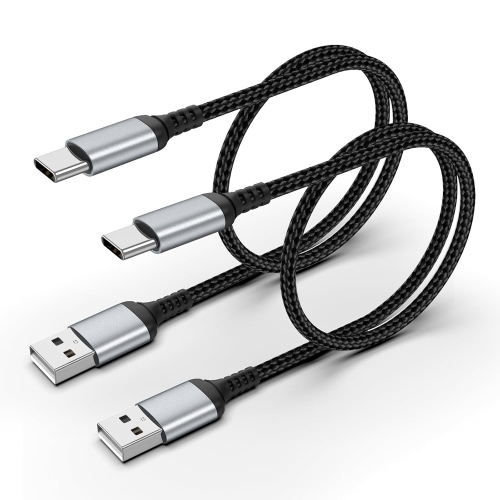
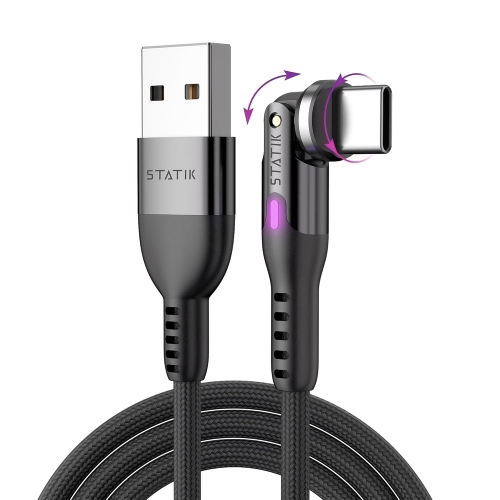
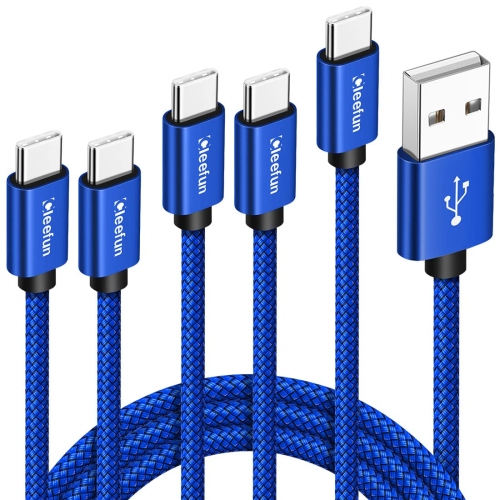
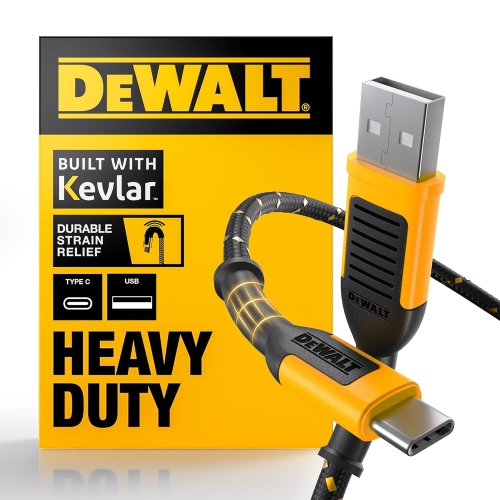
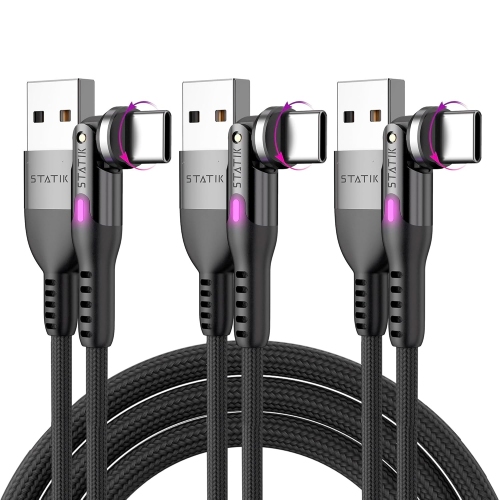
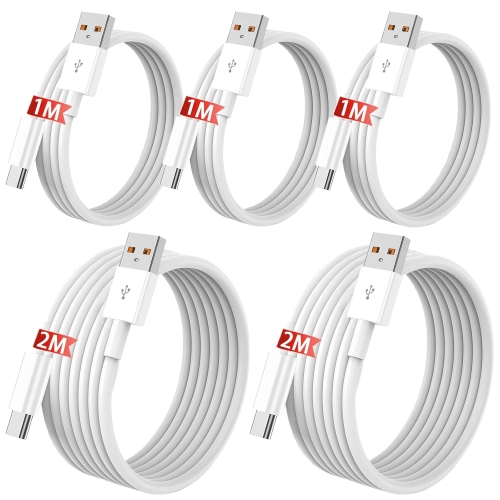
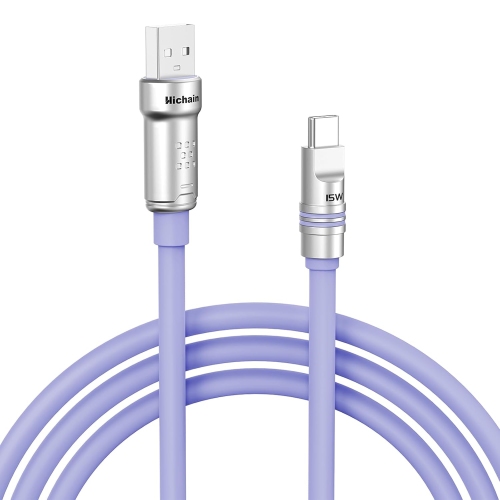
![GENERIC USB A to USB C Cable [3Ft, 5-Pack], USB C Cable, Type C Cable 3A Fast Charging Nylon Braided Charger Cord](https://multimedia.bbycastatic.ca/multimedia/products/500x500/200/20001/20001856.jpeg)
FAQ
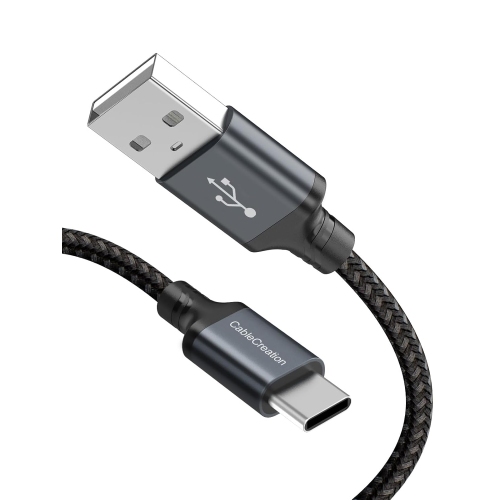
A USB-A to USB-C charging cable has a rectangular USB-A connector at one end and a reversible USB-C connector at the other. It connects a device with a USB-C charging port to a USB-A power source, such as a wall charger, computer or power bank.
Many smartphones, tablets, wireless headphones, game controllers and other accessories with USB-C charging ports can use these cables. Check your device’s charging requirements, as some devices require a USB-C to USB-C cable and a compatible power adapter.
Many USB-A to USB-C cables support both charging and data transfer, allowing you to move files between compatible devices. Some cables are charge-only, so check whether the cable’s specifications list data transfer support.
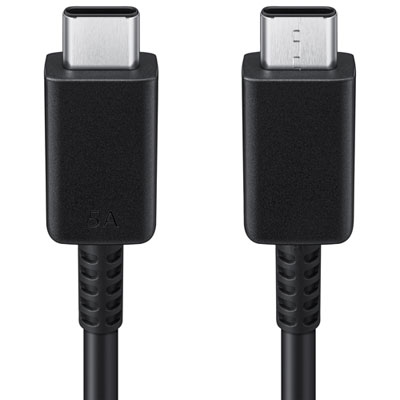
A USB-A to USB-C cable connects a USB-C device to a USB-A port, while a USB-C to USB-C cable has reversible USB-C connectors at both ends. The right choice depends on the ports on your device and power source, along with their charging and data requirements.
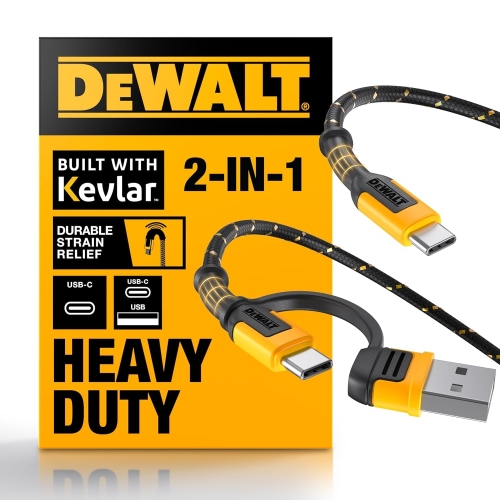
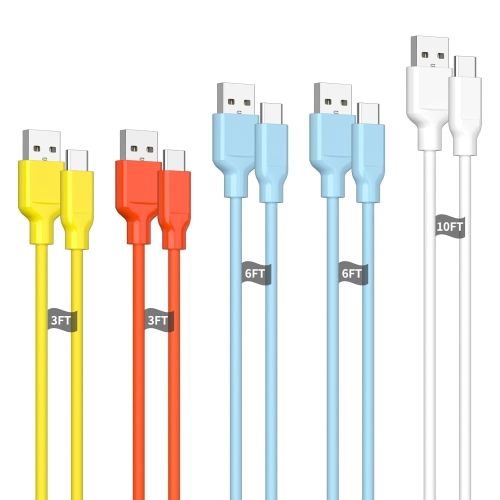
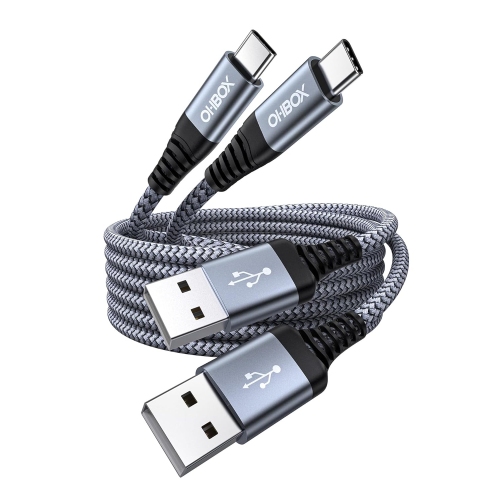
These cables come with straight or right-angle connectors and may have smooth plastic or braided jackets. Some also include textured connector grips or cable ties for organization. Available colours and finishes vary by cable.
Top selling and popular products
Discover more categories related to USB A to USB C Charging Cables

Some products may be subject to Environmental Handling Fees (EHF) depending on your province. Learn more about EHFs.