Mac Gaming Controllers
Unleash the full potential of your gaming experience with Mac gaming controllers, designed to elevate your gameplay to new heights. Seamlessly connect and immerse yourself in a world where precision meets comfort, allowing you to enjoy every moment of your favorite games on your Mac. Whether you're diving into an epic adventure or competing in fast-paced action, these controllers offer the versatility and responsiveness you need. Explore a range of options that cater to all types of gamers, ensuring that your setup is as dynamic as your gaming style. Transform how you play with Mac gaming controllers and discover a new level of interactive entertainment.
Sort
![HYPERKIN USB Pixel Art Ctrl PC/mac [] In Green](https://multimedia.bbycastatic.ca/multimedia/products/500x500/119/11984/11984713.jpg)
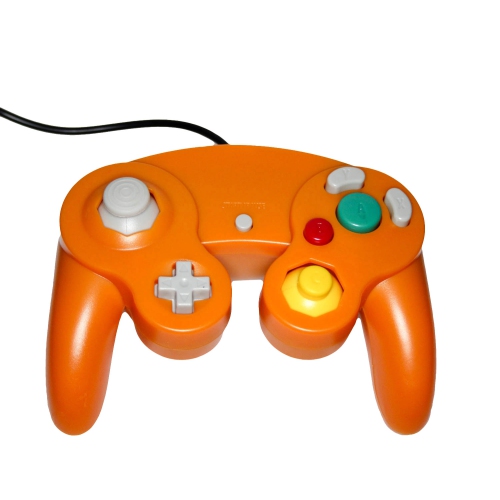
![RETRO-BIT Gamecube Wired PC & Mac USB Controller [ Europe] In Purple](https://multimedia.bbycastatic.ca/multimedia/products/500x500/174/17402/17402480.jpeg)
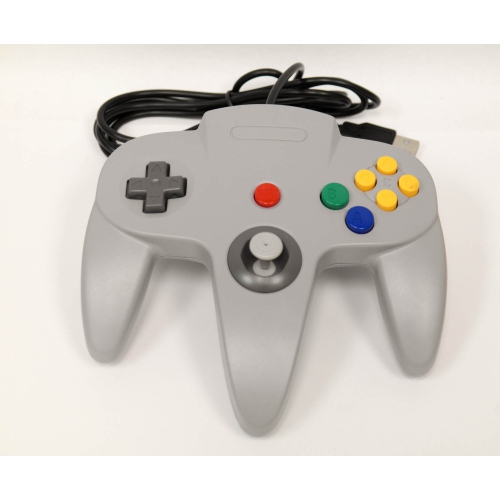
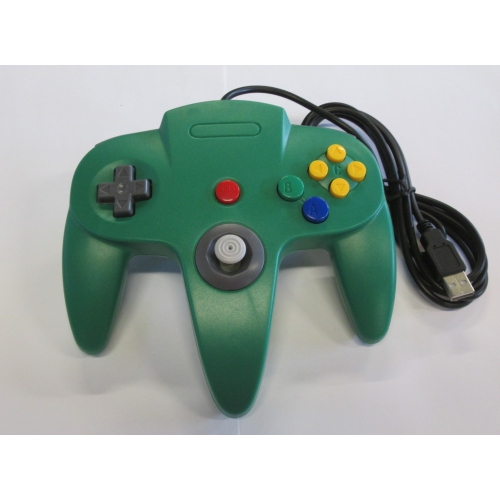
![RETRO-BIT N64 Wired PC & Mac USB Controller [ Europe] In Grey](https://multimedia.bbycastatic.ca/multimedia/products/500x500/174/17402/17402484.jpeg)
![HYPERKIN USB Pixel Art Ctrl PC/mac [] In Blue](https://multimedia.bbycastatic.ca/multimedia/products/500x500/119/11984/11984712.jpg)
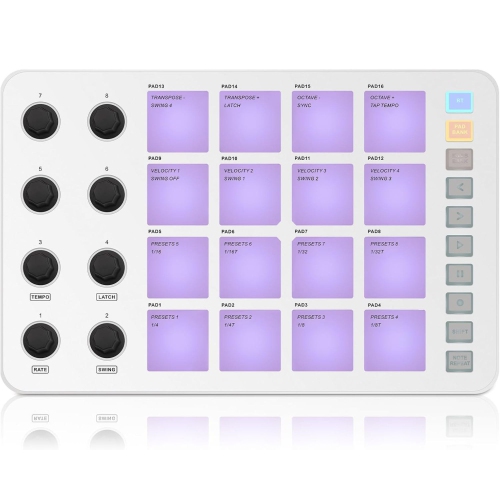
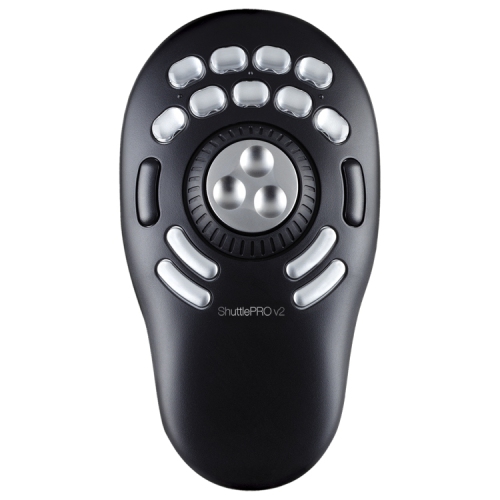
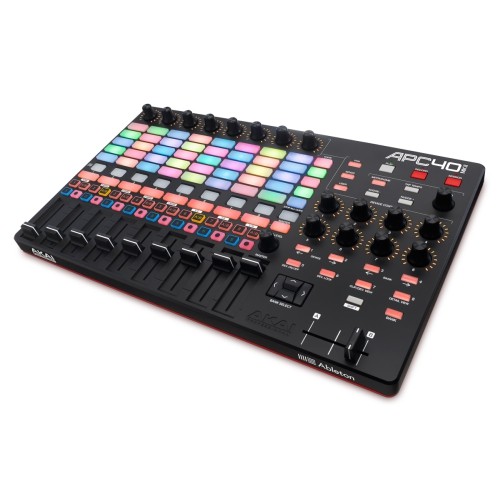
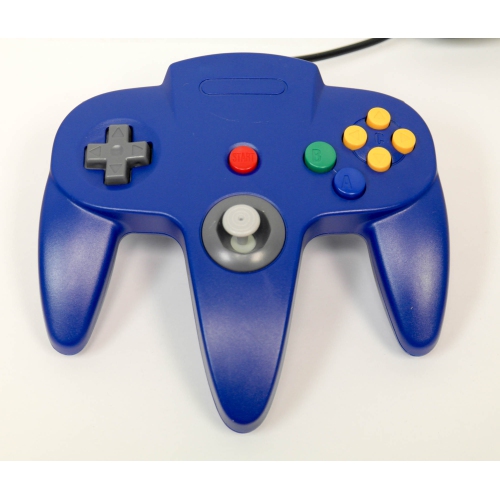
Comfortable control for Mac games, wired or wireless
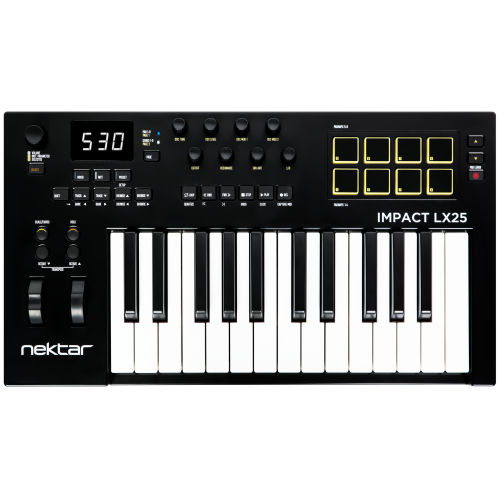
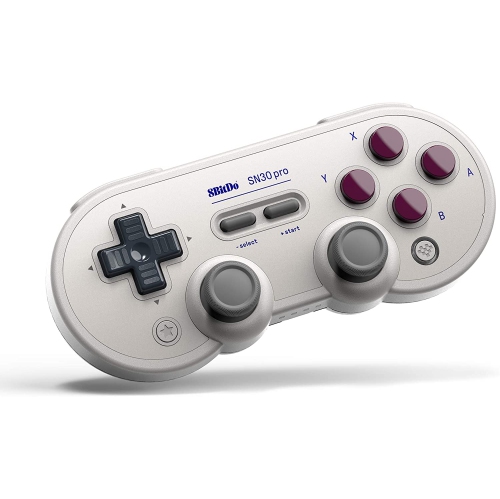
Mac gaming controllers make it easier to enjoy games on a MacBook, iMac, Mac mini, or other compatible Apple computer without relying solely on a keyboard and mouse. A gamepad can feel especially natural for driving games, platformers, action adventures, sports titles, fighting games, role-playing games, and local multiplayer experiences where precise analogue movement and comfortable thumb placement matter. Modern macOS supports many popular controllers through Bluetooth or a wired USB connection, although compatibility can vary by game, operating system version, storefront, and launcher. Before choosing a controller, check the requirements for the games you plan to play and confirm that your Mac has the appropriate Bluetooth support or USB ports. Wireless pairing is convenient for a clean desk and relaxed couch gaming, while a wired connection can provide straightforward setup, uninterrupted play, and charging at the same time. Some controllers include a USB receiver or a detachable cable, so it is worth checking what is included and whether an adapter or hub may be needed for your computer. For more options designed around Apple laptops, browse Controllers for MacBook. A controller with familiar button labels and responsive triggers can make the transition from console gaming feel almost immediate, while a compact design may be more suitable for travel, smaller desks, or keeping in a laptop bag. Consider the overall shape as carefully as the feature list: rounded grips can feel comfortable during long sessions, textured surfaces may help maintain control during fast-paced games, and a balanced weight can reduce hand fatigue when a story-driven adventure keeps you playing late into the evening.
Layout is one of the most personal considerations when shopping for Mac gaming controllers. Some players prefer an offset analogue-stick arrangement, while others feel more comfortable with symmetrical sticks and a different button layout. Neither style is universally better; the right choice usually depends on what you have used before and the types of games you play most often. If you regularly move between a Mac and a console, matching the layout you already know can reduce hesitation when you need to react quickly. Players who enjoy competitive games may want responsive buttons, reliable triggers, a firm directional pad, and a design that stays stable in the hands during repeated inputs. For casual play, comfort, wireless convenience, and easy pairing may matter more than advanced adjustments. Additional features can include vibration feedback, motion controls, programmable buttons, adjustable triggers, interchangeable components, headset support, and companion configuration software. These features may improve the experience in supported games, but support is not universal, so they should be considered enhancements rather than guarantees. Haptic effects, gyro aiming, or advanced trigger resistance may work only with certain titles, and some Mac games may recognize basic inputs while leaving specialized functions inactive. Steam and other game platforms often provide controller settings that let you test inputs, remap buttons, create profiles, or enable a compatibility mode when a game does not detect a controller automatically. Keeping macOS, the game, and any relevant controller software up to date can also help with pairing and recognition. For a shared household, look for a controller that is simple to connect and comfortable for a range of hand sizes. A second controller can turn a Mac connected to a monitor or television into a convenient local multiplayer setup for family game nights, visits with friends, and relaxed sessions during the cooler months.
Mac gaming controllers can also be thoughtful gifts for students, commuters, remote workers, and anyone who plays on a laptop after work or school. They are useful for people who enjoy the portability of a MacBook but want a more immersive control method when they settle at a desk or in a living room. A gift recipient who already owns a controller may appreciate a second unit for multiplayer gaming, a spare for travel, or a different layout for particular genres. When selecting a gift, focus on broad compatibility, comfortable grips, dependable wireless pairing, charging or battery preferences, and the recipient’s existing gaming habits rather than choosing based only on appearance. Rechargeable models can be convenient for regular players who prefer to connect a cable between sessions, while replaceable batteries or a wired design may suit someone who wants quick access without waiting for a charge. Storage is another practical detail: a compact controller that can be placed beside a MacBook or slipped into a backpack is useful for dorm rooms, shared spaces, and travel. After bringing one home, pair it through the Mac’s Bluetooth settings or connect it with the supplied cable, then open the intended game and confirm that the sticks, buttons, triggers, and vibration behave as expected. If inputs feel unfamiliar, use the game’s control settings to adjust sensitivity, remap actions, or select a preferred preset. A little time spent arranging the controls can make racing around a track, guiding a character through a detailed world, or competing in a quick multiplayer match feel more fluid and natural. With the right balance of compatibility, comfort, connection options, and controls, Mac gaming controllers offer a flexible way to make computer gaming more tactile, social, and enjoyable throughout the changing seasons.
Layout is one of the most personal considerations when shopping for Mac gaming controllers. Some players prefer an offset analogue-stick arrangement, while others feel more comfortable with symmetrical sticks and a different button layout. Neither style is universally better; the right choice usually depends on what you have used before and the types of games you play most often. If you regularly move between a Mac and a console, matching the layout you already know can reduce hesitation when you need to react quickly. Players who enjoy competitive games may want responsive buttons, reliable triggers, a firm directional pad, and a design that stays stable in the hands during repeated inputs. For casual play, comfort, wireless convenience, and easy pairing may matter more than advanced adjustments. Additional features can include vibration feedback, motion controls, programmable buttons, adjustable triggers, interchangeable components, headset support, and companion configuration software. These features may improve the experience in supported games, but support is not universal, so they should be considered enhancements rather than guarantees. Haptic effects, gyro aiming, or advanced trigger resistance may work only with certain titles, and some Mac games may recognize basic inputs while leaving specialized functions inactive. Steam and other game platforms often provide controller settings that let you test inputs, remap buttons, create profiles, or enable a compatibility mode when a game does not detect a controller automatically. Keeping macOS, the game, and any relevant controller software up to date can also help with pairing and recognition. For a shared household, look for a controller that is simple to connect and comfortable for a range of hand sizes. A second controller can turn a Mac connected to a monitor or television into a convenient local multiplayer setup for family game nights, visits with friends, and relaxed sessions during the cooler months.
Mac gaming controllers can also be thoughtful gifts for students, commuters, remote workers, and anyone who plays on a laptop after work or school. They are useful for people who enjoy the portability of a MacBook but want a more immersive control method when they settle at a desk or in a living room. A gift recipient who already owns a controller may appreciate a second unit for multiplayer gaming, a spare for travel, or a different layout for particular genres. When selecting a gift, focus on broad compatibility, comfortable grips, dependable wireless pairing, charging or battery preferences, and the recipient’s existing gaming habits rather than choosing based only on appearance. Rechargeable models can be convenient for regular players who prefer to connect a cable between sessions, while replaceable batteries or a wired design may suit someone who wants quick access without waiting for a charge. Storage is another practical detail: a compact controller that can be placed beside a MacBook or slipped into a backpack is useful for dorm rooms, shared spaces, and travel. After bringing one home, pair it through the Mac’s Bluetooth settings or connect it with the supplied cable, then open the intended game and confirm that the sticks, buttons, triggers, and vibration behave as expected. If inputs feel unfamiliar, use the game’s control settings to adjust sensitivity, remap actions, or select a preferred preset. A little time spent arranging the controls can make racing around a track, guiding a character through a detailed world, or competing in a quick multiplayer match feel more fluid and natural. With the right balance of compatibility, comfort, connection options, and controls, Mac gaming controllers offer a flexible way to make computer gaming more tactile, social, and enjoyable throughout the changing seasons.
Top selling and popular products
-
 Your price for this item is $54.98
 -
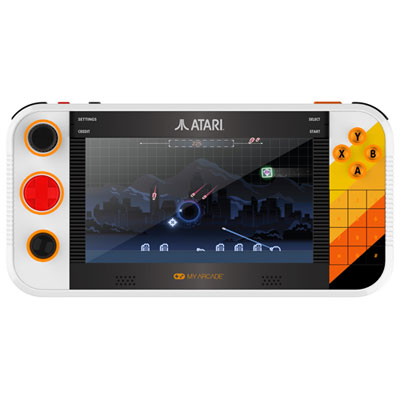 Your price for this item is $224.99
 -
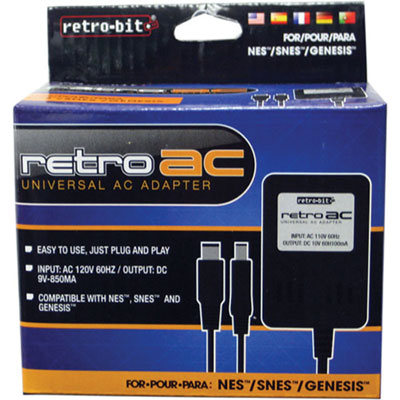 Your price for this item is $15.99
 -
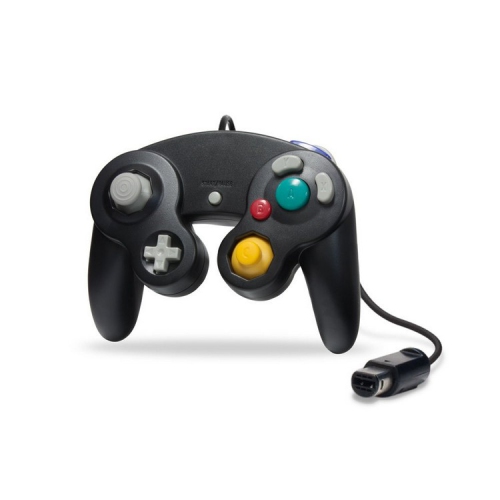 Your price for this item is $21.99
 -
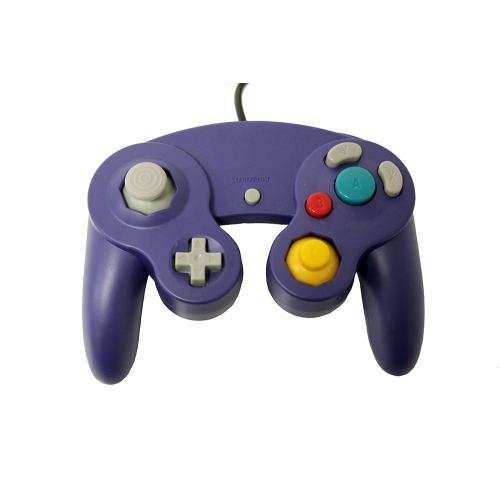 Your price for this item is $18.69
 -
 Your price for this item is $19.79
 -
 Your price for this item is $19.99
 -
 Your price for this item is $12.89
Discover more categories related to Mac Gaming Controllers
Top Collections:
Pokemon Centers, Budget 4K TVs, Kindle Devices, Canon G7X Cameras, Apple iPhones 16, iPhone 15 Apple, Laptops for Business Work, Flip Phones, Xiaomi Phones, Refurbished Apple Laptops
Some products may be subject to Environmental Handling Fees
(EHF) depending on your province.
Learn more about EHFs.